Screenshot templates by category
Utilities App Store screenshot templates
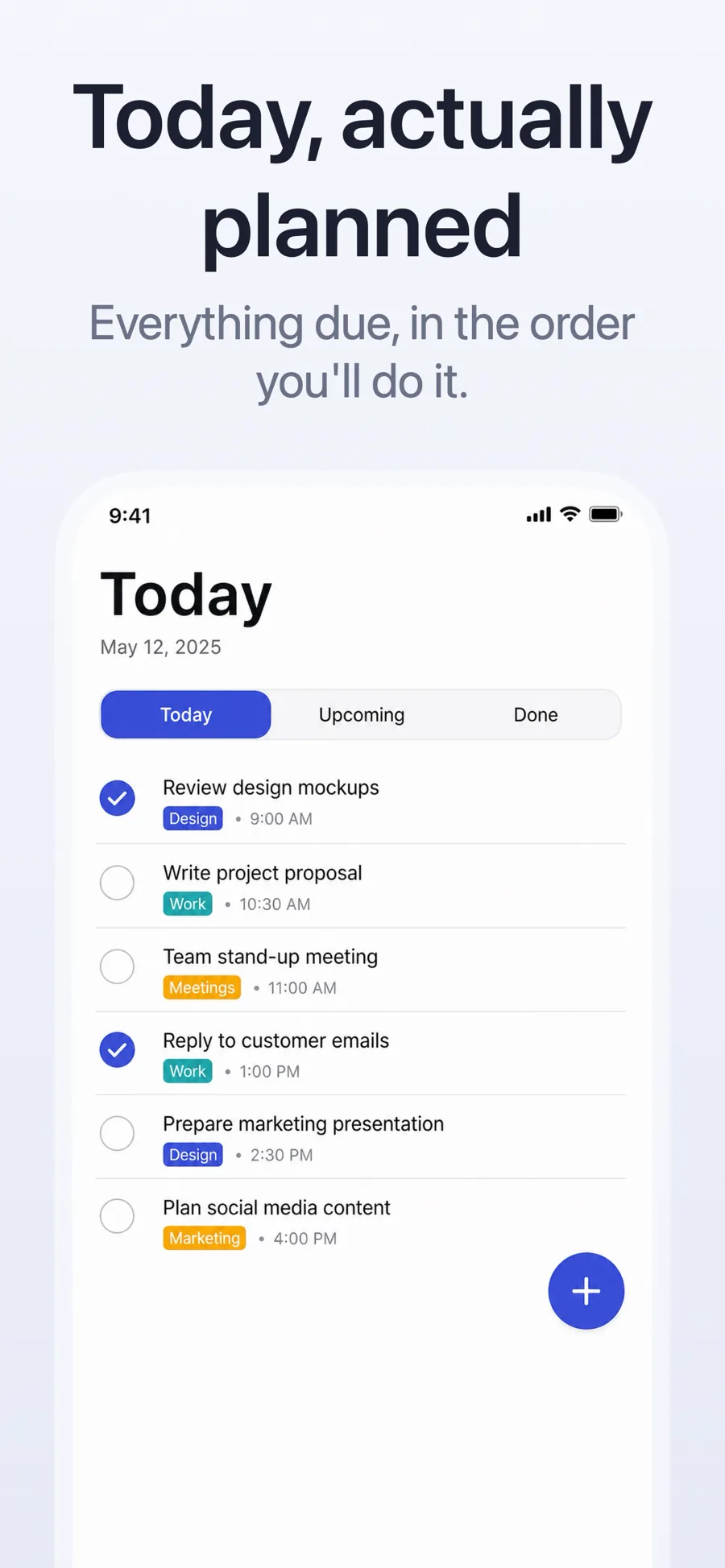
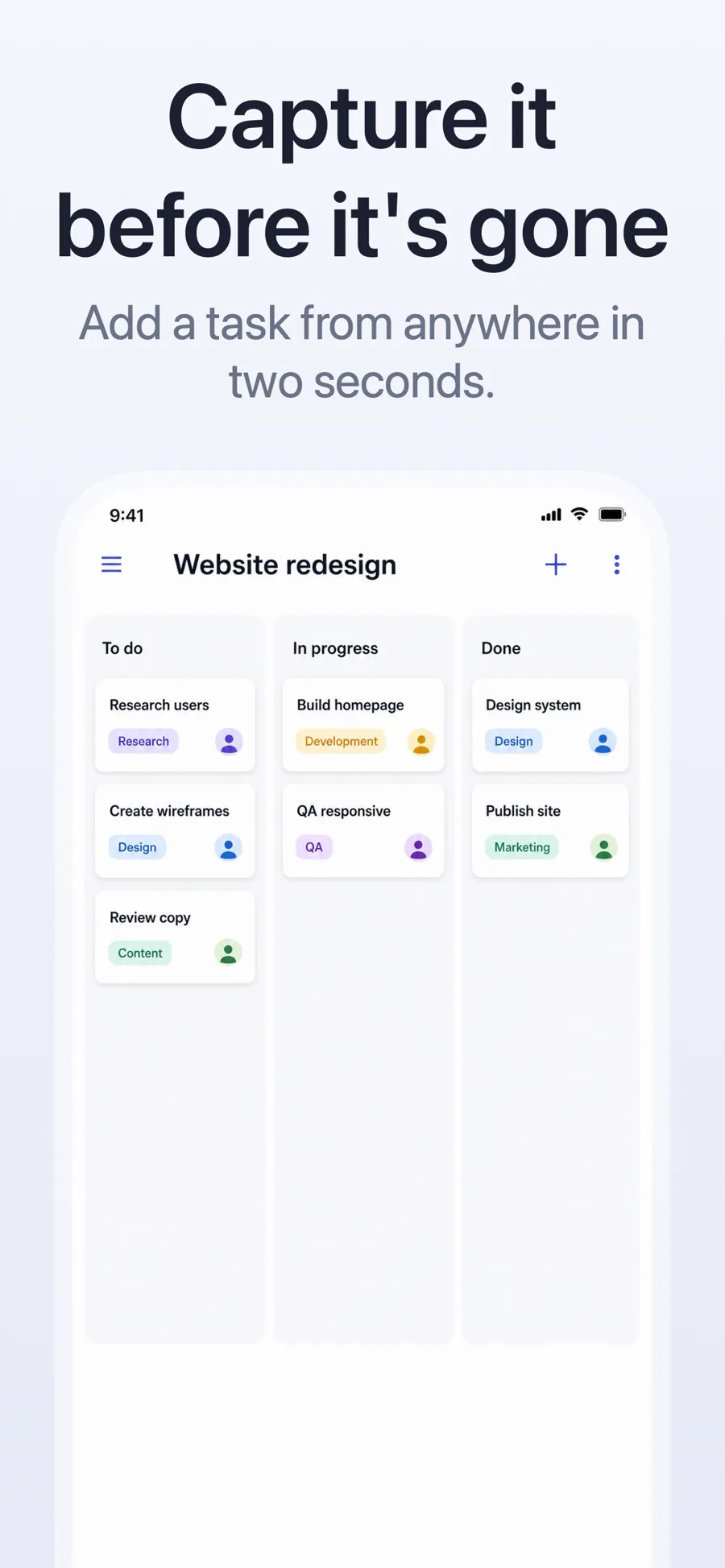
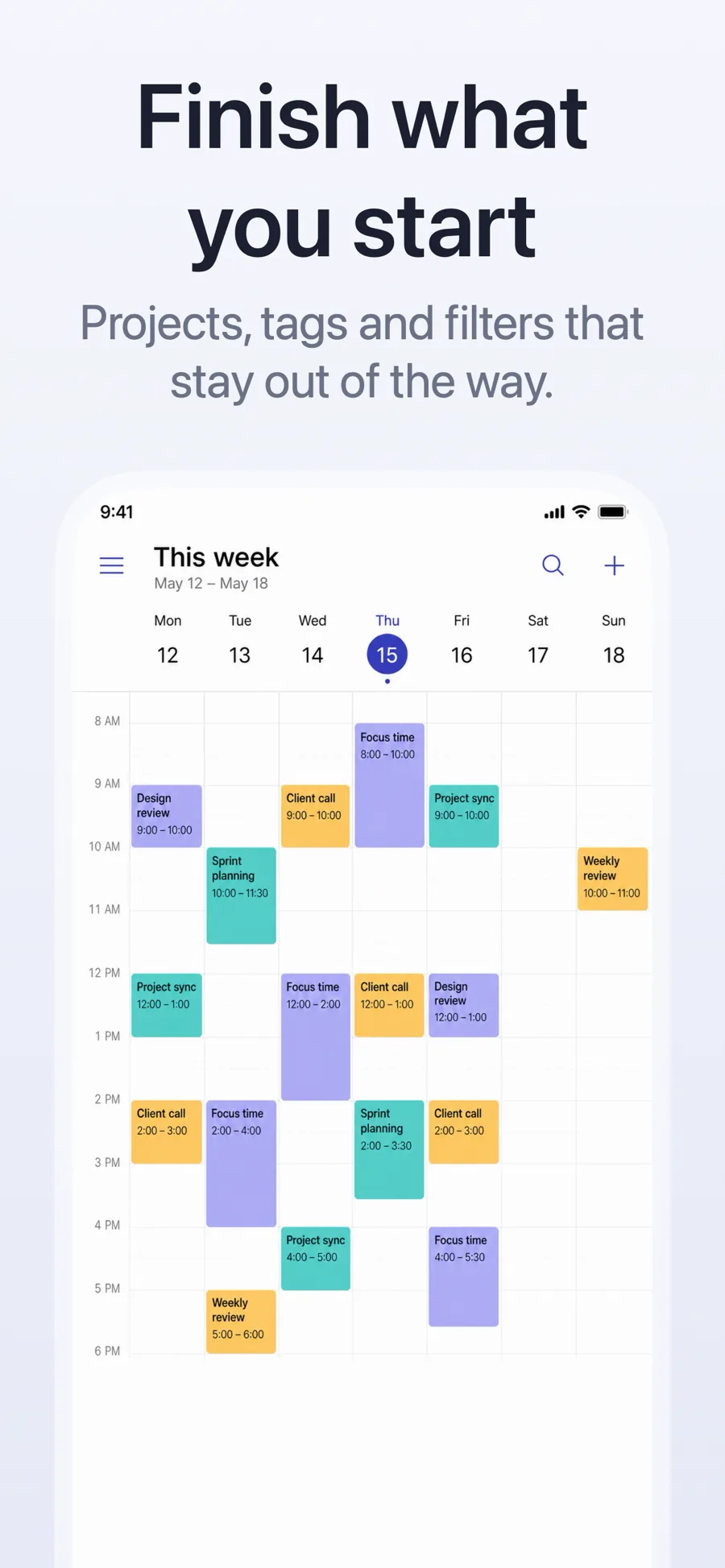
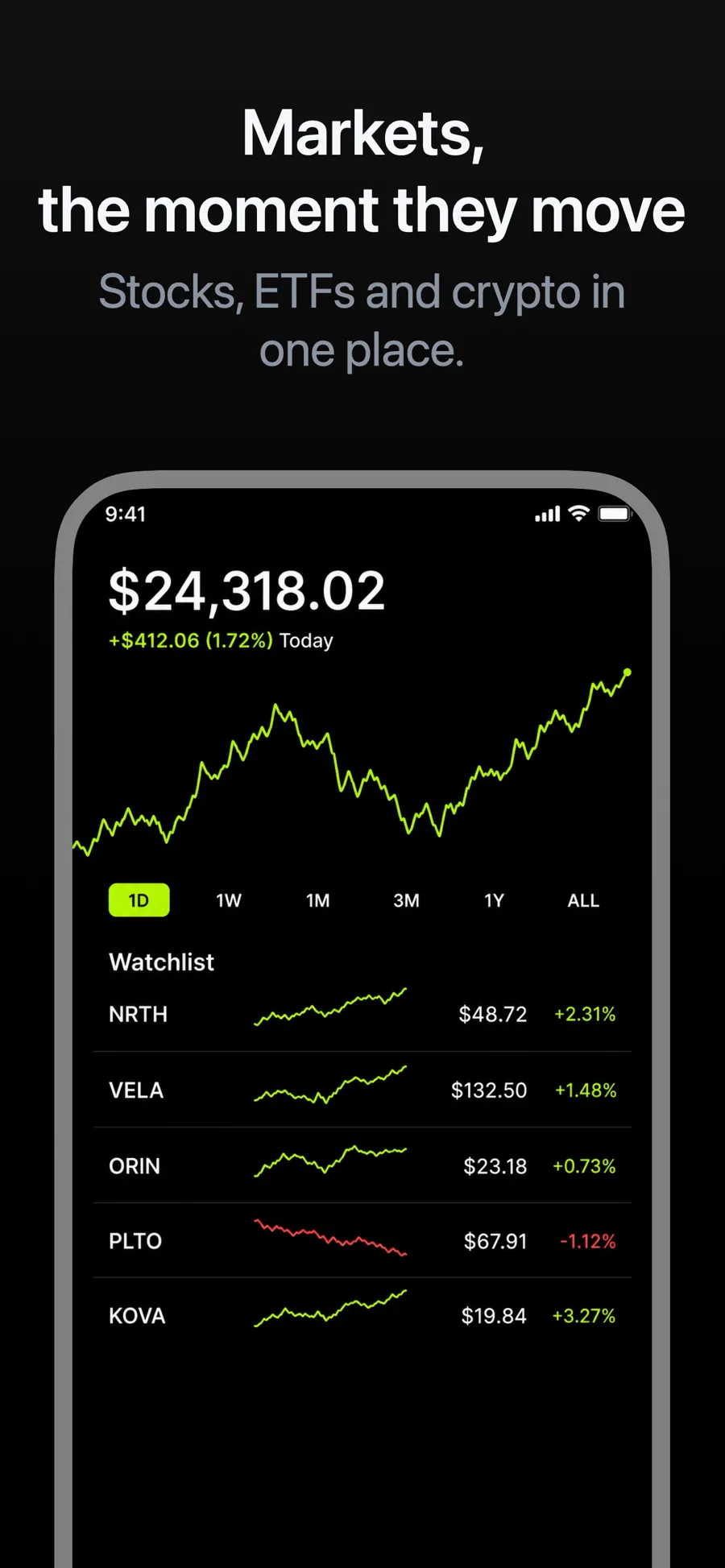
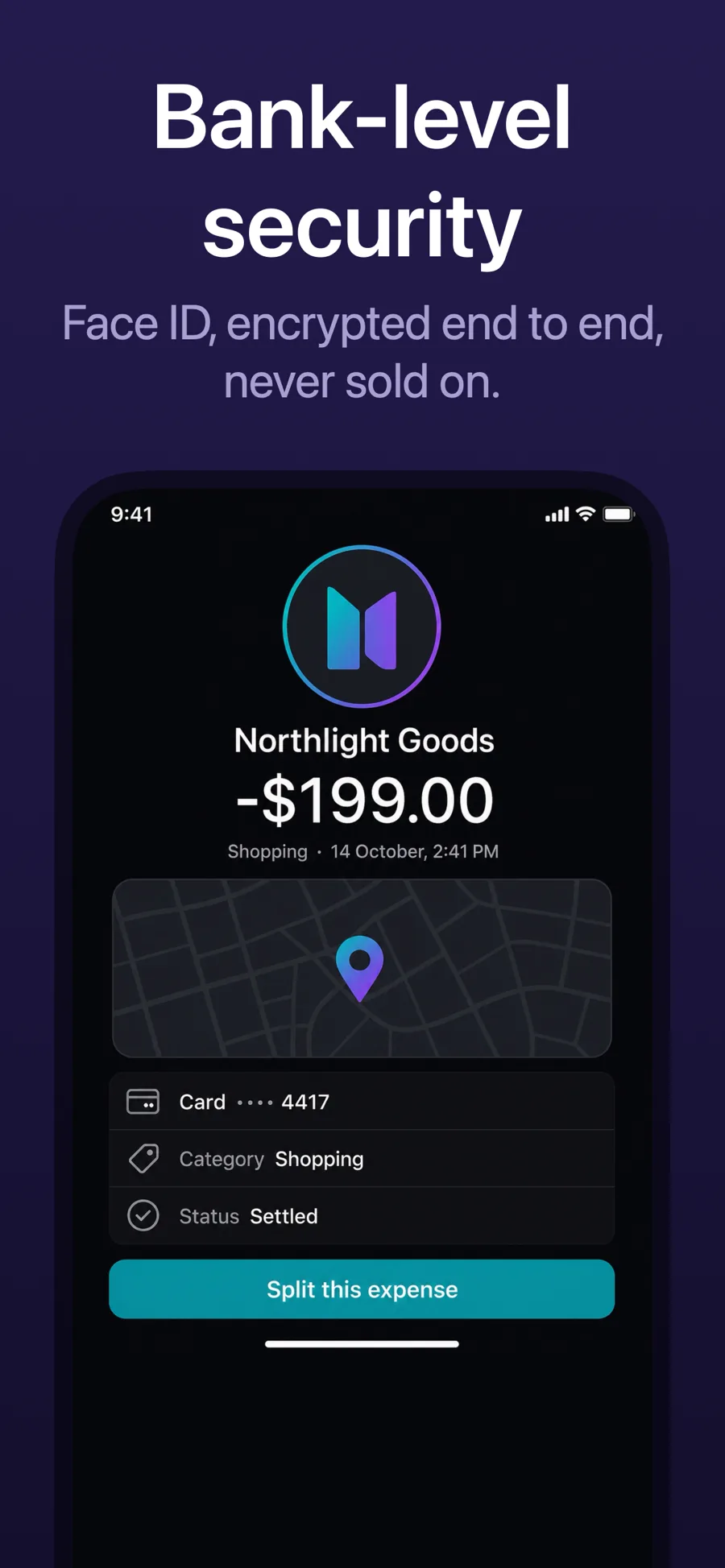
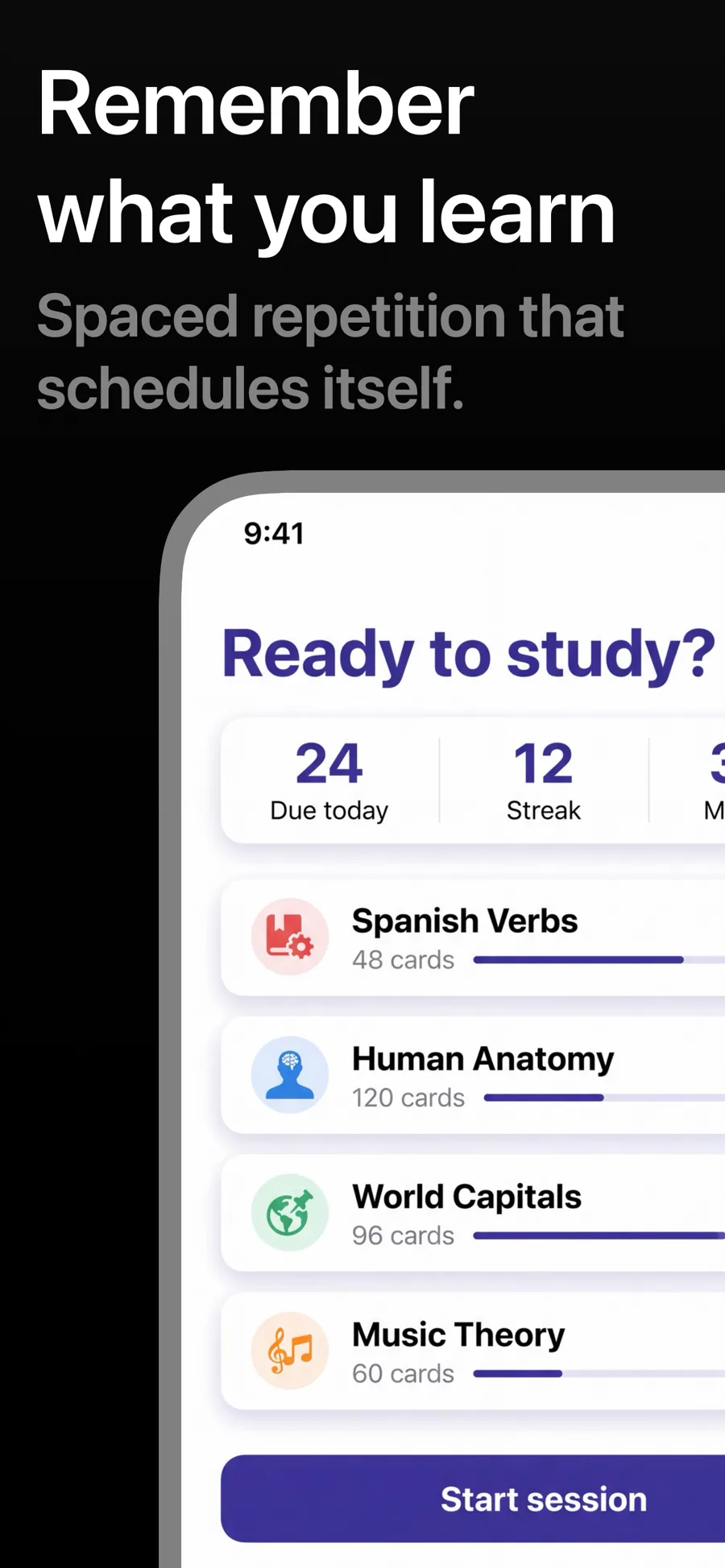
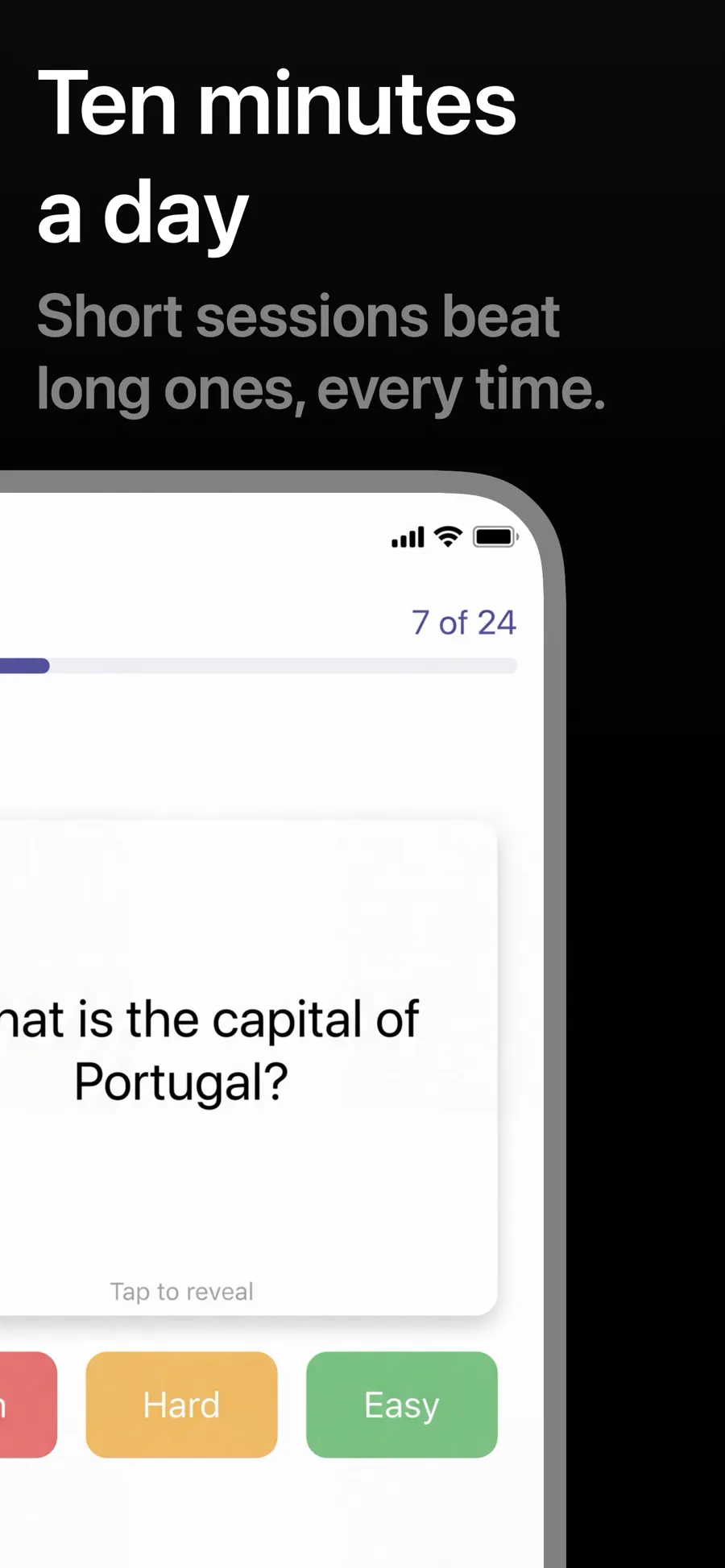
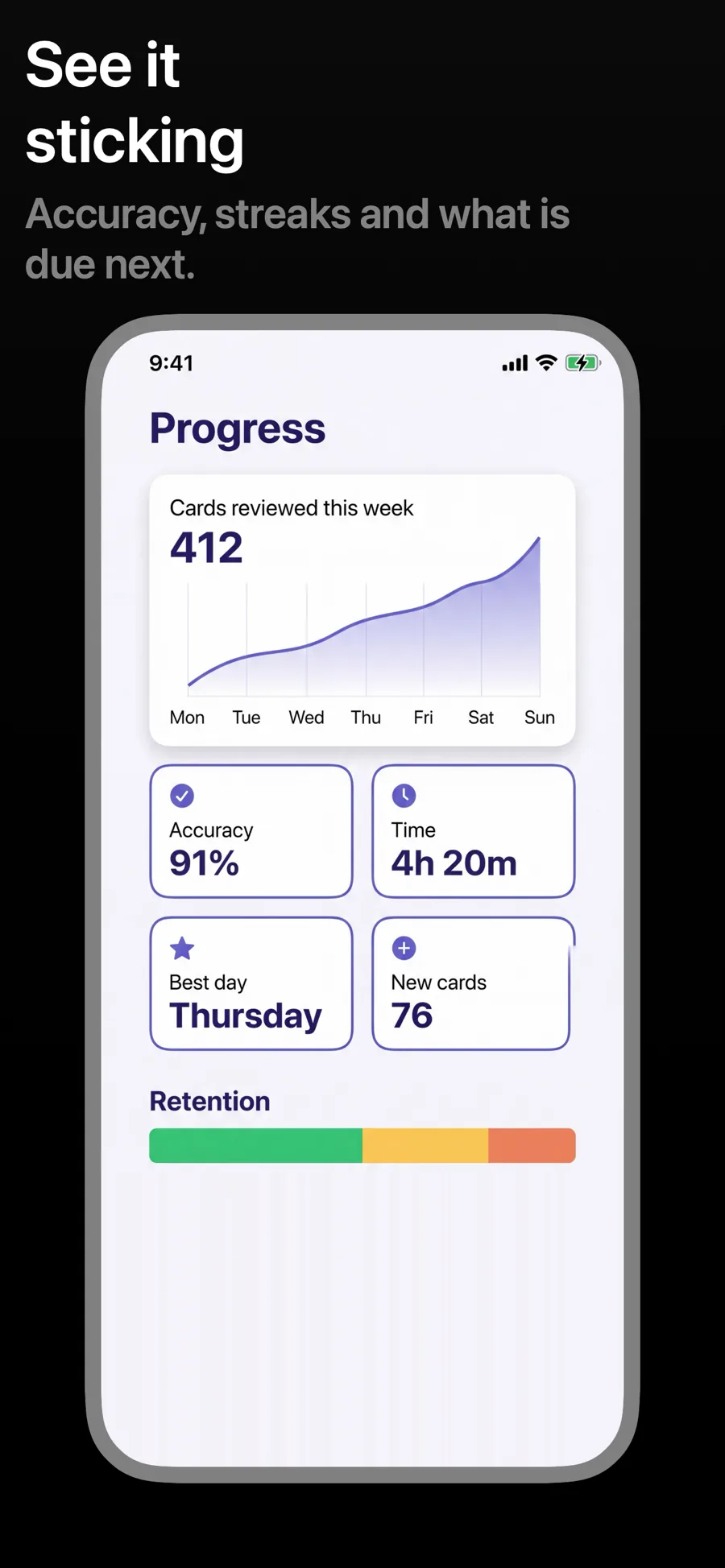
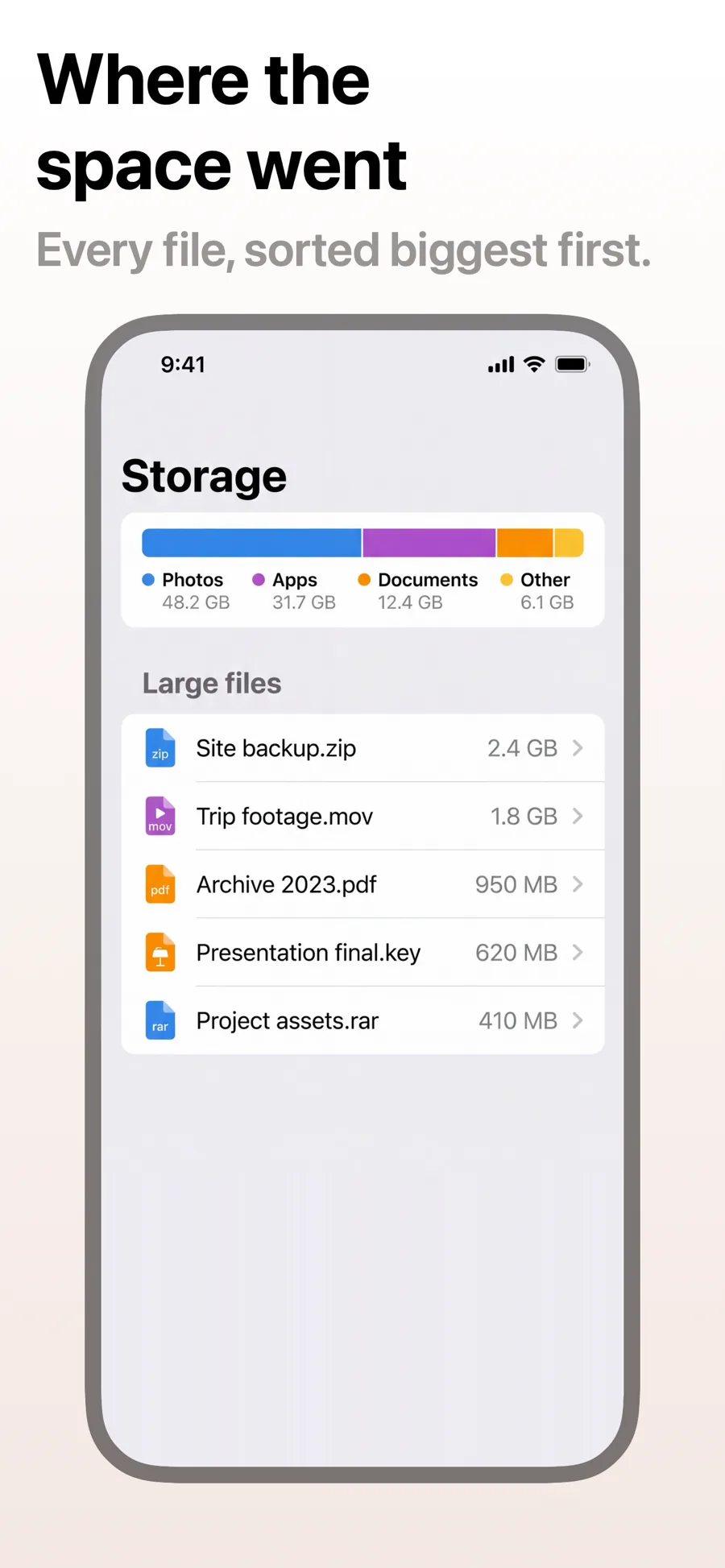
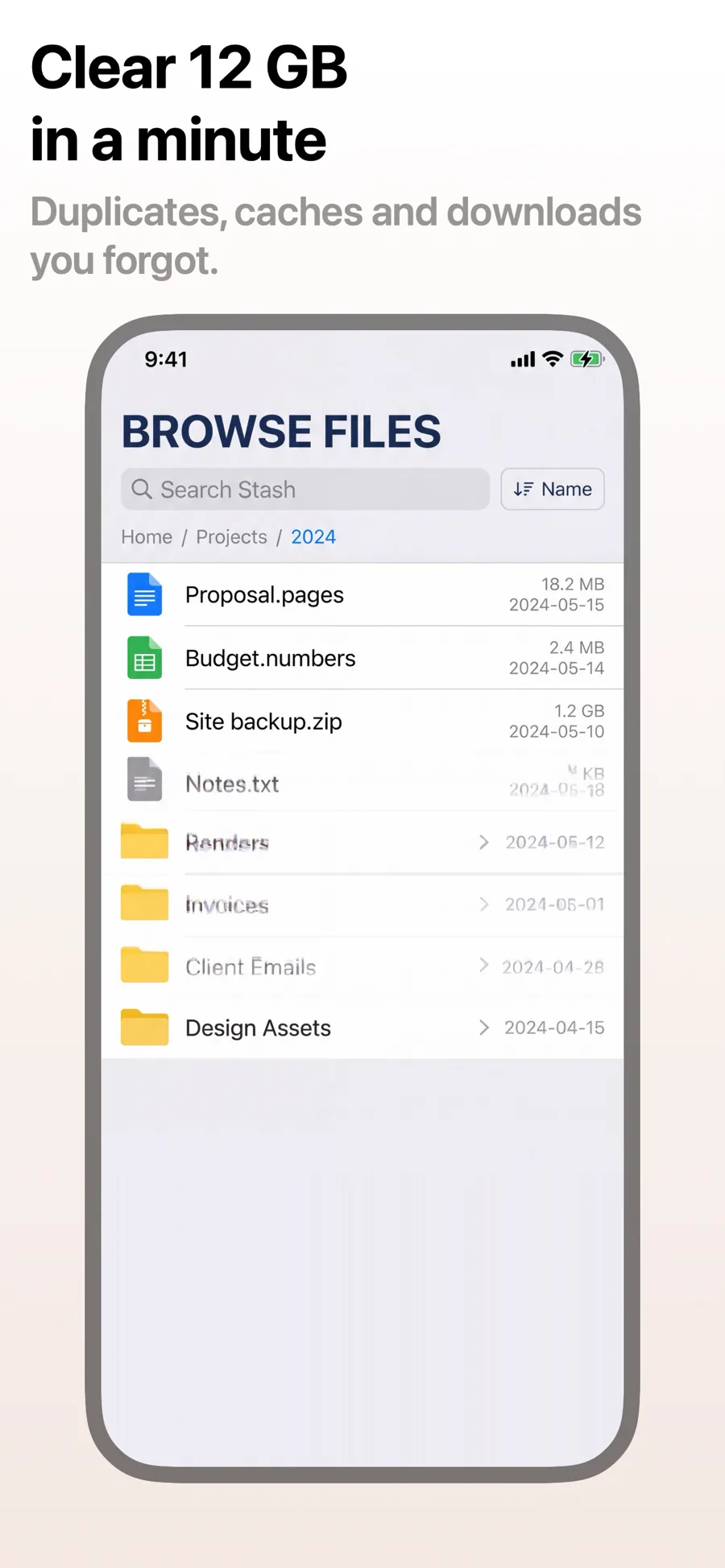
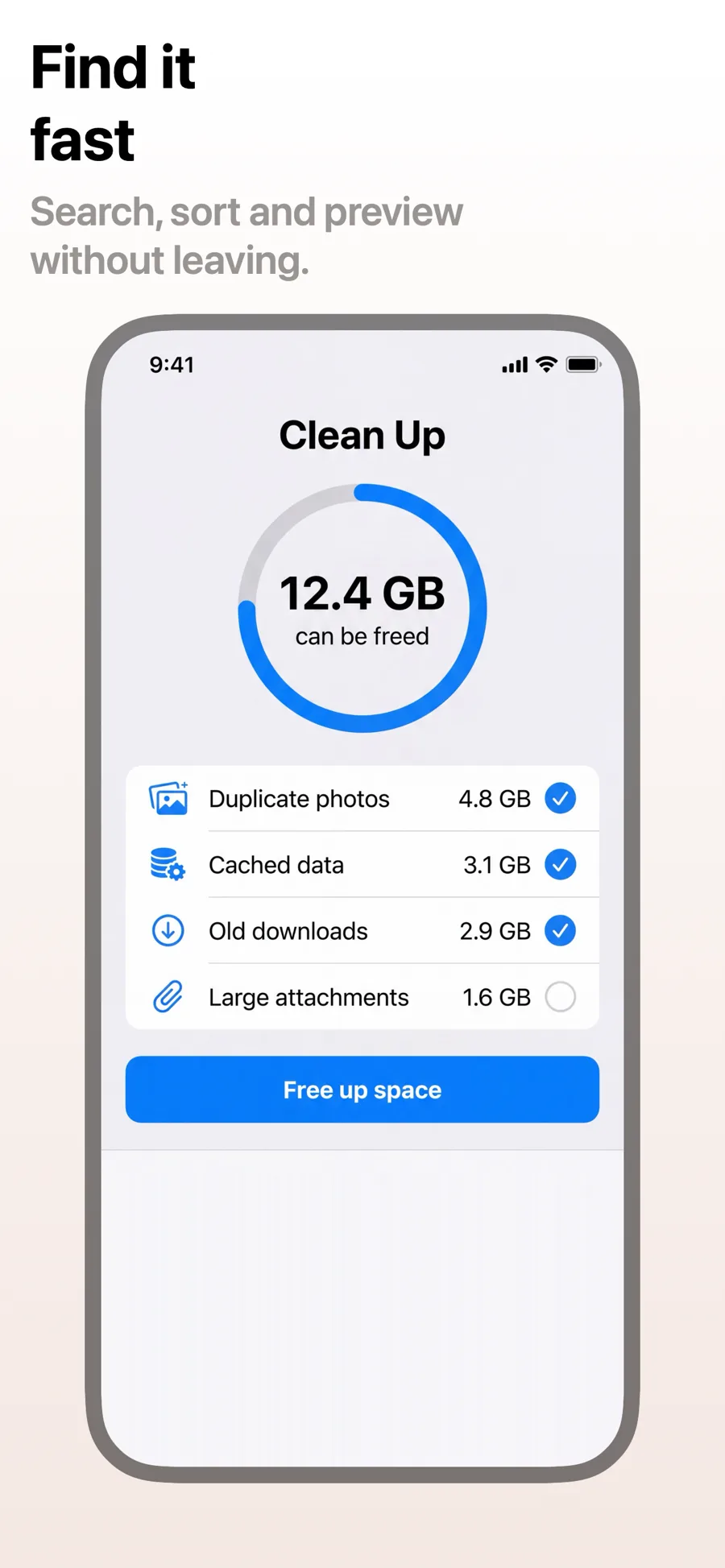
Utility apps are bought on clarity. People arrive with a specific job in mind — scan this, convert that, clean up the other — and the screenshots only have to prove your app does it quickly. Quiet grounds and a single clear headline per screen beat decoration every time.
5 templates that suit Utilities apps, all built into the app.
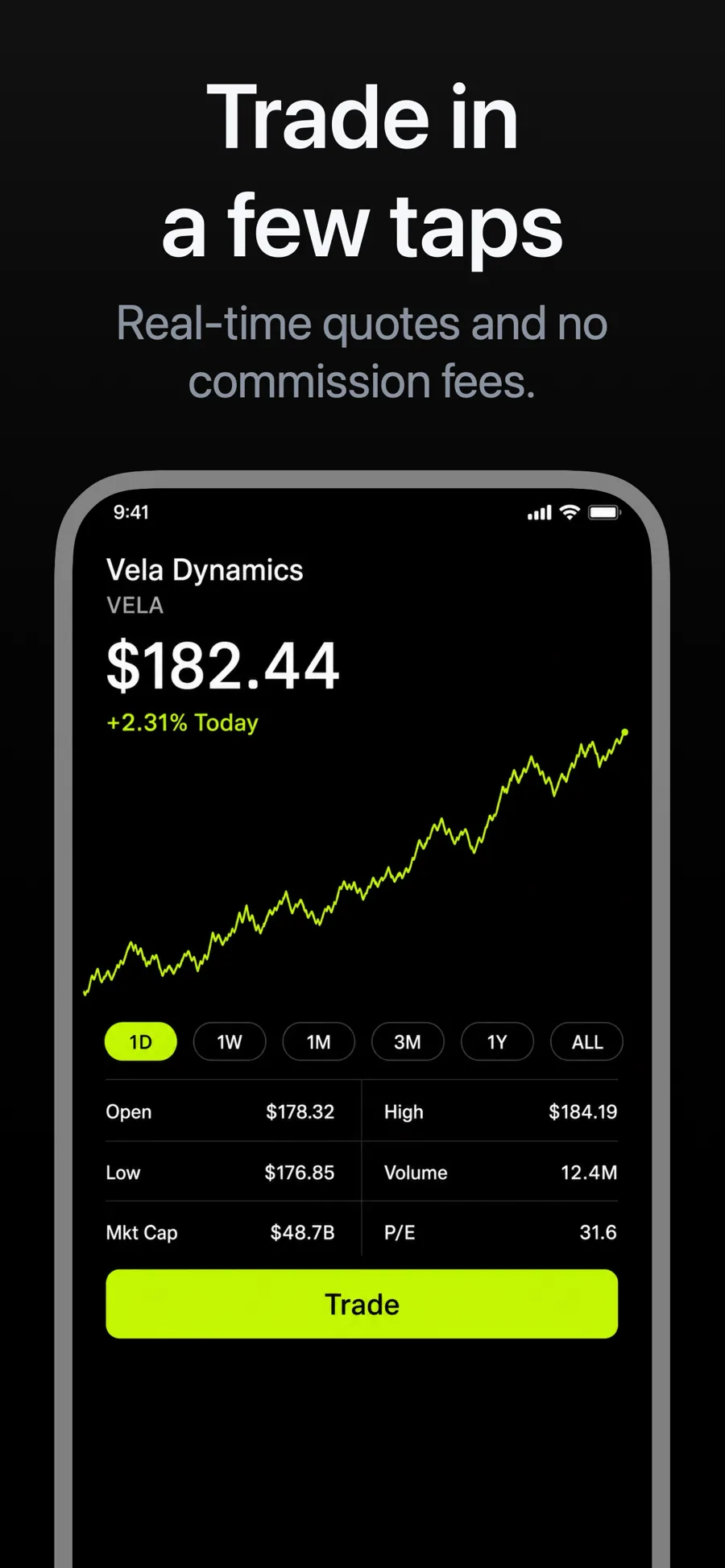
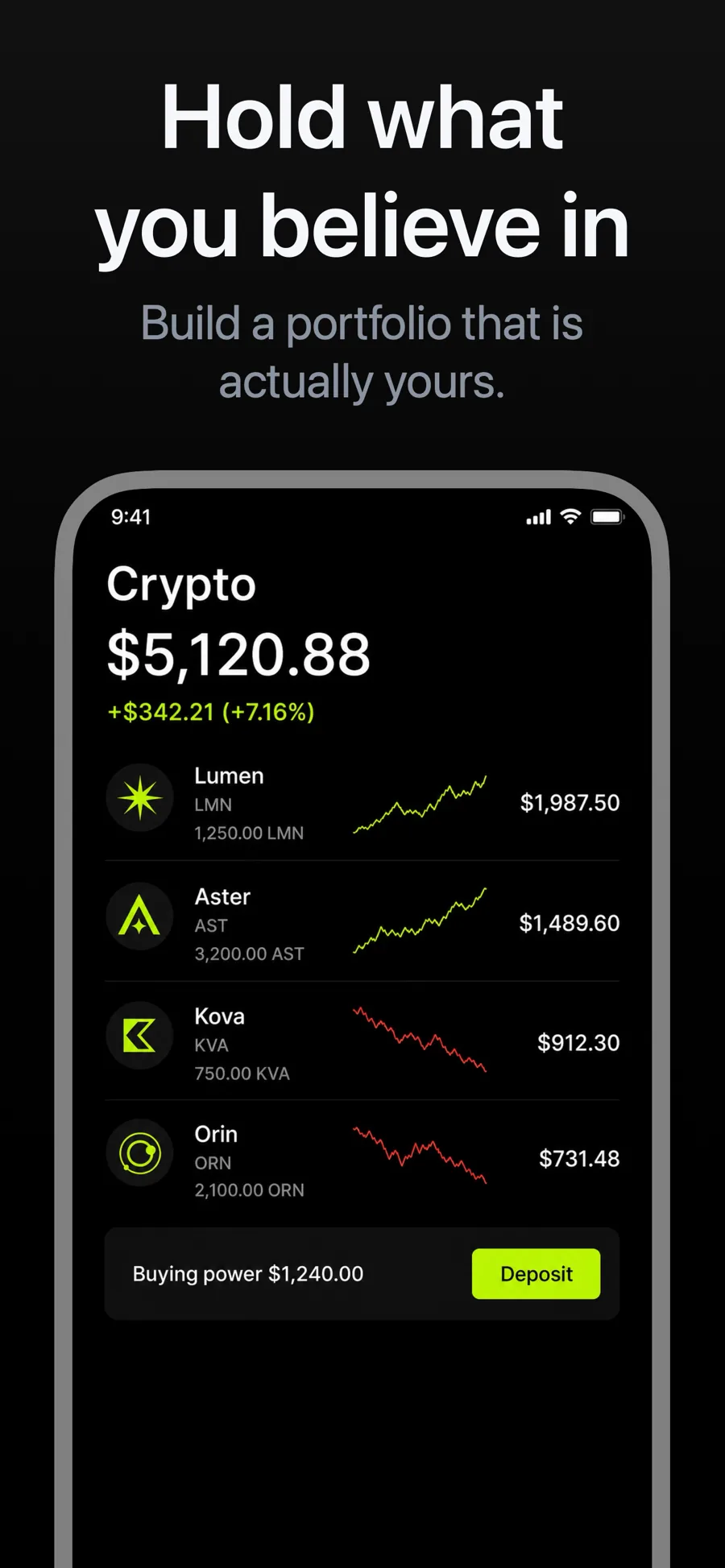
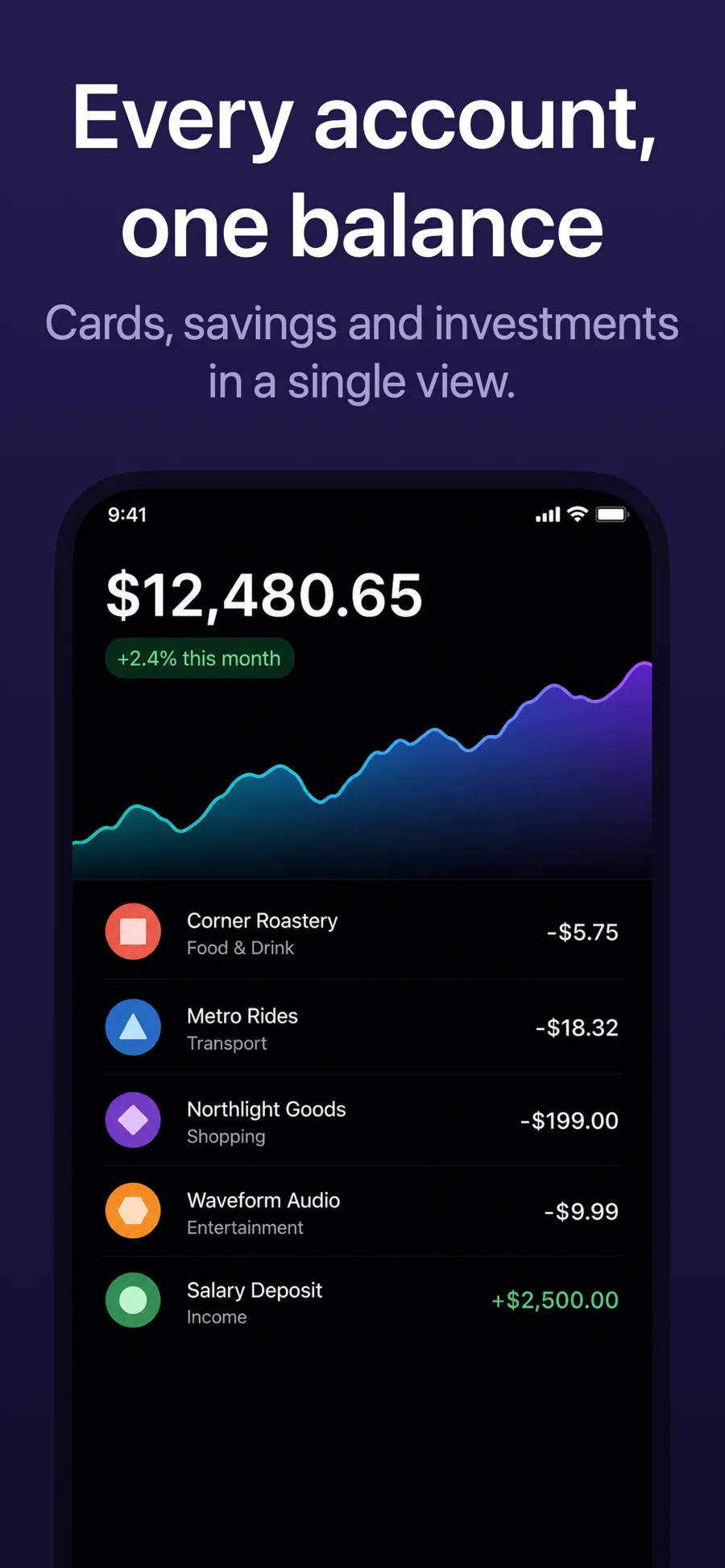
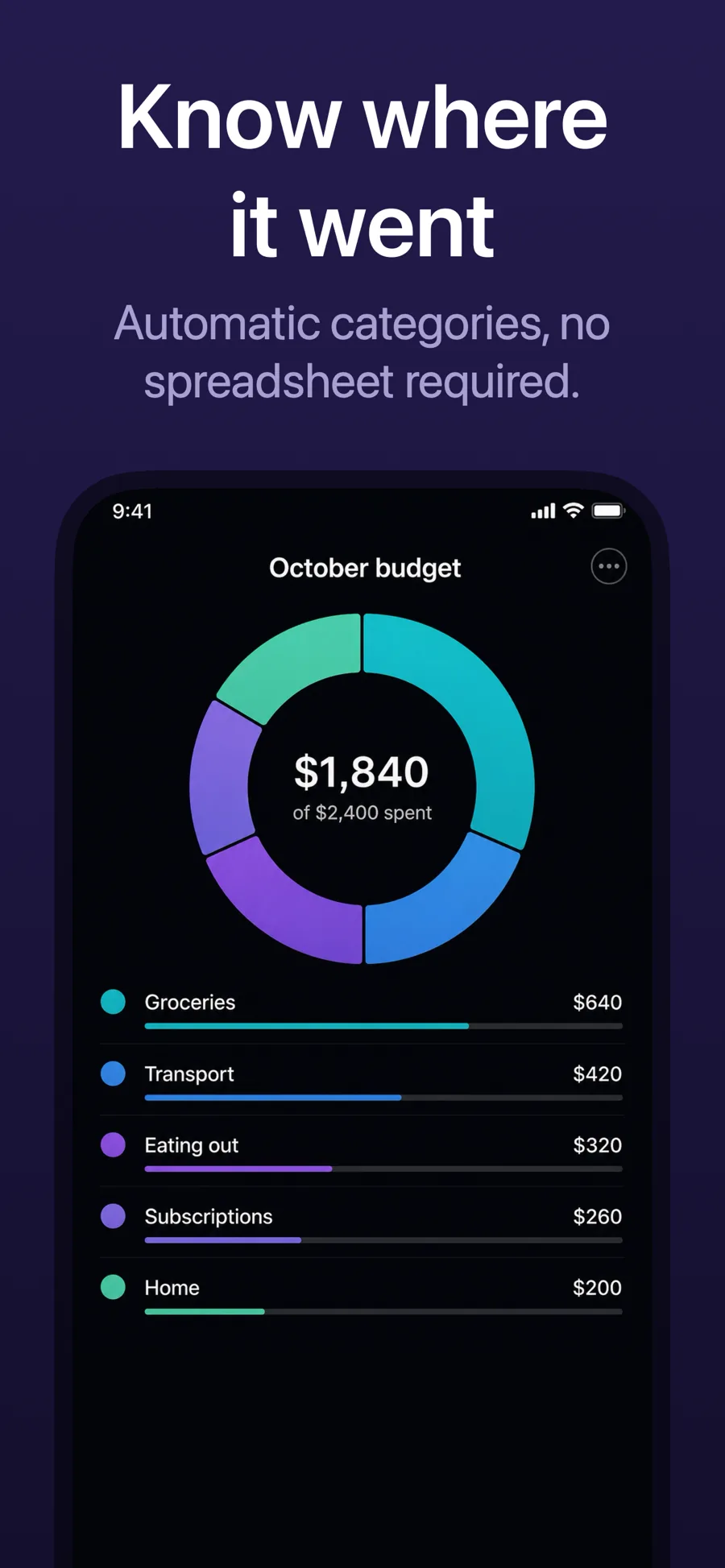
What works in Utilities screenshots
- One task per screenshot, named in the caption as a verb: “Scan any document”, “Free up storage”.
- Show the before-and-after moment where you can; it is the fastest way to prove the job gets done.
- Keep the palette restrained so the interface, not the background, is what the eye lands on.
Make your Utilities screenshots
- Built into Screenshot Studio — apply it and swap in your own screenshots.
- Every colour, font and layout value stays editable afterwards.
- Localise the text into all 50 App Store languages from the same document.