Screenshot templates by category
Productivity App Store screenshot templates
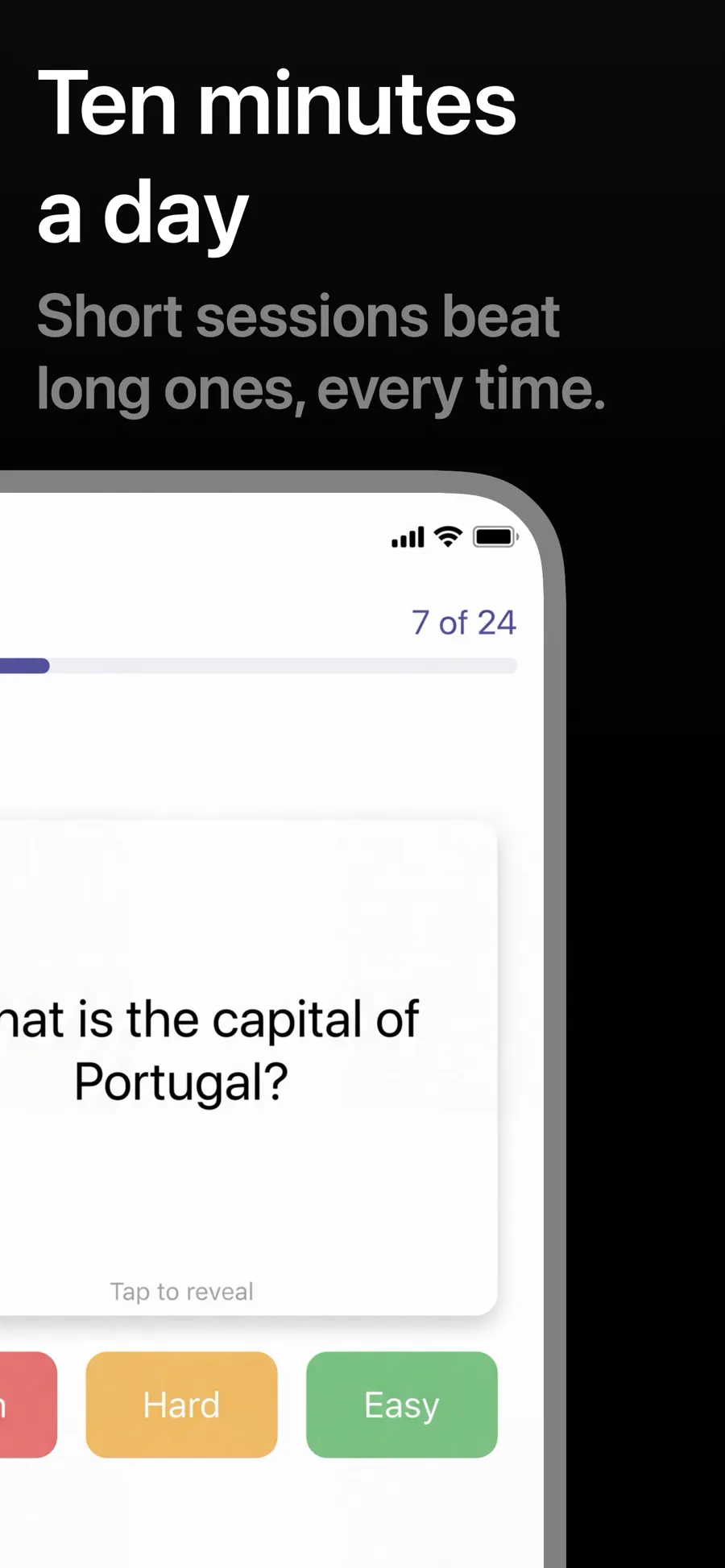
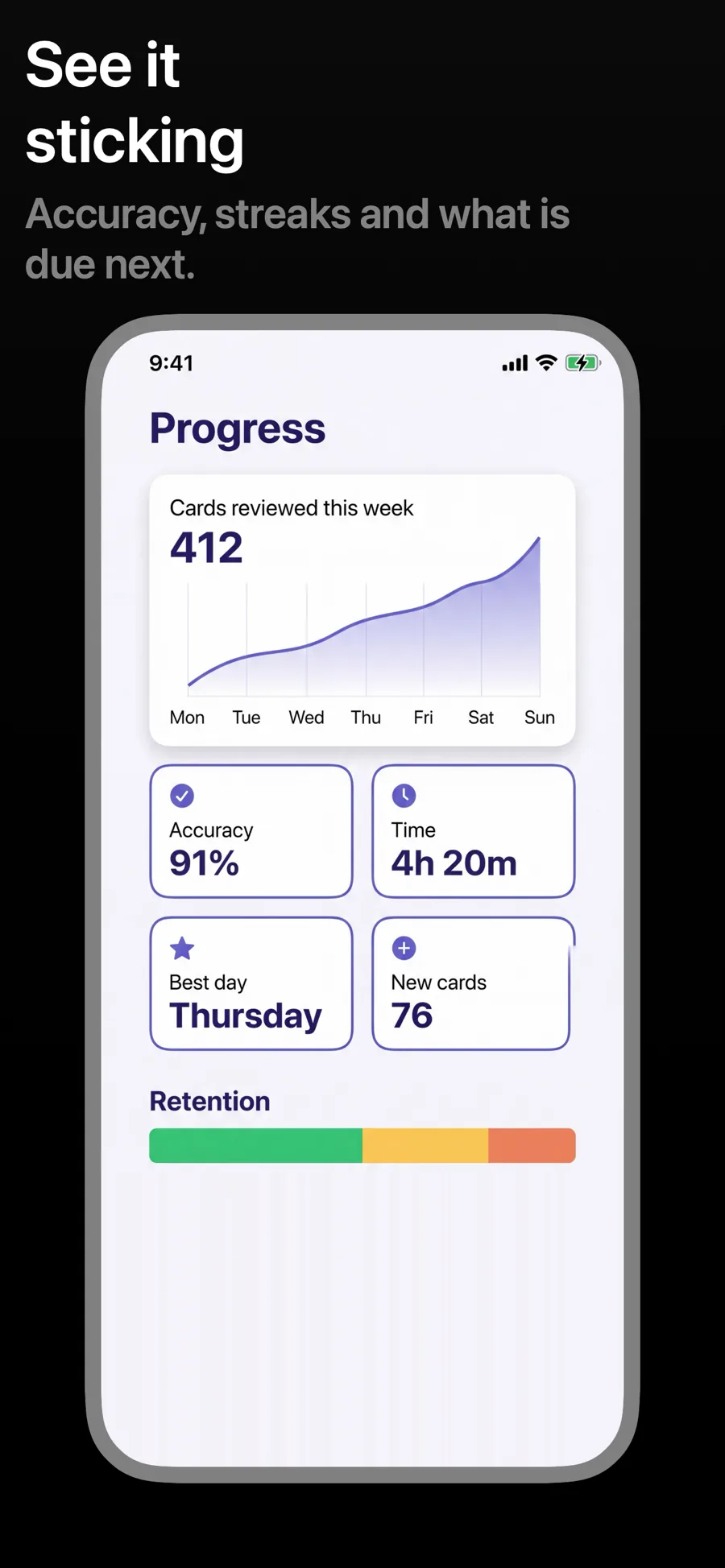
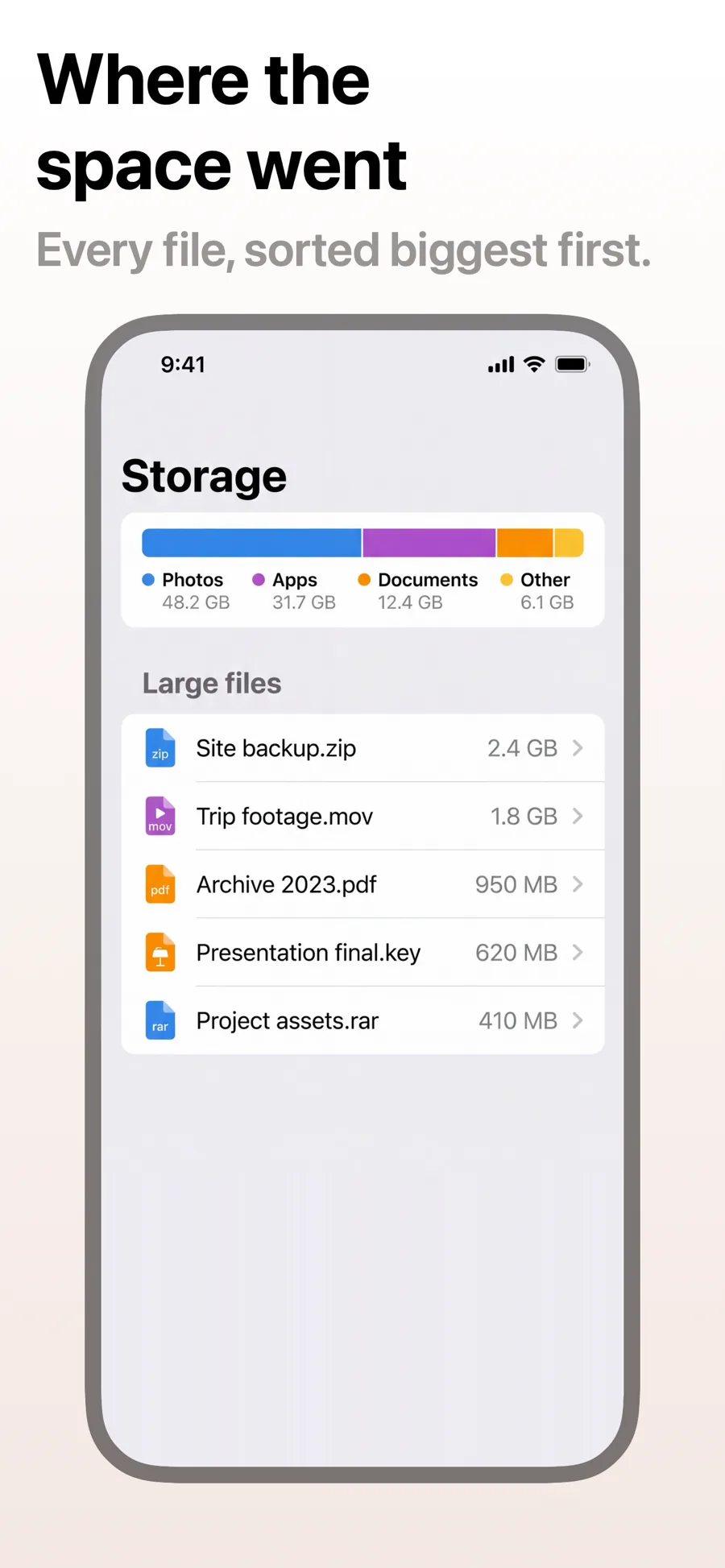
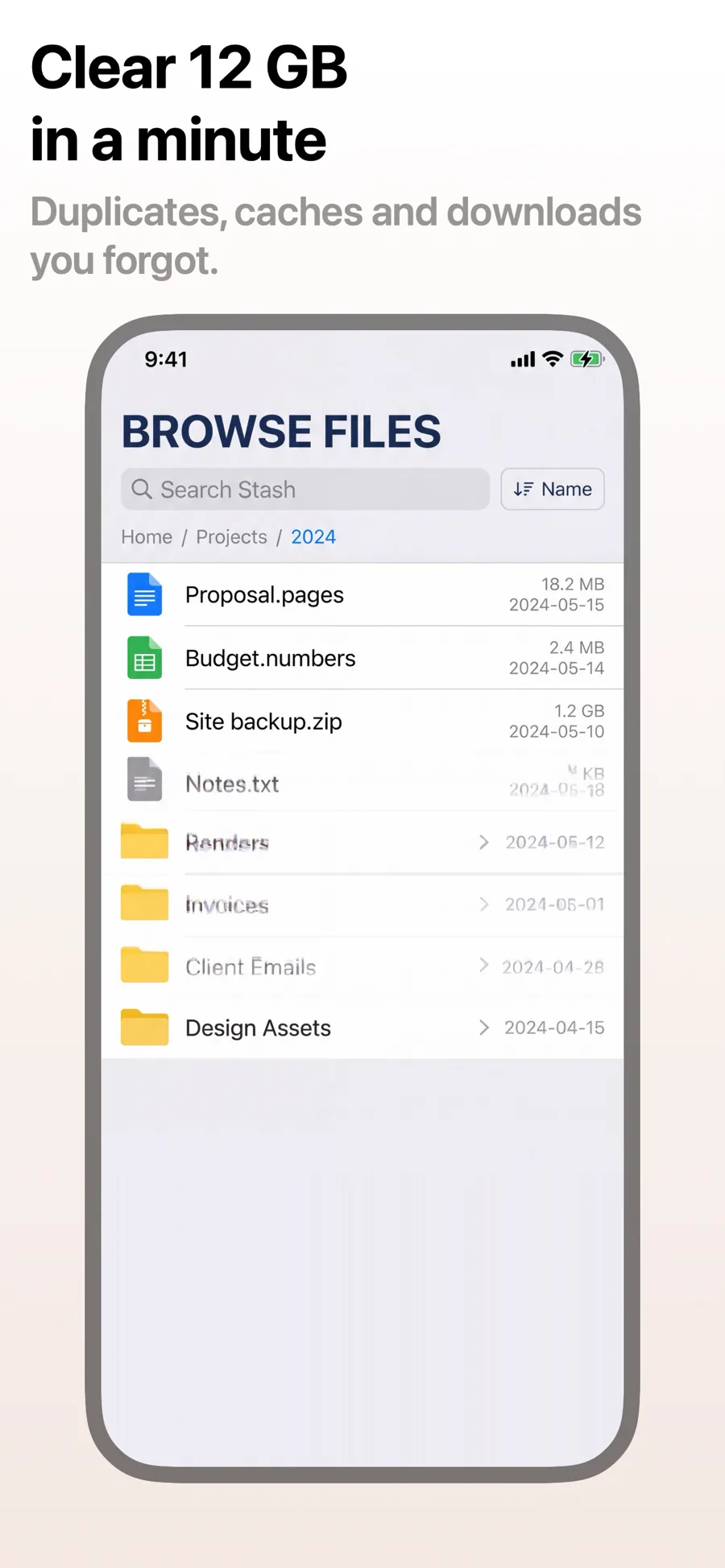
Productivity apps are bought by people who want less clutter, so the screenshots should practise what the app preaches. Quiet grounds, one clear headline and one task per screen make the case that your app gets out of the way.
3 templates that suit Productivity apps, all built into the app.
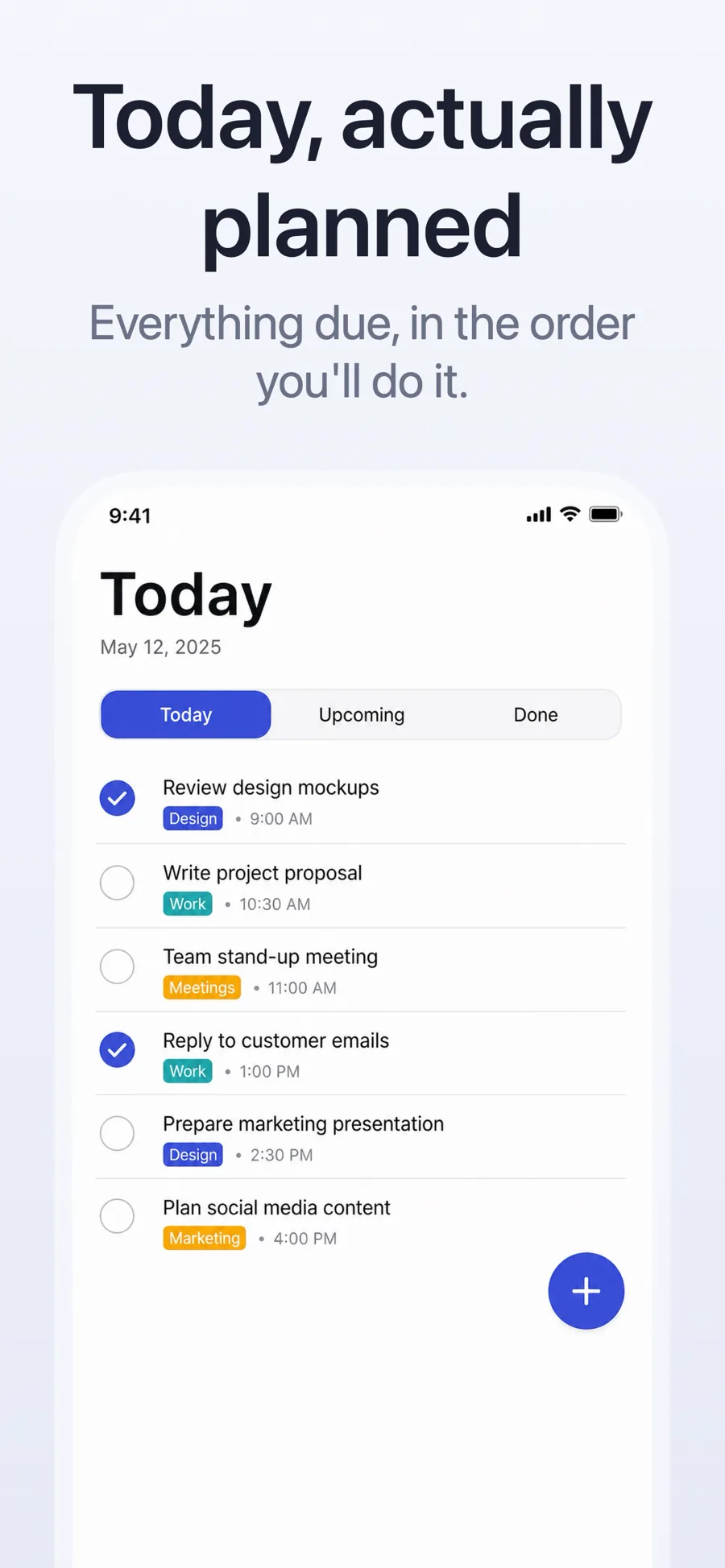
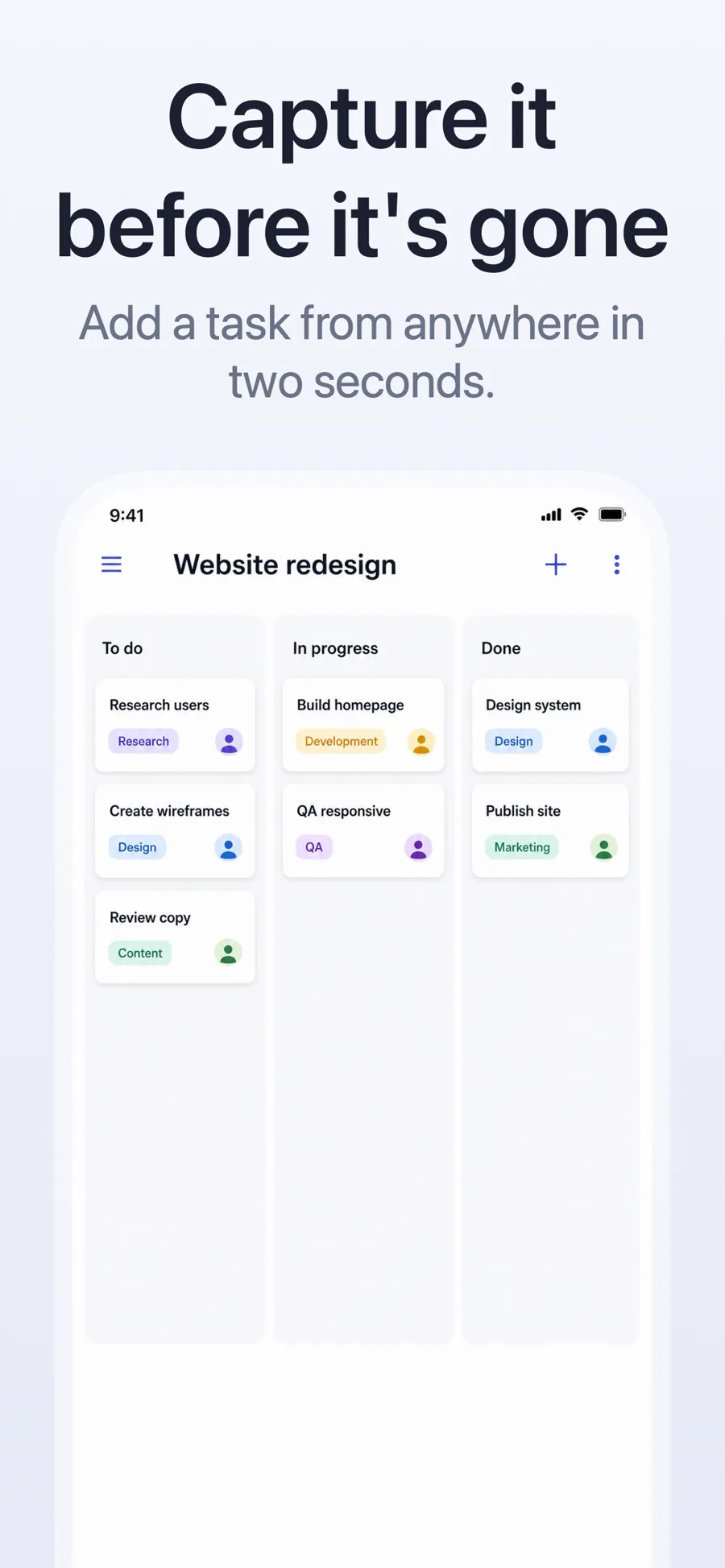
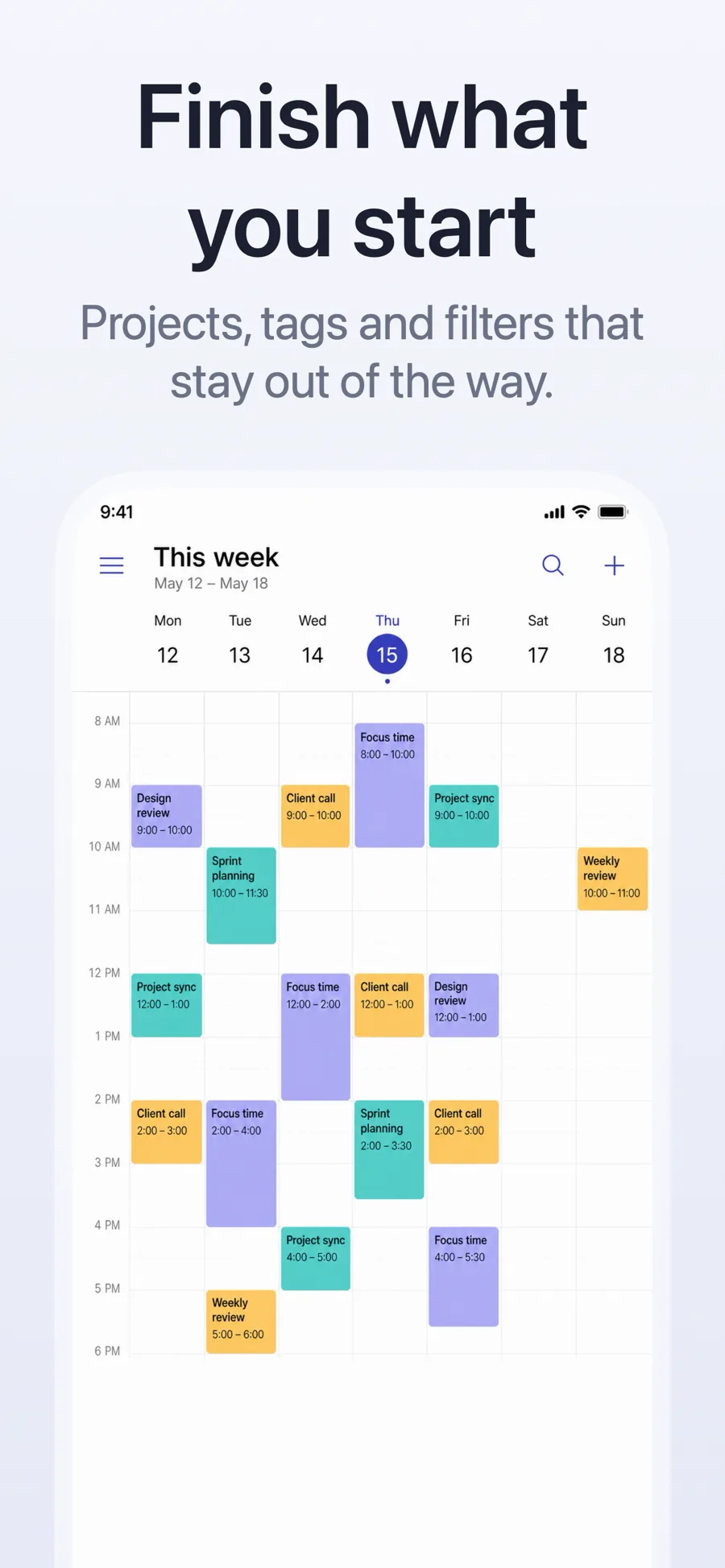
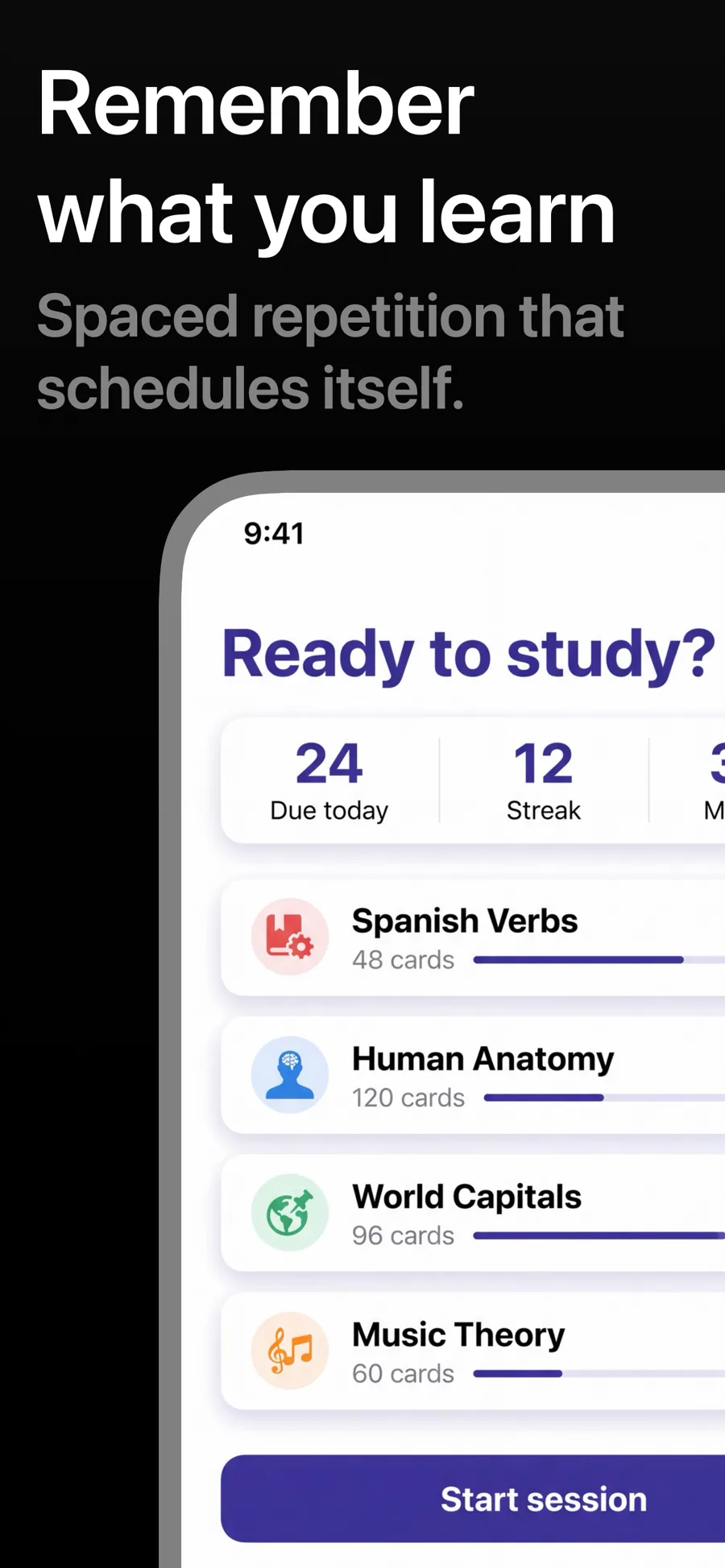
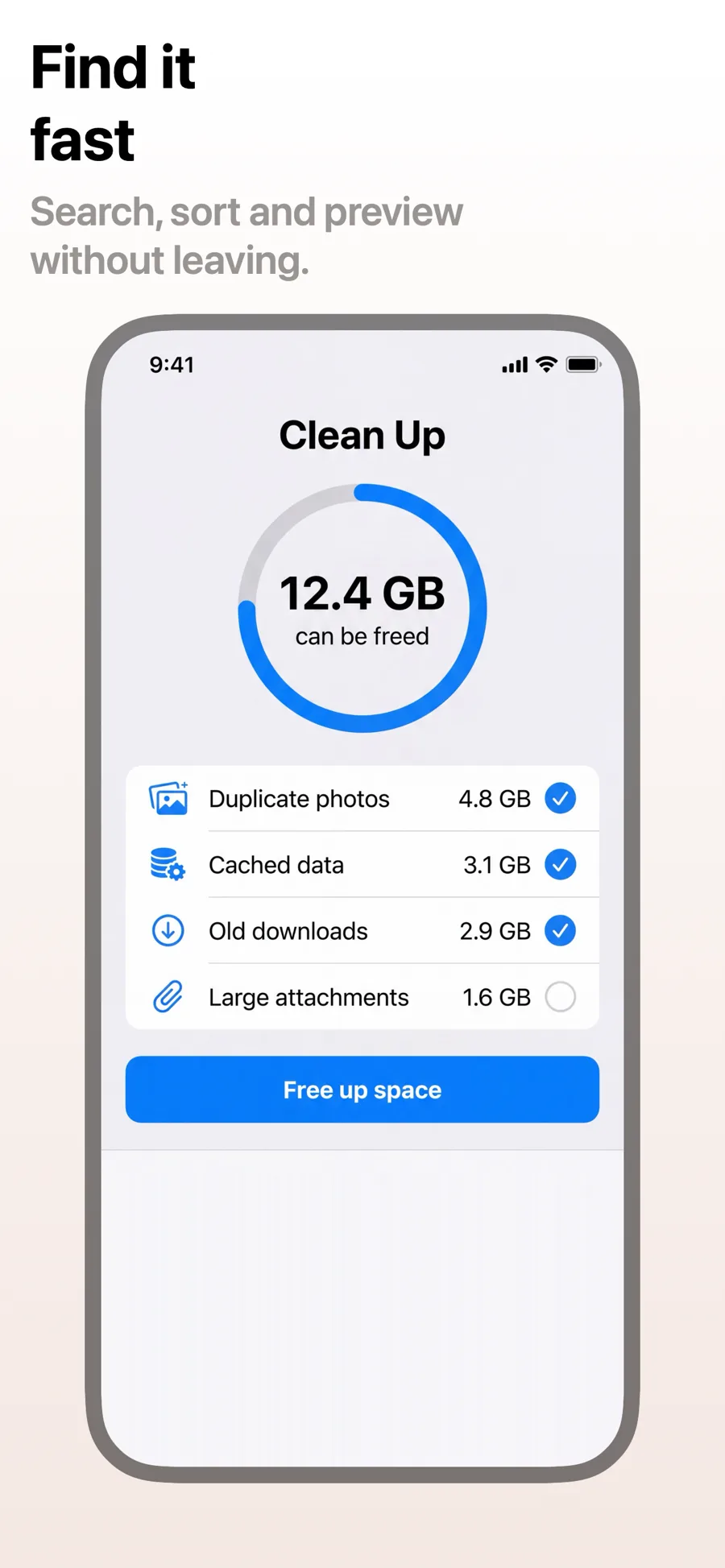
What works in Productivity screenshots
- Name one workflow per screenshot — capture, organise, focus — instead of listing every feature.
- Show a realistic, lived-in workspace; an empty to-do list proves nothing.
- If you sync across iPhone, iPad and Mac, show it: it is a common deciding factor in this category.
Make your Productivity screenshots
- Built into Screenshot Studio — apply it and swap in your own screenshots.
- Every colour, font and layout value stays editable afterwards.
- Localise the text into all 50 App Store languages from the same document.