Screenshot templates by category
Games App Store screenshot templates
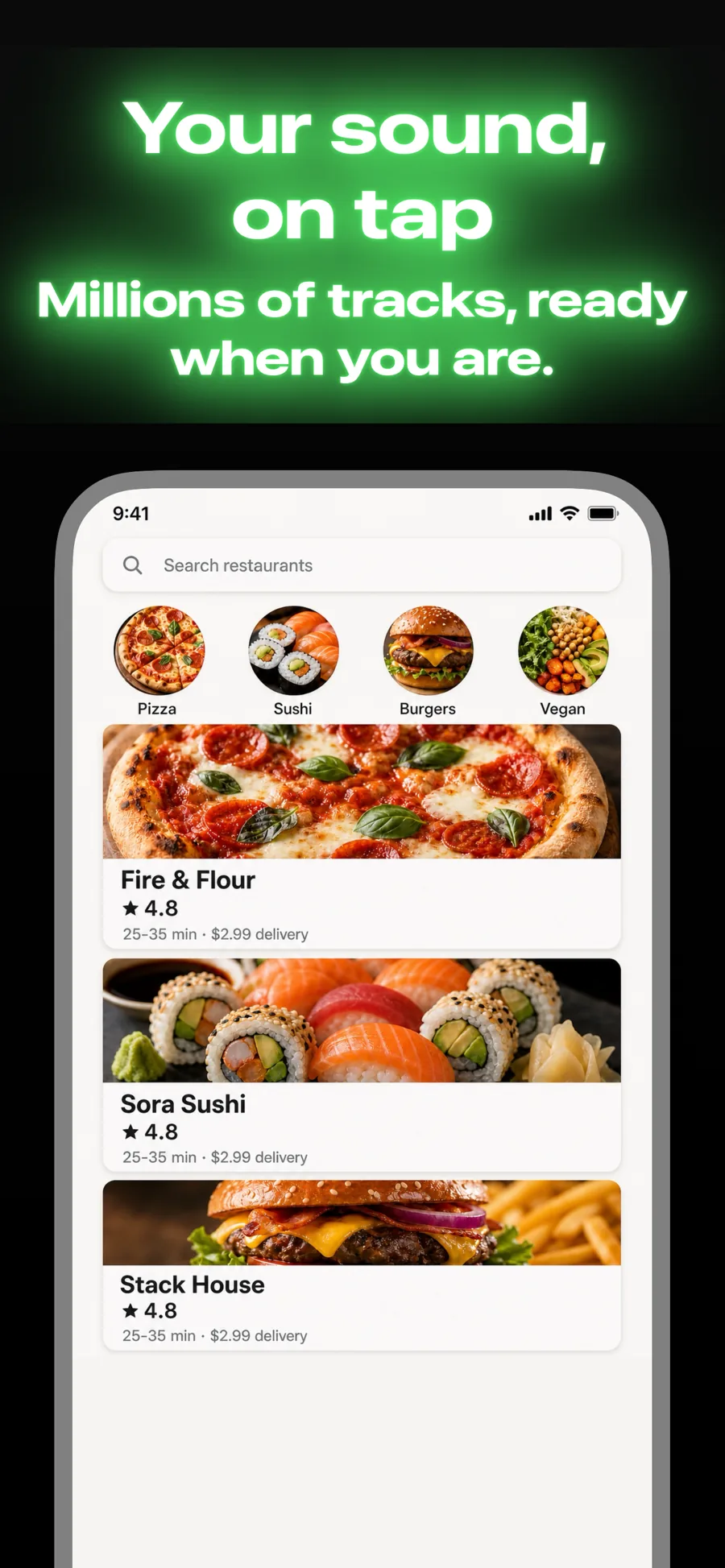
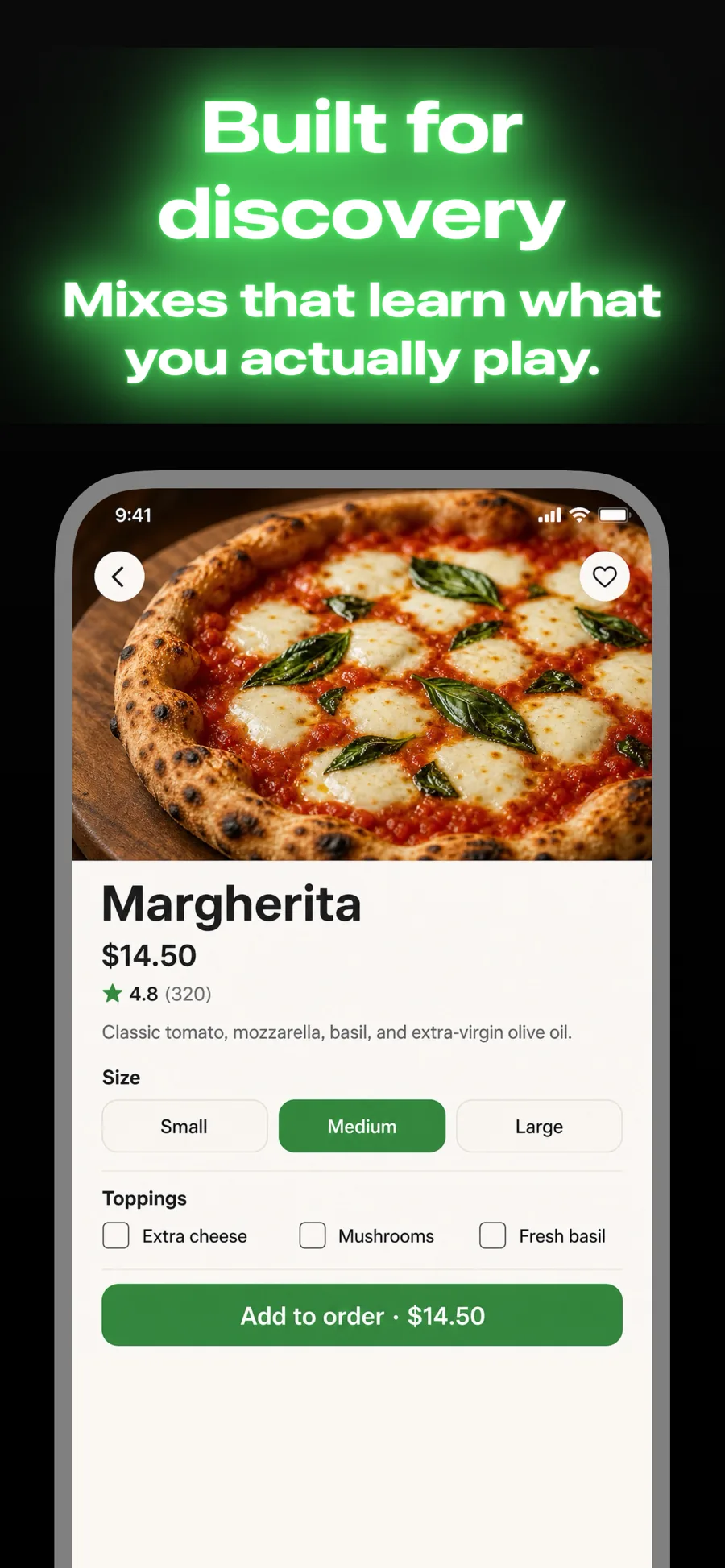
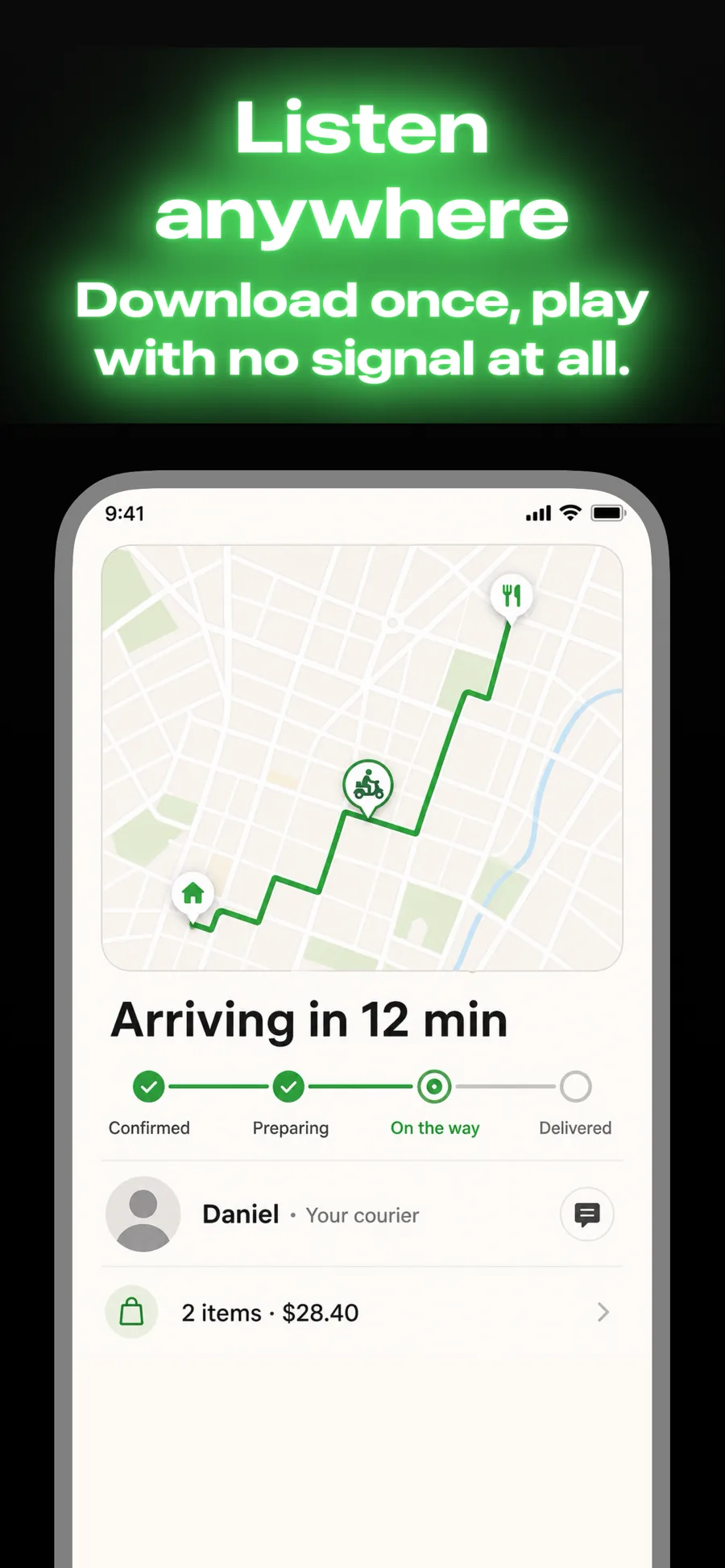
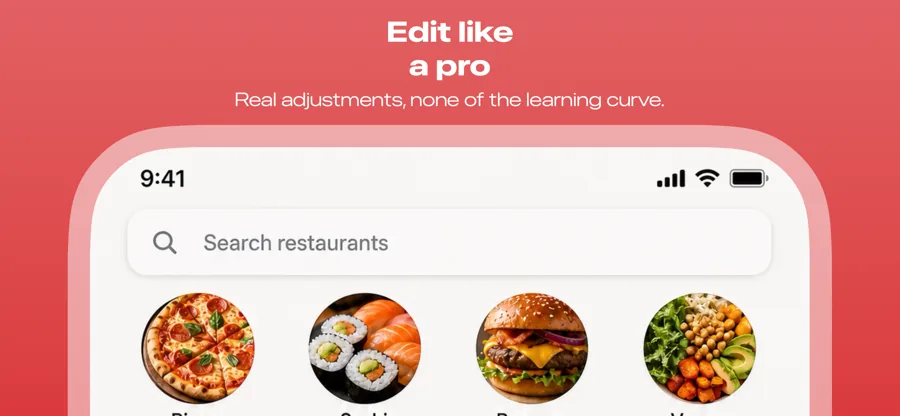
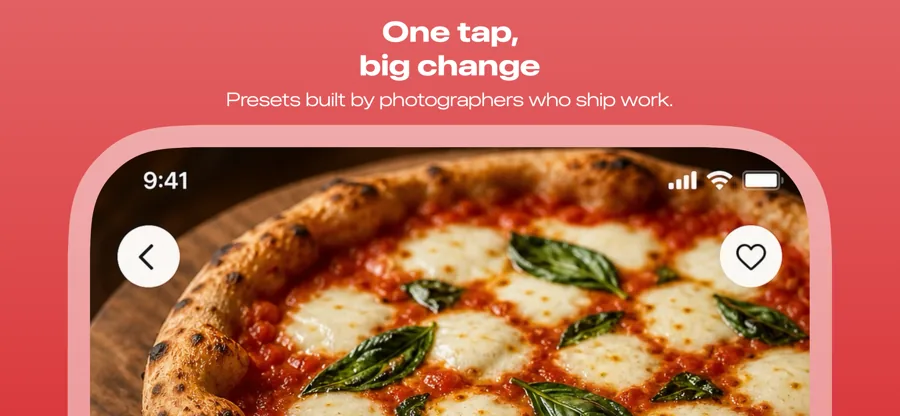
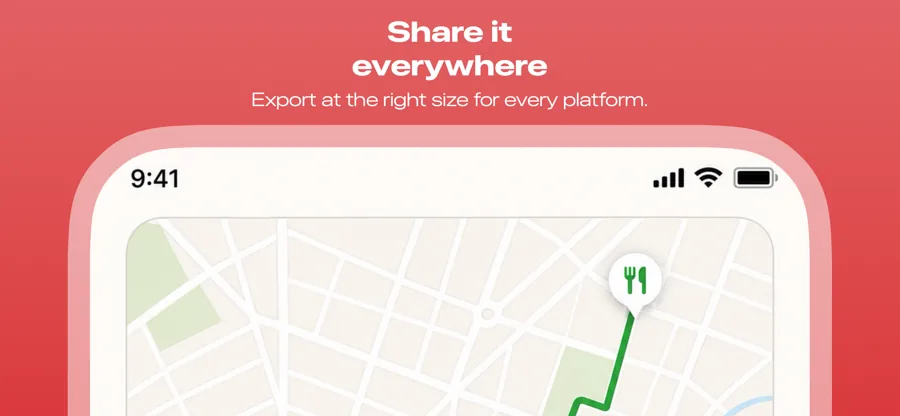
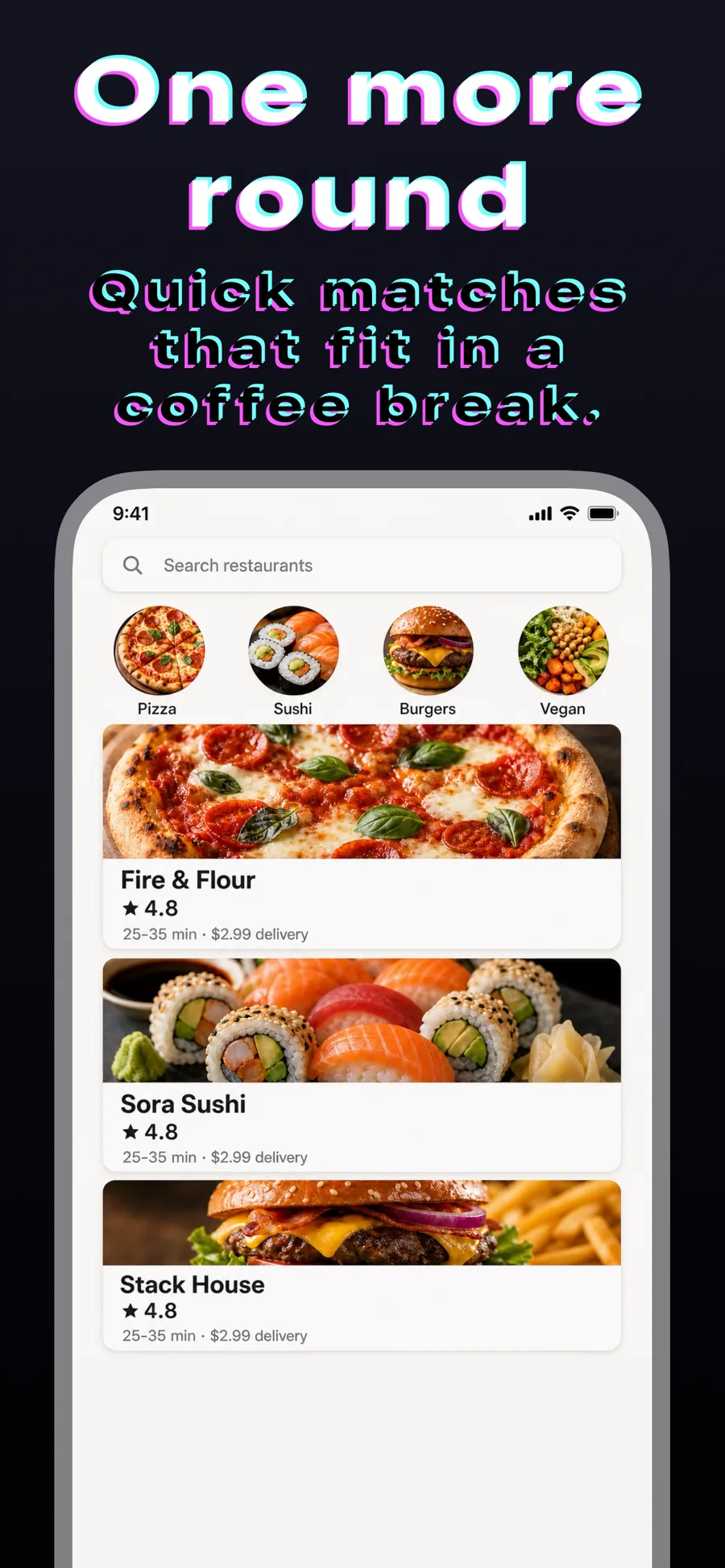
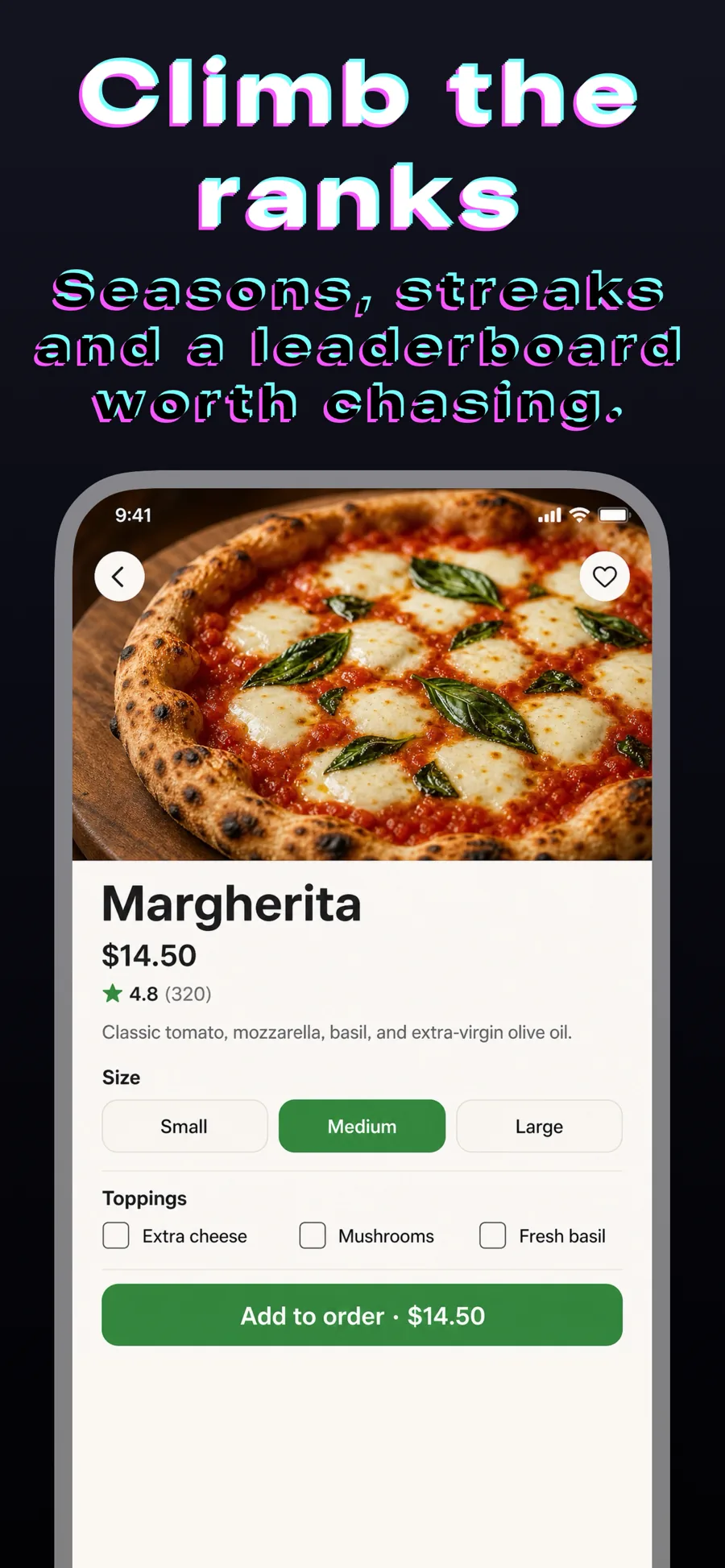
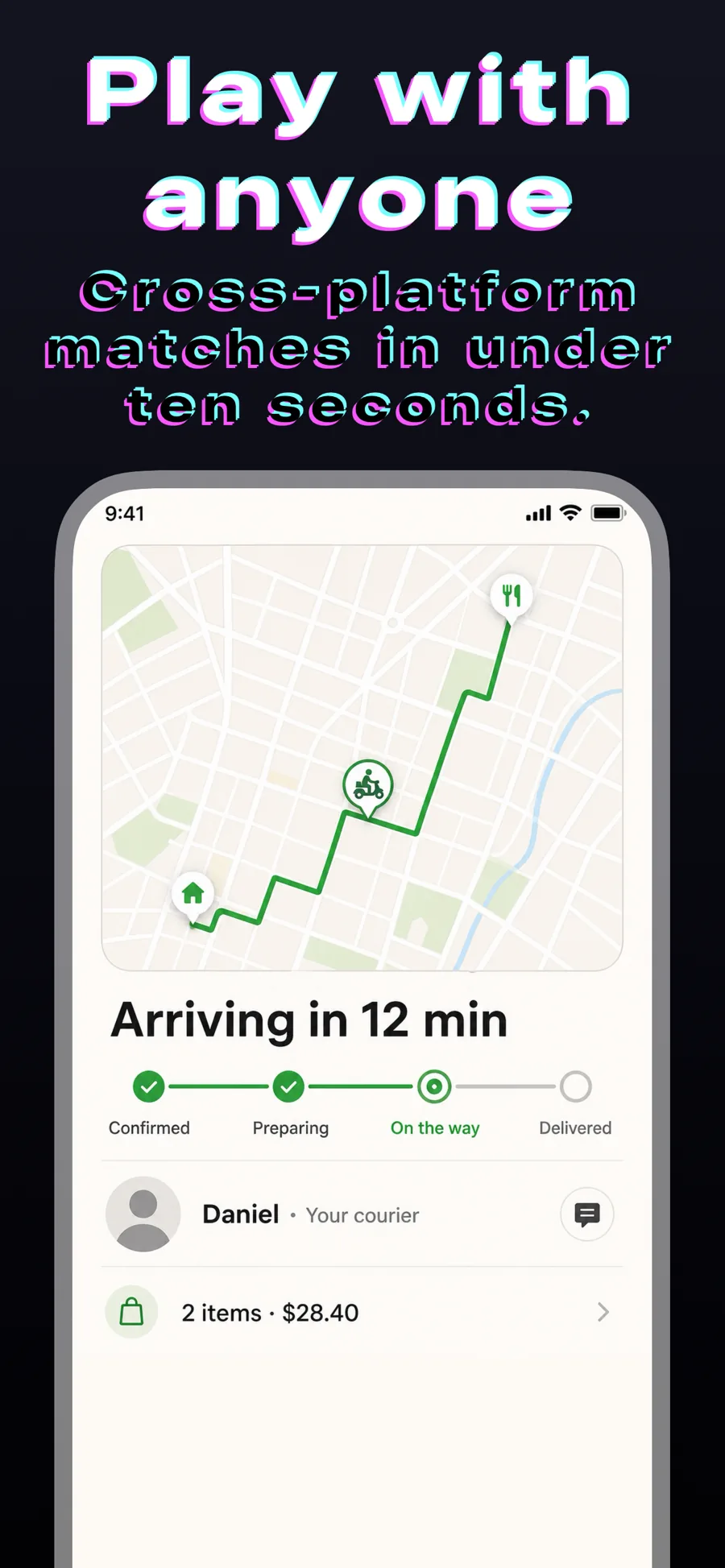
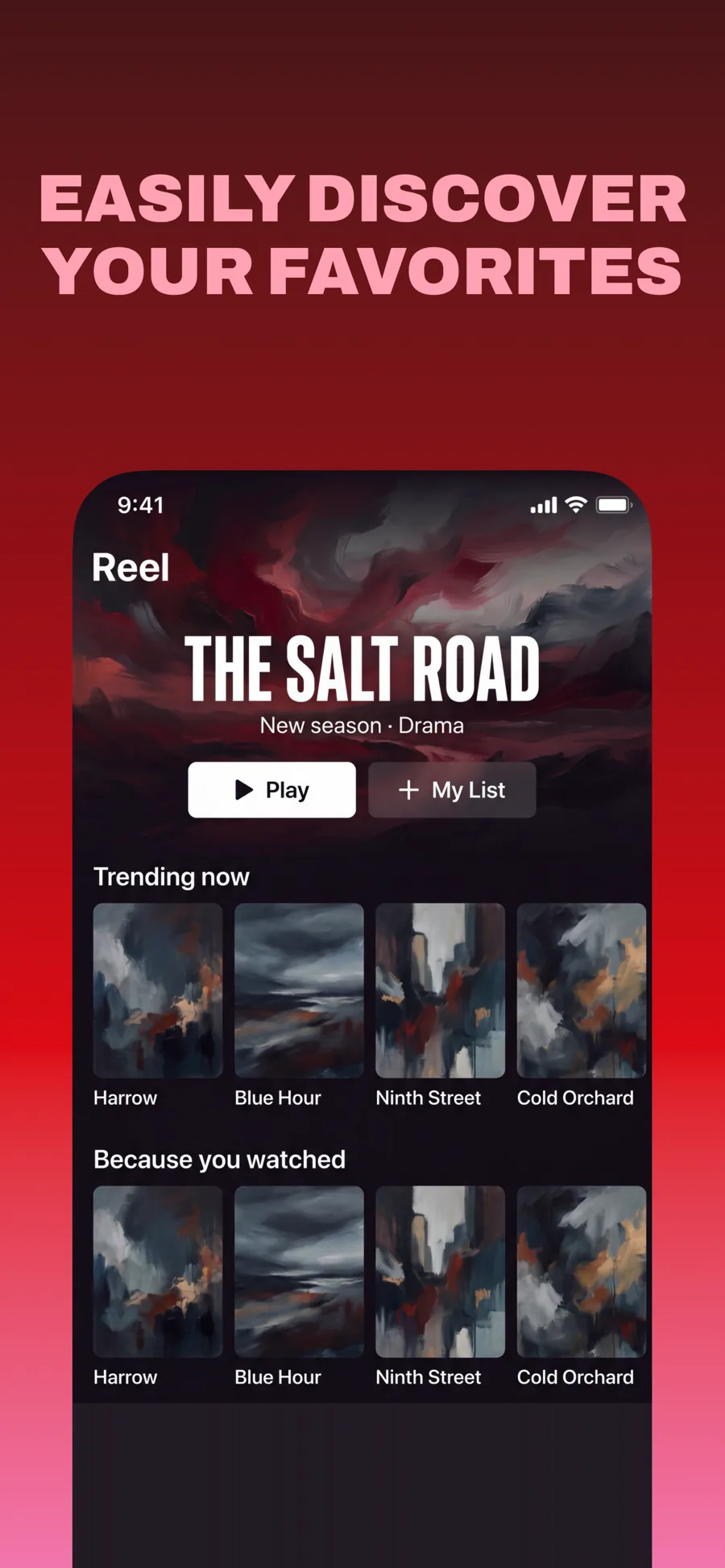
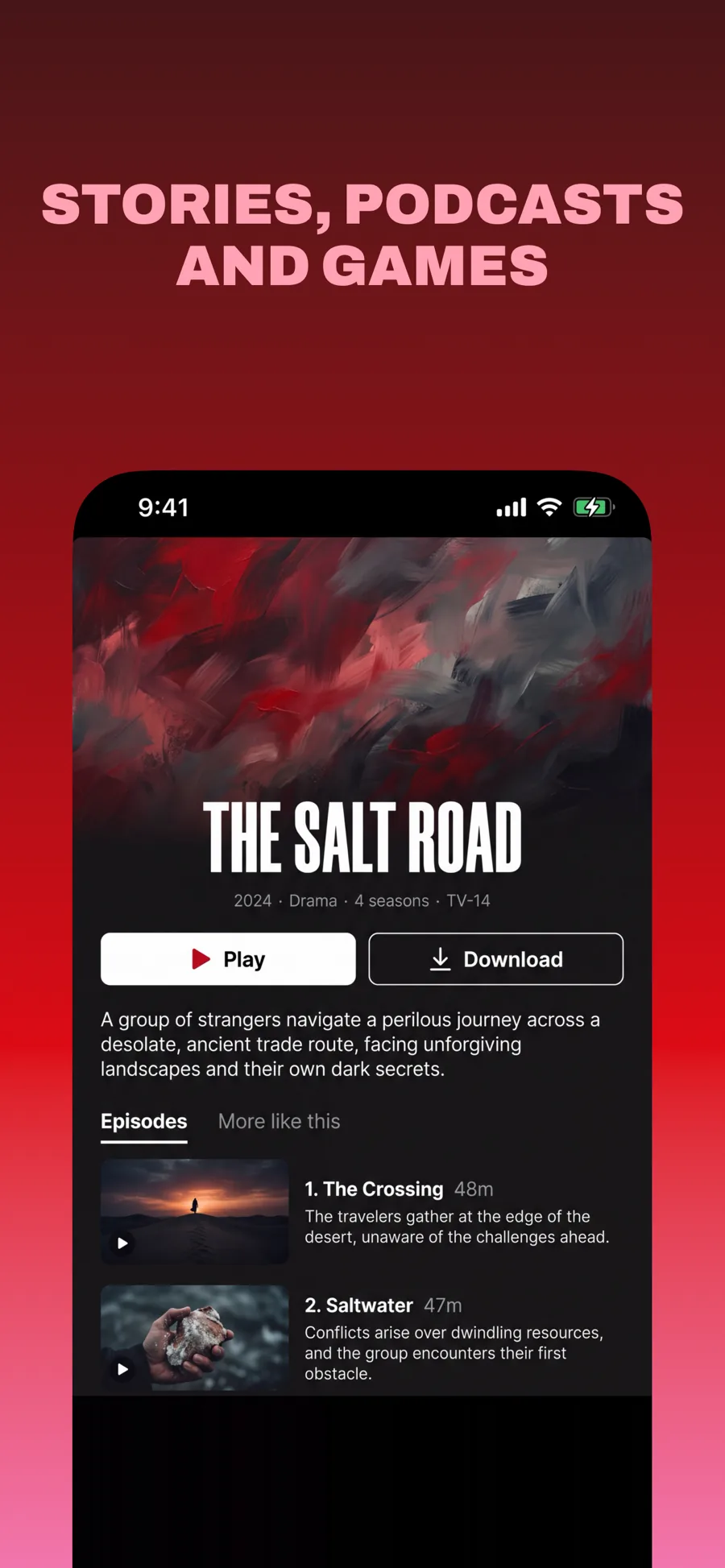
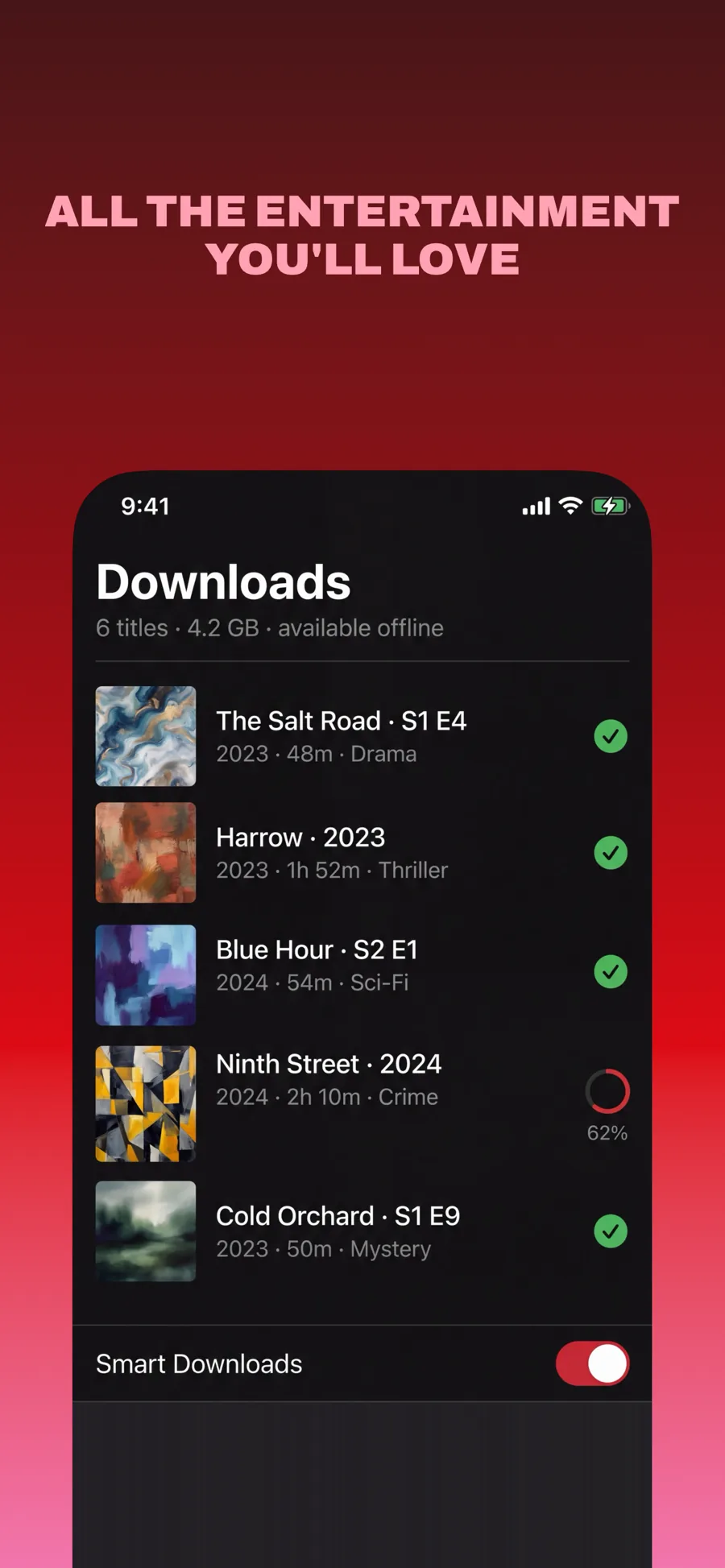
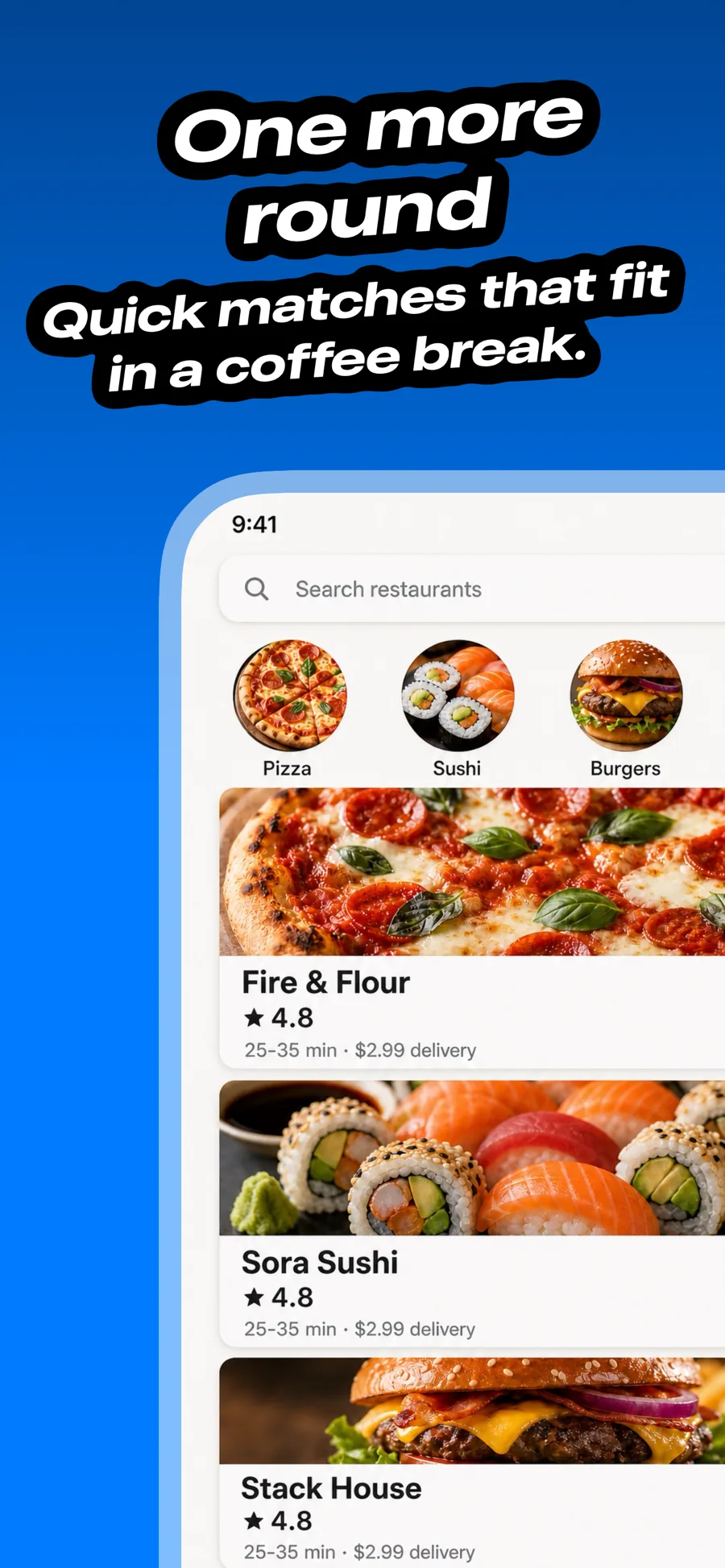
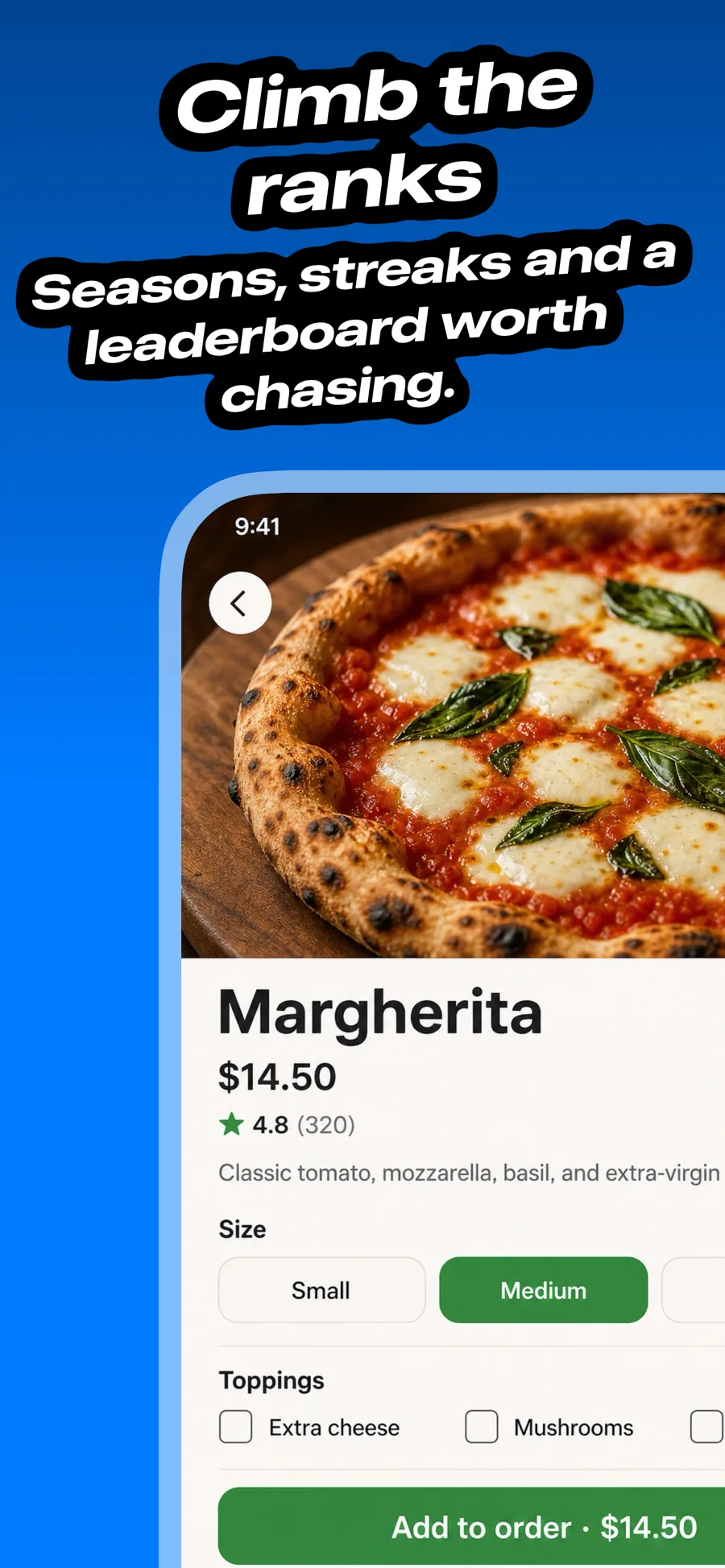
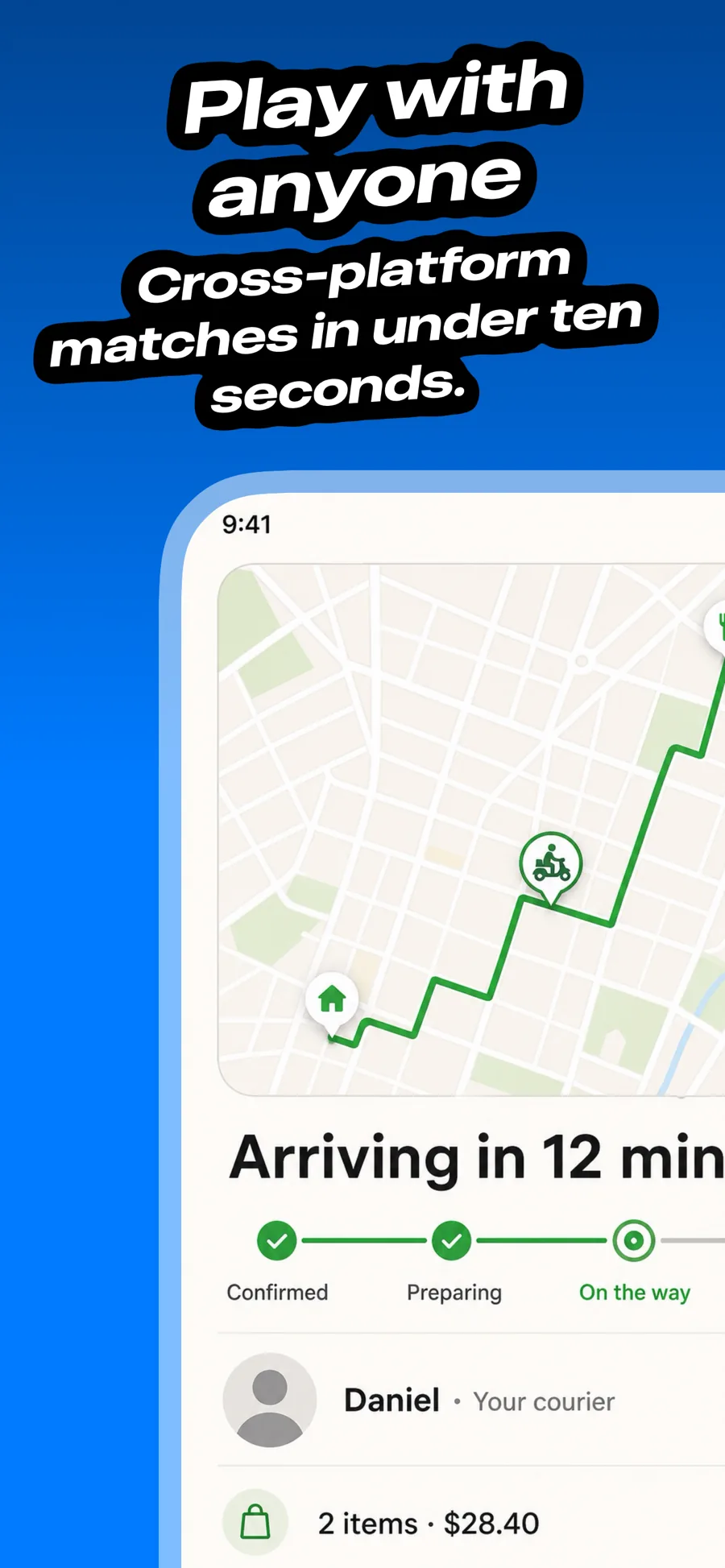
Game screenshots have more in common with a trailer than a product page. Players want to see the world, the art style and the moment of play, so the templates here use full-bleed art, high-energy type and very little interface chrome around it.
5 templates that suit Games apps, all built into the app.
What works in Games screenshots
- Open on your best-looking moment of gameplay, not the title screen or a menu.
- Let the game art run edge to edge — device frames mostly shrink it for no gain.
- Use captions to name the hook (“Build your own kingdom”, “Play with friends”) in as few words as possible.
Make your Games screenshots
- Built into Screenshot Studio — apply it and swap in your own screenshots.
- Every colour, font and layout value stays editable afterwards.
- Localise the text into all 50 App Store languages from the same document.