Screenshot templates by category
Music App Store screenshot templates
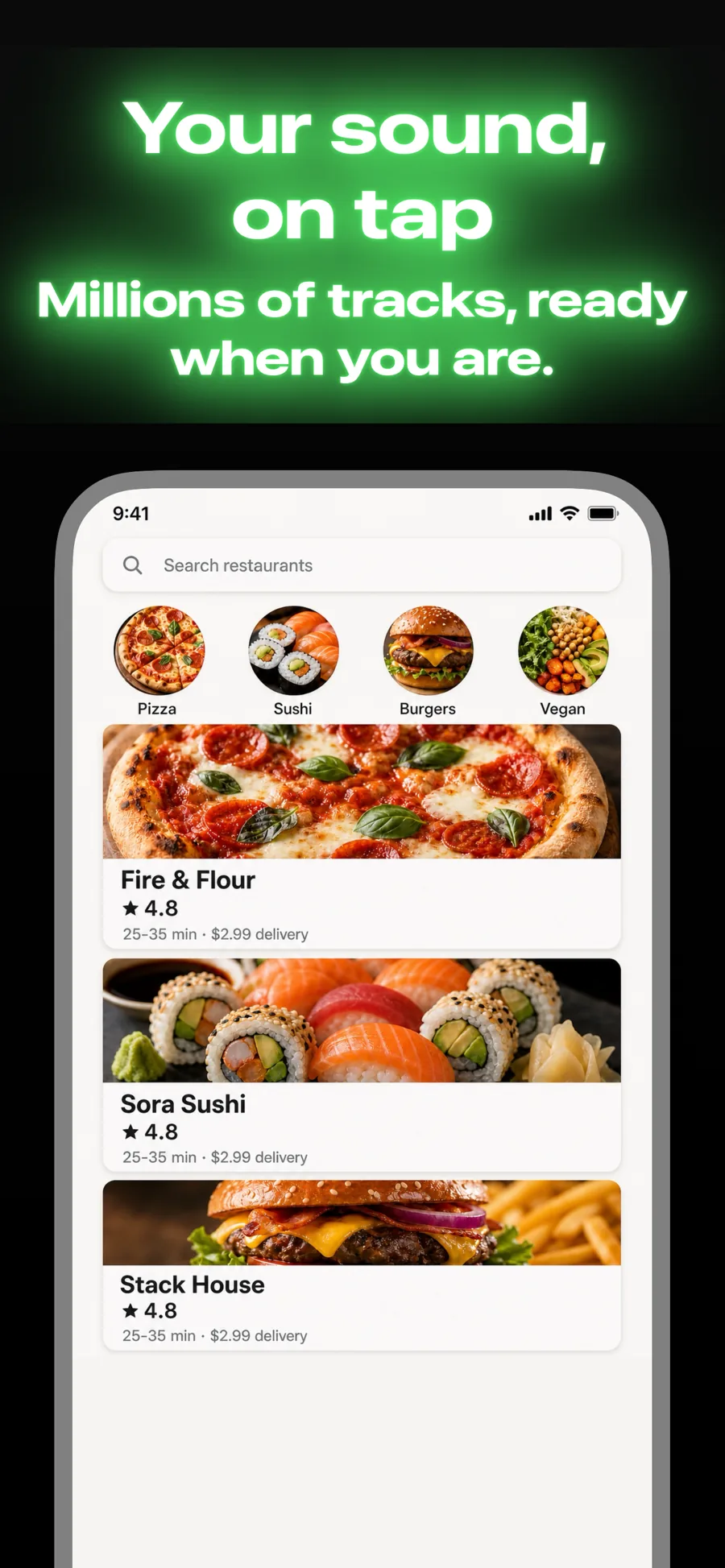
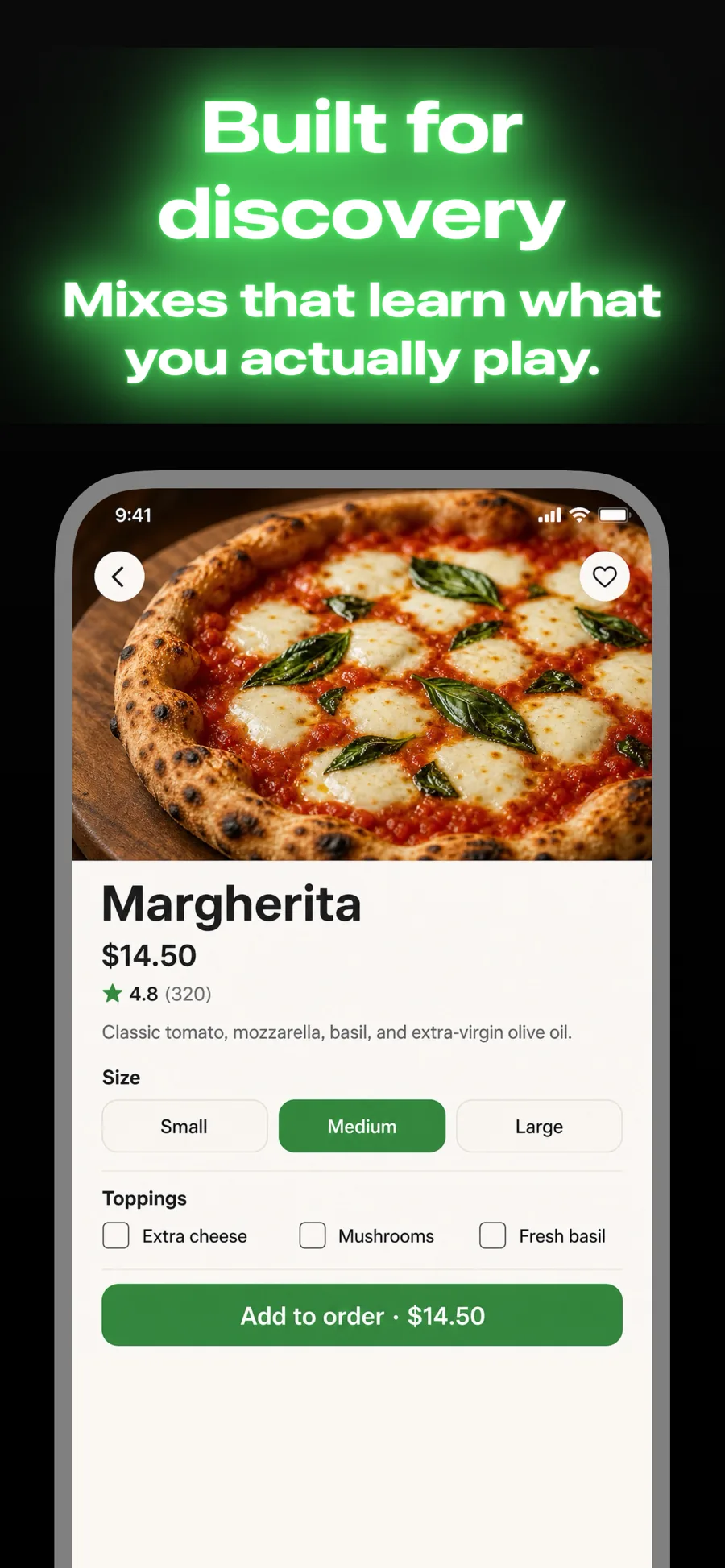
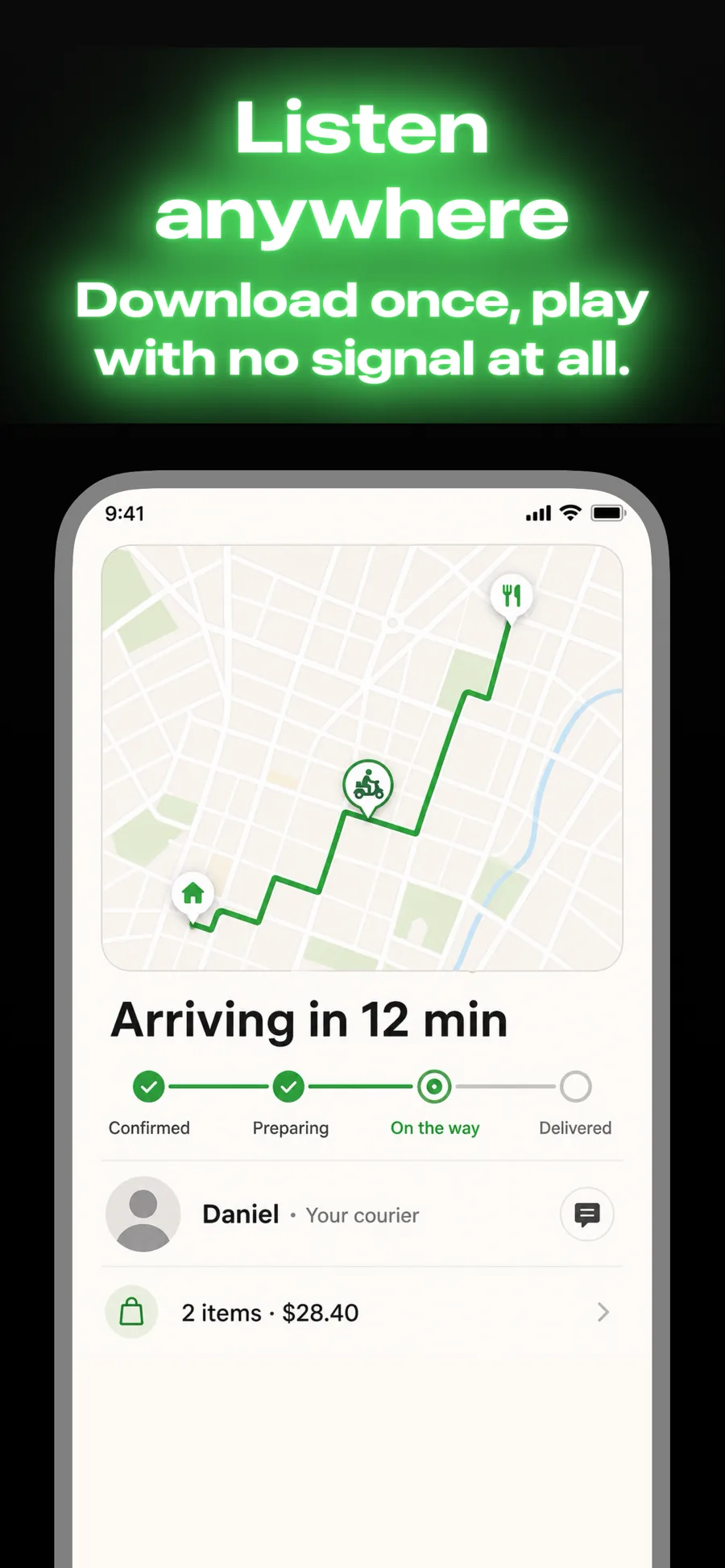
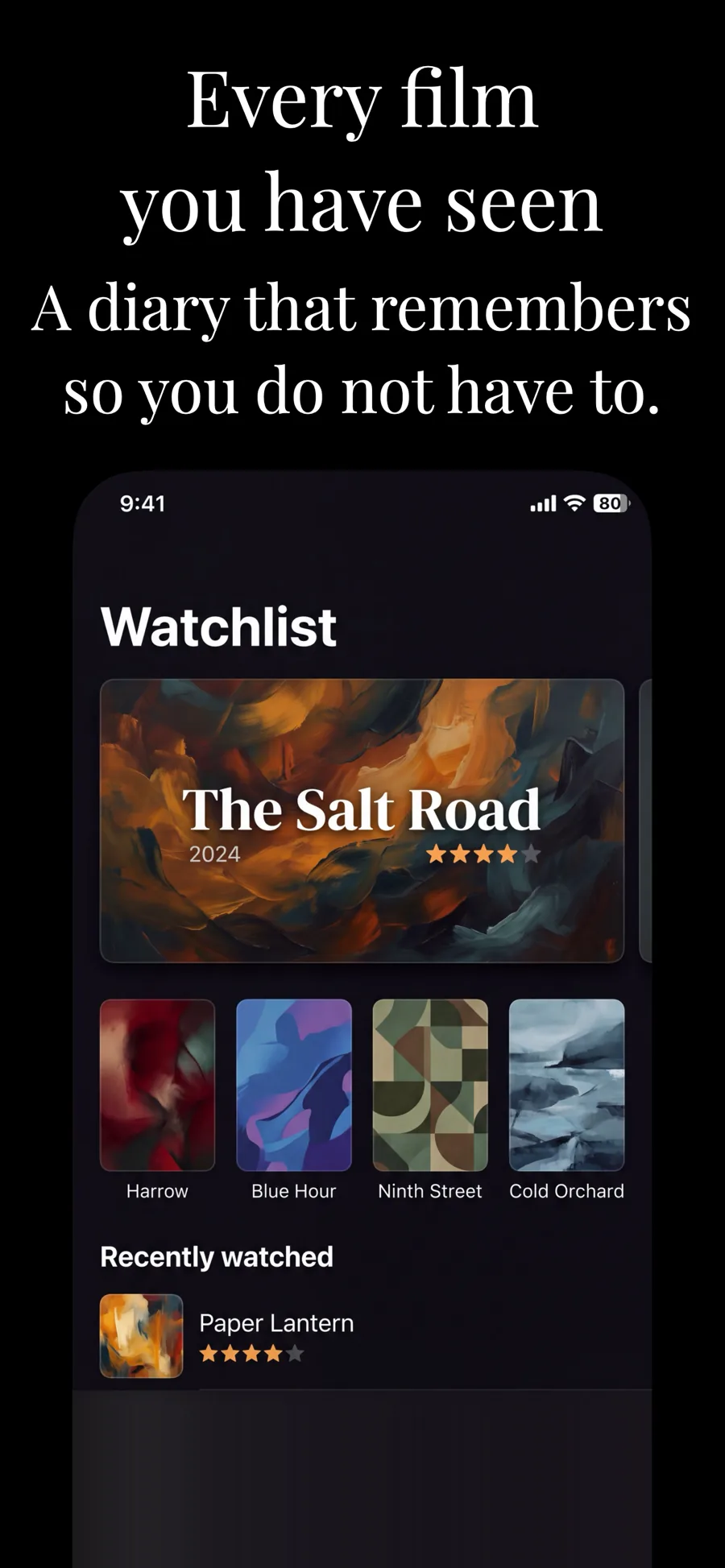
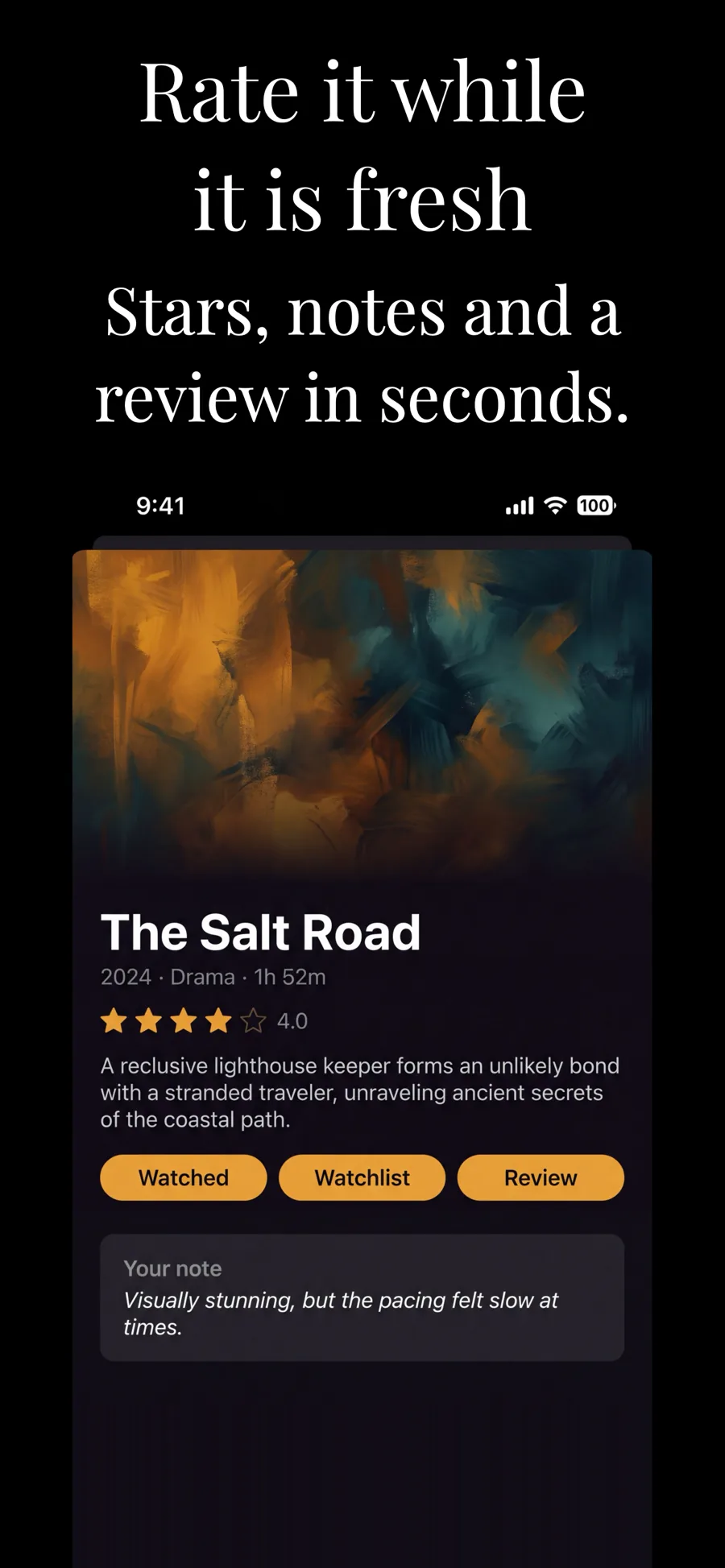
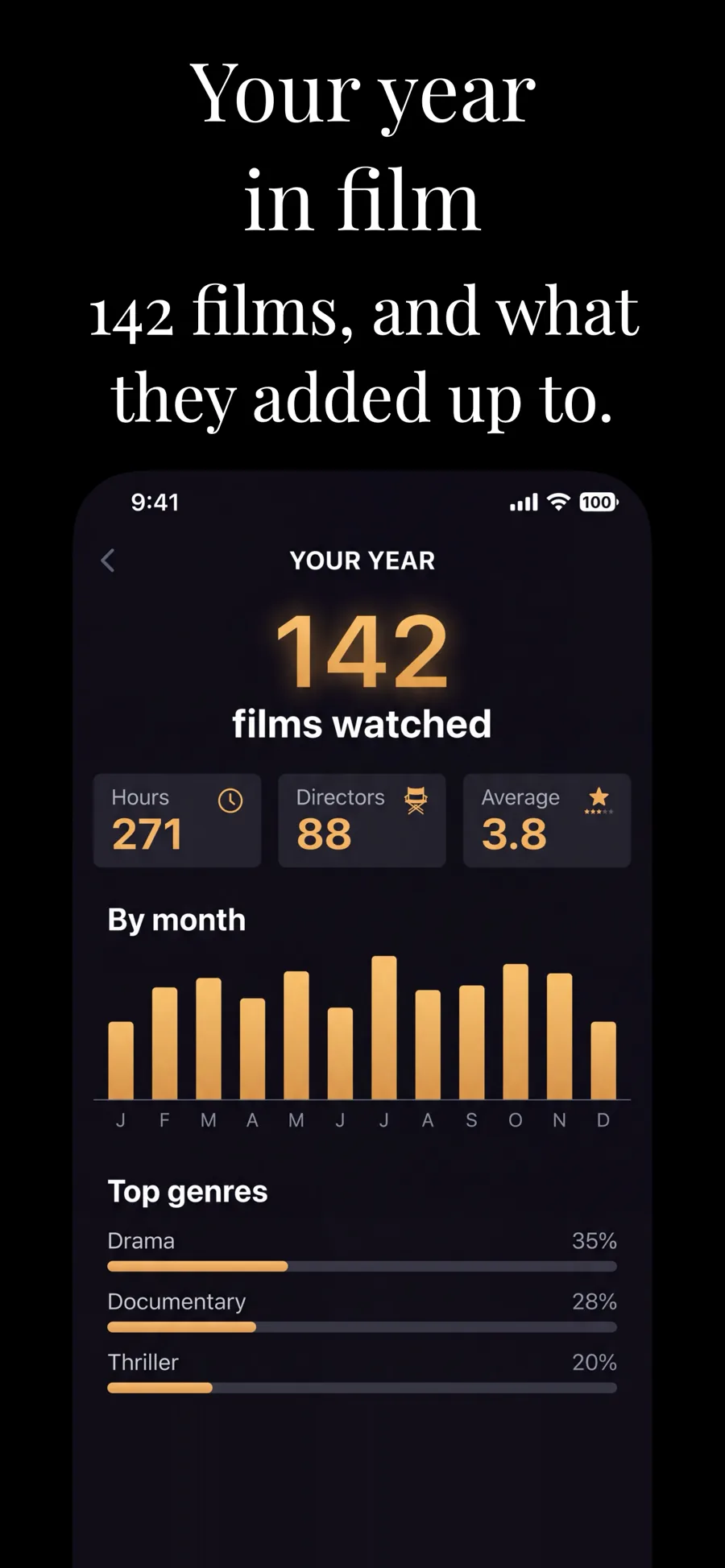
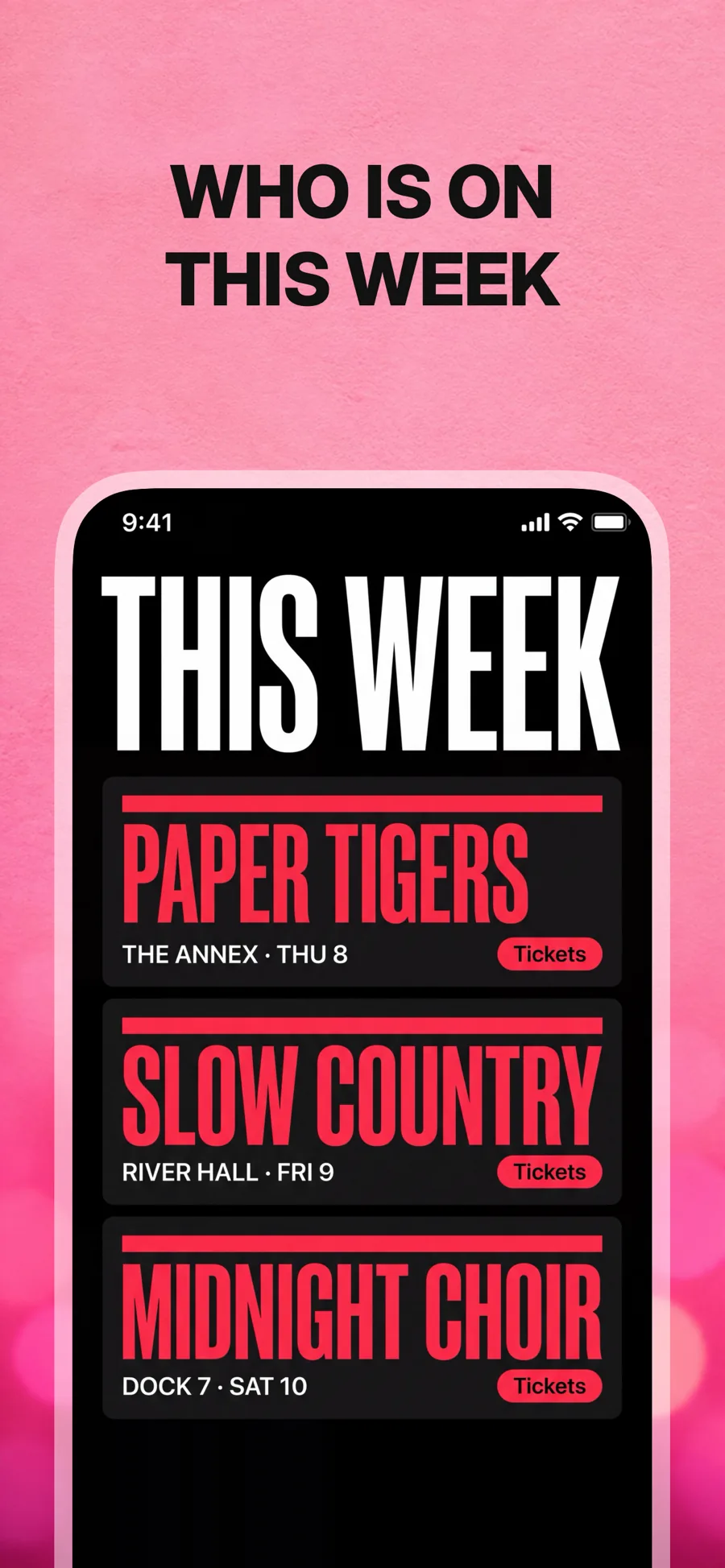
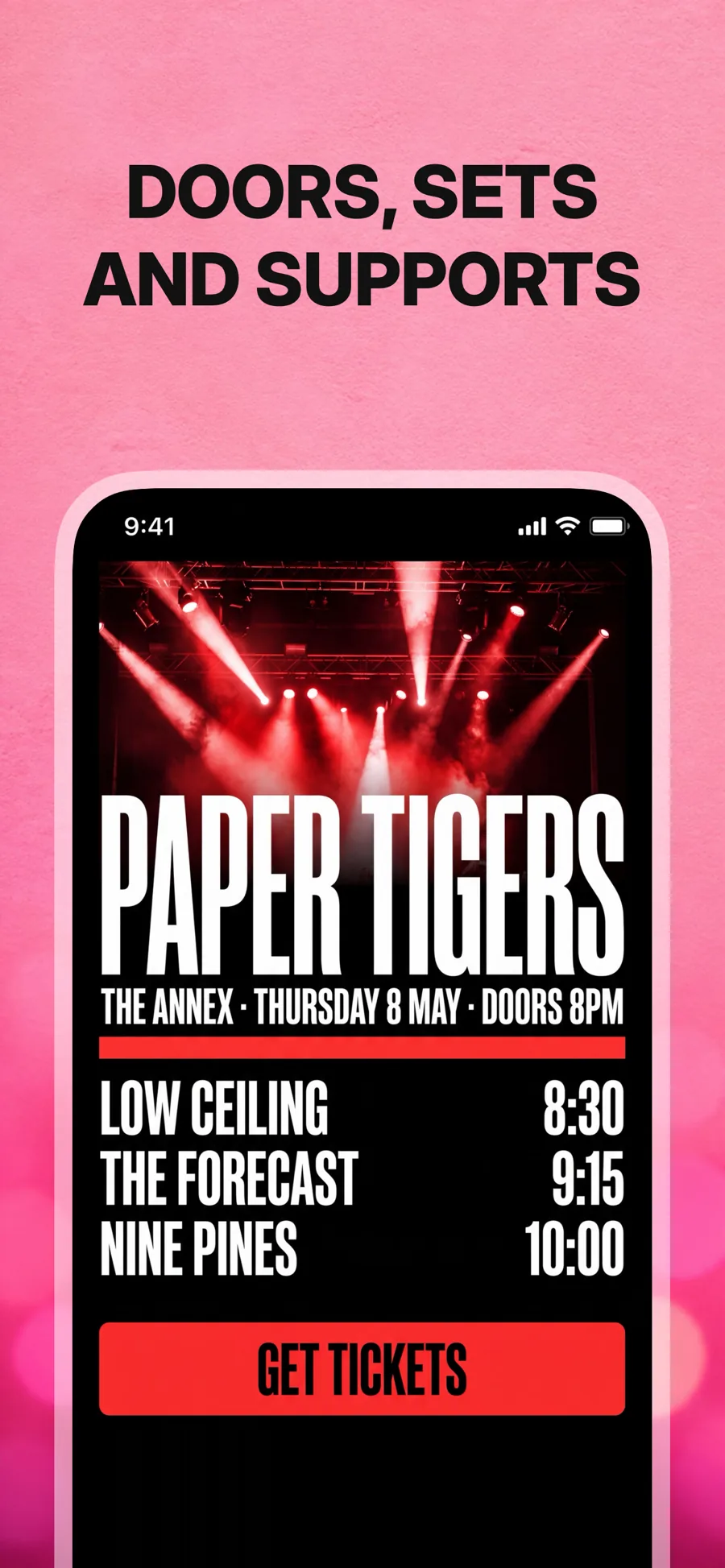
Music apps live on album art, artists and sound you cannot hear in a screenshot. The templates here make up for it with photographic grounds, big caps and a now-playing screen shown large, so the listing feels like a gig poster rather than a spec sheet.
4 templates that suit Music apps, all built into the app.
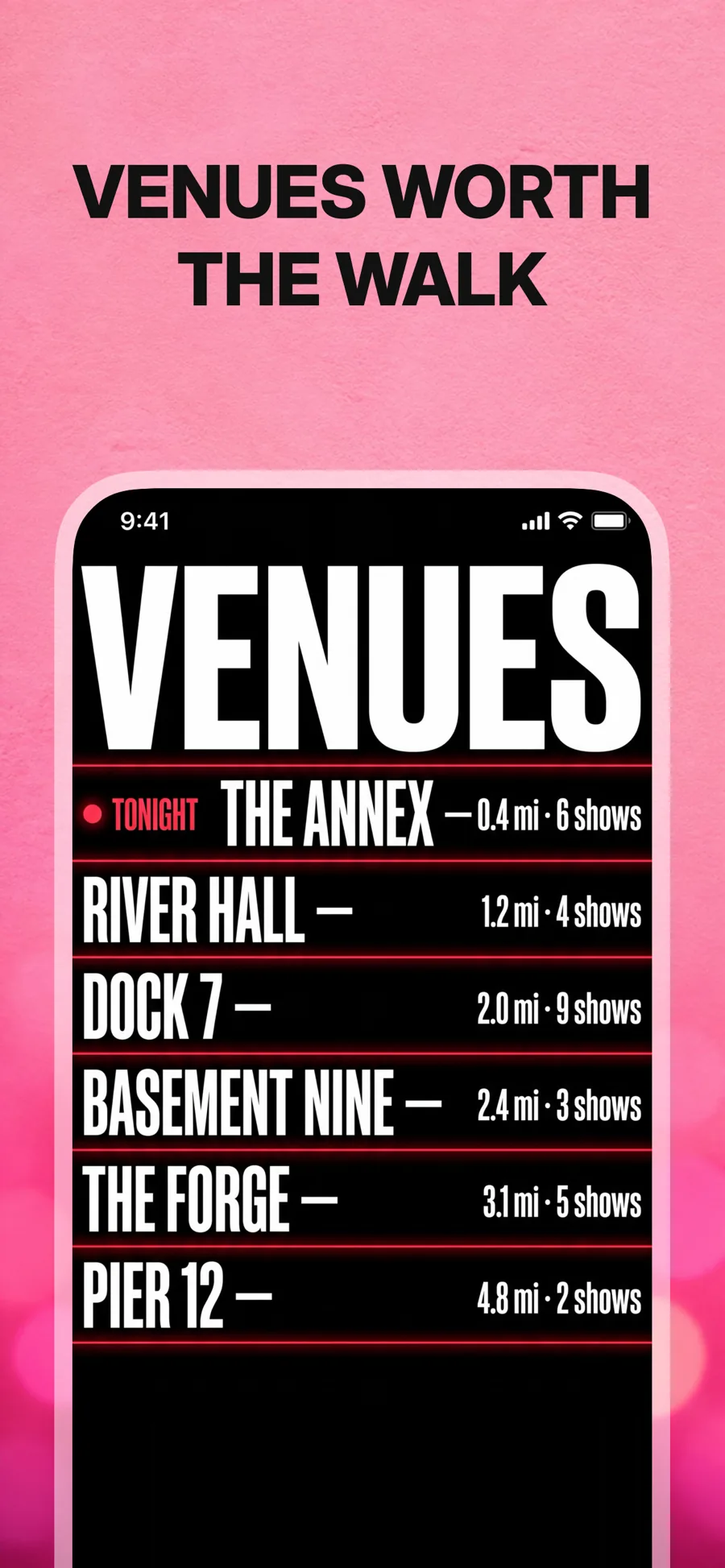
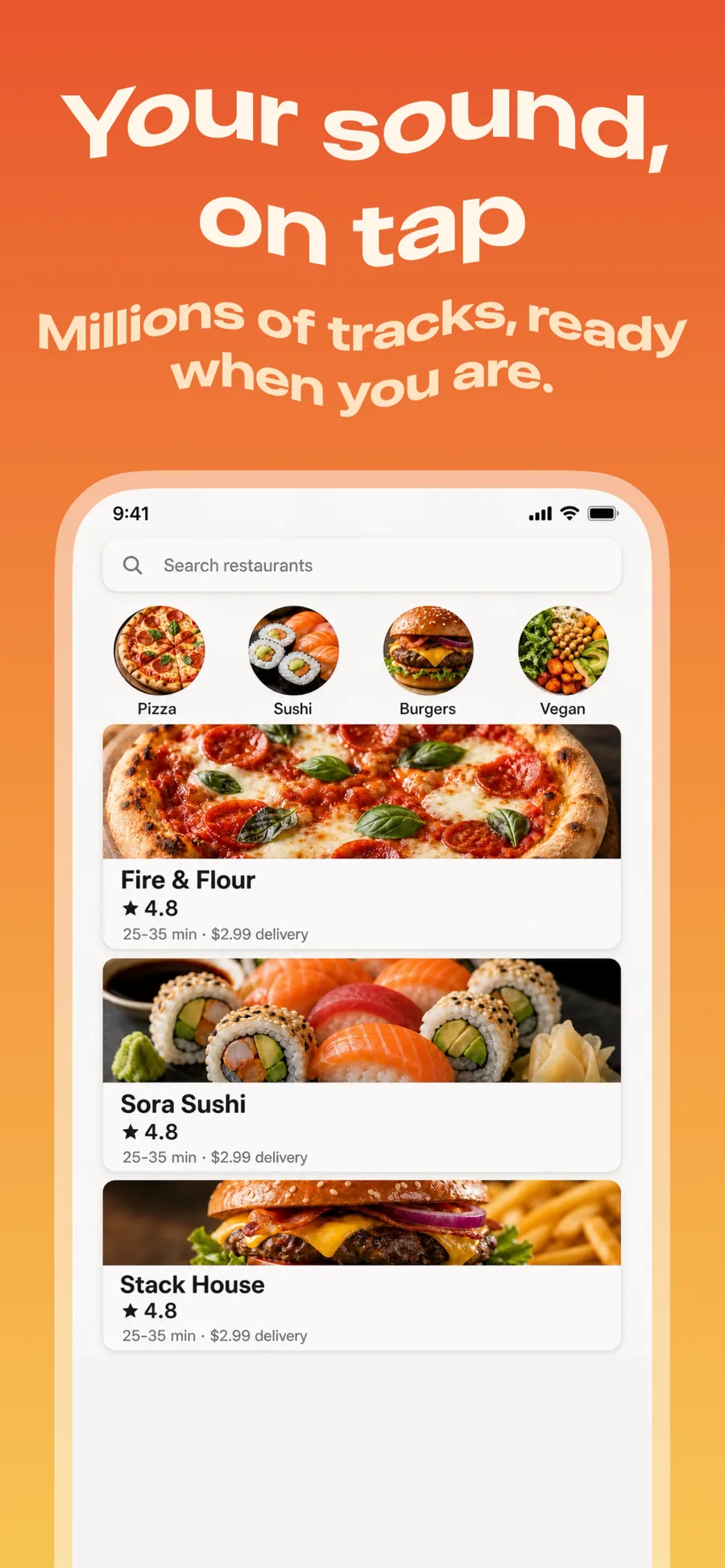
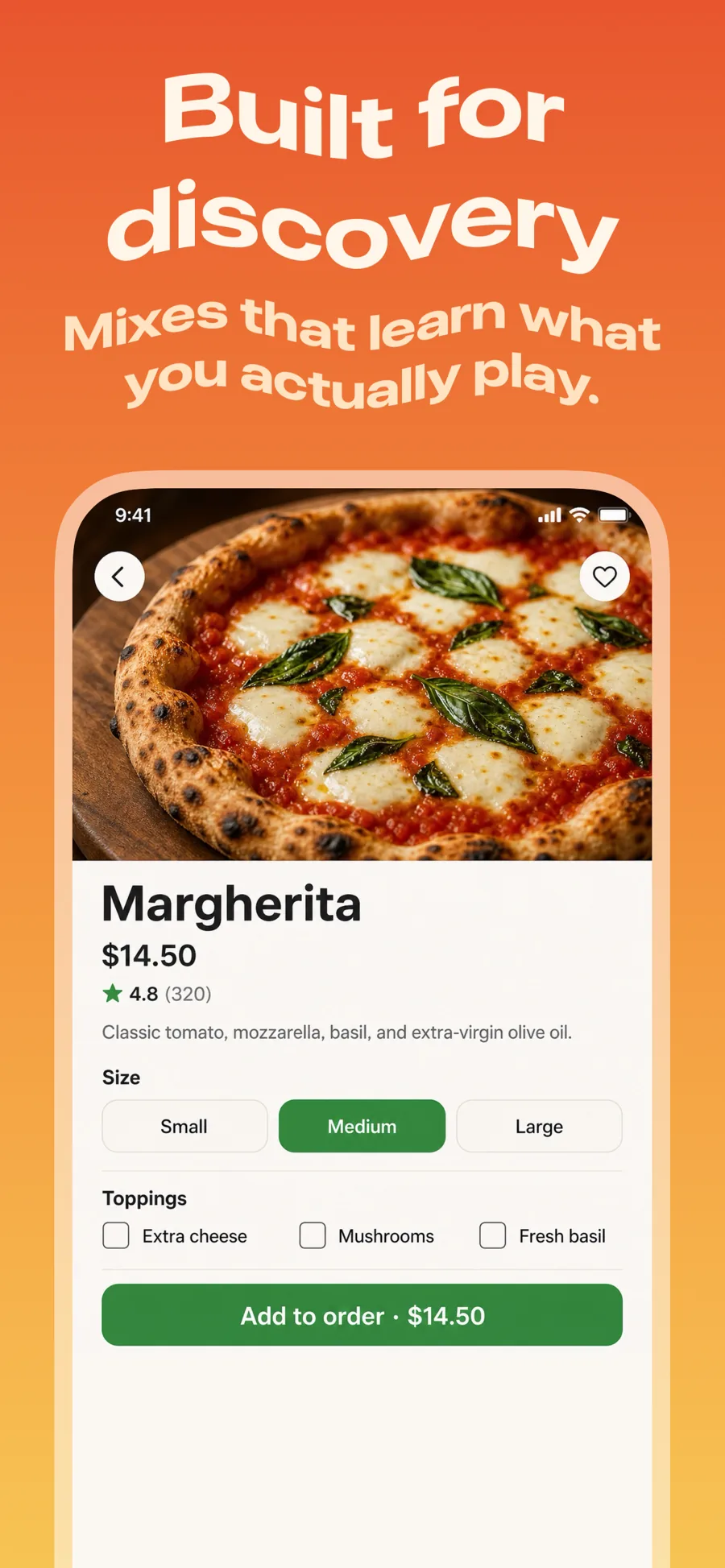
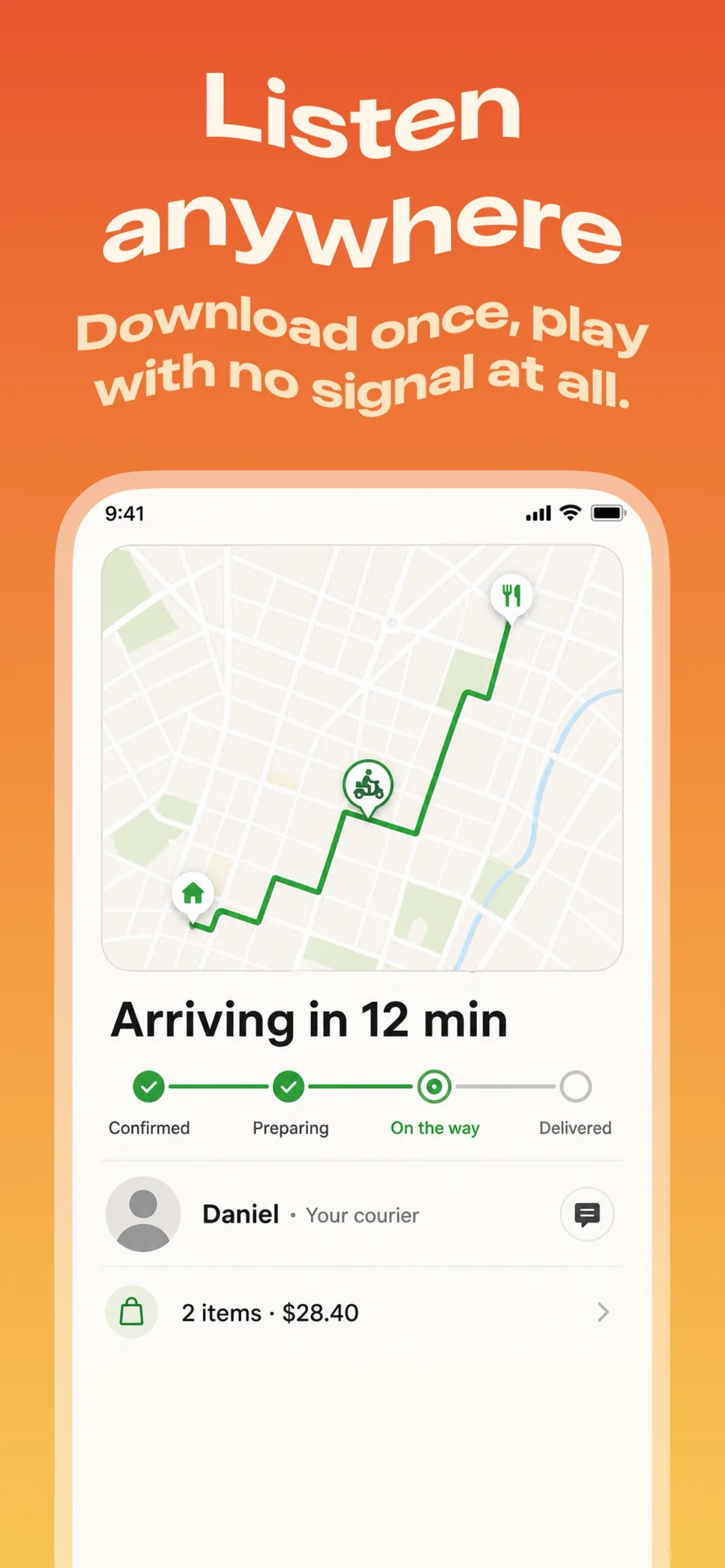
What works in Music screenshots
- Show a now-playing screen with striking artwork; it is the most recognisable screen in the category.
- Name the catalogue or feature that sets you apart — lossless, lyrics, offline, live radio.
- Use a nostalgic or loud type treatment if it matches the genre you serve; this category rewards personality.
Make your Music screenshots
- Built into Screenshot Studio — apply it and swap in your own screenshots.
- Every colour, font and layout value stays editable afterwards.
- Localise the text into all 50 App Store languages from the same document.