← All templates

Screenshot templates by category

News App Store screenshot templates

News apps compete on immediacy and trust. Screenshots that work show a front page full of real-looking stories, with type that feels urgent but still editorial. The templates here pair dark or paper grounds with confident headlines that read at a glance.

4 templates that suit News apps, all built into the app.
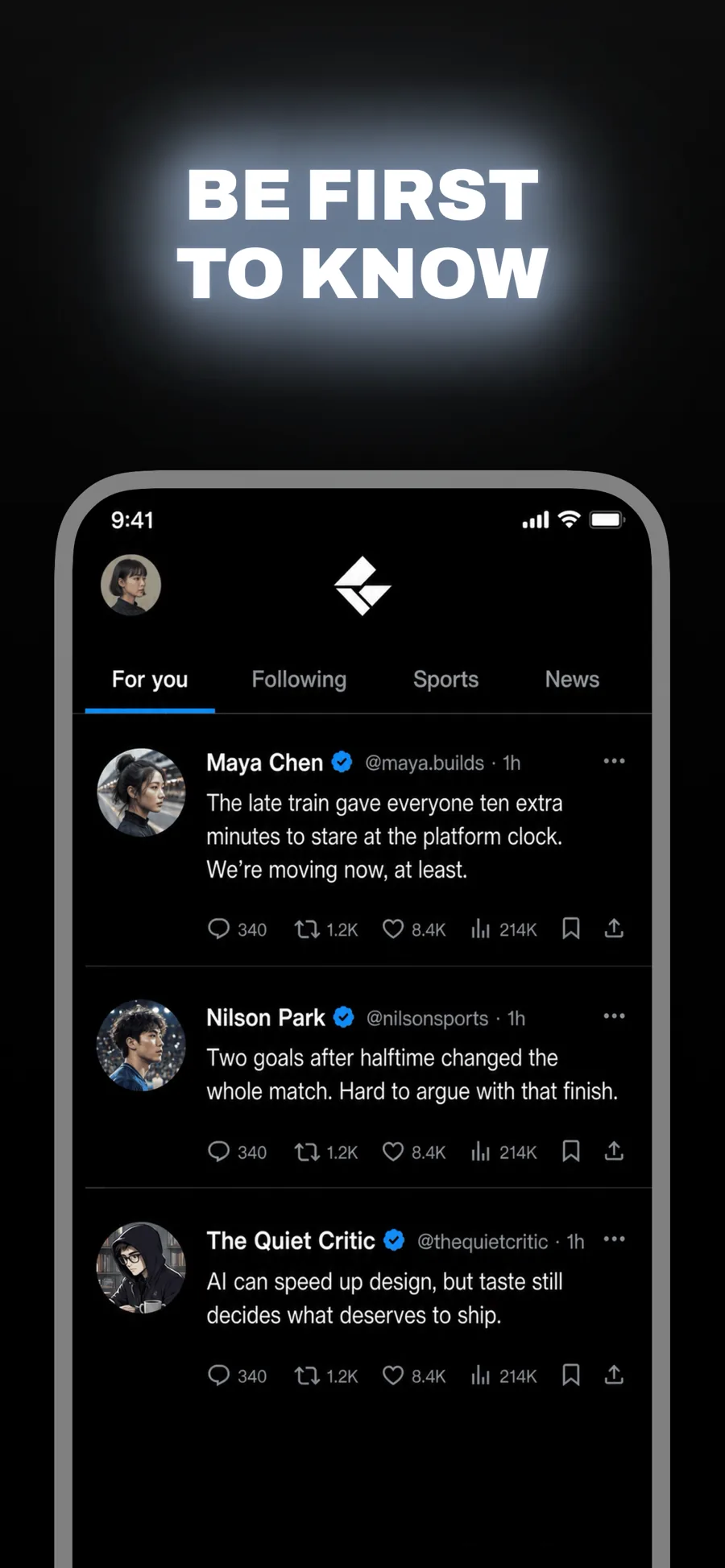
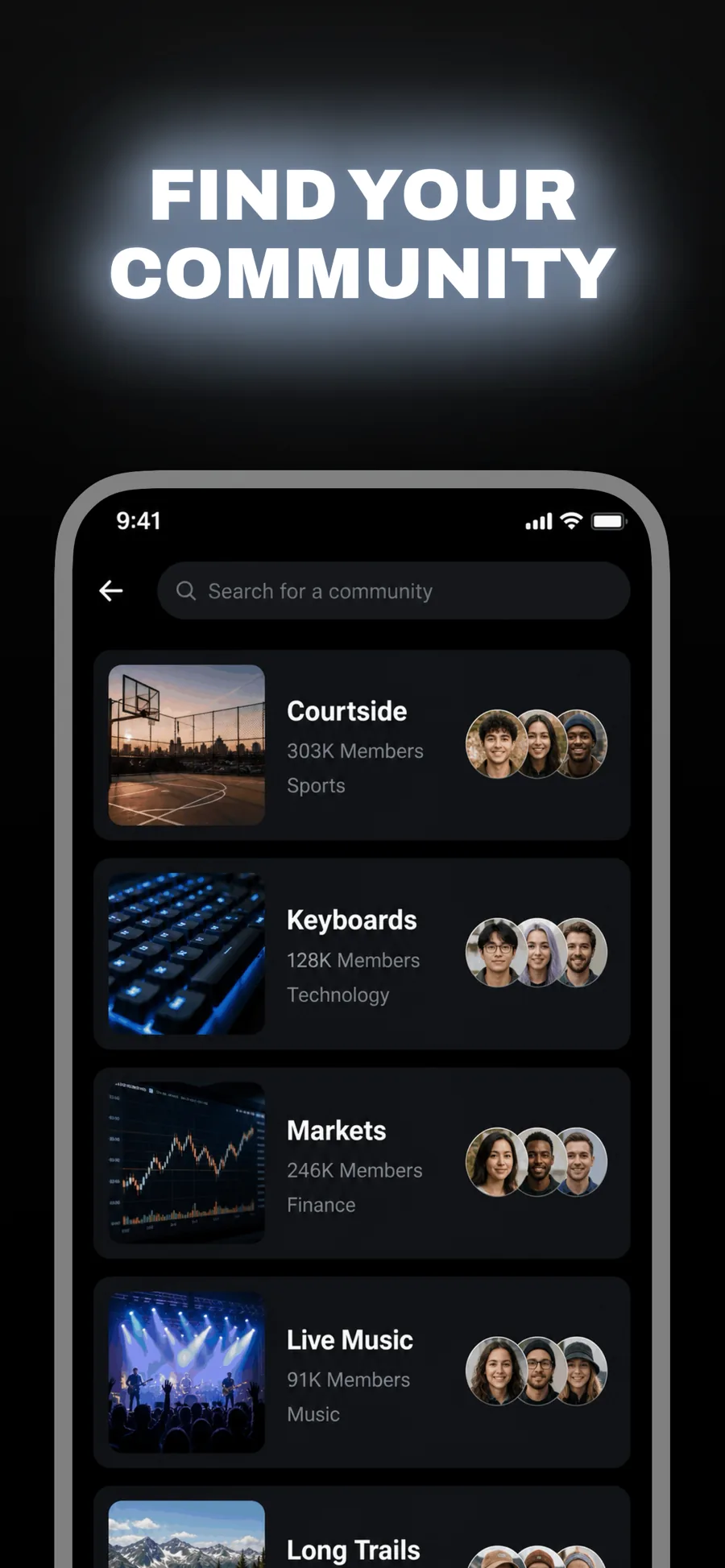
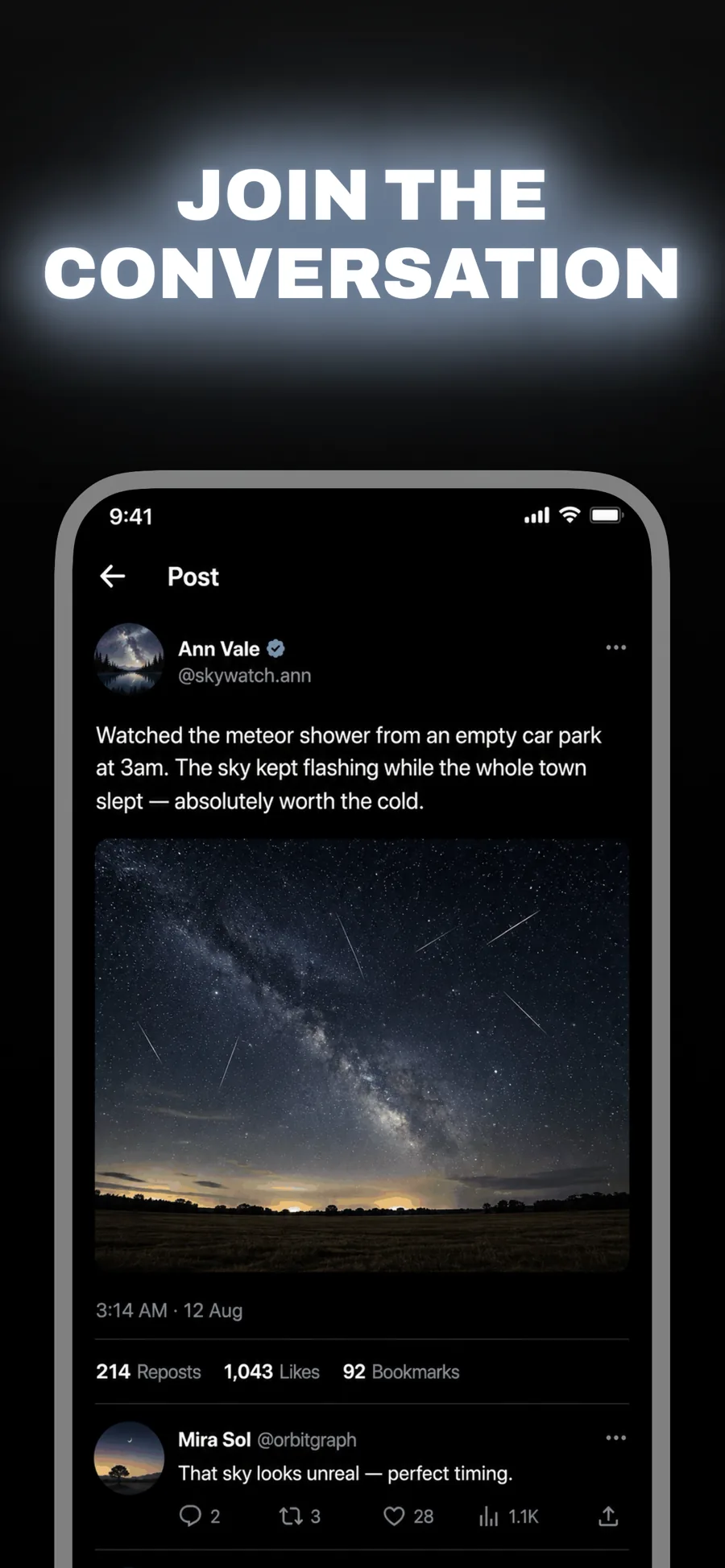
  • Beacon template, screen 1 of 3. Beacon template, screen 2 of 3. Beacon template, screen 3 of 3.

    Beacon

    Inspired by X

    Social, news and anything that trades on immediacy. Wide caps glowing on black — loud without a single bright colour.

    For Social Networking · News · Entertainment

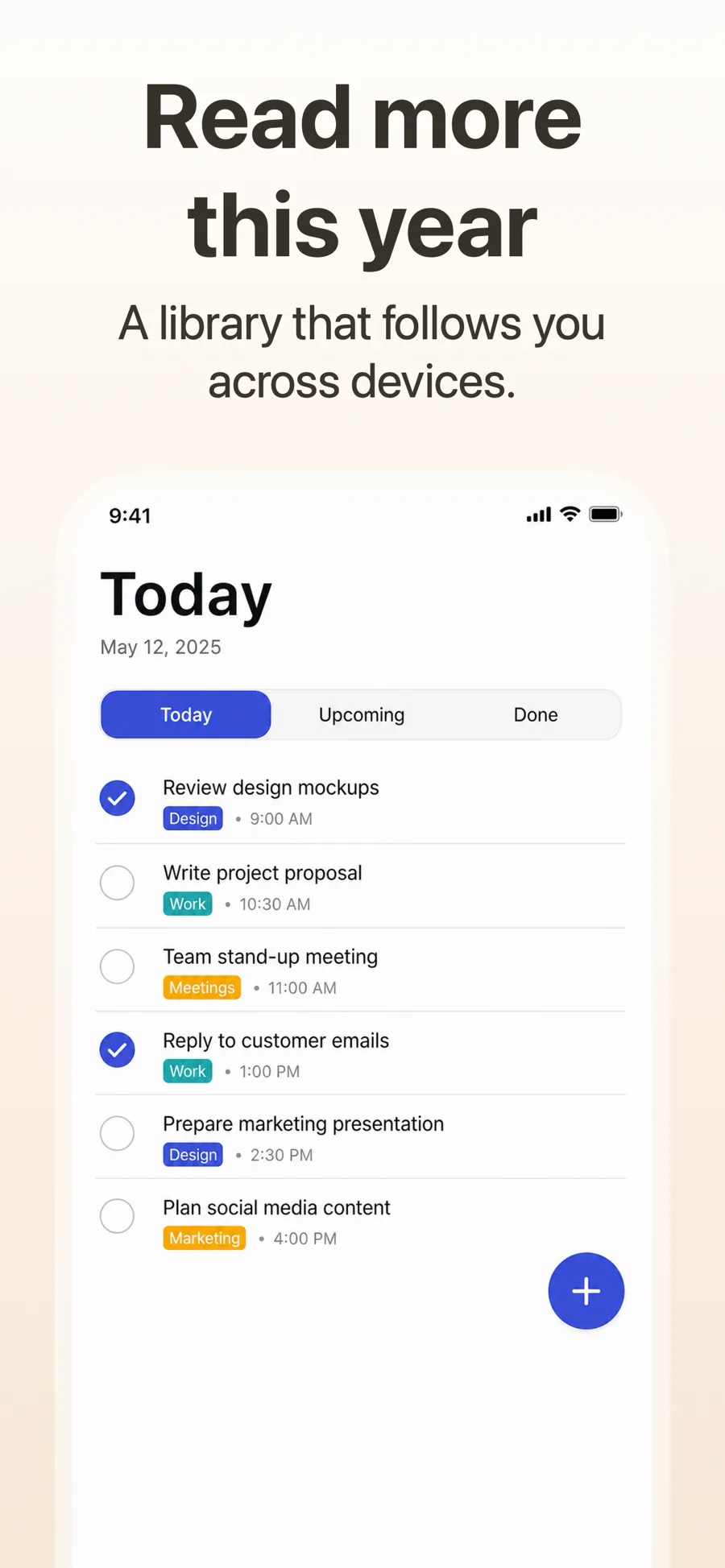
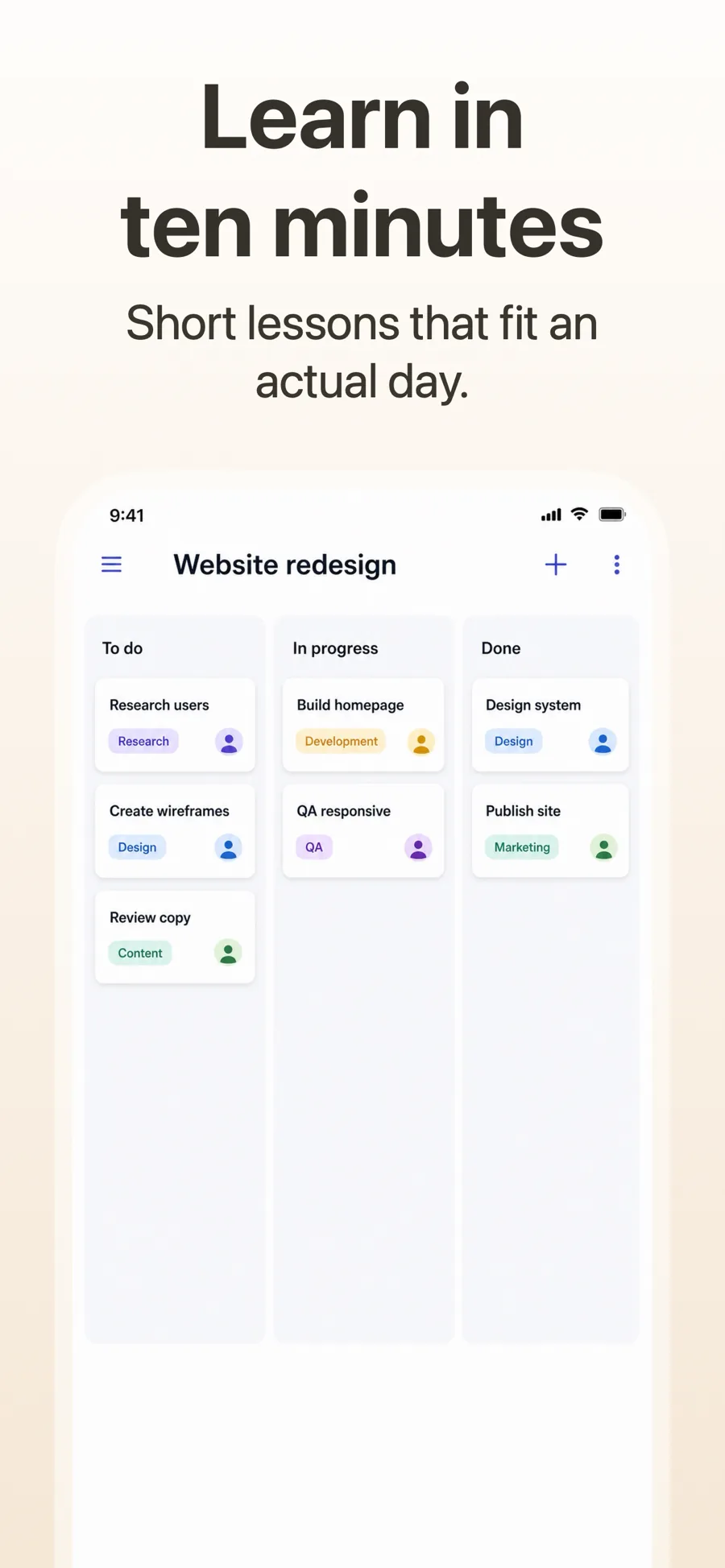
  • Retro template, screen 1 of 3. Retro template, screen 2 of 3. Retro template, screen 3 of 3.

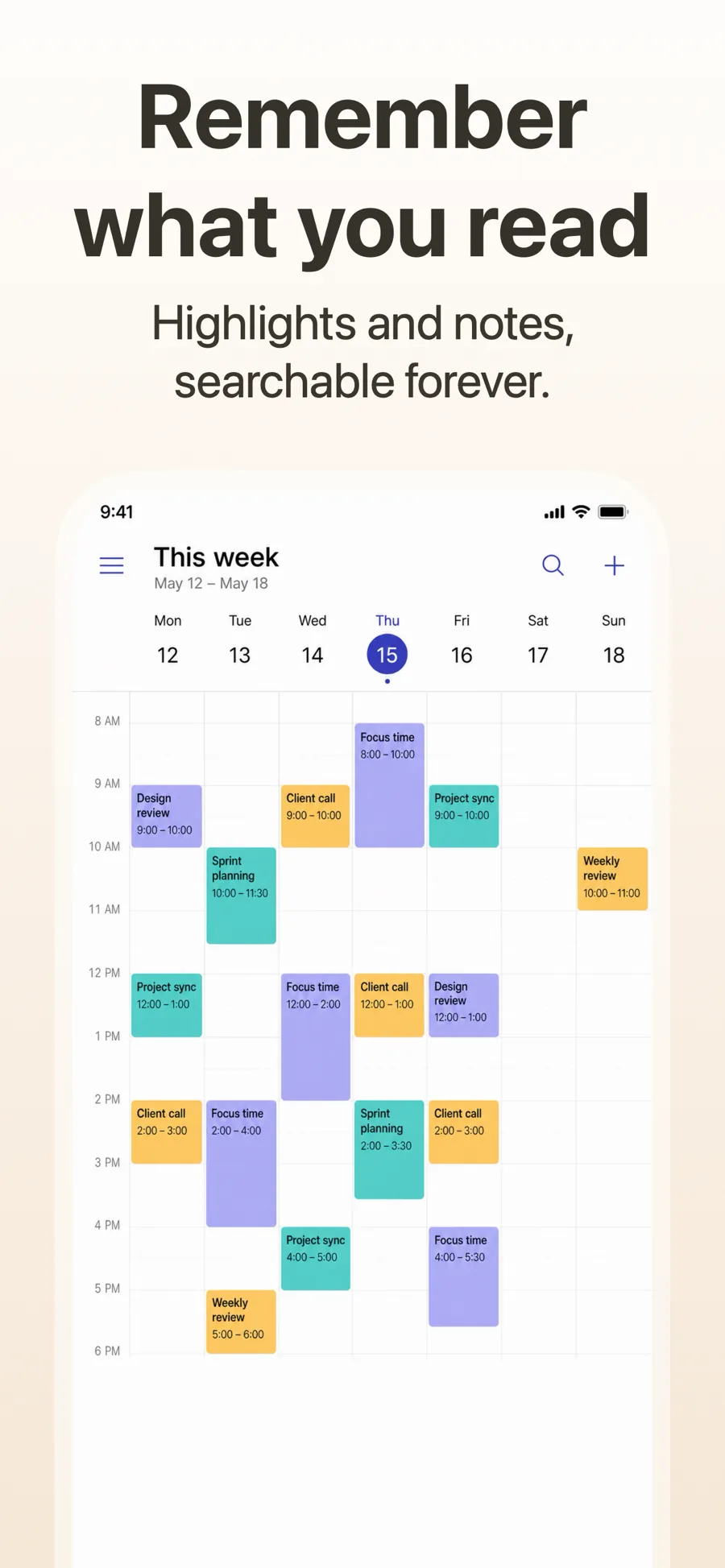
    Retro

    Warm paper ground, heavy sans. Editorial and lifestyle.

    For Books · News · Lifestyle

  • Spotlight template, screen 1 of 3. Spotlight template, screen 2 of 3. Spotlight template, screen 3 of 3.

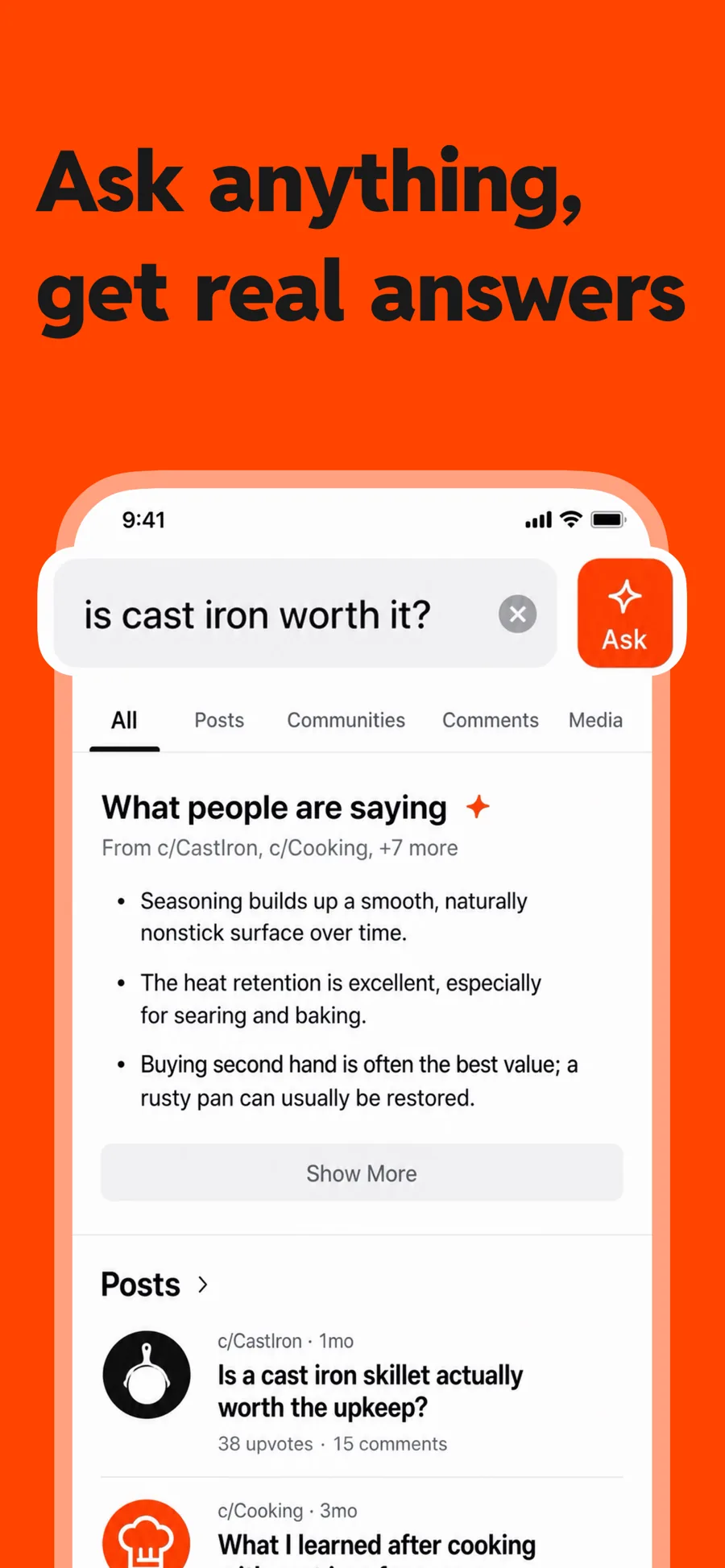
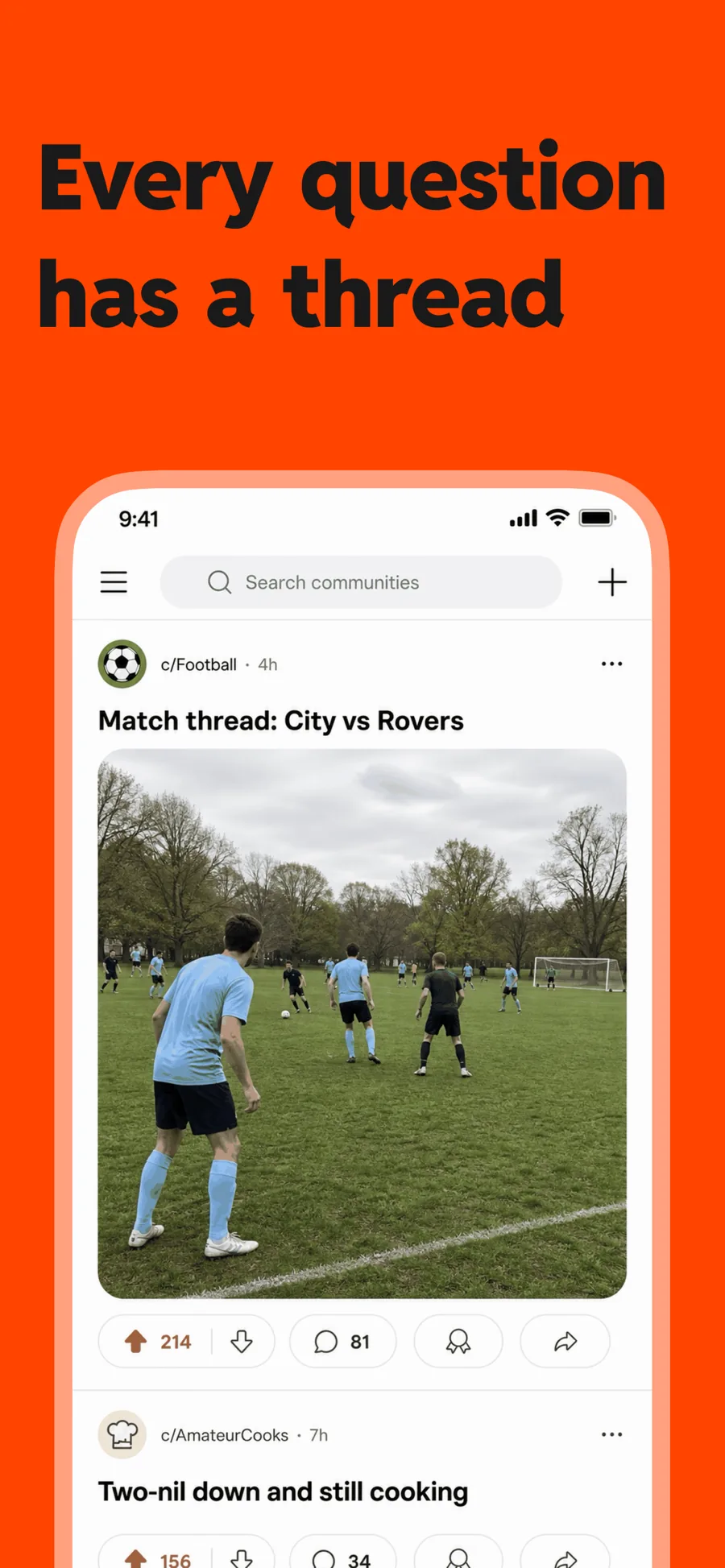
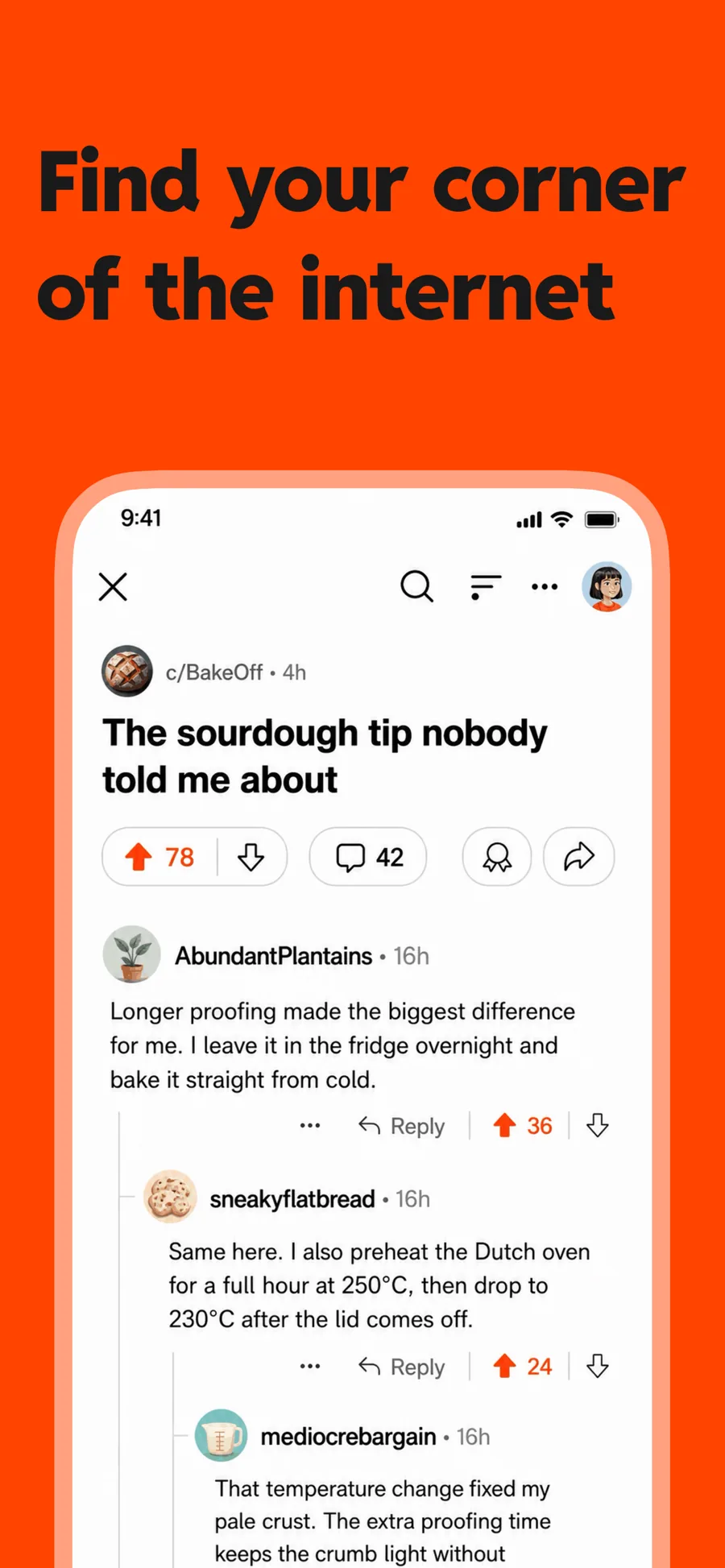
    Spotlight

    Inspired by Reddit

    One flat colour and heavy type, with room for a lens over the control you want noticed. For a feature that lives in one corner of the screen.

    For Social Networking · News · Entertainment

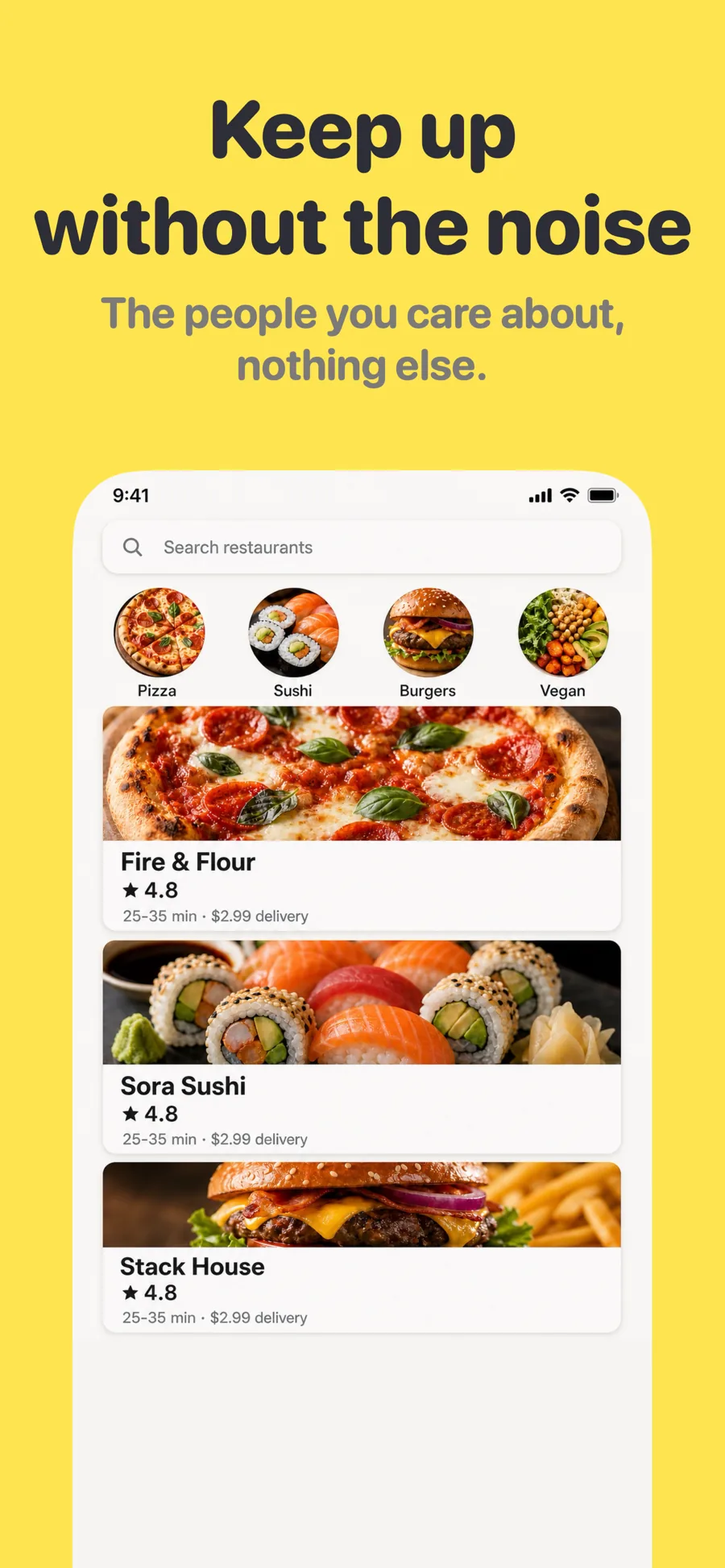
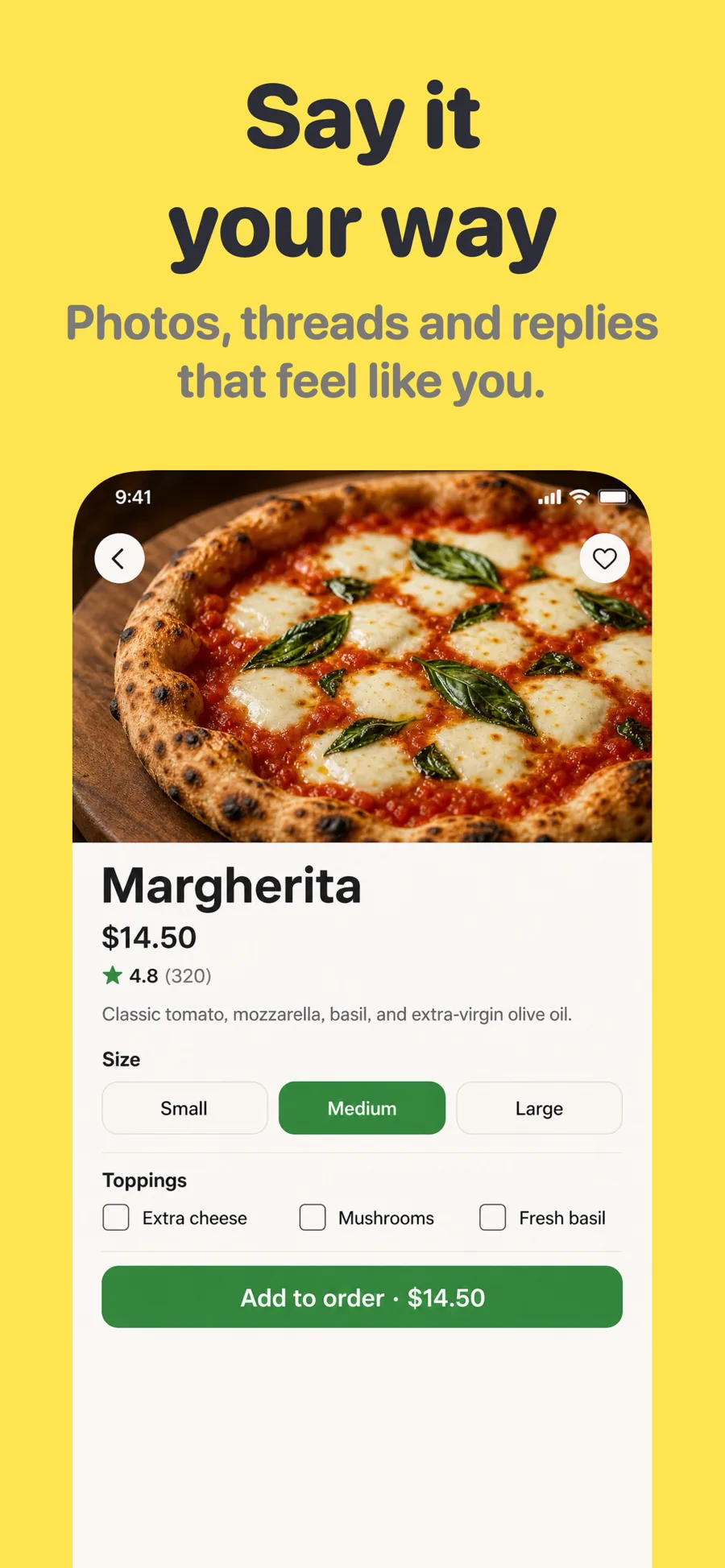
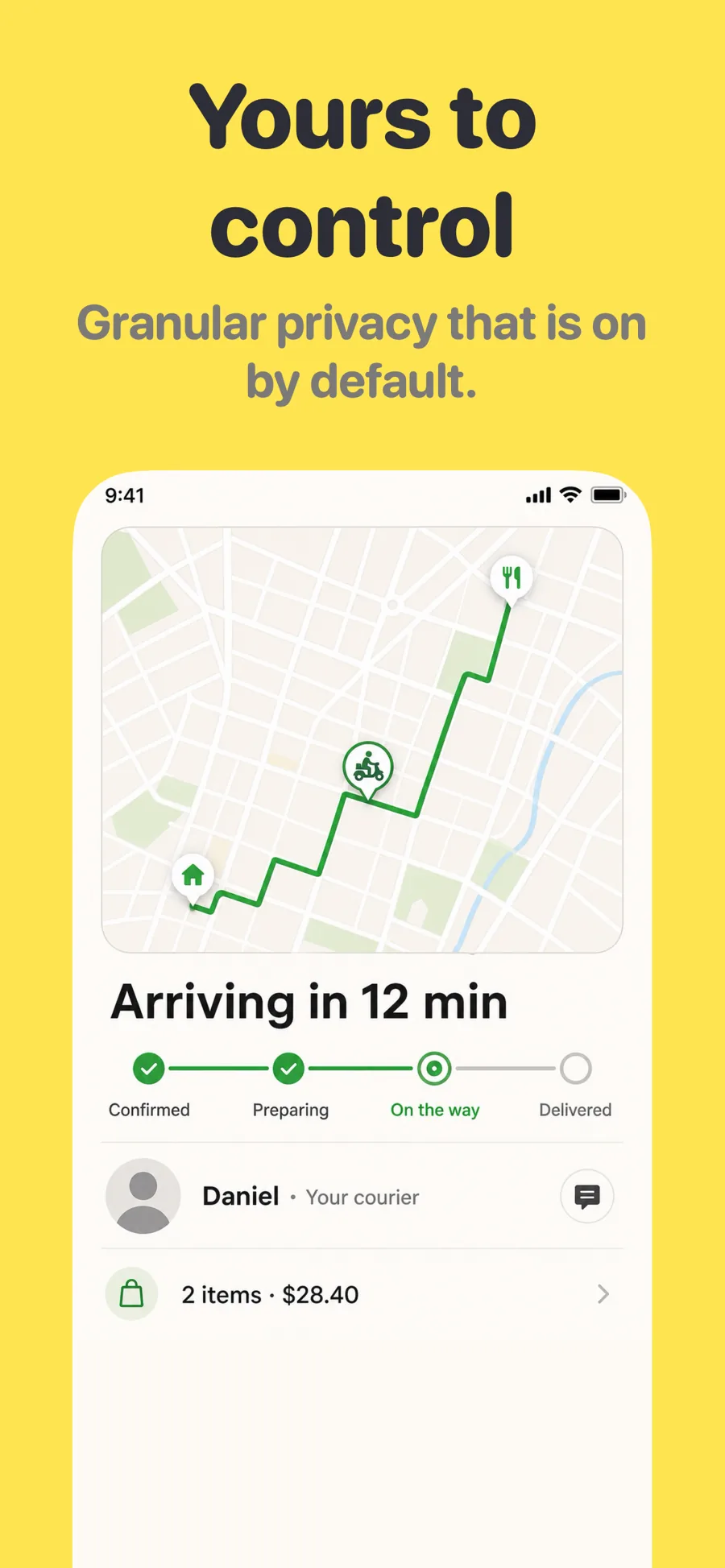
  • Clubhouse template, screen 1 of 3. Clubhouse template, screen 2 of 3. Clubhouse template, screen 3 of 3.

    Clubhouse

    Inspired by Clubhouse

    Community and conversation. Warm paper ground and rounded heavy type — friendly rather than corporate, and still legible at thumbnail size.

    For Social Networking · News · Education

What works in News screenshots

  • Fill the feed with plausible headlines; a half-empty front page suggests stale coverage.
  • Call out what is different — local coverage, no paywall, audio briefings, fewer notifications.
  • Keep the styling close to your own brand so readers recognise the masthead they already trust.

Make your News screenshots

  • Built into Screenshot Studio — apply it and swap in your own screenshots.
  • Every colour, font and layout value stays editable afterwards.
  • Localise the text into all 50 App Store languages from the same document.

Get Screenshot Studio