← All templates

Screenshot templates by category

Social Networking App Store screenshot templates

Social apps are judged on whether they feel alive. Screenshots that work show people, conversation and content in motion, with type that reads as immediate rather than corporate. The templates here lean on bold grounds and wide headlines that hold up at thumbnail size.

5 templates that suit Social Networking apps, all built into the app.
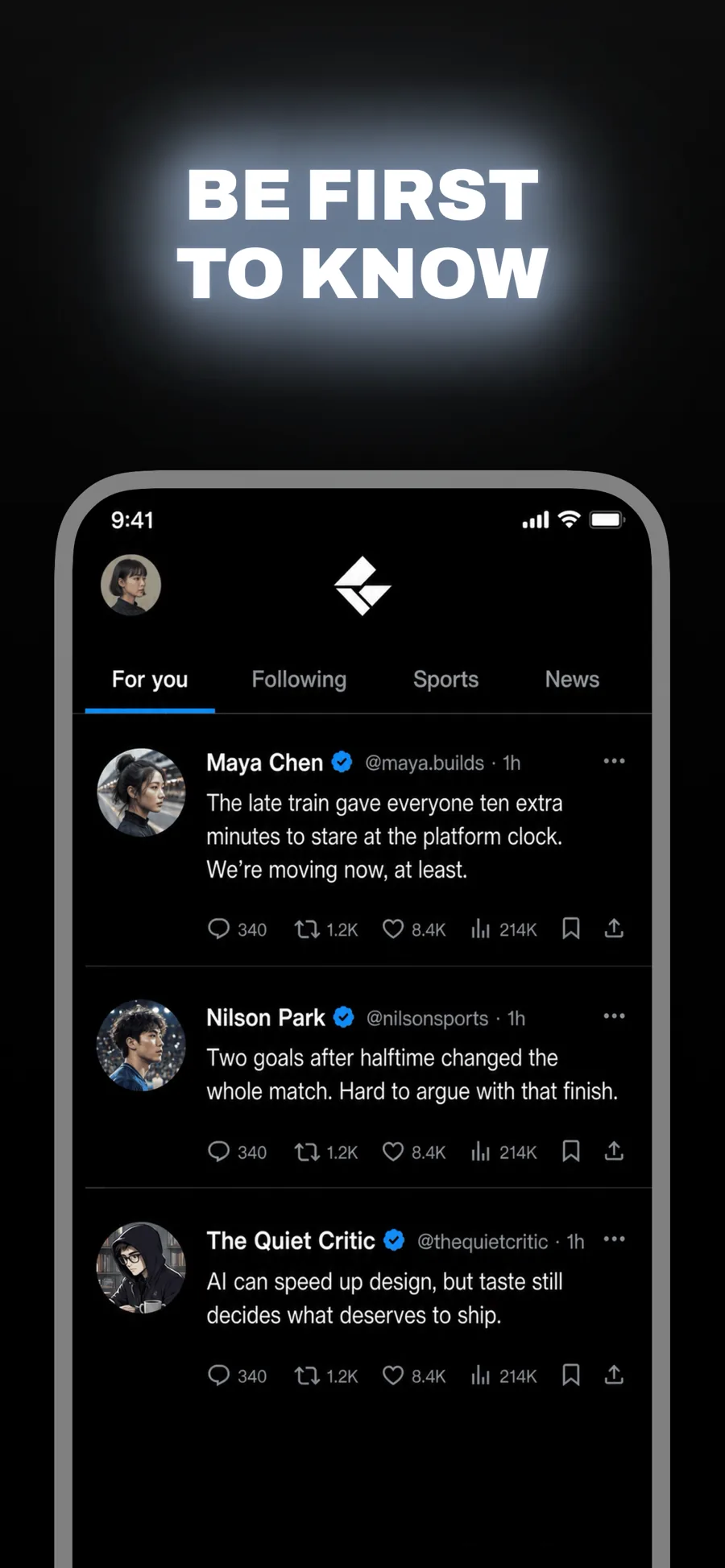
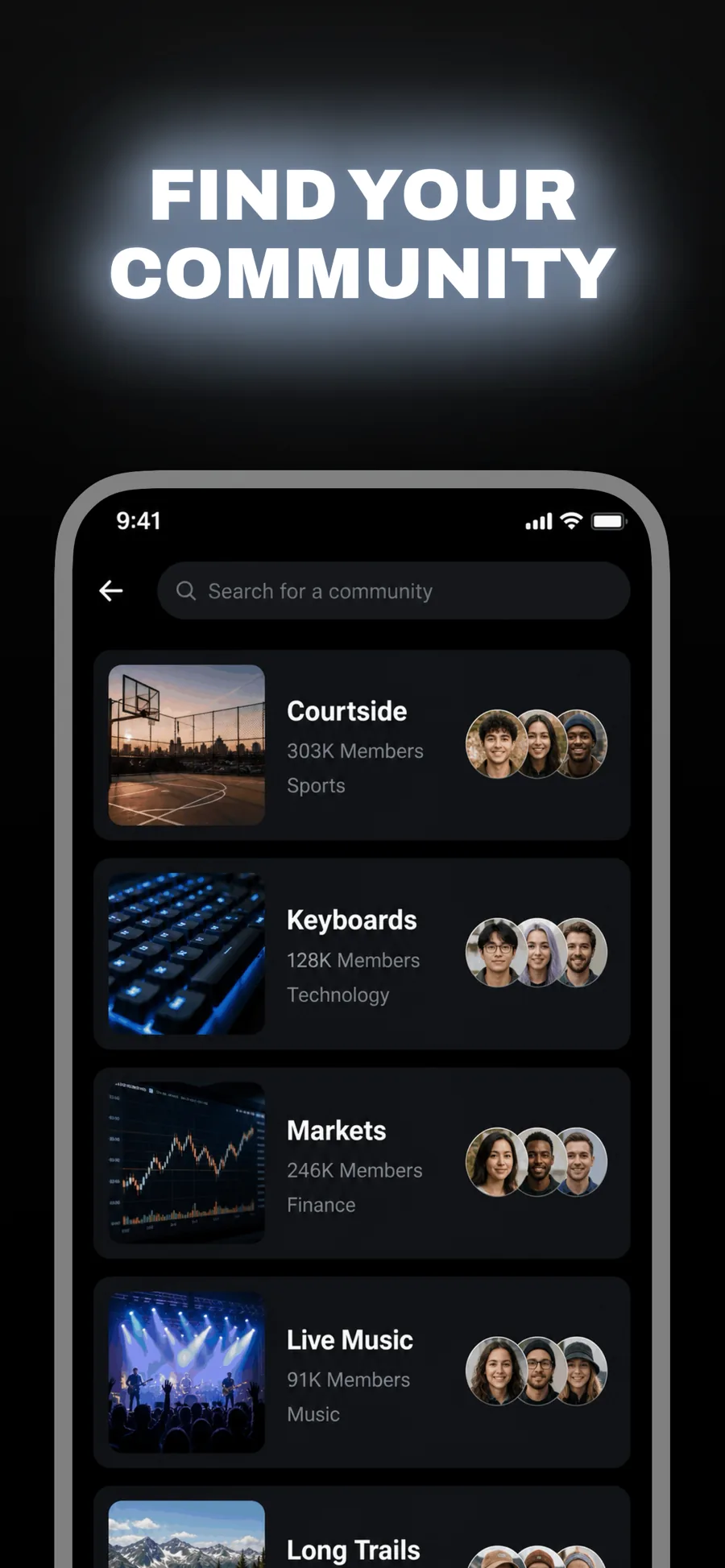
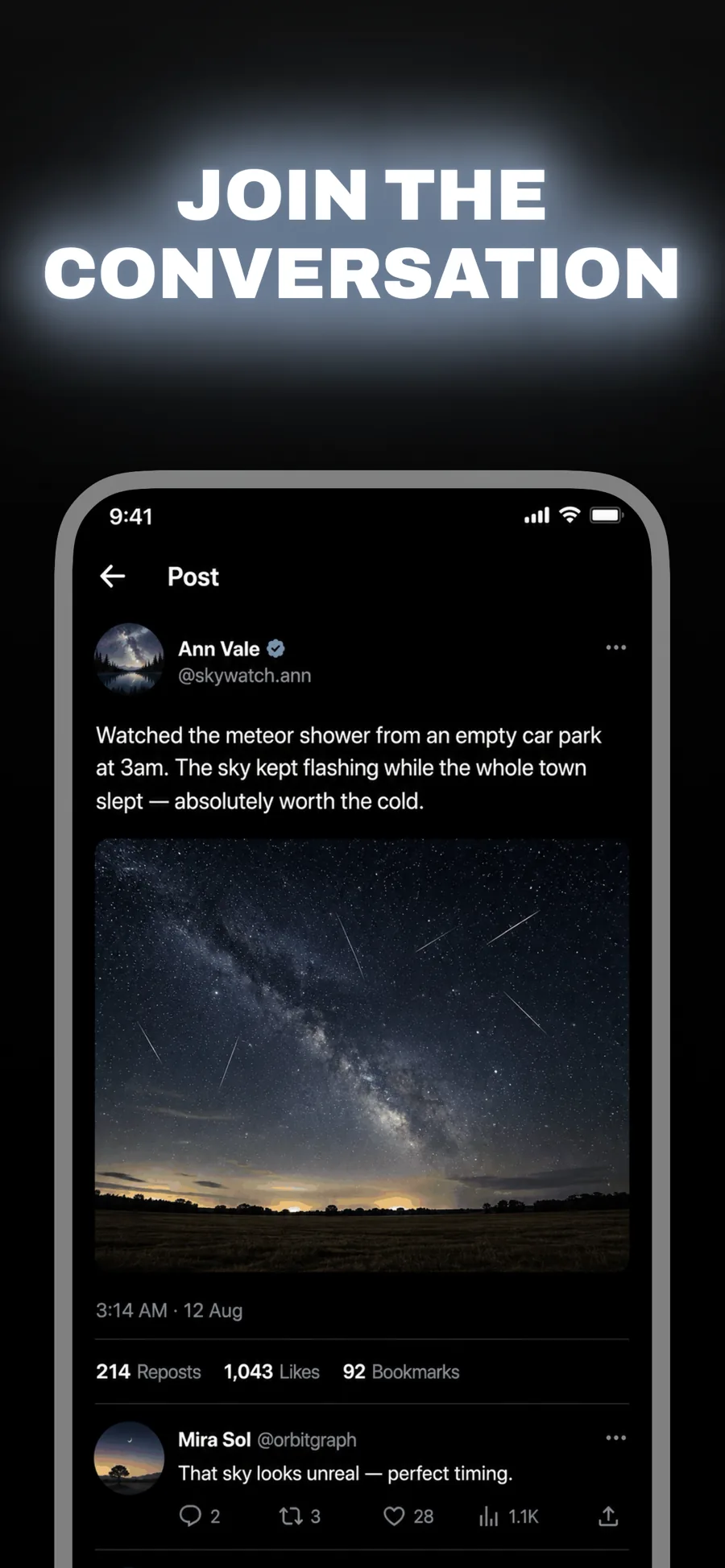
  • Beacon template, screen 1 of 3. Beacon template, screen 2 of 3. Beacon template, screen 3 of 3.

    Beacon

    Inspired by X

    Social, news and anything that trades on immediacy. Wide caps glowing on black — loud without a single bright colour.

    For Social Networking · News · Entertainment

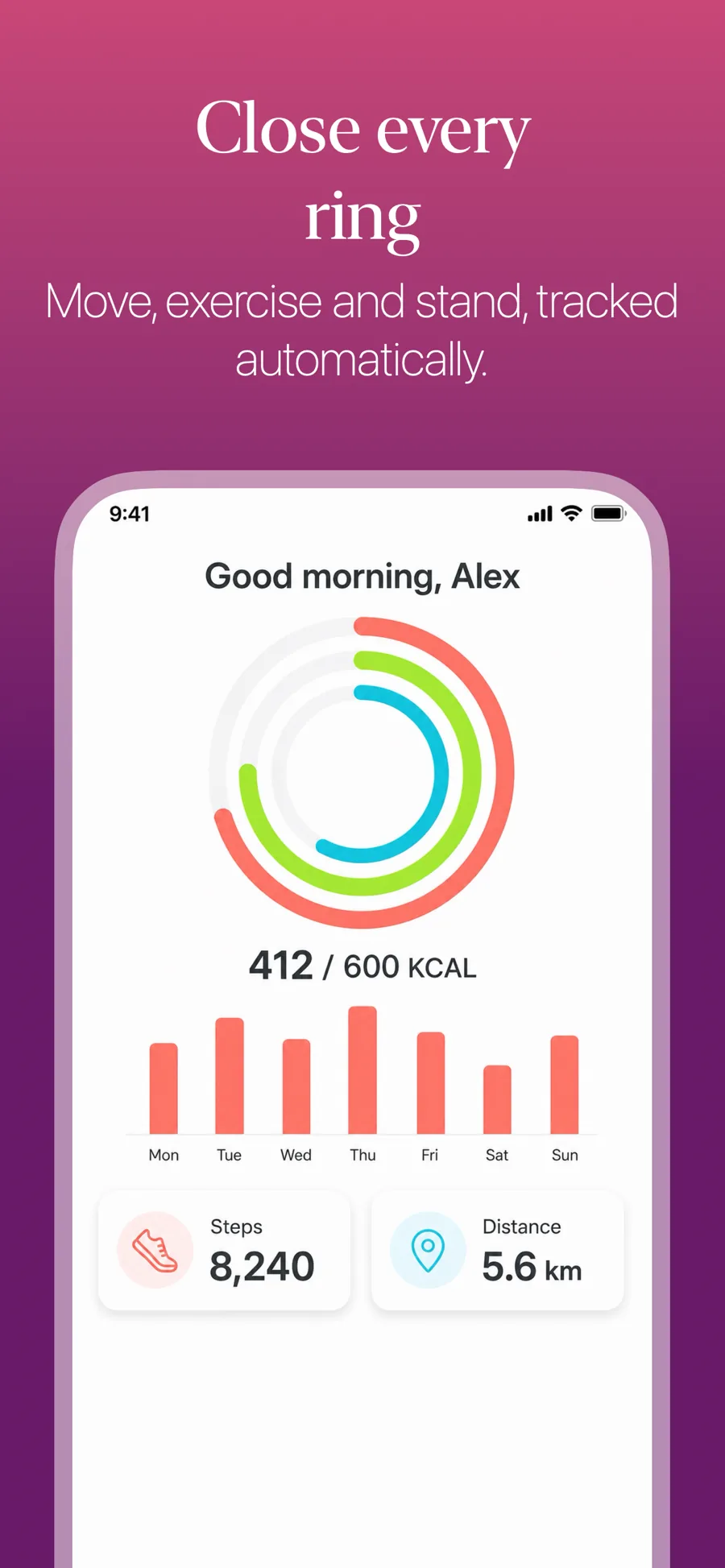
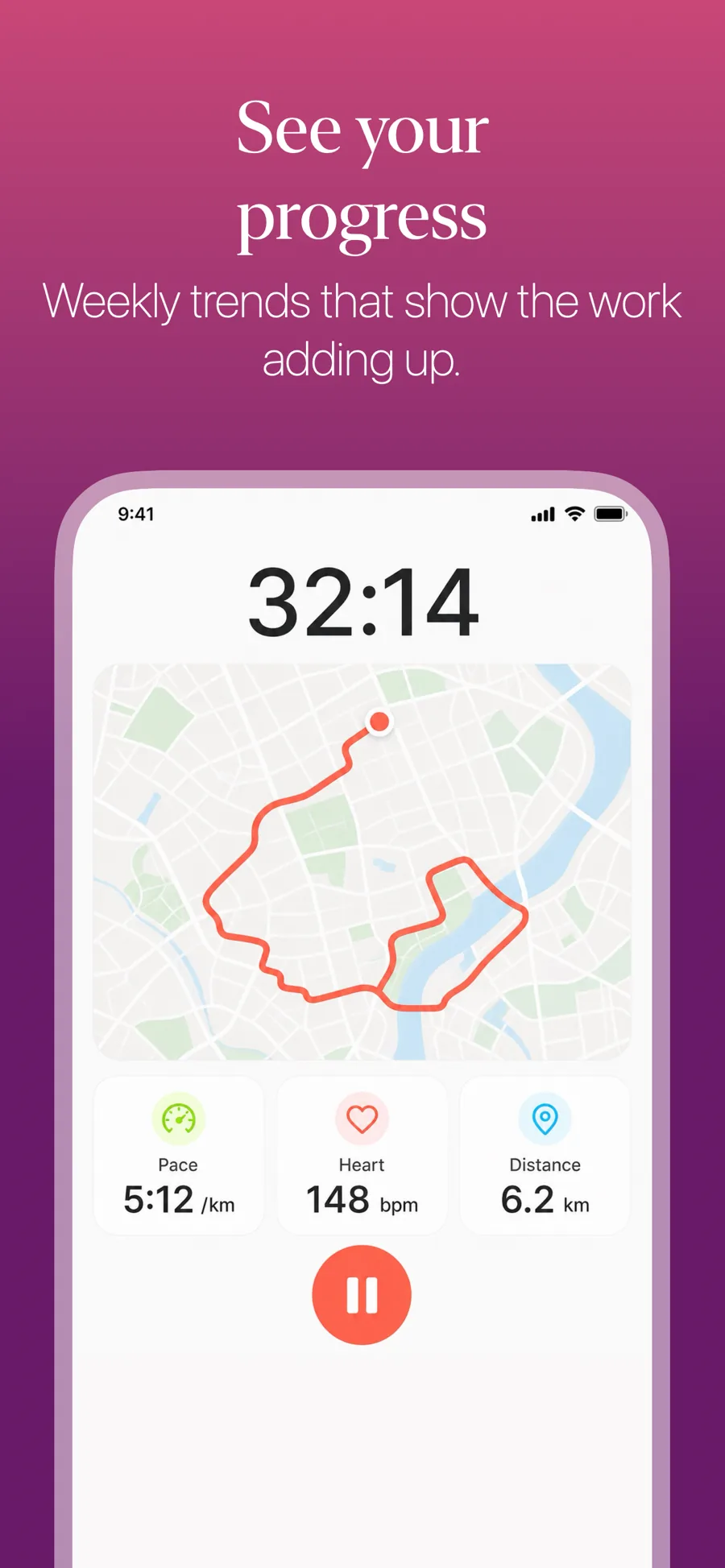
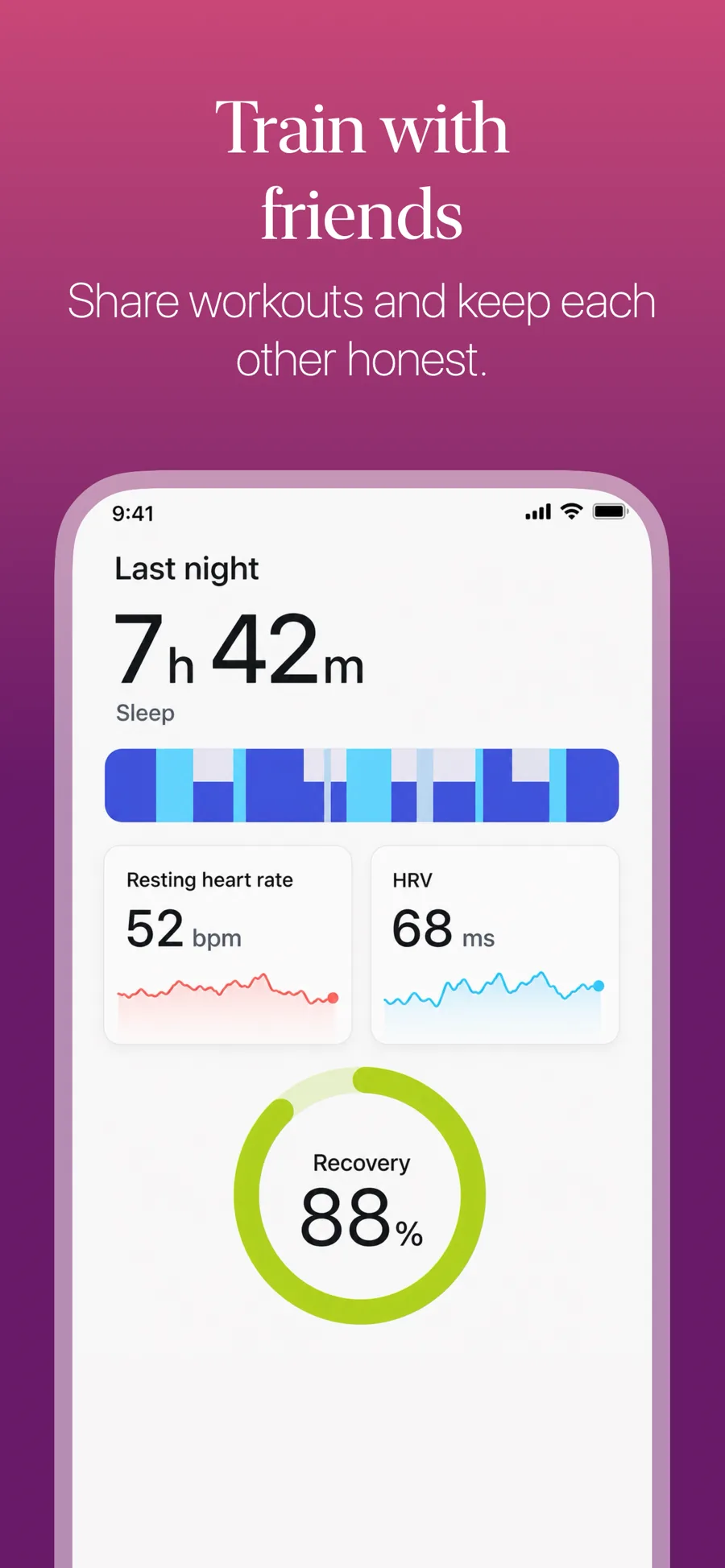
  • Gradient template, screen 1 of 3. Gradient template, screen 2 of 3. Gradient template, screen 3 of 3.

    Gradient

    Saturated gradient ground. The safe default for fitness, social and entertainment.

    For Health & Fitness · Social Networking · Entertainment

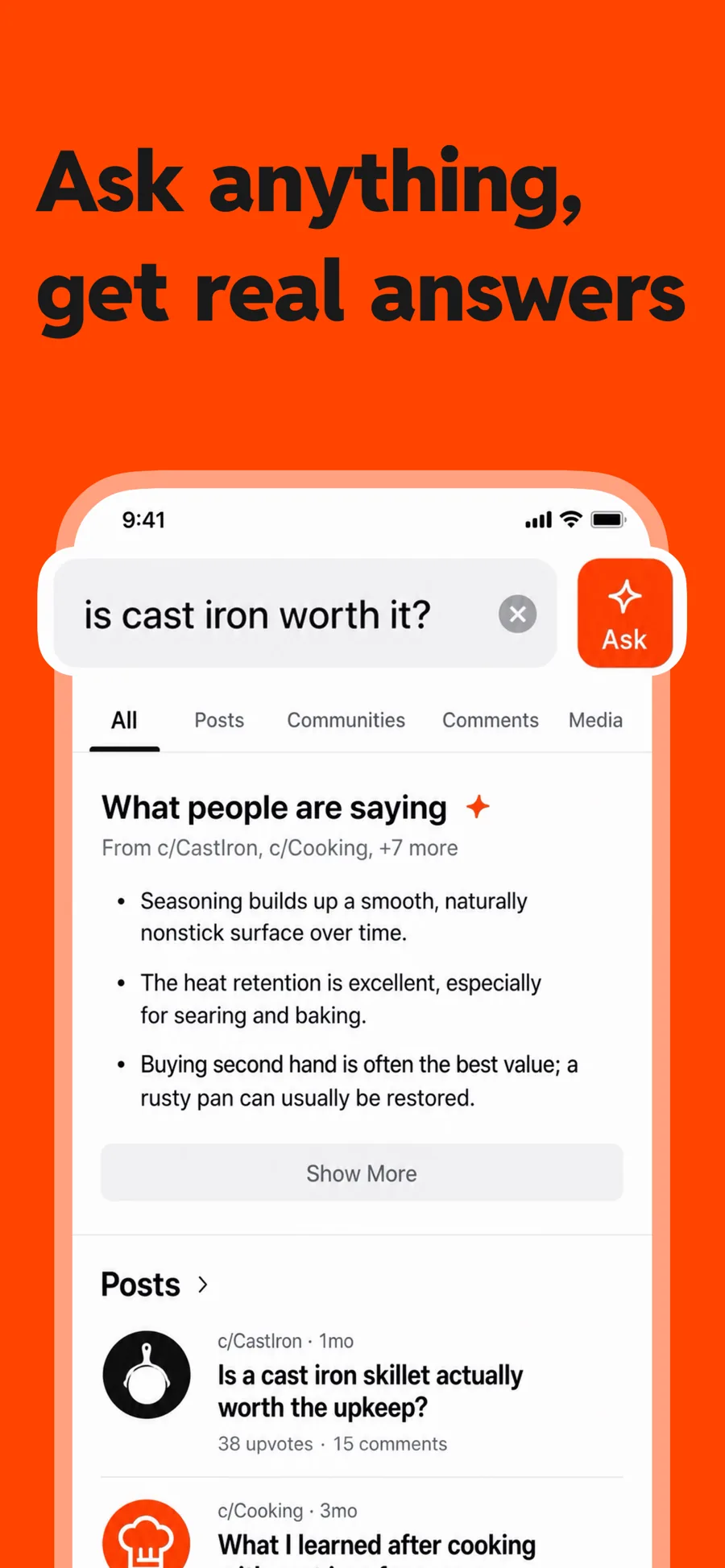
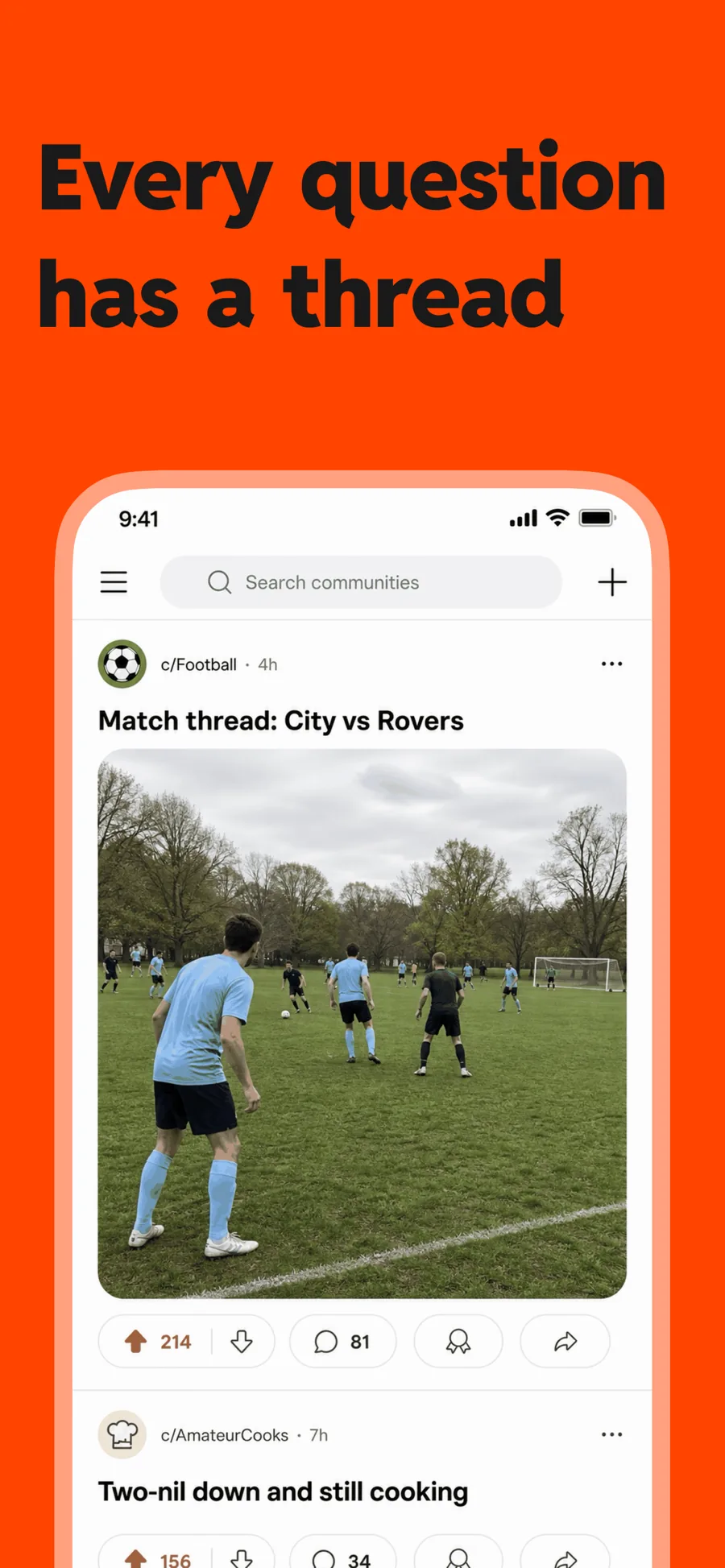
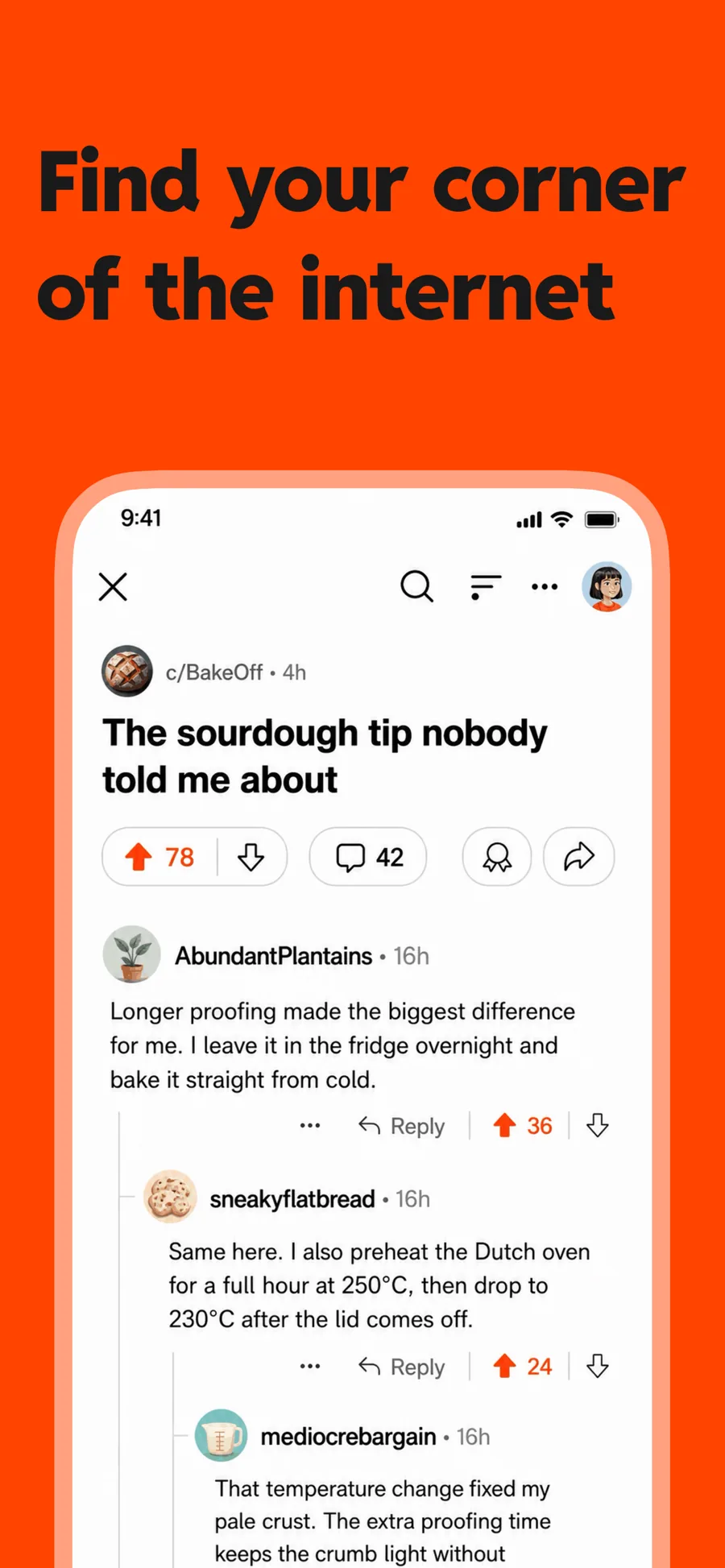
  • Spotlight template, screen 1 of 3. Spotlight template, screen 2 of 3. Spotlight template, screen 3 of 3.

    Spotlight

    Inspired by Reddit

    One flat colour and heavy type, with room for a lens over the control you want noticed. For a feature that lives in one corner of the screen.

    For Social Networking · News · Entertainment

  • Sticker template, screen 1 of 3. Sticker template, screen 2 of 3. Sticker template, screen 3 of 3.

    Sticker

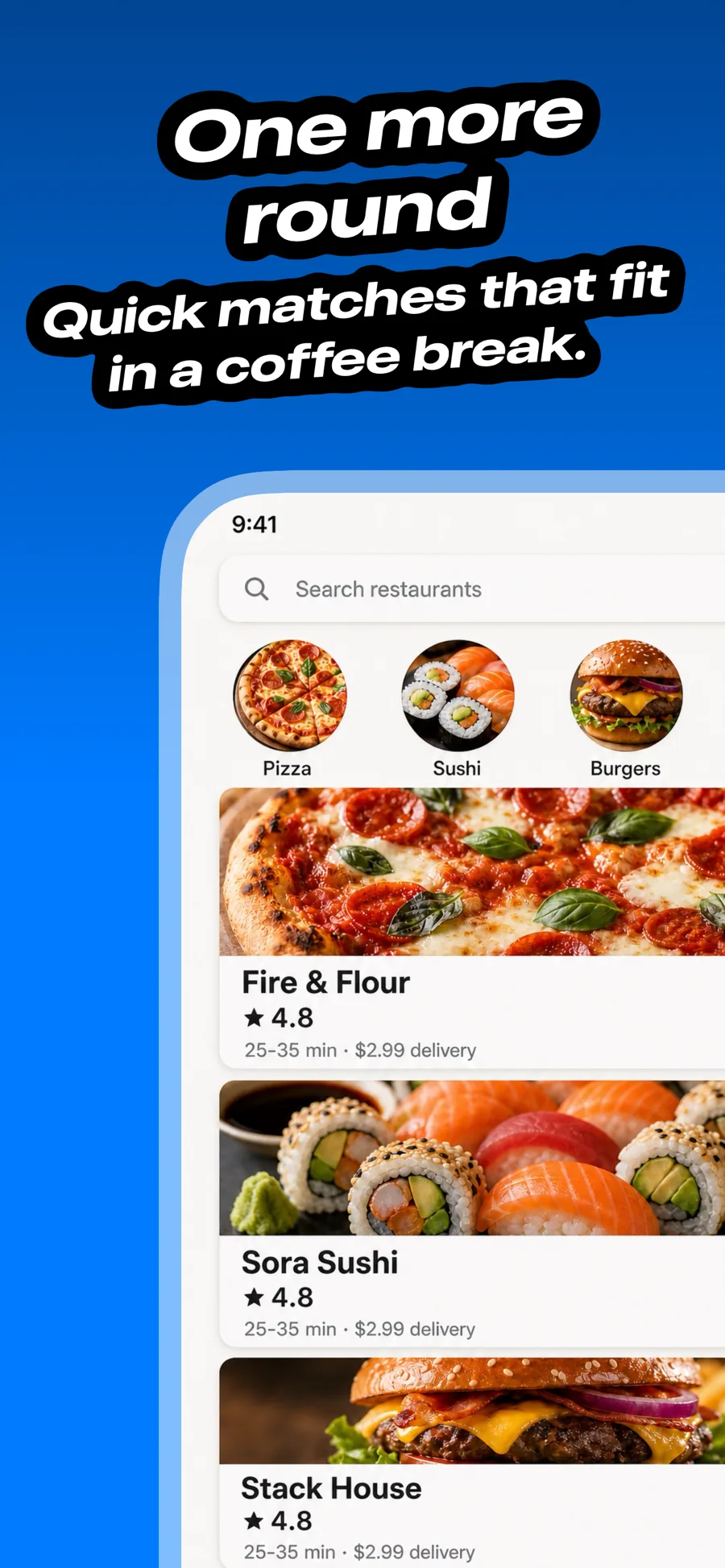
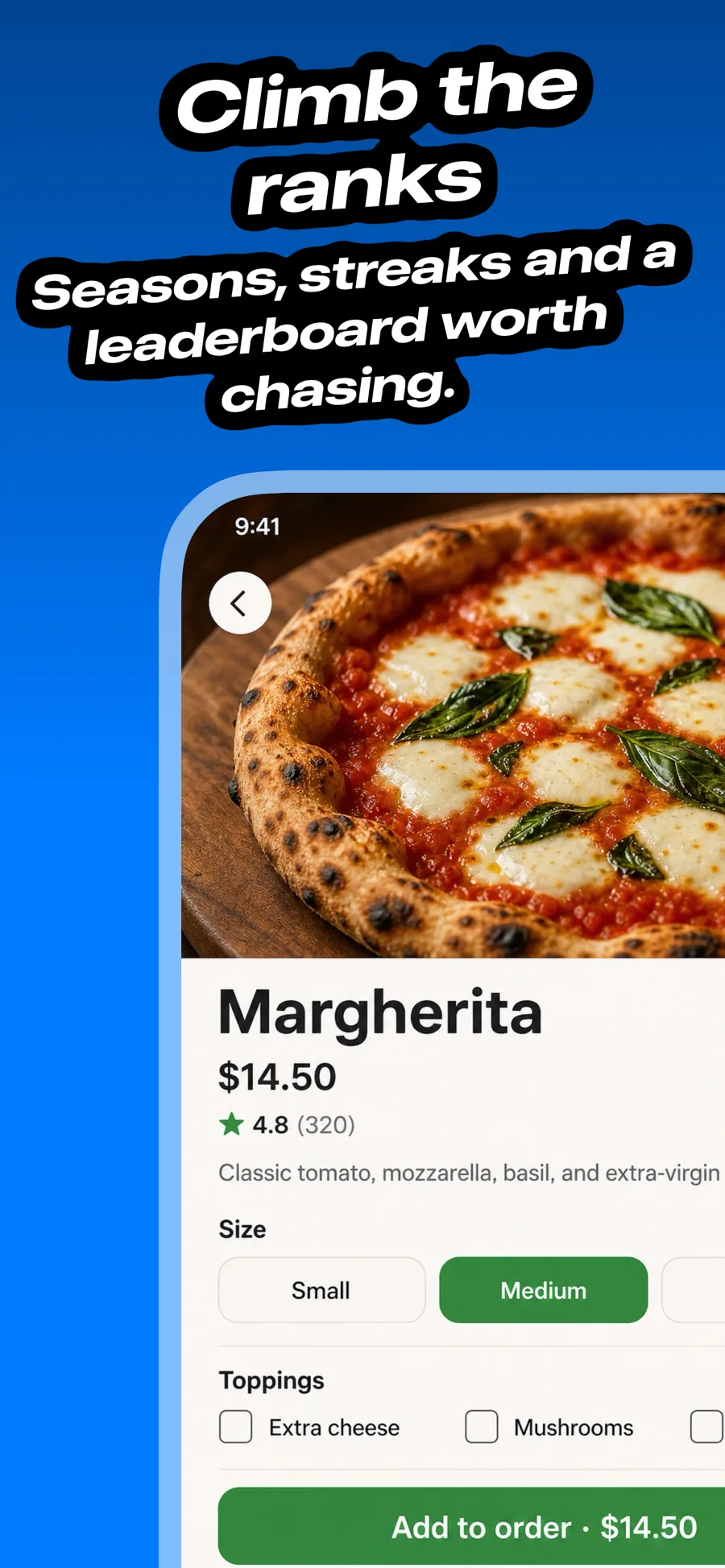
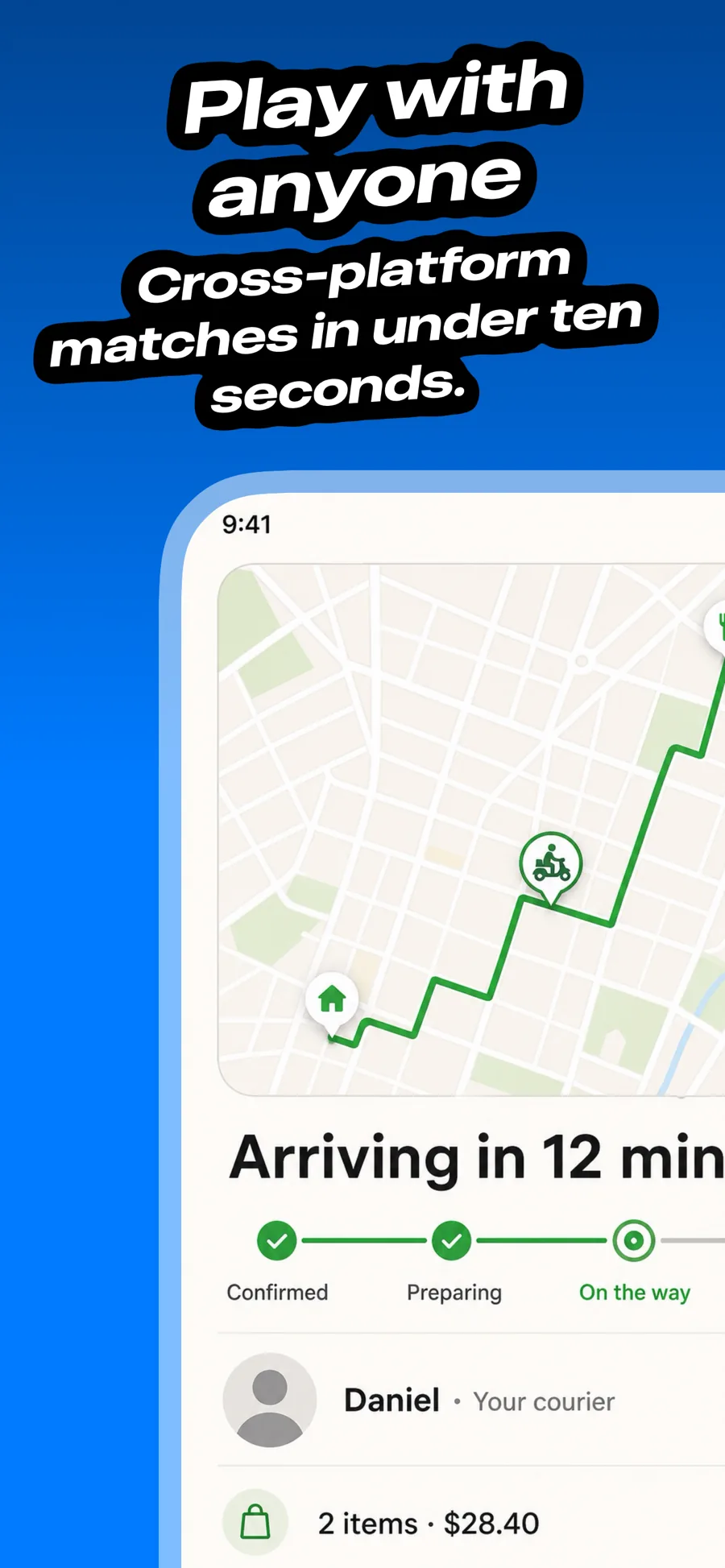
    Outlined text over a bold ground. Games, kids and social; too loud for finance or health.

    For Games · Education · Social Networking

  • Clubhouse template, screen 1 of 3. Clubhouse template, screen 2 of 3. Clubhouse template, screen 3 of 3.

    Clubhouse

    Inspired by Clubhouse

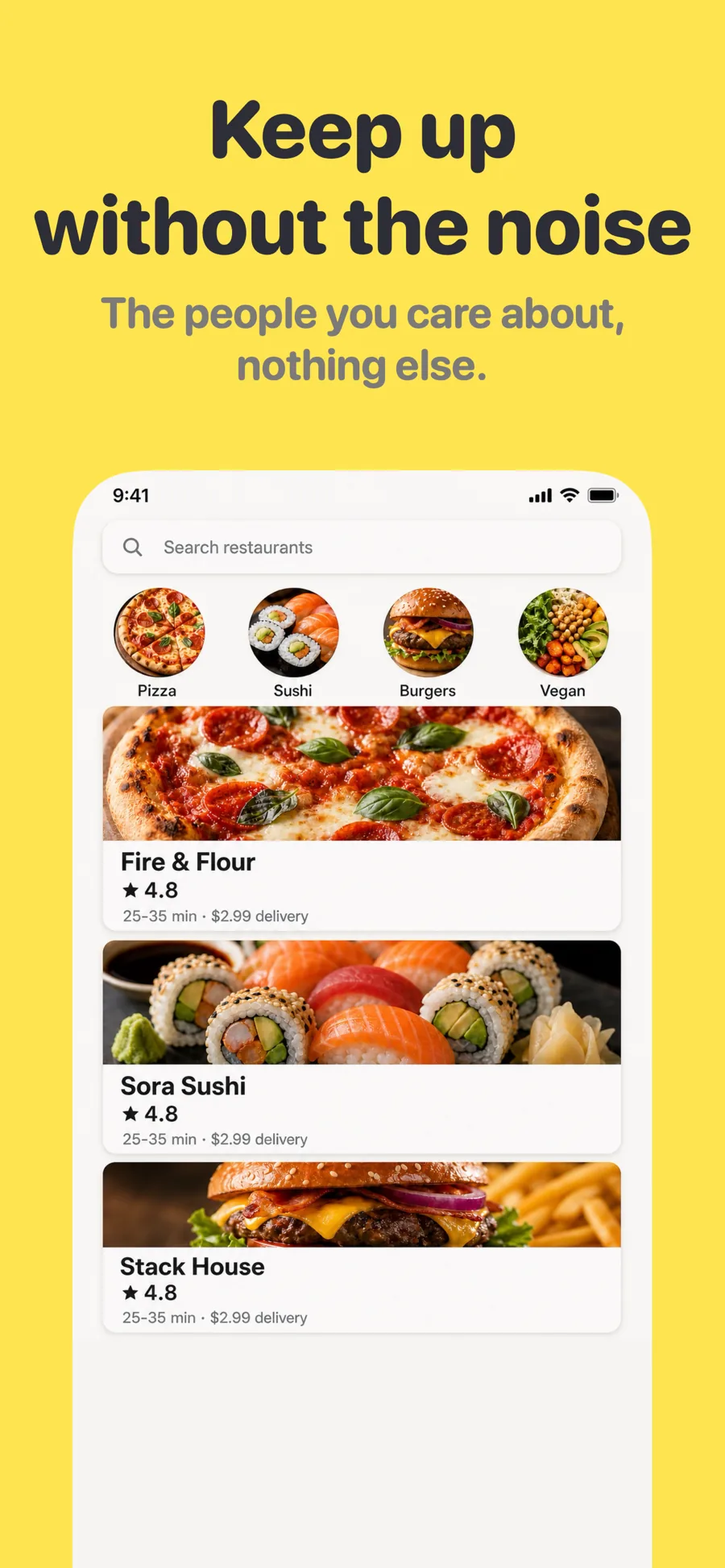
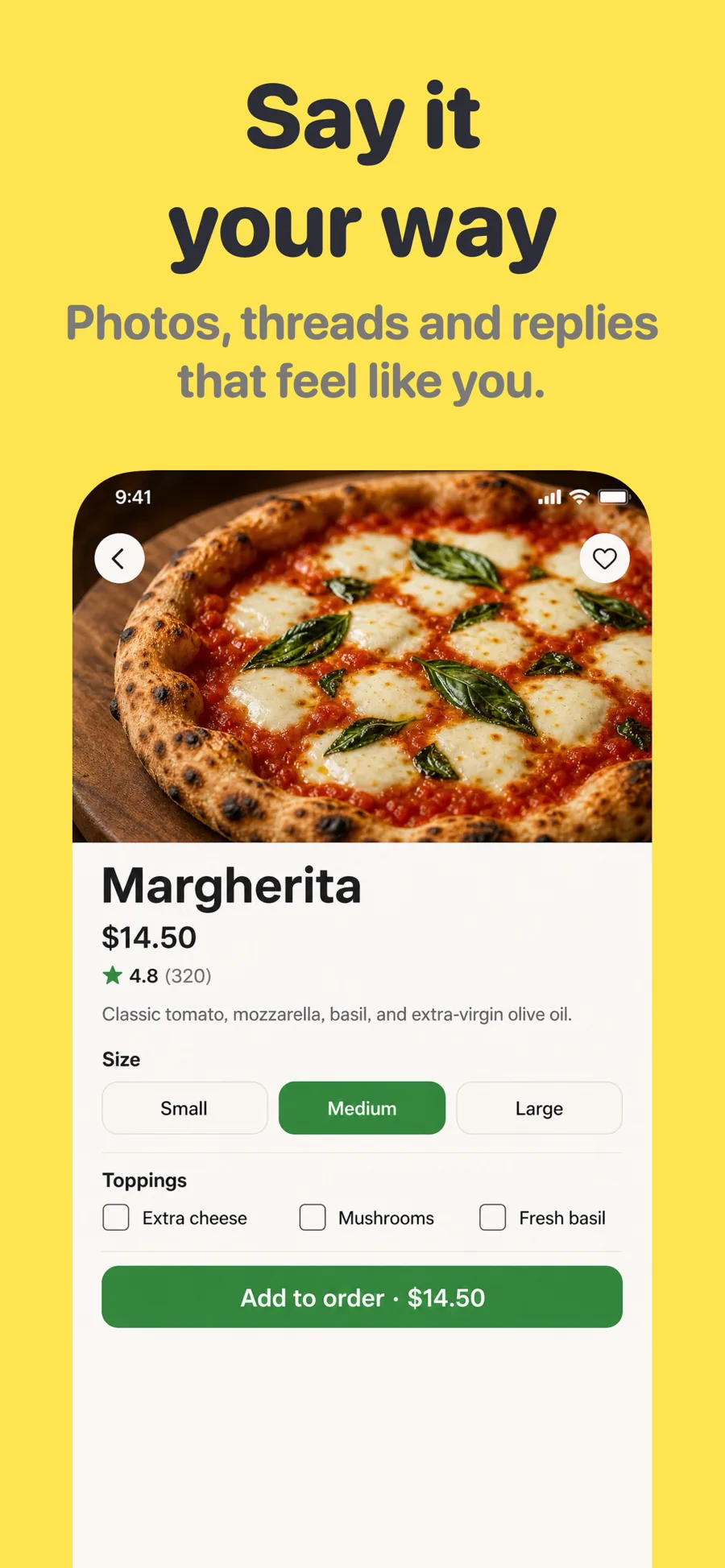
    Community and conversation. Warm paper ground and rounded heavy type — friendly rather than corporate, and still legible at thumbnail size.

    For Social Networking · News · Education

What works in Social Networking screenshots

  • Show a busy feed or an active conversation — an empty profile makes the app look deserted.
  • Use sample content that looks like your real community, not stock-photo smiles.
  • Say who it is for in the first caption; social apps win on belonging more than features.

Make your Social Networking screenshots

  • Built into Screenshot Studio — apply it and swap in your own screenshots.
  • Every colour, font and layout value stays editable afterwards.
  • Localise the text into all 50 App Store languages from the same document.

Get Screenshot Studio