← All templates

Screenshot templates by category

Shopping App Store screenshot templates

Shopping apps sell with product imagery, so the screenshots should look like a shop window. The templates here keep the ground simple and give the photography room, with headlines that point at the reason to buy here rather than anywhere else — price, speed, selection or trust.

5 templates that suit Shopping apps, all built into the app.
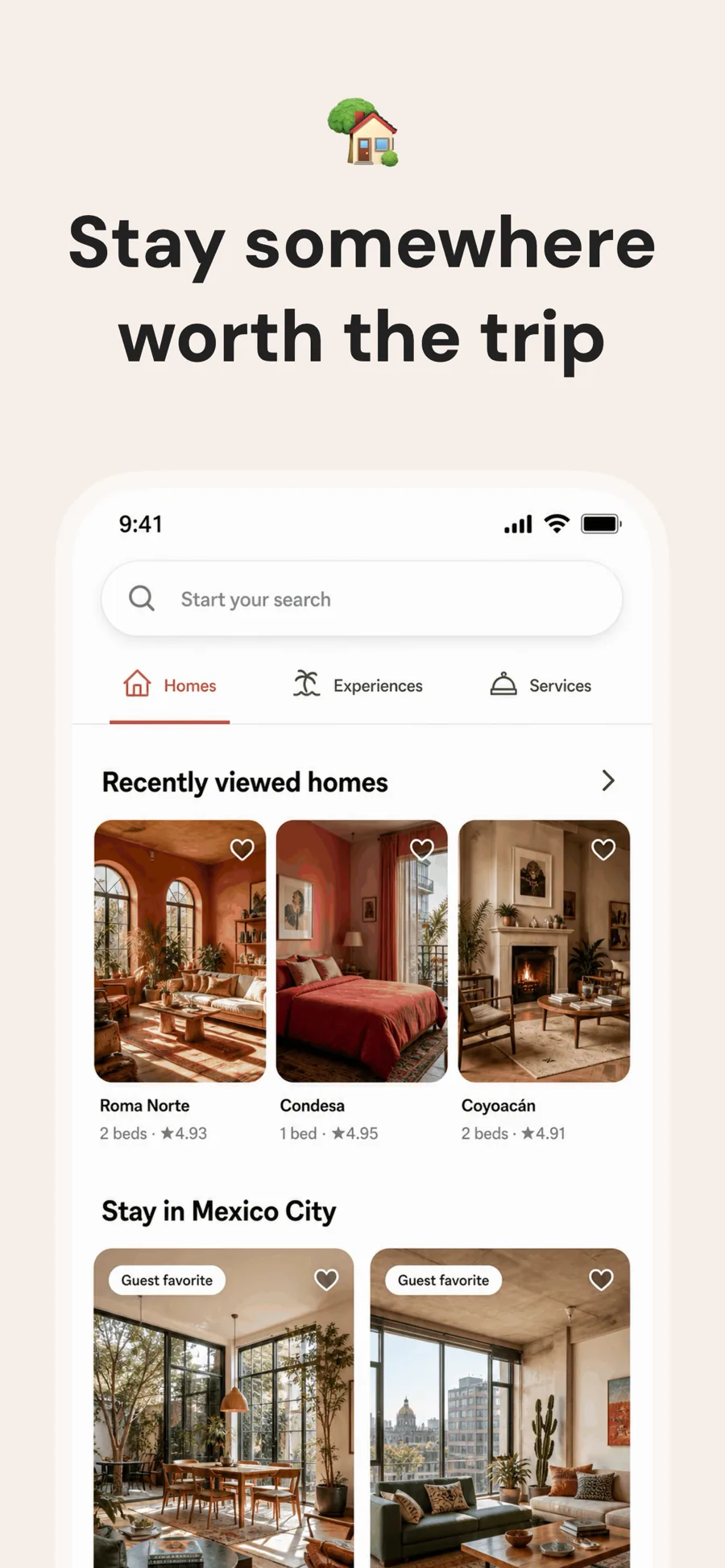
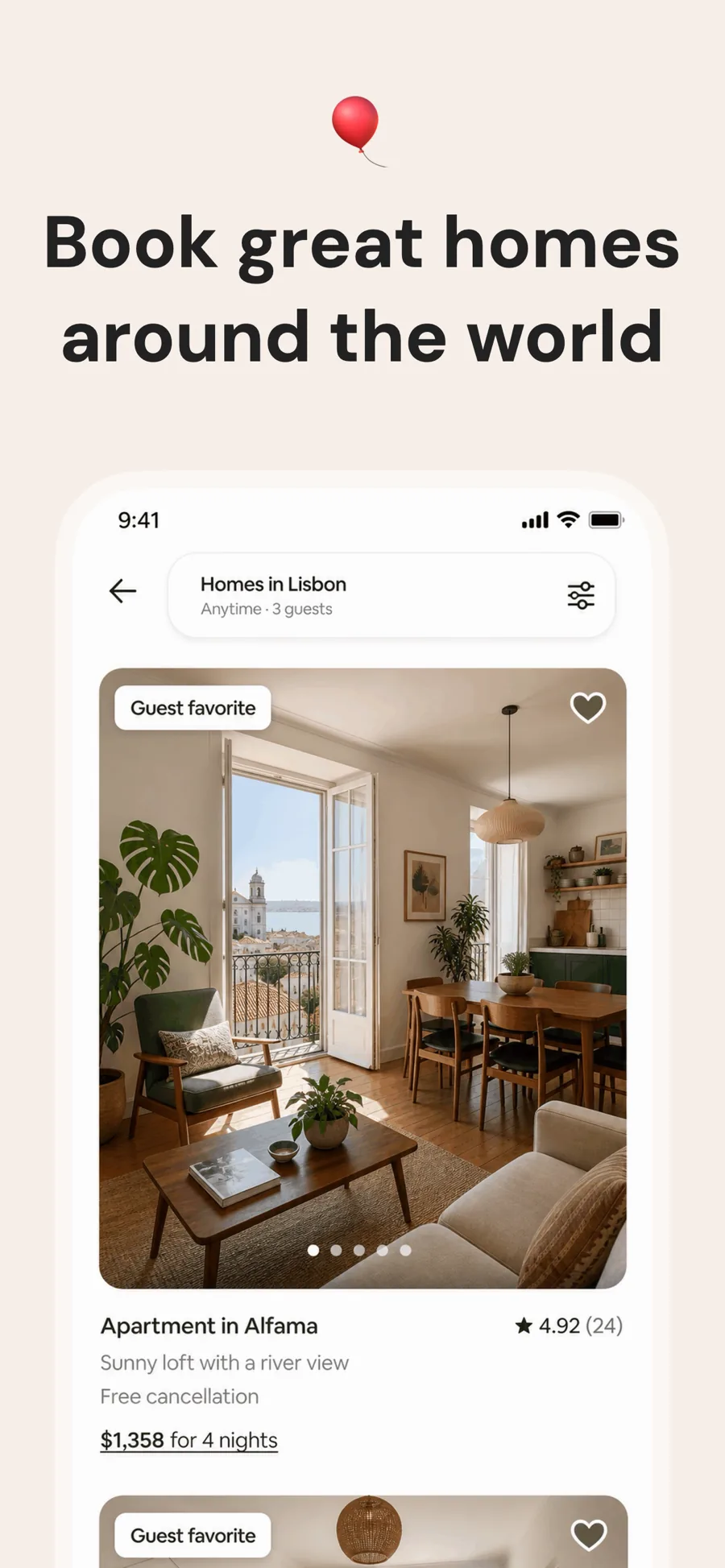
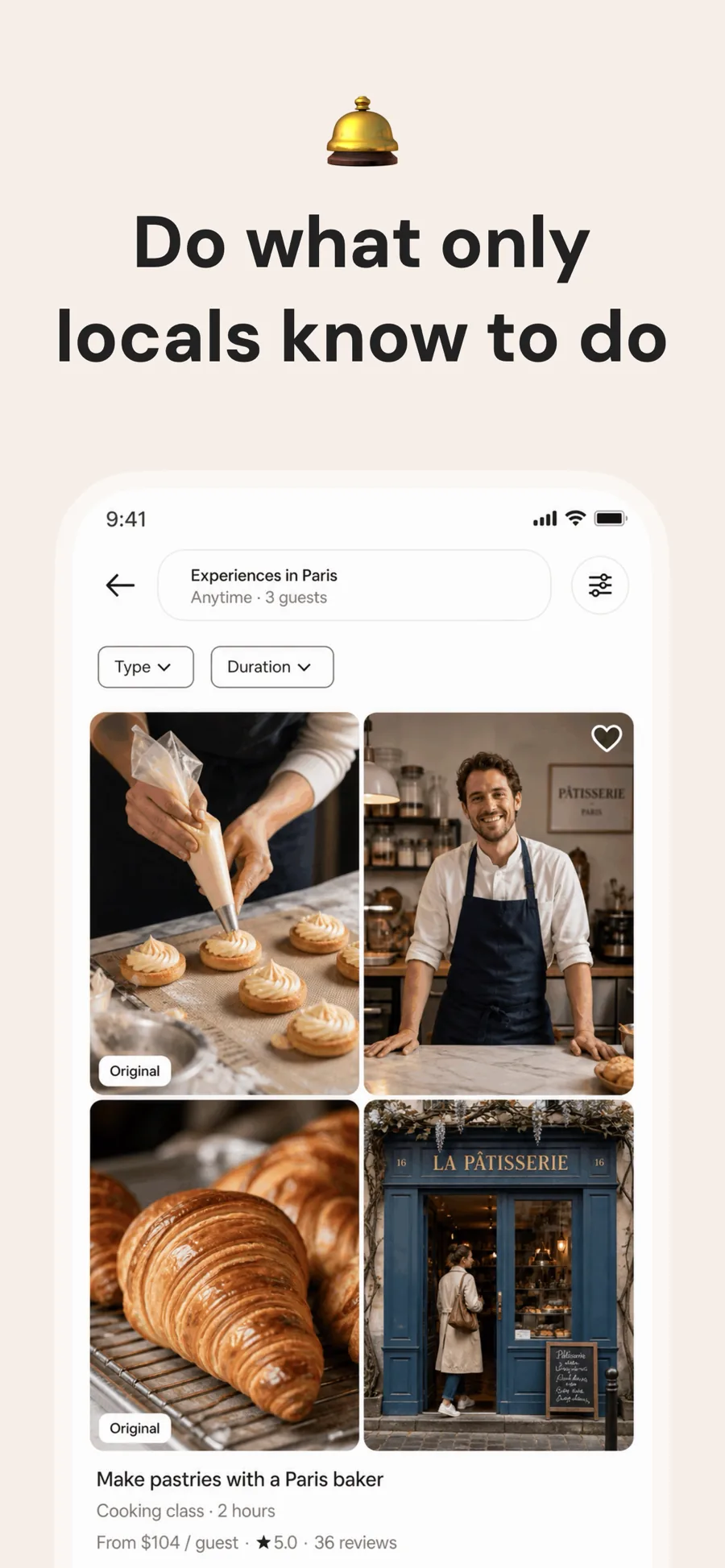
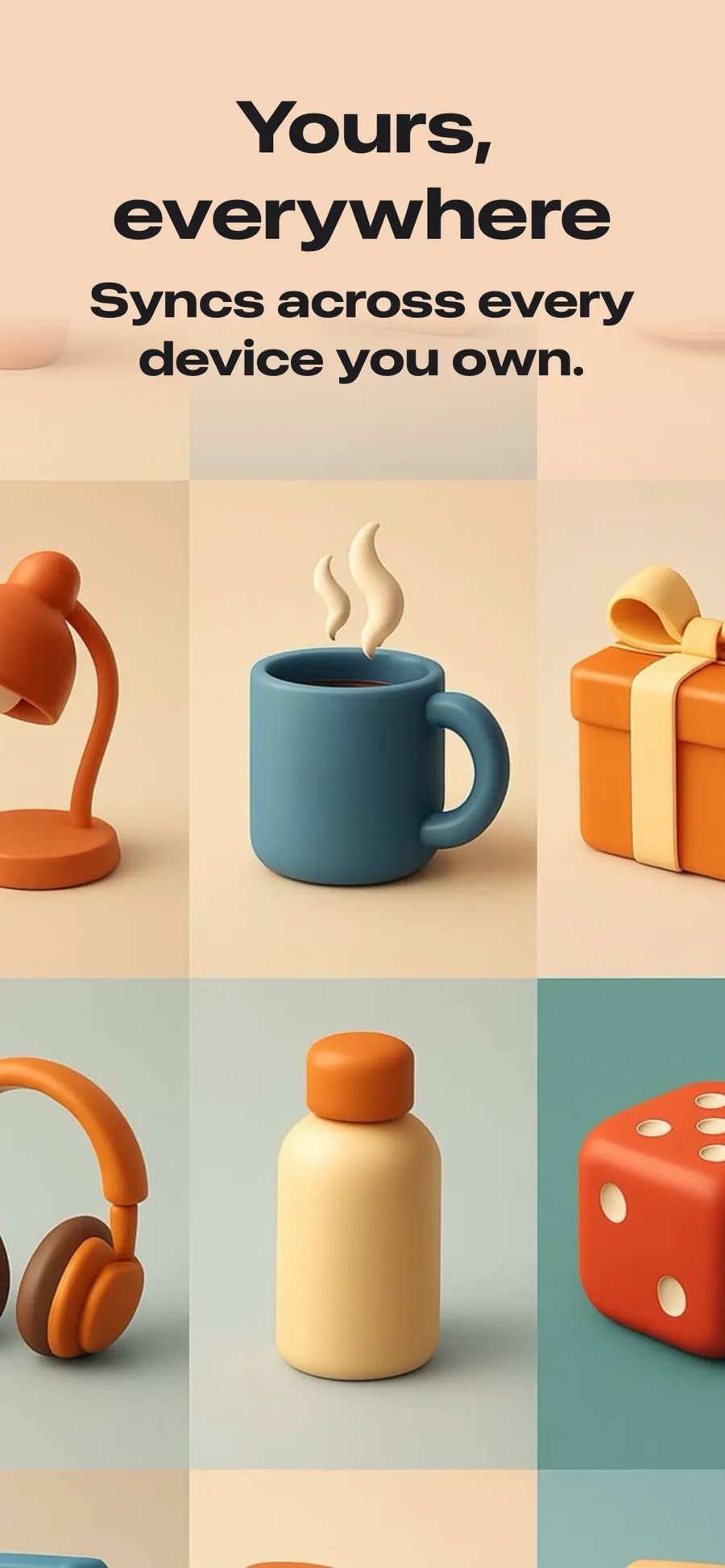
  • Linen template, screen 1 of 3. Linen template, screen 2 of 3. Linen template, screen 3 of 3.

    Linen

    Inspired by Airbnb

    Travel, stays and anything sold on photography. One warm ground for the whole set, a single quiet line at the top, and the screenshot left to do the work.

    For Travel · Lifestyle · Shopping · Food & Drink

  • Hero template, screen 1 of 3. Hero template, screen 2 of 3. Hero template, screen 3 of 3.

    Hero

    Full-bleed image, no device frame. Strongest as the opening shot, where the promise matters more than the interface.

    For Lifestyle · Photo & Video · Shopping · Travel

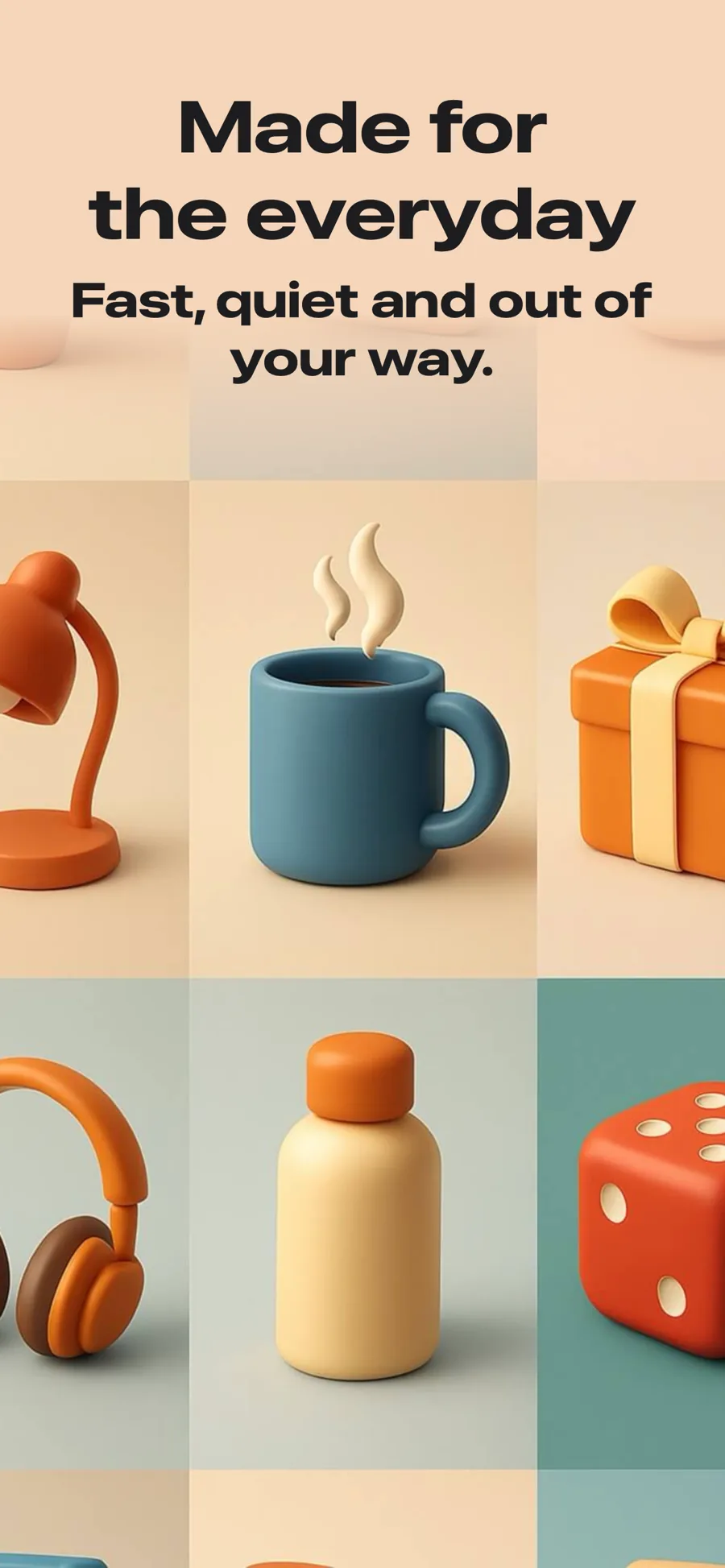
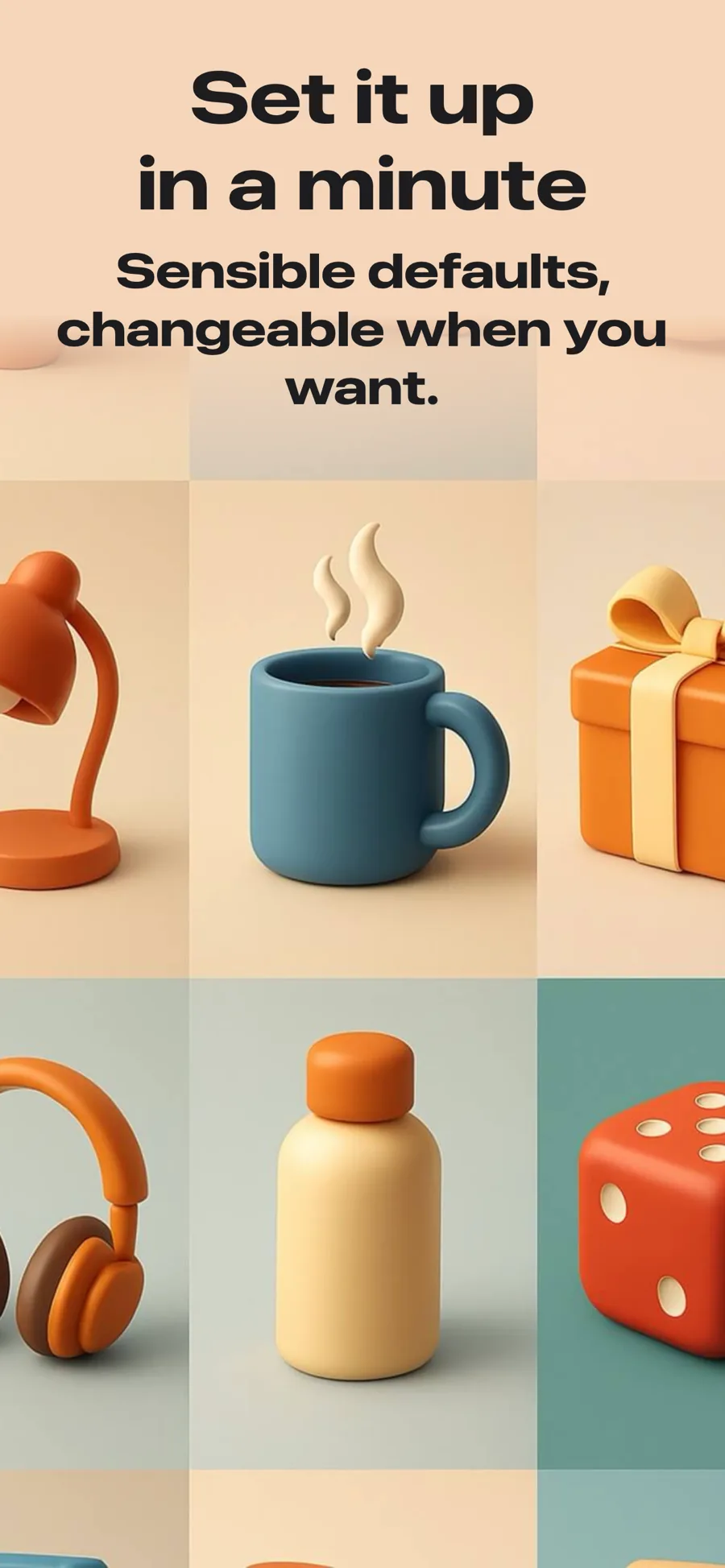
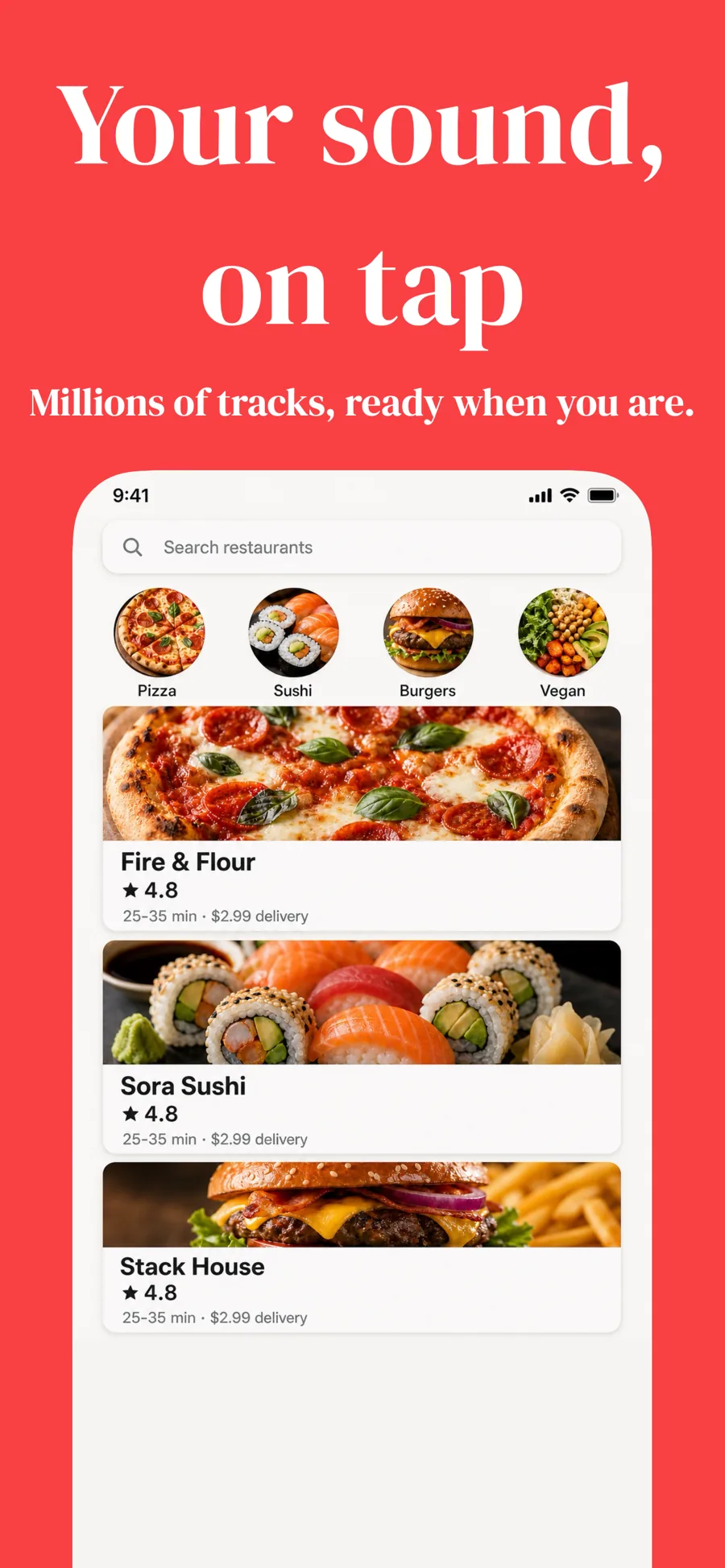
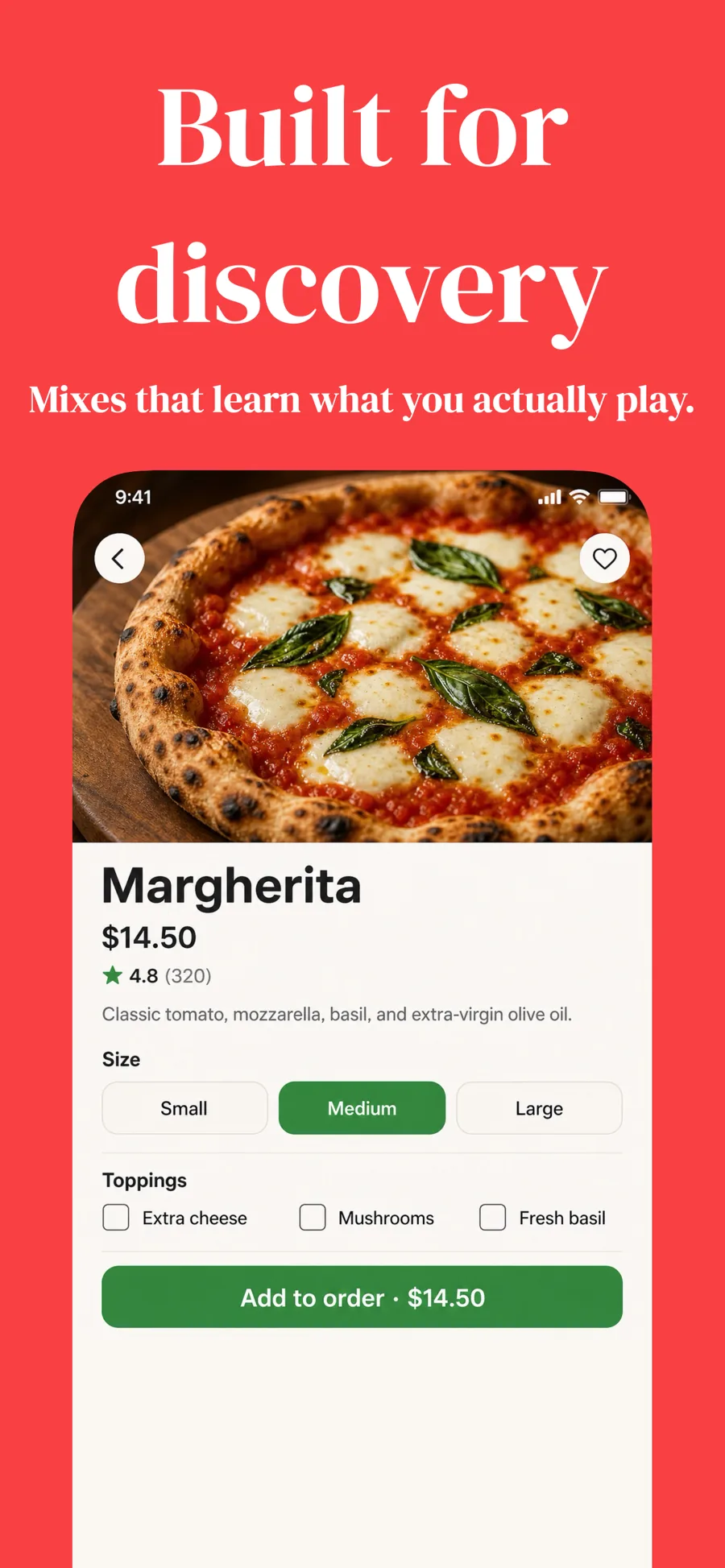
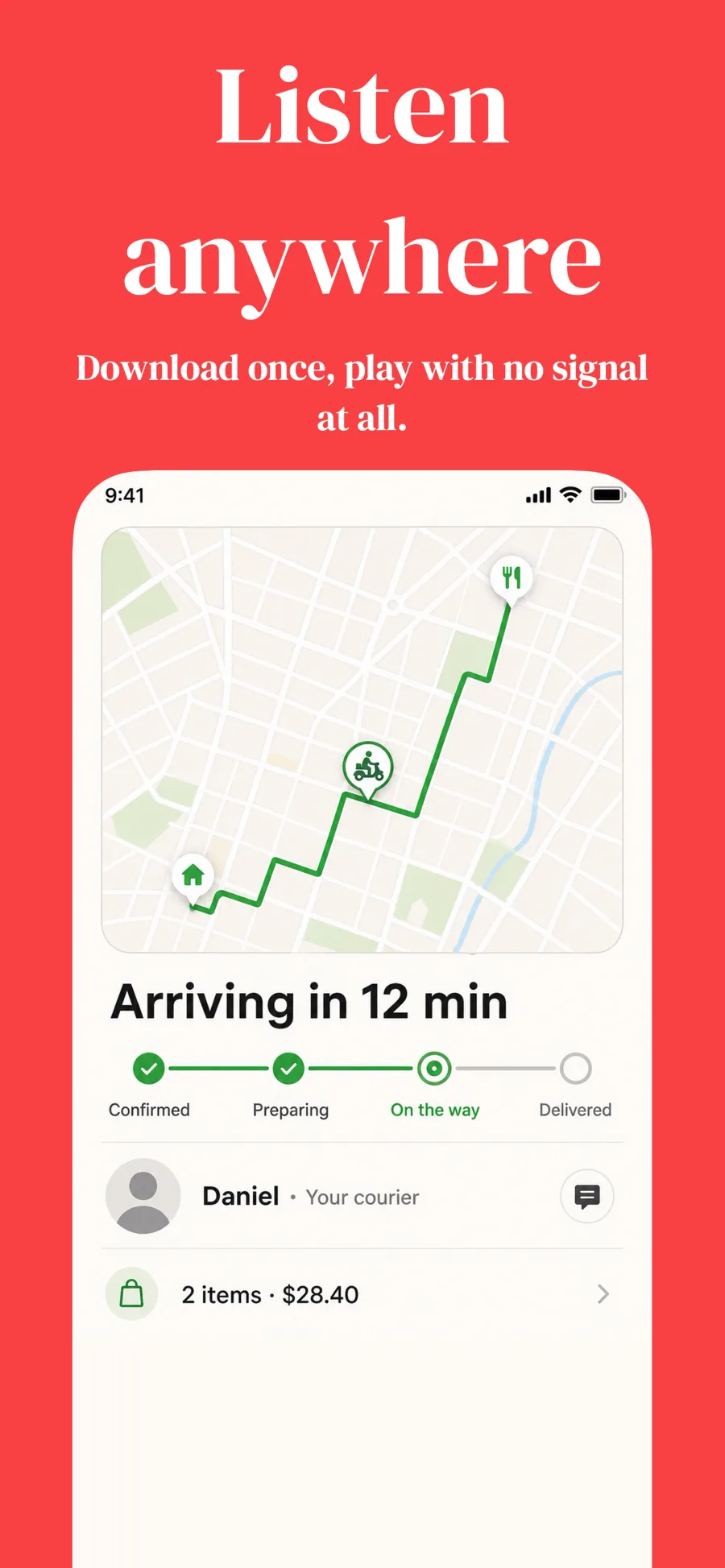
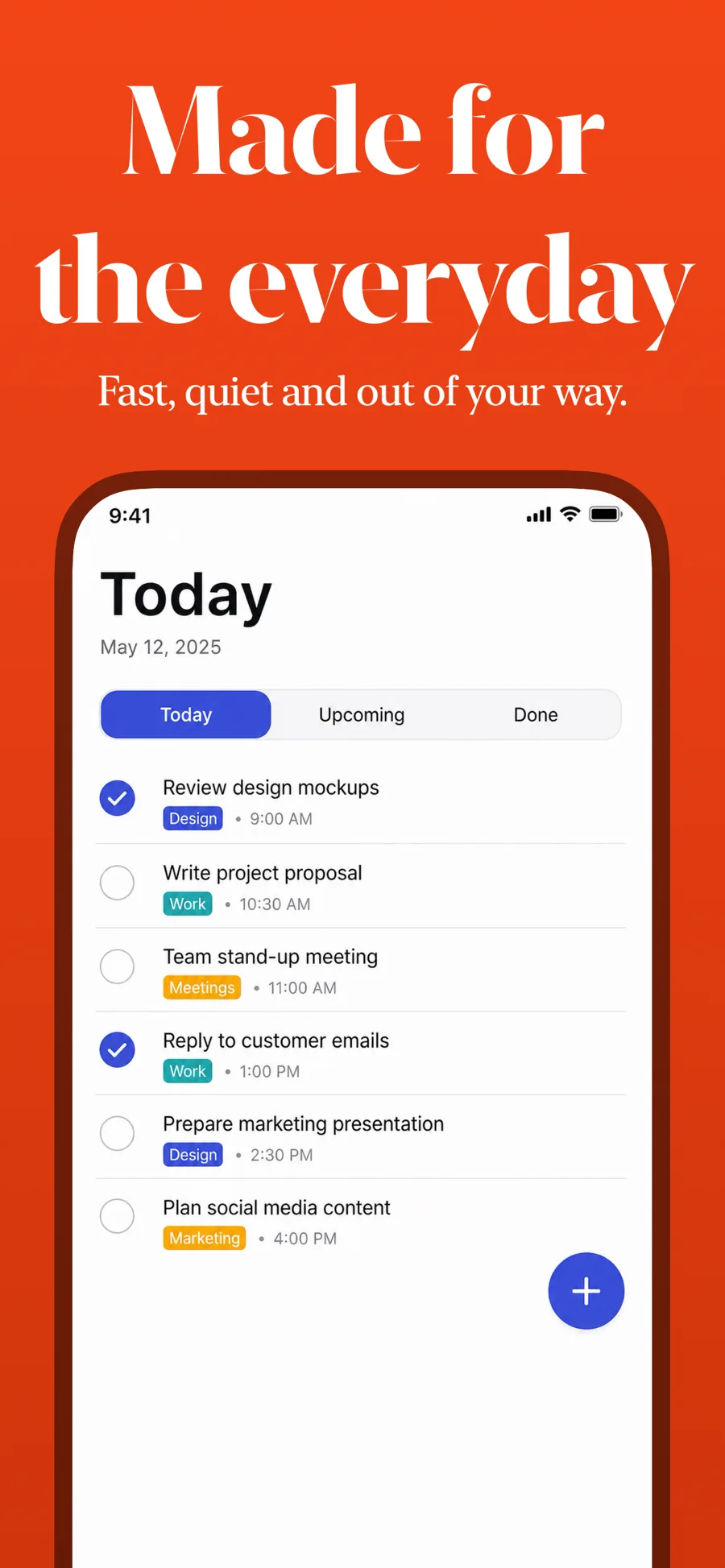
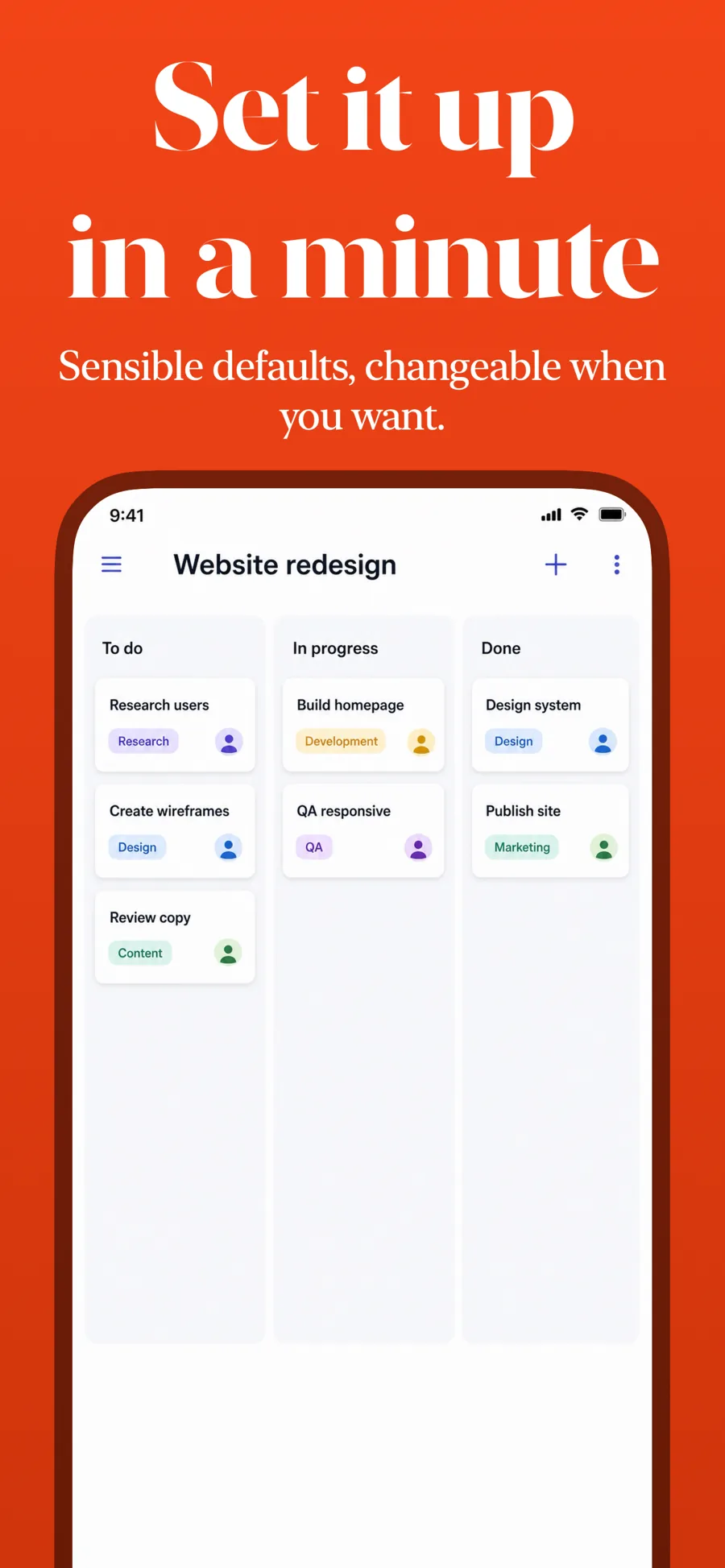
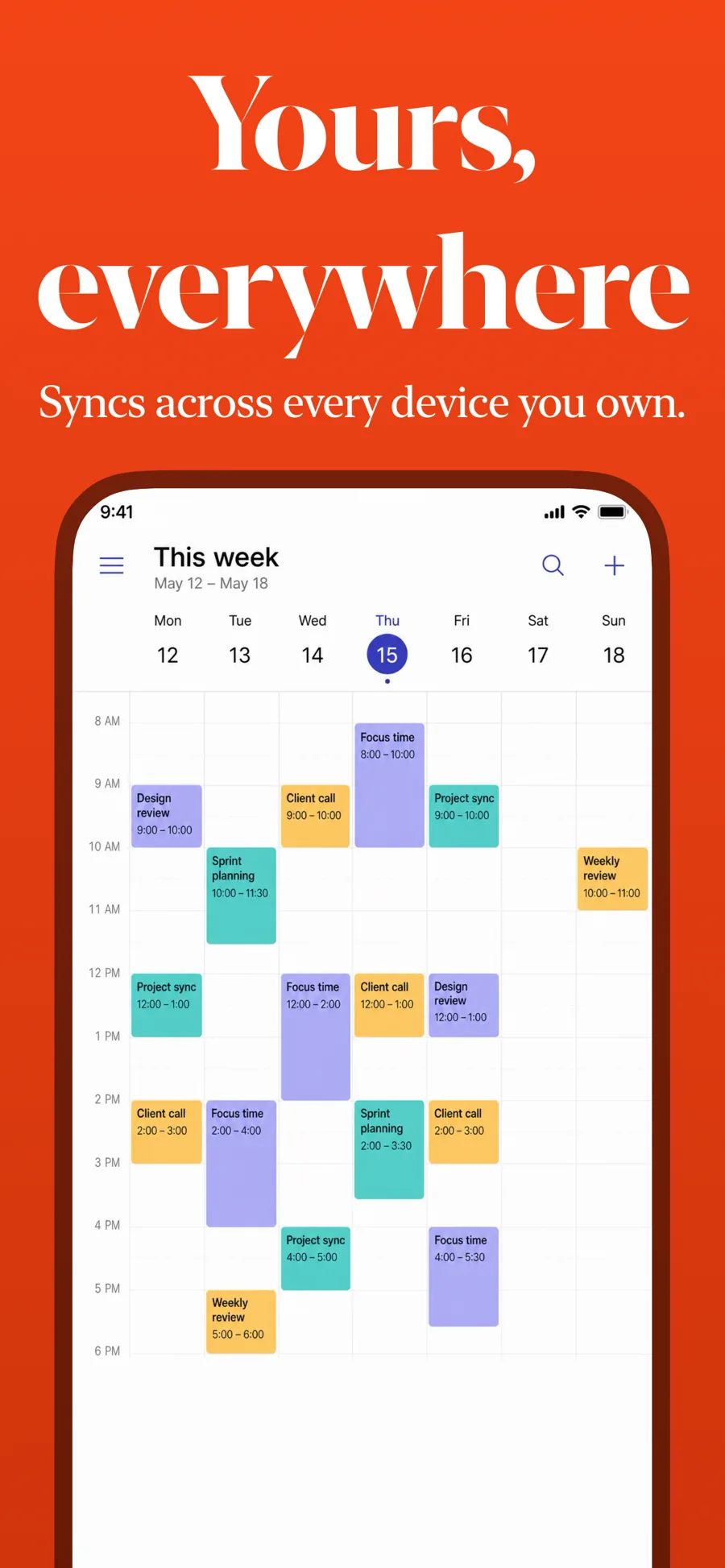
  • Colorful template, screen 1 of 3. Colorful template, screen 2 of 3. Colorful template, screen 3 of 3.

    Colorful

    Saturated ground with a serif headline. Bold consumer apps.

    For Entertainment · Lifestyle · Shopping

  • ZigZag template, screen 1 of 3. ZigZag template, screen 2 of 3. ZigZag template, screen 3 of 3.

    ZigZag

    Angled serif on a warm ground. Confident and a little irreverent.

    For Lifestyle · Shopping · Entertainment

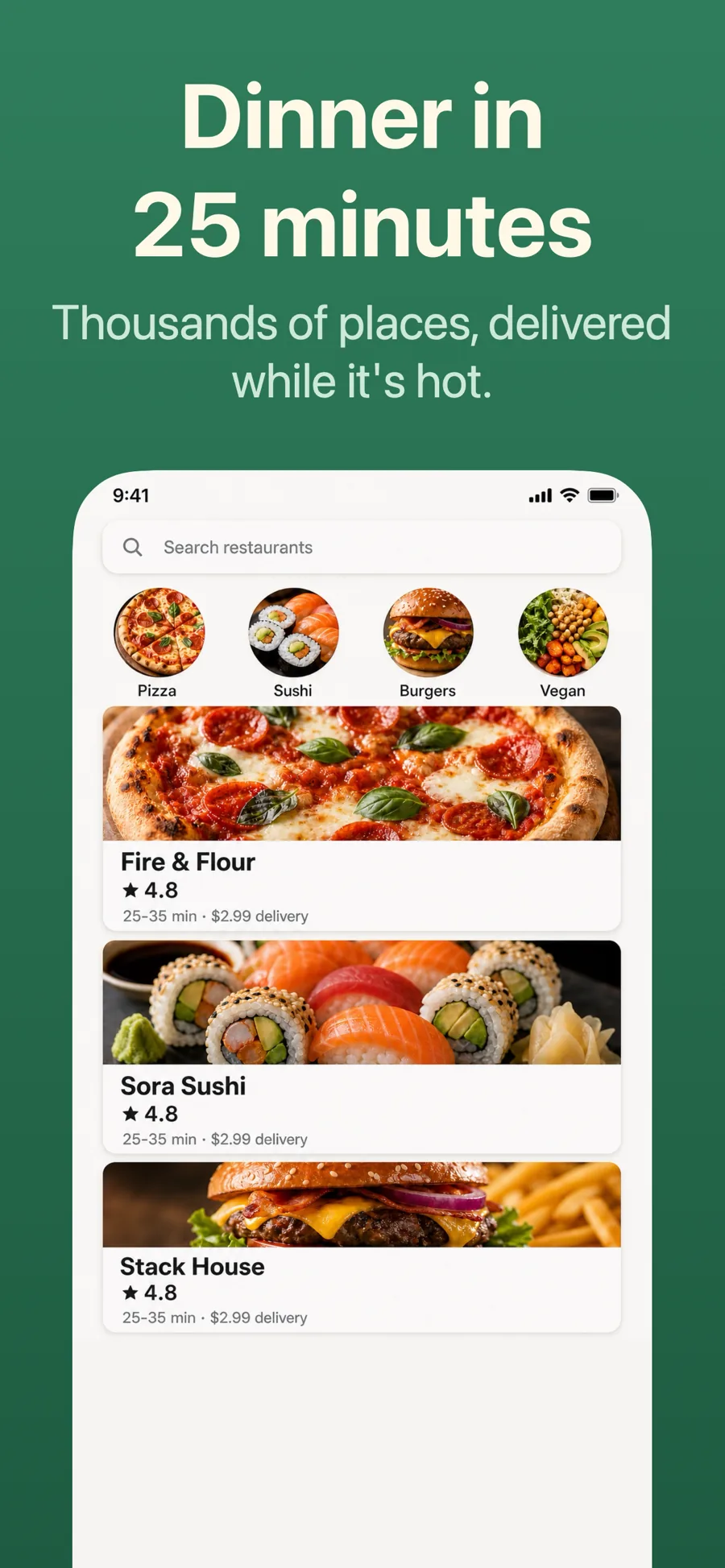
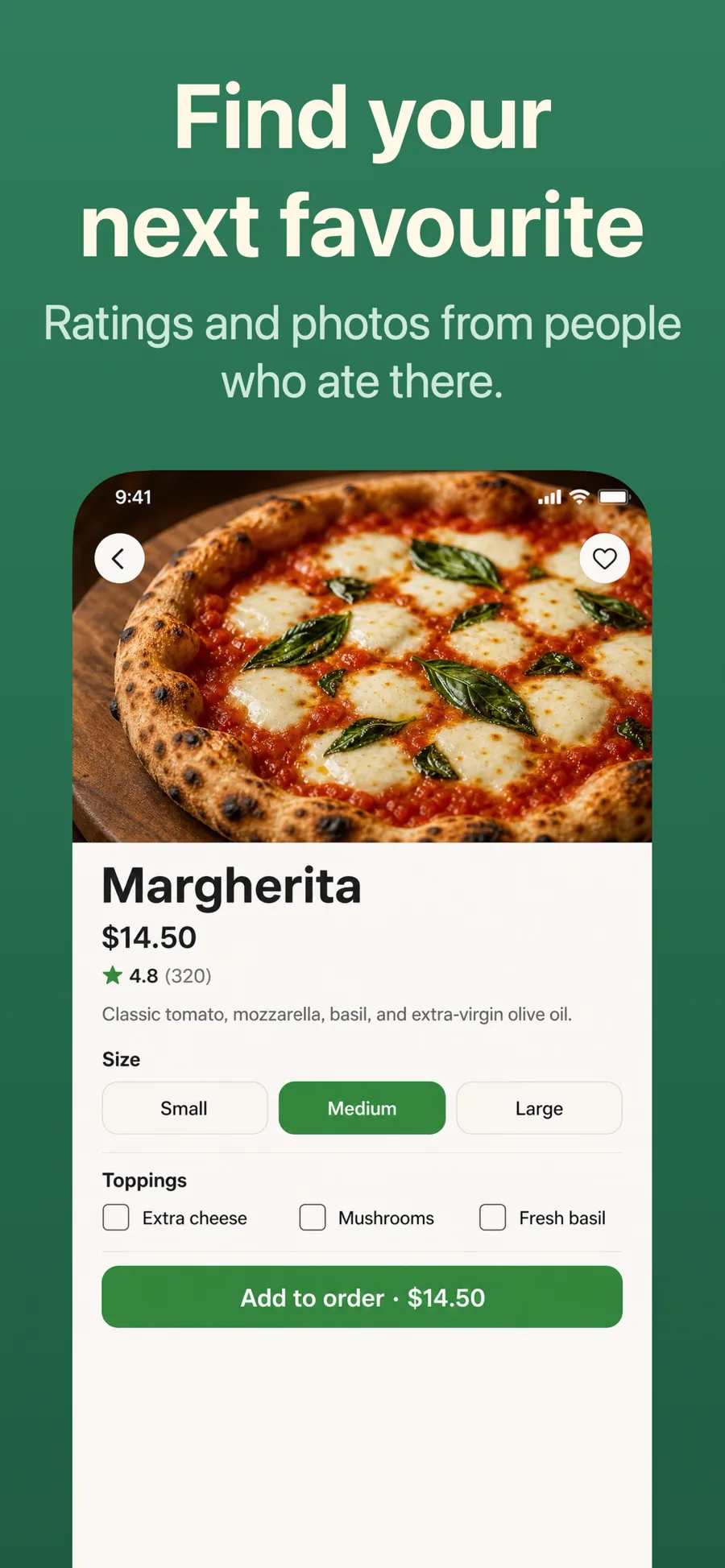
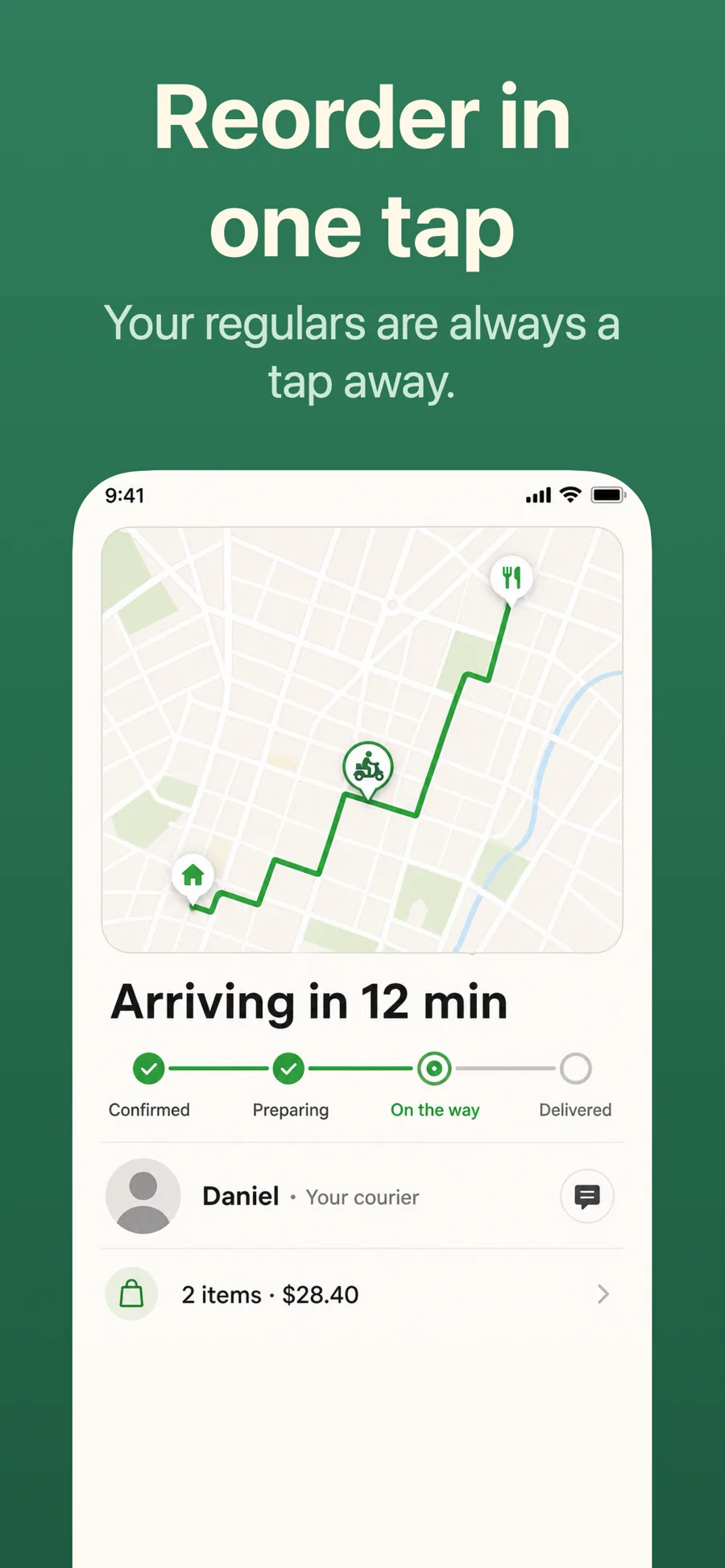
  • Appetite template, screen 1 of 3. Appetite template, screen 2 of 3. Appetite template, screen 3 of 3.

    Appetite

    Inspired by Deliveroo

    Food, delivery and travel. Warm ground with the interface unframed, so the photography inside the app does the selling.

    For Food & Drink · Travel · Shopping

What works in Shopping screenshots

  • Put real products in the first screenshot; an empty catalogue or a login screen loses the sale.
  • Name the concrete benefit in the caption — free returns, same-day delivery, member prices.
  • Keep checkout and order-tracking screens for later in the set, once the browsing has done its work.

Make your Shopping screenshots

  • Built into Screenshot Studio — apply it and swap in your own screenshots.
  • Every colour, font and layout value stays editable afterwards.
  • Localise the text into all 50 App Store languages from the same document.

Get Screenshot Studio