← All templates

Screenshot templates by category

Entertainment App Store screenshot templates

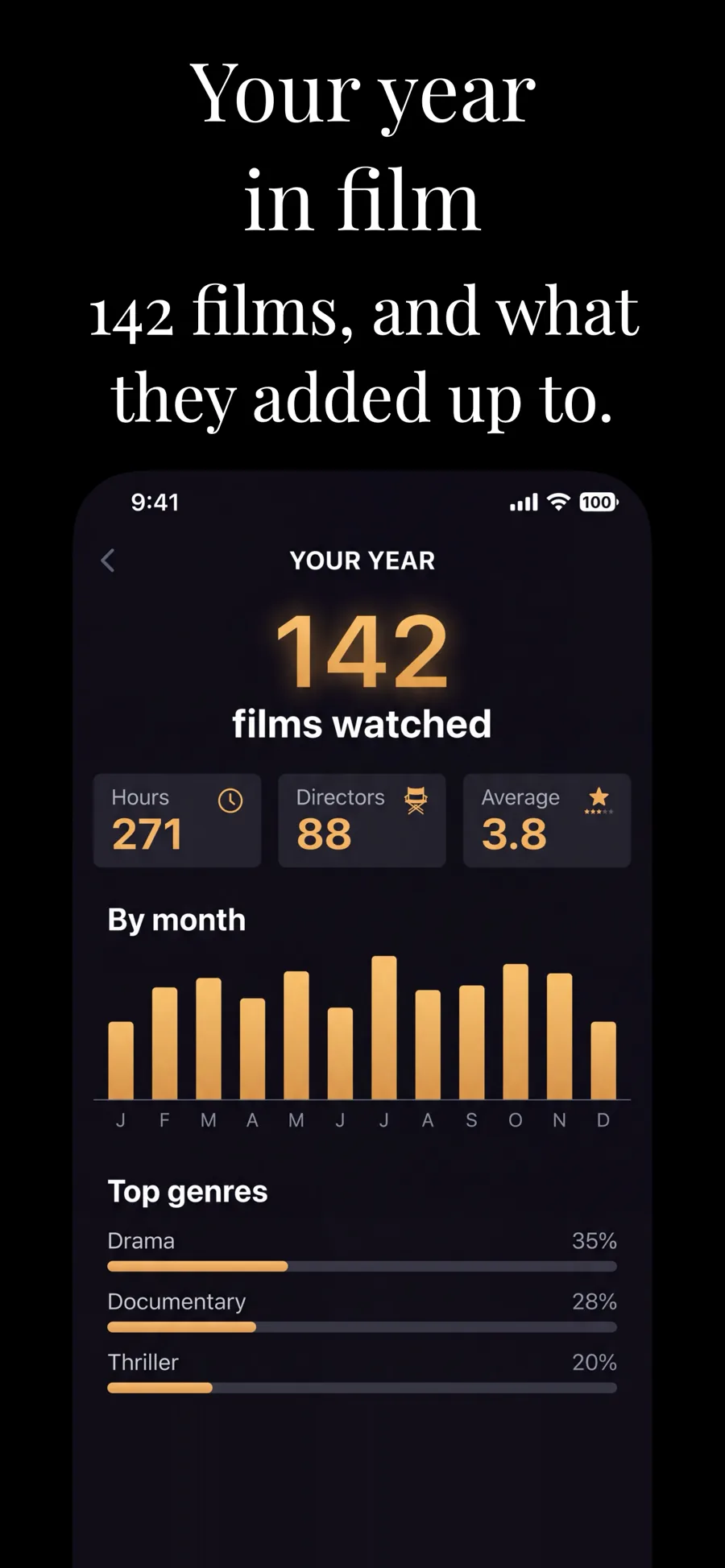
Entertainment apps compete on mood before features. Someone scrolling the store decides in a second or two whether your app feels like the kind of evening they want, so the screenshots have to carry that feeling — bold colour, big type, and artwork that looks like the content rather than the settings screen.

10 templates that suit Entertainment apps, all built into the app.
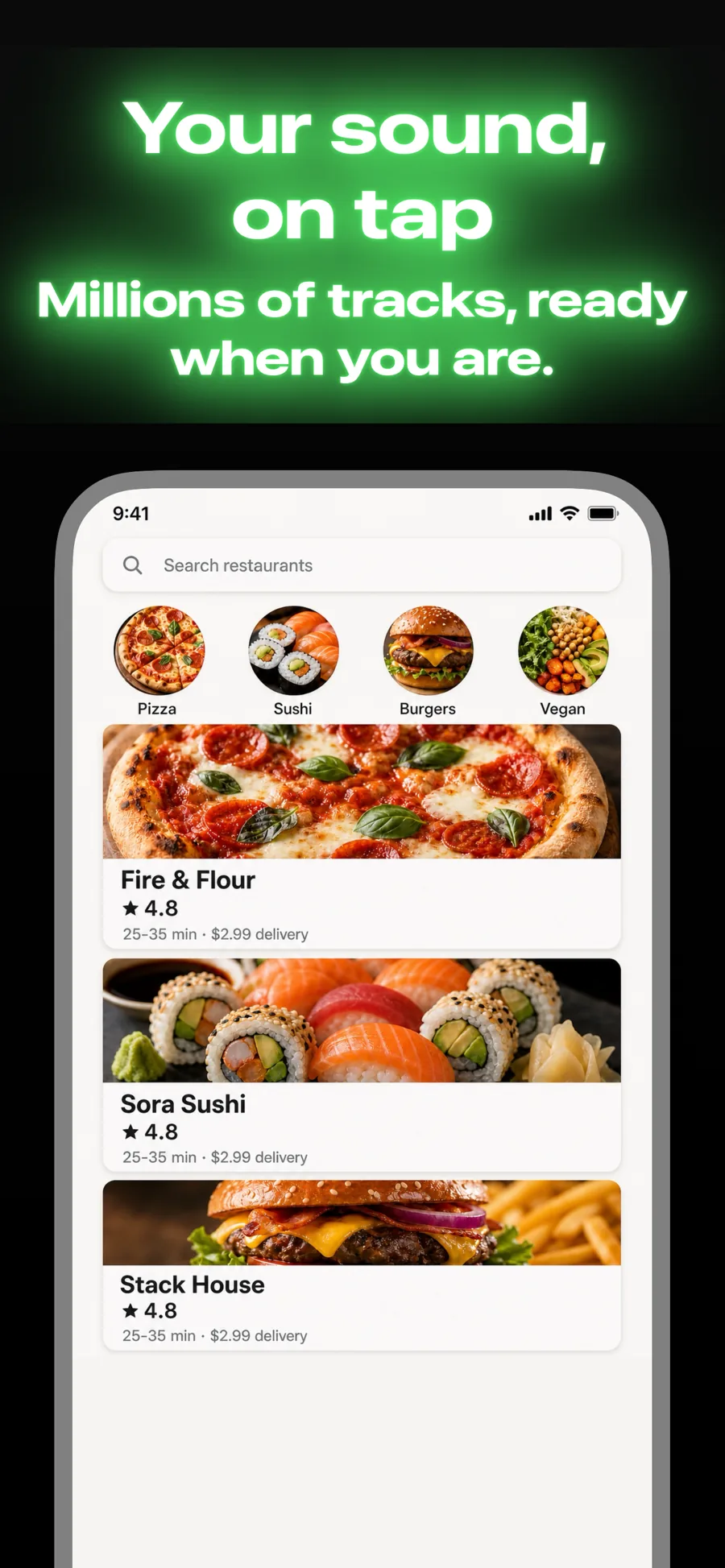
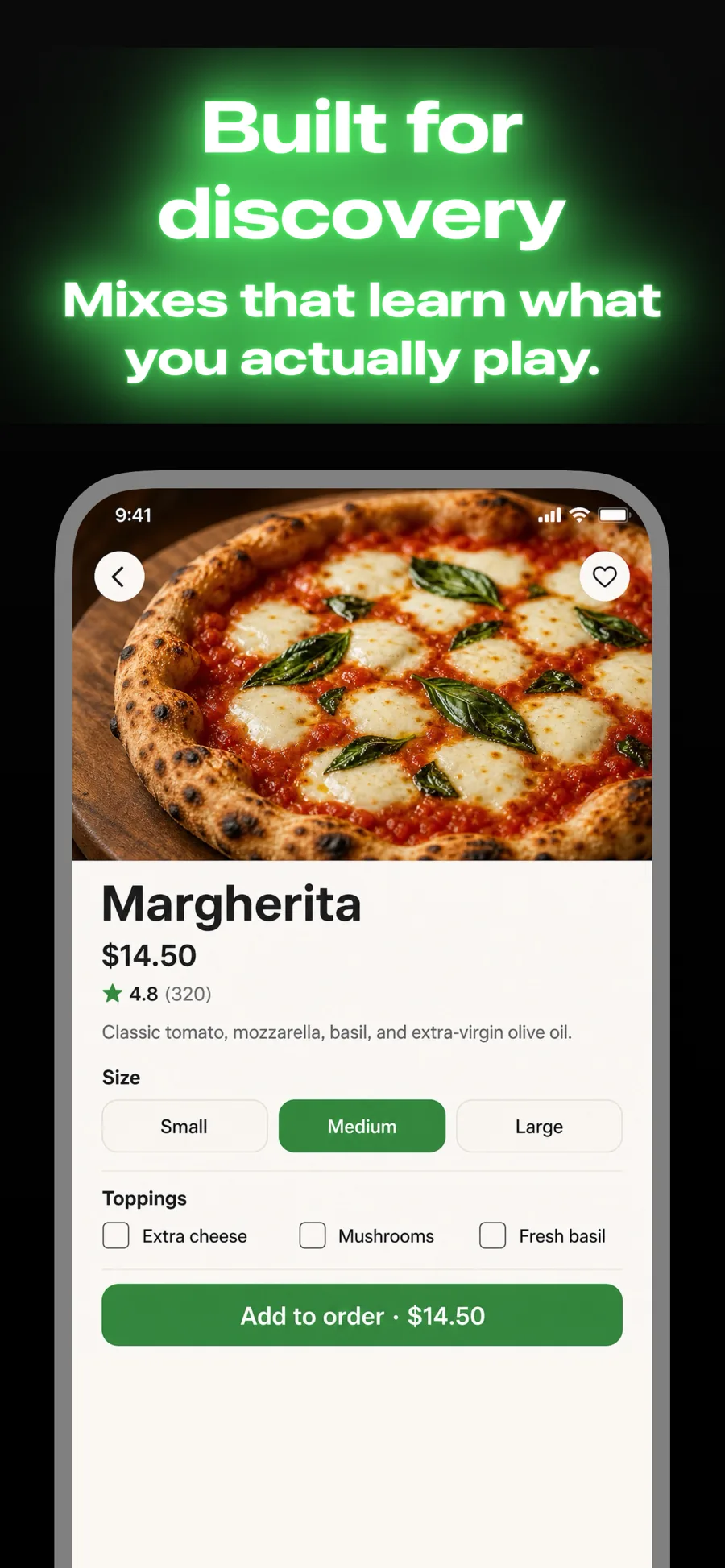
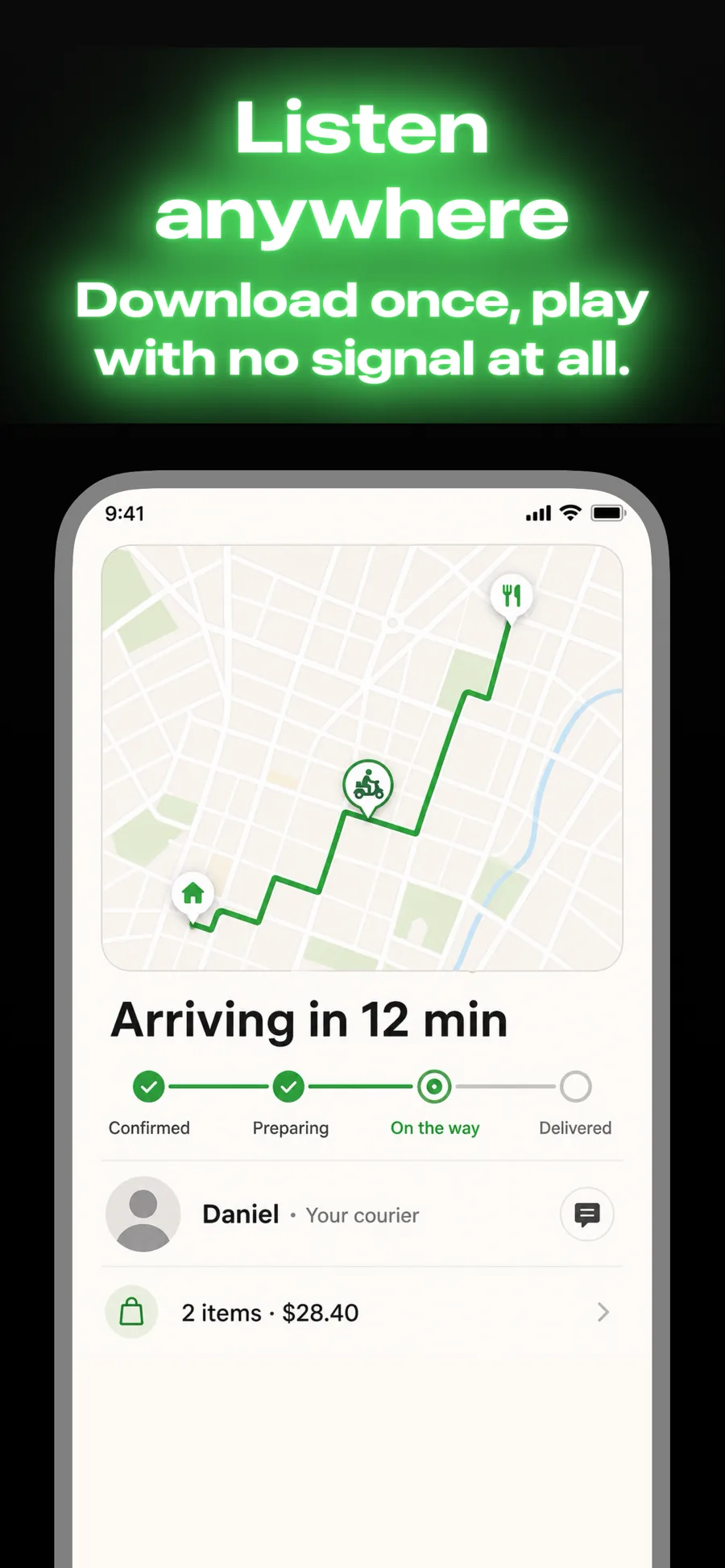
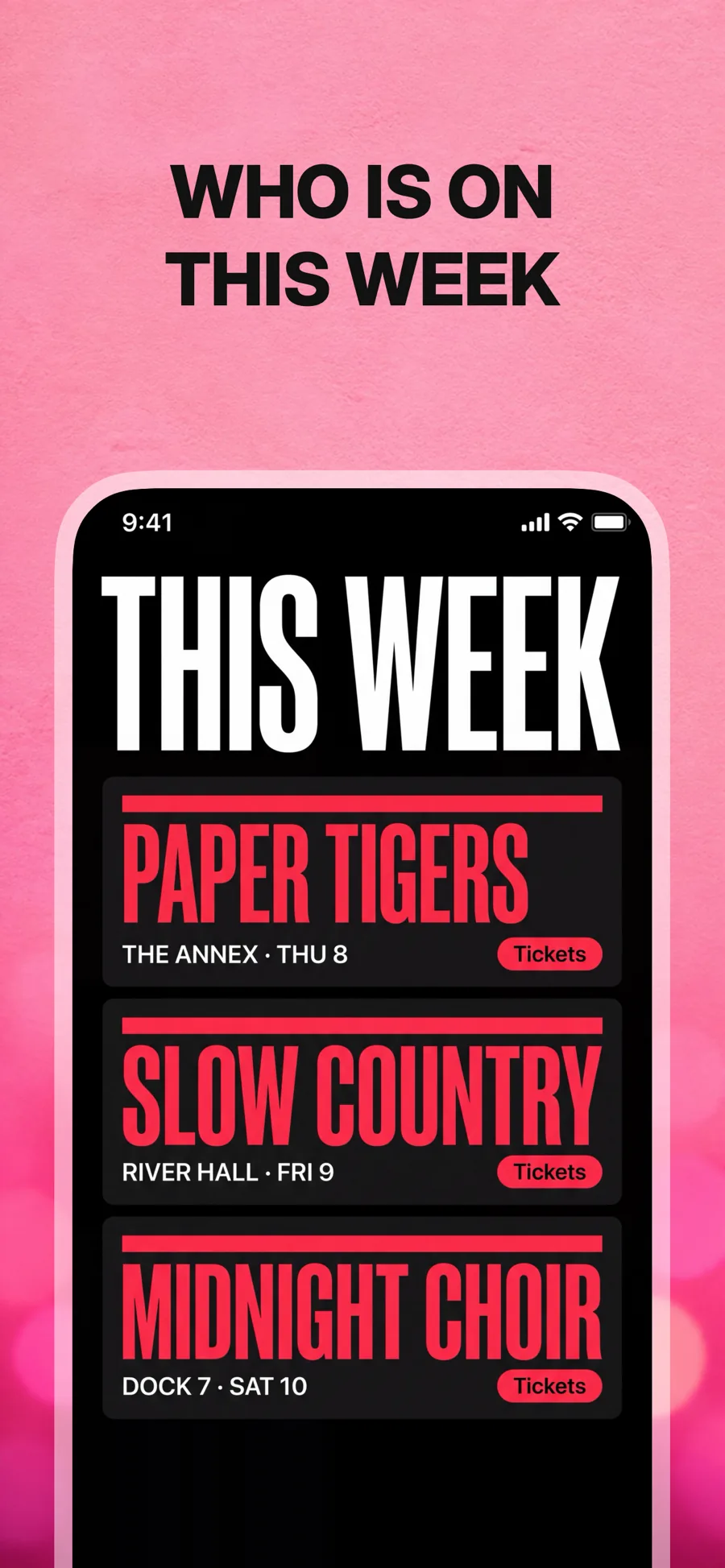
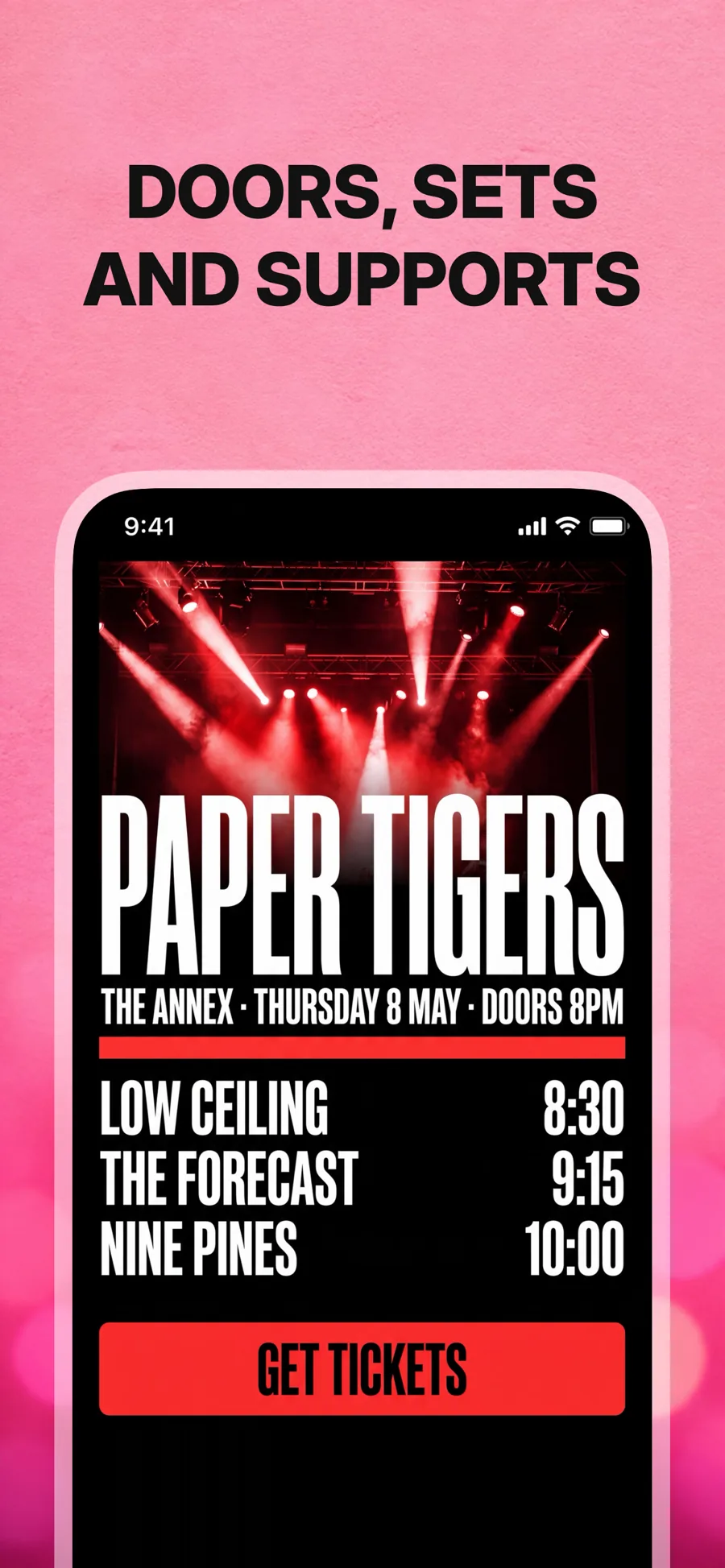
  • Neon template, screen 1 of 3. Neon template, screen 2 of 3. Neon template, screen 3 of 3.

    Neon

    Glowing title on black. Nightlife, music, gaming and crypto.

    For Music · Entertainment · Games

  • Cupertino Dark template, screen 1 of 3. Cupertino Dark template, screen 2 of 3. Cupertino Dark template, screen 3 of 3.

    Cupertino Dark

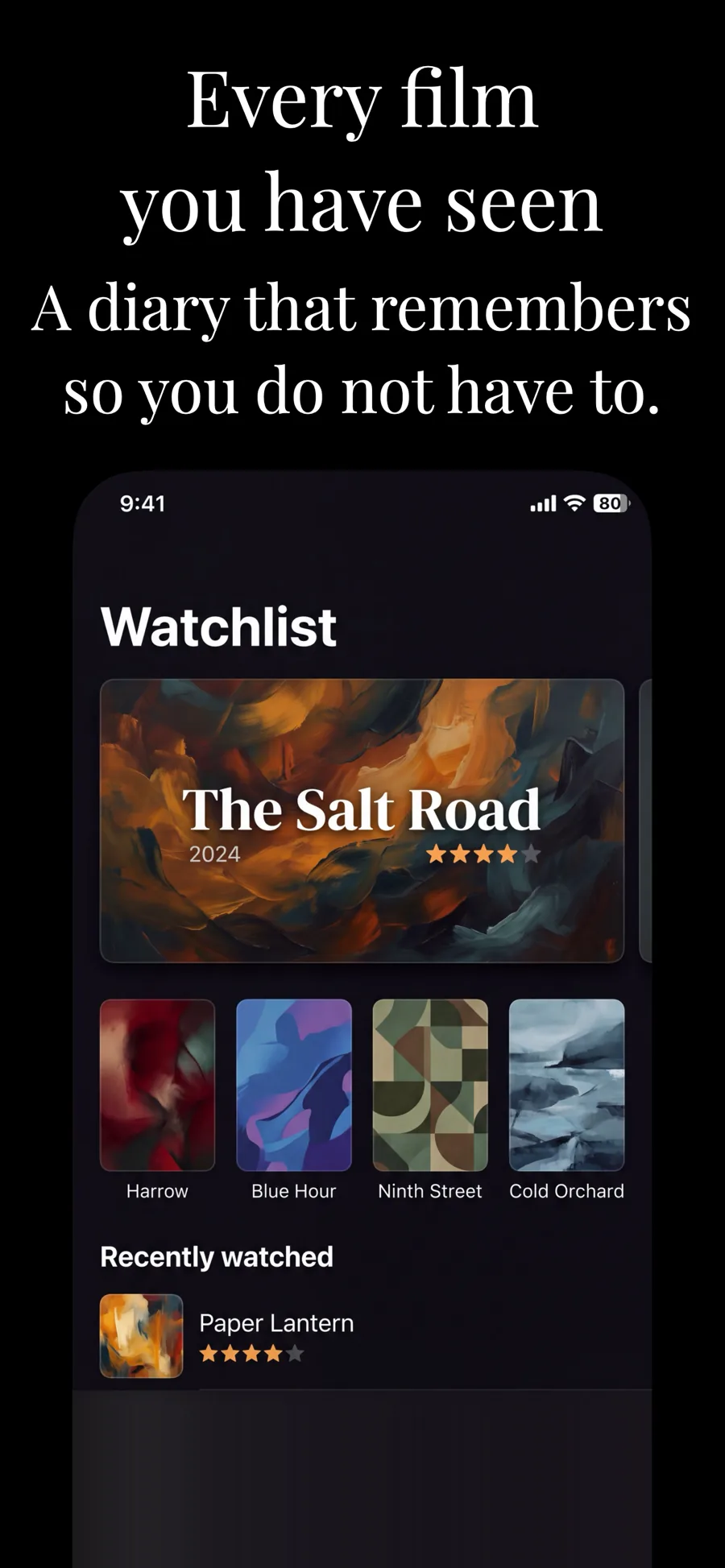
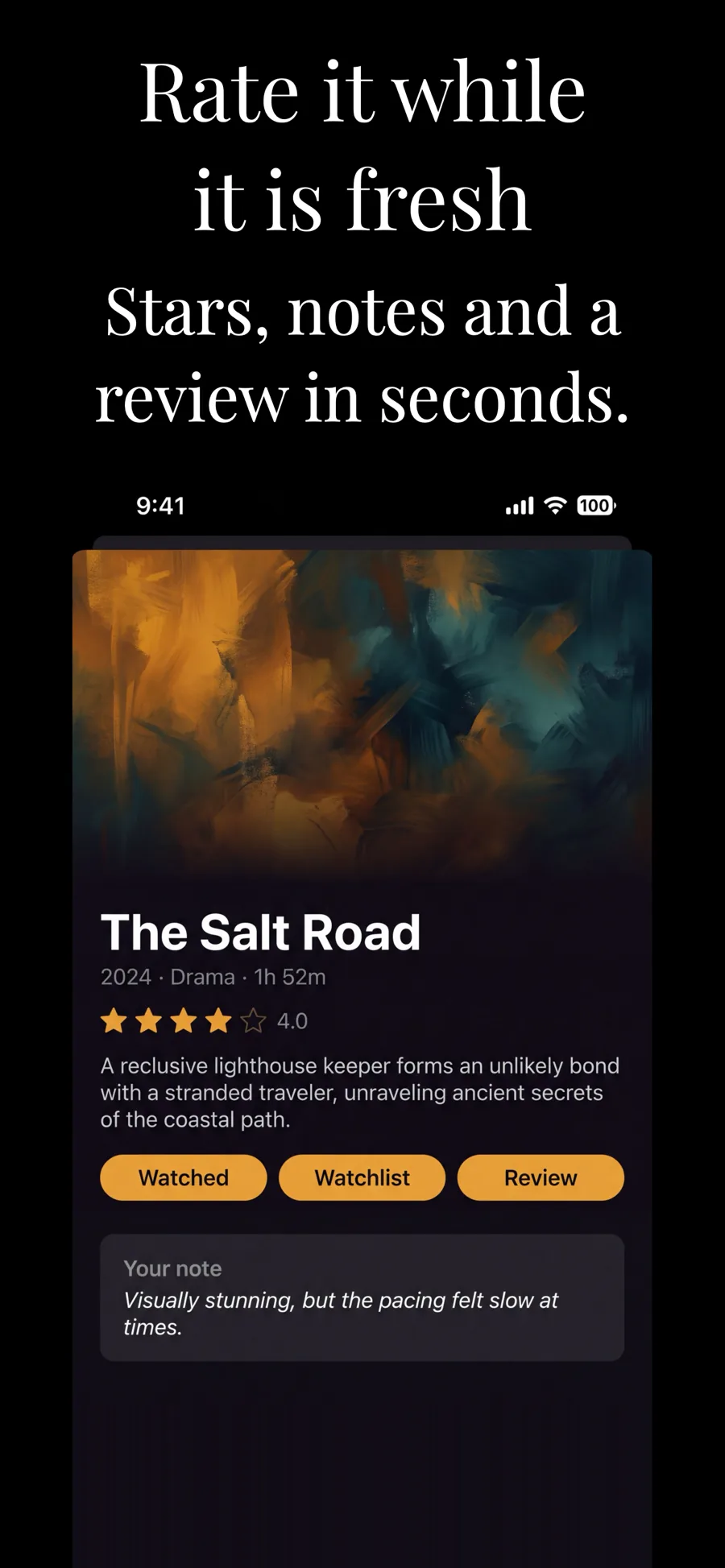
    The dark counterpart. The established look in finance and pro tools.

    For Entertainment · Music · Lifestyle

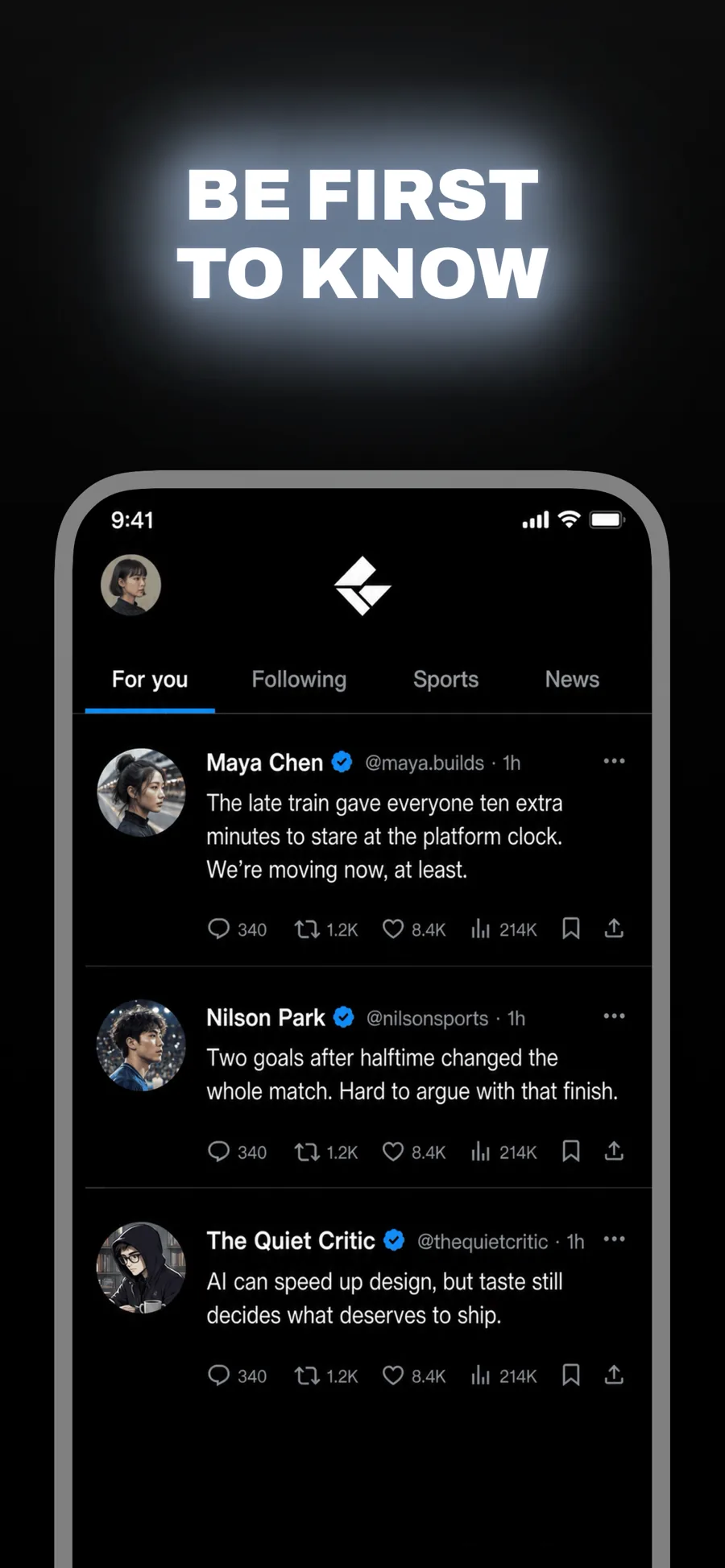
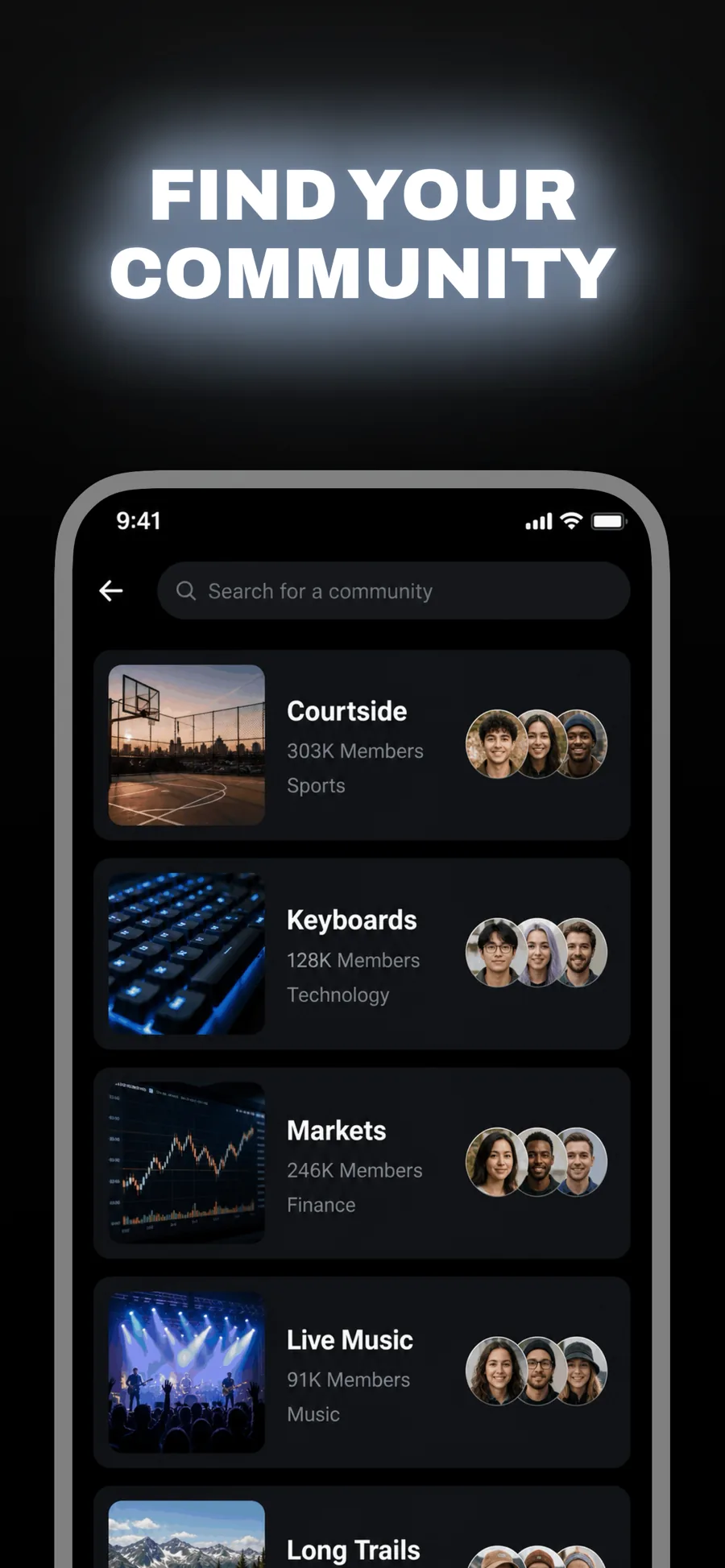
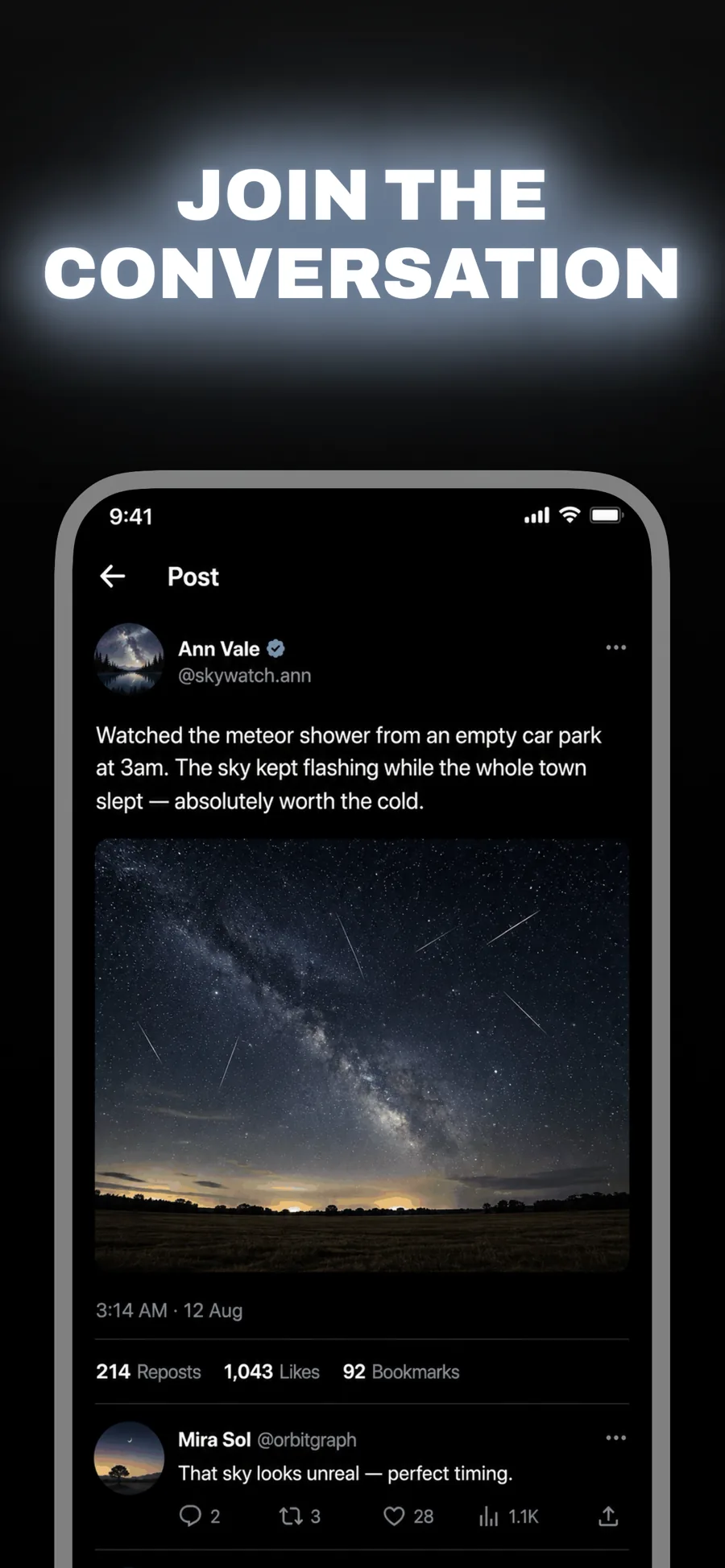
  • Beacon template, screen 1 of 3. Beacon template, screen 2 of 3. Beacon template, screen 3 of 3.

    Beacon

    Inspired by X

    Social, news and anything that trades on immediacy. Wide caps glowing on black — loud without a single bright colour.

    For Social Networking · News · Entertainment

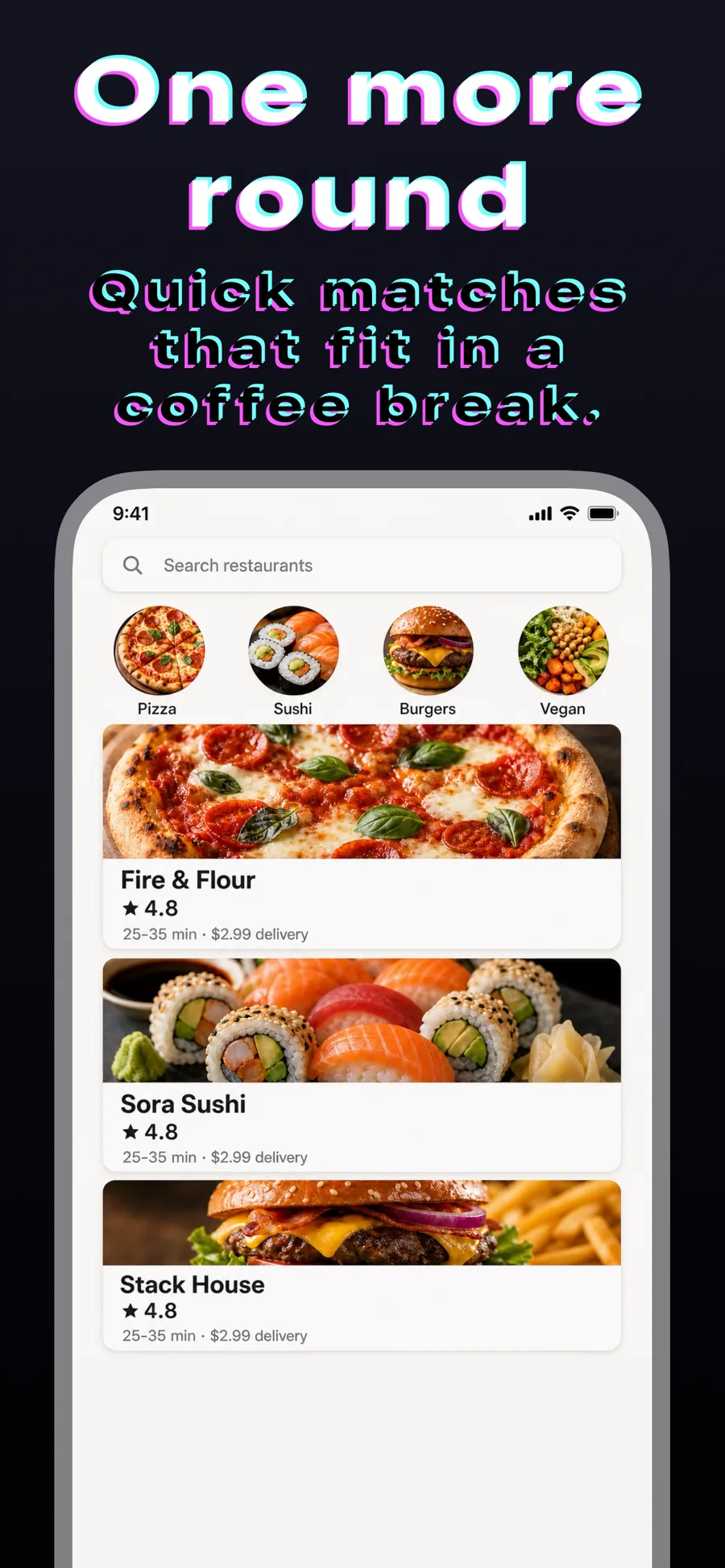
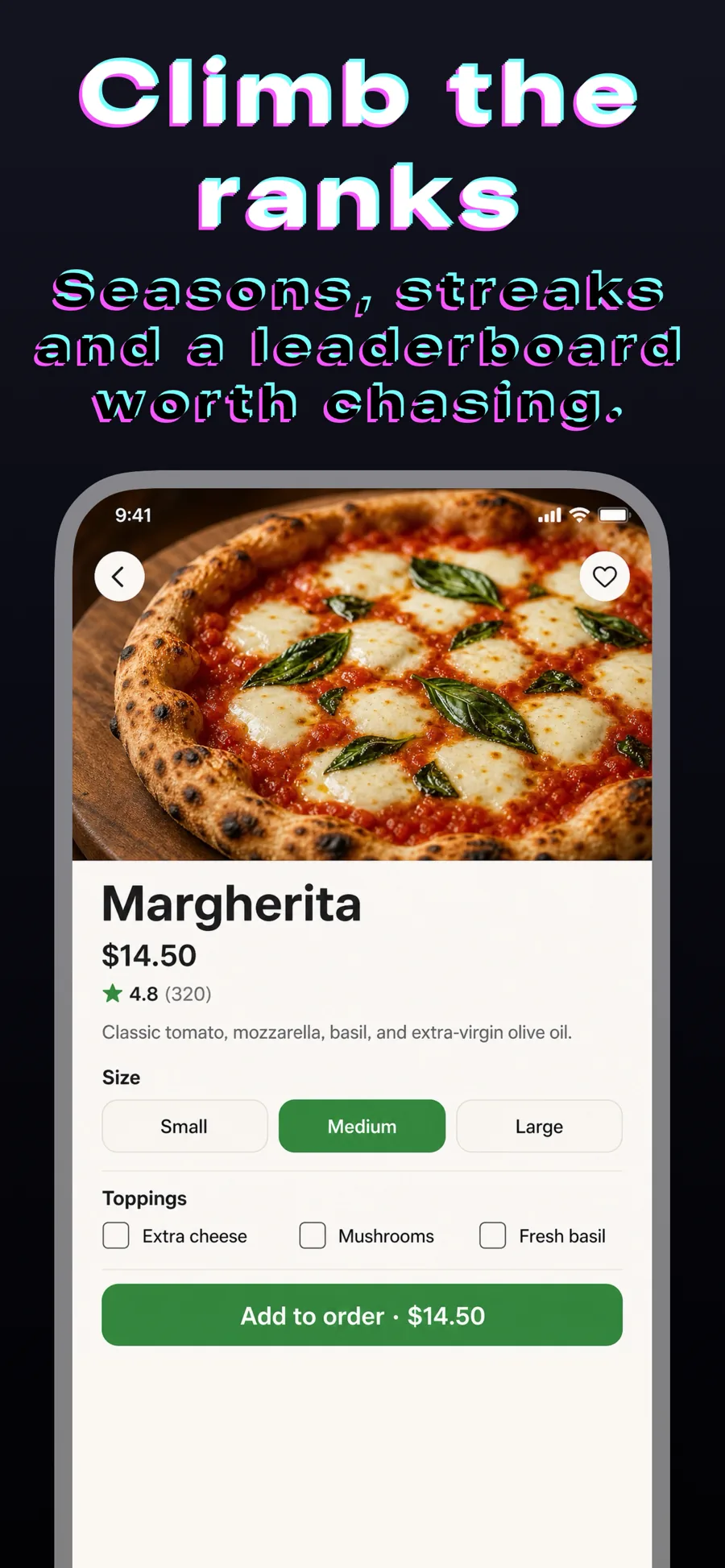
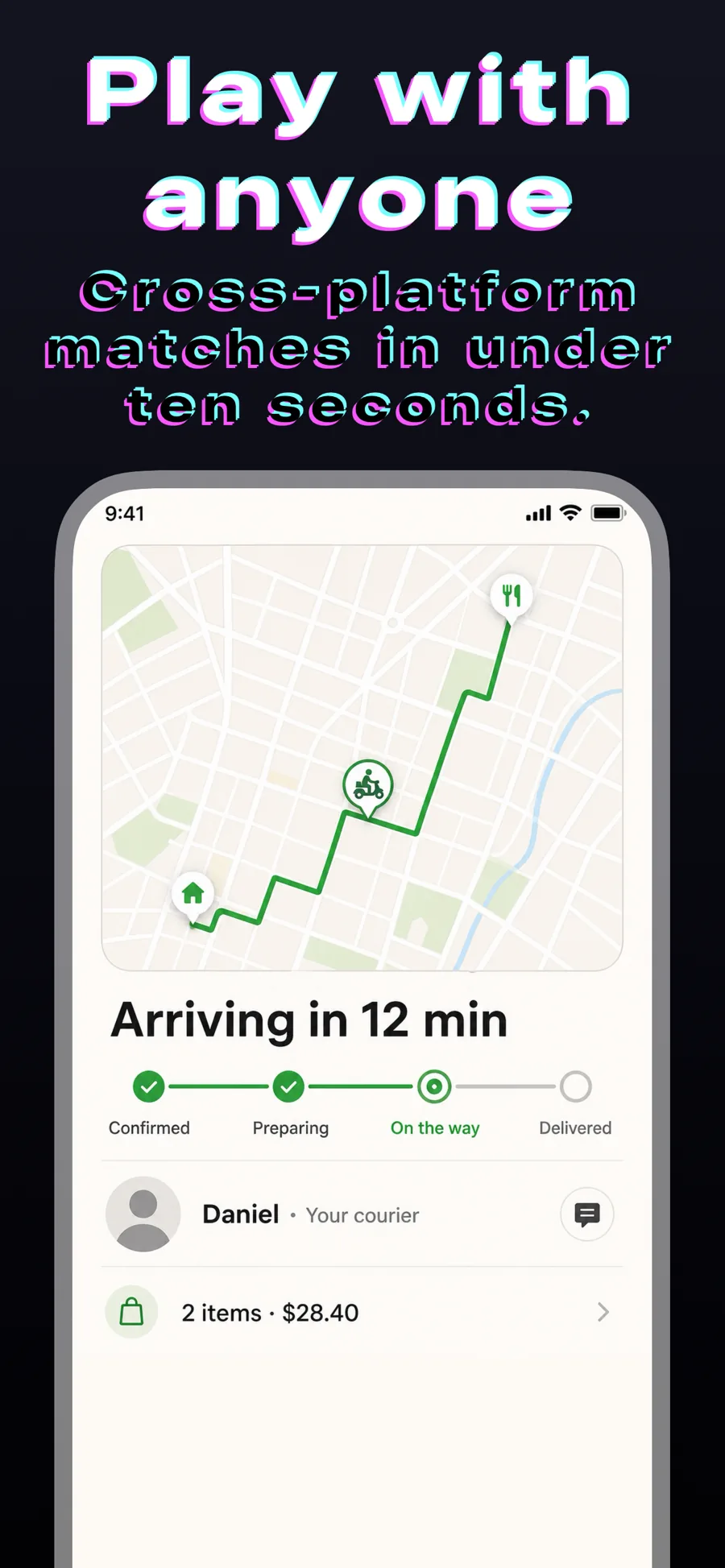
  • Glitch template, screen 1 of 3. Glitch template, screen 2 of 3. Glitch template, screen 3 of 3.

    Glitch

    Colour-shifting title. Reads technical and high-energy — games, streaming, developer tools.

    For Games · Developer Tools · Entertainment

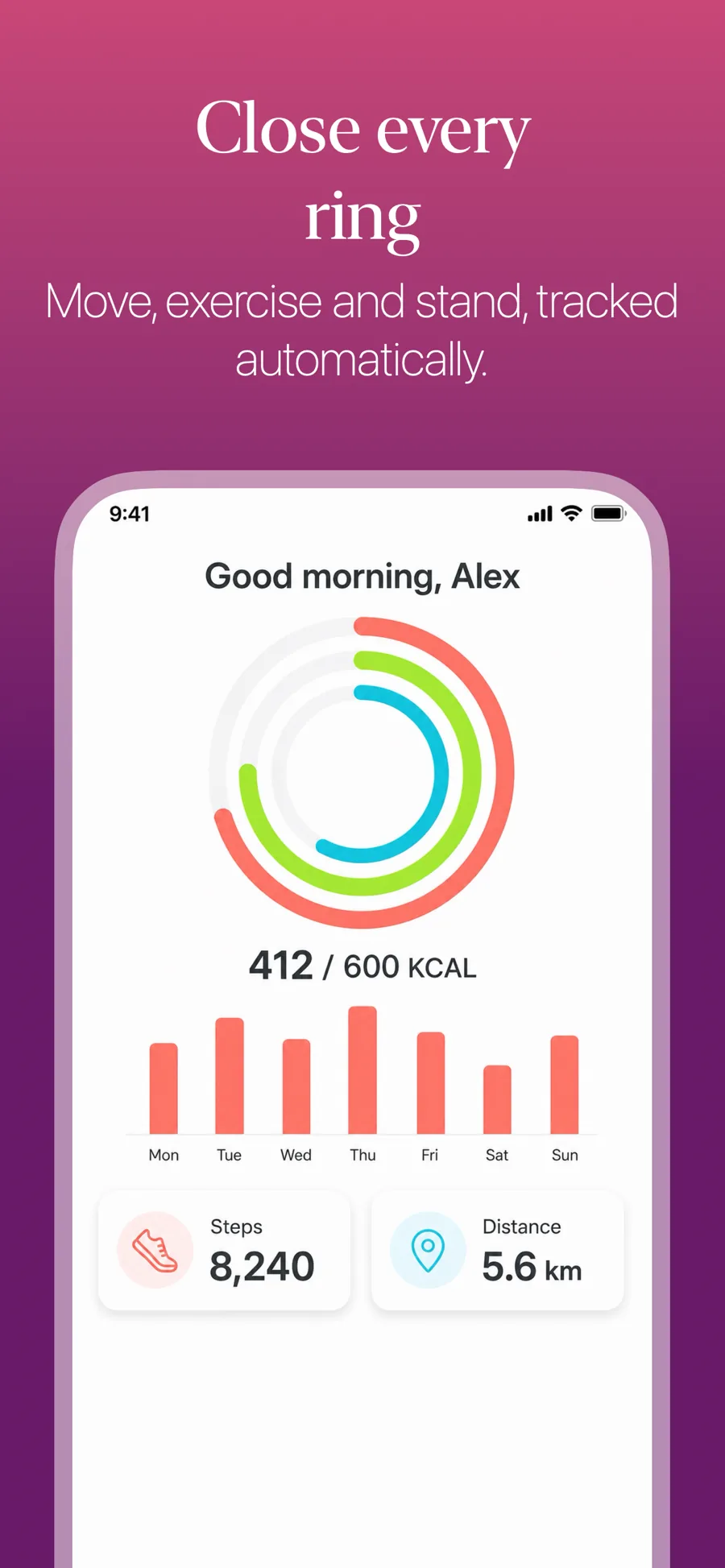
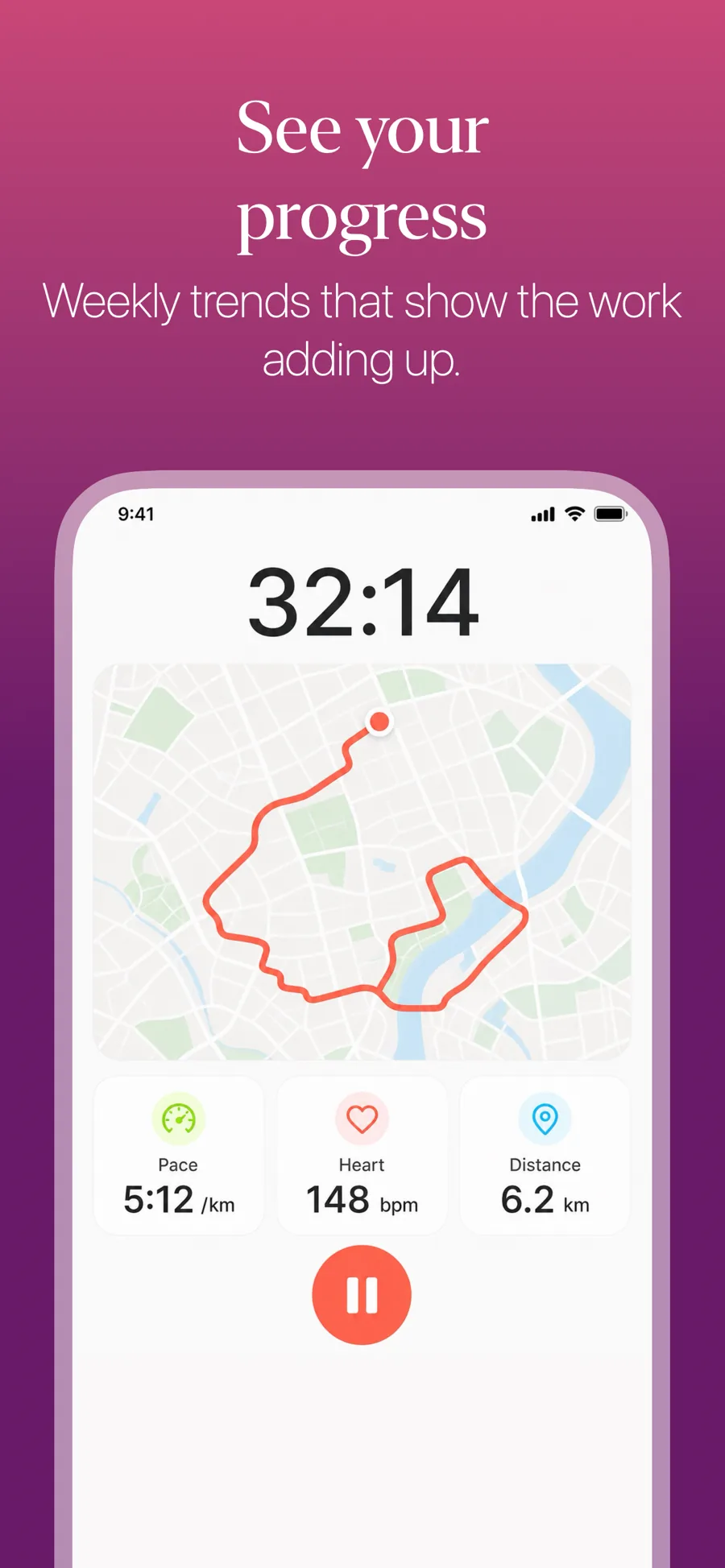
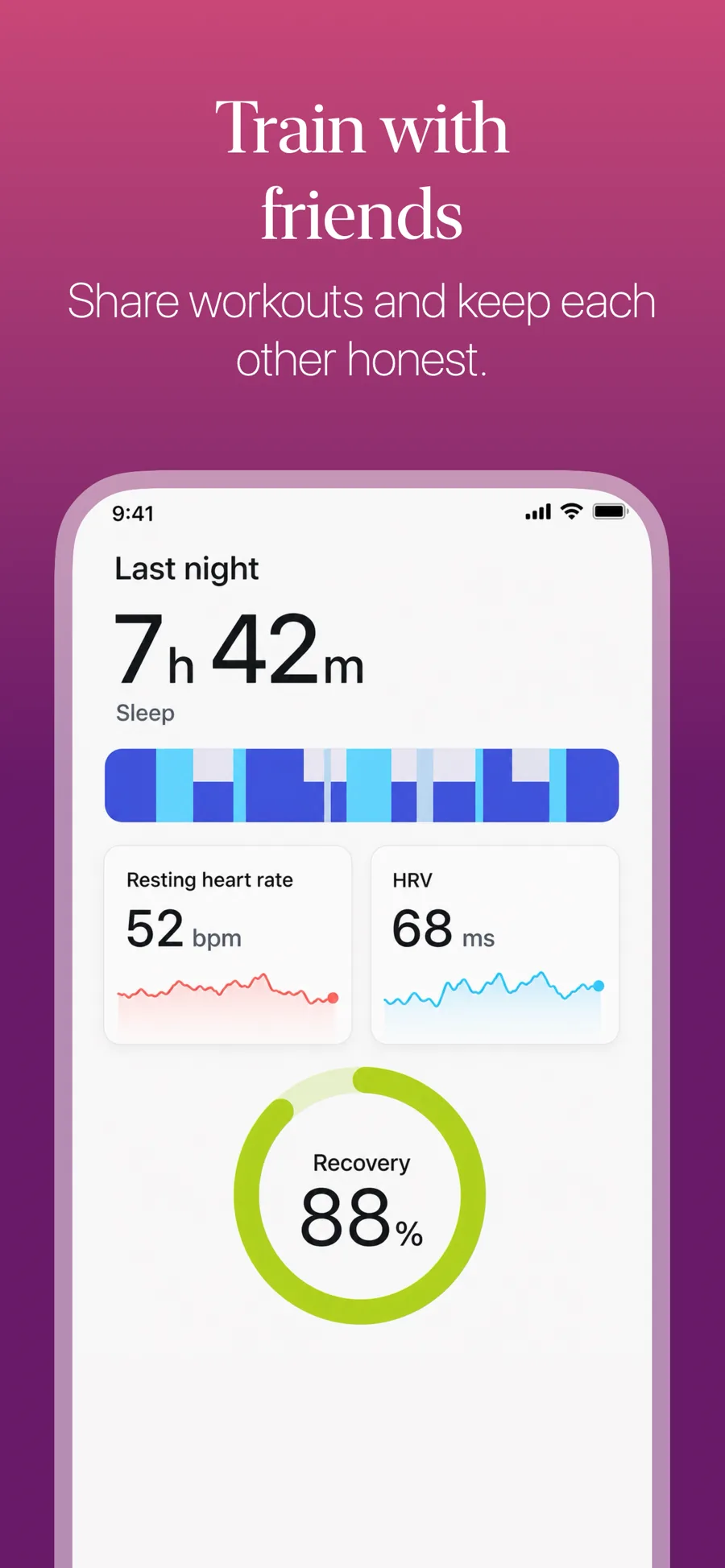
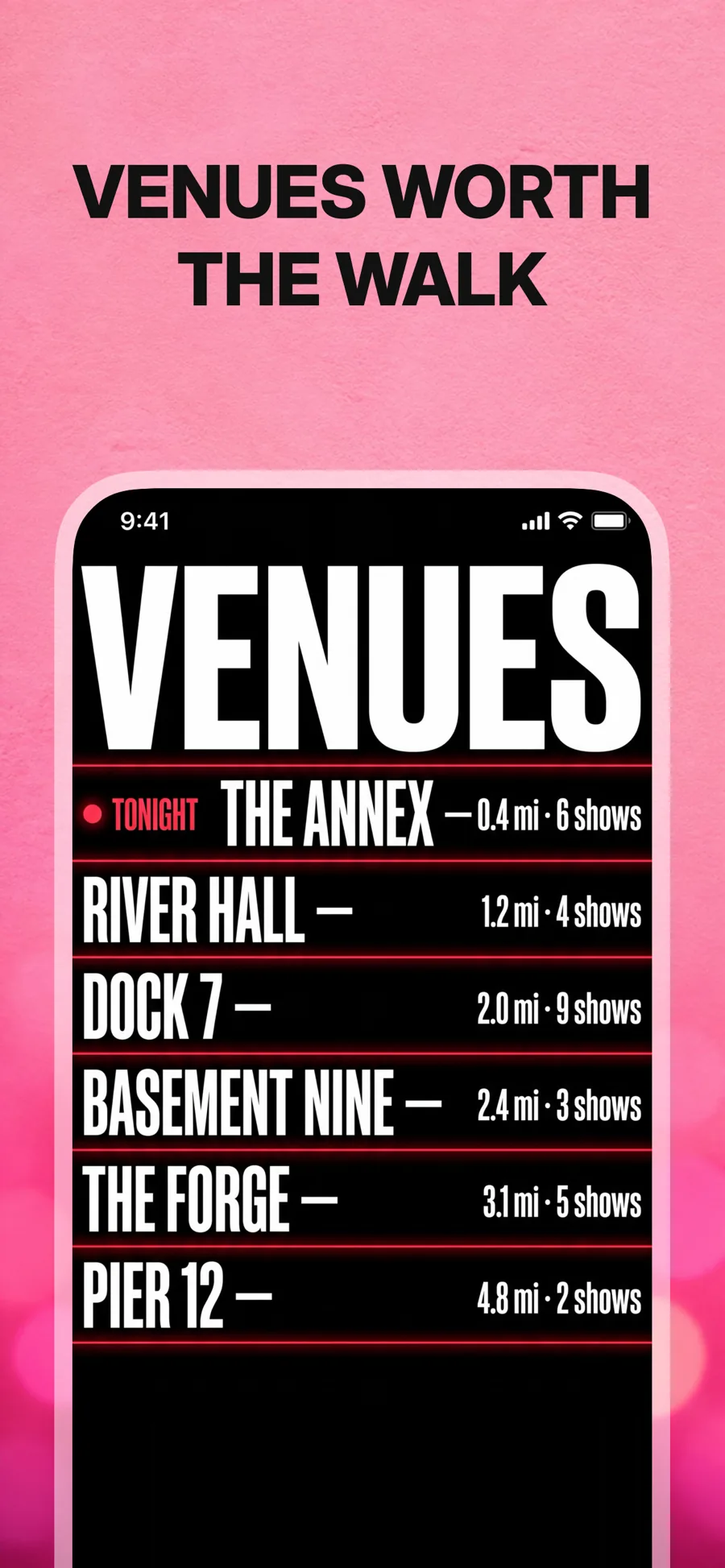
  • Gradient template, screen 1 of 3. Gradient template, screen 2 of 3. Gradient template, screen 3 of 3.

    Gradient

    Saturated gradient ground. The safe default for fitness, social and entertainment.

    For Health & Fitness · Social Networking · Entertainment

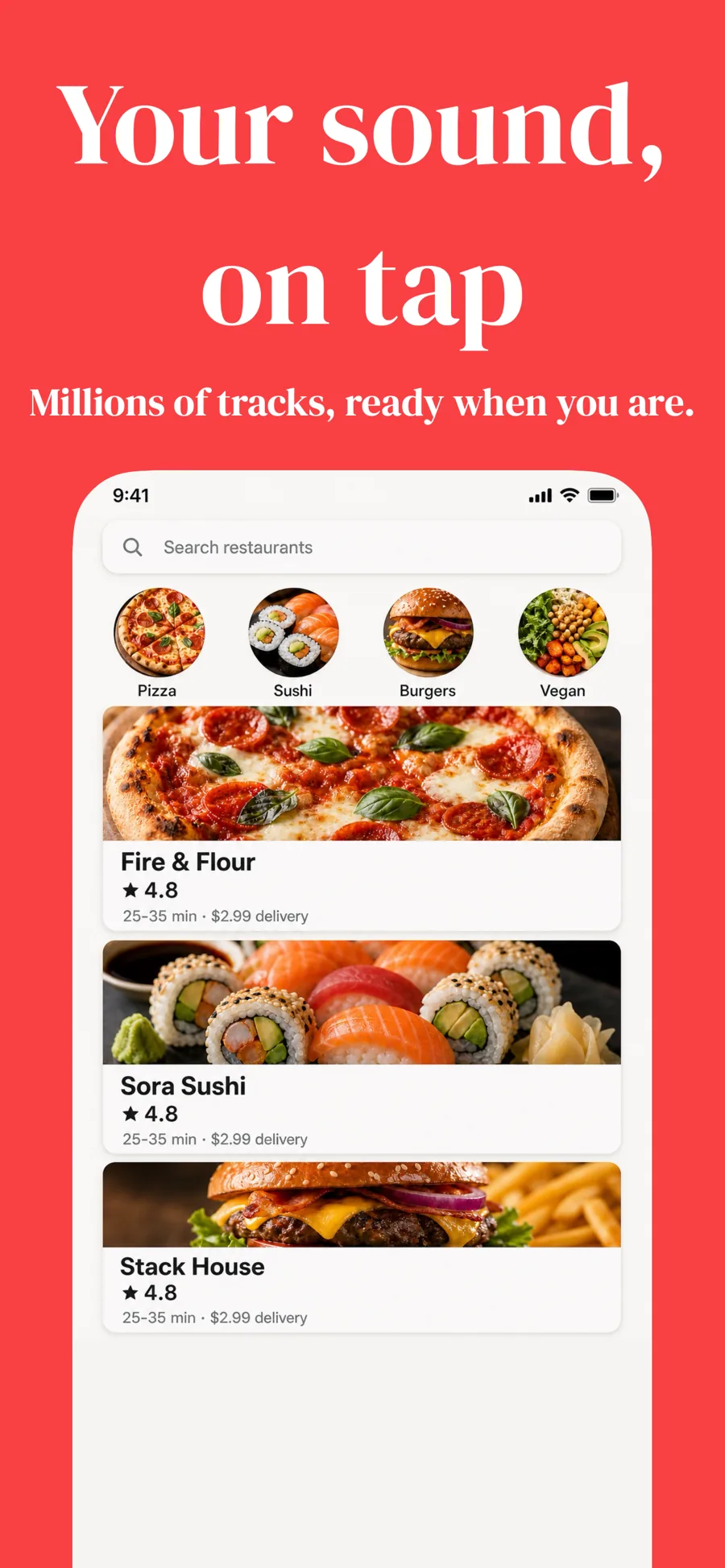
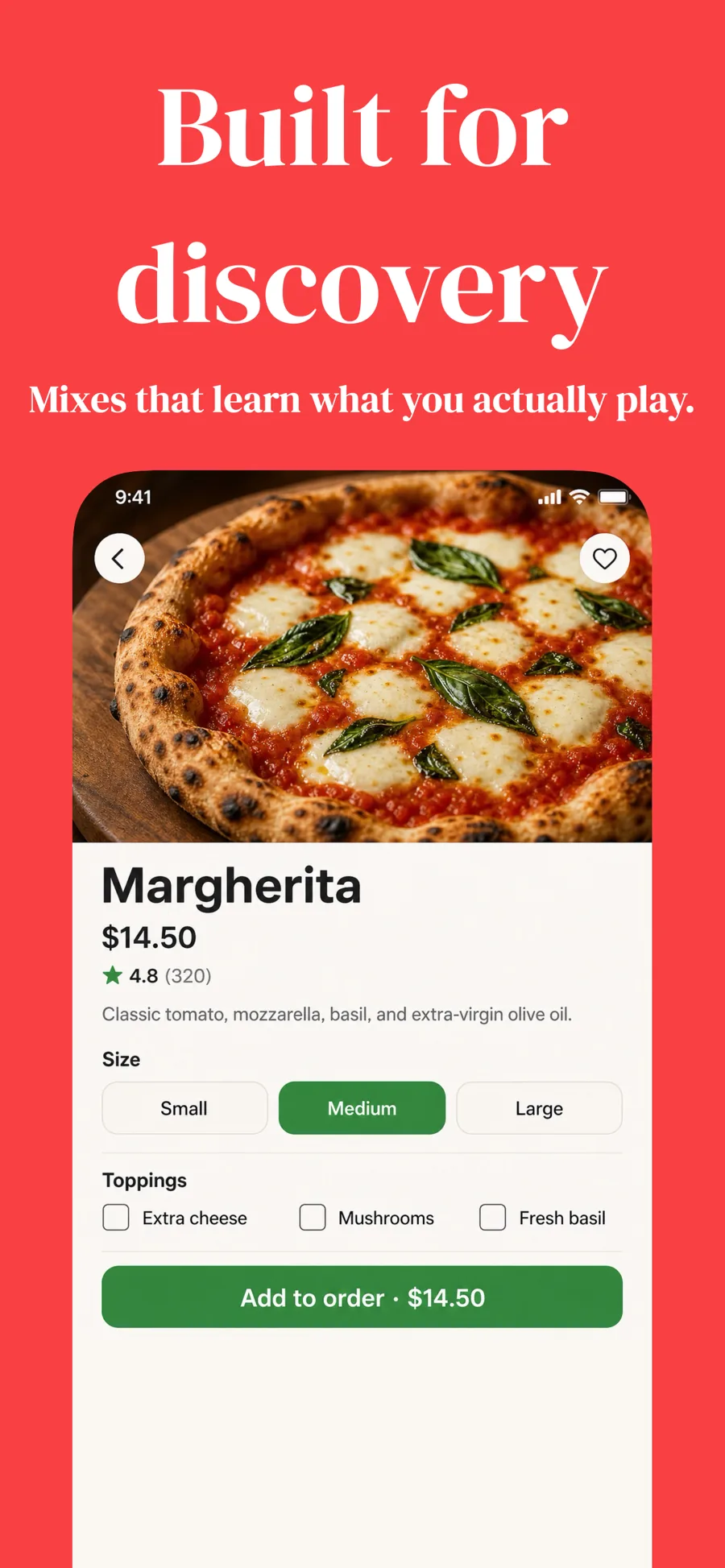
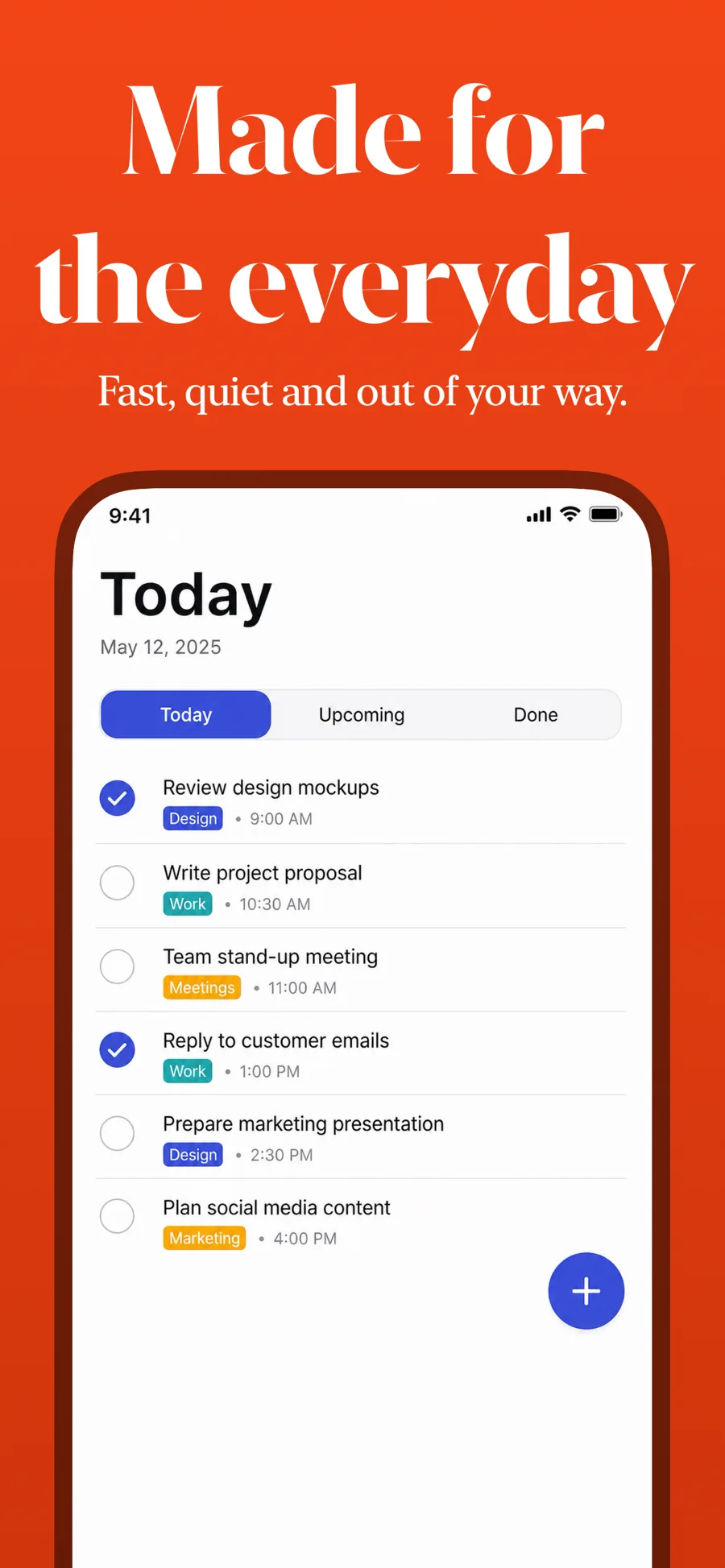
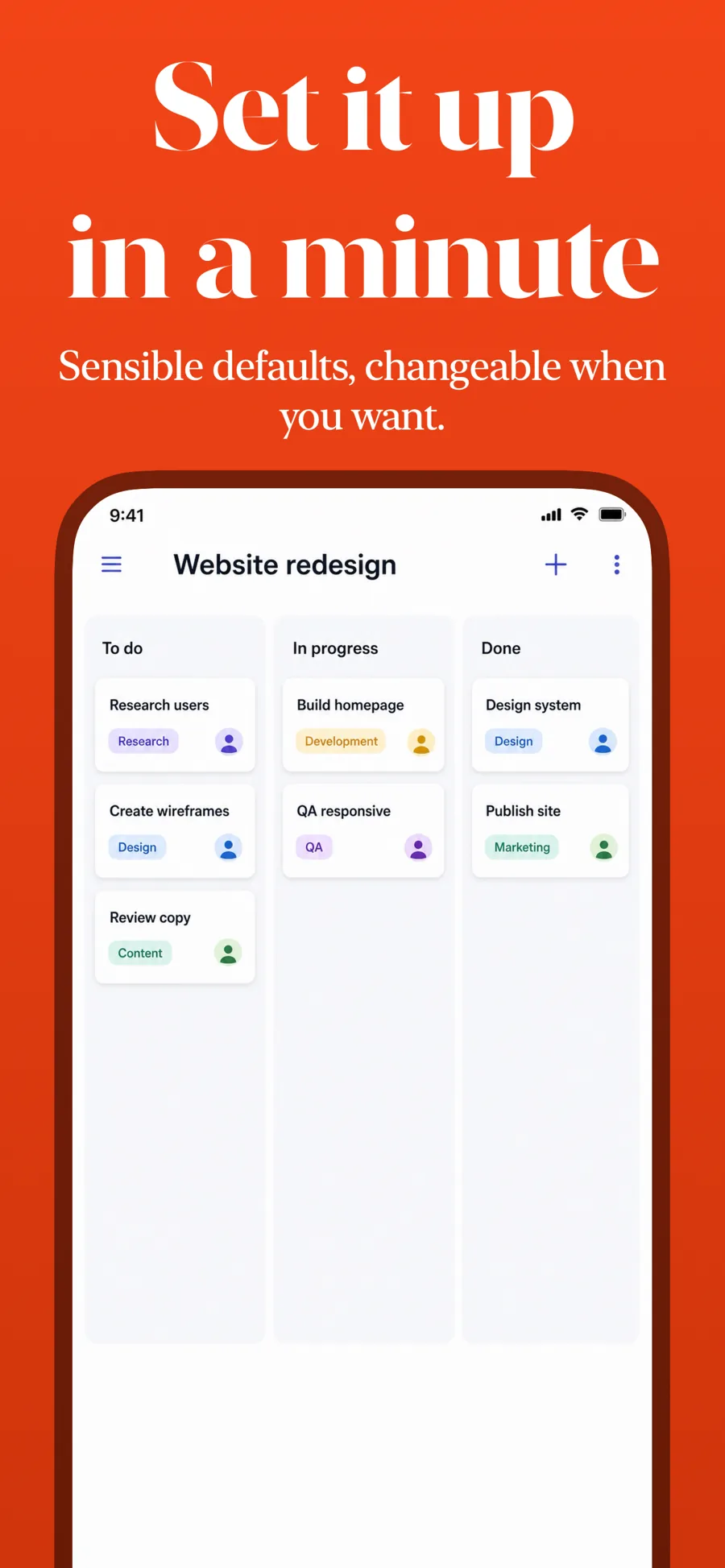
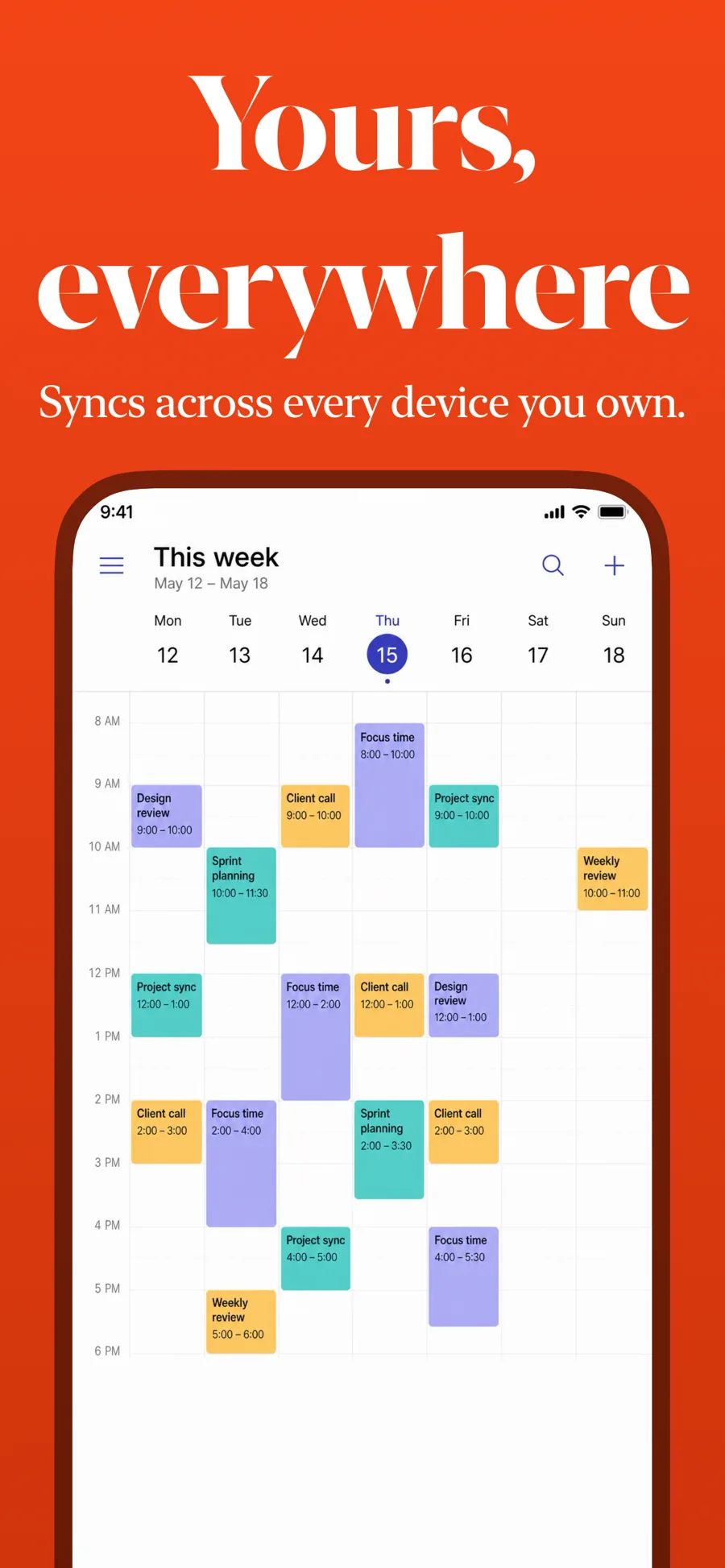
  • Colorful template, screen 1 of 3. Colorful template, screen 2 of 3. Colorful template, screen 3 of 3.

    Colorful

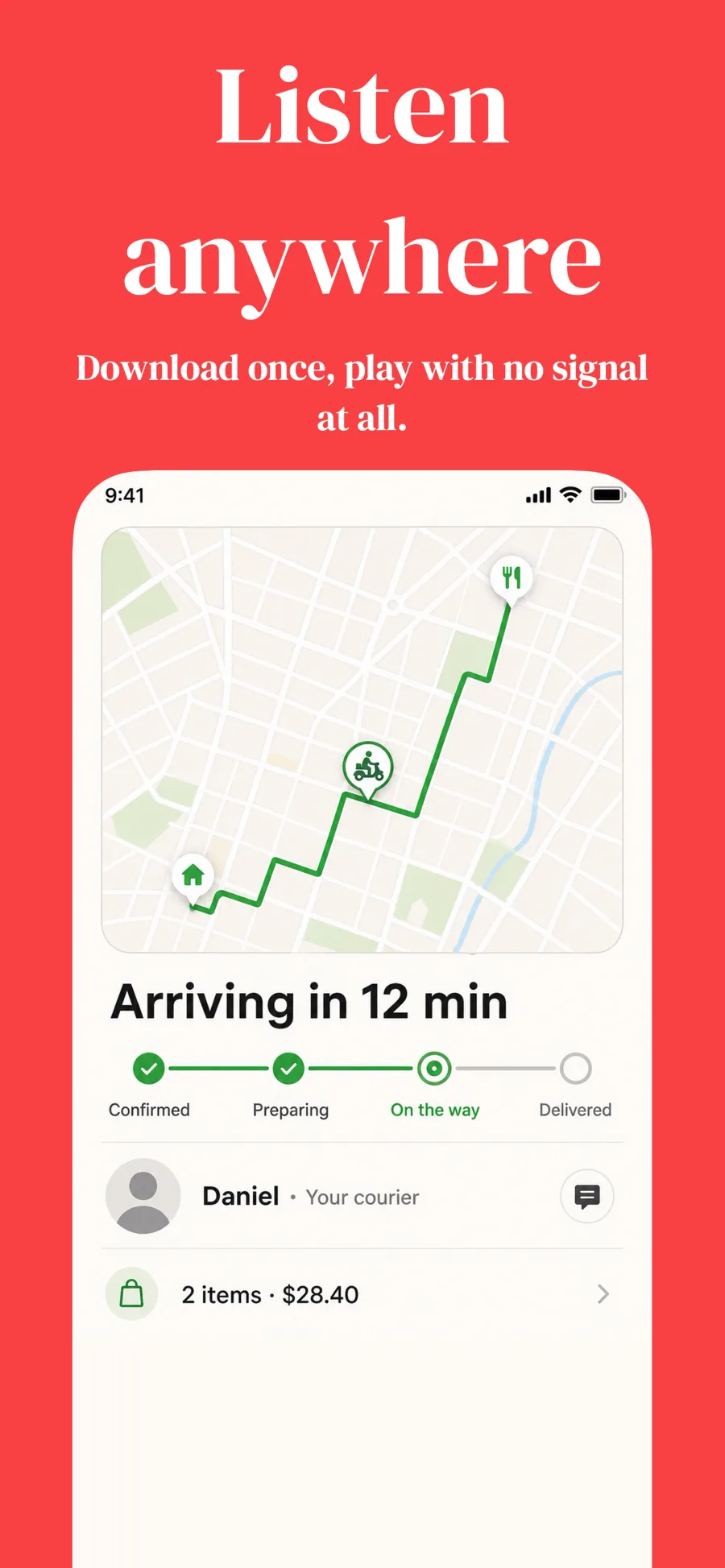
    Saturated ground with a serif headline. Bold consumer apps.

    For Entertainment · Lifestyle · Shopping

  • Spotlight template, screen 1 of 3. Spotlight template, screen 2 of 3. Spotlight template, screen 3 of 3.

    Spotlight

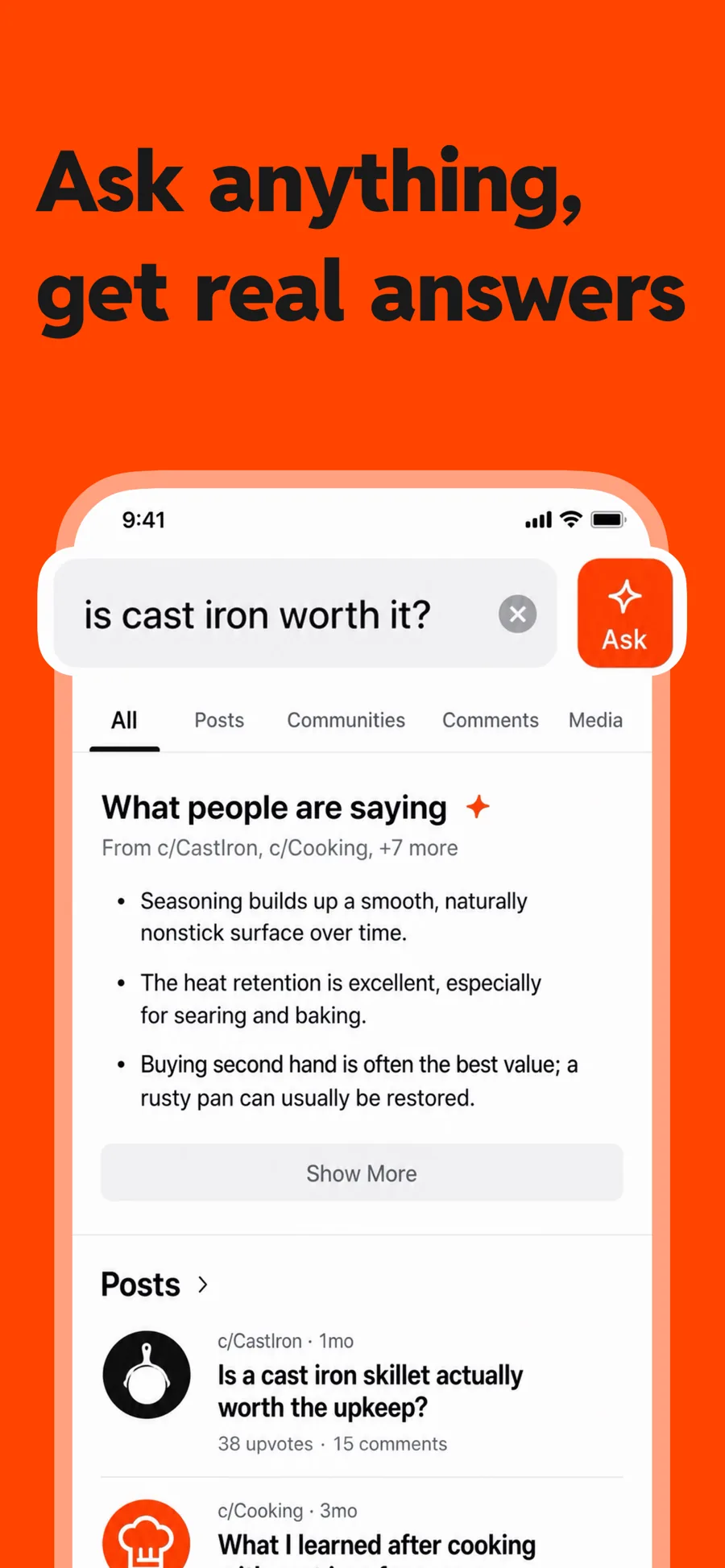
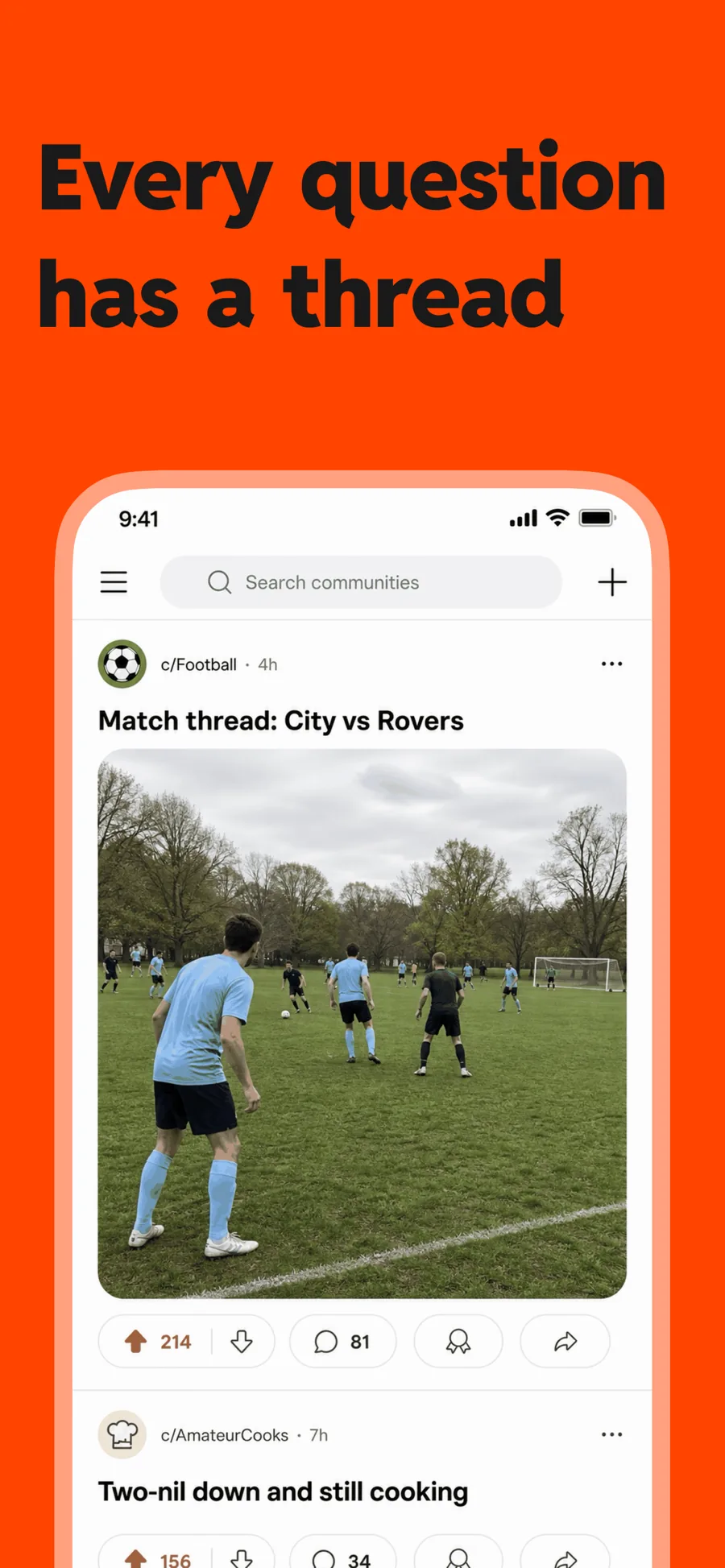
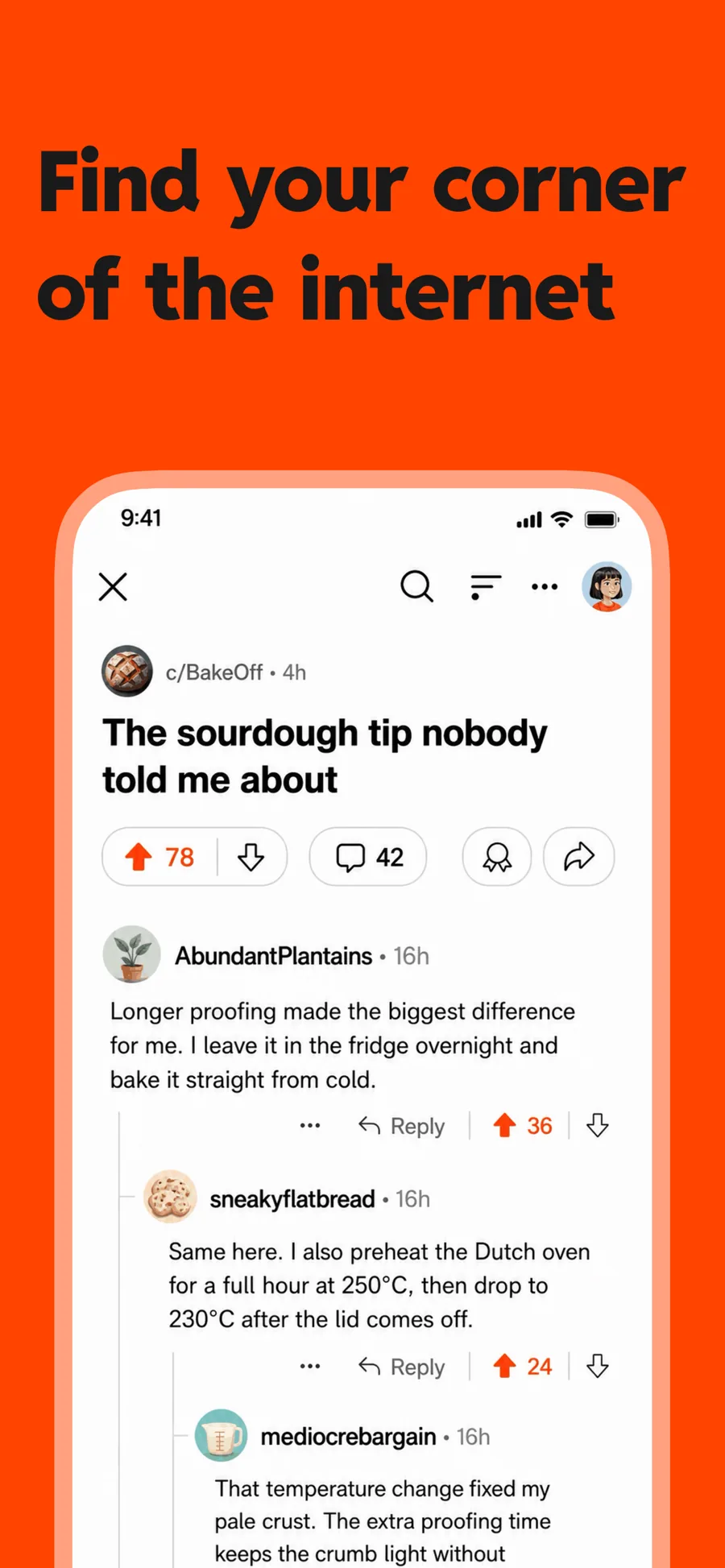
    Inspired by Reddit

    One flat colour and heavy type, with room for a lens over the control you want noticed. For a feature that lives in one corner of the screen.

    For Social Networking · News · Entertainment

  • Marquee template, screen 1 of 3. Marquee template, screen 2 of 3. Marquee template, screen 3 of 3.

    Marquee

    Inspired by Spotify

    Music, podcasts and entertainment. A photograph for a ground rather than a colour, and caps with the important words picked out — wrap them in *asterisks* to recolour them.

    For Music · Entertainment · Photo & Video

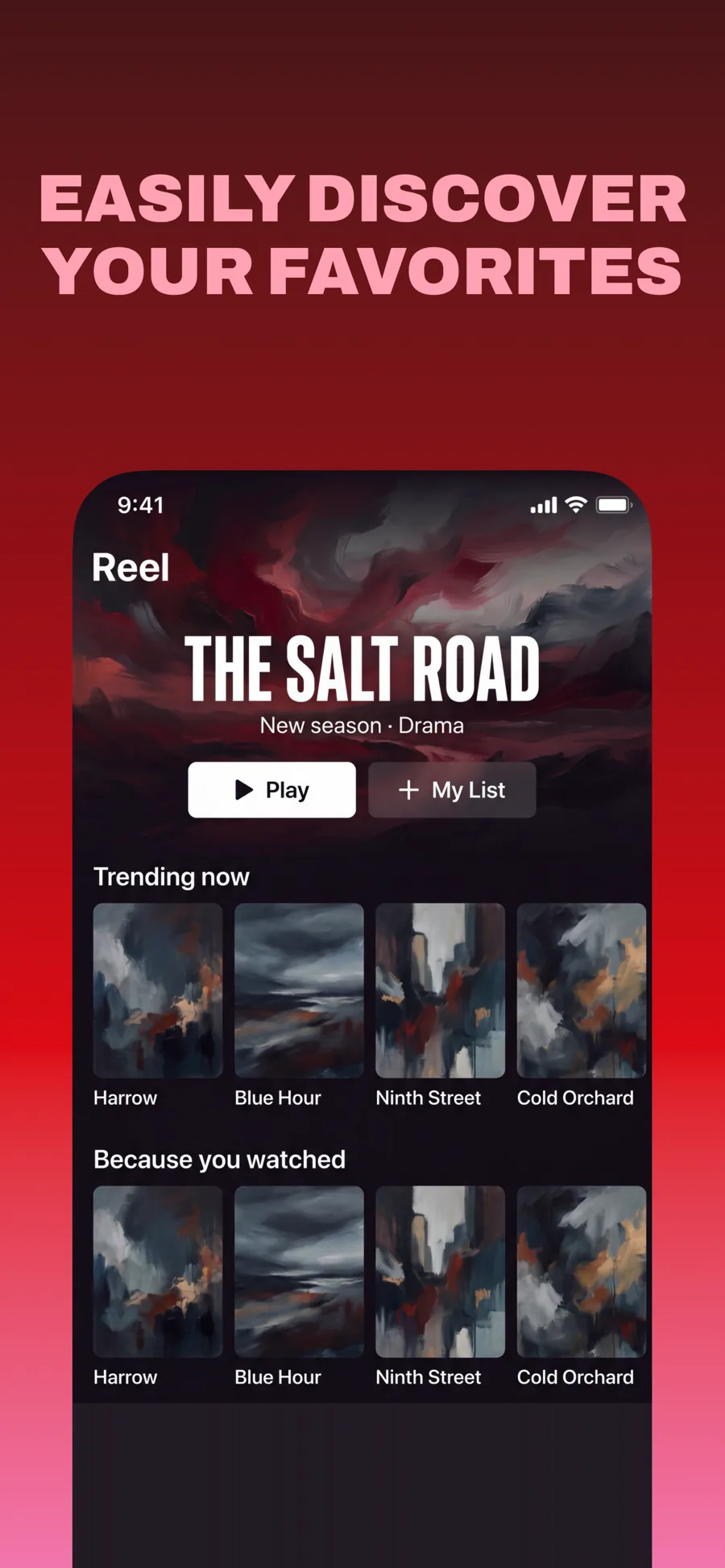
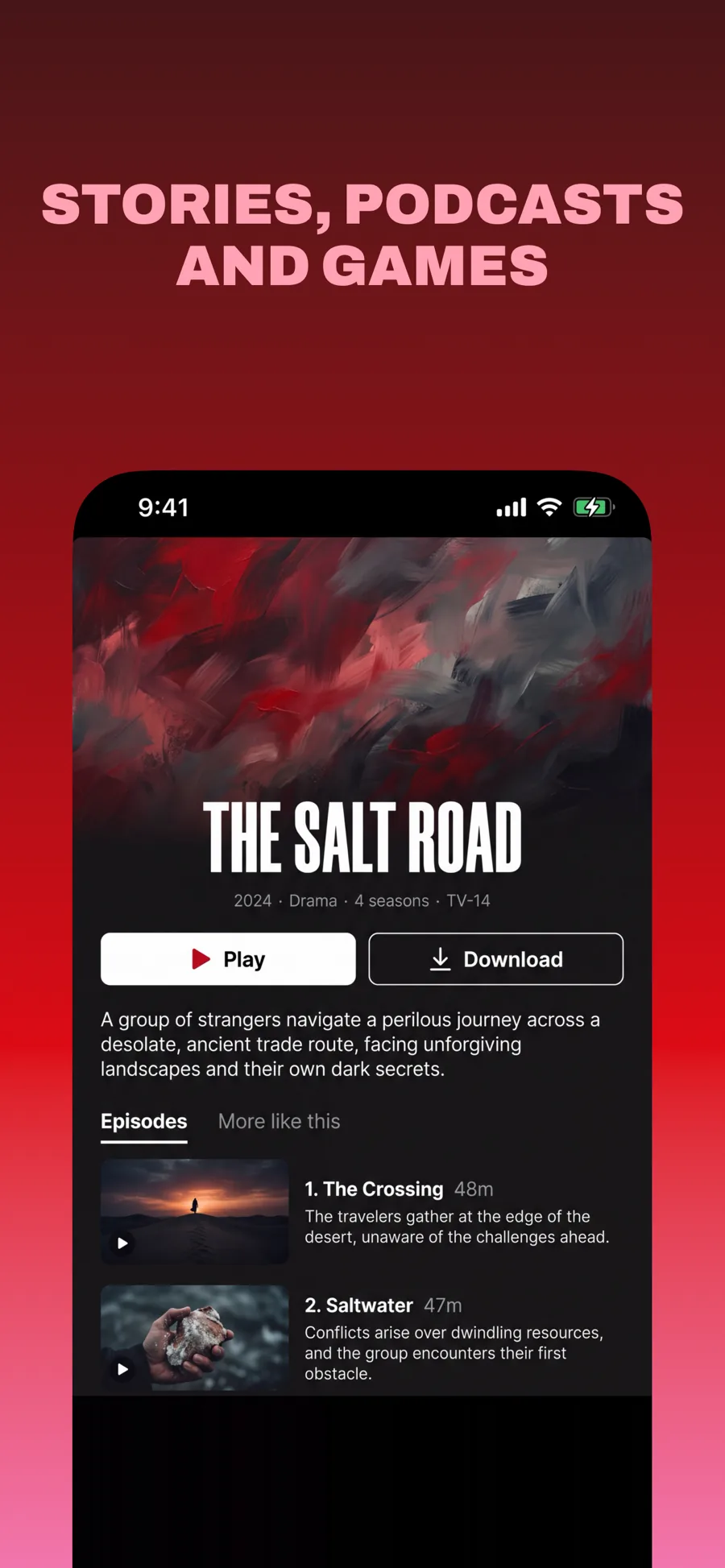
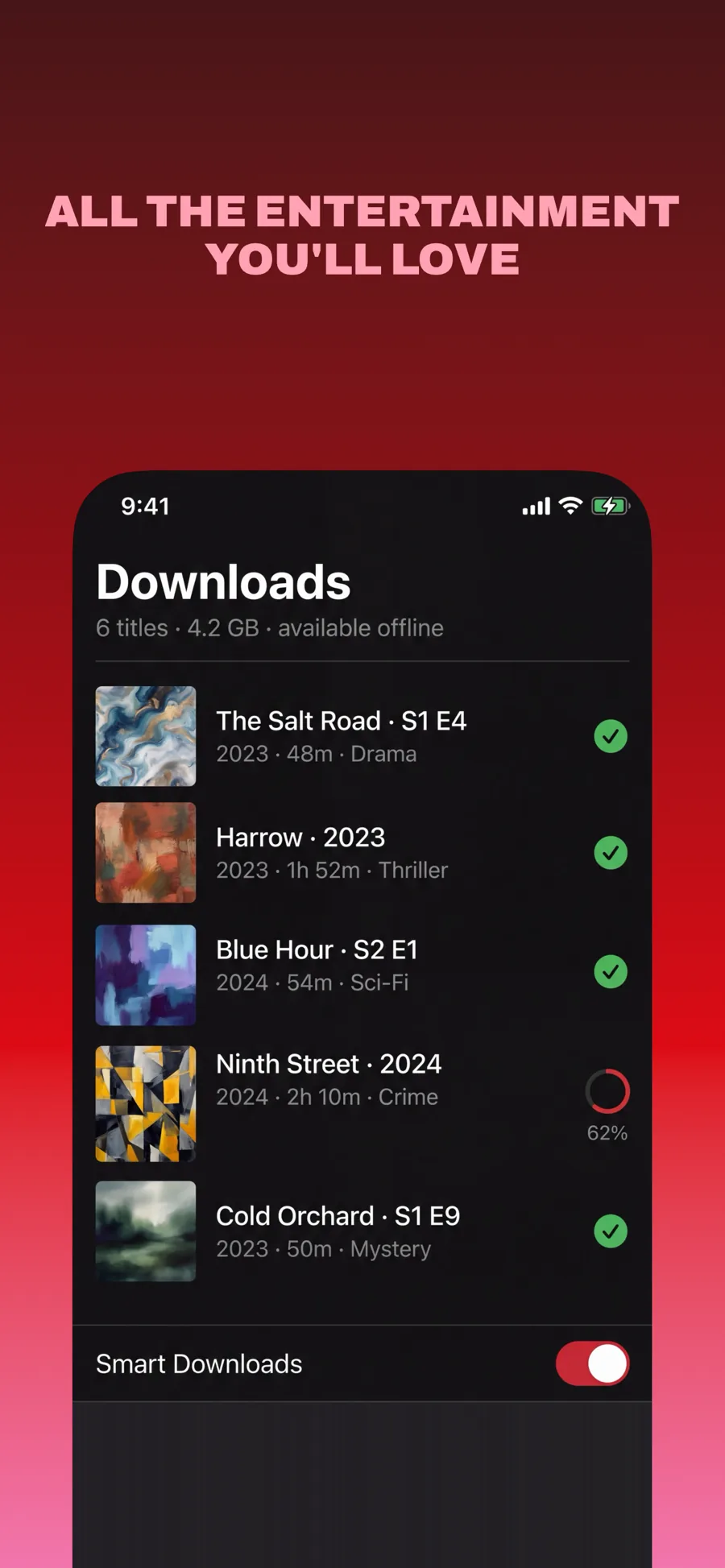
  • Primetime template, screen 1 of 3. Primetime template, screen 2 of 3. Primetime template, screen 3 of 3.

    Primetime

    Inspired by Netflix

    Streaming and anything with a catalogue. Dark red gradient, pink caps, and the screen running off the bottom so the content keeps going past the frame.

    For Entertainment · Photo & Video · Games

  • ZigZag template, screen 1 of 3. ZigZag template, screen 2 of 3. ZigZag template, screen 3 of 3.

    ZigZag

    Angled serif on a warm ground. Confident and a little irreverent.

    For Lifestyle · Shopping · Entertainment

What works in Entertainment screenshots

  • Lead with the content itself — a poster wall, a playing show, a character — not your navigation.
  • Use one loud, consistent treatment across the set so the five screenshots read as one poster.
  • Keep captions to a few words. The imagery is doing the selling; the caption only names it.

Make your Entertainment screenshots

  • Built into Screenshot Studio — apply it and swap in your own screenshots.
  • Every colour, font and layout value stays editable afterwards.
  • Localise the text into all 50 App Store languages from the same document.

Get Screenshot Studio