 +
 1
 2
 3
 4
 5
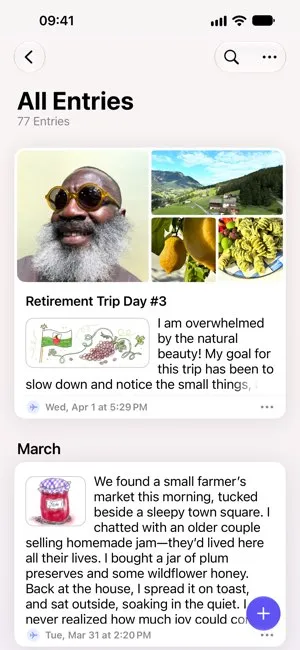
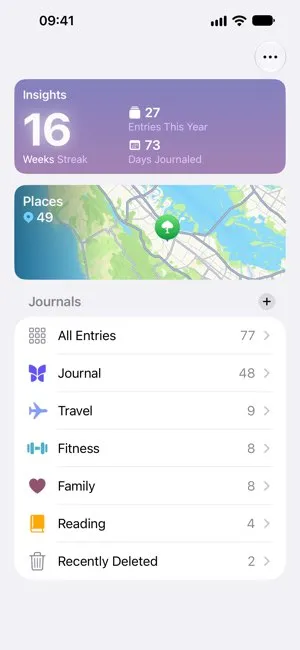
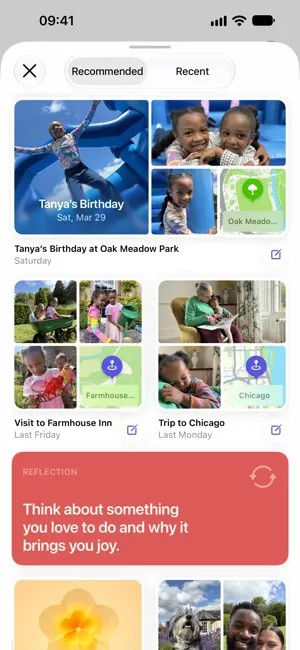
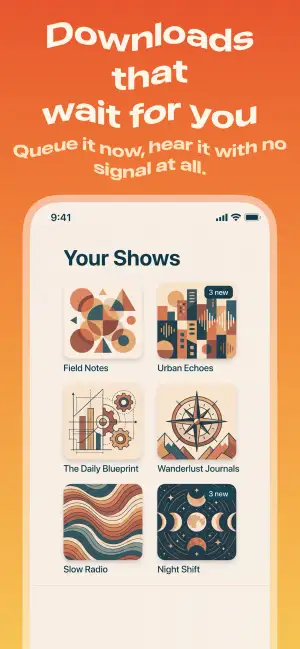
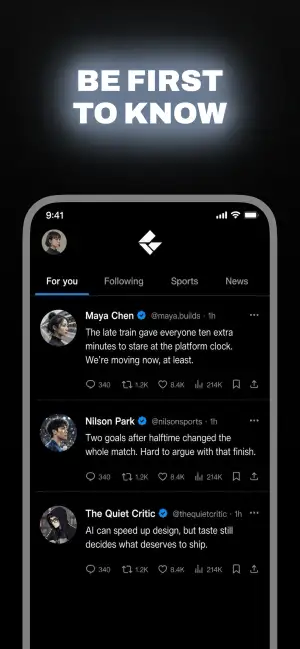
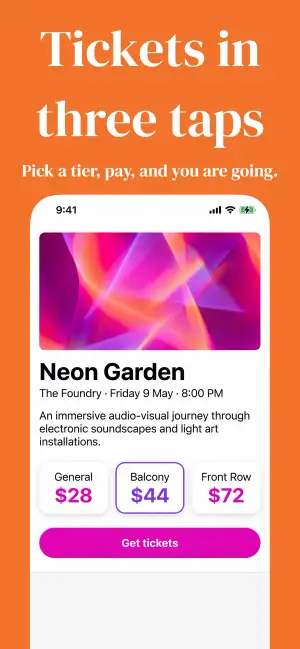
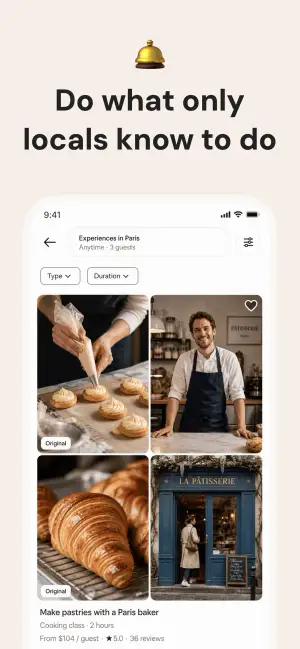
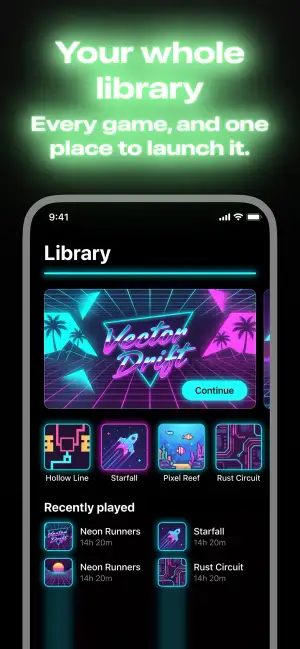
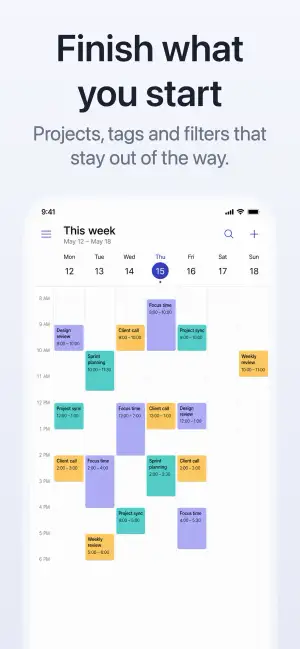
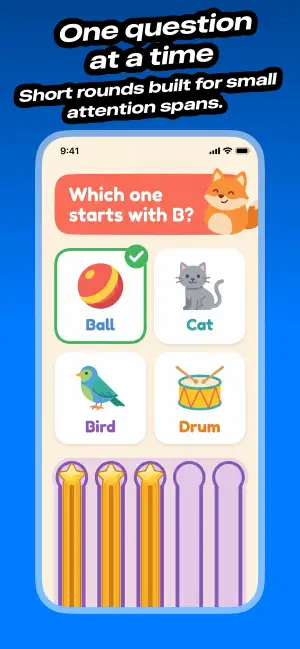
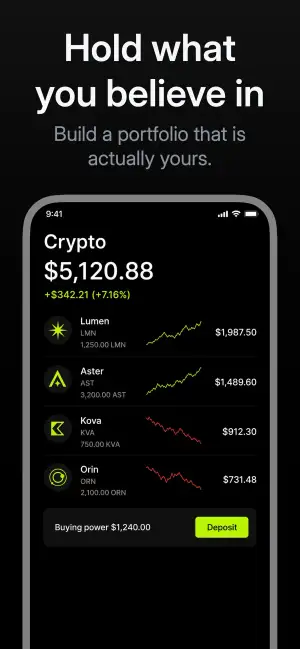
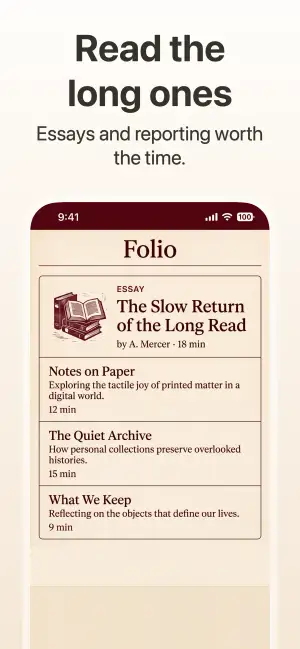
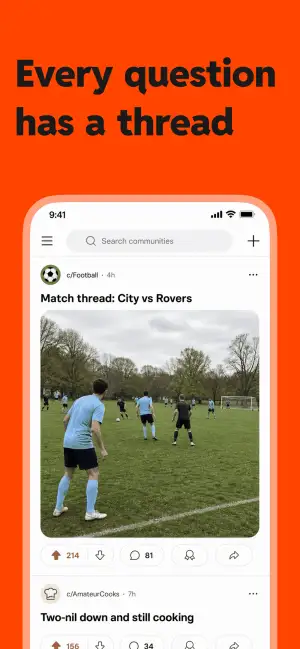
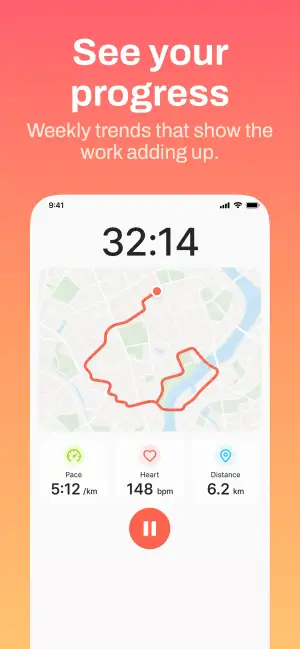
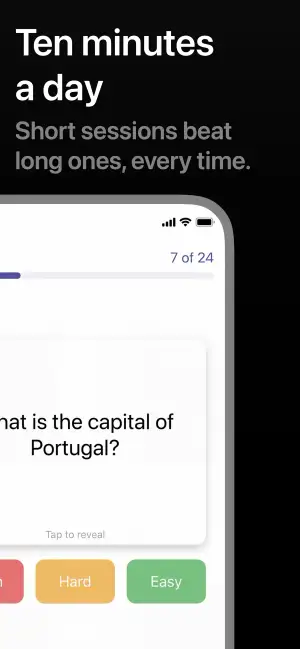
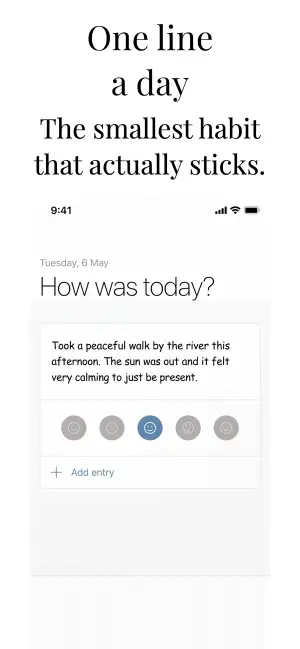
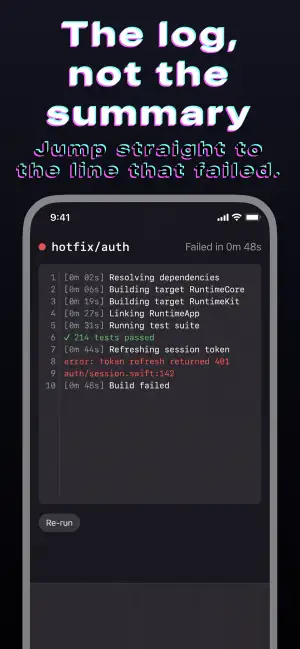
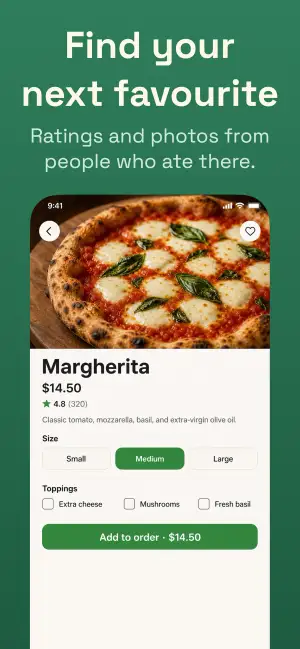
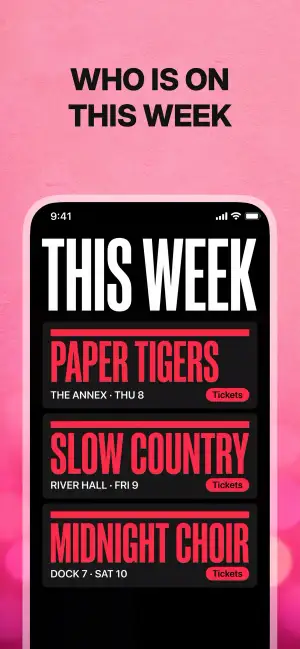
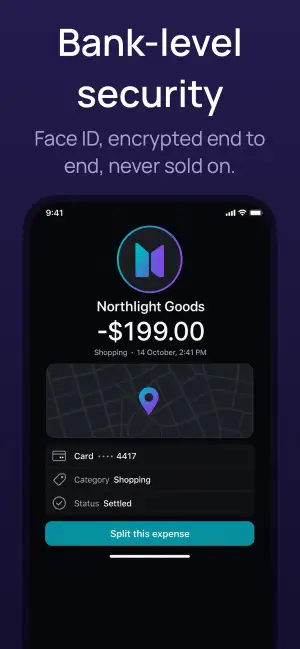
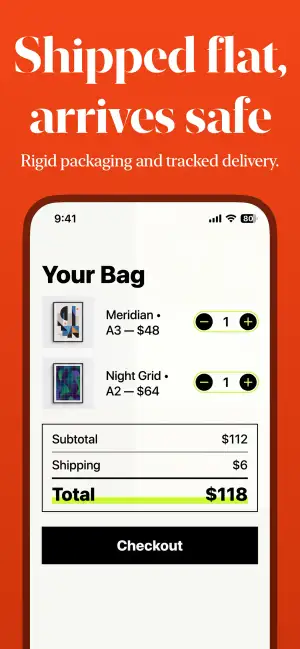
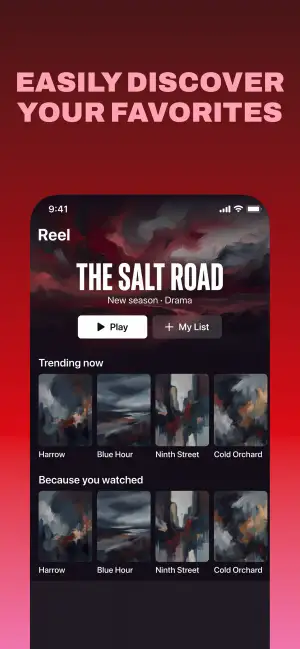
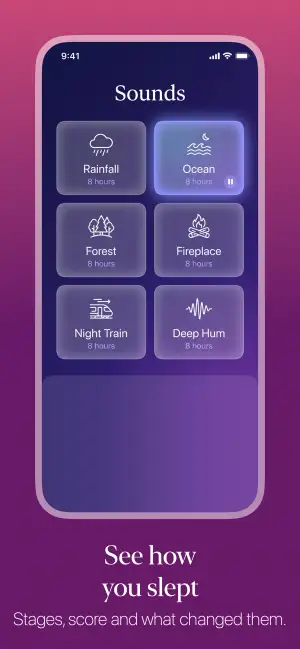
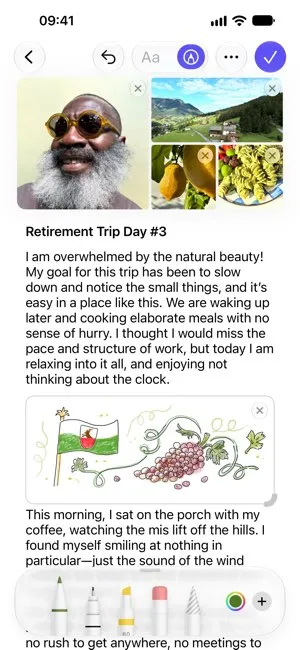
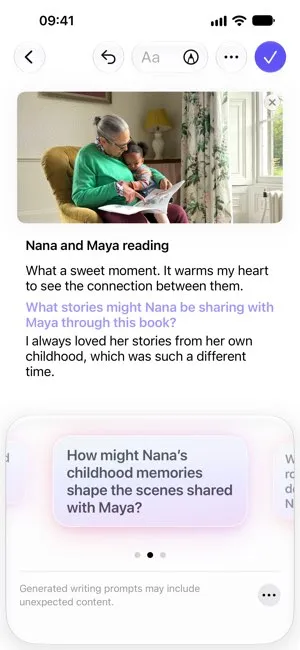
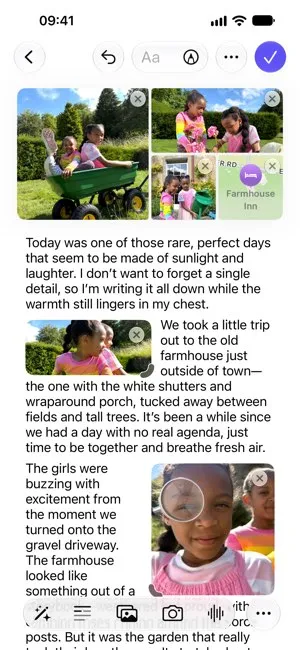
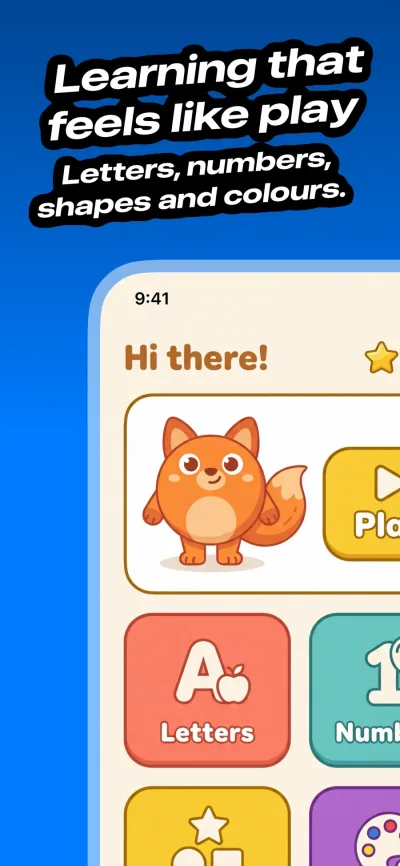
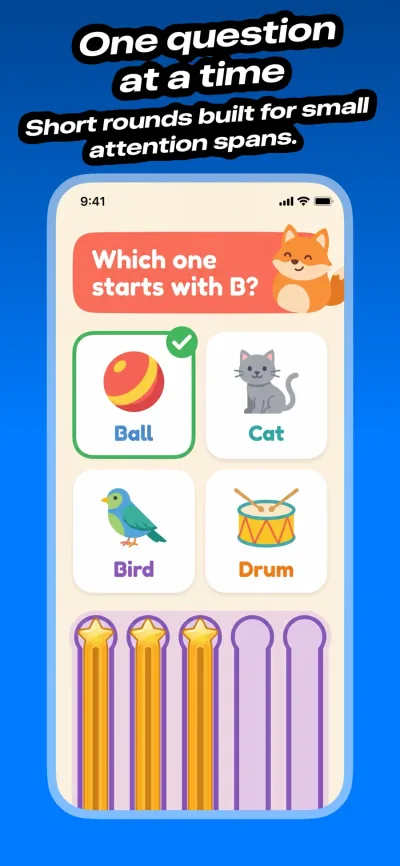
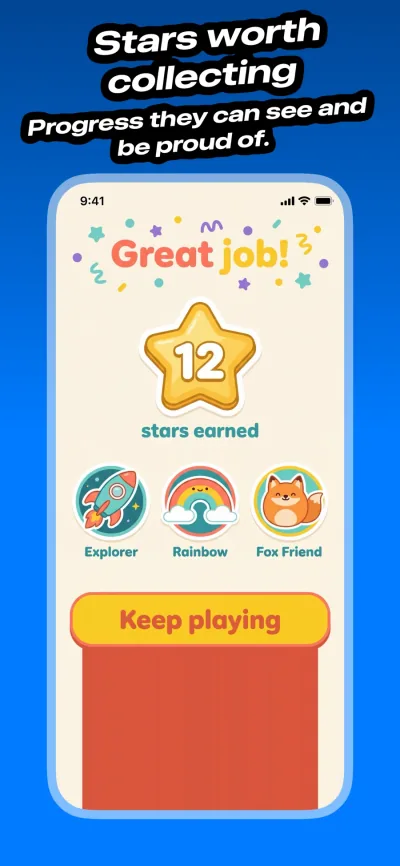
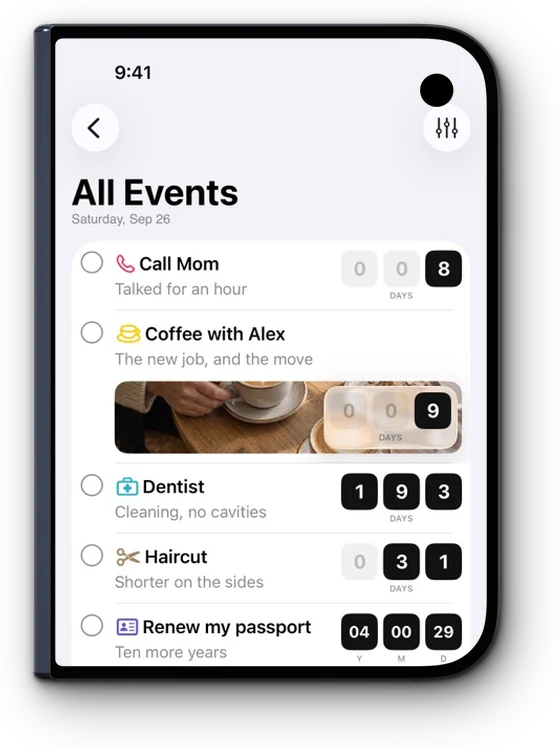
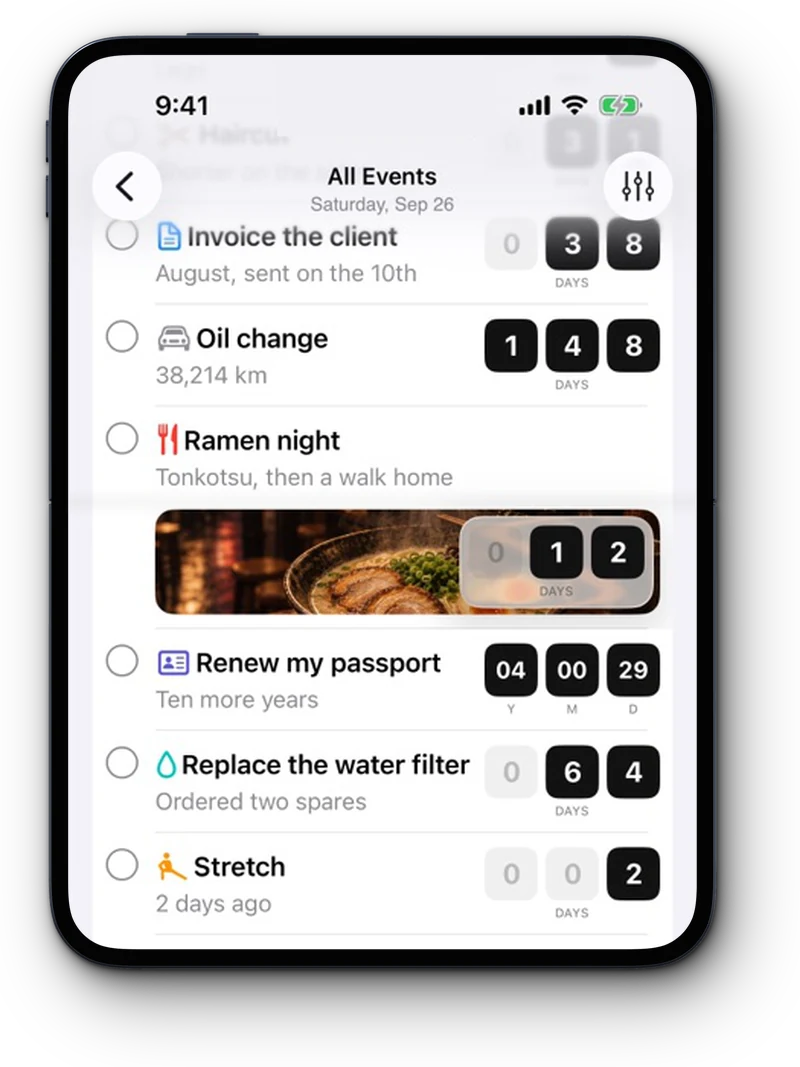
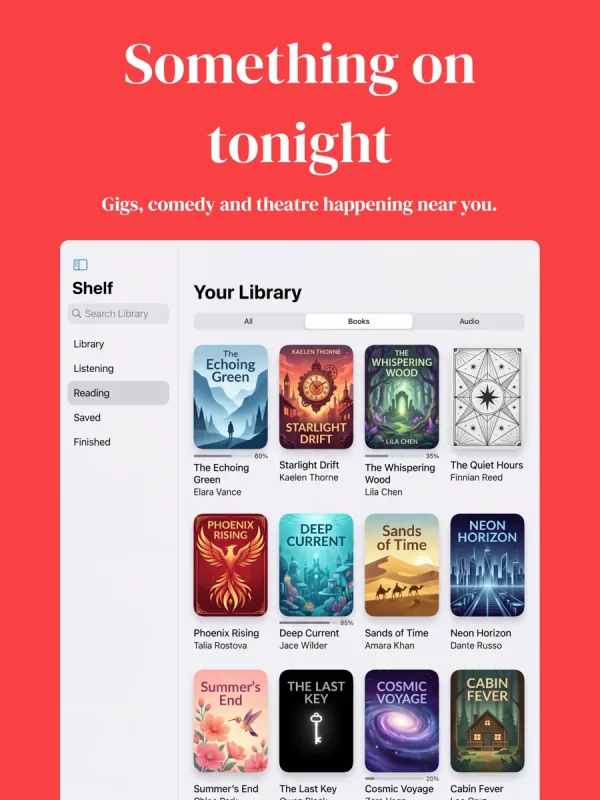
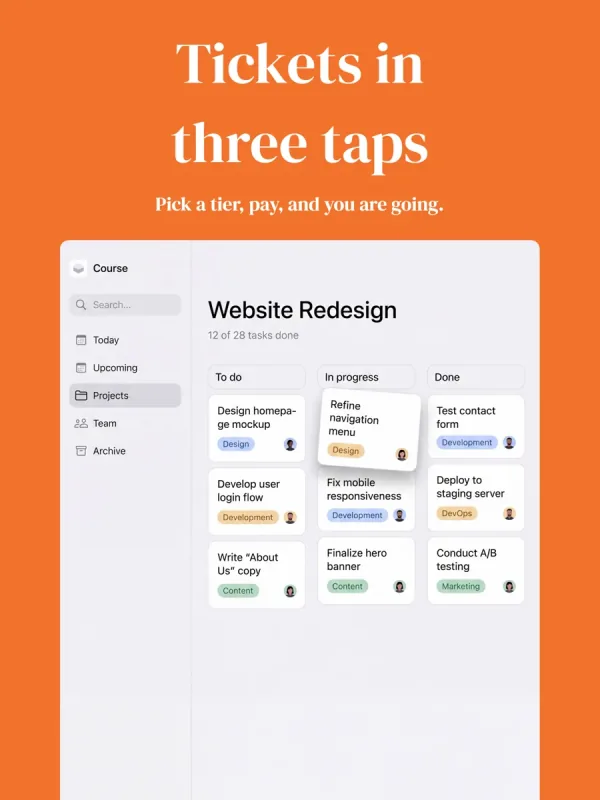
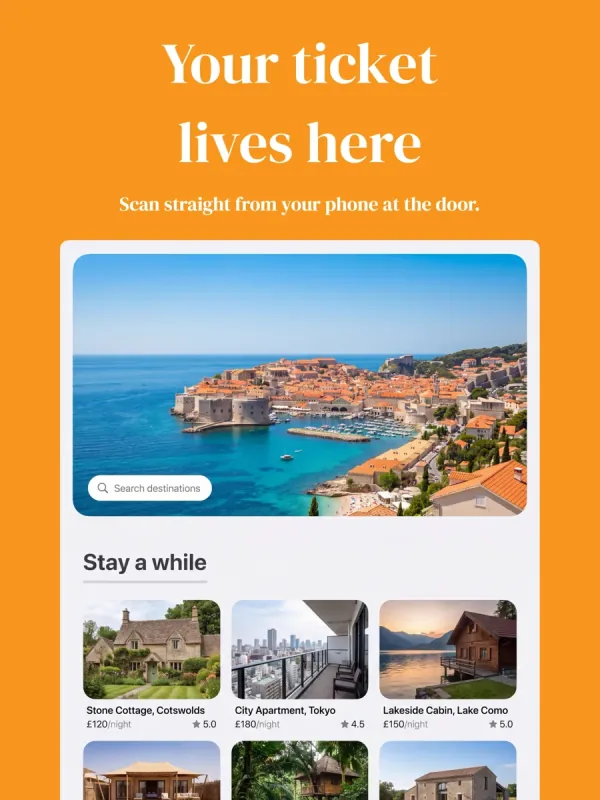
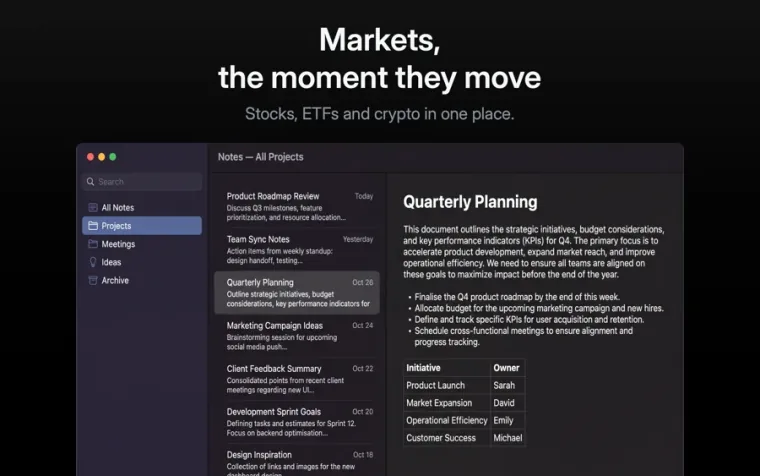
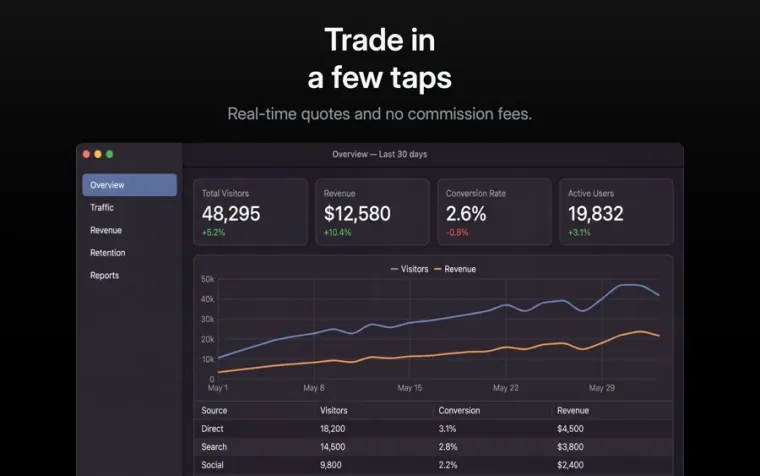
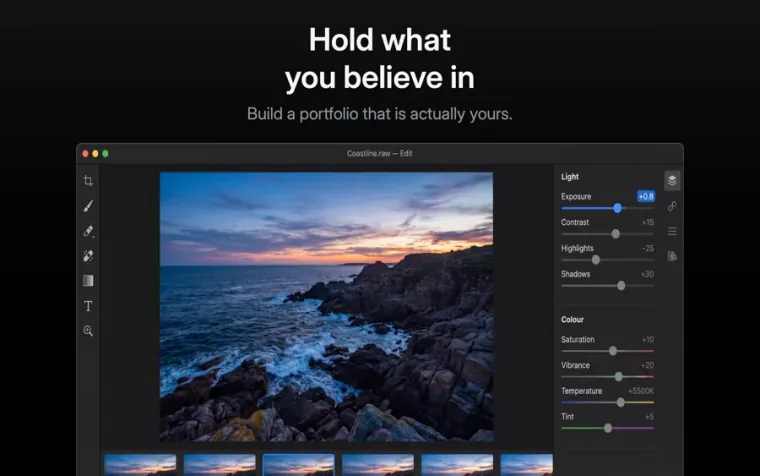
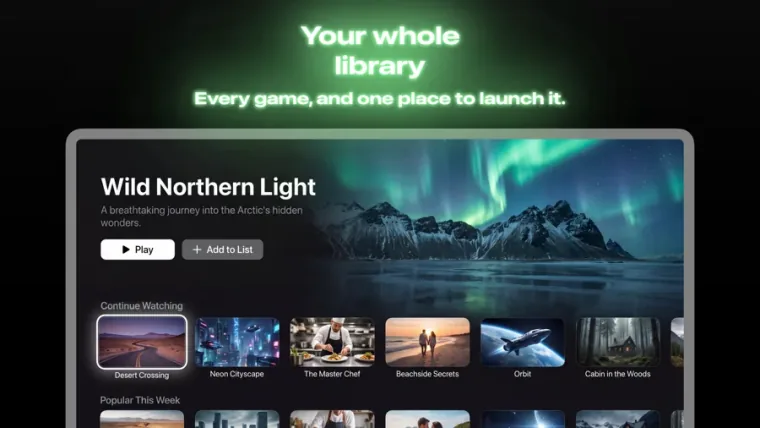
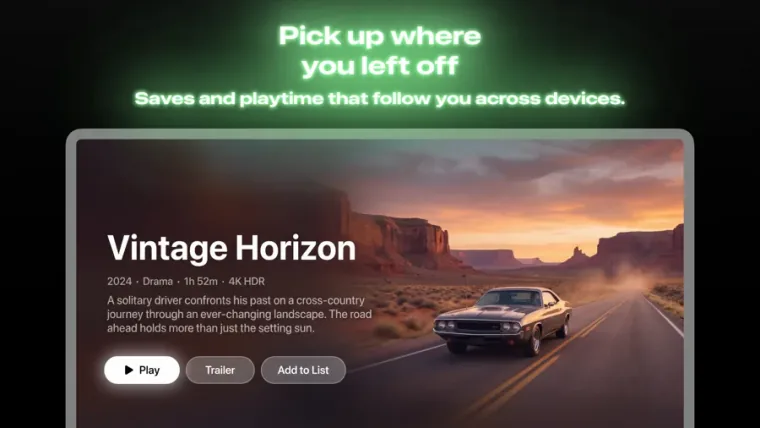
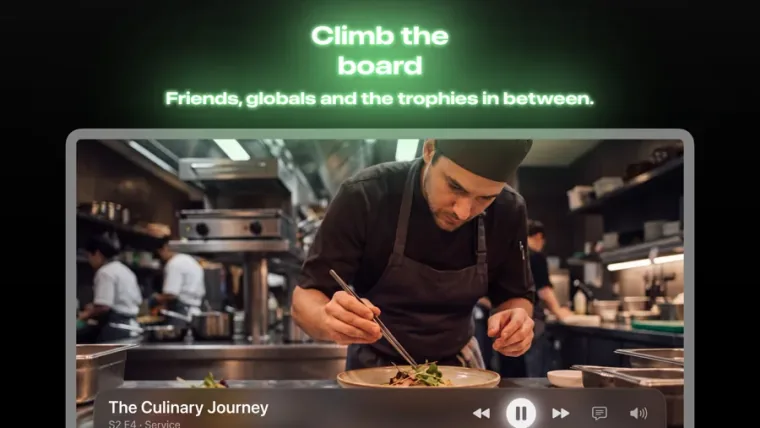
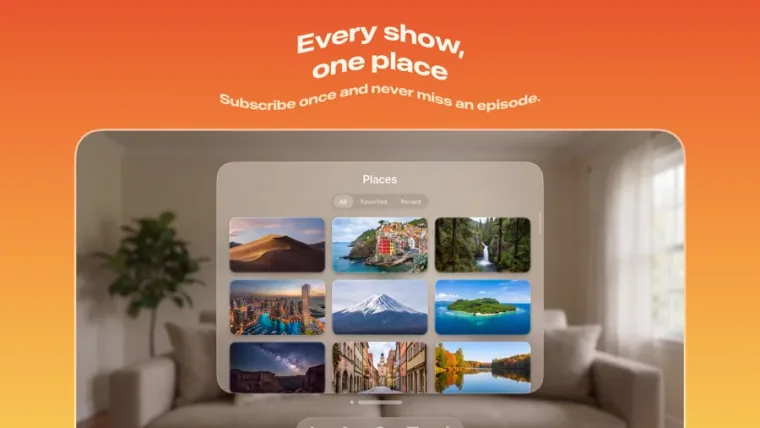
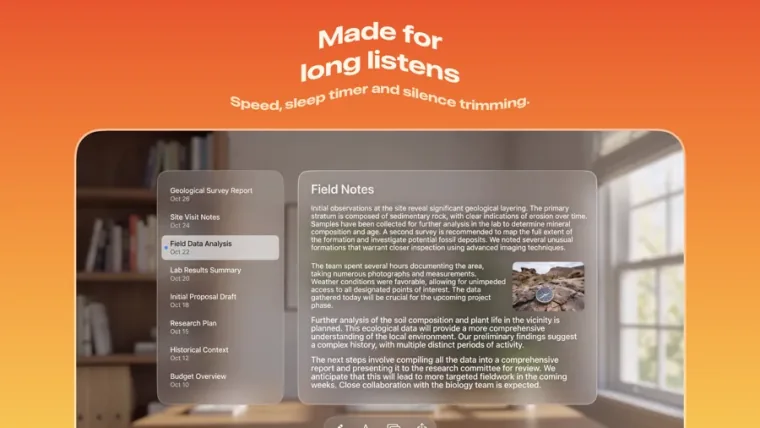
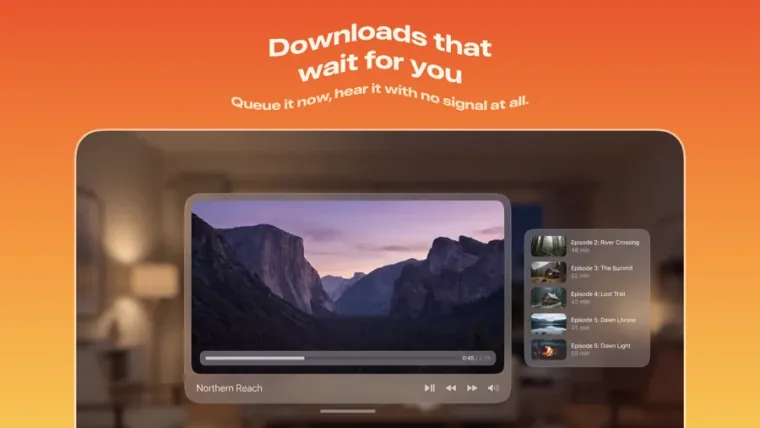
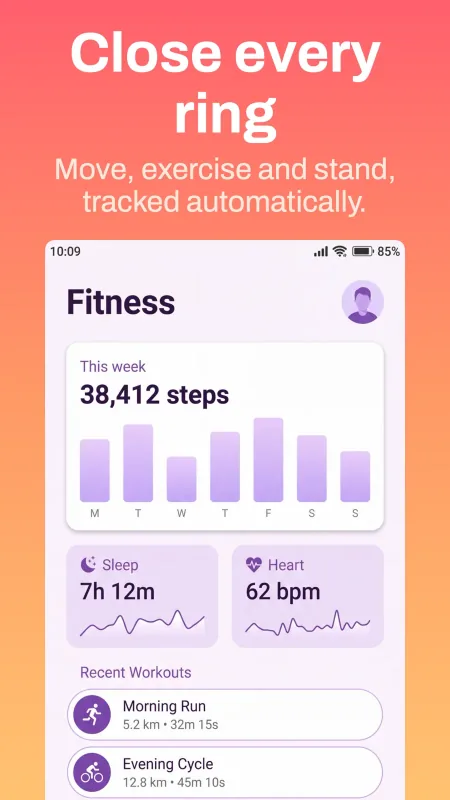
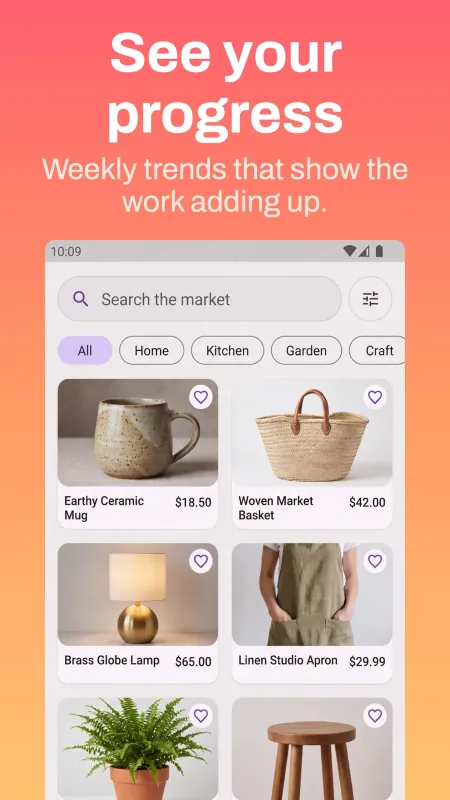
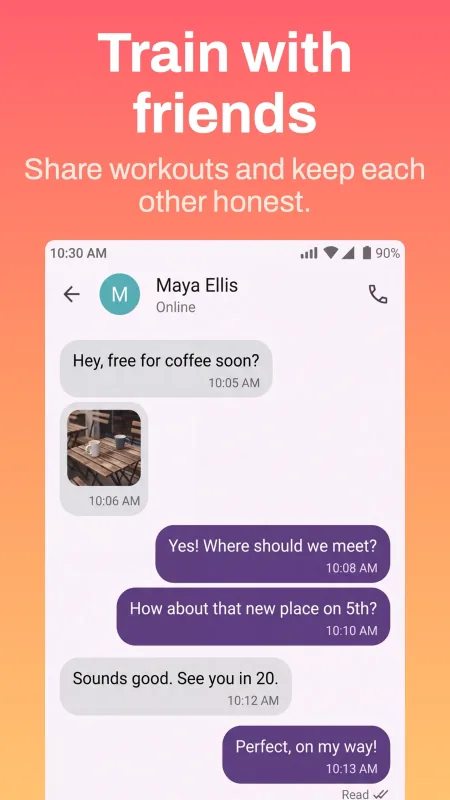
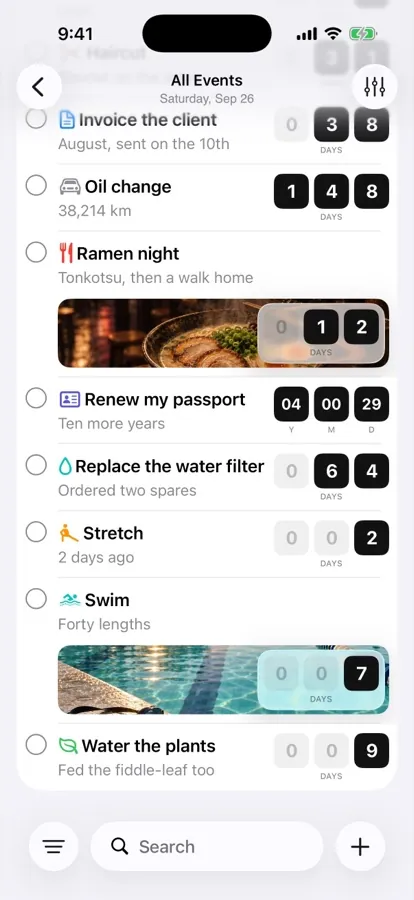
“Literally give it 5–15 minutes of clicking around to understand how it works and it will save you DAYS of time creating and updating screenshots! Thank you THANK YOU”
App Store Screenshot Generator
Create App Store screenshots in minutes not hours
Native Mac & iOS app for App Store screenshots. Localize with AI and upload directly to App Store Connect — iPhone, iPad, Mac, Watch, TV, Vision Pro & Android.
★★★★★
“I've tried other apps like this and frankly this is a cut above the rest. Makes my life a hundred times easier than dealing with Figma.”
Import
Start from the screenshots you already have.
Drop in your captures, import a whole fastlane folder, or bring over the screenshots already on your App Store page.
-
Drop them in
Drag up to 10 screenshots straight onto the canvas, or browse for them.
-
Import from the App Store
Paste your App Store link and pick the screenshots already on your page.
-
Import a fastlane folder
Choose fastlane's snapshot or screengrab output, or any folder of captures. Every screenshot lands on the right device, in the right language and slot.
Captions
Content is king. Make the headline count.
People decide from the captions before they look at anything else. Set them in any font on your Mac, make the key words stand out, and place the text and device so the headline reads first.
-
Any font on your Mac
Every font on your Mac is yours to use, brand fonts included. Pick the voice that fits your app, and the whole set follows.
-
Make the key words pop
Put asterisks around the words that matter and they take your highlight color.
-
Give the words an attitude
Switch a caption to a sticker, a neon sign, a glitch or a wave in one click, and tint it in your own colors.
-
Put the words where they read first
Choose where the device sits and how the text lines up. Push the phone off the edge to give a long headline room, on one screenshot or the whole set.
Design
No design skills needed.
Start from a template, pick colors that already go together, and let the tools take care of the details. Or ask your AI agent to build the whole set.
-
Start from a finished design
26 templates, from quiet to loud. Apply one to the whole set, then change anything you like.
Browse all templates → -
Colors that already work
Dozens of gradient presets and a full range of solid colors, picked to sit well behind a screenshot.
-
Zoom in on what matters
Put a magnifier over a detail and it stays readable, even when the device is small.
-
Tilt it in 3D
Turn the device in three dimensions for a screenshot with depth, on one slot or the whole set.
-
Or let your AI agent design it
Screenshot Studio has a built-in MCP server. Ask your coding agent for a set and watch it land in the app, ready to tweak.
Claude CodeCursorCodexRead the setup guide →
Localize
Speak your customers' language.
Write your captions once, then translate them into every App Store language with AI that's built in. The design stays the same in every language.
-
Translate with AI, built in
Translate every caption into every language in one click. No API key, no setup, and you can still edit any line by hand.
-
All 39 App Store languages
Every language App Store Connect accepts, plus Google Play's languages for your Android set.
-
Screenshots that match each language
Drop in captures of your app in German or Japanese. A language without its own falls back to your base screenshots.
-
See what's left at a glance
Each language shows how many captions and screenshots are done, and one button translates whatever is missing.
Devices
Every device in one project.
iPhone, iPhone Duo, iPad, Mac, Apple Watch, Apple TV, Vision Pro and Android sit side by side in the same project. Each device keeps its own template, screenshots and design.
-
Ready for iPhone Duo
Frame and export screenshots for both displays: the outer screen at 1398 × 2034 and the inner screen at 2007 × 2853. Every app submitted from April 2027 needs them.
iPhone Duo screenshot sizes → -
Only the size the App Store needs
Export the one size App Store Connect requires. Apple scales it down for every smaller display, so there is nothing extra to export or keep up to date.
Upload to App Store Connect → -
Google Play, too
Keep your Android screenshots in the same project as your App Store sets, ready for Google Play.
Ship
Upload to App Store Connect, or export to a folder.
When the set is ready, send it from the app. No browser tabs, no dragging files into slot after slot.
-
Straight to App Store Connect
Pick your app and version. Every screenshot lands in its platform, language and display slot, in the order you set. If the upload stops, it picks up where it left off.
-
Upload into an A/B test
Send a new design to a product page optimization test instead of the live page, and let the App Store pick the winner.
How to upload to a test → -
Find the screenshots that convert
A product page test shows which design turns more visitors into downloads. Keep the winner, then try the next idea.
Why A/B test your screenshots → -
Or export every file
Save the whole set as JPEG files: one folder per display size, every file named by language, size and order.
What Developers Say About Us
“This is a gem of an app — it cuts down the fuss and muss, making App Store previews a breeze and everything looks a hundred times more polished. Quick, easy, and slick without stealing precious dev time.”
“Always great to see indie developers creating things with actual value. I was struggling to find a solution for App Store screenshots that was not a total ripoff until I found this.”
“Great app for minimal and easy screenshot manipulation for App preview submissions. Exactly what I needed for store listings.”
“The app is insanely good — would love device borders with notch details, gradients on backgrounds, and text shadows. Auto-save has saved me when iterating on larger screenshot sets.”
“Thank you for this tool! I had already tested many others, but this is the only one that fits my needs exactly.”
“Very easy to use drag and drop editor for basic screenshots. Got a polished set ready for the App Store in one sitting.”
“Super helpful! Happy to pay for a tool that handles screenshot sizing, localization, and upload — exactly what indie developers need at launch.”
“If you're tired of the preview drag and want something that gets your app looking sharp on the App Store fast, this is your ticket. A small tool that makes a big difference.”
“Only takes a few minutes to get a feel for the app. I'd rate this three times if I could — great work from an indie developer who clearly ships.”
 Screenshot StudioMac · iPhone
Join Other Developers and Save Time
No design skills. No Figma export hell. No manual uploads.
Free to try every feature. Pay only when you export.
Frequently Asked Questions
In one sentence, what makes Screenshot Studio different from other apps out there?
I created this app to address the pain of the App Store creation process. I want you to create screenshots as fast as possible while still making the result look professional. You might not see every fancy feature in this app, but I can guarantee the speed and beauty of it.
What is an App Store screenshot generator?
An App Store screenshot generator is a tool that turns raw app screenshots into polished, store-ready marketing images with correct dimensions, device frames, captions, and locales. Screenshot Studio is a native Mac and iOS app built for this workflow.
Can Screenshot Studio upload directly to App Store Connect?
Yes. Screenshot Studio uploads all screenshots for every platform and locale to App Store Connect in the correct order — eliminating manual drag-and-drop for each device size and language.
Which devices and platforms are supported?
Screenshot Studio supports iPhone, iPad, Mac, Apple Watch, Apple TV, Apple Vision Pro, and Android phones. Export or upload every required size from a single project.
How does AI localization work?
Screenshot Studio uses built-in AI translation to generate localized screenshot captions in any language — no API key required. You can review and edit translations per locale while keeping layouts consistent across markets.
Do I need design skills to use Screenshot Studio?
No. Screenshot Studio includes professionally designed templates and an editor built specifically for App Store screenshots. Most developers are productive within minutes.
How is Screenshot Studio different from Figma or web tools?
Unlike Figma or browser-based tools, Screenshot Studio is purpose-built for app store screenshot production — automatic sizing, AI localization, bulk export, and direct App Store Connect upload from a native Mac and iOS app.
What screenshot sizes does it export?
Screenshot Studio exports every required App Store and Google Play screenshot size for supported devices.
Is there a free version?
You can try all features for free and experience how easy it is. If you like it, we require payment for export.
Is there a one-time purchase option?
Yes. Pro comes as a weekly, monthly or yearly subscription, or as a one-time lifetime unlock.
Can I use Screenshot Studio with Claude Code or Cursor?
Yes. A built-in MCP server lets Claude Code, Cursor, VS Code, Codex, and Antigravity write your captions, import screenshots, change the design, and render a preview in your open document. It is available on the free tier and runs entirely on your Mac — the assistant connects over localhost and nothing is uploaded.
Free resources for release day
Build the right files before you publish
Mac & iOS app
Localize screenshots with AI
Translate captions into every App Store language from one design, then upload.
Free browser tool
Validate screenshot files
Check dimensions, format, and PNG transparency without uploading your images.
2026 reference
Find every accepted size
Use the complete current table for iPhone, iPad, Mac, Watch, TV, and Vision Pro.
Step-by-step guide
Publish to App Store Connect
Understand the manual workflow, avoid common errors, and see the faster path.