Screenshot templates by category
Developer Tools App Store screenshot templates
Developers read screenshots closely and distrust marketing gloss. The templates that fit this category keep the interface large and legible, use technical or restrained type, and leave the headline to state plainly what the tool does.
4 templates that suit Developer Tools apps, all built into the app.
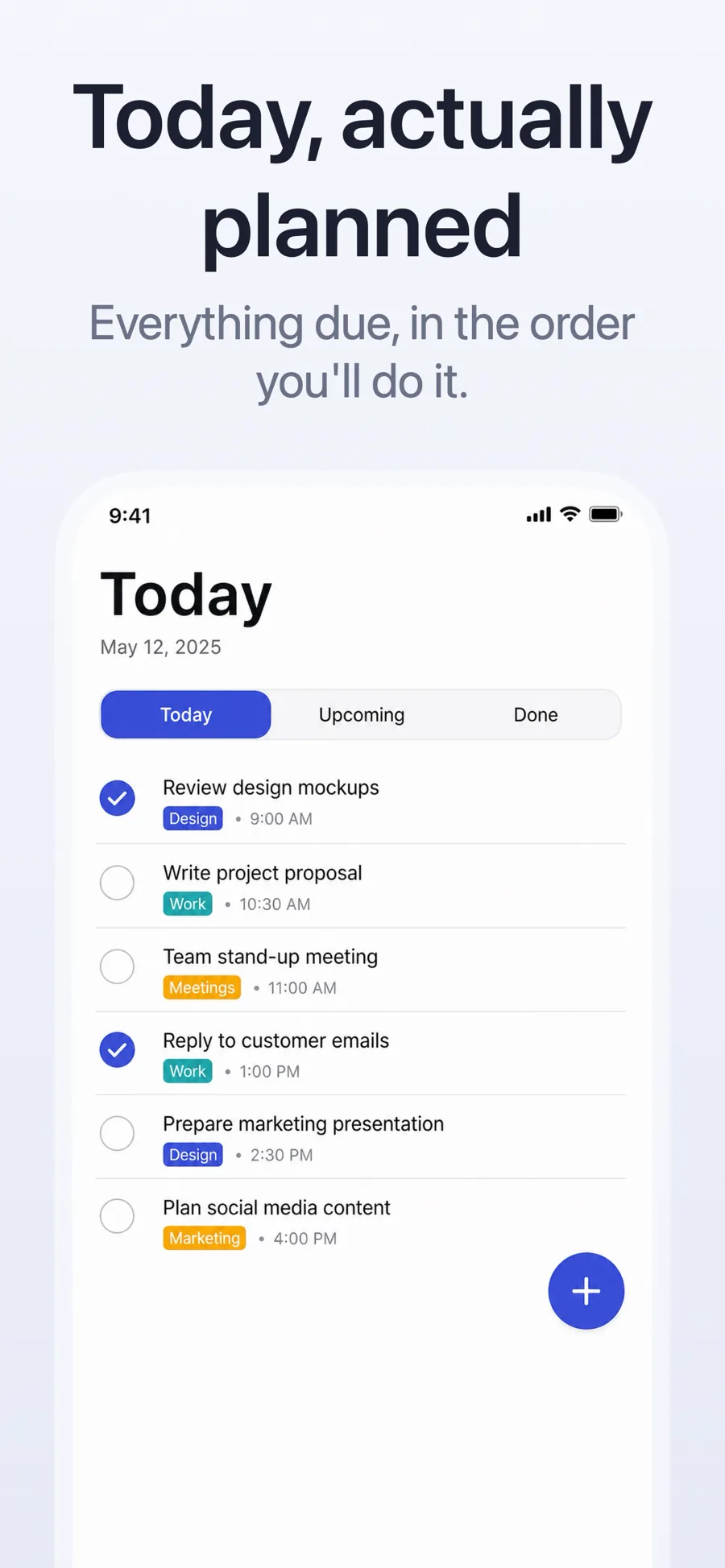
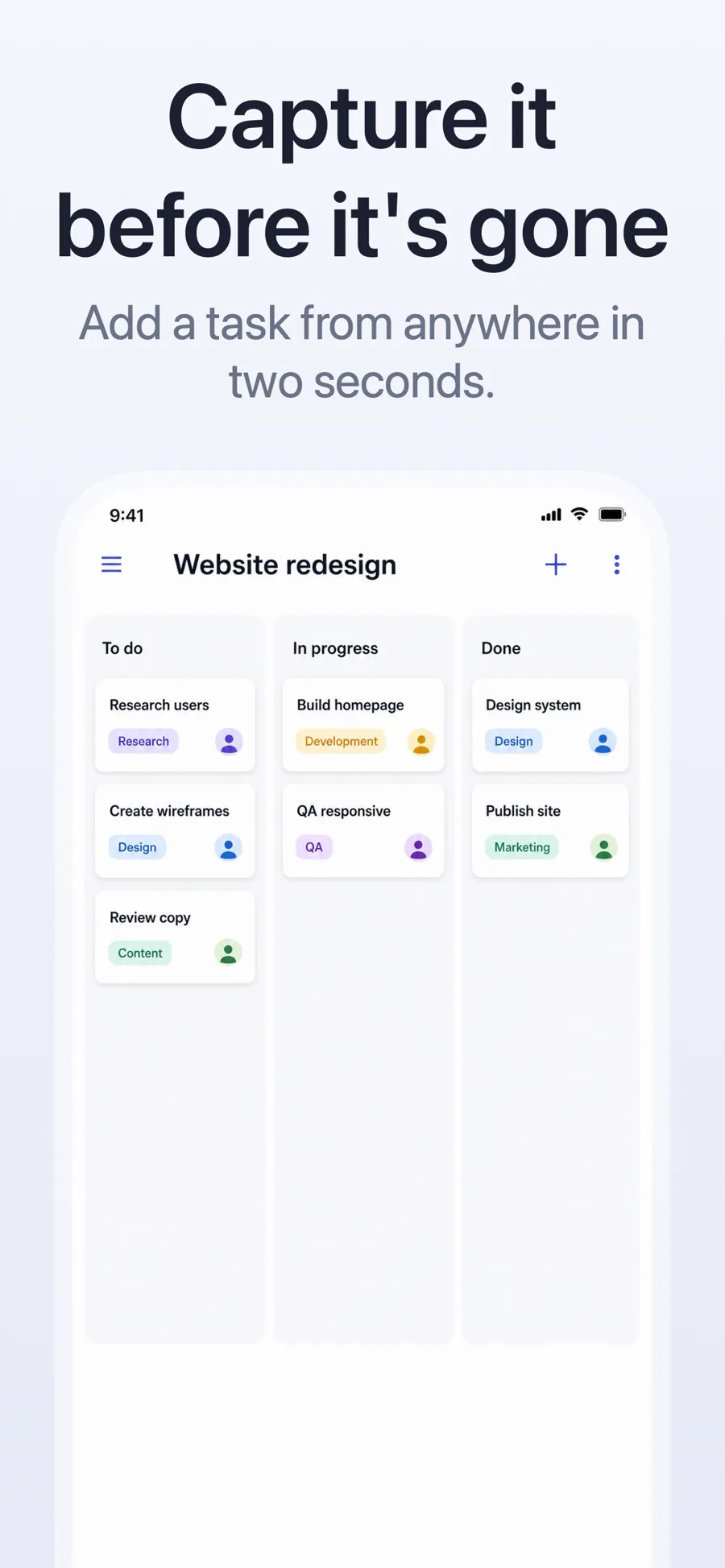
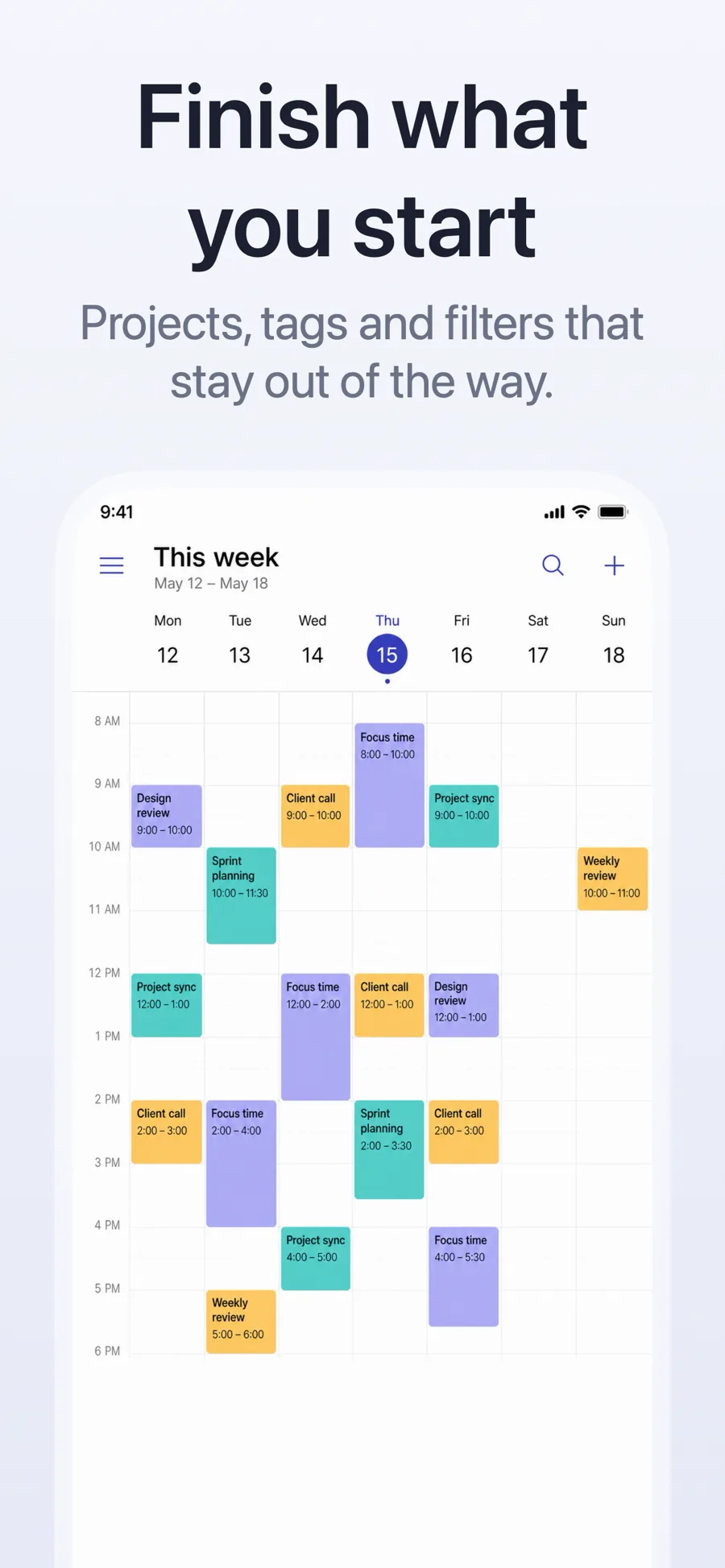
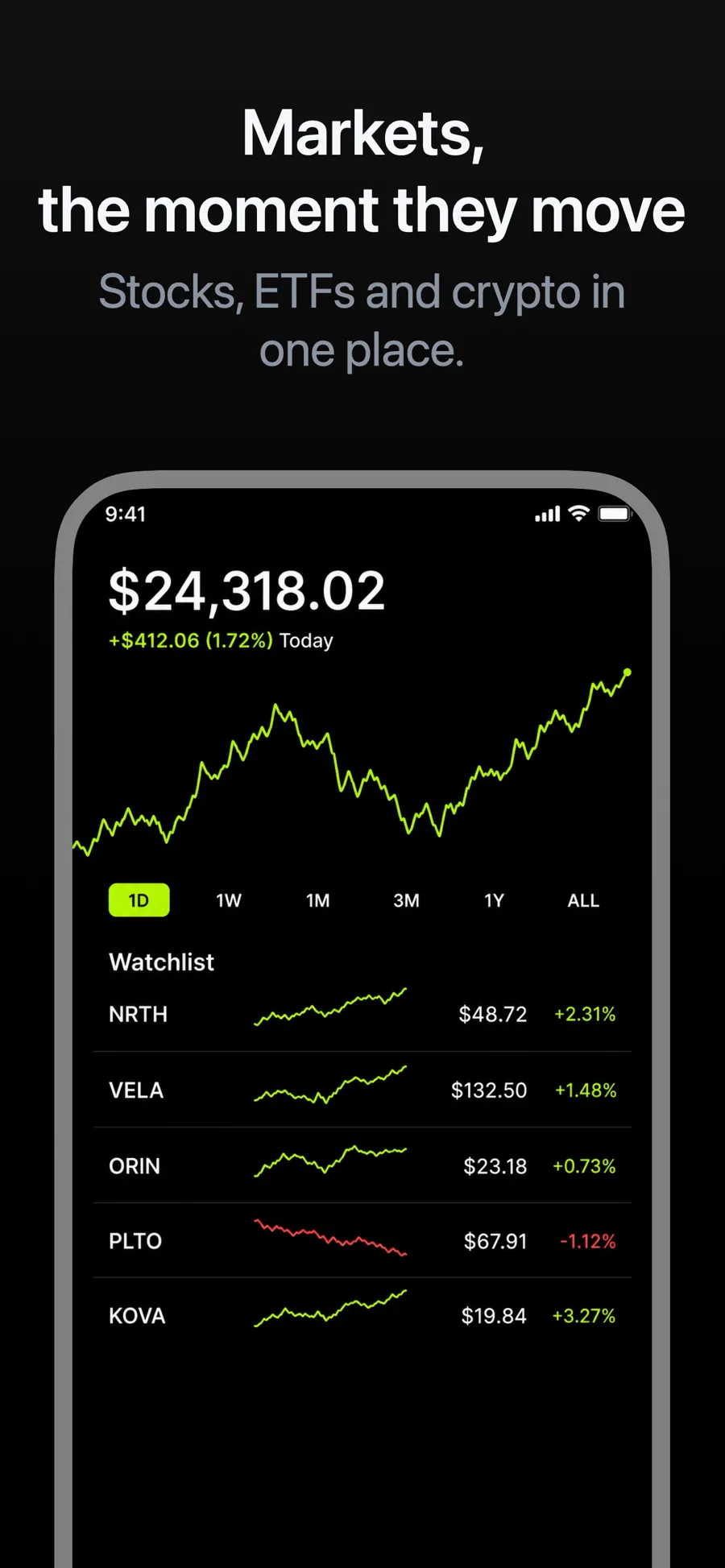
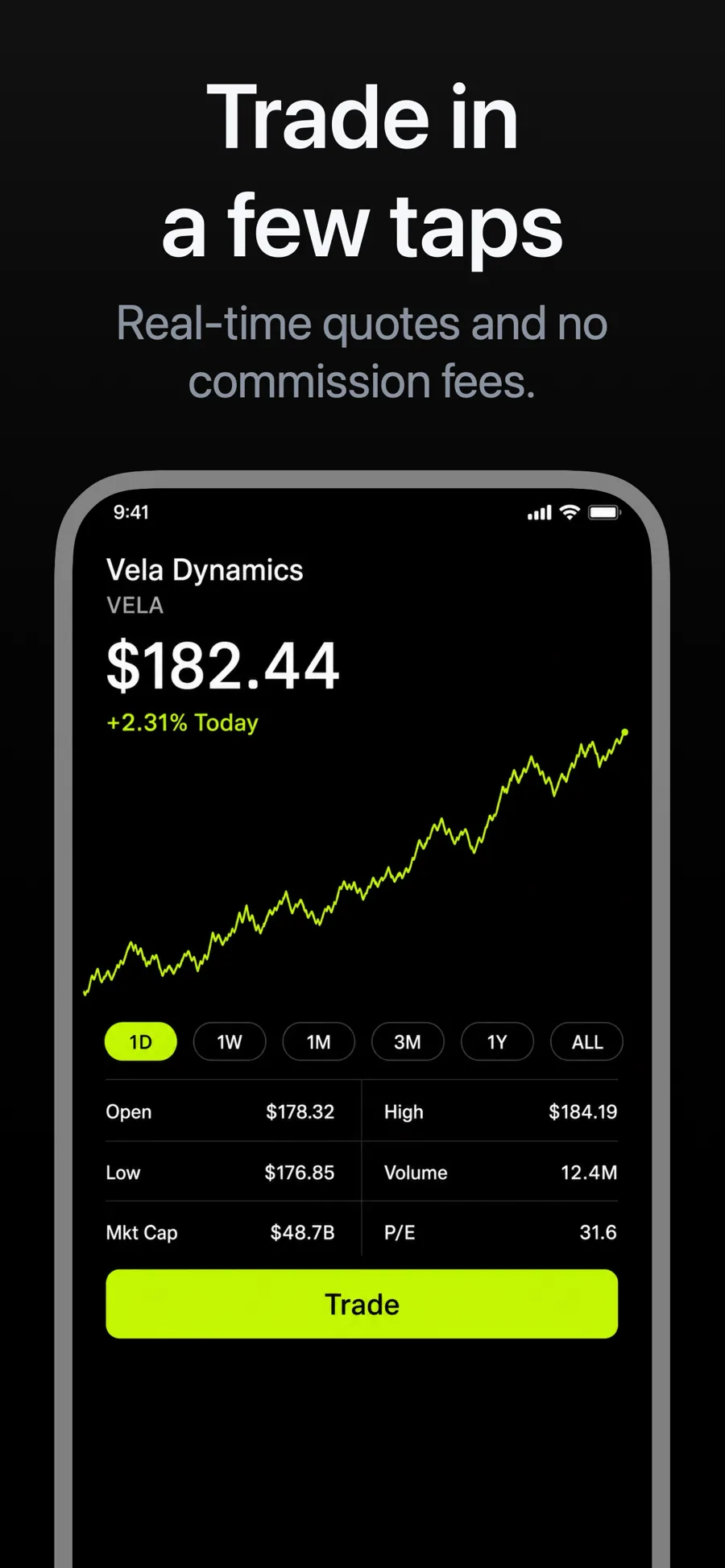
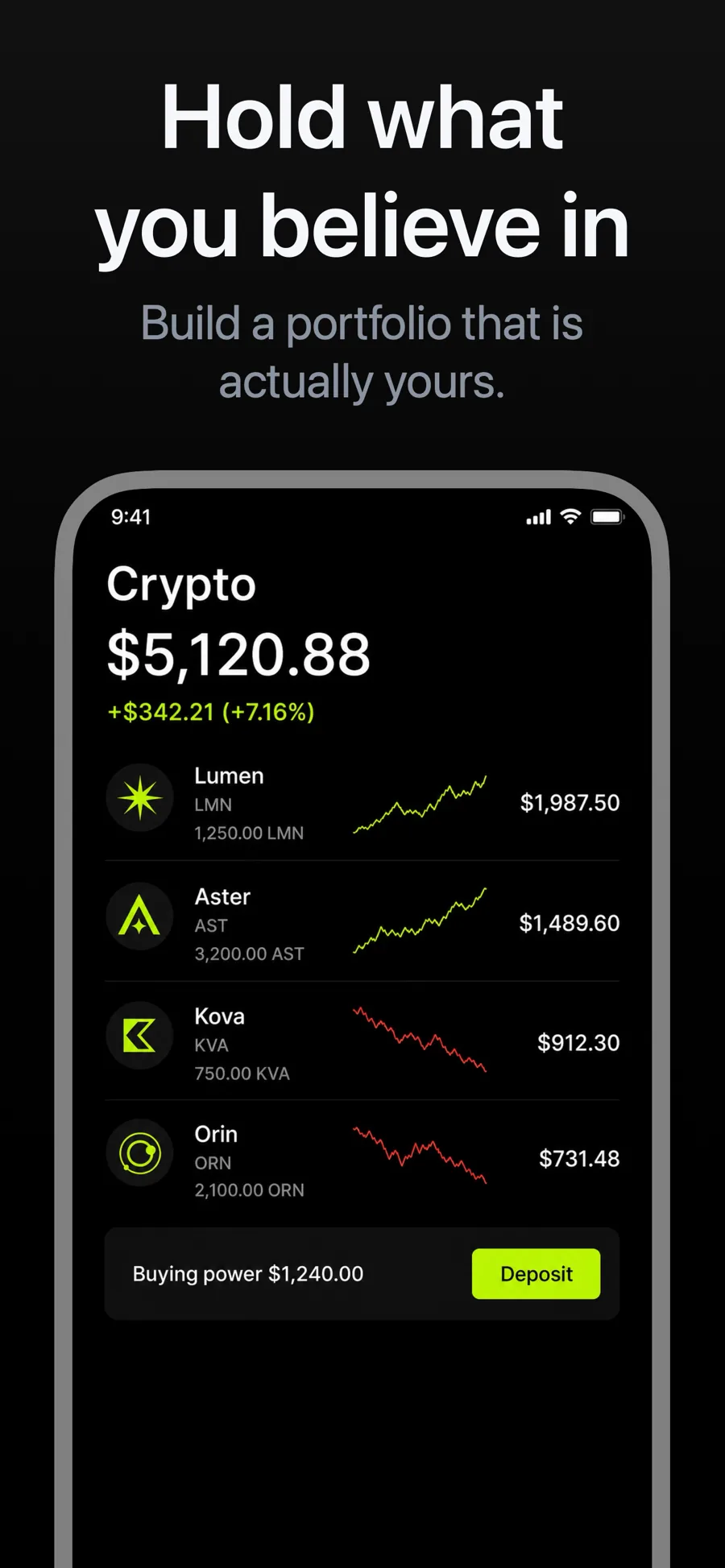
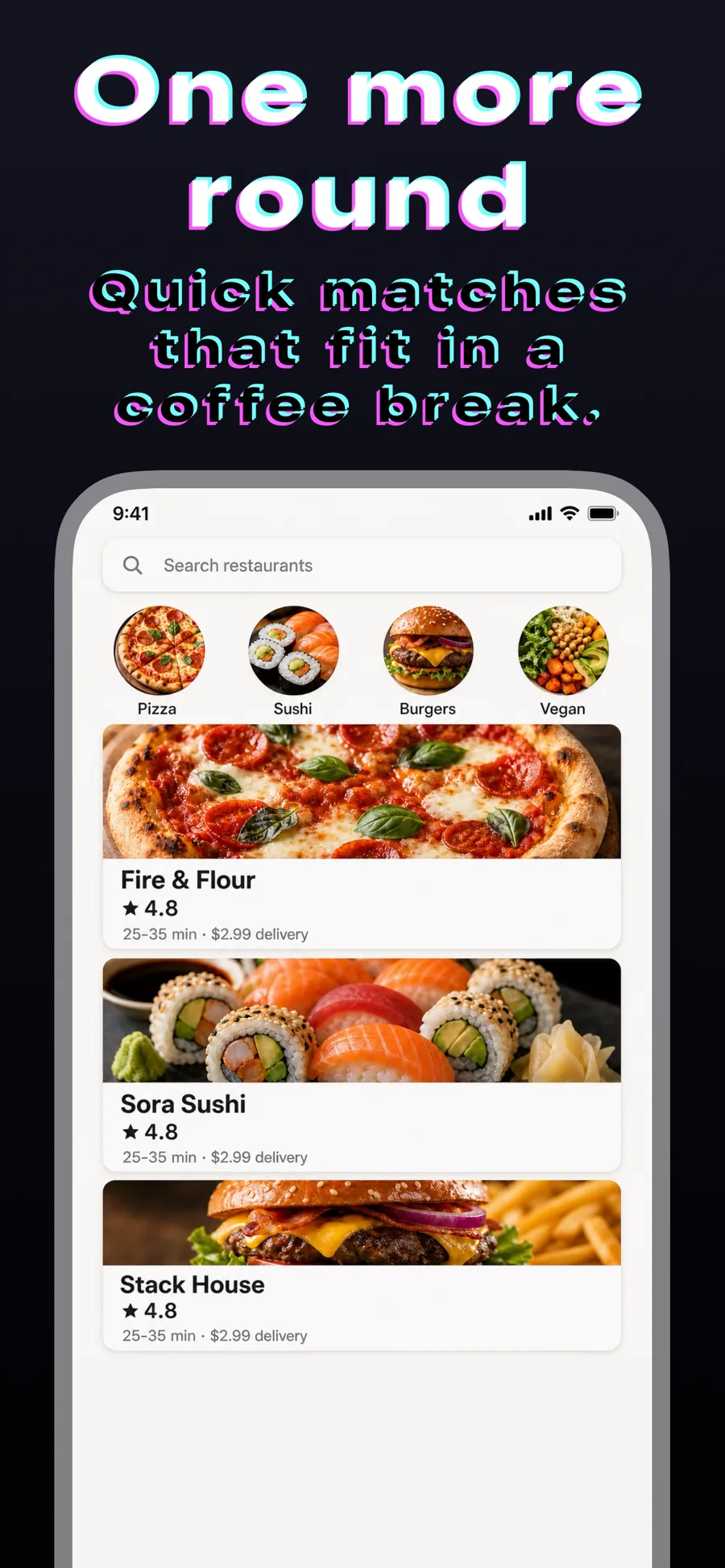
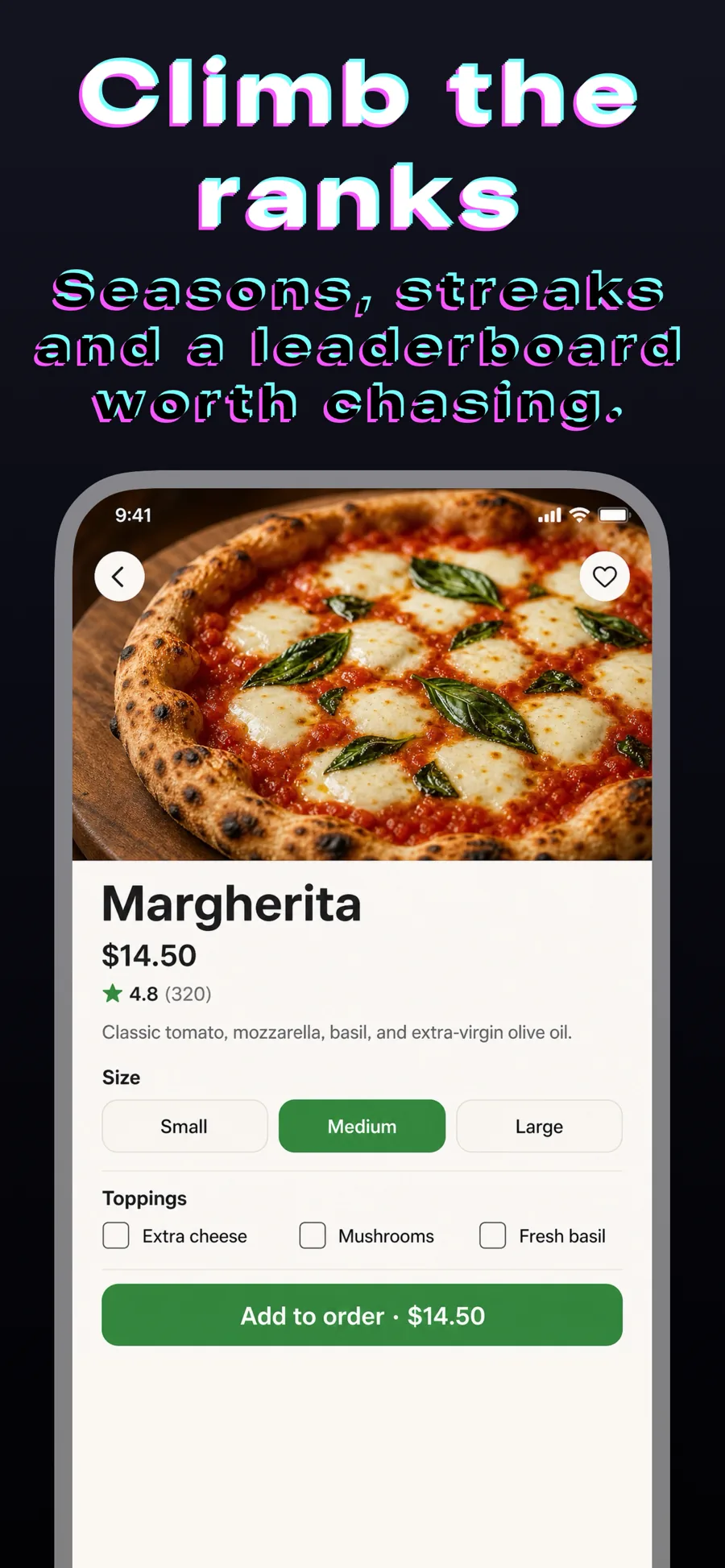
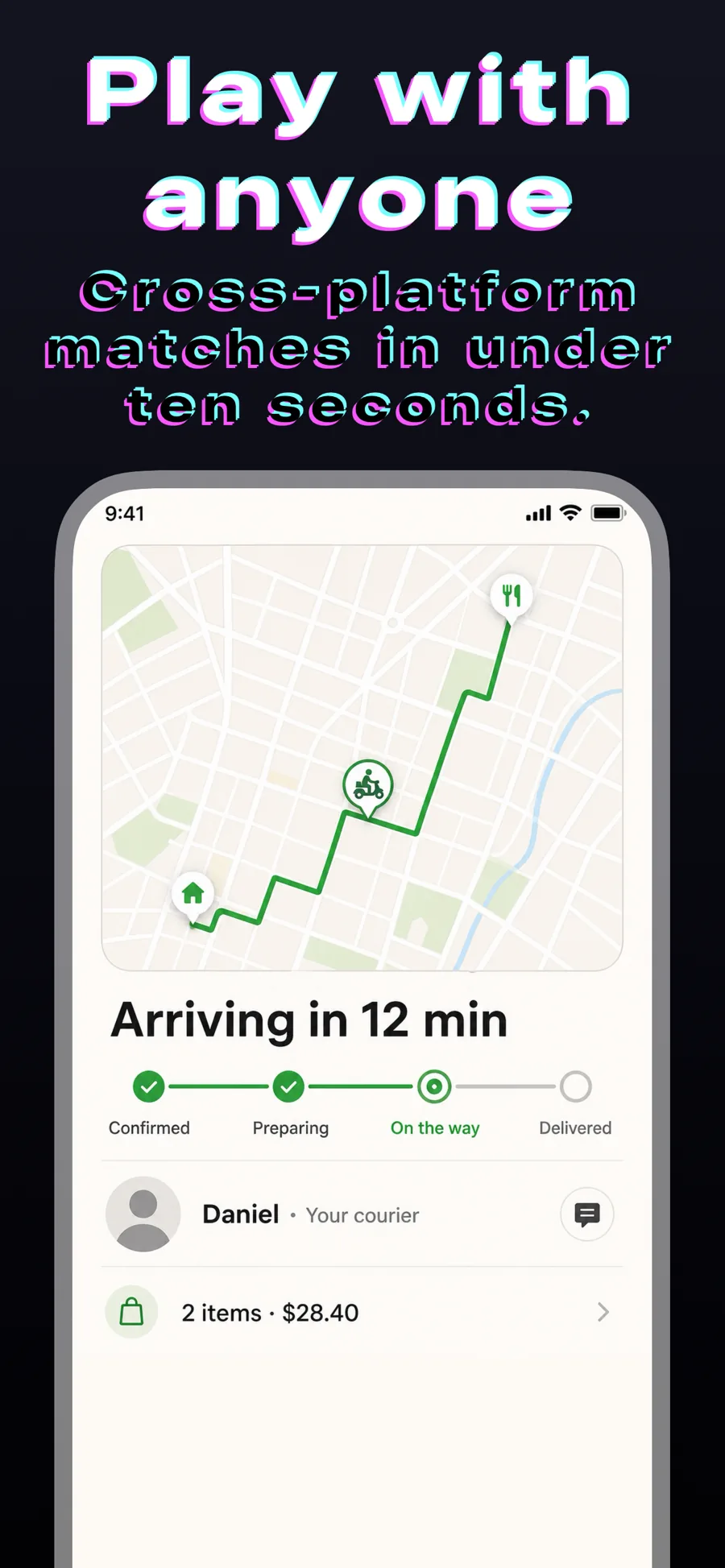
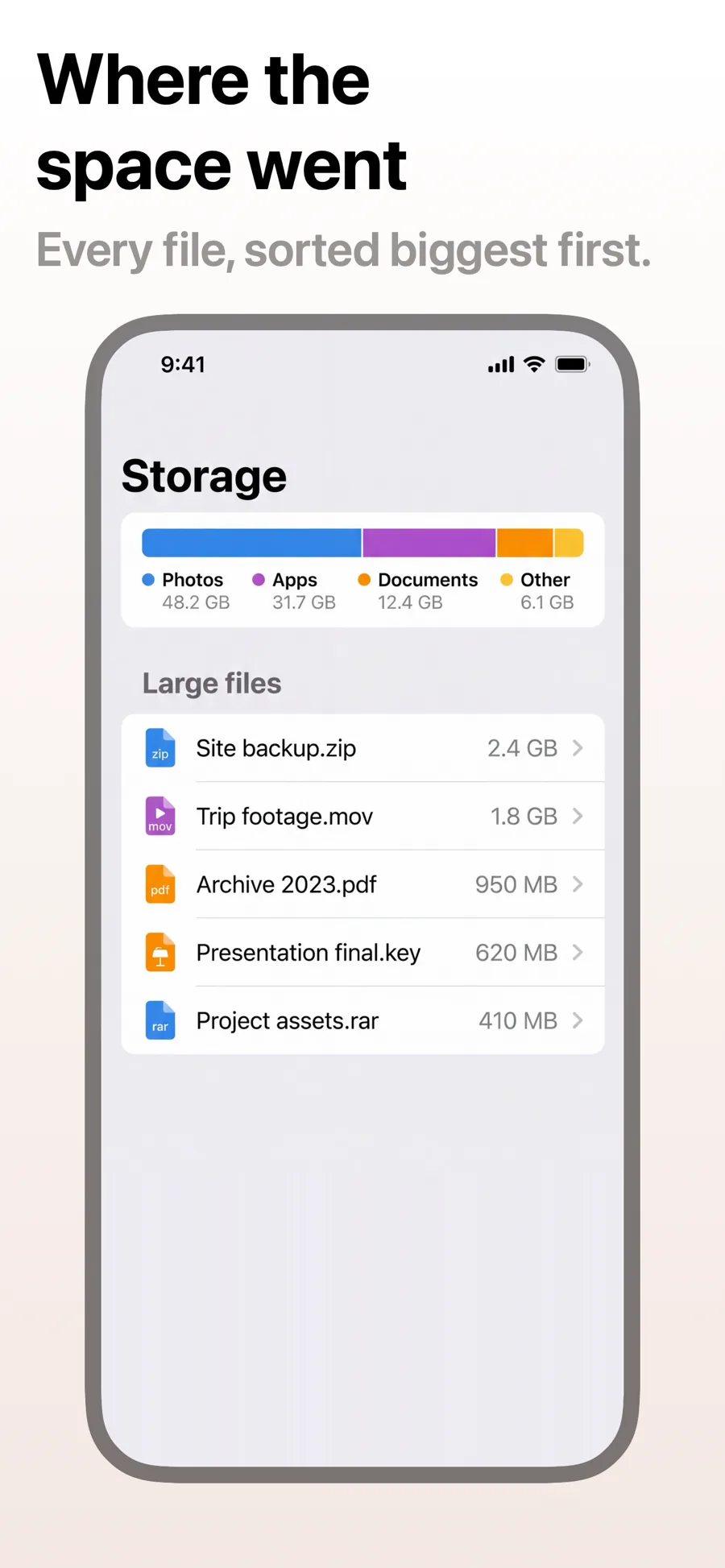
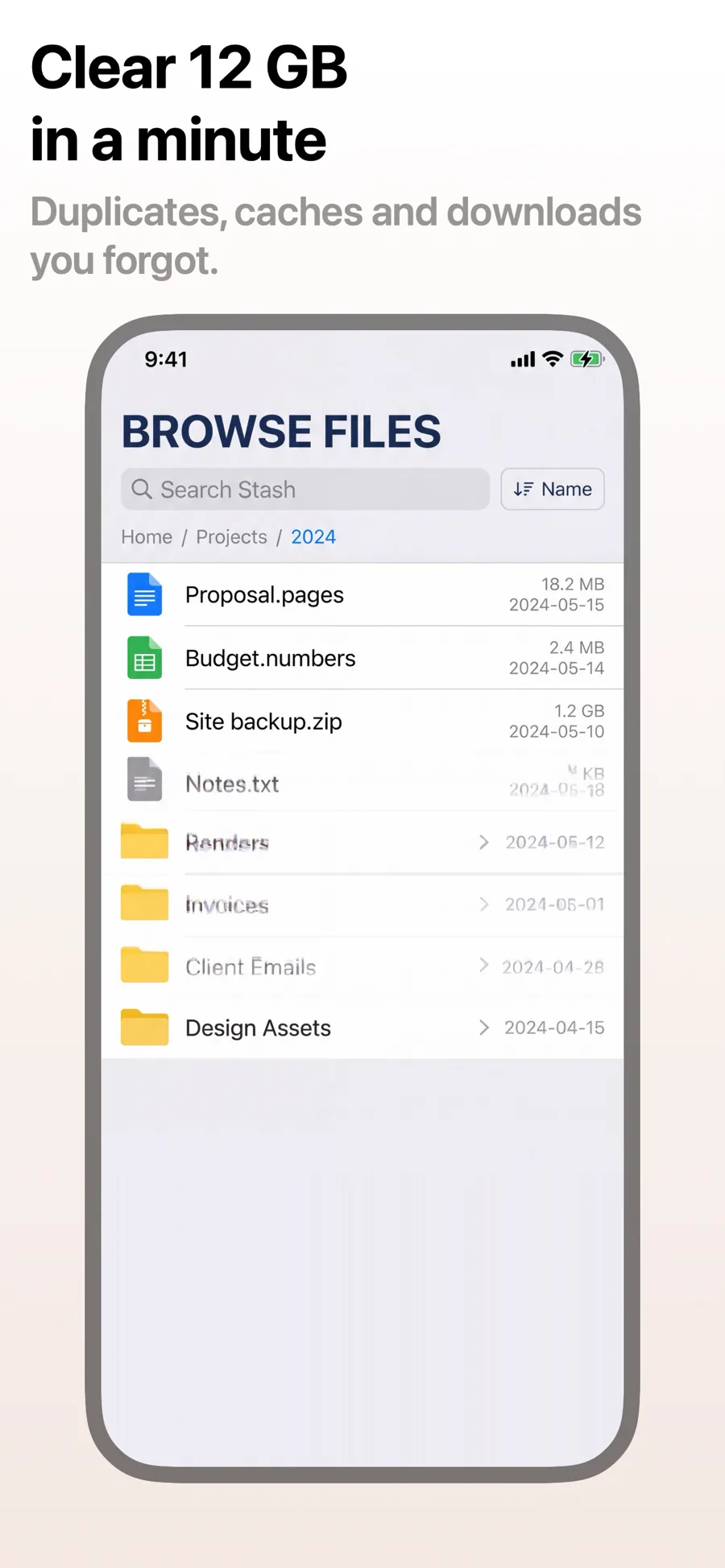
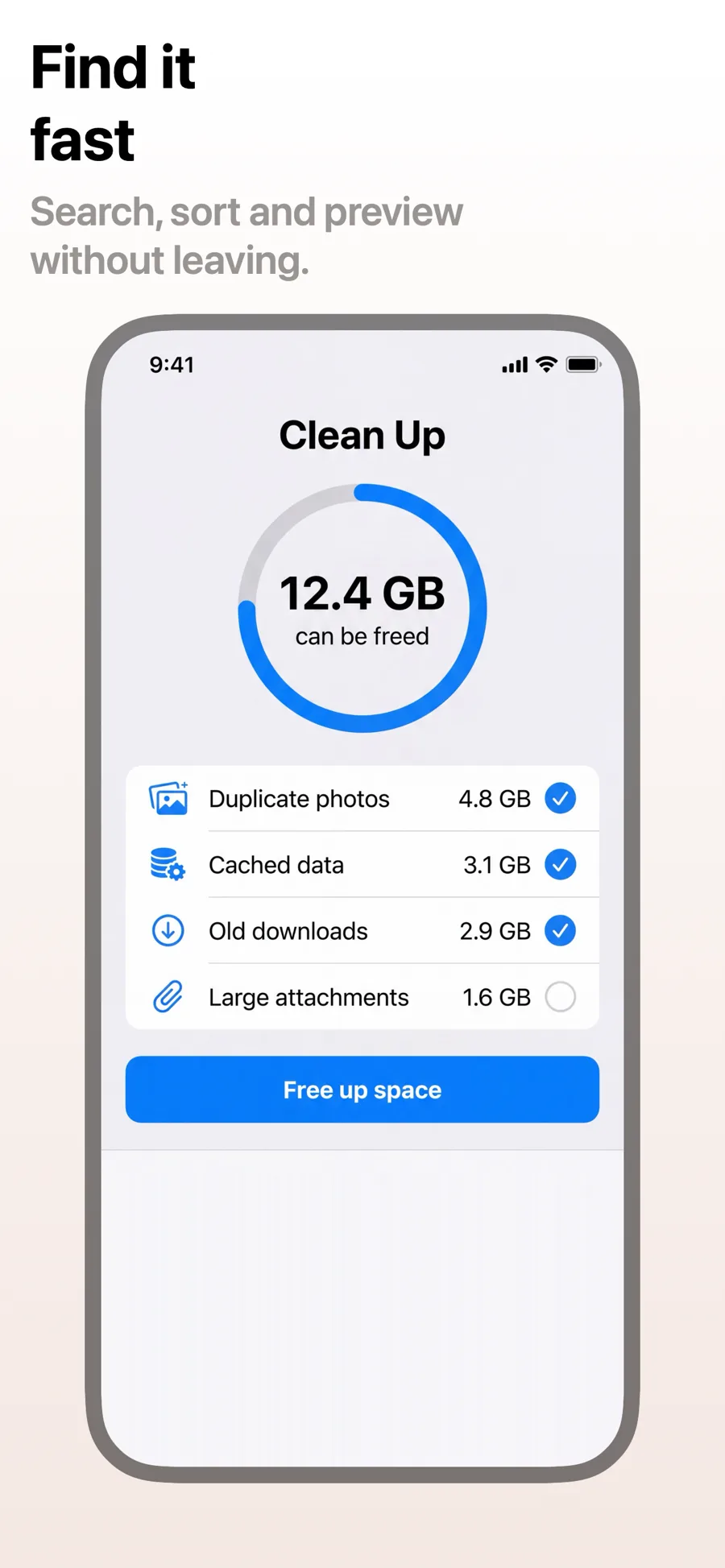
What works in Developer Tools screenshots
- Show real code, real output or a real terminal — developers spot a mocked-up screen immediately.
- Keep captions literal: what it does and which platform or language it supports.
- Dark grounds suit the category, but check that syntax colours and small text still read at thumbnail size.
Make your Developer Tools screenshots
- Built into Screenshot Studio — apply it and swap in your own screenshots.
- Every colour, font and layout value stays editable afterwards.
- Localise the text into all 50 App Store languages from the same document.