← All templates

Screenshot templates by category

Lifestyle App Store screenshot templates

Lifestyle is the broadest category on the App Store, which makes standing out the whole job. The screenshots that work tend to feel like a magazine spread: warm grounds, confident type, and photography or interface shown at a size you can actually read.

9 templates that suit Lifestyle apps, all built into the app.
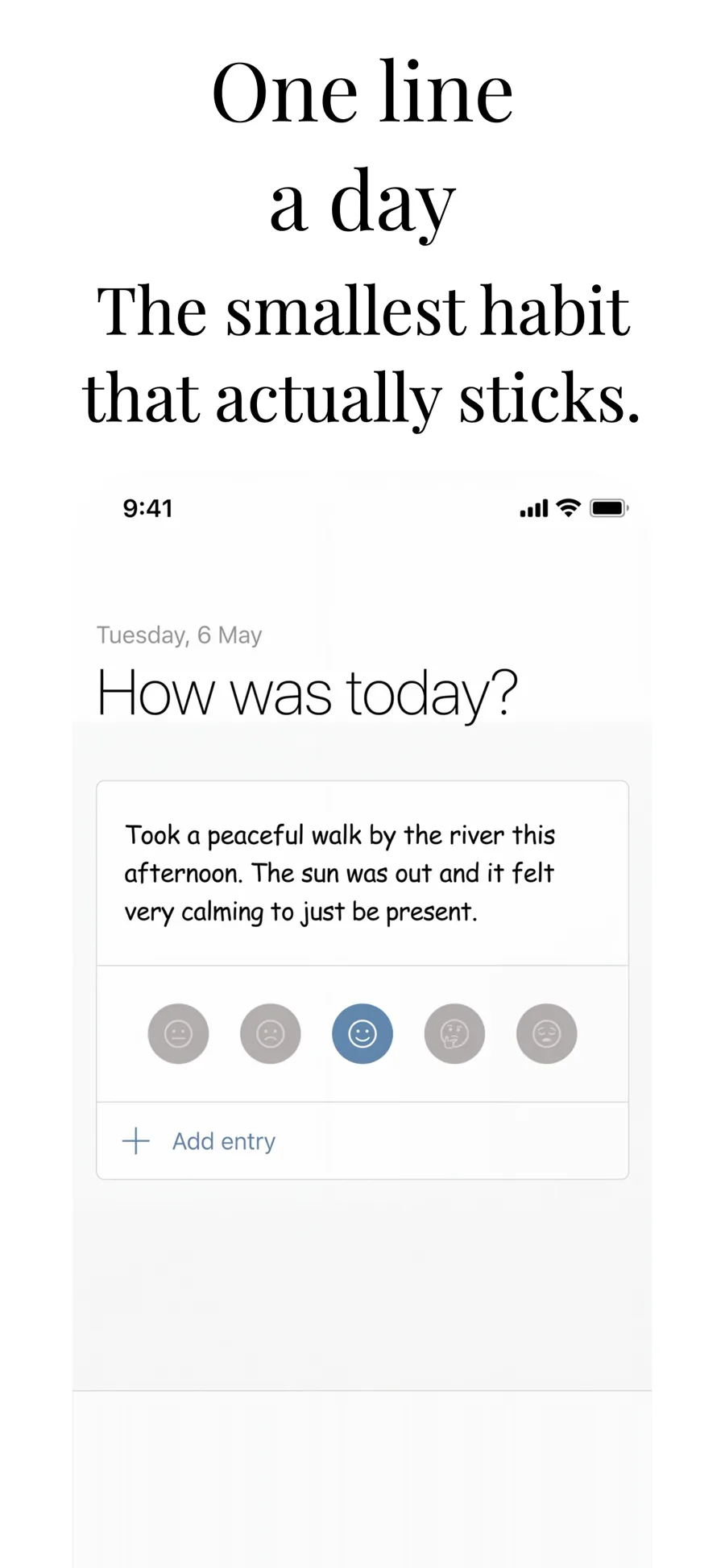
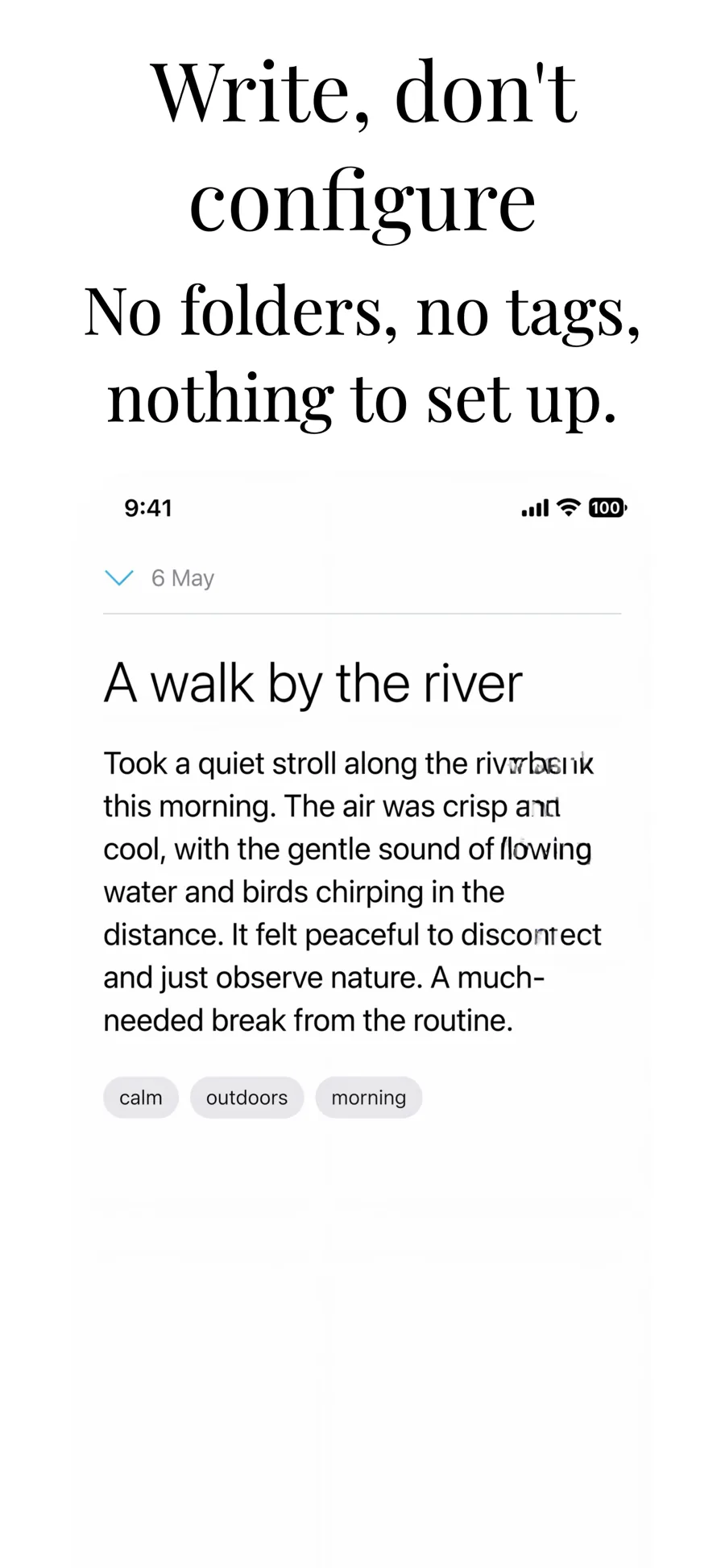
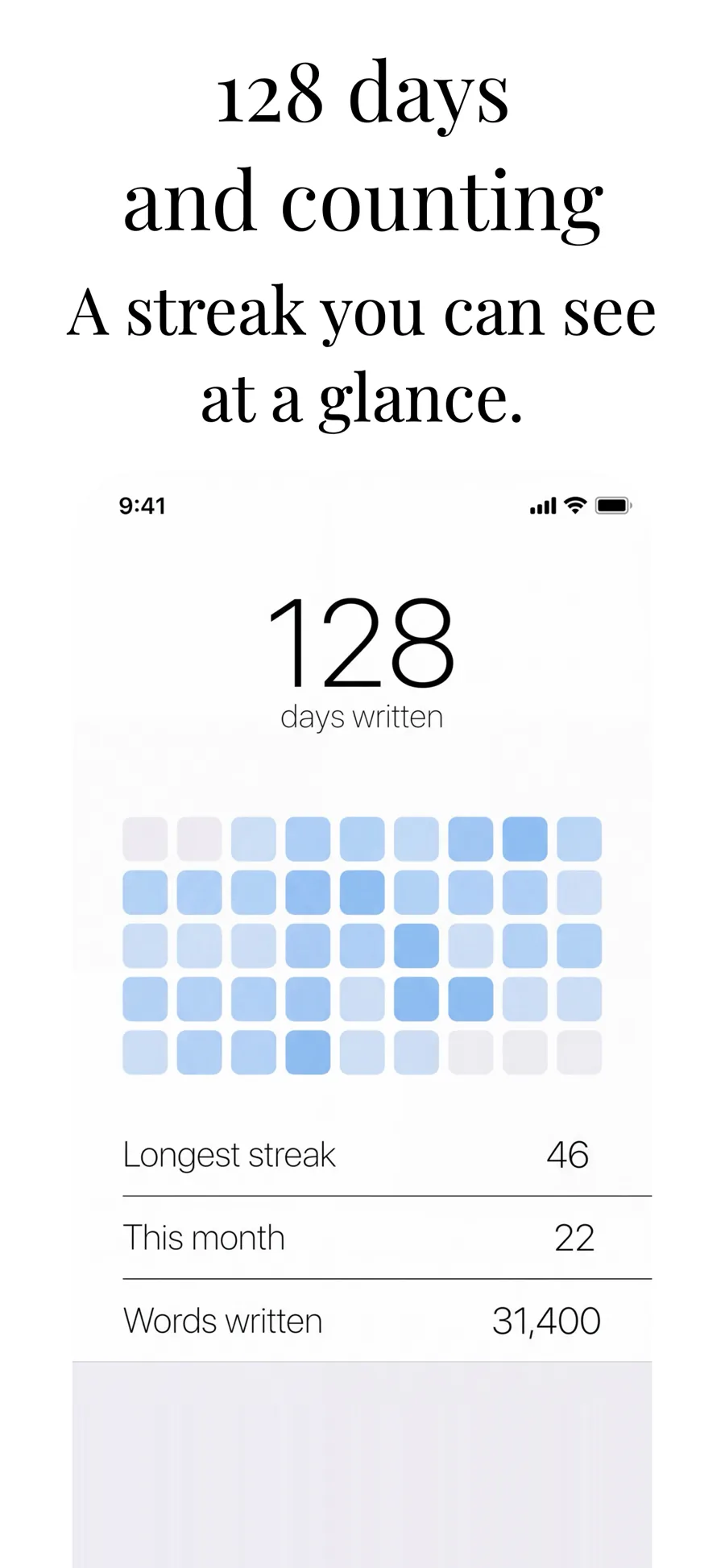
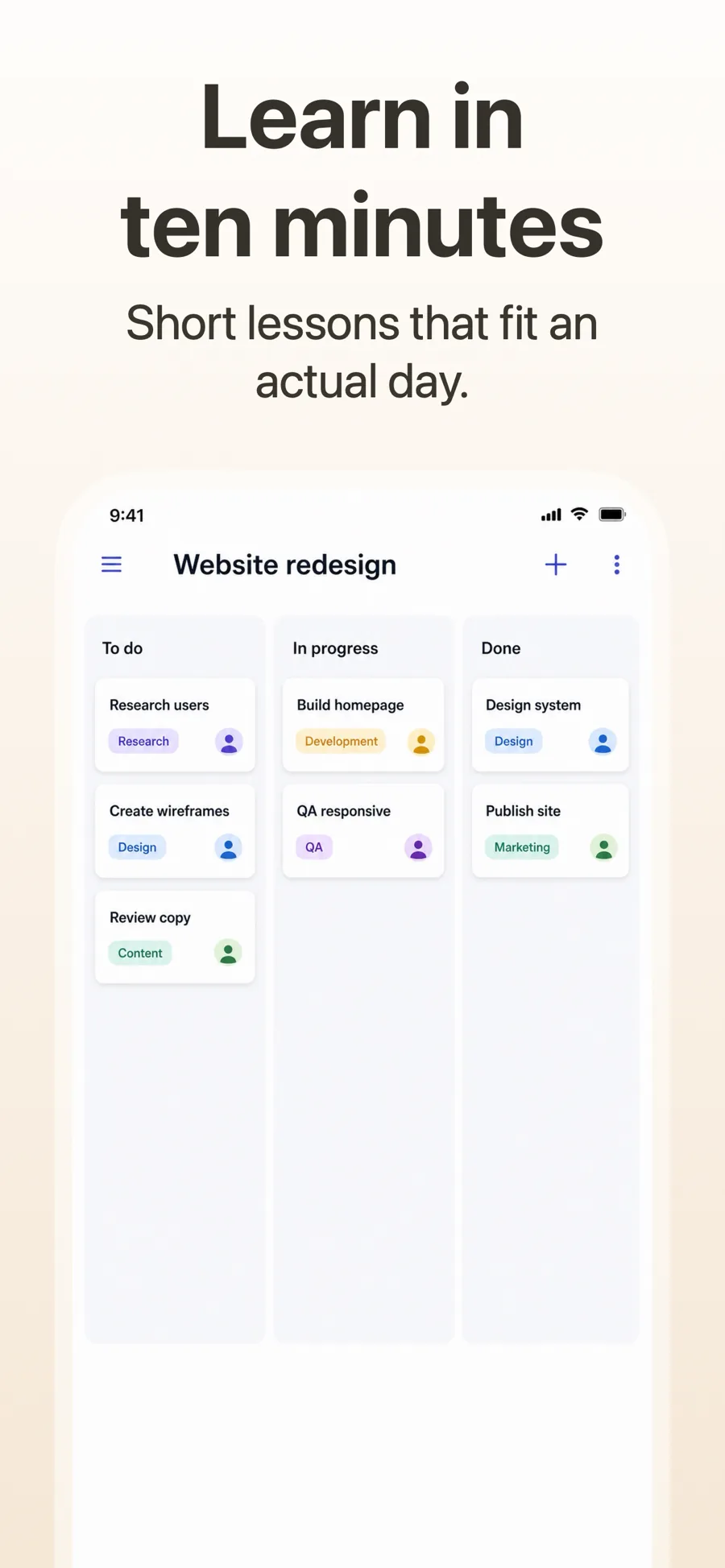
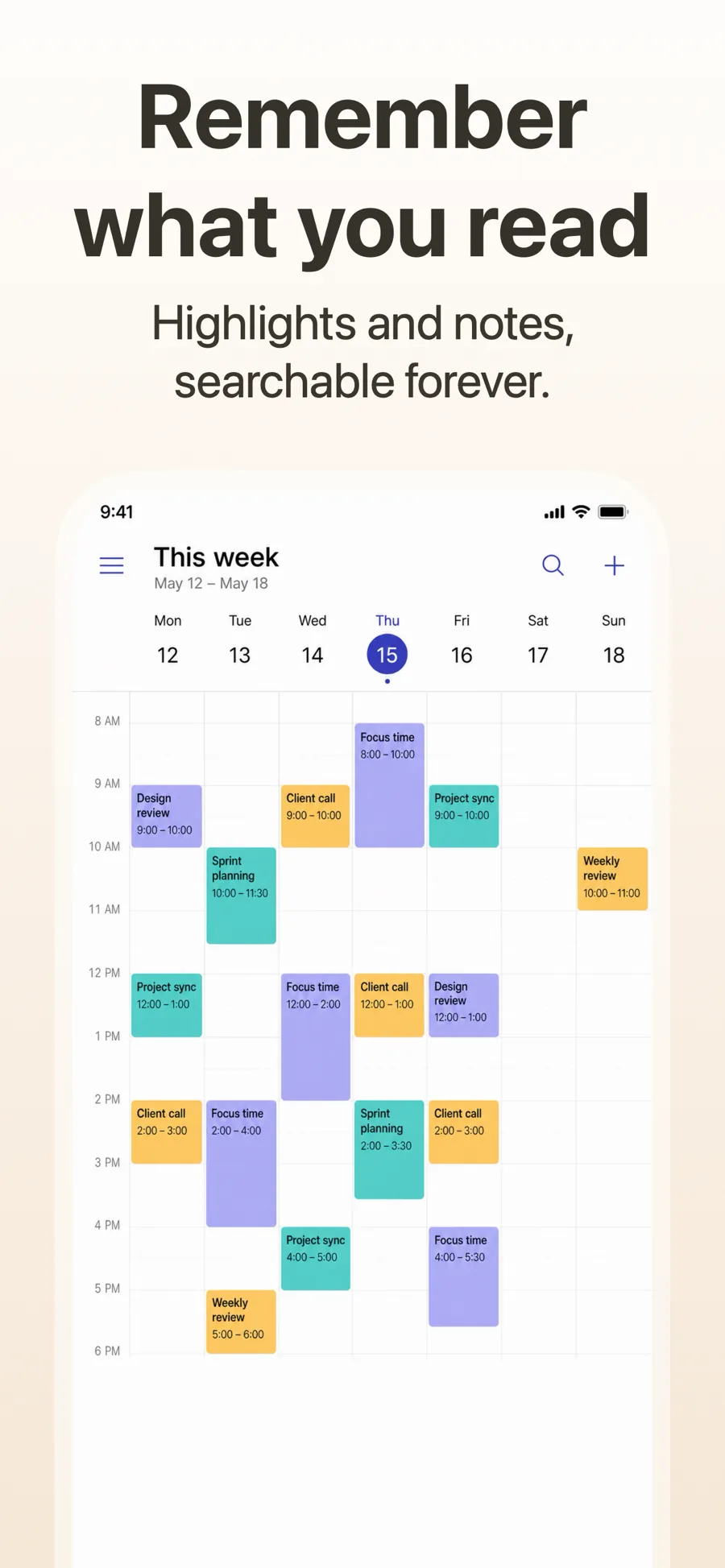
  • Cupertino Light template, screen 1 of 3. Cupertino Light template, screen 2 of 3. Cupertino Light template, screen 3 of 3.

    Cupertino Light

    Near-empty light ground, serif headline. Reads calm and premium — health, finance, productivity.

    For Lifestyle · Health & Fitness · Business

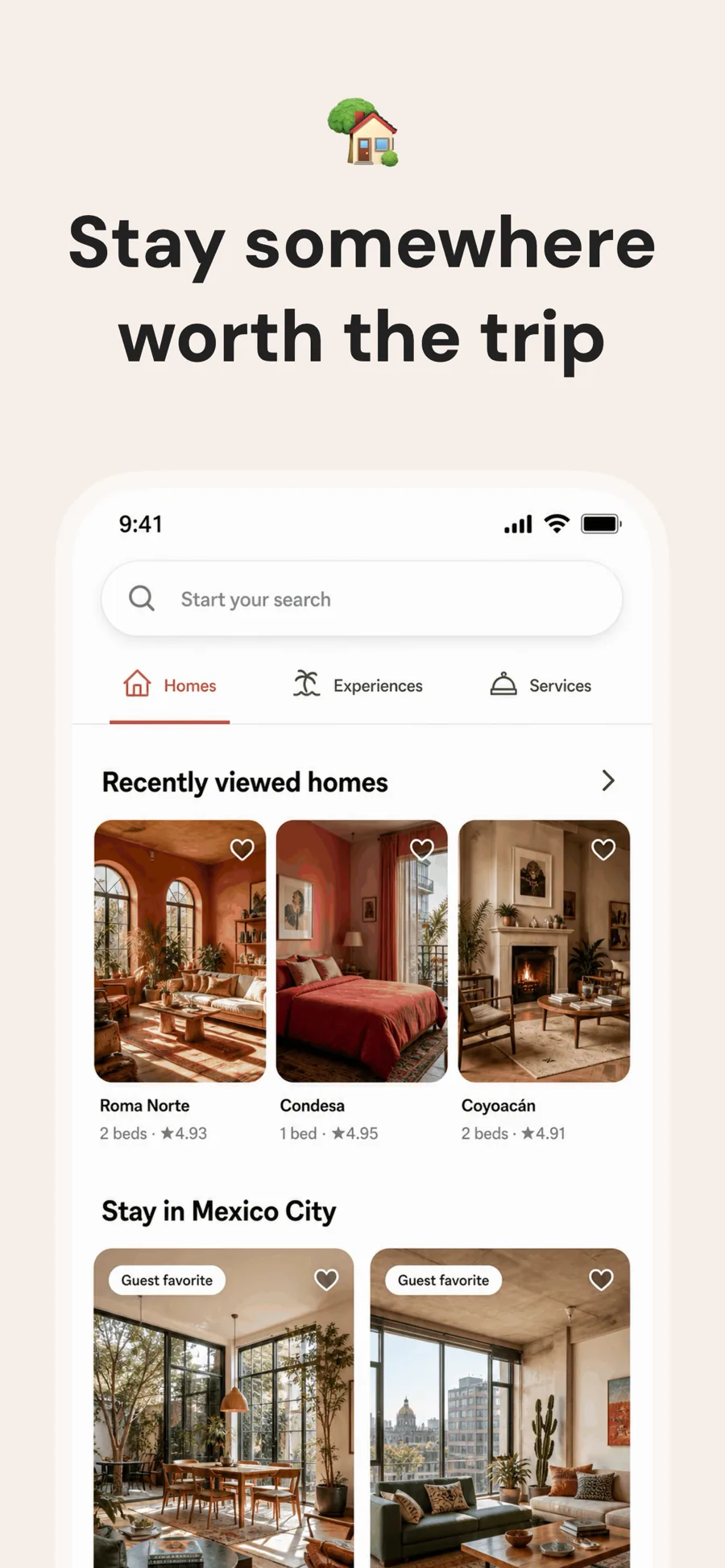
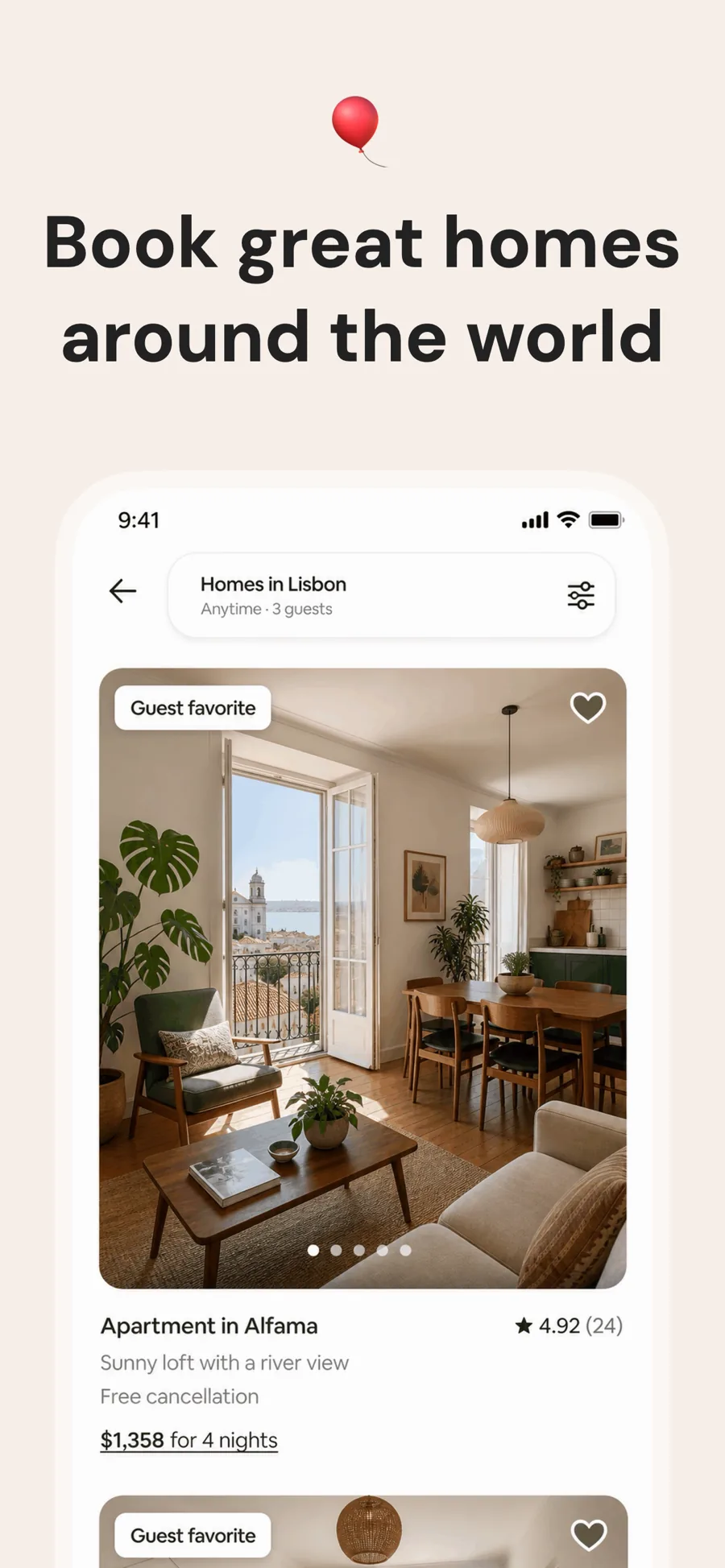
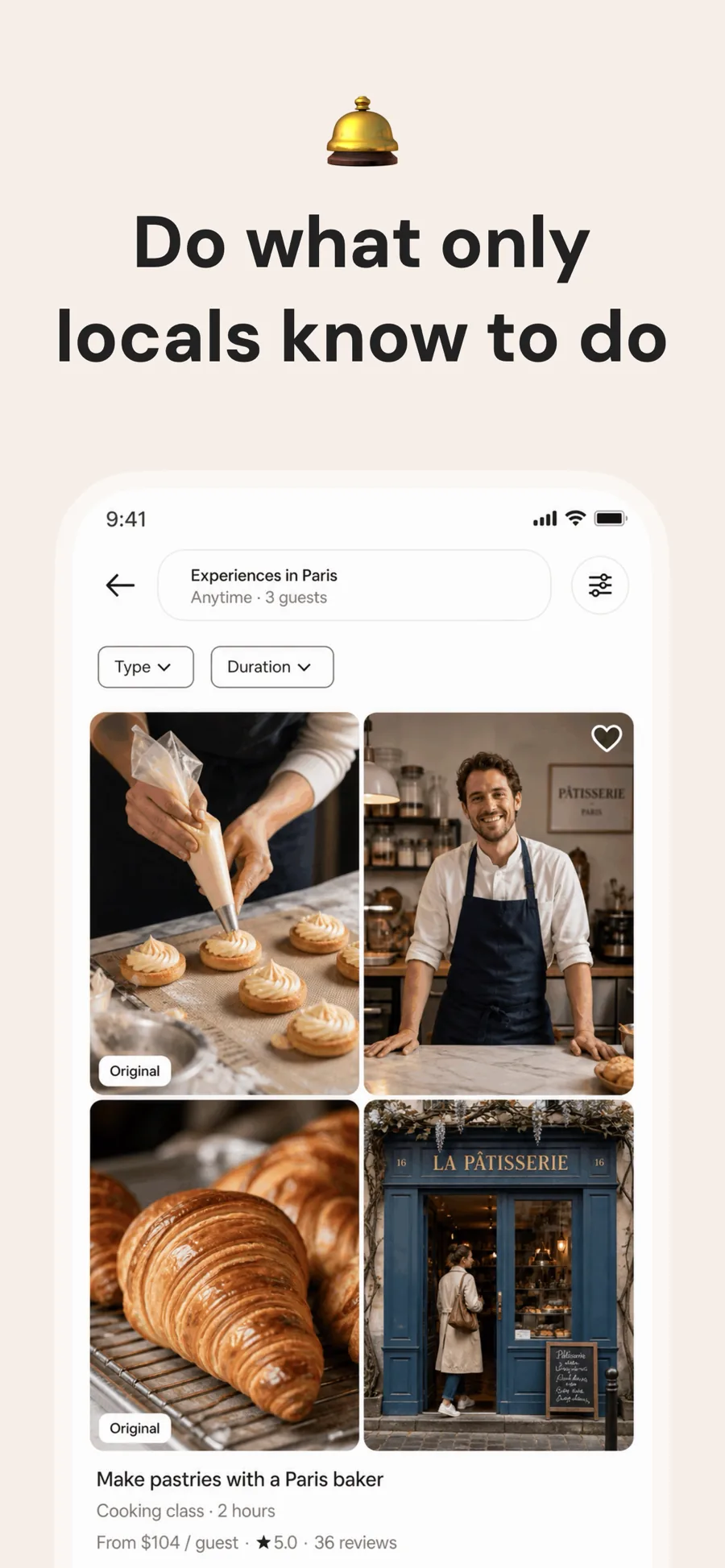
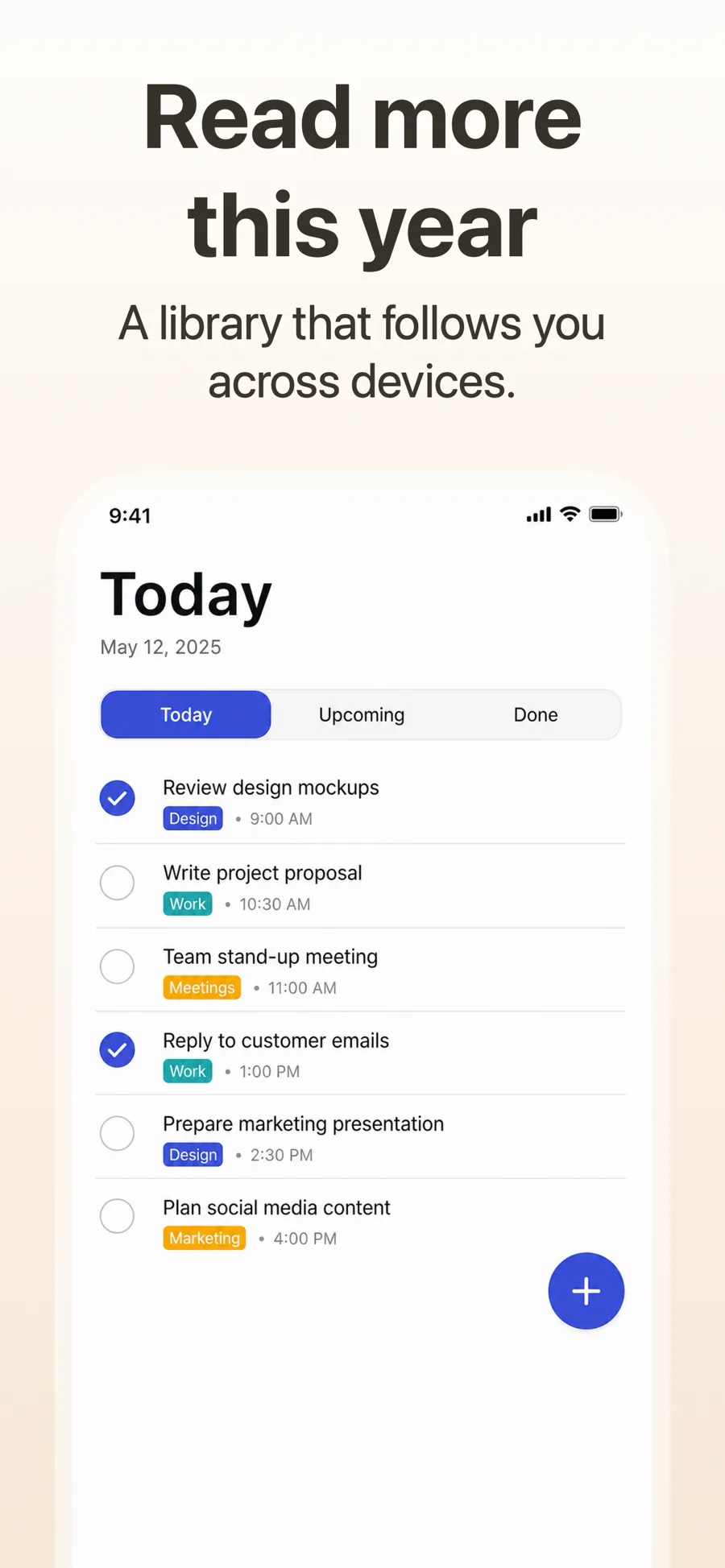
  • Linen template, screen 1 of 3. Linen template, screen 2 of 3. Linen template, screen 3 of 3.

    Linen

    Inspired by Airbnb

    Travel, stays and anything sold on photography. One warm ground for the whole set, a single quiet line at the top, and the screenshot left to do the work.

    For Travel · Lifestyle · Shopping · Food & Drink

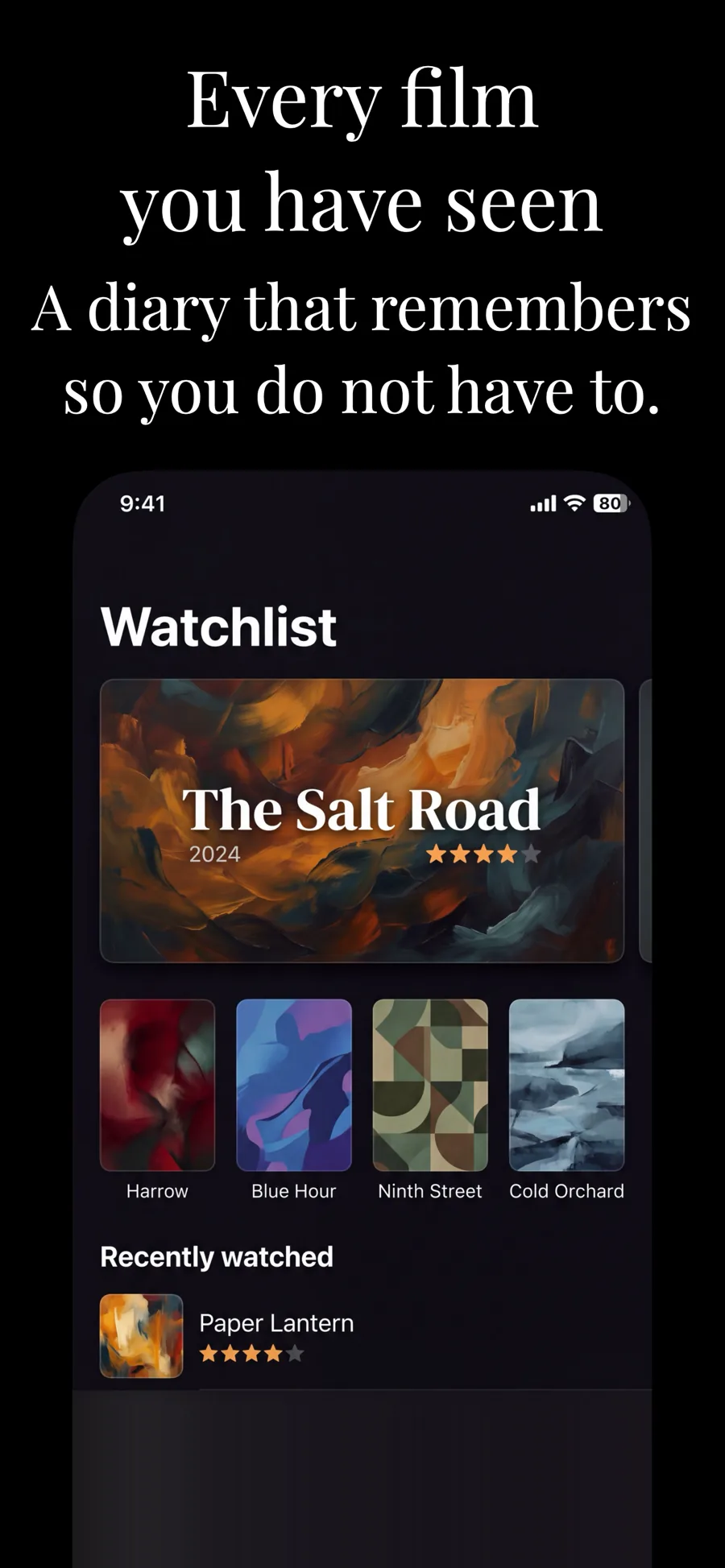
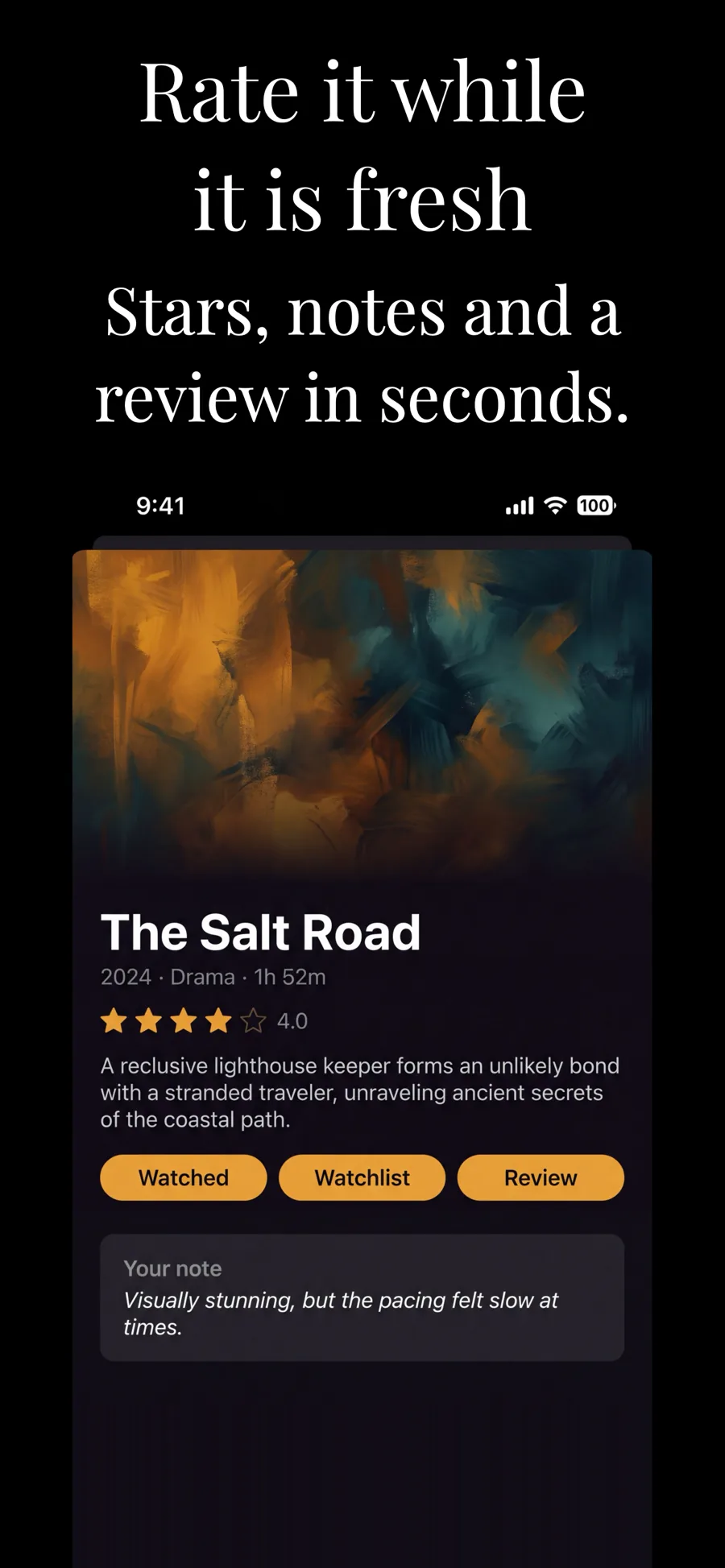
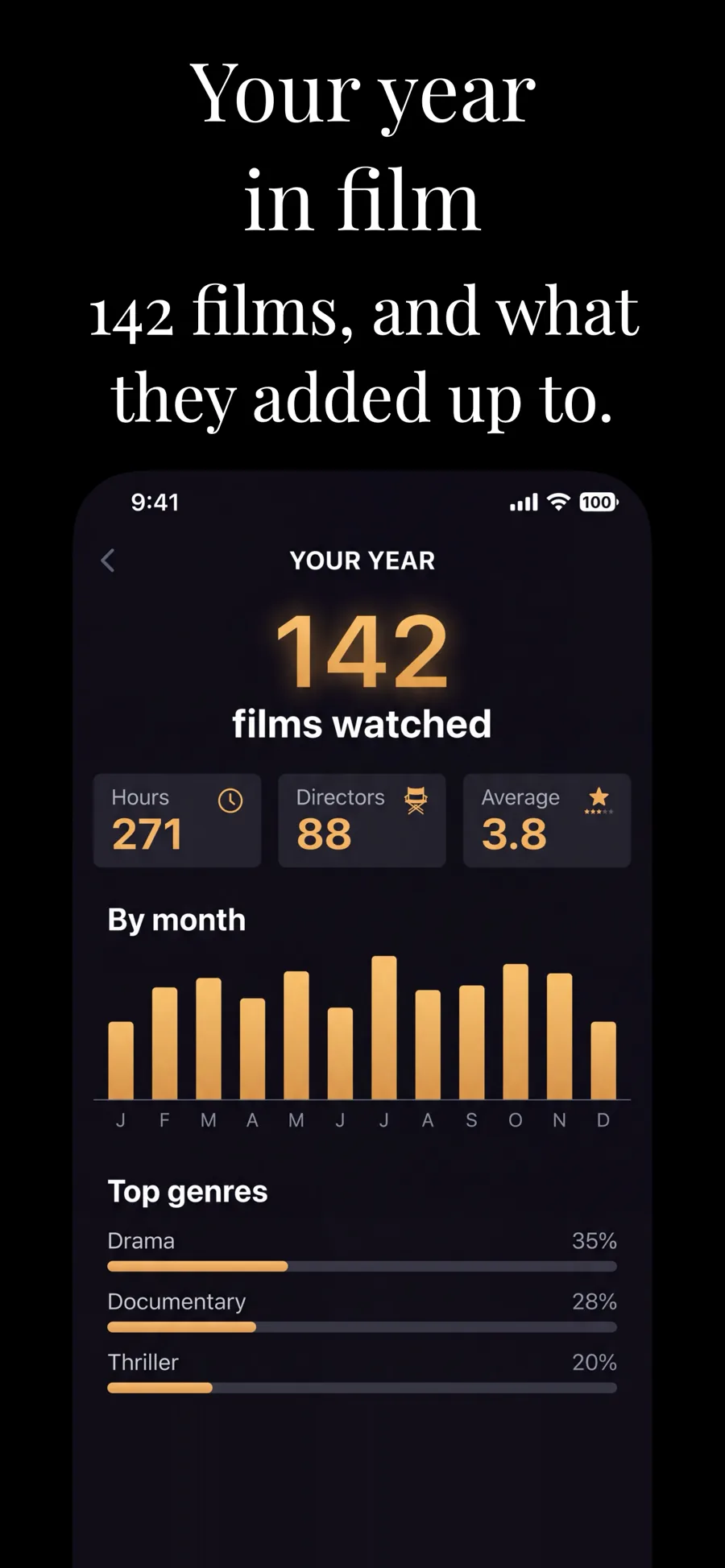
  • Cupertino Dark template, screen 1 of 3. Cupertino Dark template, screen 2 of 3. Cupertino Dark template, screen 3 of 3.

    Cupertino Dark

    The dark counterpart. The established look in finance and pro tools.

    For Entertainment · Music · Lifestyle

  • Hero template, screen 1 of 3. Hero template, screen 2 of 3. Hero template, screen 3 of 3.

    Hero

    Full-bleed image, no device frame. Strongest as the opening shot, where the promise matters more than the interface.

    For Lifestyle · Photo & Video · Shopping · Travel

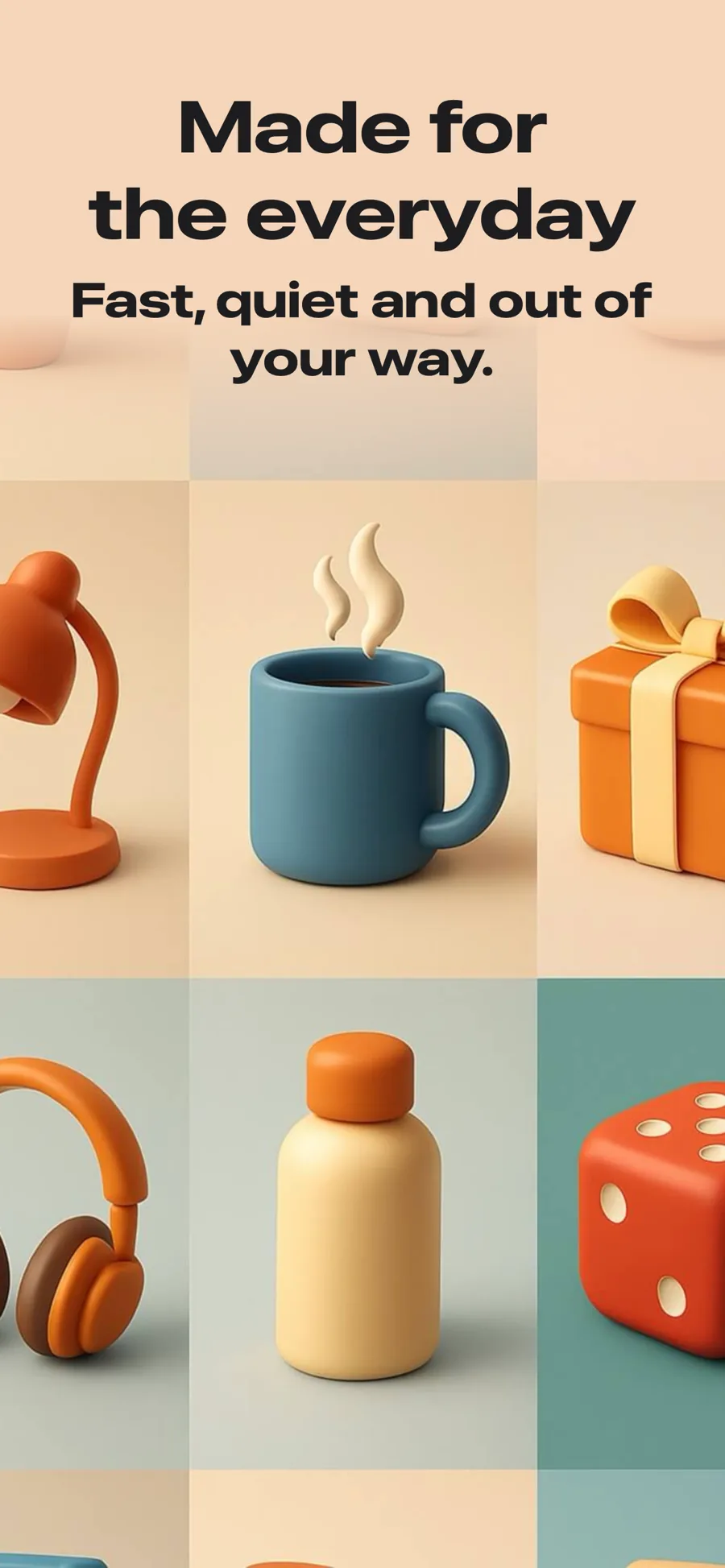
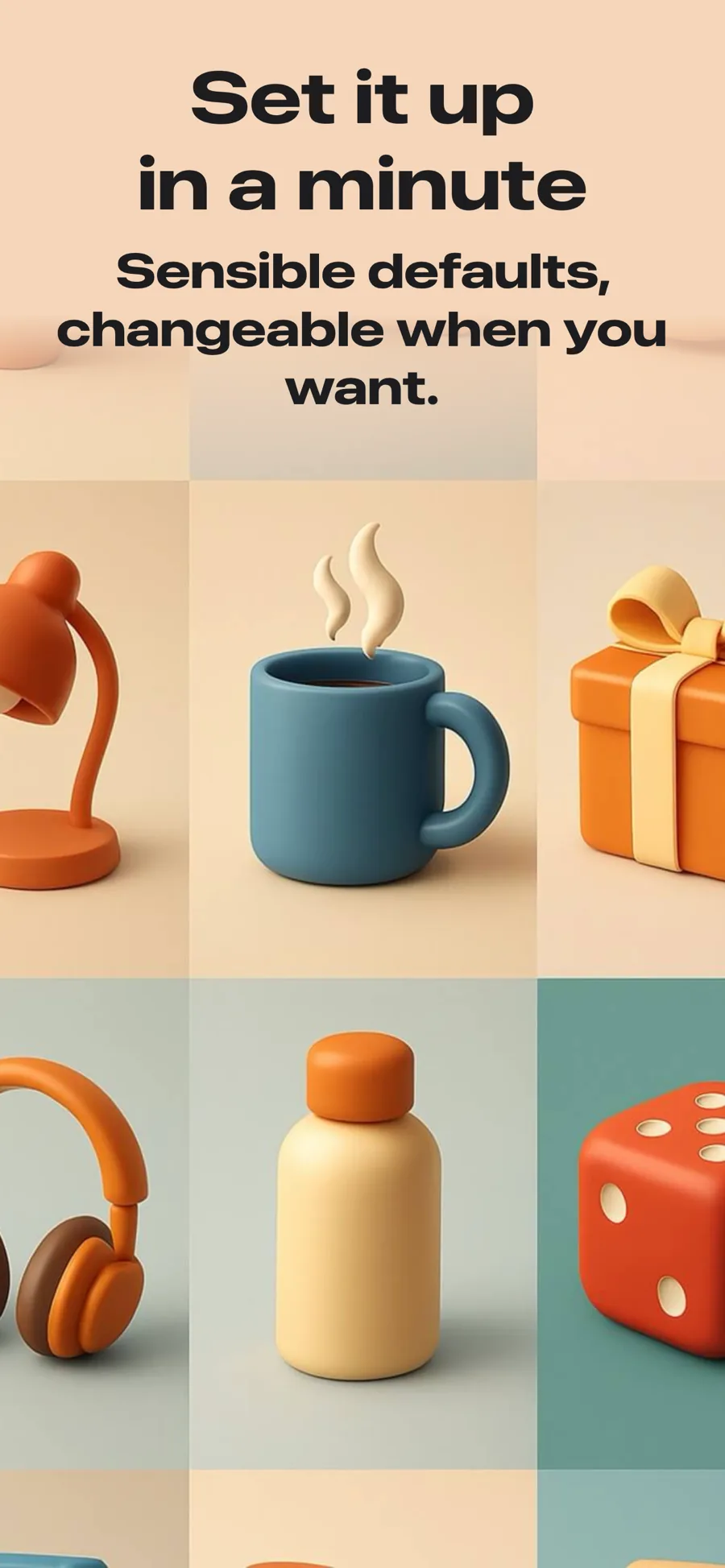
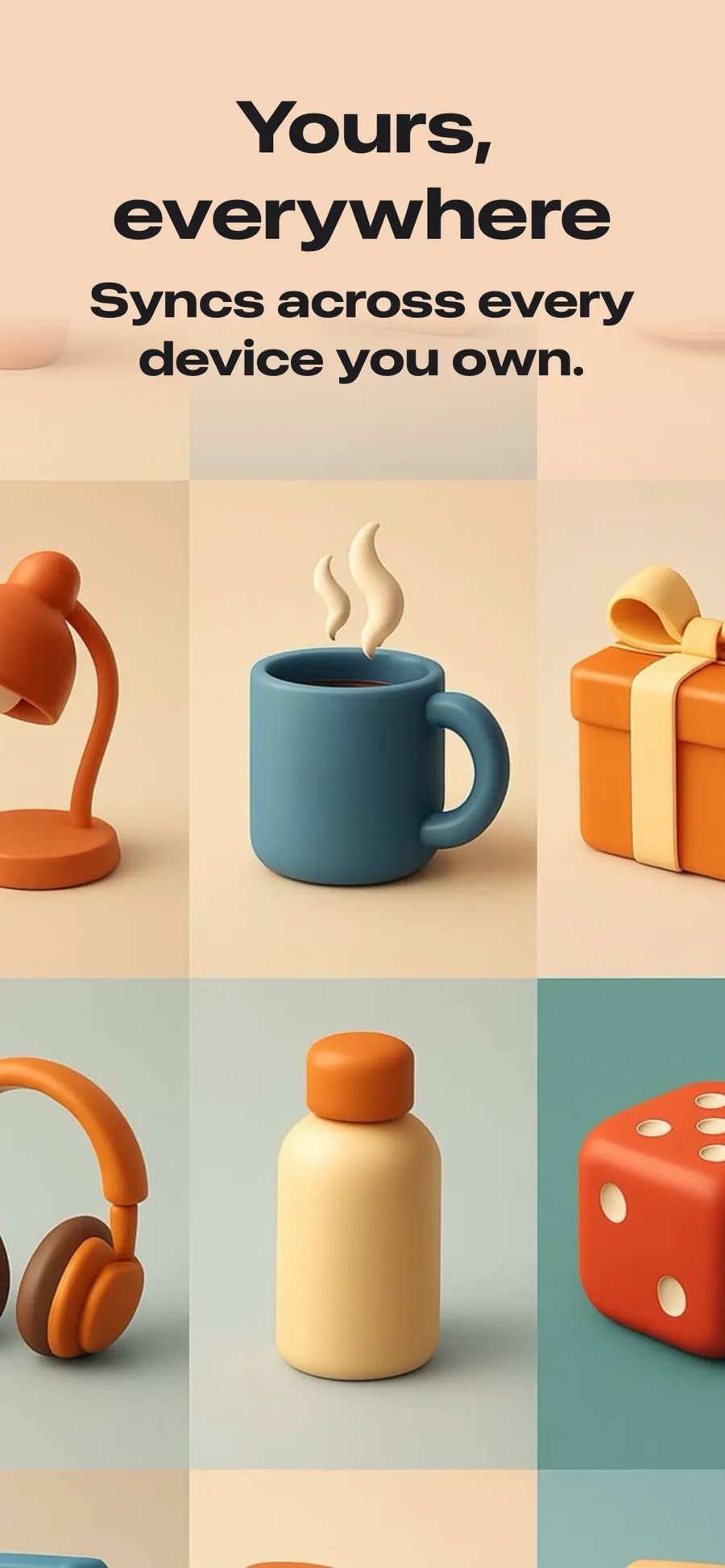
  • Retro template, screen 1 of 3. Retro template, screen 2 of 3. Retro template, screen 3 of 3.

    Retro

    Warm paper ground, heavy sans. Editorial and lifestyle.

    For Books · News · Lifestyle

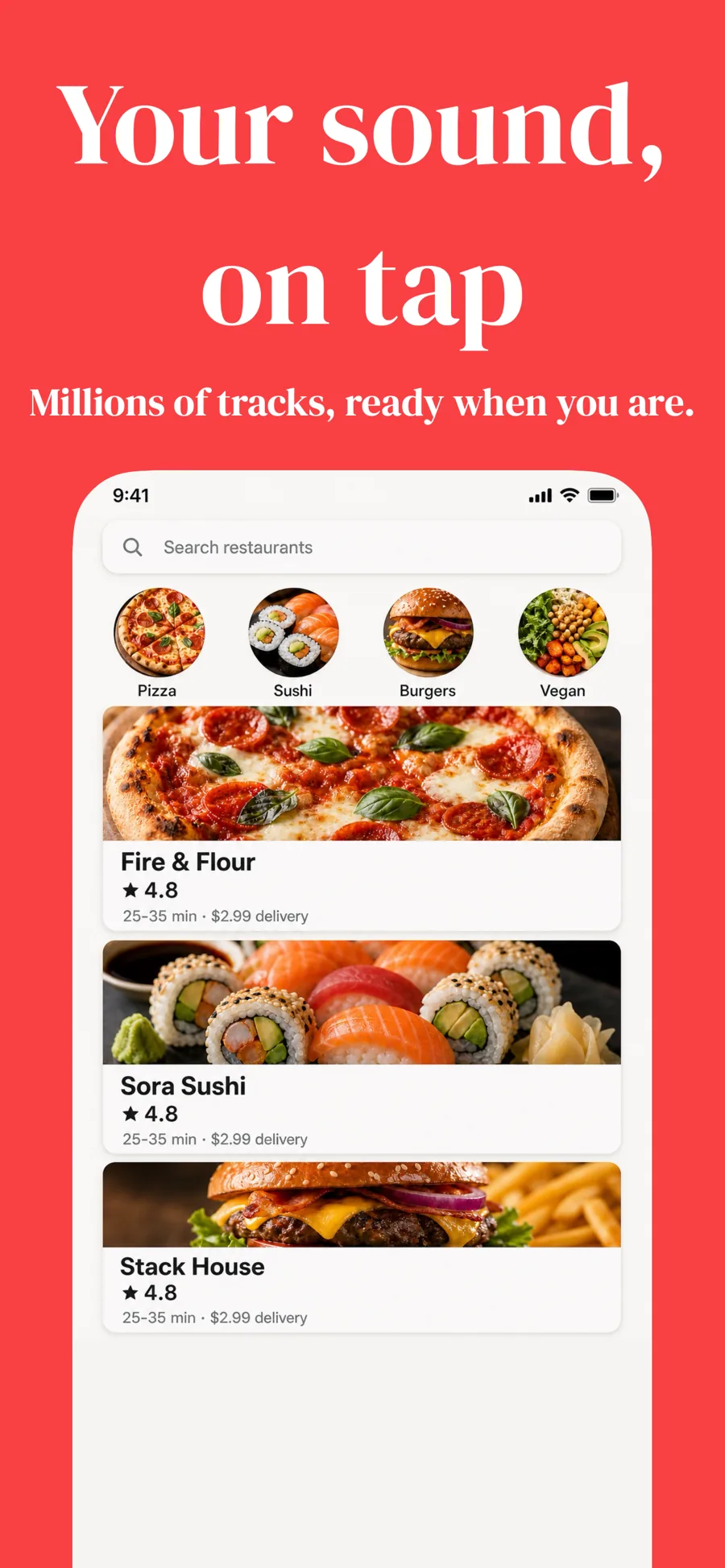
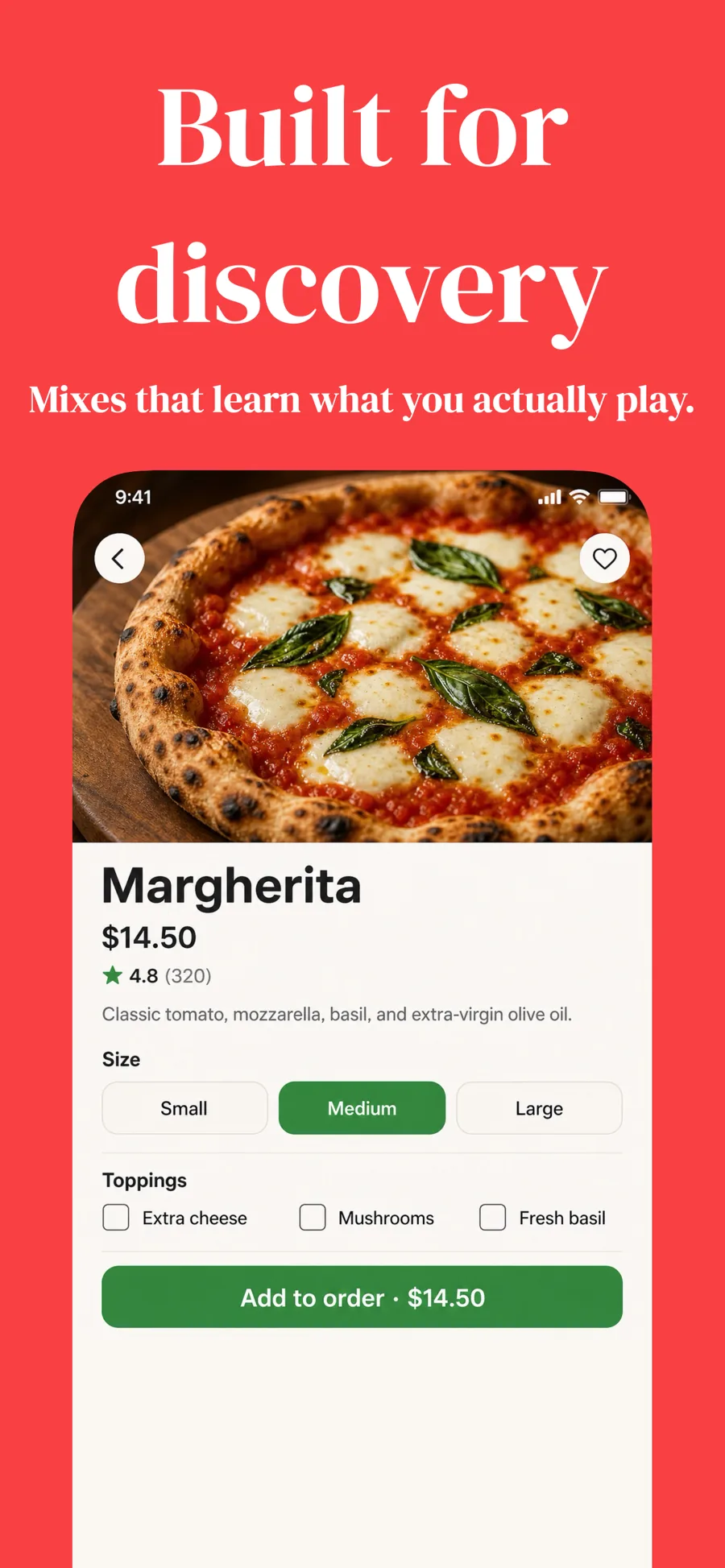
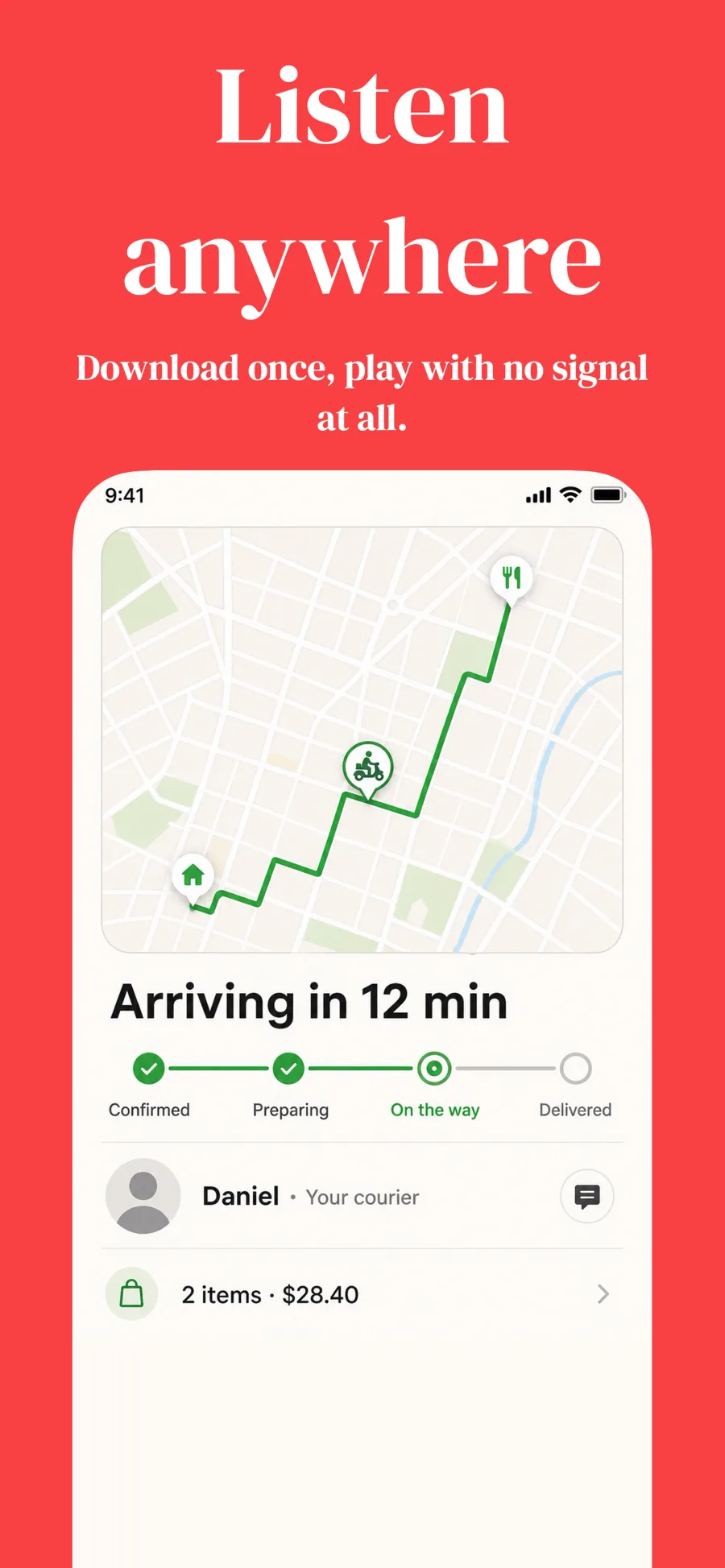
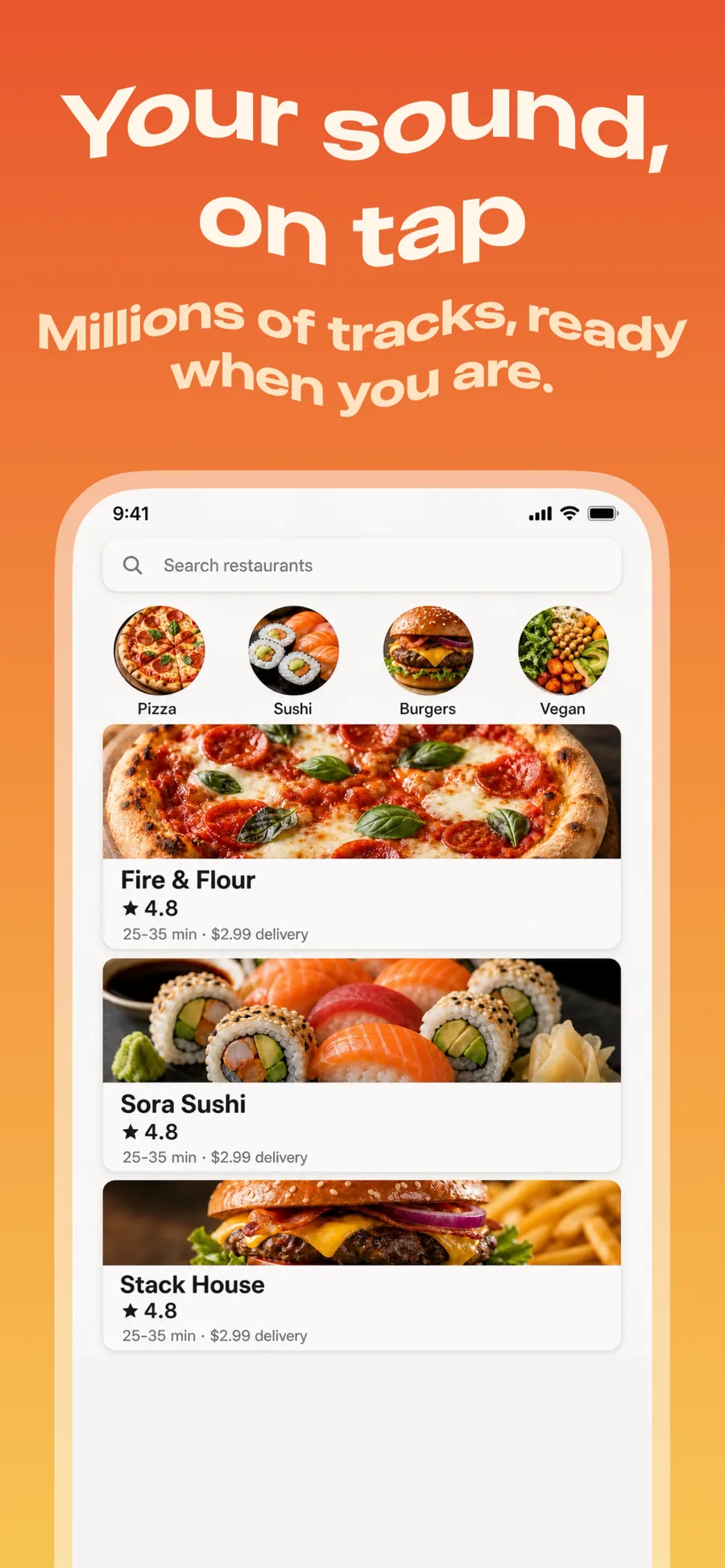
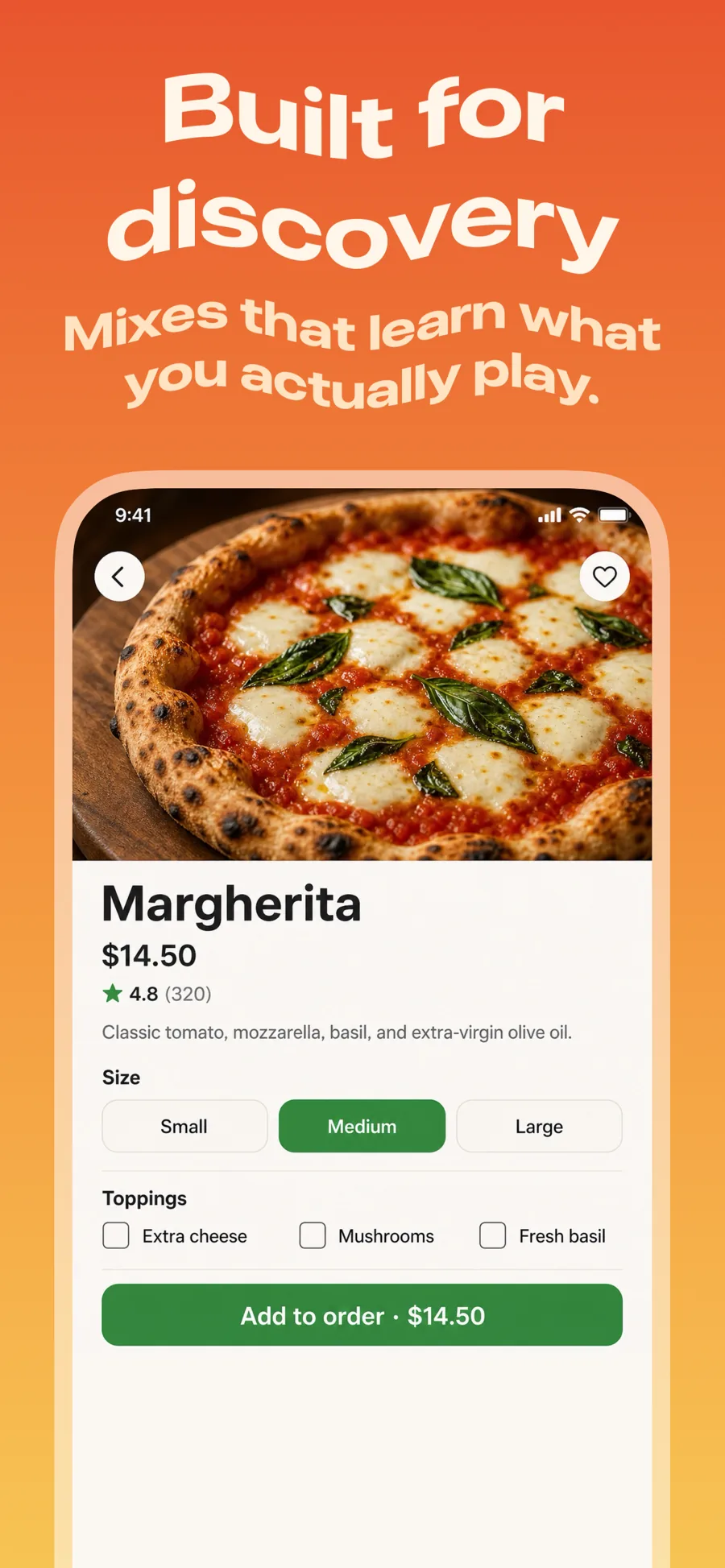
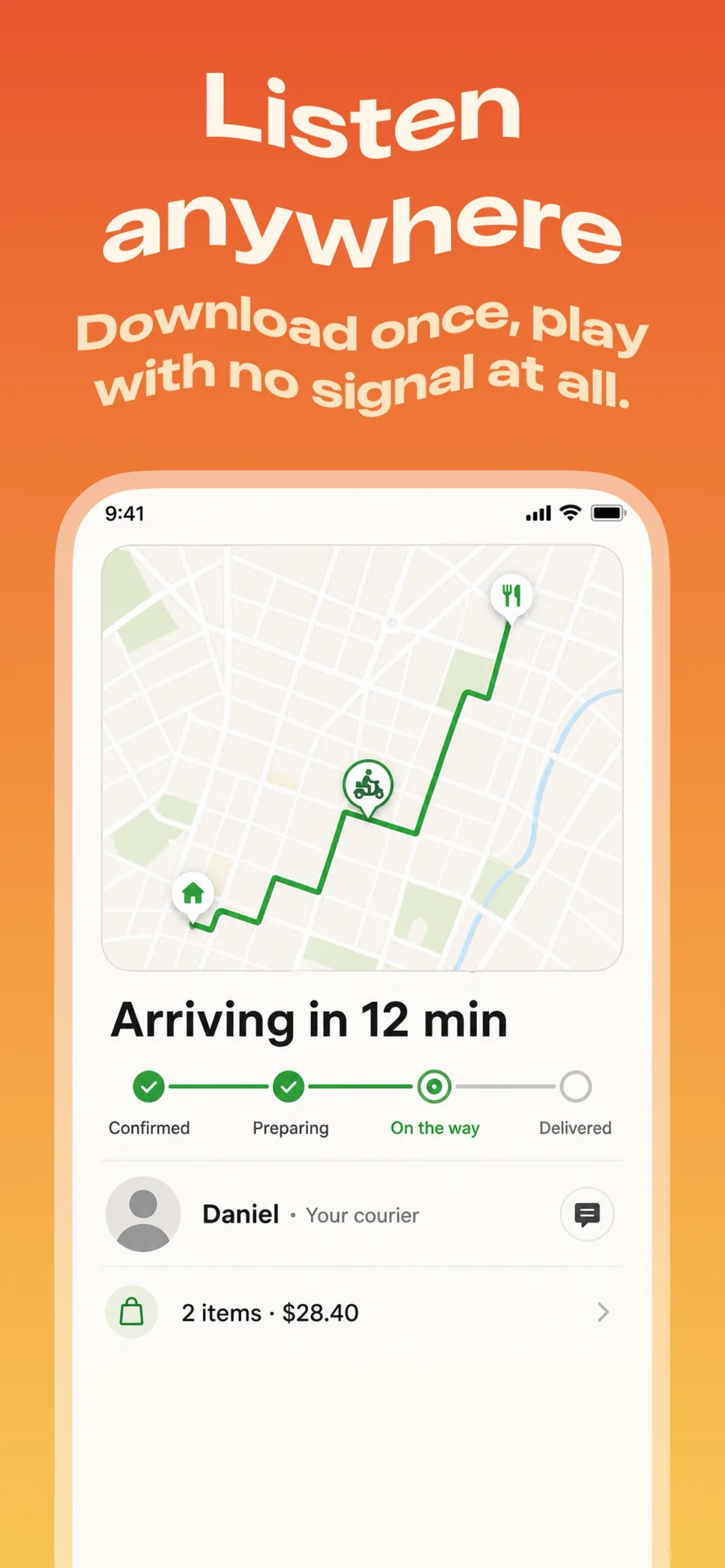
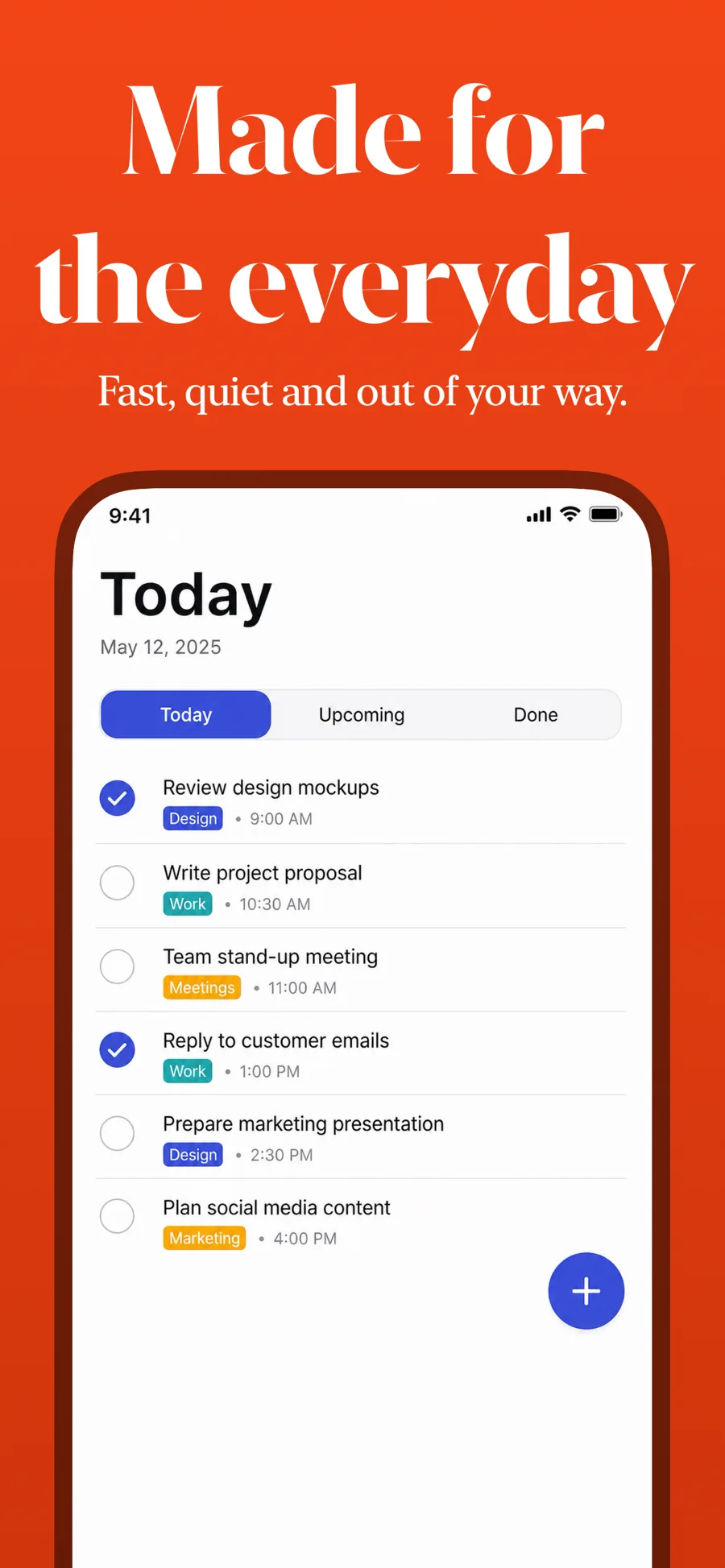
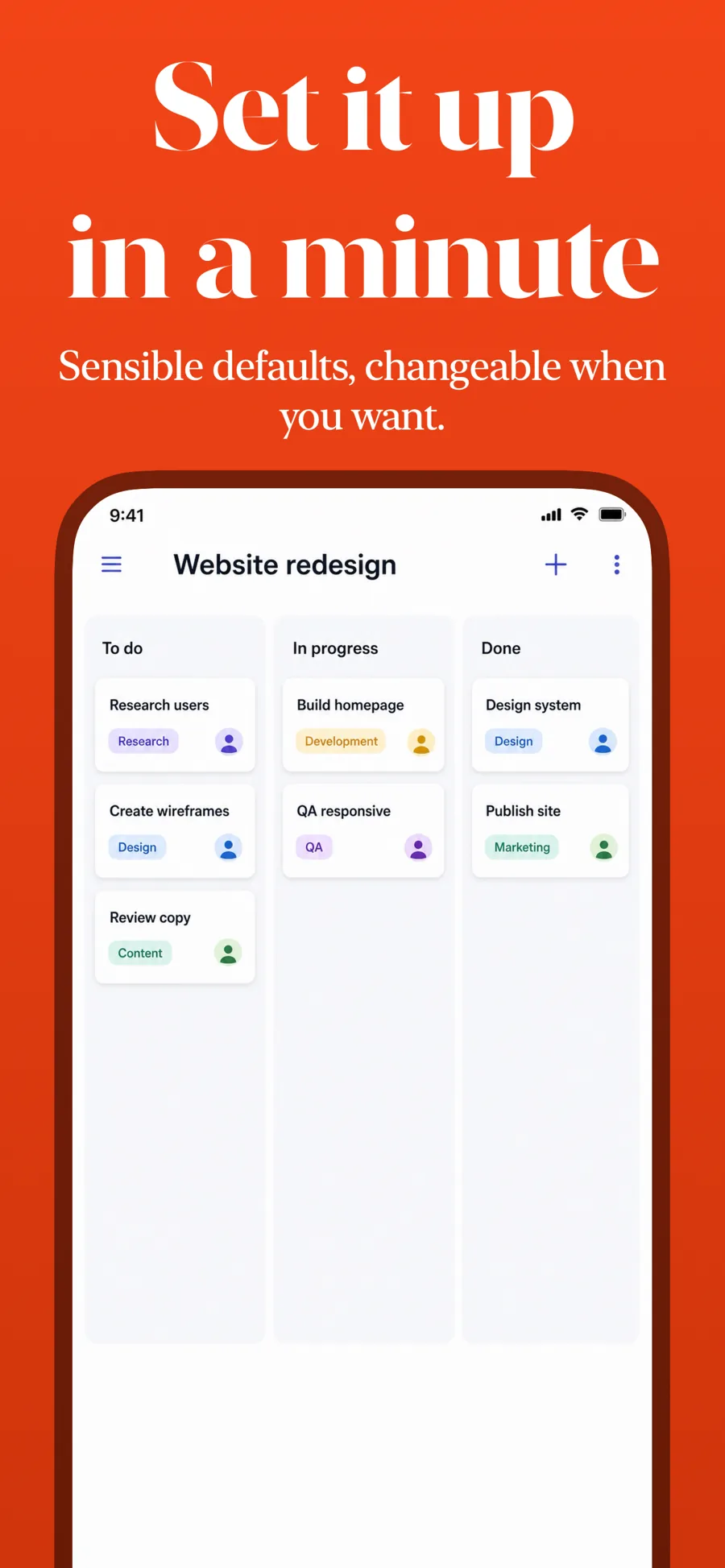
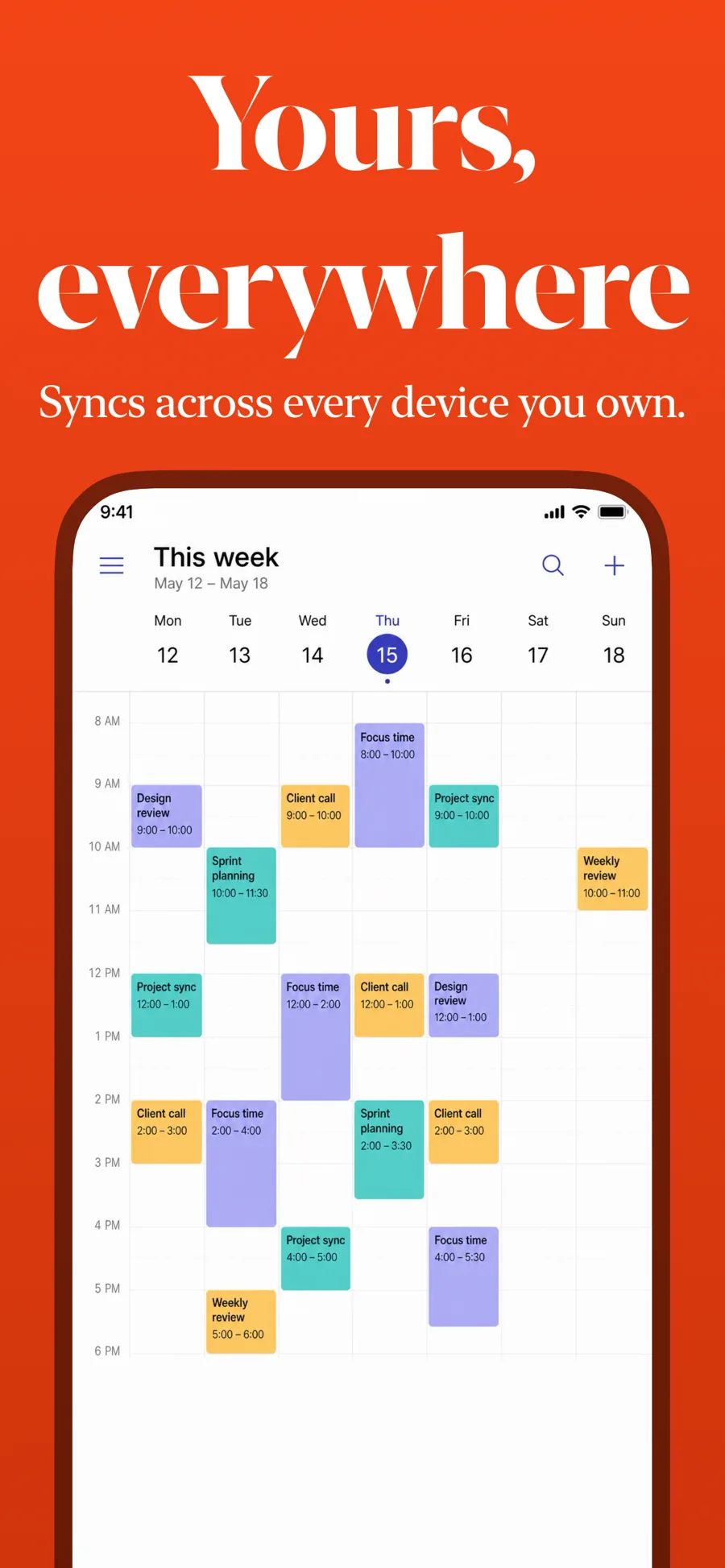
  • Colorful template, screen 1 of 3. Colorful template, screen 2 of 3. Colorful template, screen 3 of 3.

    Colorful

    Saturated ground with a serif headline. Bold consumer apps.

    For Entertainment · Lifestyle · Shopping

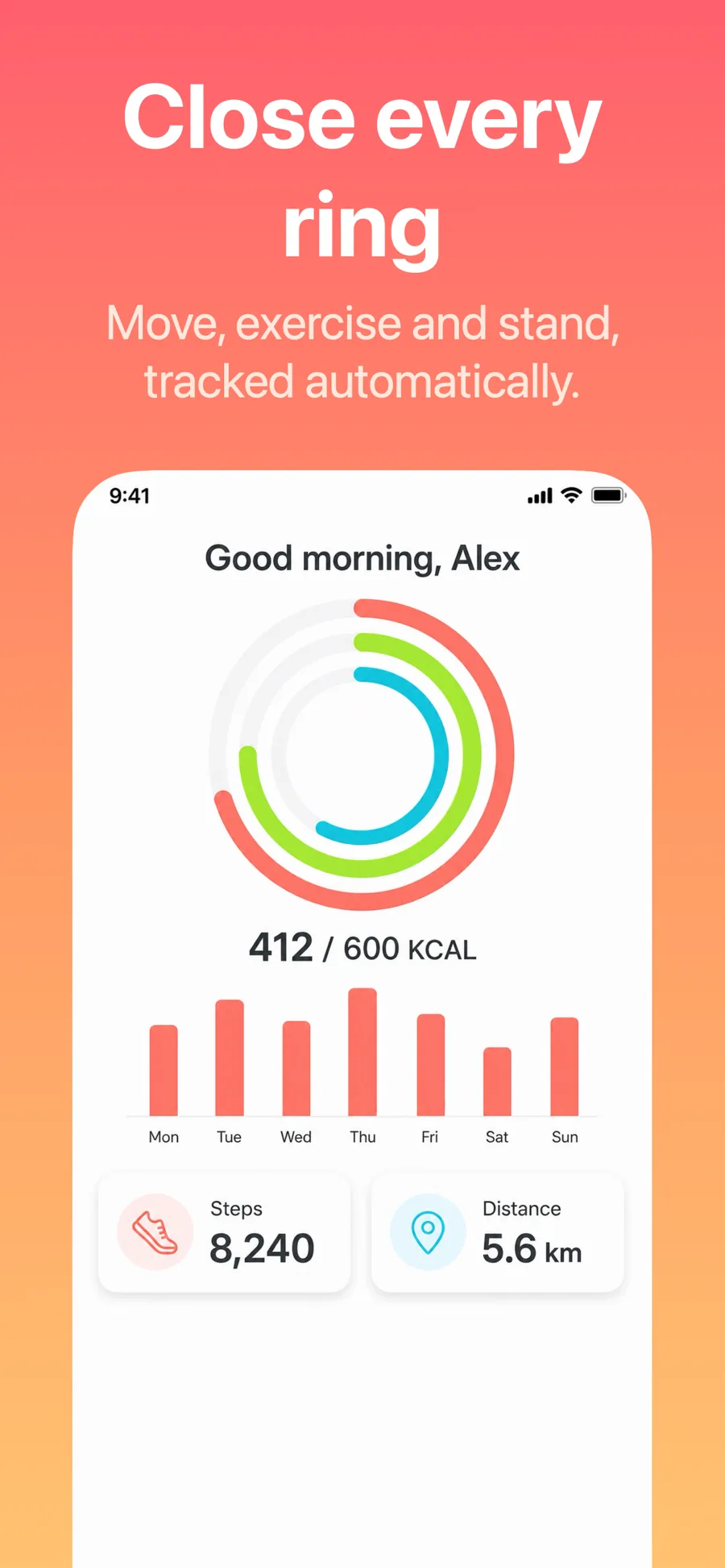
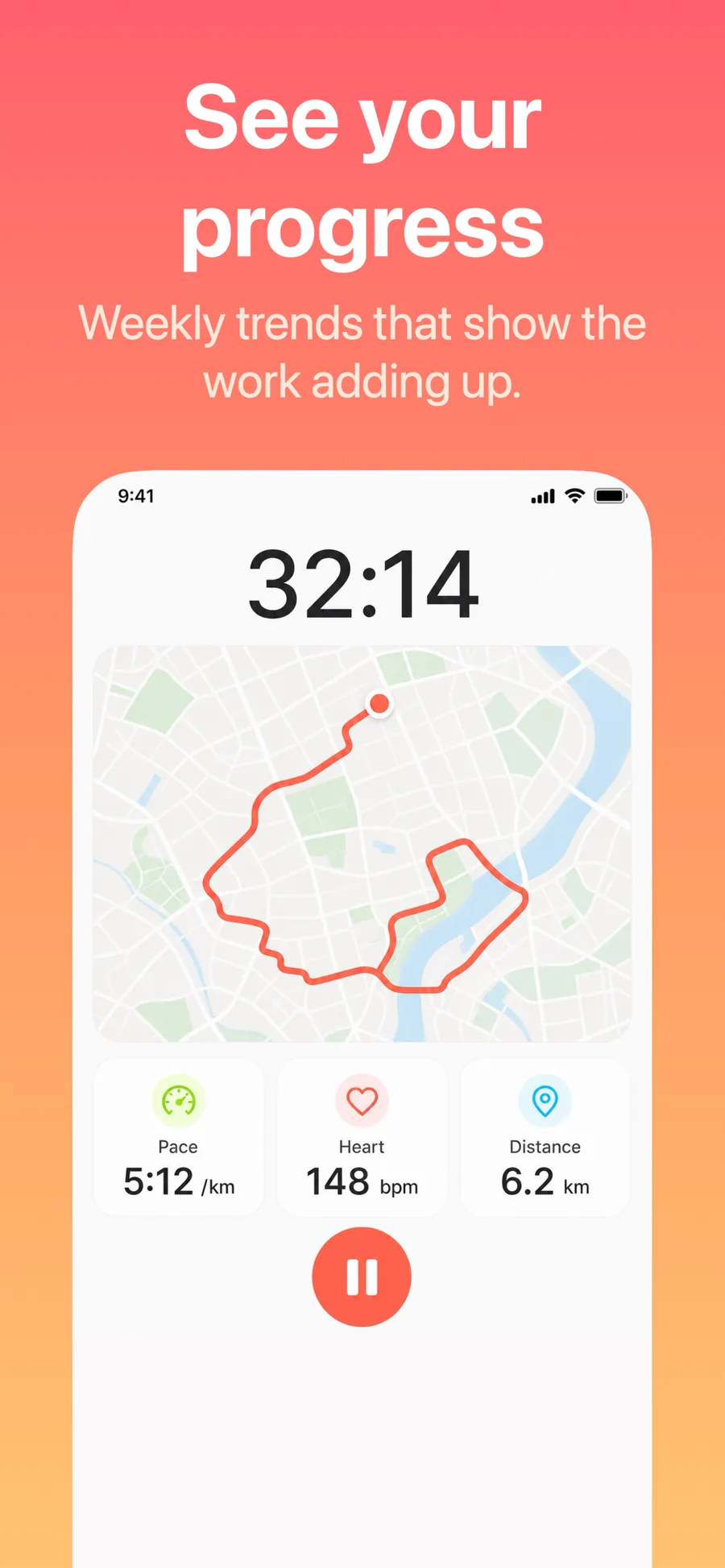
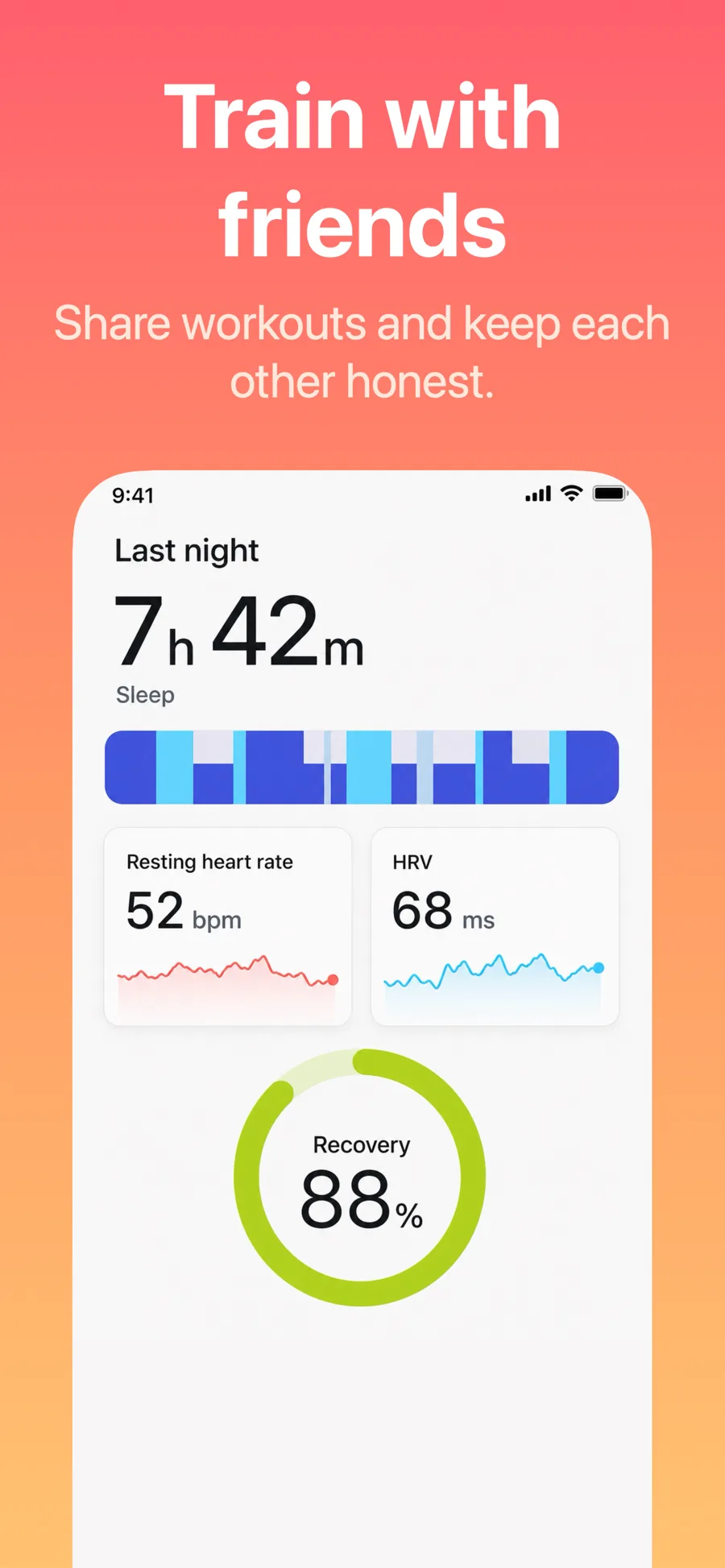
  • Pulse template, screen 1 of 3. Pulse template, screen 2 of 3. Pulse template, screen 3 of 3.

    Pulse

    Inspired by MyFitnessPal

    Health and fitness. Warm energetic gradient, no device frame — the category sells progress, so let the rings and charts fill the frame.

    For Health & Fitness · Sports · Lifestyle

  • Wave template, screen 1 of 3. Wave template, screen 2 of 3. Wave template, screen 3 of 3.

    Wave

    Wavy retro title. Music, food and lifestyle apps with a nostalgic streak.

    For Music · Food & Drink · Lifestyle

  • ZigZag template, screen 1 of 3. ZigZag template, screen 2 of 3. ZigZag template, screen 3 of 3.

    ZigZag

    Angled serif on a warm ground. Confident and a little irreverent.

    For Lifestyle · Shopping · Entertainment

What works in Lifestyle screenshots

  • Pick one mood — calm, playful, premium — and let the background and typeface say it before the caption does.
  • Show the result the app gives someone (the finished plan, the tidy home, the saved recipe), not the empty state.
  • If your app runs on real photography, let it fill the frame rather than shrinking it inside a device.

Make your Lifestyle screenshots

  • Built into Screenshot Studio — apply it and swap in your own screenshots.
  • Every colour, font and layout value stays editable afterwards.
  • Localise the text into all 50 App Store languages from the same document.

Get Screenshot Studio