← All templates

Screenshot templates by category

Photo & Video App Store screenshot templates

In photo and video apps, the output is the pitch. The screenshots should show the edited photo, the finished clip or the effect in action, as large as possible. These templates keep the frame out of the way so the imagery gets the space.

4 templates that suit Photo & Video apps, all built into the app.
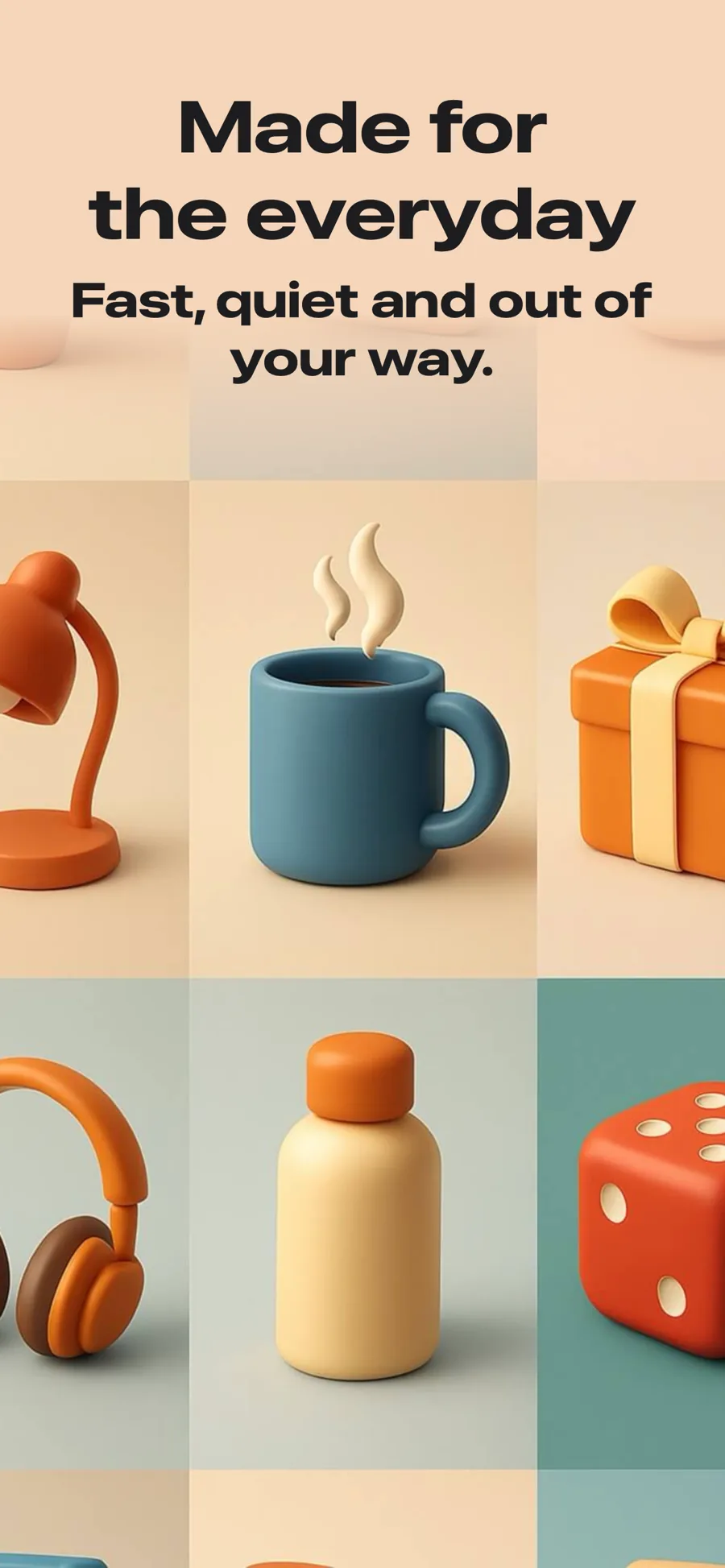
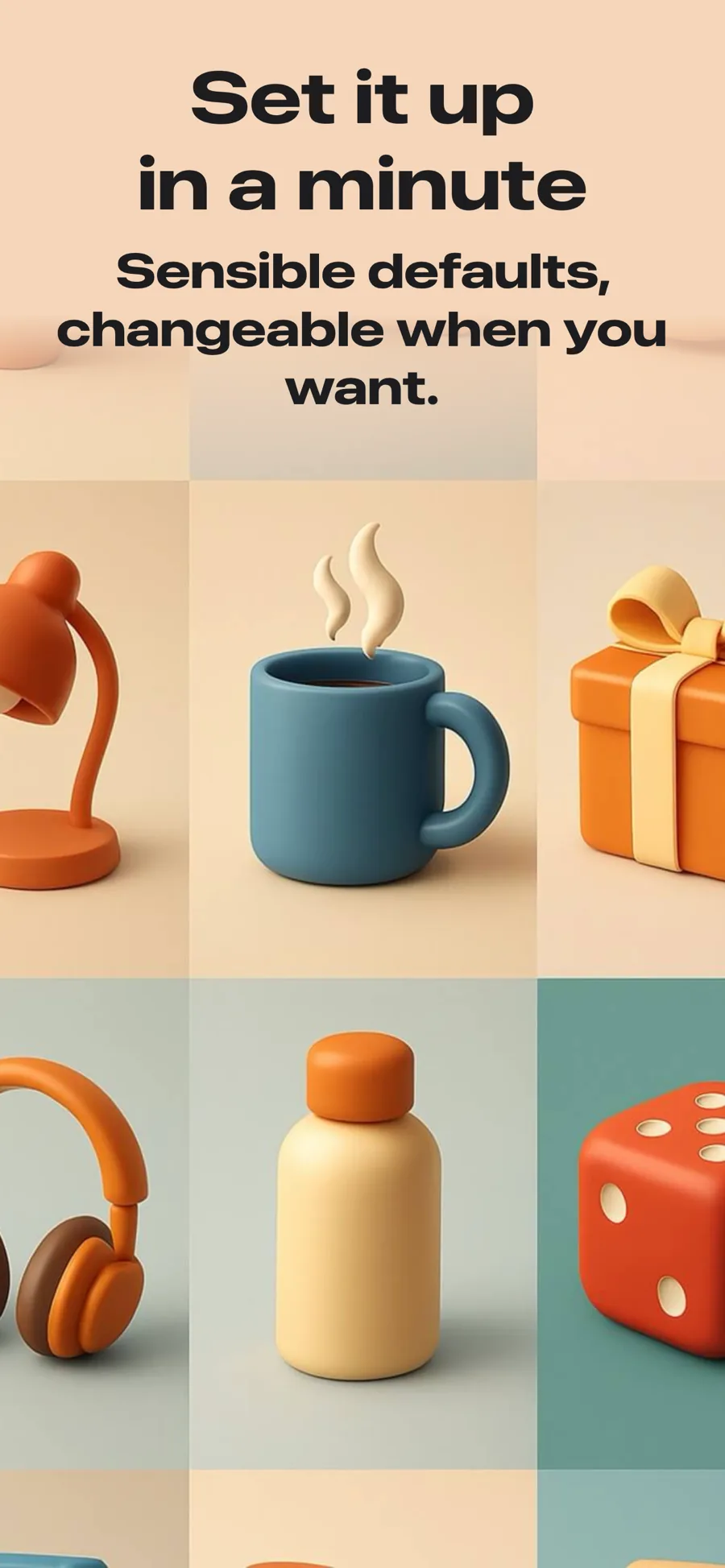
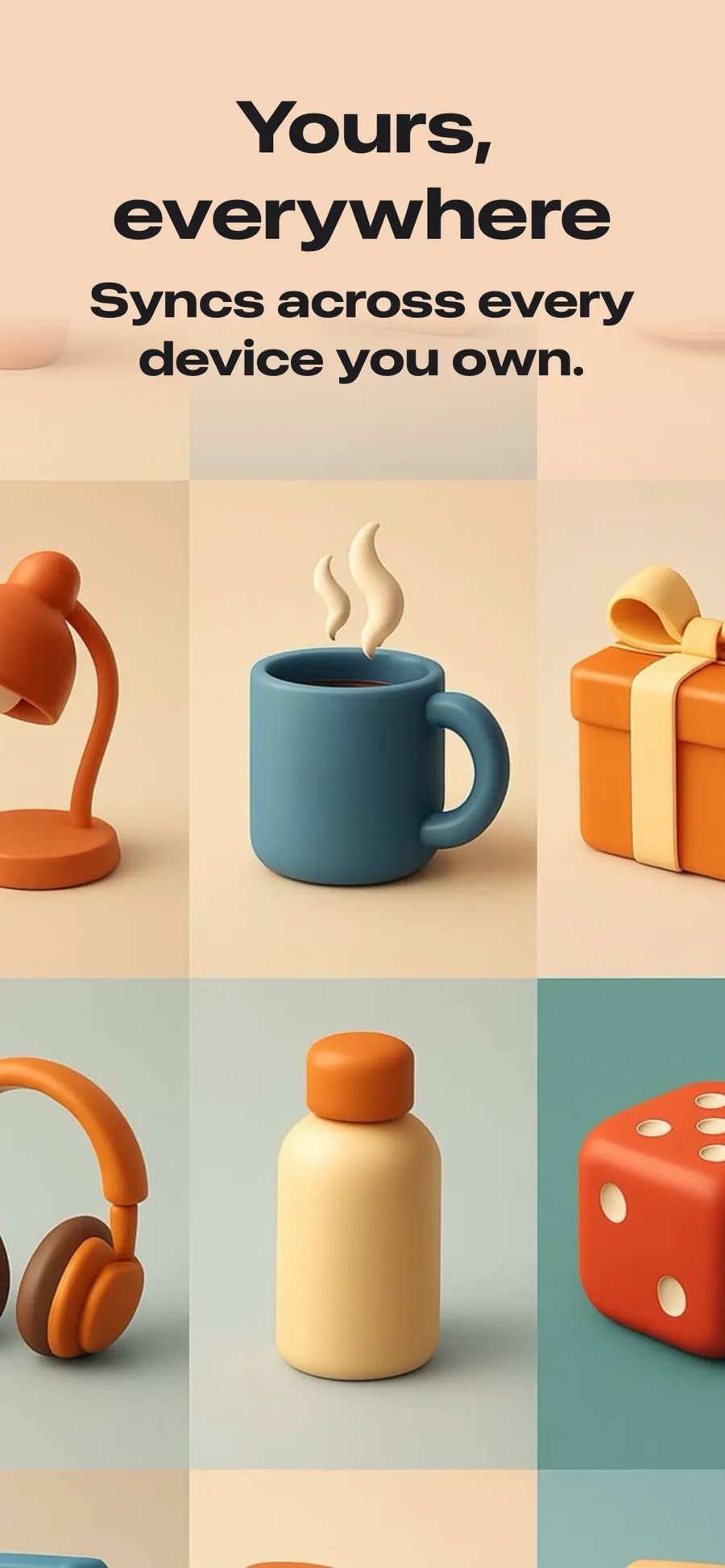
  • Hero template, screen 1 of 3. Hero template, screen 2 of 3. Hero template, screen 3 of 3.

    Hero

    Full-bleed image, no device frame. Strongest as the opening shot, where the promise matters more than the interface.

    For Lifestyle · Photo & Video · Shopping · Travel

  • Landscape template, screen 1 of 3. Landscape template, screen 2 of 3. Landscape template, screen 3 of 3.

    Landscape

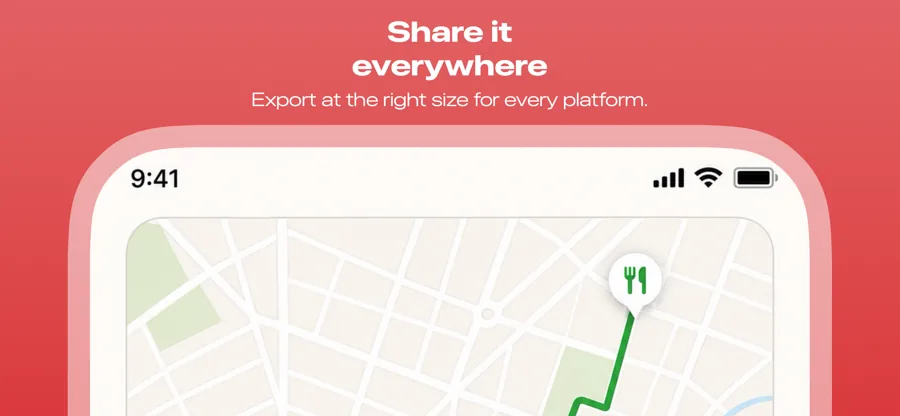
    Landscape canvas. Video, maps, and anything users turn the phone for.

    For Photo & Video · Navigation · Travel · Games

  • Marquee template, screen 1 of 3. Marquee template, screen 2 of 3. Marquee template, screen 3 of 3.

    Marquee

    Inspired by Spotify

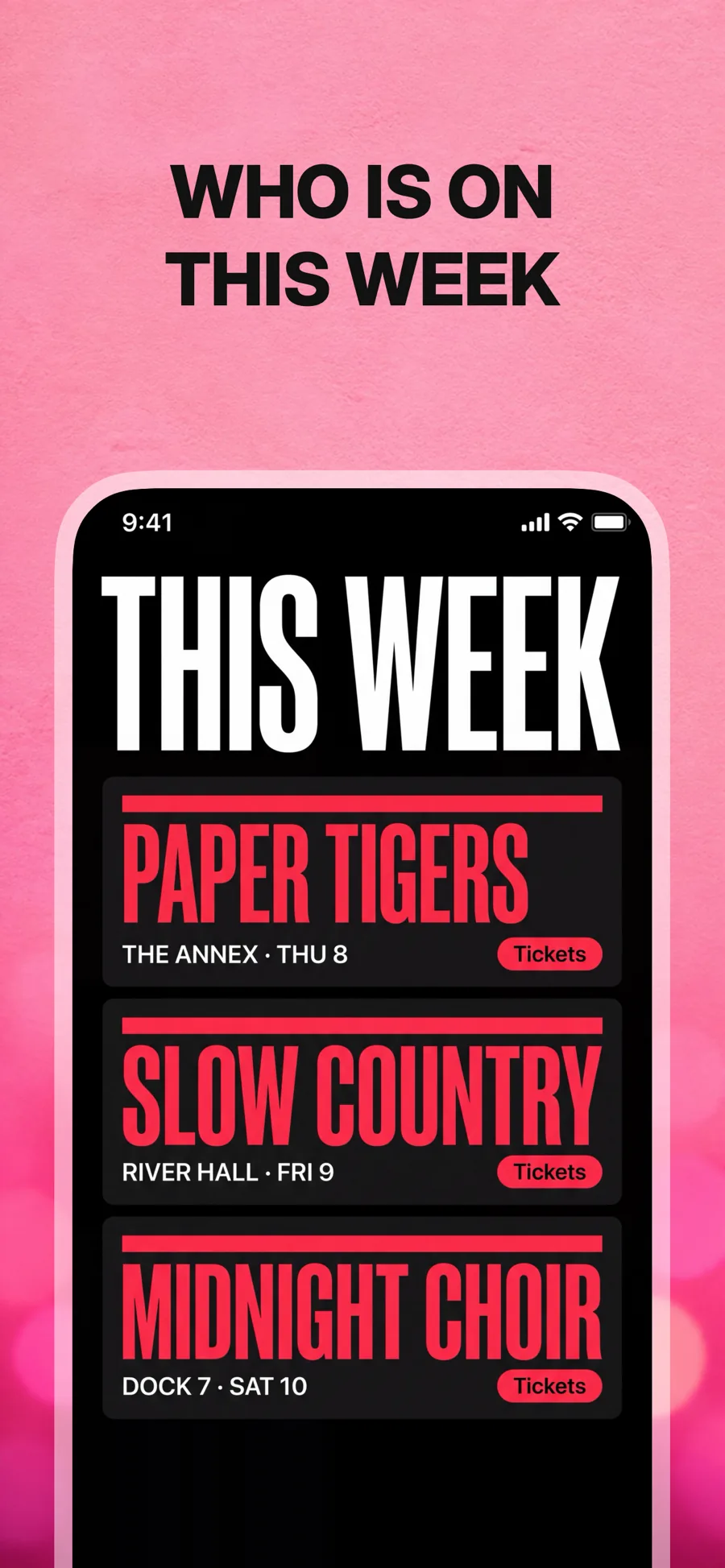
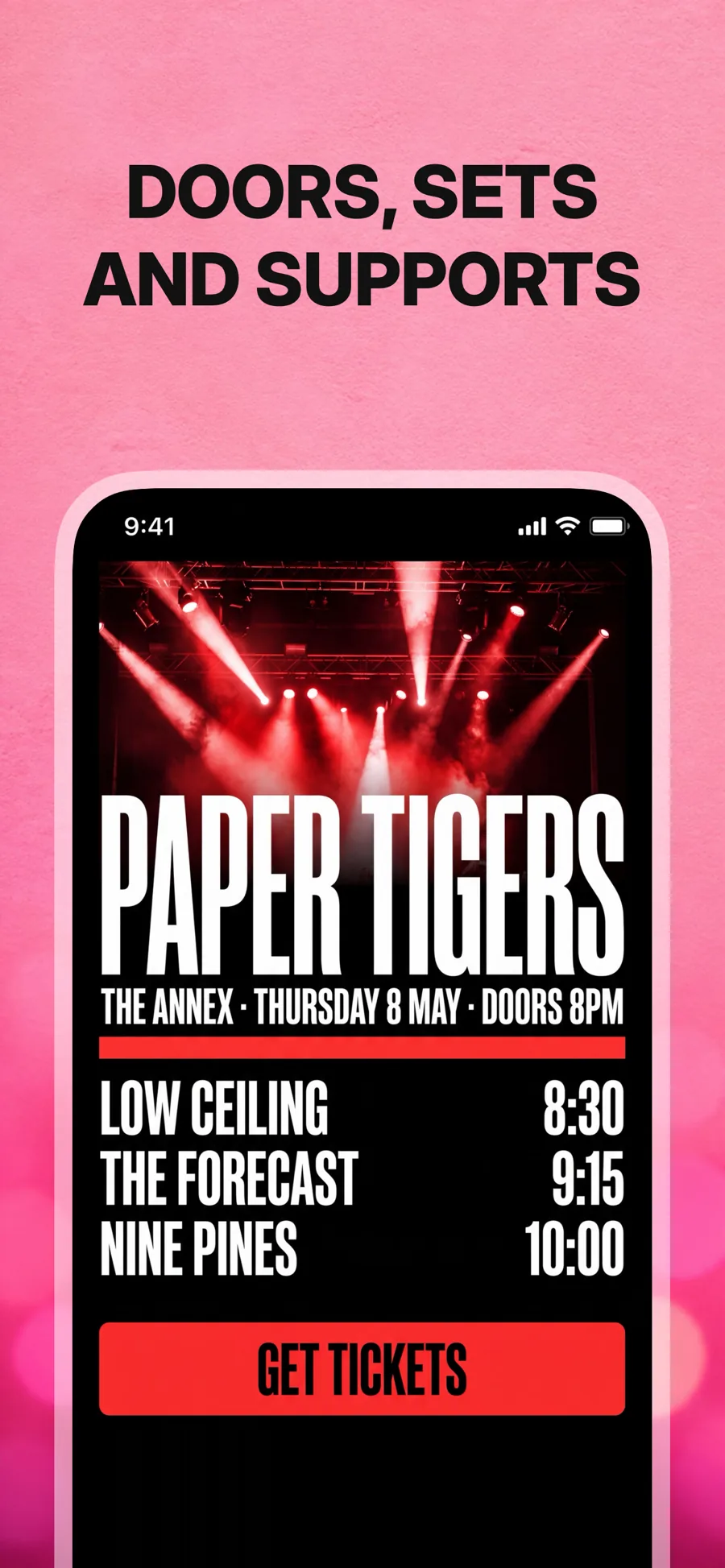
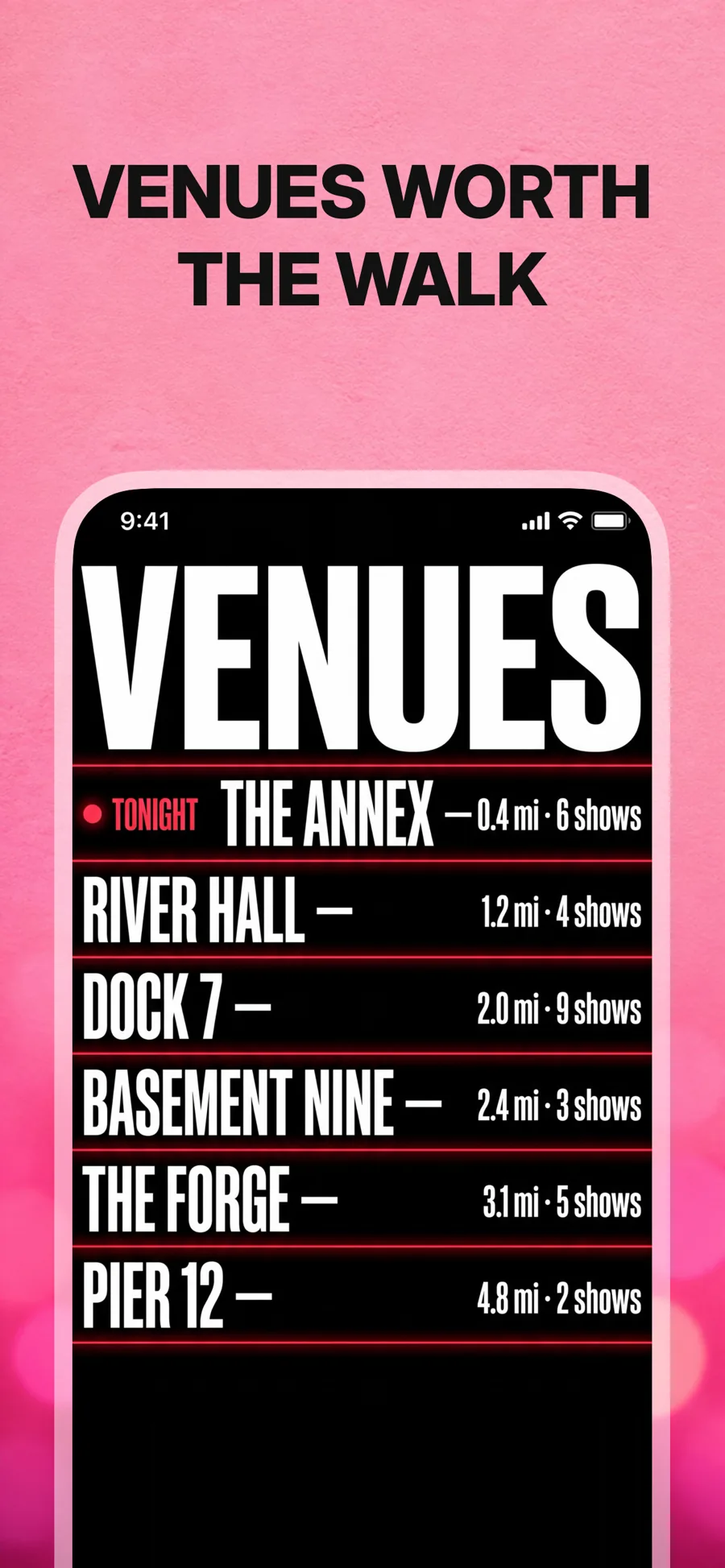
    Music, podcasts and entertainment. A photograph for a ground rather than a colour, and caps with the important words picked out — wrap them in *asterisks* to recolour them.

    For Music · Entertainment · Photo & Video

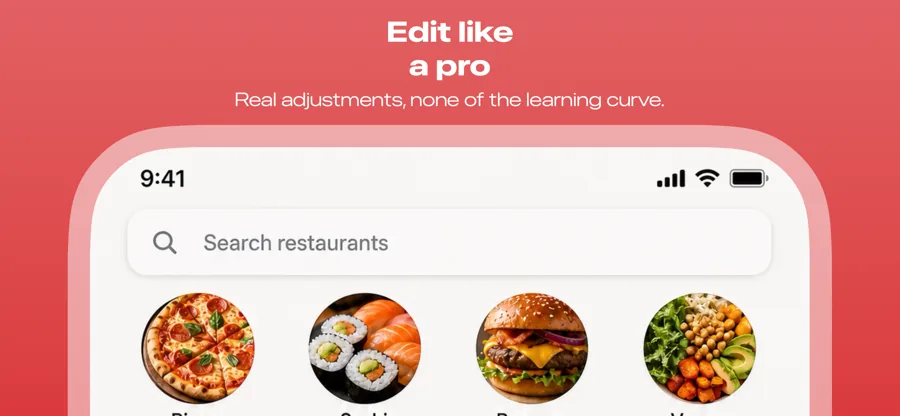
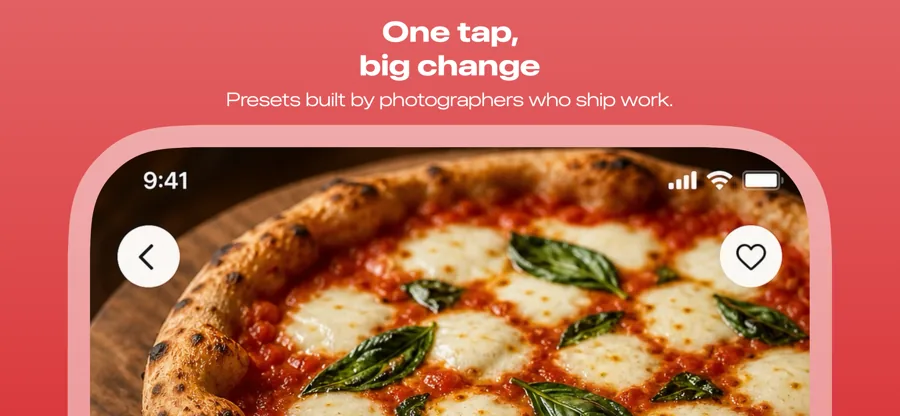
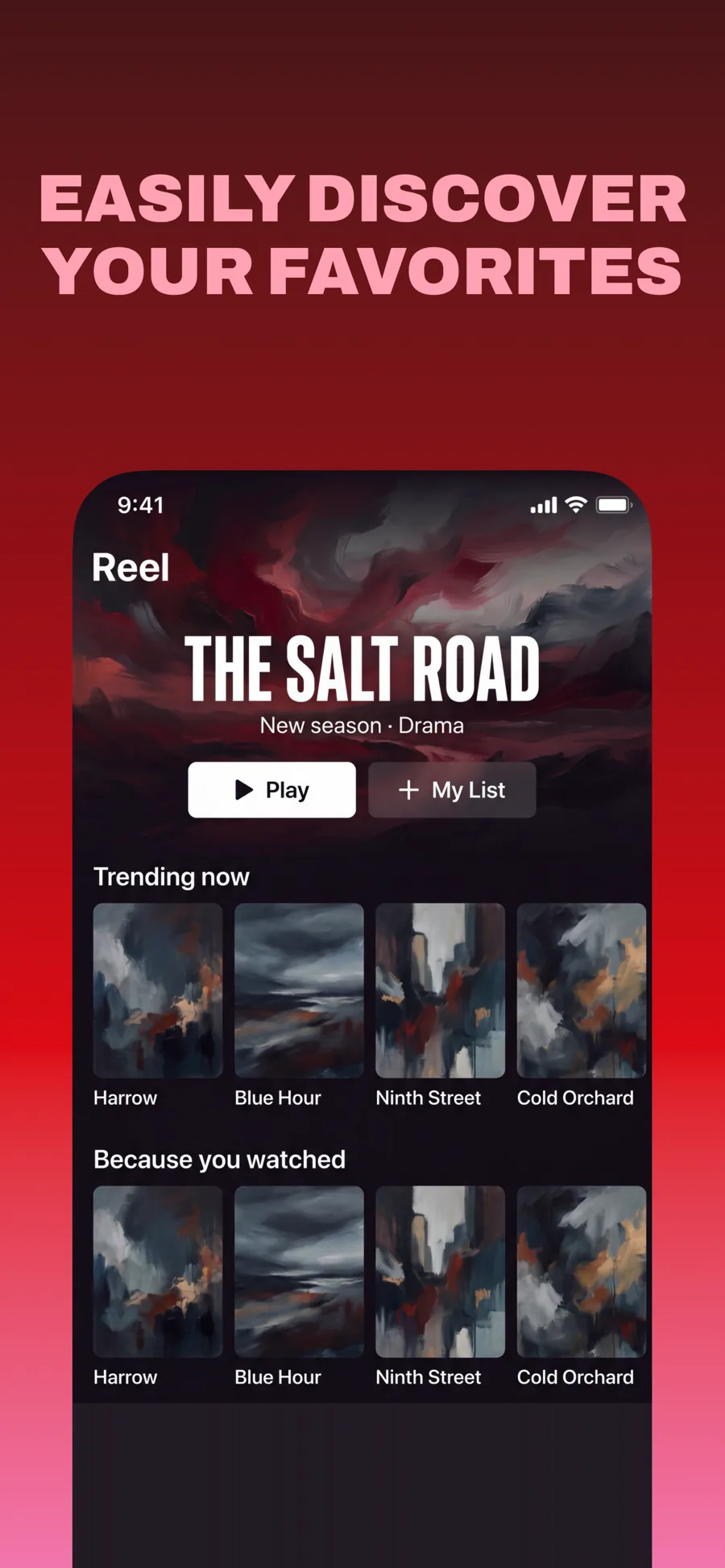
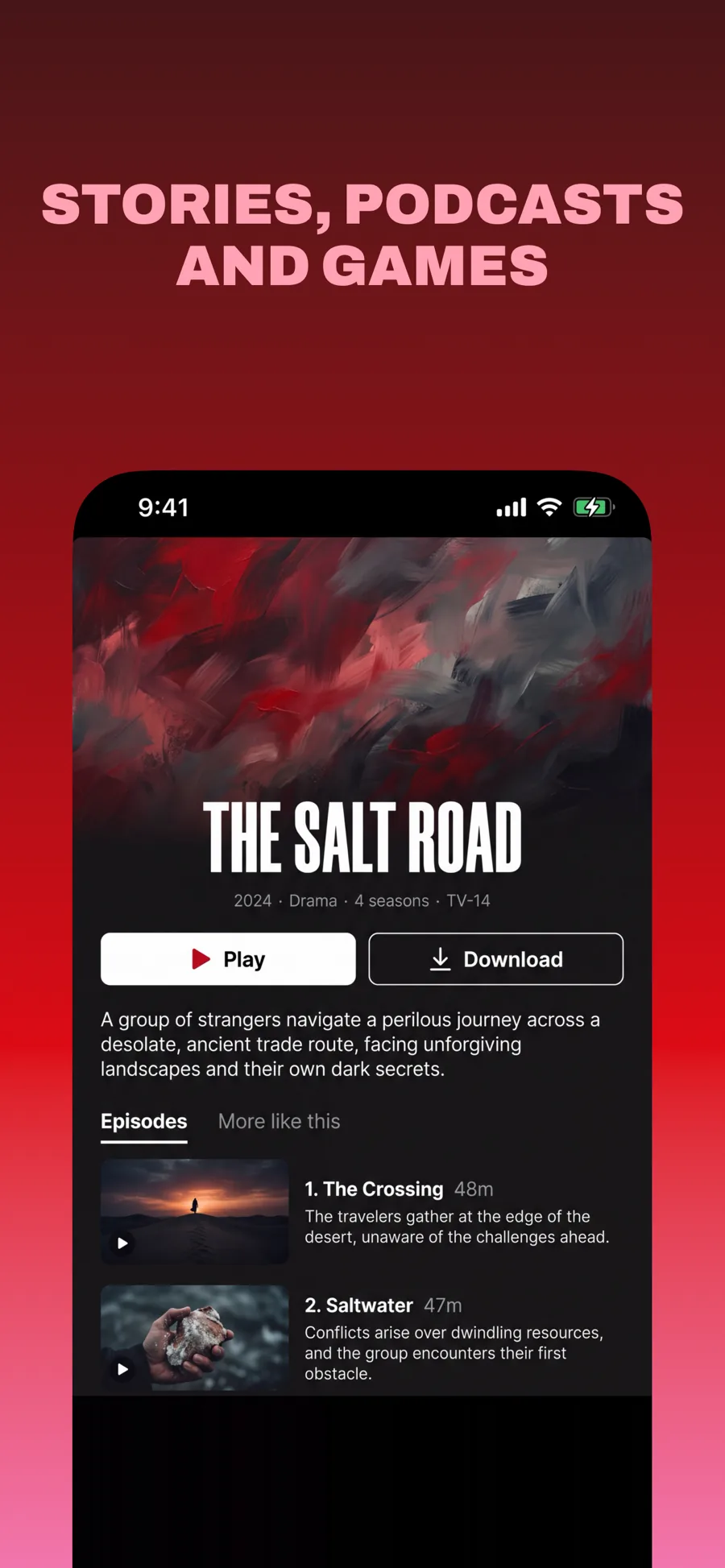
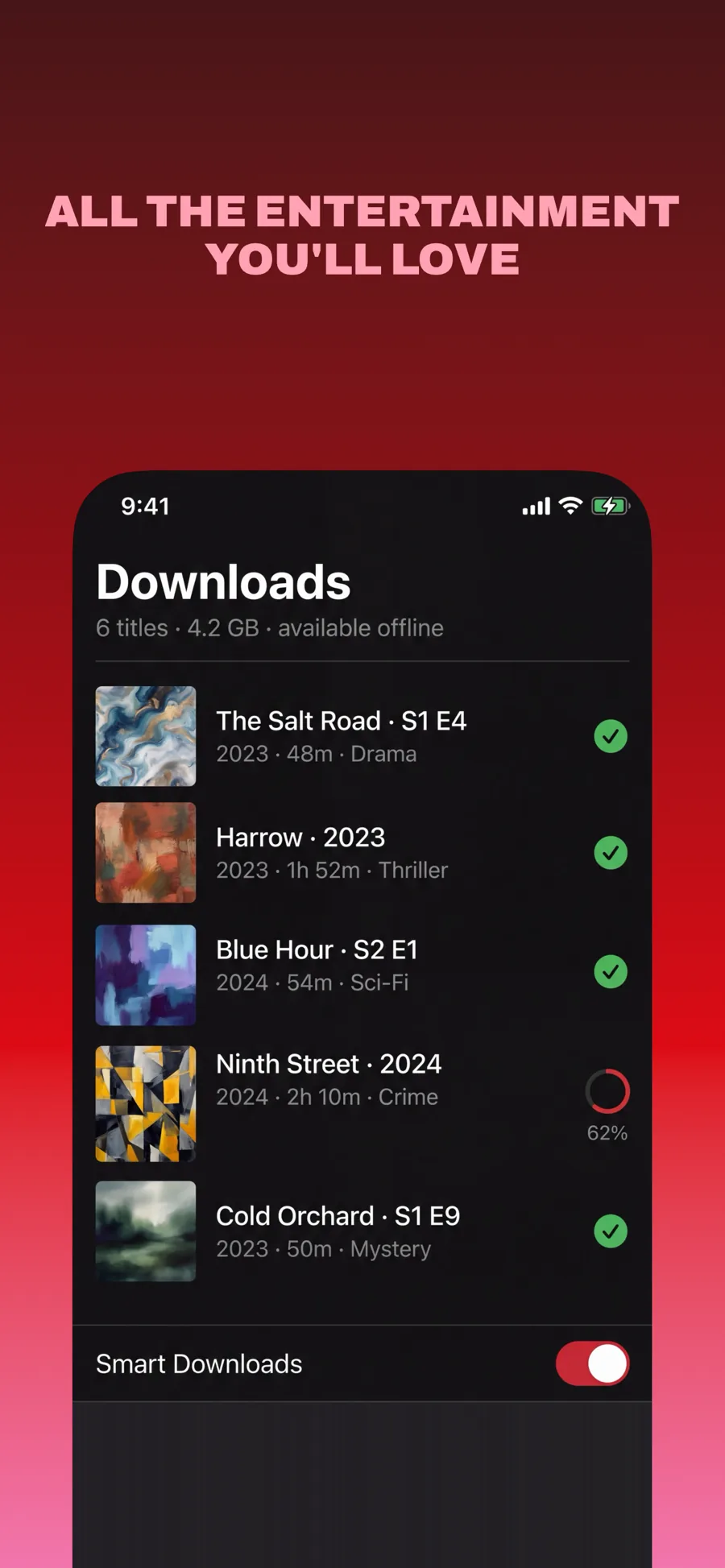
  • Primetime template, screen 1 of 3. Primetime template, screen 2 of 3. Primetime template, screen 3 of 3.

    Primetime

    Inspired by Netflix

    Streaming and anything with a catalogue. Dark red gradient, pink caps, and the screen running off the bottom so the content keeps going past the frame.

    For Entertainment · Photo & Video · Games

What works in Photo & Video screenshots

  • Show a striking before-and-after or a finished result instead of the editing toolbar.
  • Let images run full bleed where you can; a small photo inside a device frame undersells the effect.
  • Use a landscape screenshot if your app is used with the phone turned sideways.

Make your Photo & Video screenshots

  • Built into Screenshot Studio — apply it and swap in your own screenshots.
  • Every colour, font and layout value stays editable afterwards.
  • Localise the text into all 50 App Store languages from the same document.

Get Screenshot Studio