Screenshot templates by category
Education App Store screenshot templates
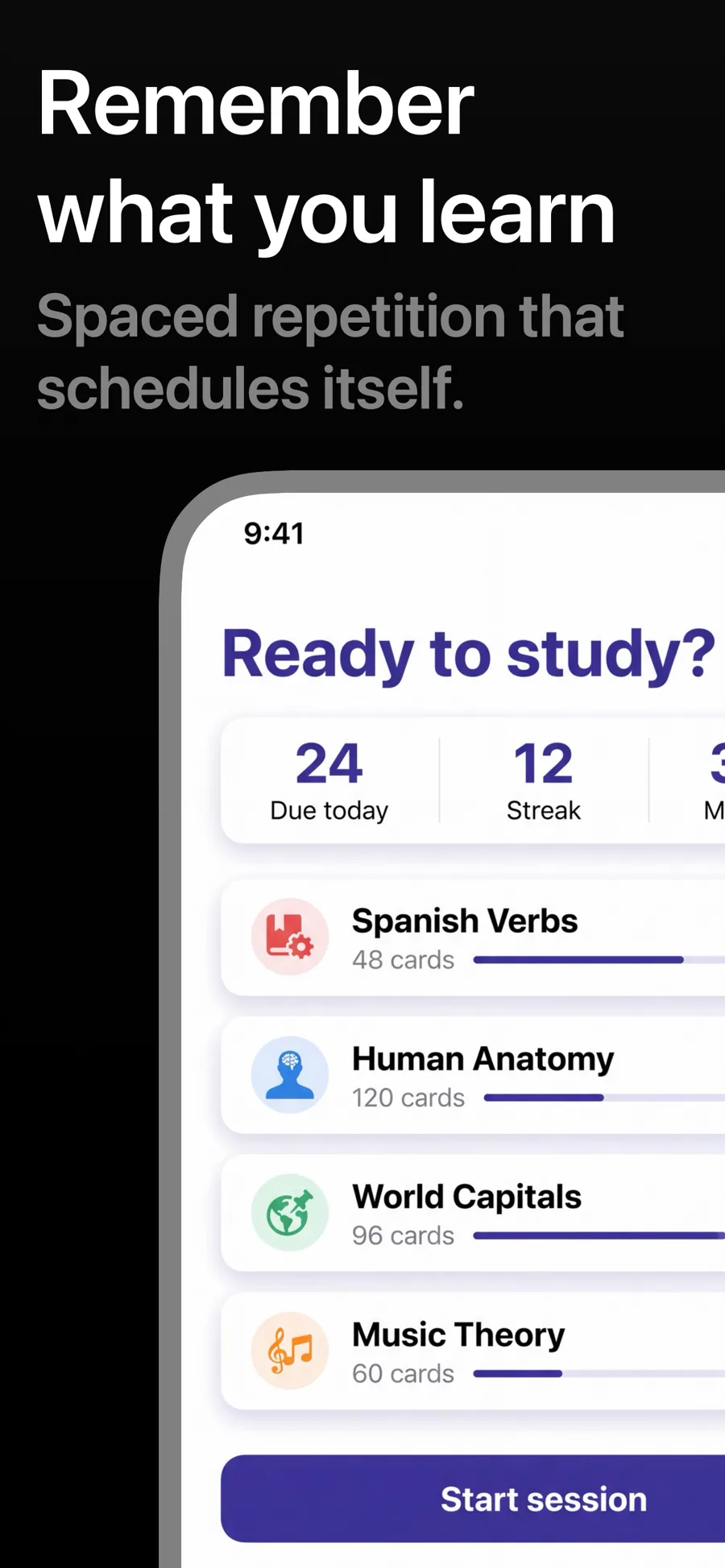
Education apps have to reassure two people at once: the learner, who wants it to feel achievable, and often a parent or teacher, who wants it to feel credible. Friendly type, clear lesson screens and visible progress do both.
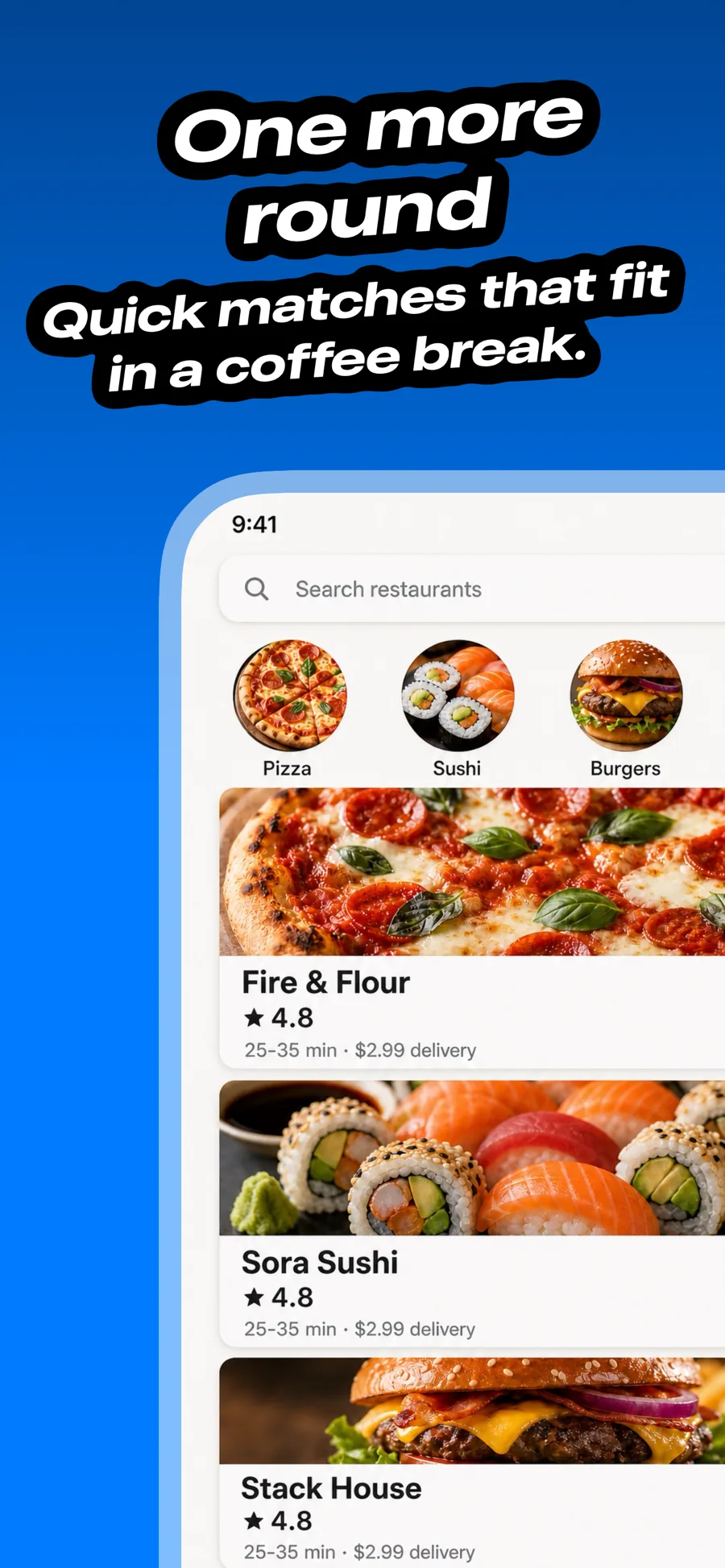
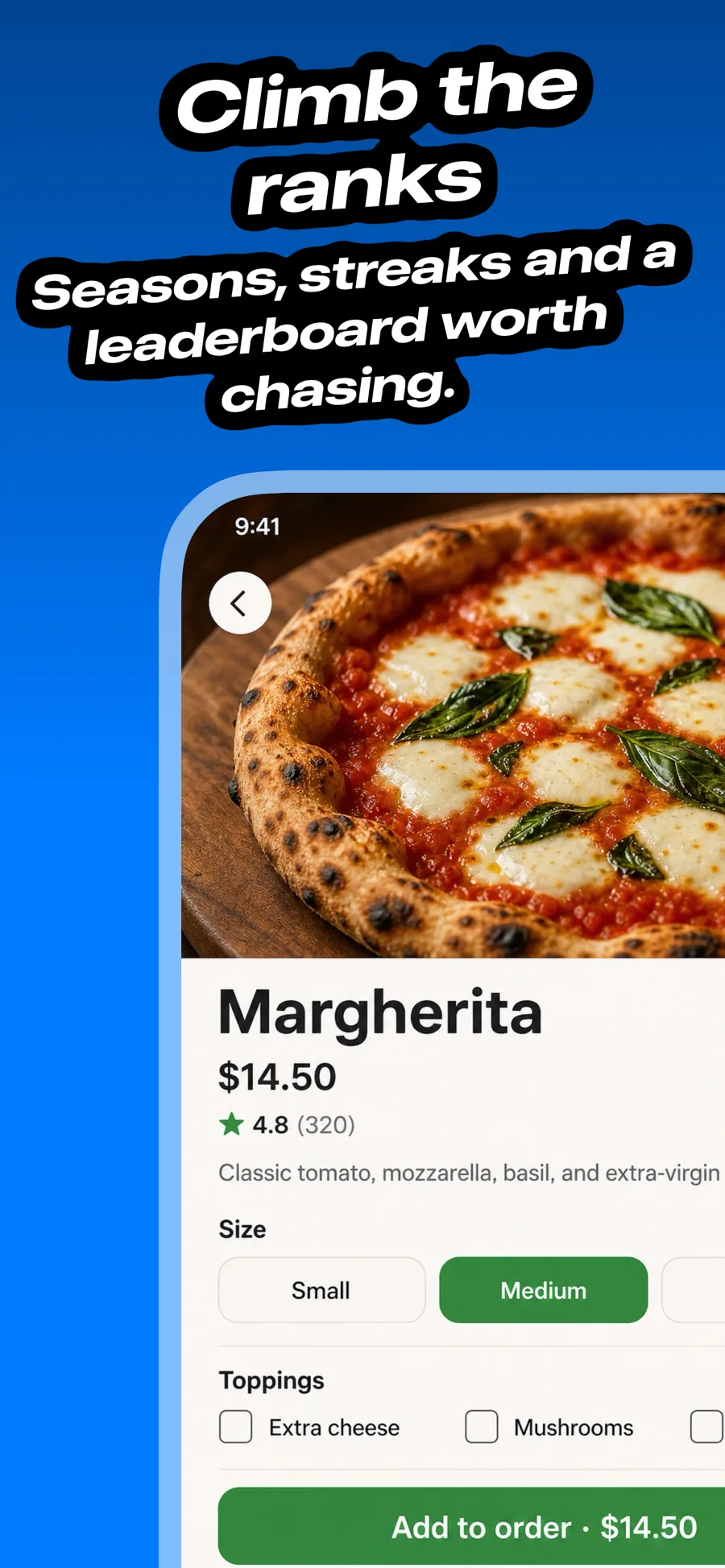
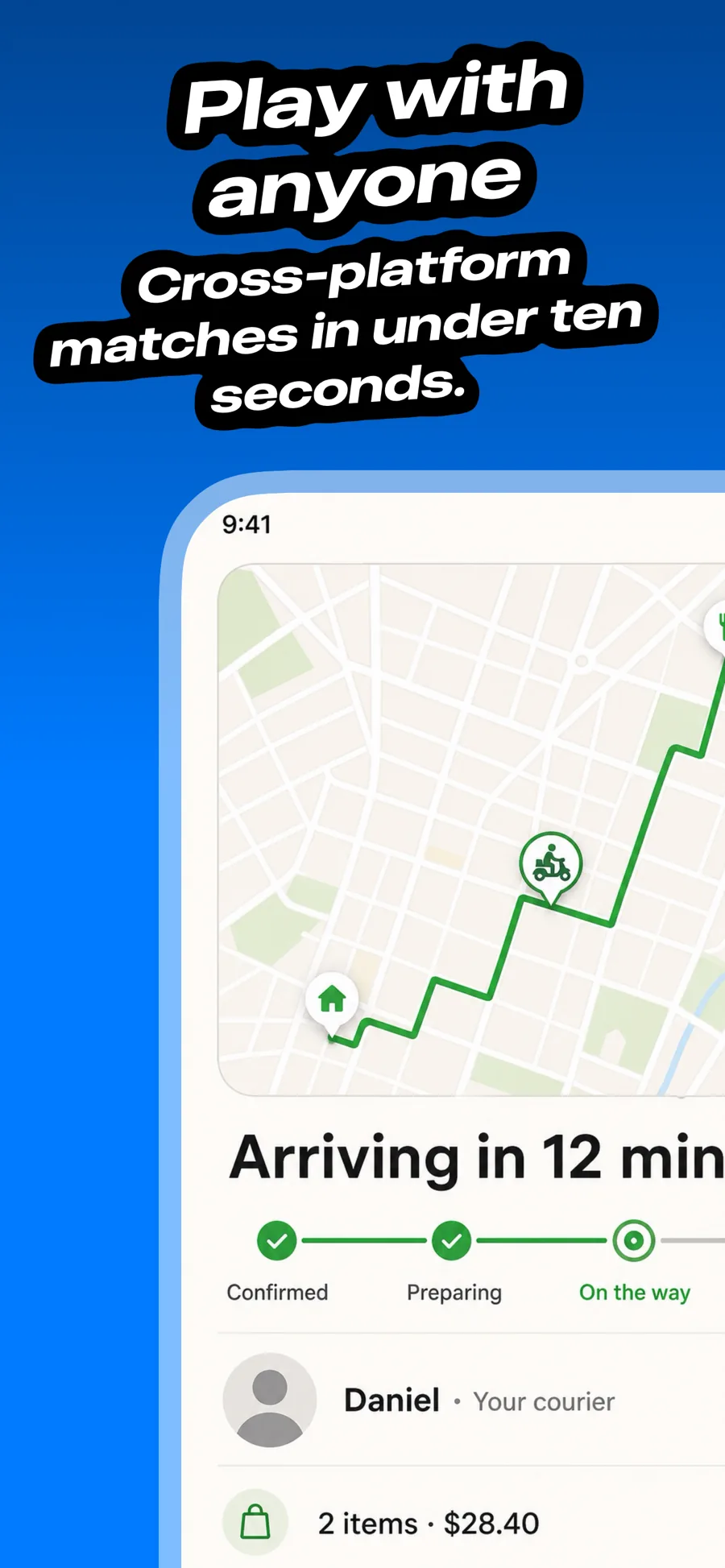
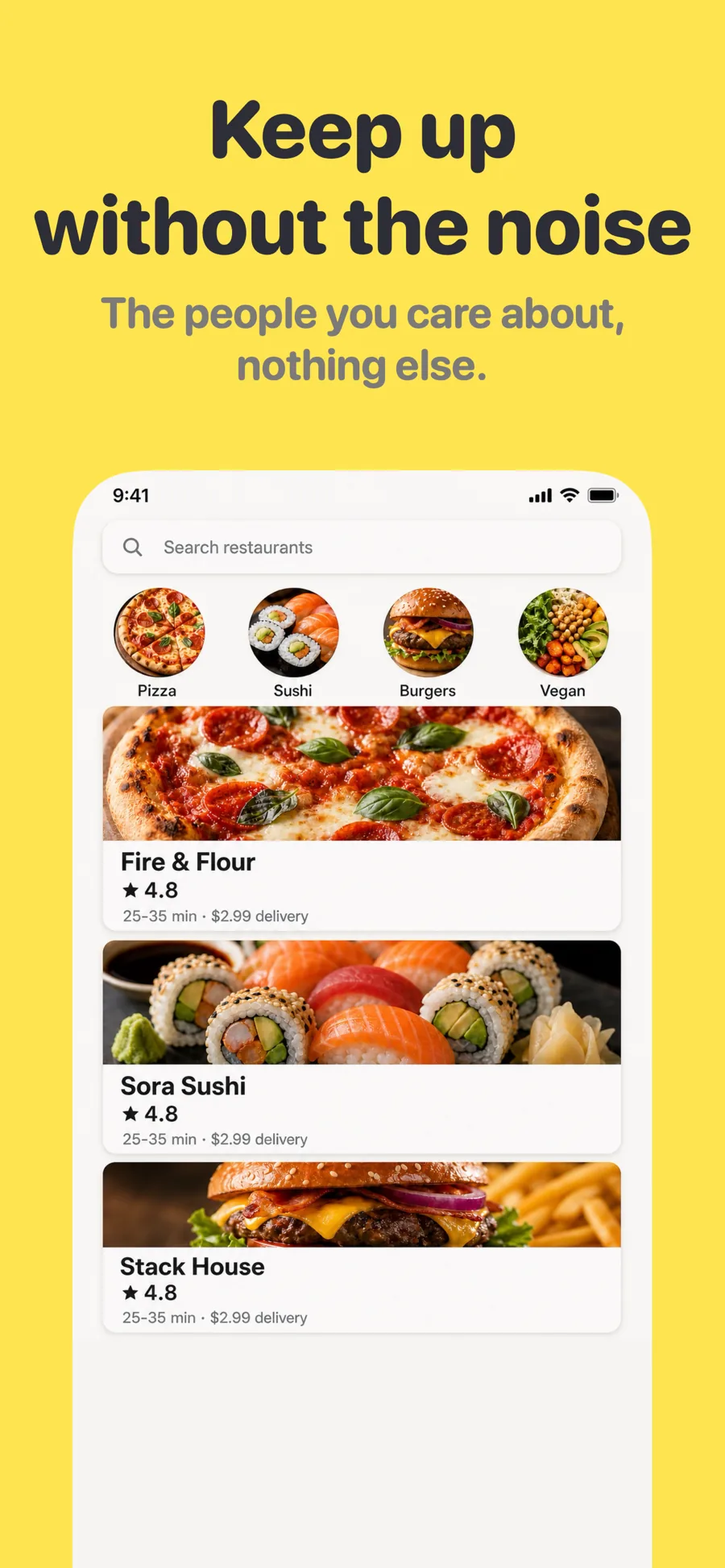
3 templates that suit Education apps, all built into the app.
What works in Education screenshots
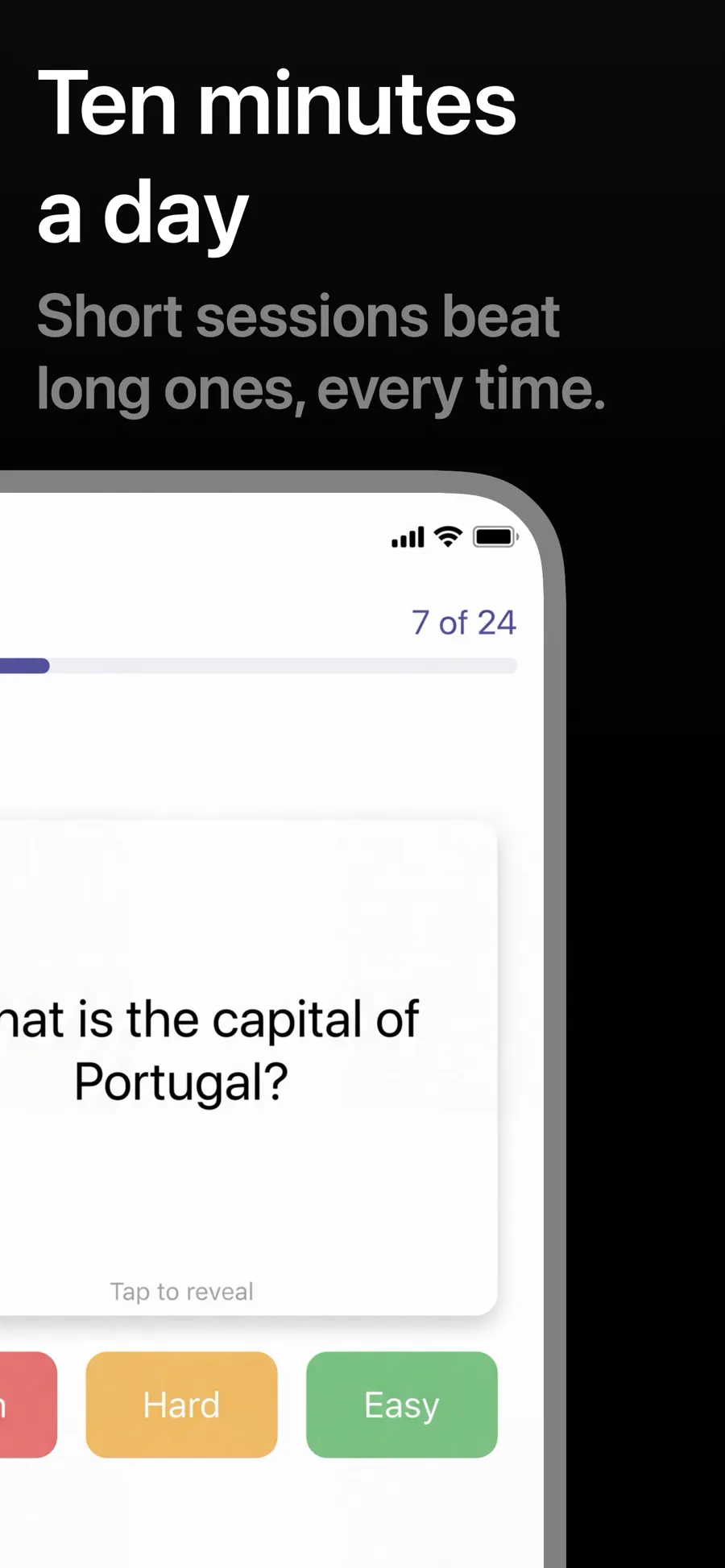
- Show a lesson in progress, not the course catalogue, so people can picture using it.
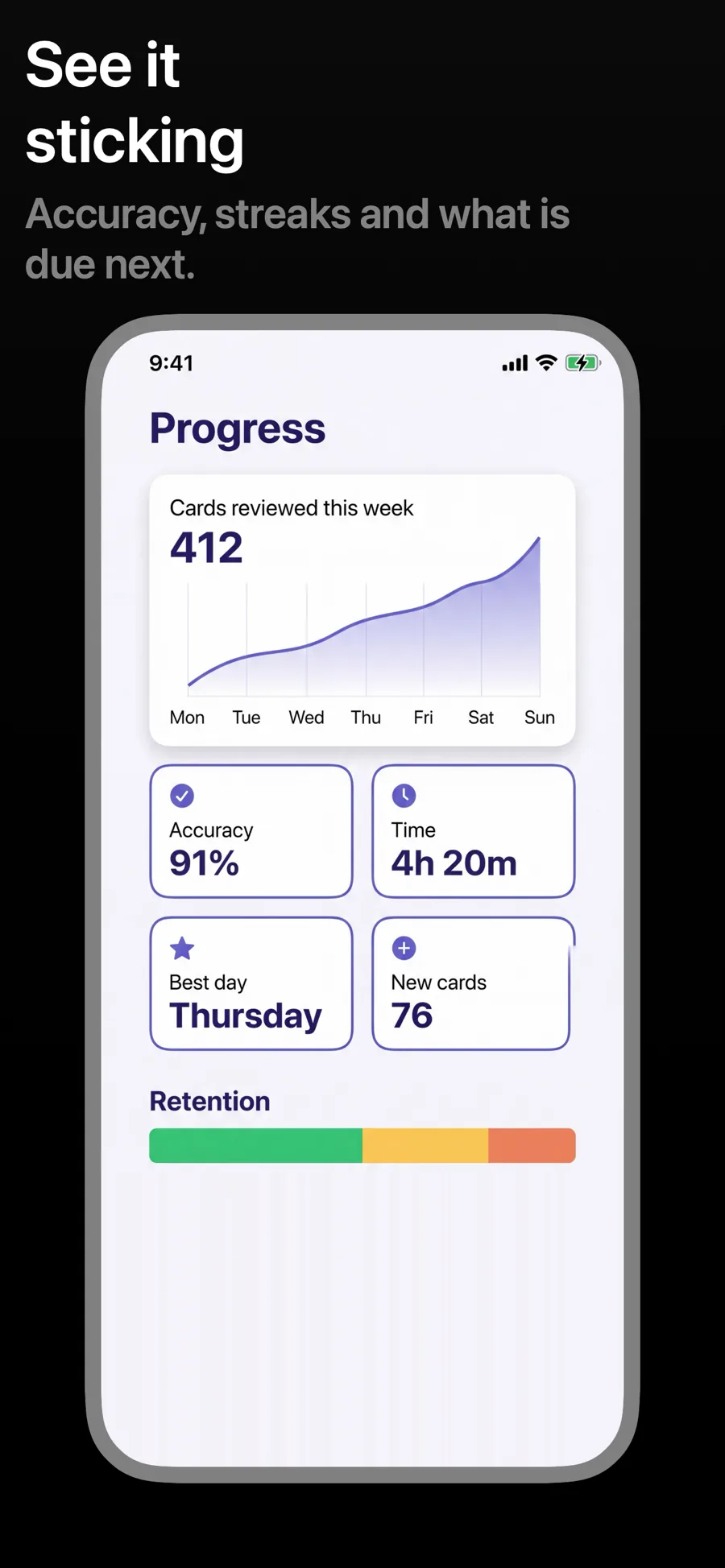
- Make progress visible — levels, streaks, completed units — because it is what keeps learners coming back.
- If the audience is children, keep captions for the parent: safe, ad-free, curriculum-aligned.
Make your Education screenshots
- Built into Screenshot Studio — apply it and swap in your own screenshots.
- Every colour, font and layout value stays editable afterwards.
- Localise the text into all 50 App Store languages from the same document.