Screenshot templates by device
Mac App Store screenshot templates
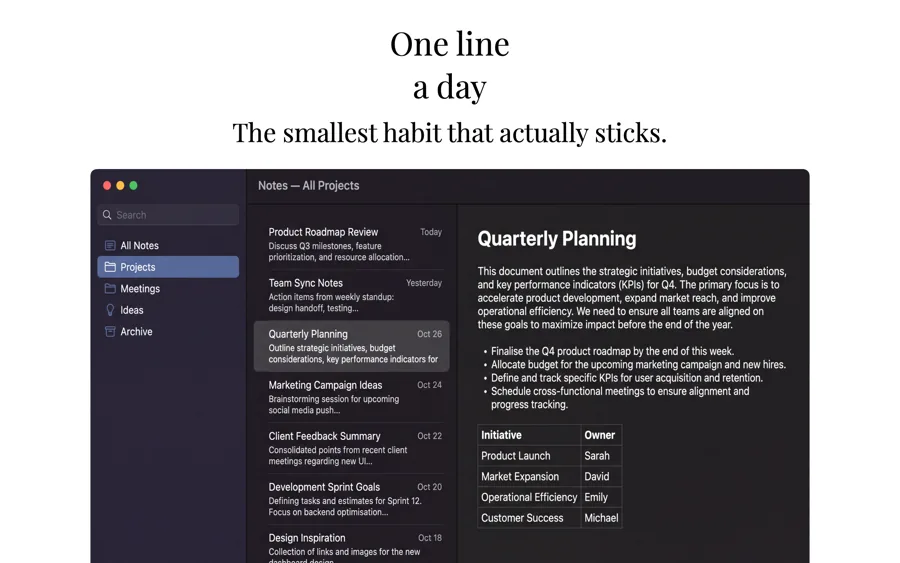
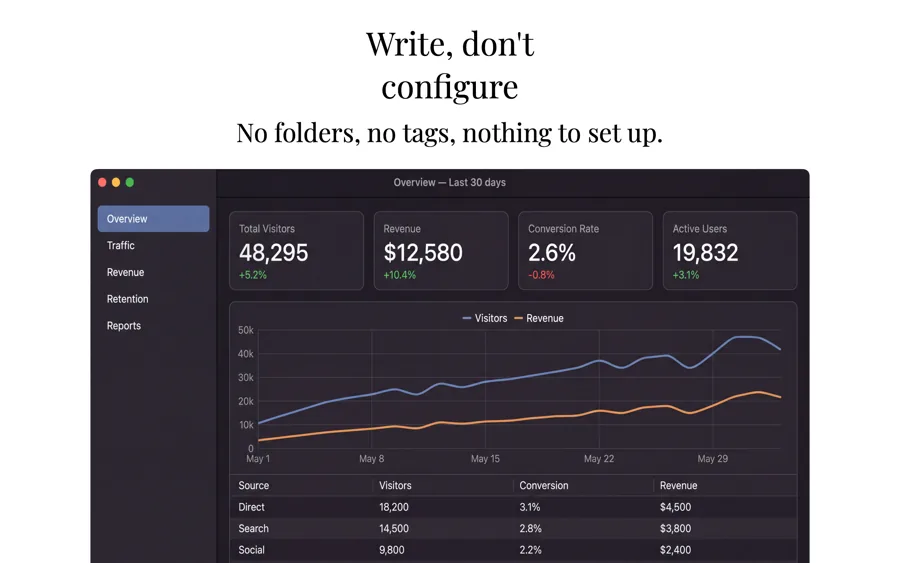
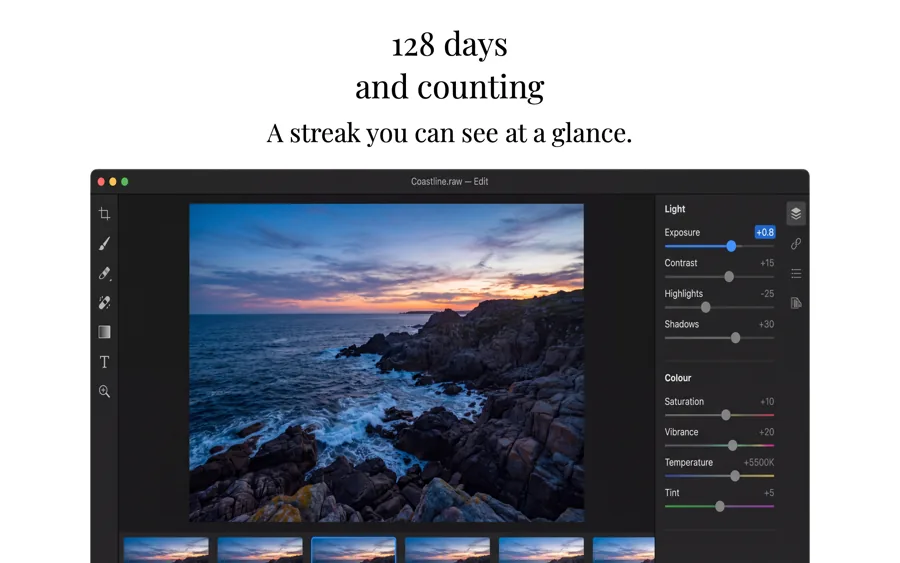
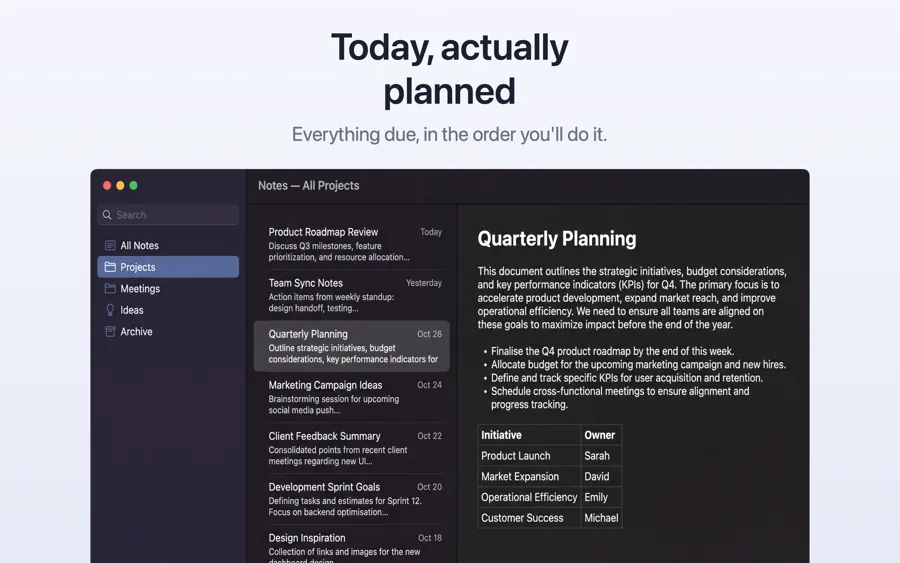
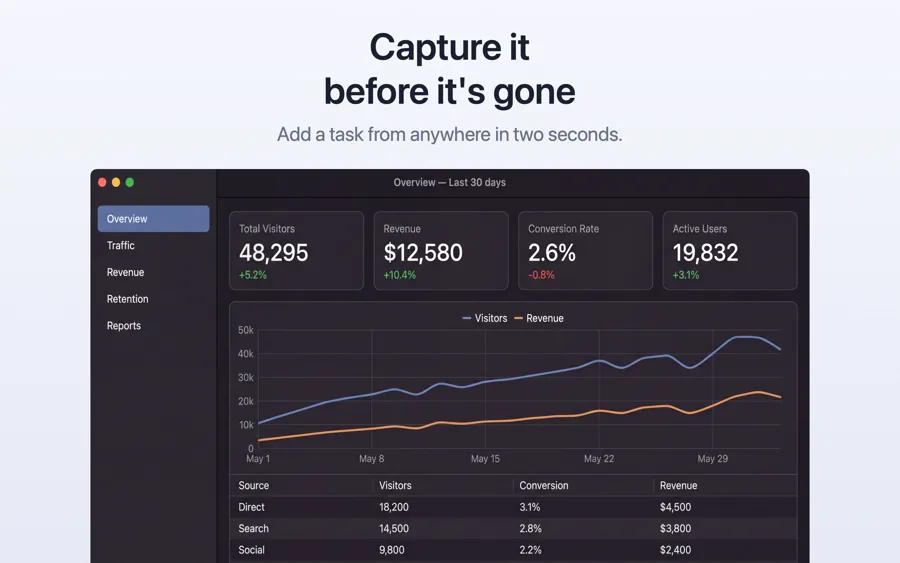
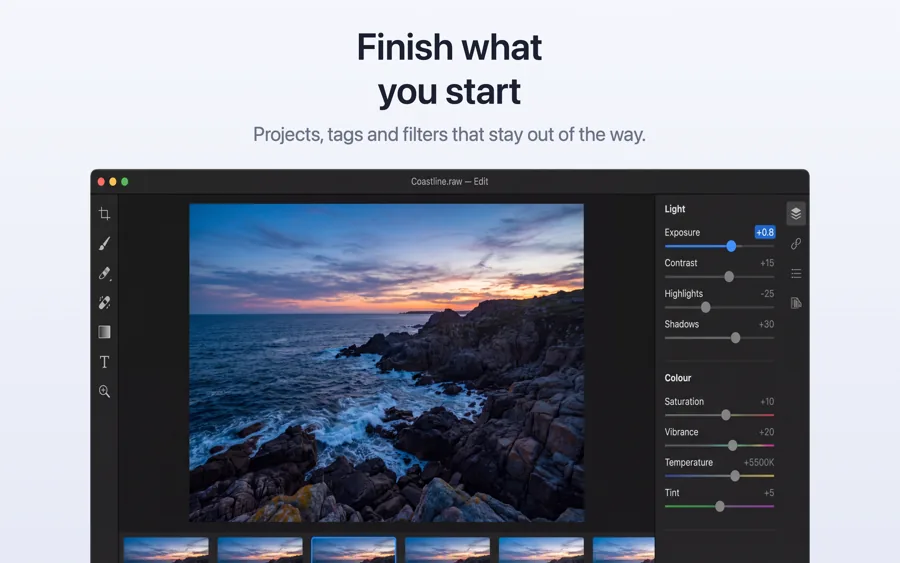
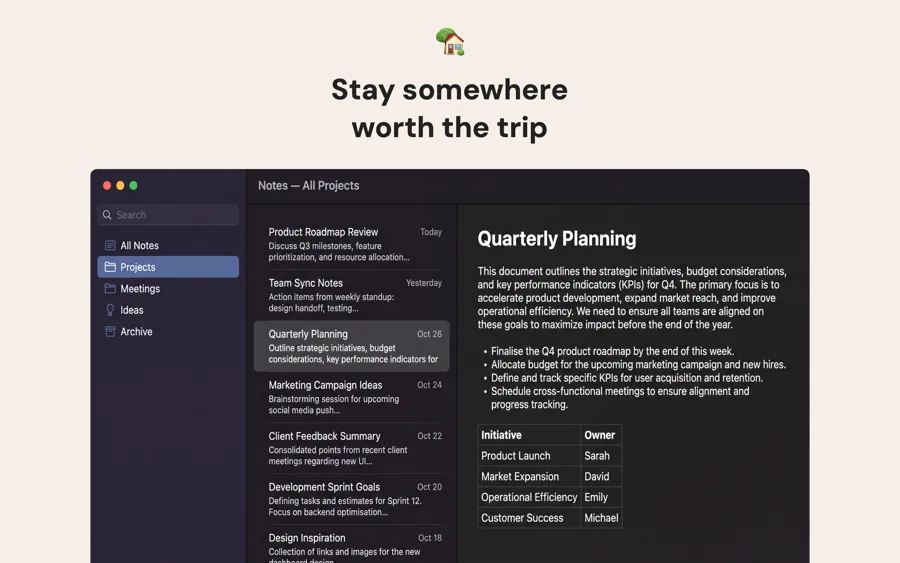
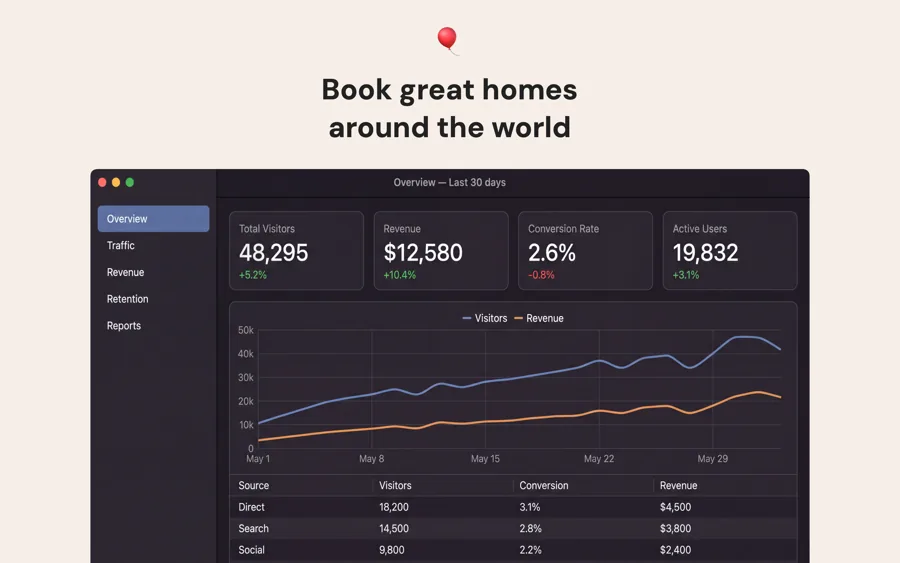
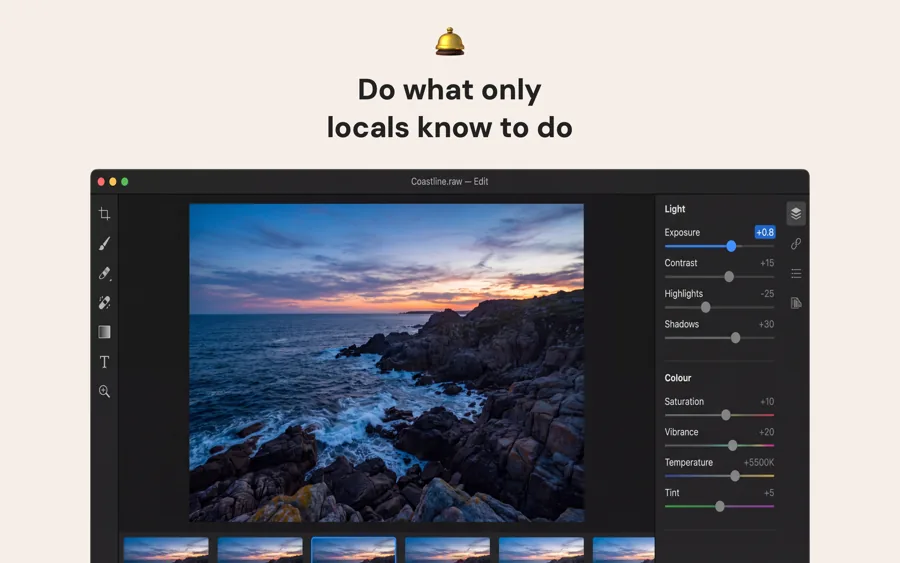
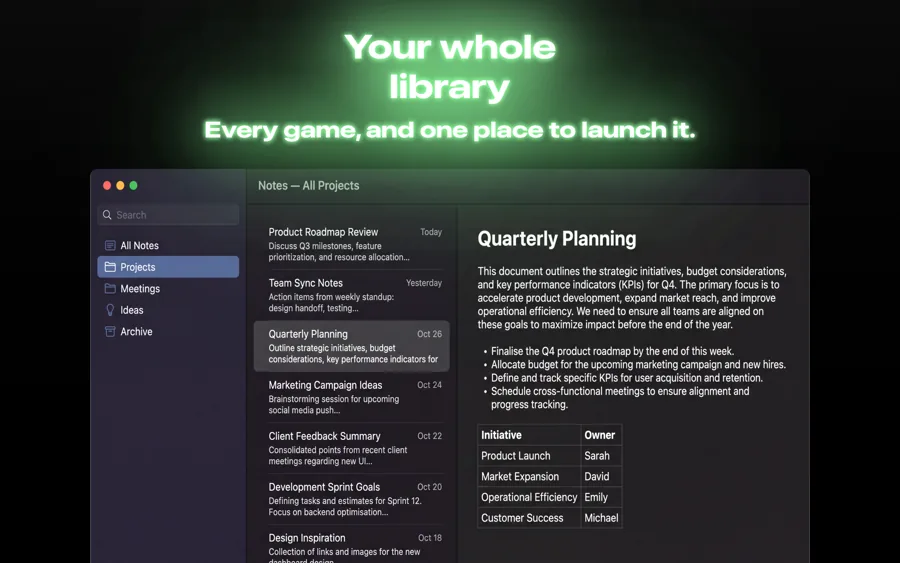
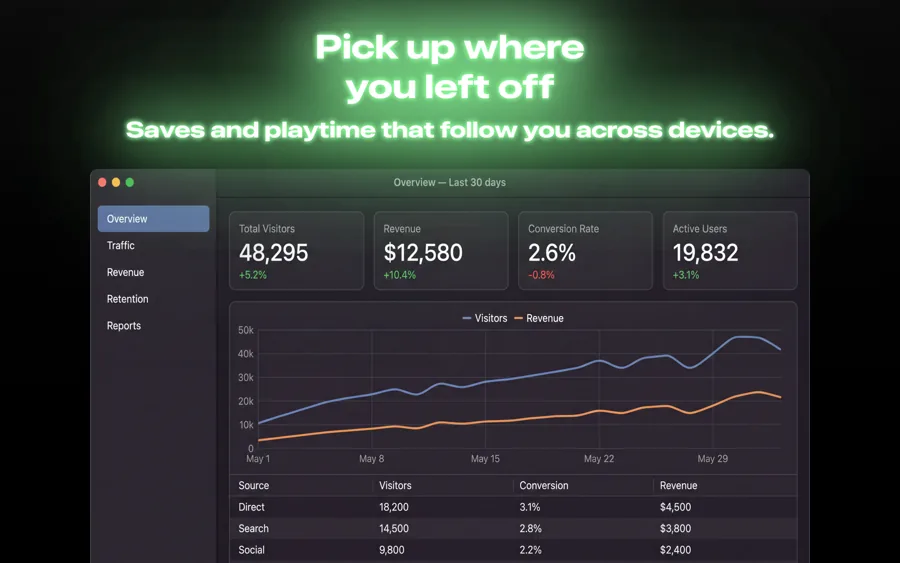
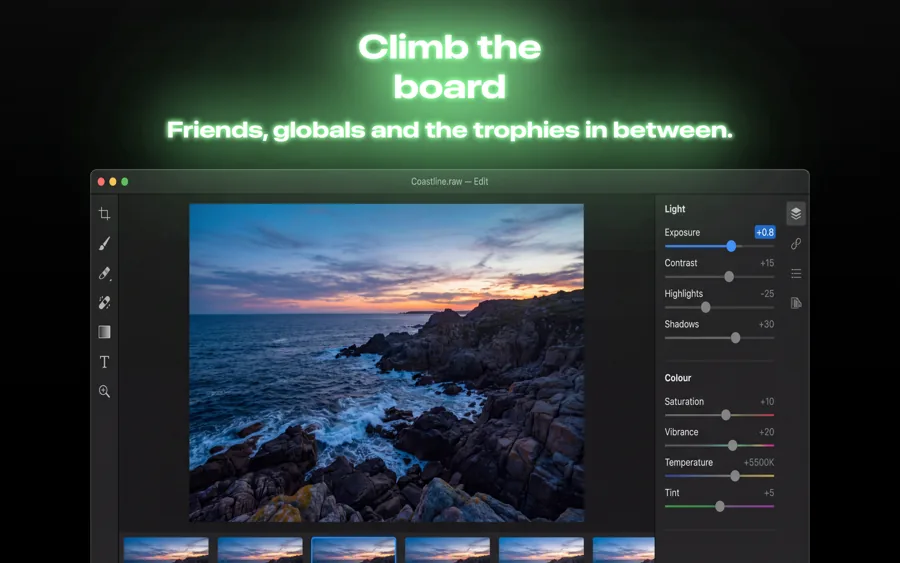
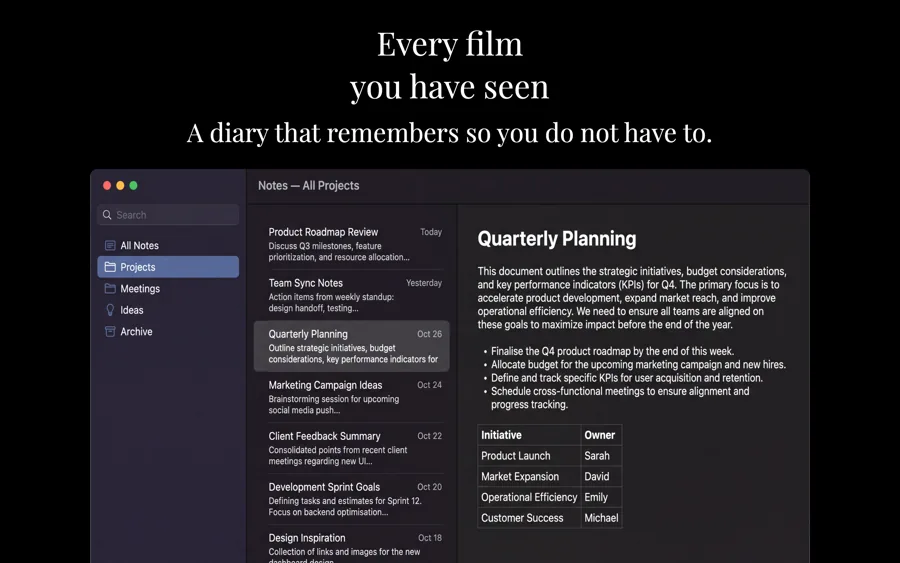
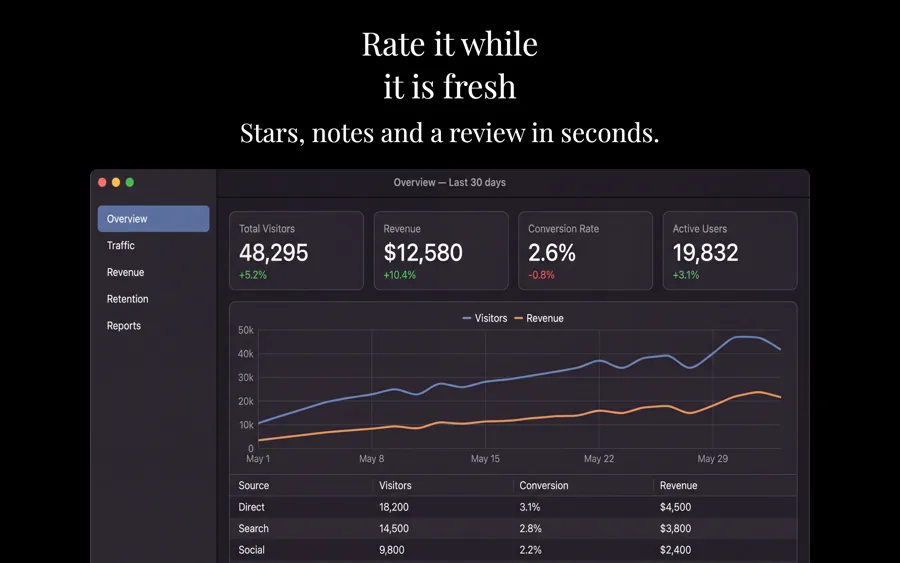
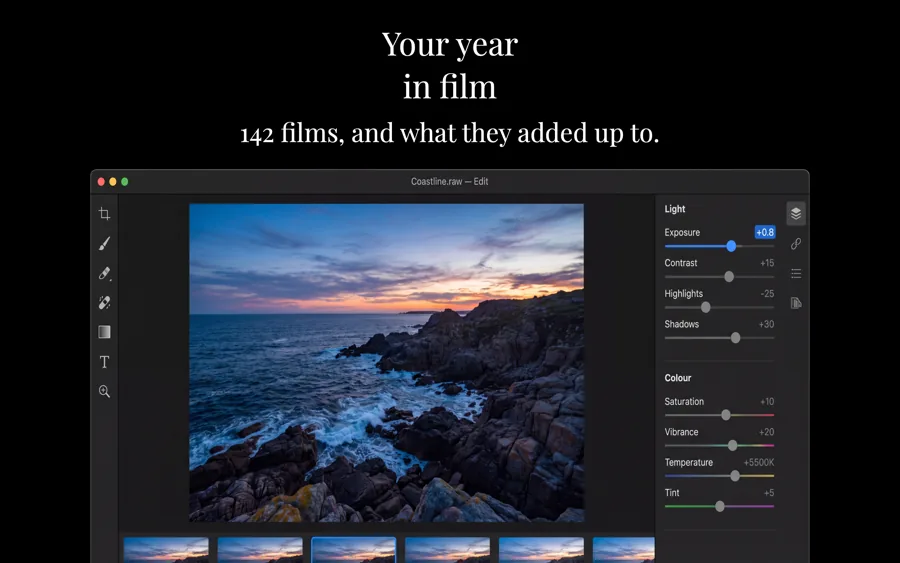
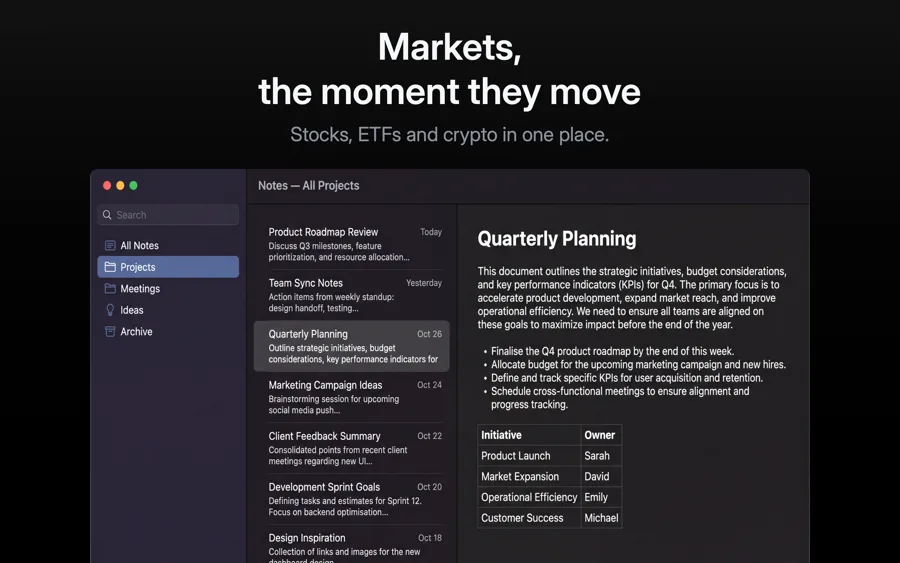
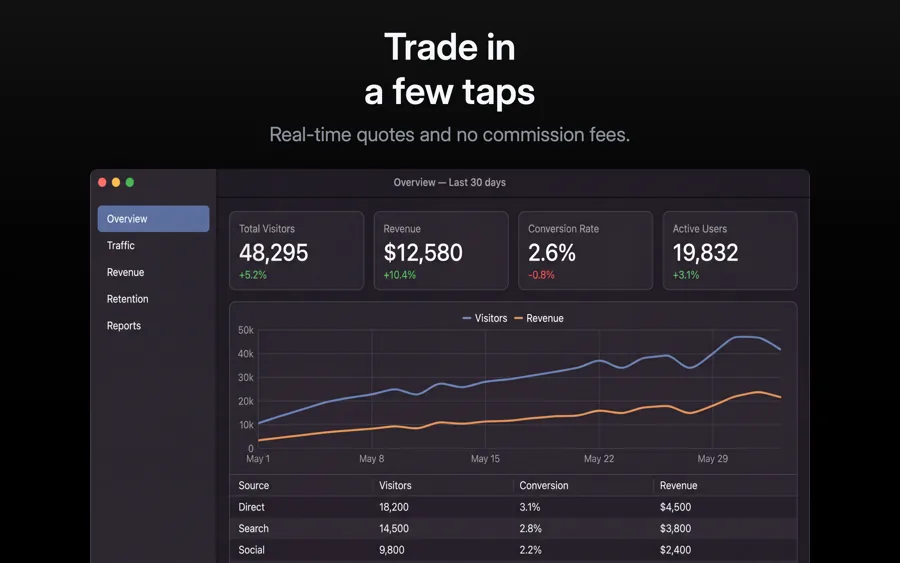
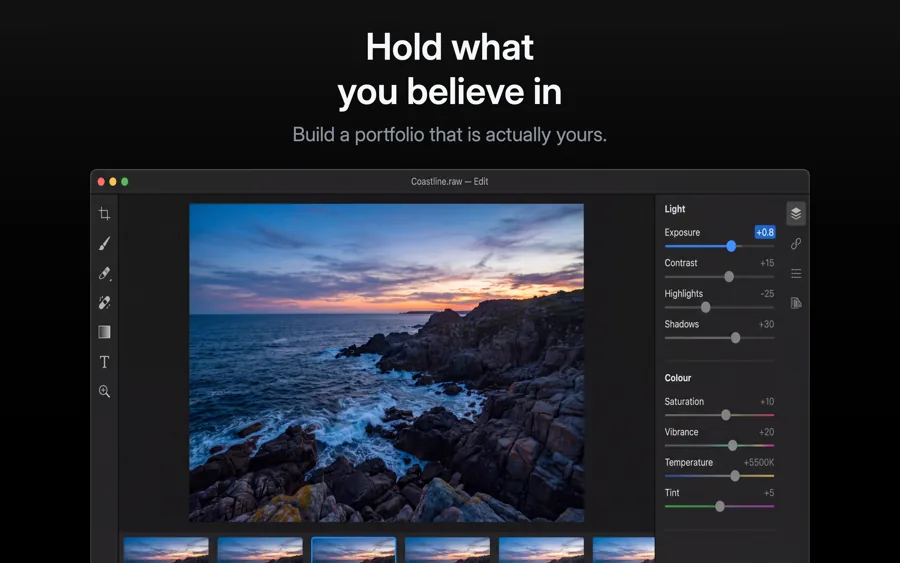
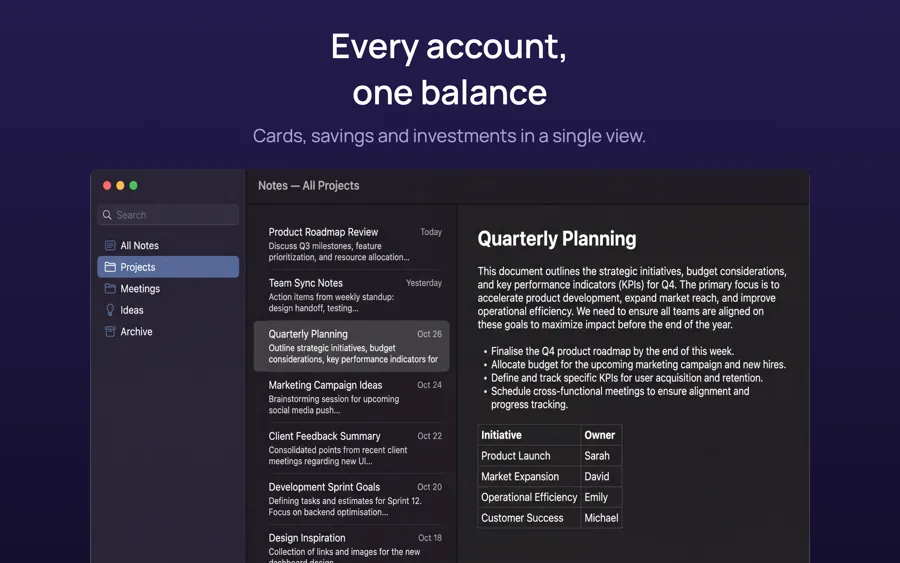
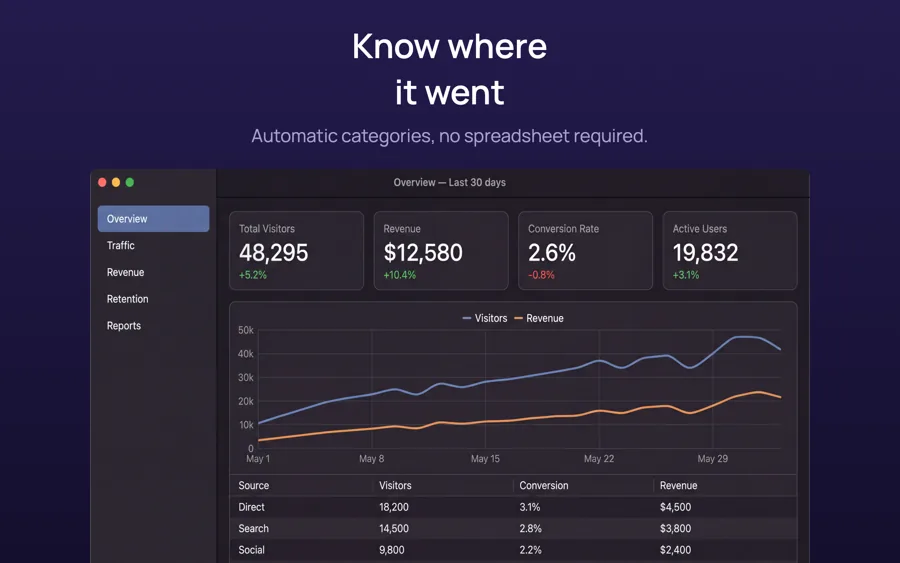
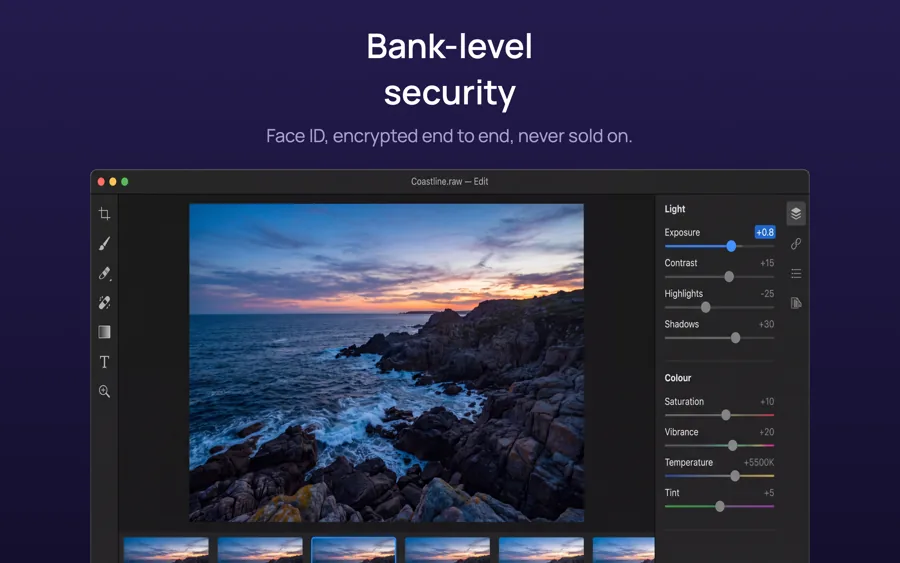
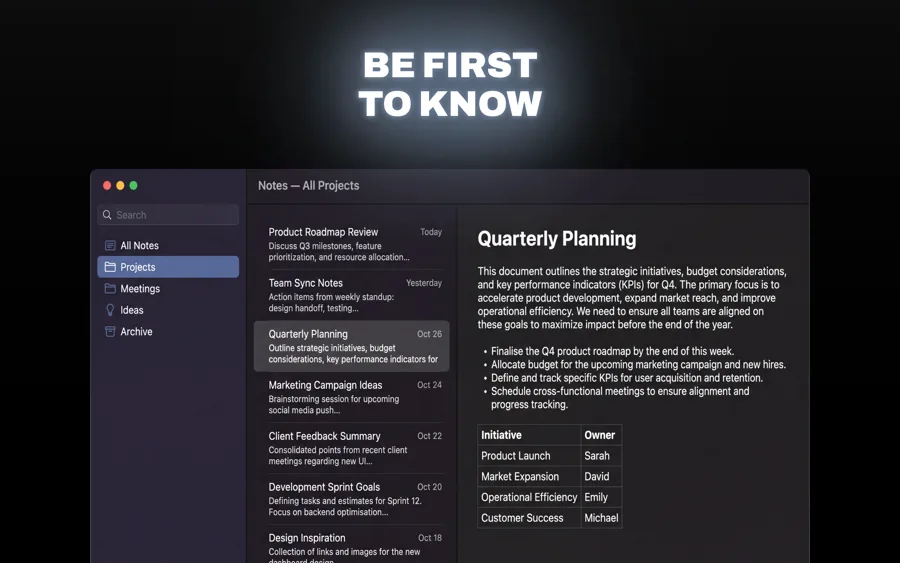
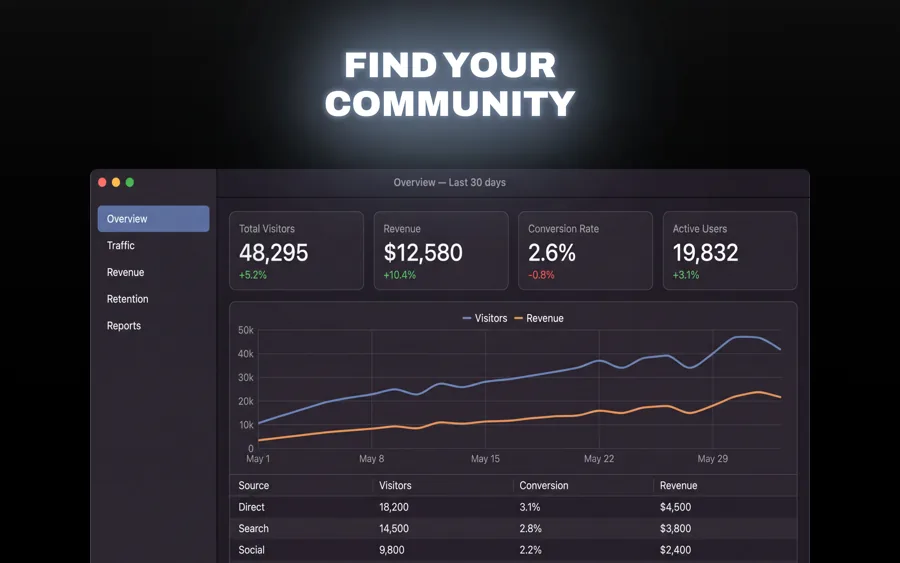
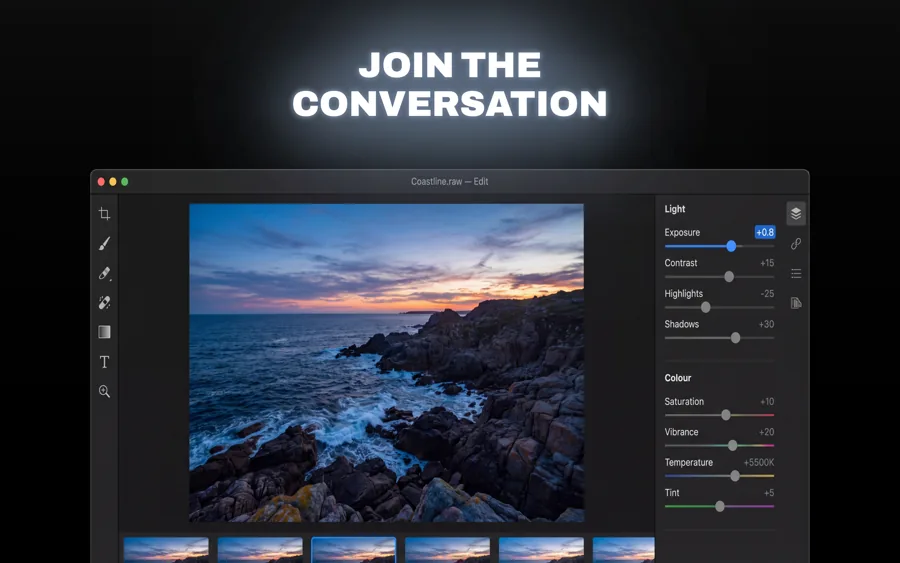
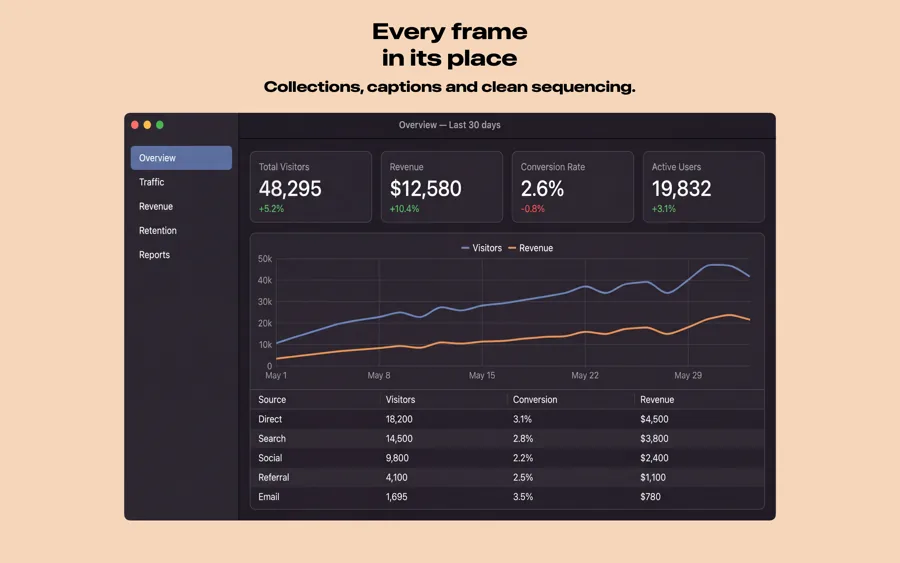
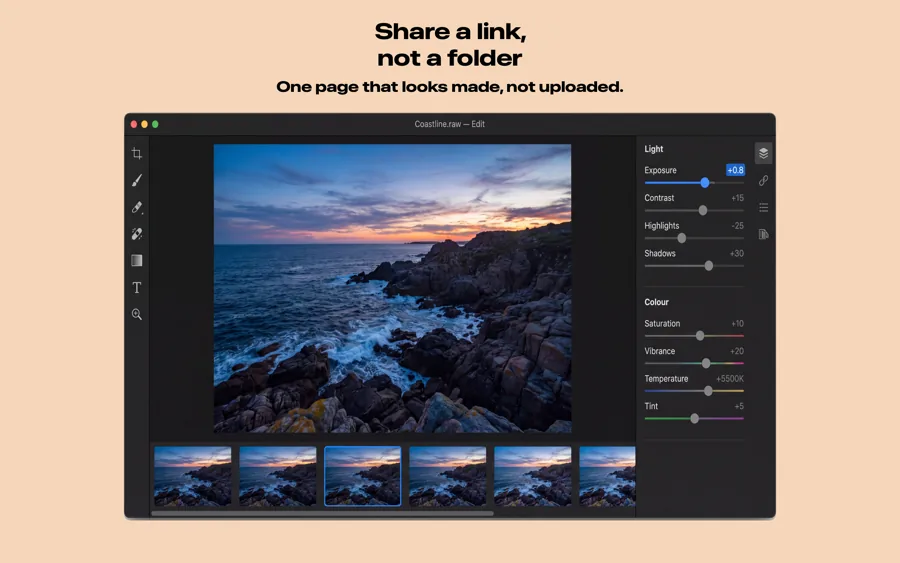
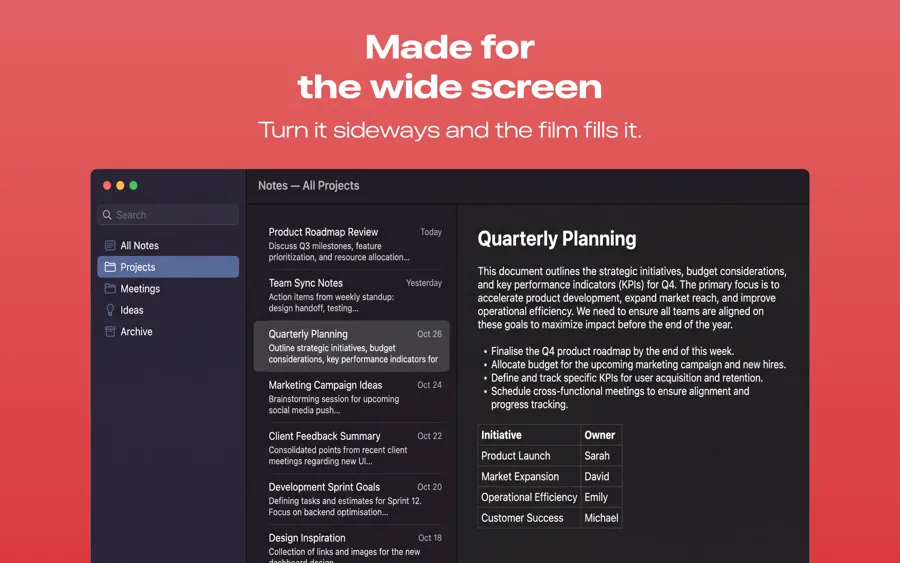
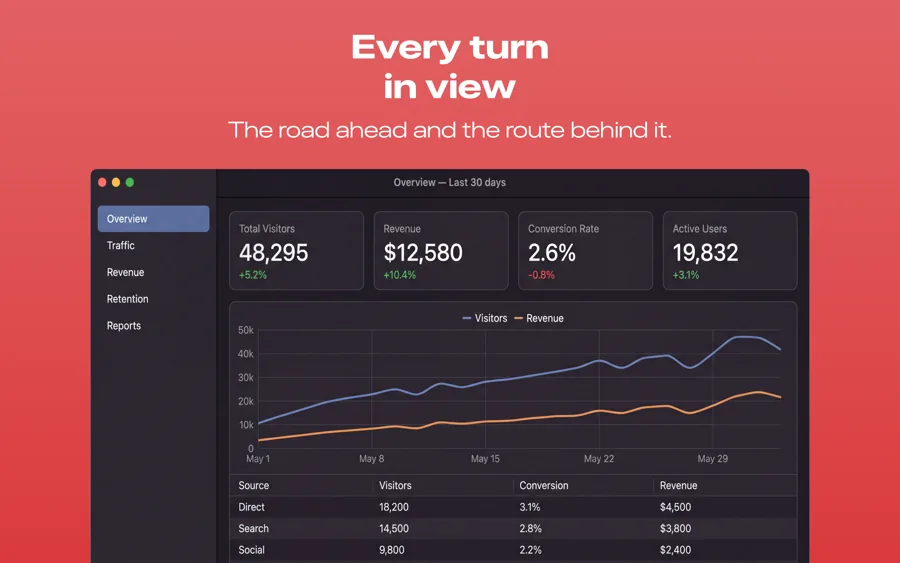
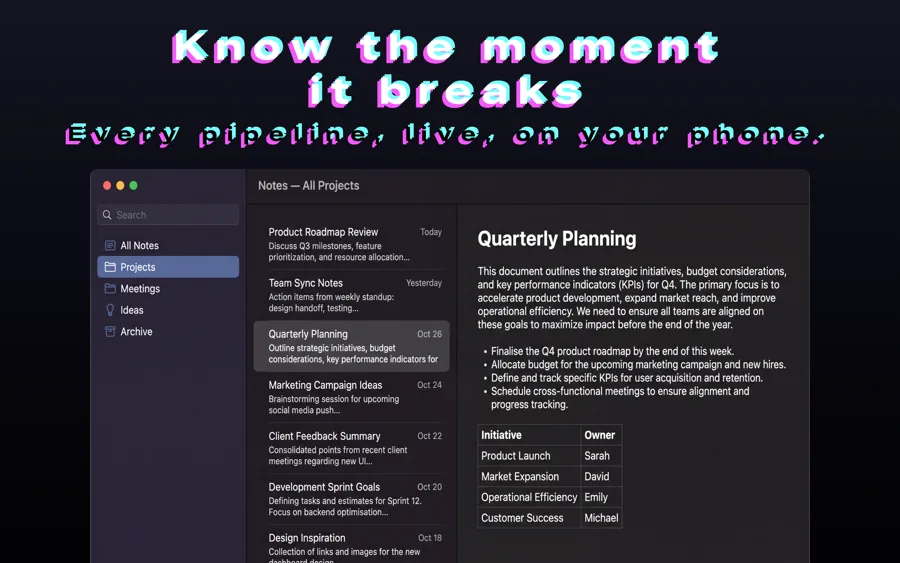
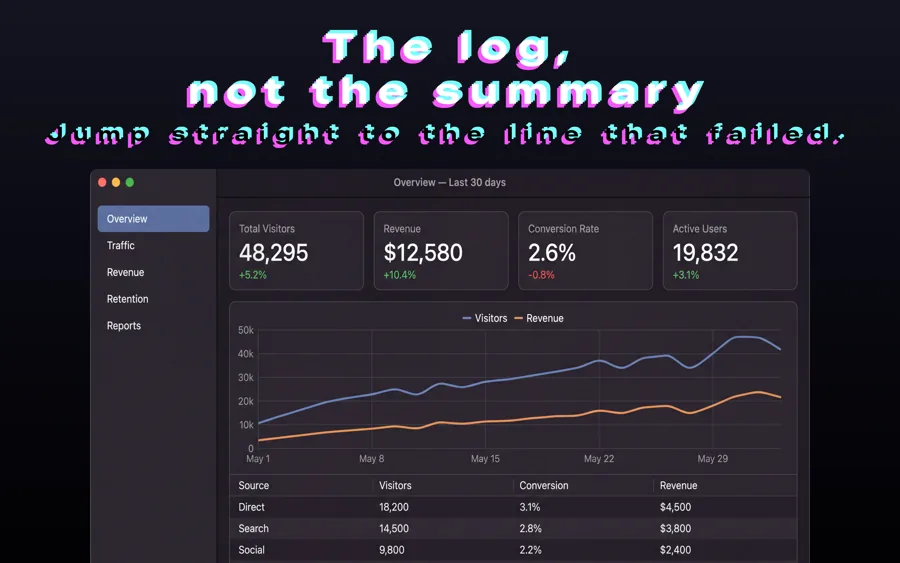
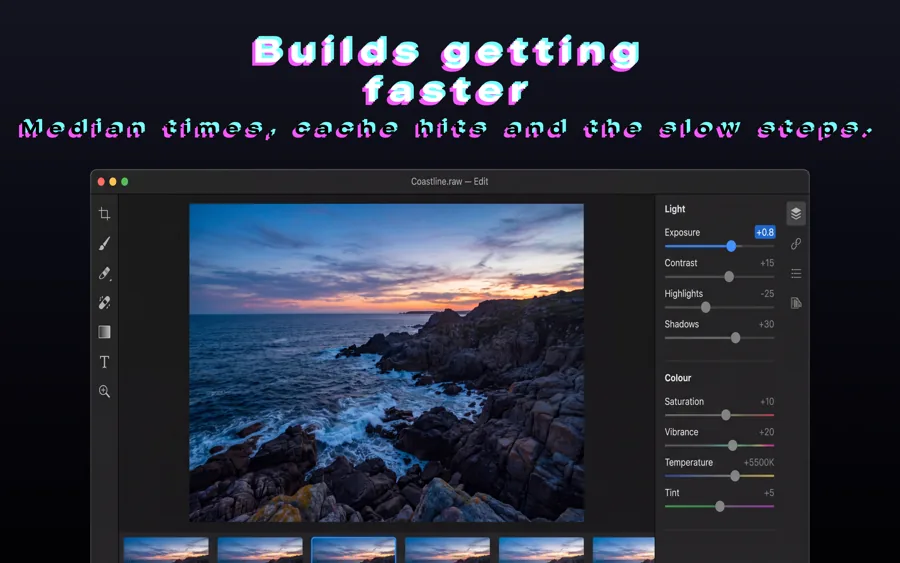
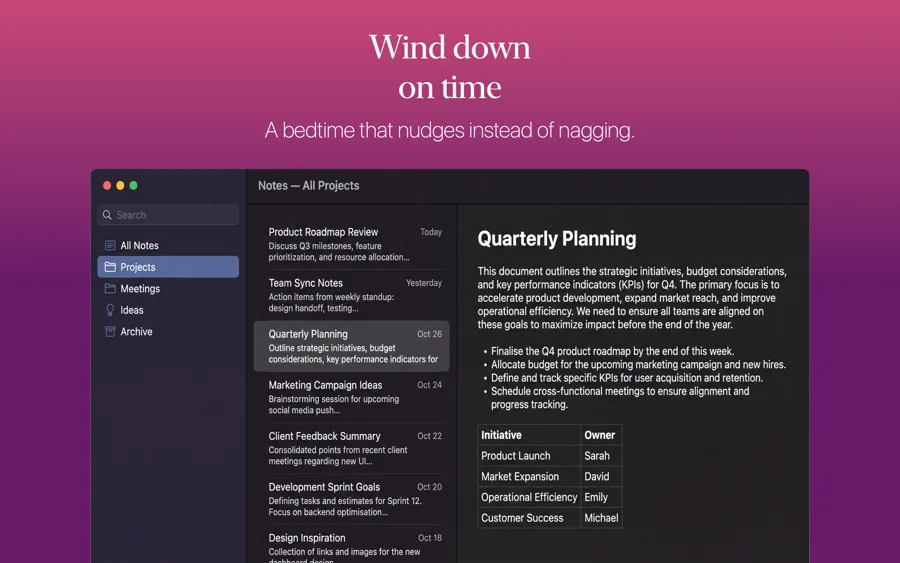
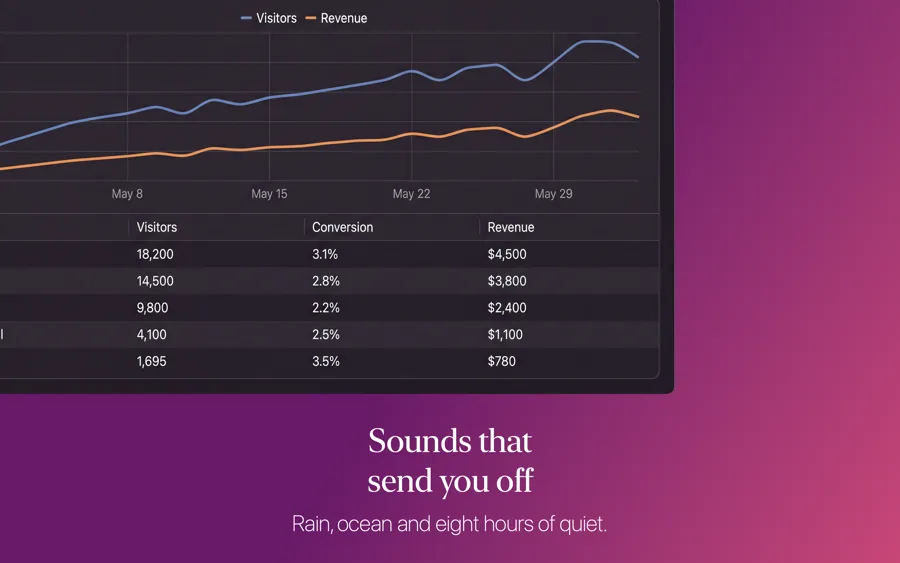
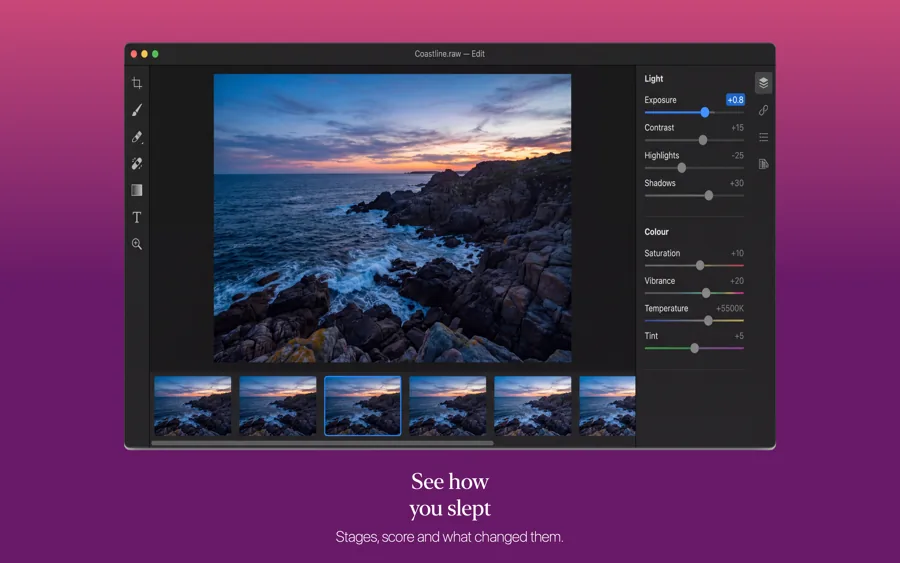
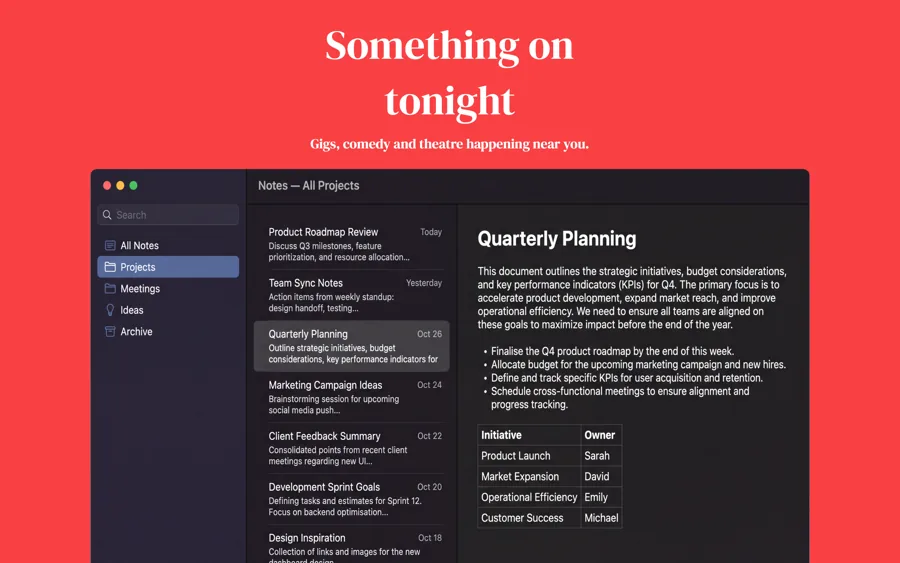
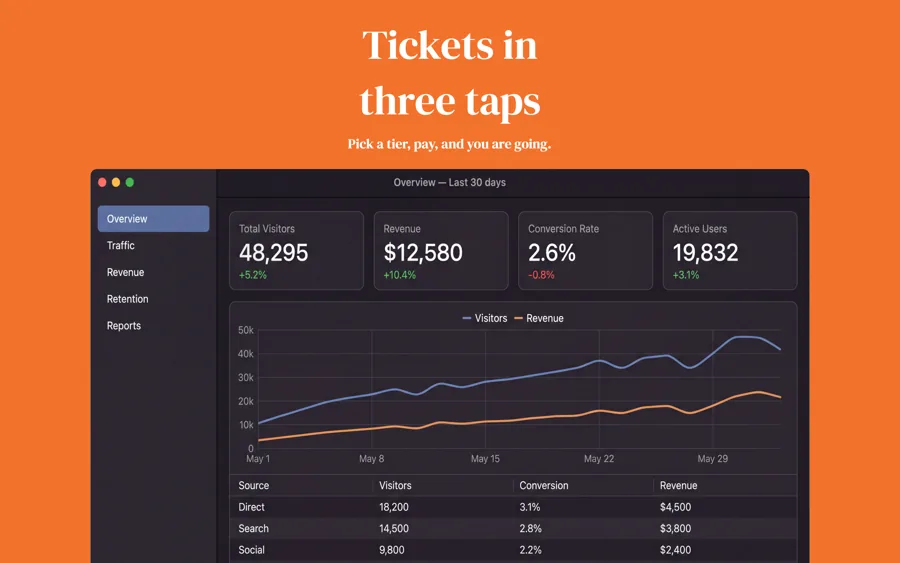
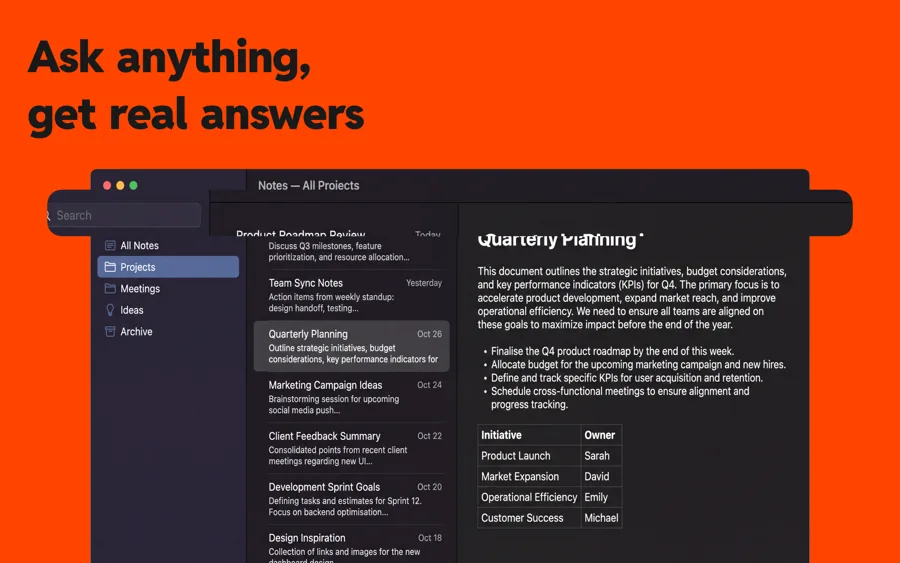
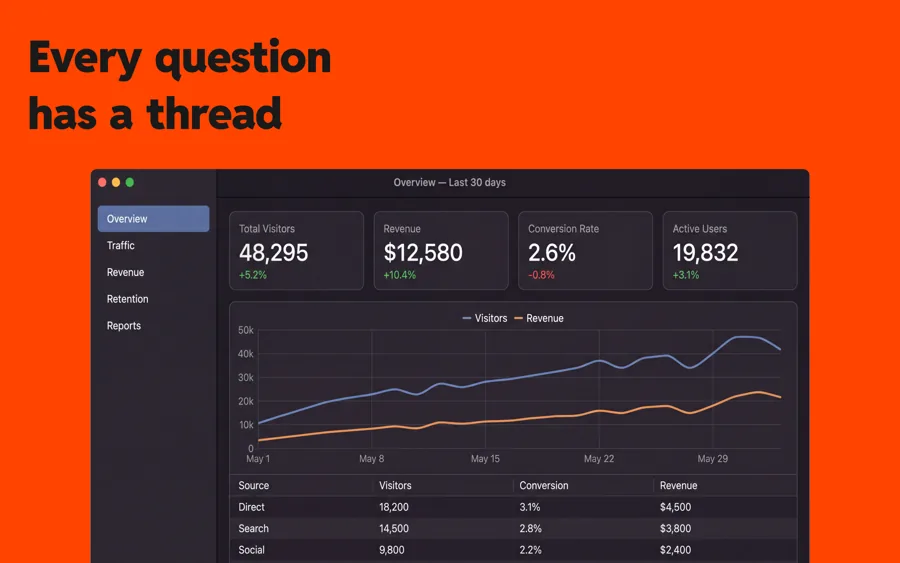
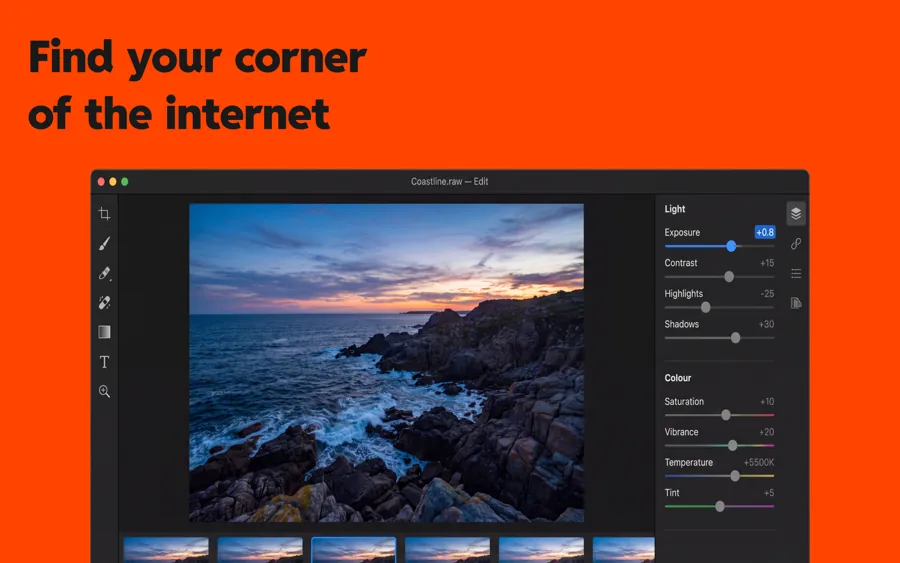
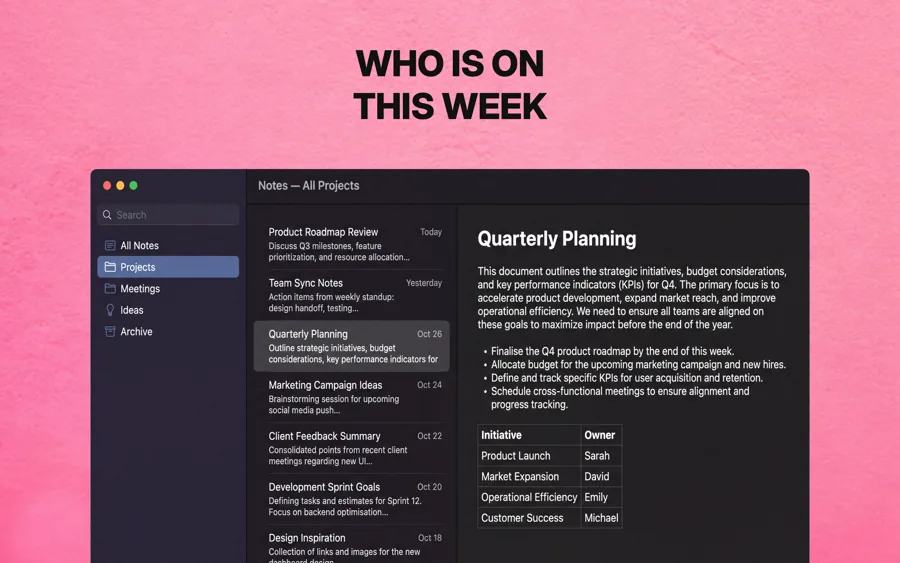
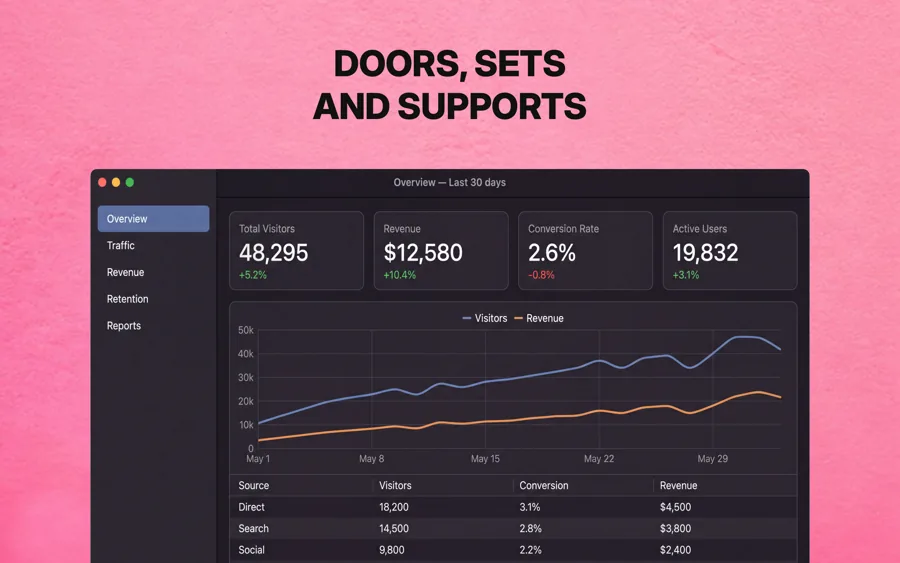
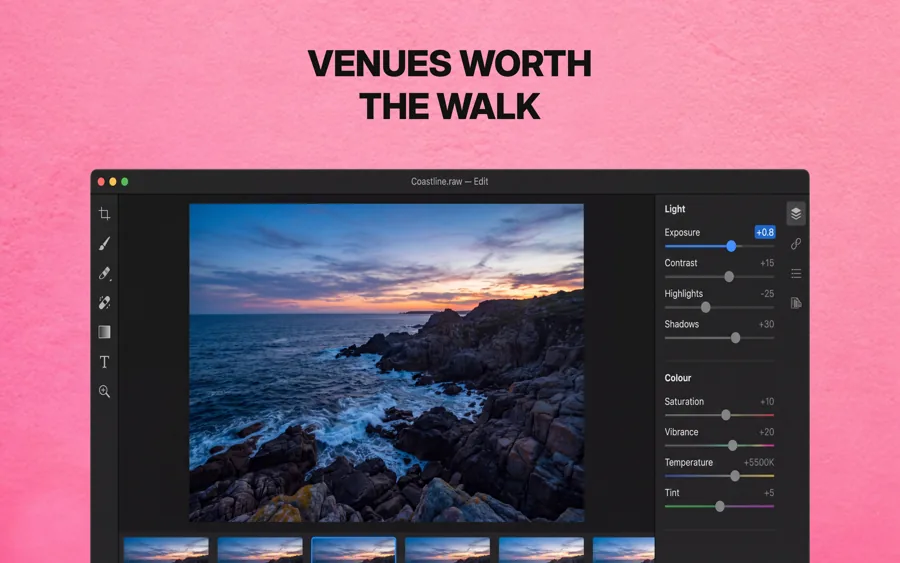
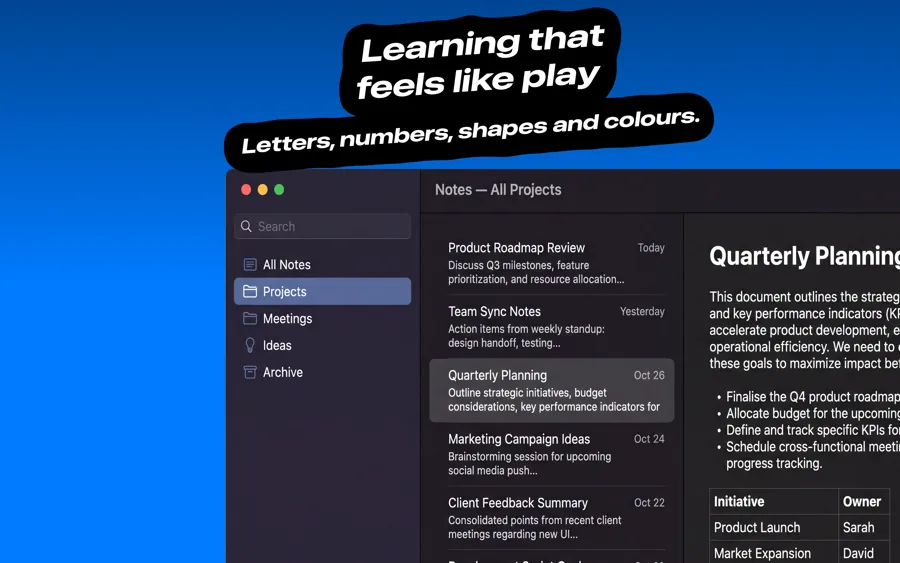
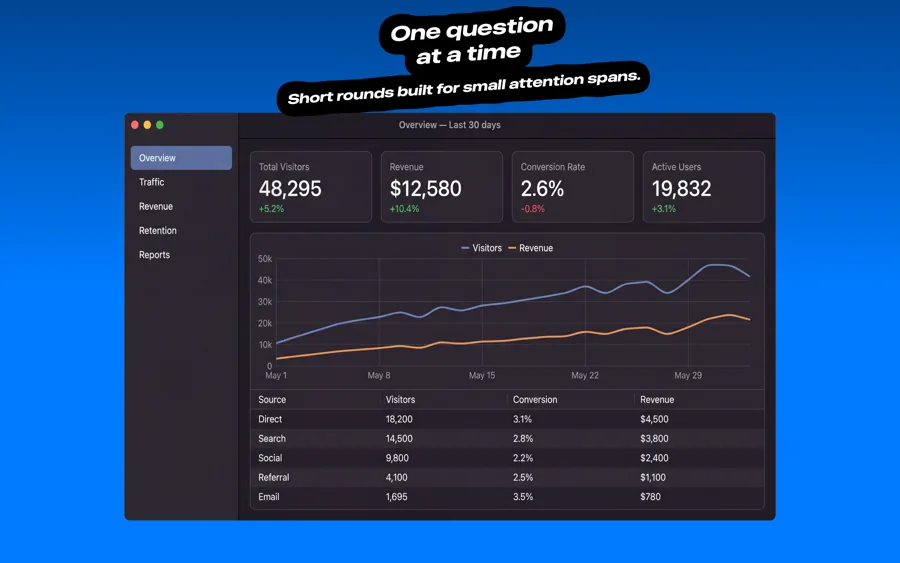
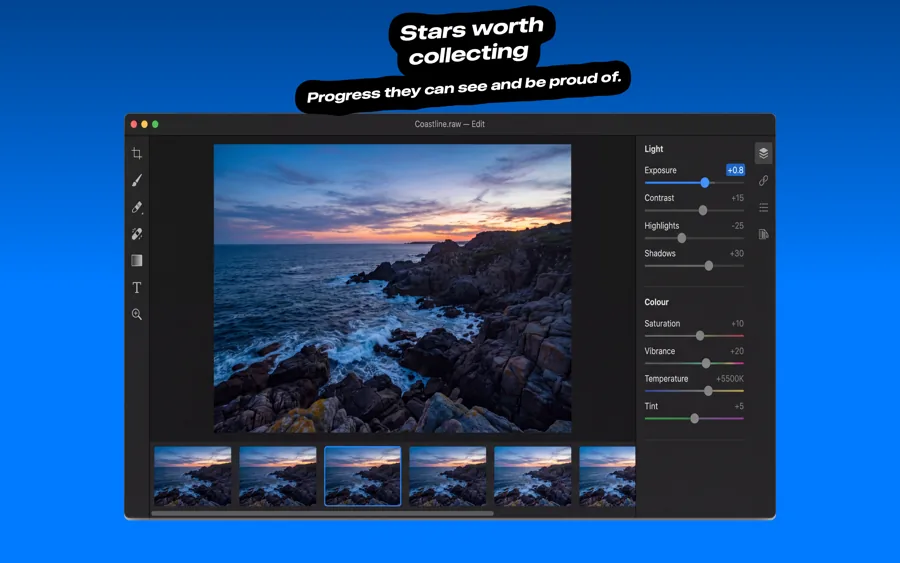
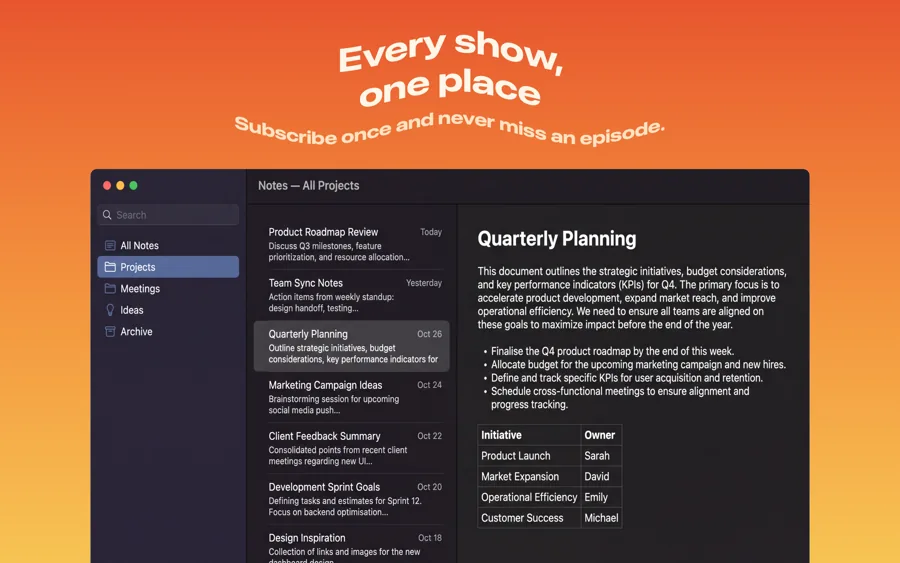
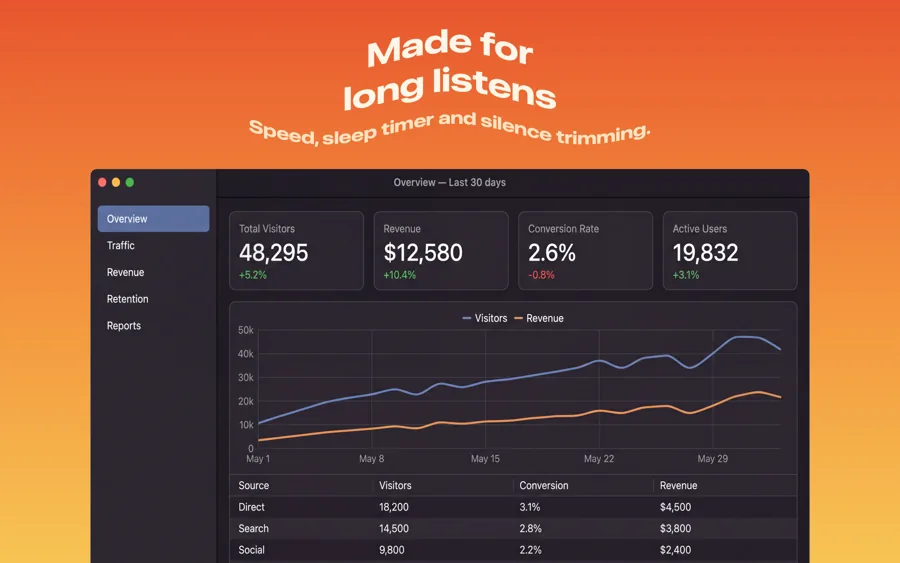
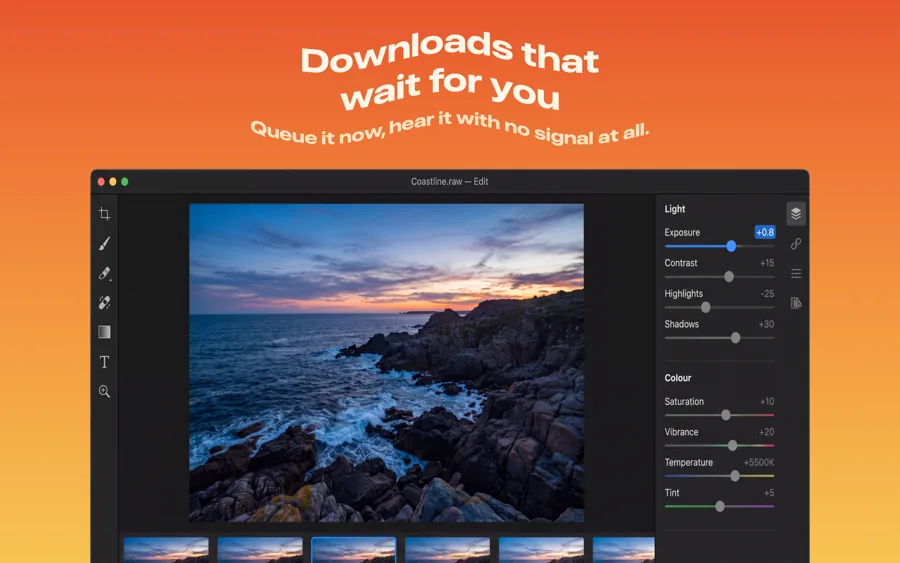
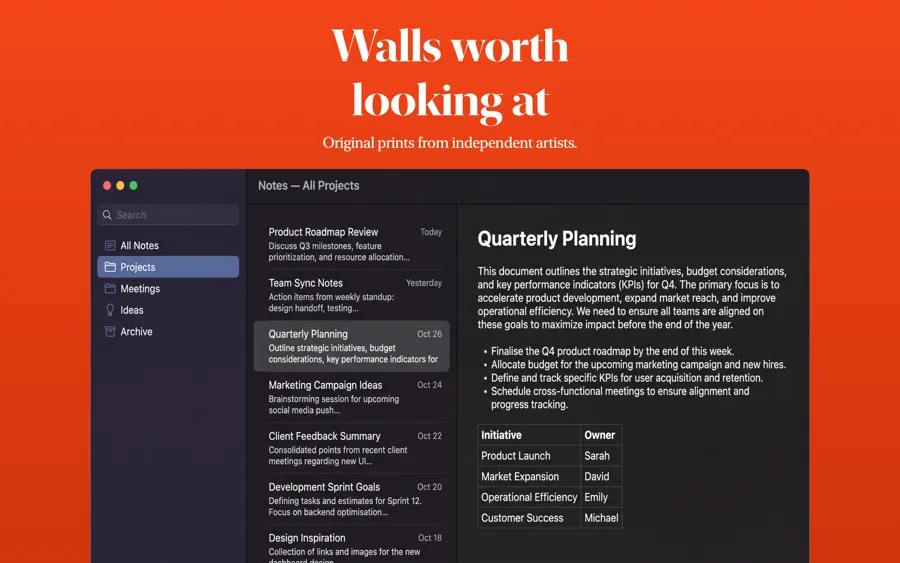
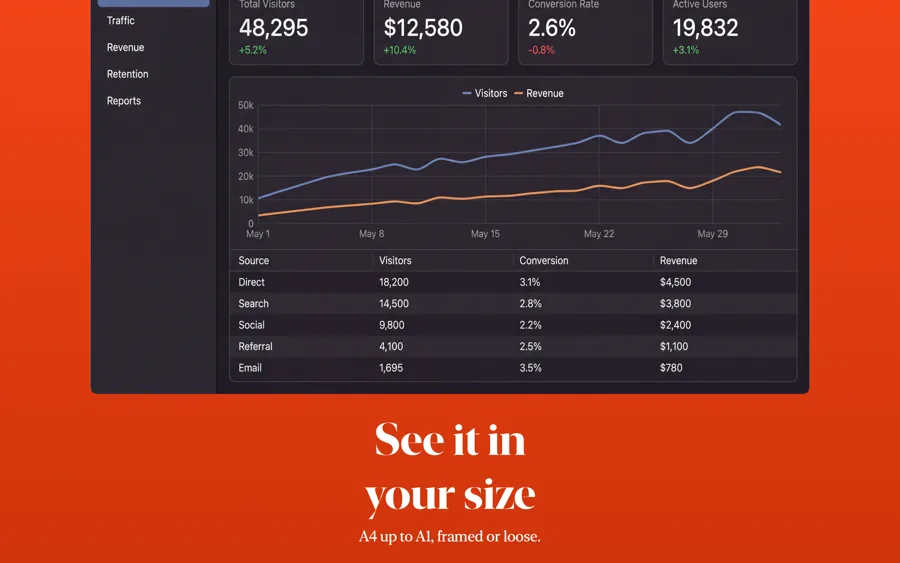
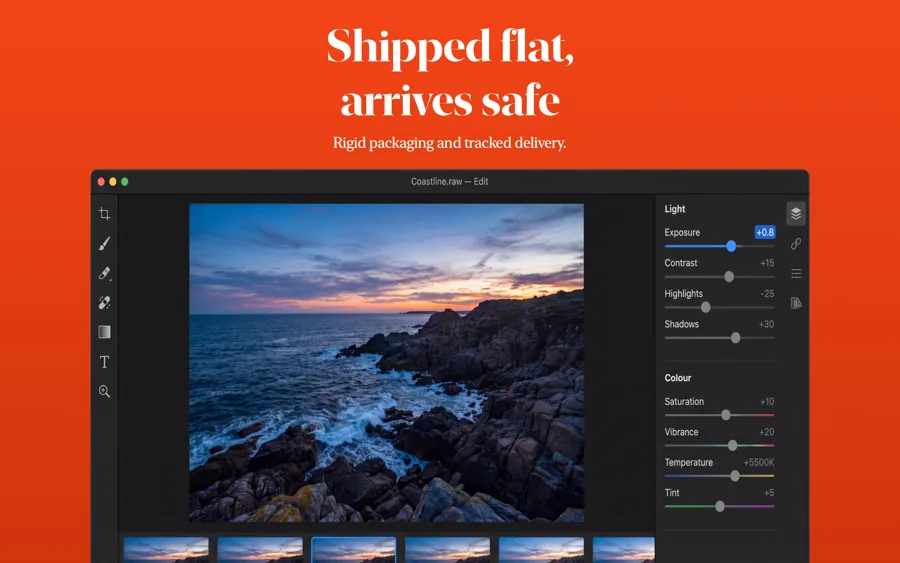
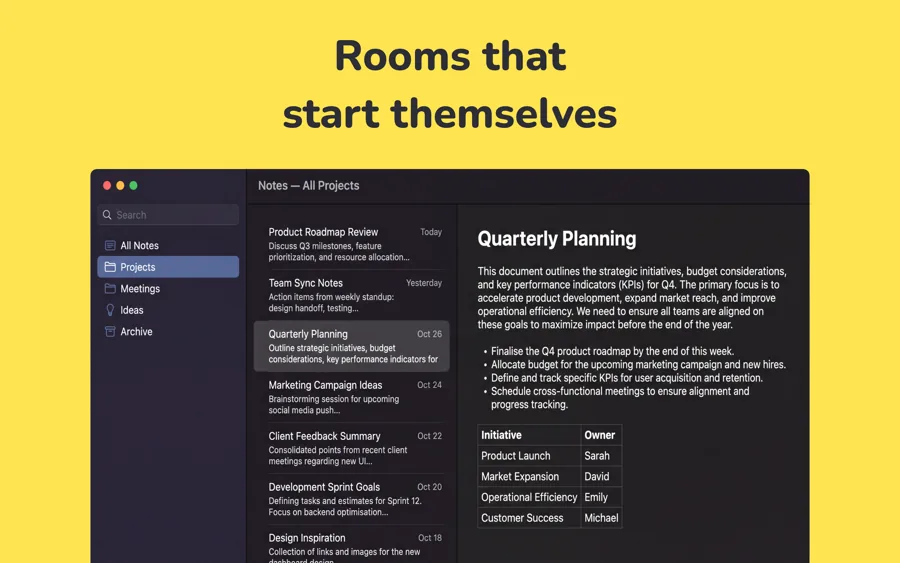
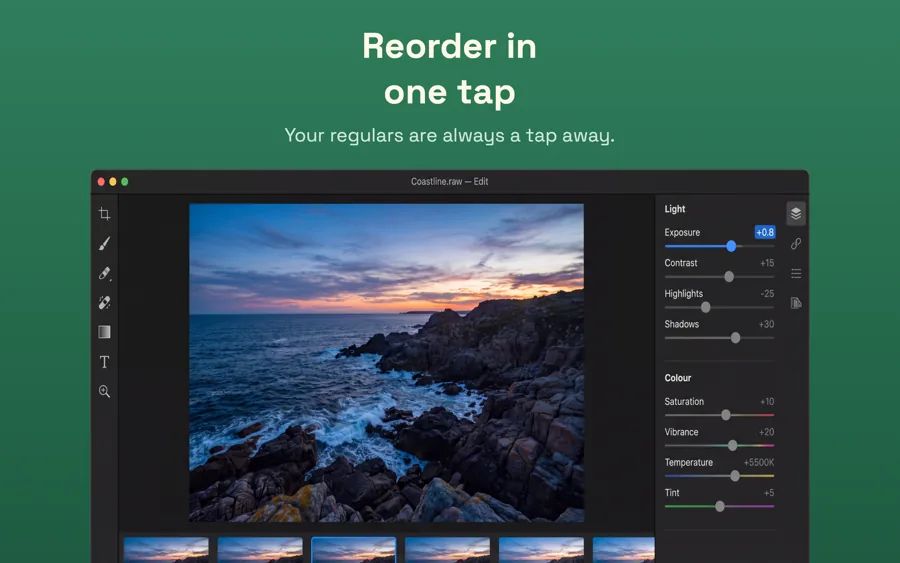
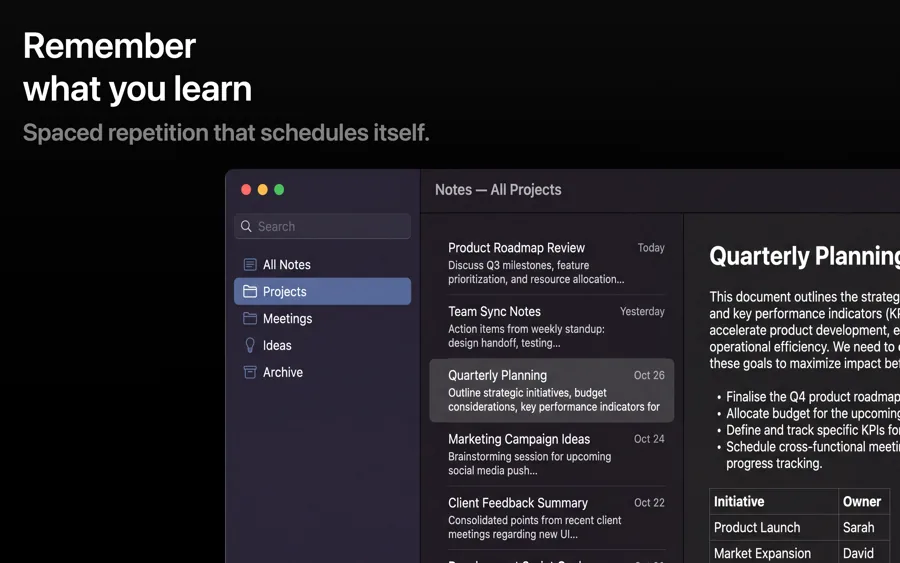
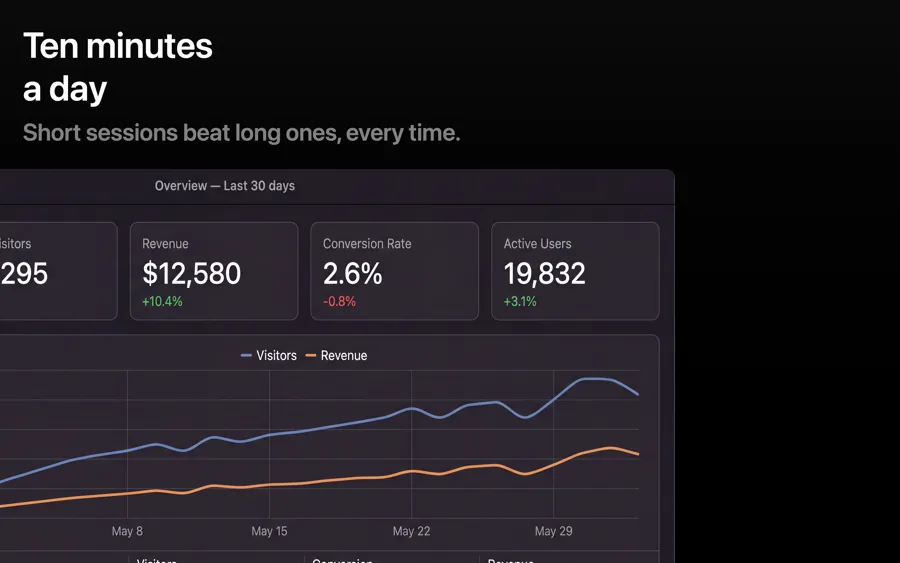
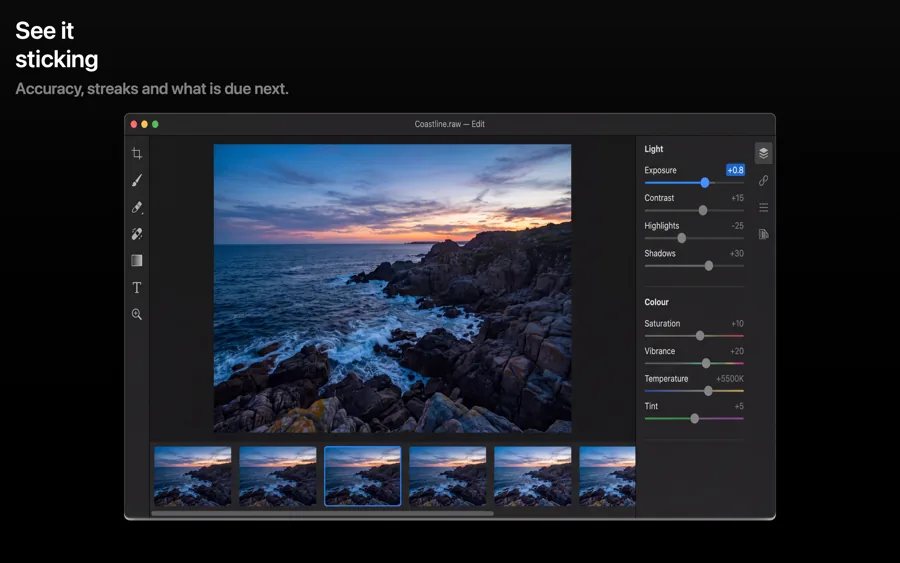
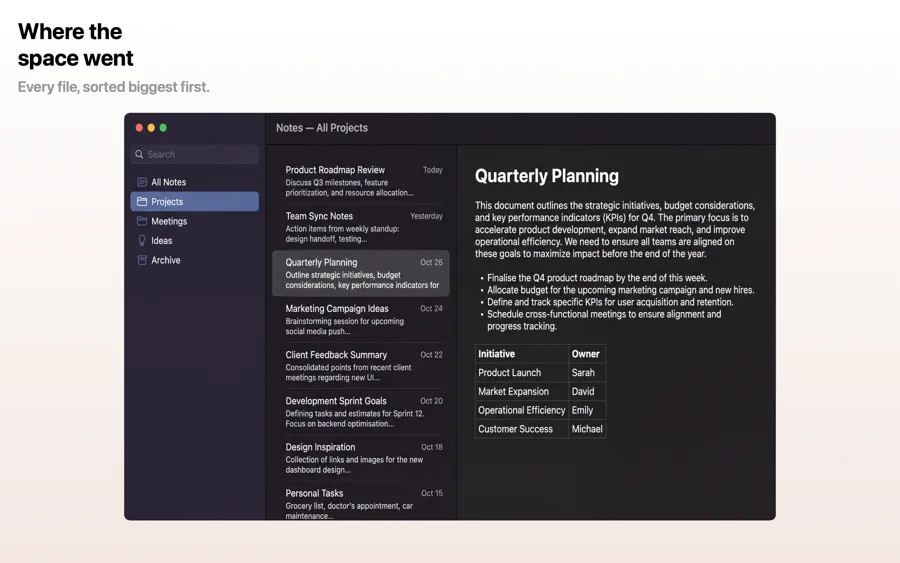
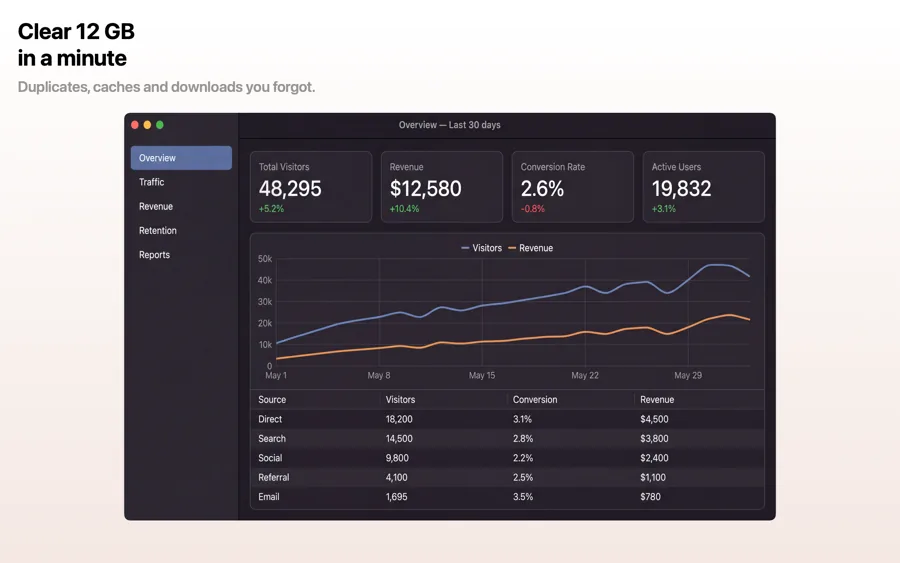
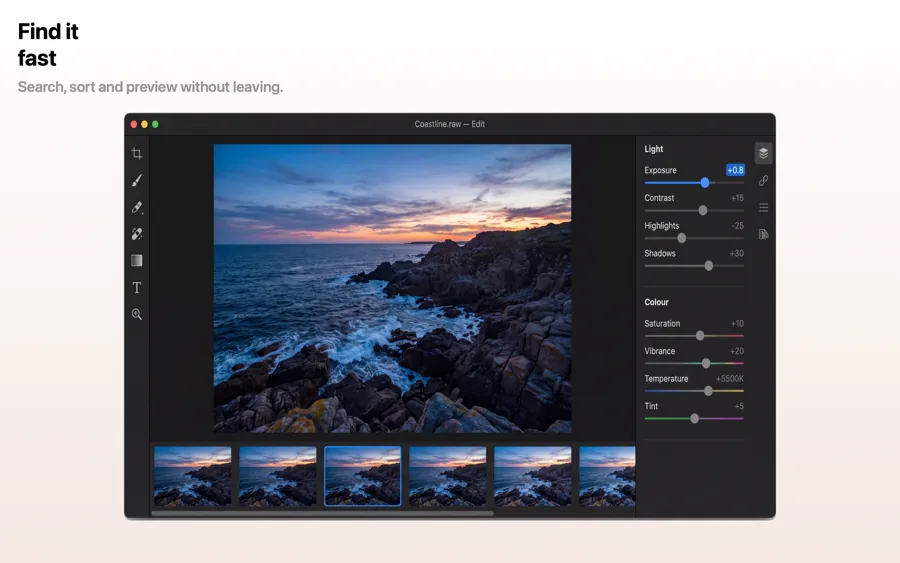
Mac App Store screenshots are landscape and large, and they show a window rather than a phone. A full-screen capture of a busy desktop rarely sells anything, so these templates frame your app's window over a clean background with a caption that says what it does.
24 templates, each shown as it renders on Mac. See the Mac screenshot sizes.

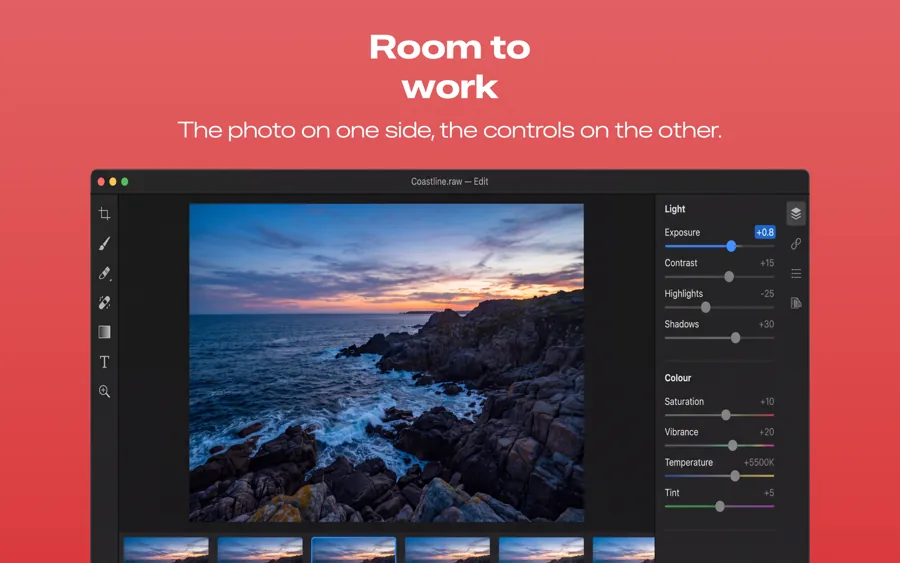
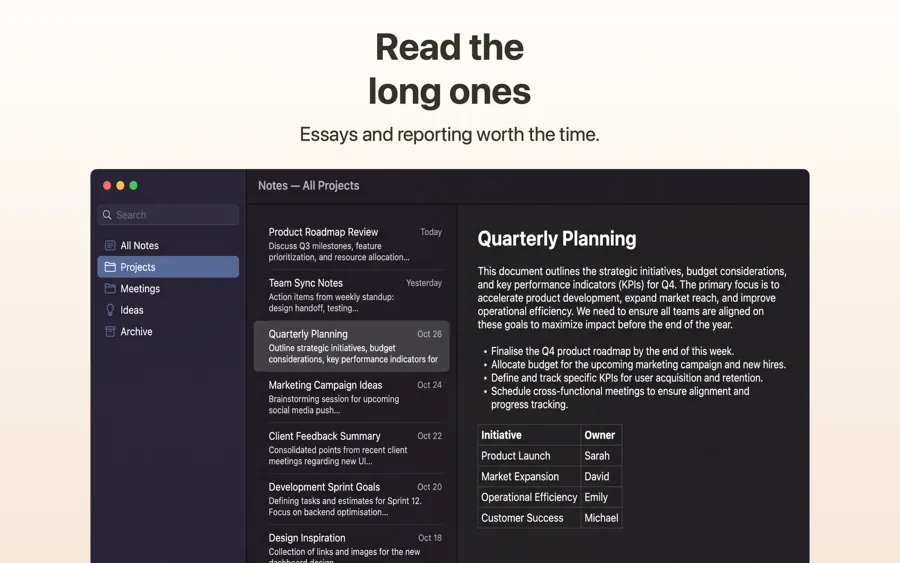
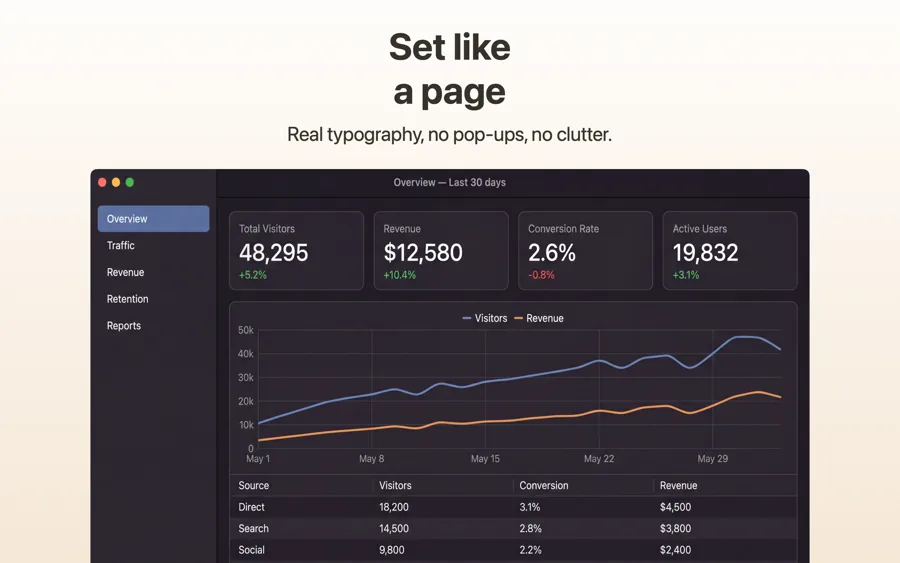
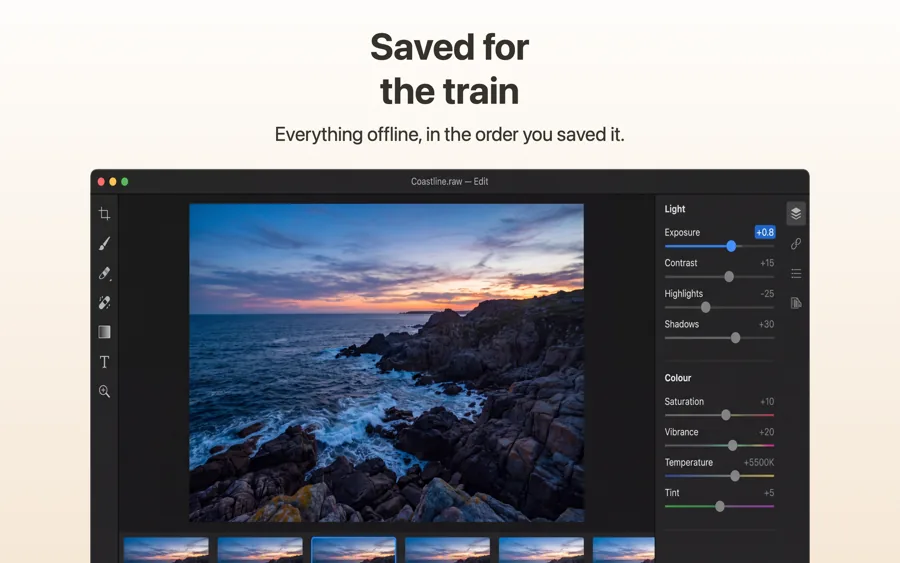
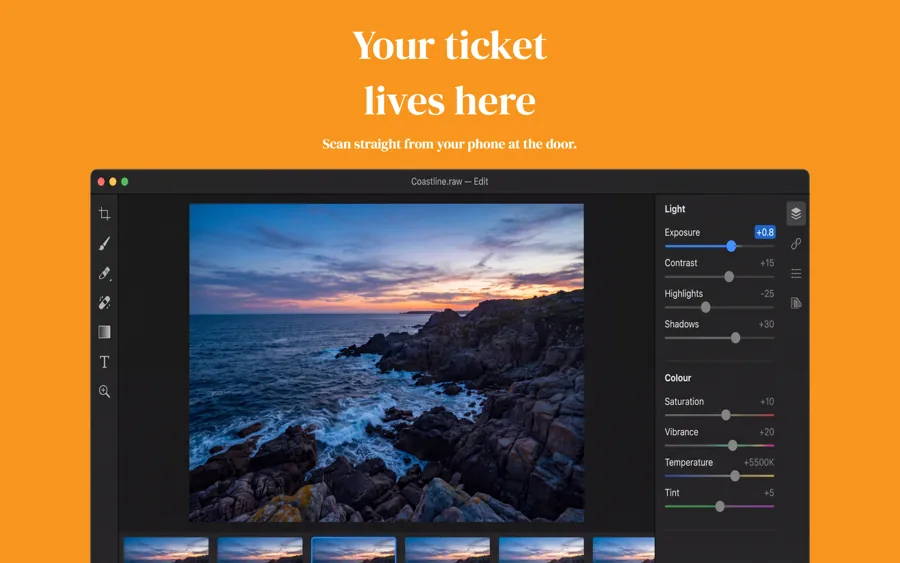
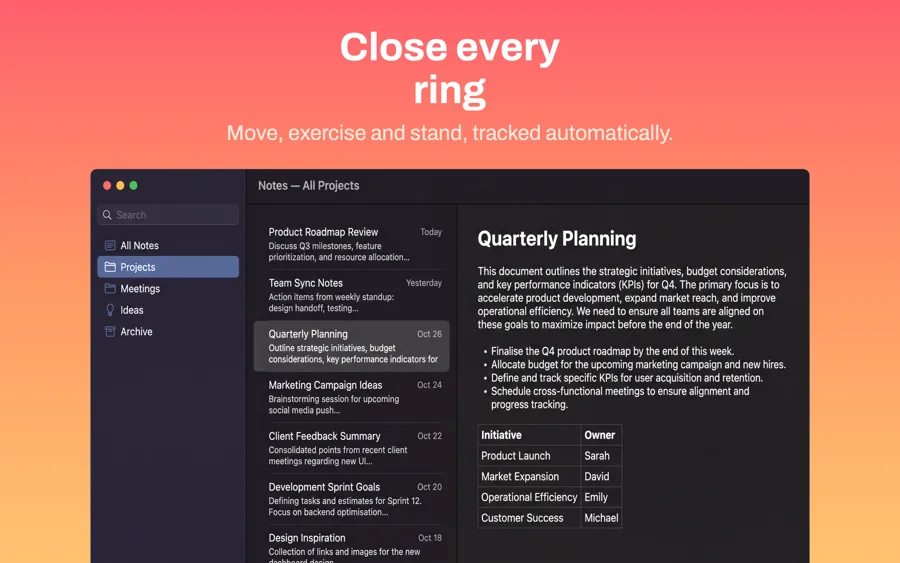
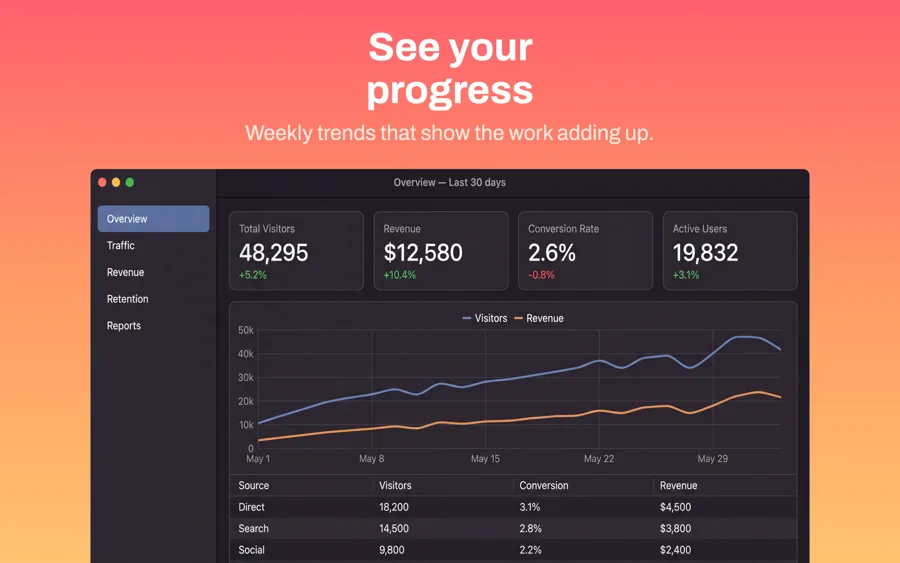
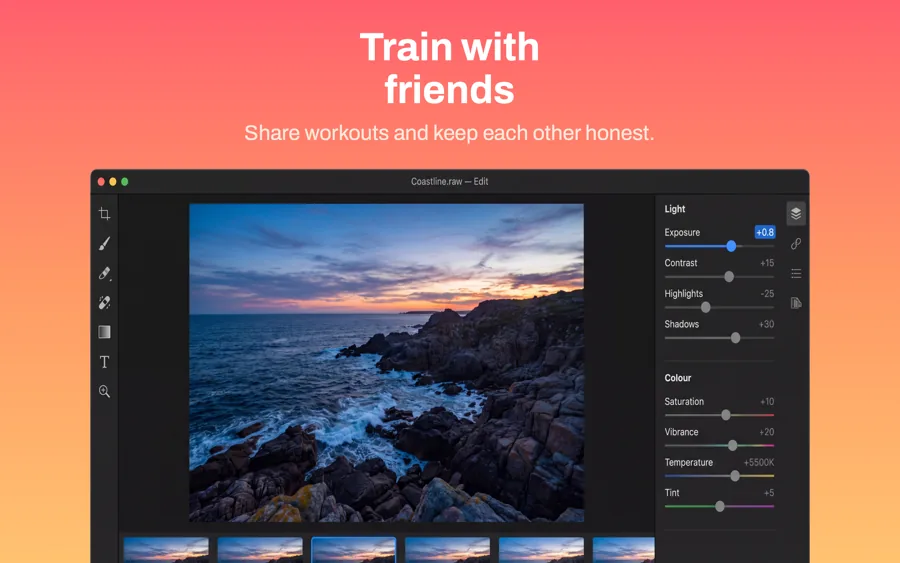
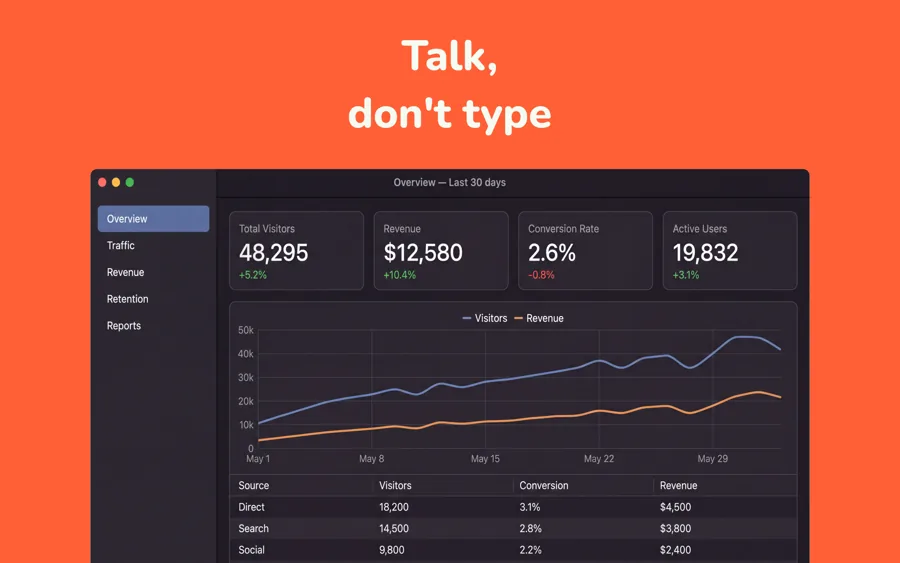
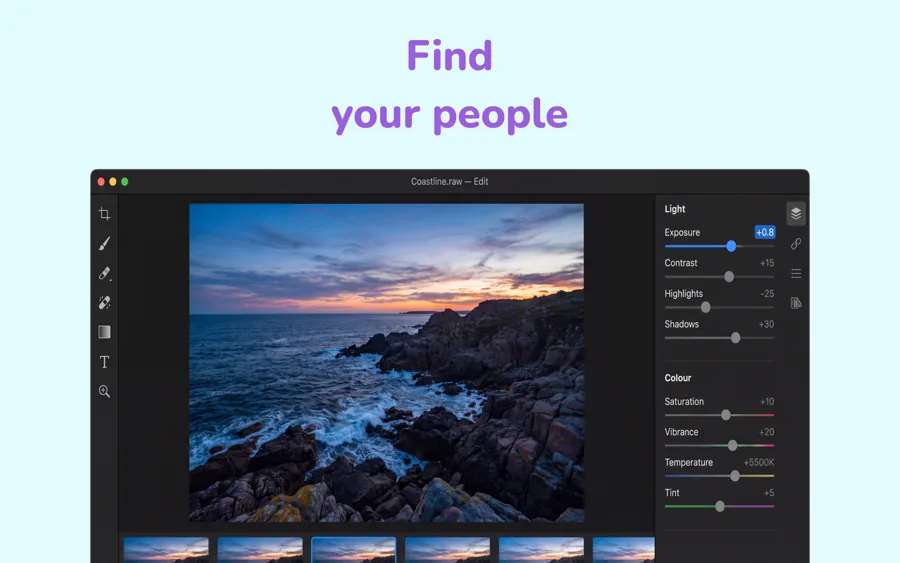
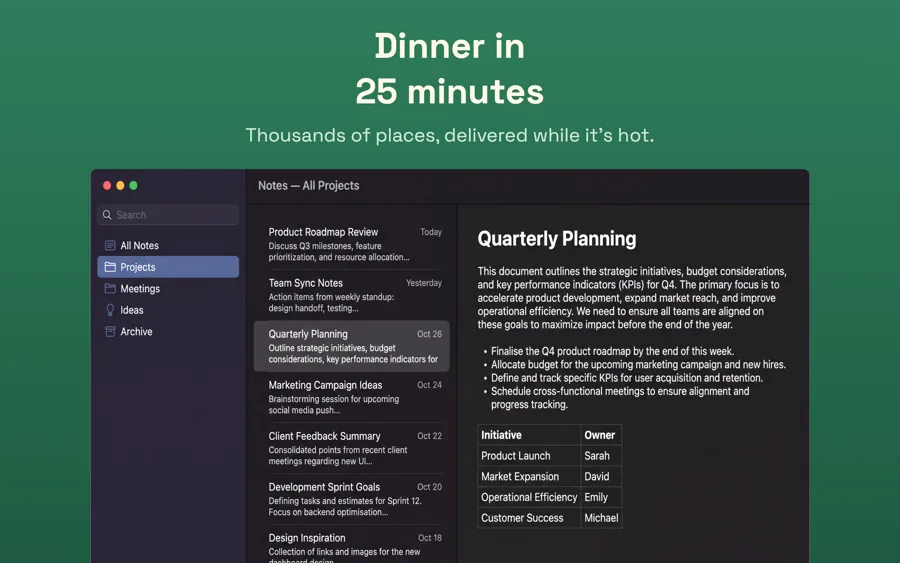
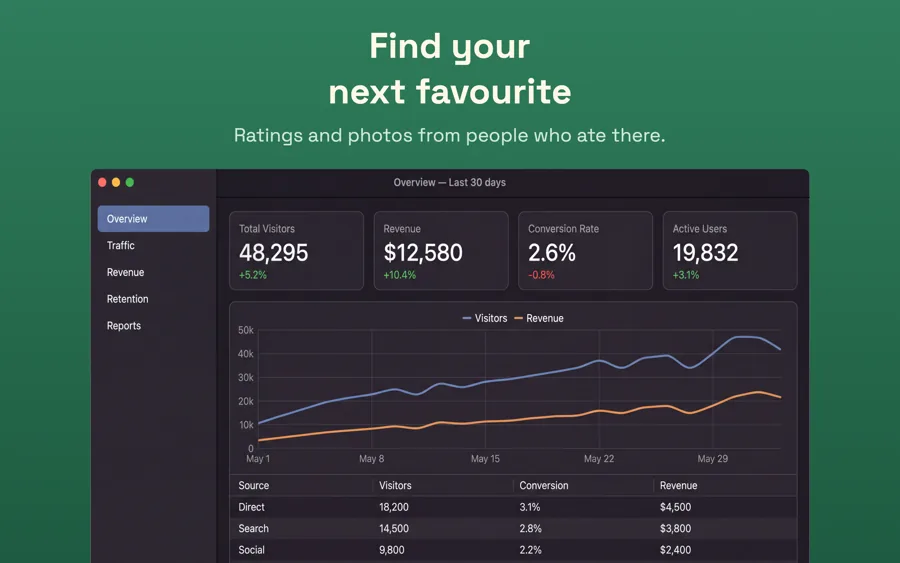
What works in Mac screenshots
- Crop to your app's window. The menu bar, the Dock and other apps are distractions in a store listing.
- Mac screenshots are shown large, so detail is visible. Use that to show a real document or workspace instead of an empty state.
- Lead with the feature people buy a Mac app for, such as a keyboard-driven workflow or menu bar access, not the settings window.
Make your Mac screenshots
- Built into Screenshot Studio — apply it and swap in your own screenshots.
- Every colour, font and layout value stays editable afterwards.
- Localise the text into all 50 App Store languages from the same document.