Screenshot templates by device
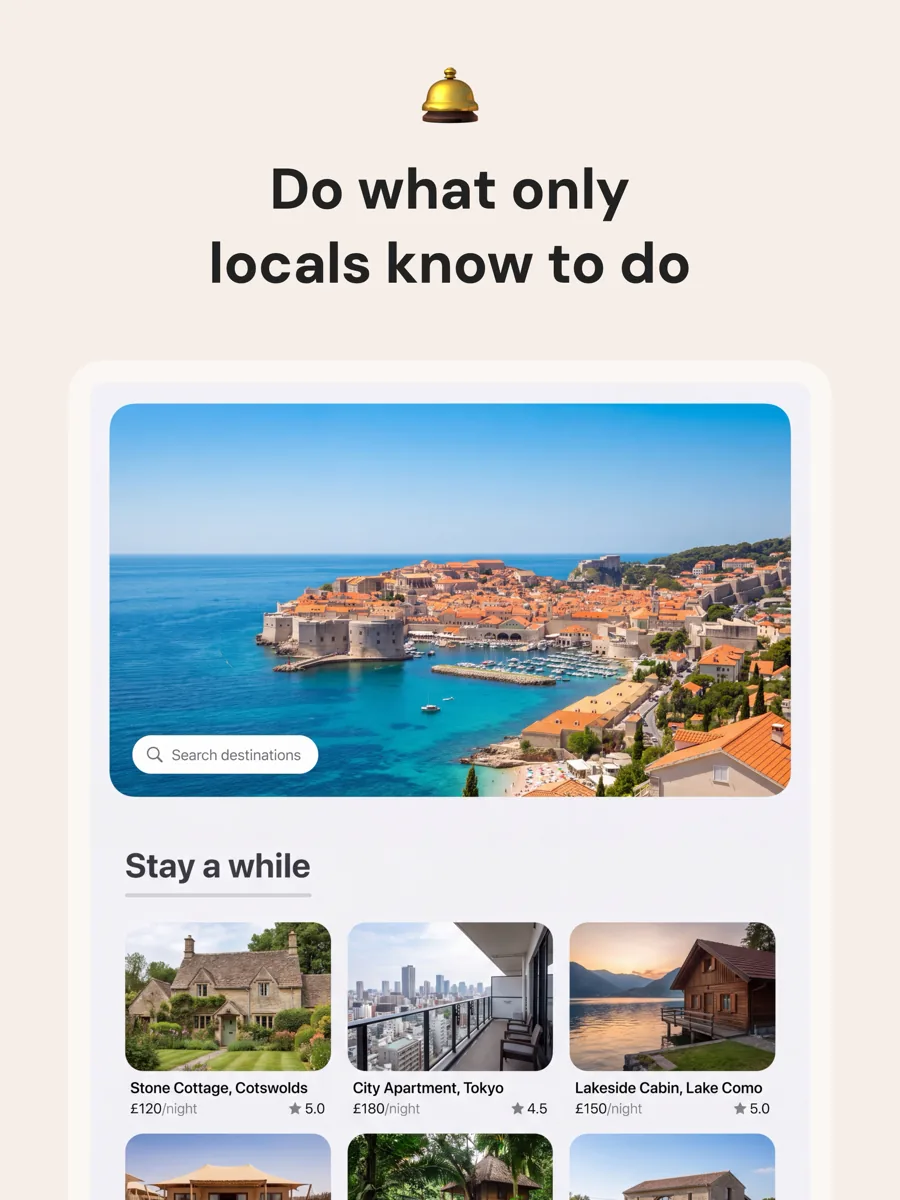
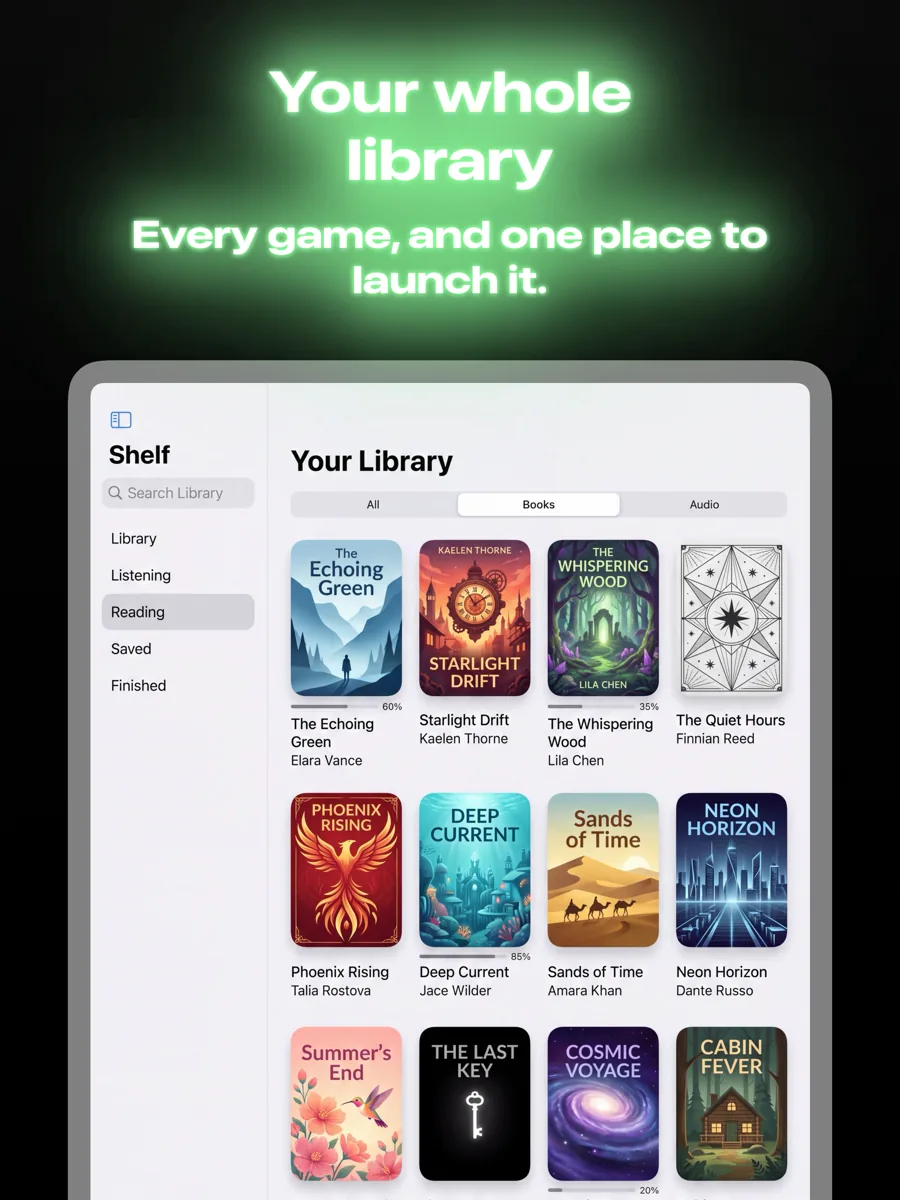
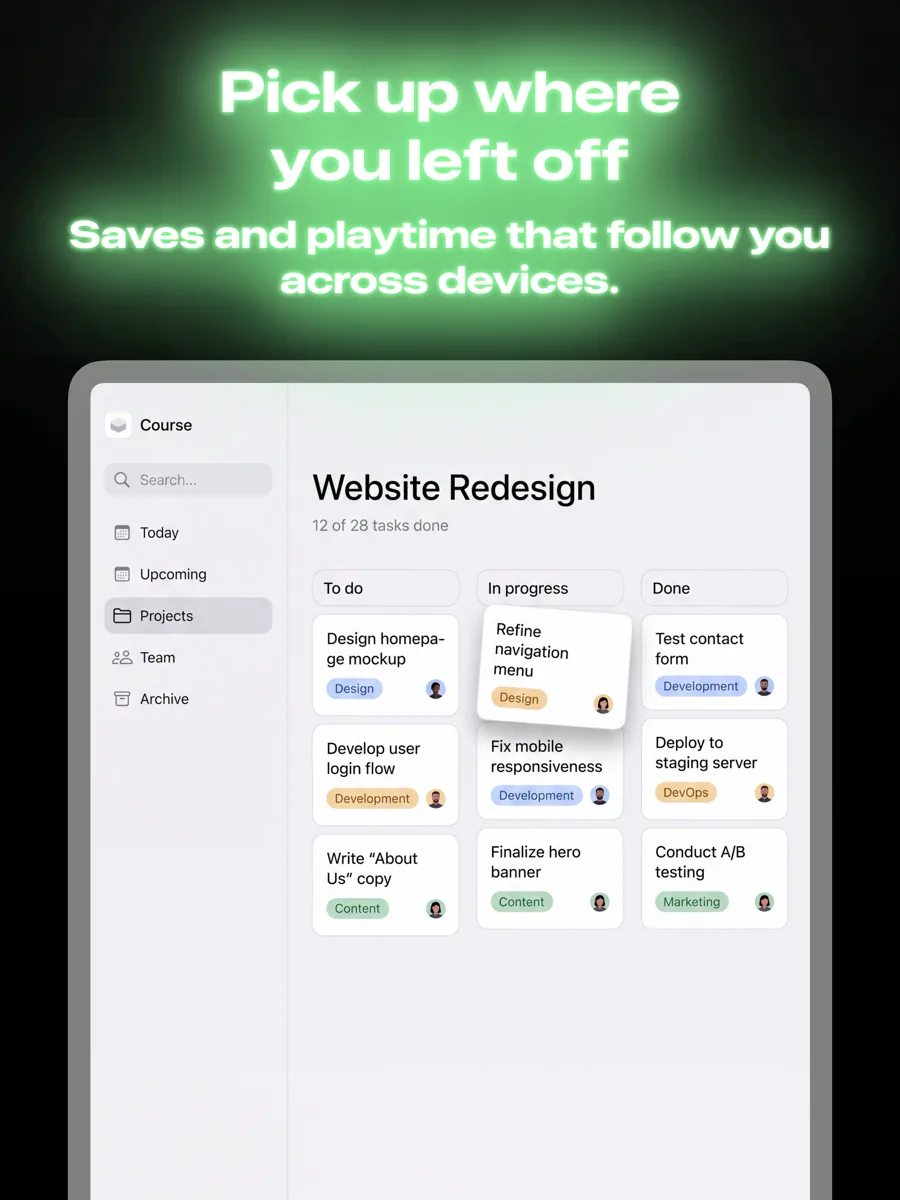
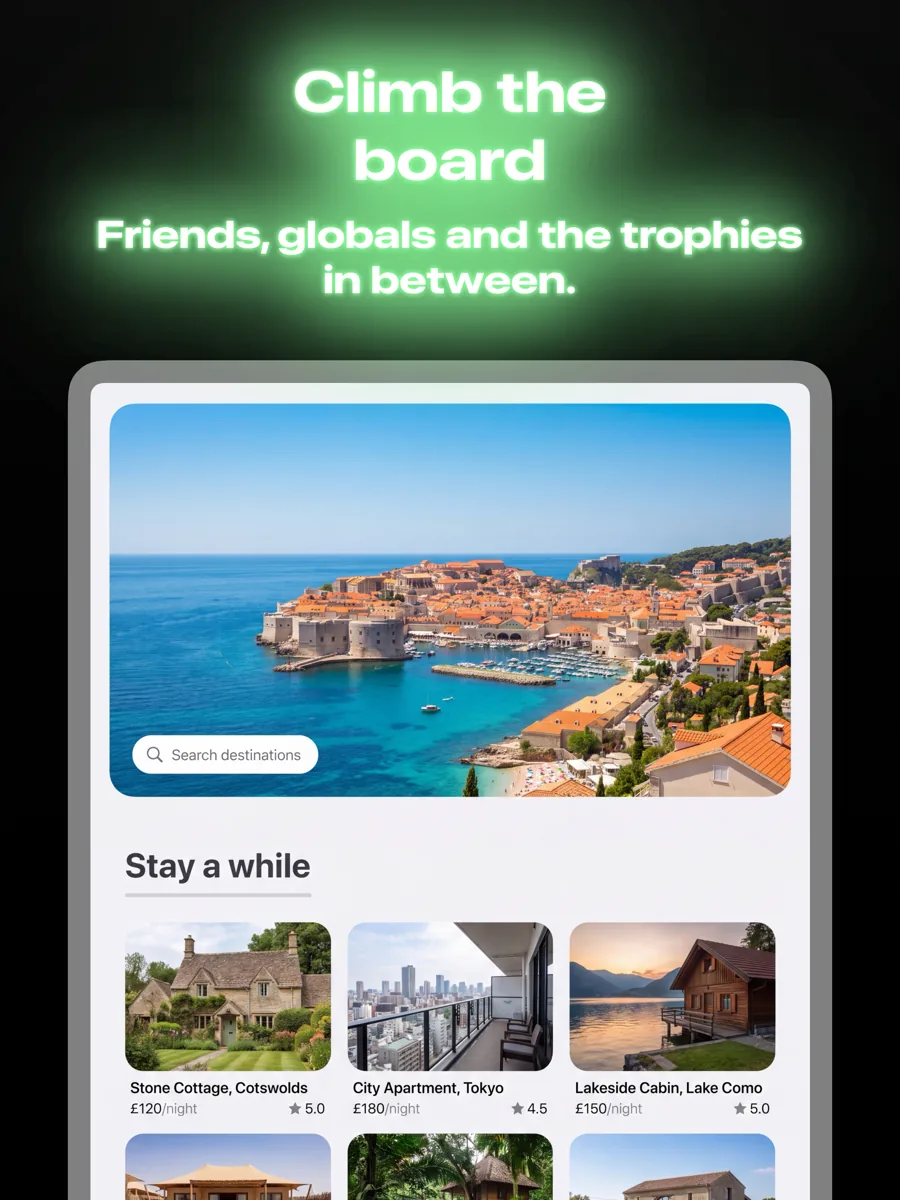
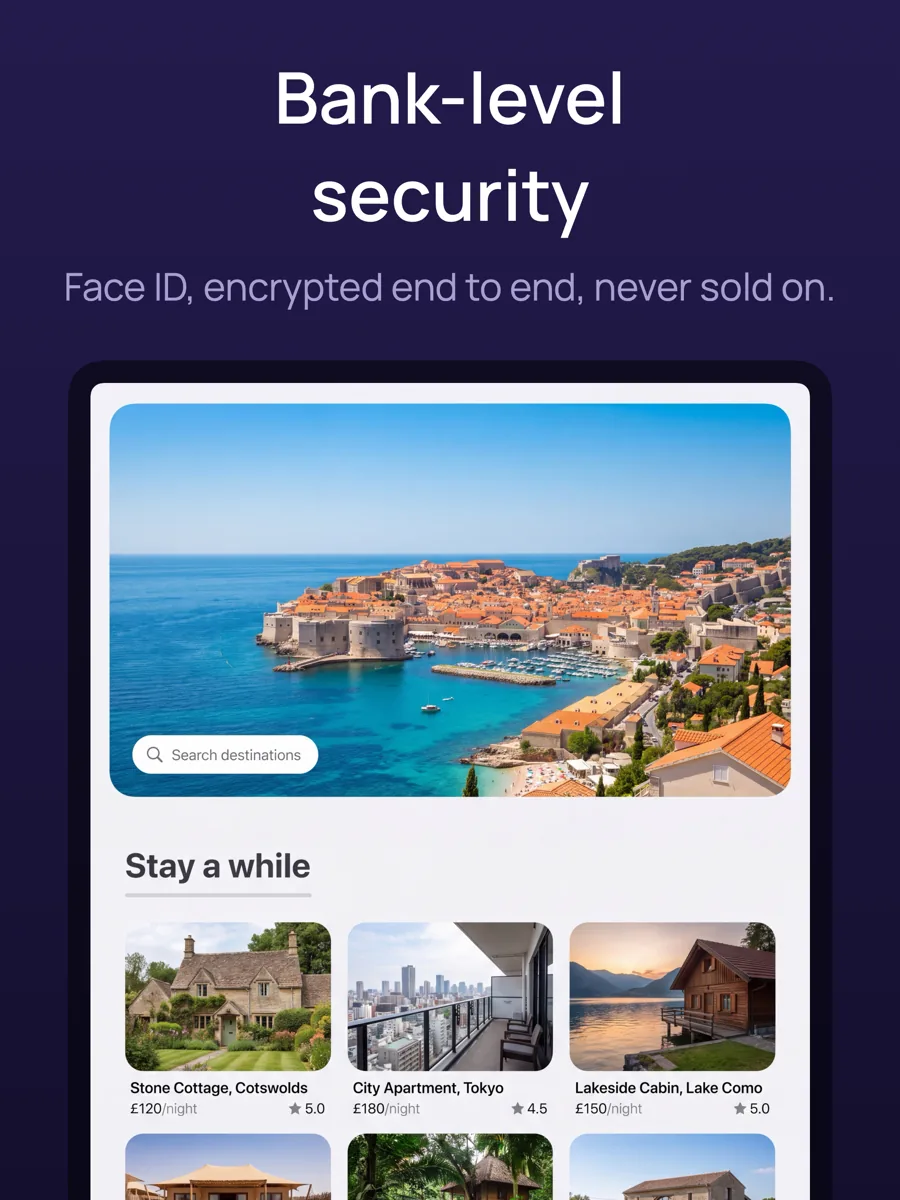
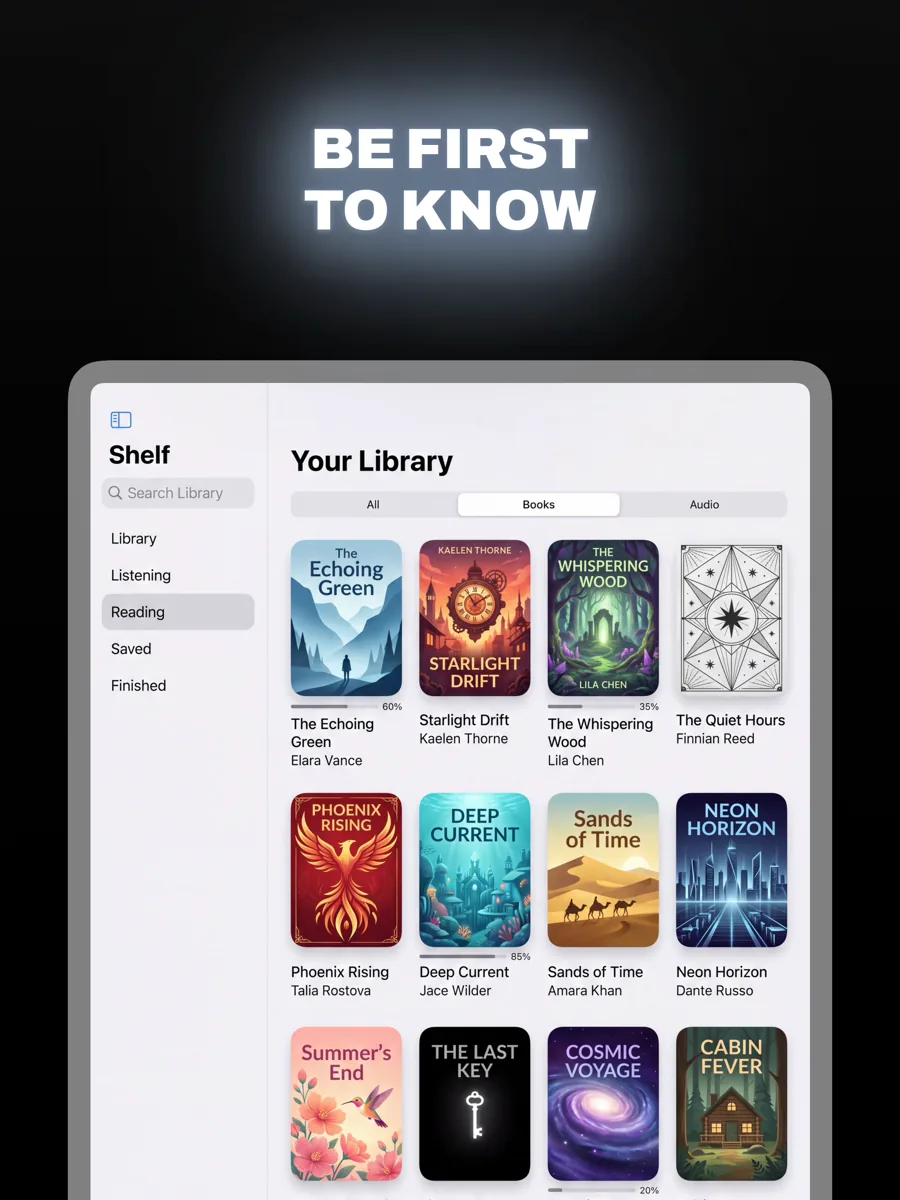
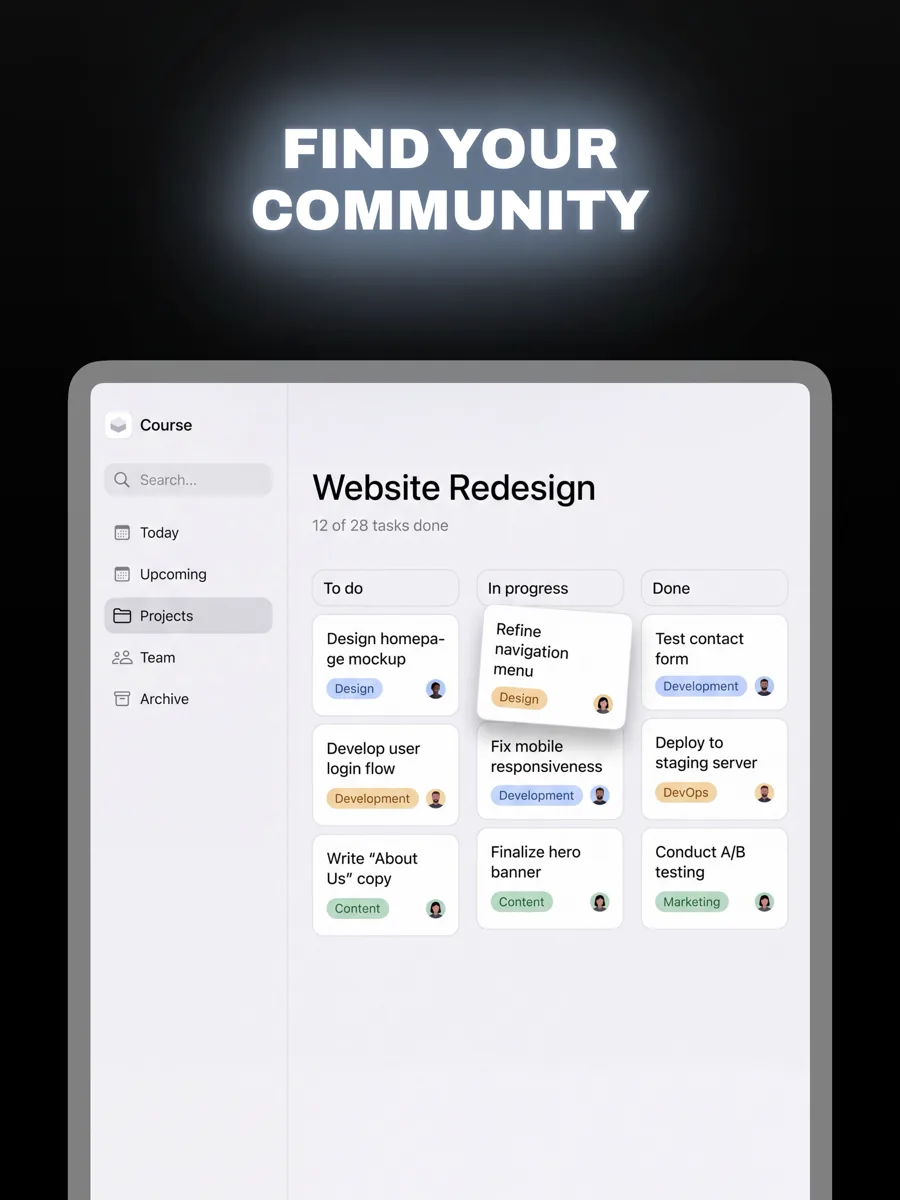
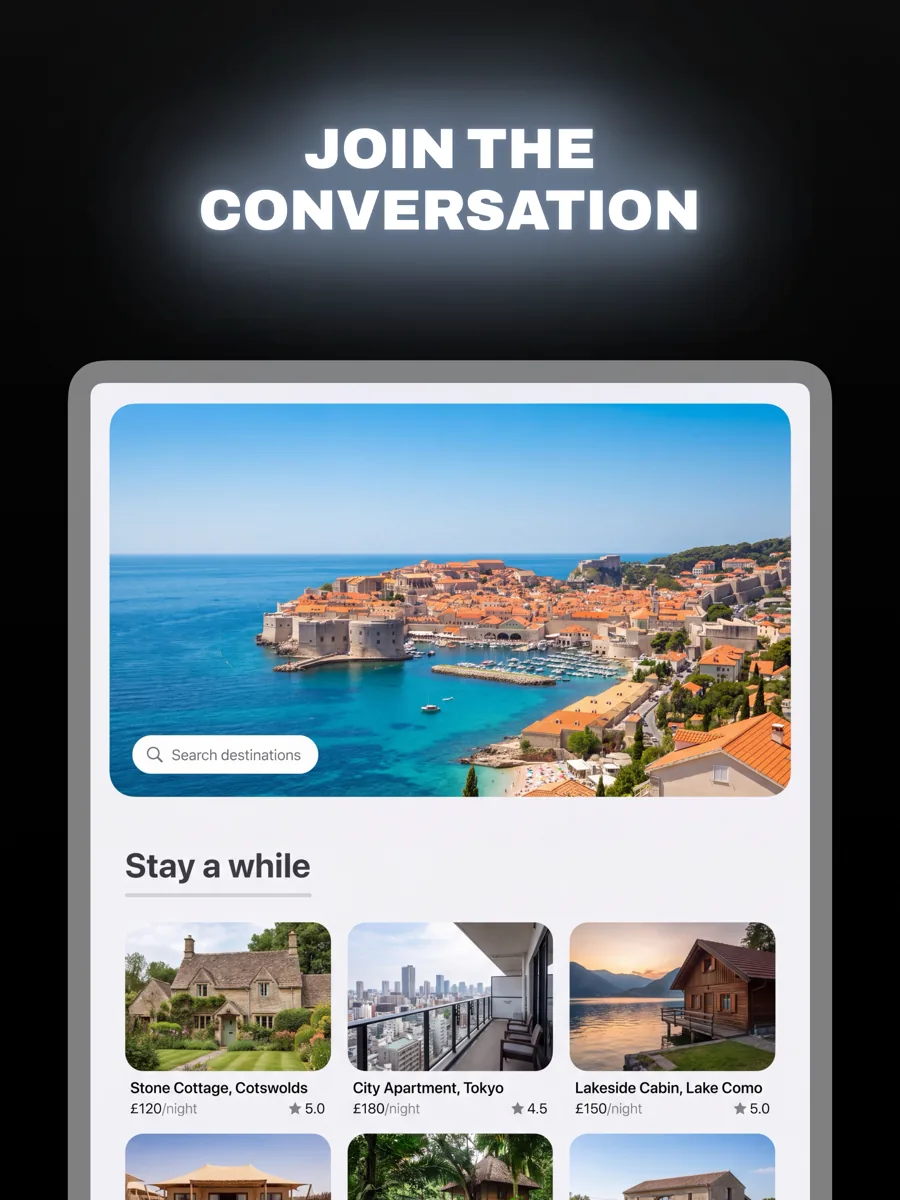
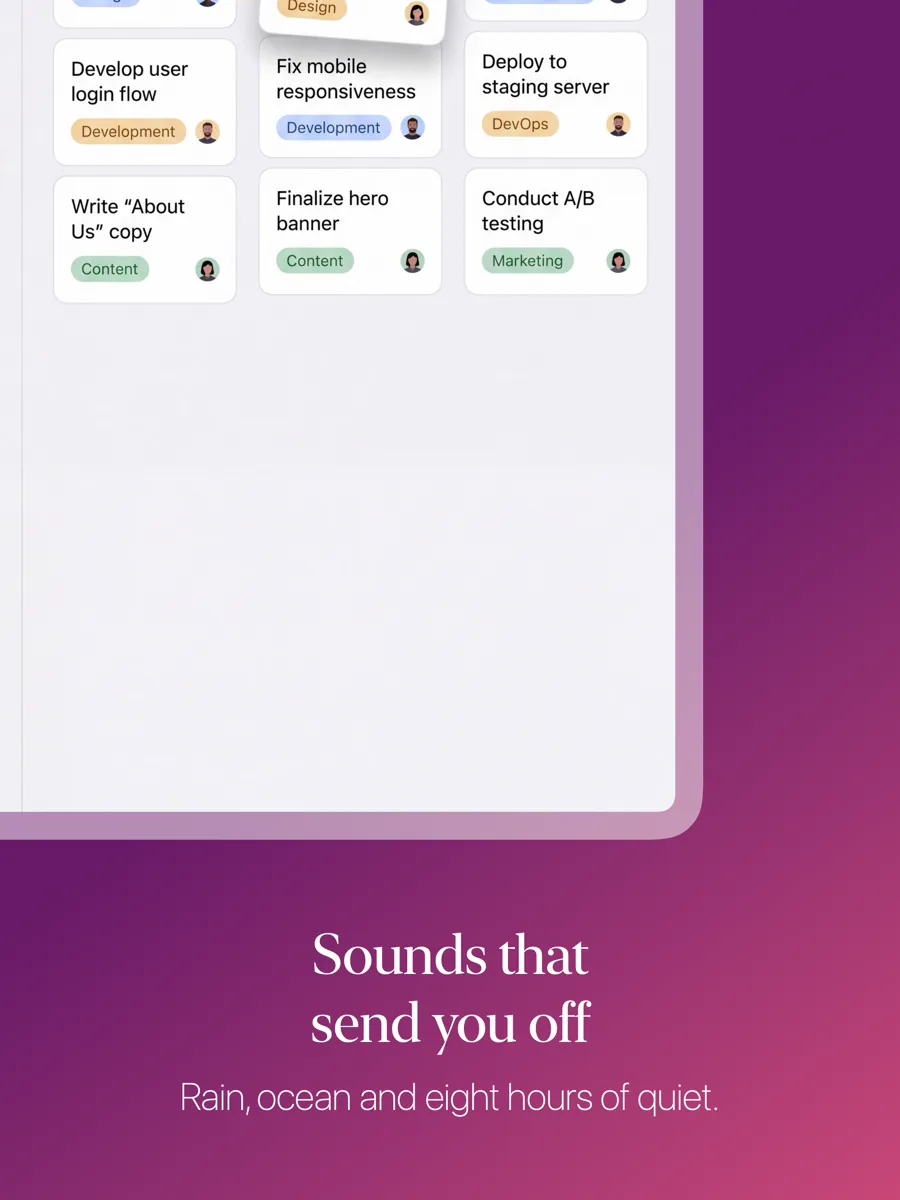
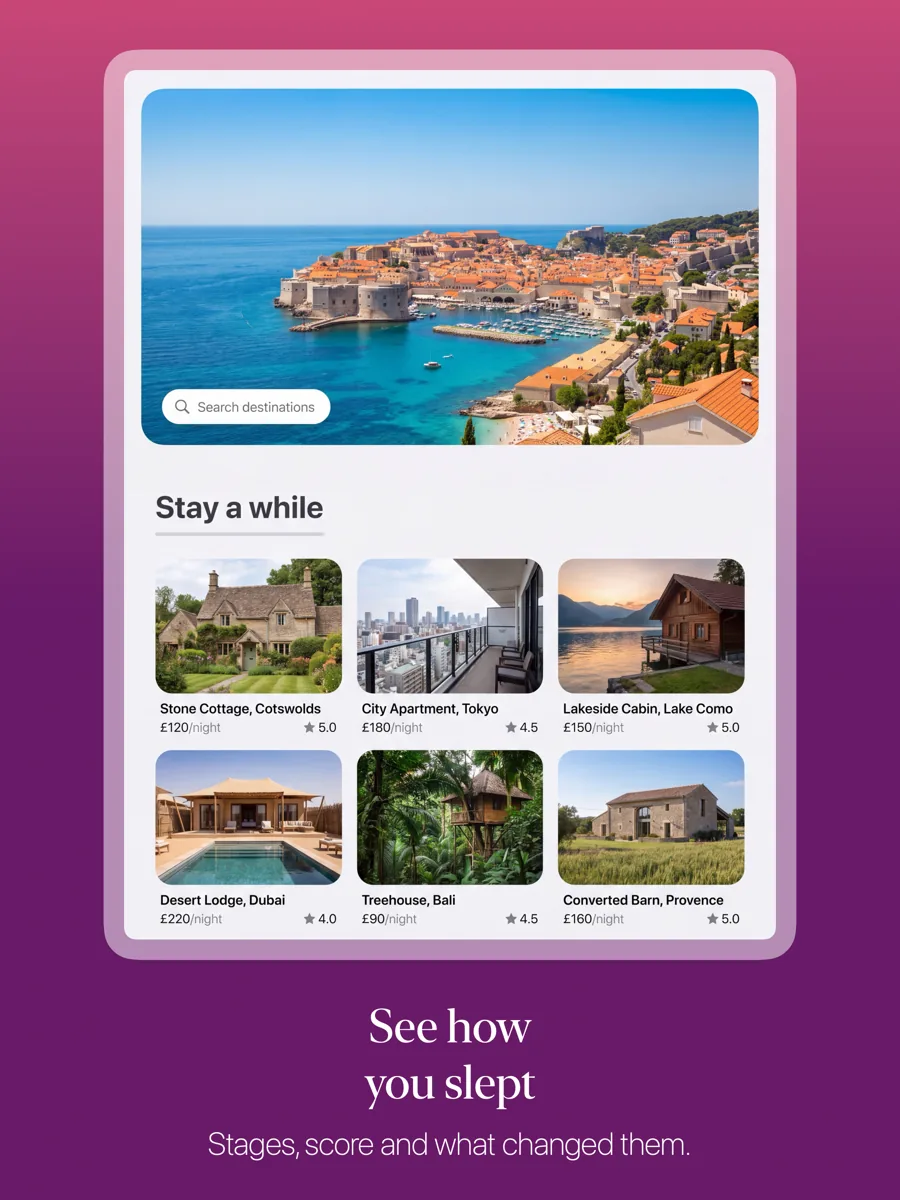
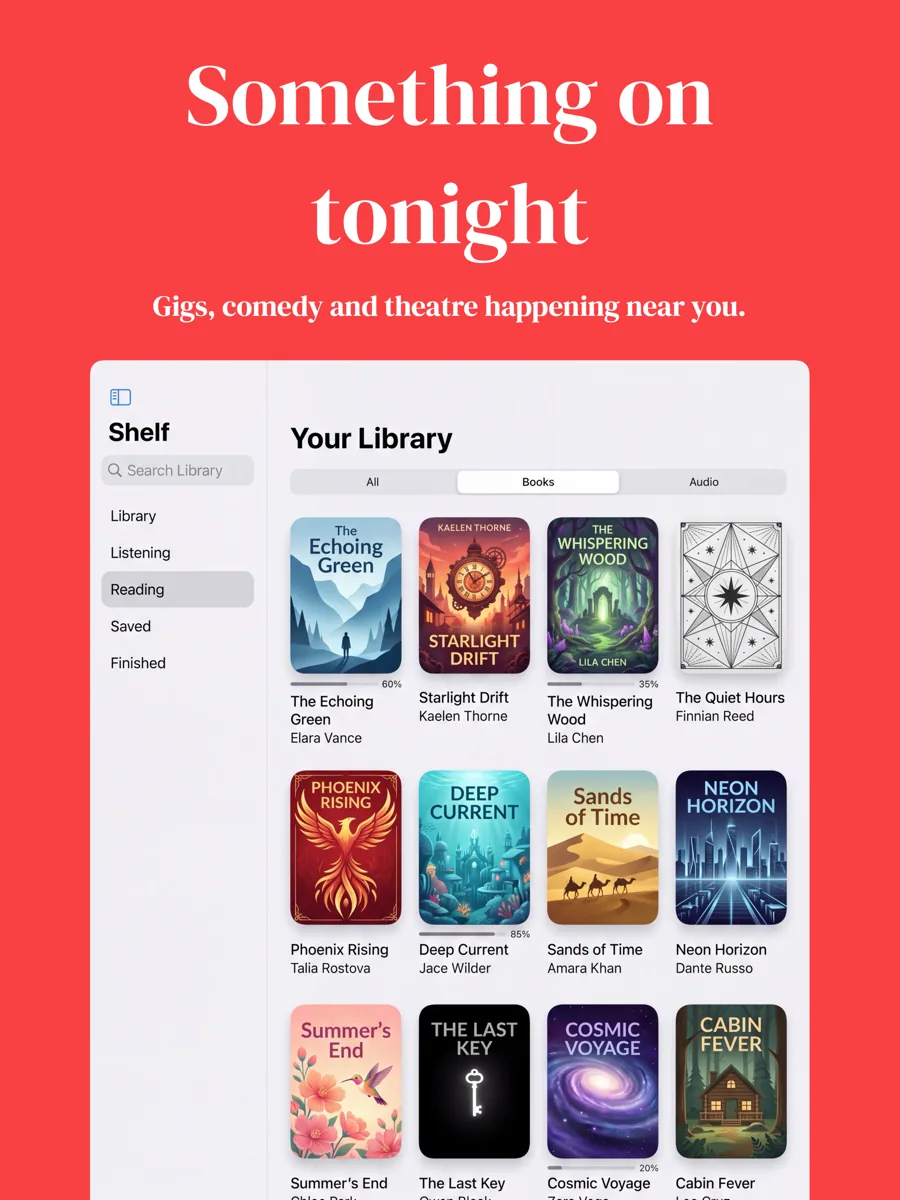
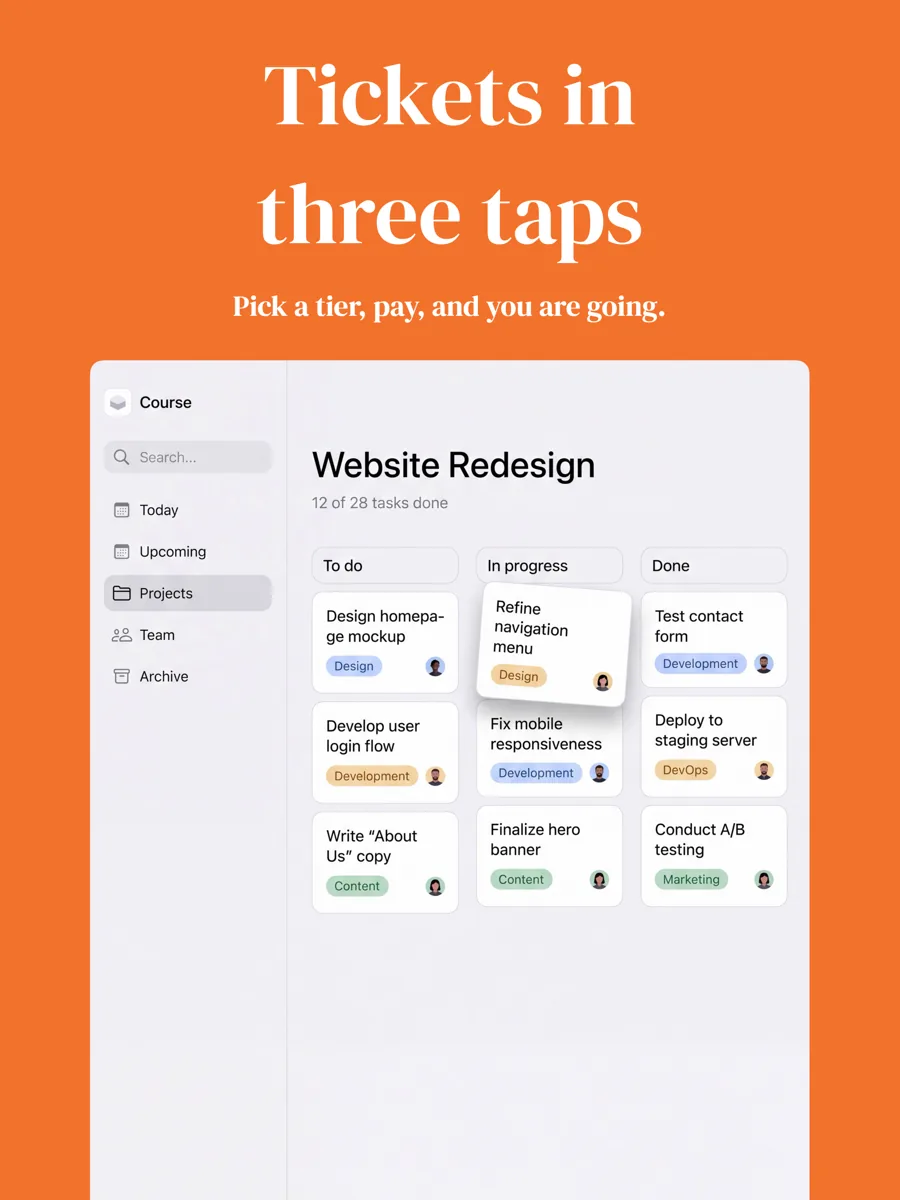
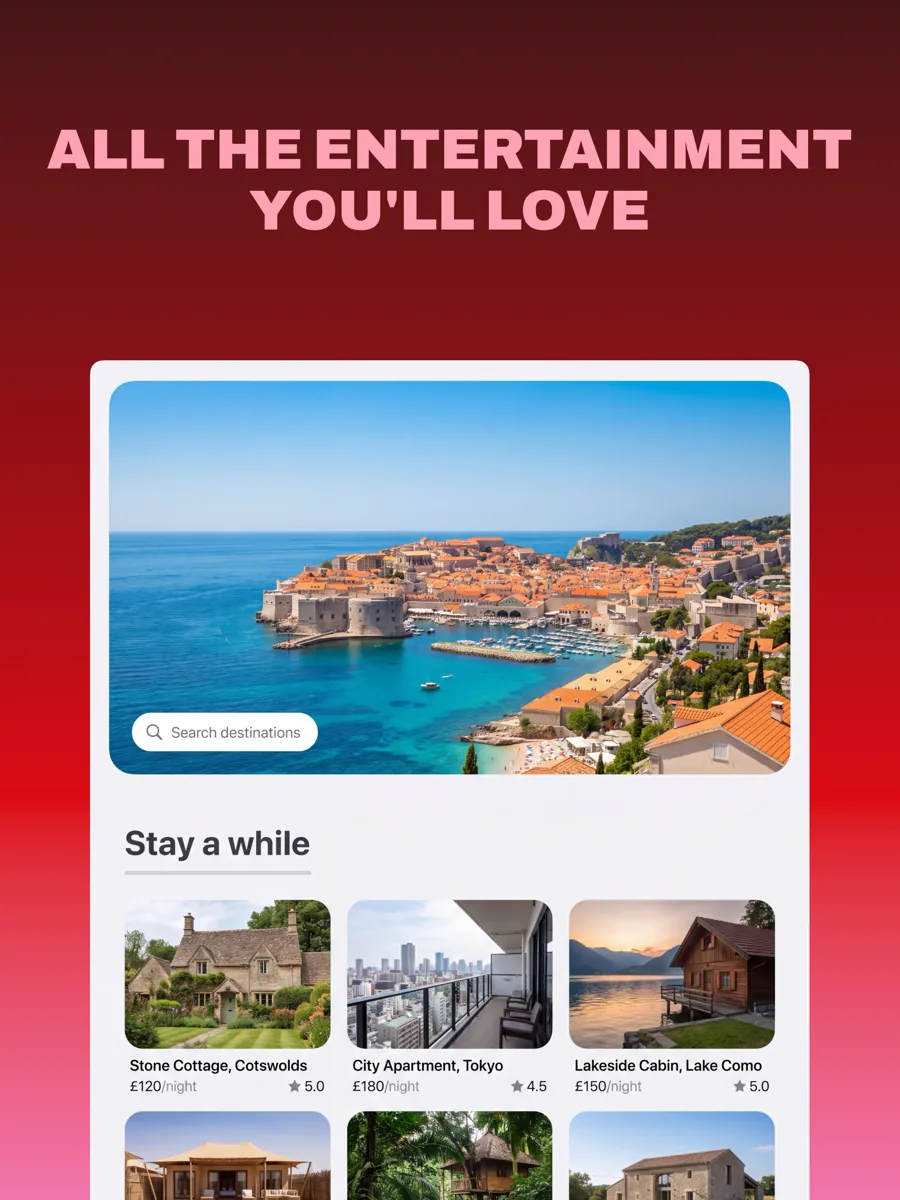
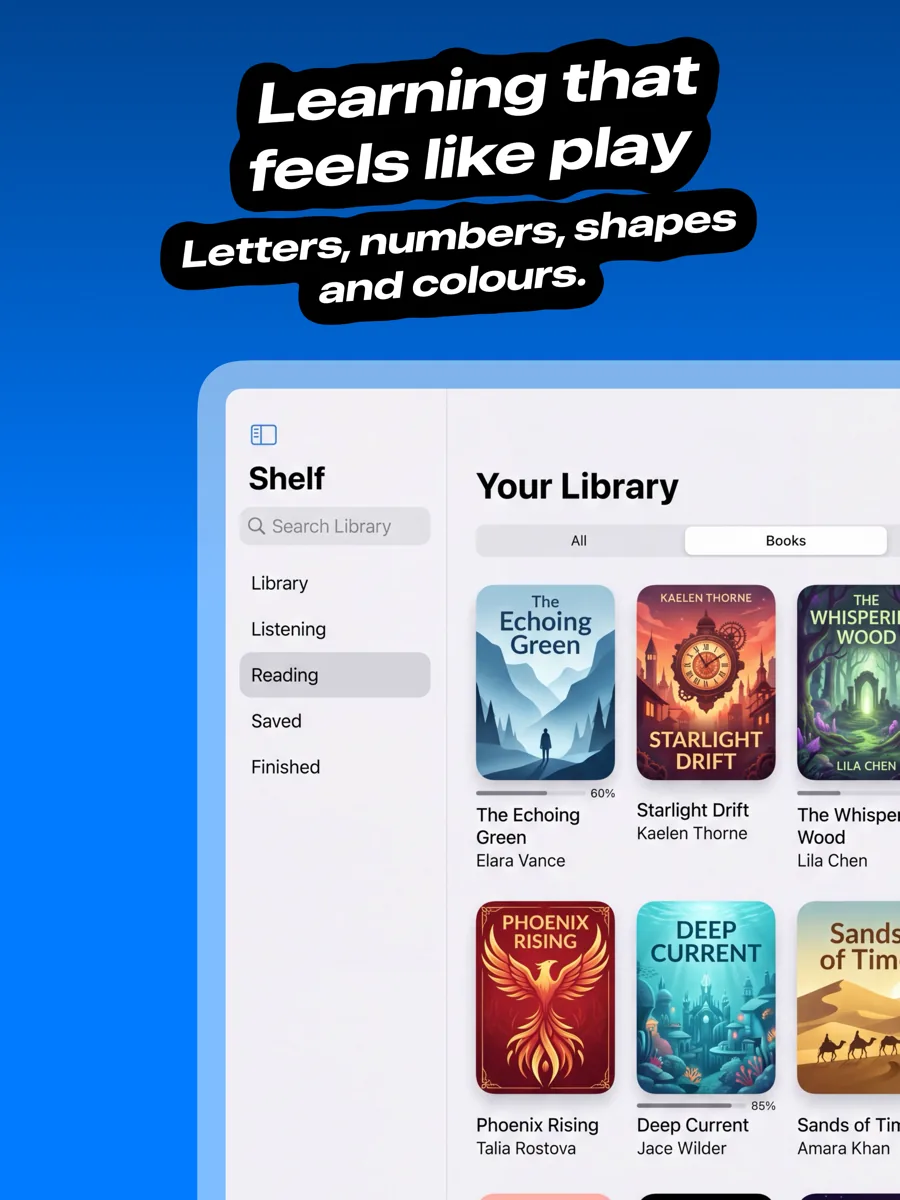
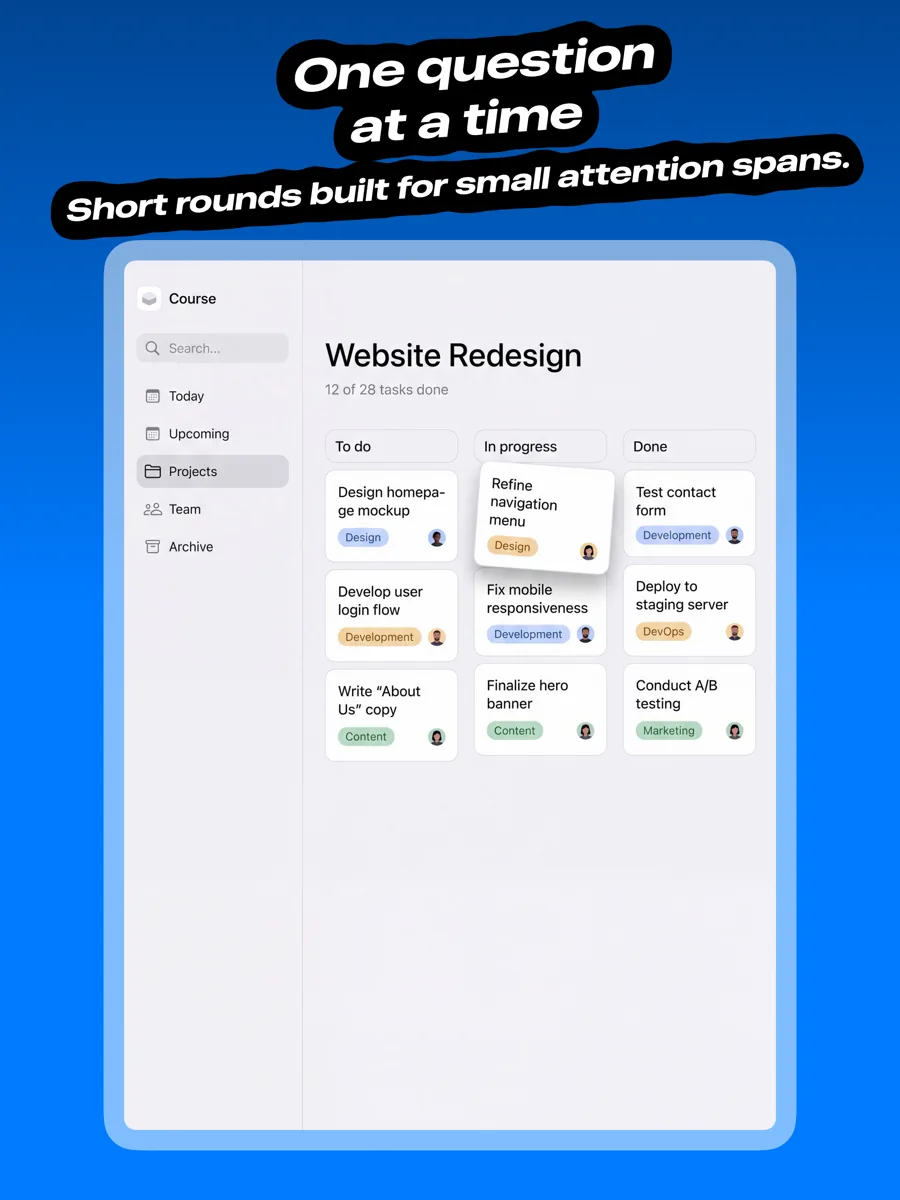
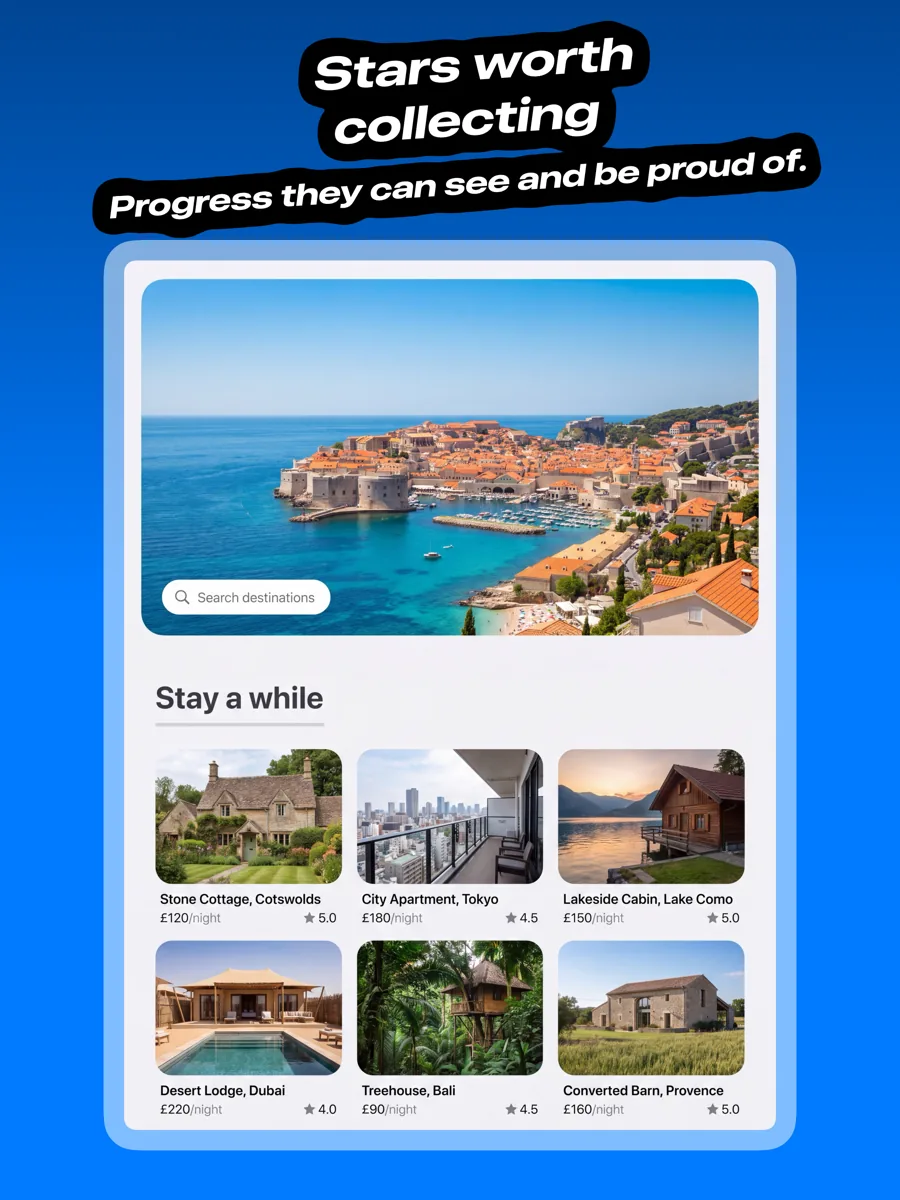
iPad App Store screenshot templates
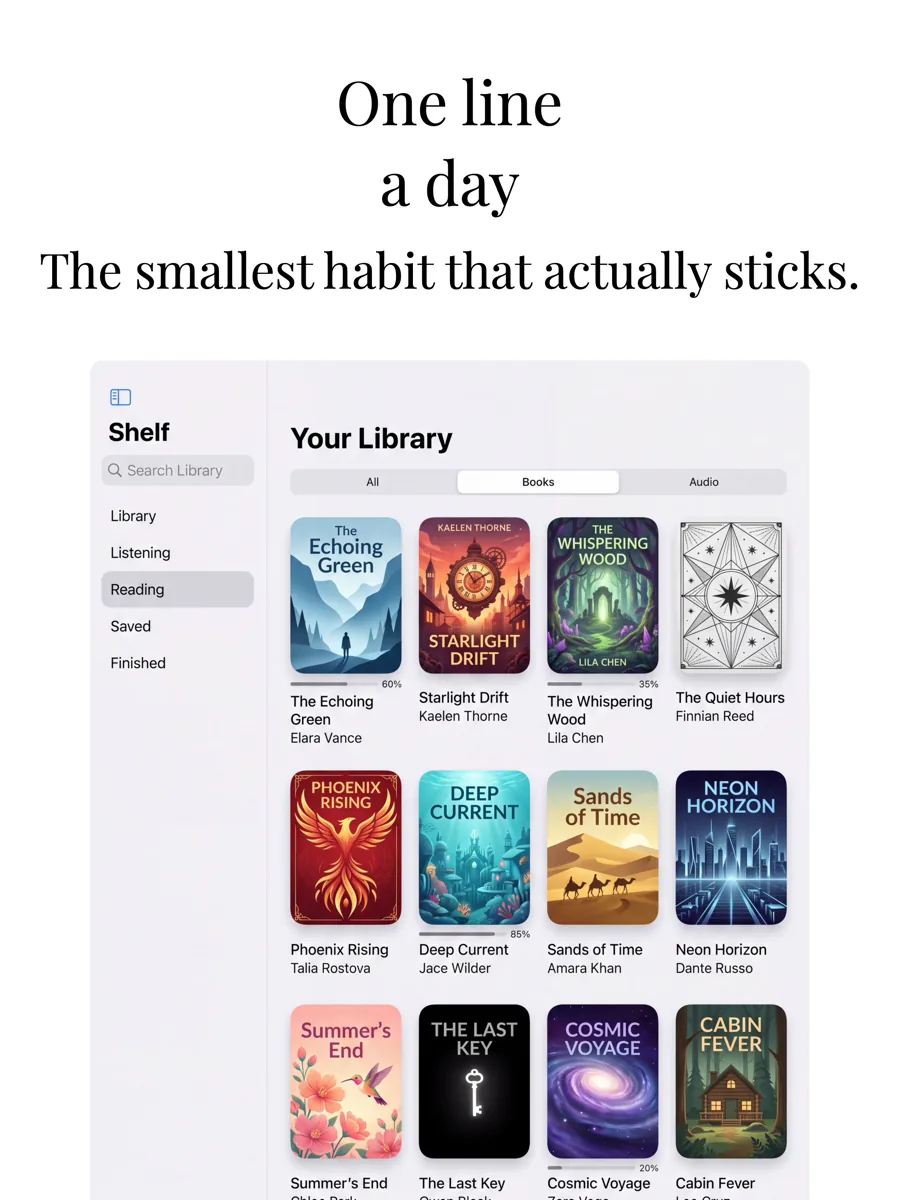
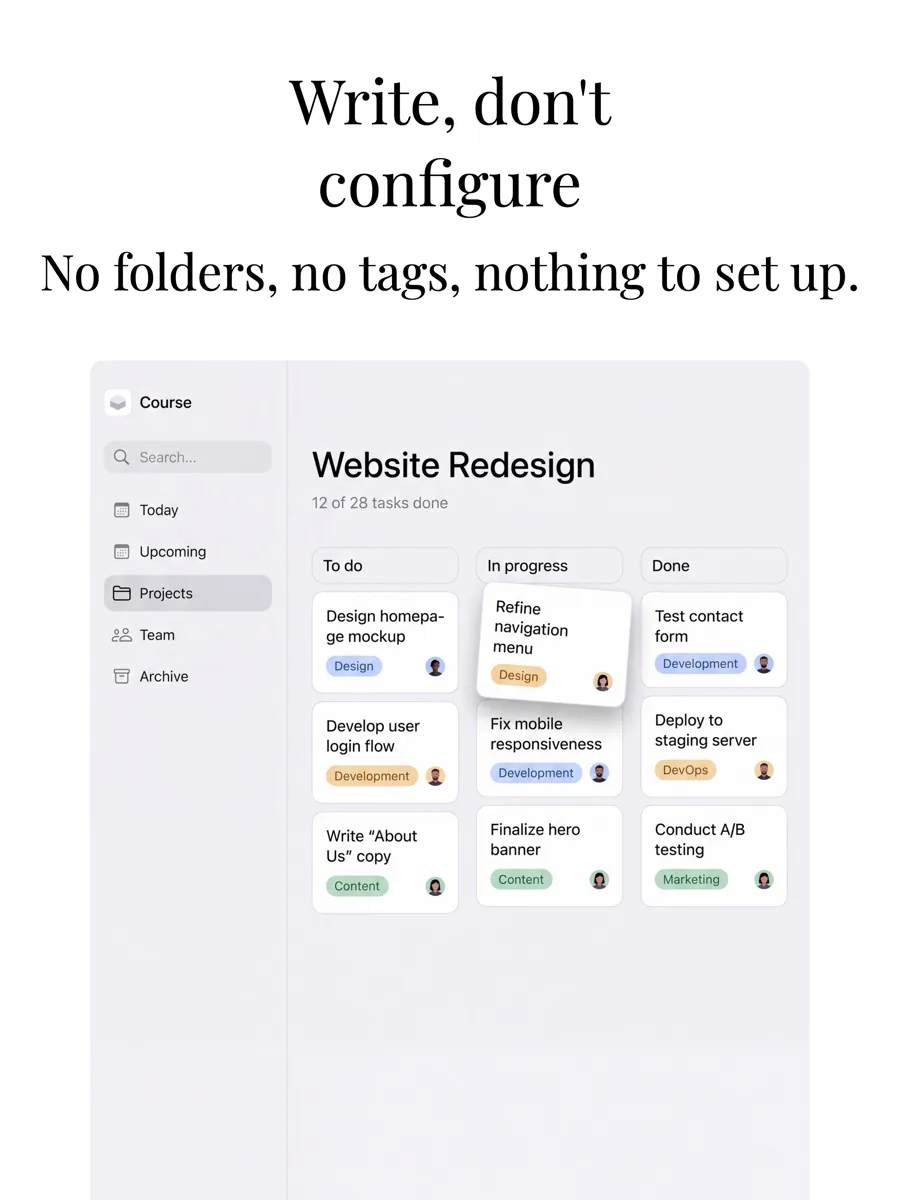
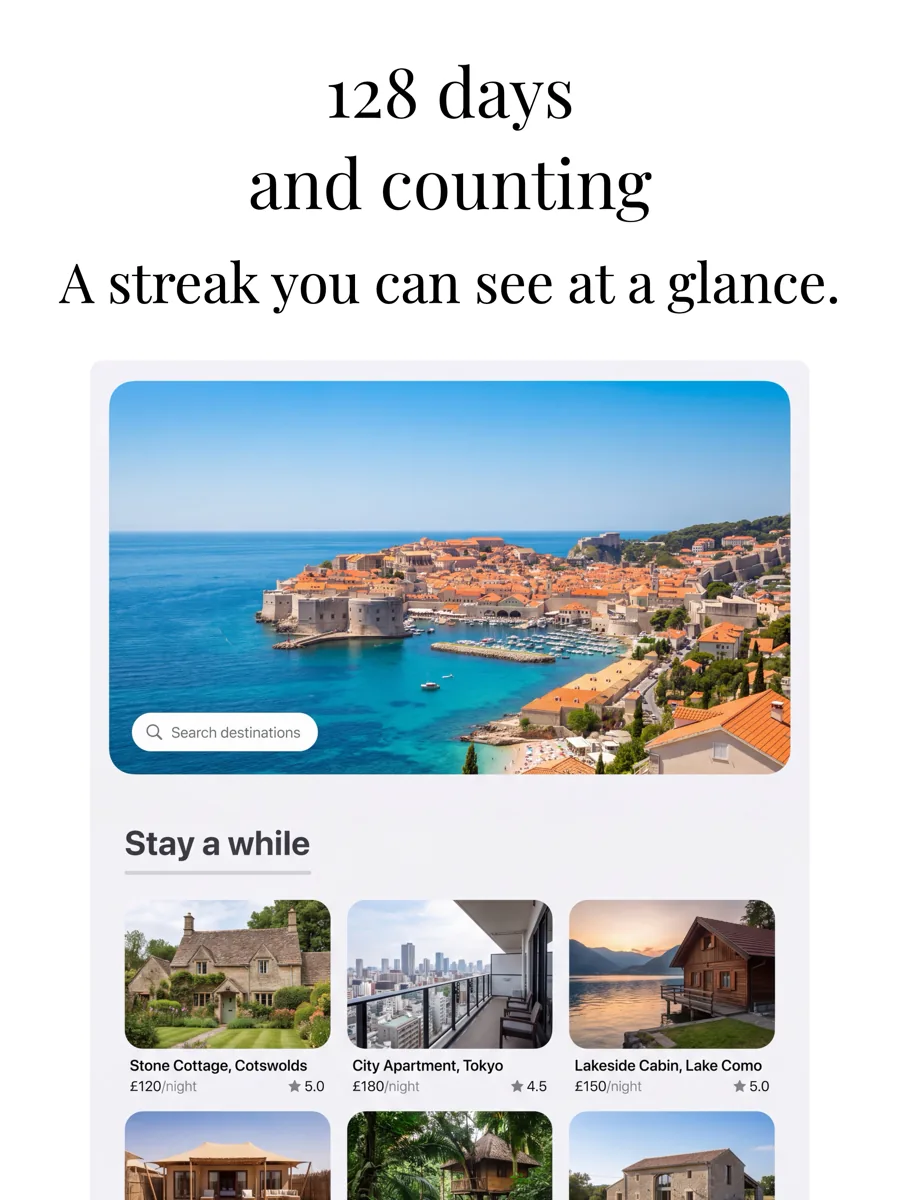
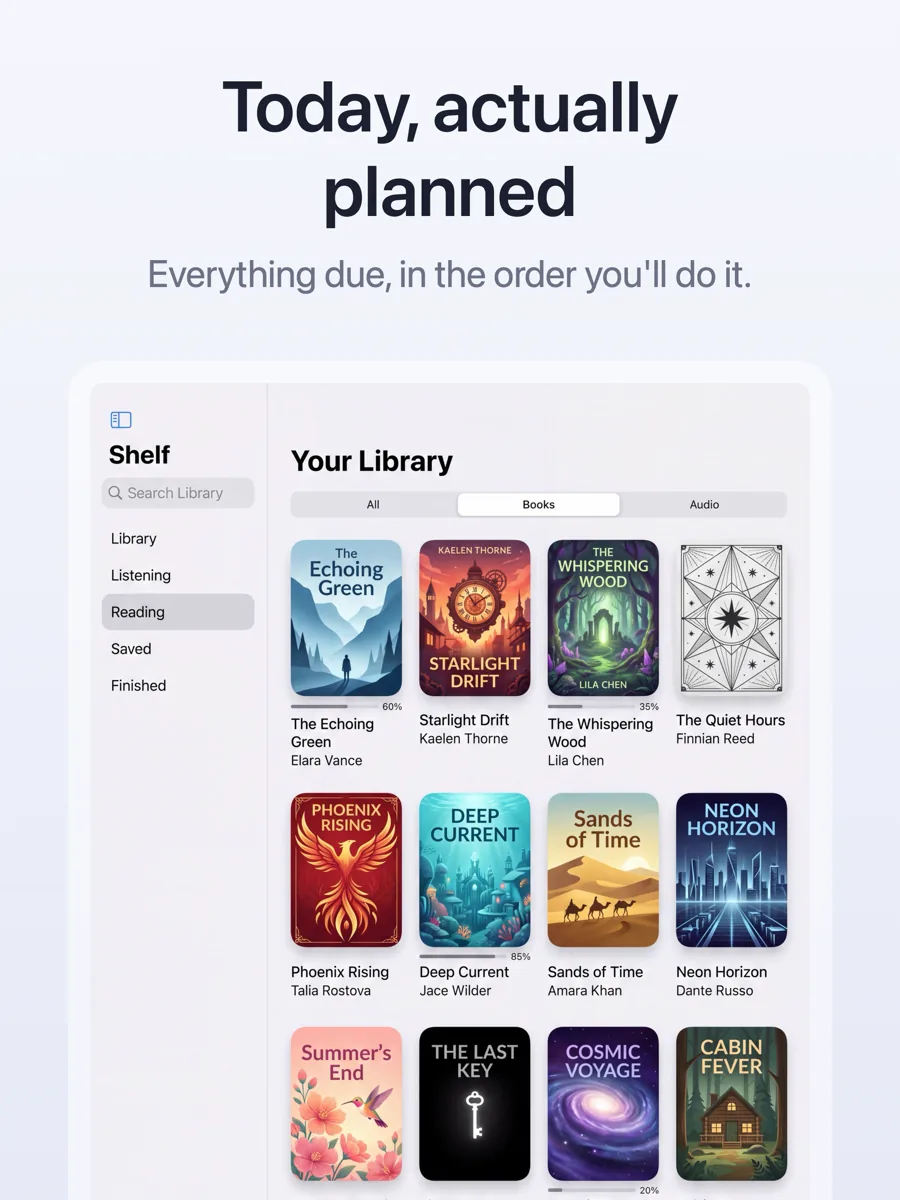
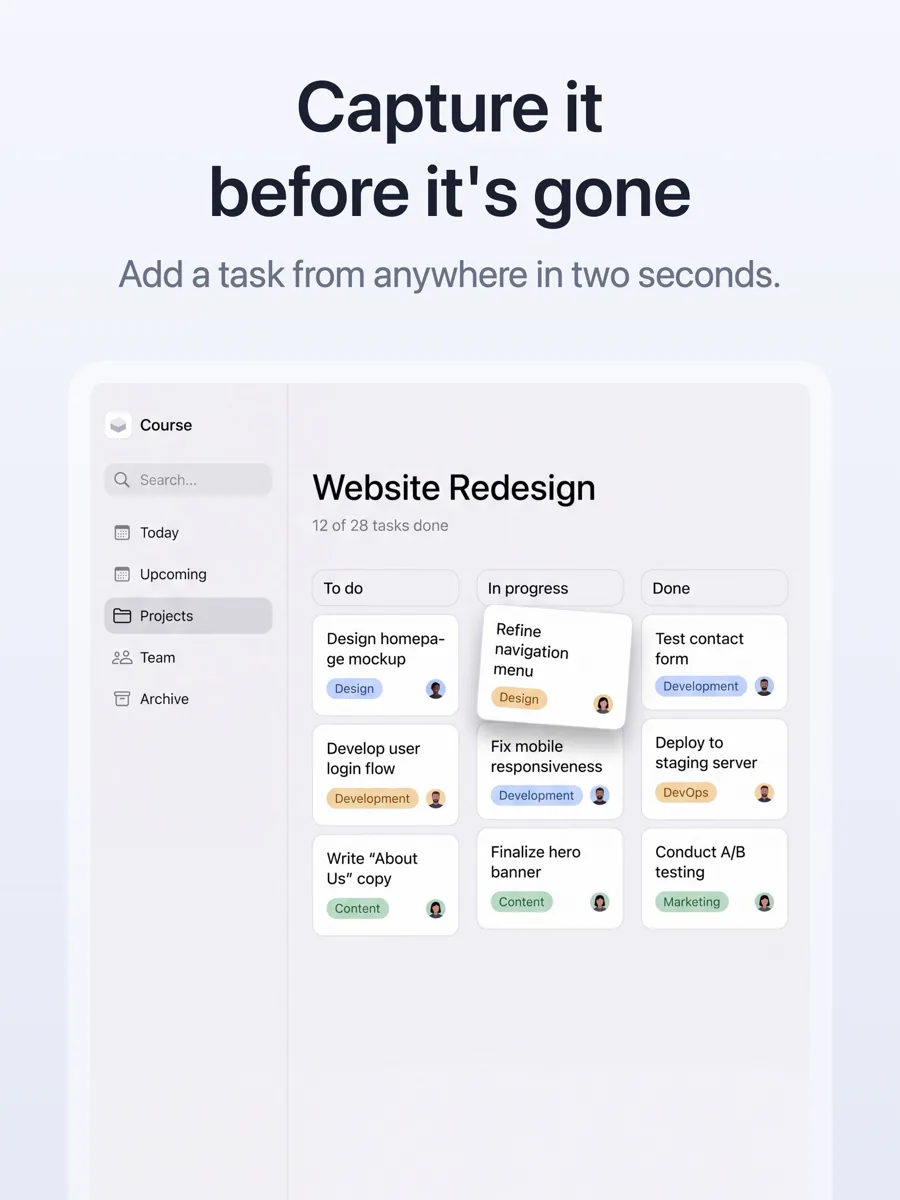
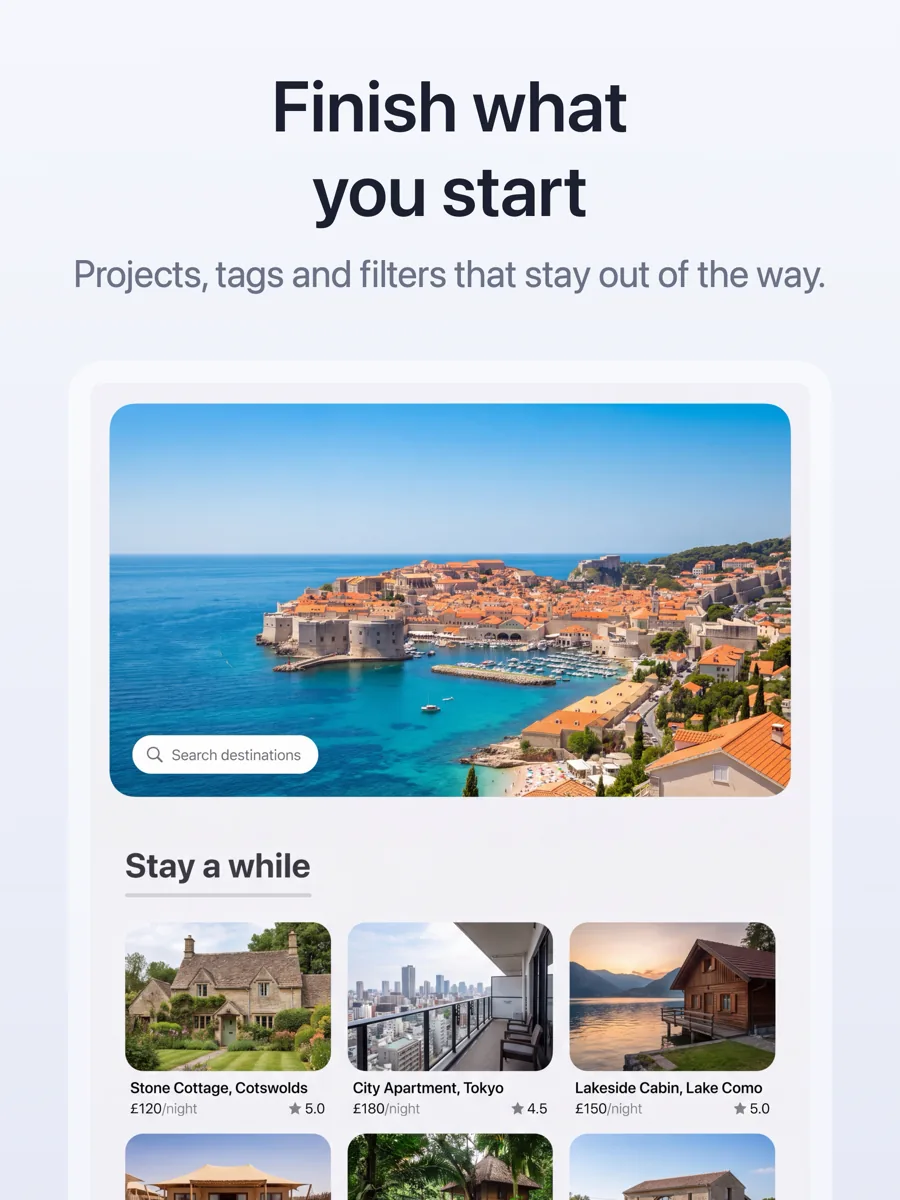
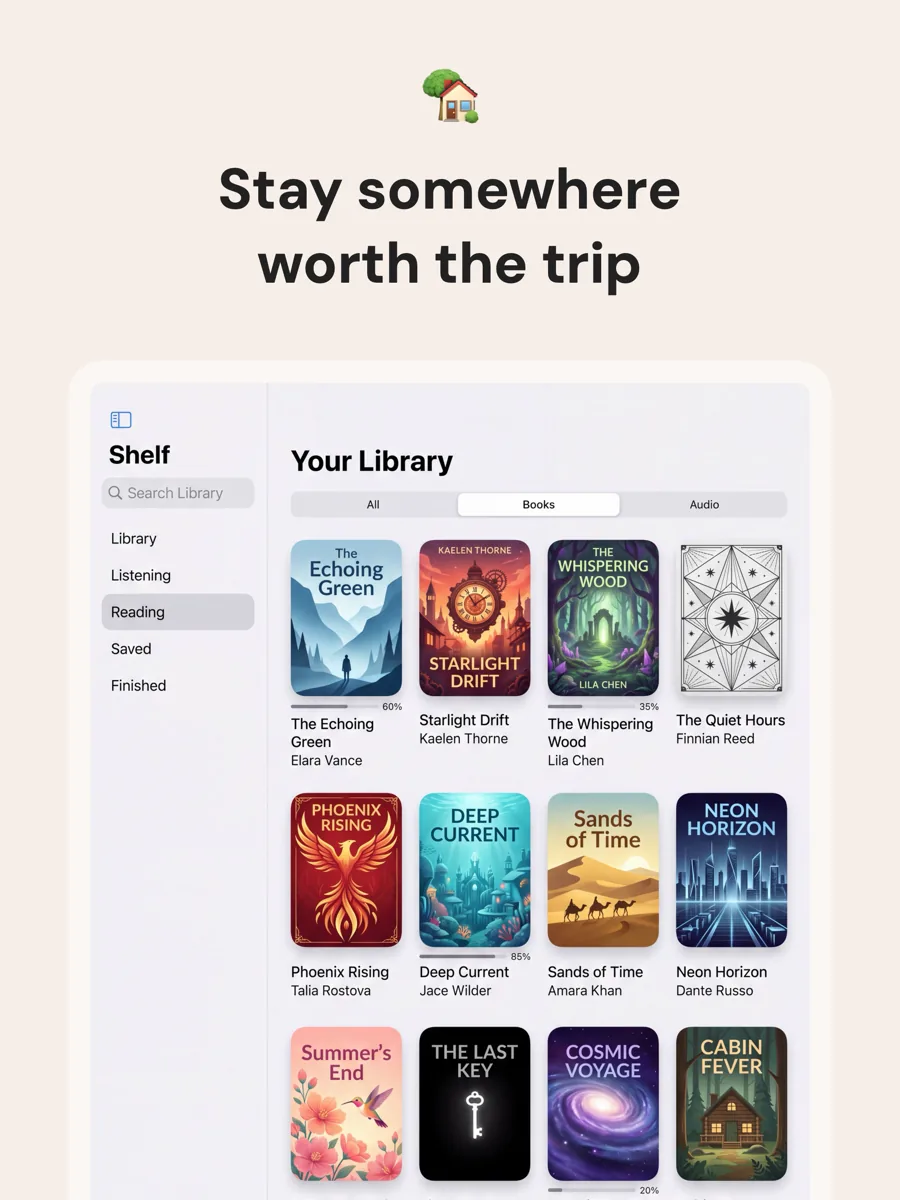
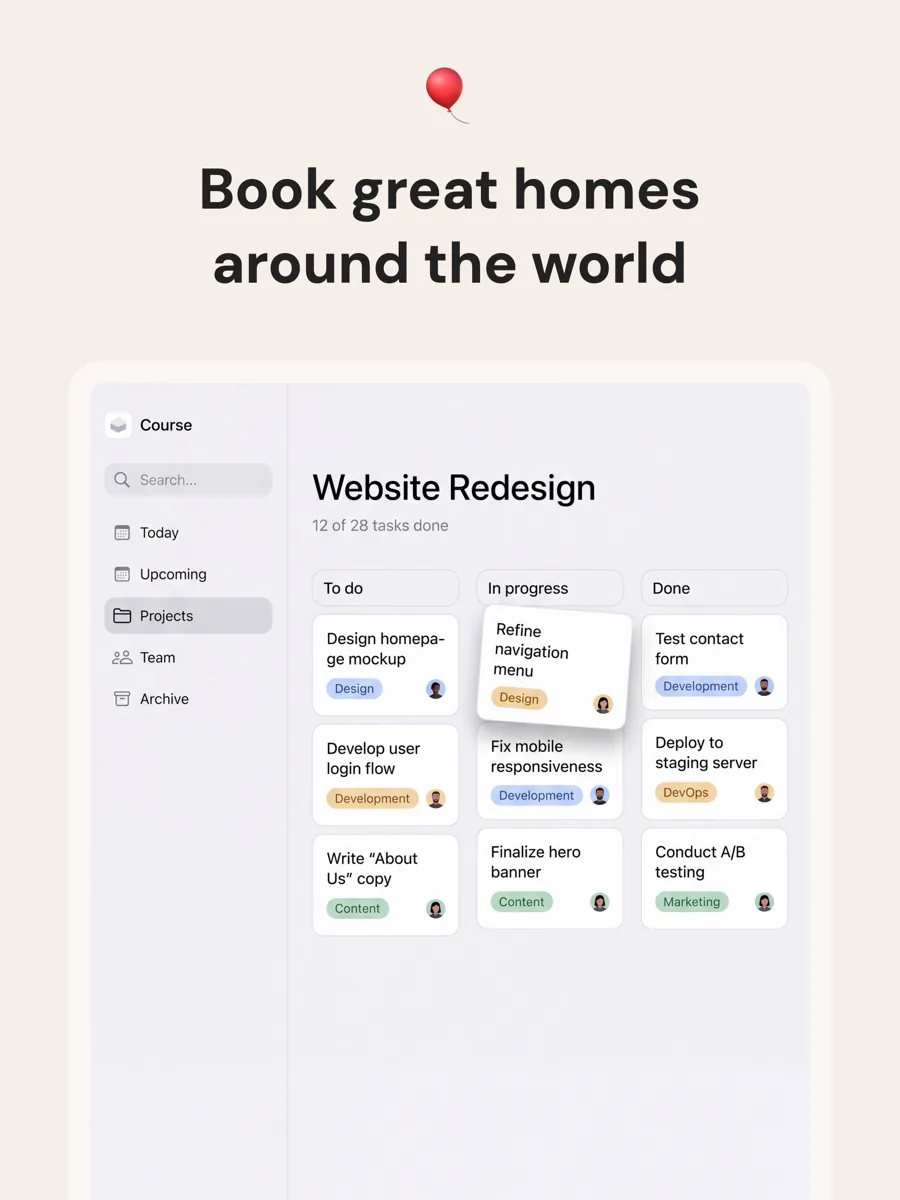
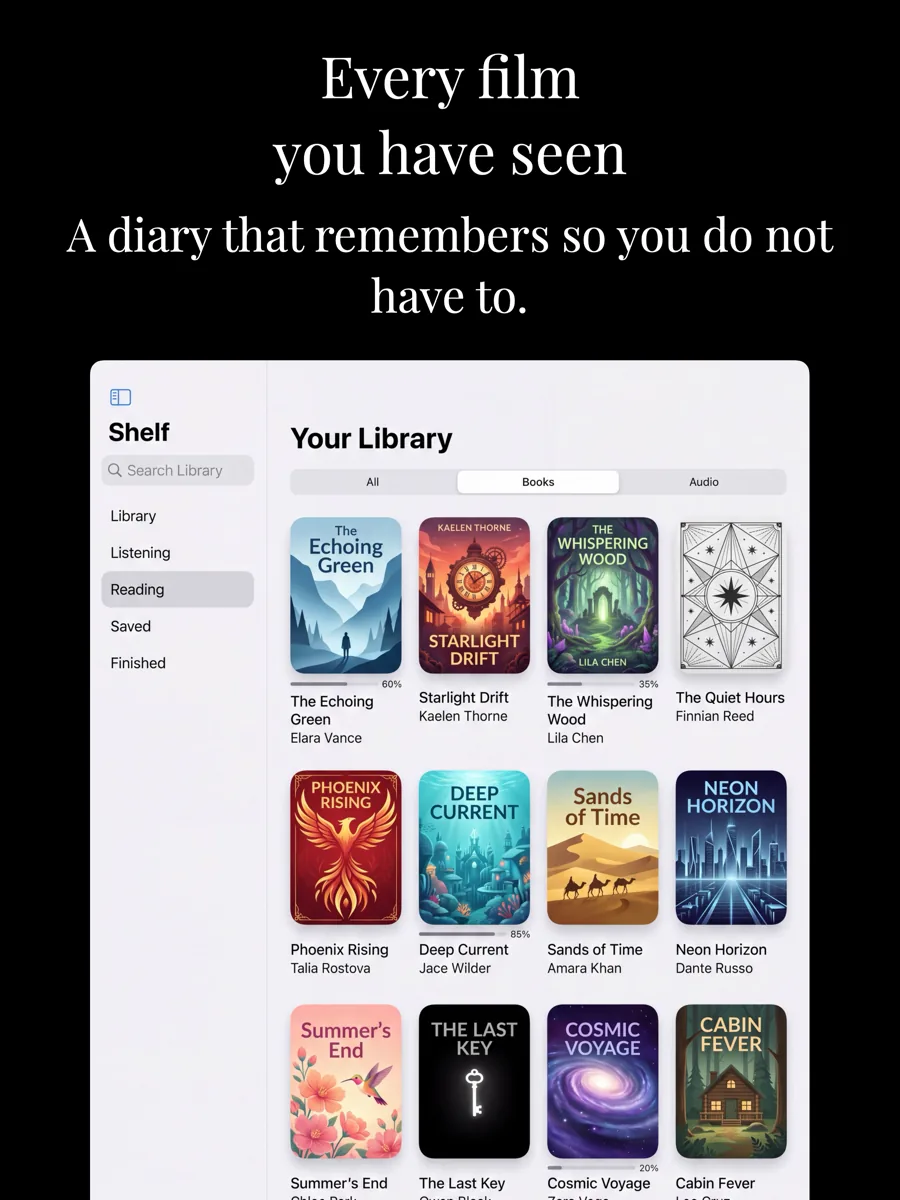
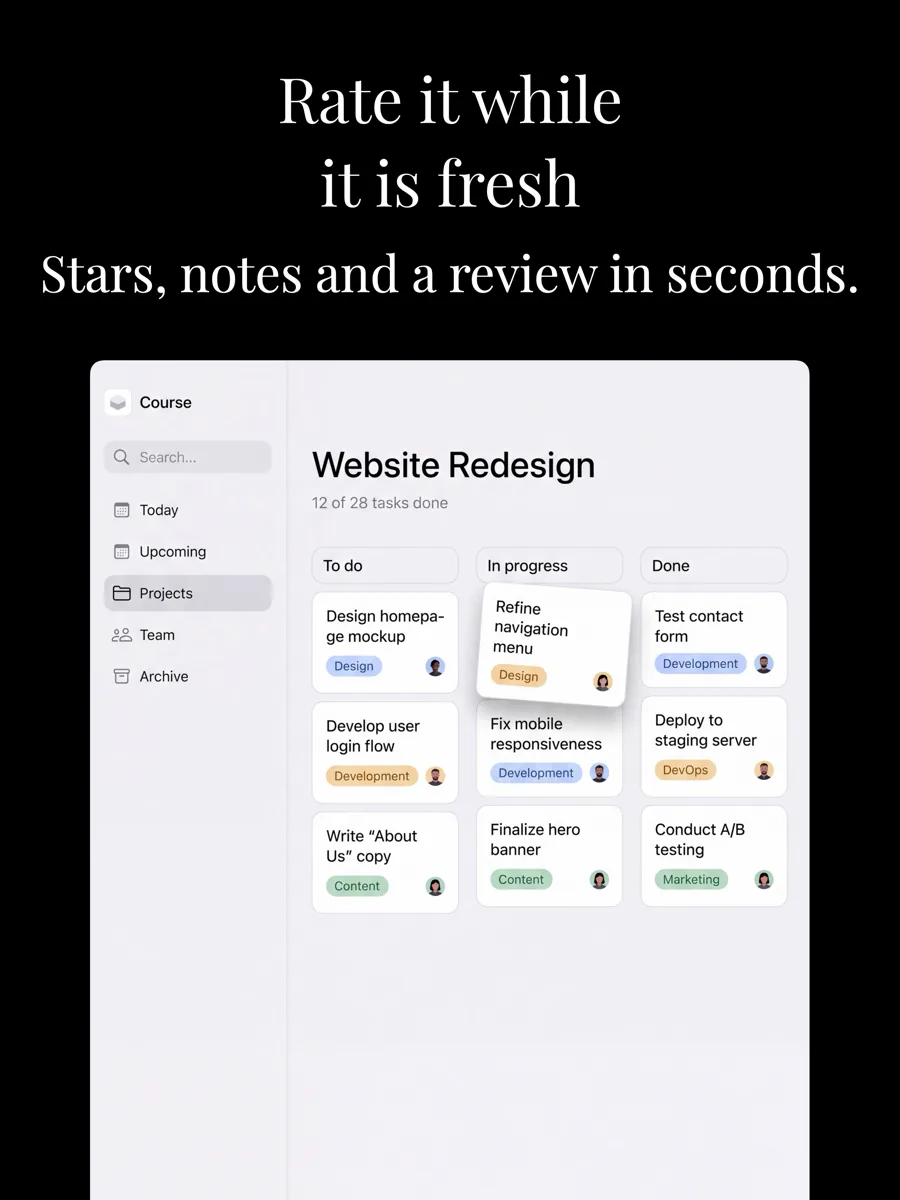
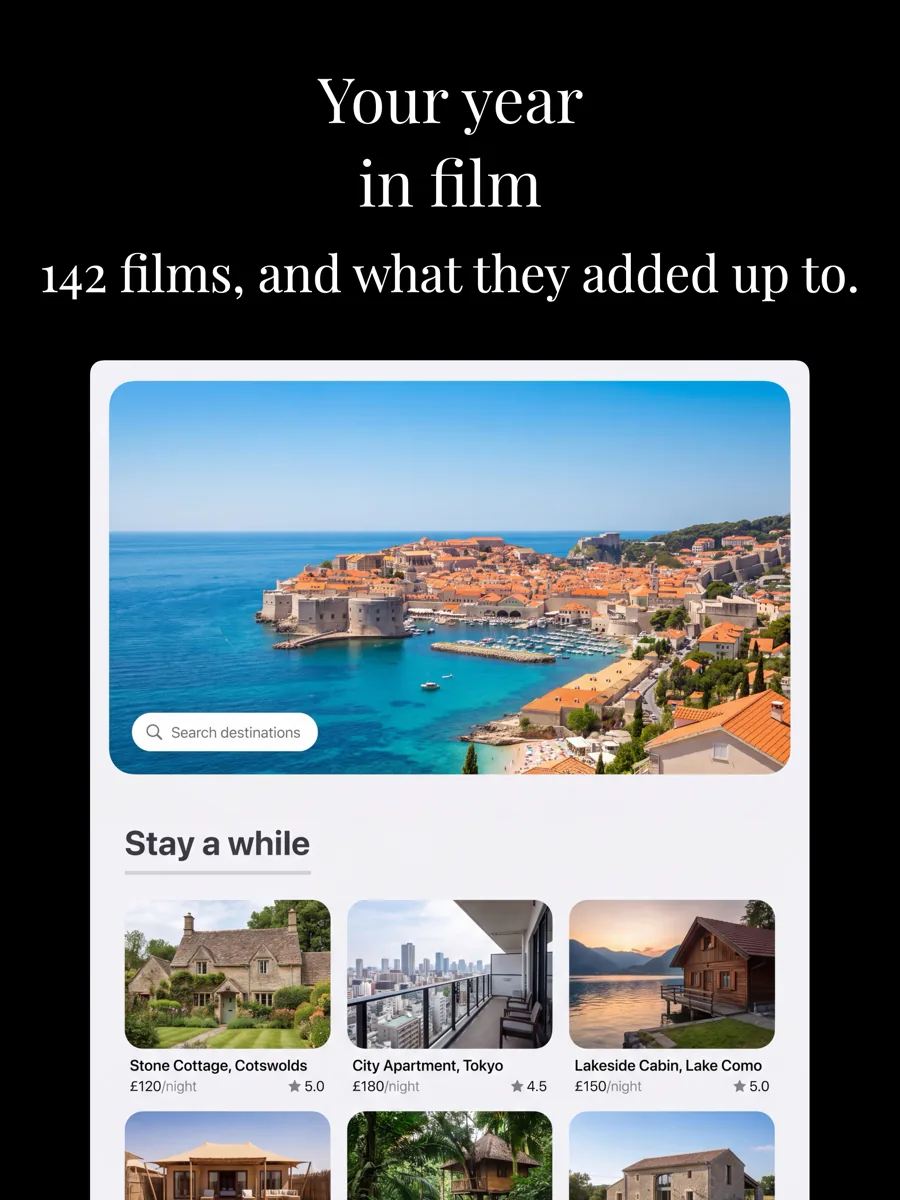
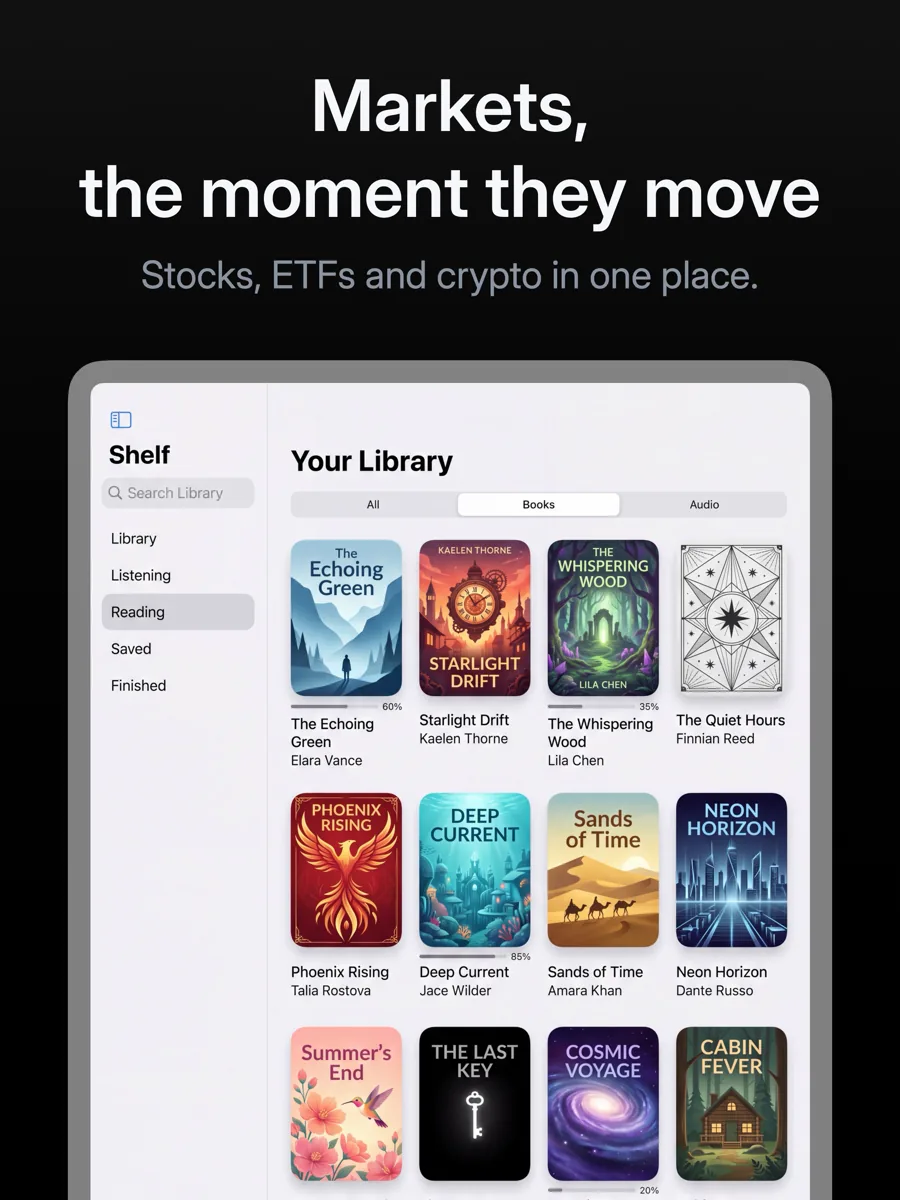
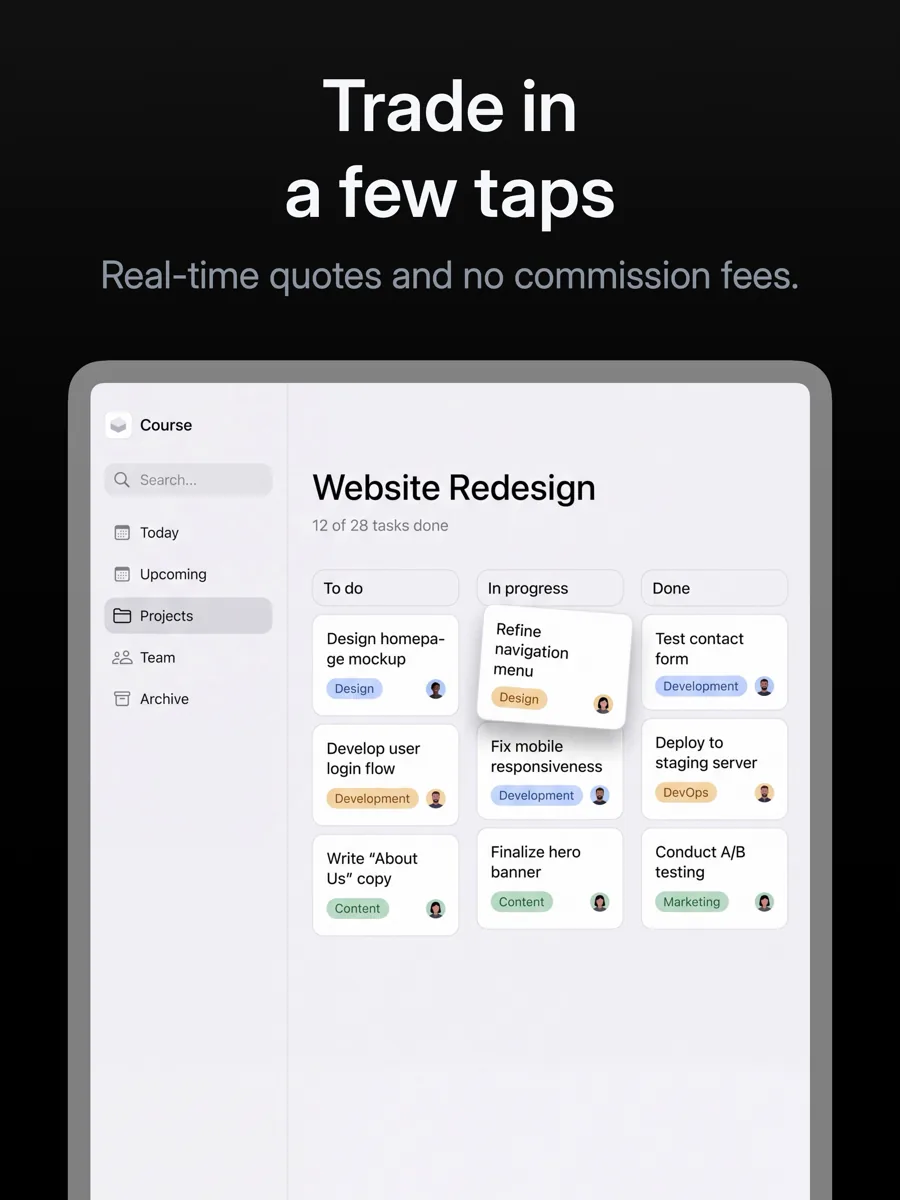
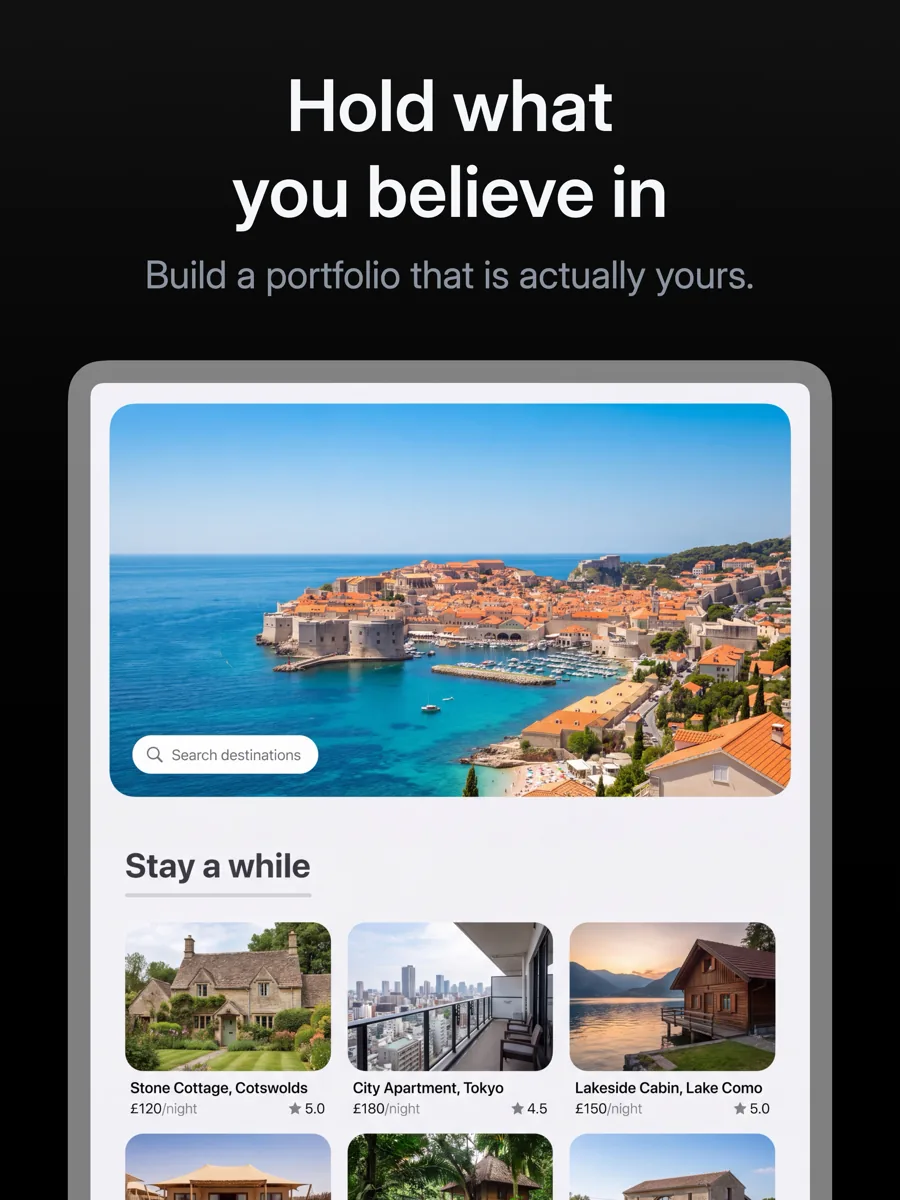
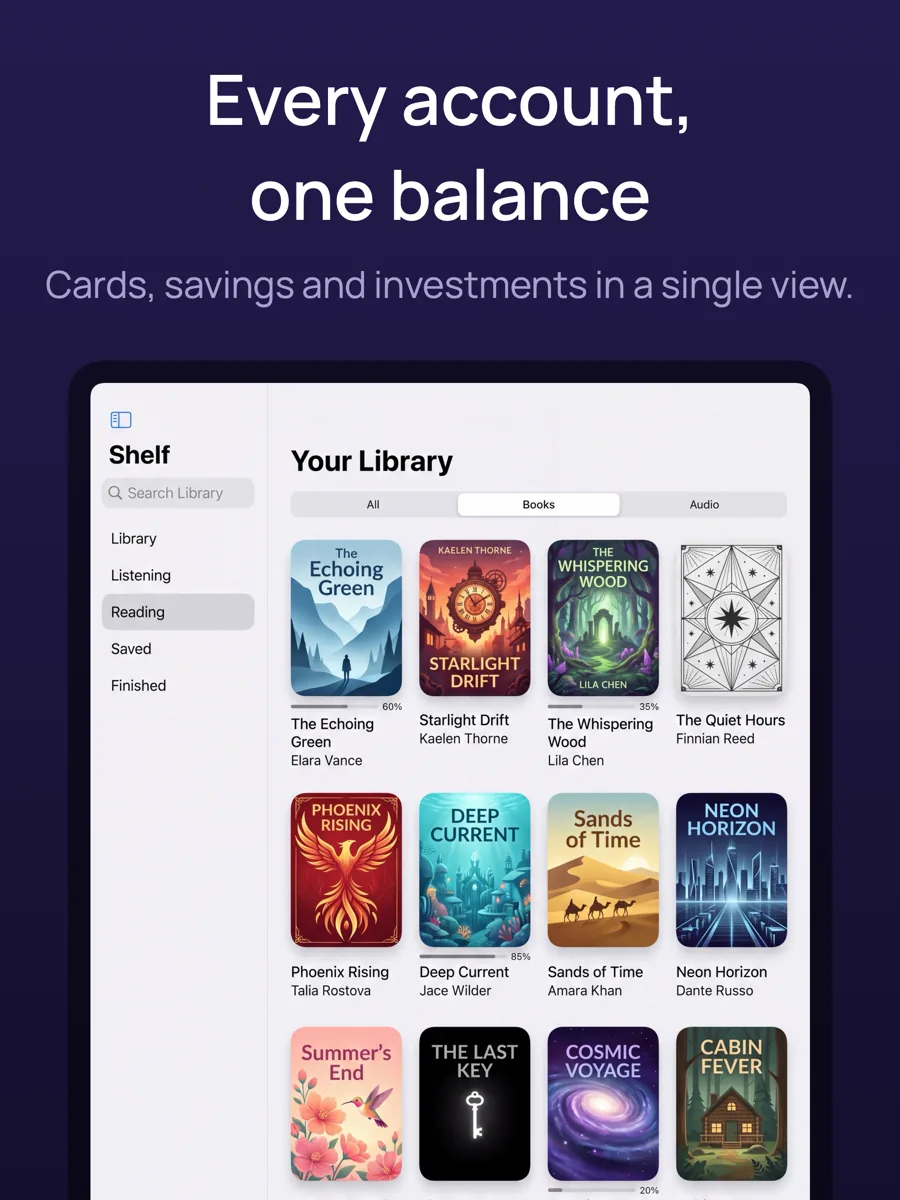
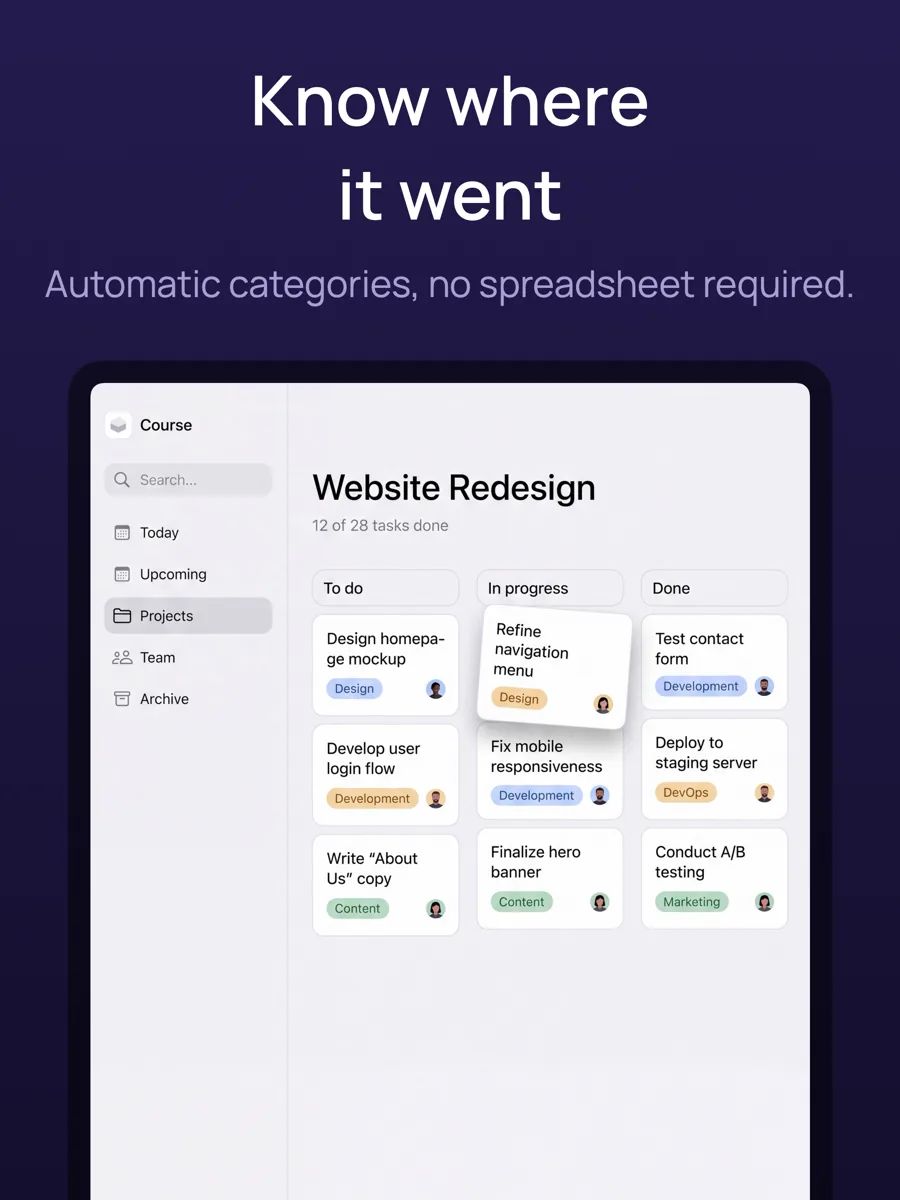
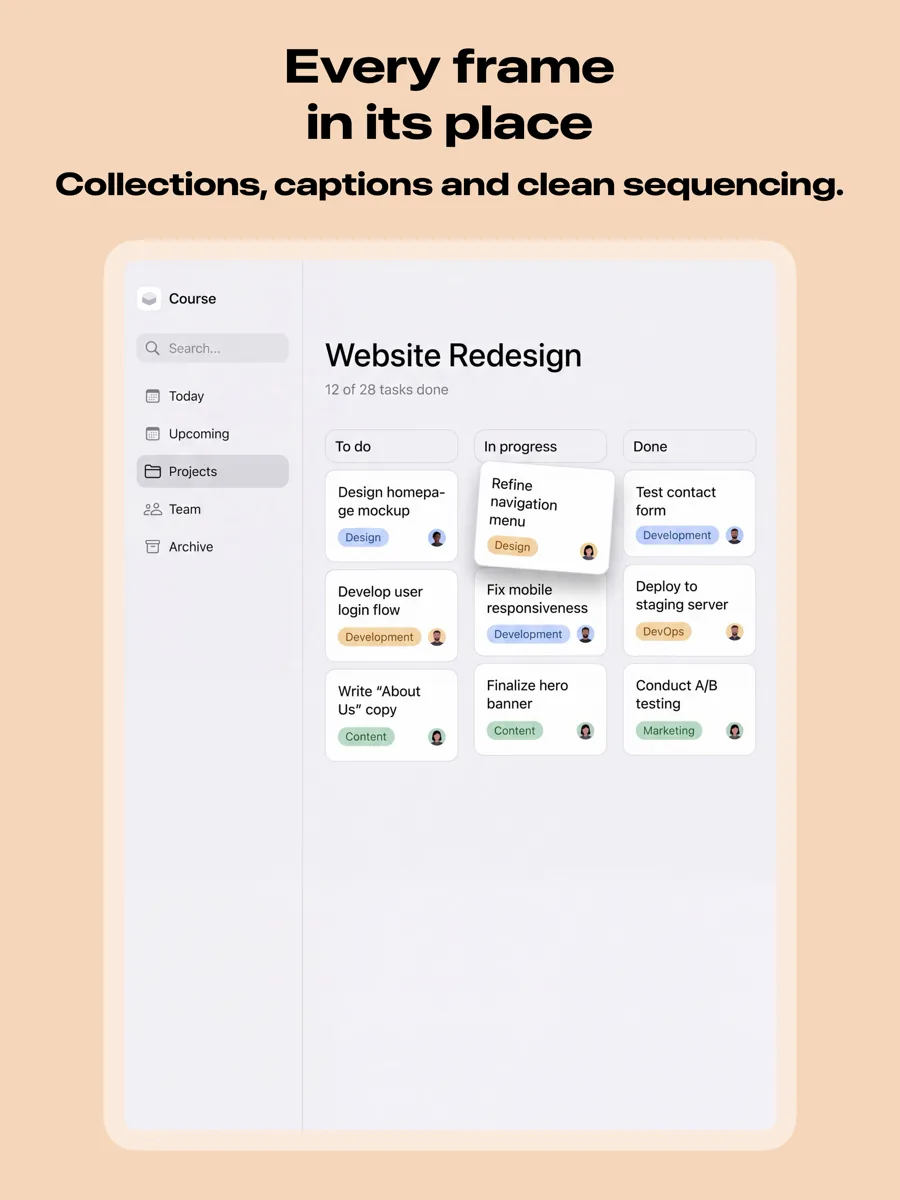
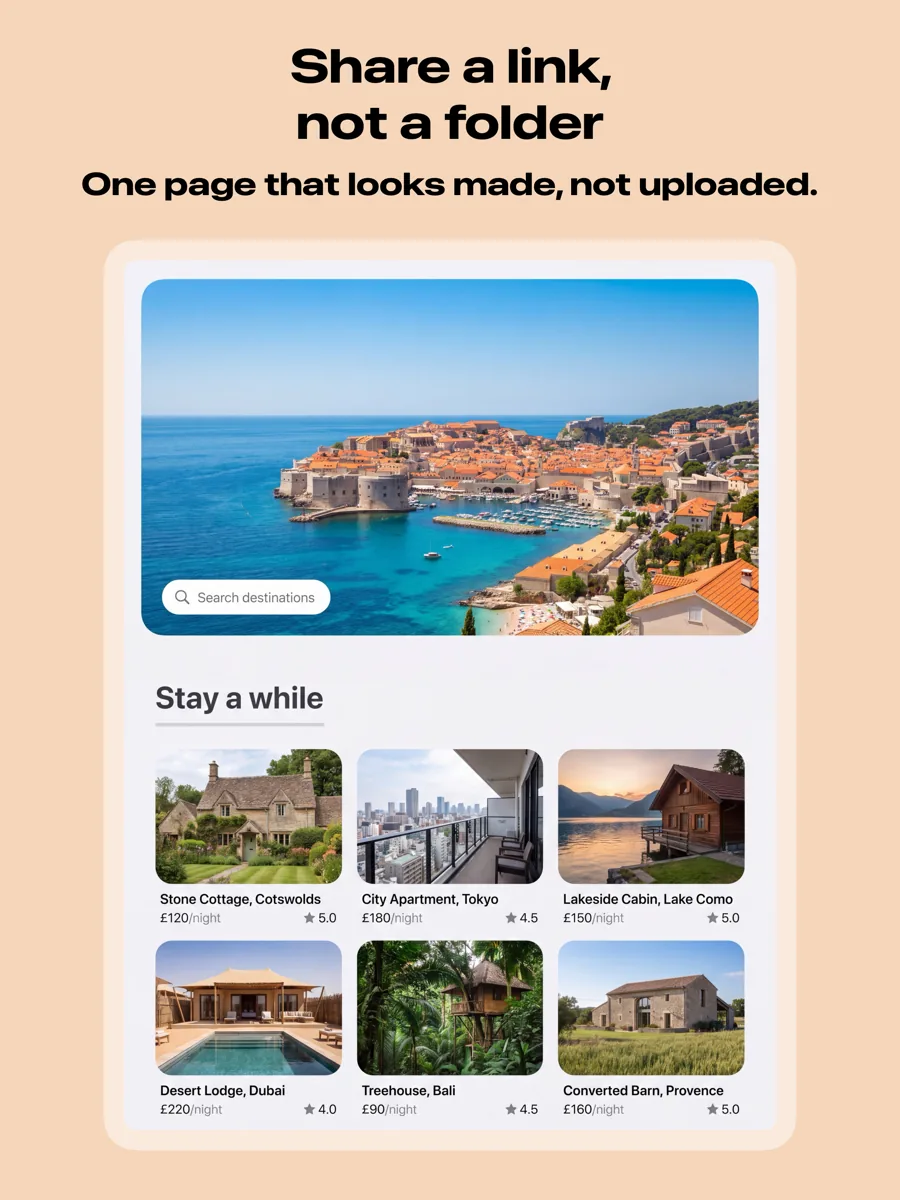
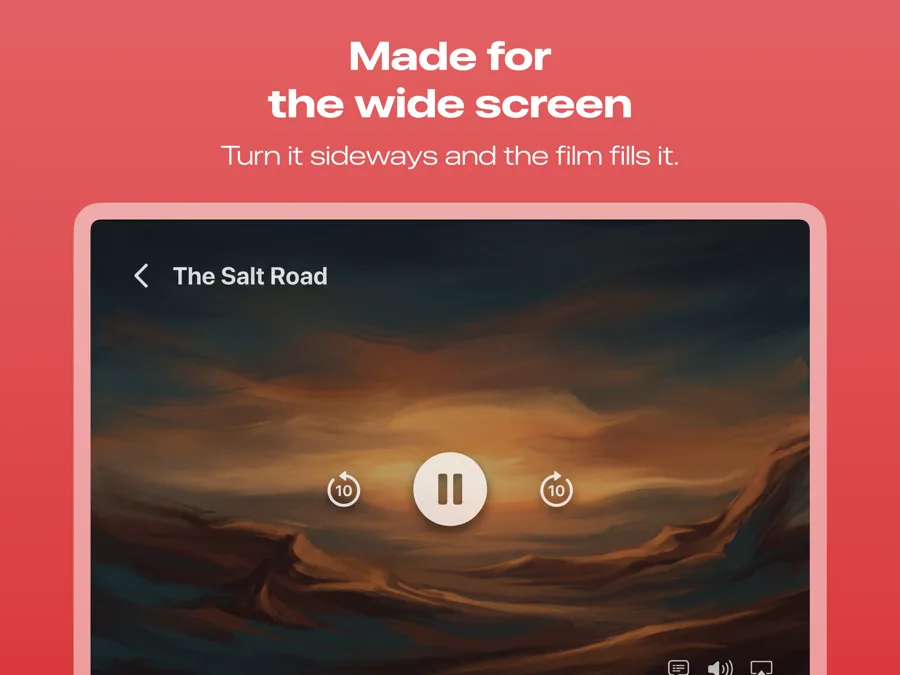
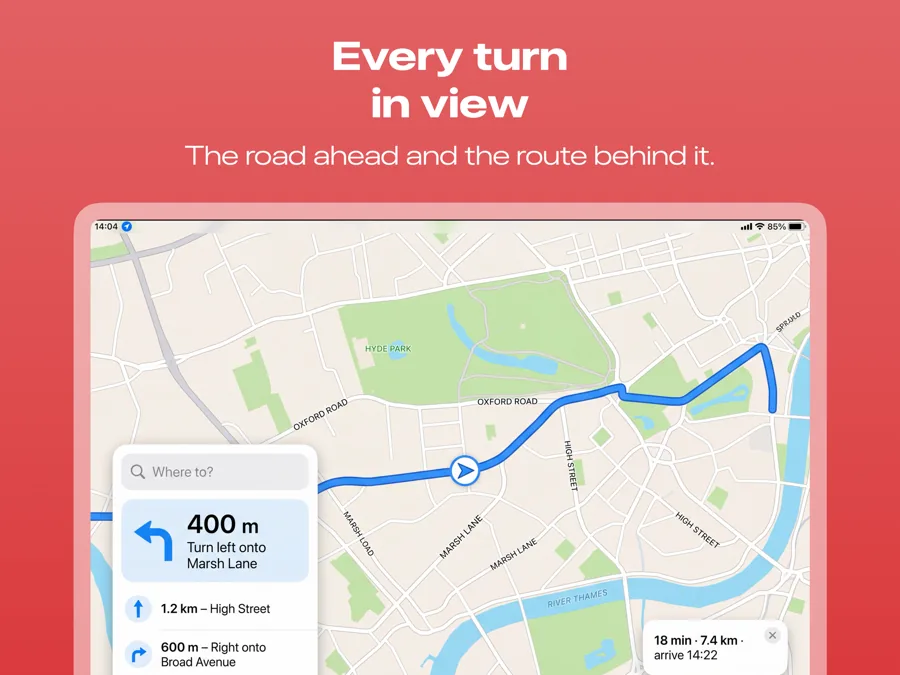
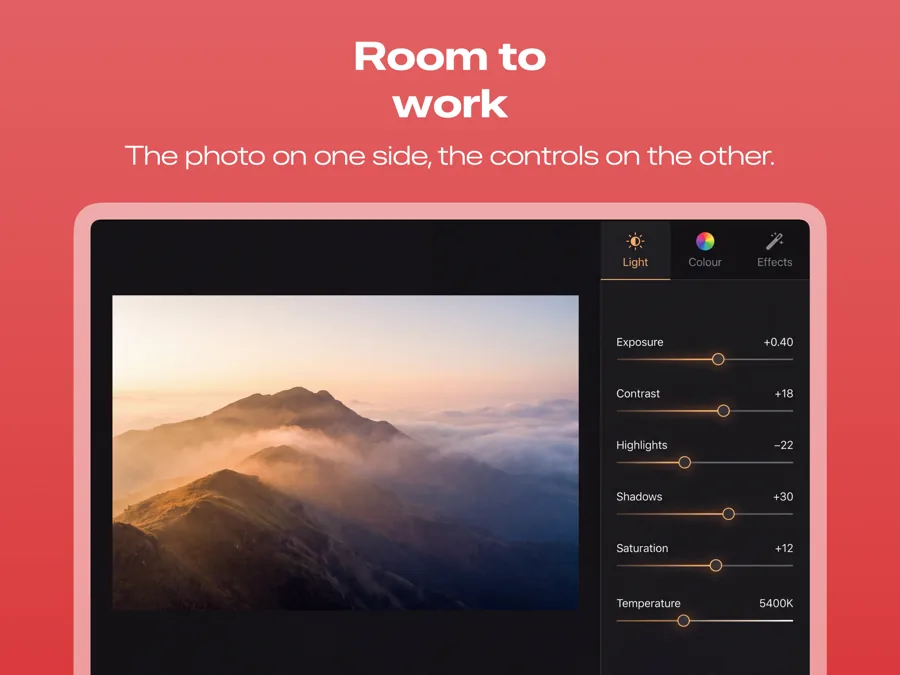
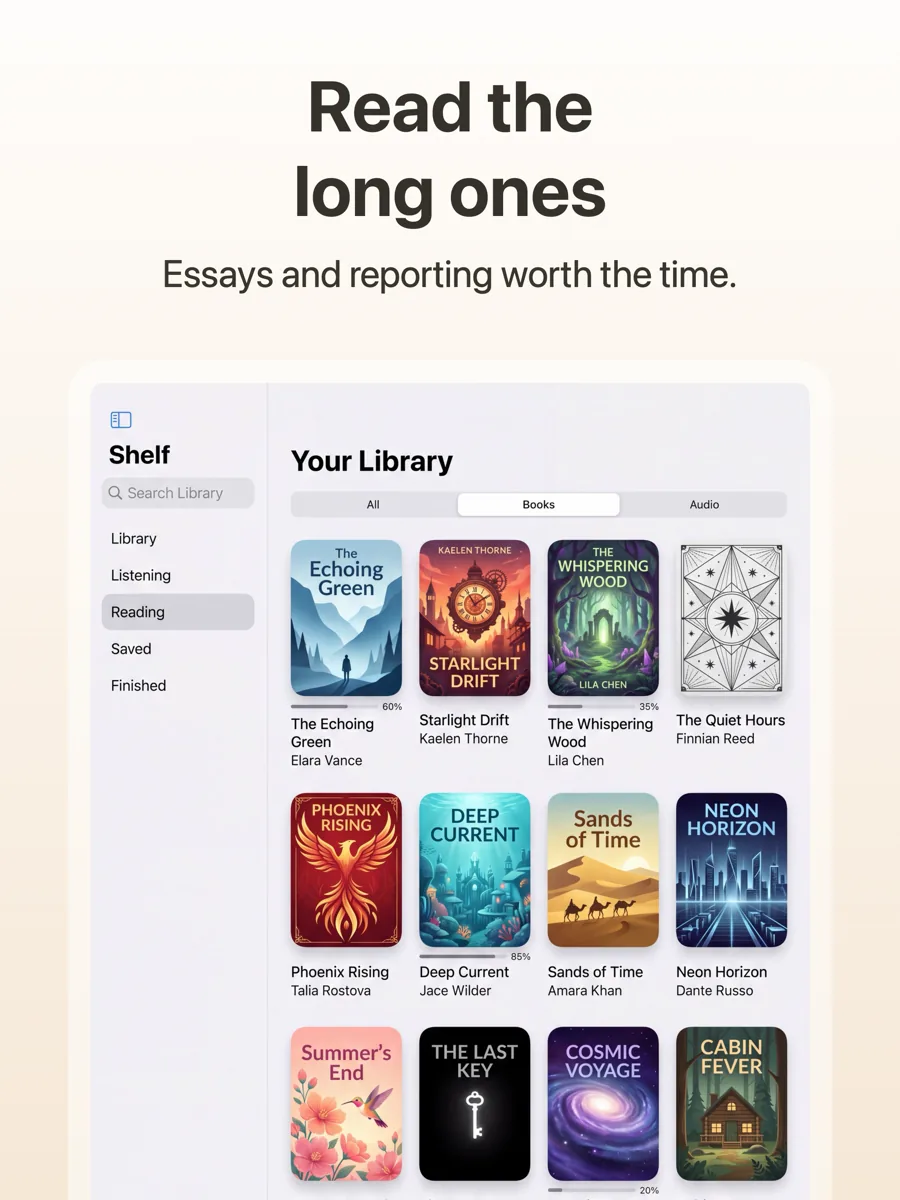
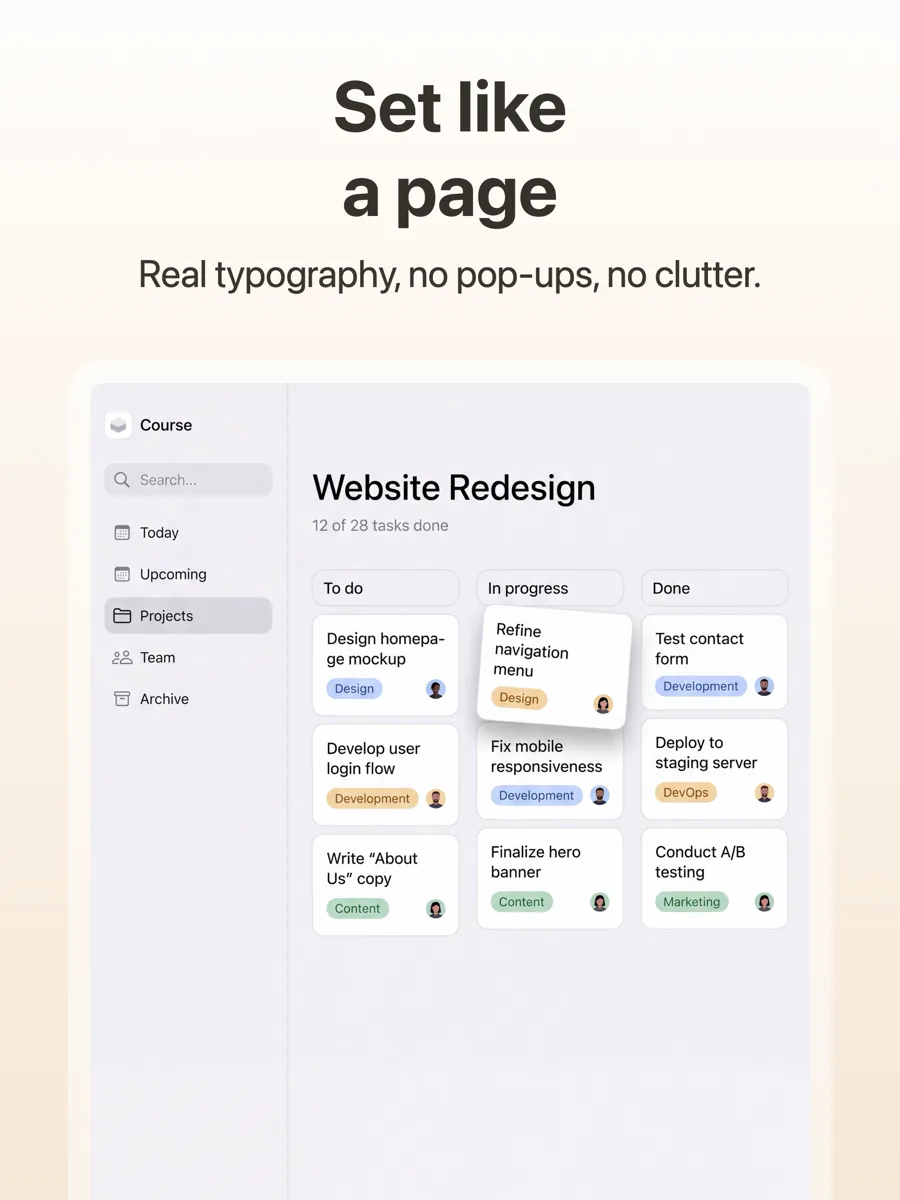
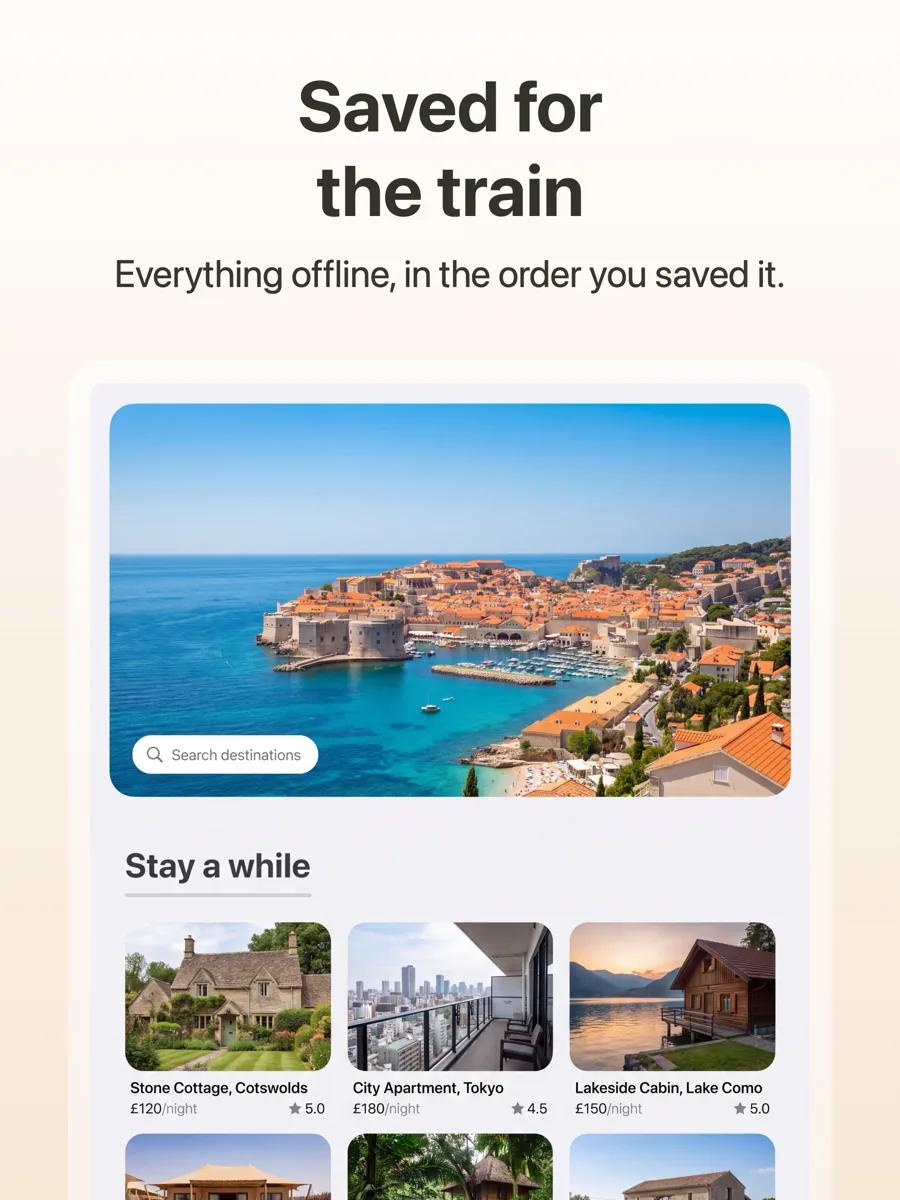
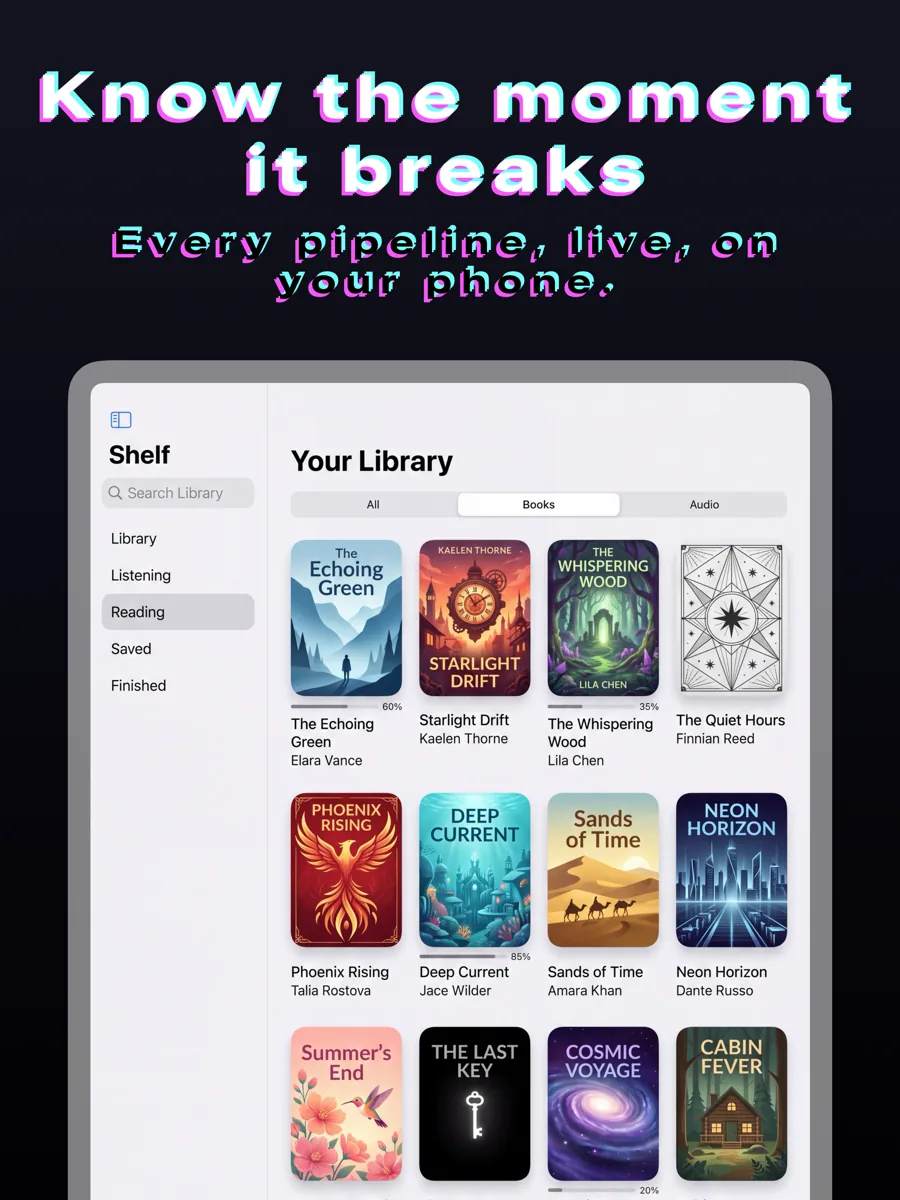
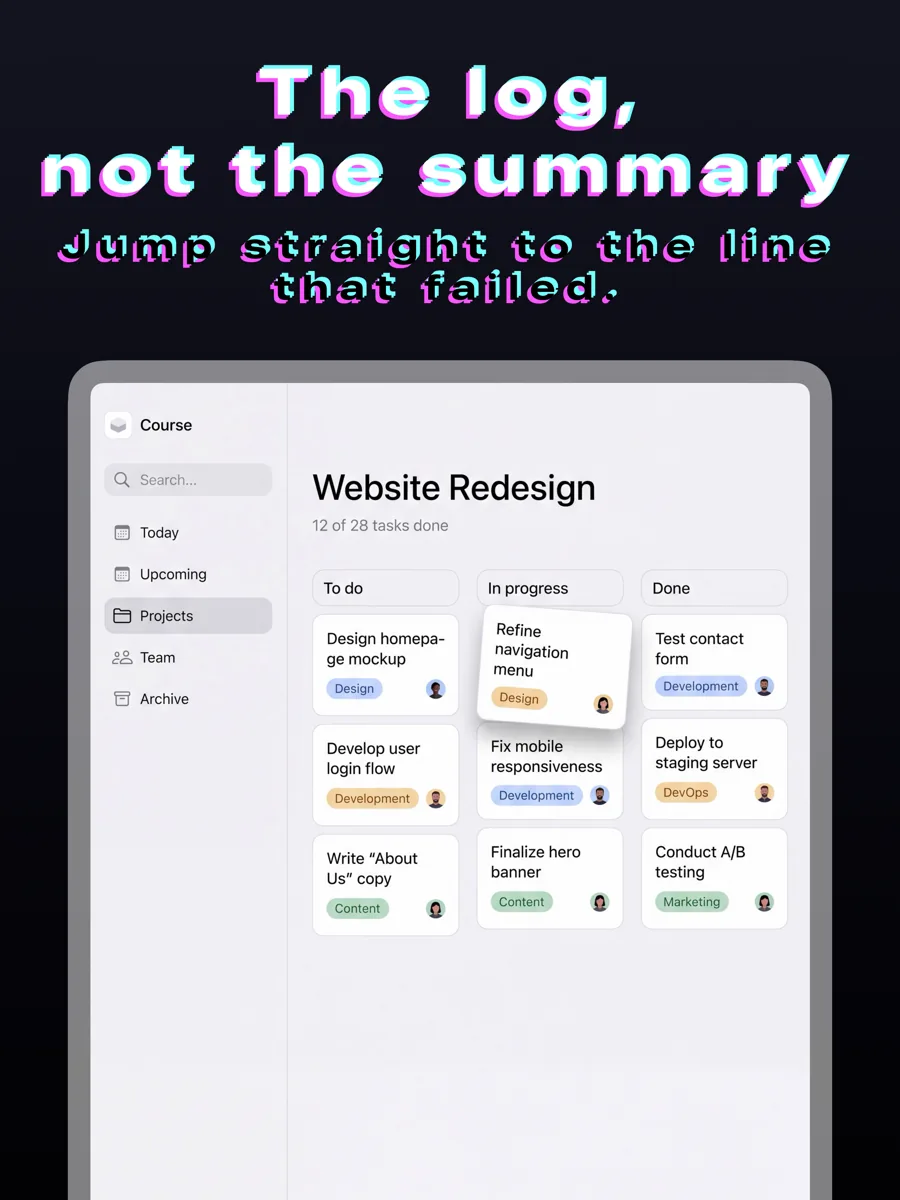
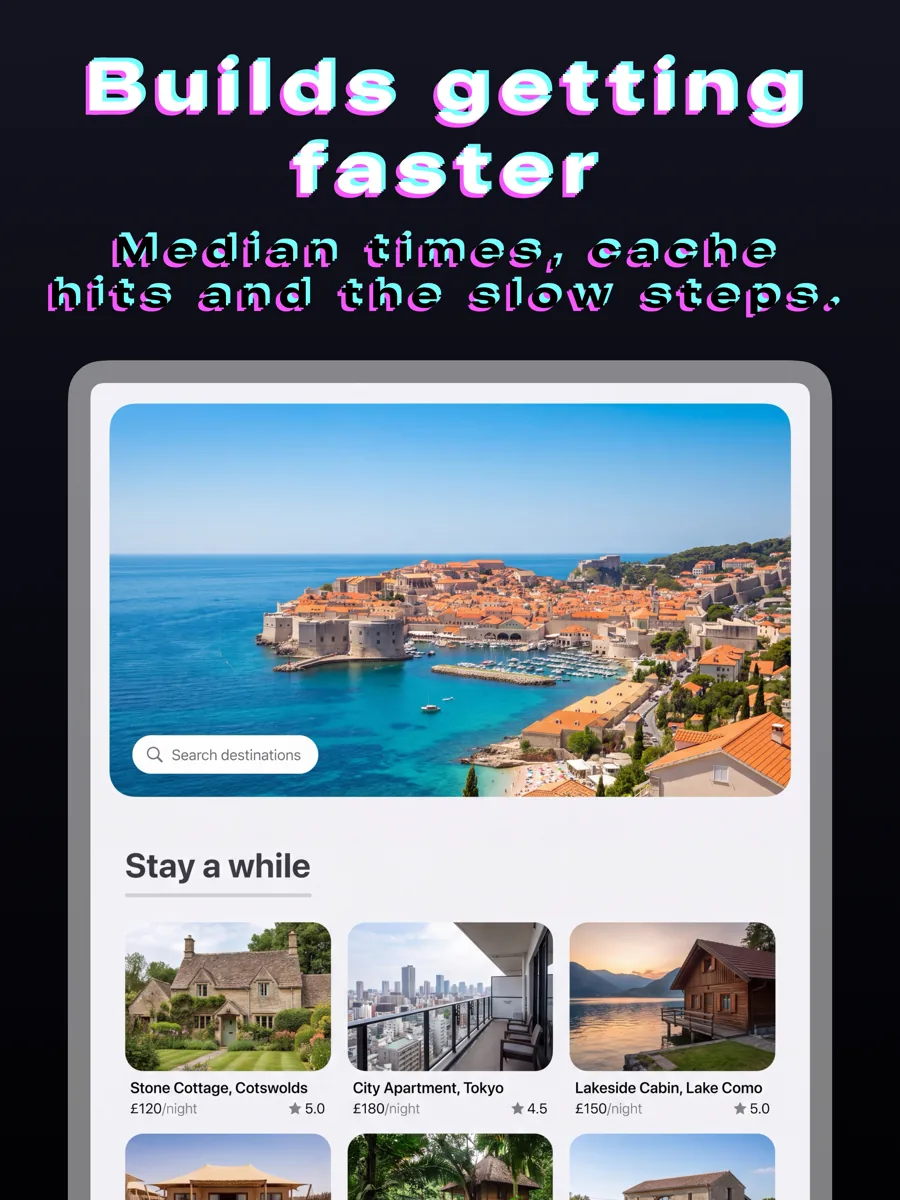
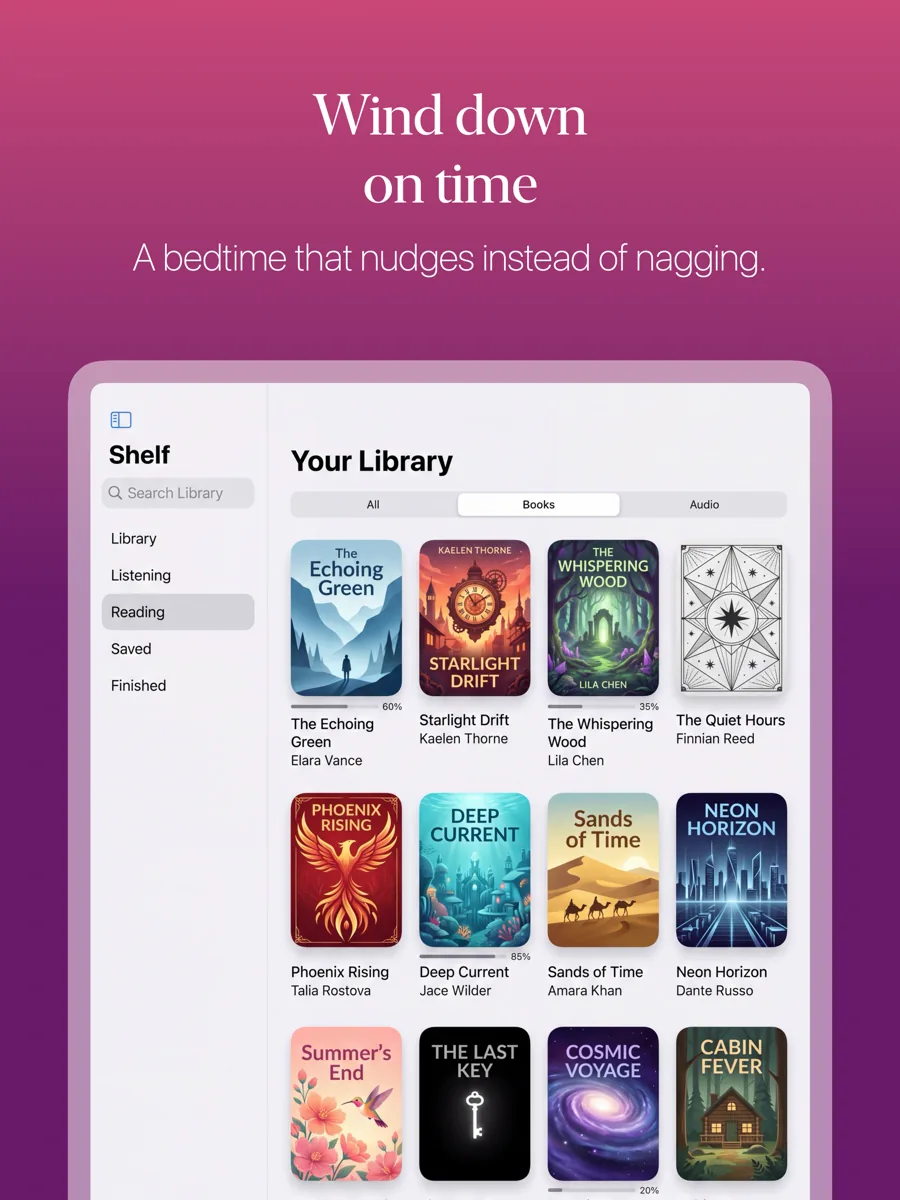
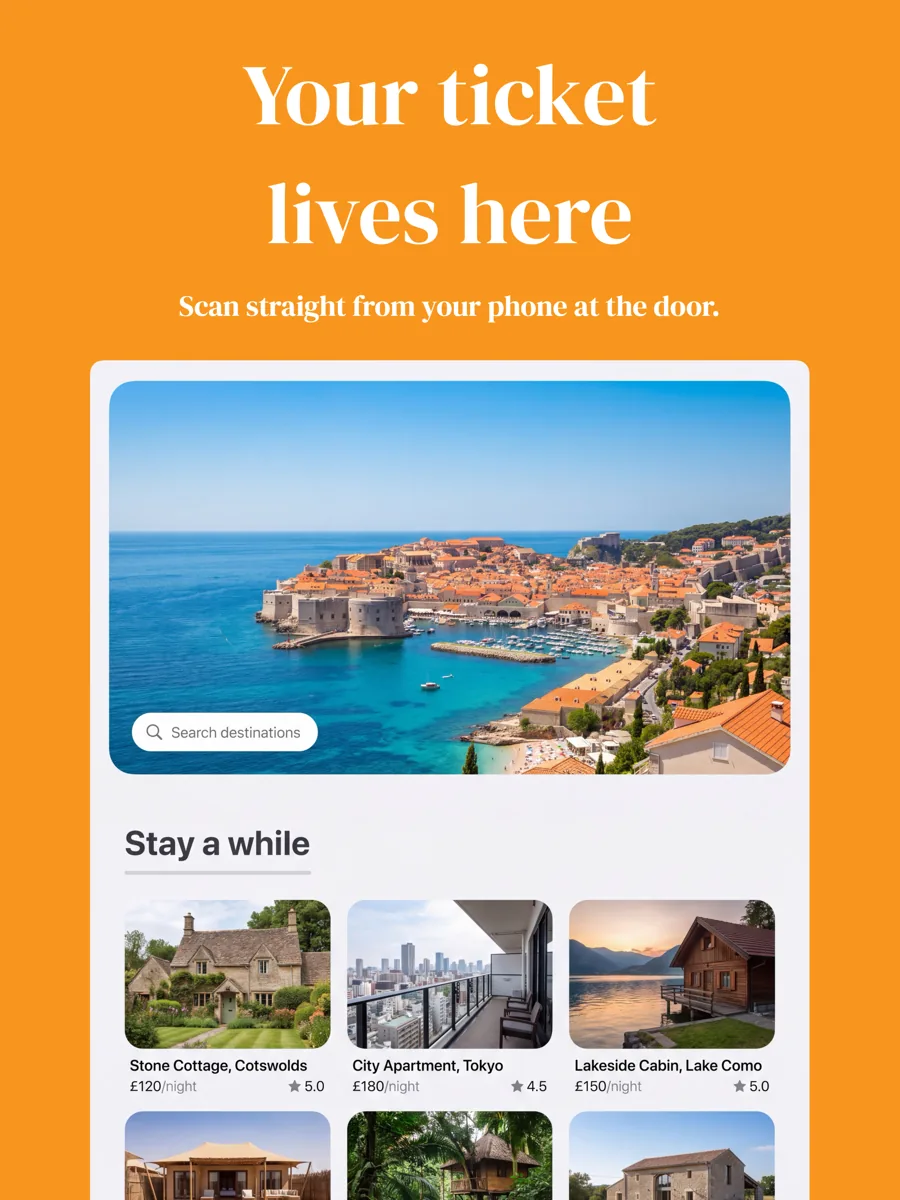
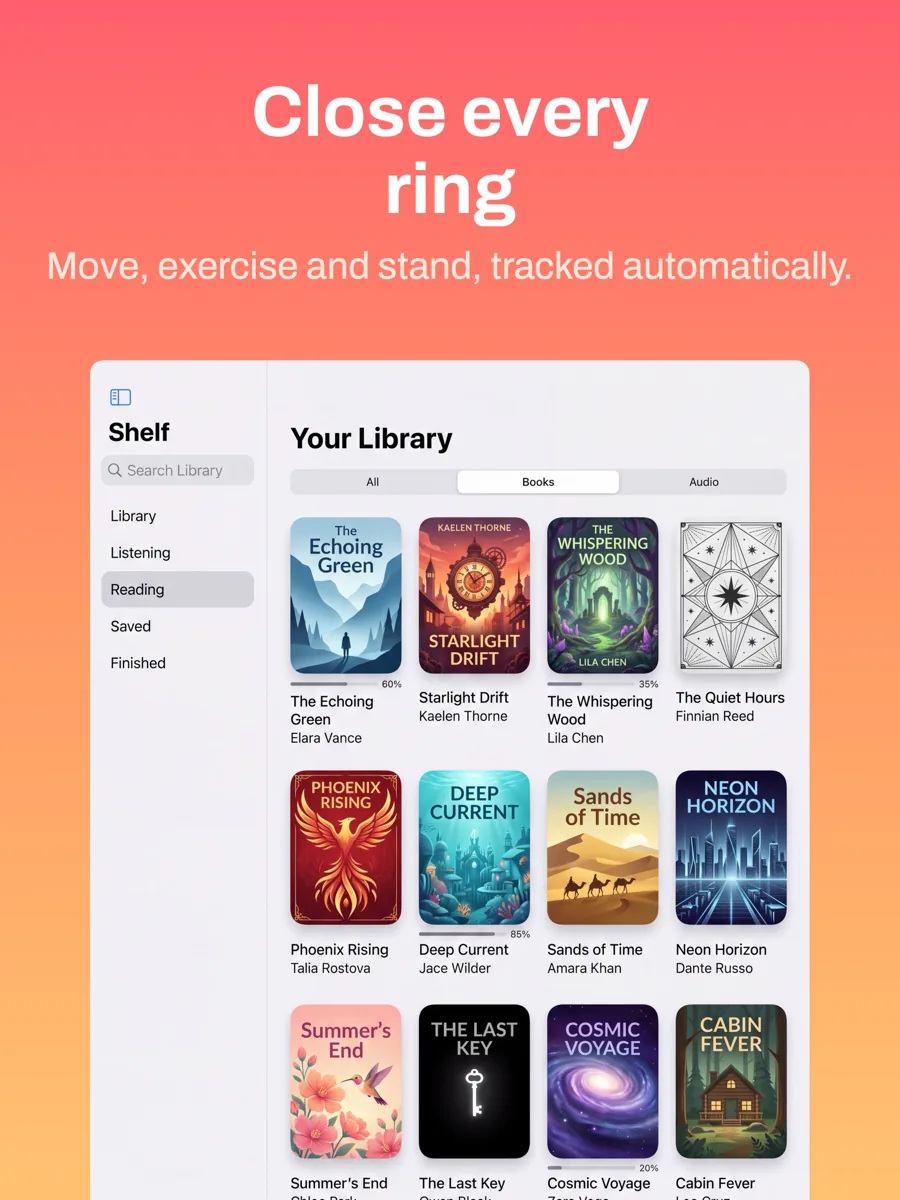
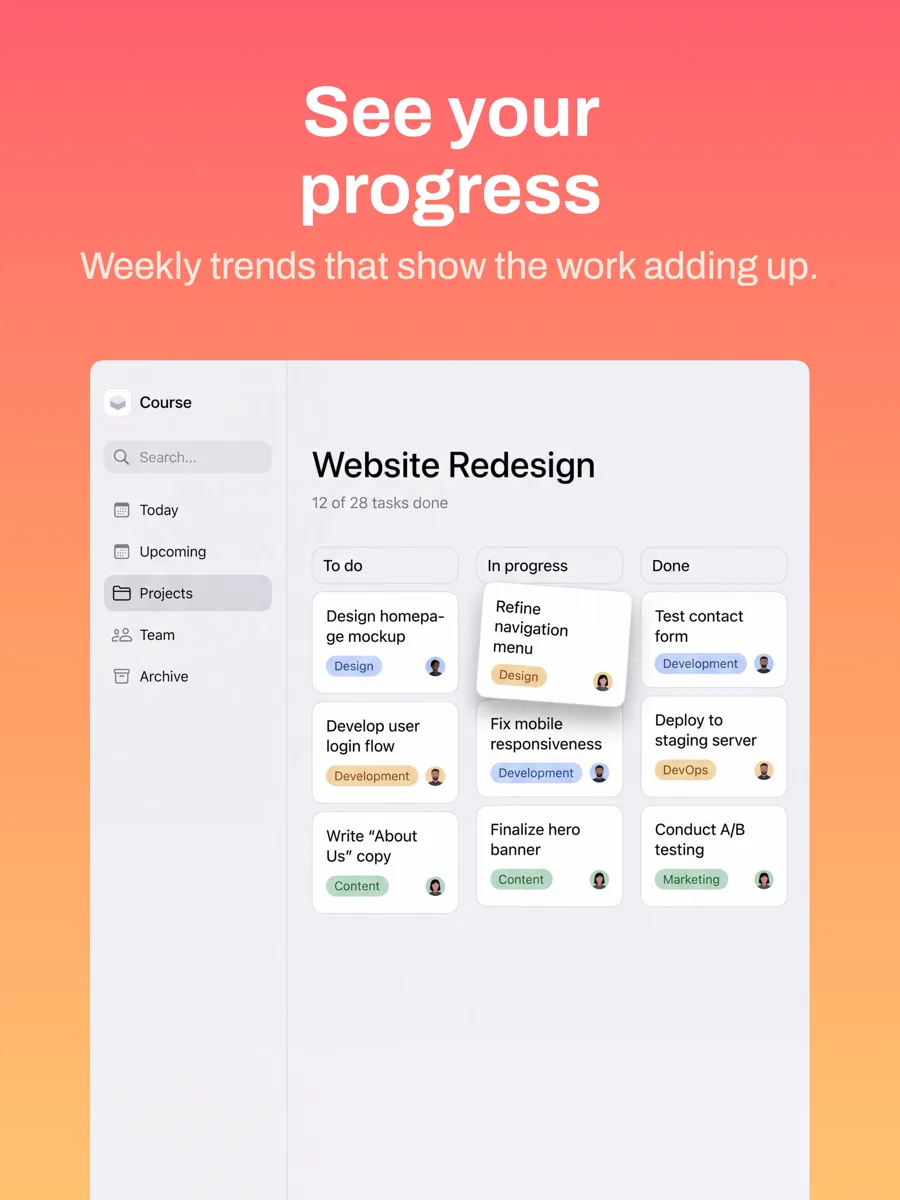
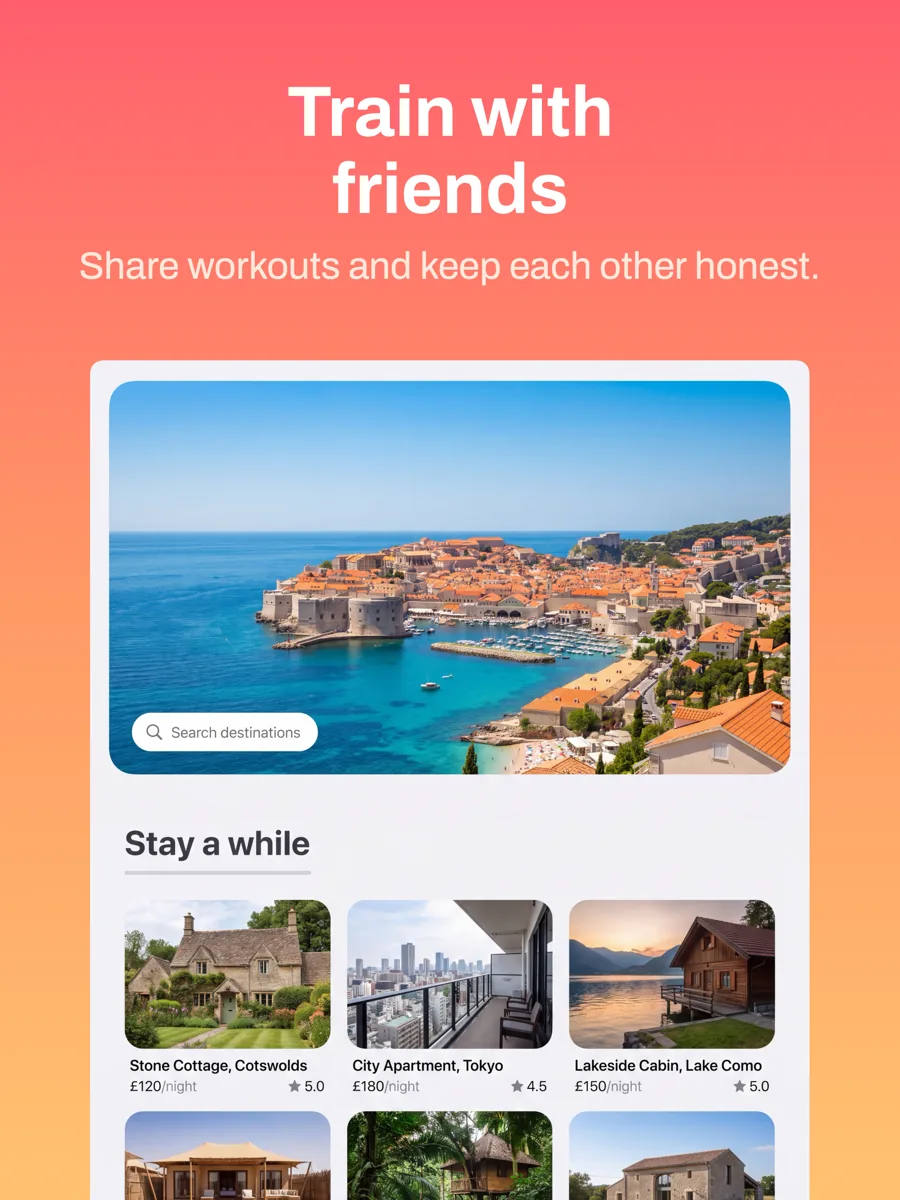
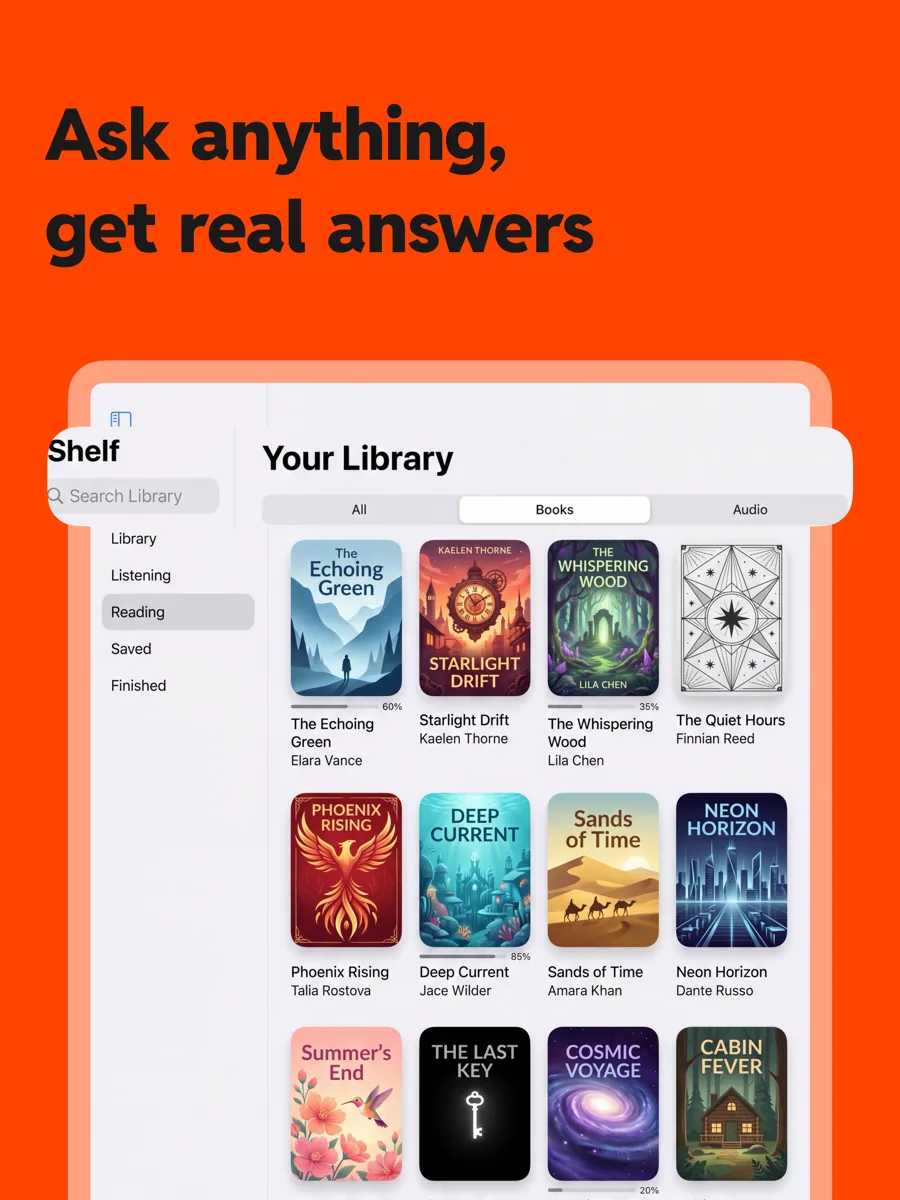
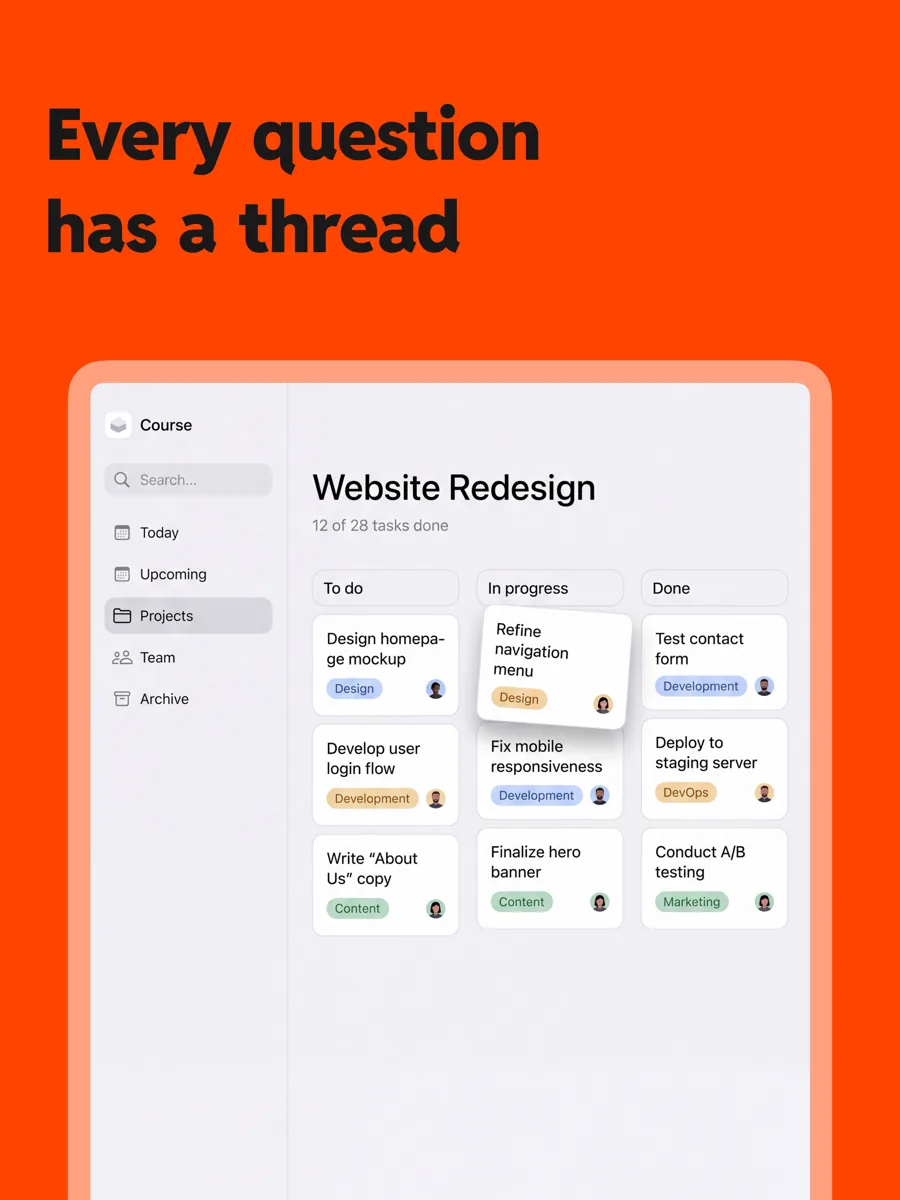
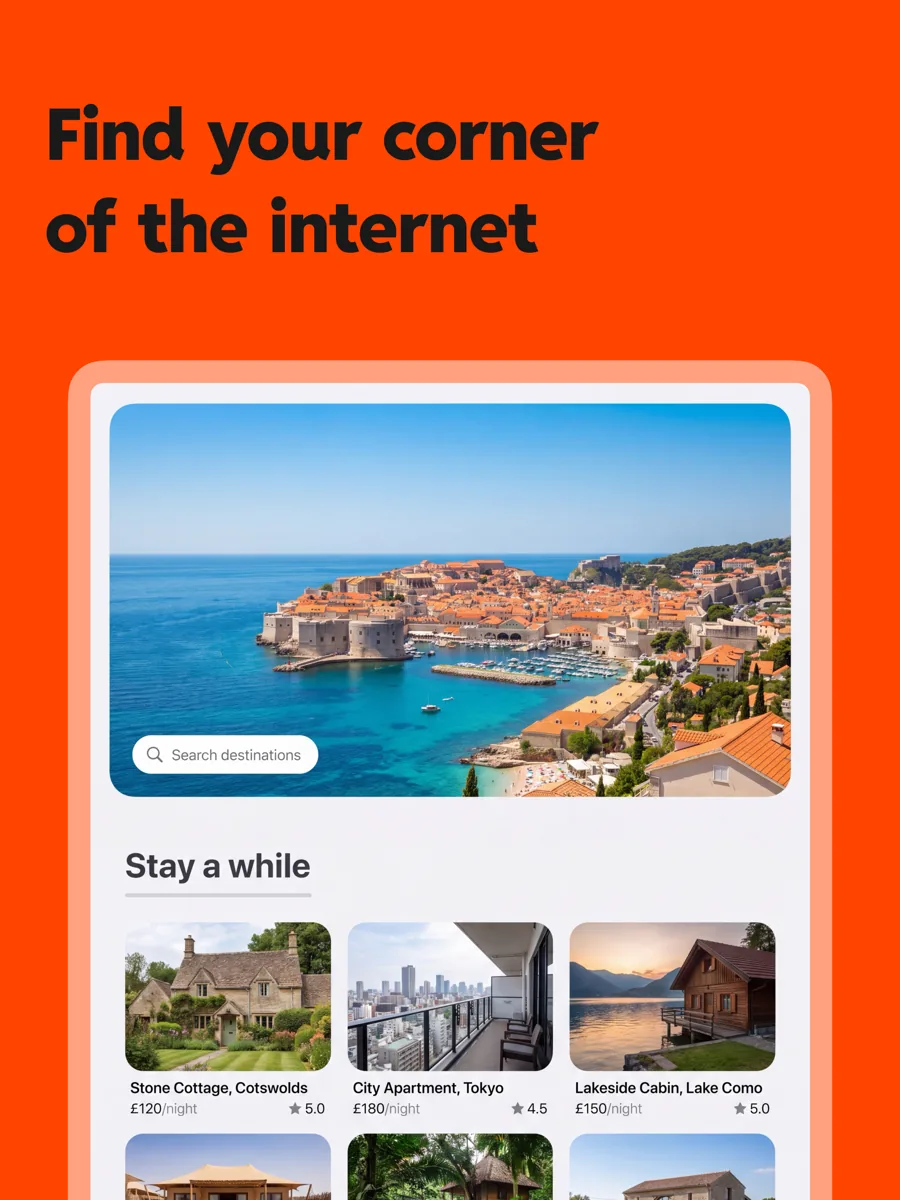
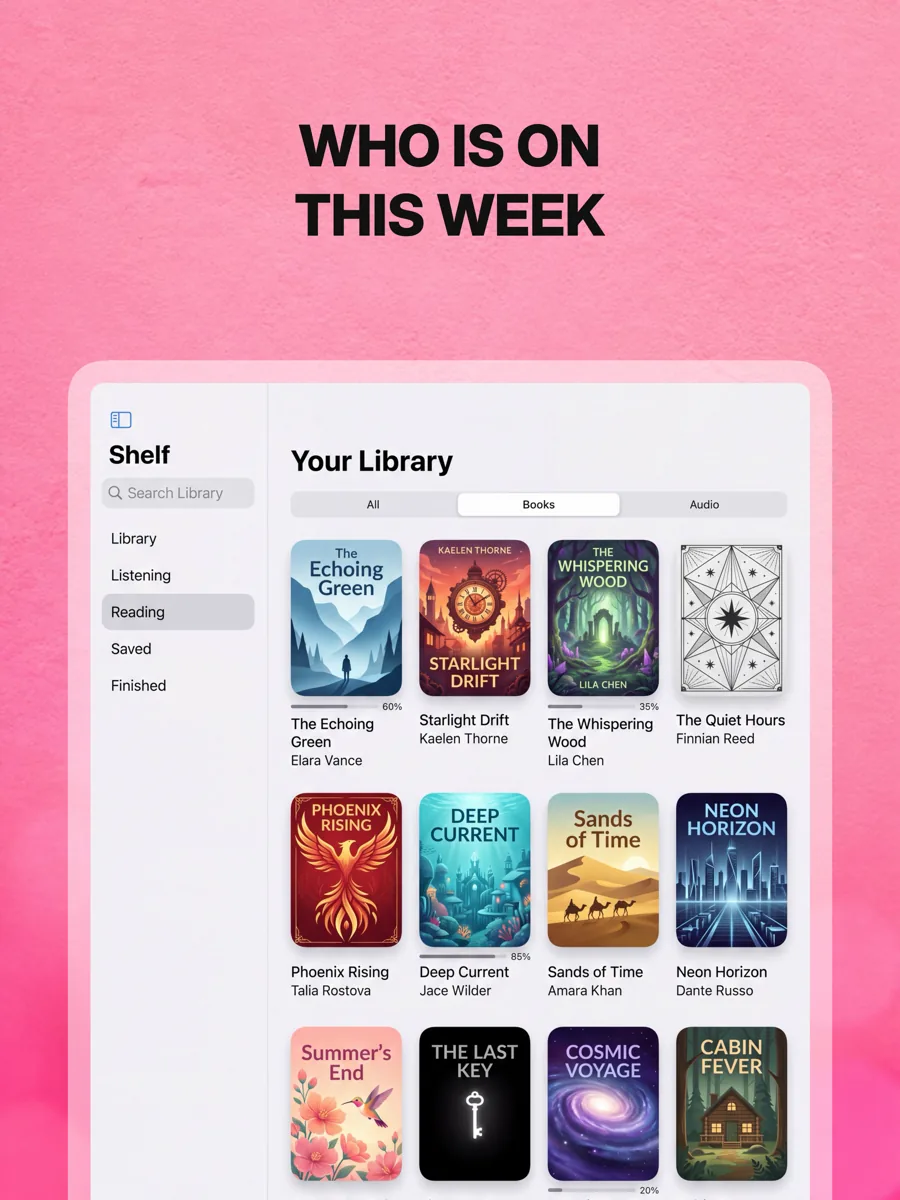
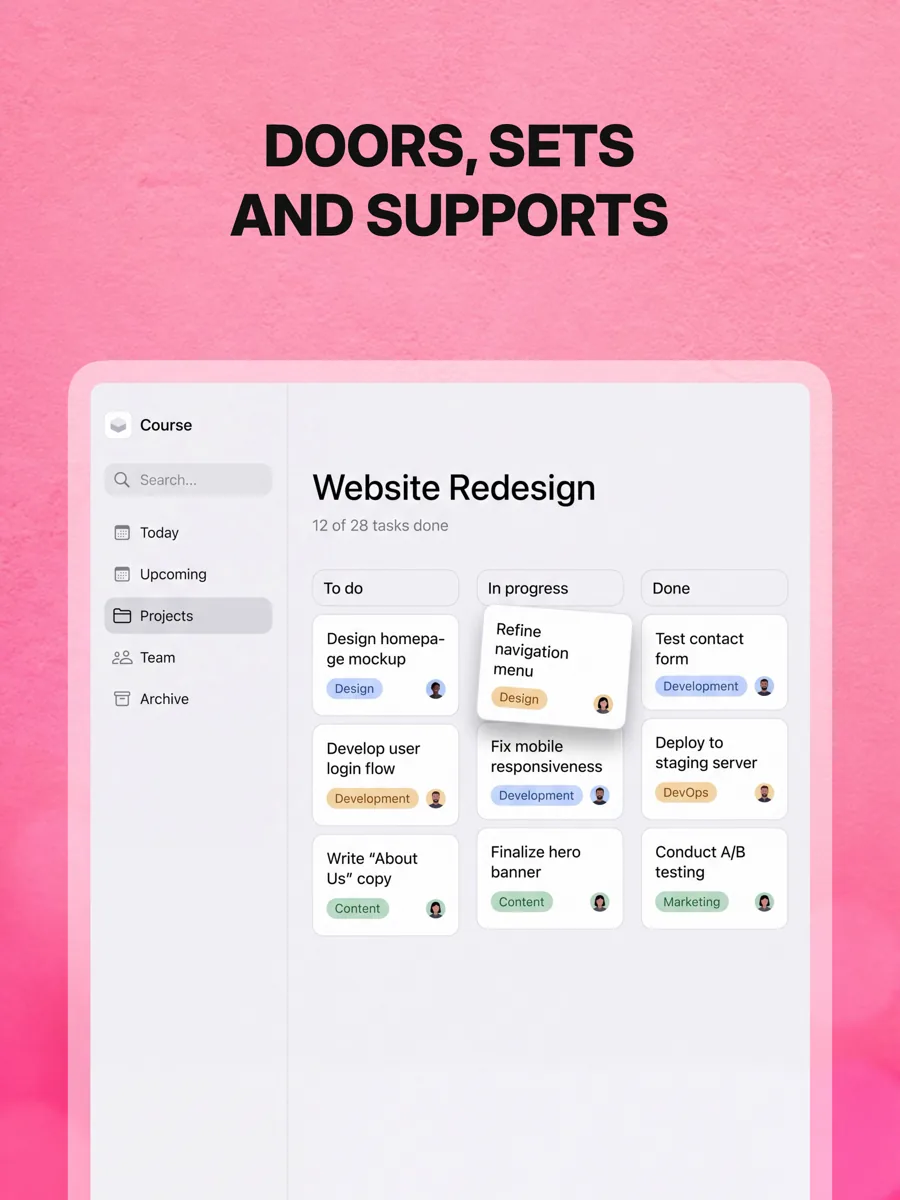
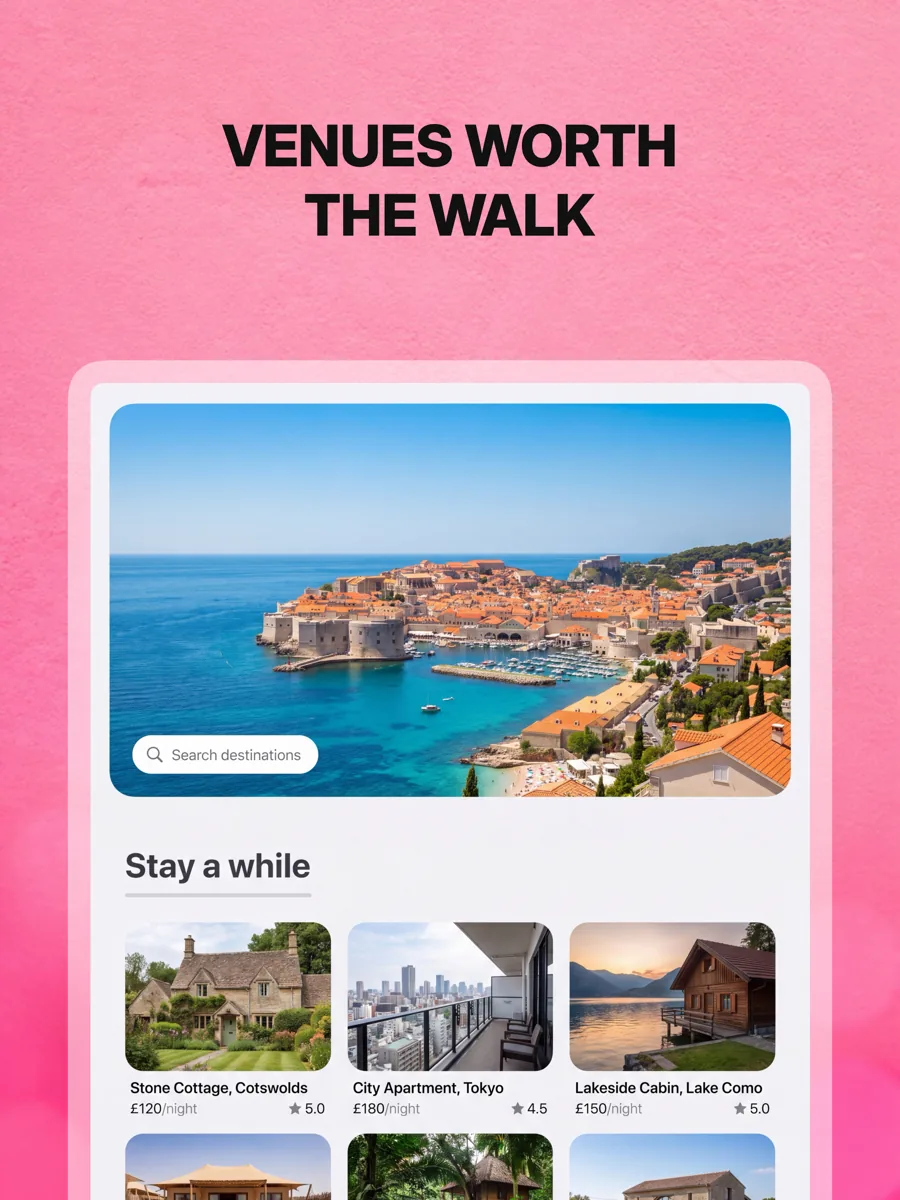
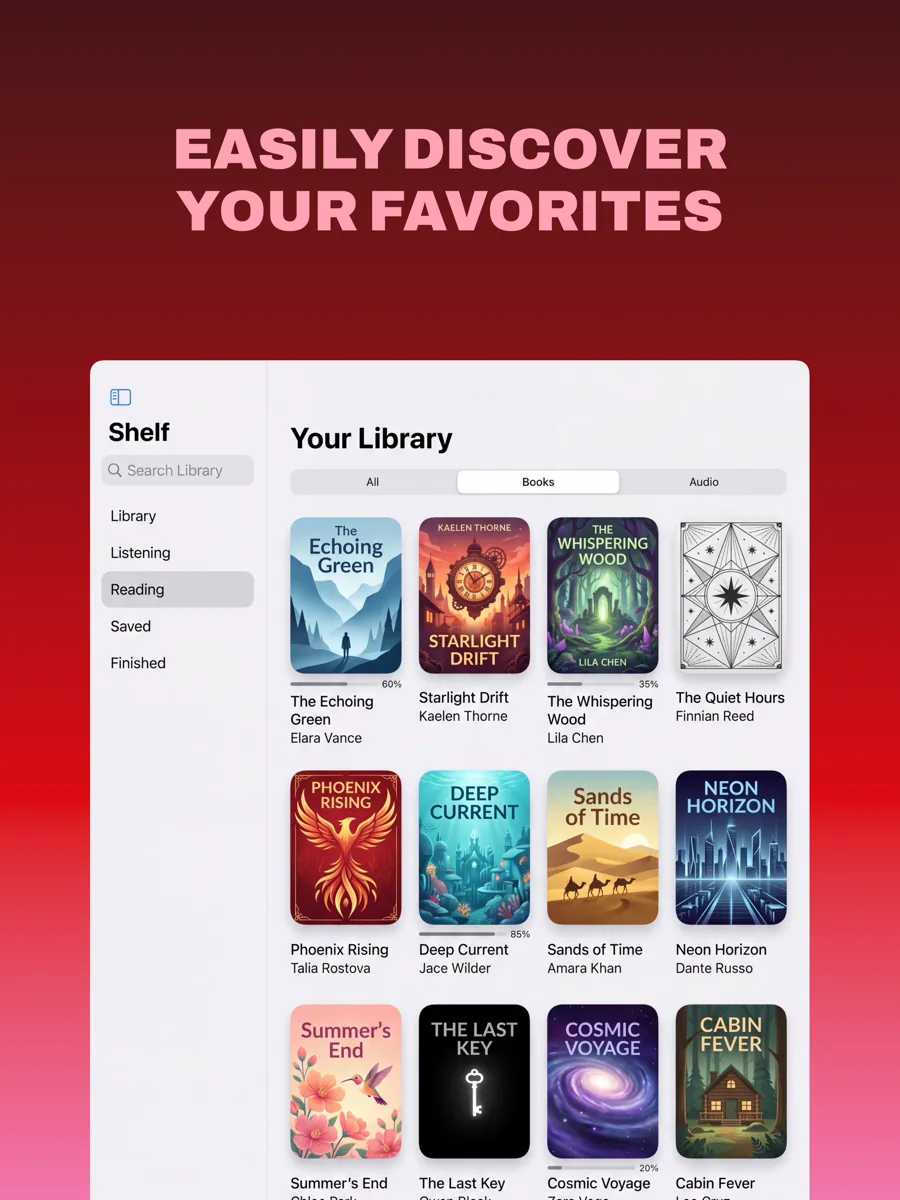
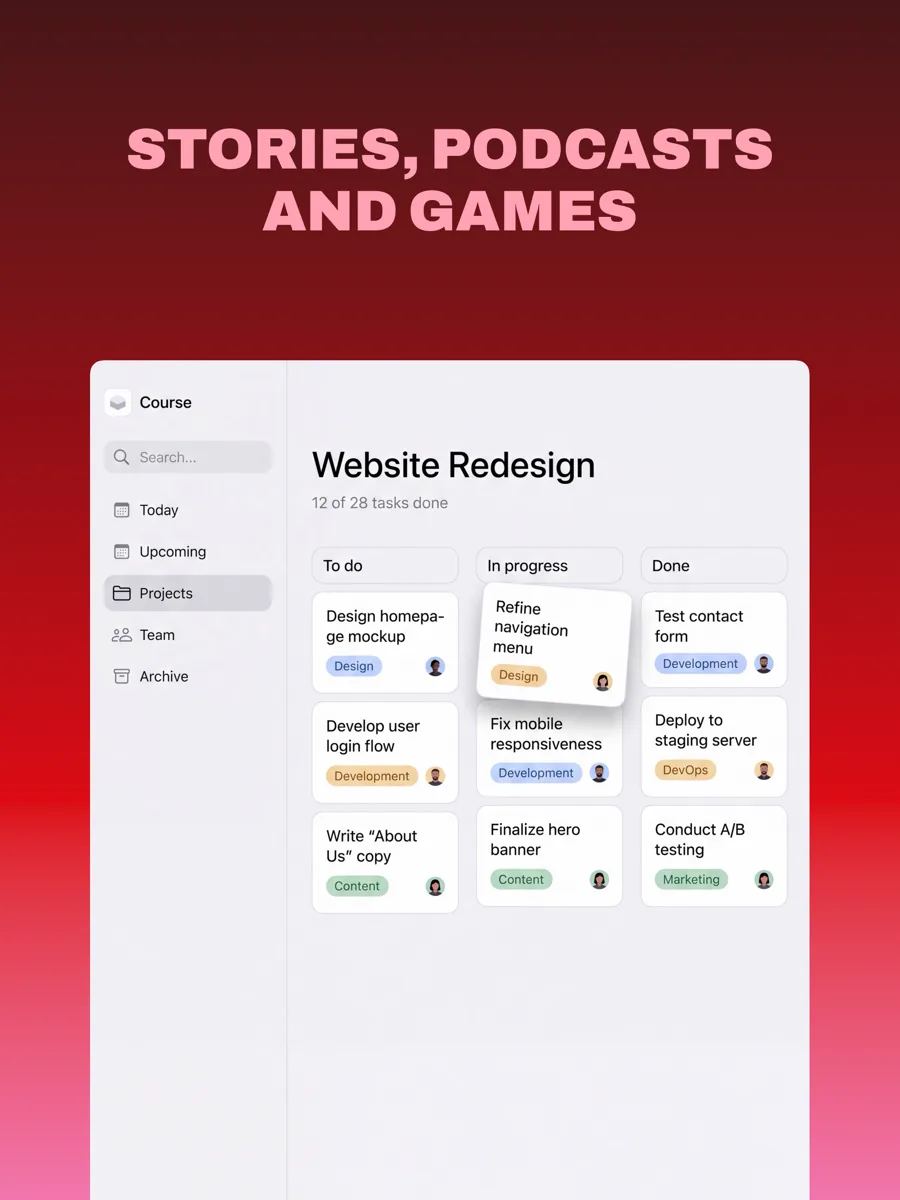
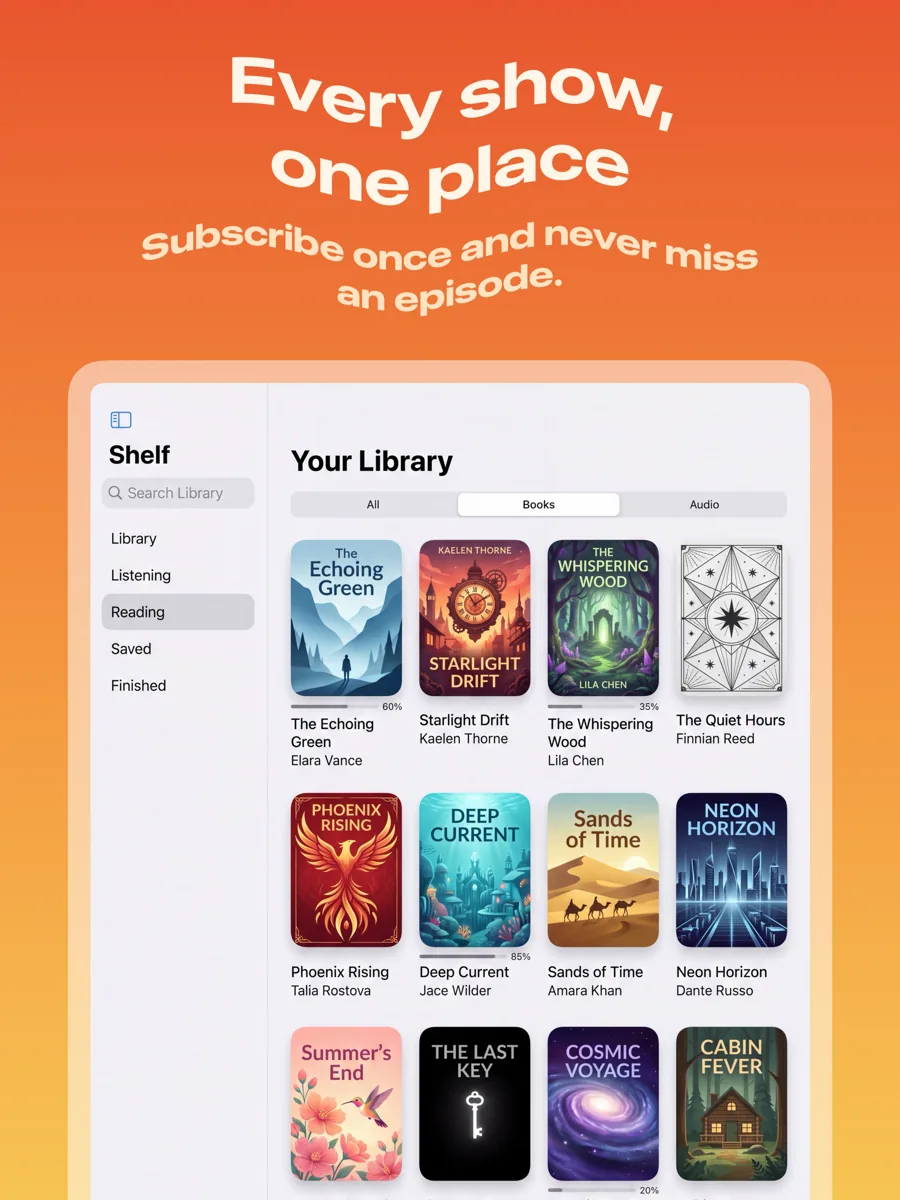
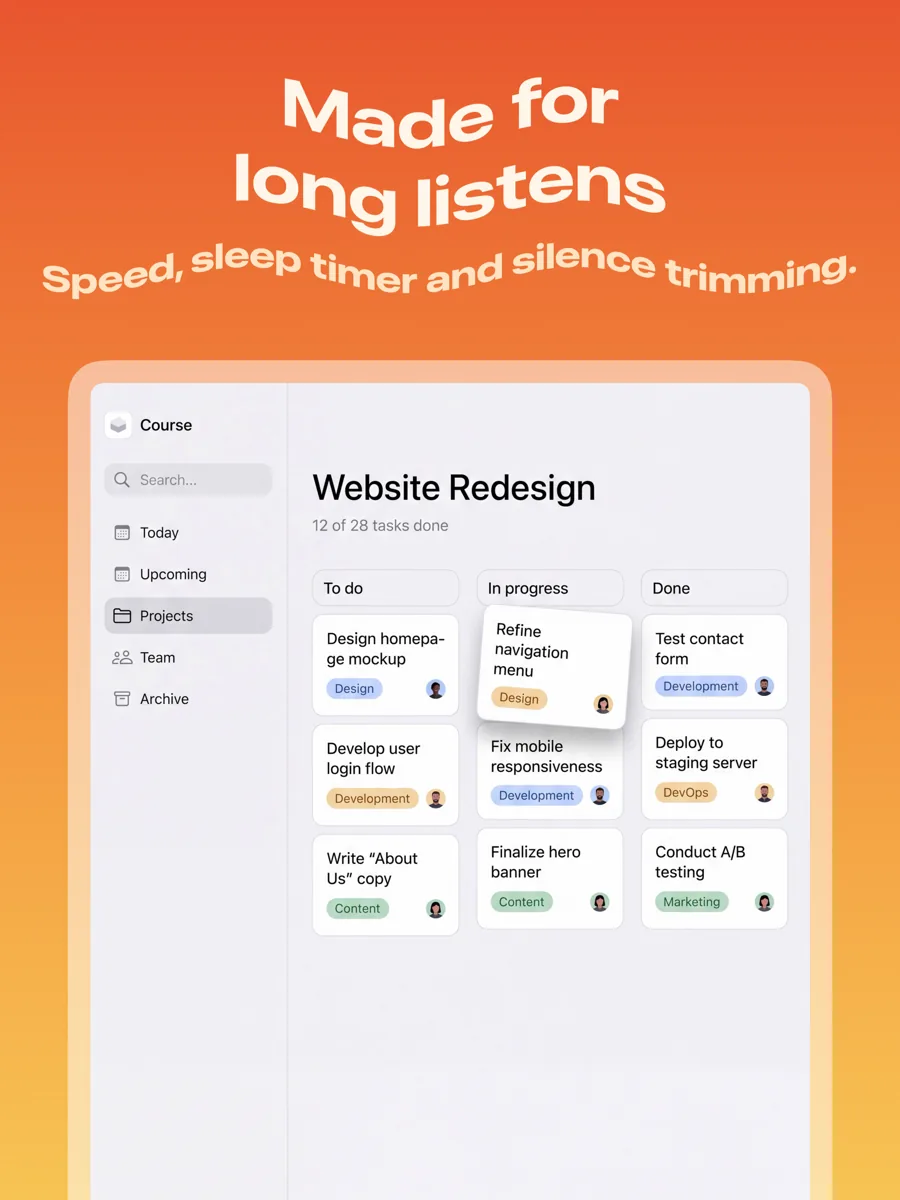
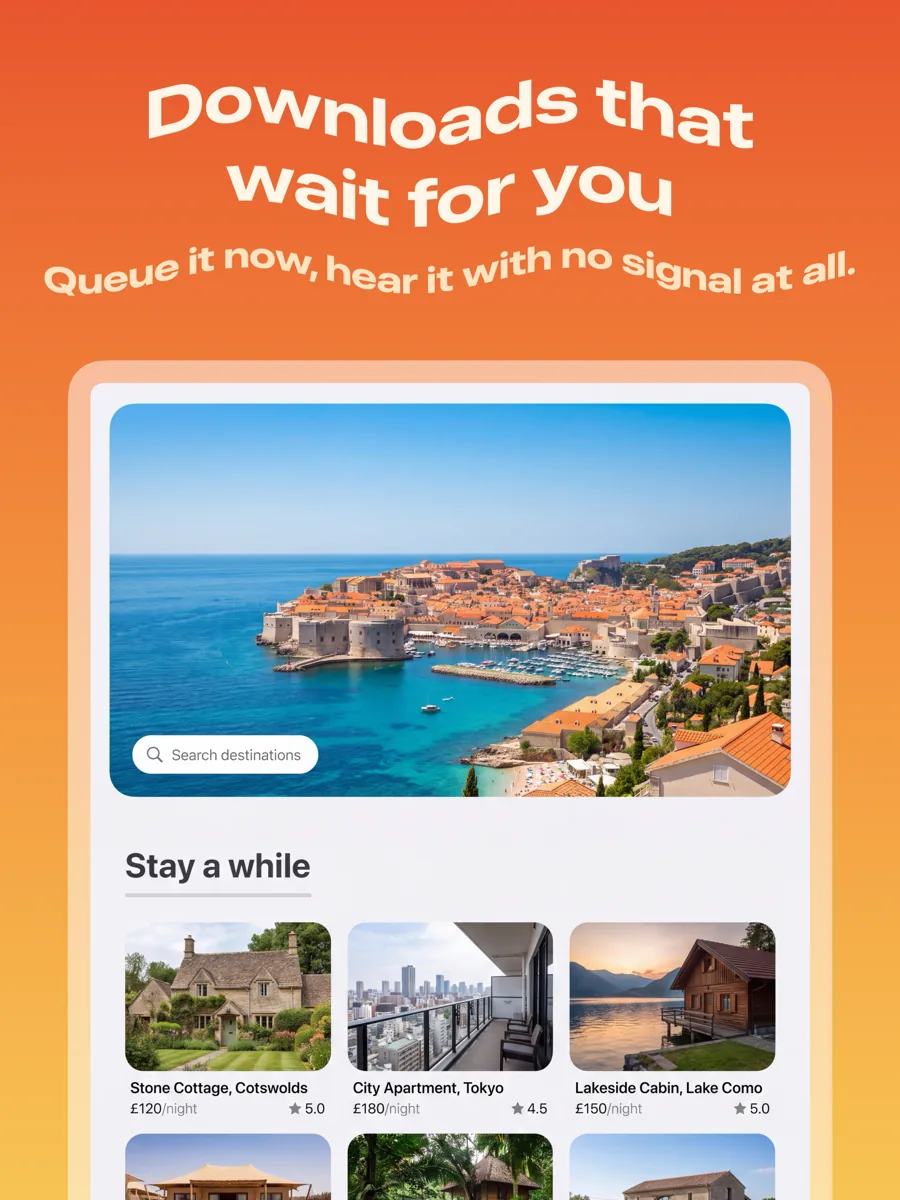
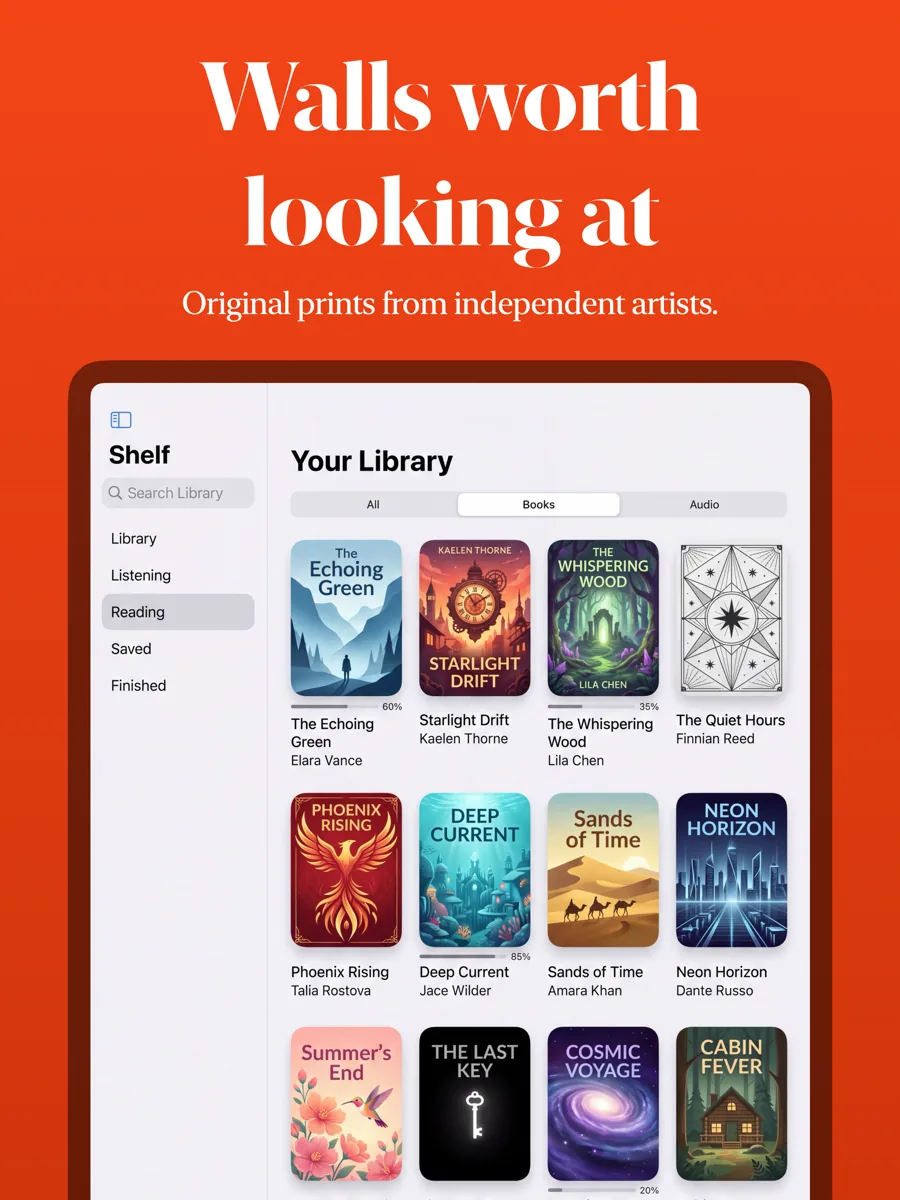
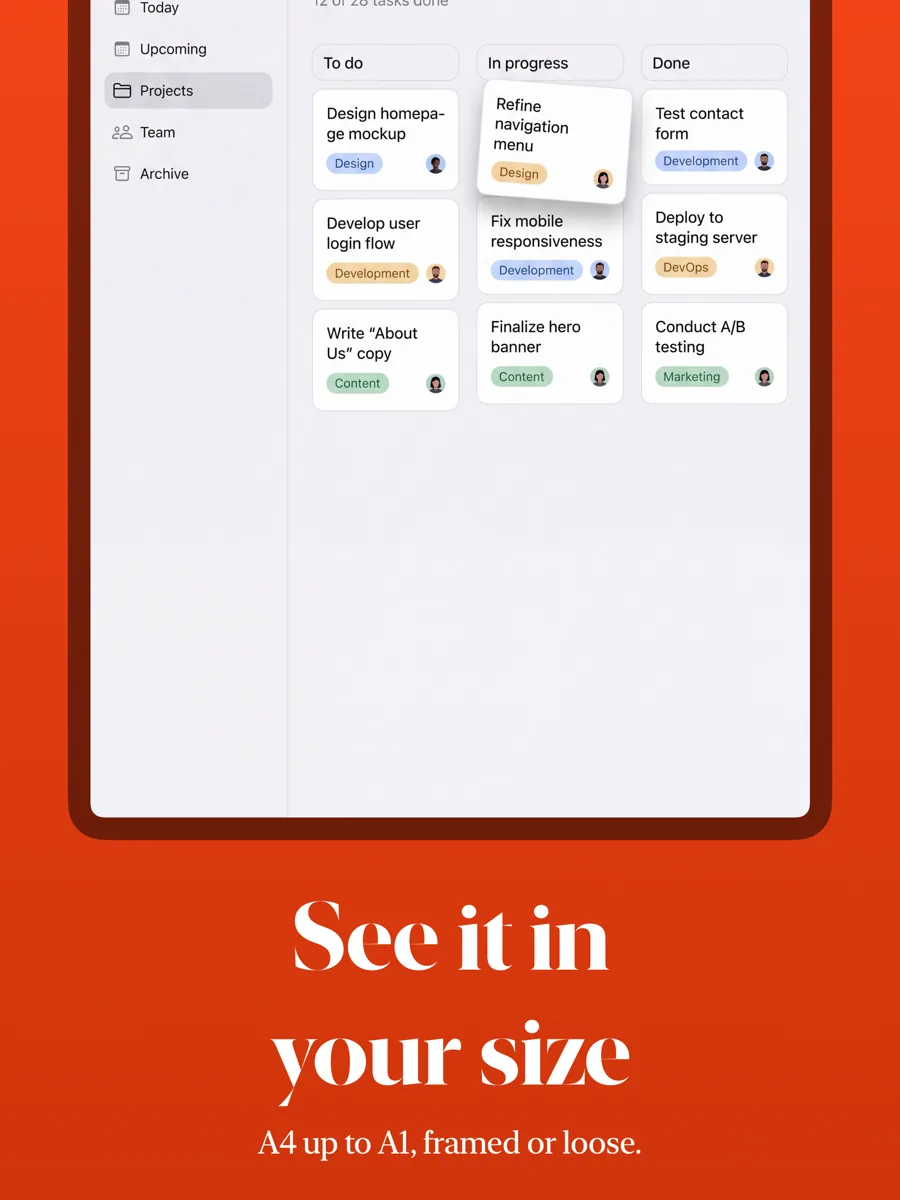
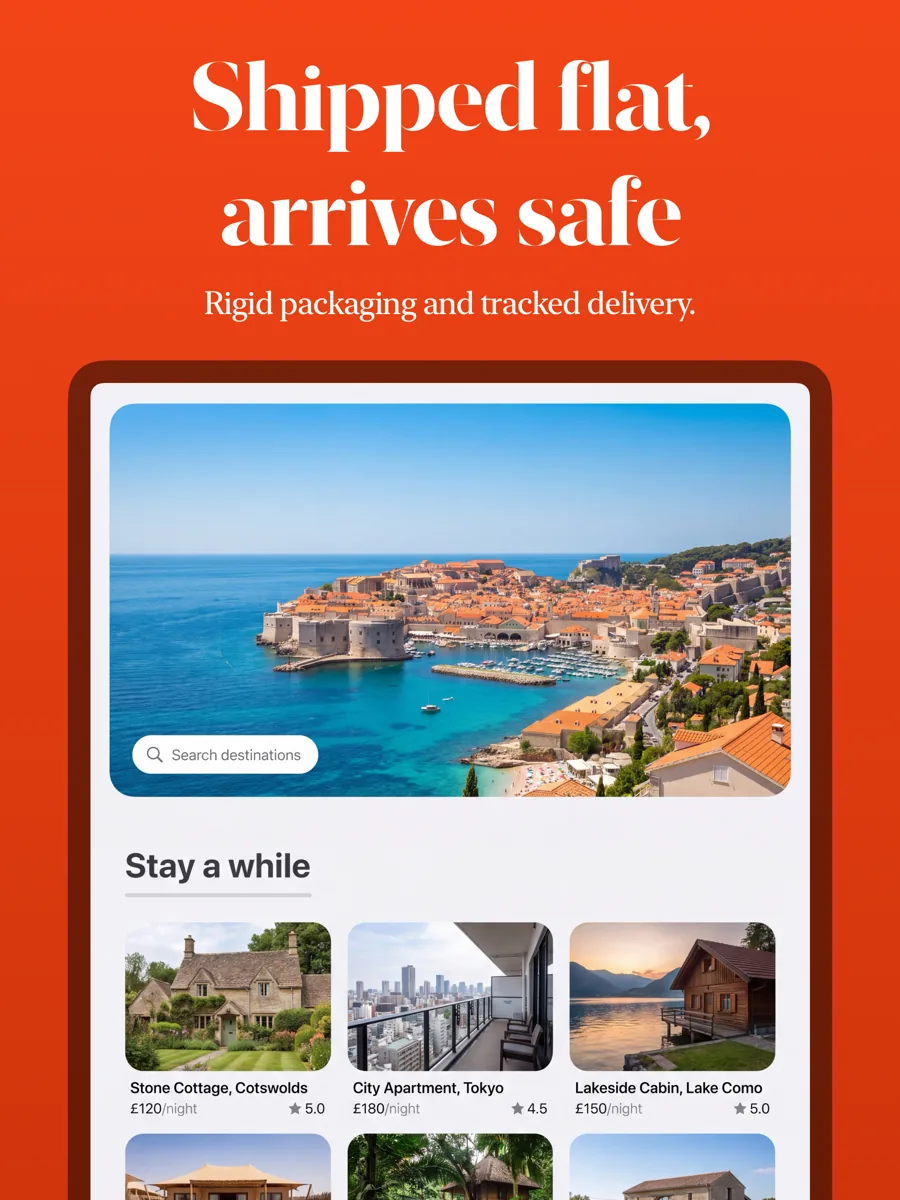
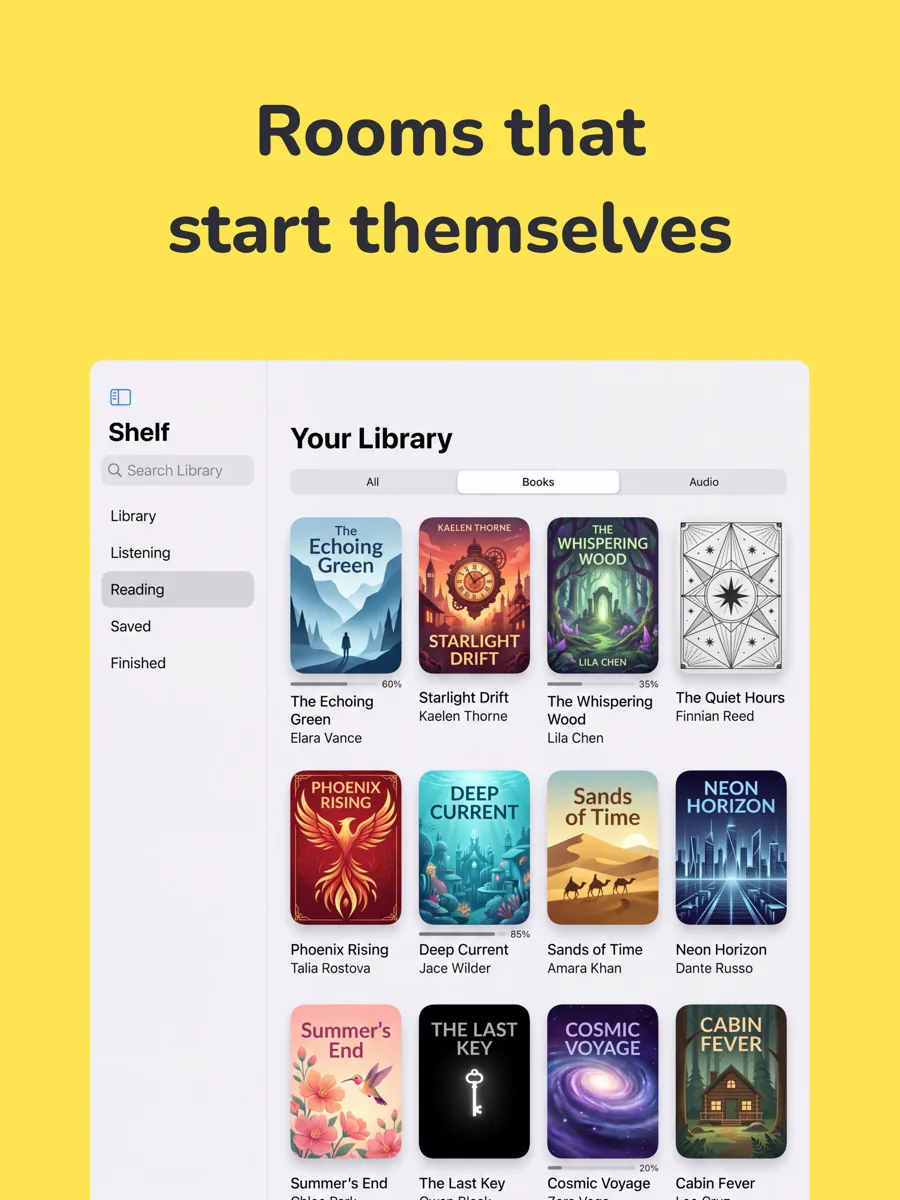
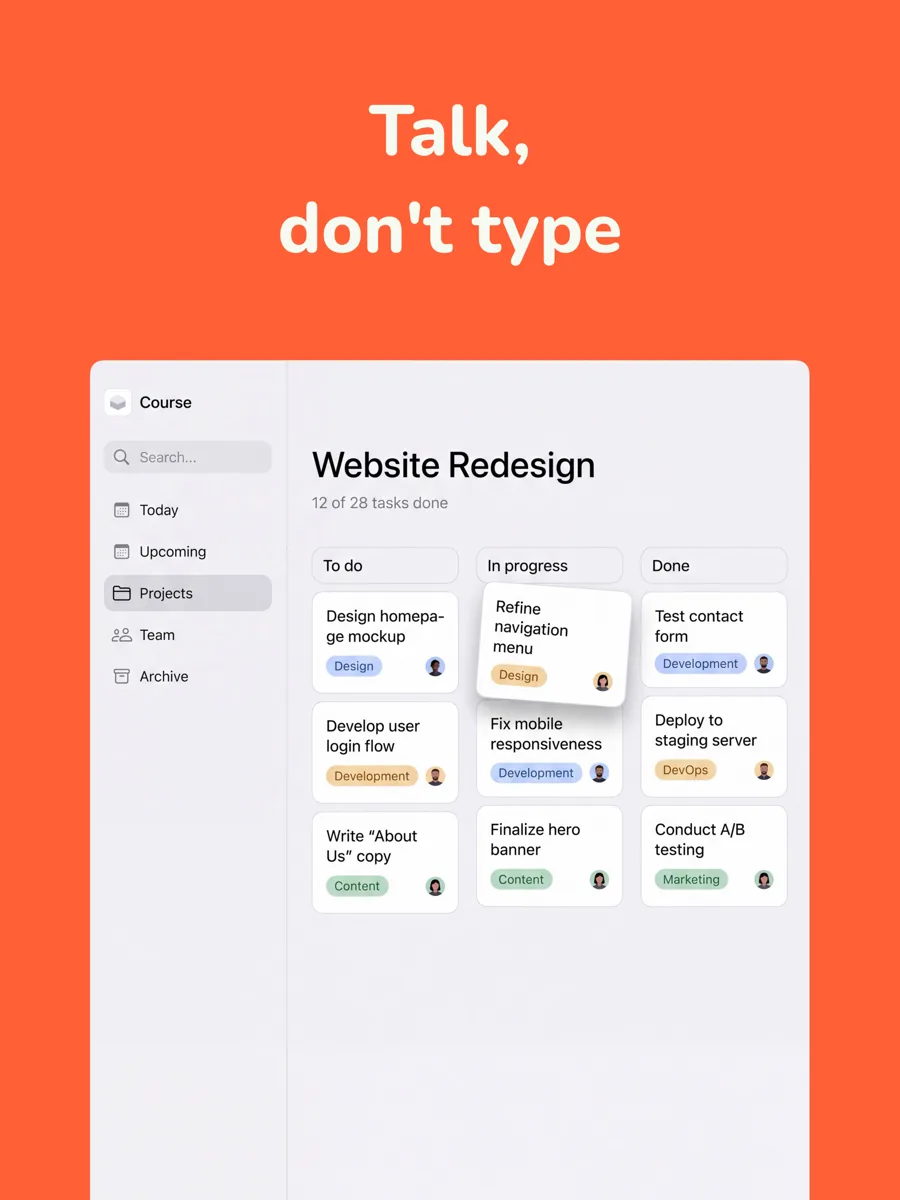
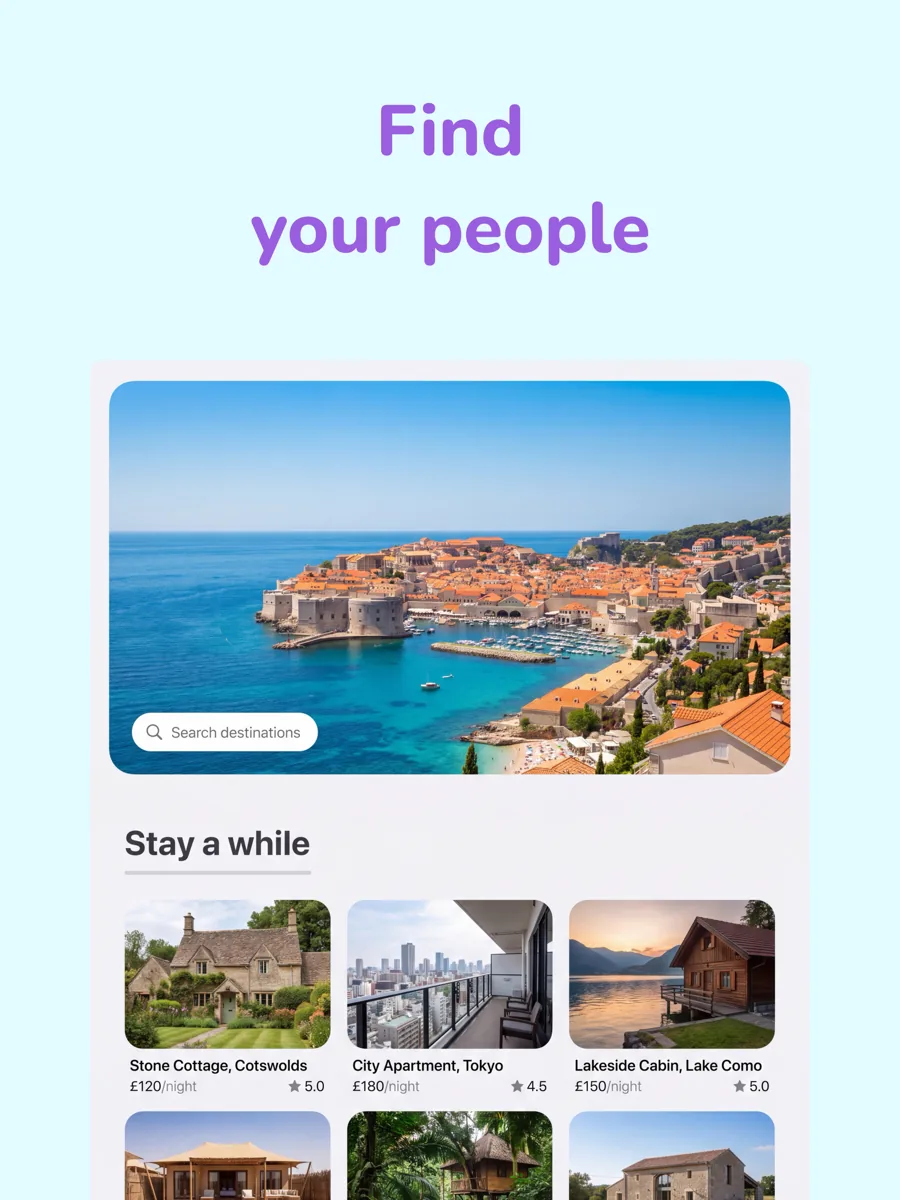
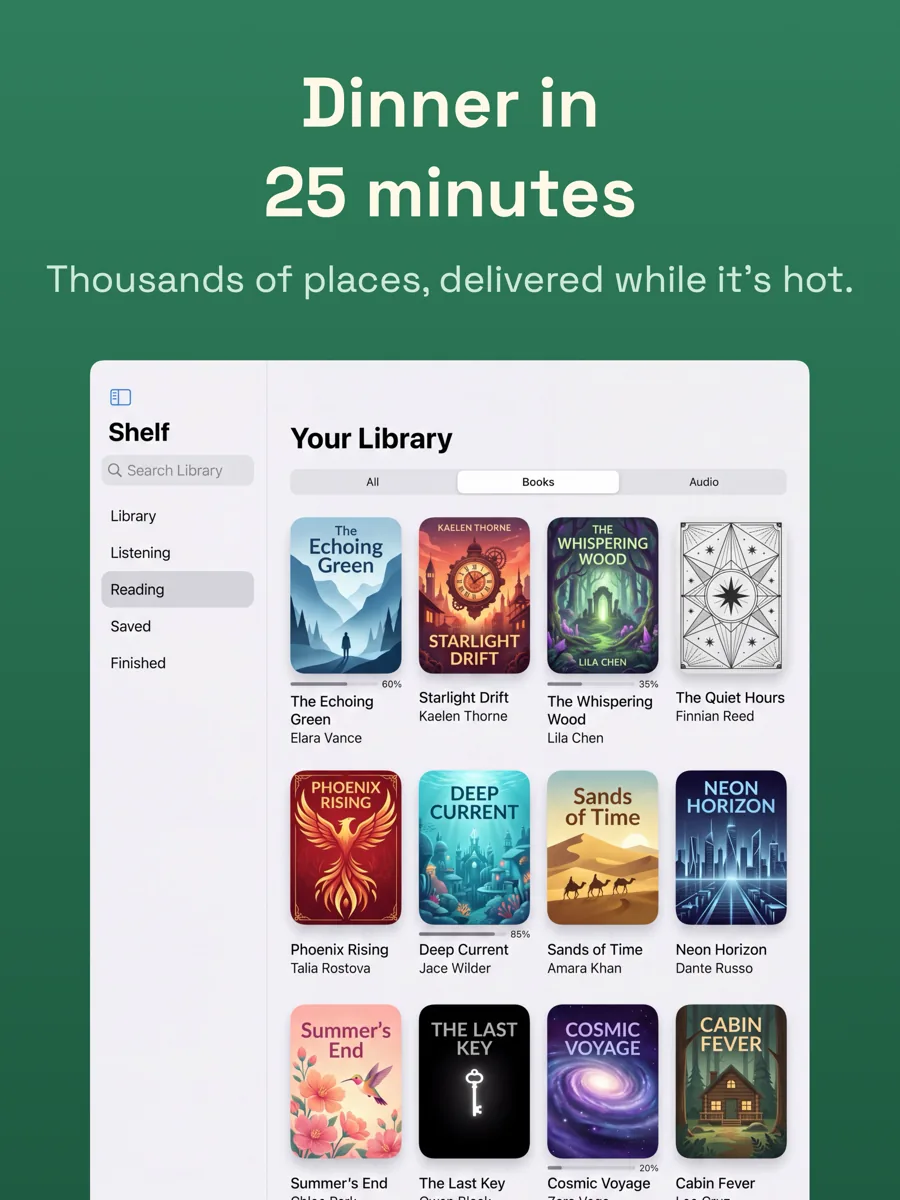
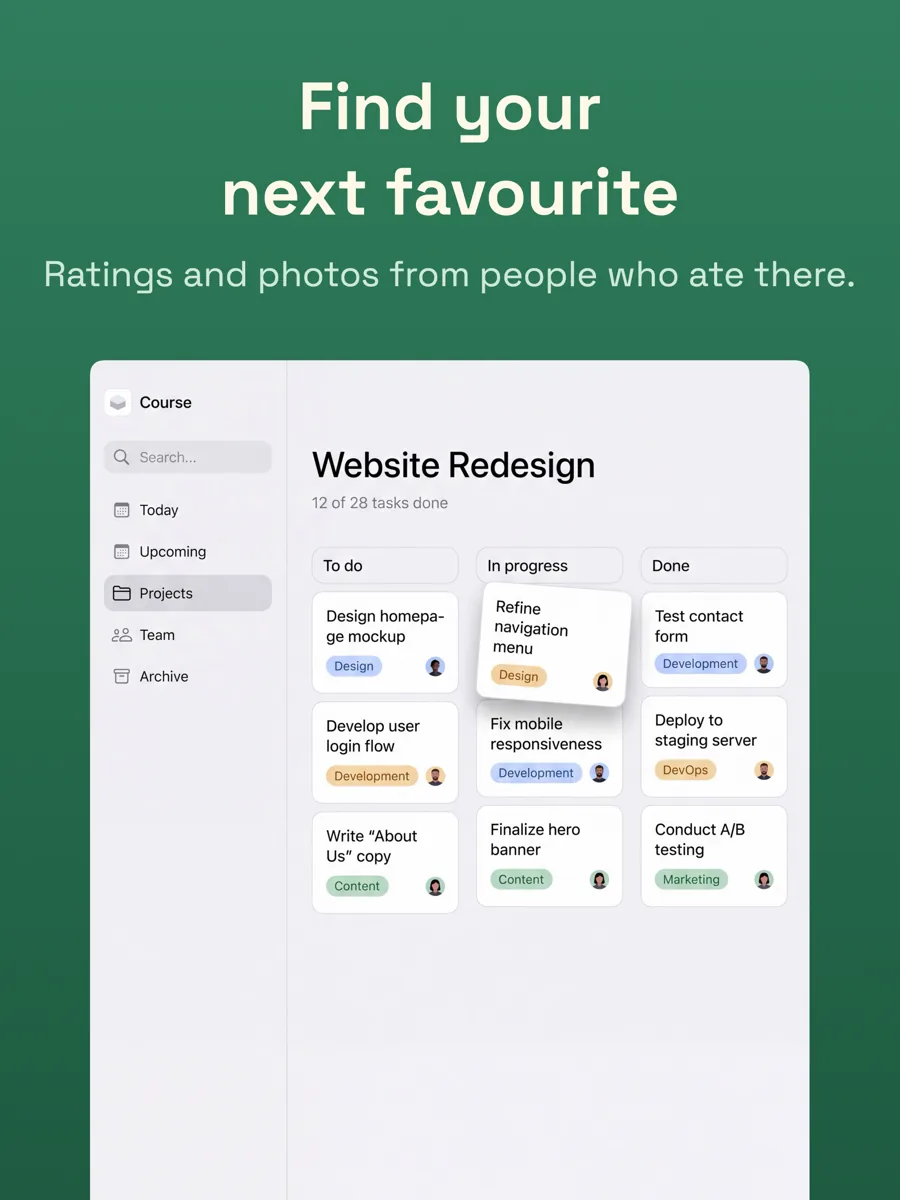
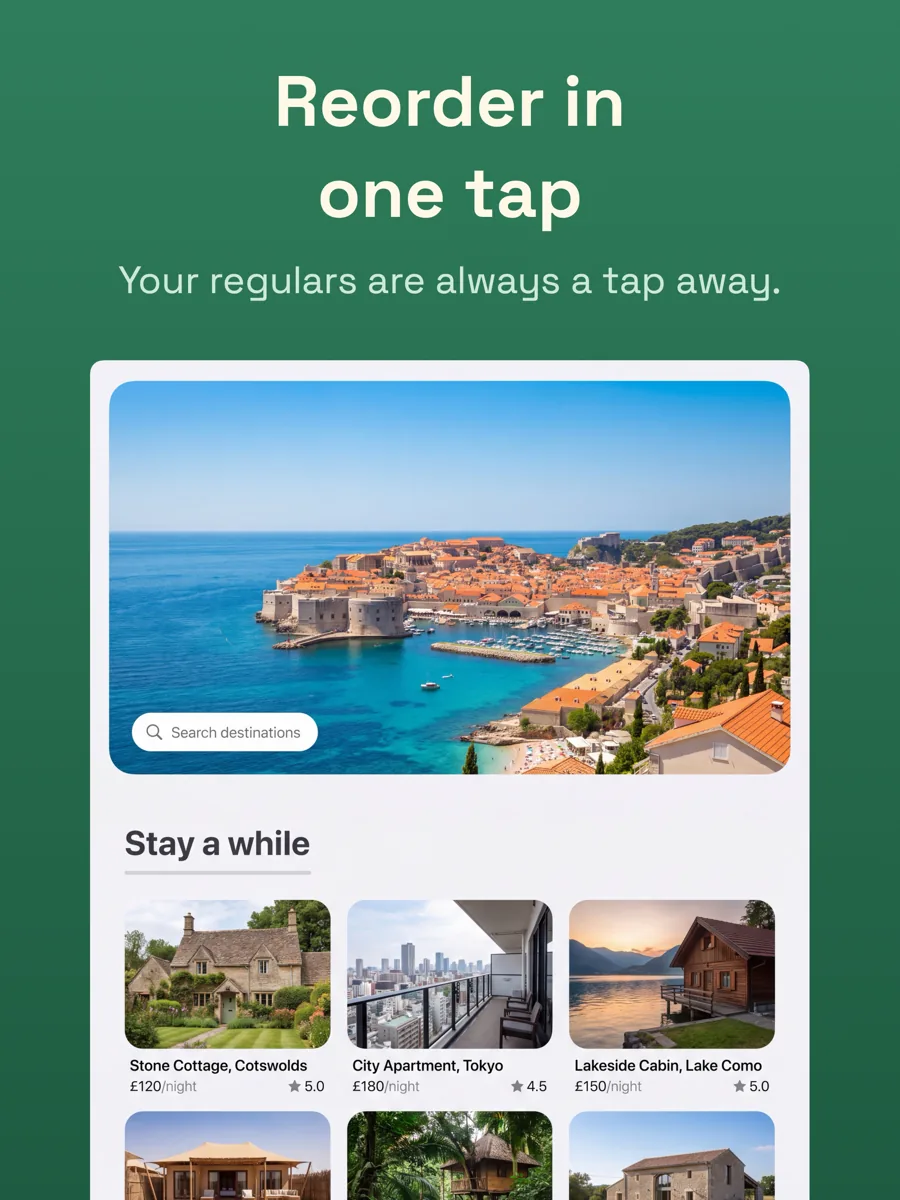
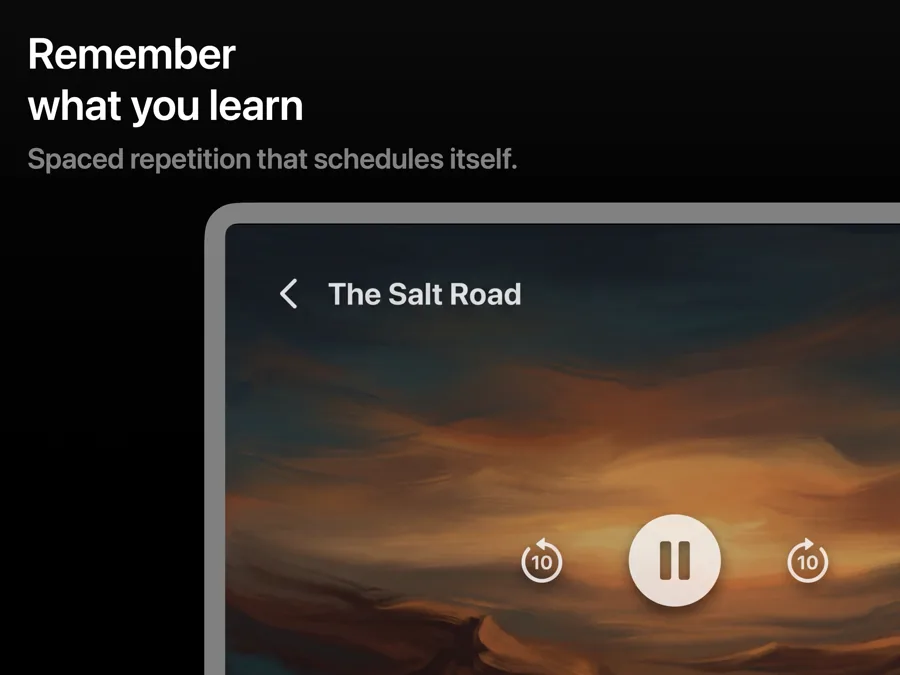
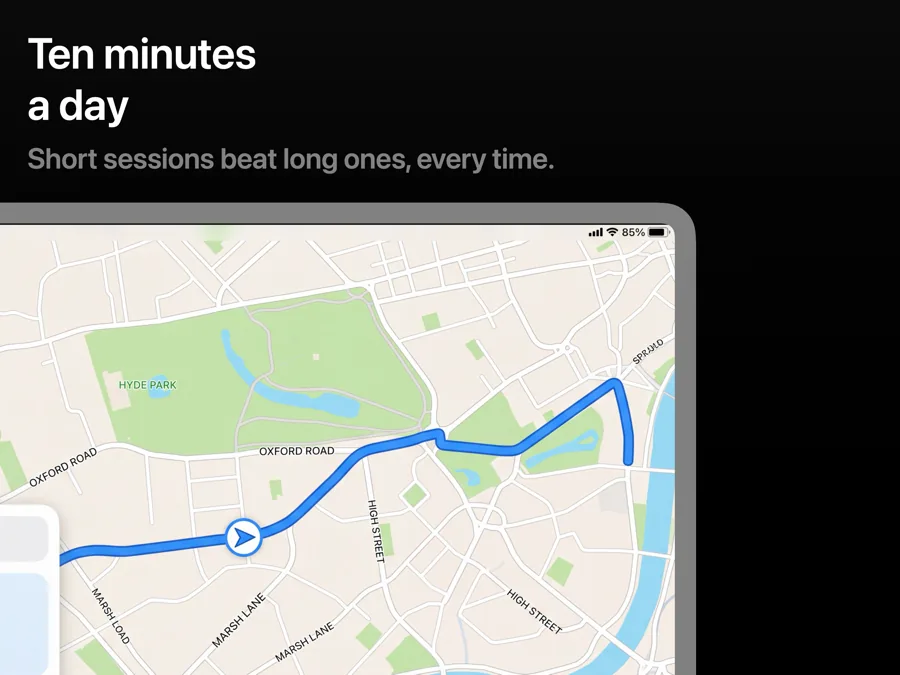
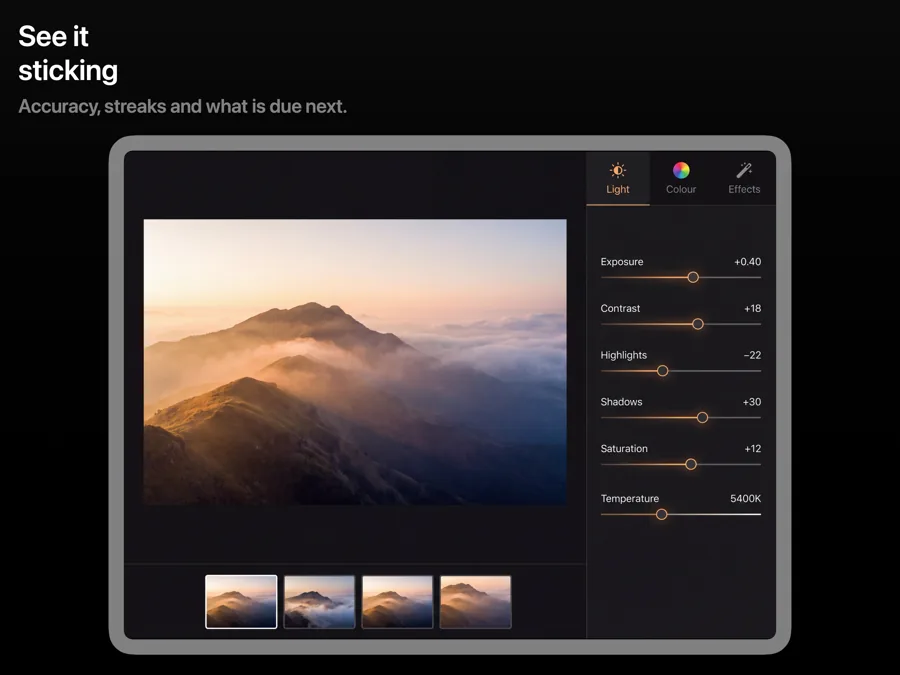
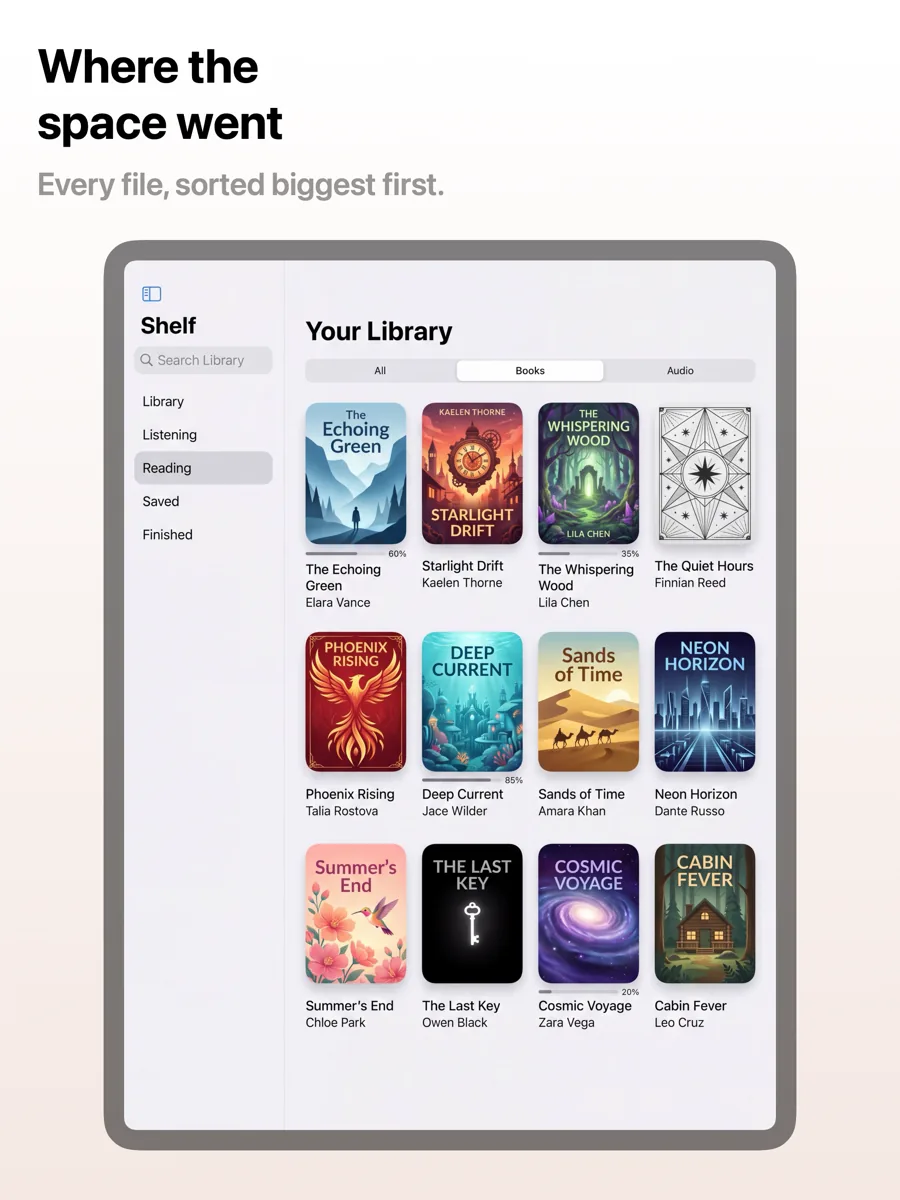
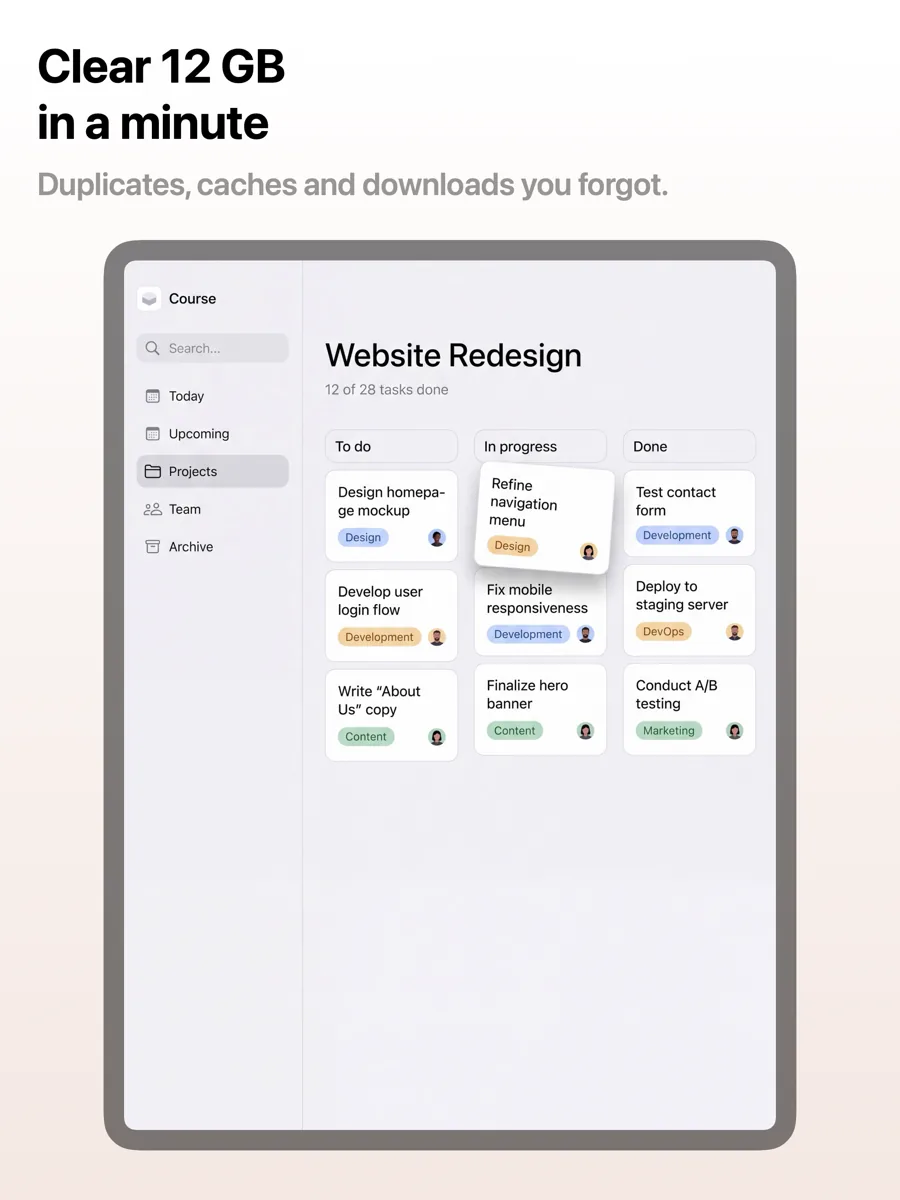
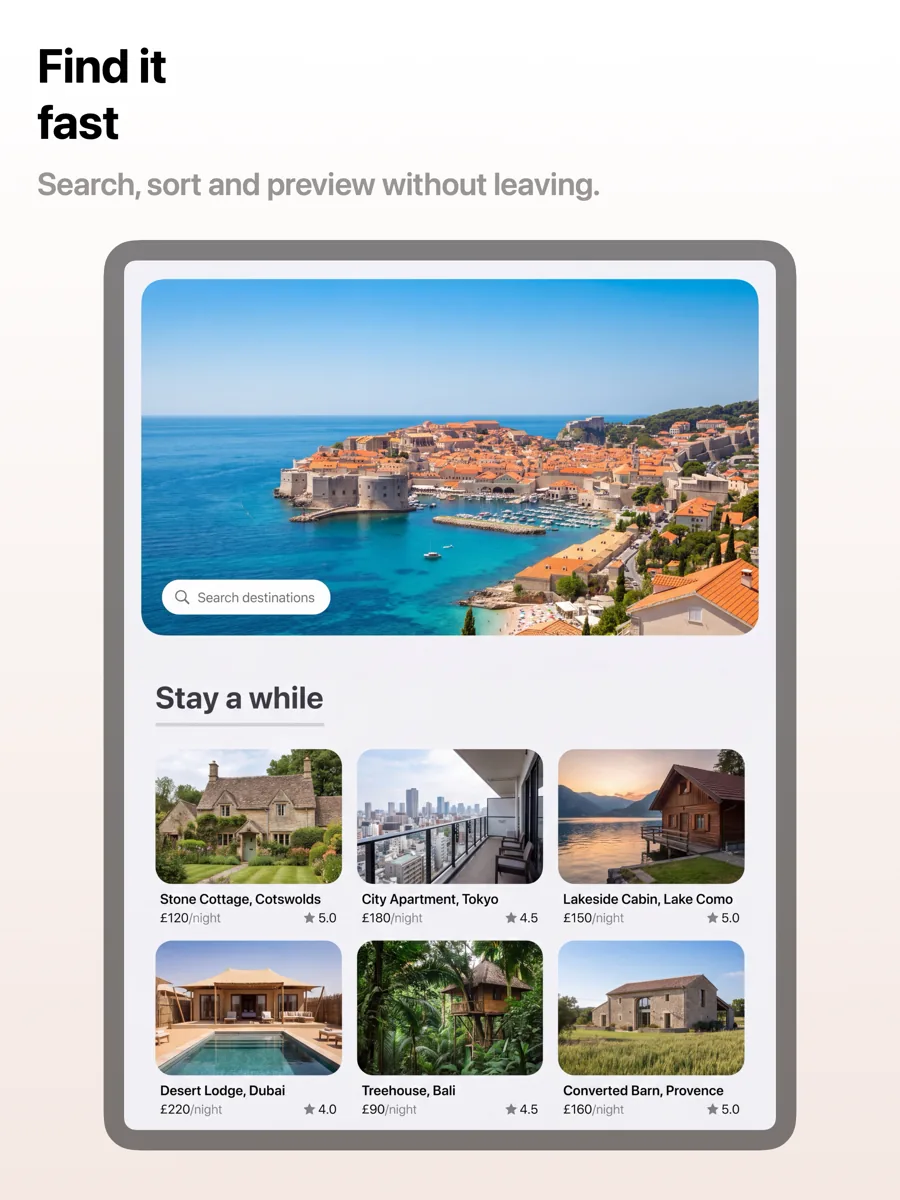
An iPad screenshot is not a stretched iPhone screenshot. The canvas is closer to square, so a single phone-shaped device leaves wide empty margins. These templates are laid out for that shape, with room for a bigger device, a longer caption or a second element.
25 templates, each shown as it renders on iPad. See the iPad screenshot sizes.

What works in iPad screenshots
- Show what the extra space is for: split views, sidebars, Apple Pencil or multitasking, not the phone layout scaled up.
- Use the width. A caption can run a line or two longer than on iPhone and still read at thumbnail size.
- If your app is universal, keep the iPad set in the same style as the iPhone set so the listing reads as one product.
Make your iPad screenshots
- Built into Screenshot Studio — apply it and swap in your own screenshots.
- Every colour, font and layout value stays editable afterwards.
- Localise the text into all 50 App Store languages from the same document.