Screenshot templates by device
iPhone App Store screenshot templates
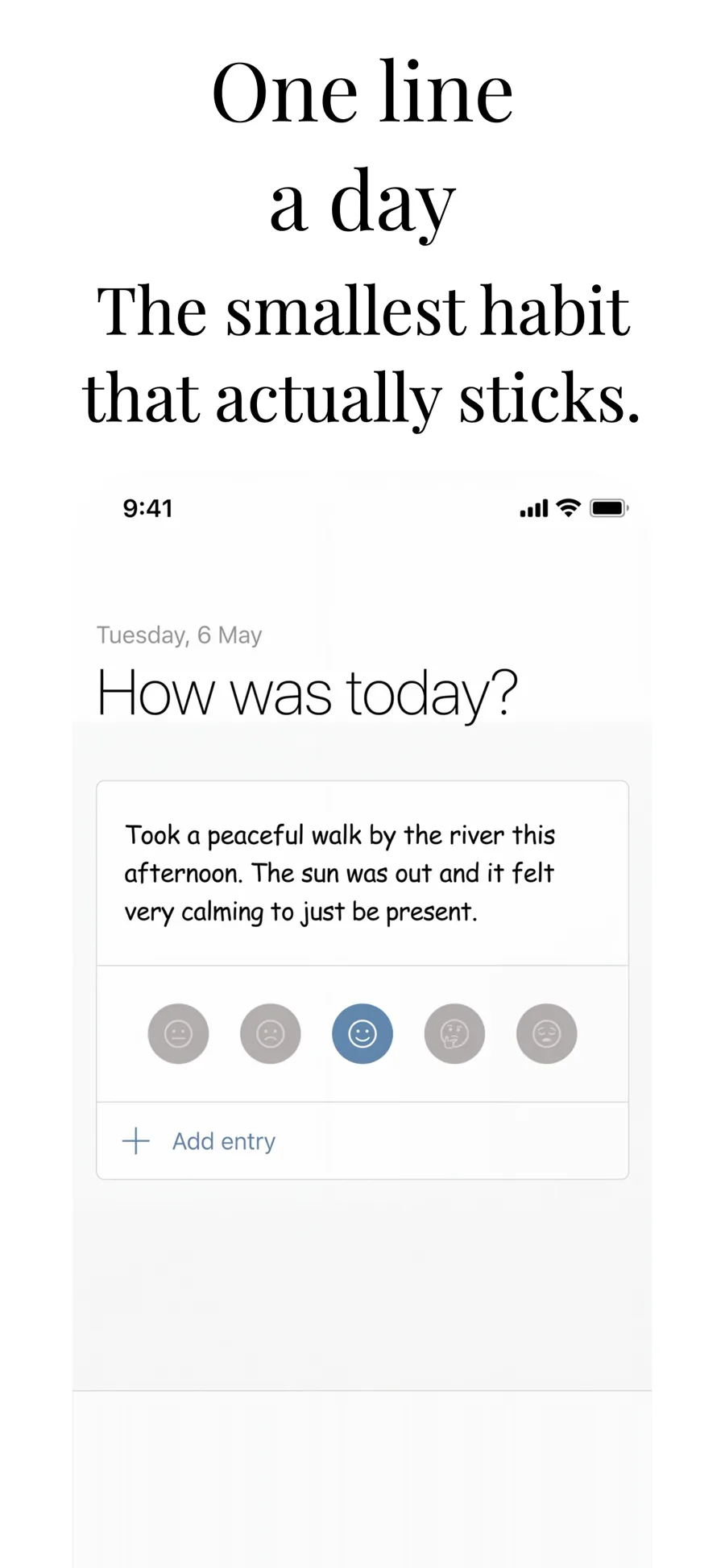
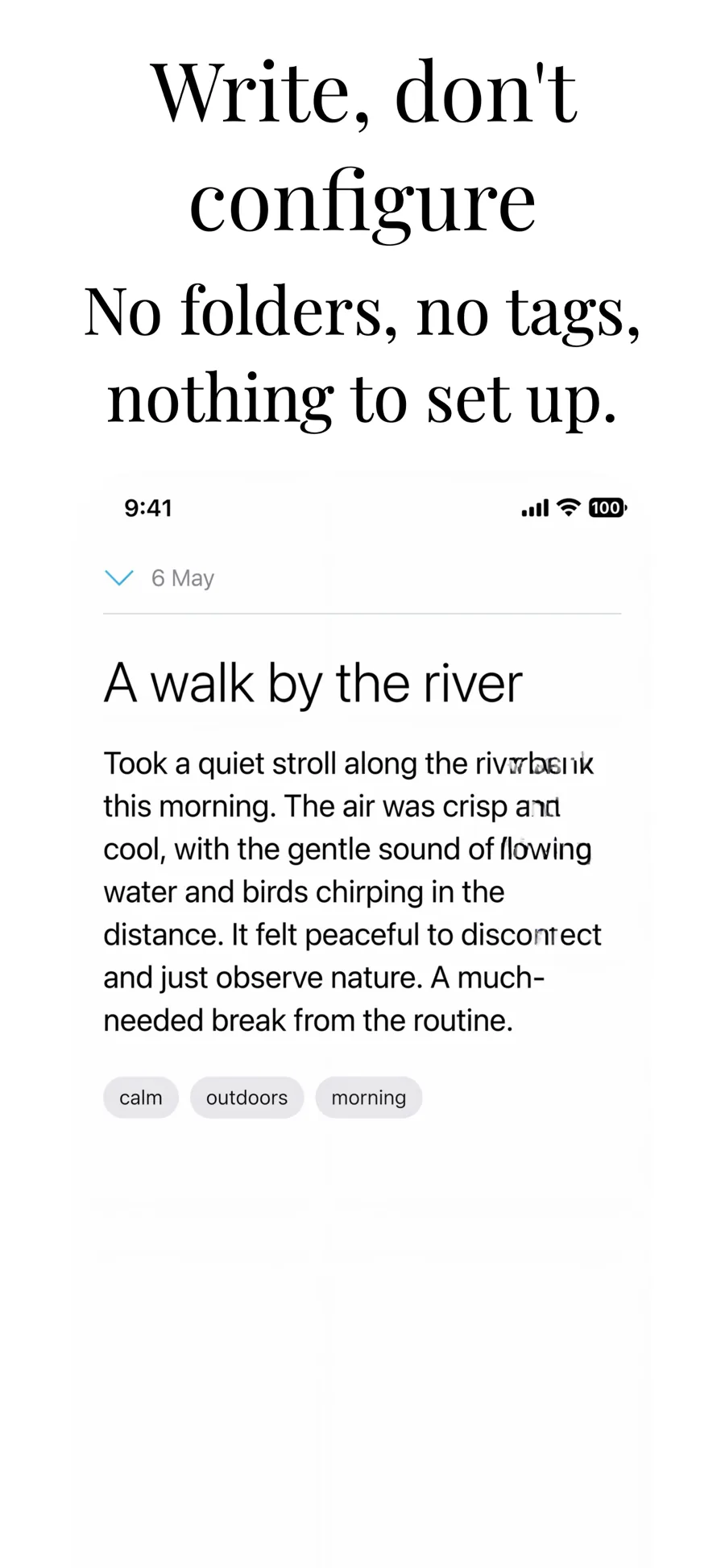
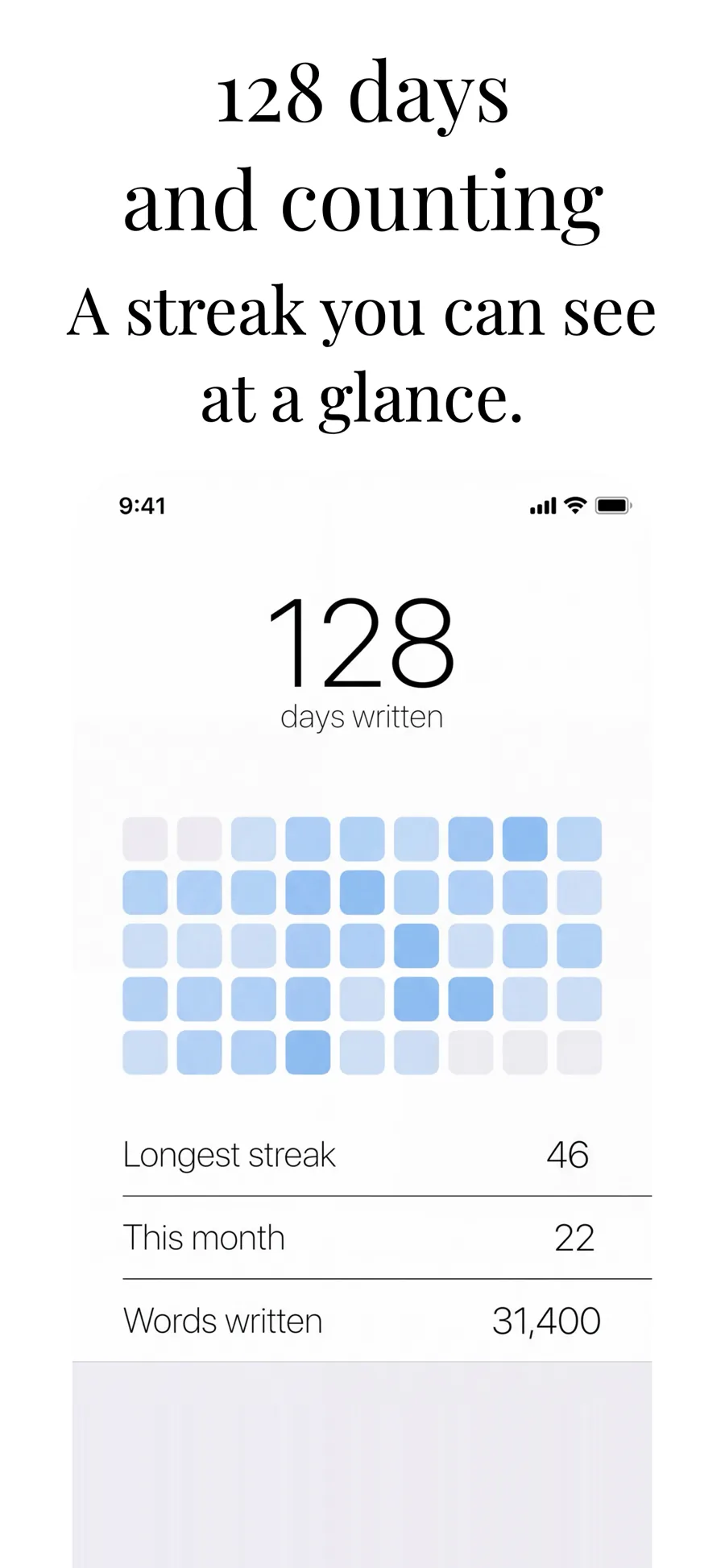
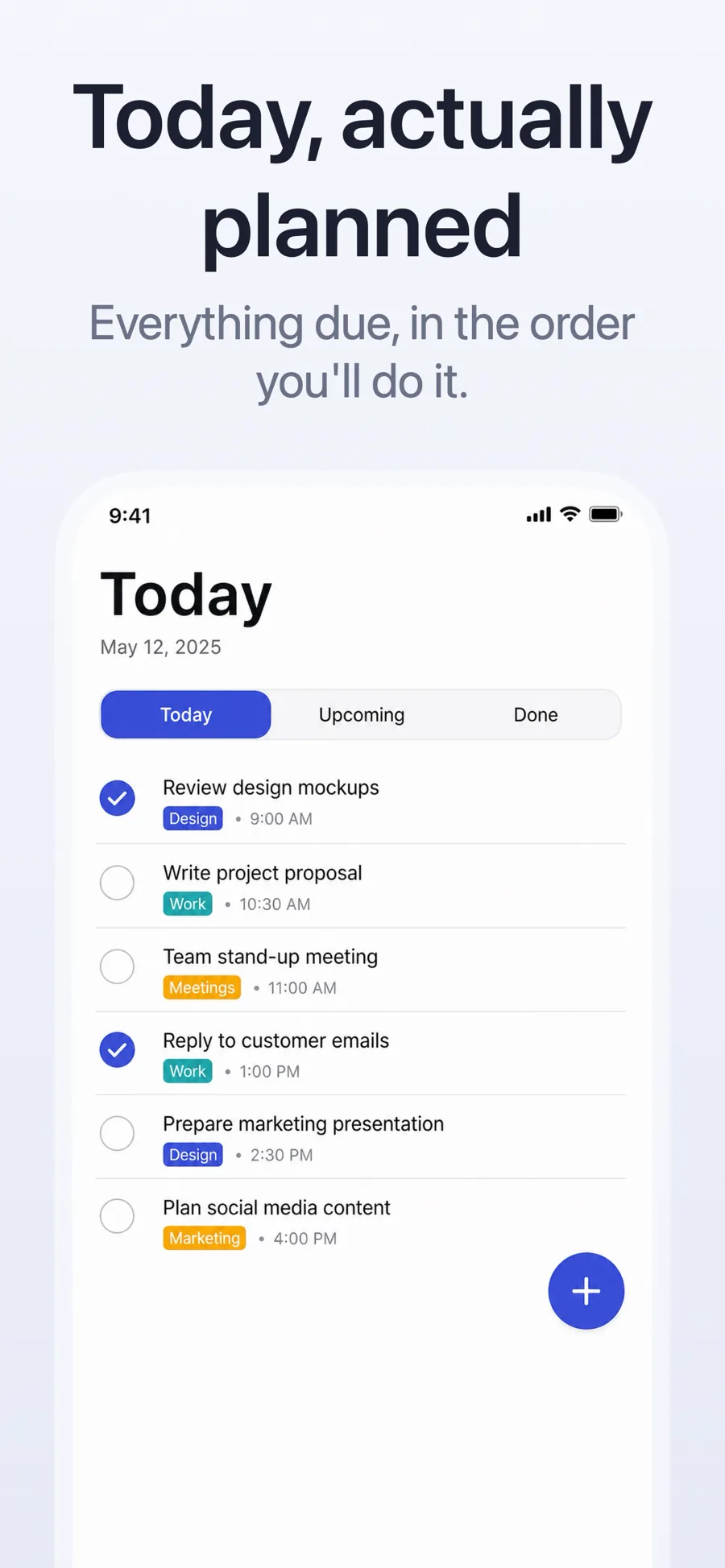
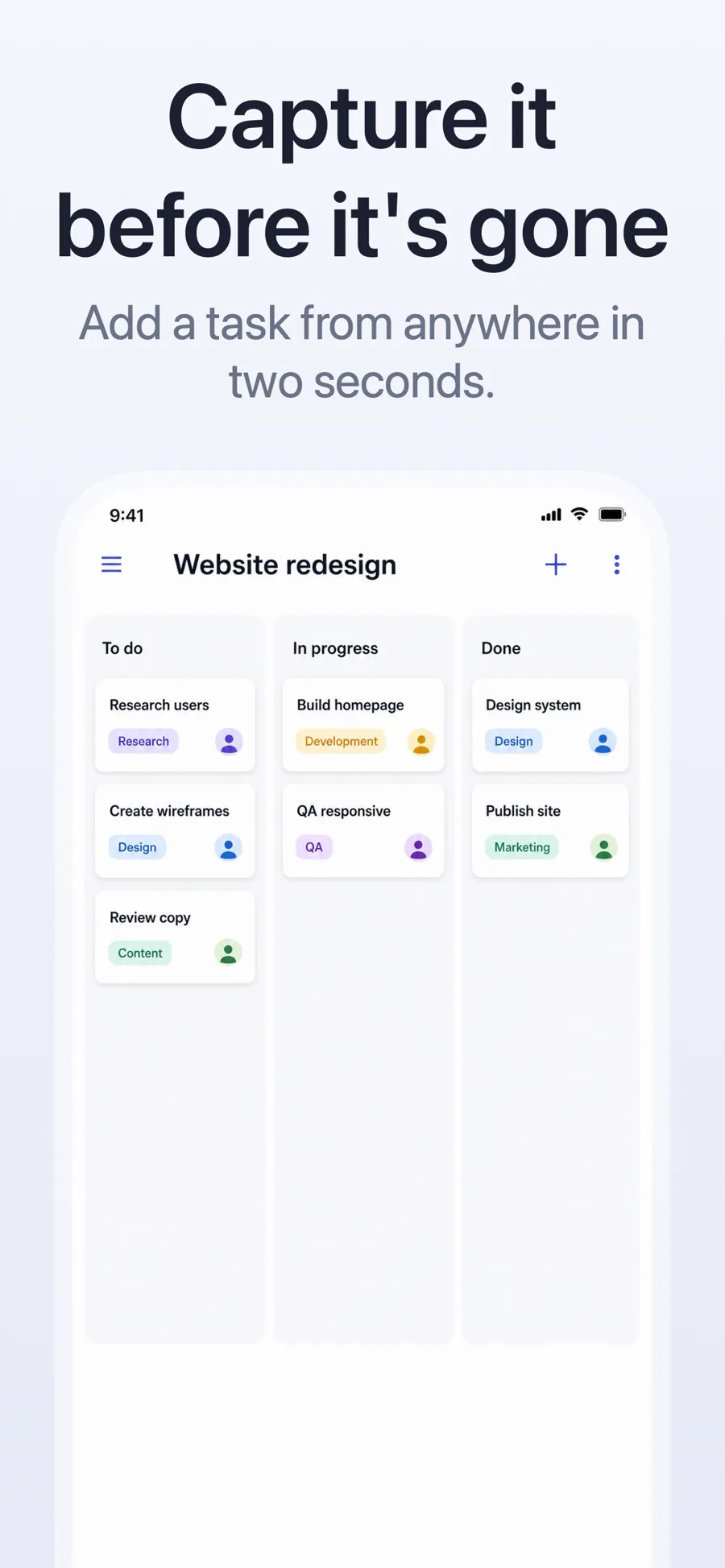
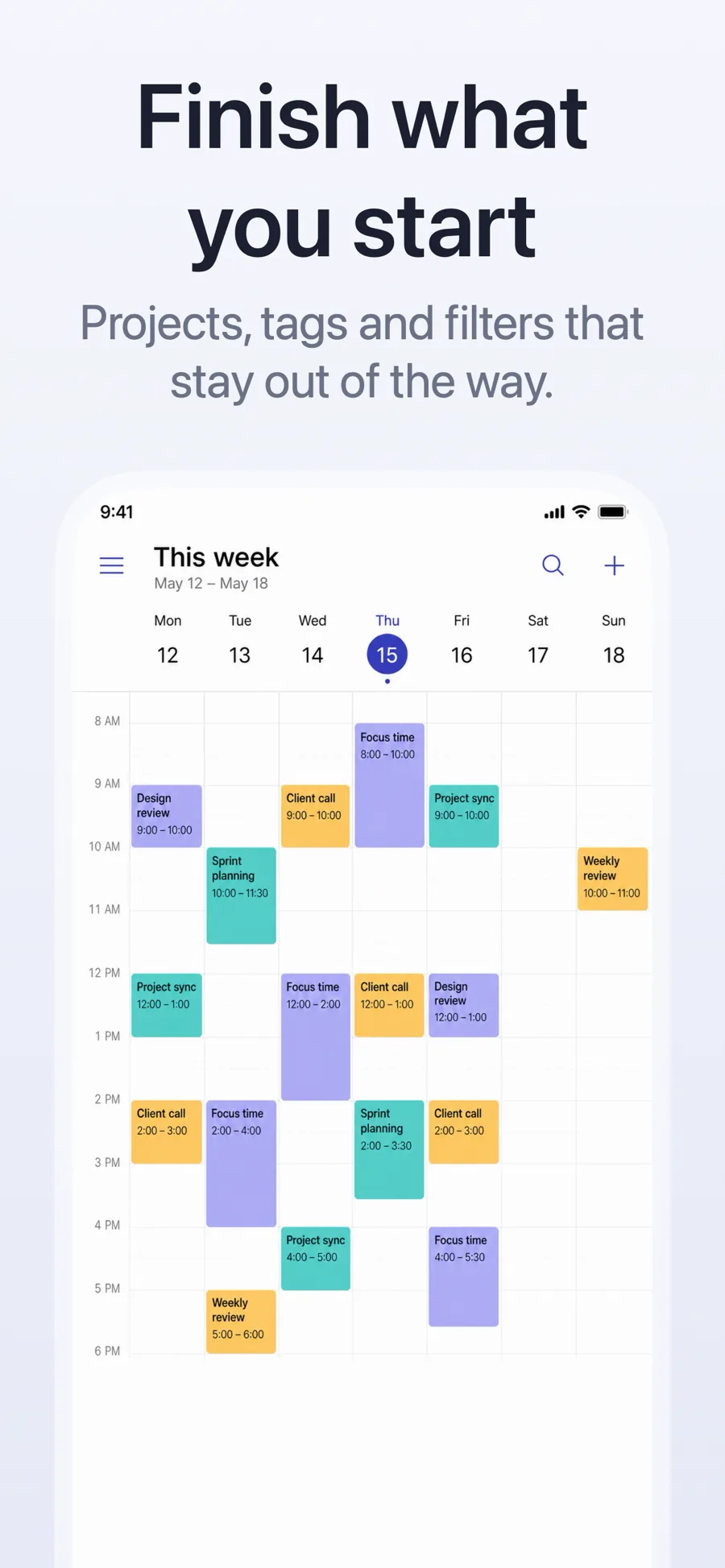
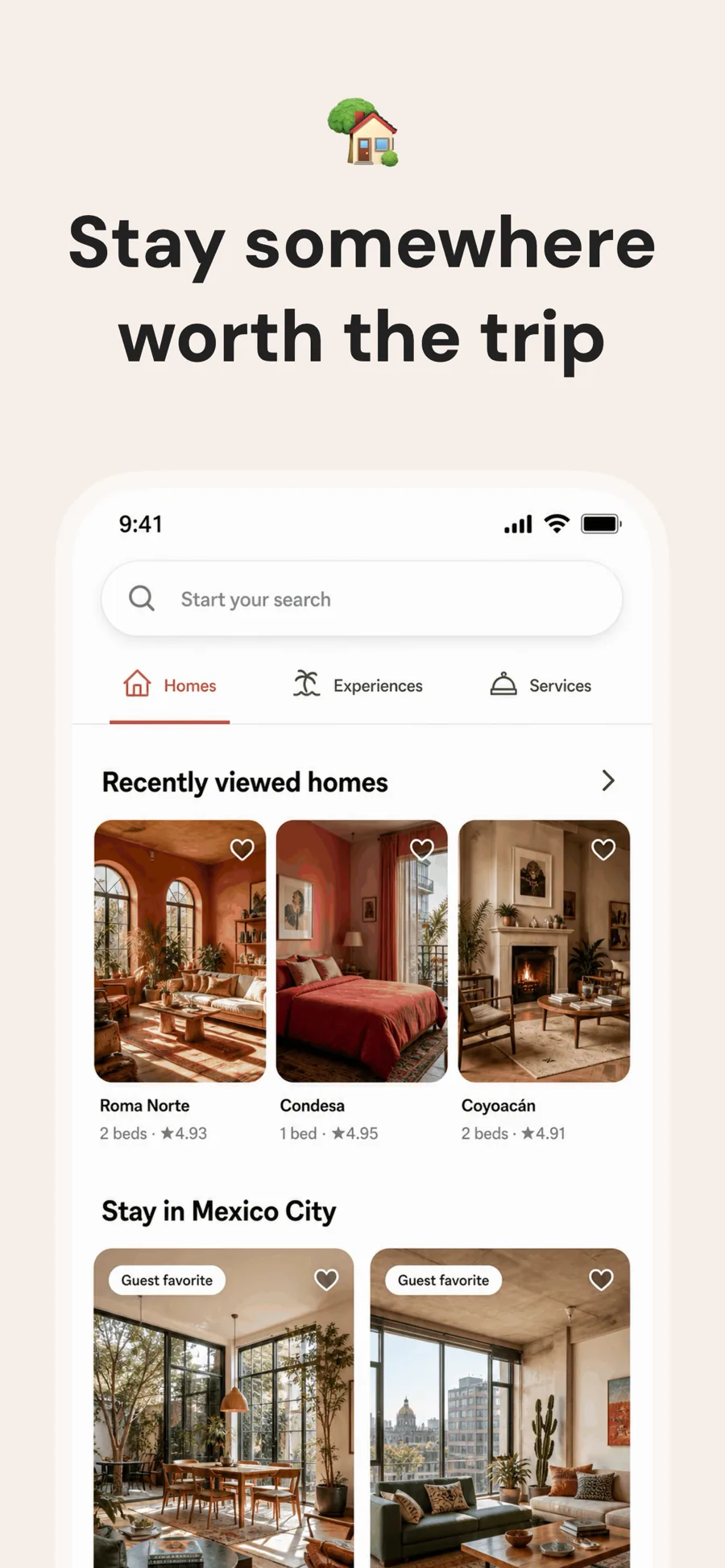
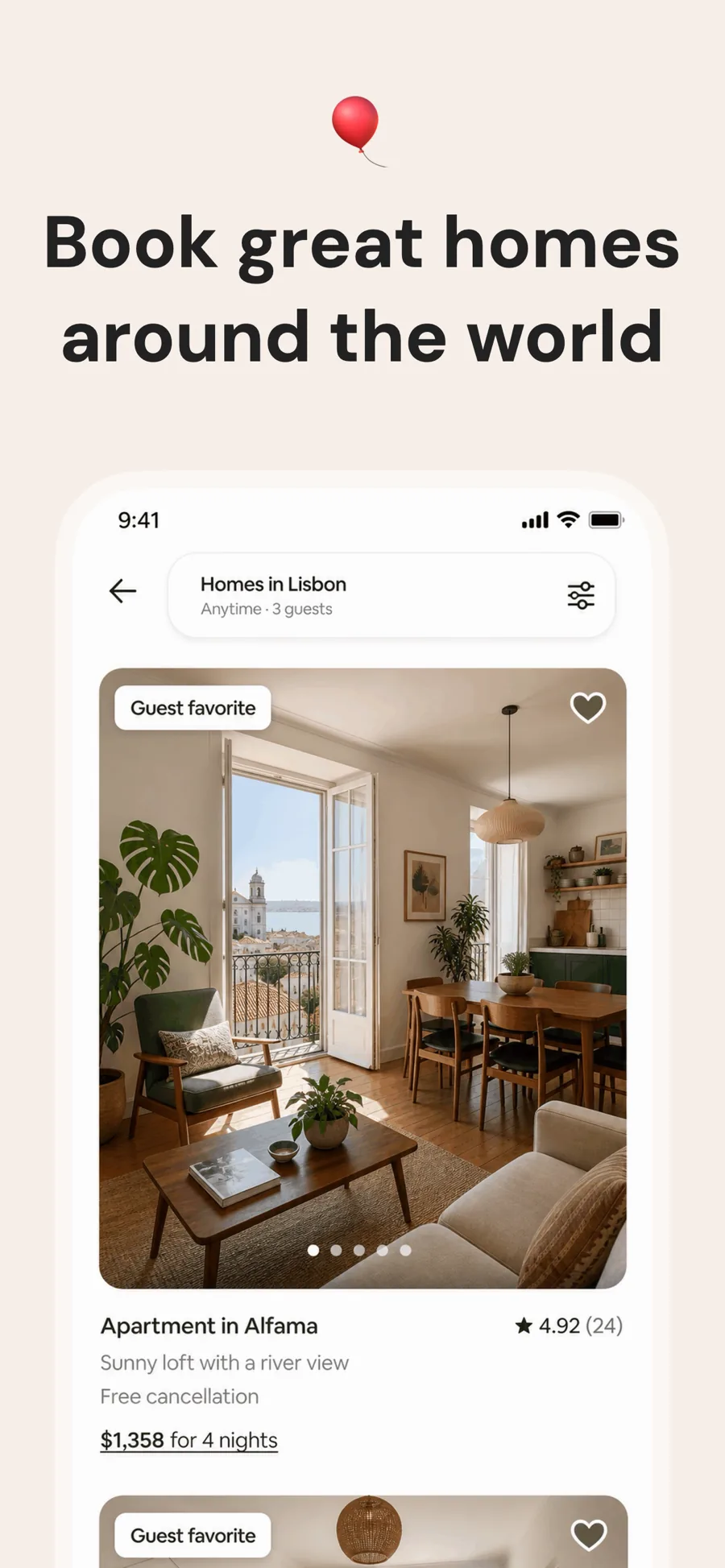
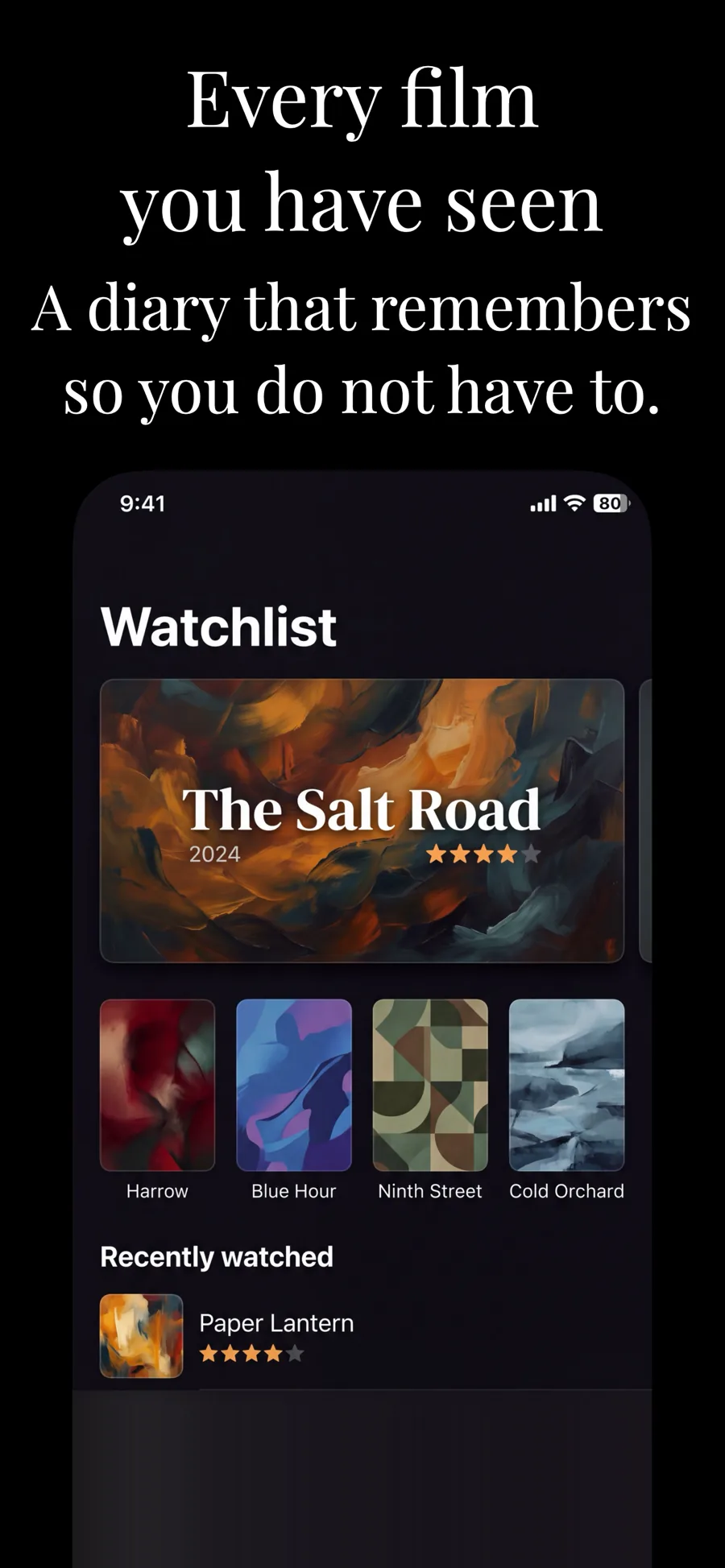
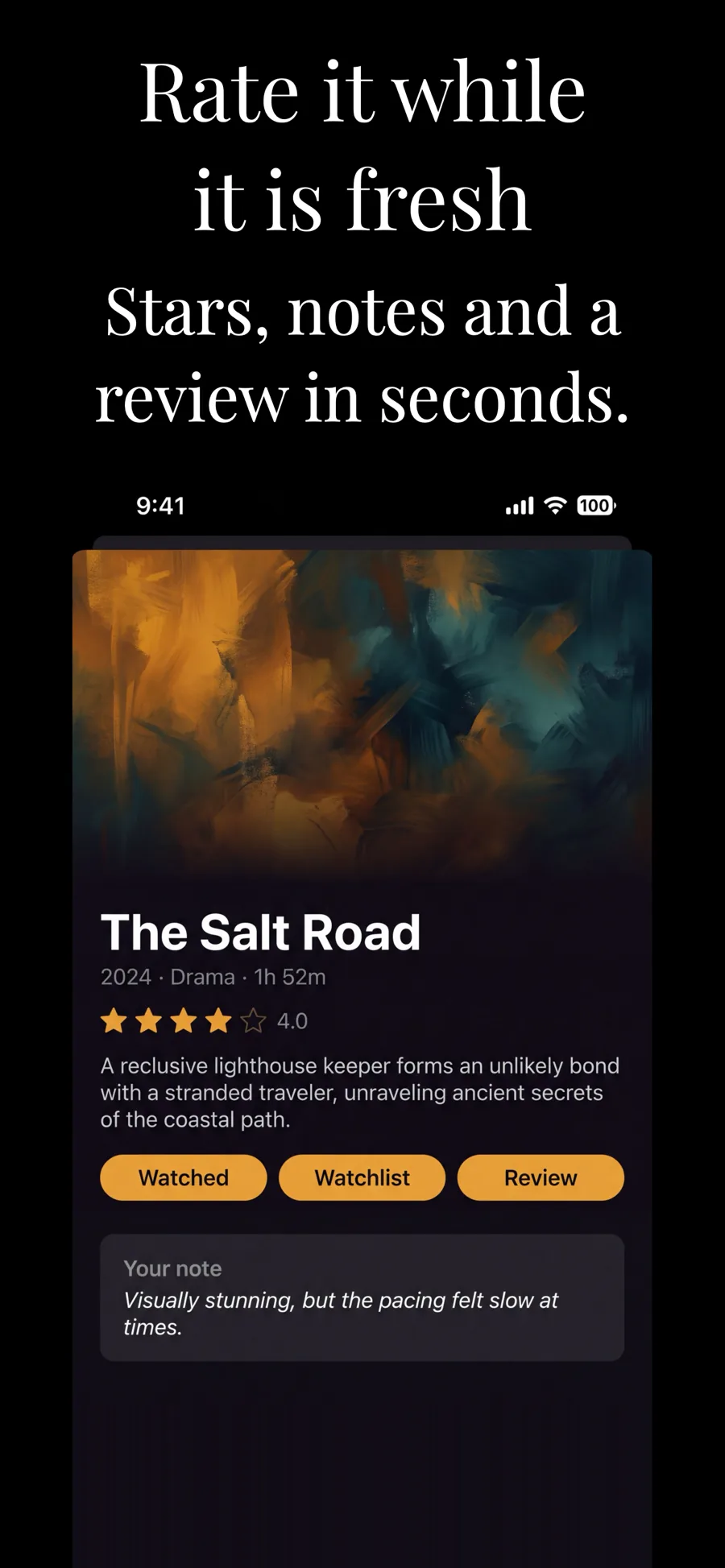
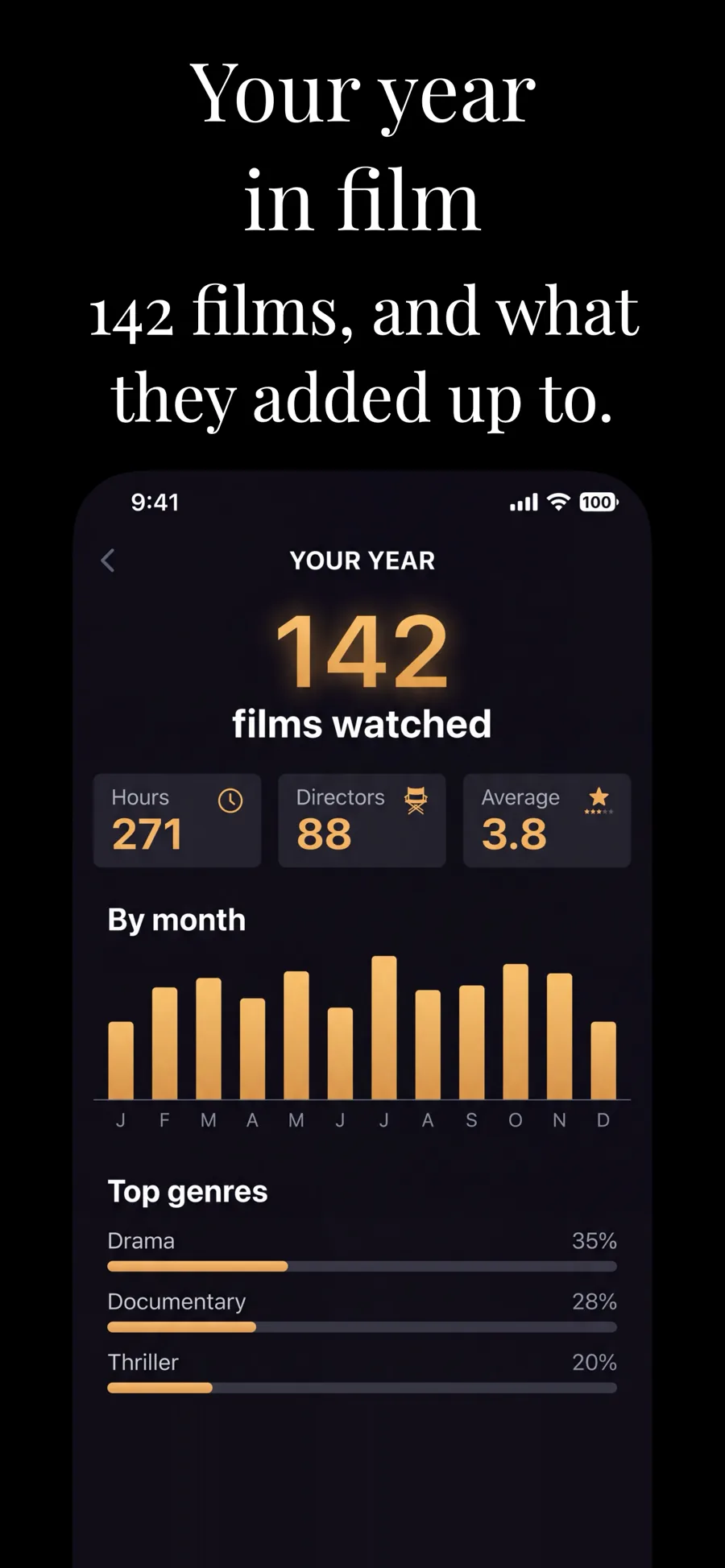
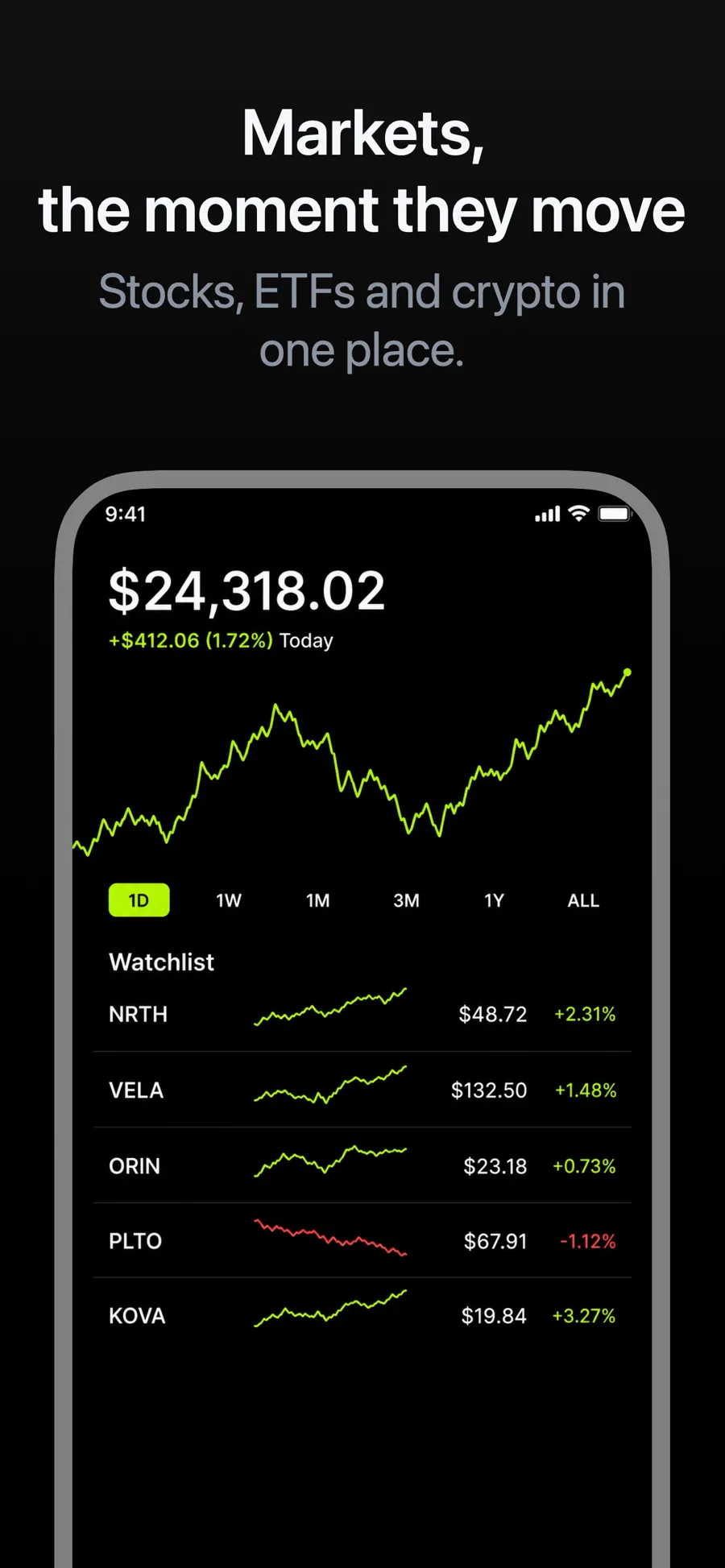
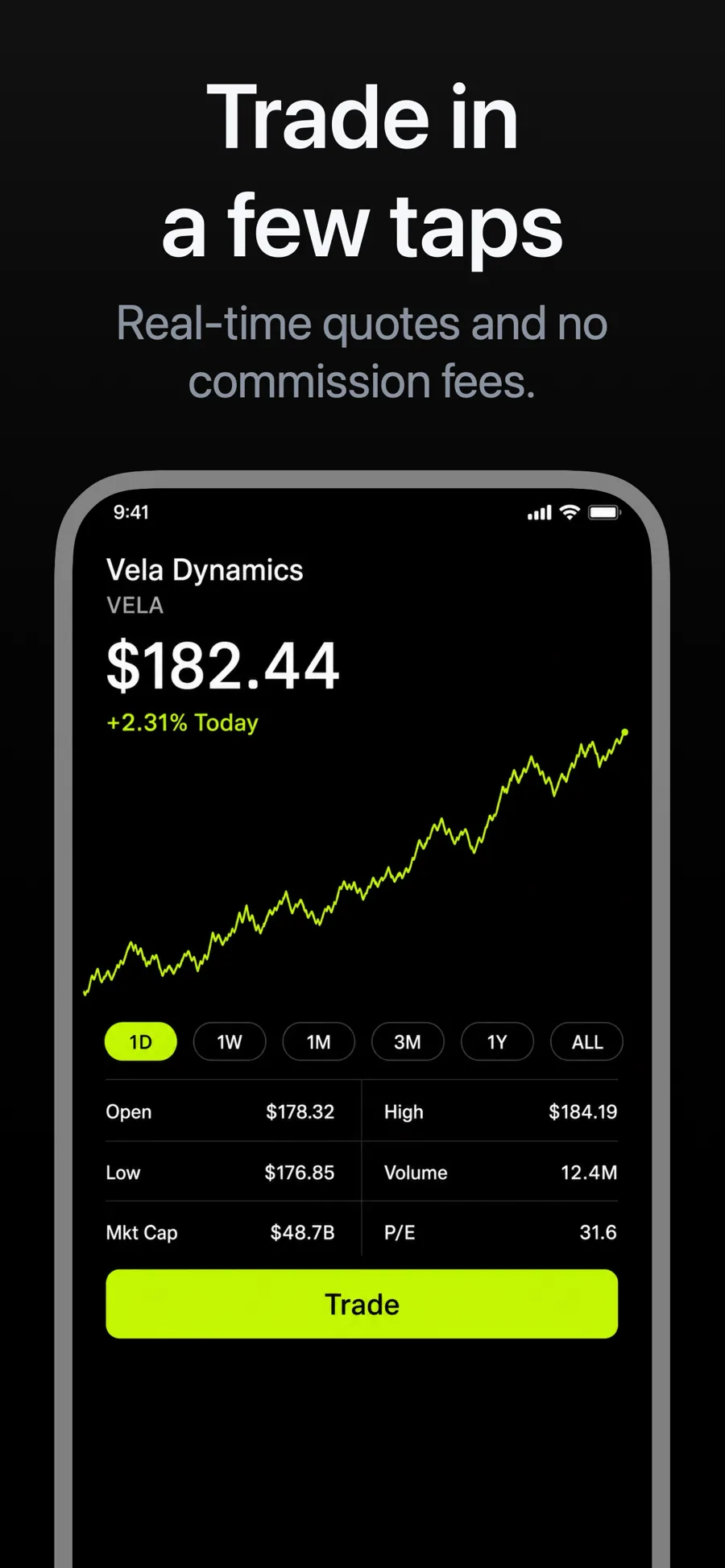
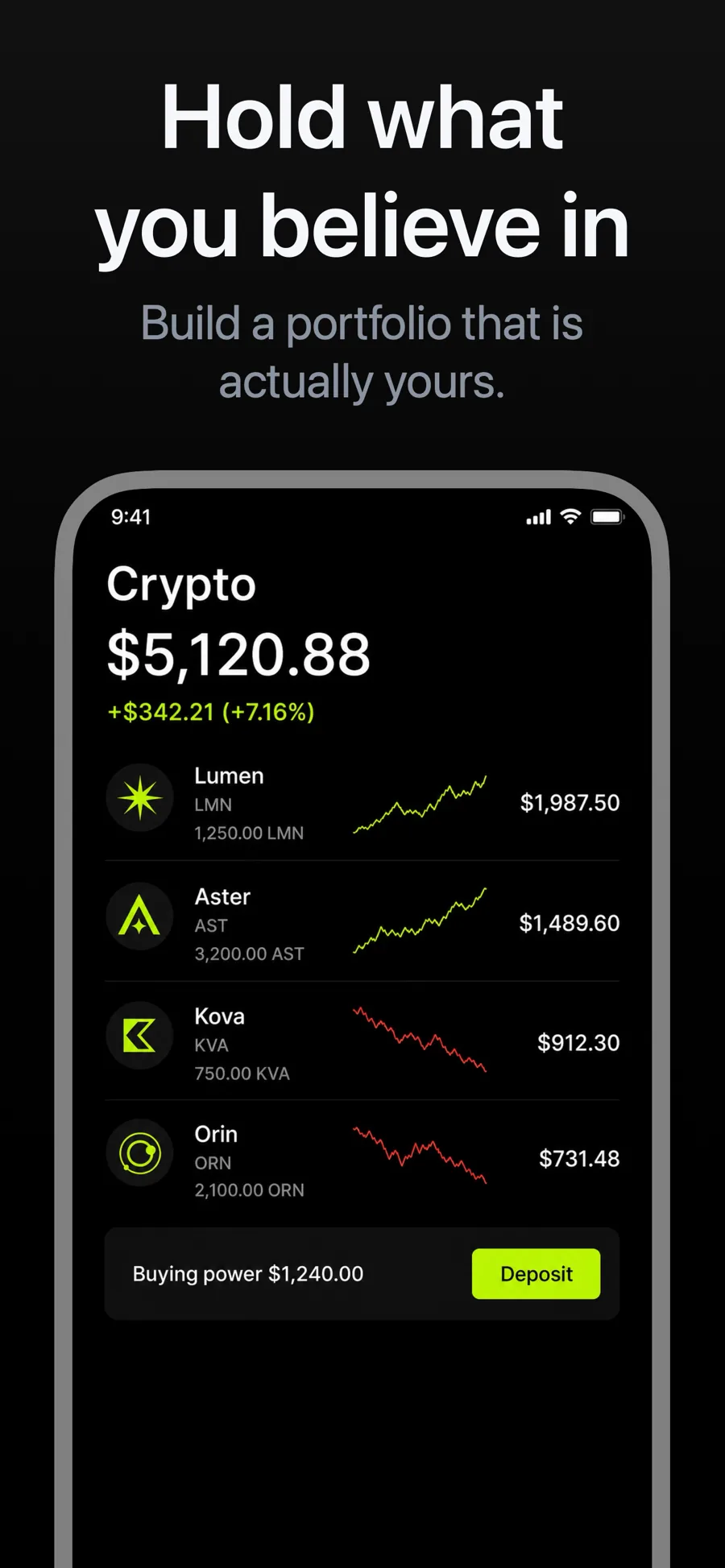
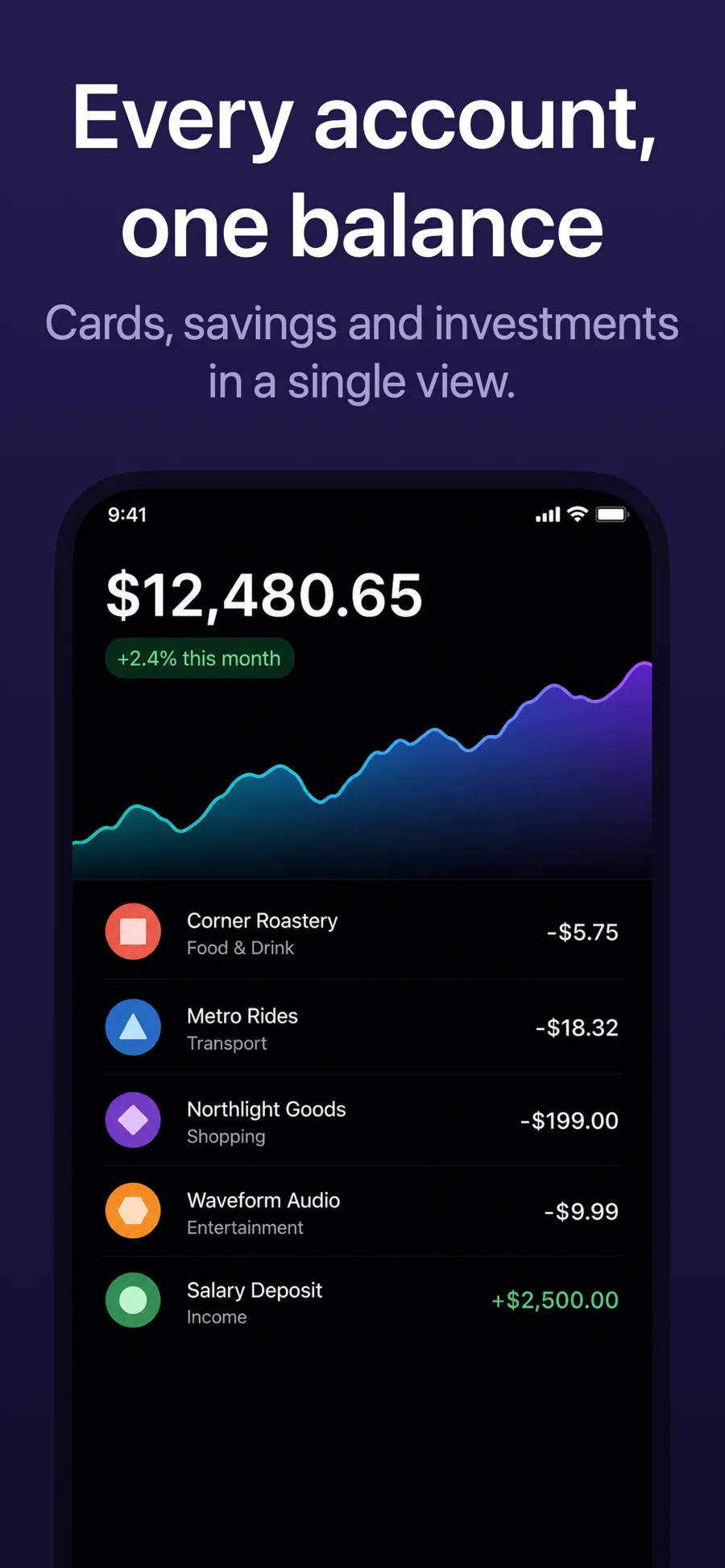
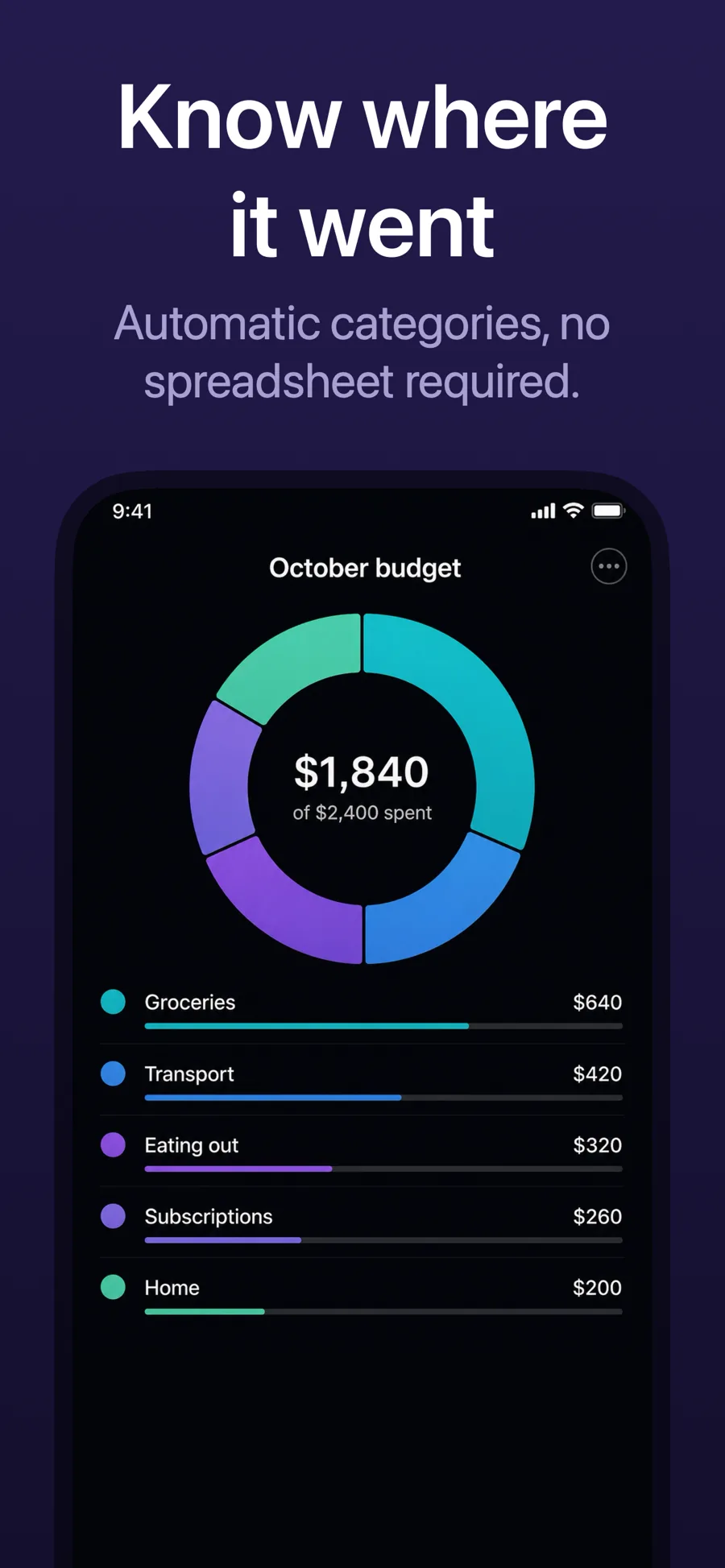
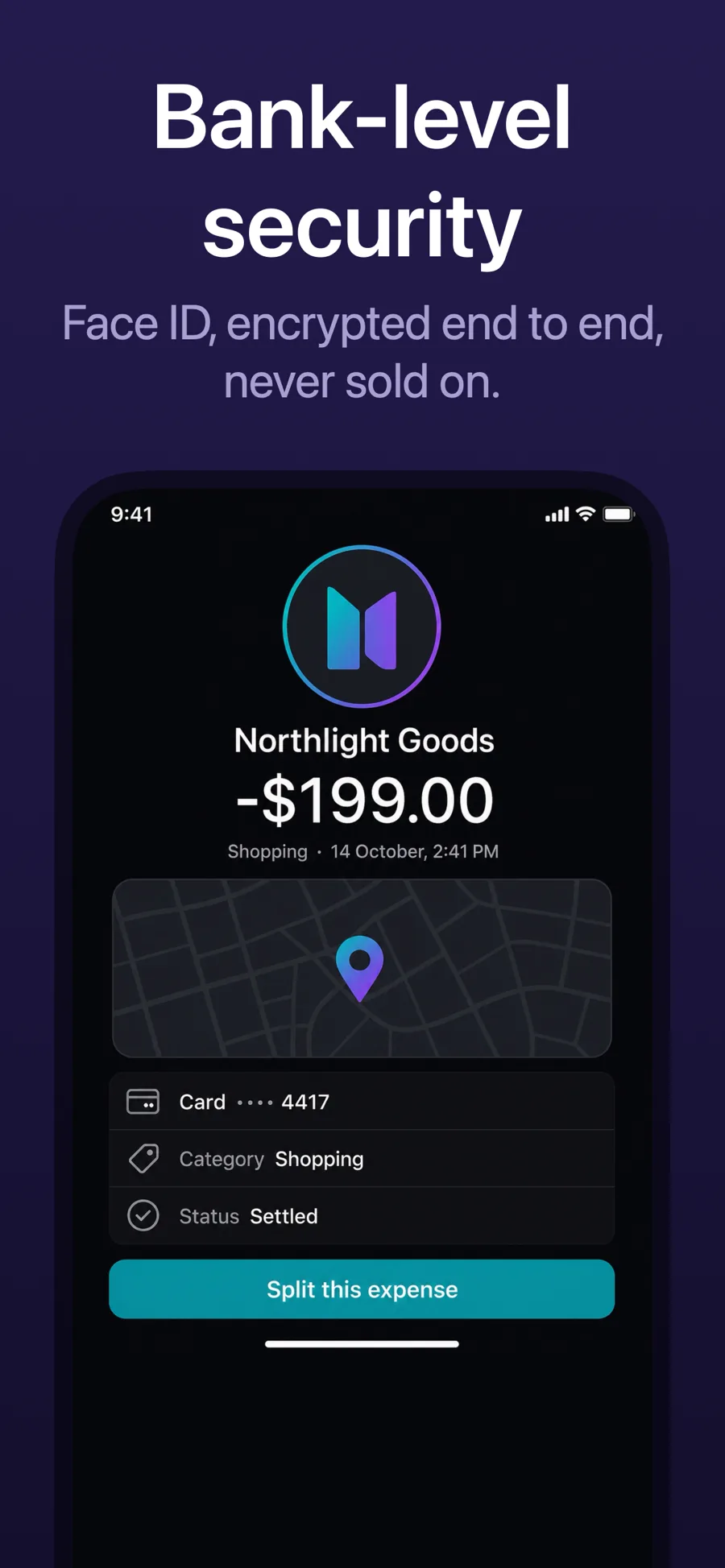
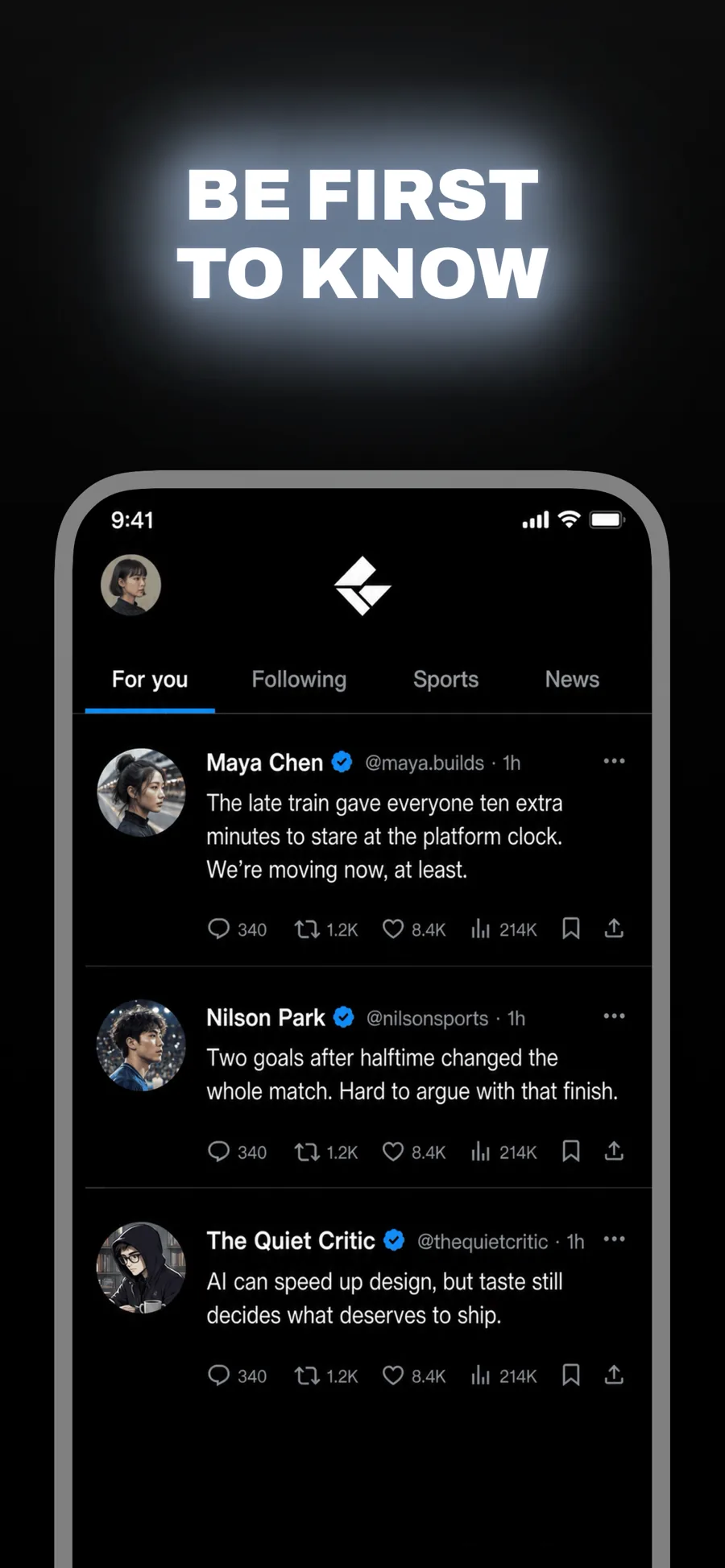
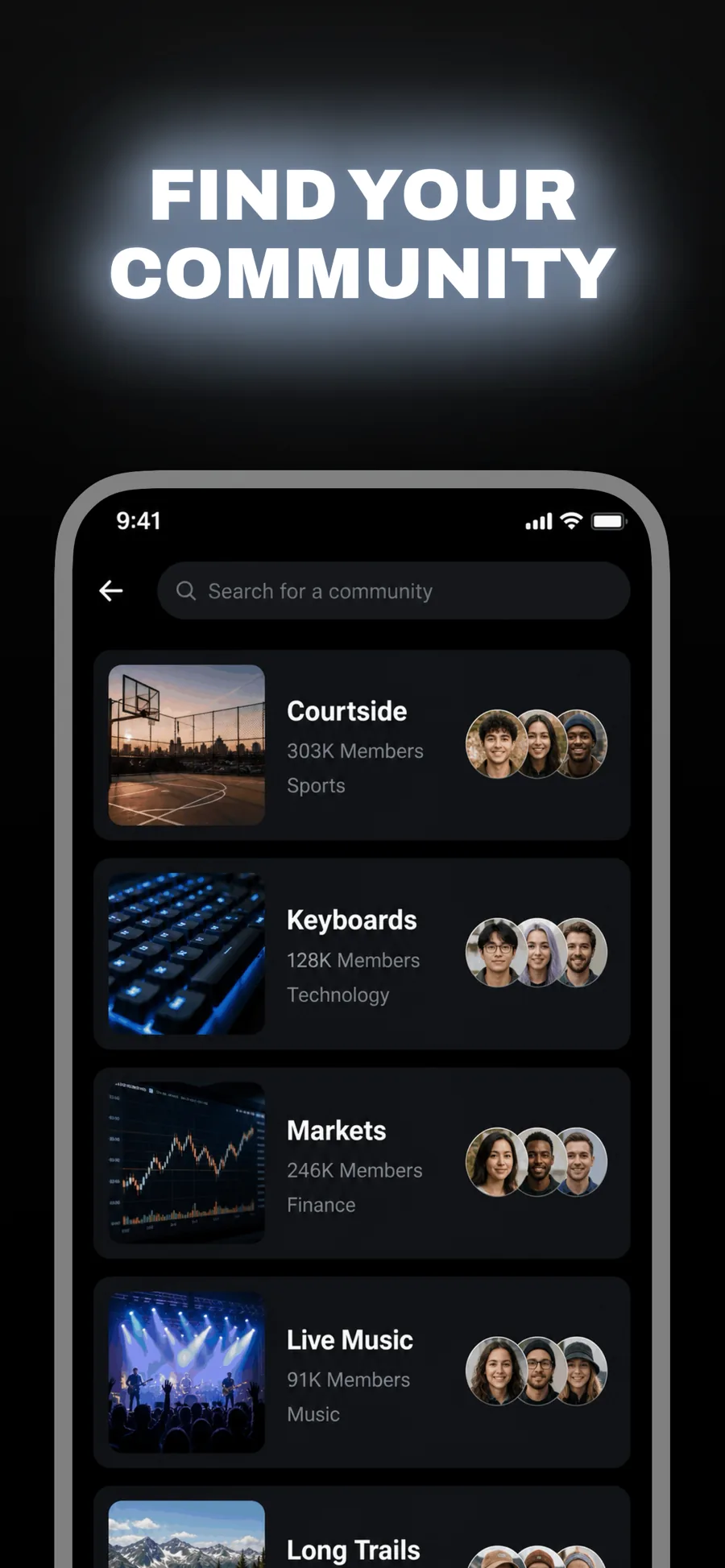
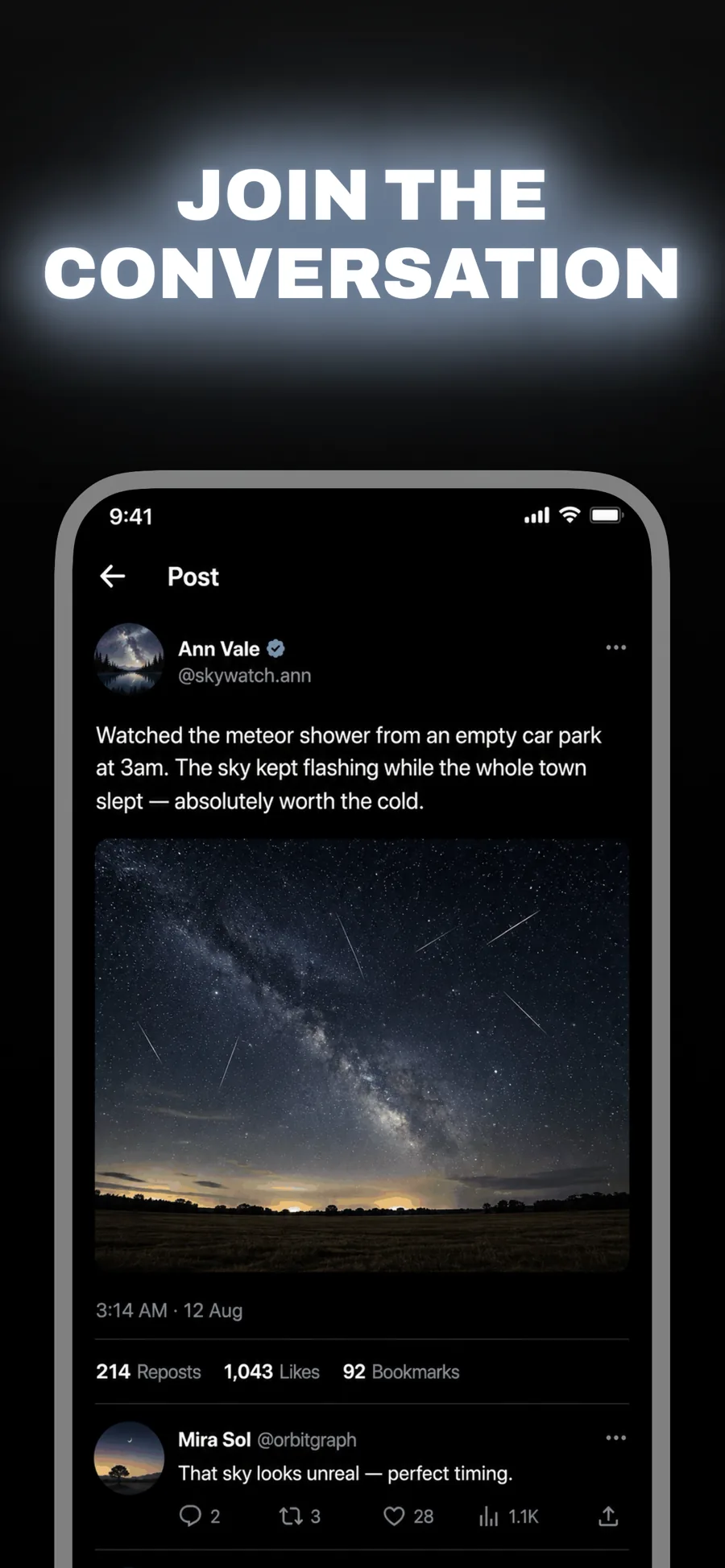
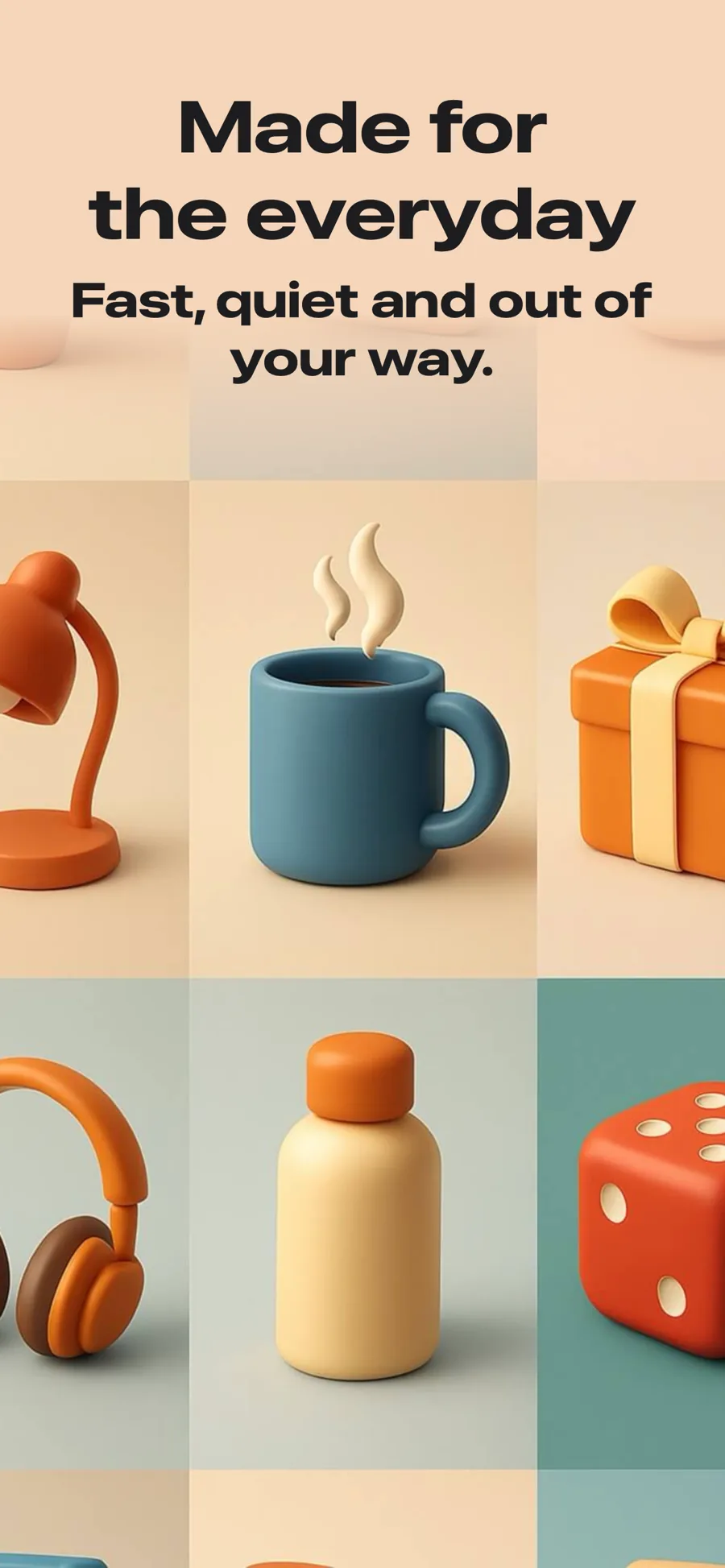
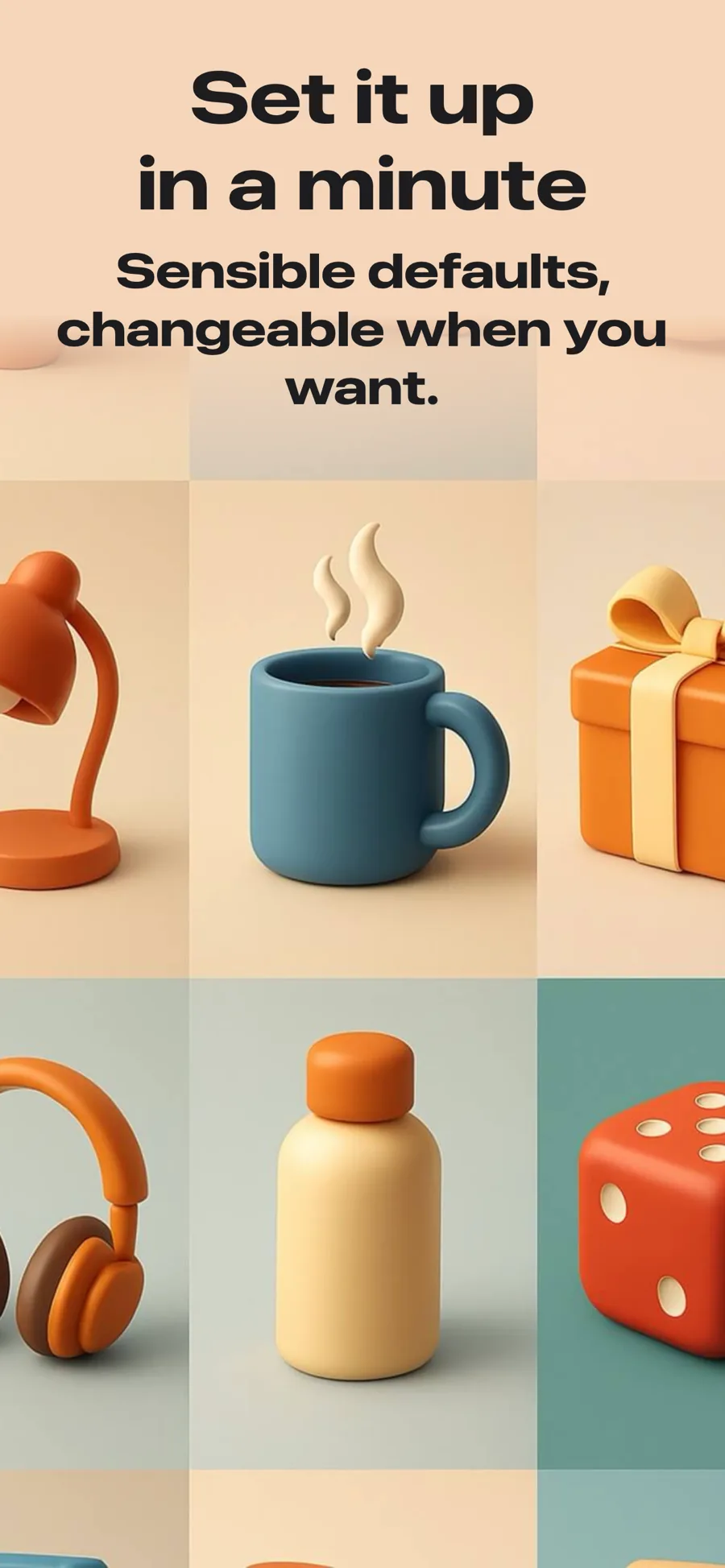
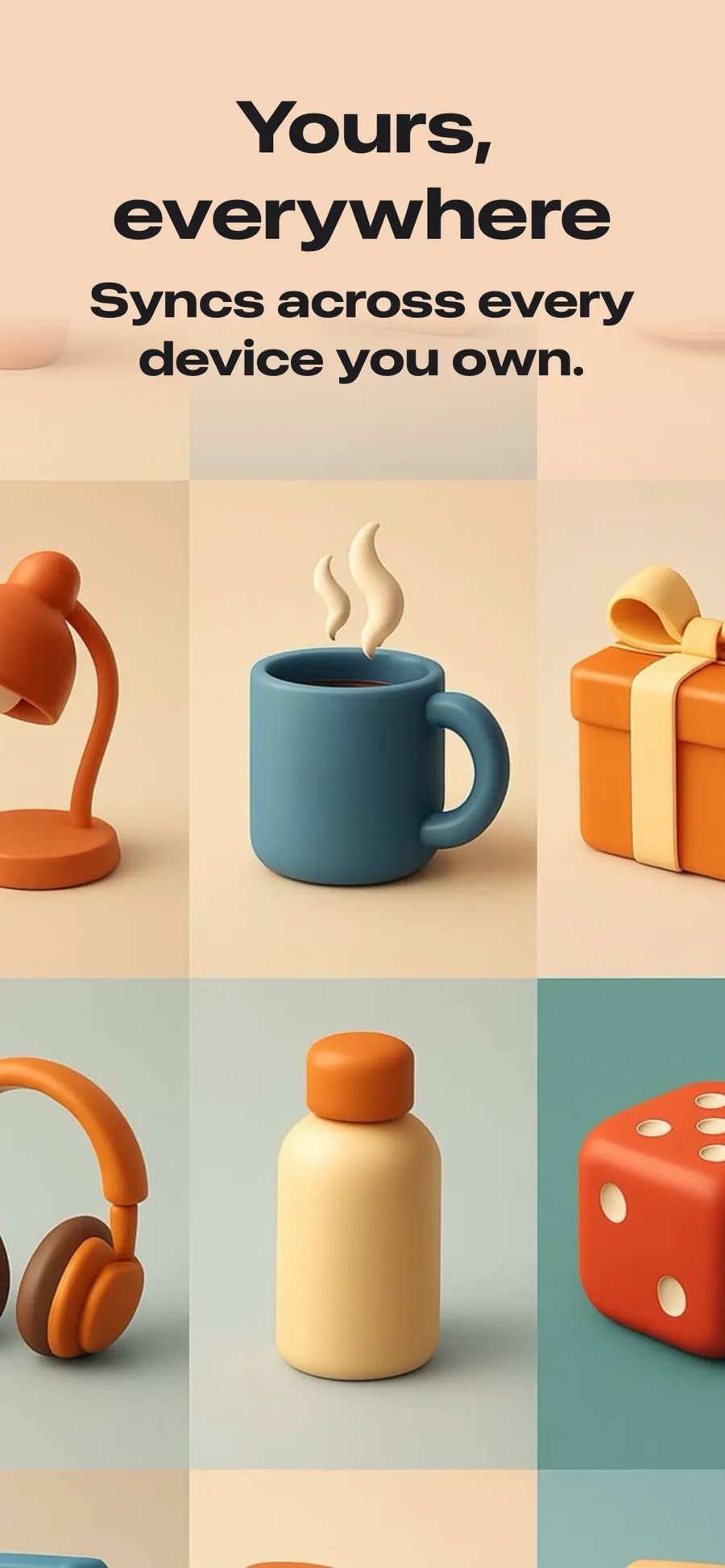
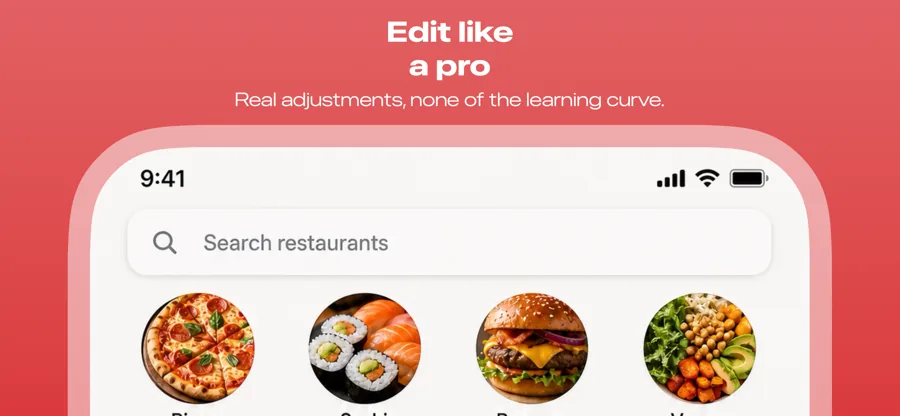
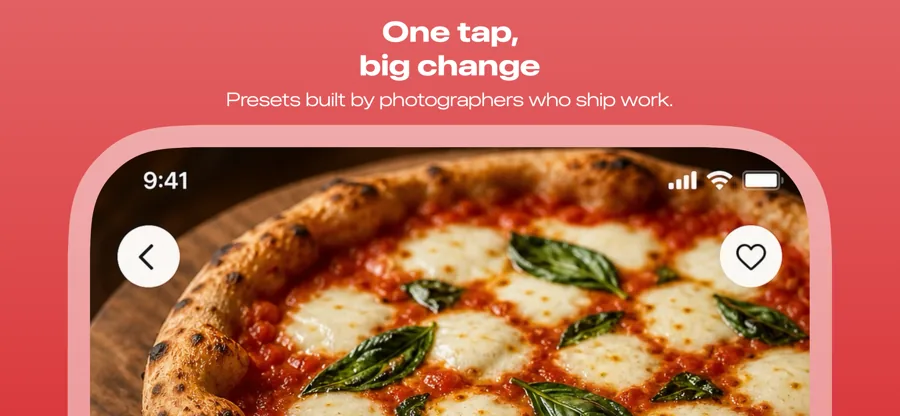
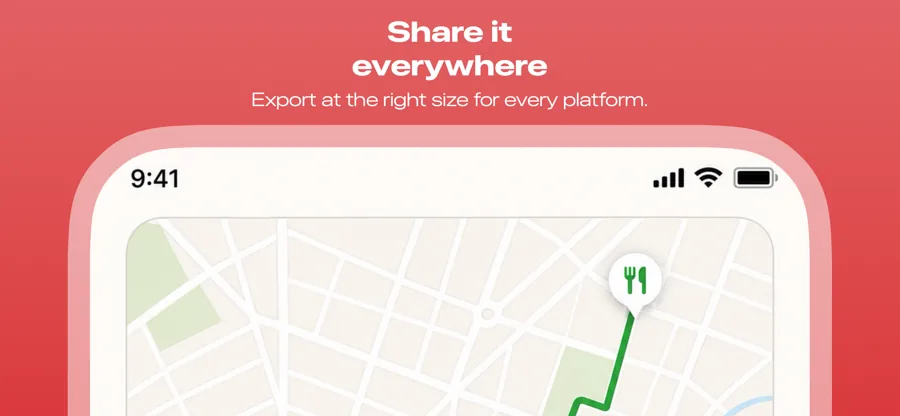
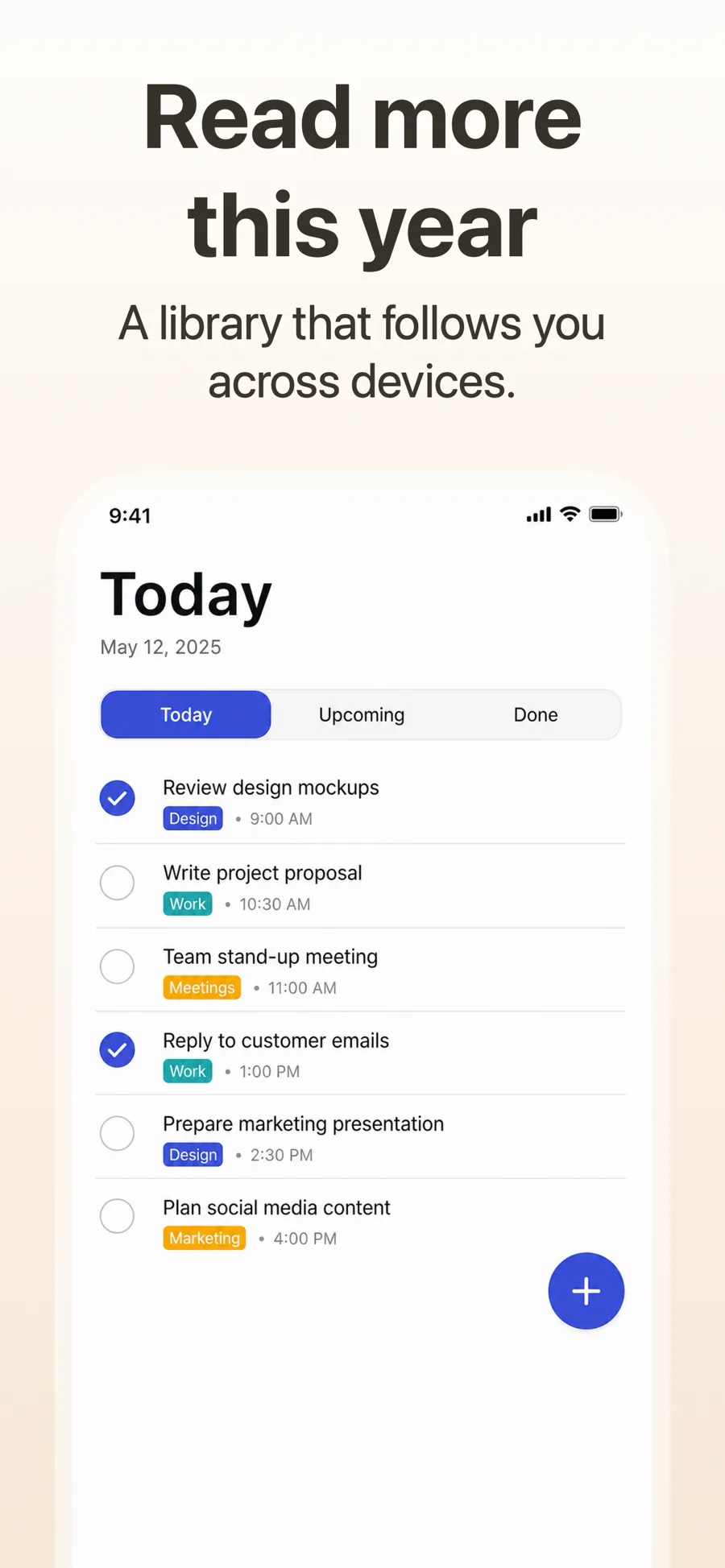
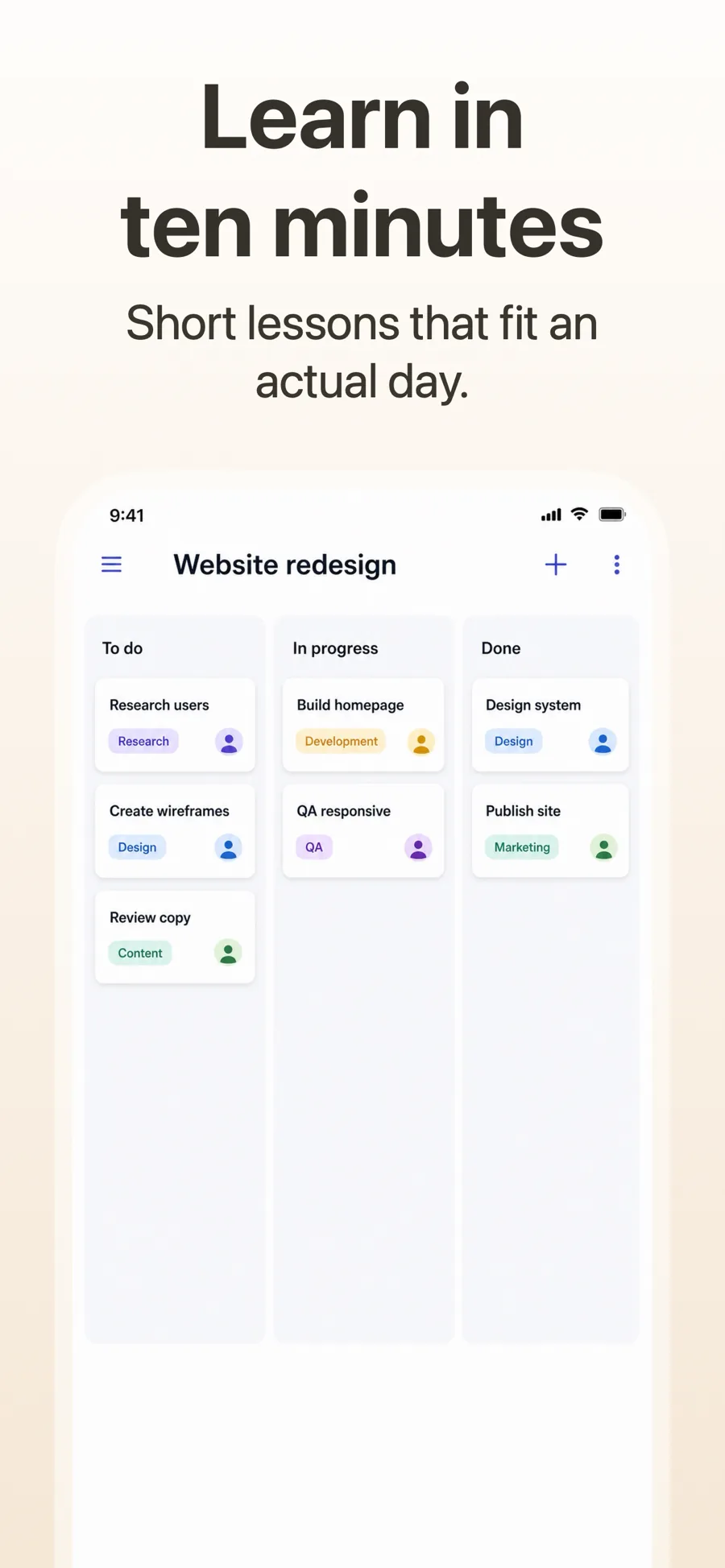
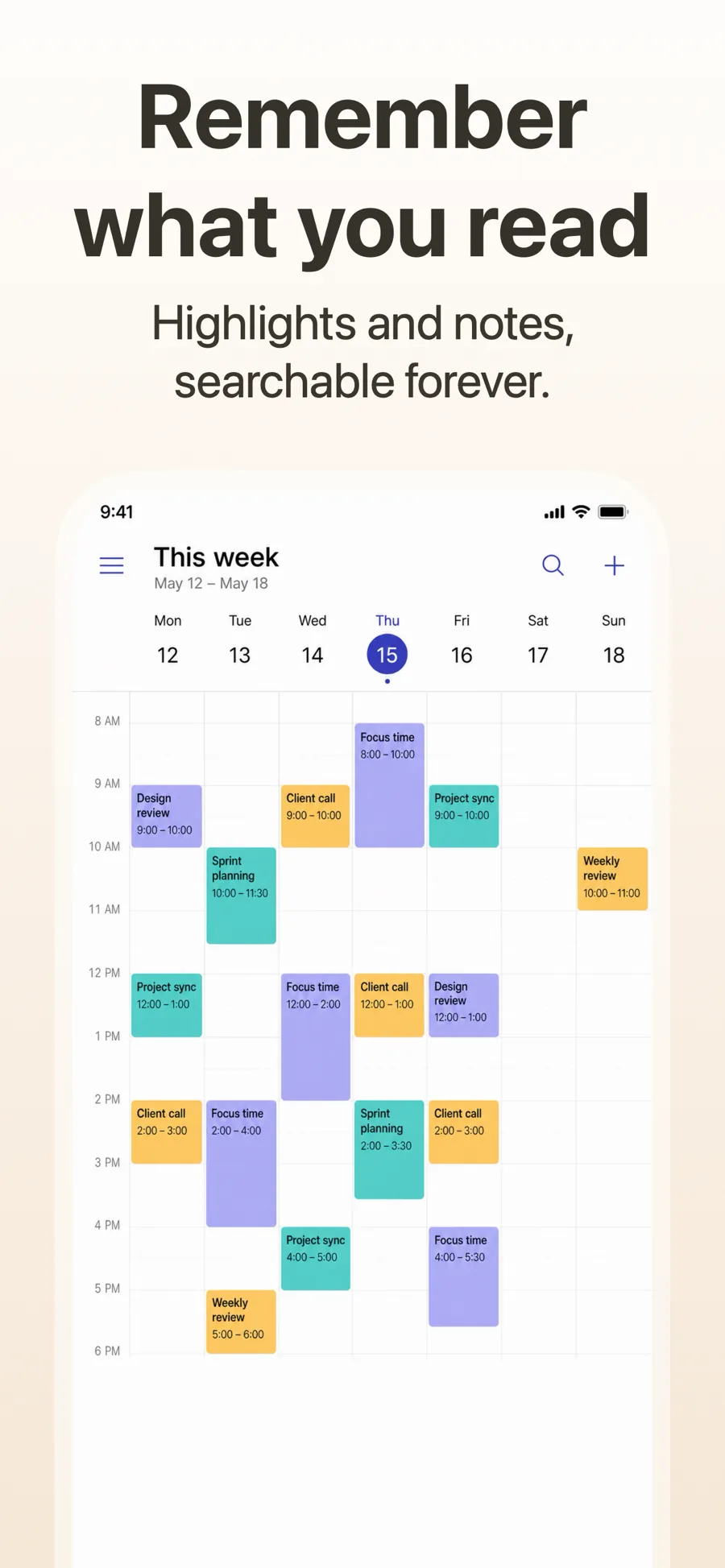
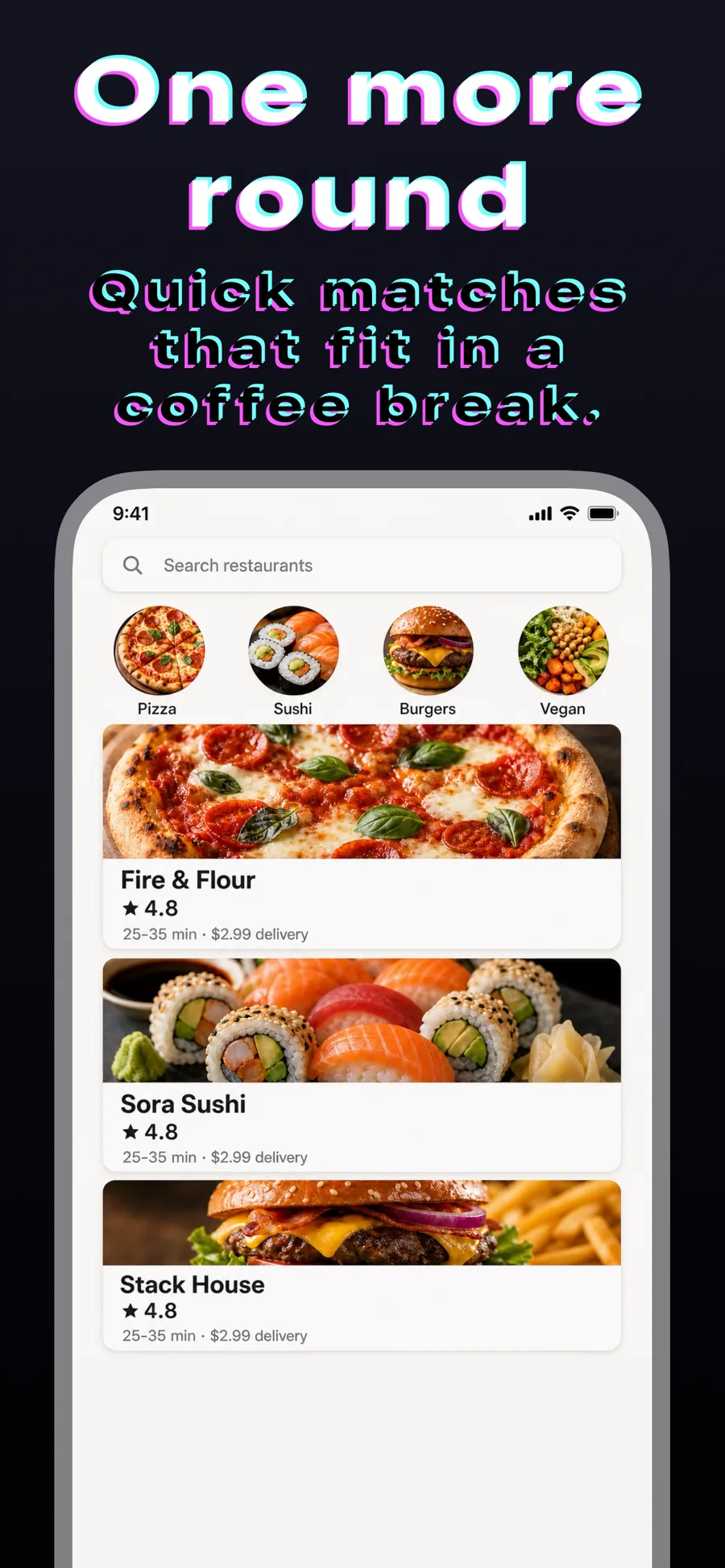
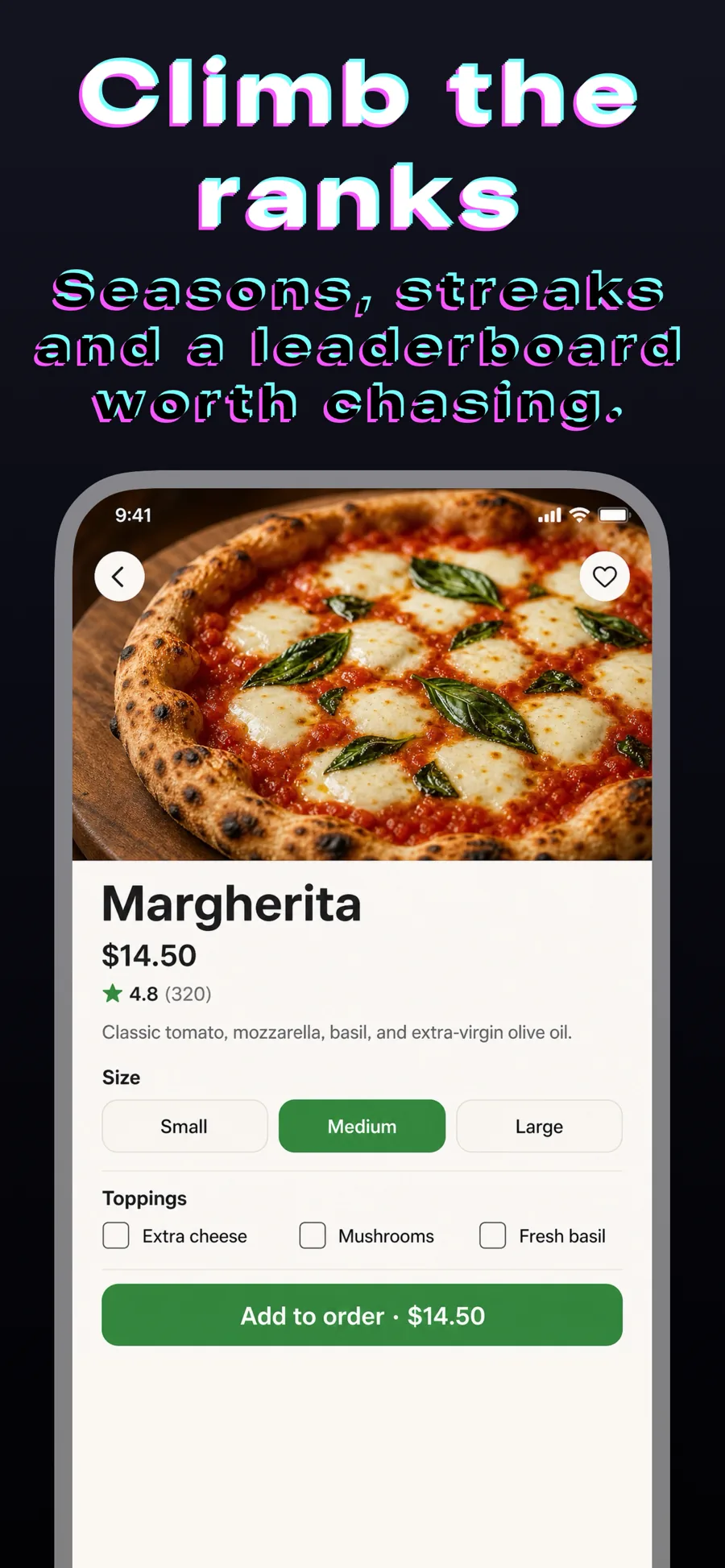
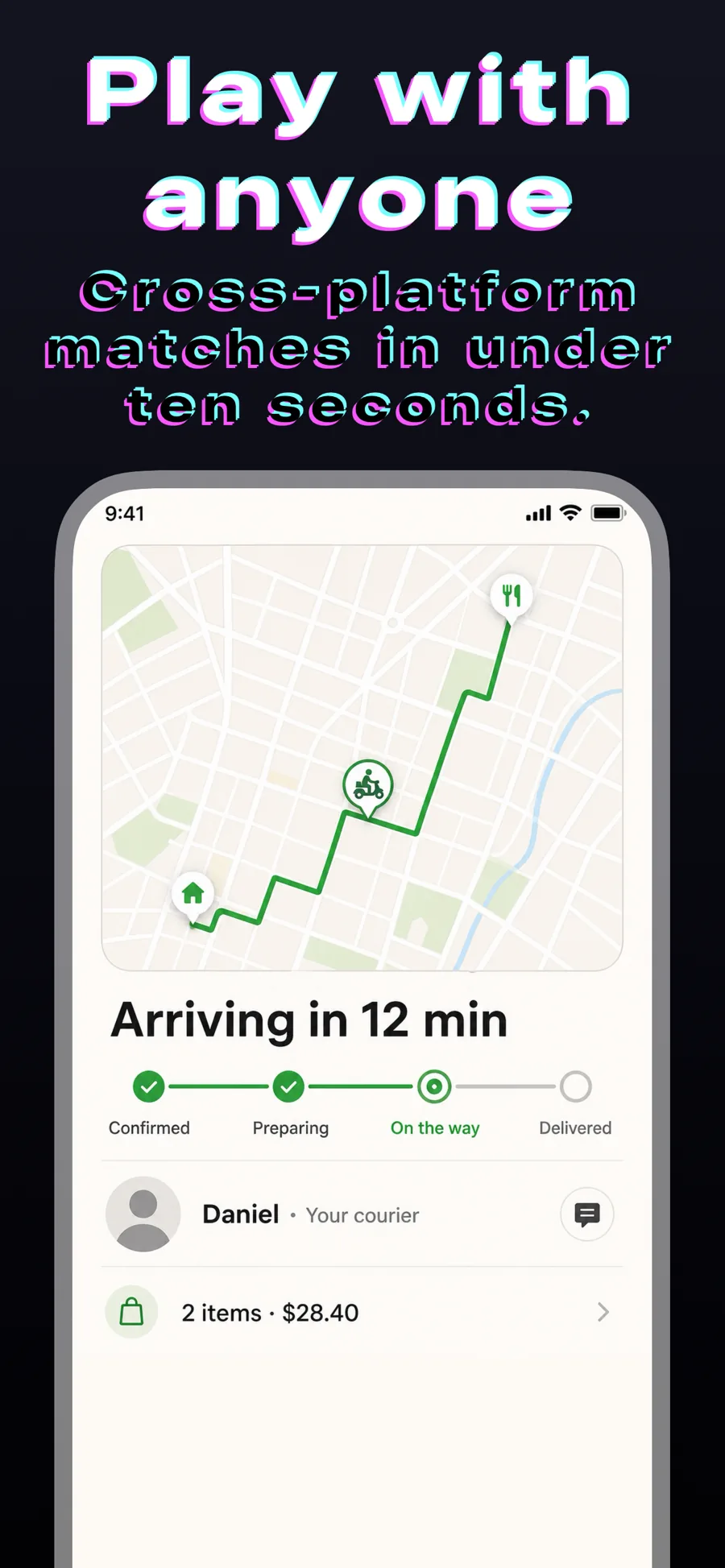
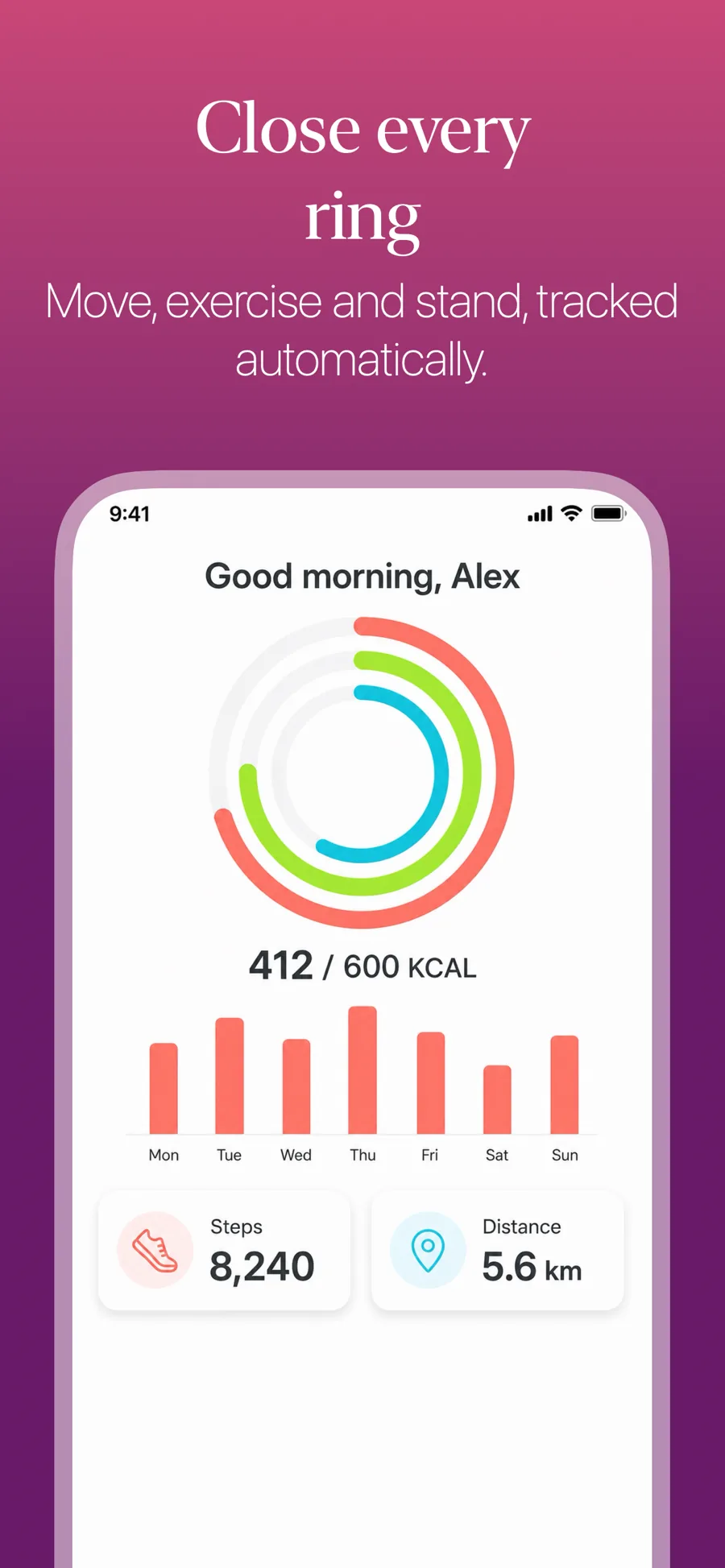
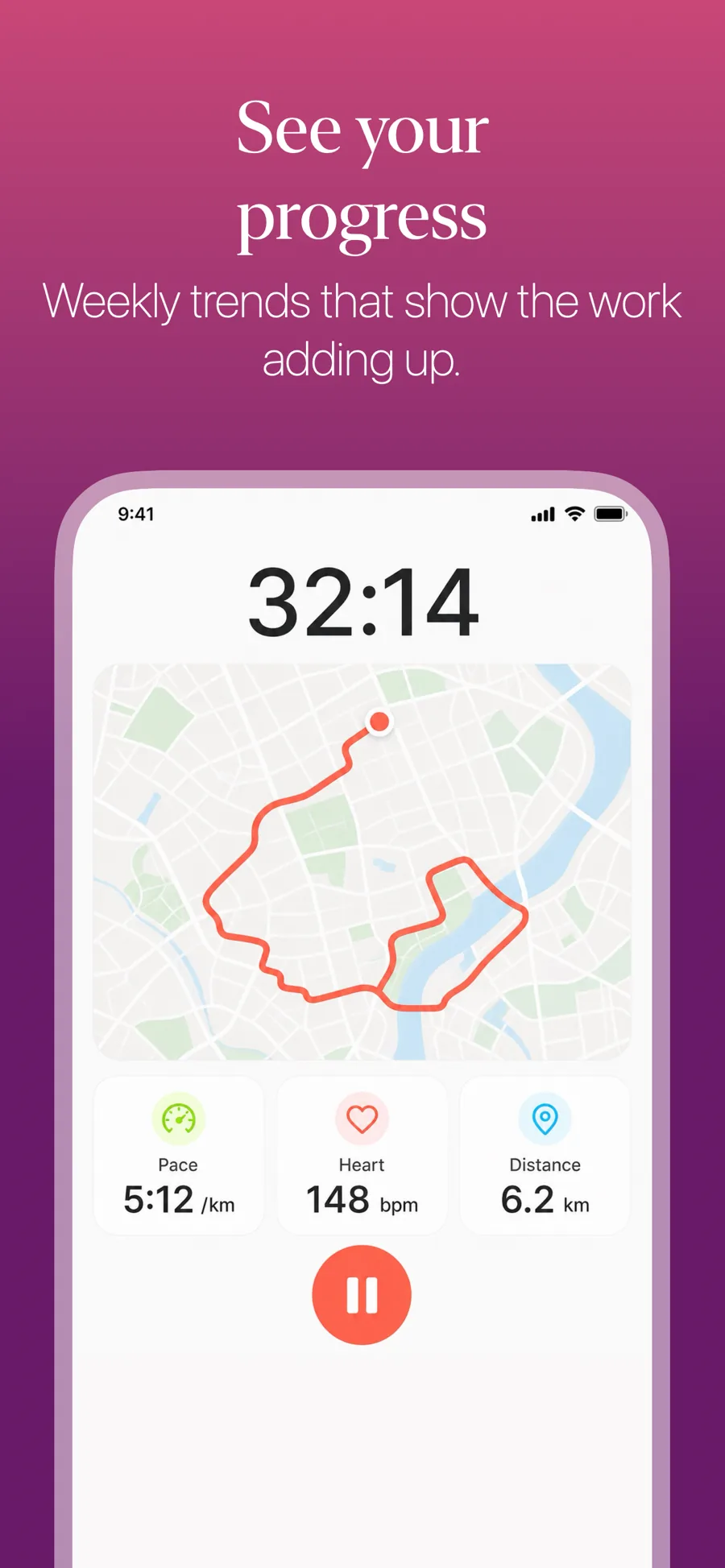
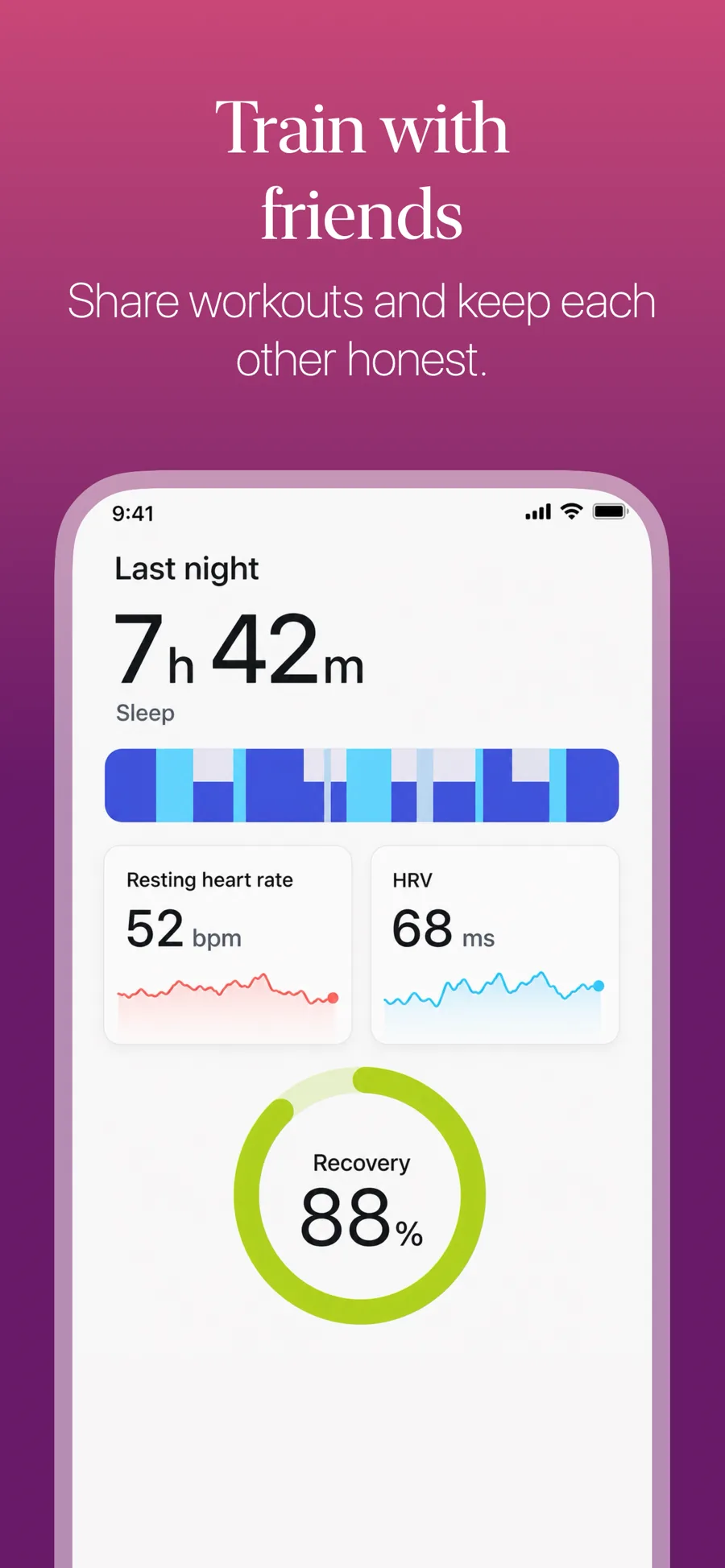
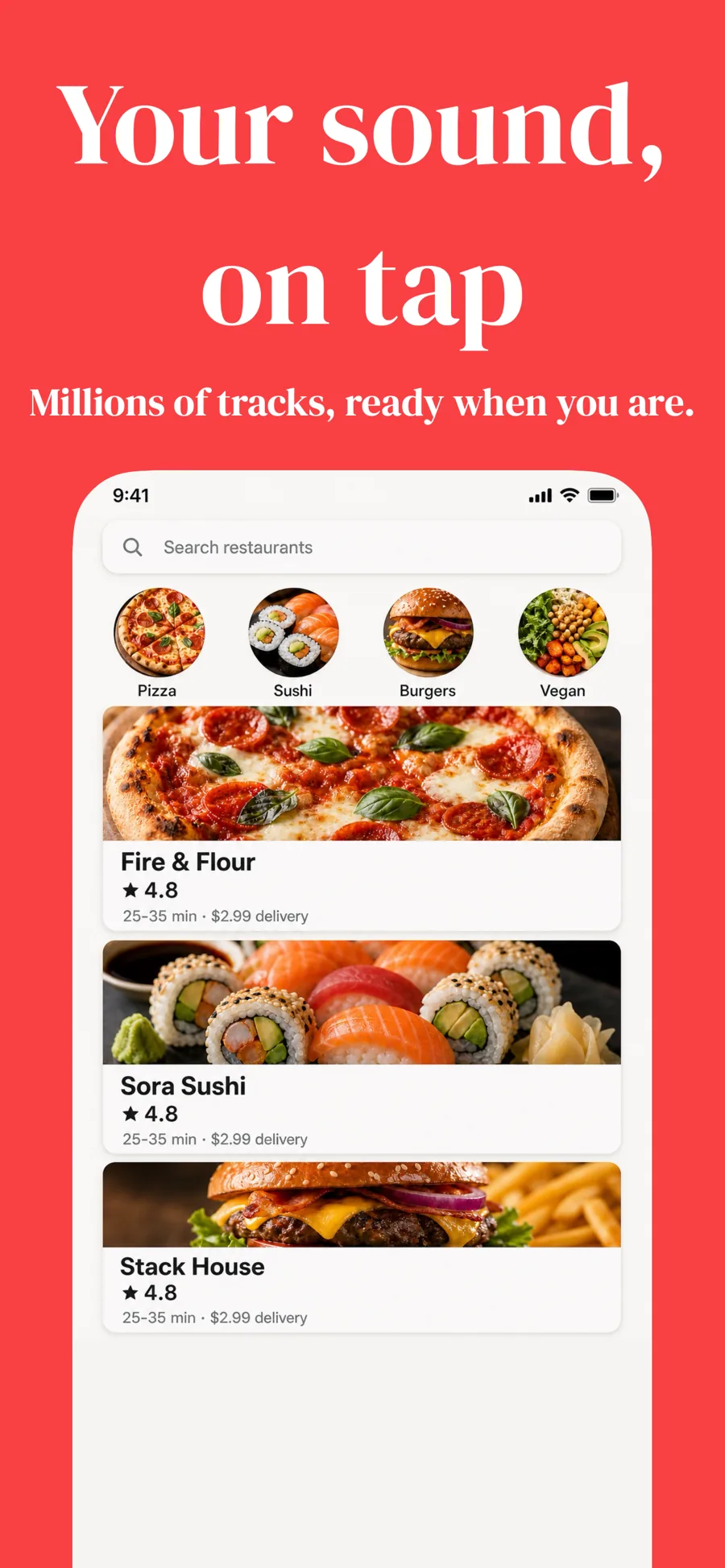
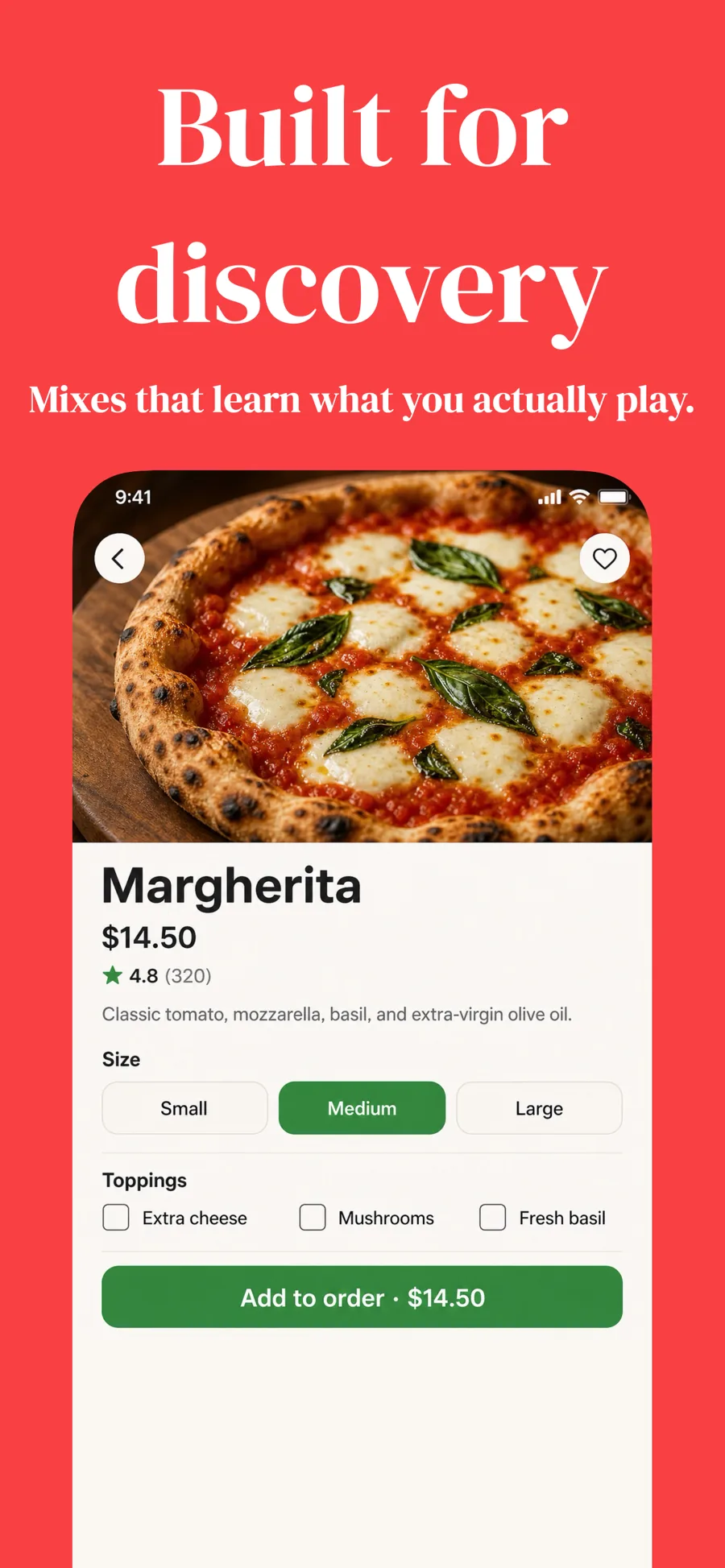
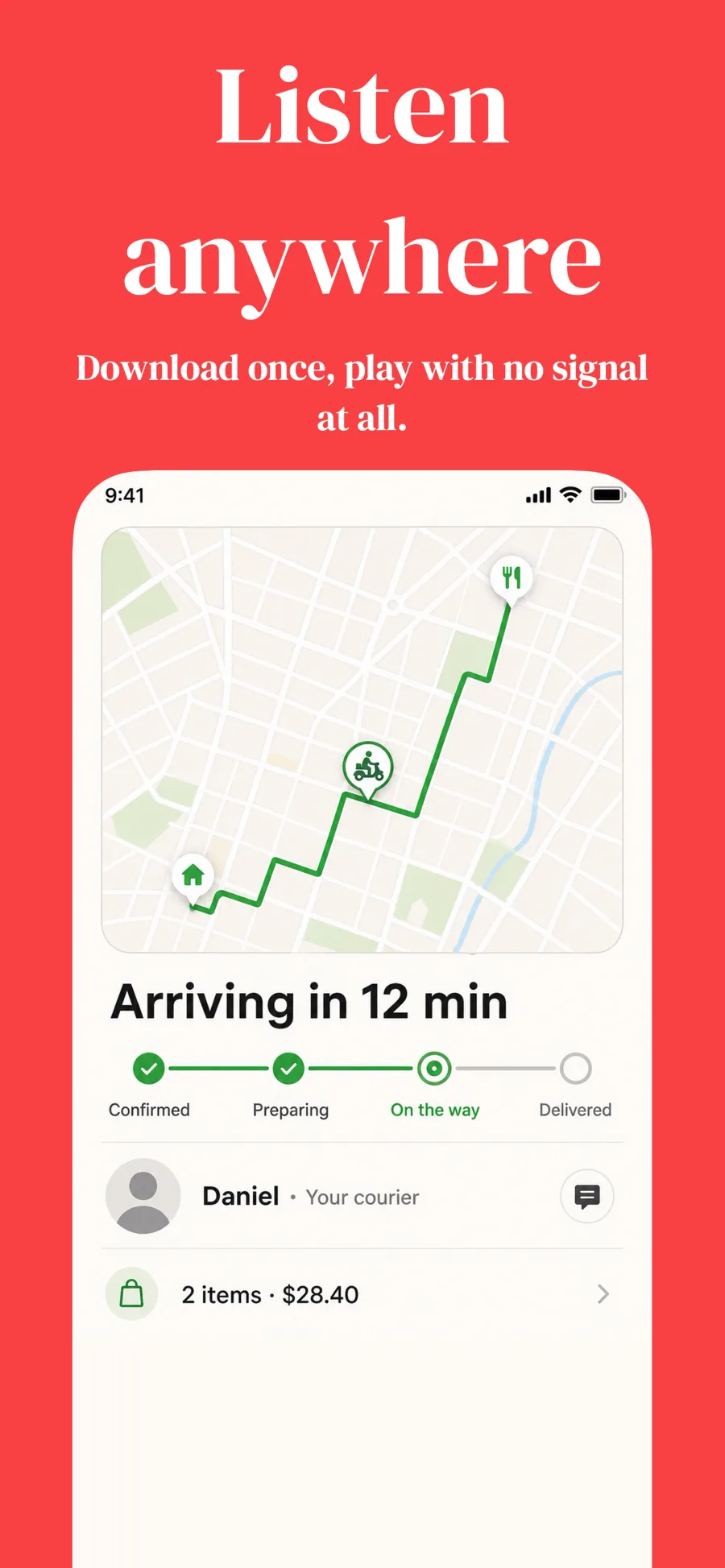
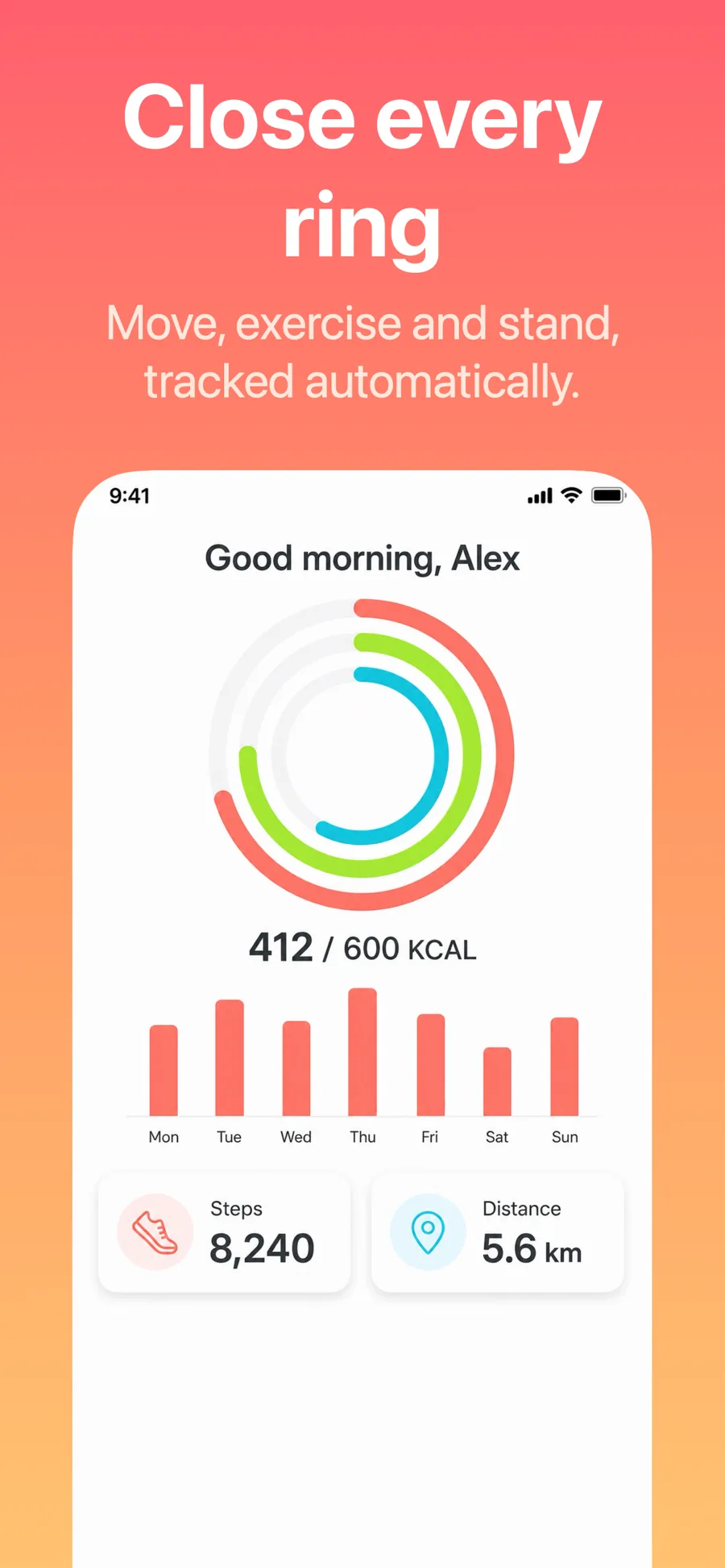
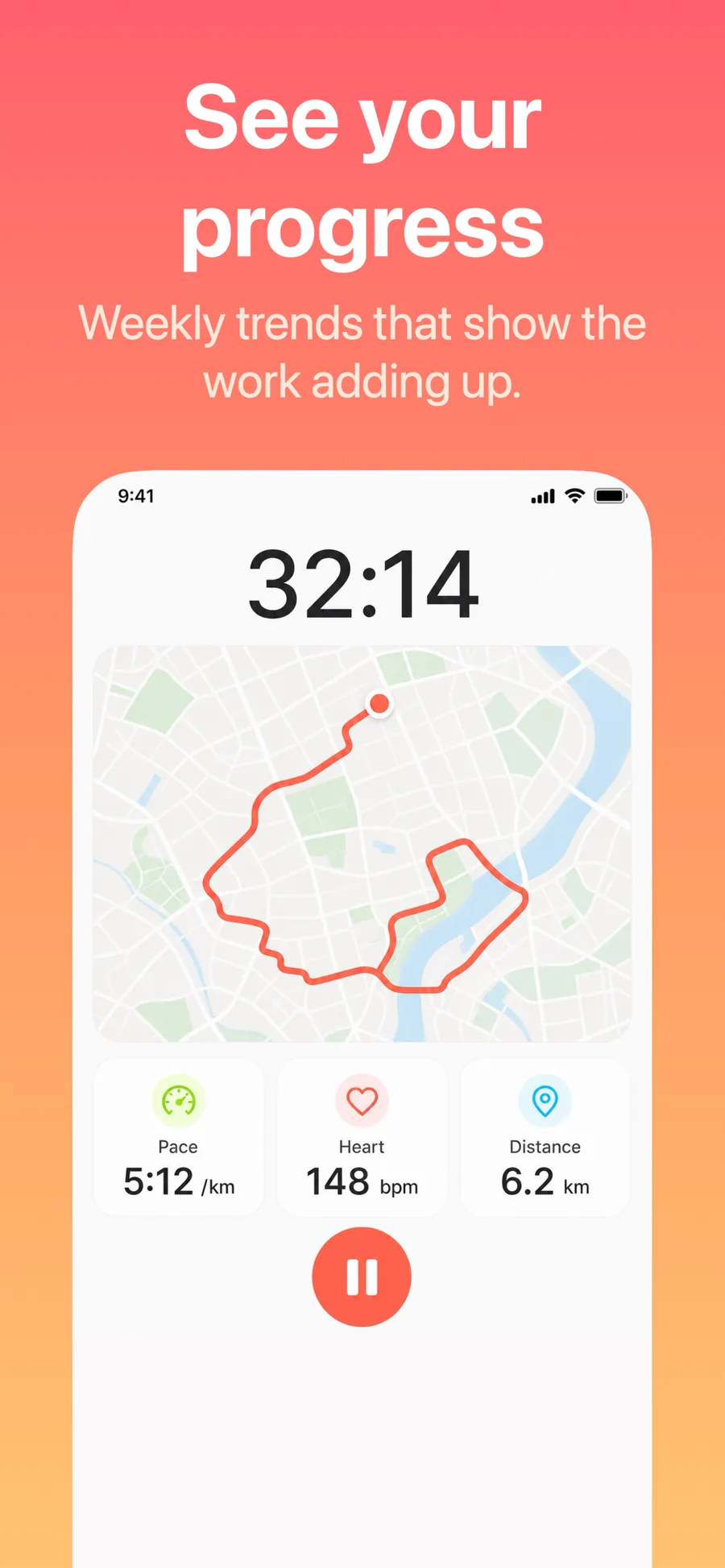
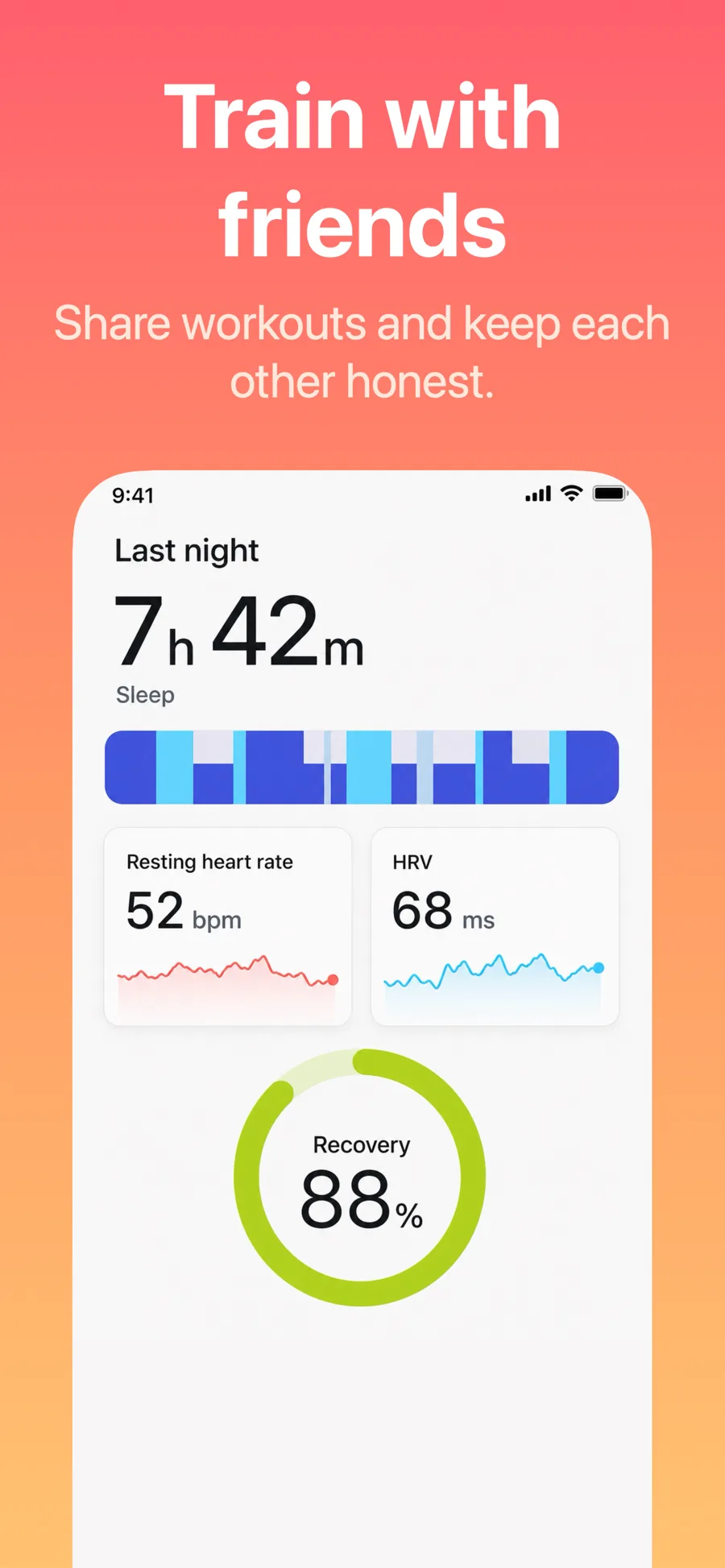
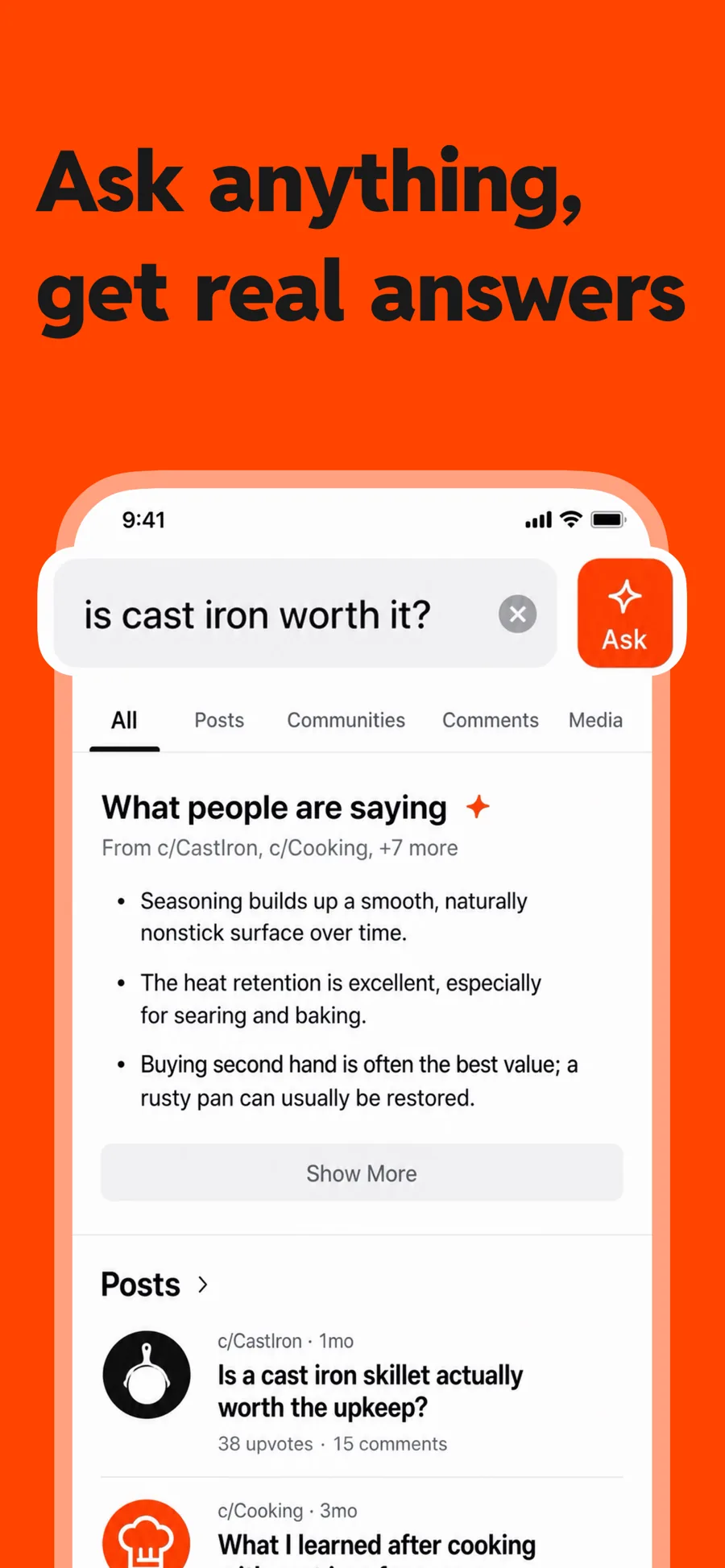
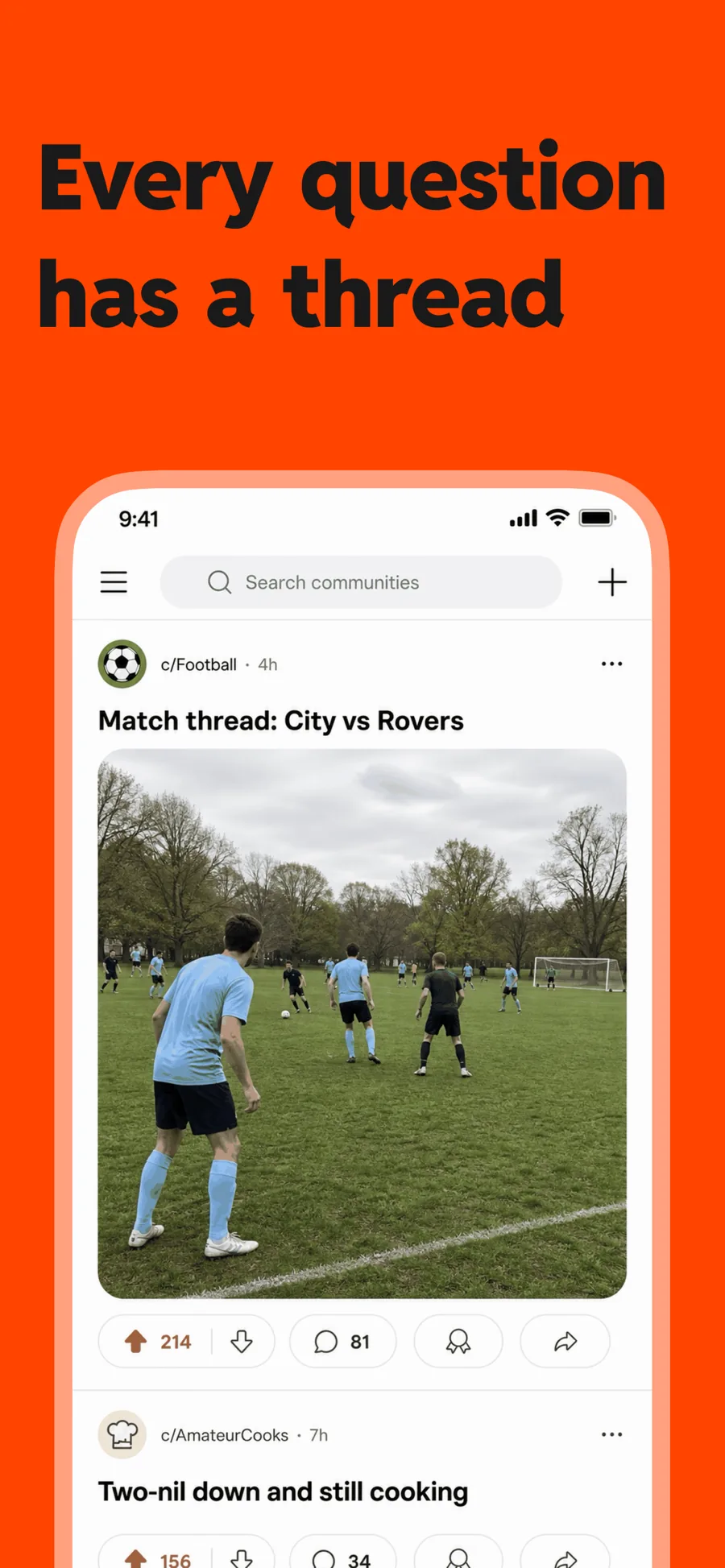
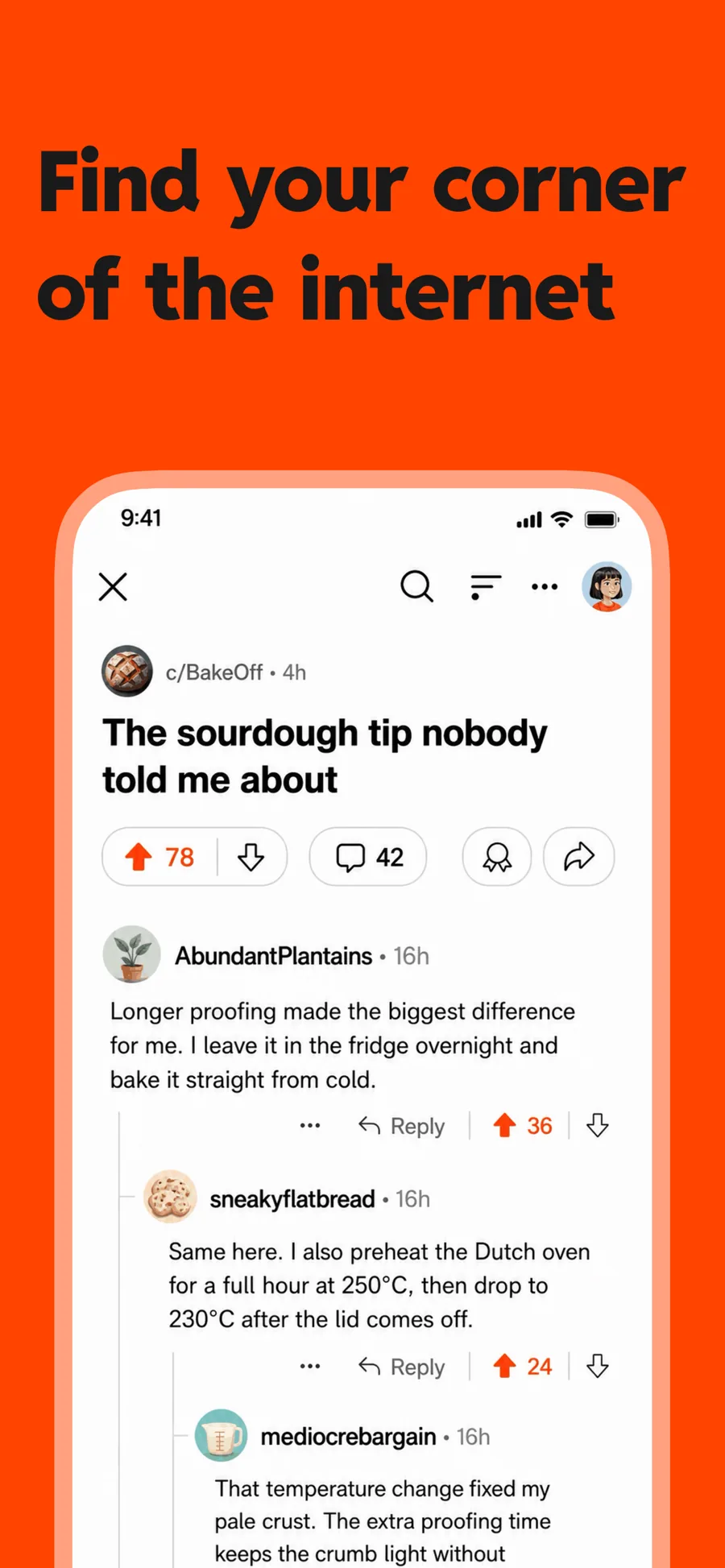
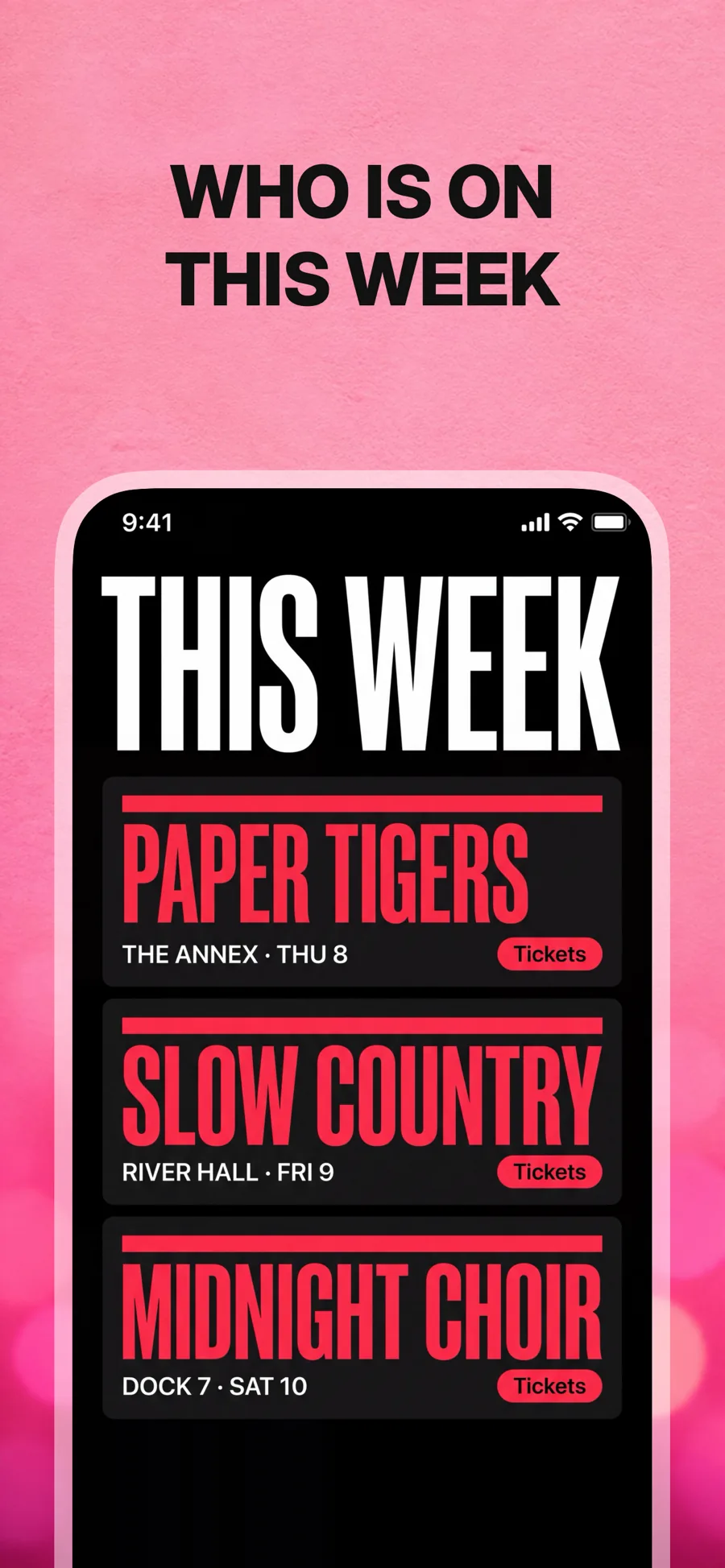
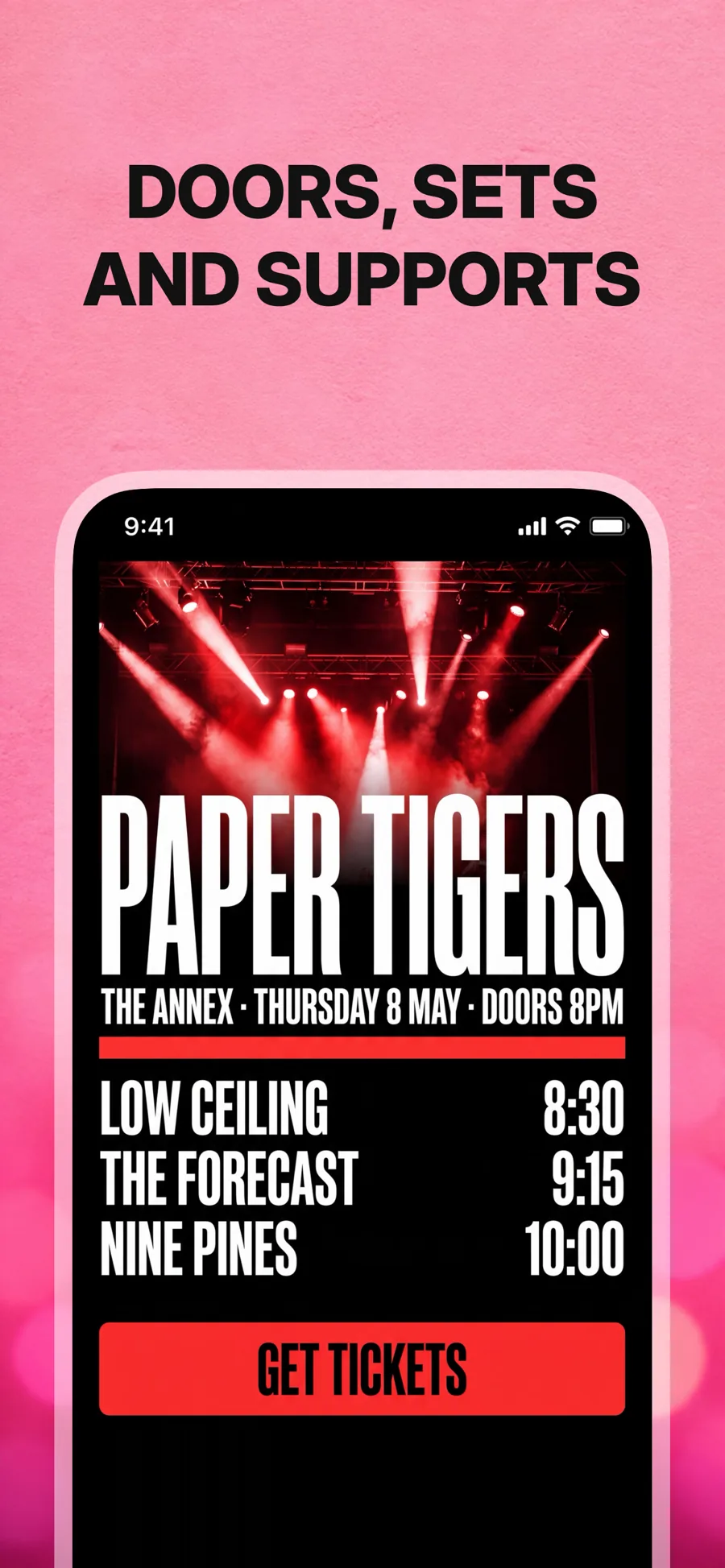
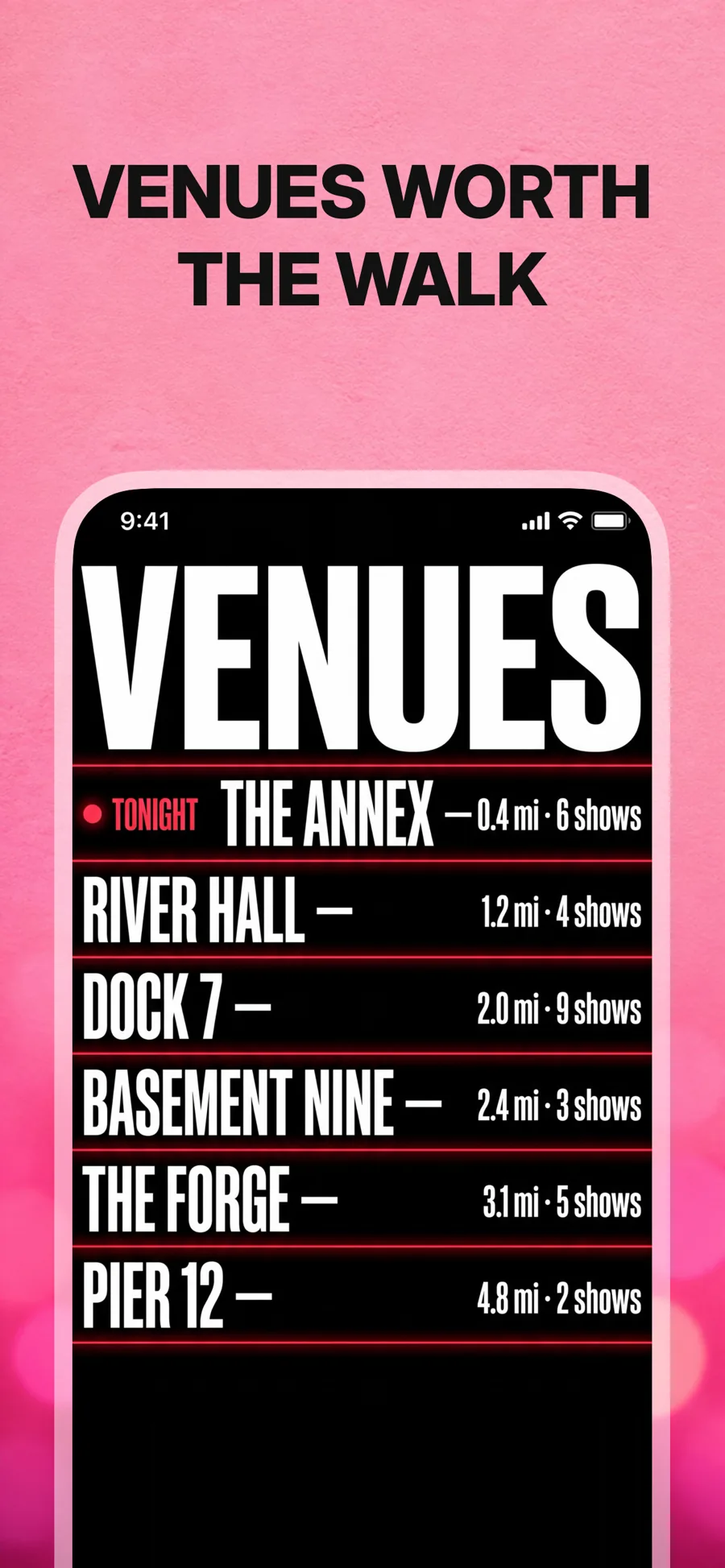
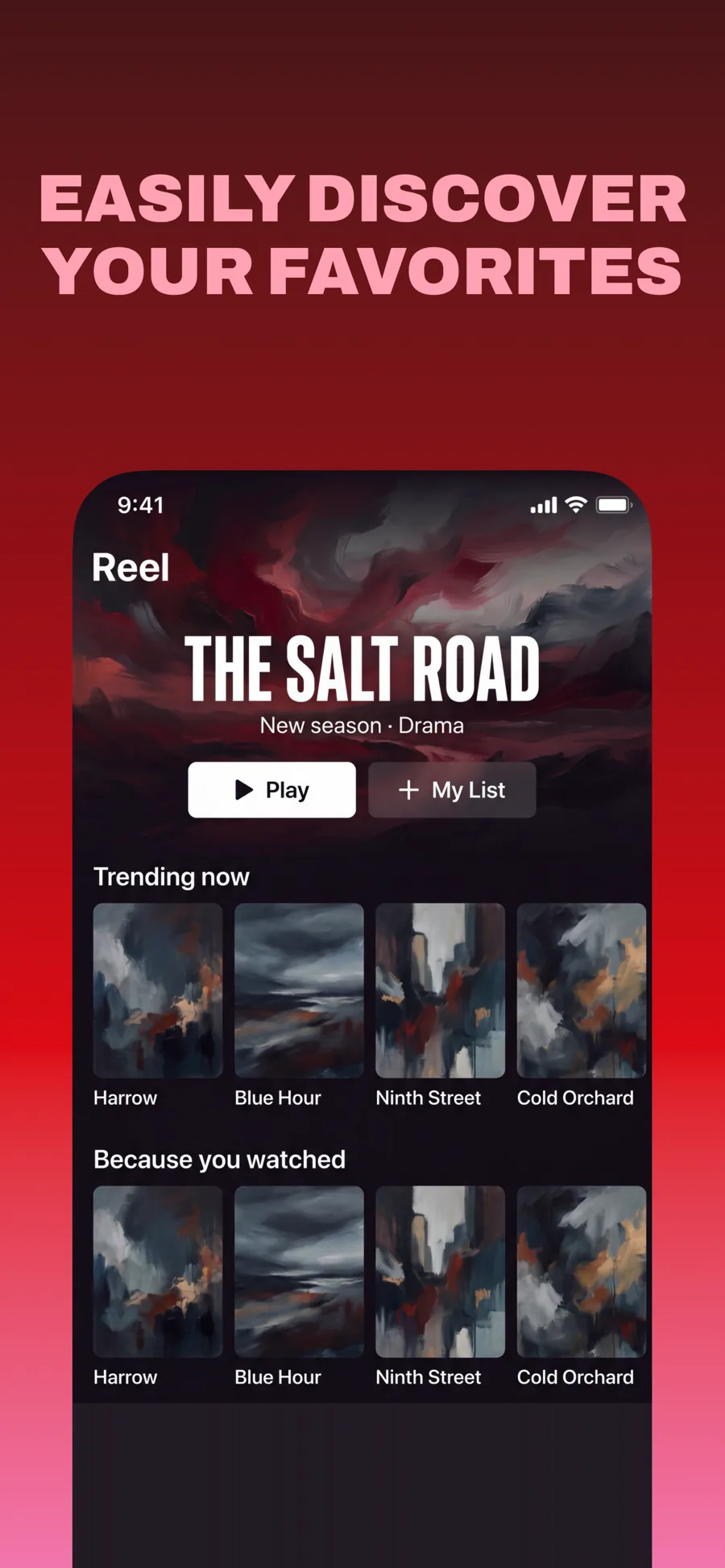
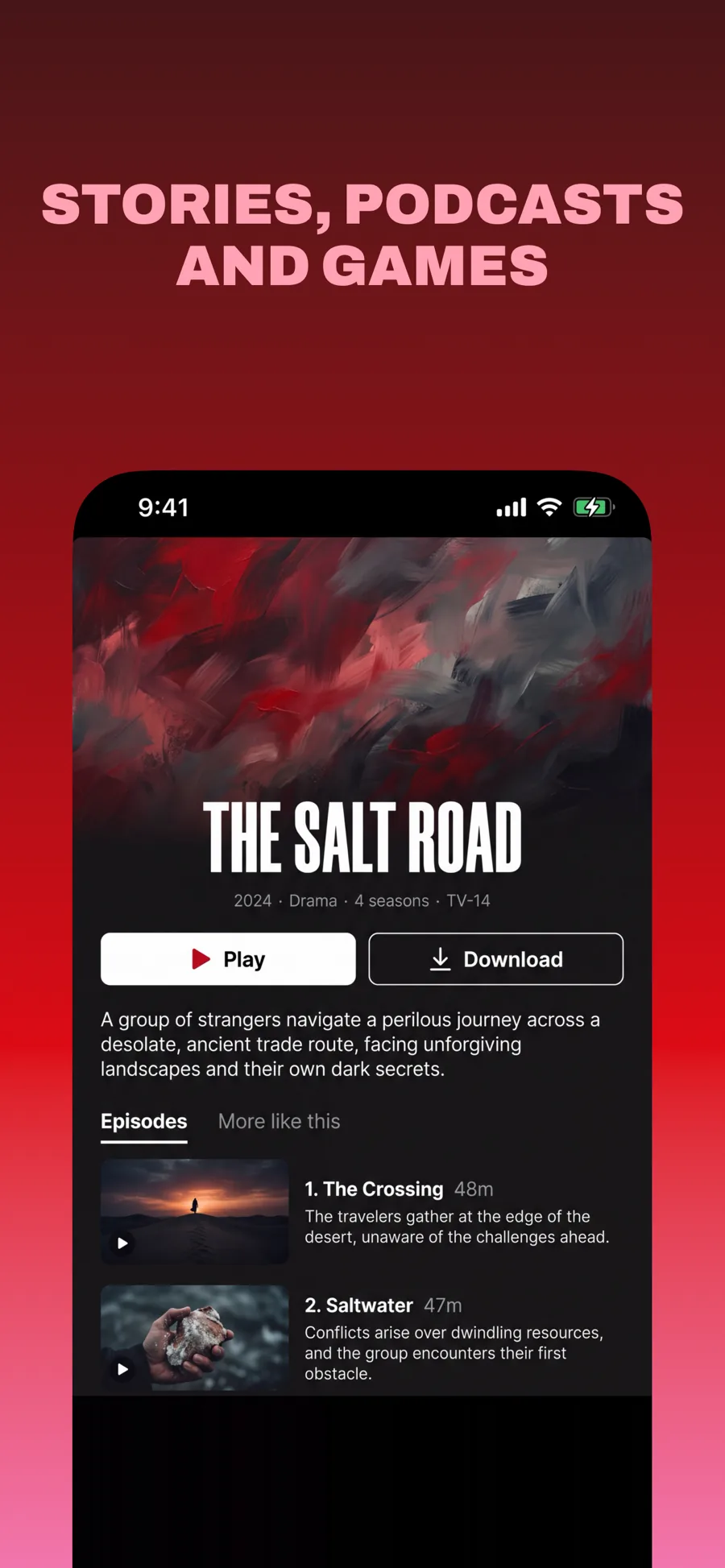
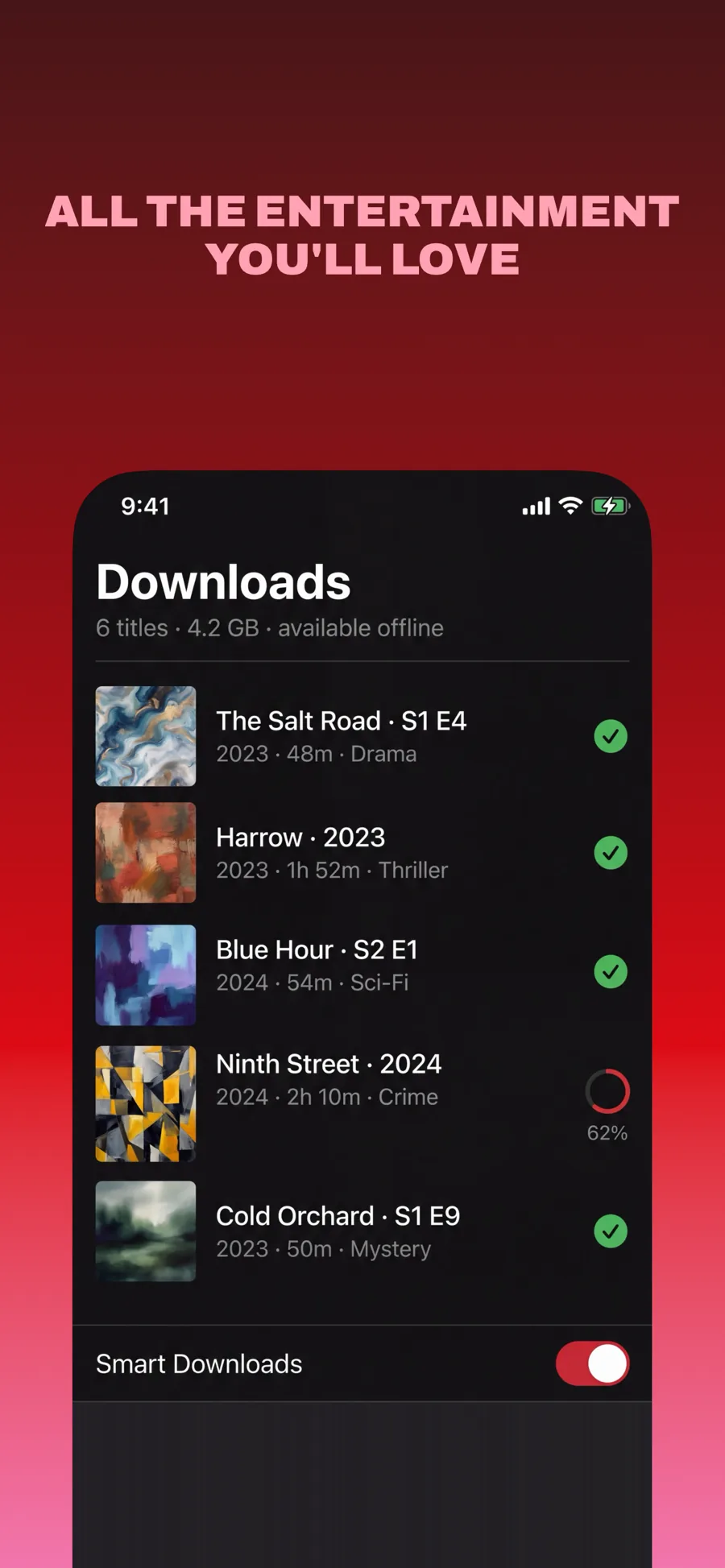
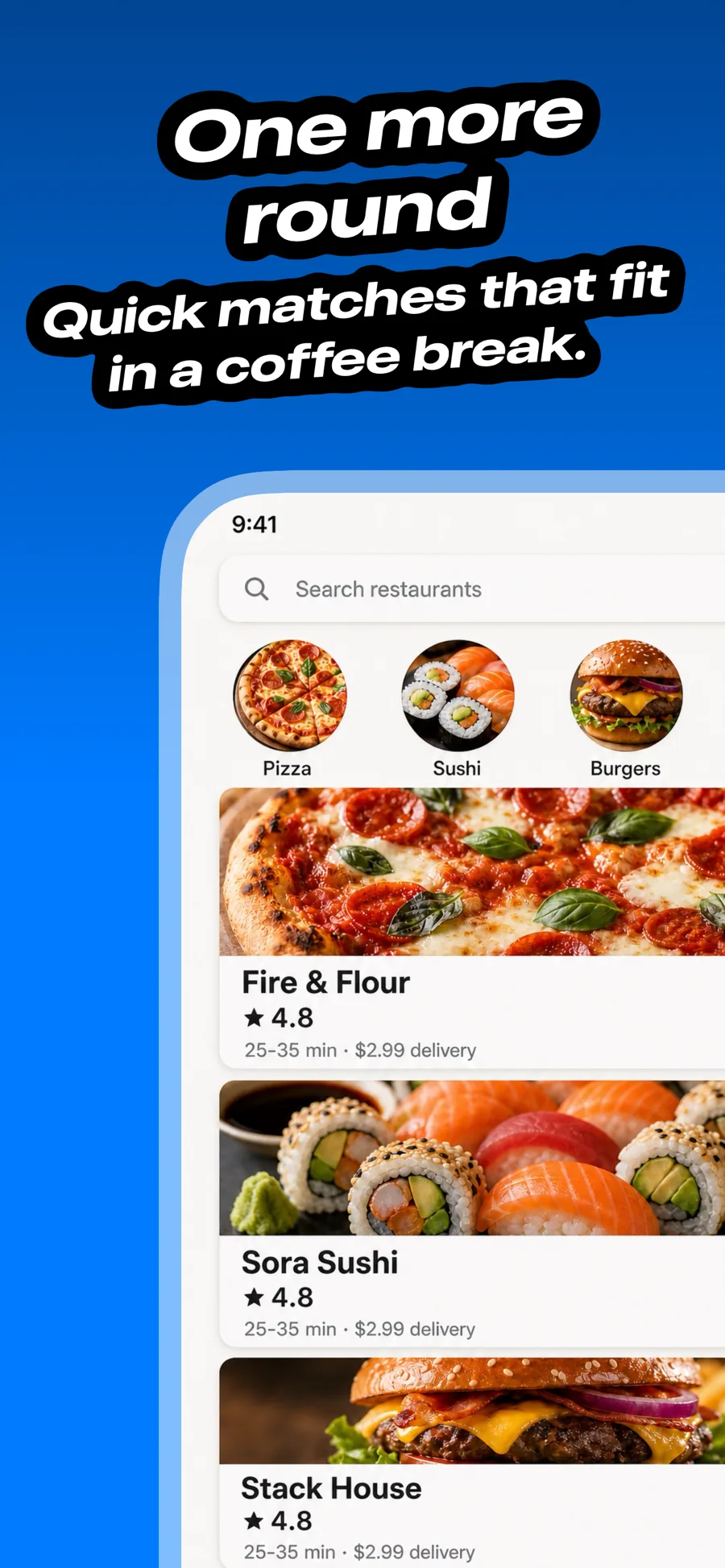
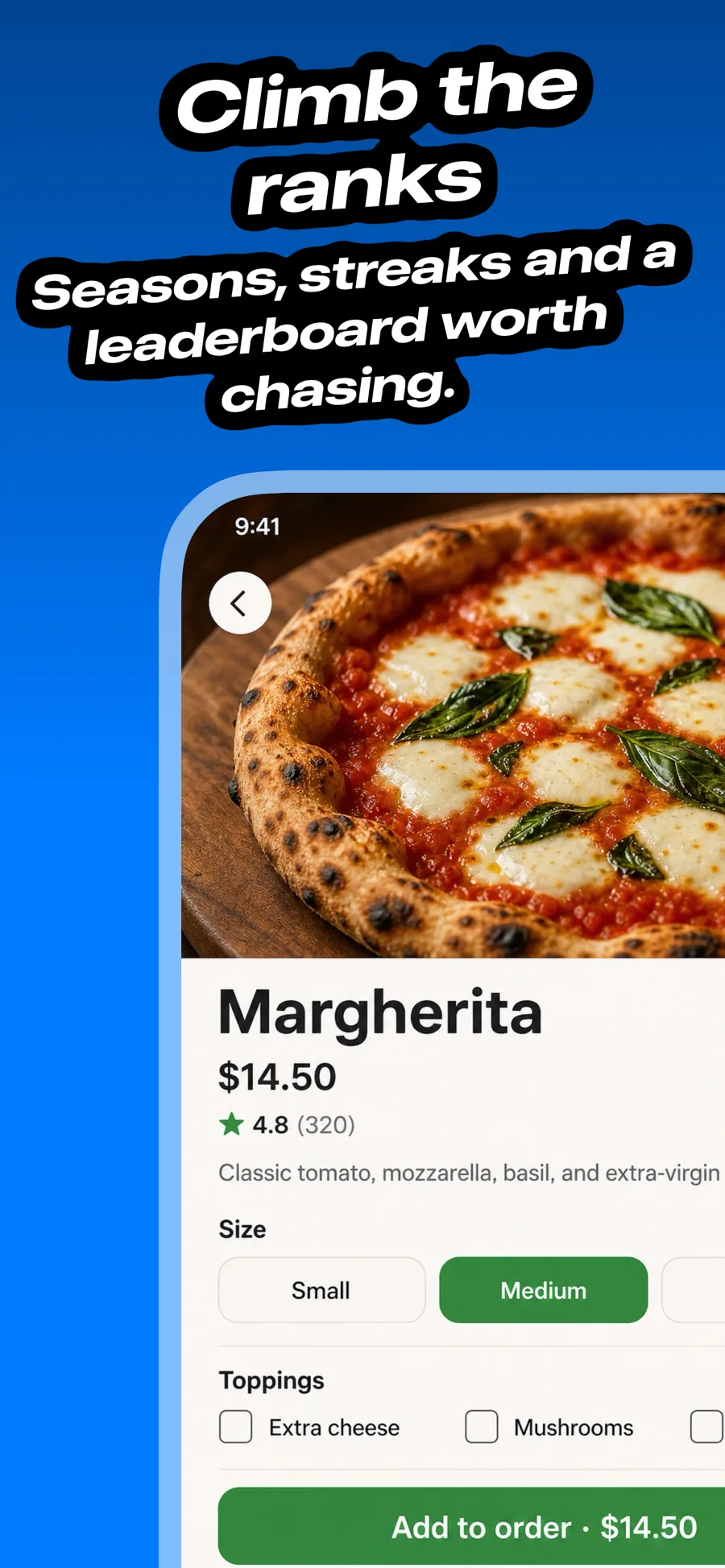
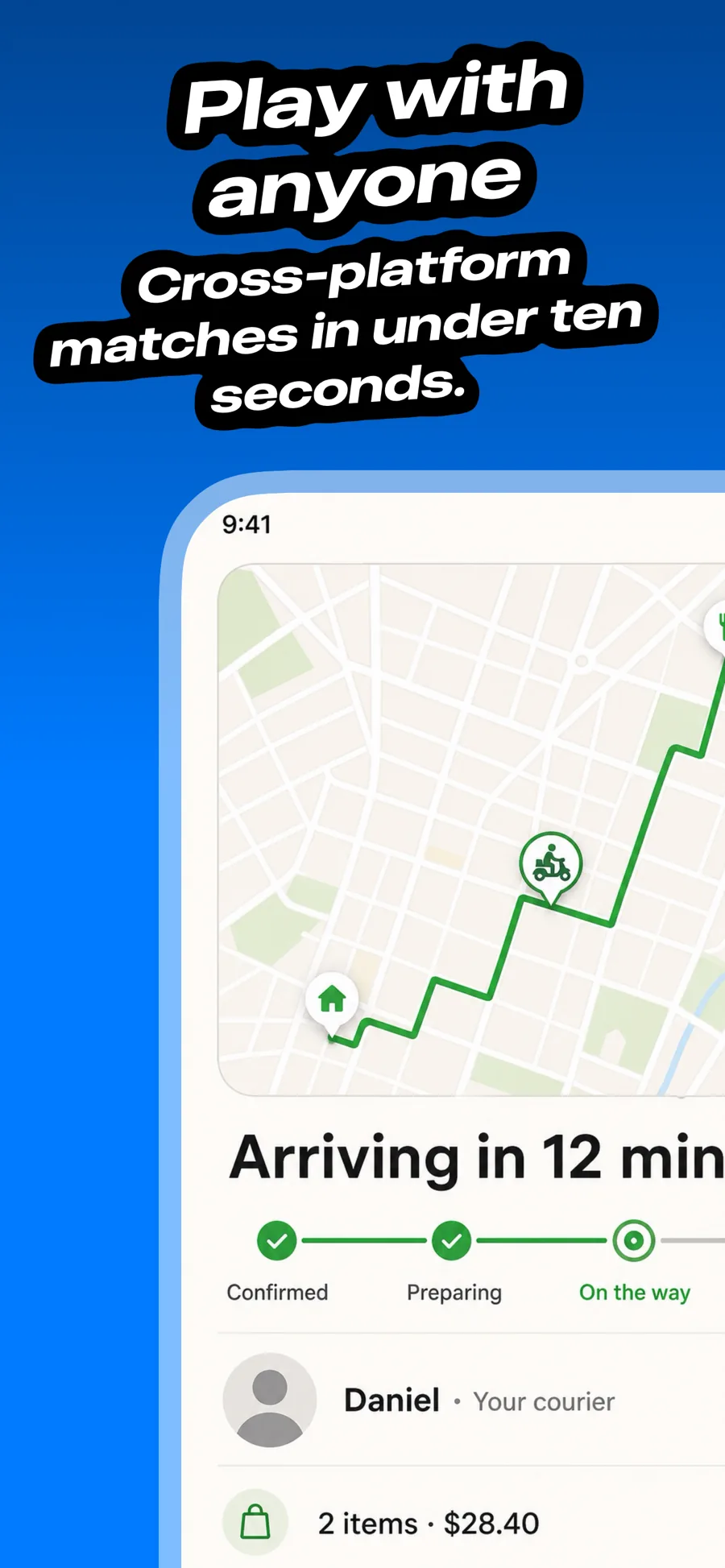
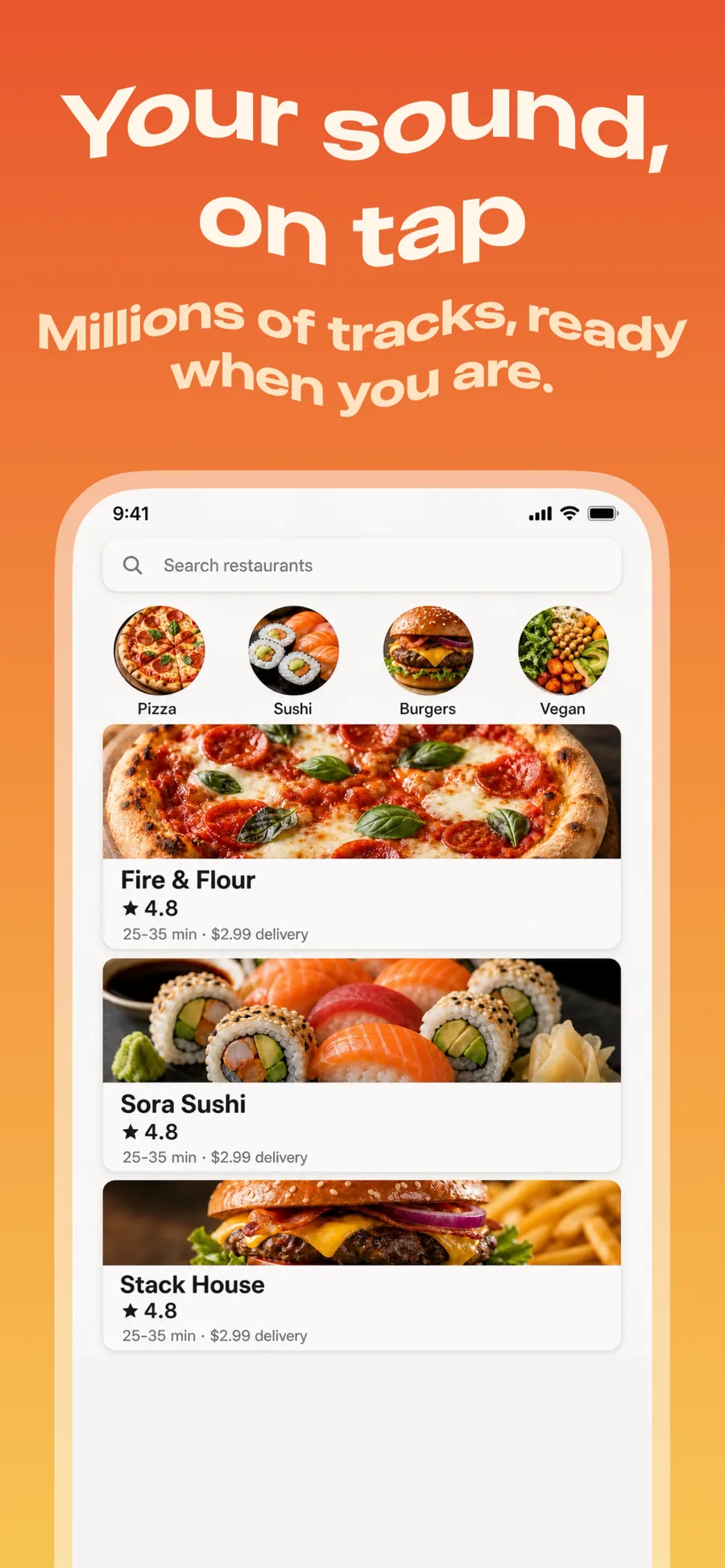
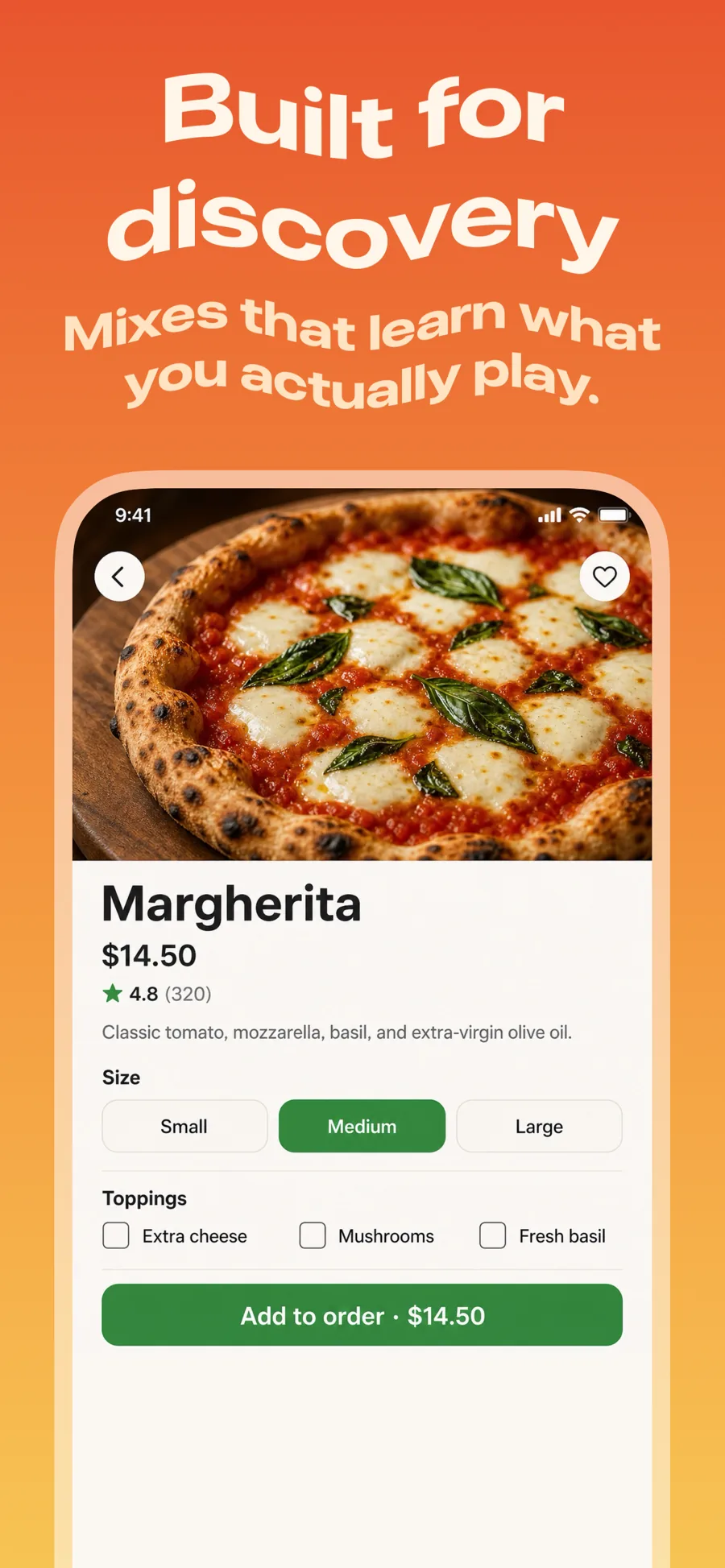
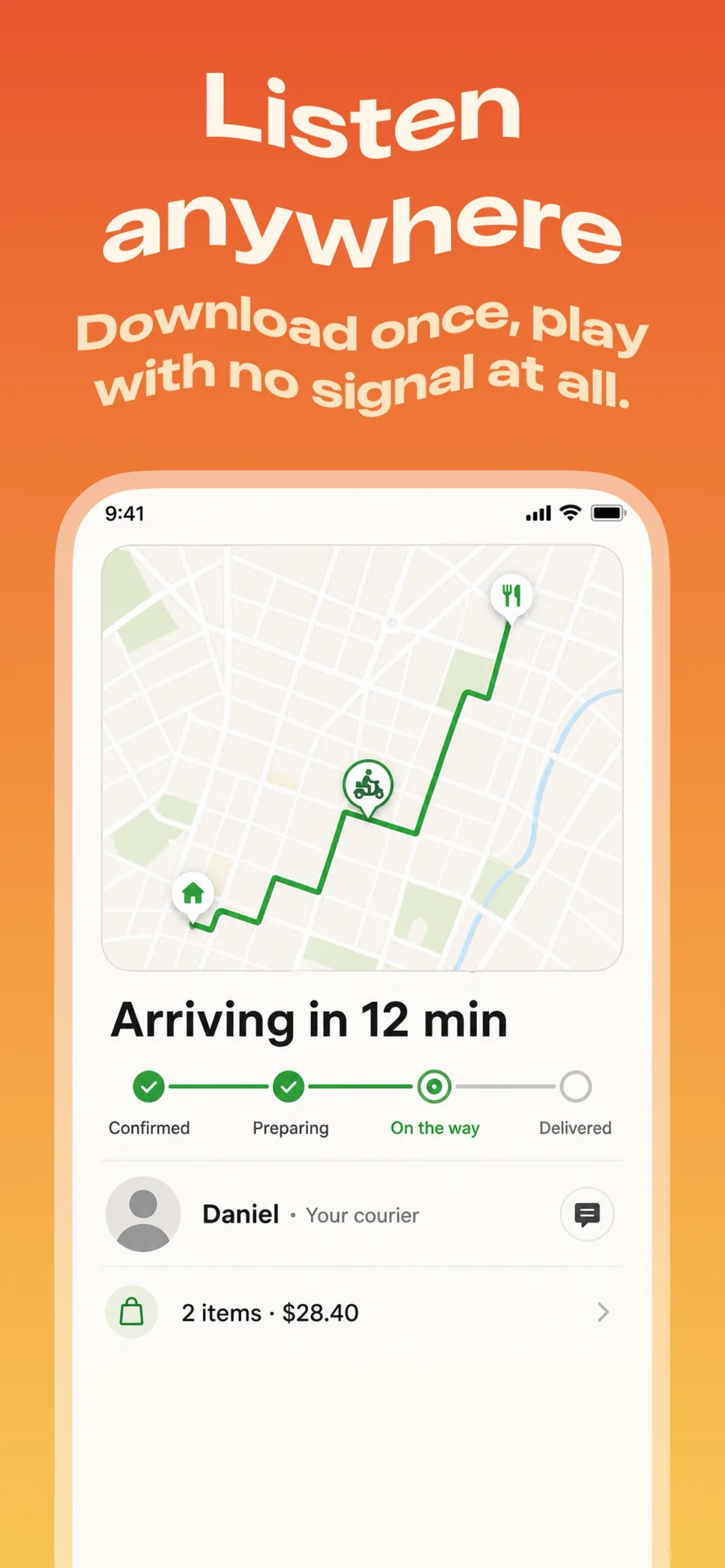
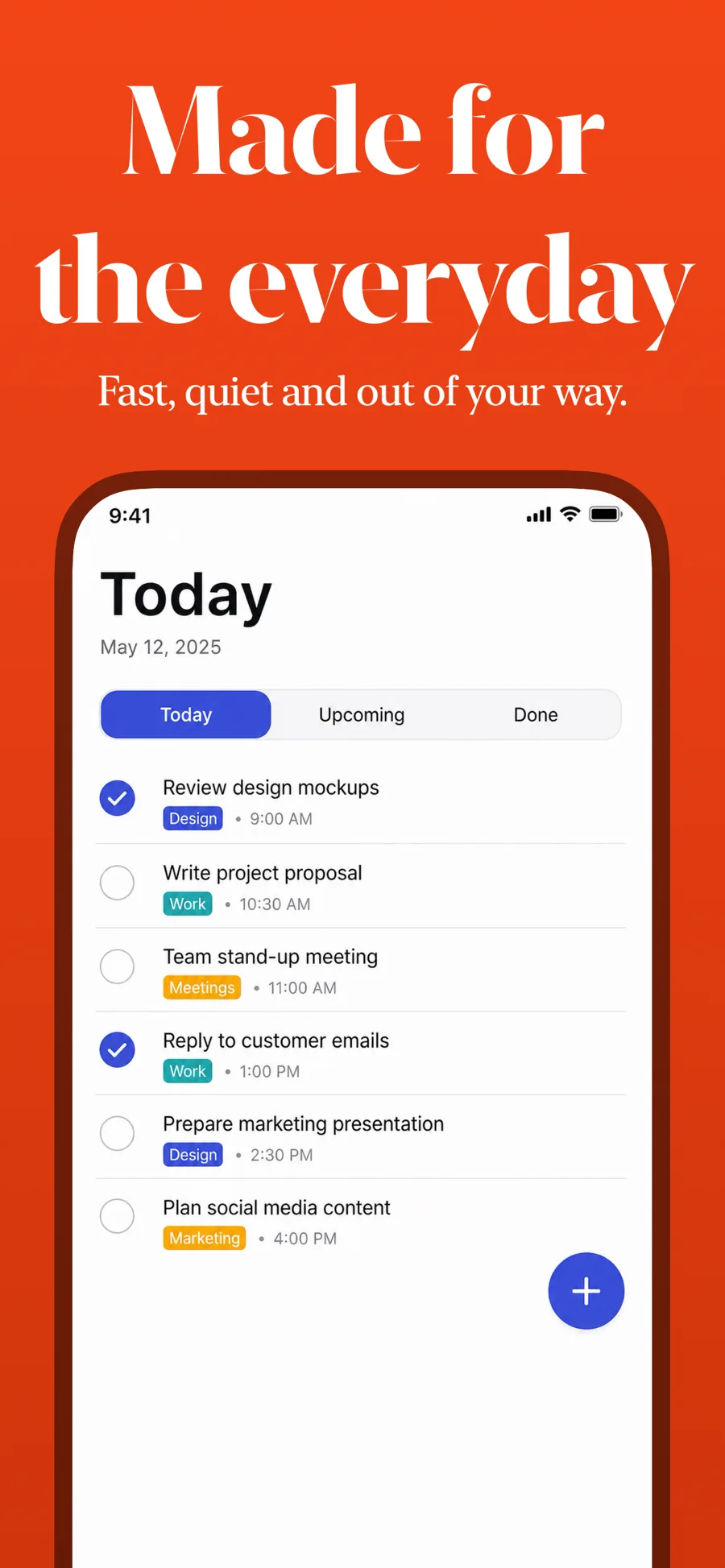
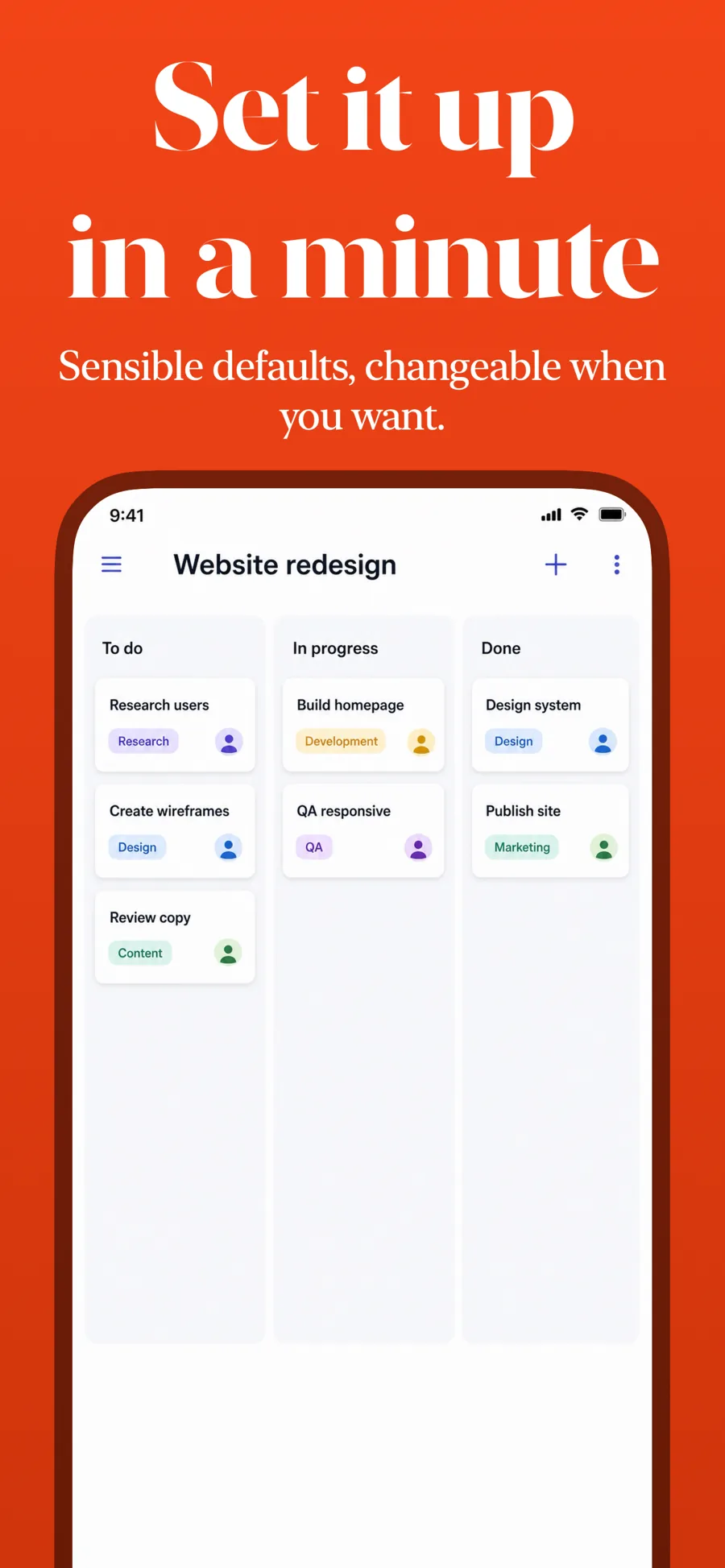
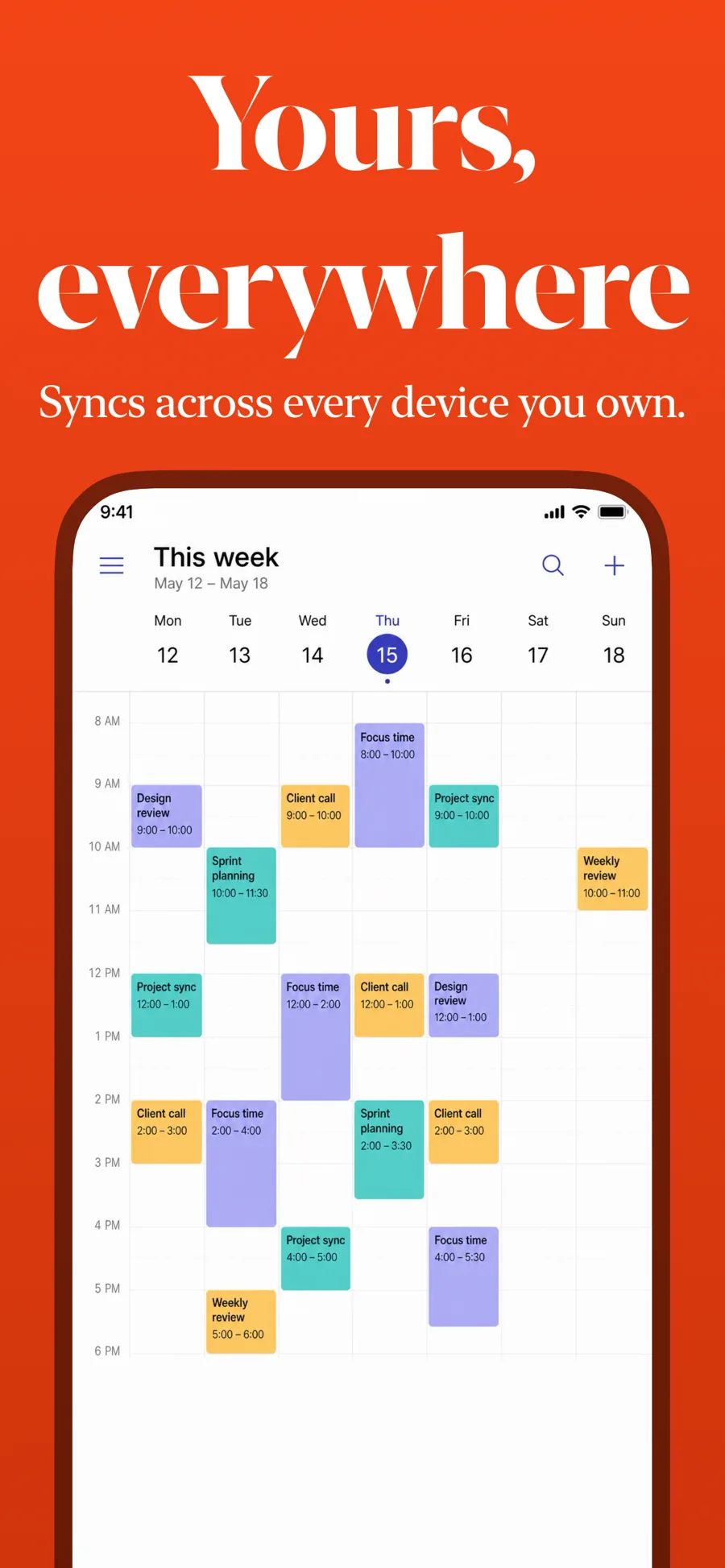
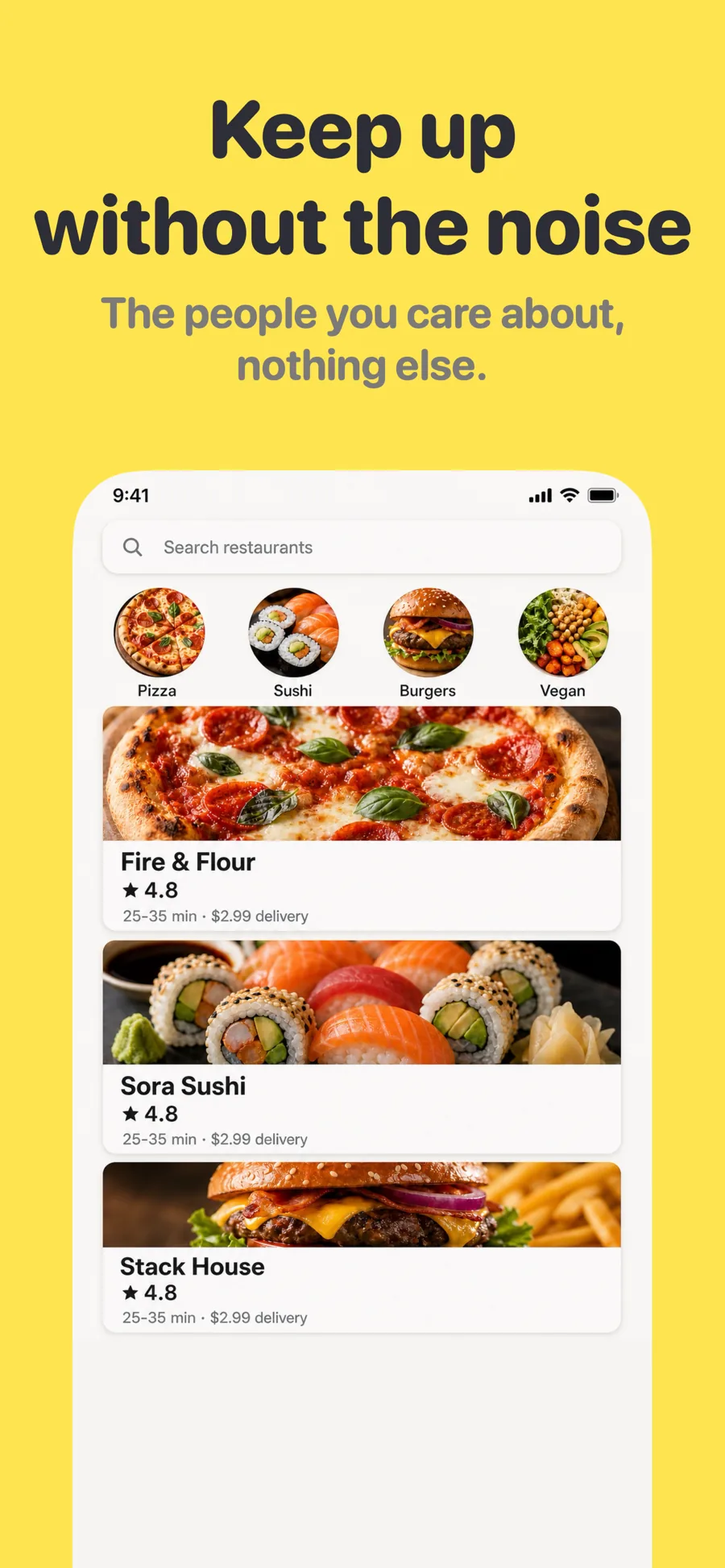
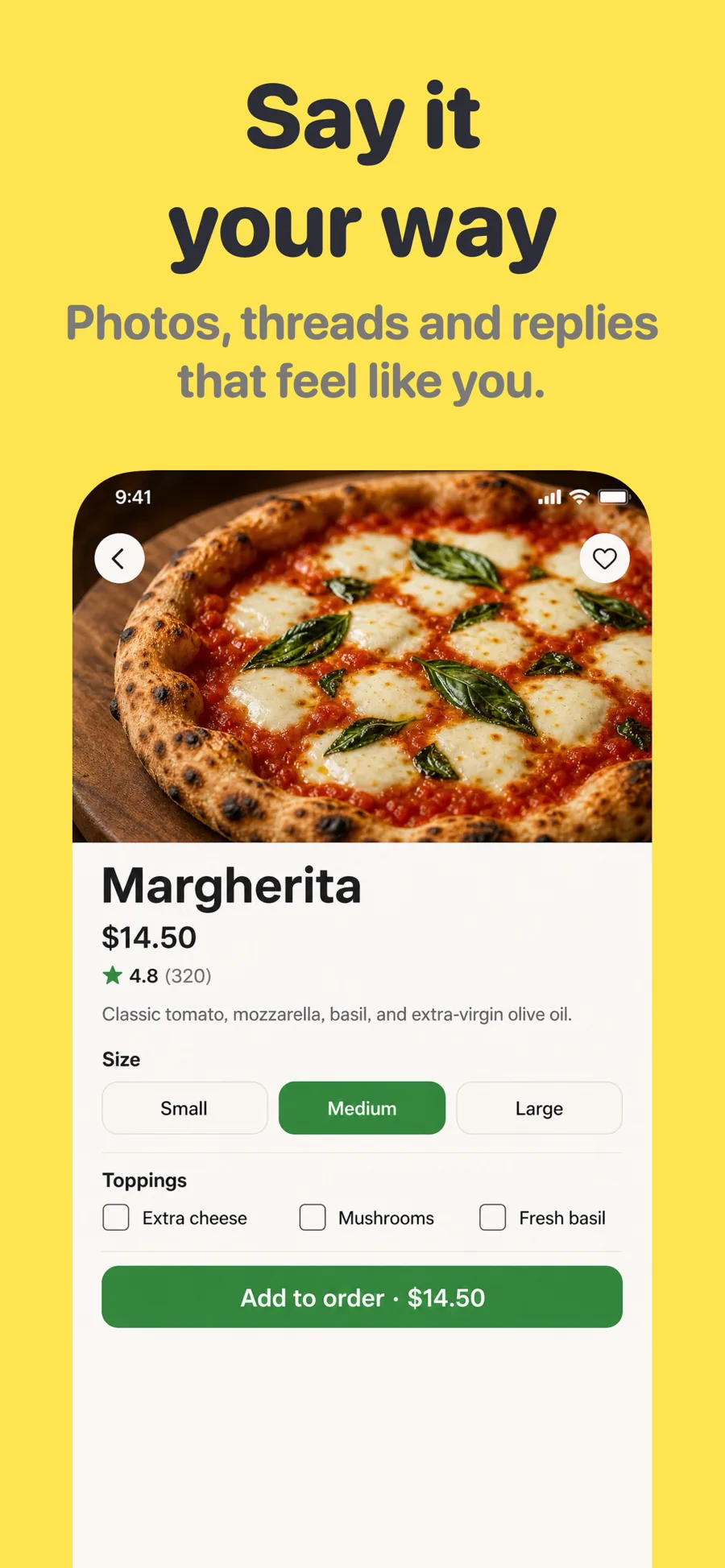
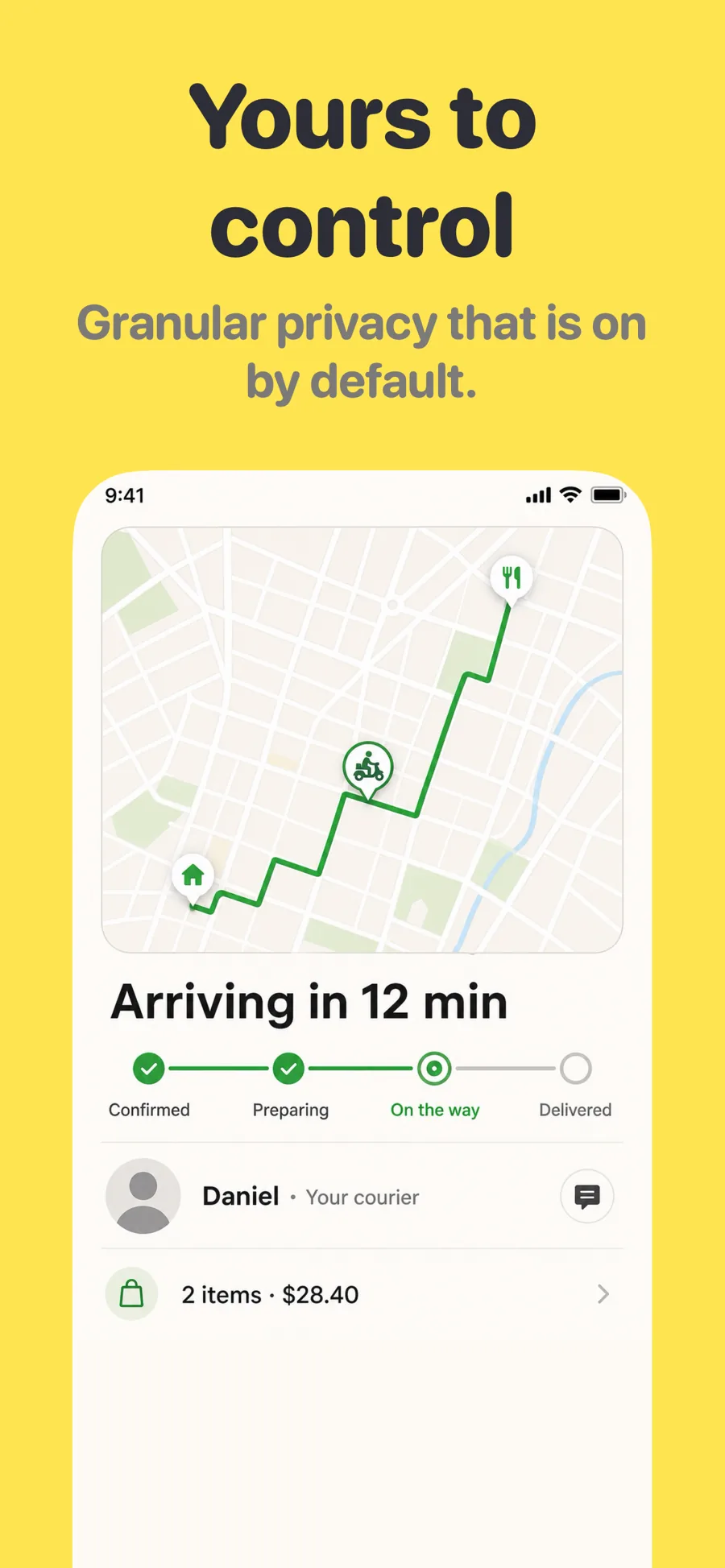
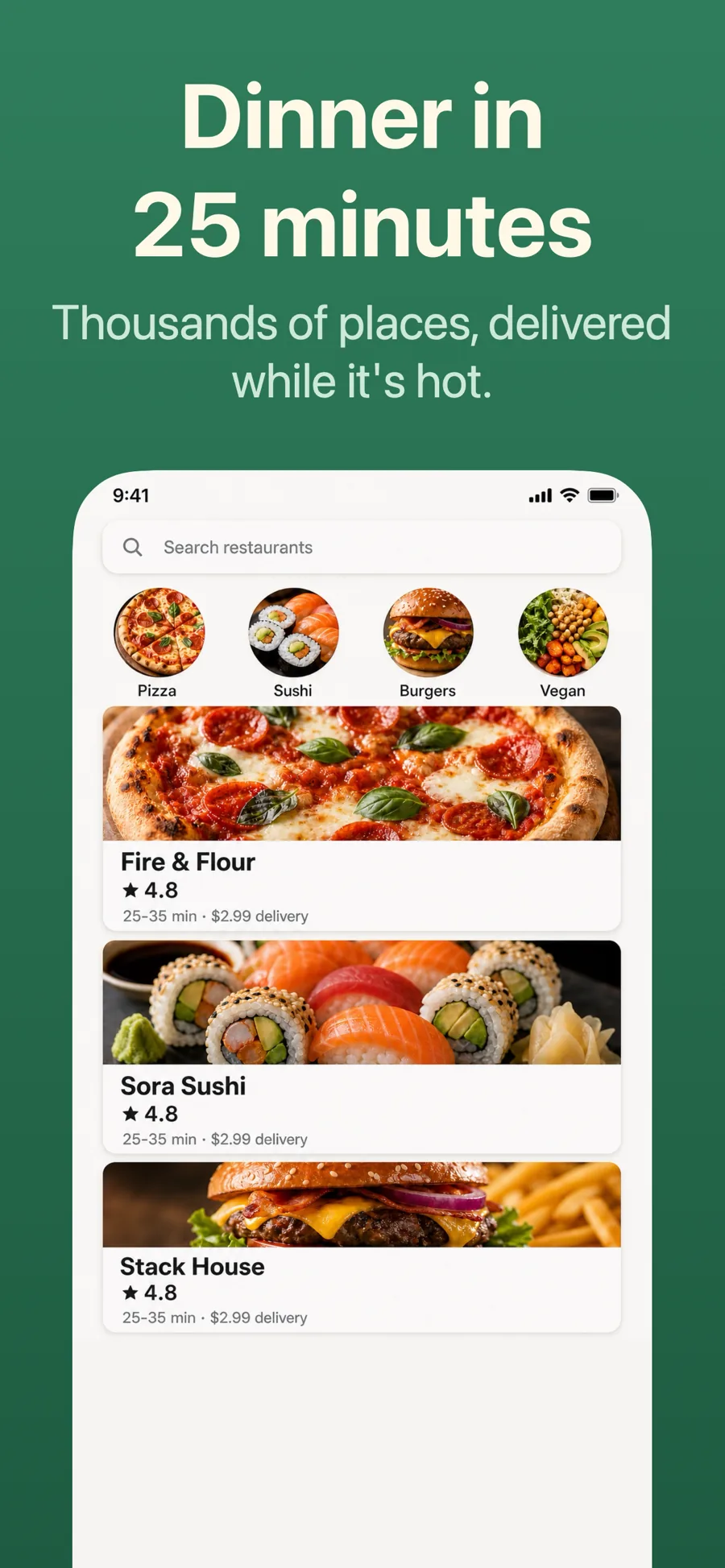
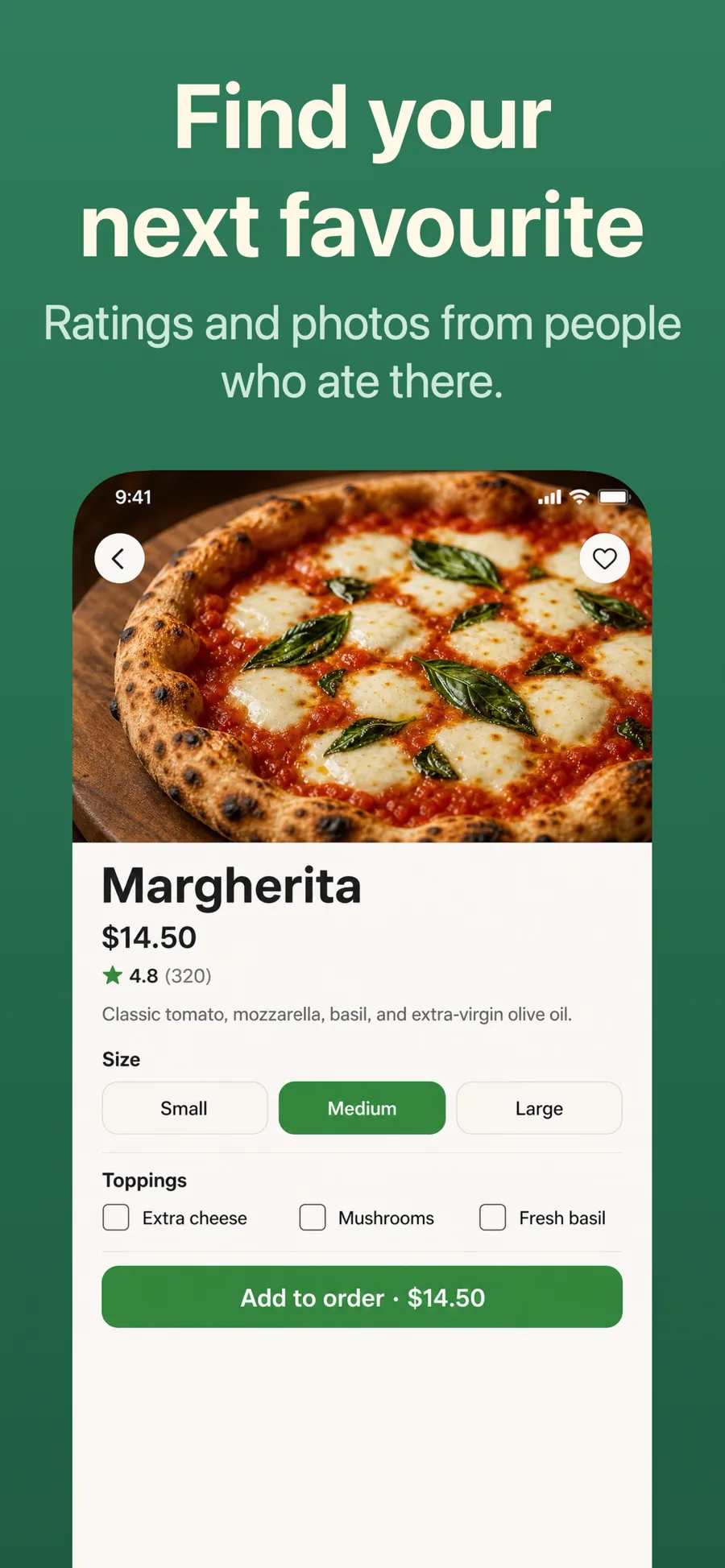
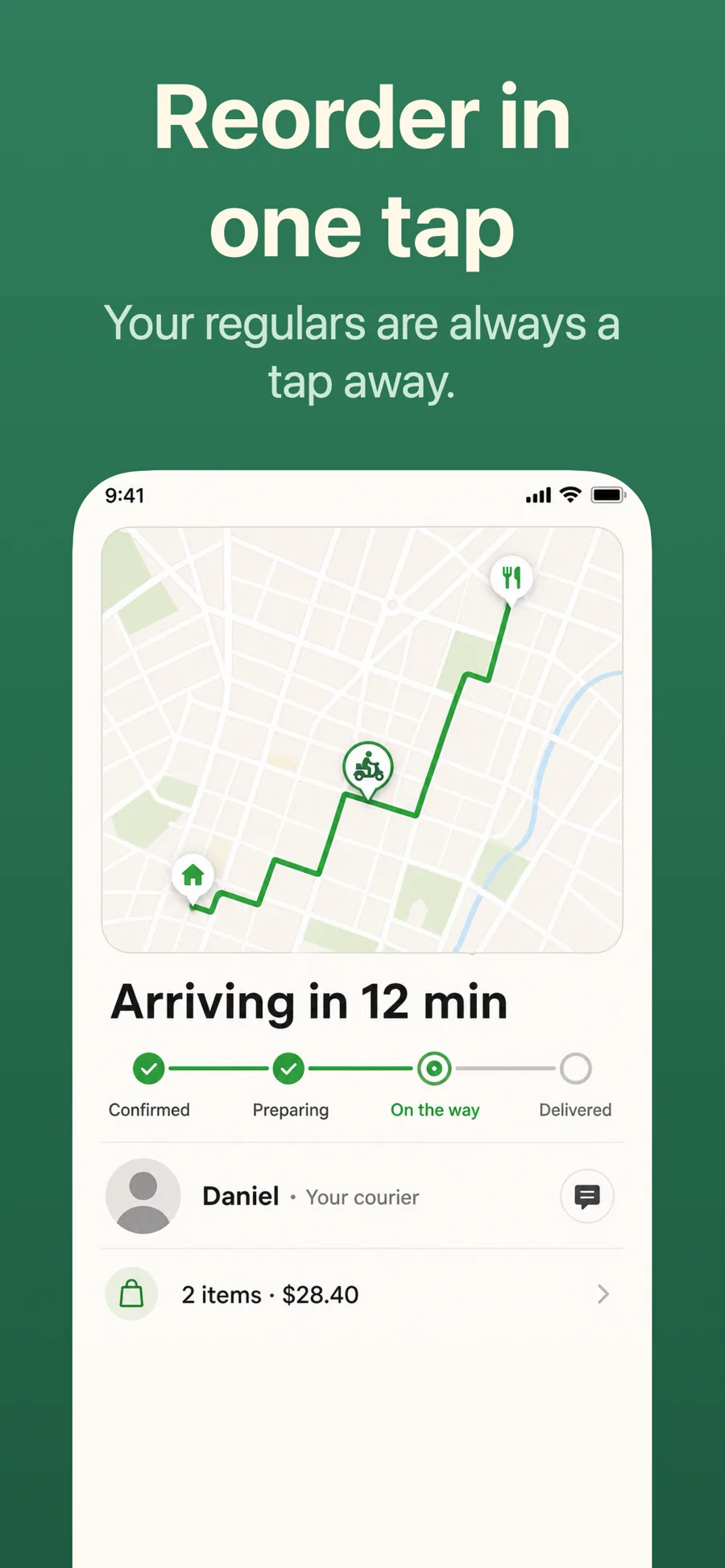
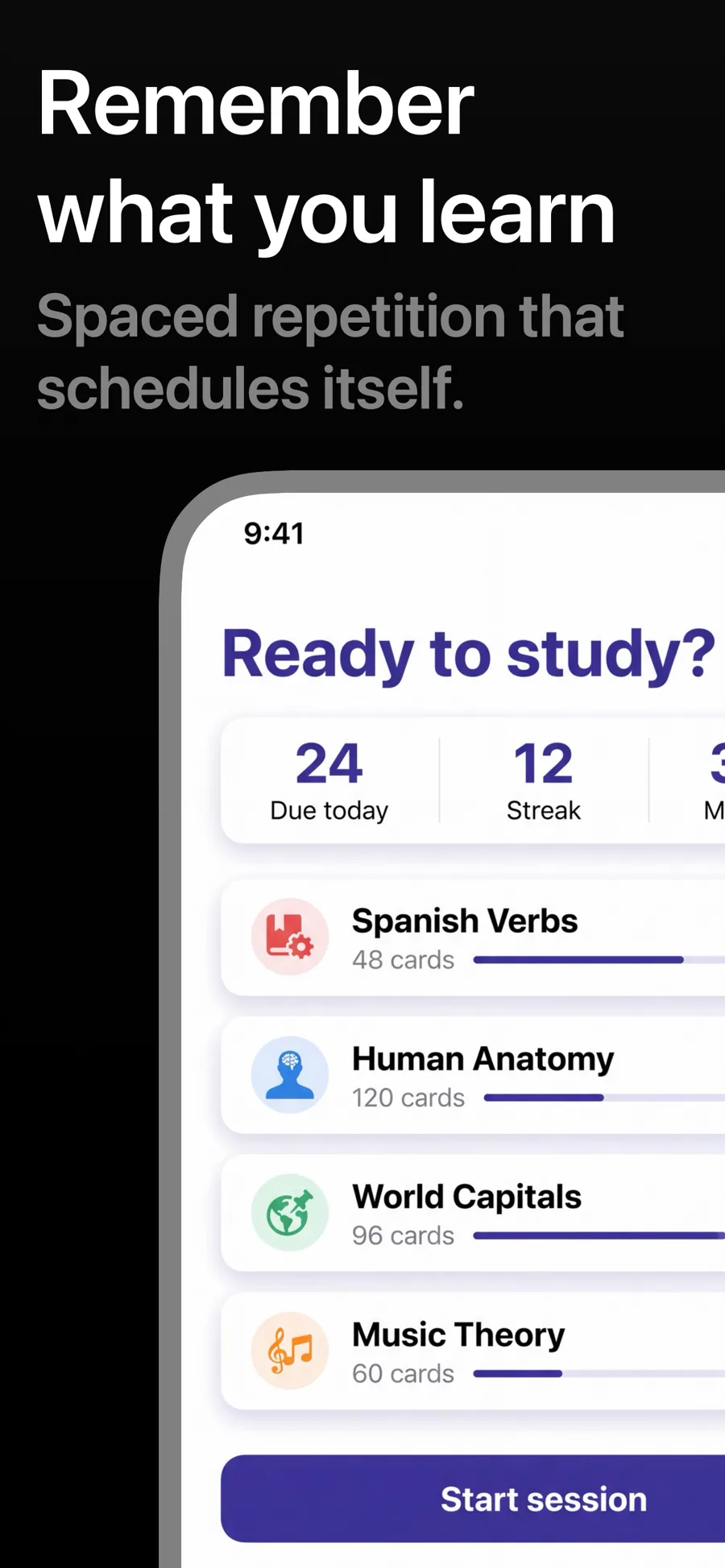
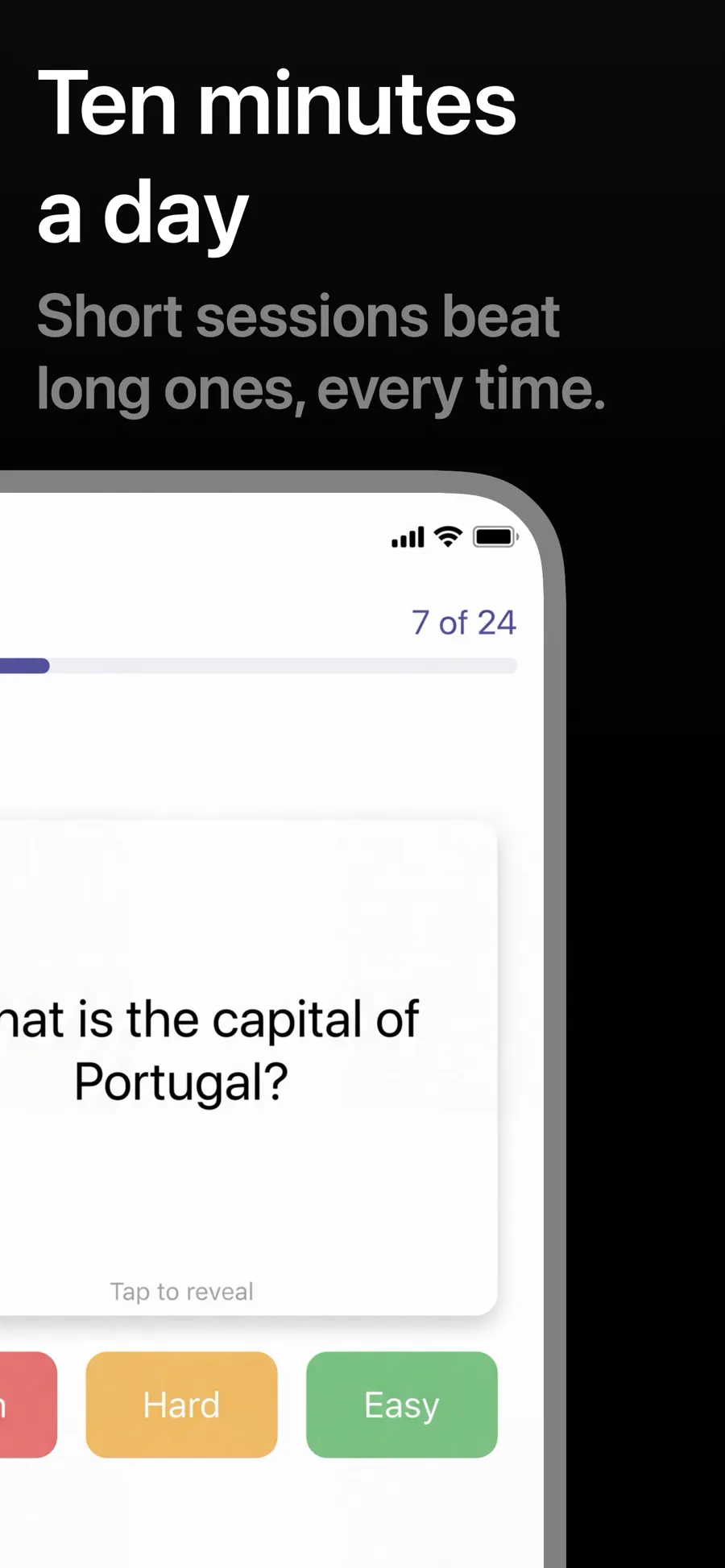
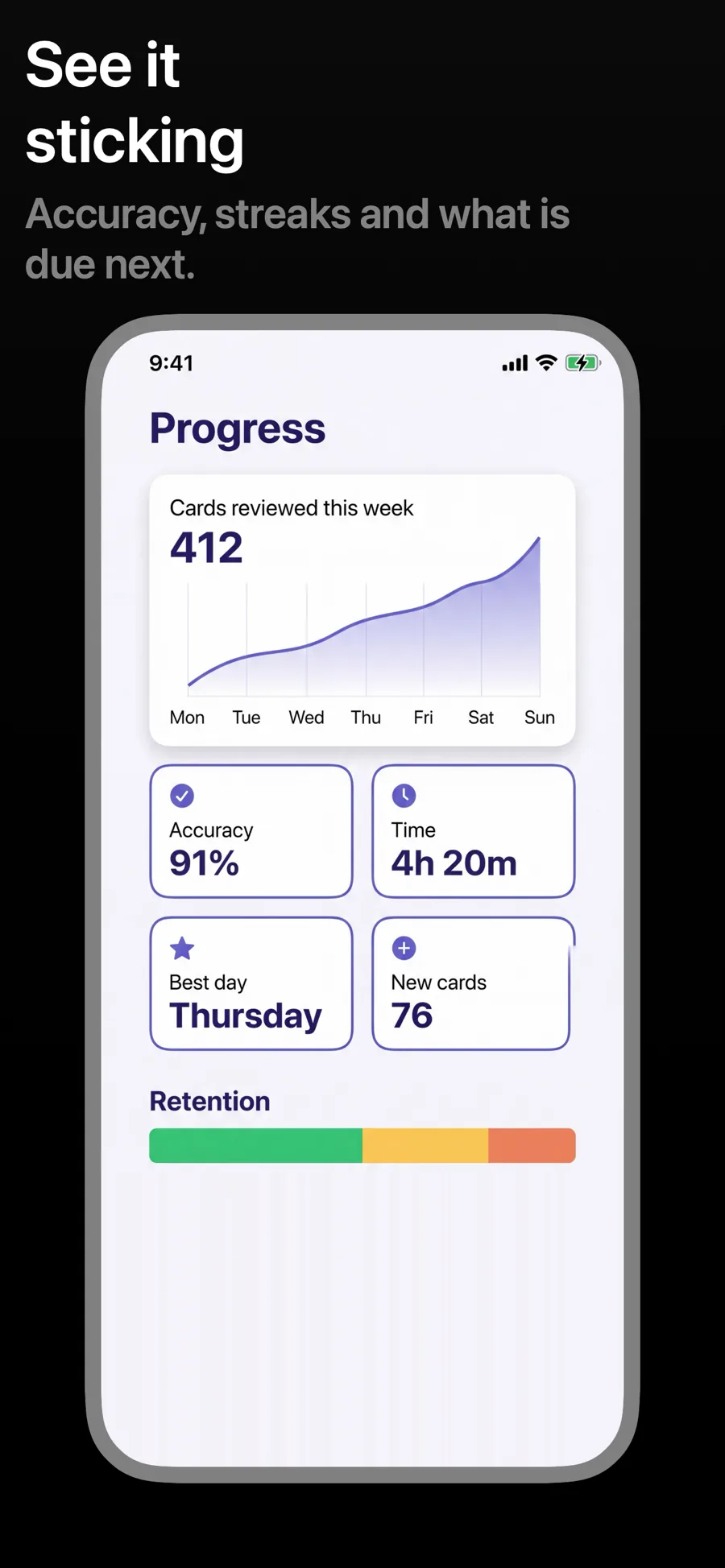
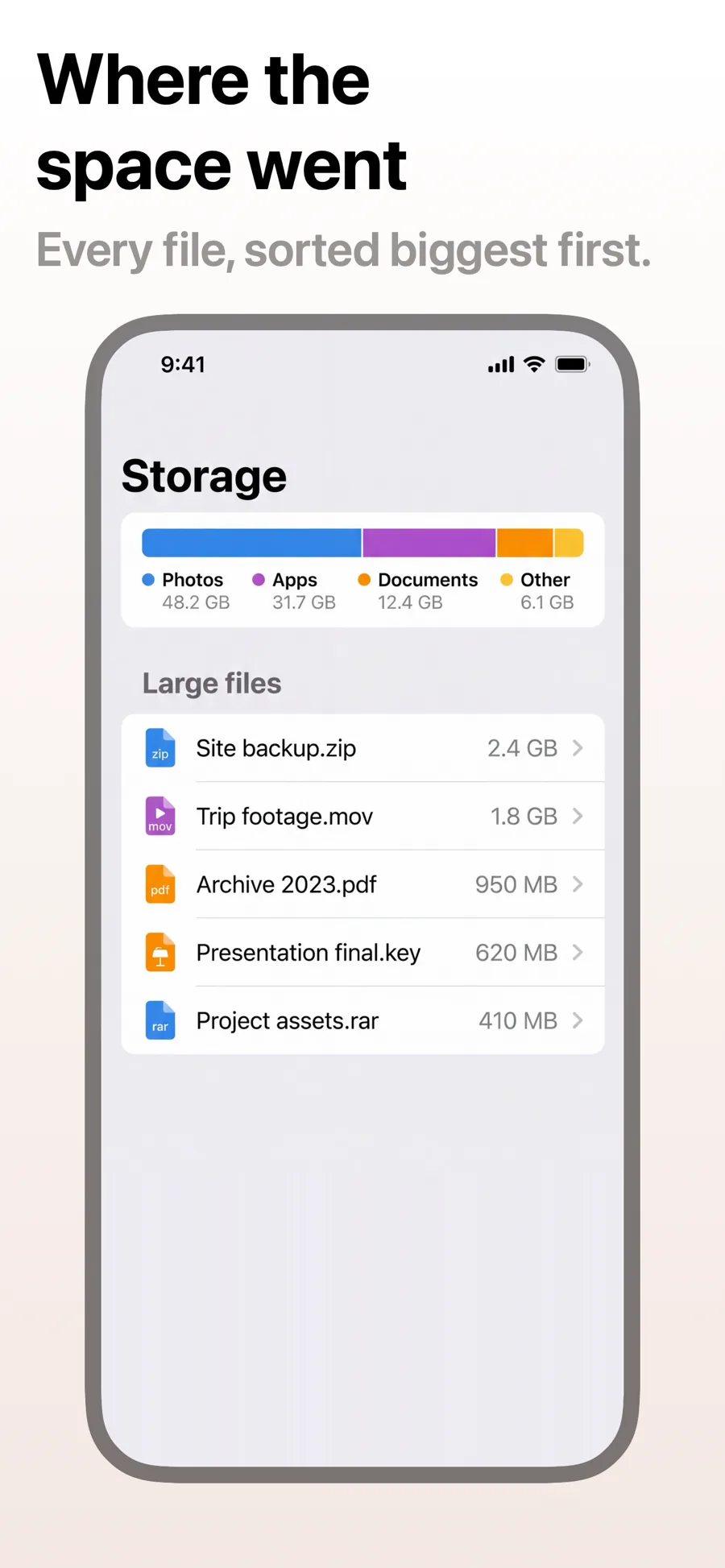
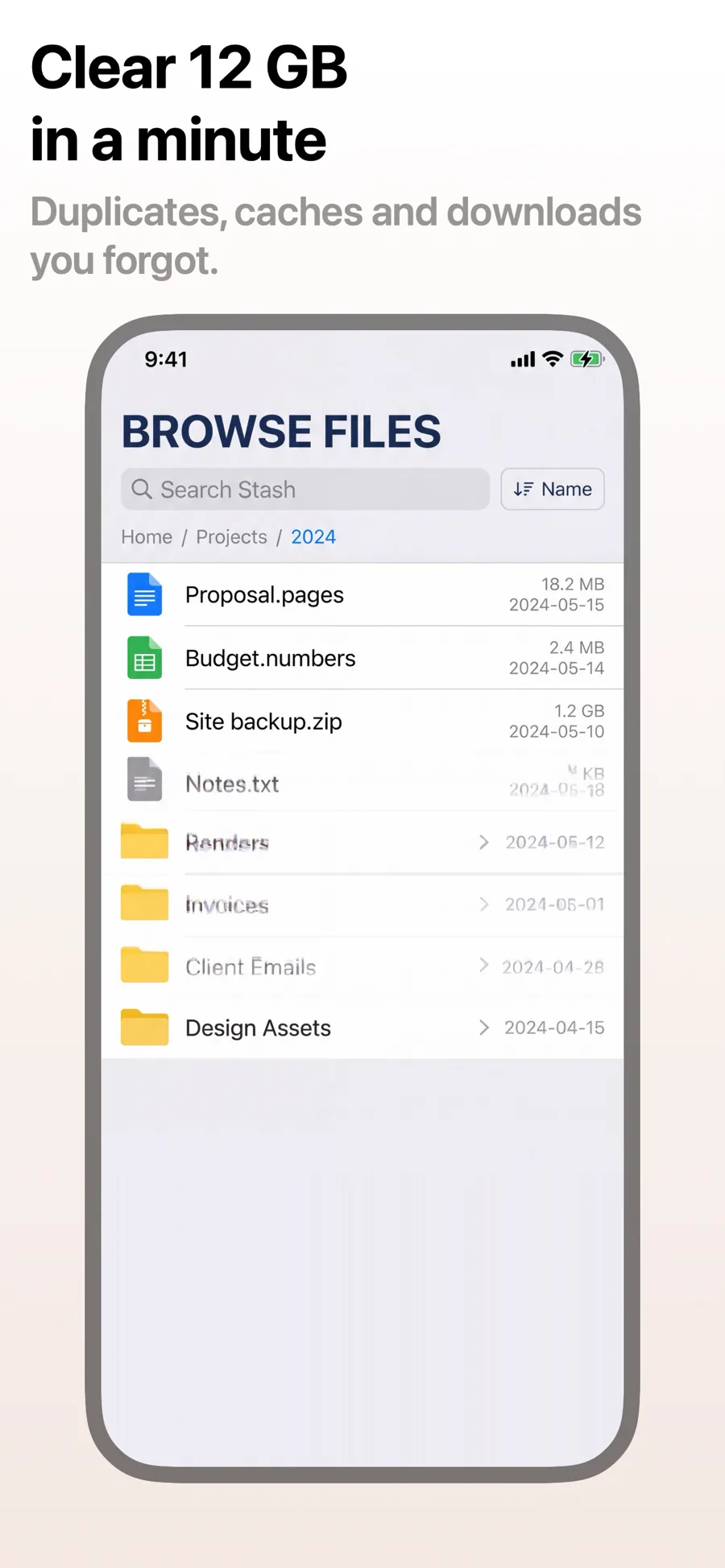
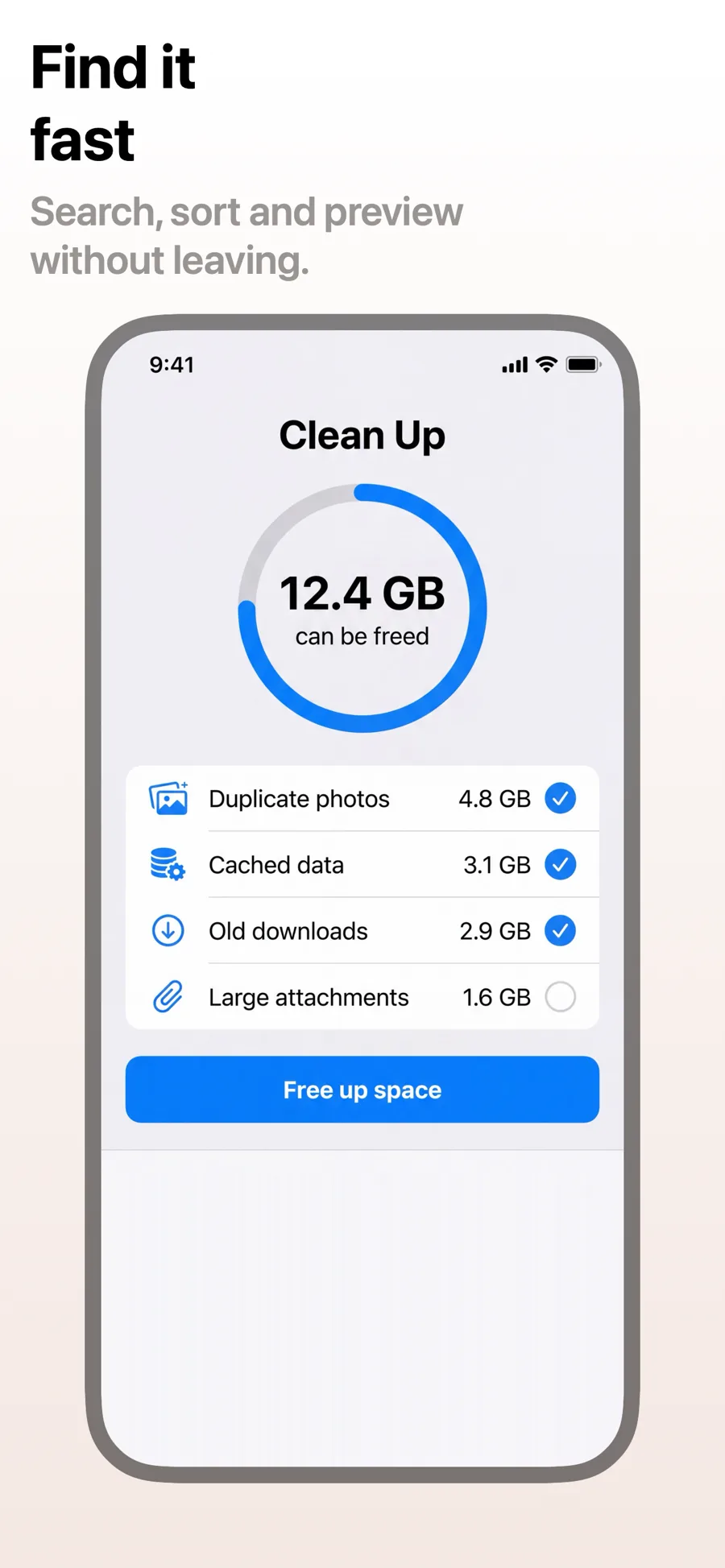
The iPhone set is the one most people see first: the top of your App Store listing, and often the only set that shows in search results. It is read at thumbnail size, in a second or two, so each template here leads with a short caption and a device large enough to show your real UI.
25 templates, each shown as it renders on iPhone. See the iPhone screenshot sizes.
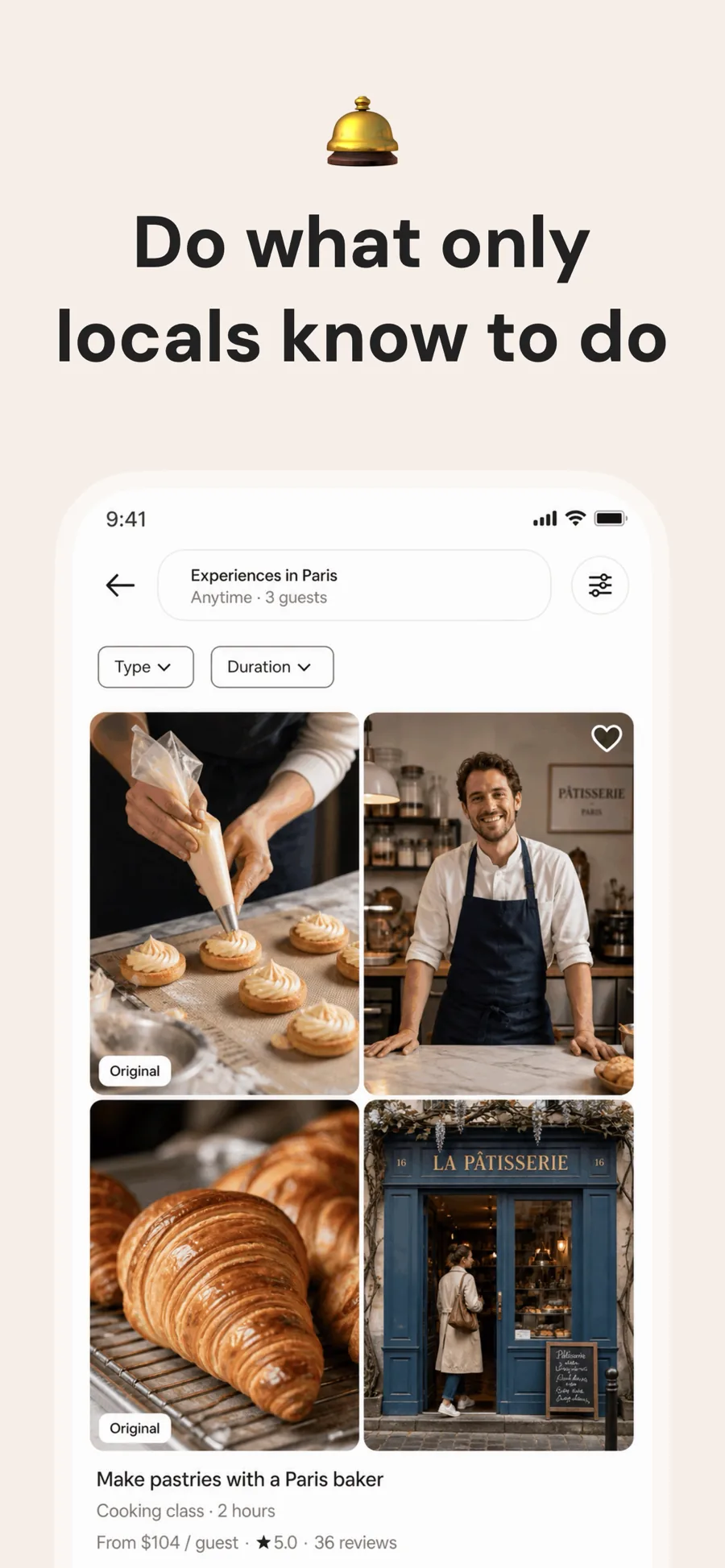
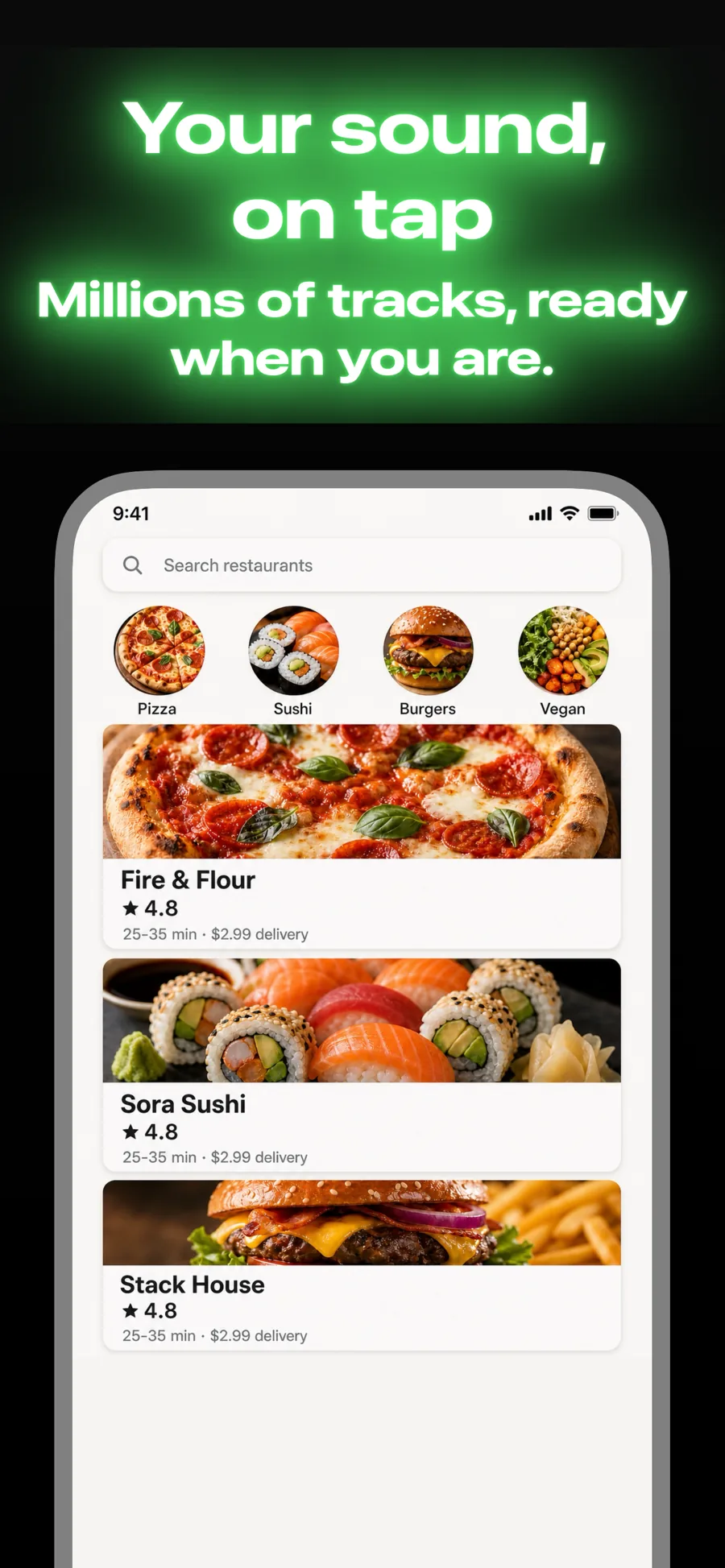
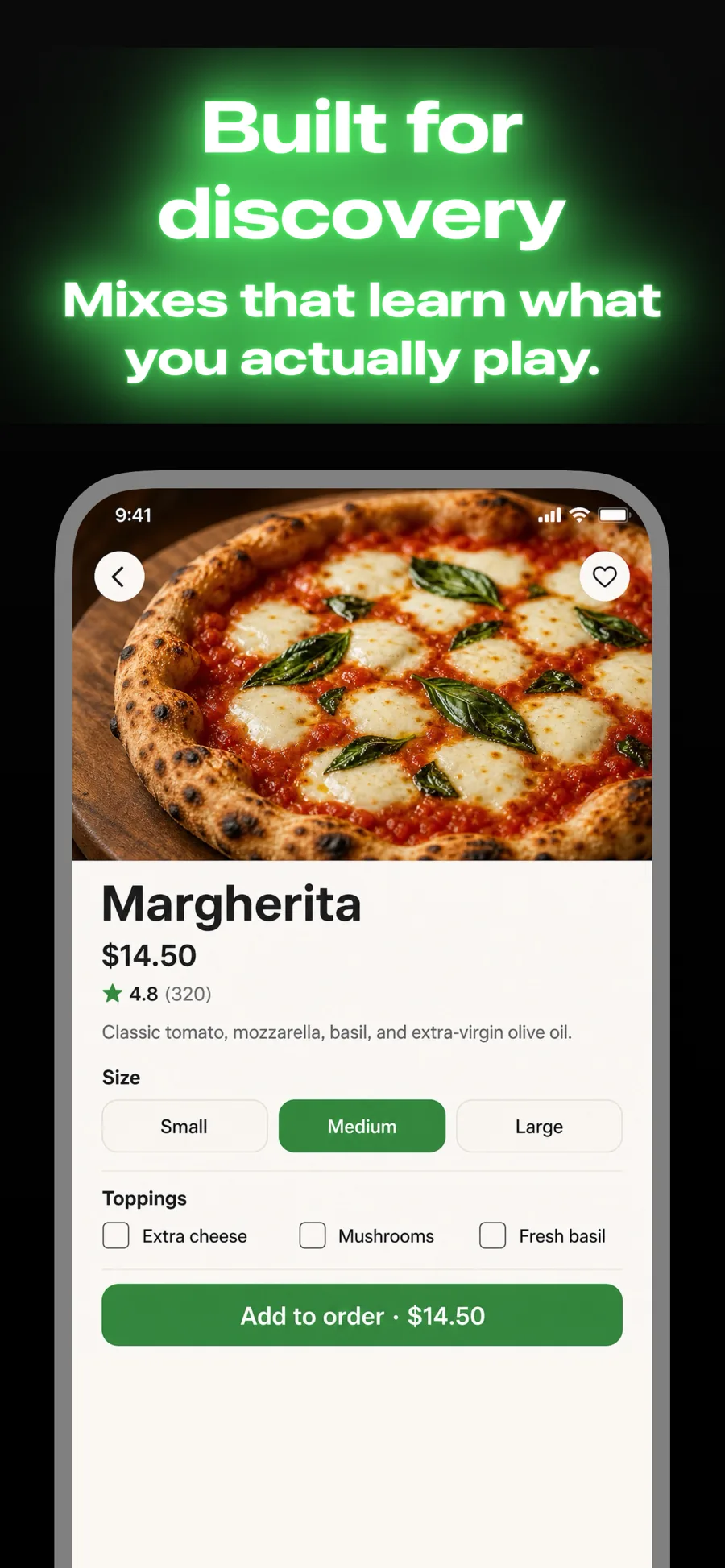
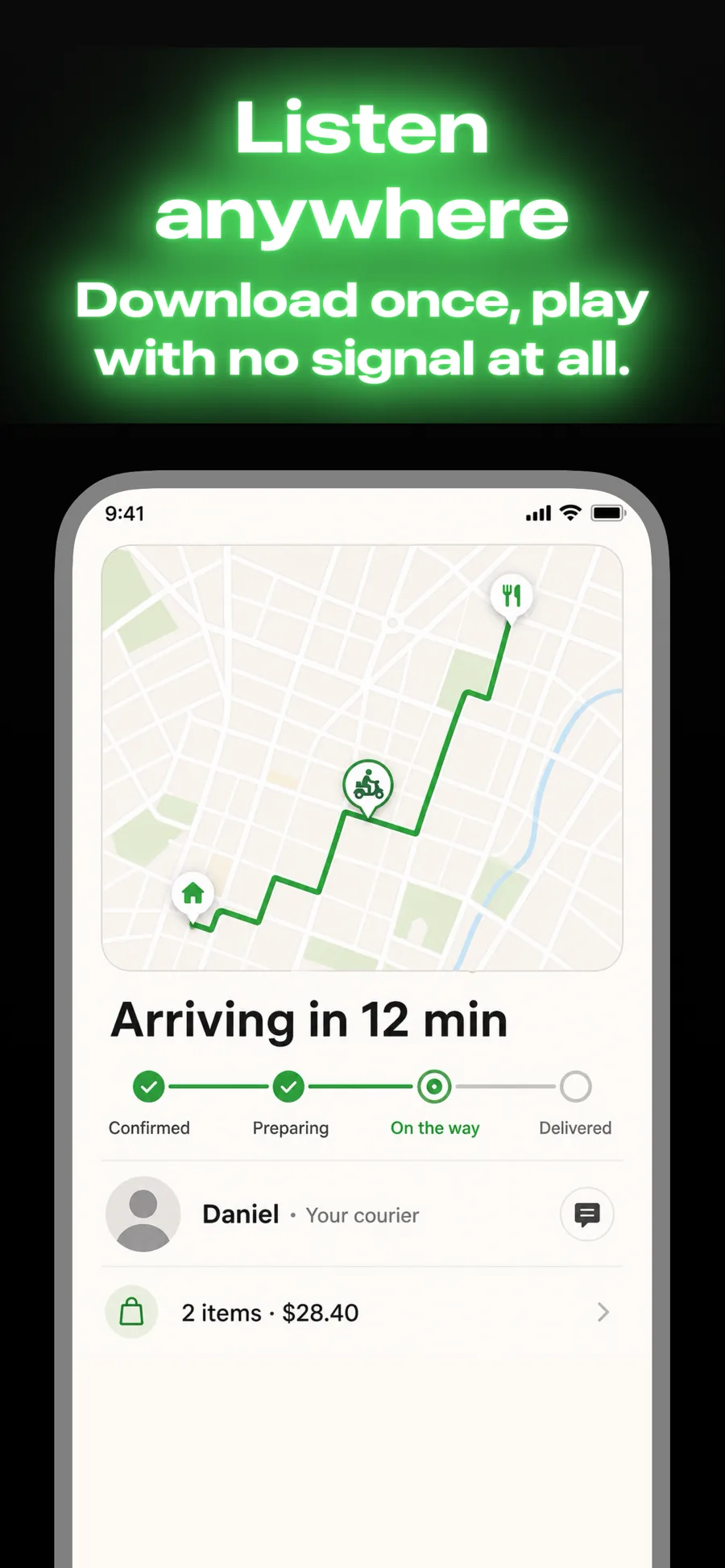
What works in iPhone screenshots
- Put your strongest screenshot first. Search results show the first two or three, and most people never swipe further.
- Keep captions to a few words. On a phone-sized thumbnail, anything longer turns into grey noise.
- Design once at the 6.9-inch size and let the smaller sizes scale down, instead of maintaining a set per phone.
Make your iPhone screenshots
- Built into Screenshot Studio — apply it and swap in your own screenshots.
- Every colour, font and layout value stays editable afterwards.
- Localise the text into all 50 App Store languages from the same document.