Screenshot templates by device
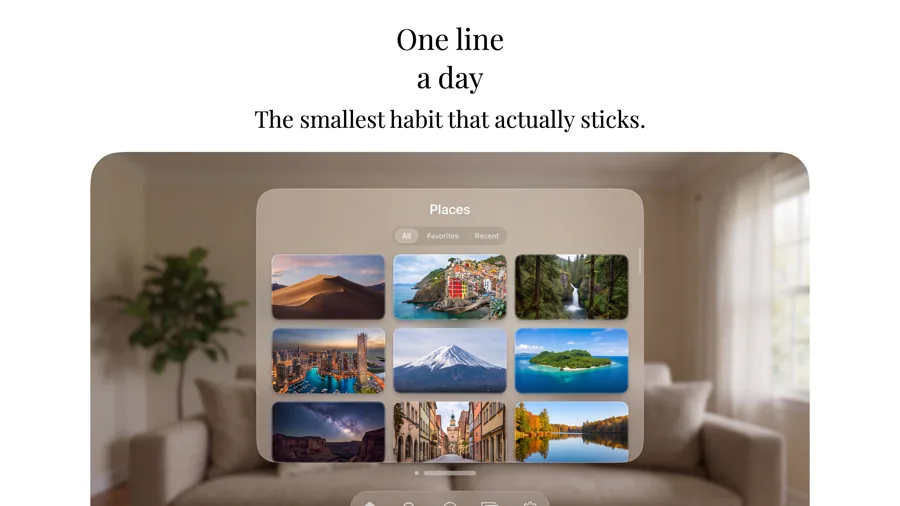
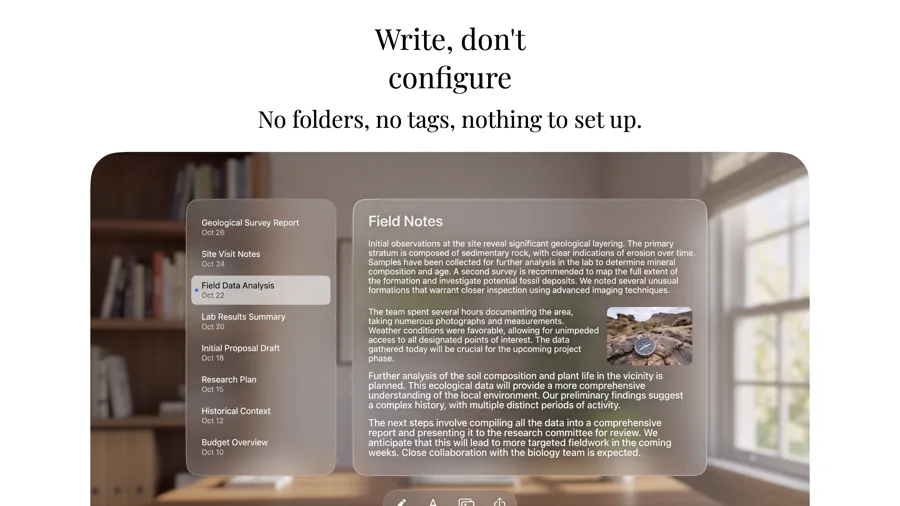
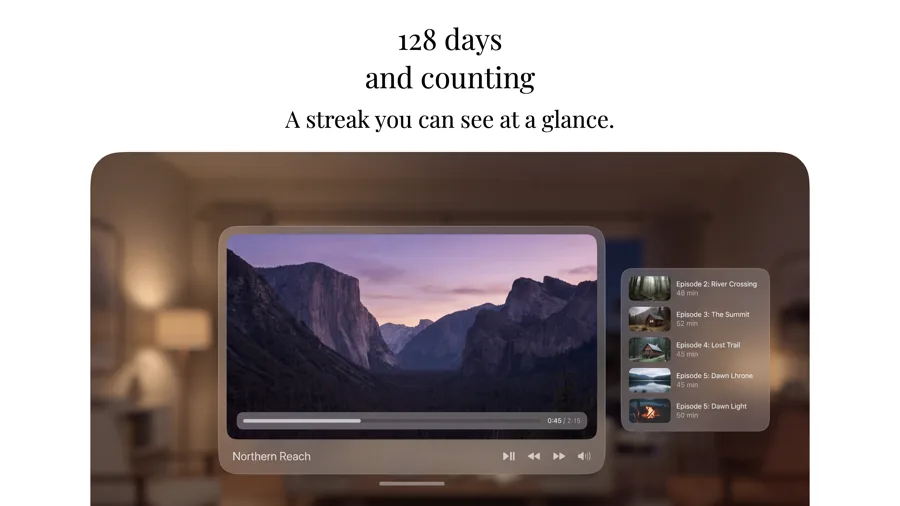
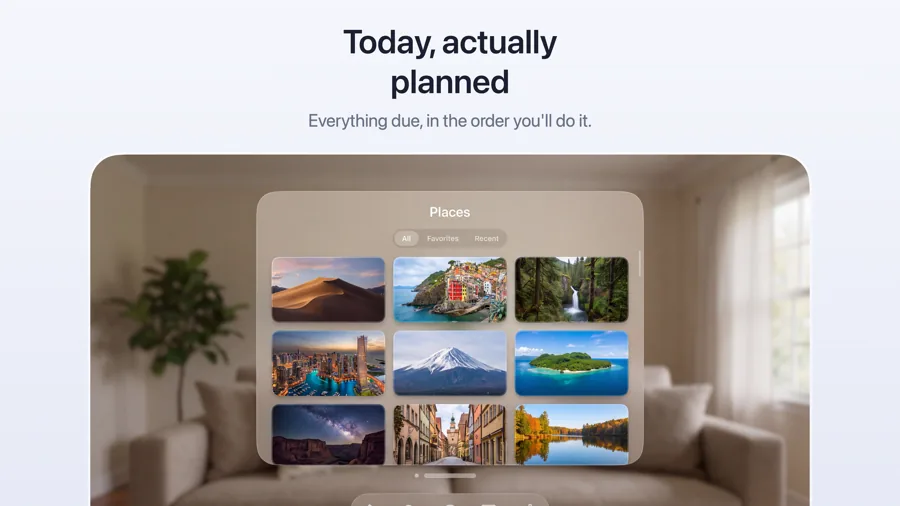
Apple Vision Pro App Store screenshot templates
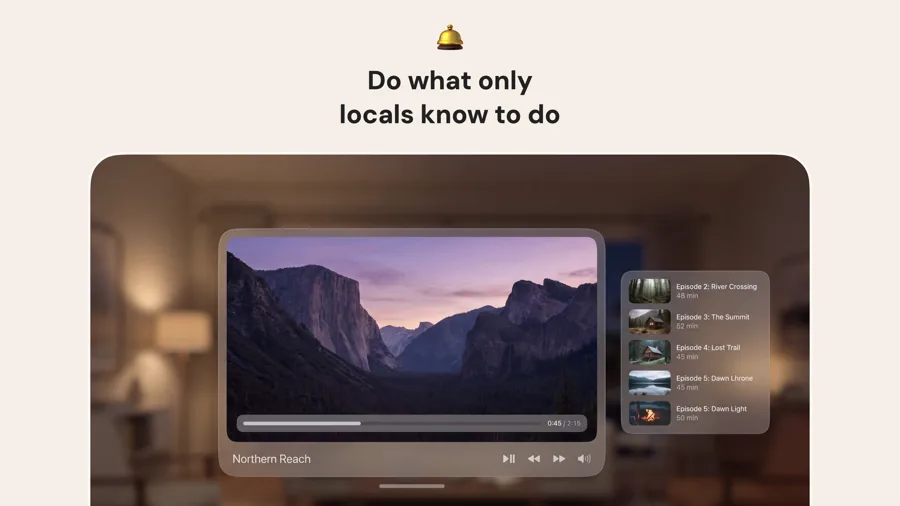
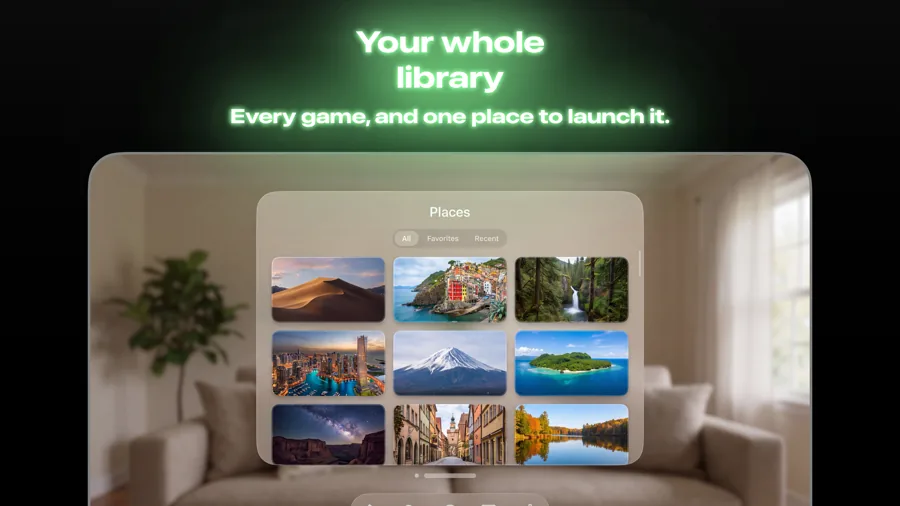
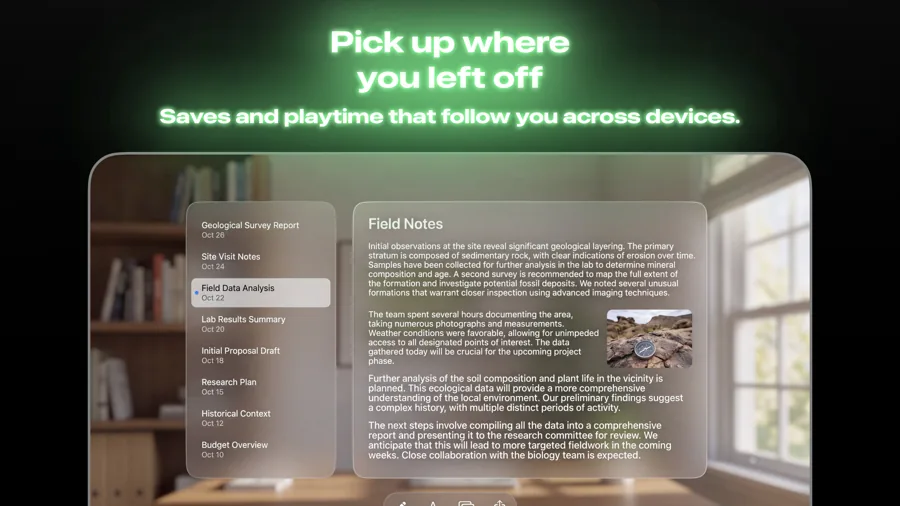
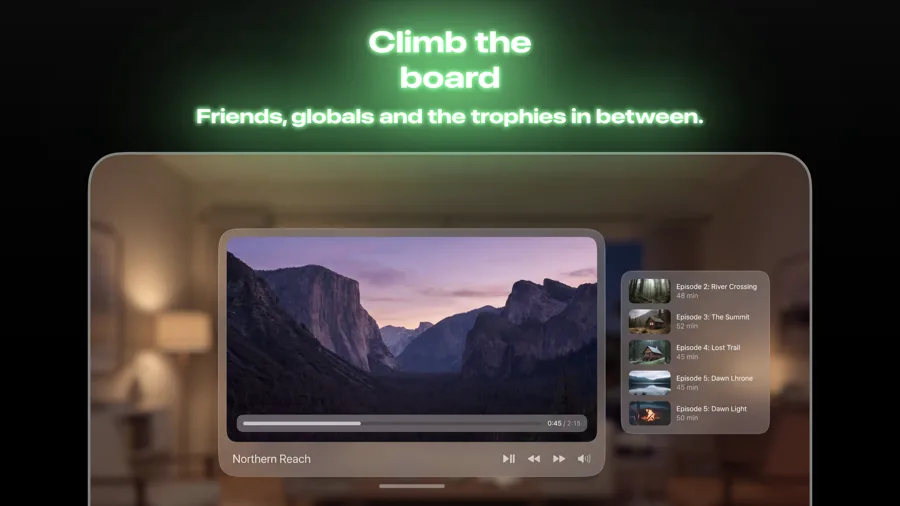
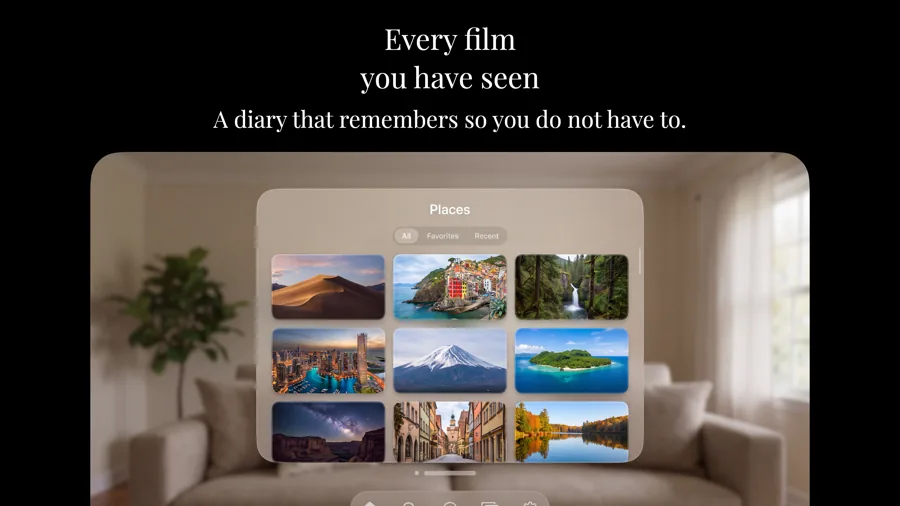
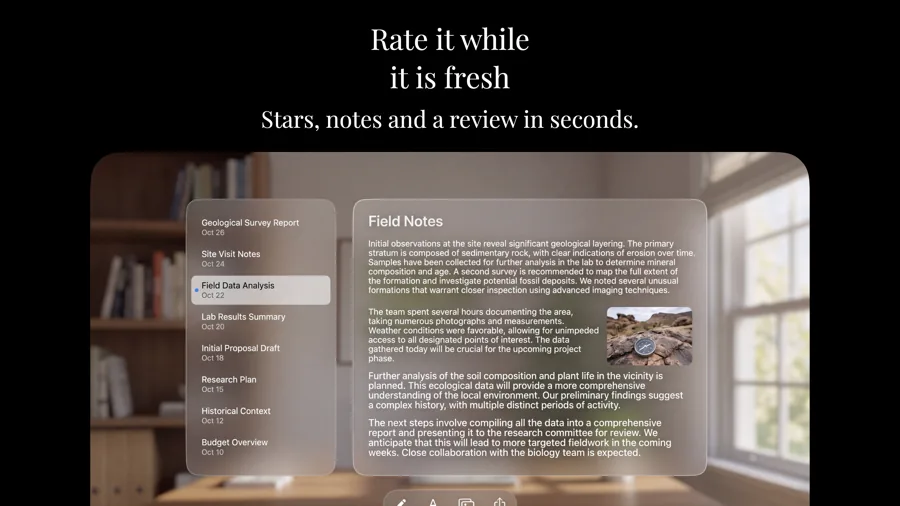
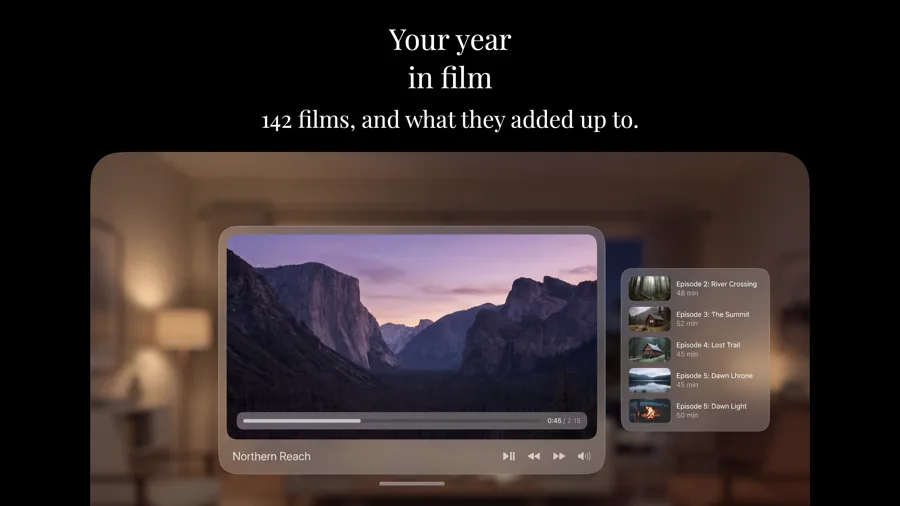
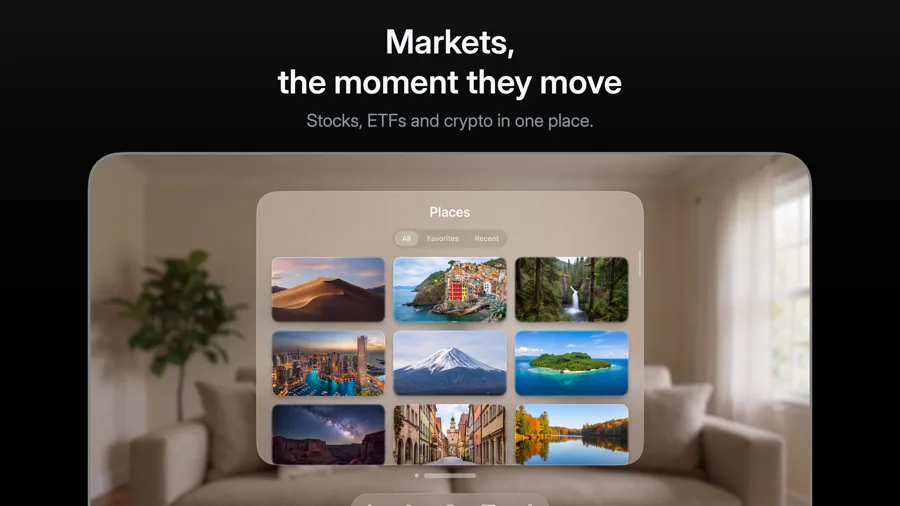
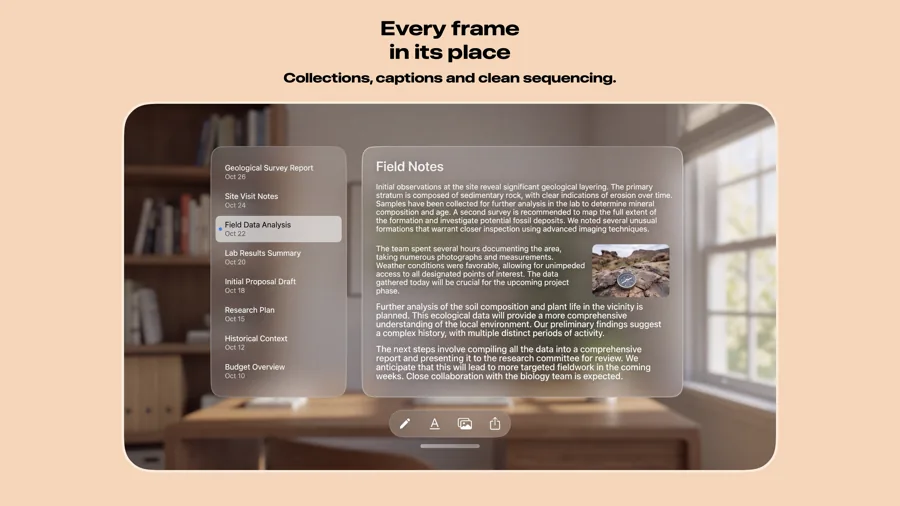
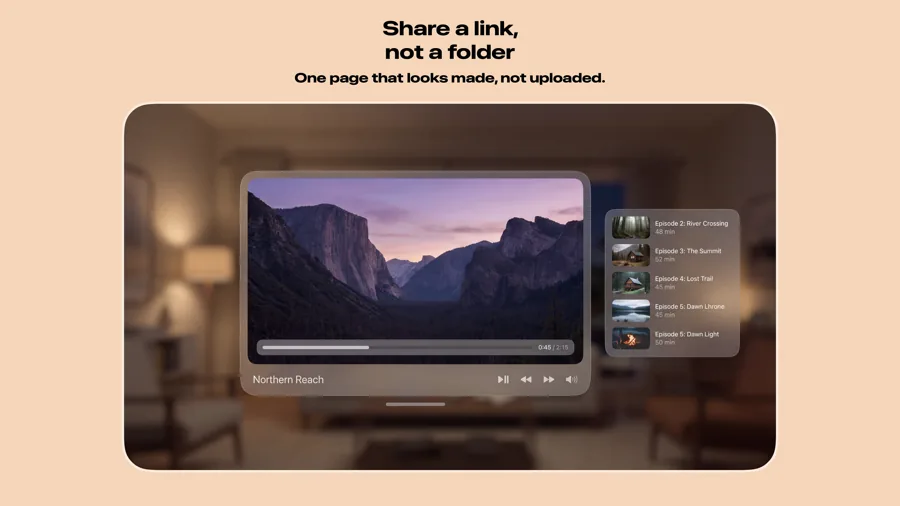
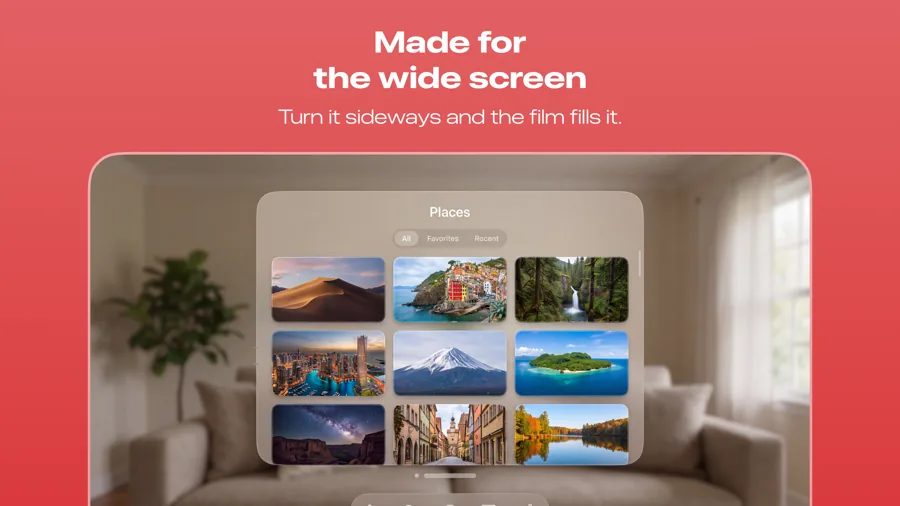
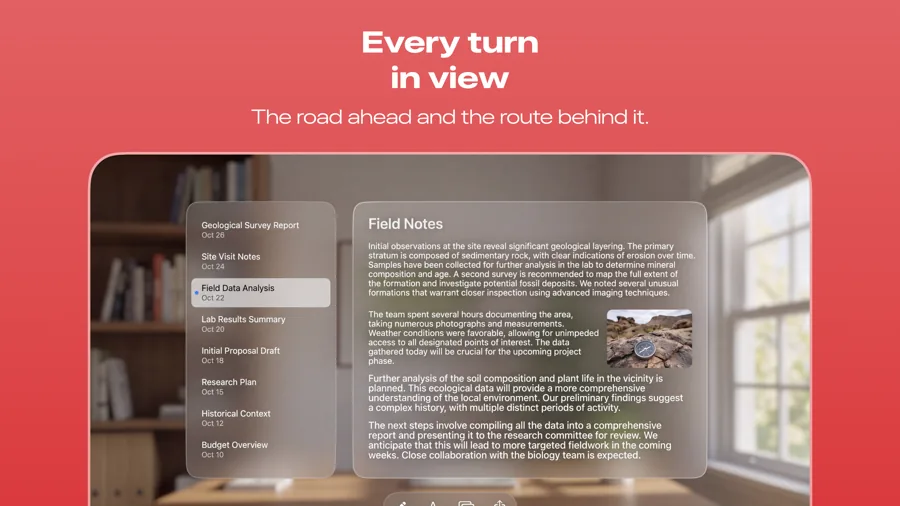
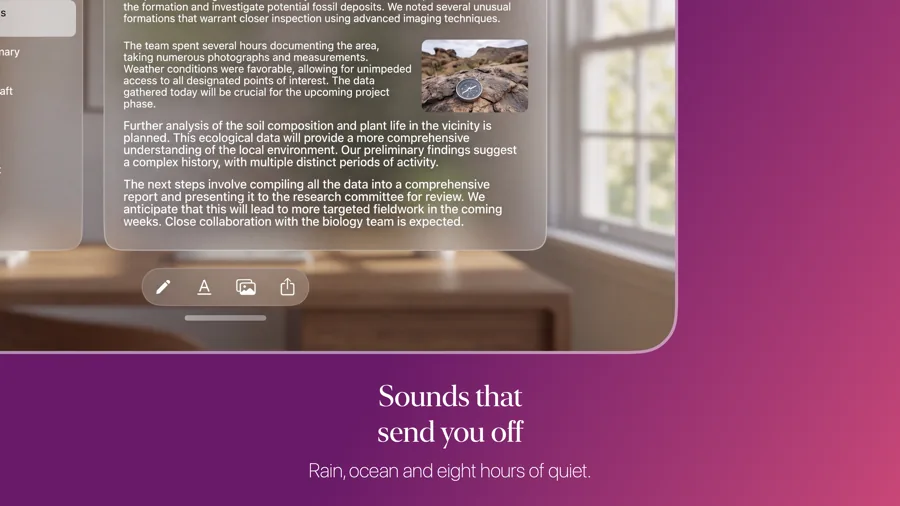
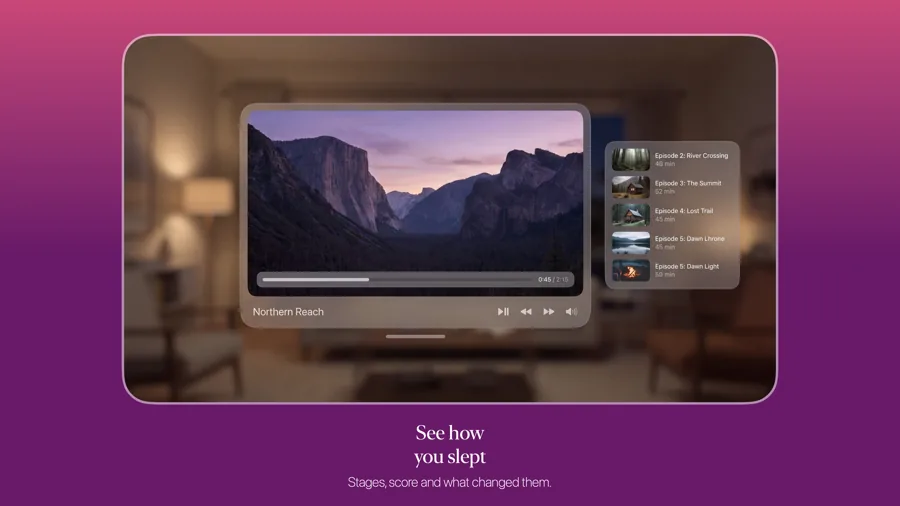
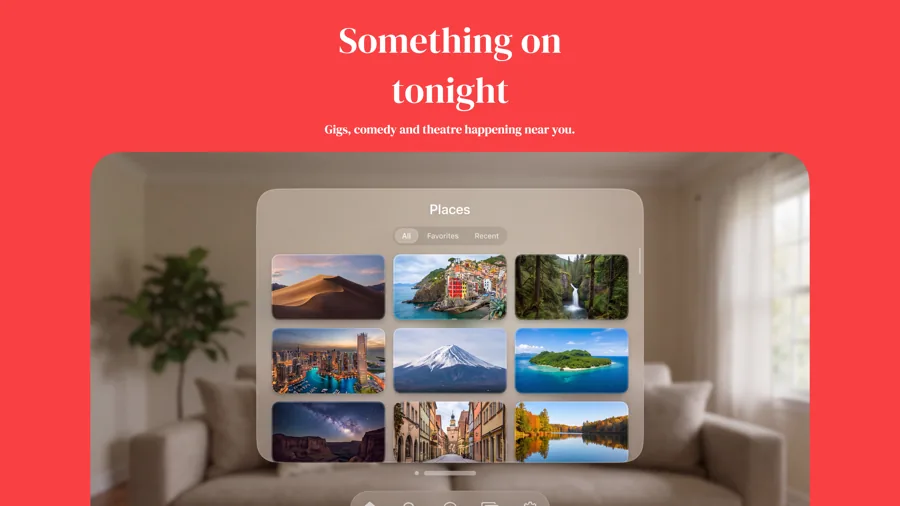
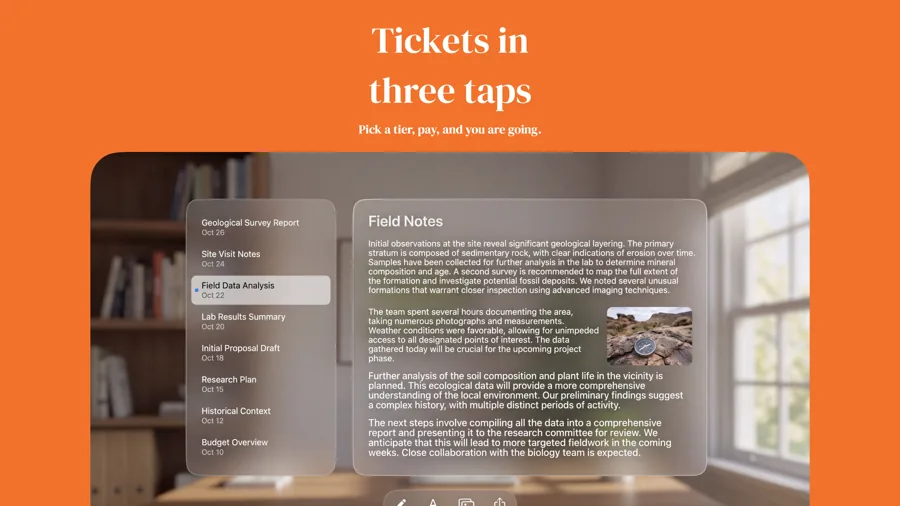
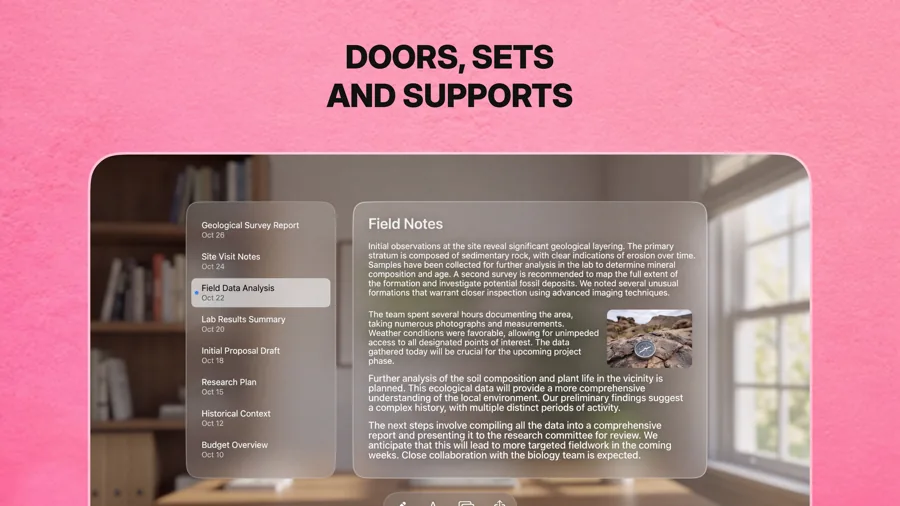
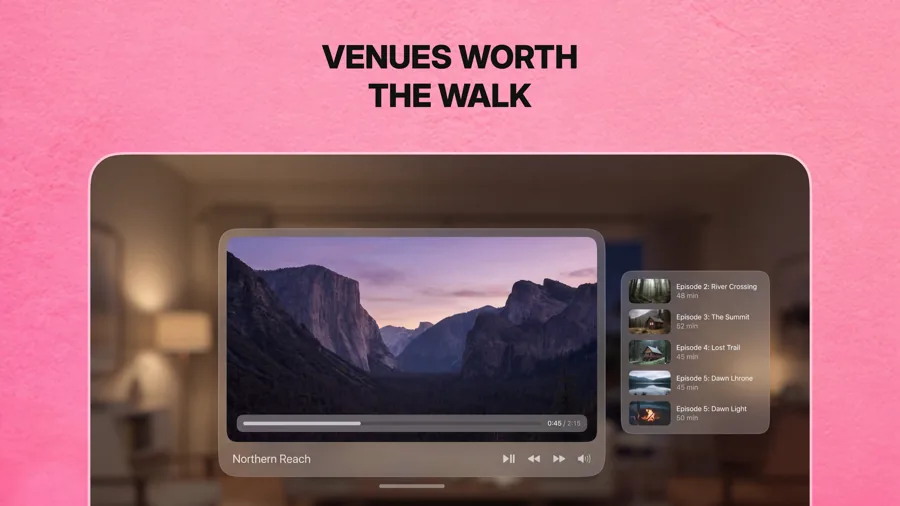
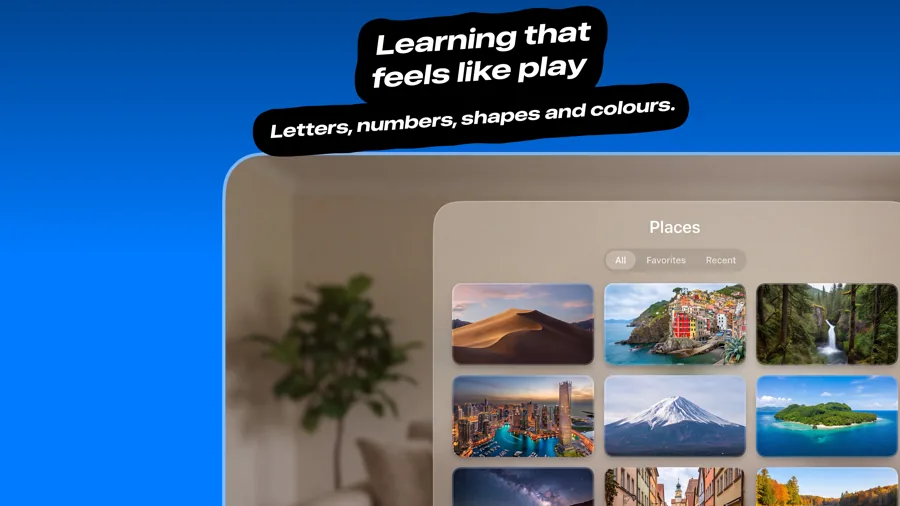
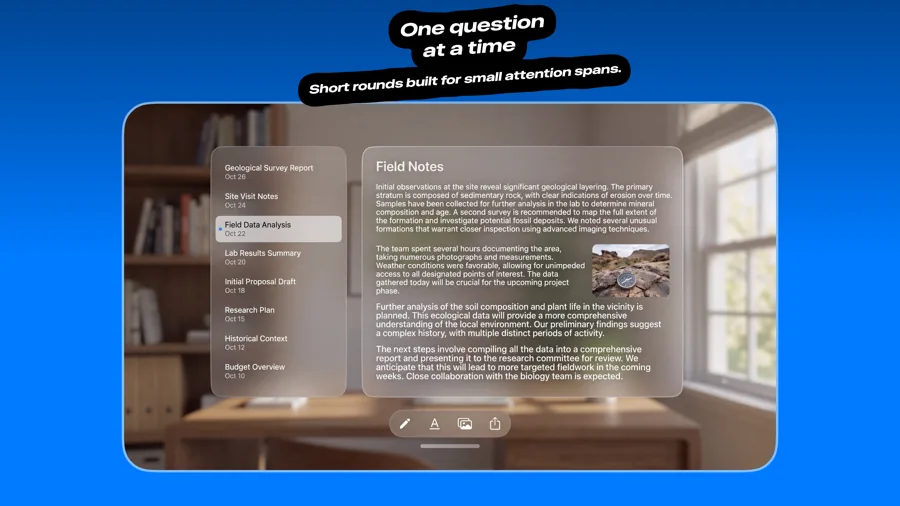
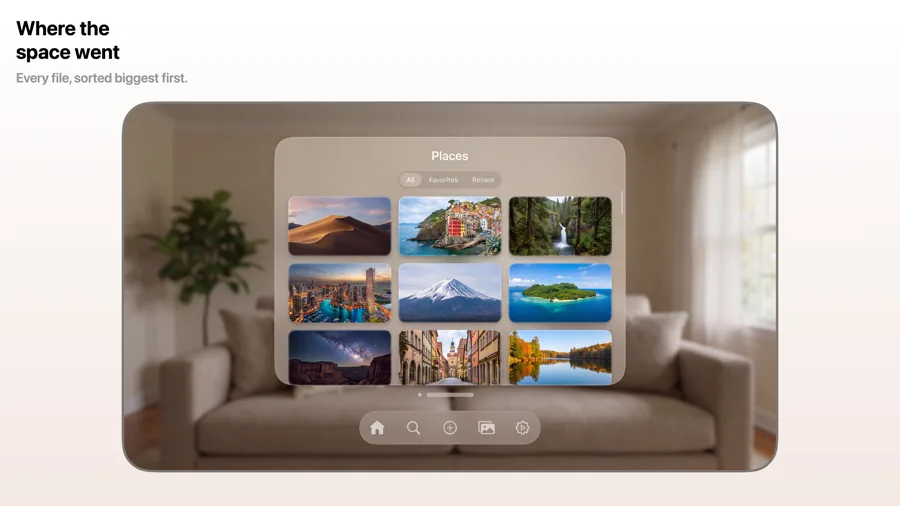
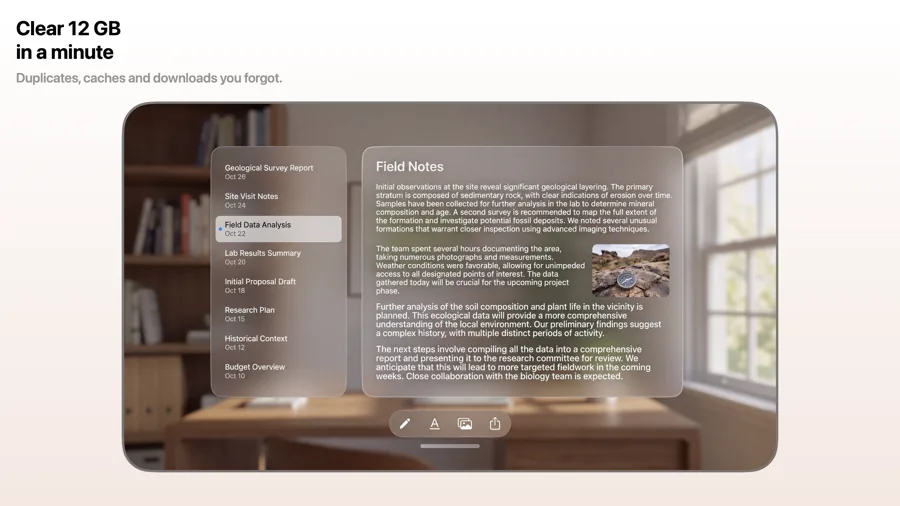
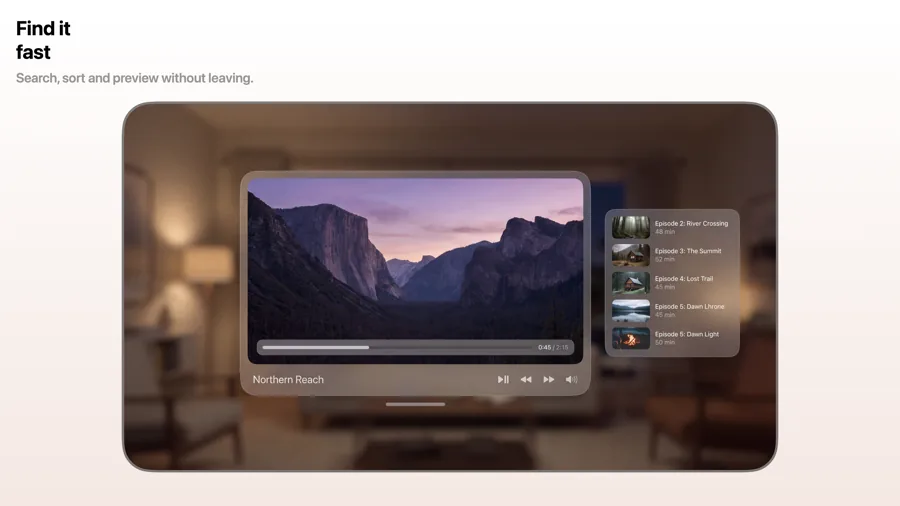
visionOS screenshots are landscape, and the best ones show windows floating in a real space. The App Store listing still has to explain the app at a glance, so these templates pair your capture with a clear caption and enough background to let the window breathe.
24 templates, each shown as it renders on Apple Vision Pro. See the Apple Vision Pro screenshot sizes.
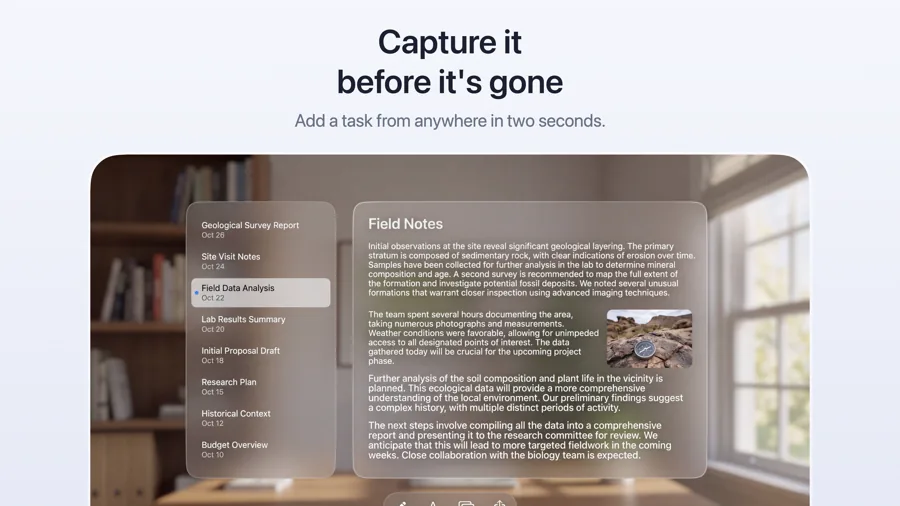
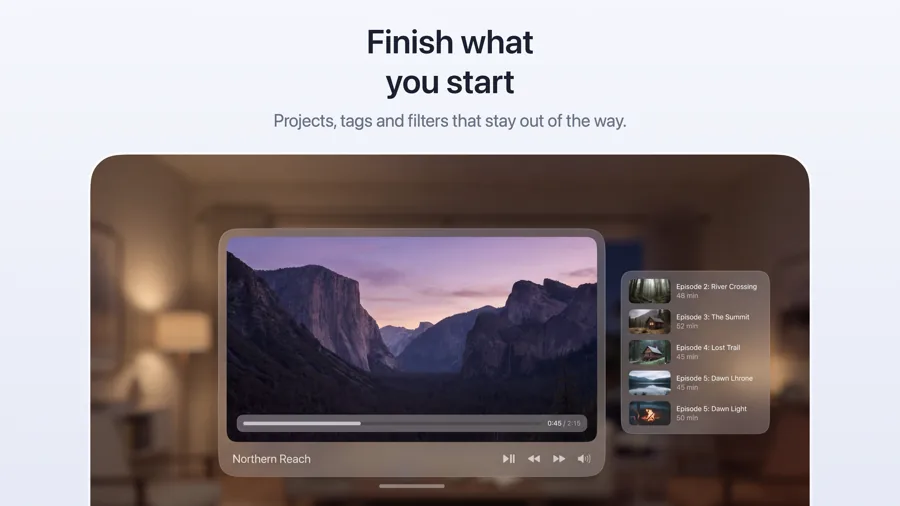
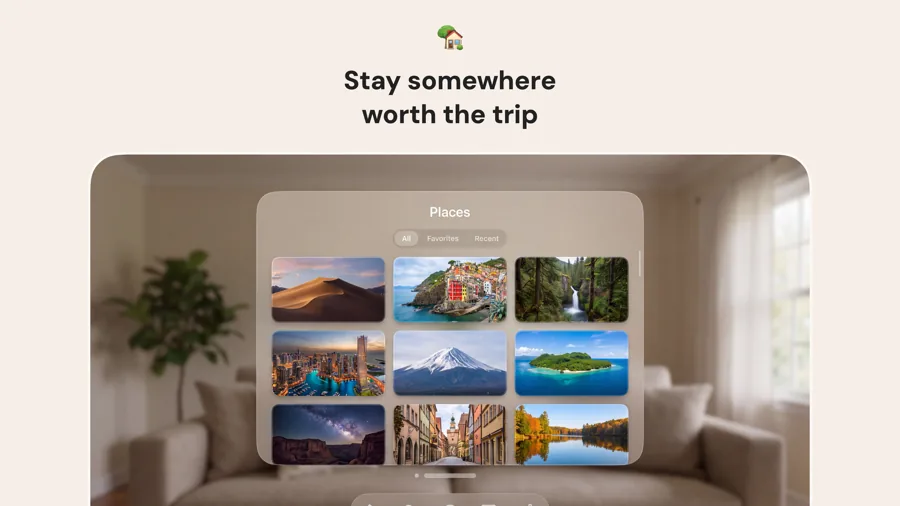
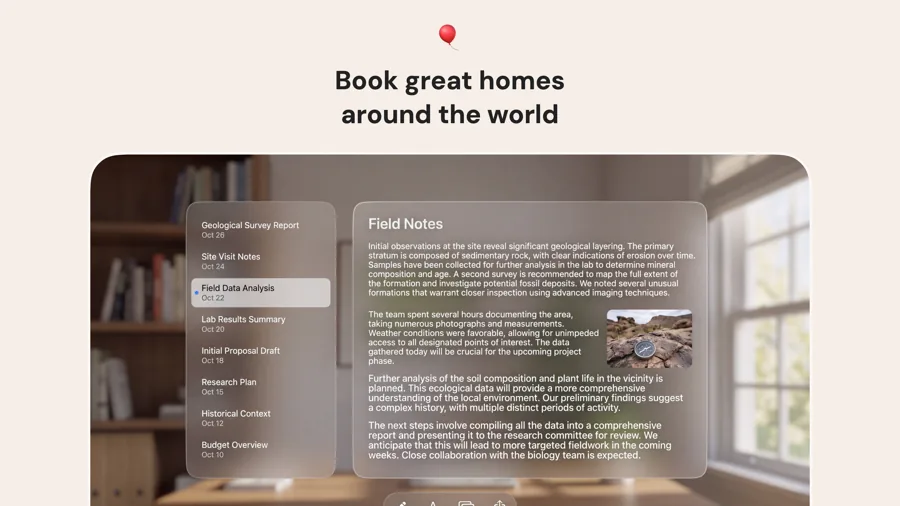
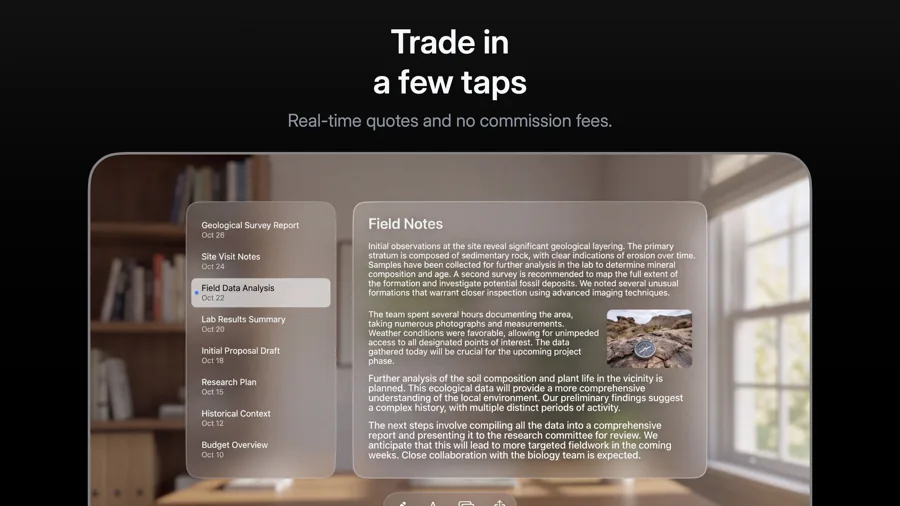
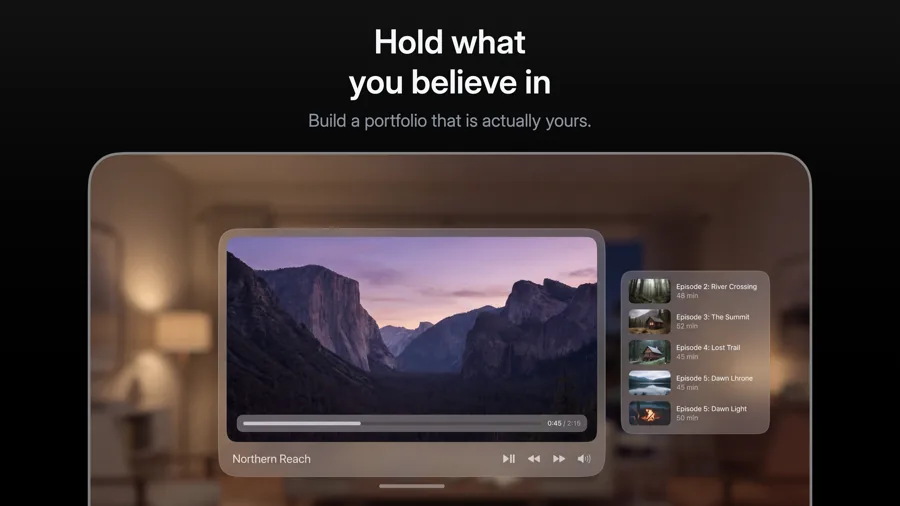
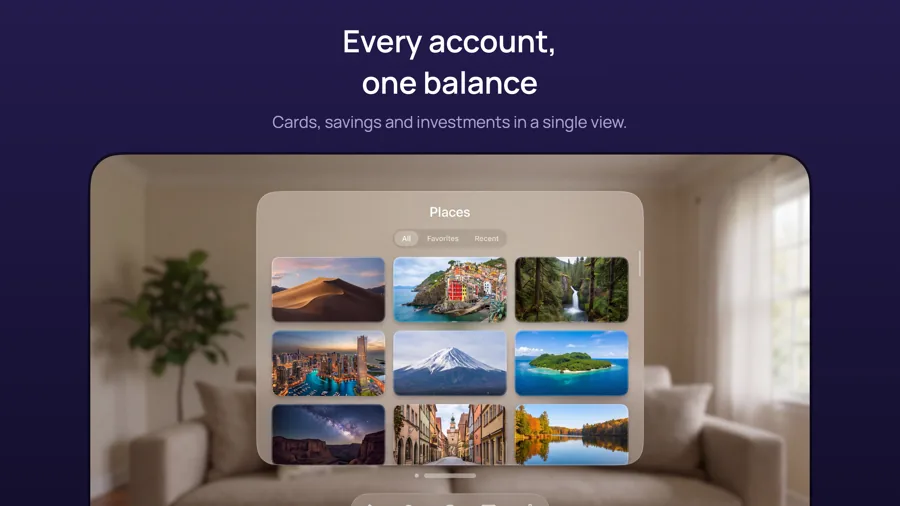
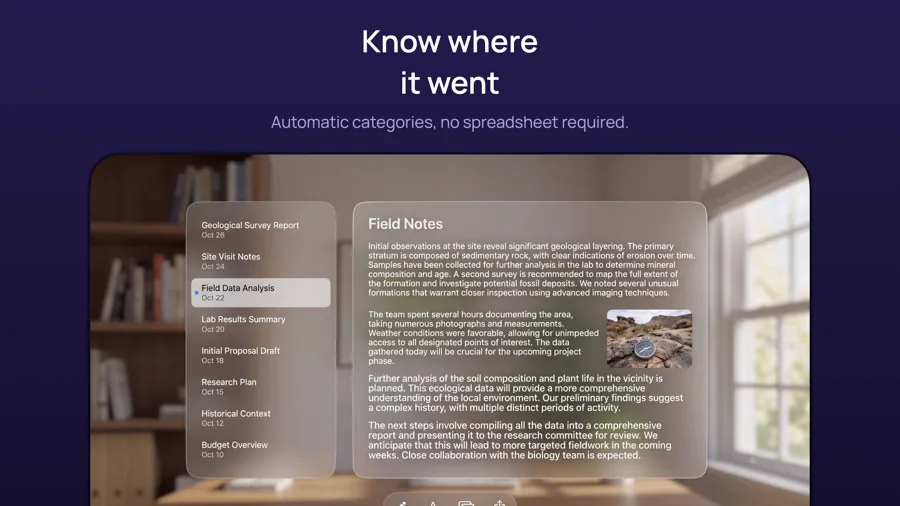
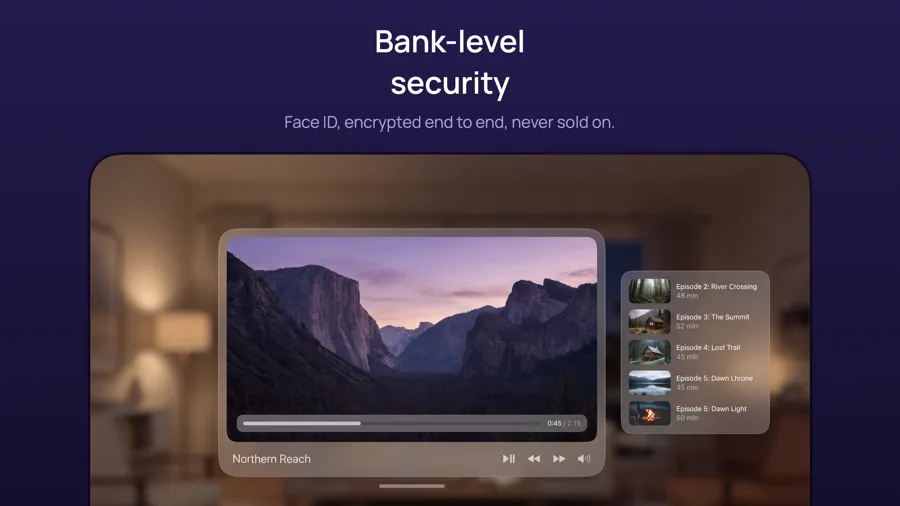
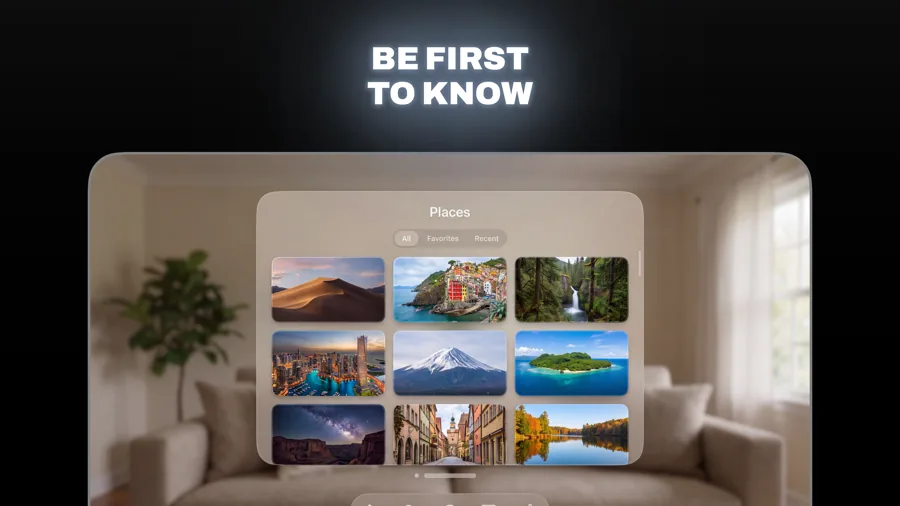
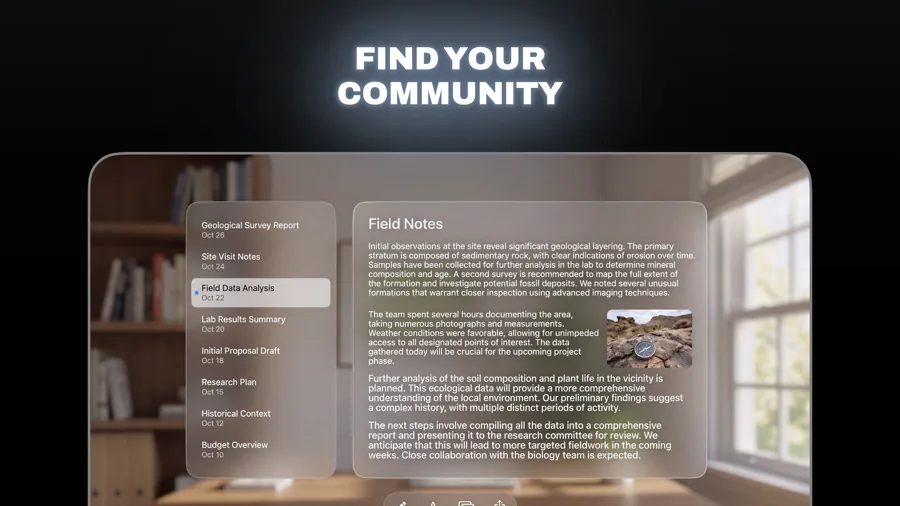
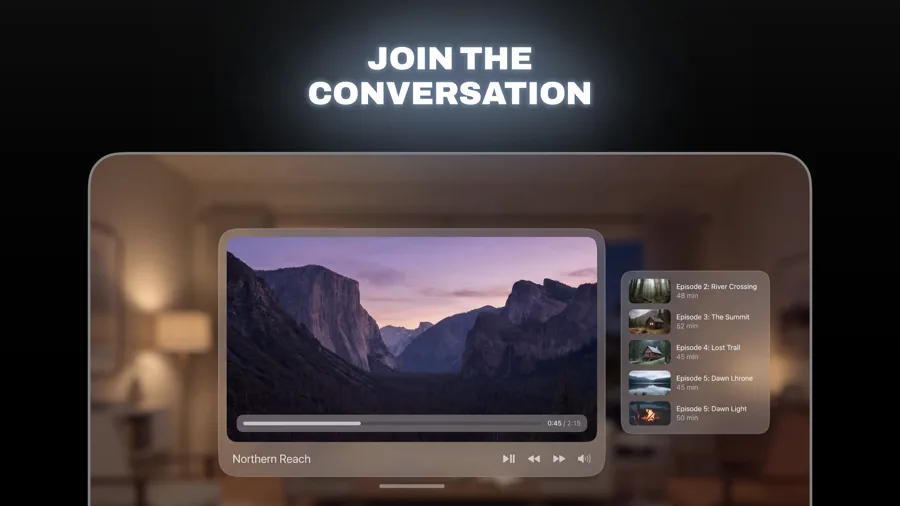

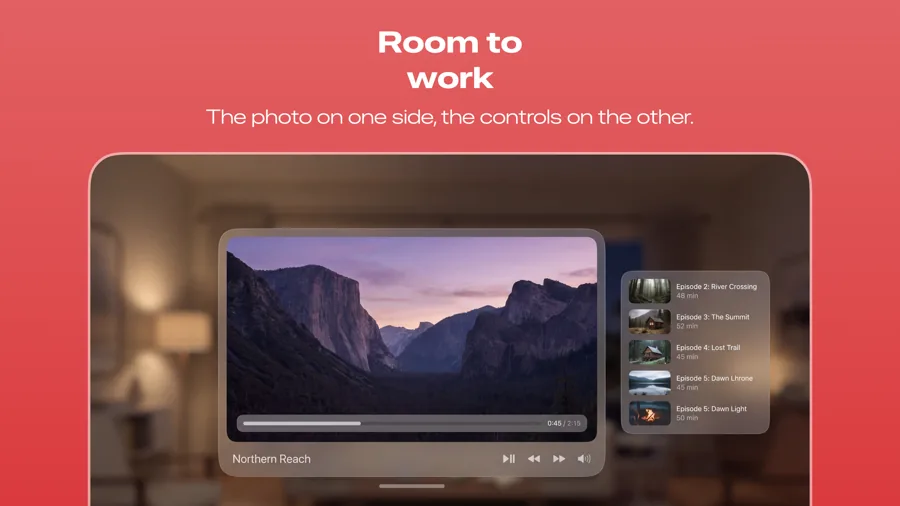
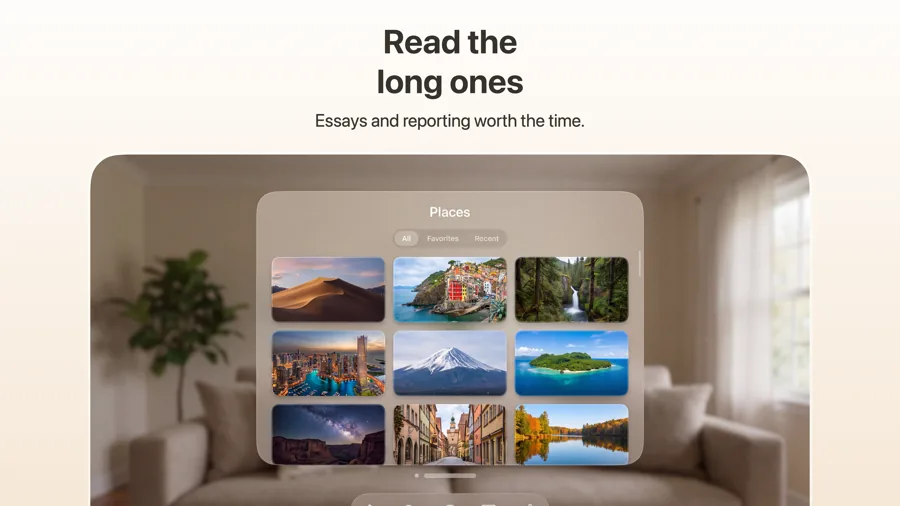
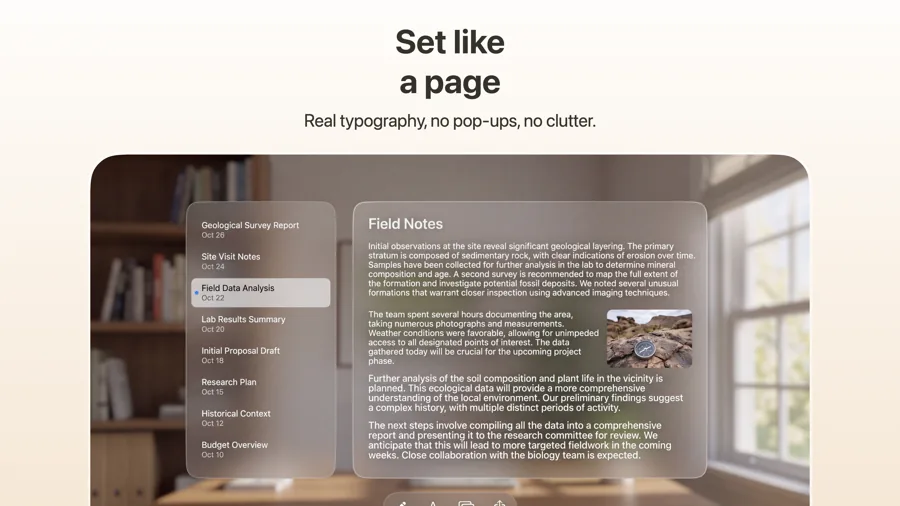
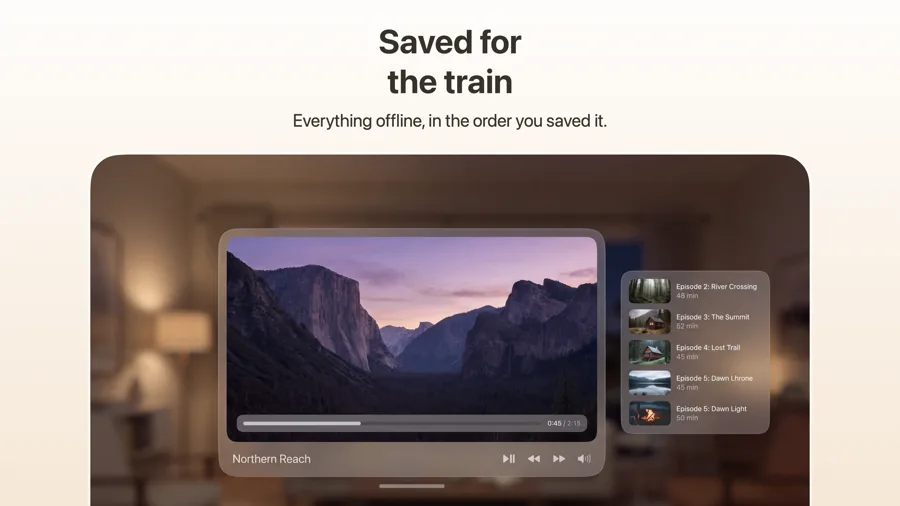
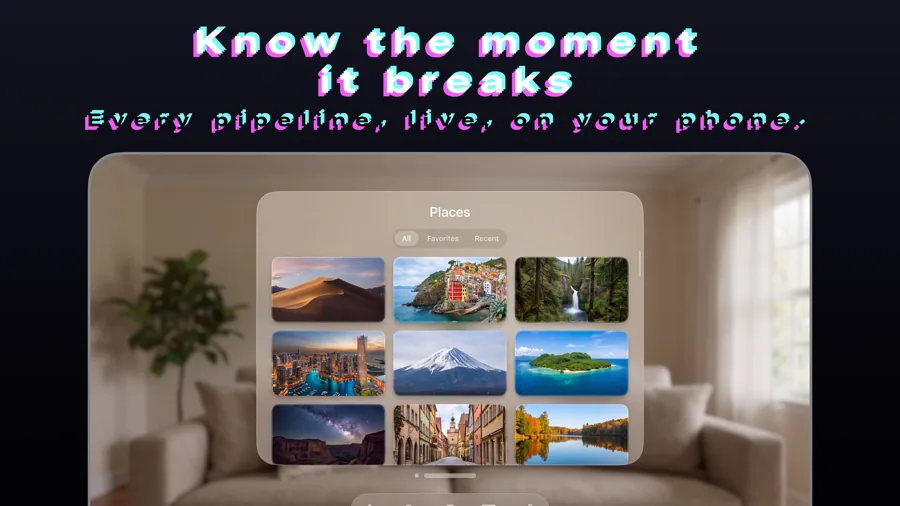
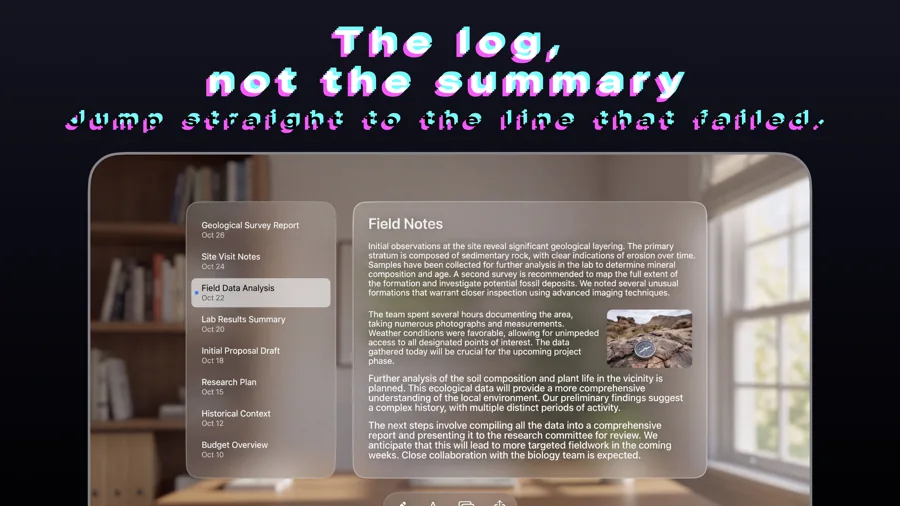
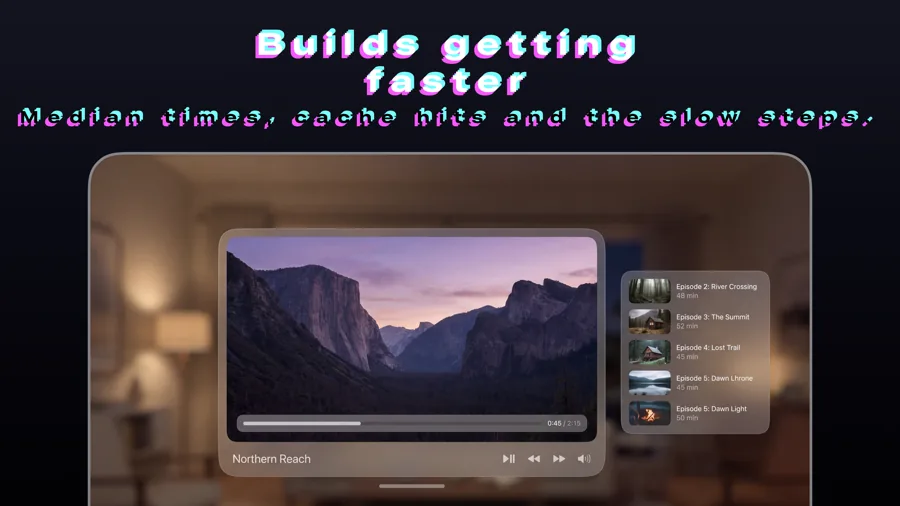
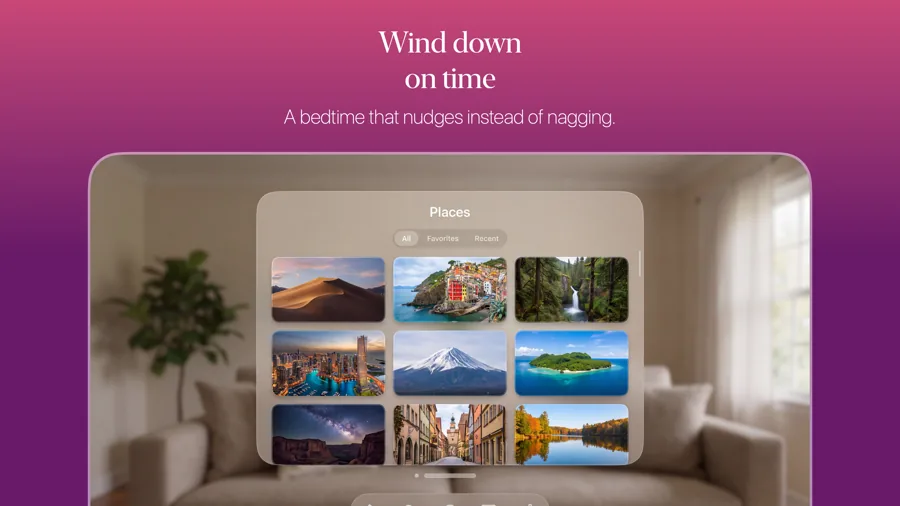
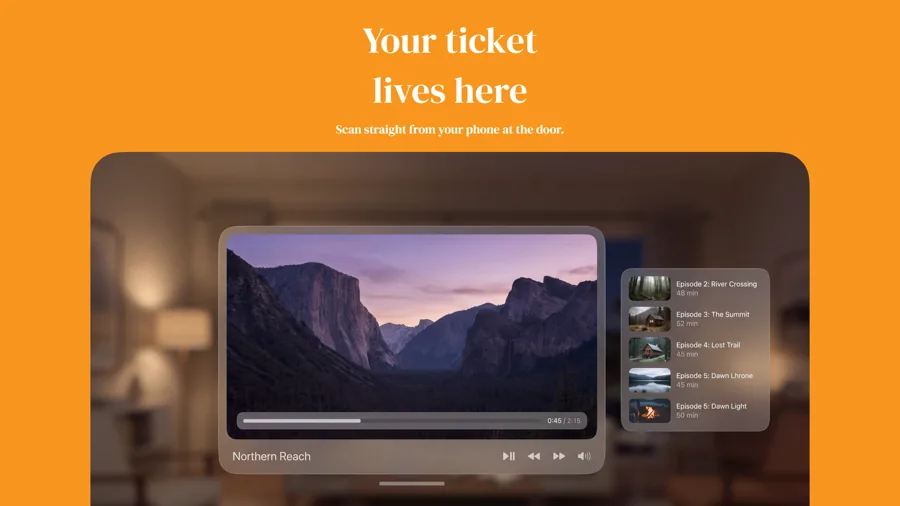
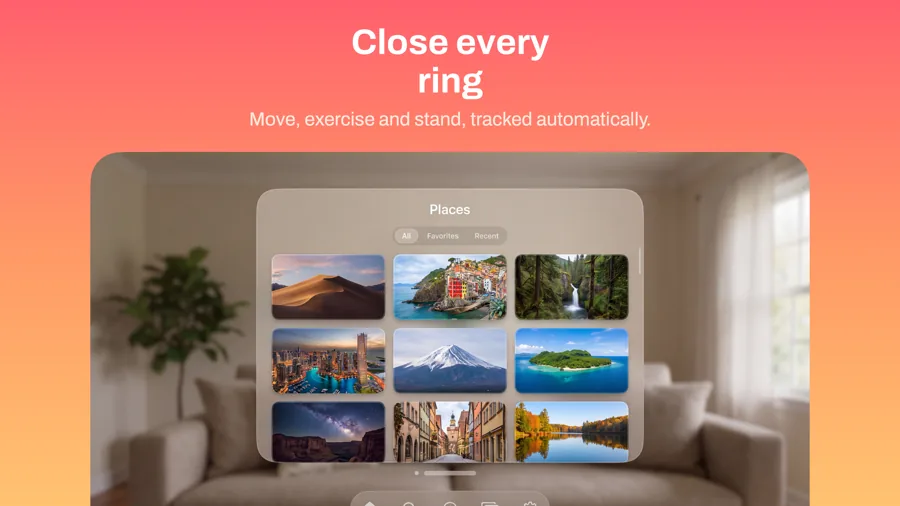
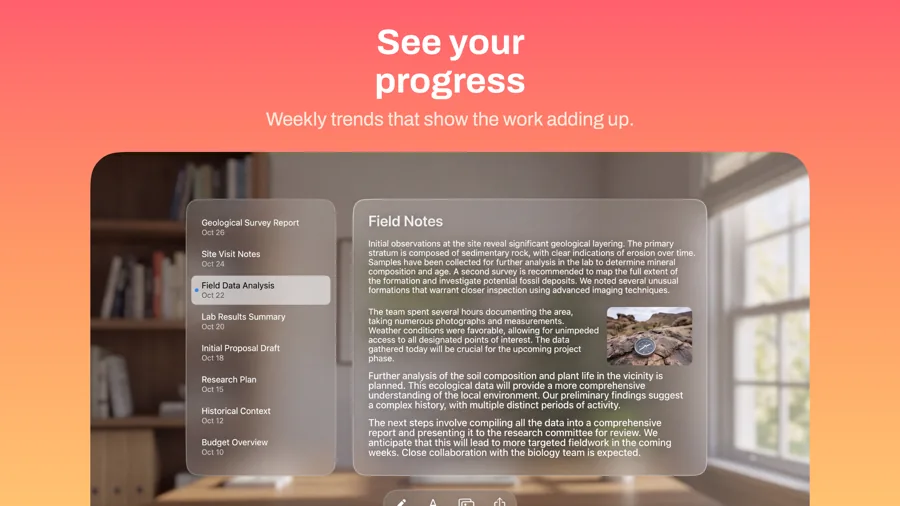
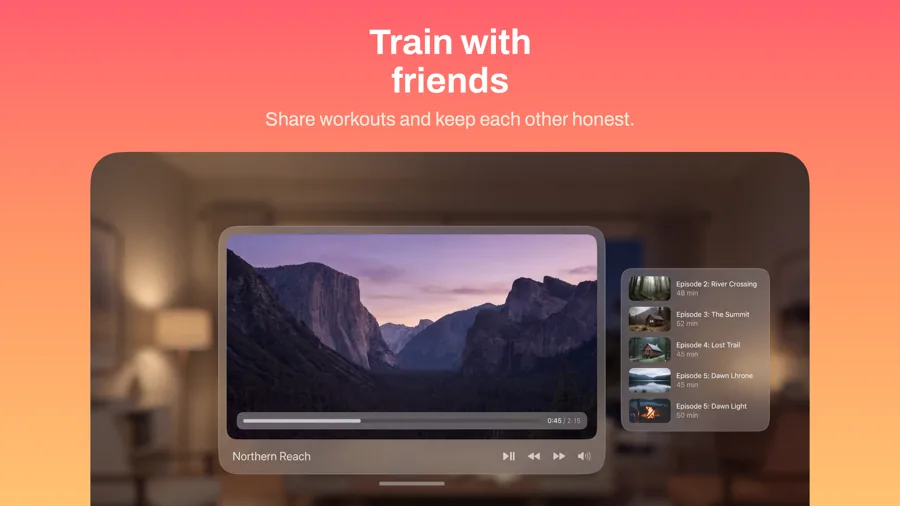
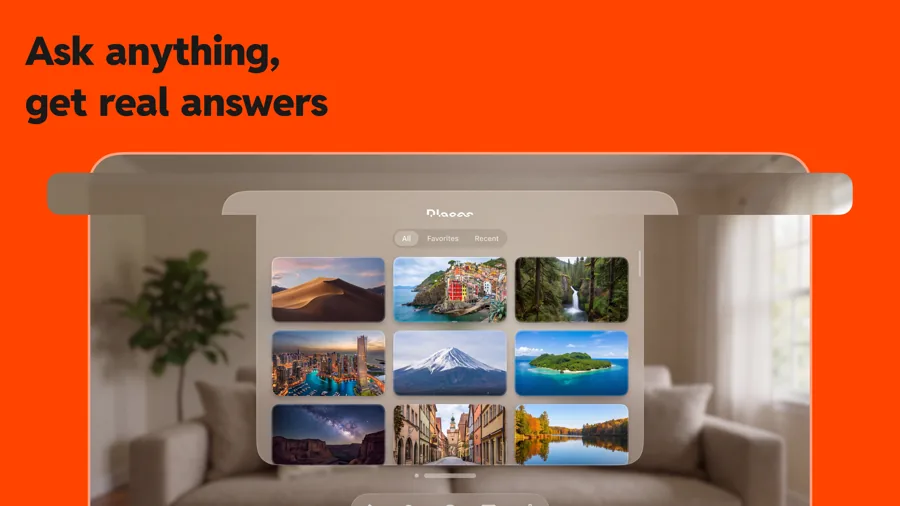
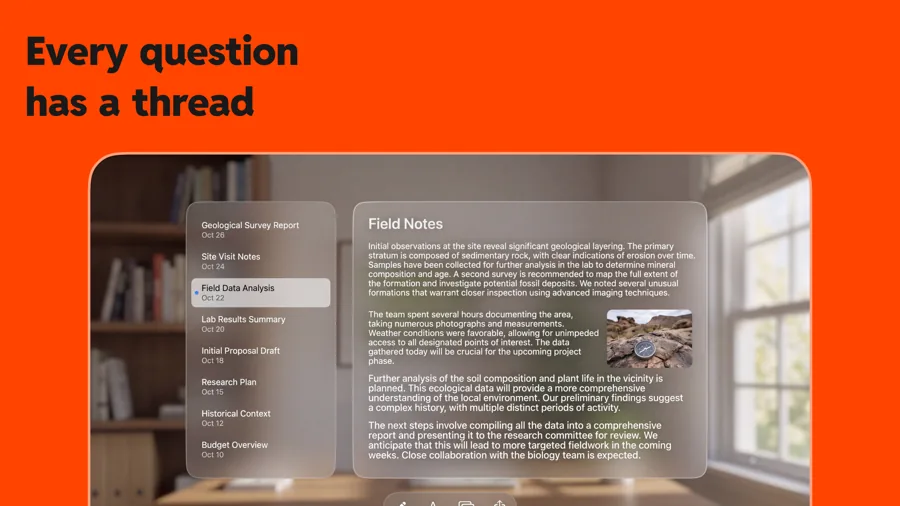
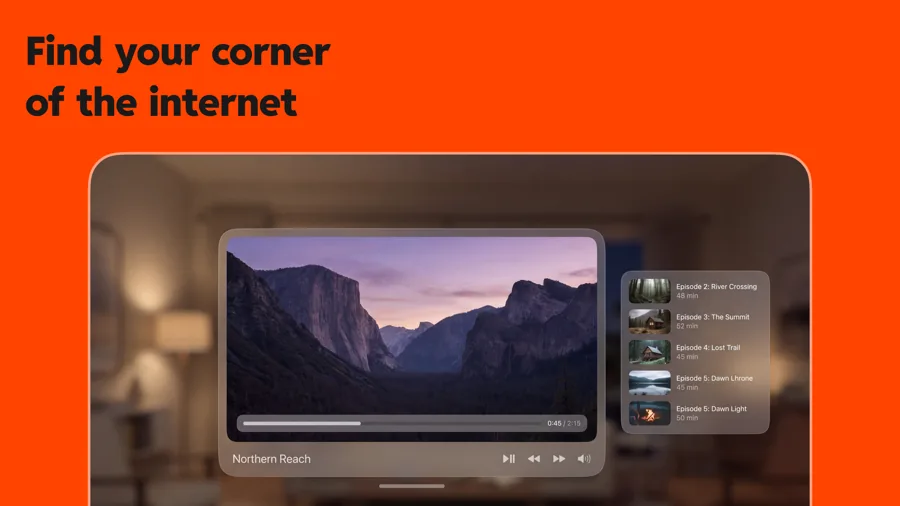
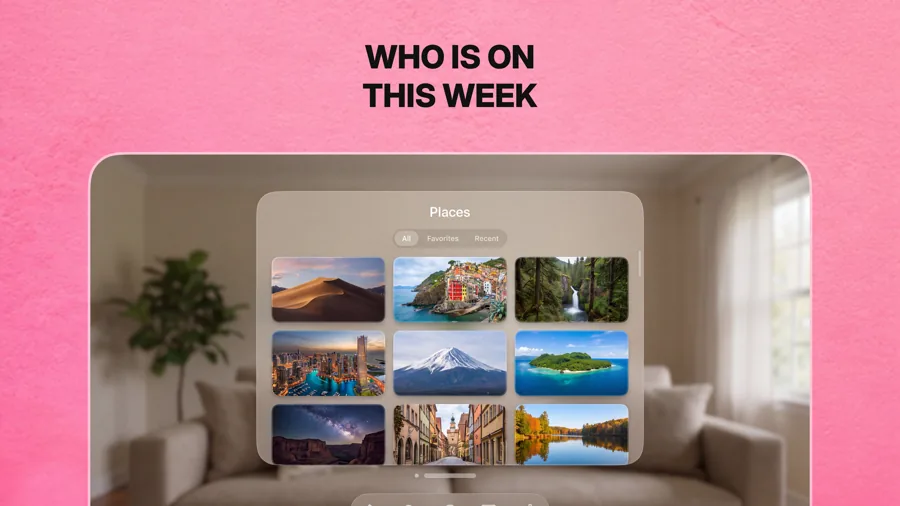
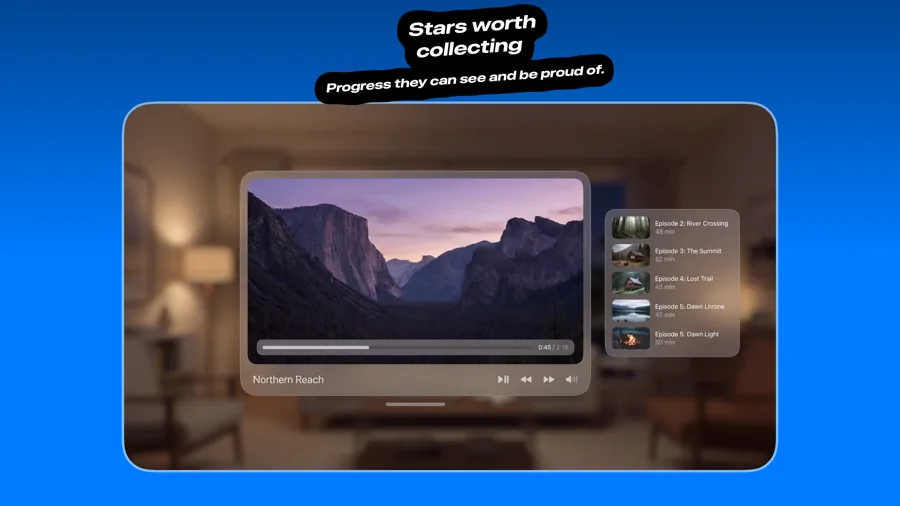
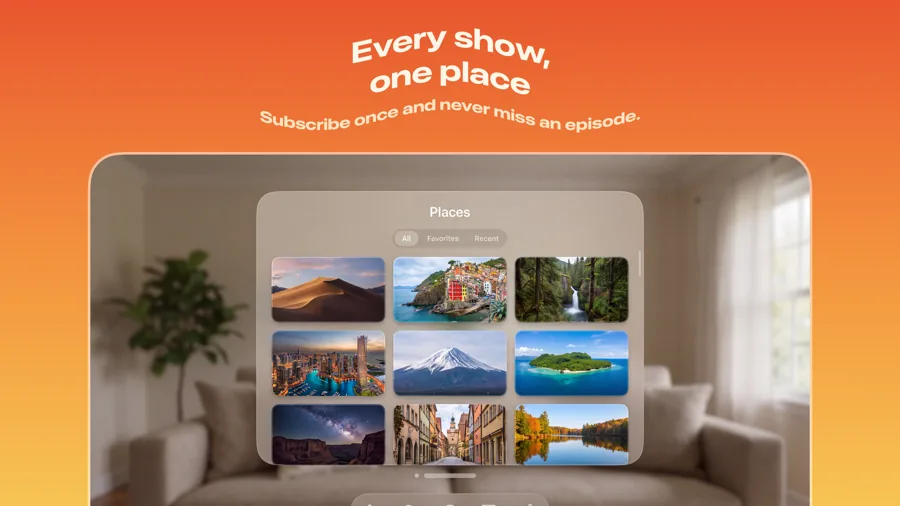
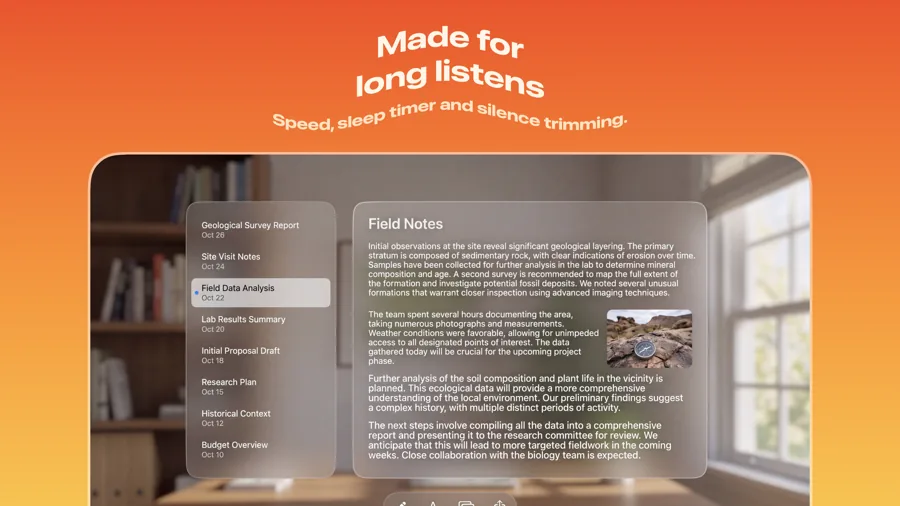
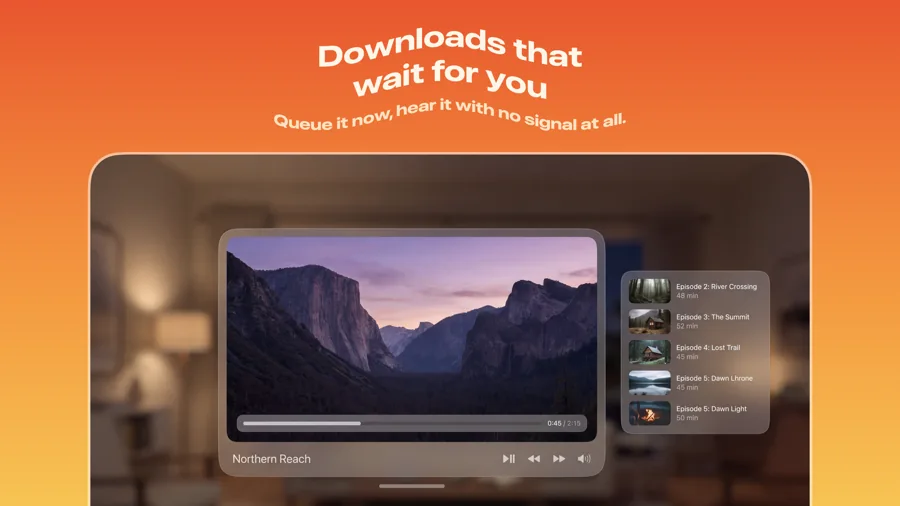
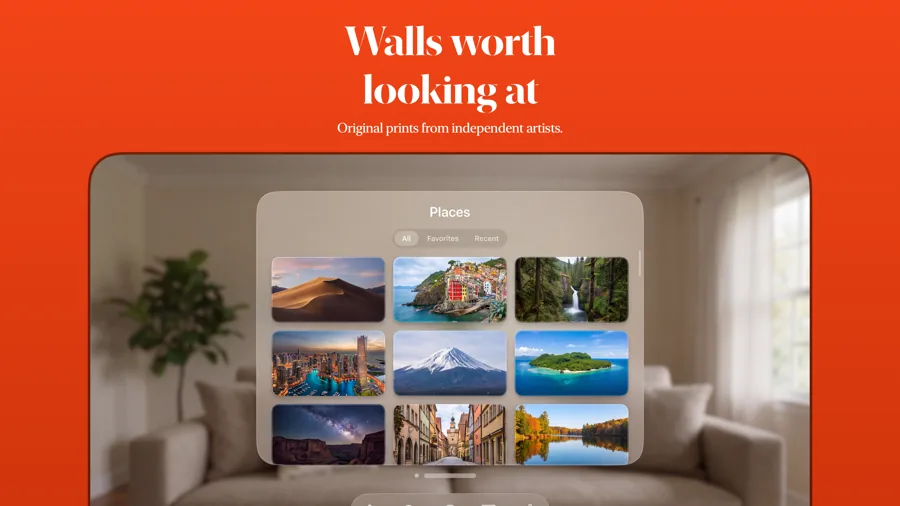
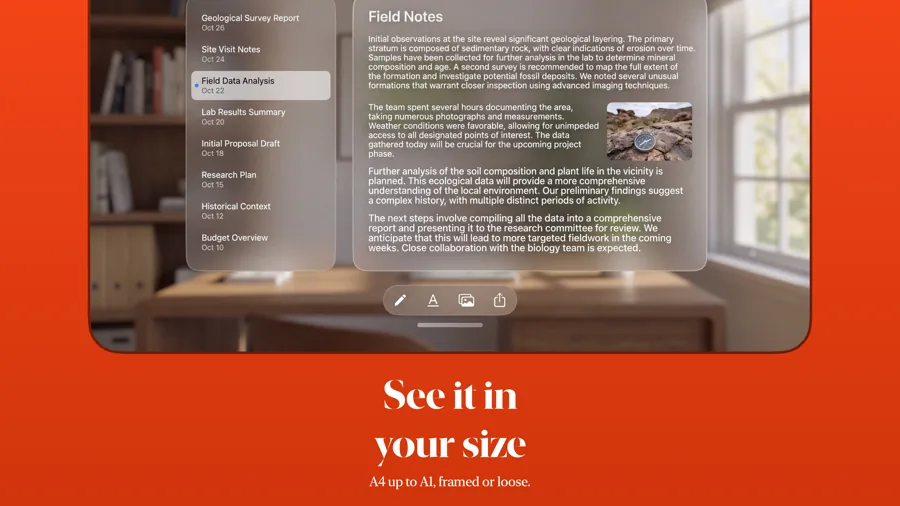
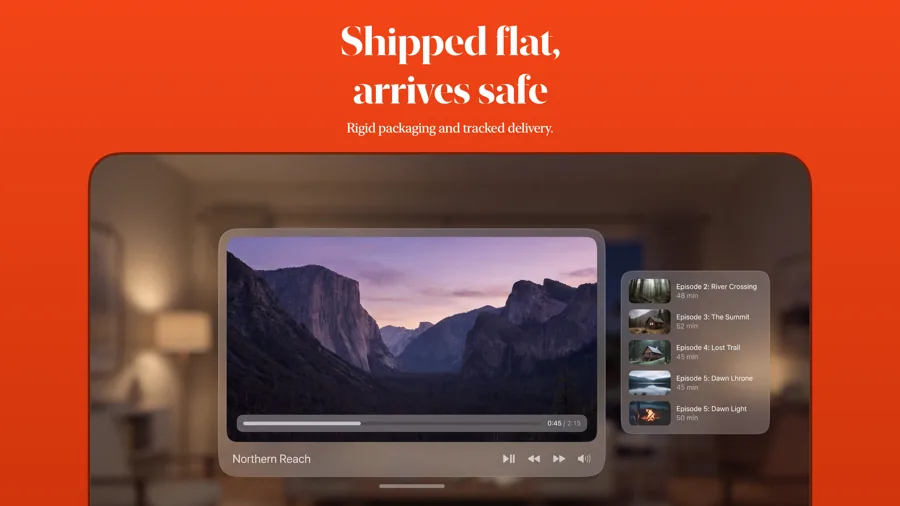
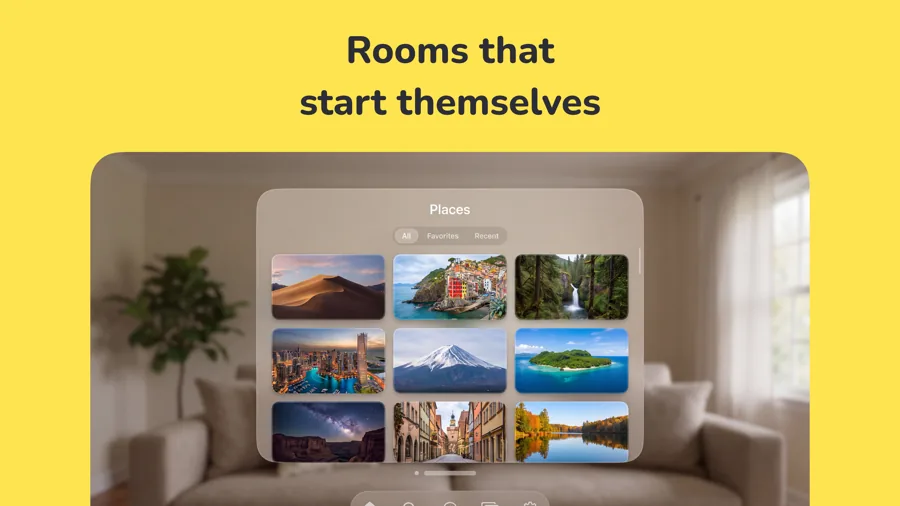
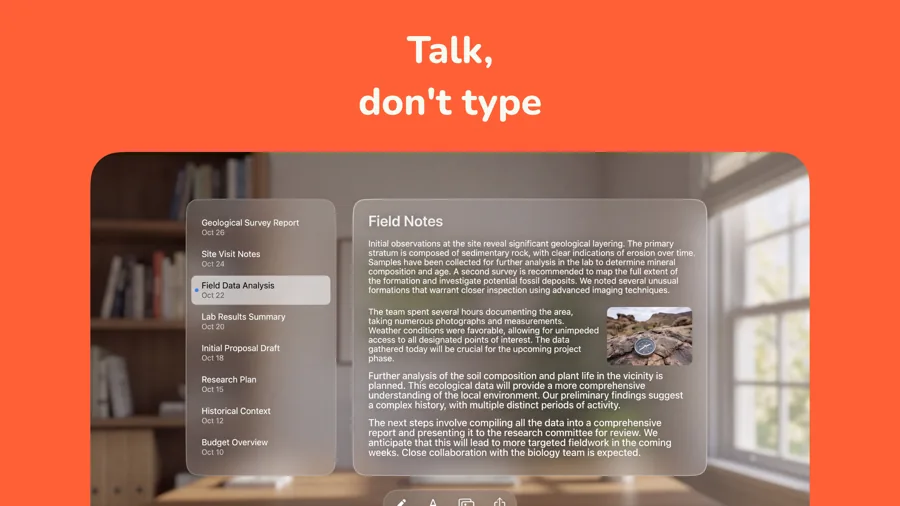
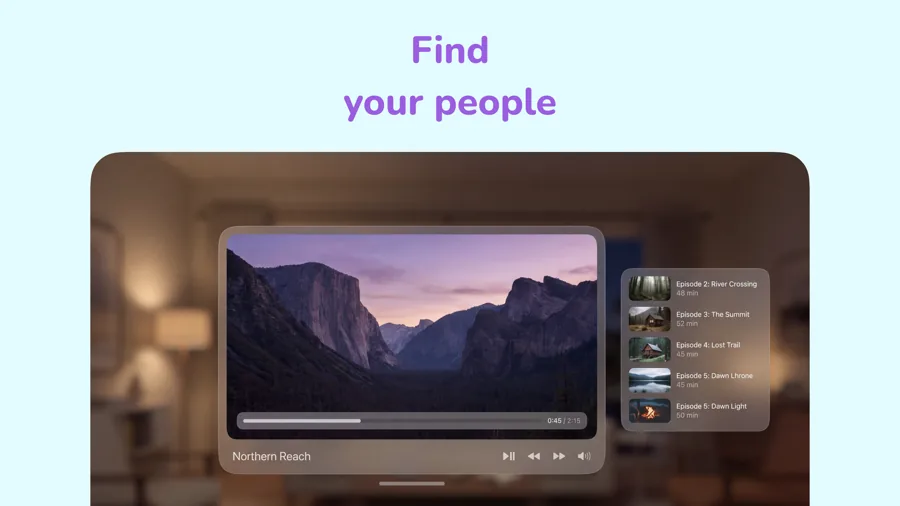
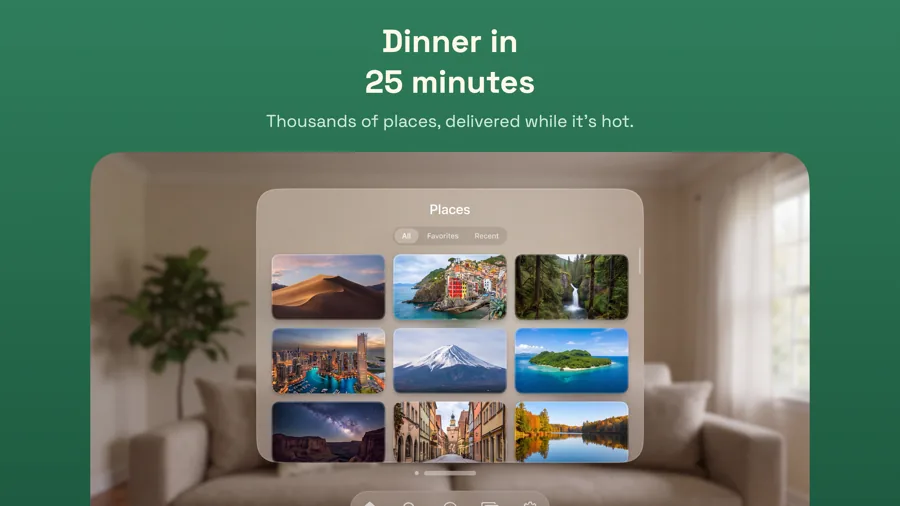
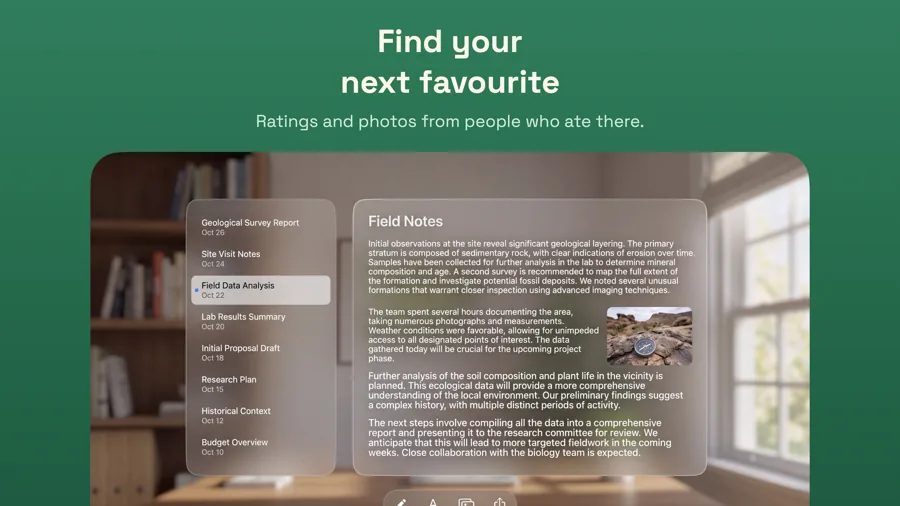
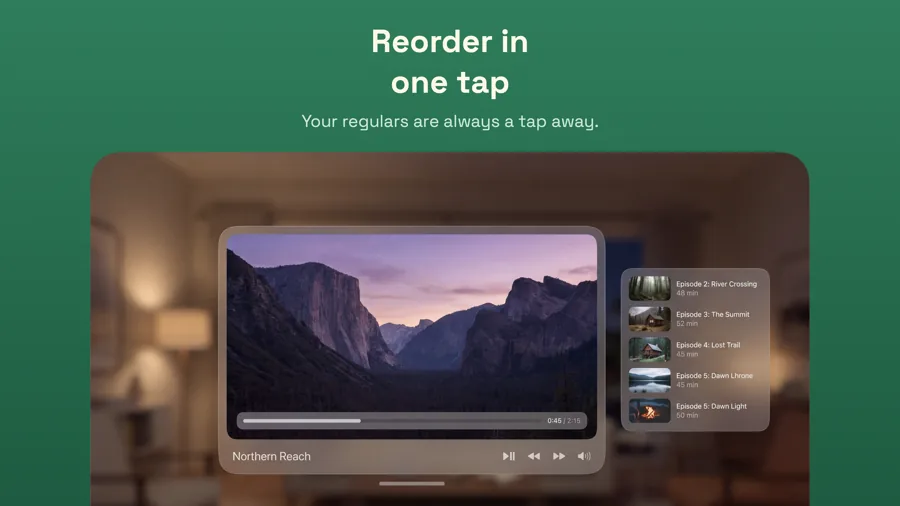
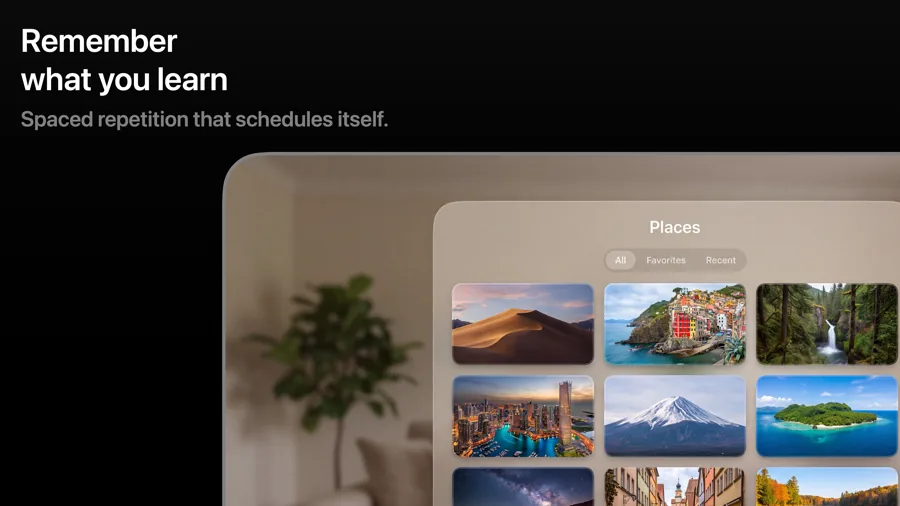
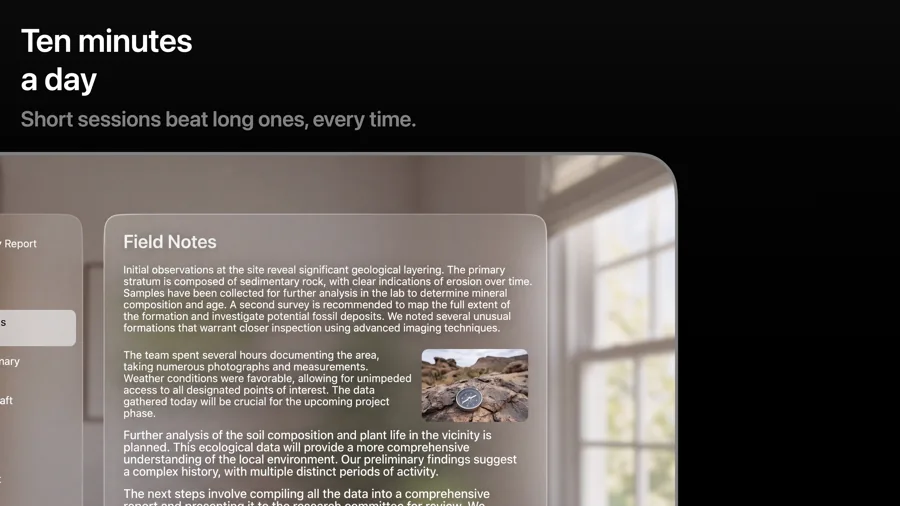
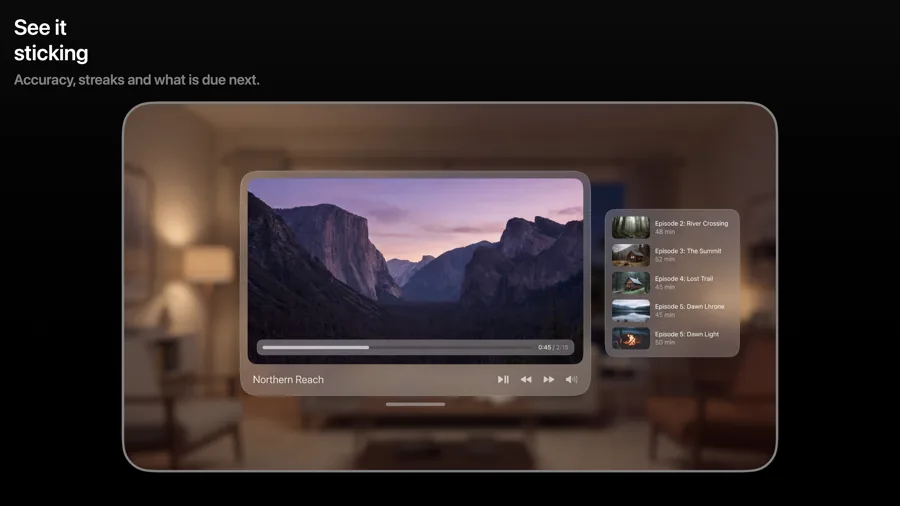
What works in Apple Vision Pro screenshots
- Capture in a calm, well-lit environment. A cluttered room competes with your app's windows.
- Show depth where your app has it: volumes, immersive scenes or several windows arranged around the user.
- Say what is spatial about the app in the caption. People want to know why it is better on Vision Pro.
Make your Apple Vision Pro screenshots
- Built into Screenshot Studio — apply it and swap in your own screenshots.
- Every colour, font and layout value stays editable afterwards.
- Localise the text into all 50 App Store languages from the same document.