Screenshot templates by device
Apple TV App Store screenshot templates
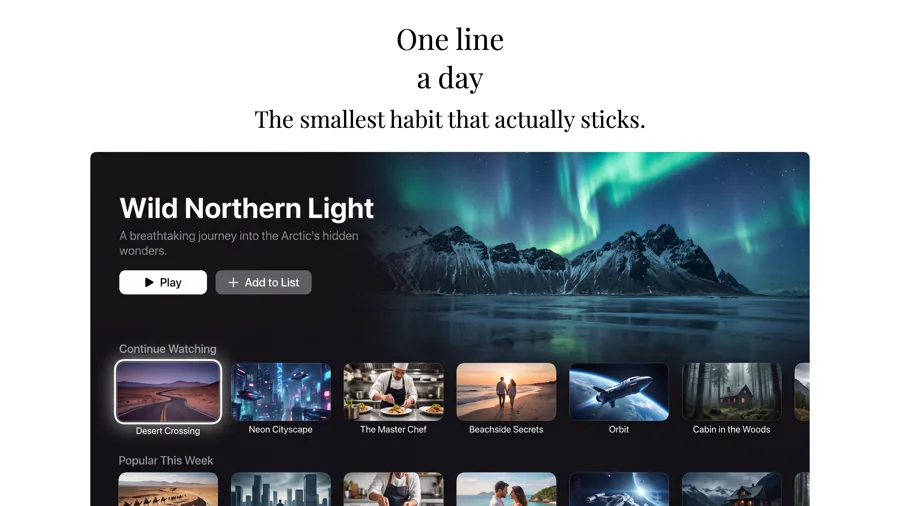
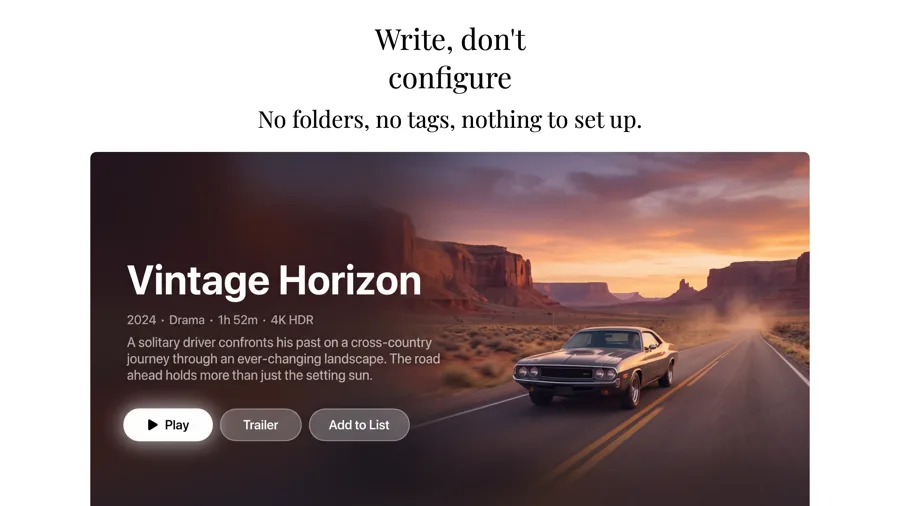
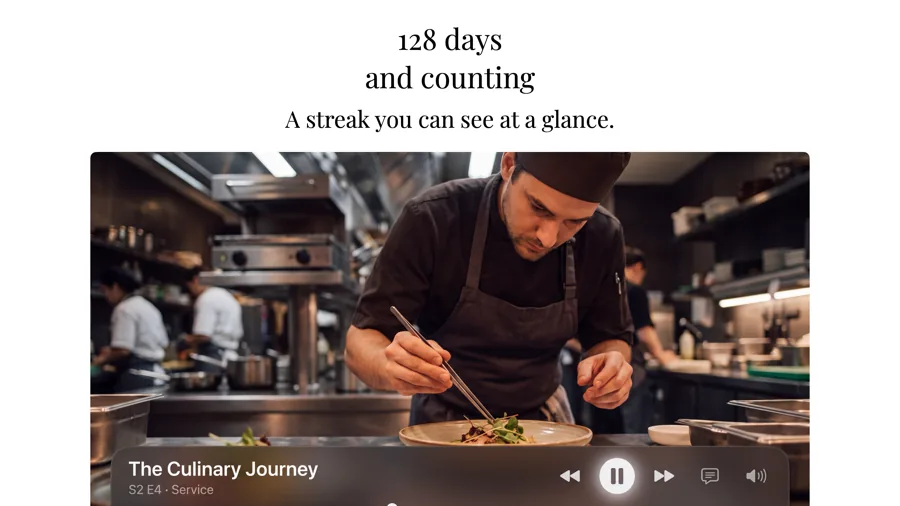
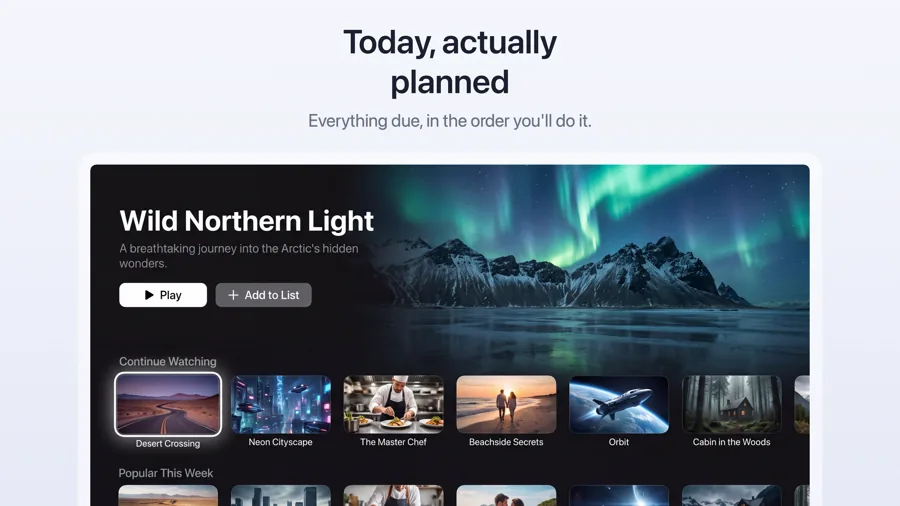
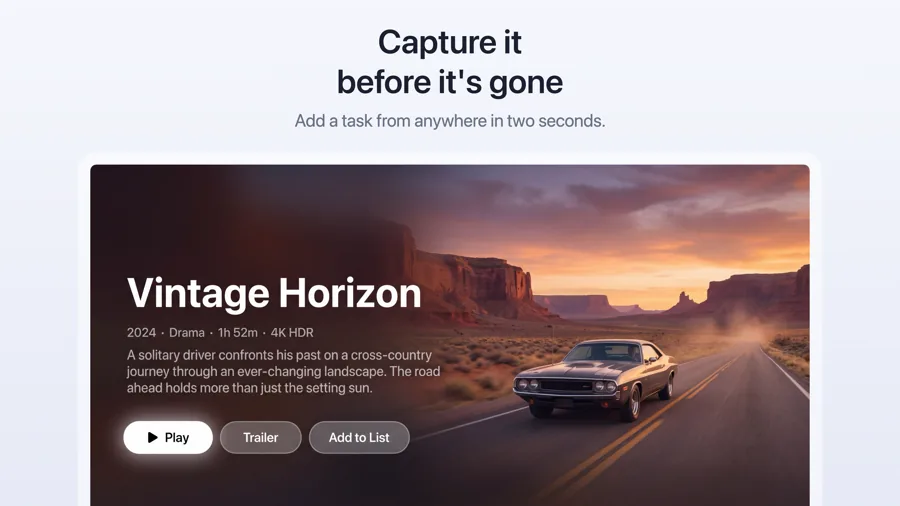
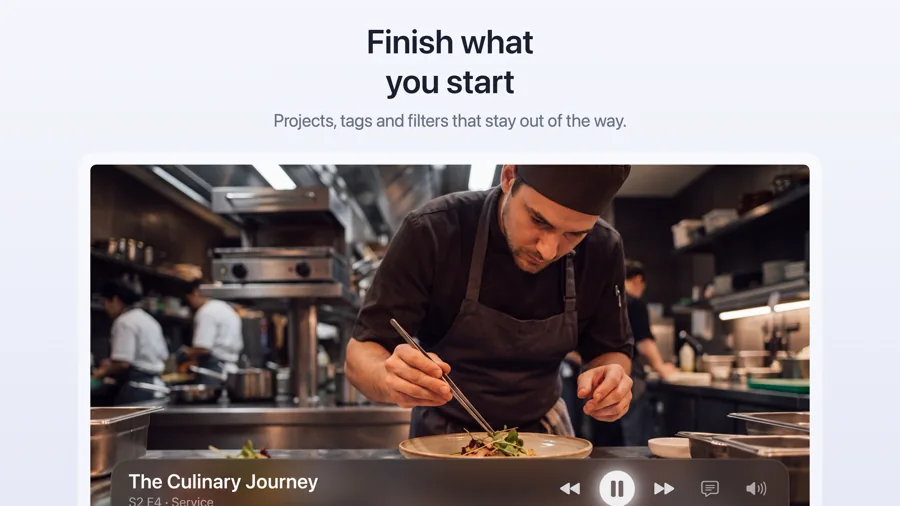
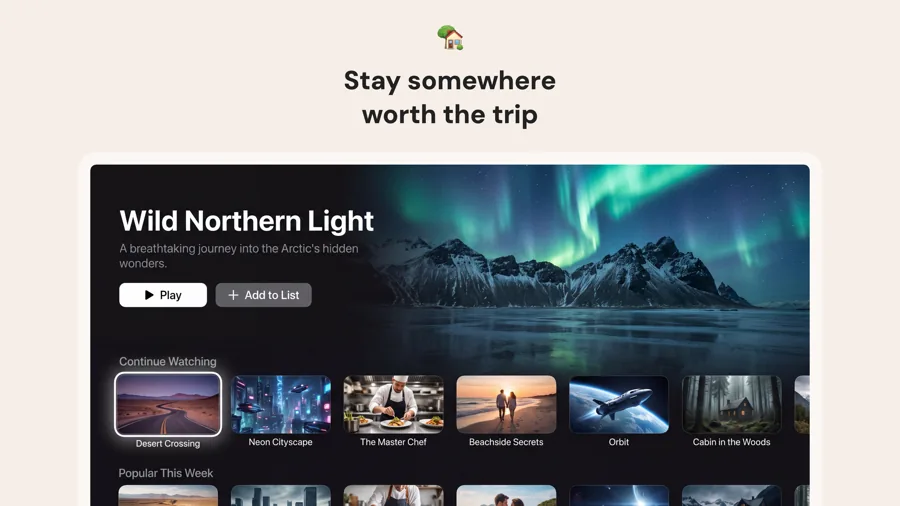
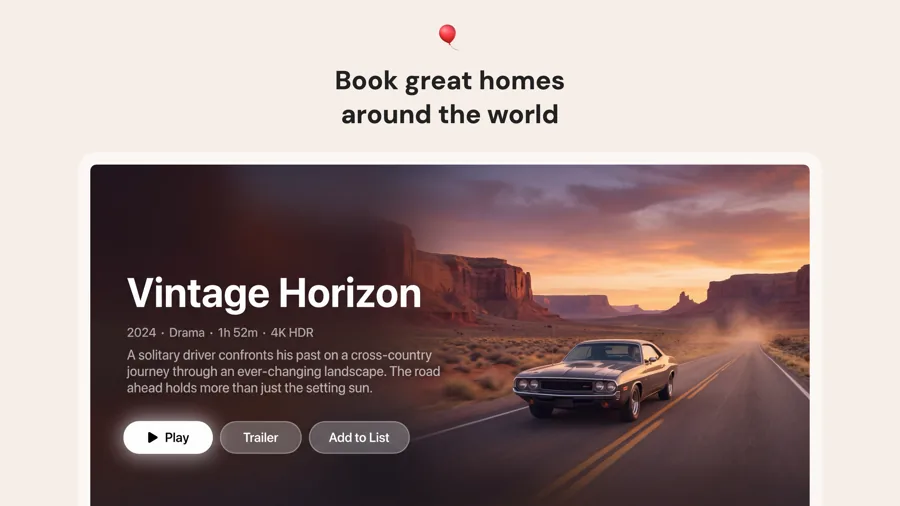
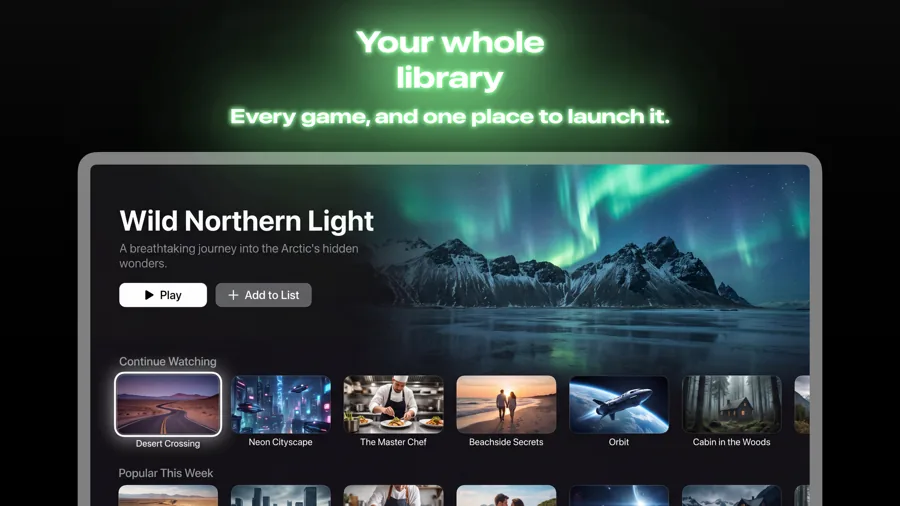
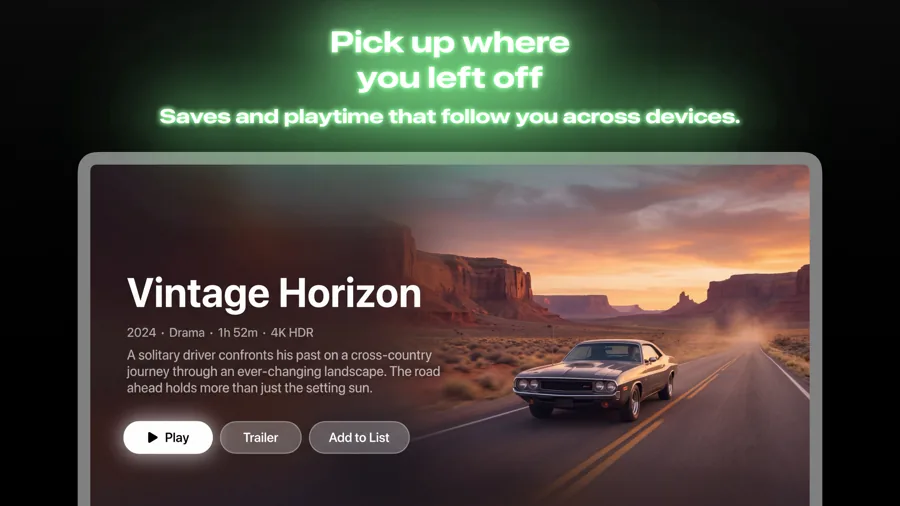
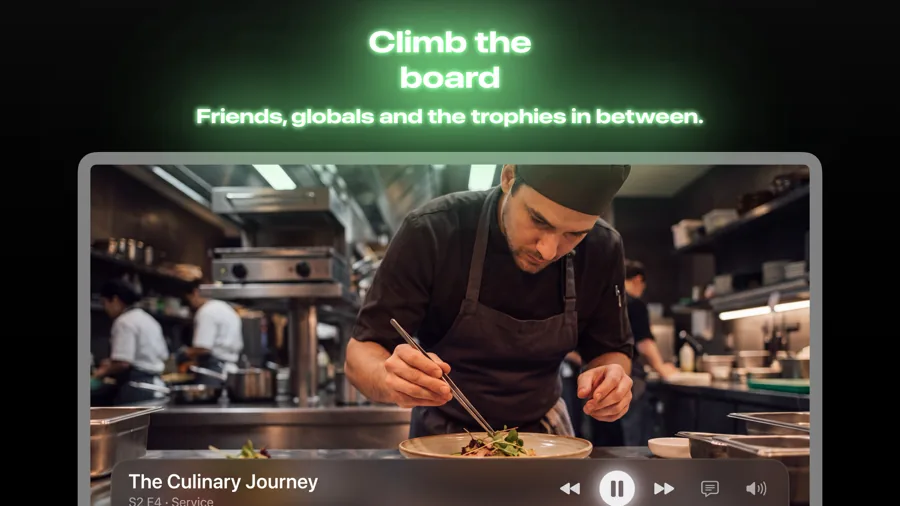
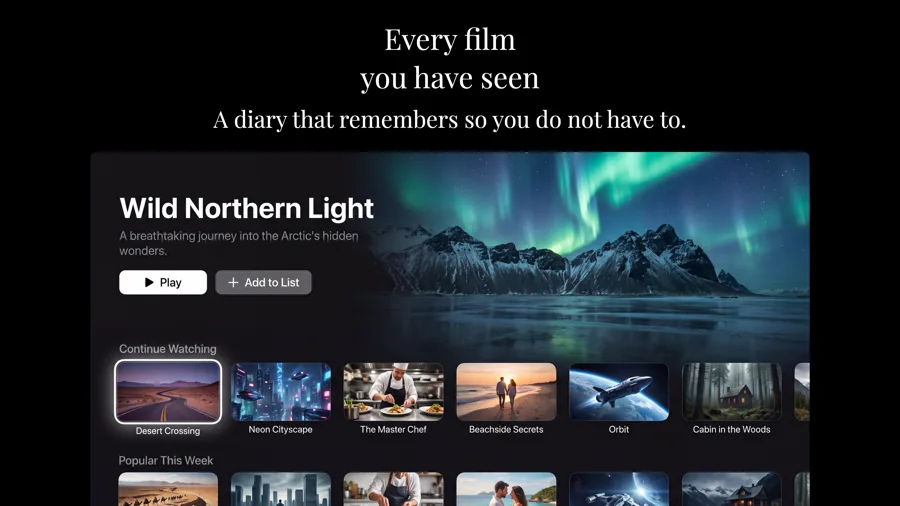
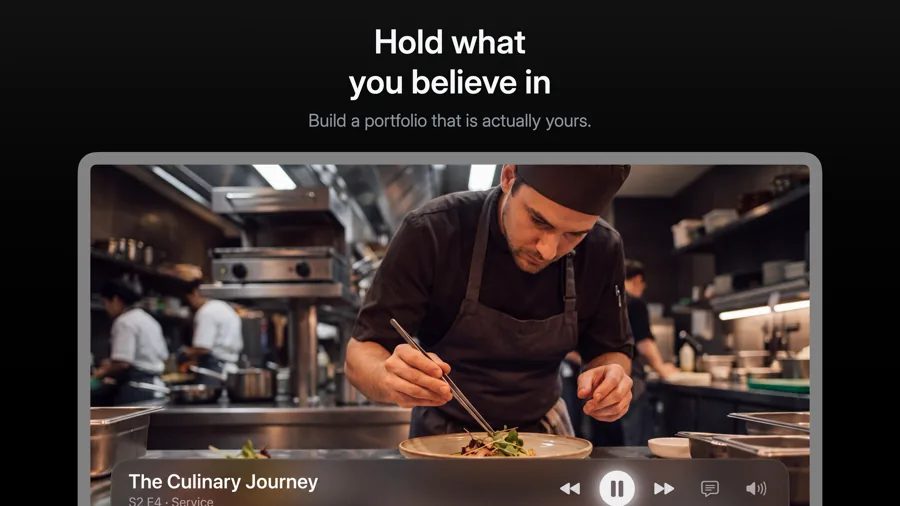
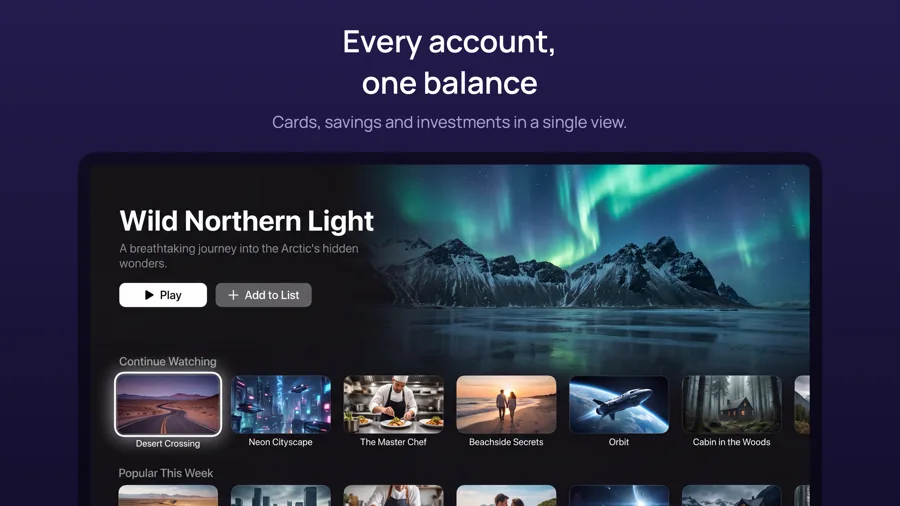
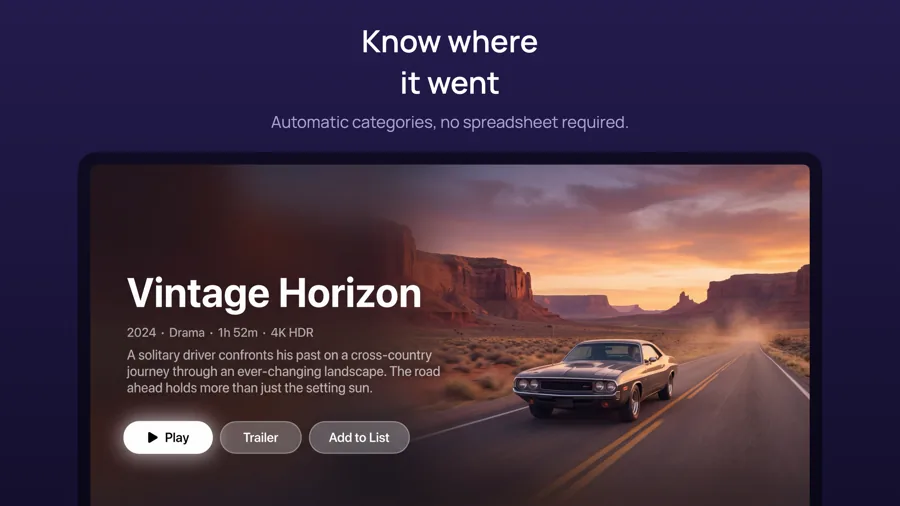
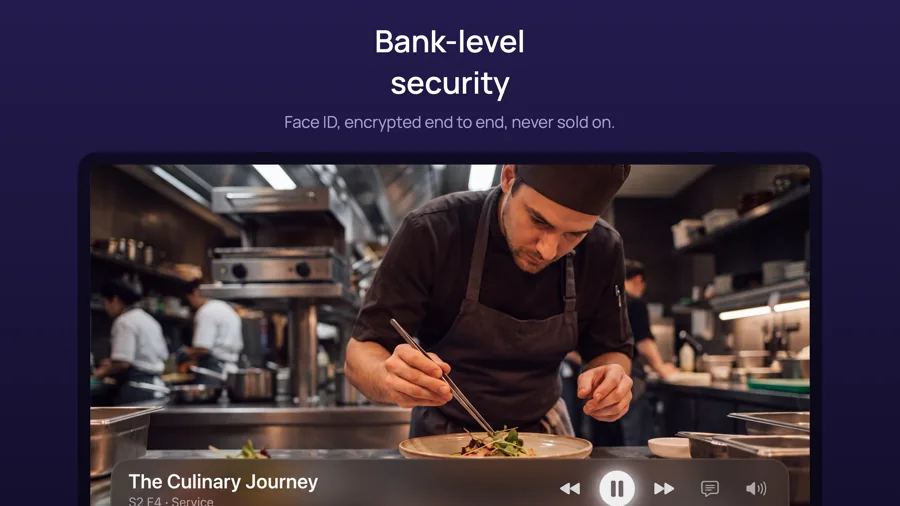
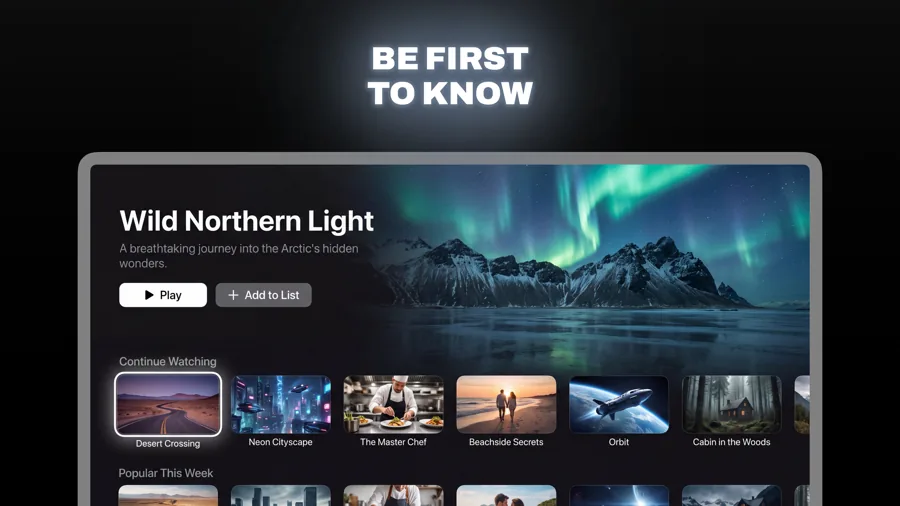
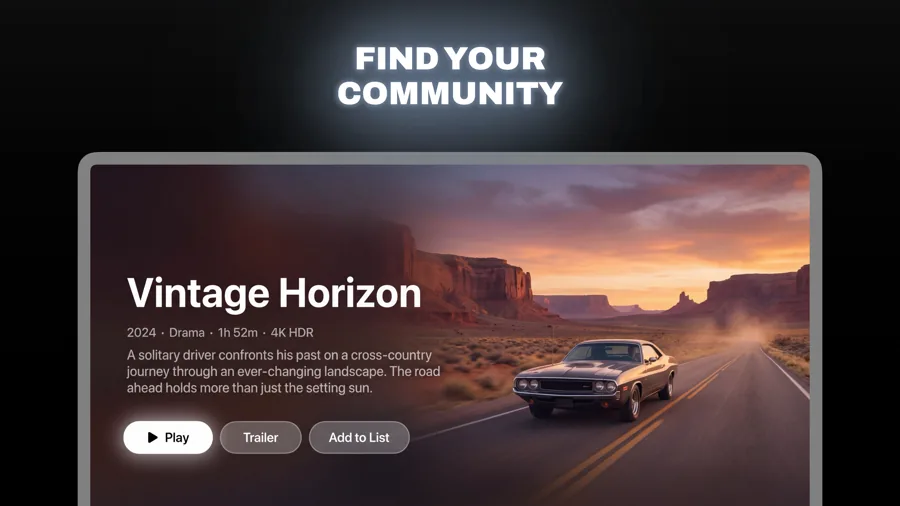
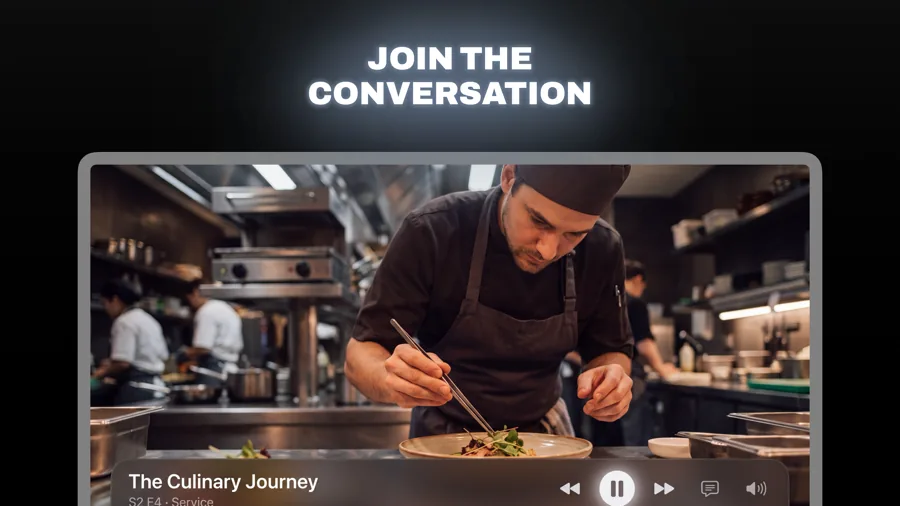
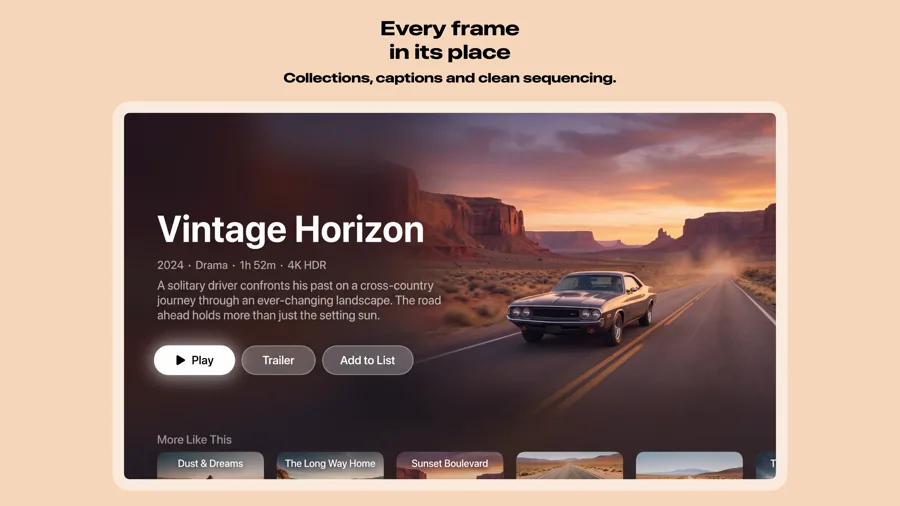
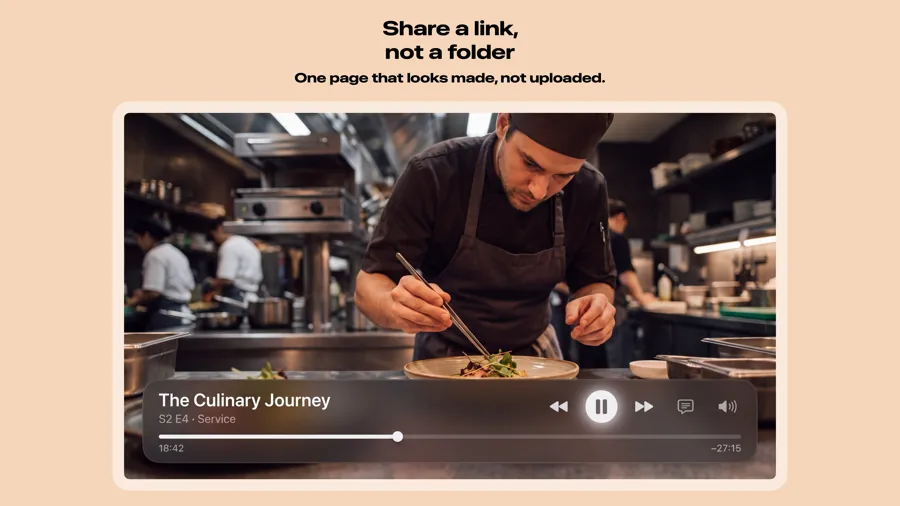
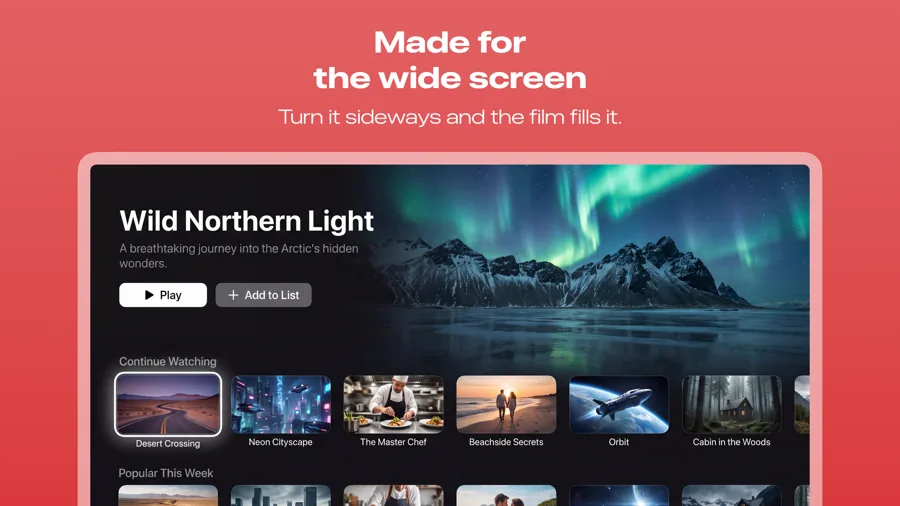
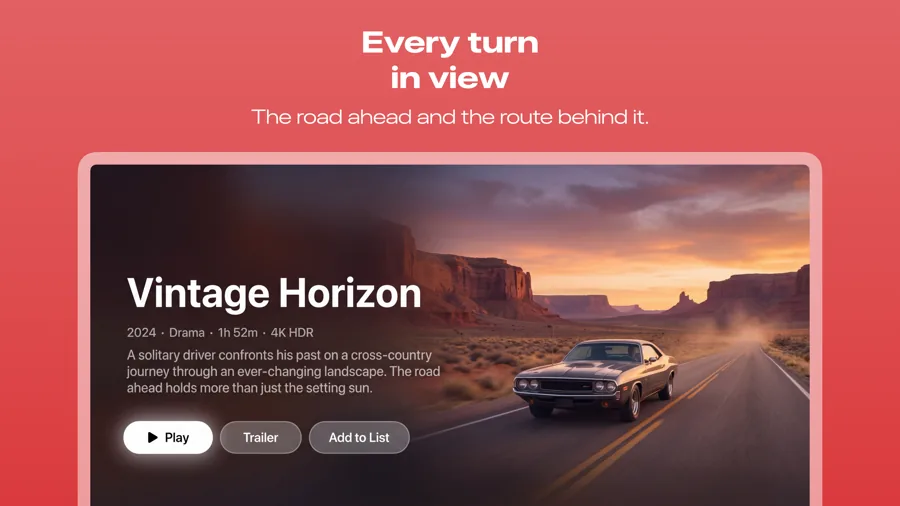
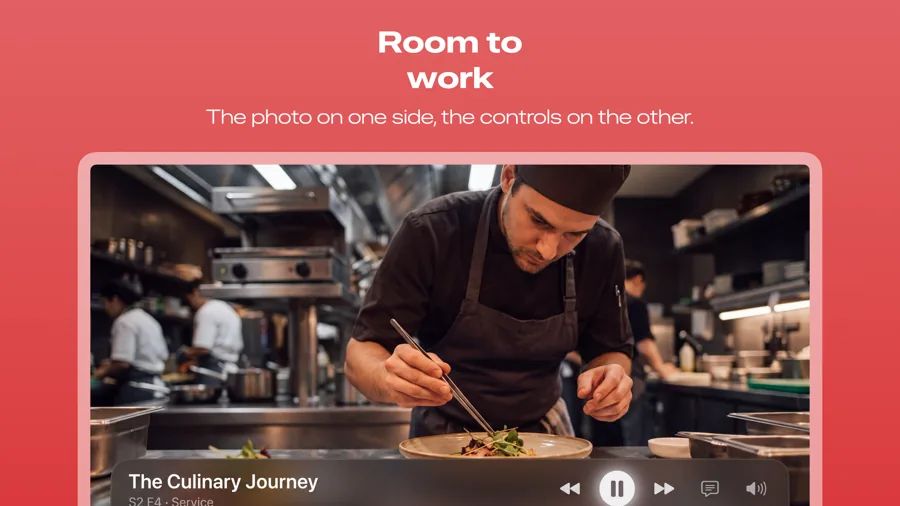
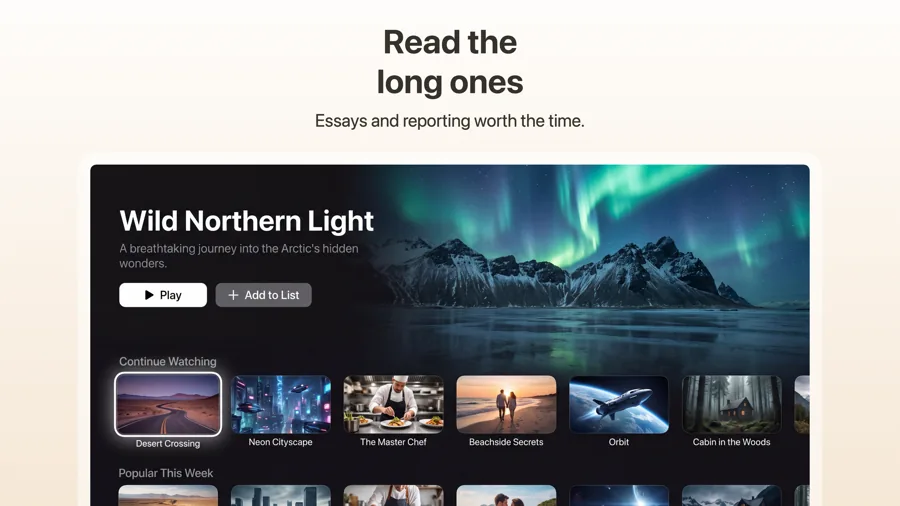
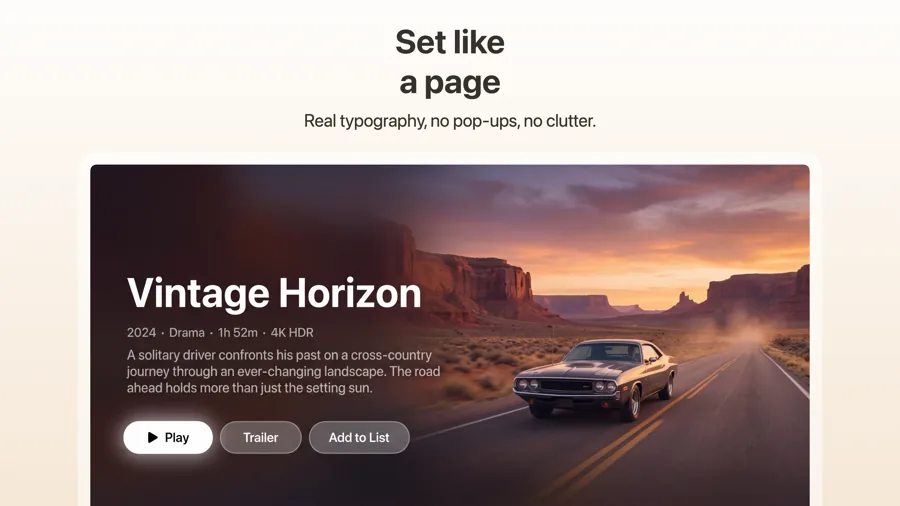
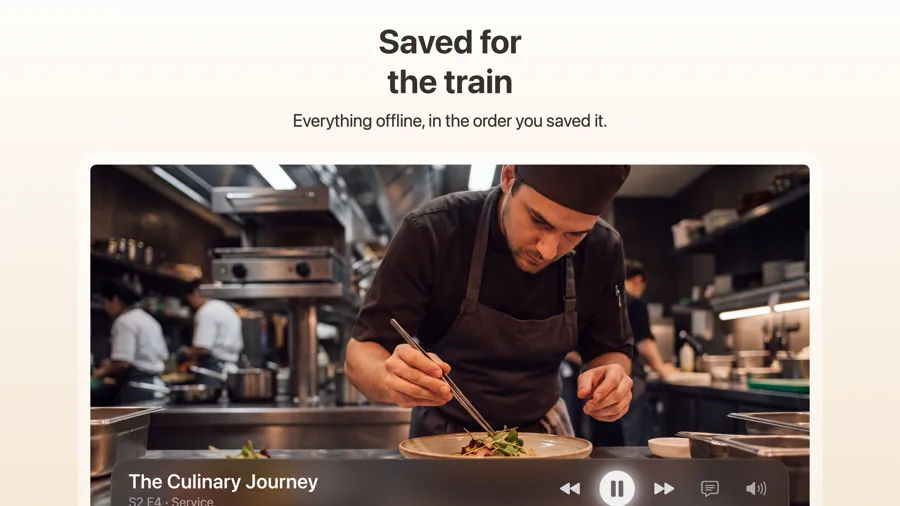
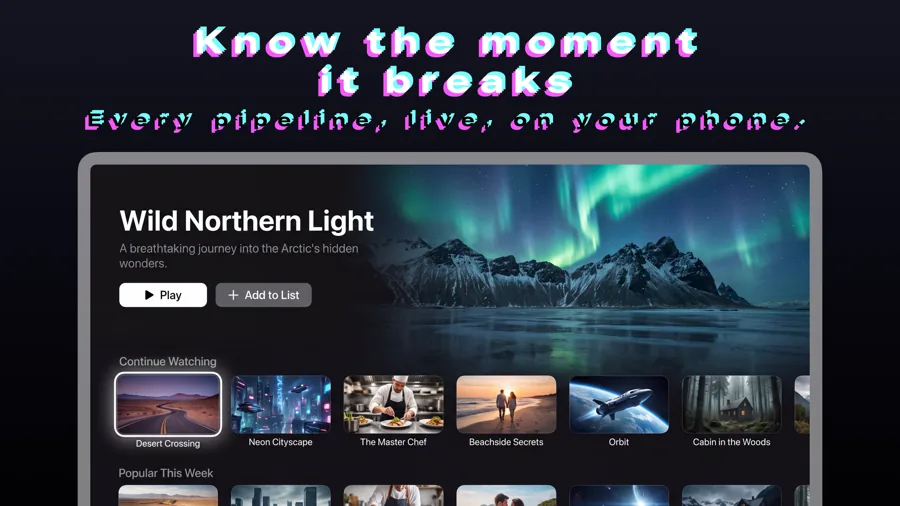
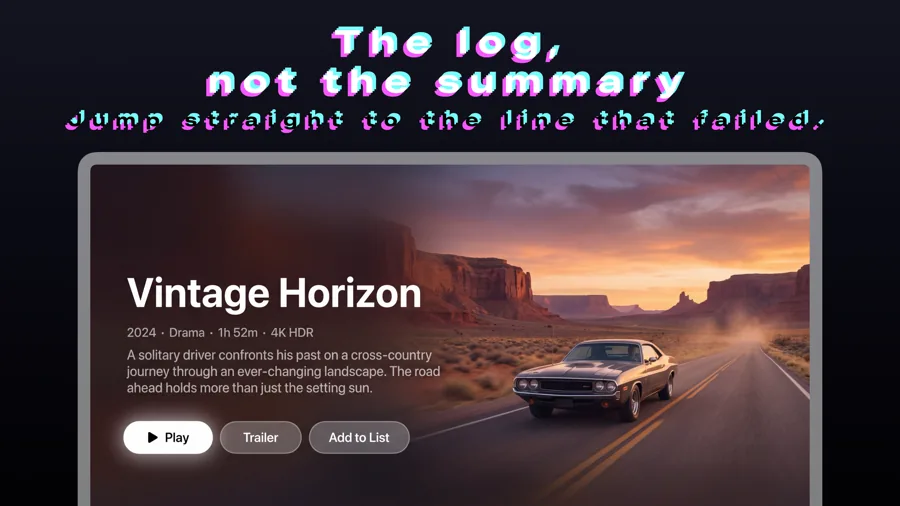
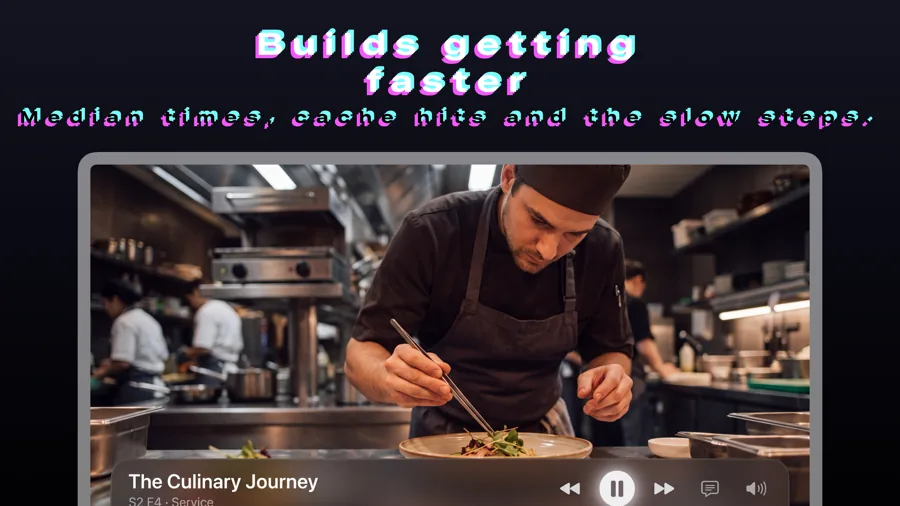
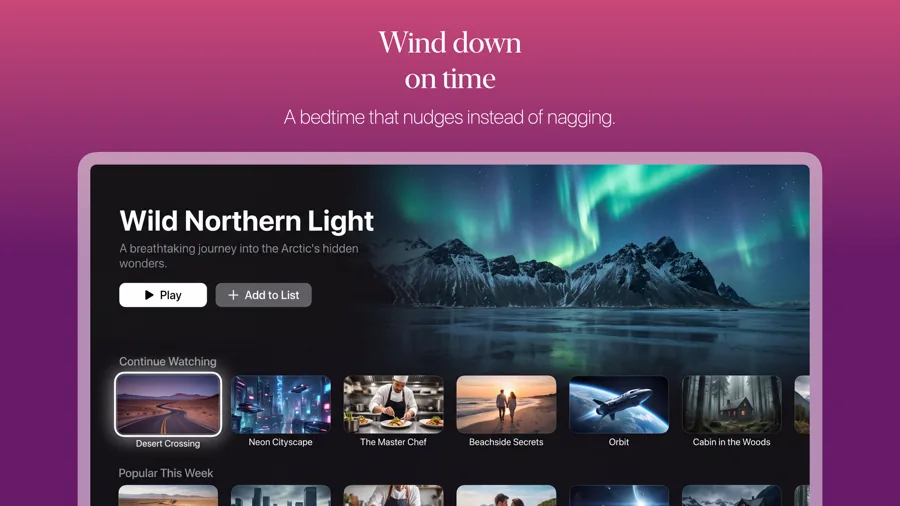
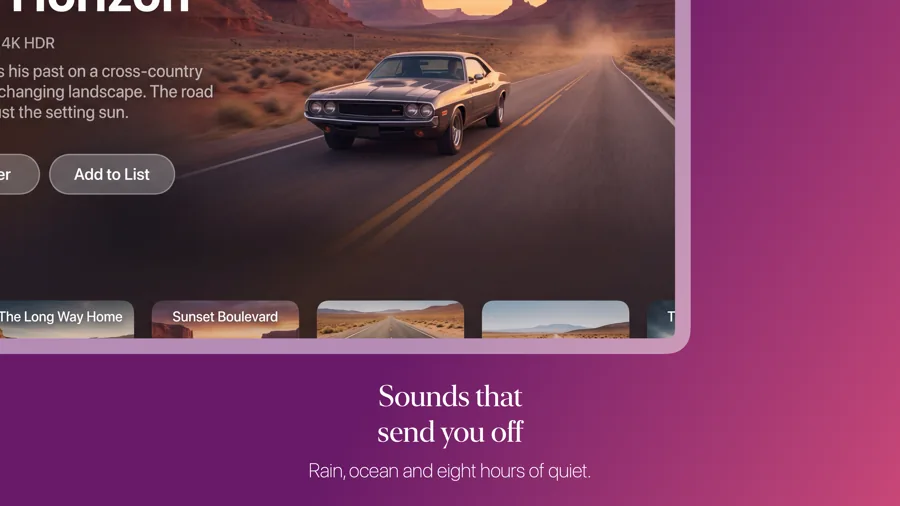
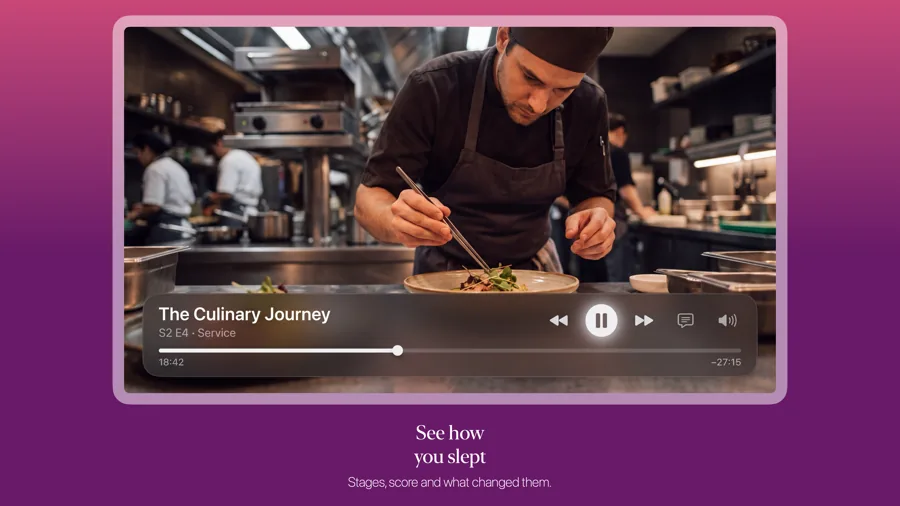
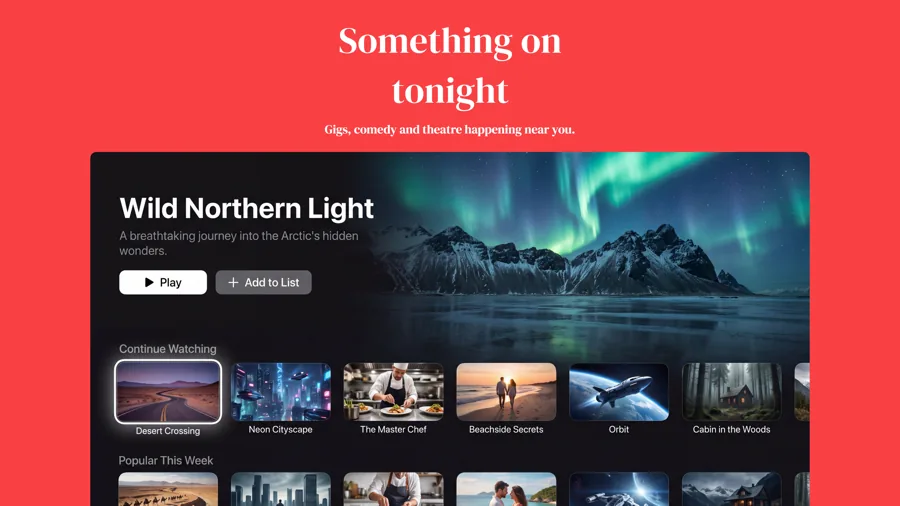
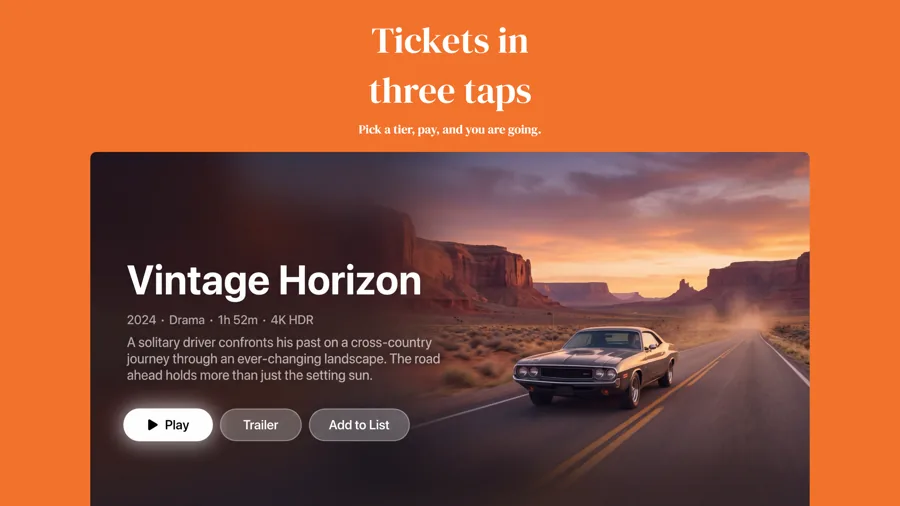
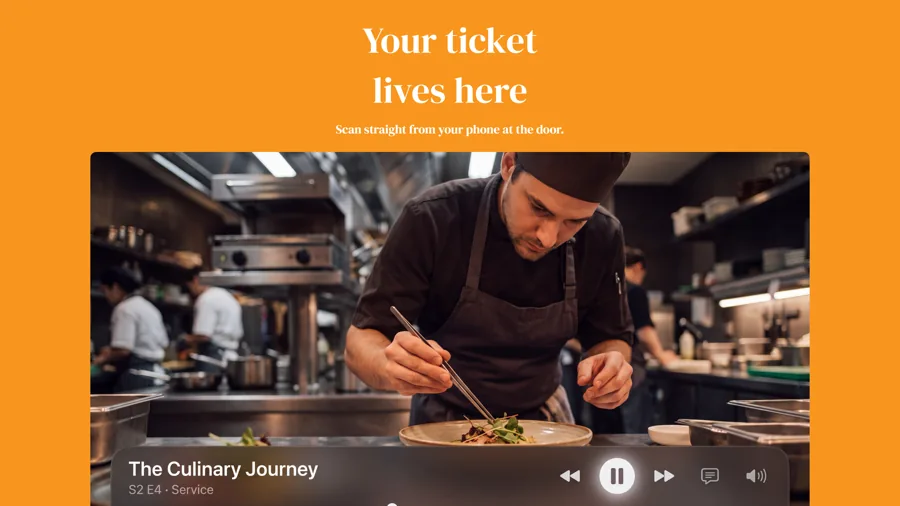
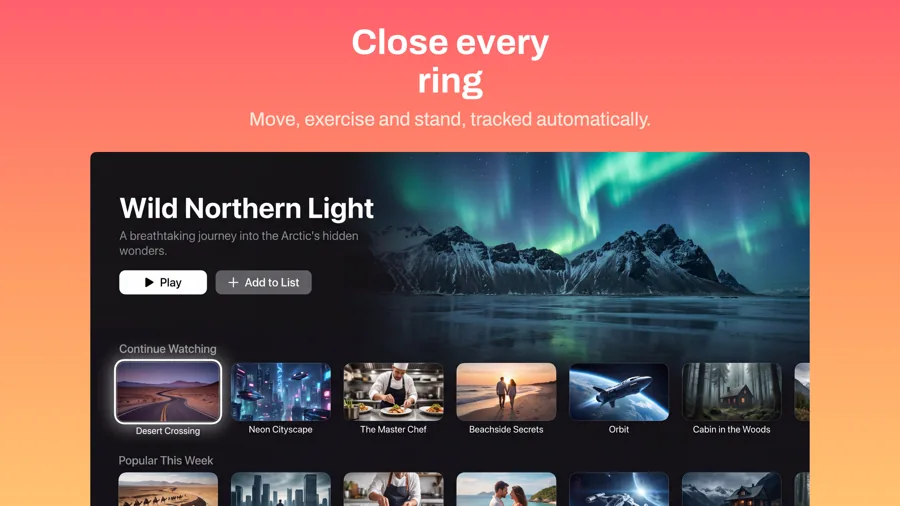
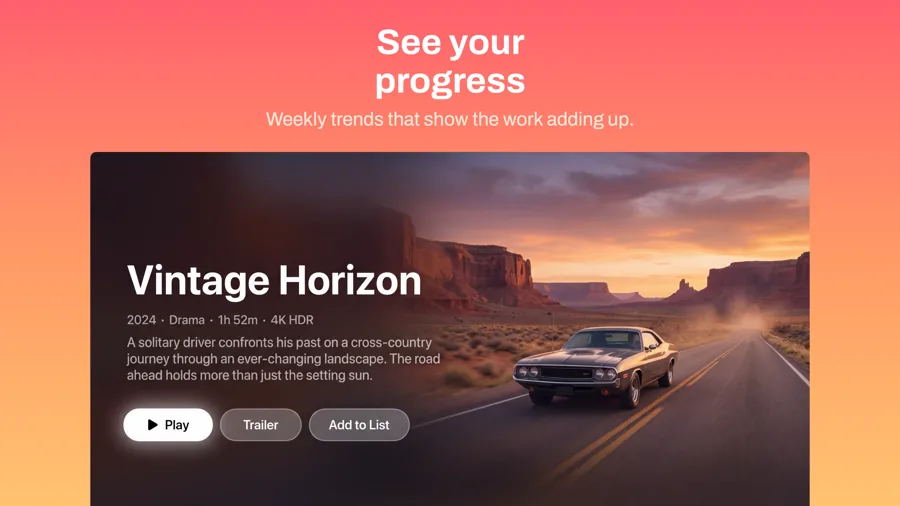
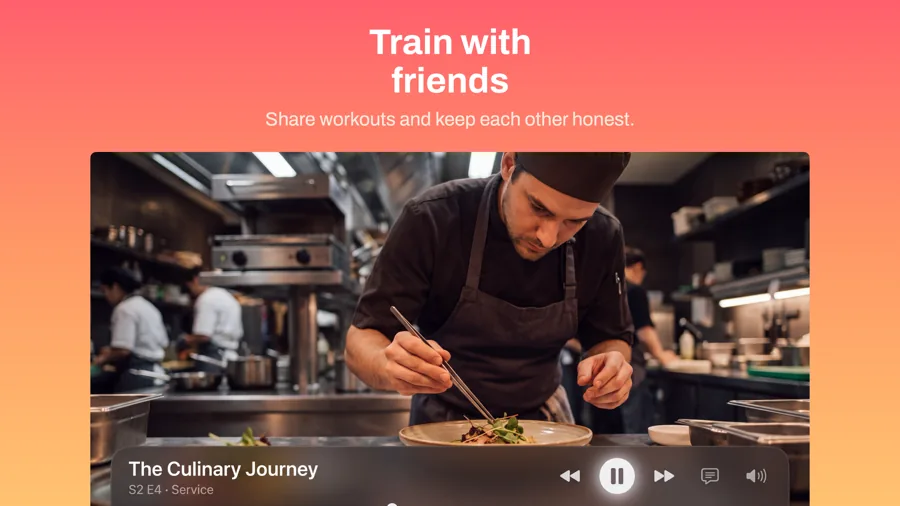
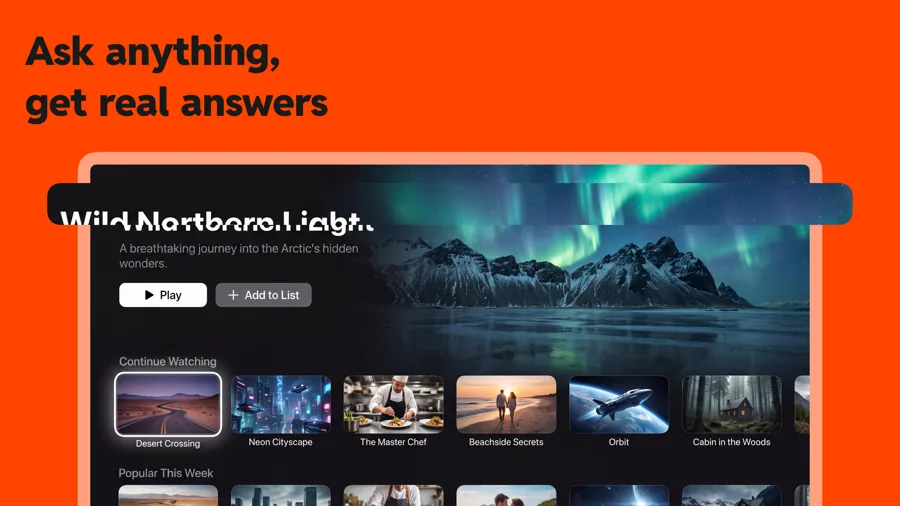
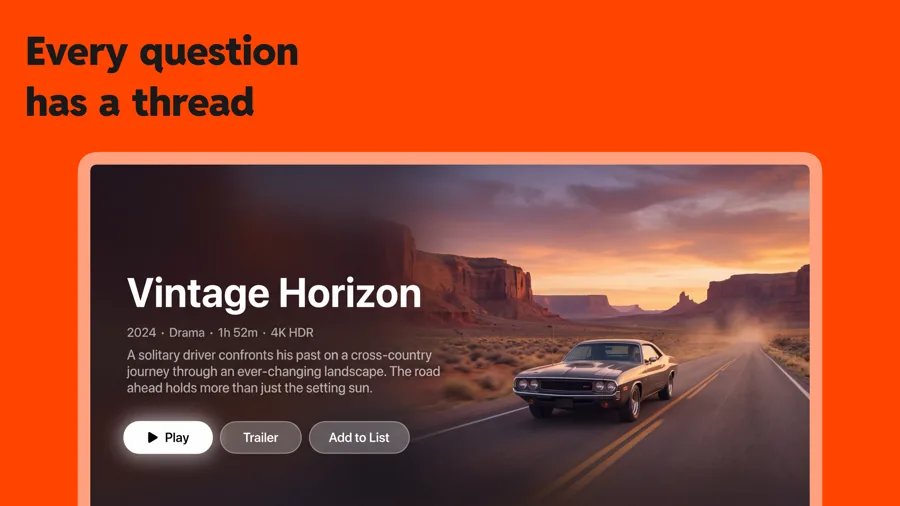
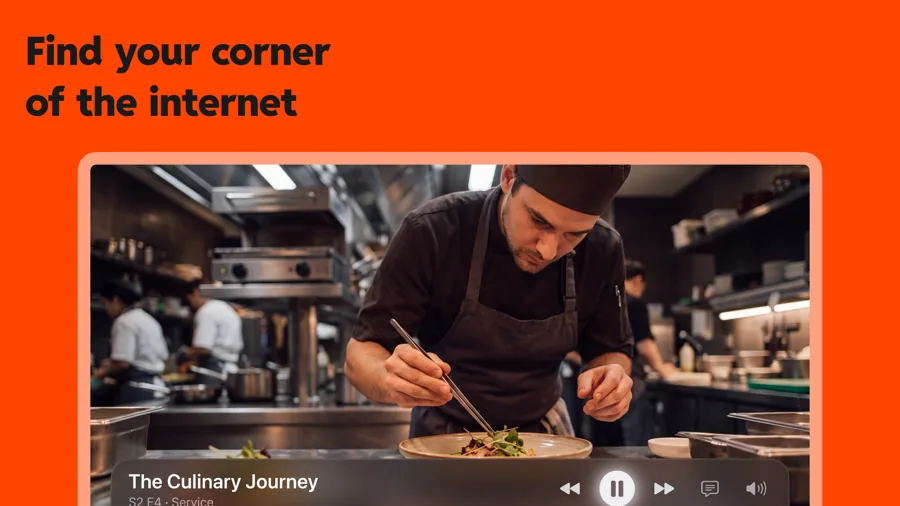
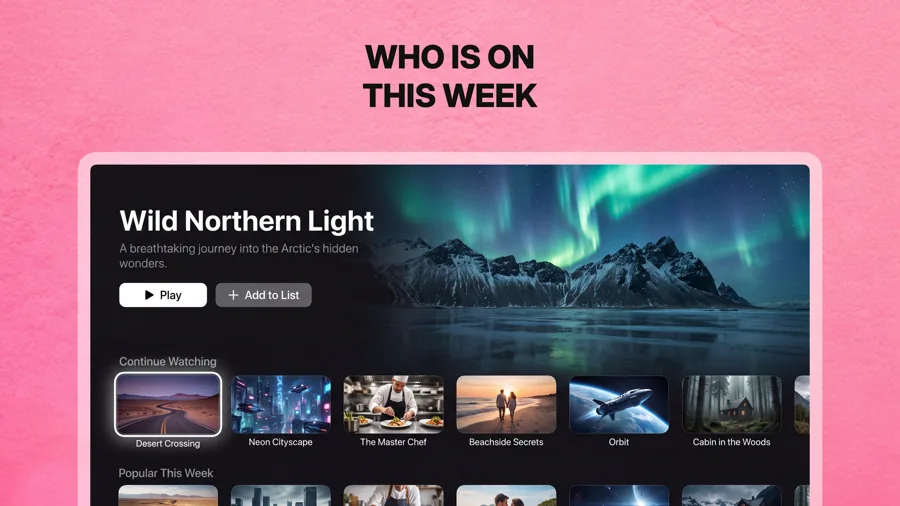
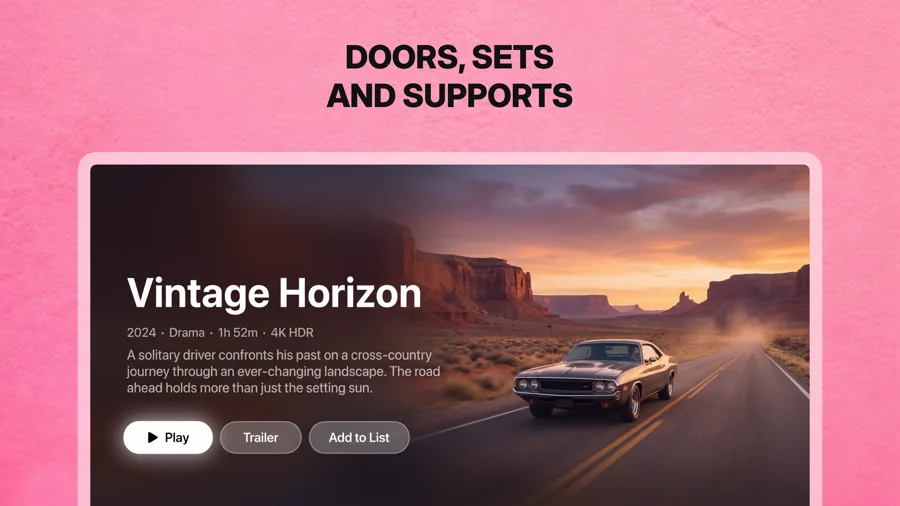
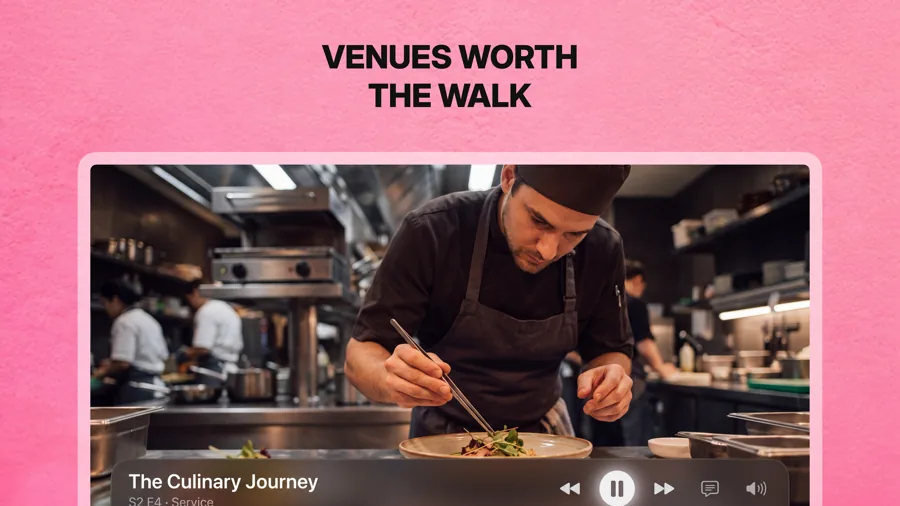
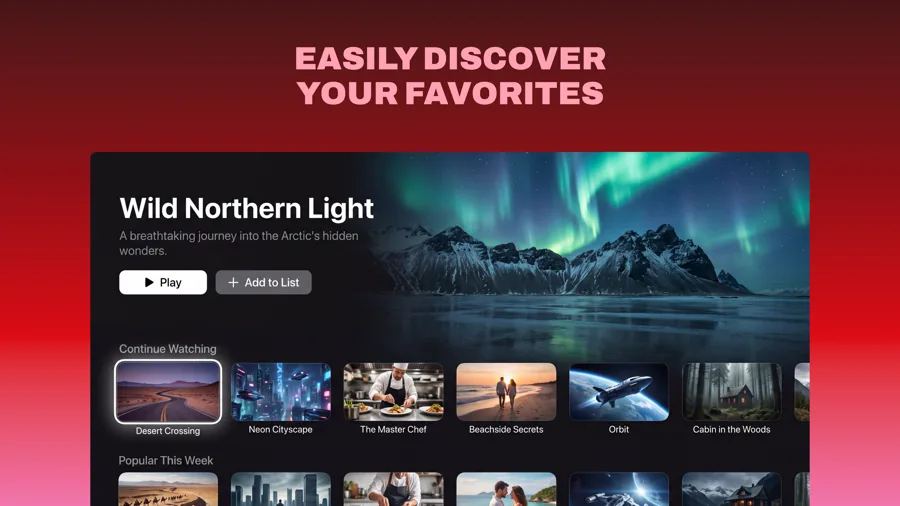
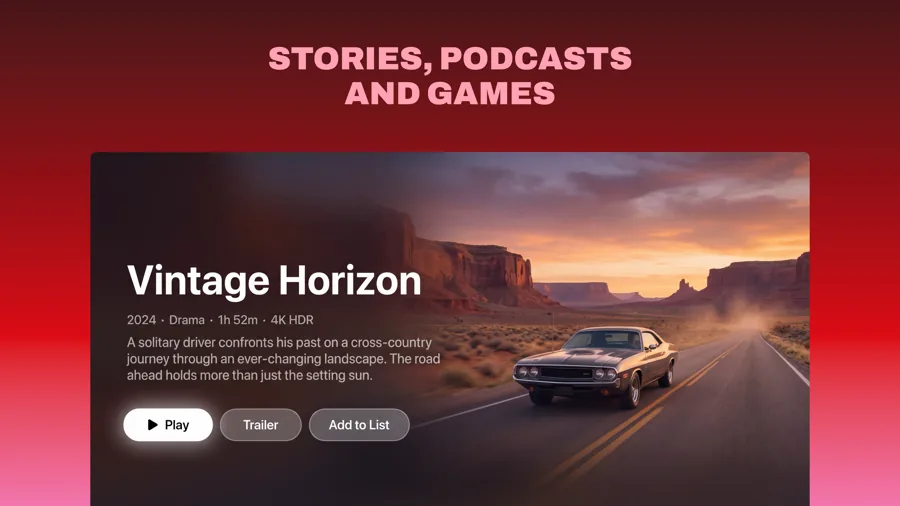
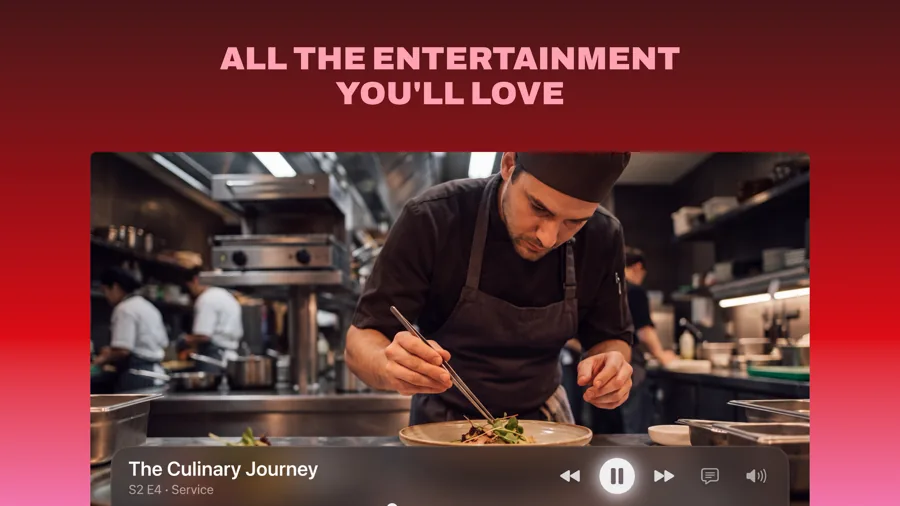
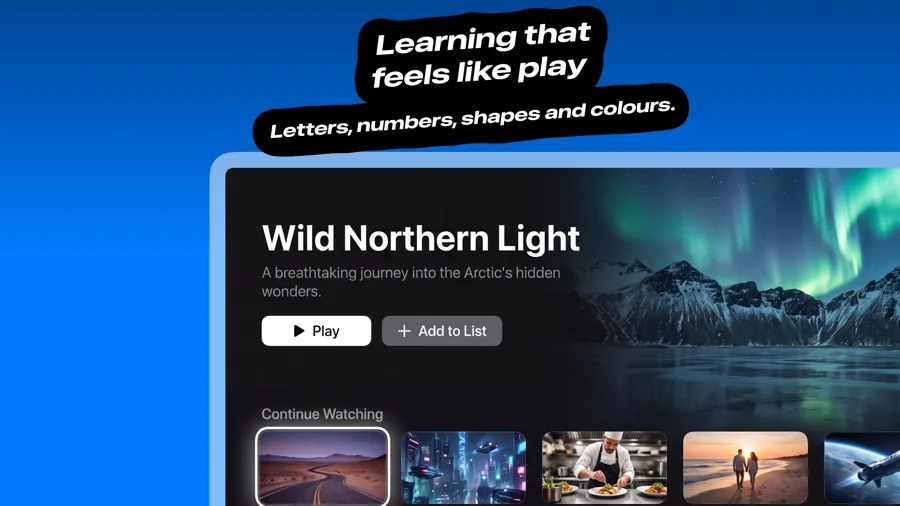
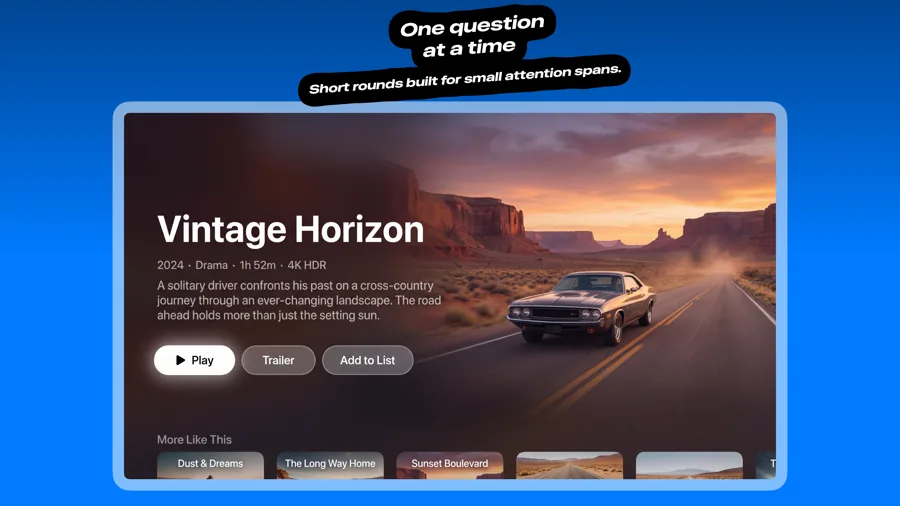
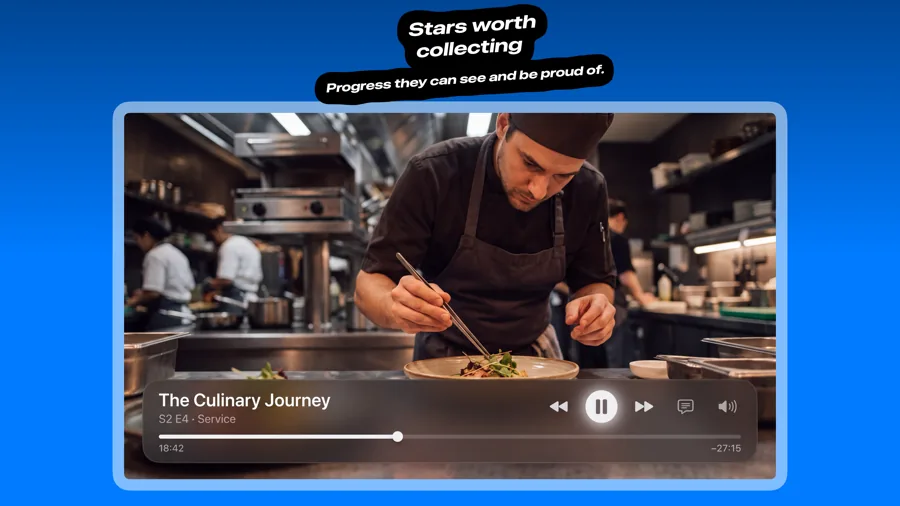
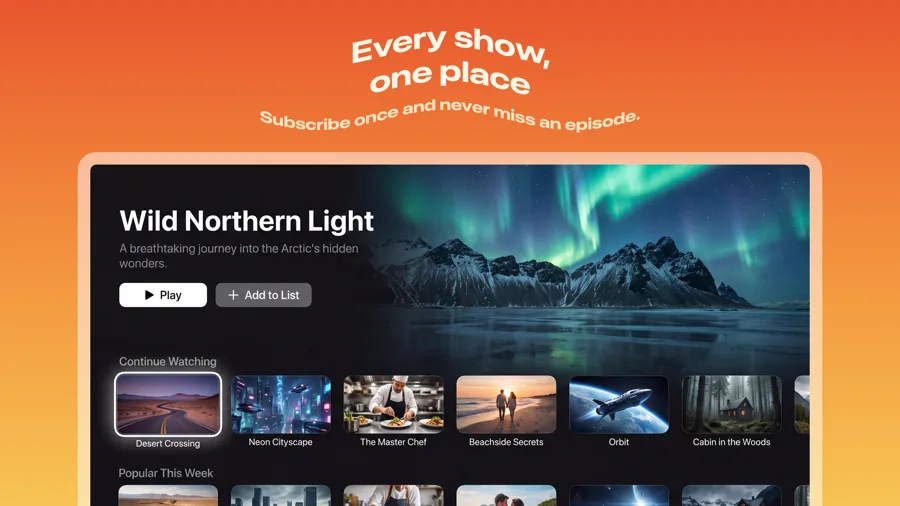
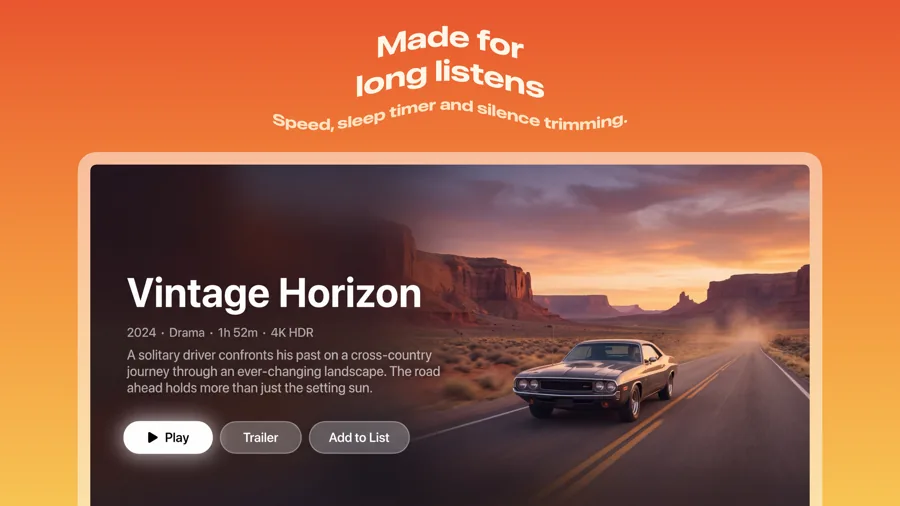
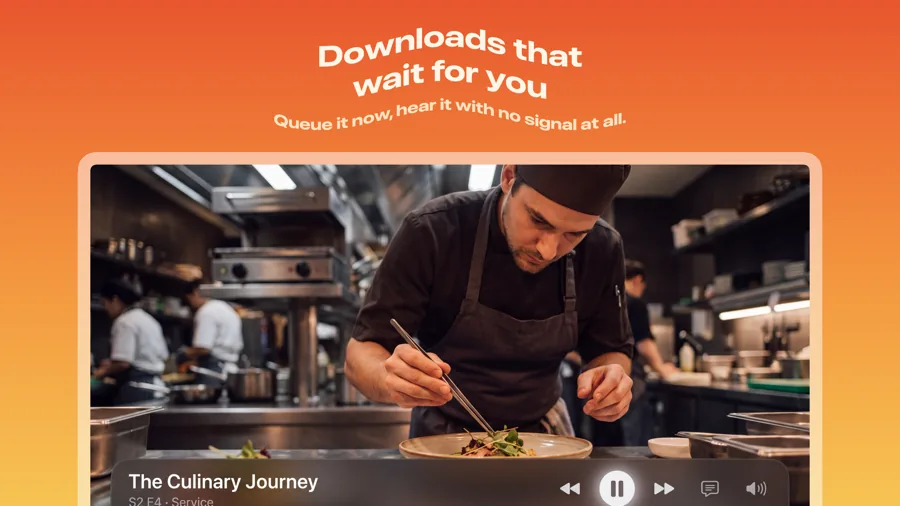
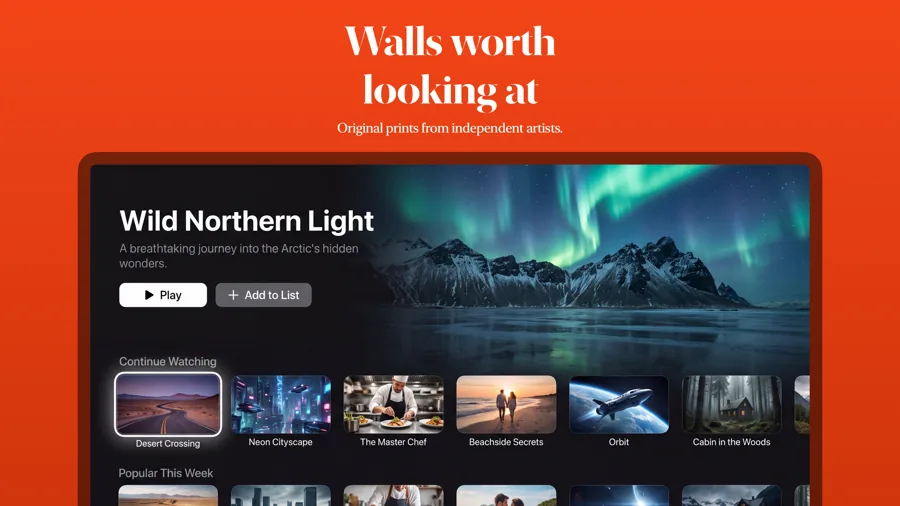
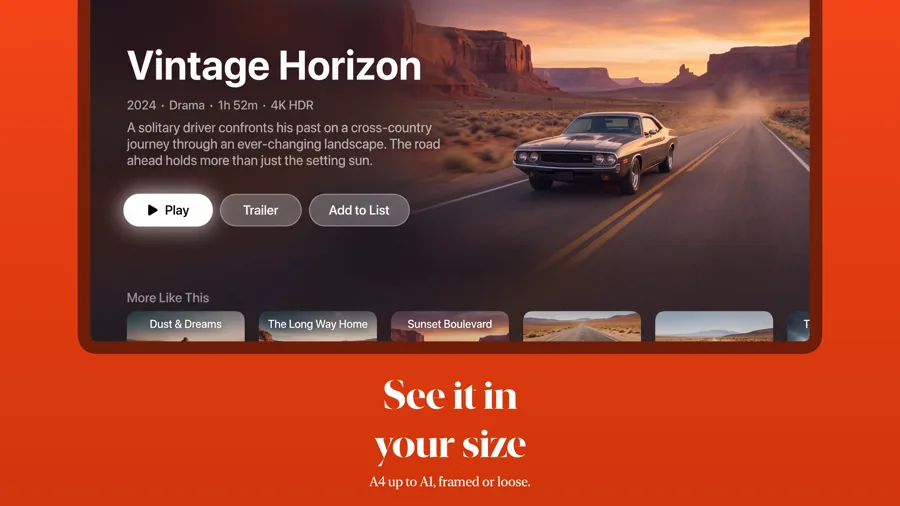
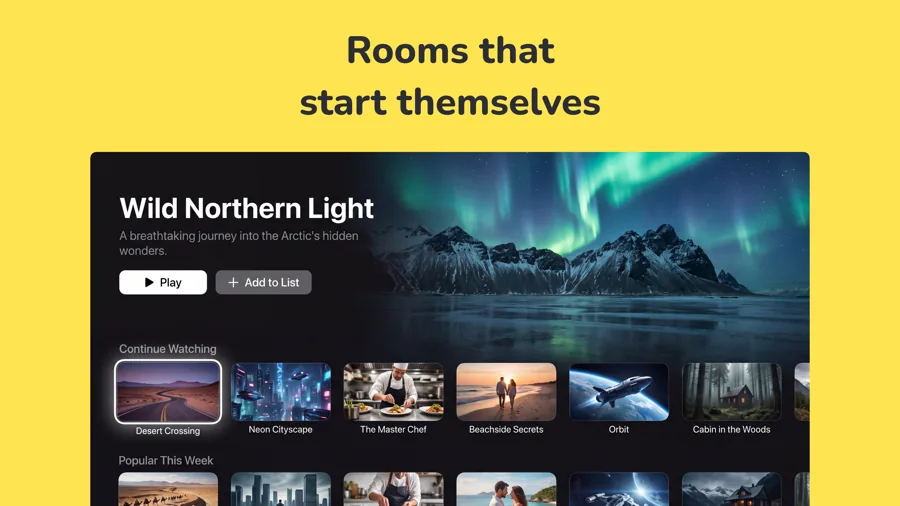
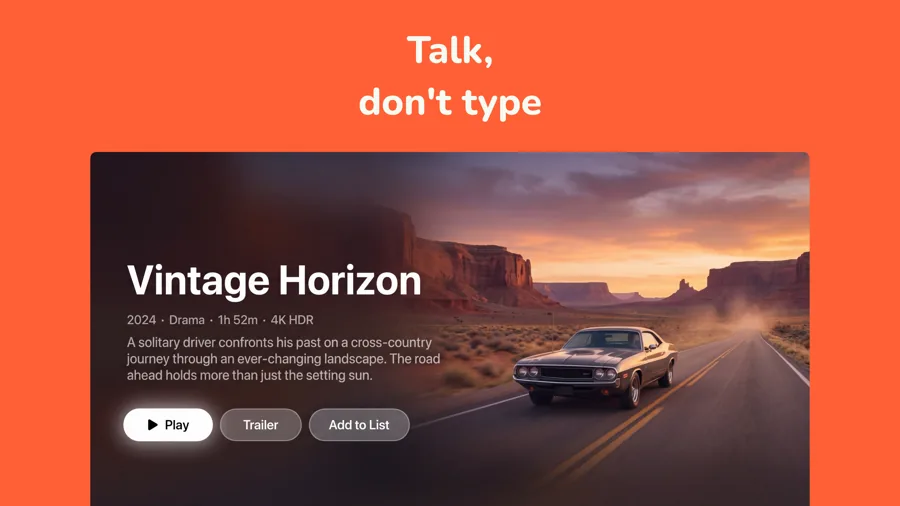
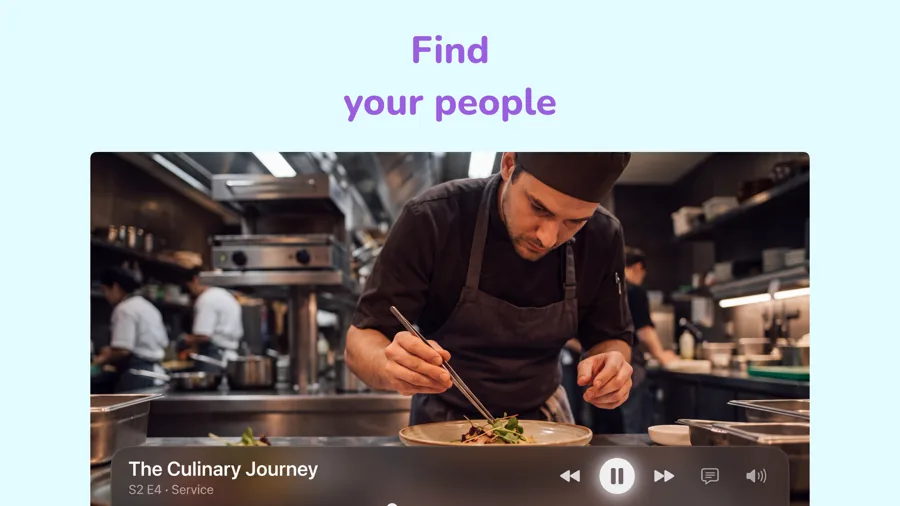
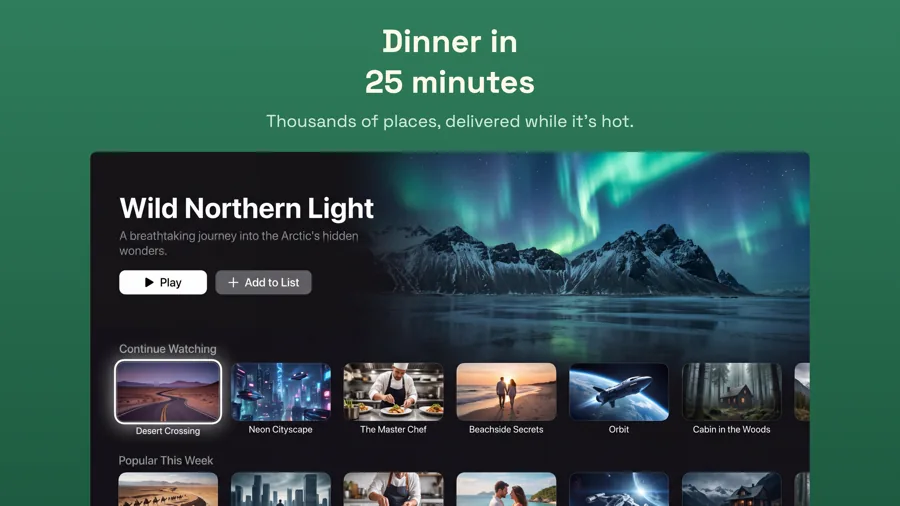
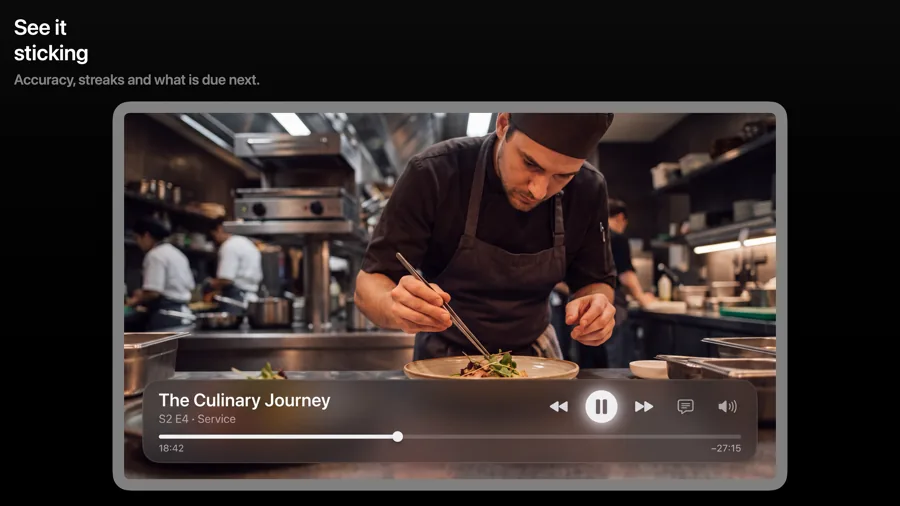
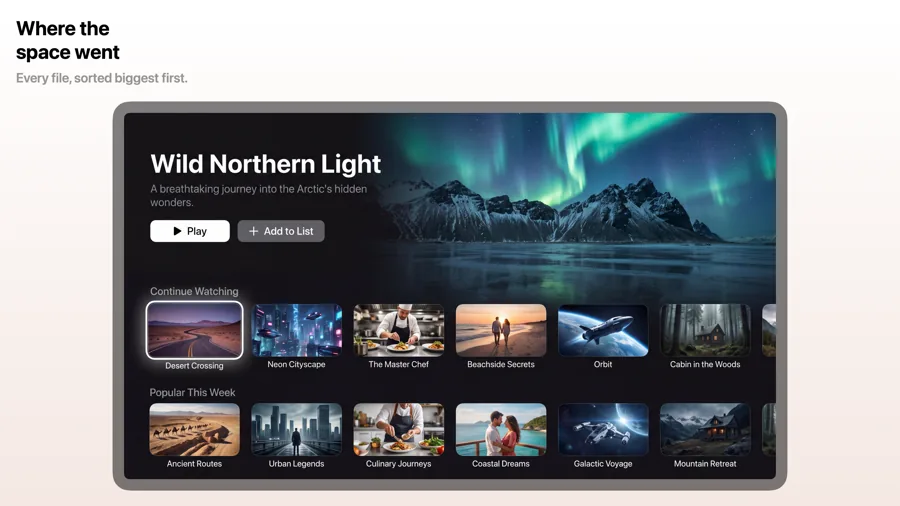
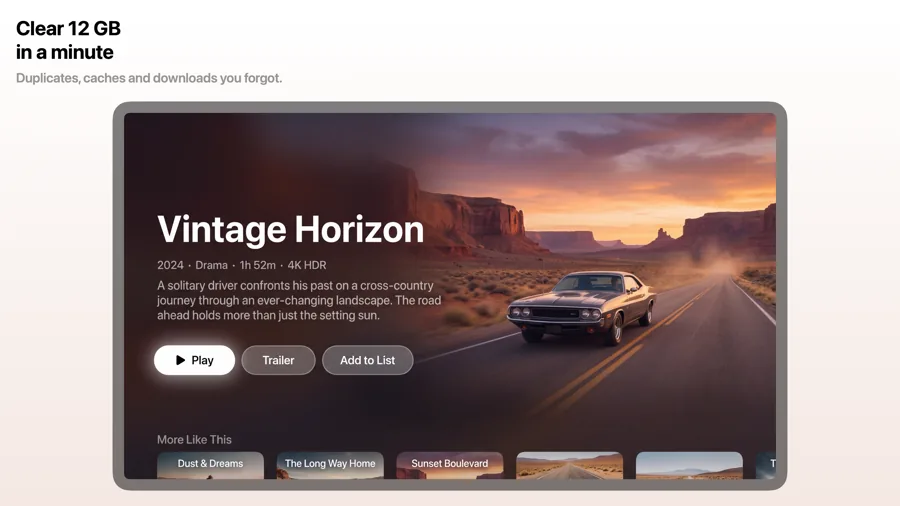
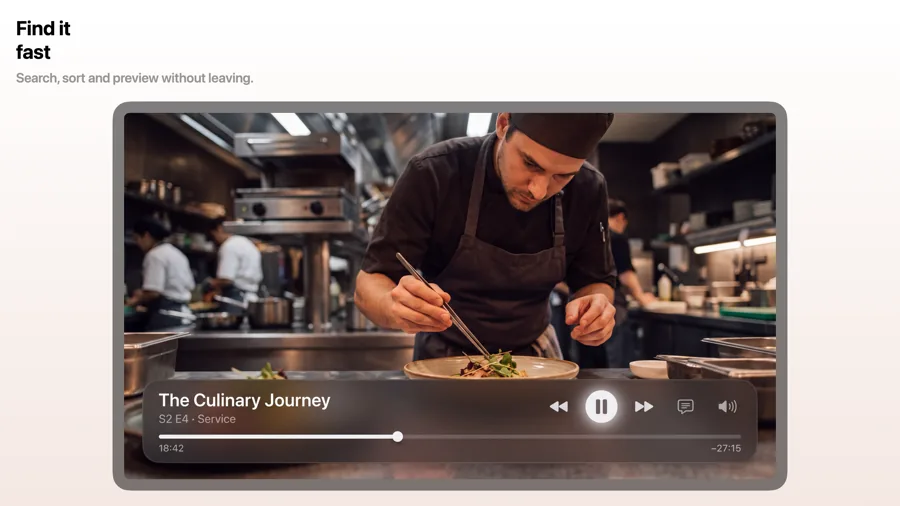
tvOS screenshots are 16:9 and are judged from across a room, with no remote or hand in the picture to explain what people are looking at. These templates set your Apple TV screen on a clean background under a bold caption, so the artwork stays the hero and the caption still reads on a TV.
25 templates, each shown as it renders on Apple TV. See the Apple TV screenshot sizes.

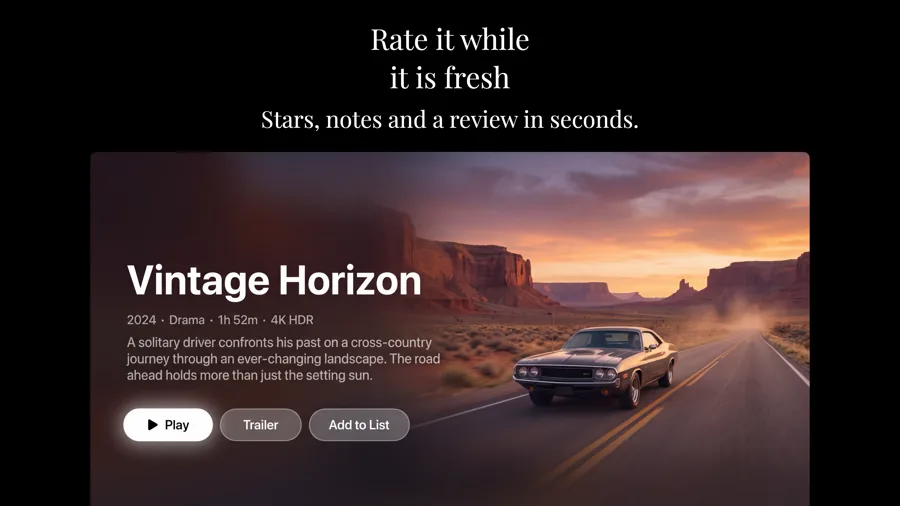
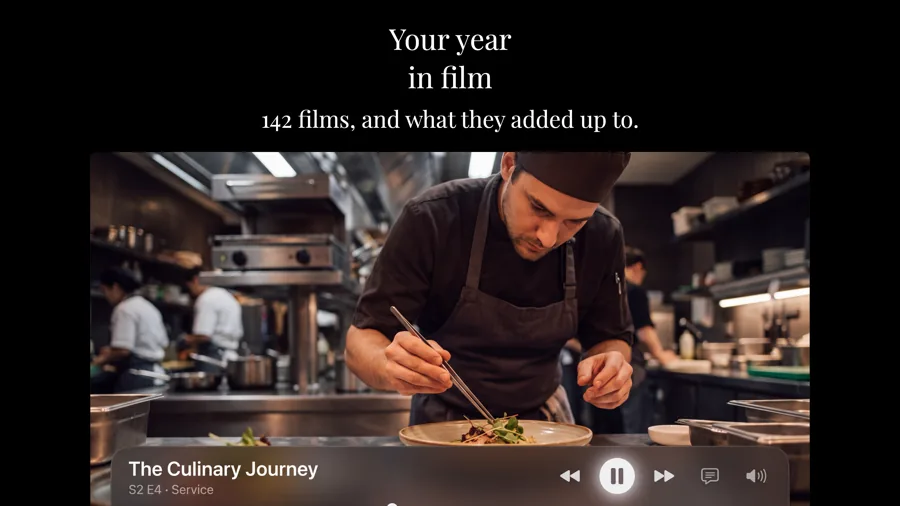
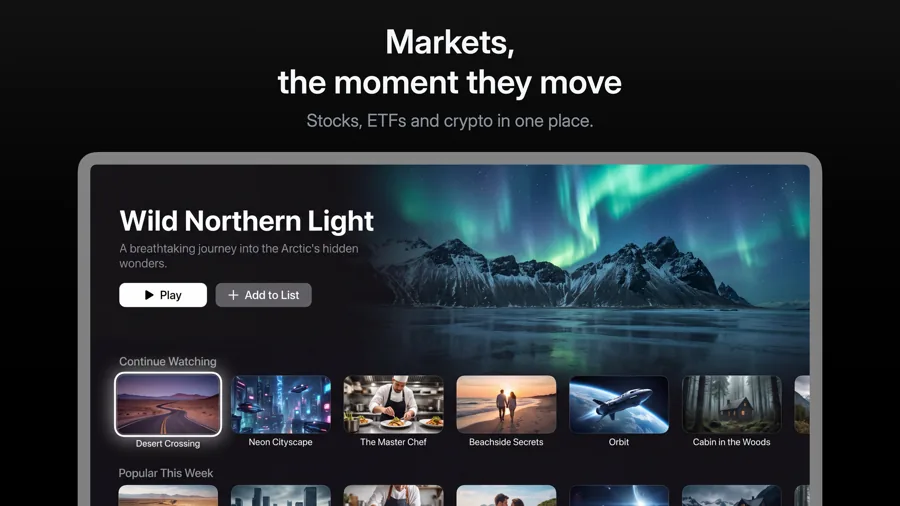
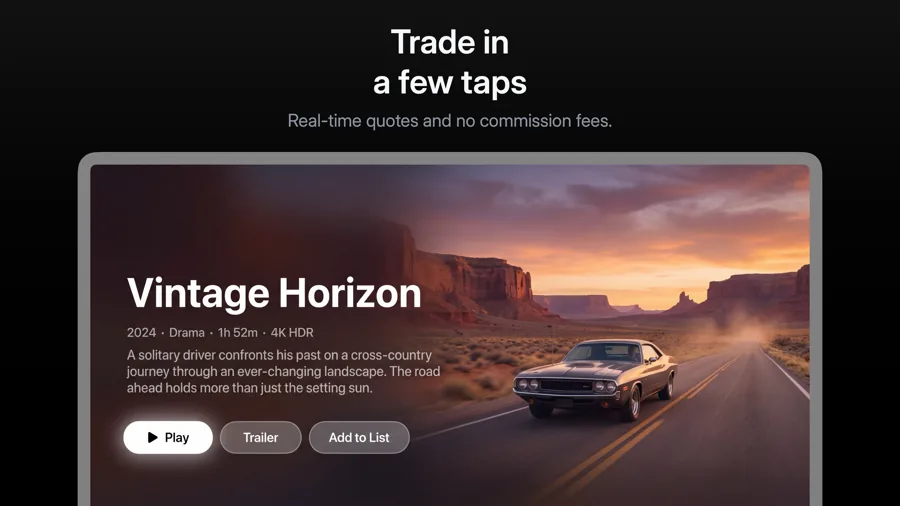


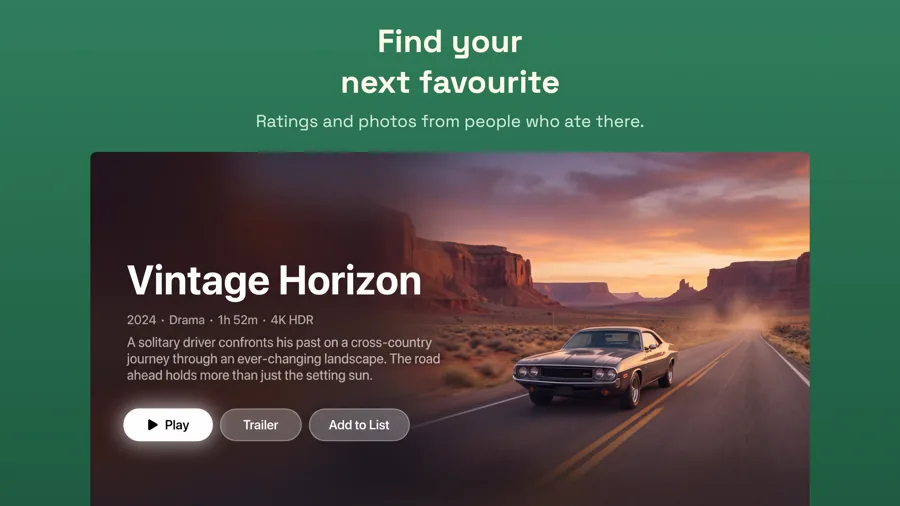
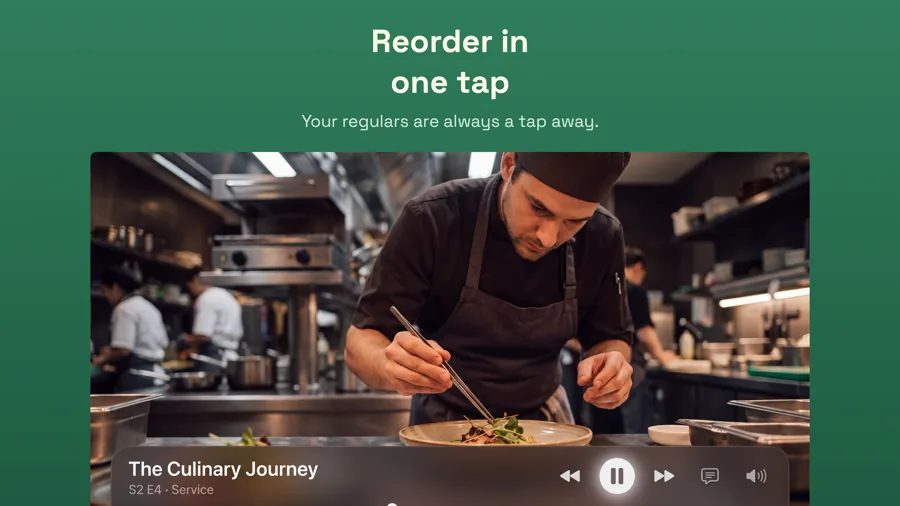
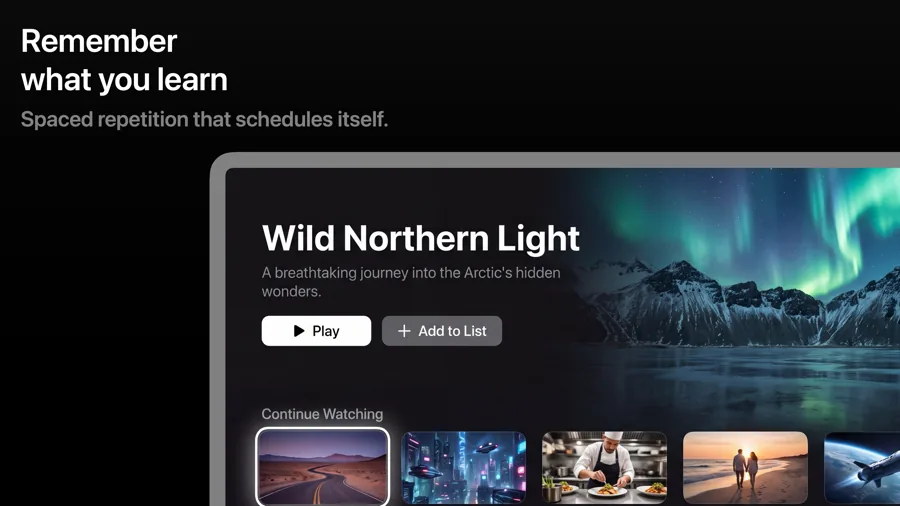
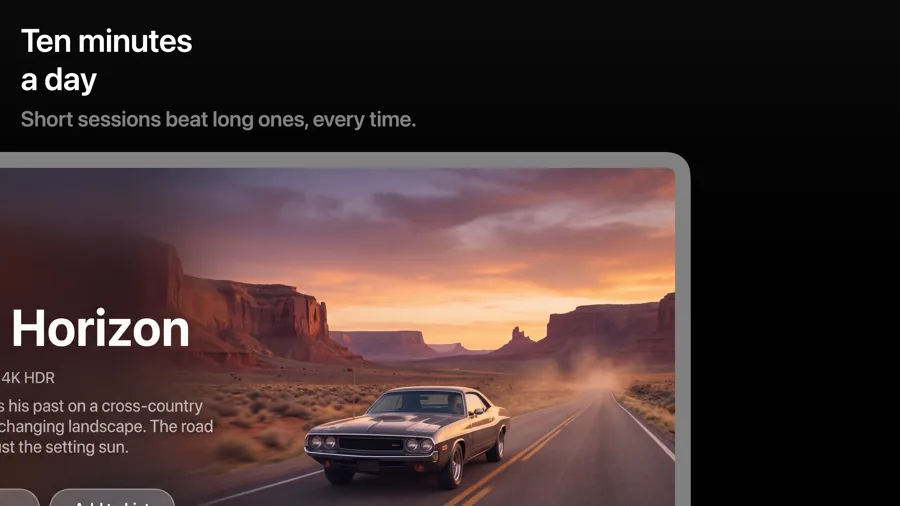
What works in Apple TV screenshots
- Show content, not menus. Posters, artwork and full-screen playback sell a TV app better than a settings grid.
- Make the caption bigger than feels natural. Text that reads on a laptop is small on a TV across the room.
- Show the focused state. A highlighted tile tells people how the app works with the Siri Remote.
Make your Apple TV screenshots
- Built into Screenshot Studio — apply it and swap in your own screenshots.
- Every colour, font and layout value stays editable afterwards.
- Localise the text into all 50 App Store languages from the same document.