Screenshot templates by device
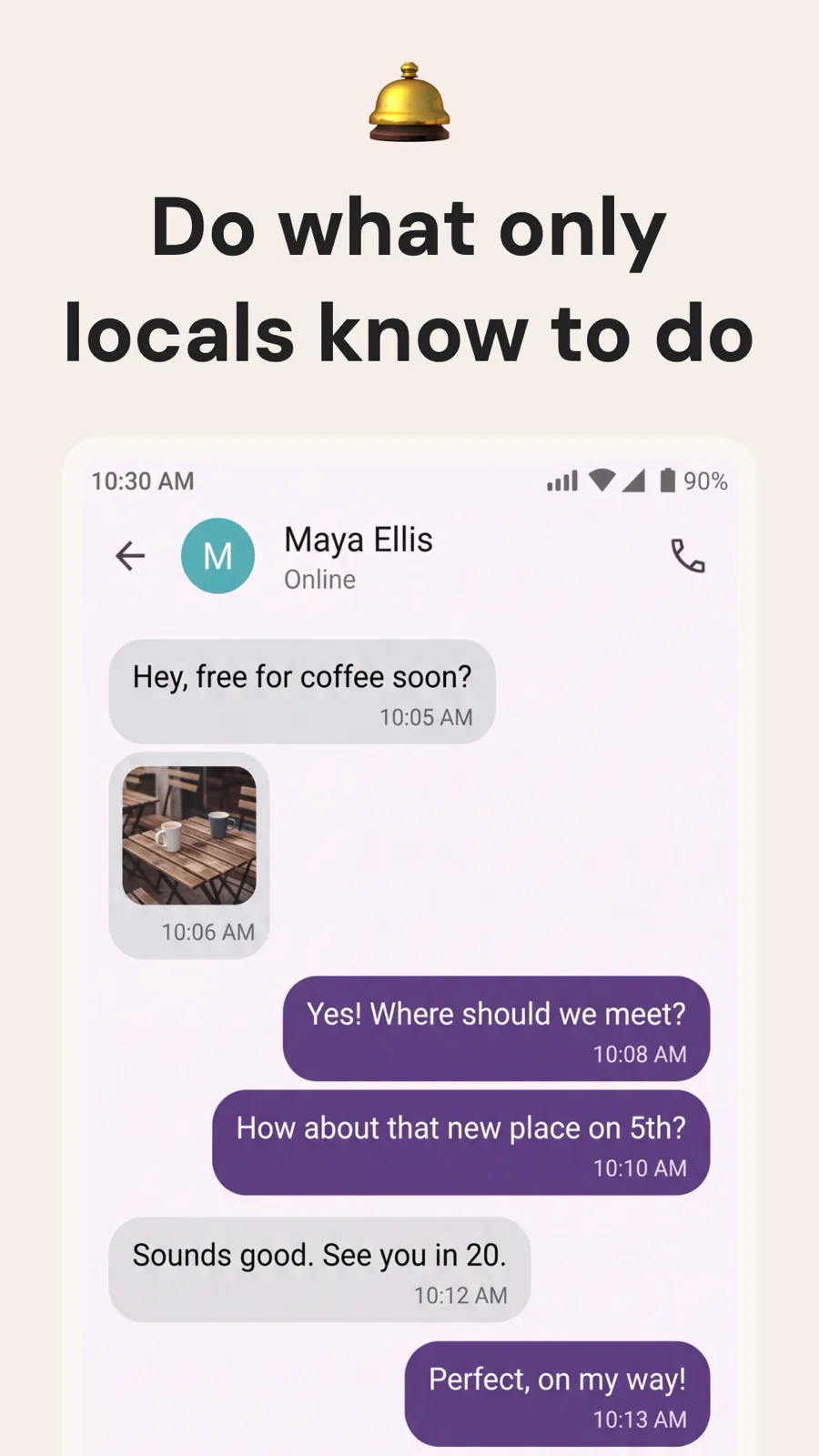
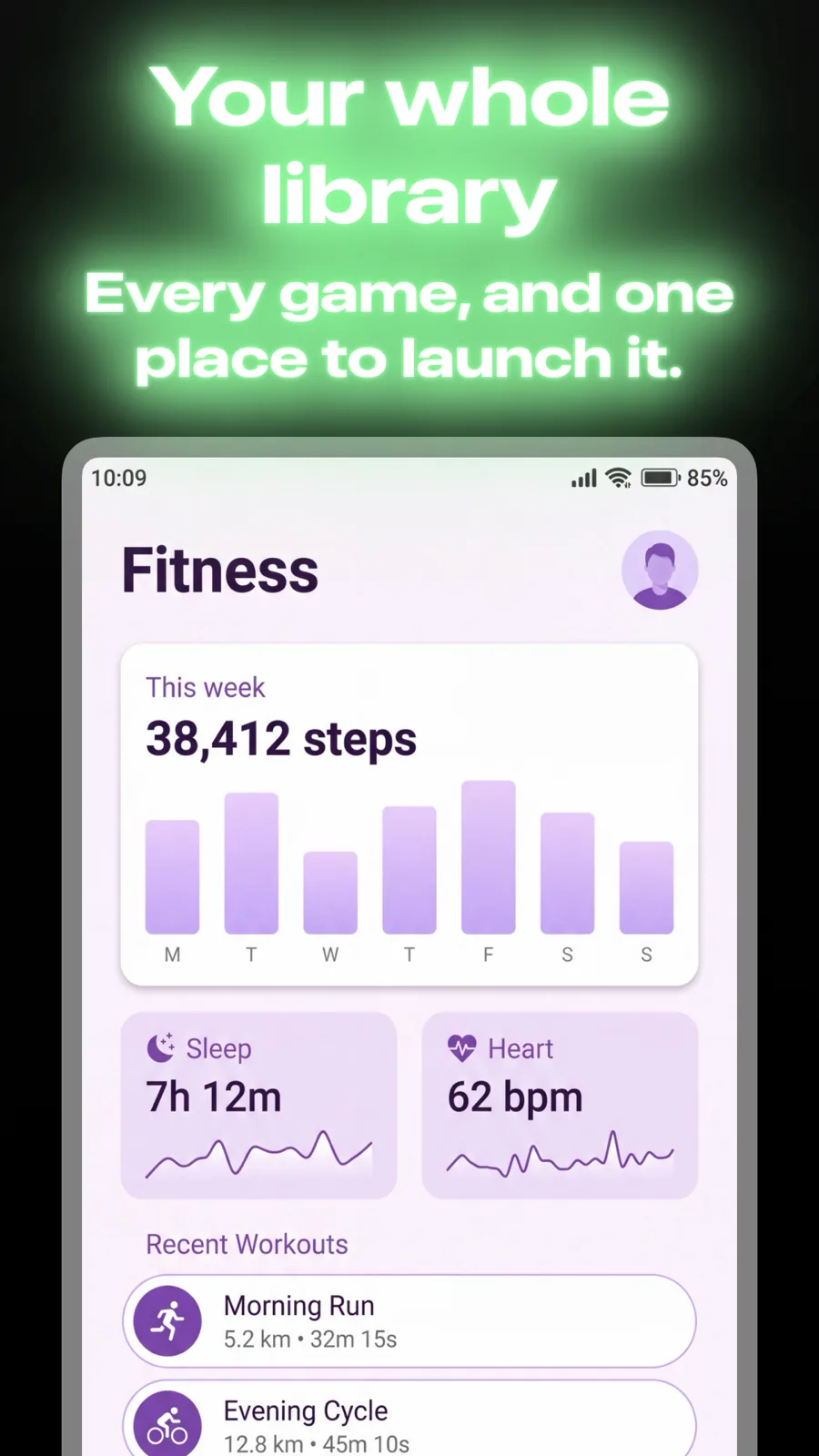
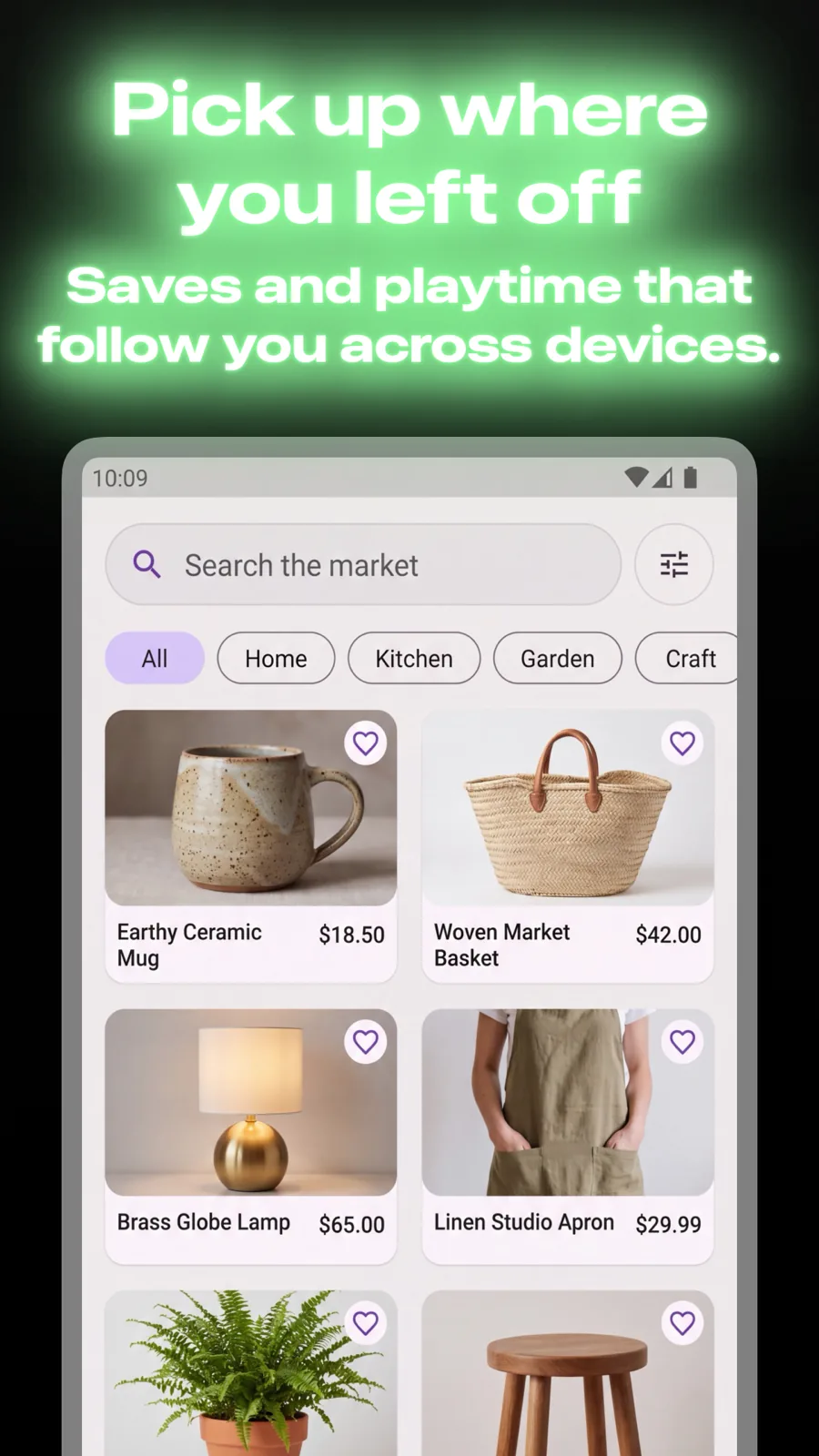
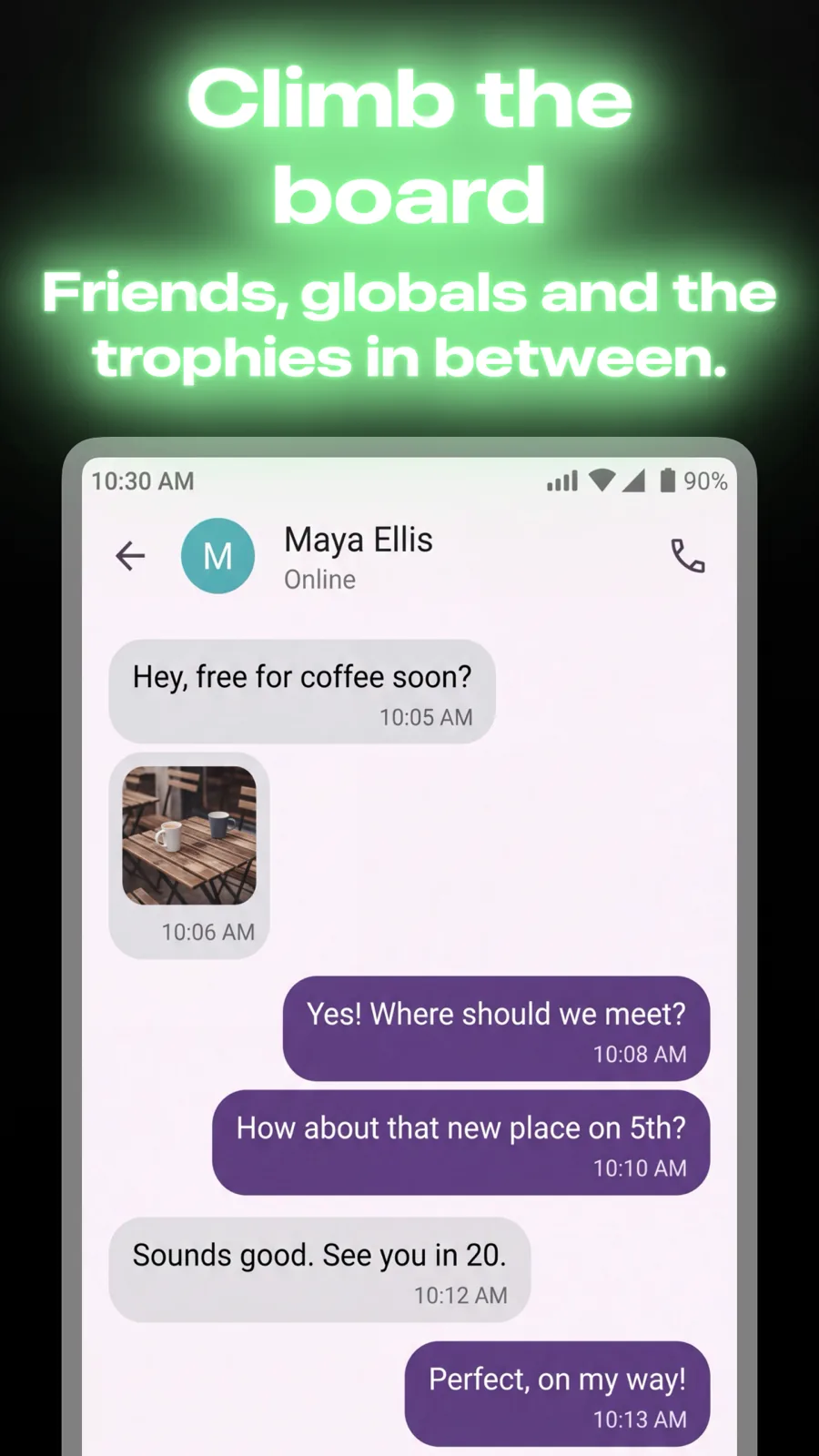
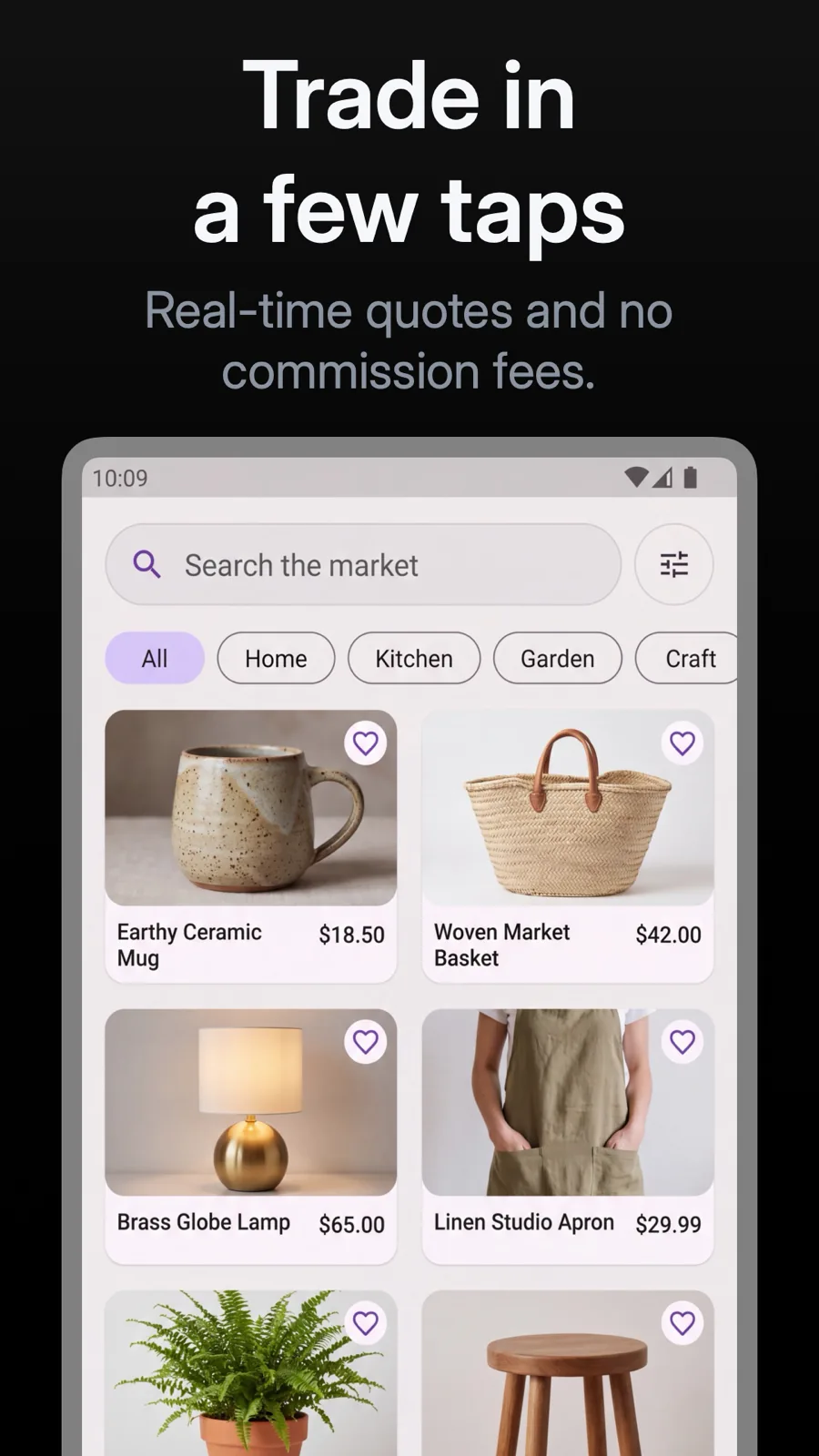
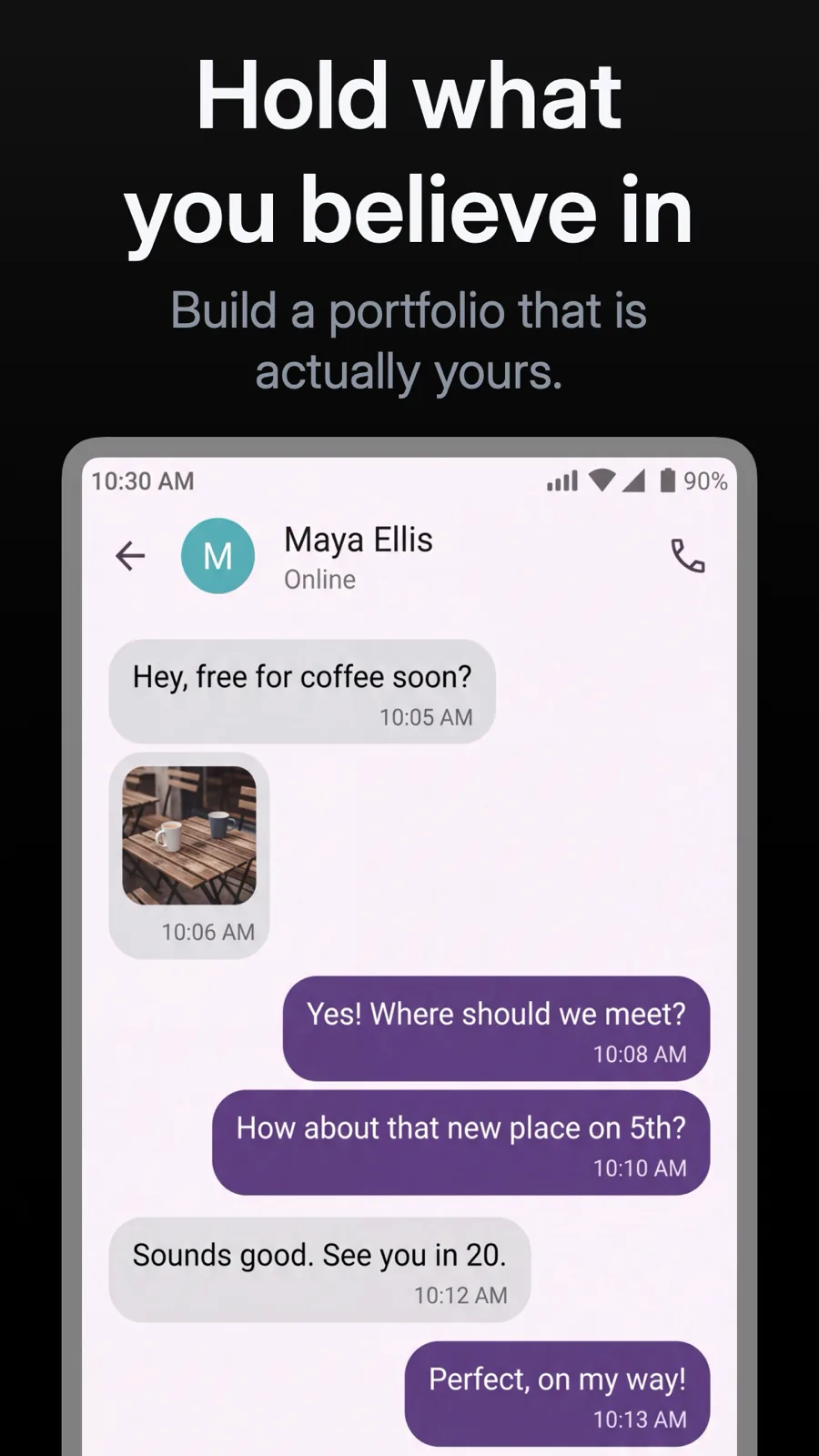
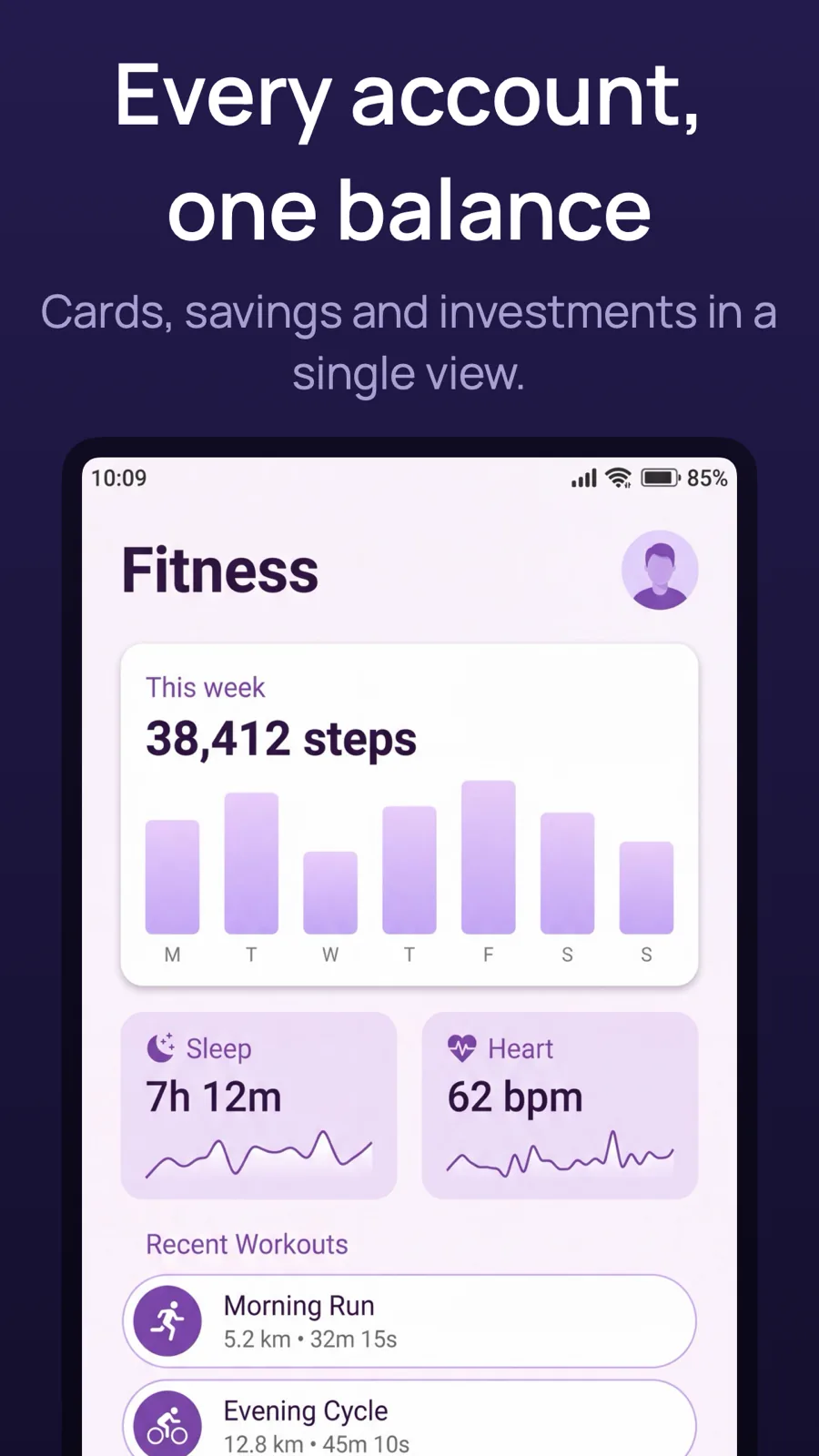
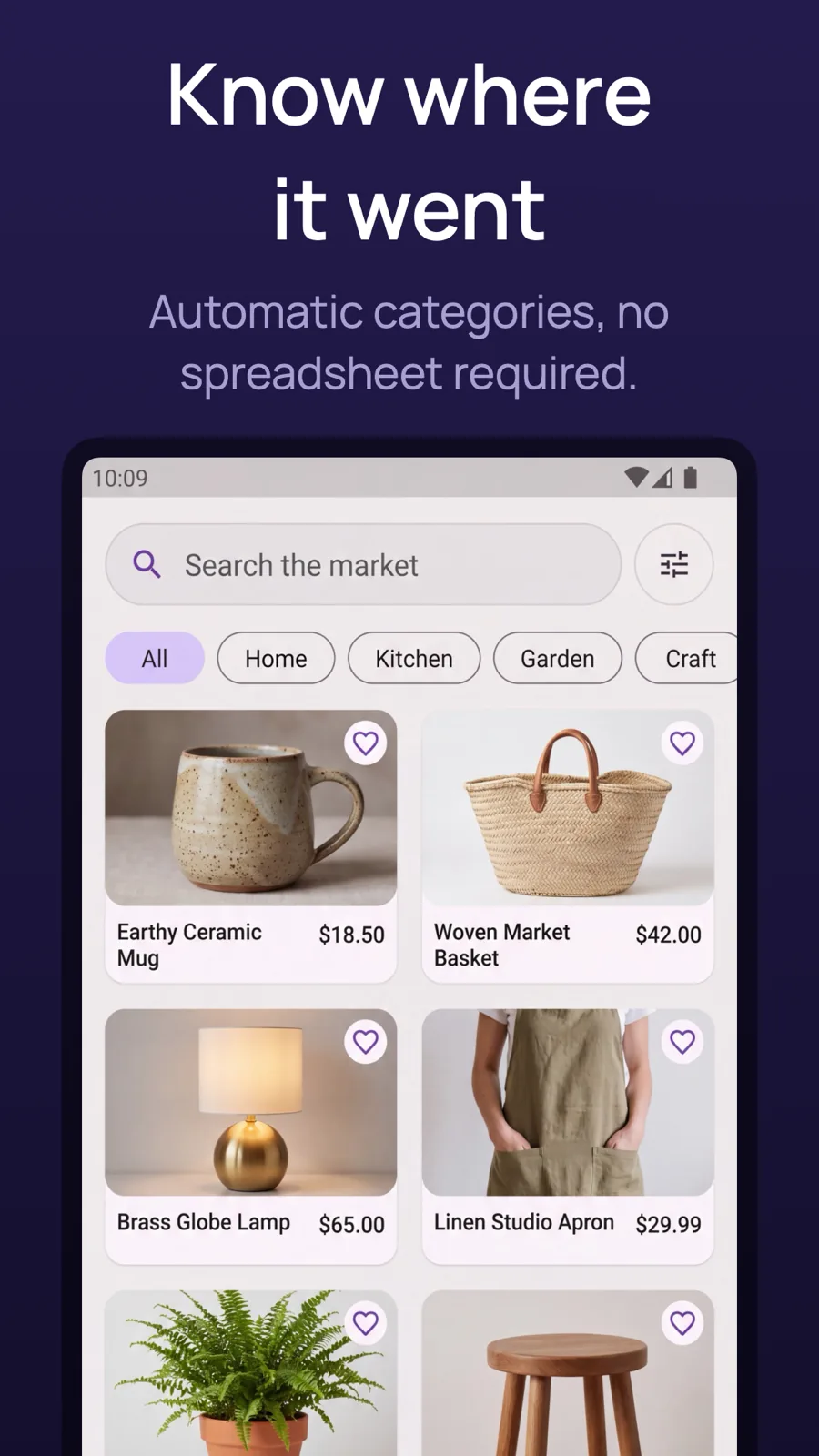
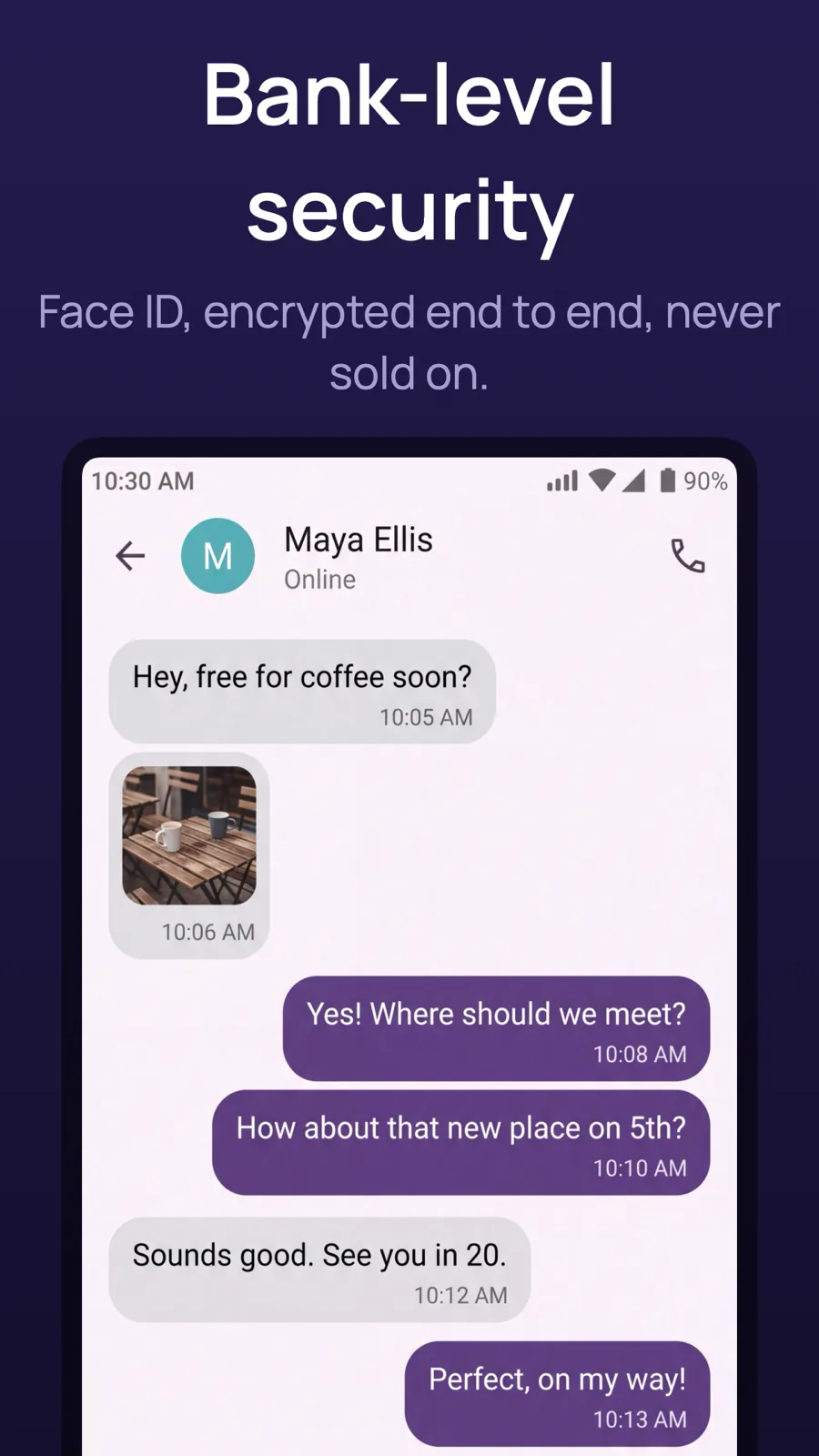
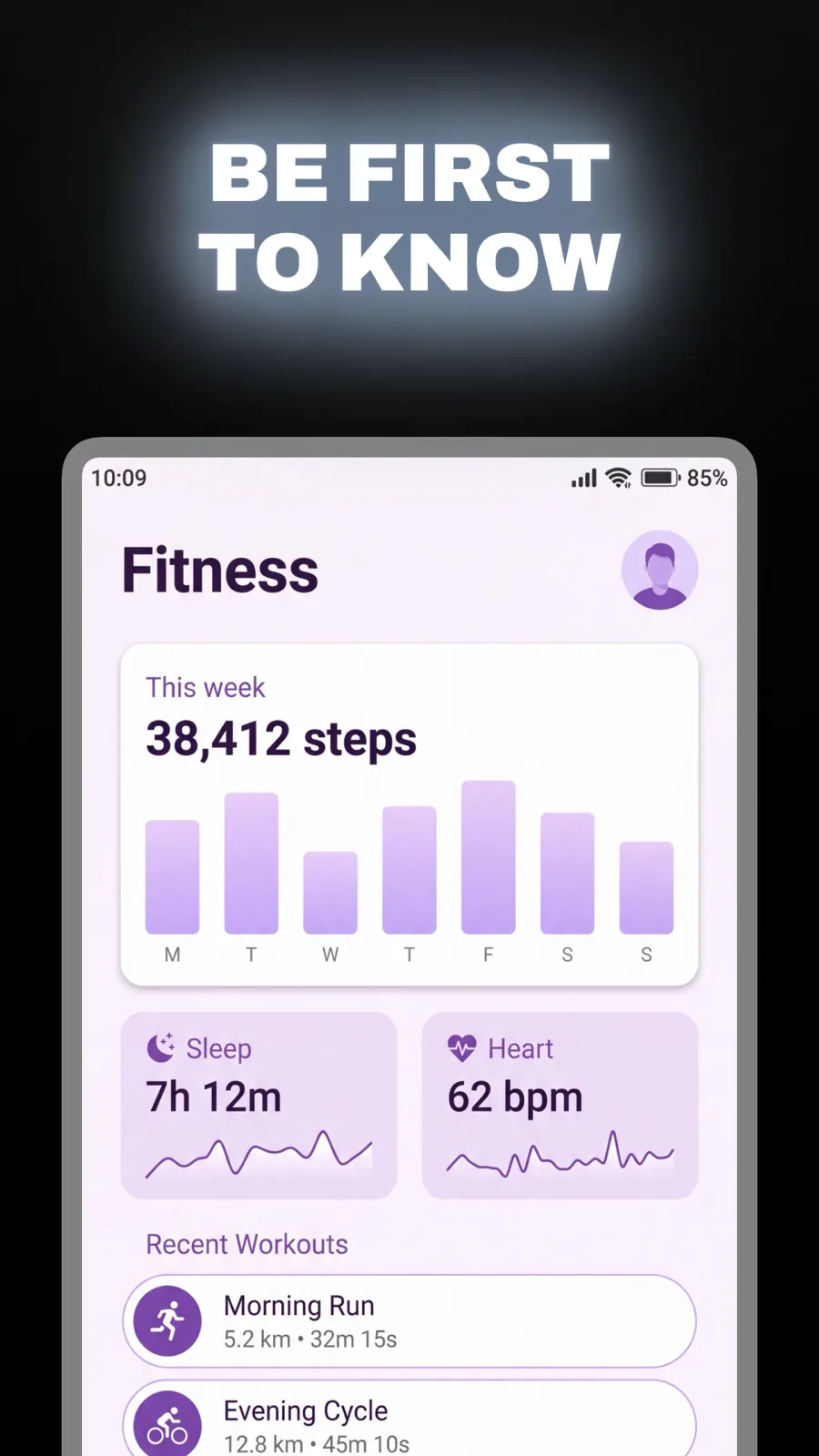
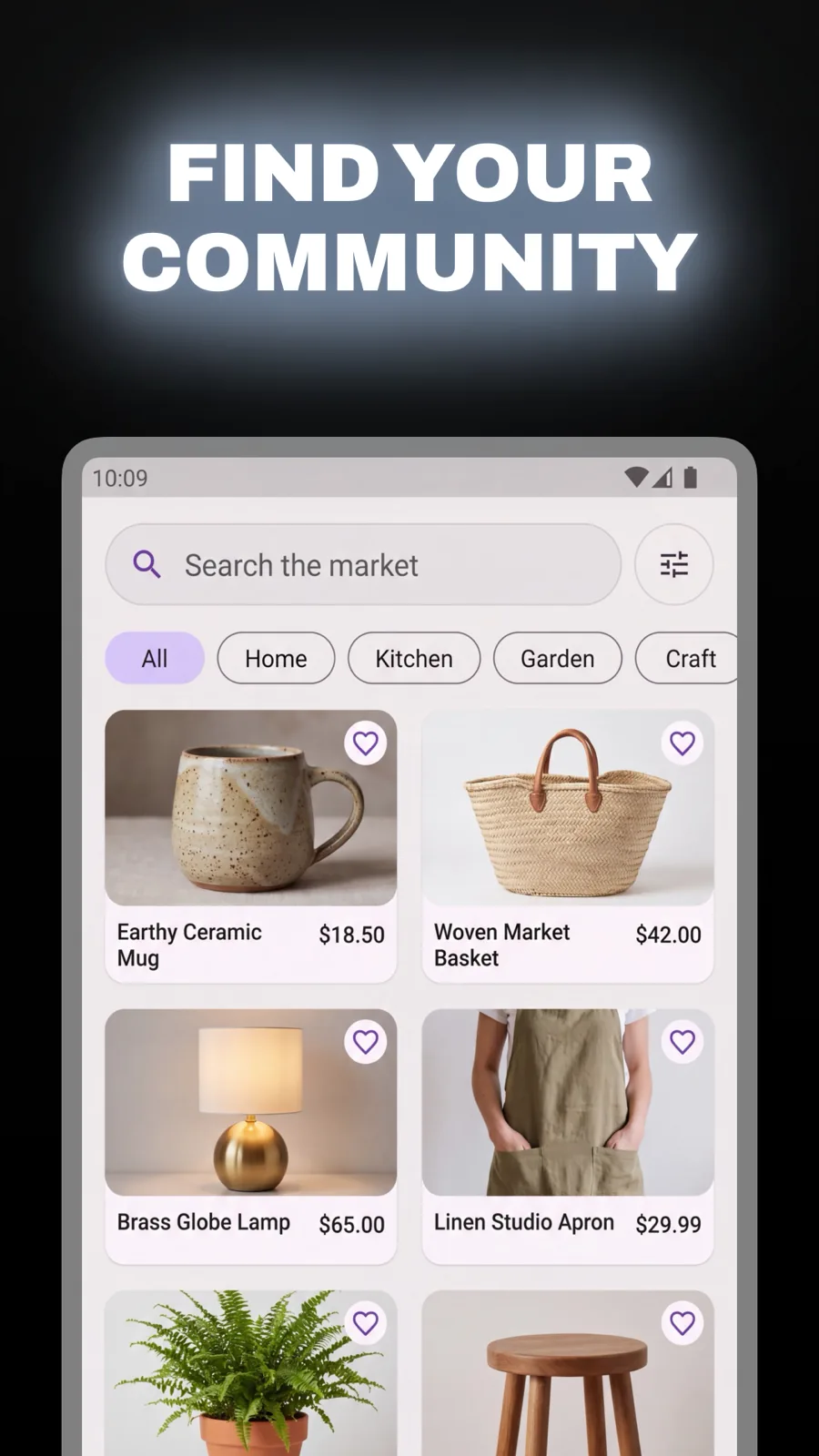
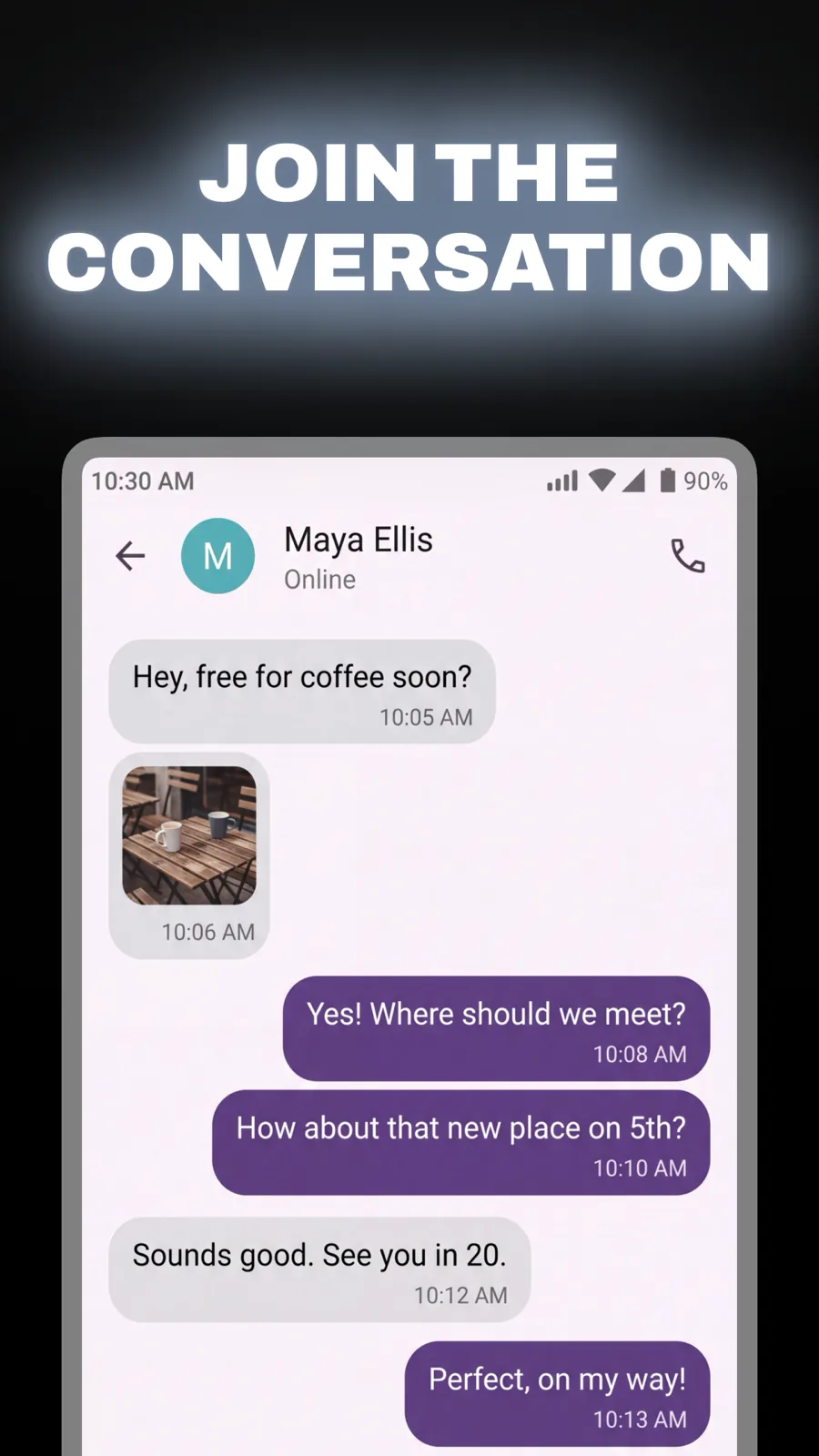
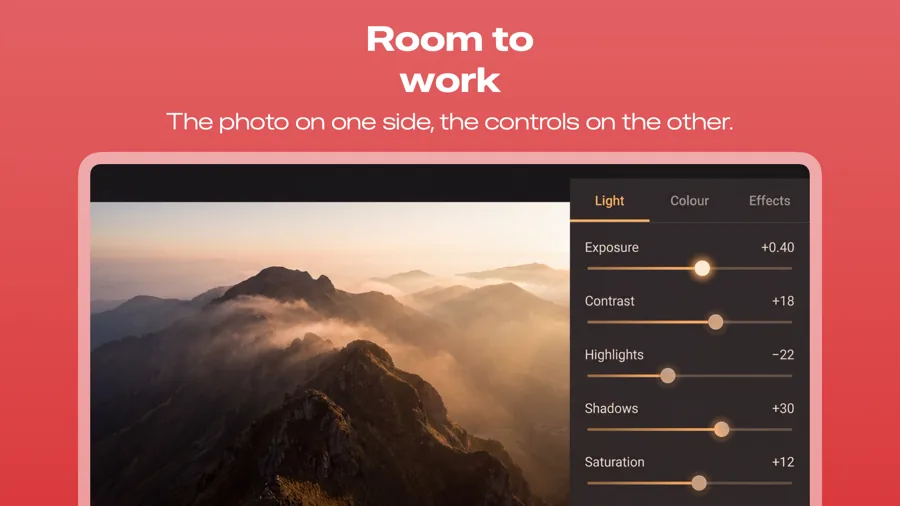
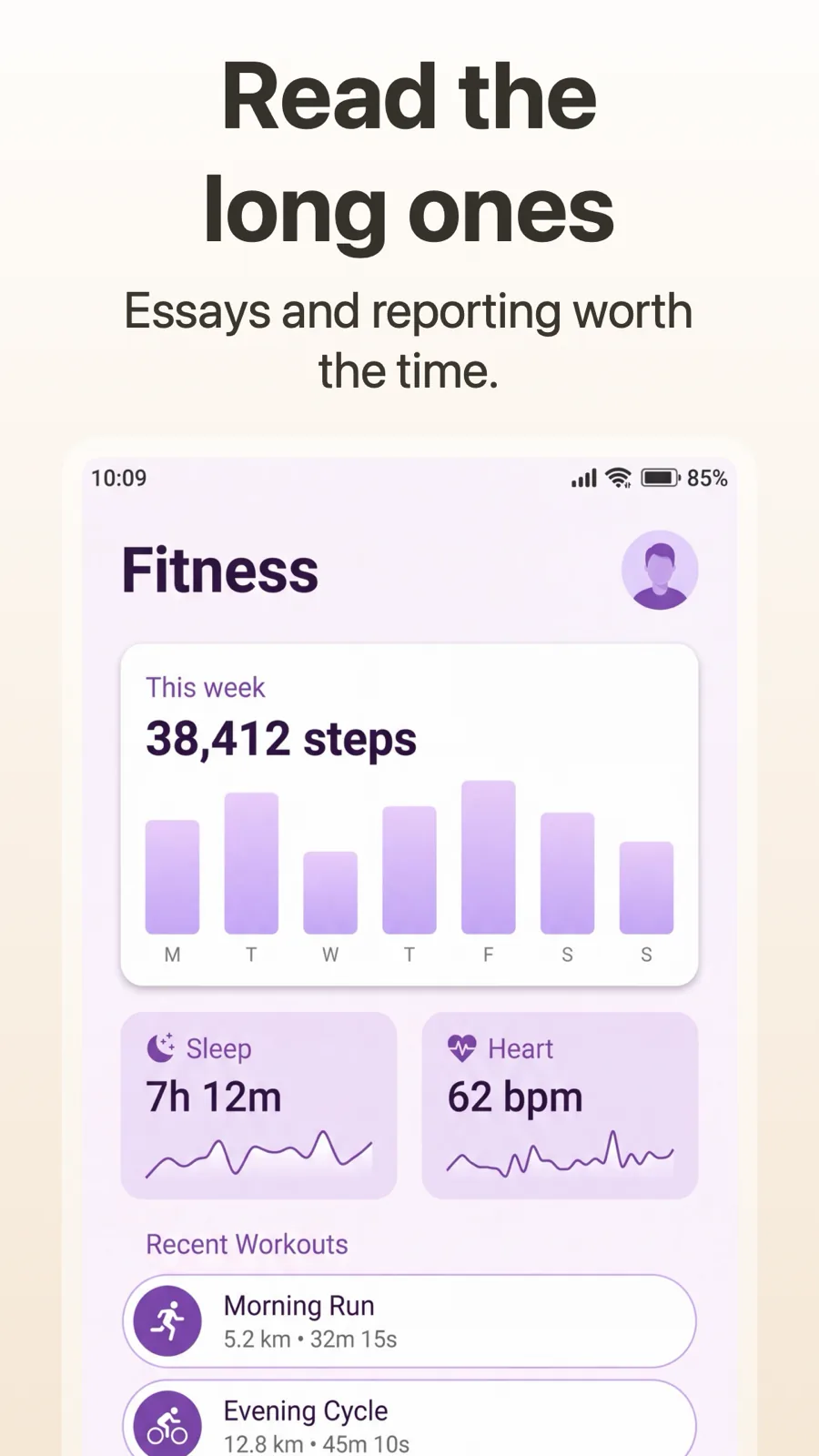
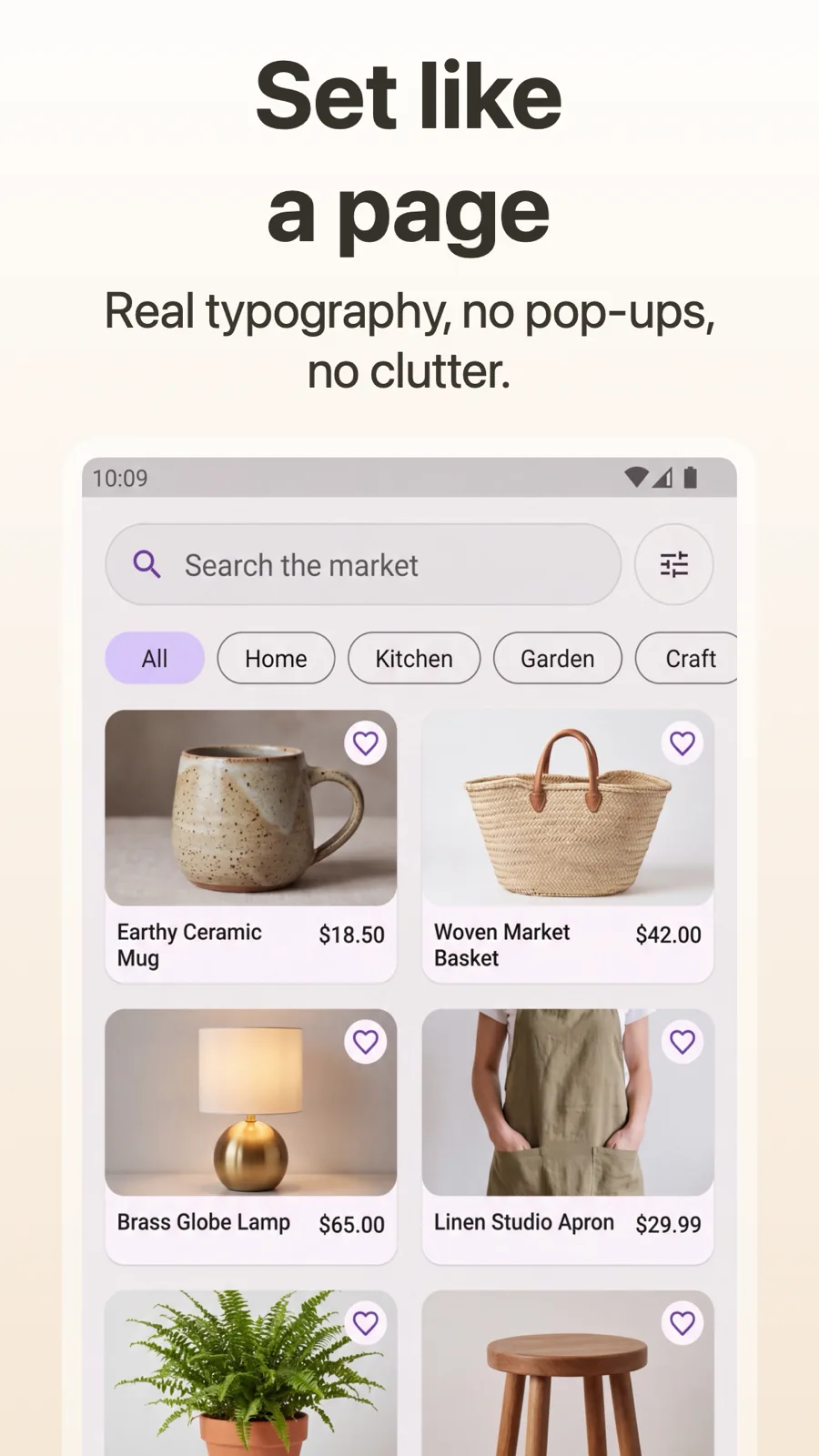
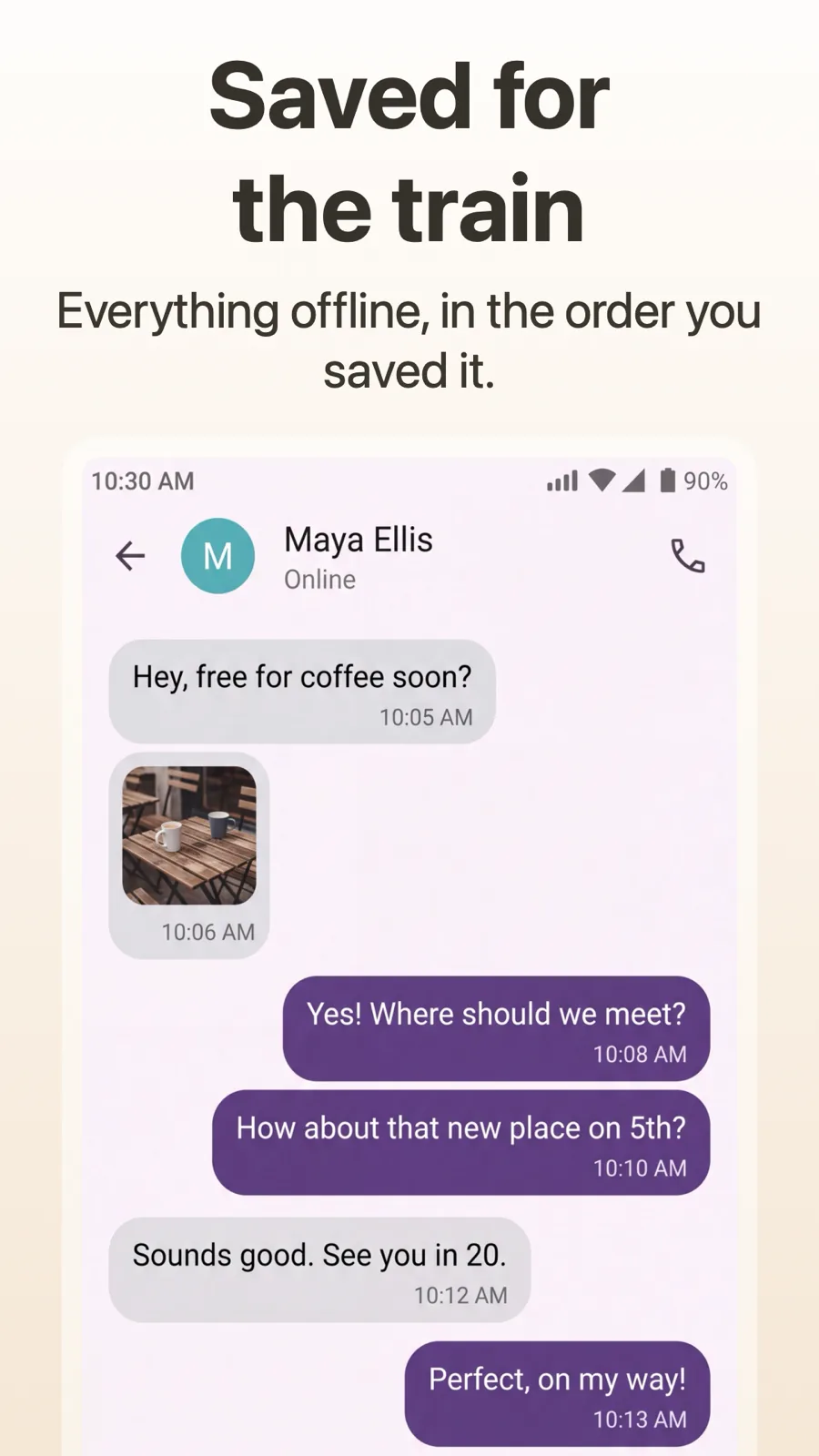
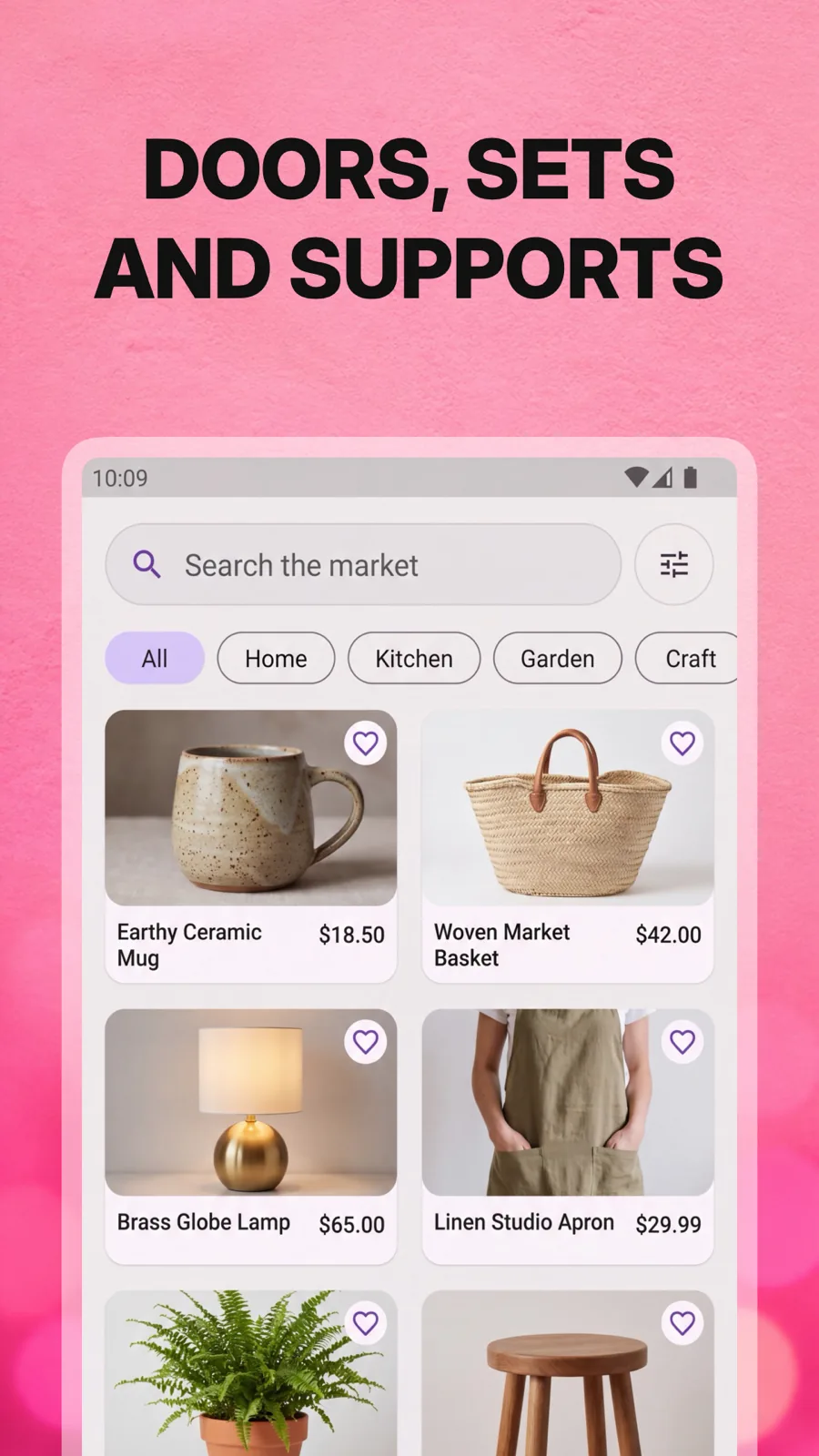
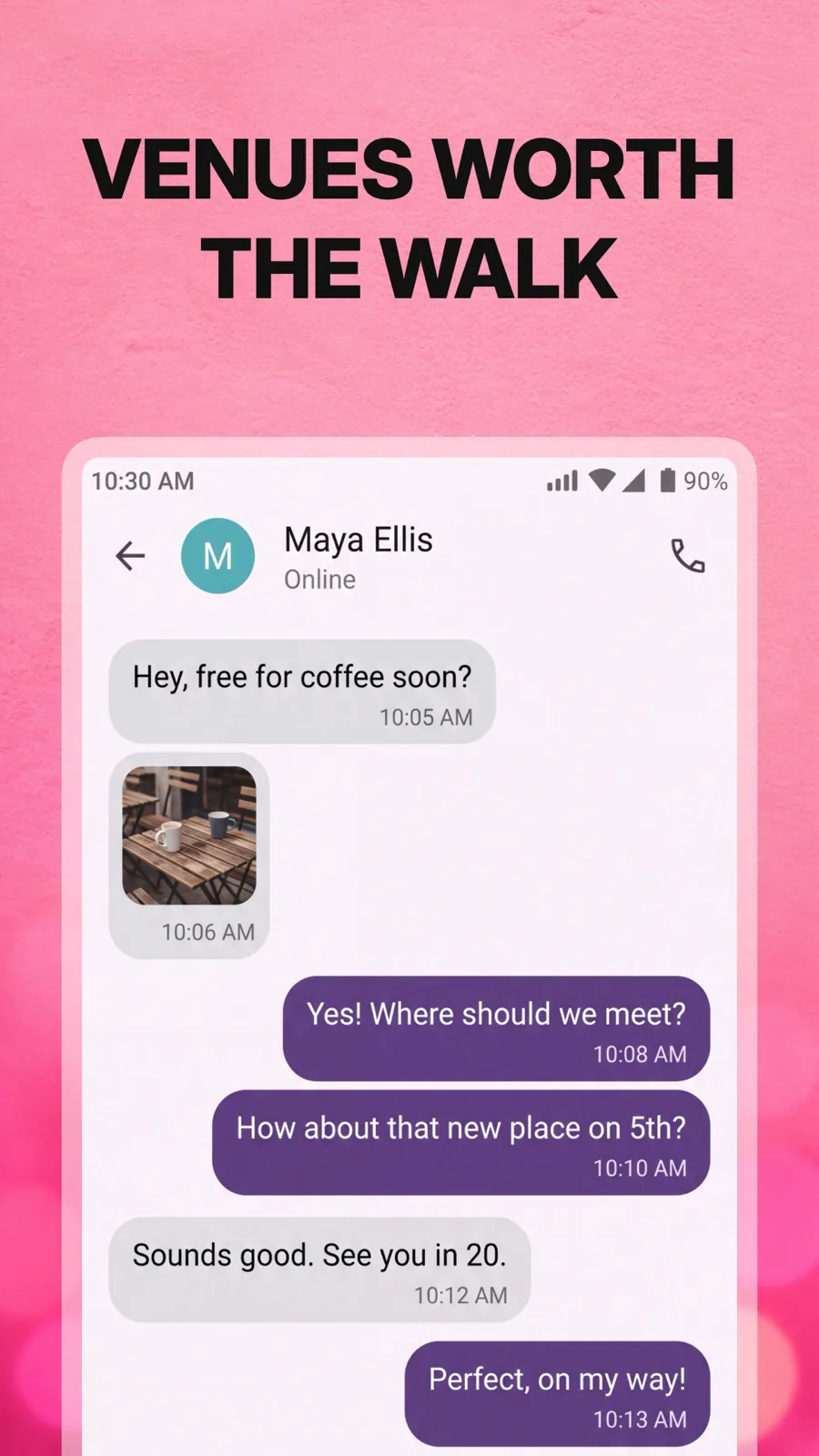
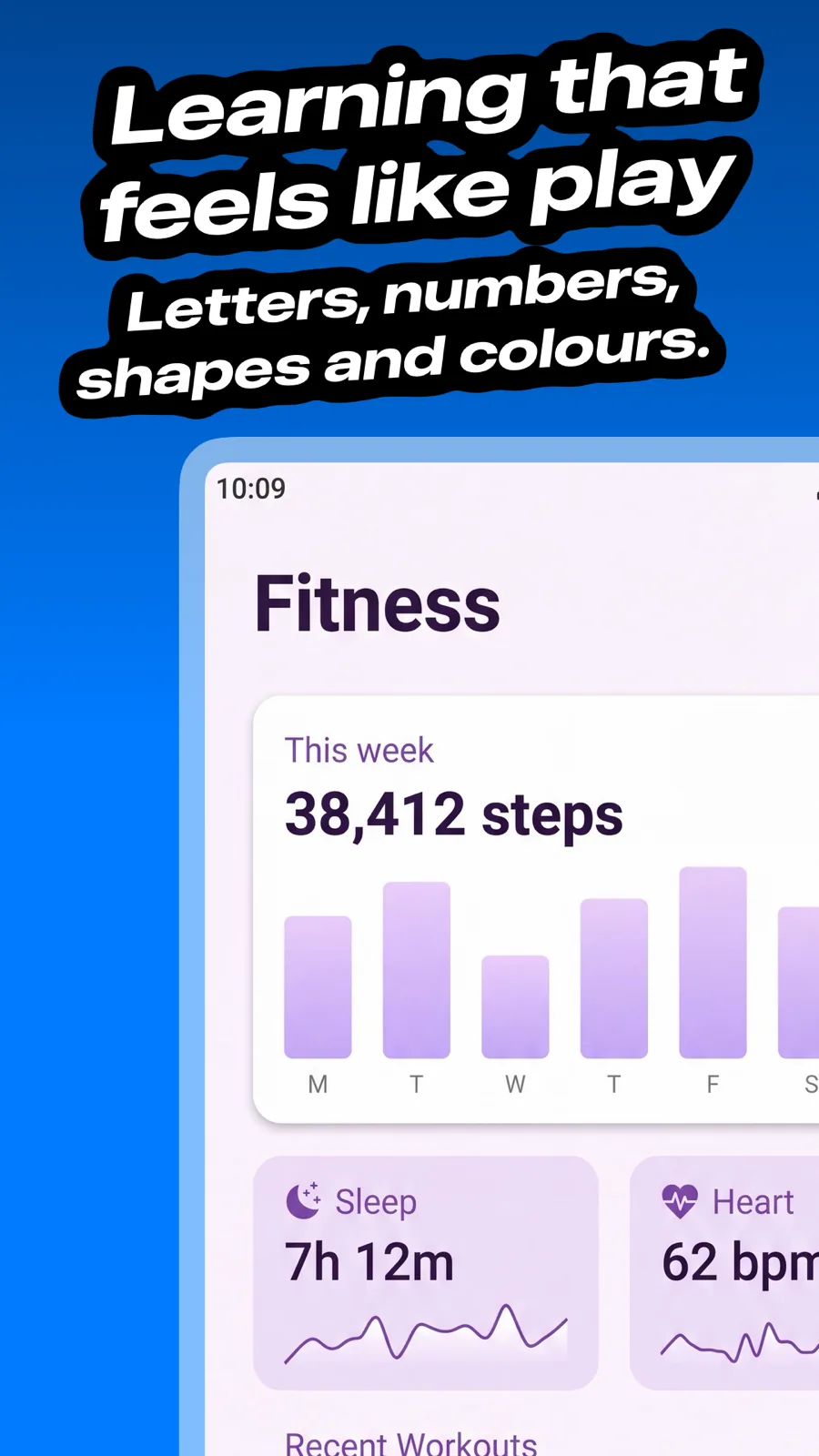
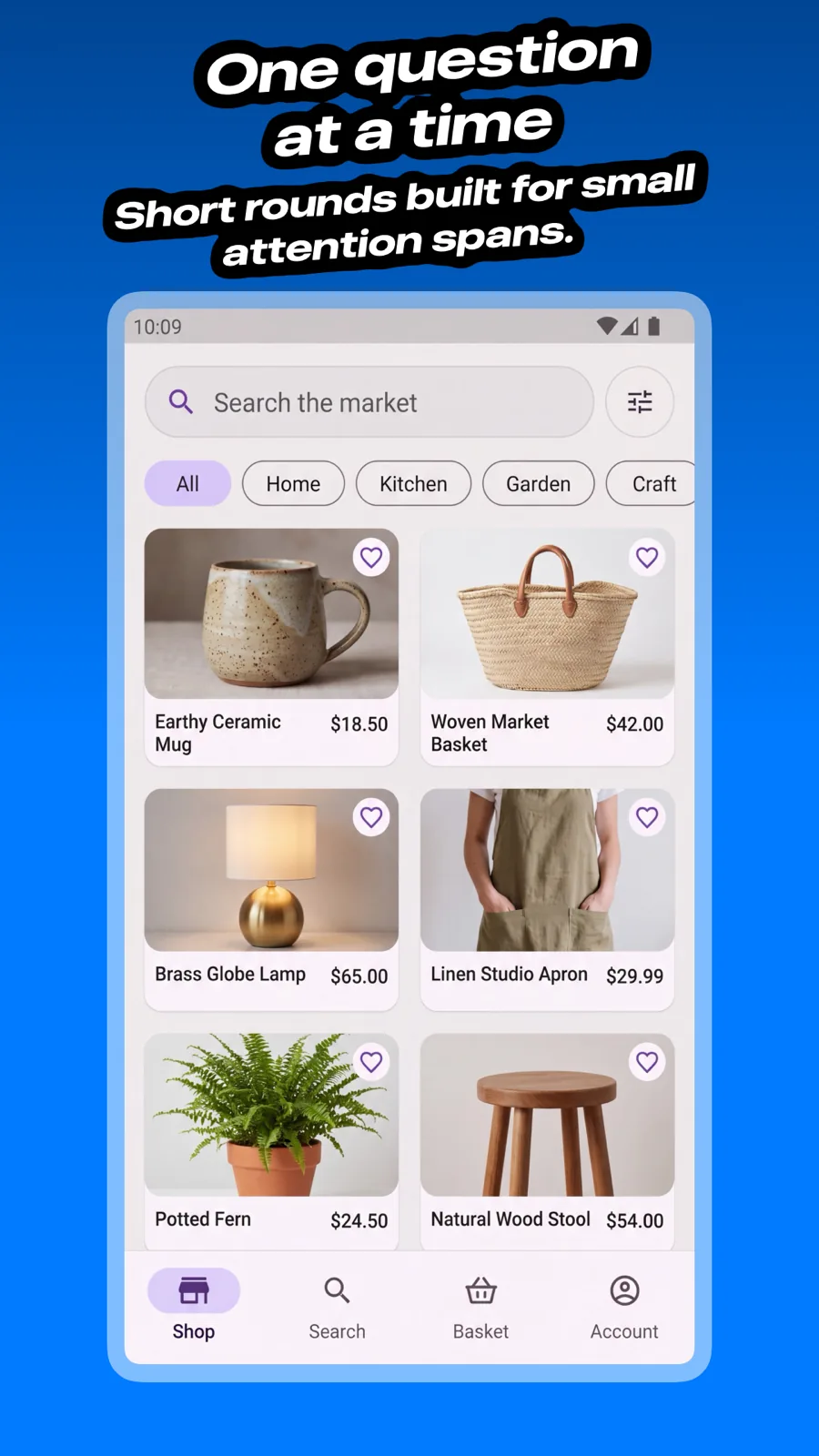
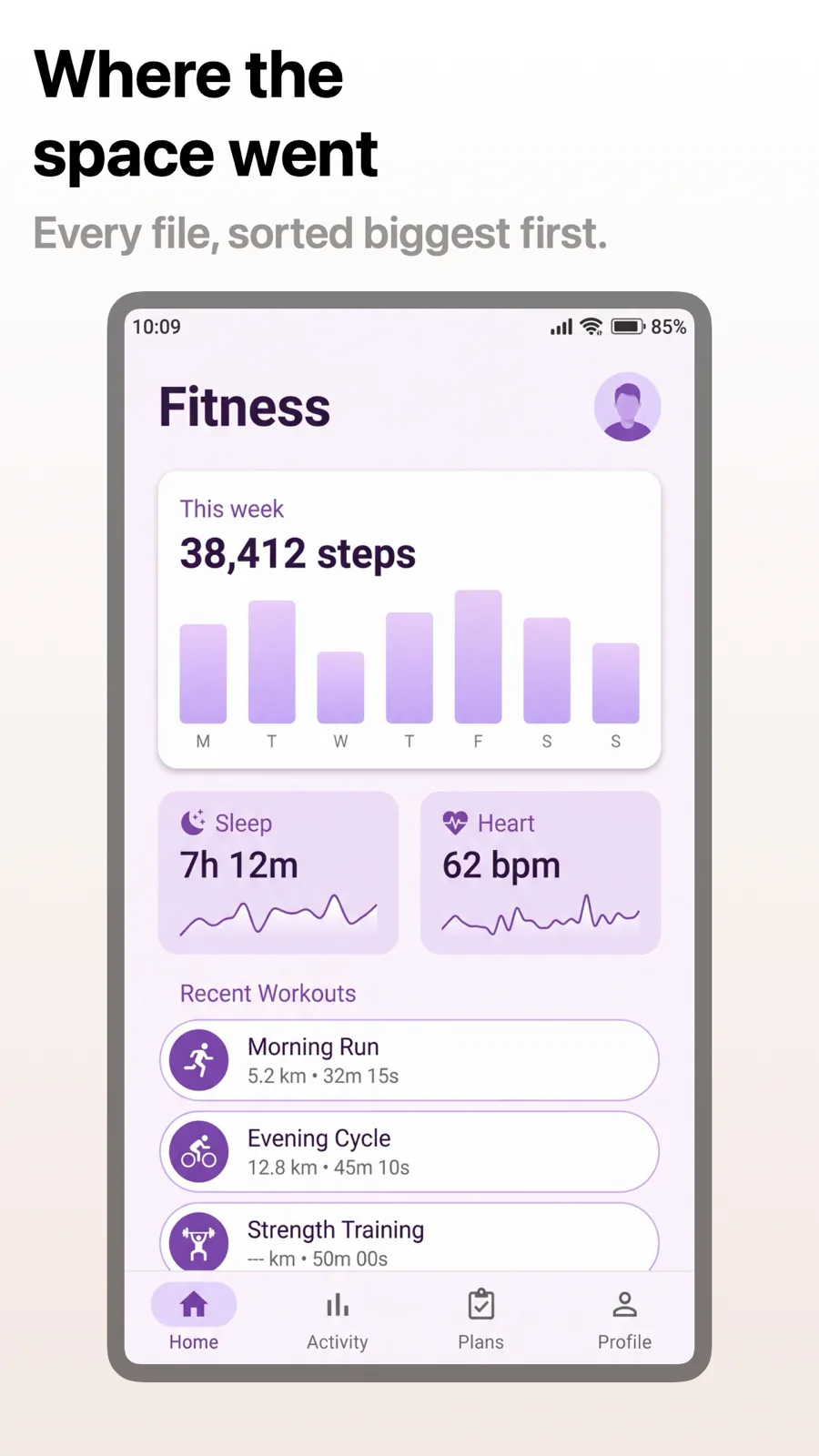
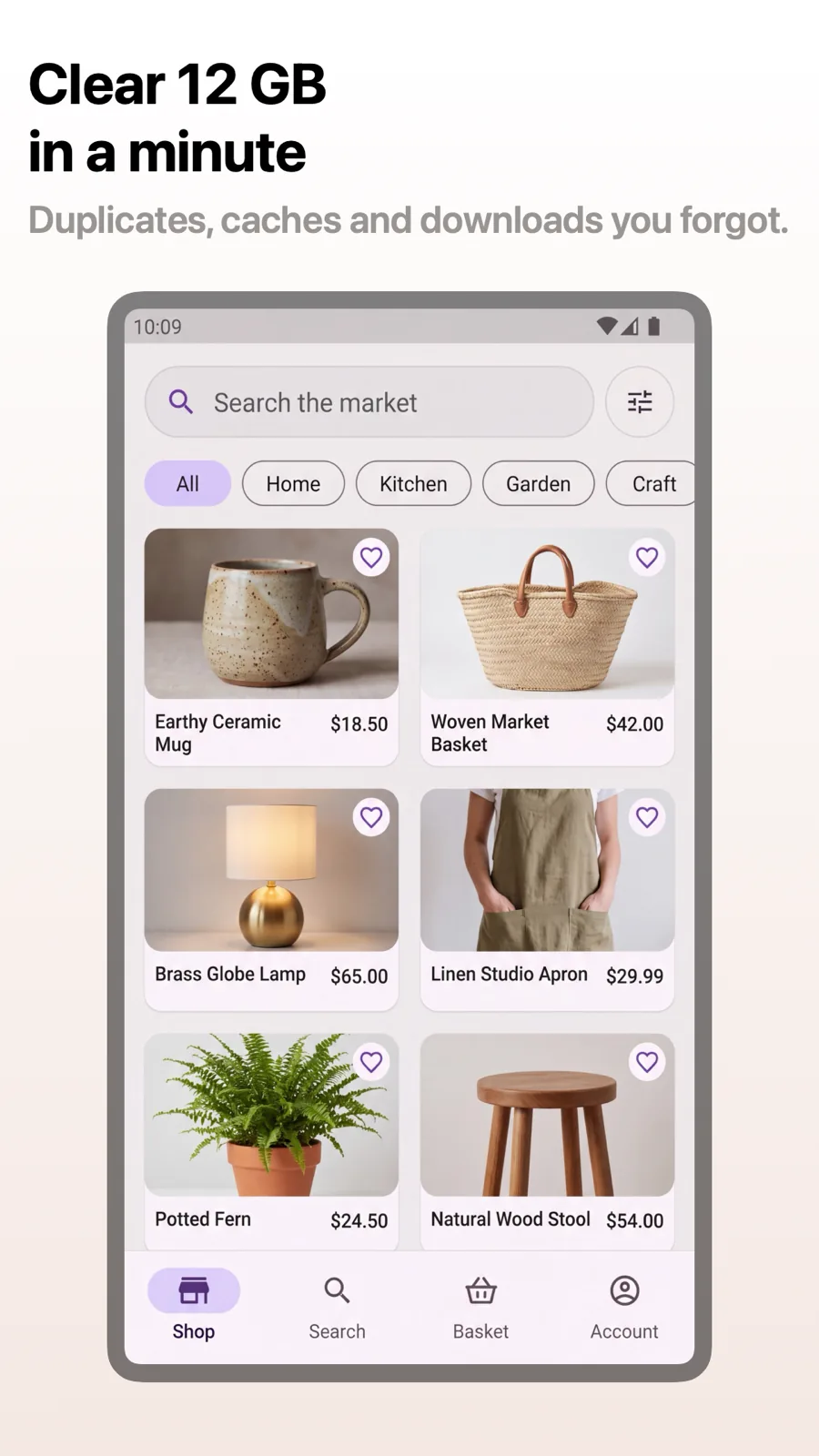
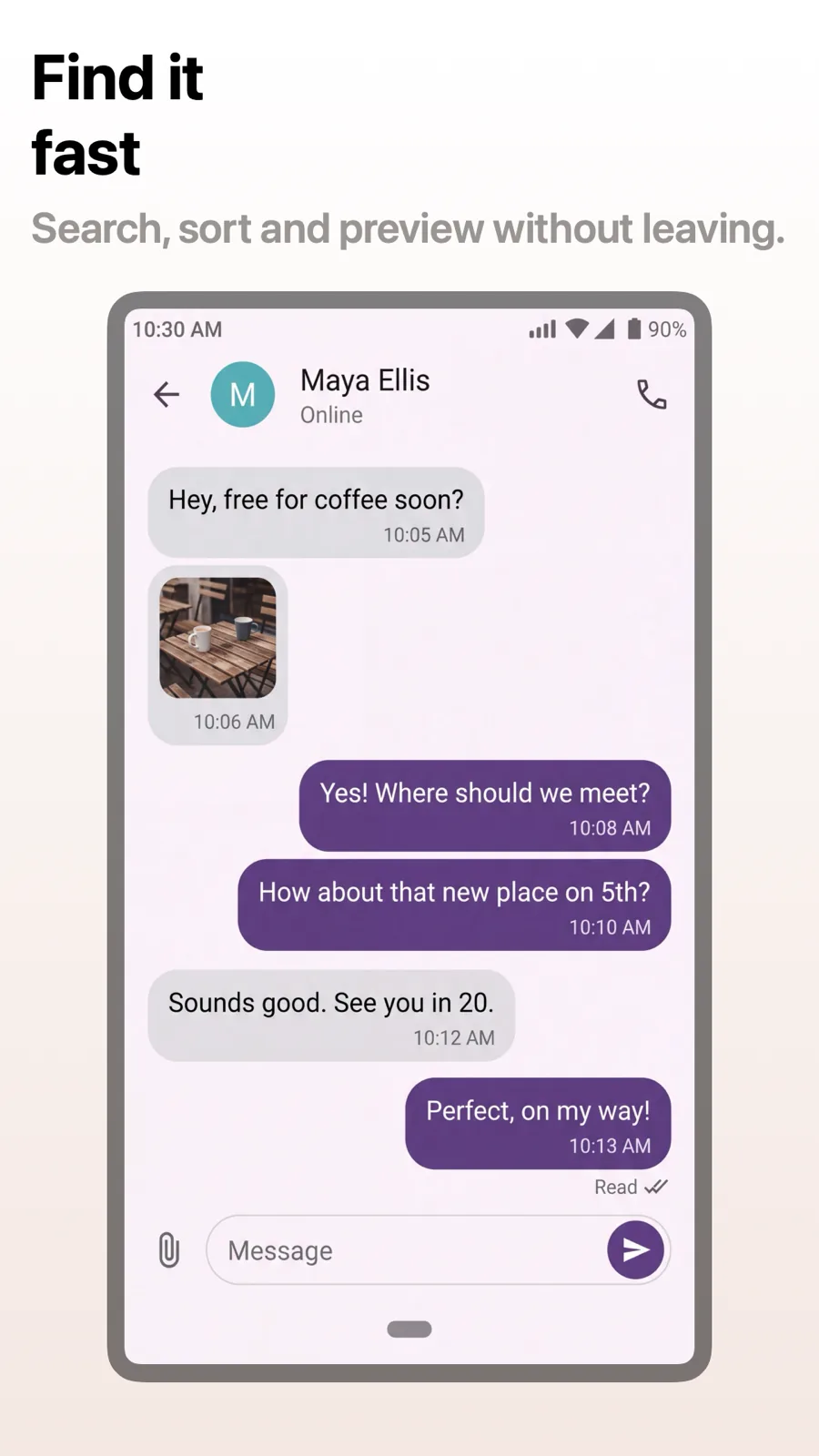
Google Play screenshot templates for Android phones
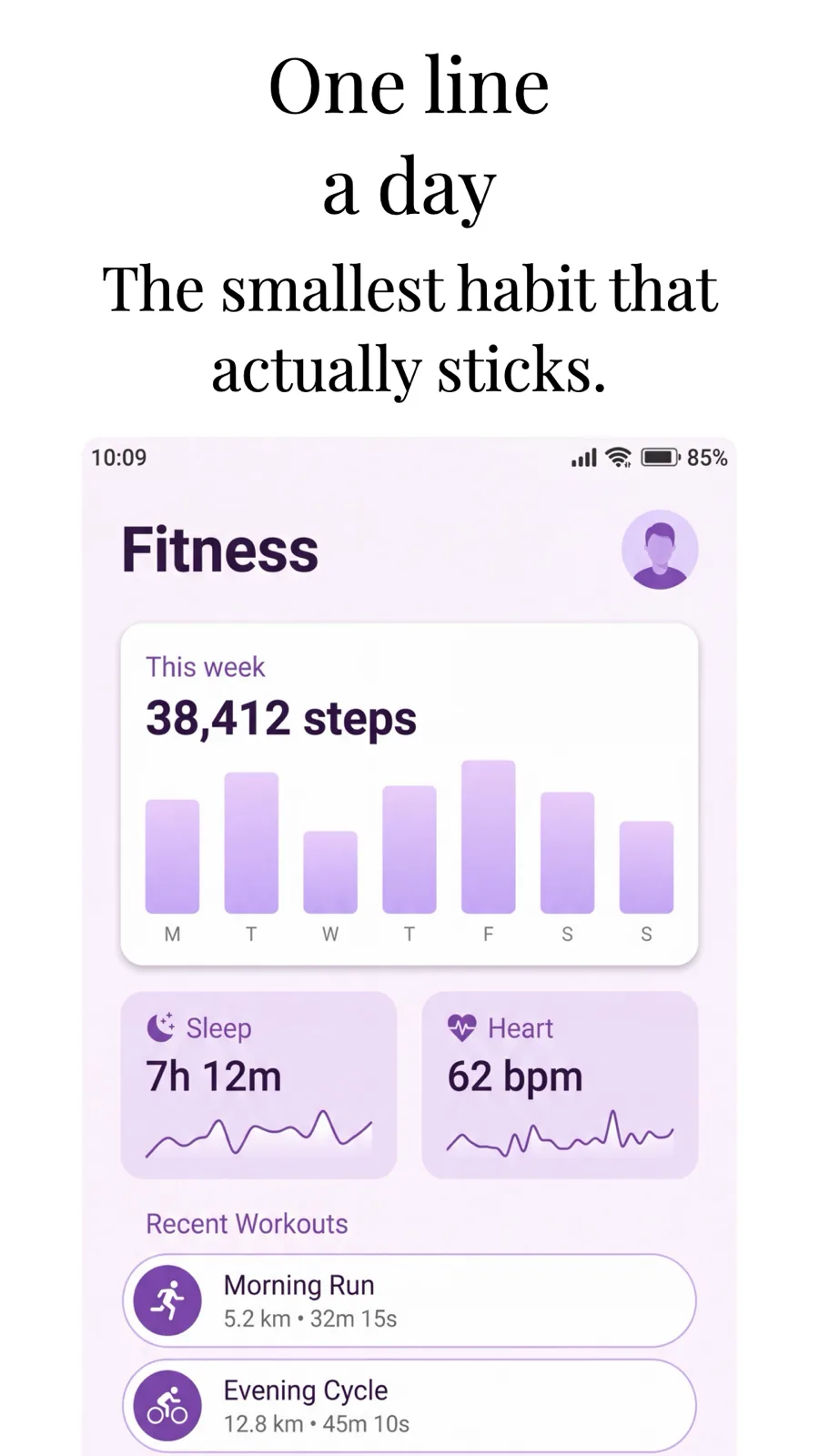
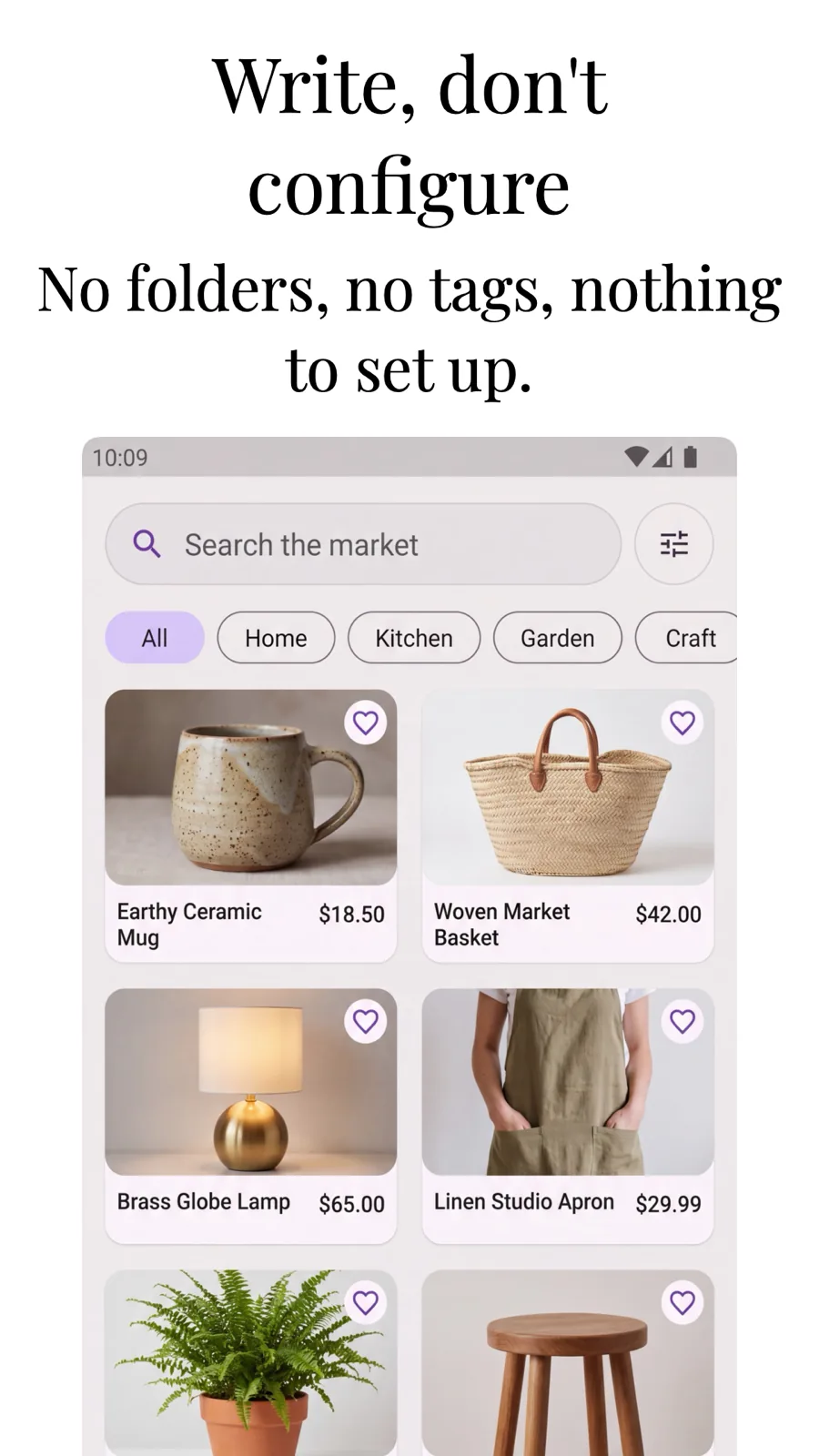
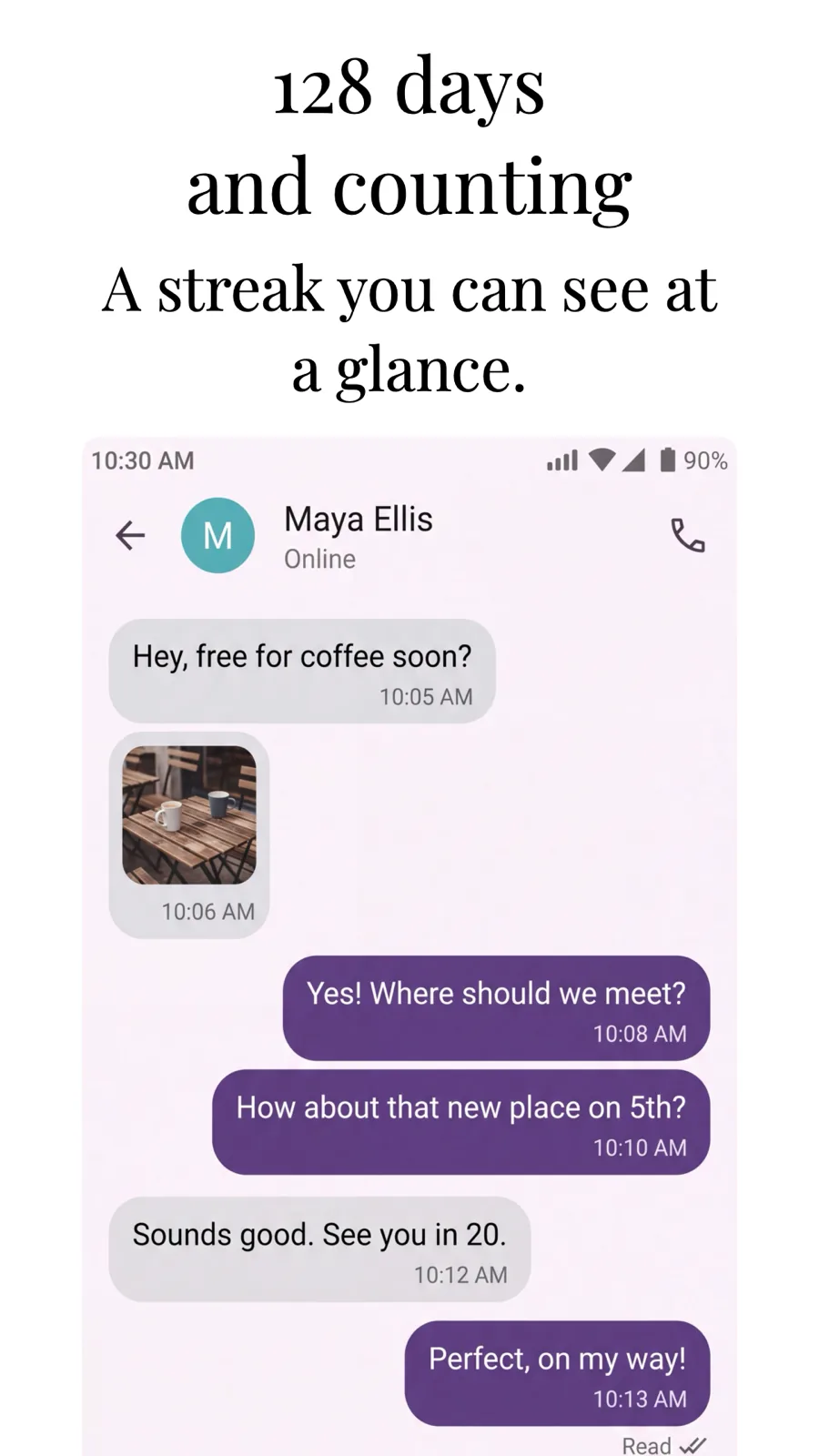
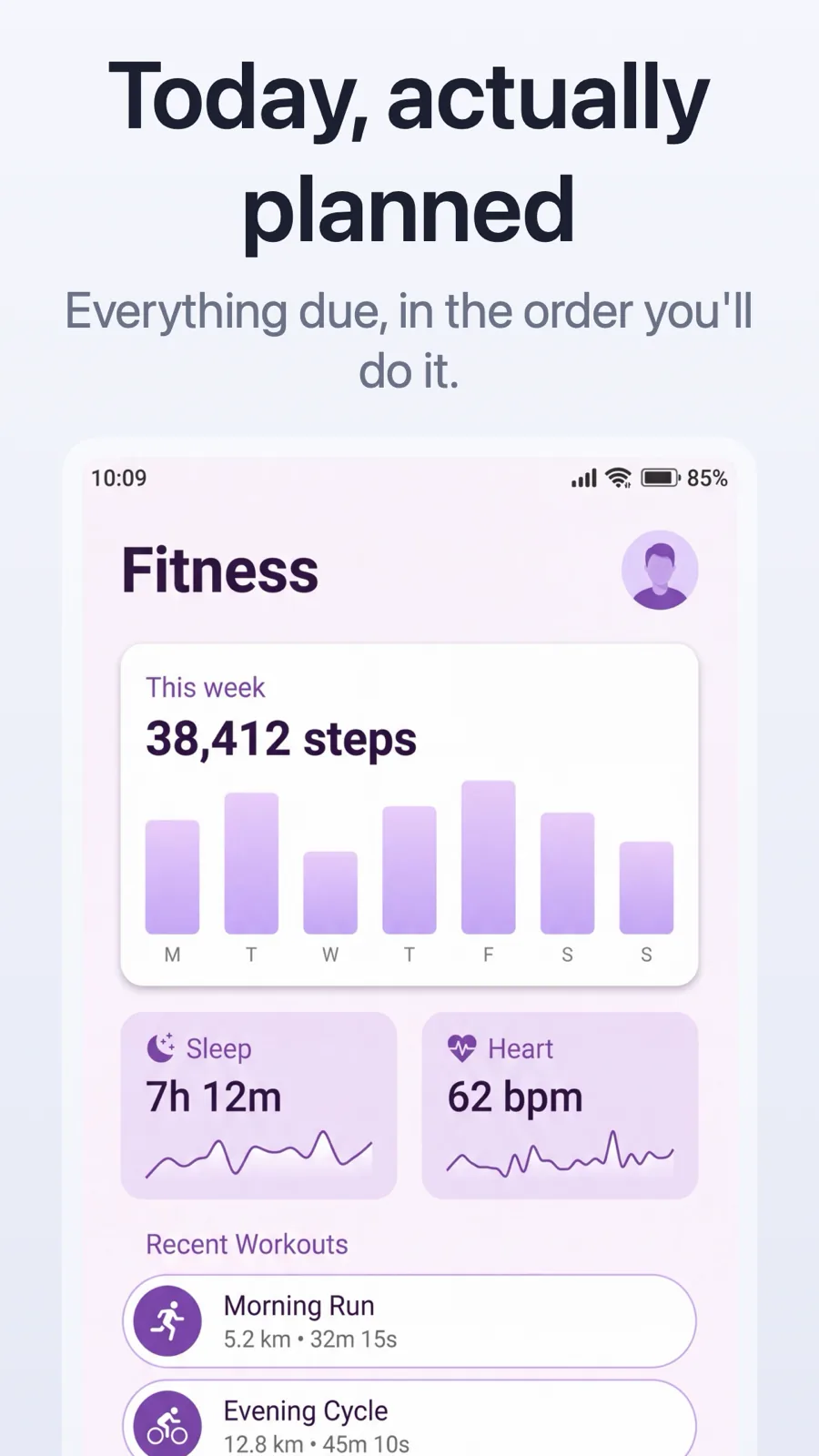
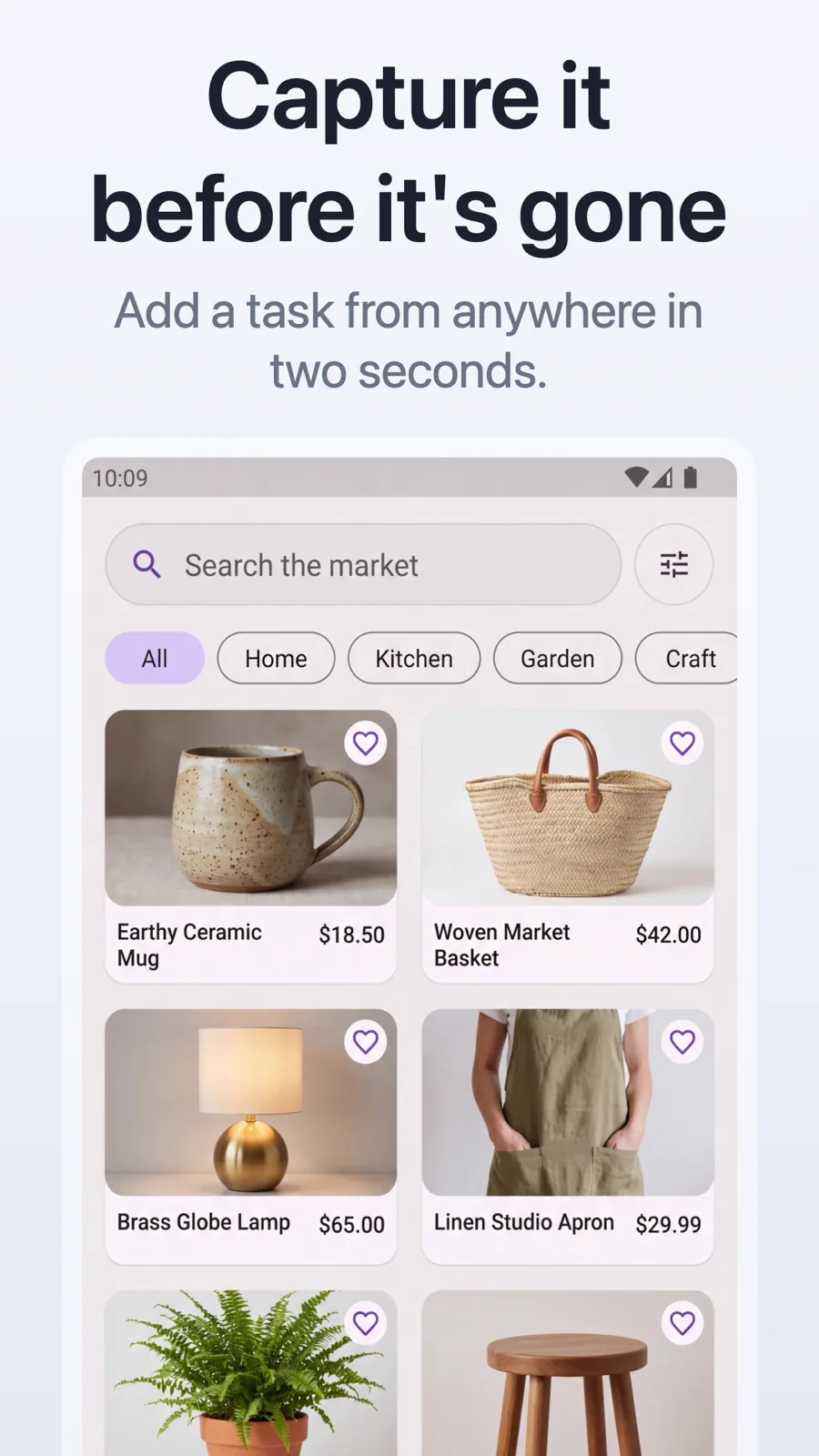
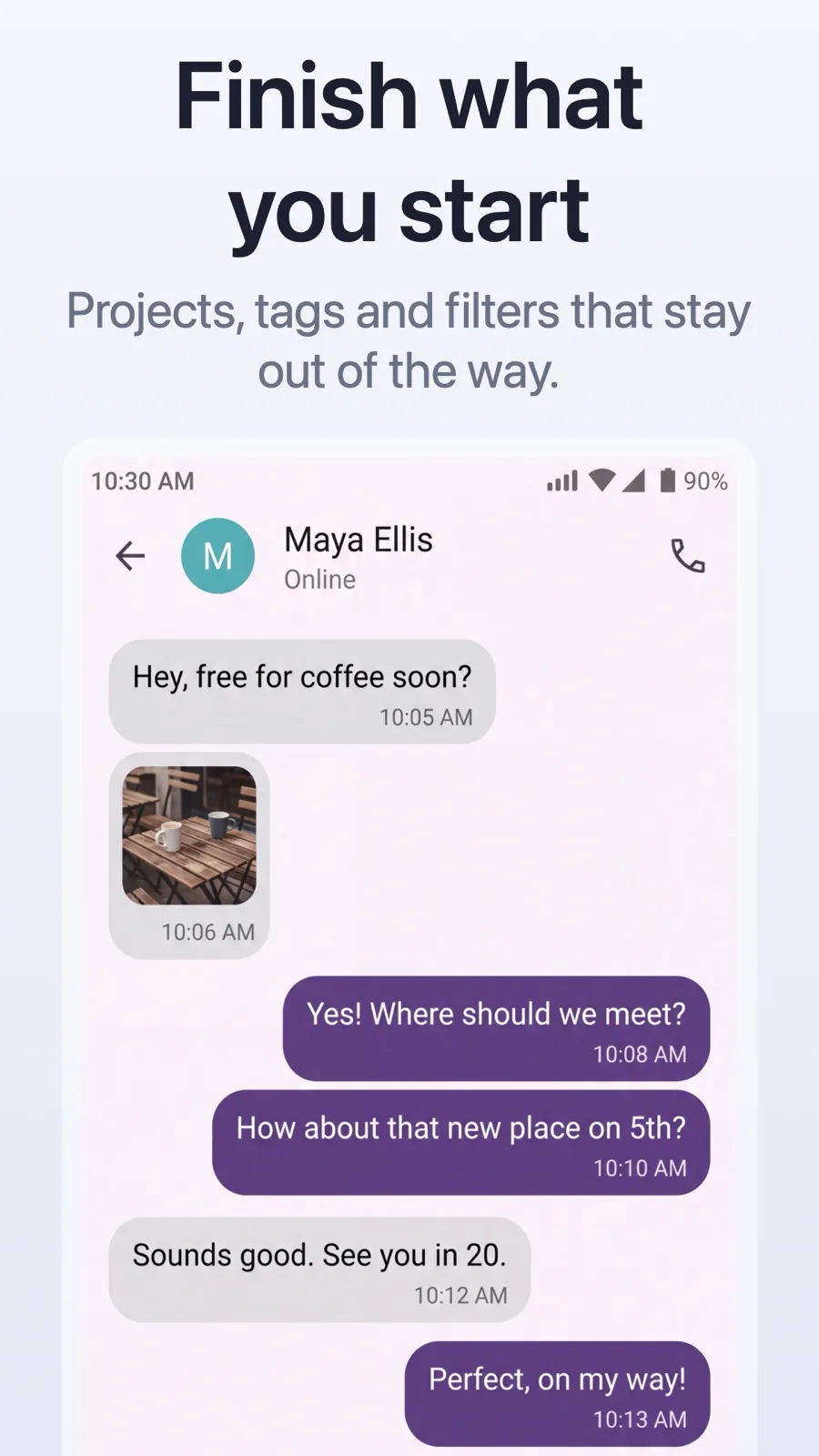
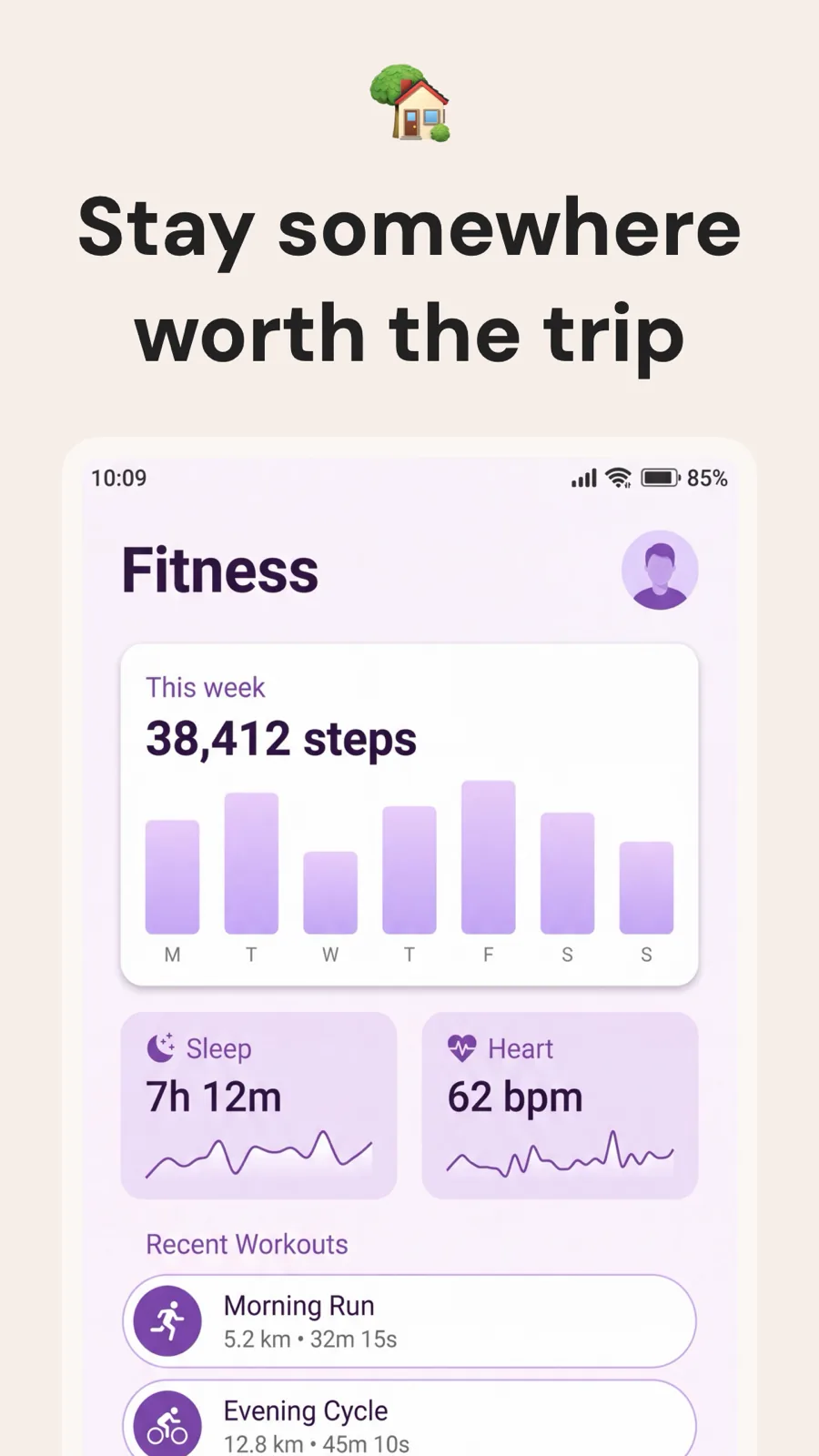
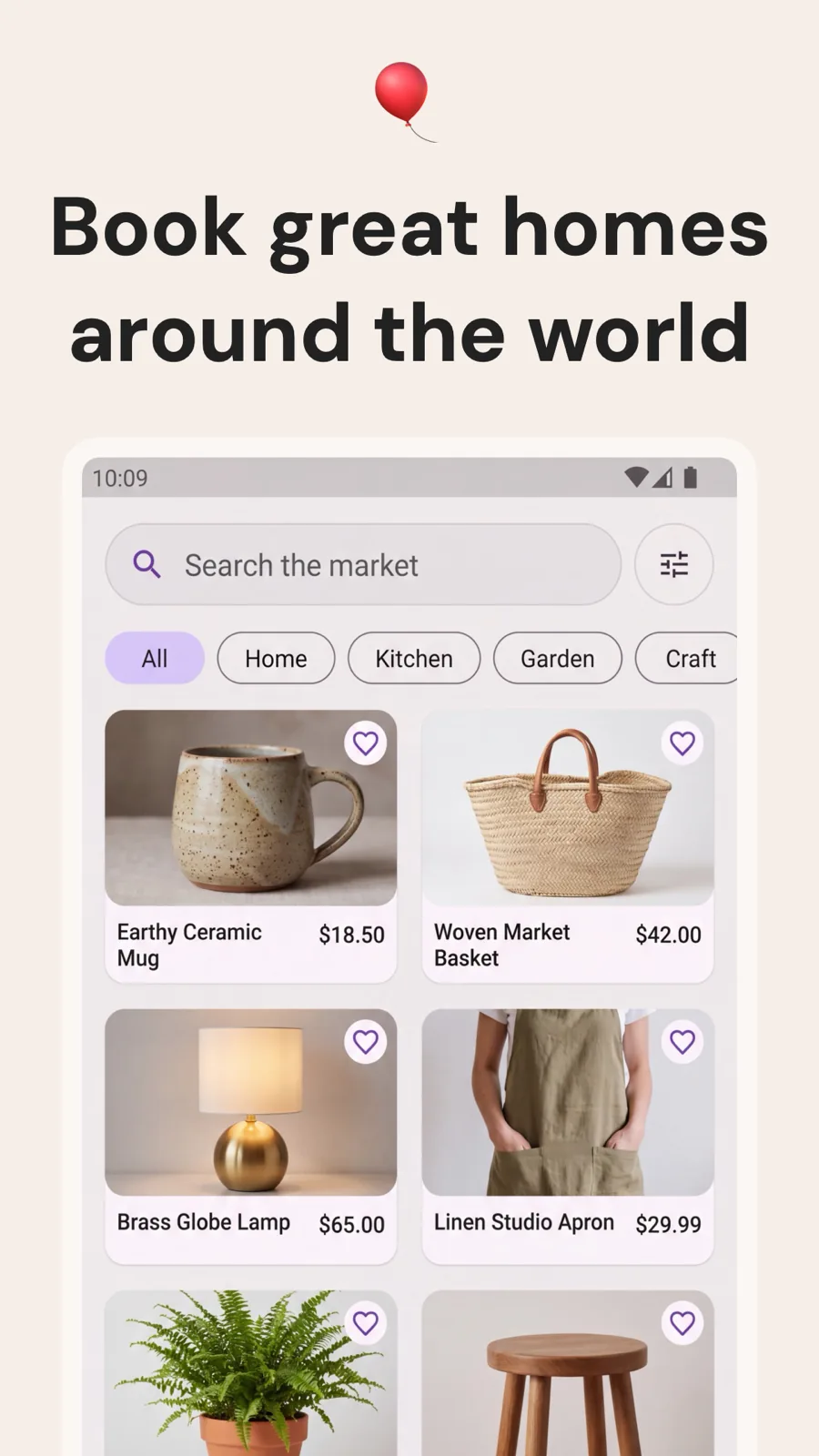
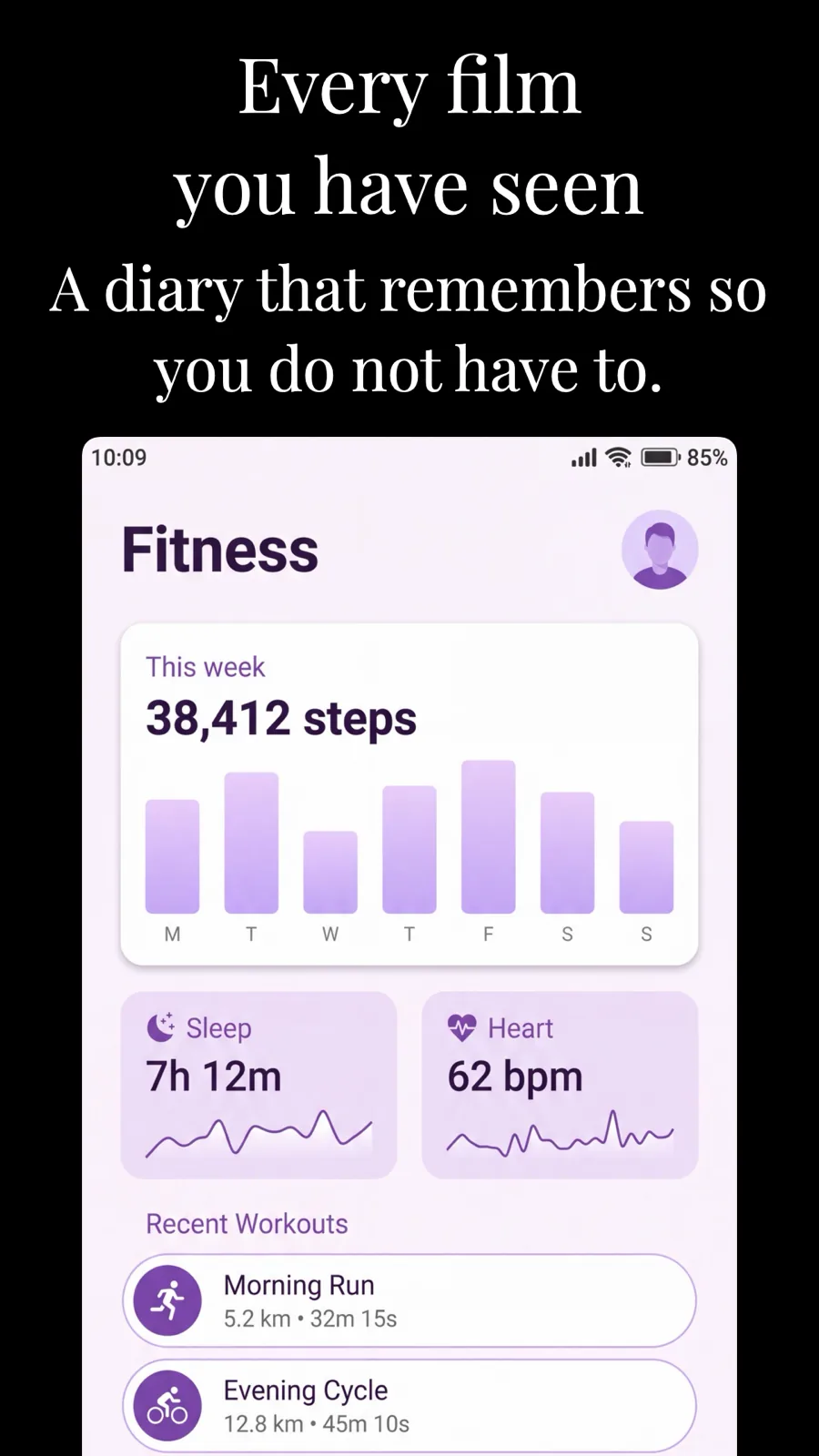
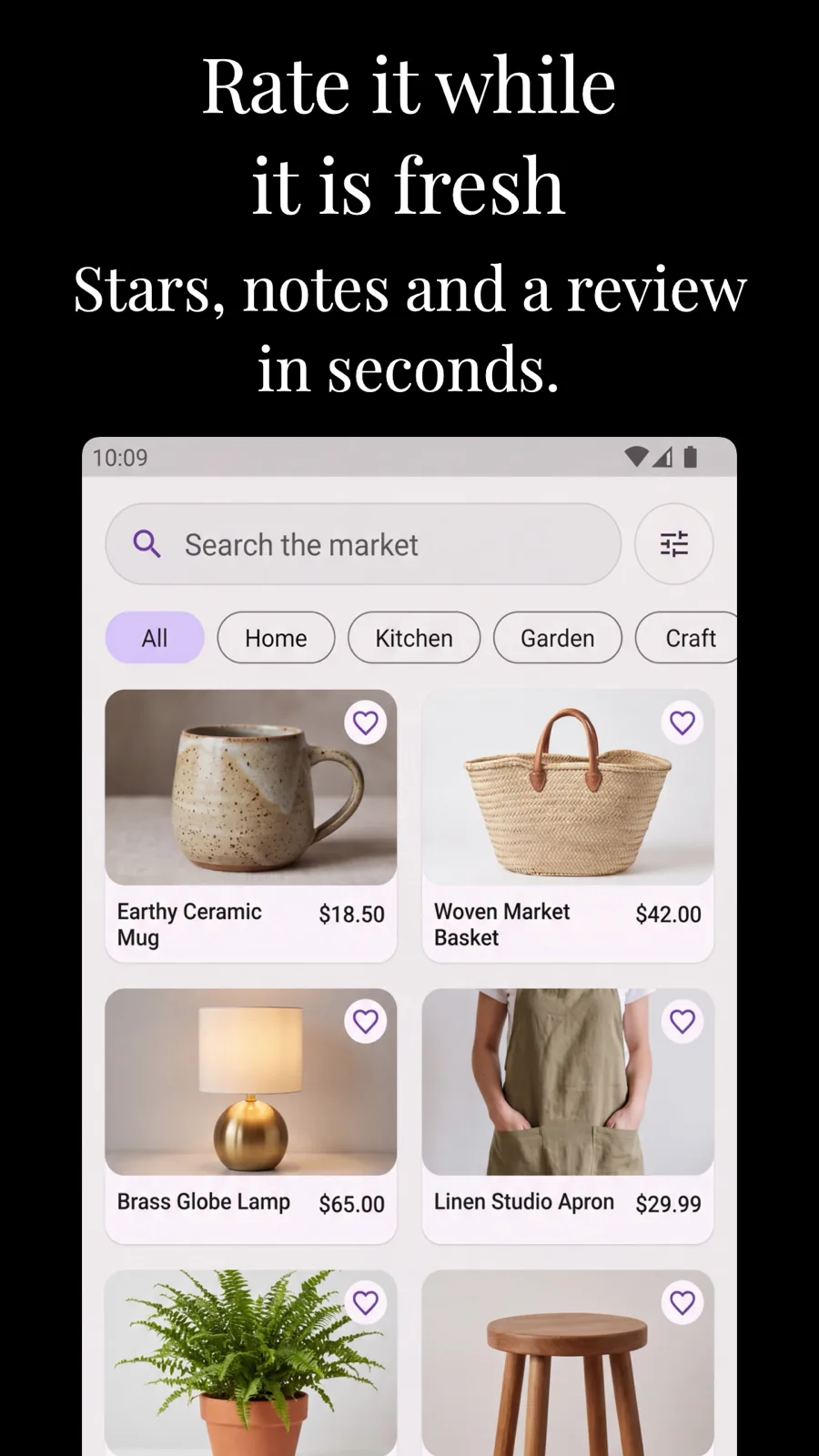
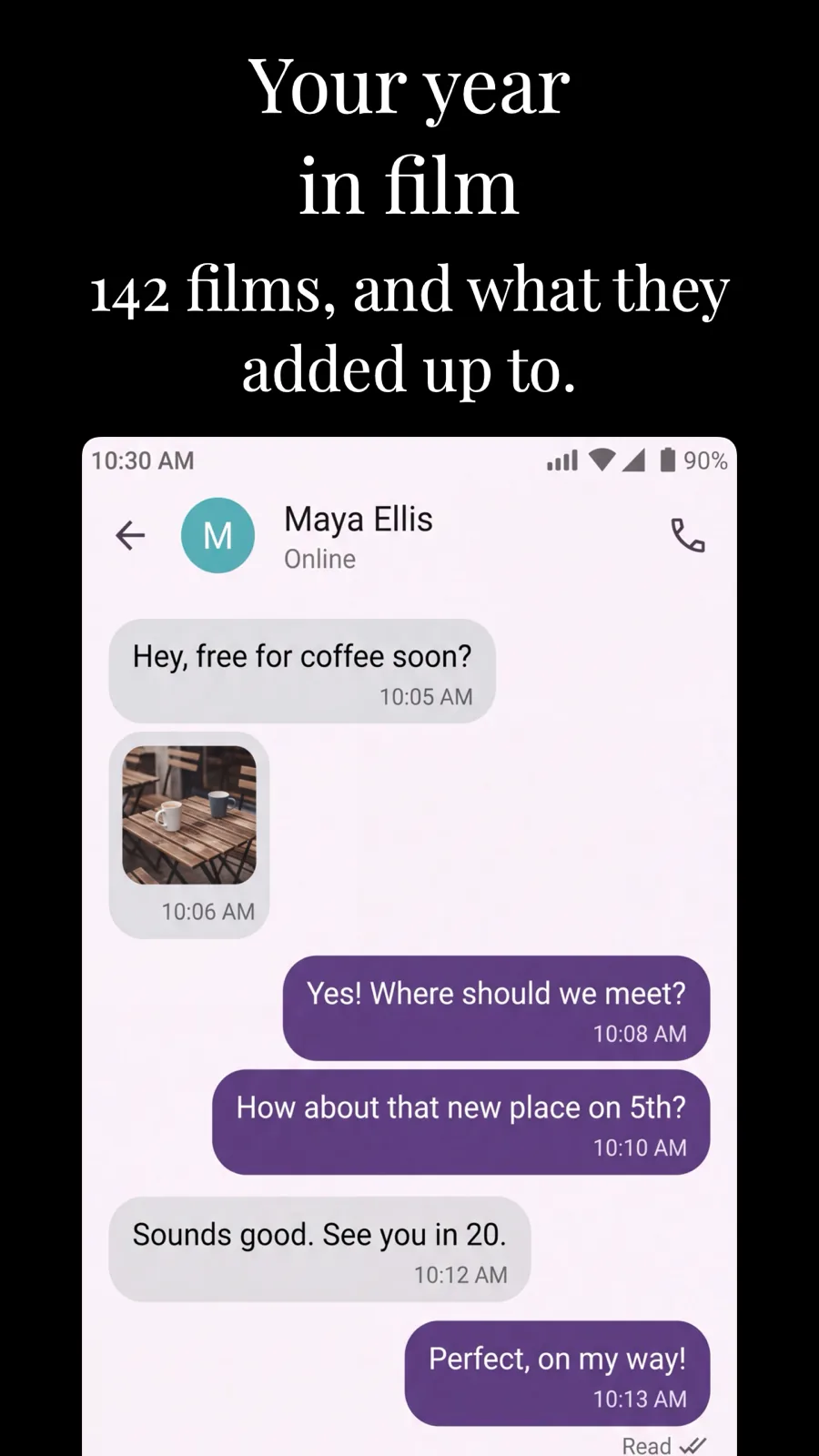
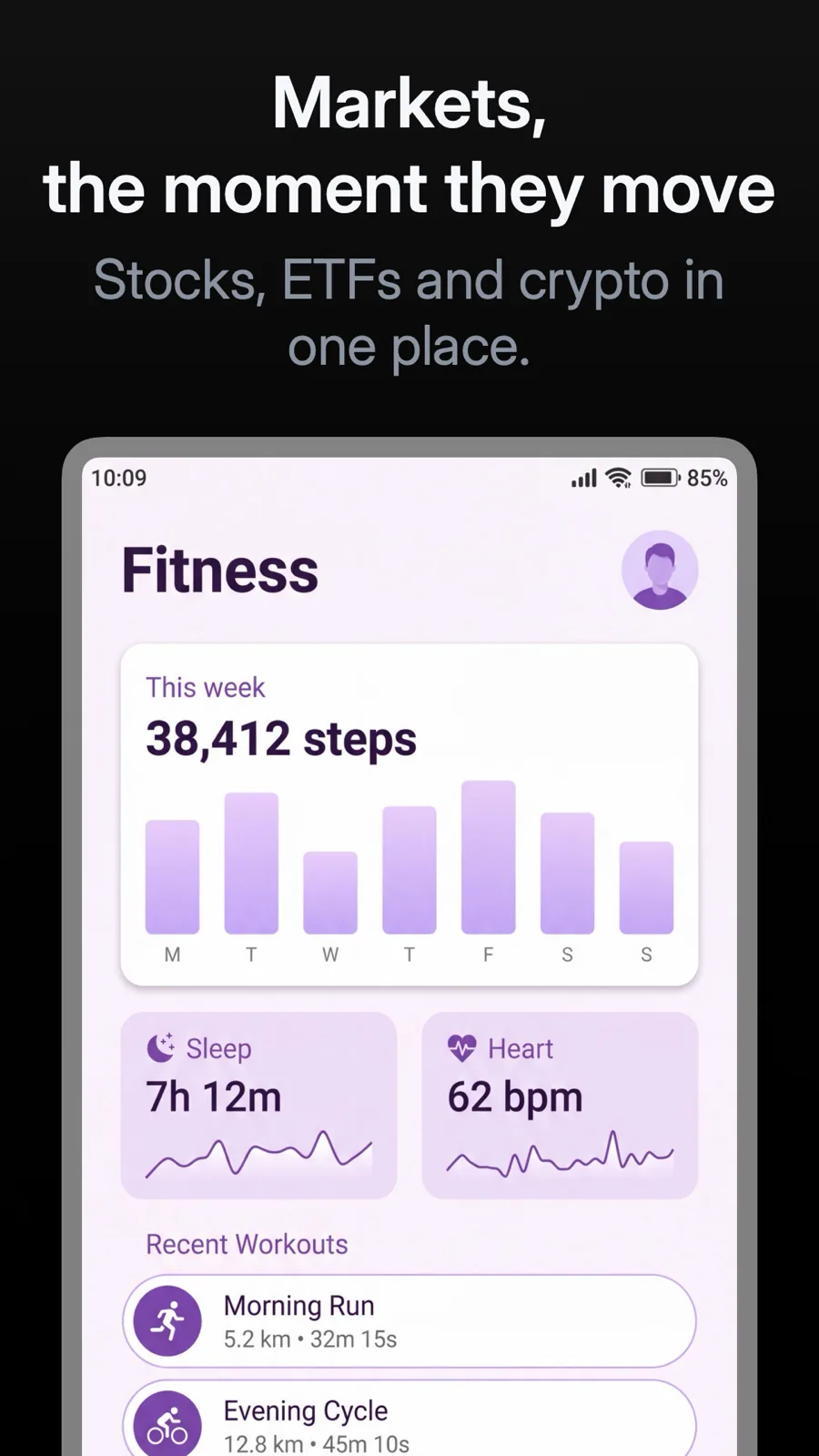
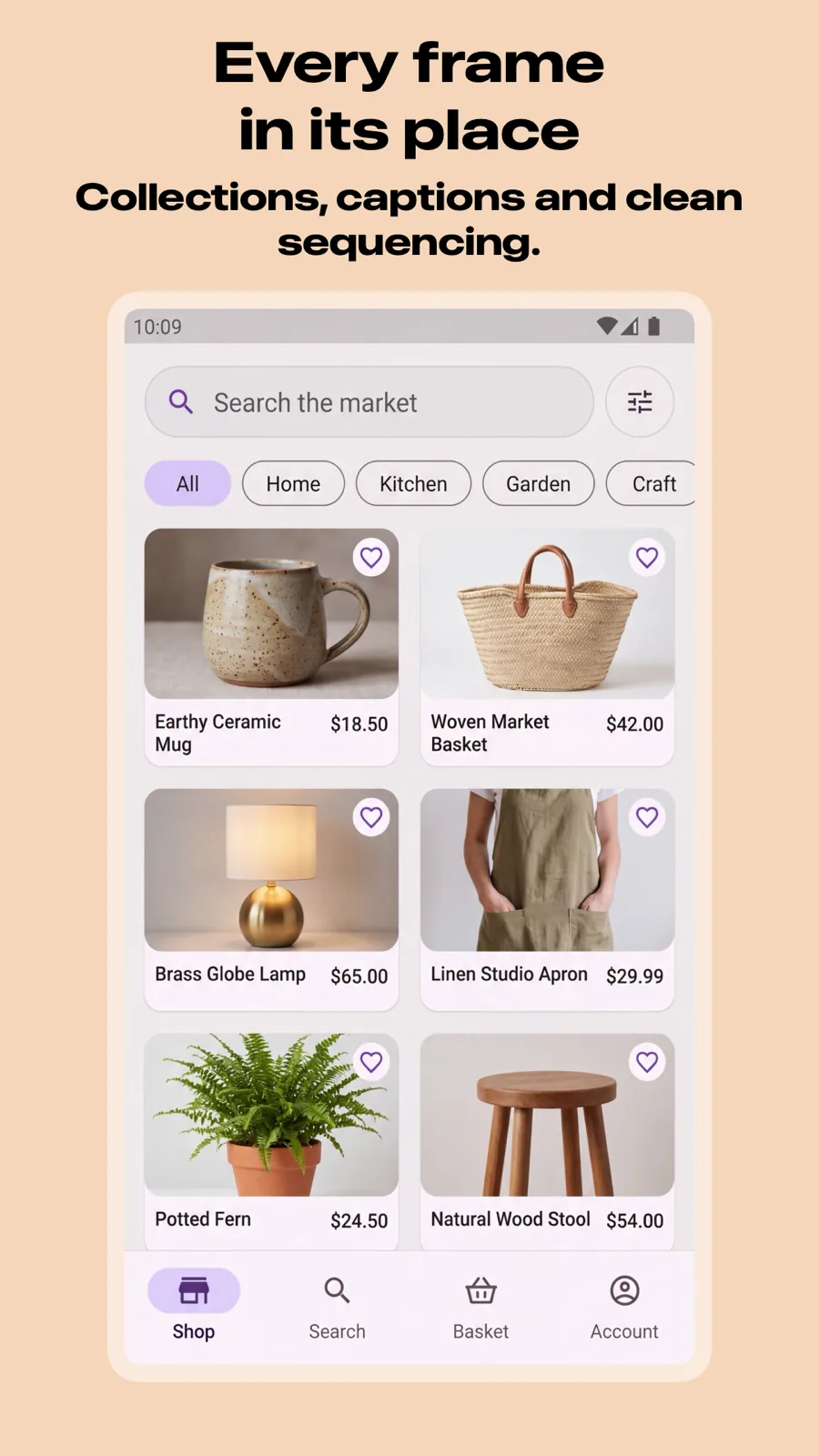
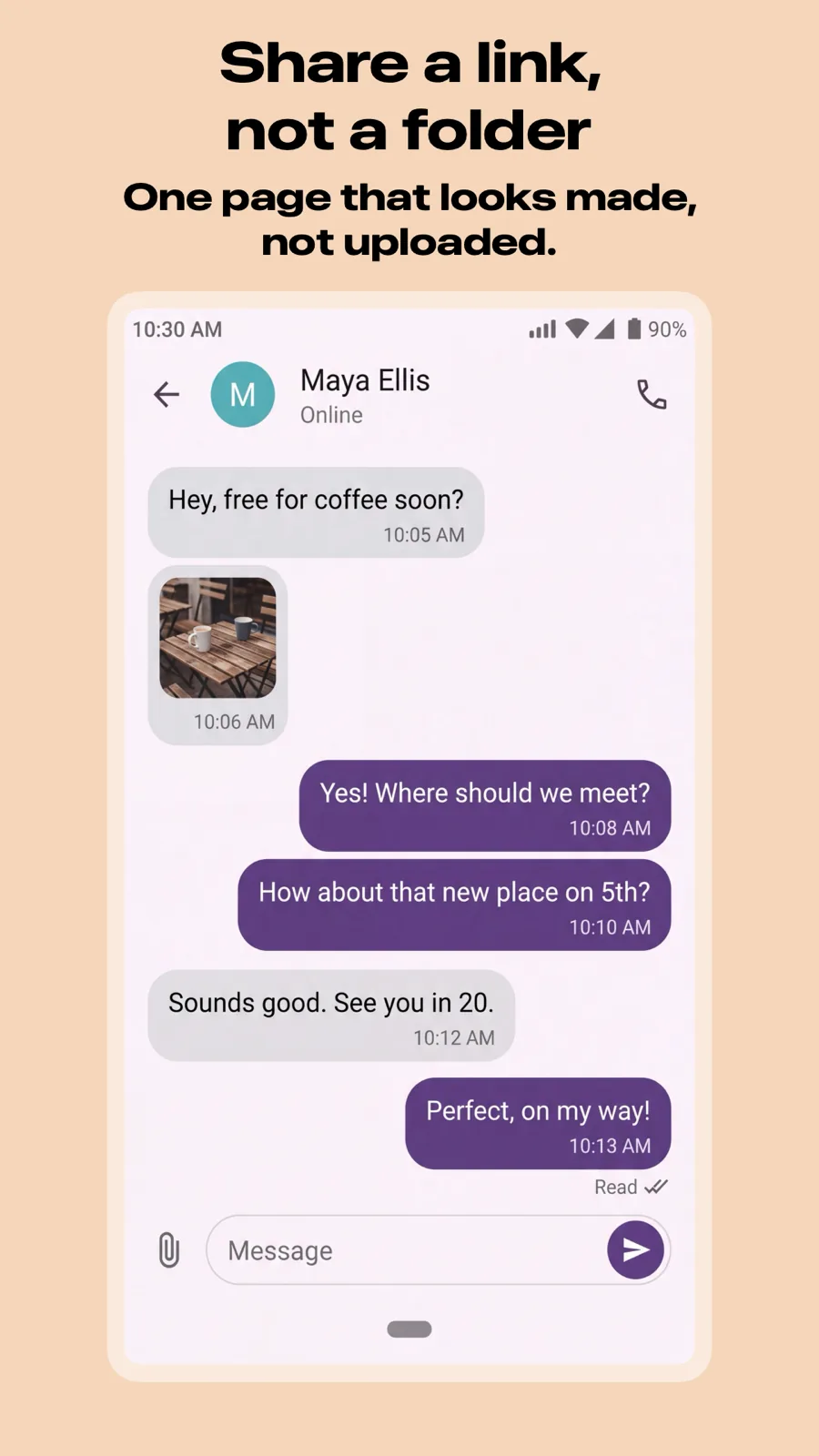
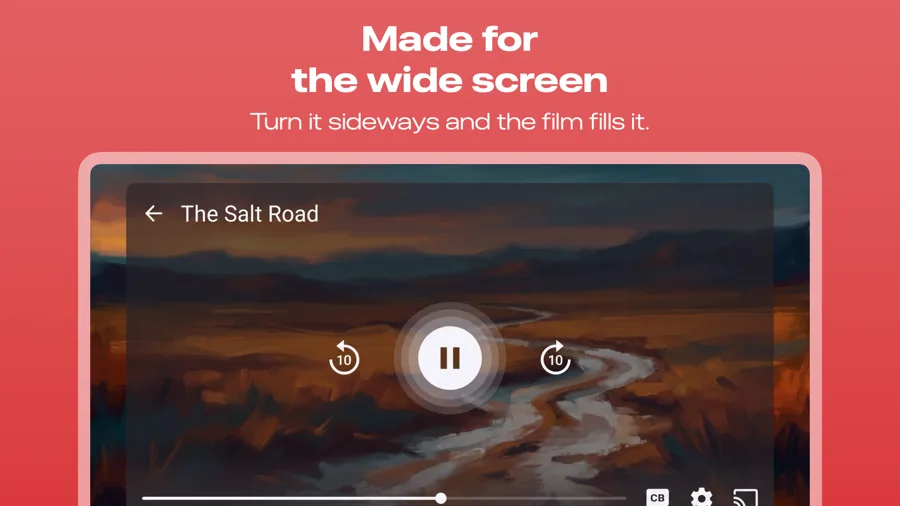
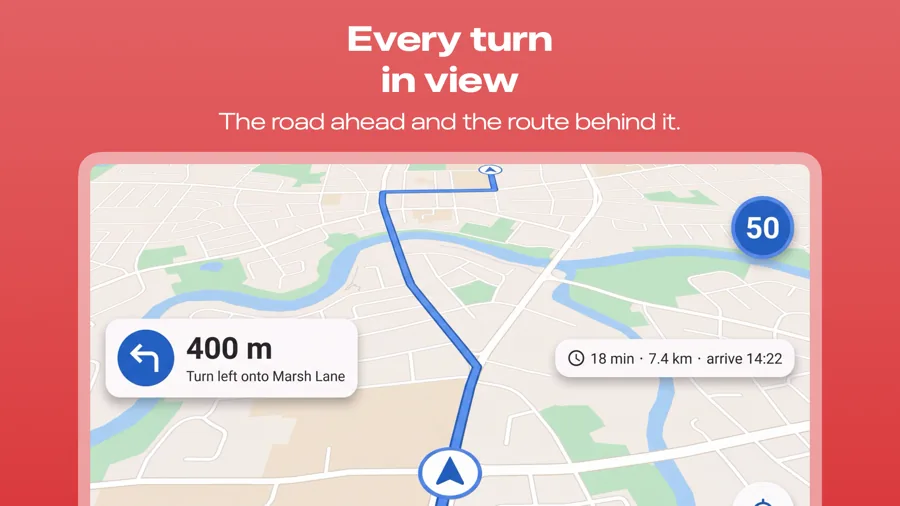
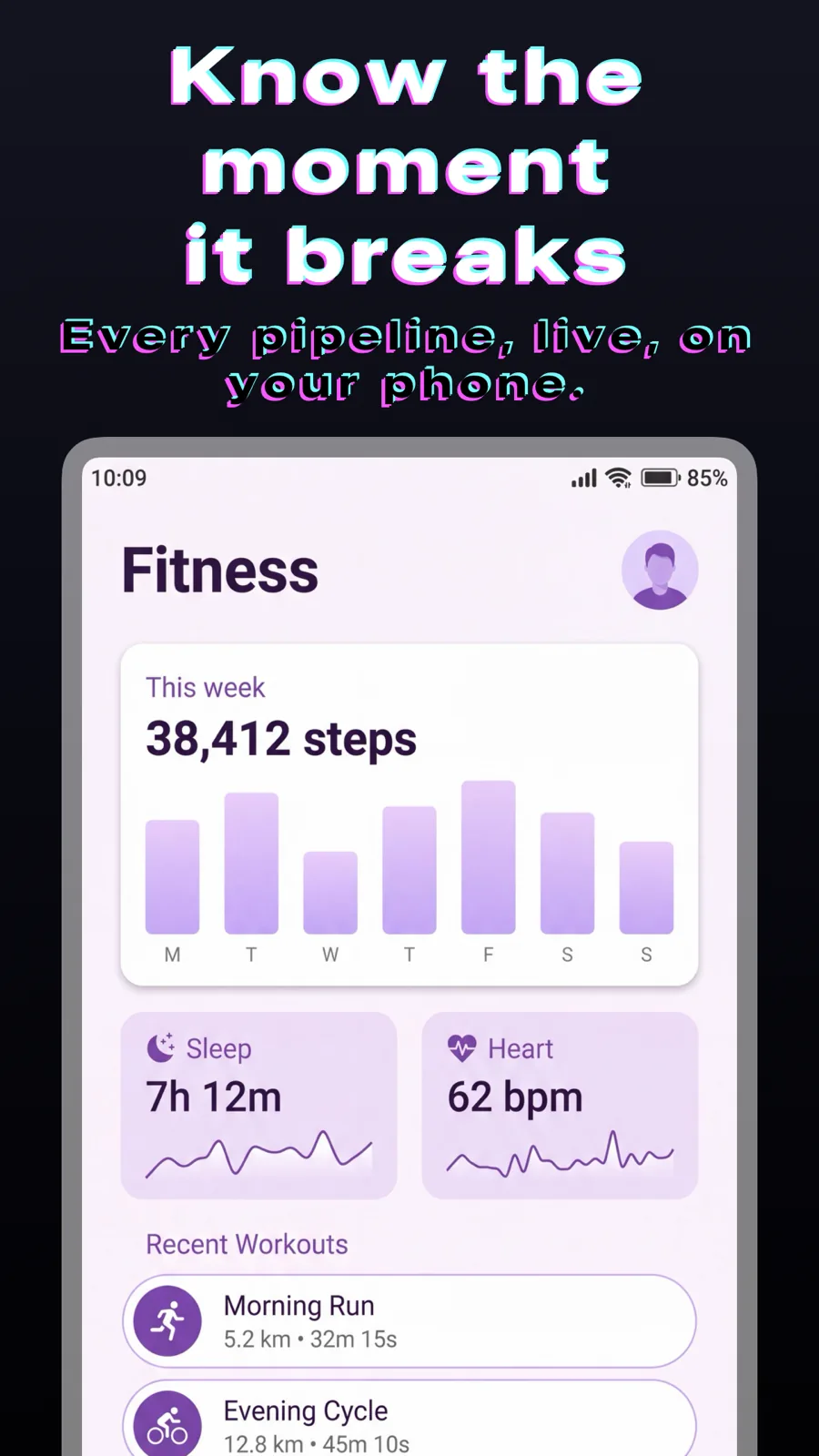
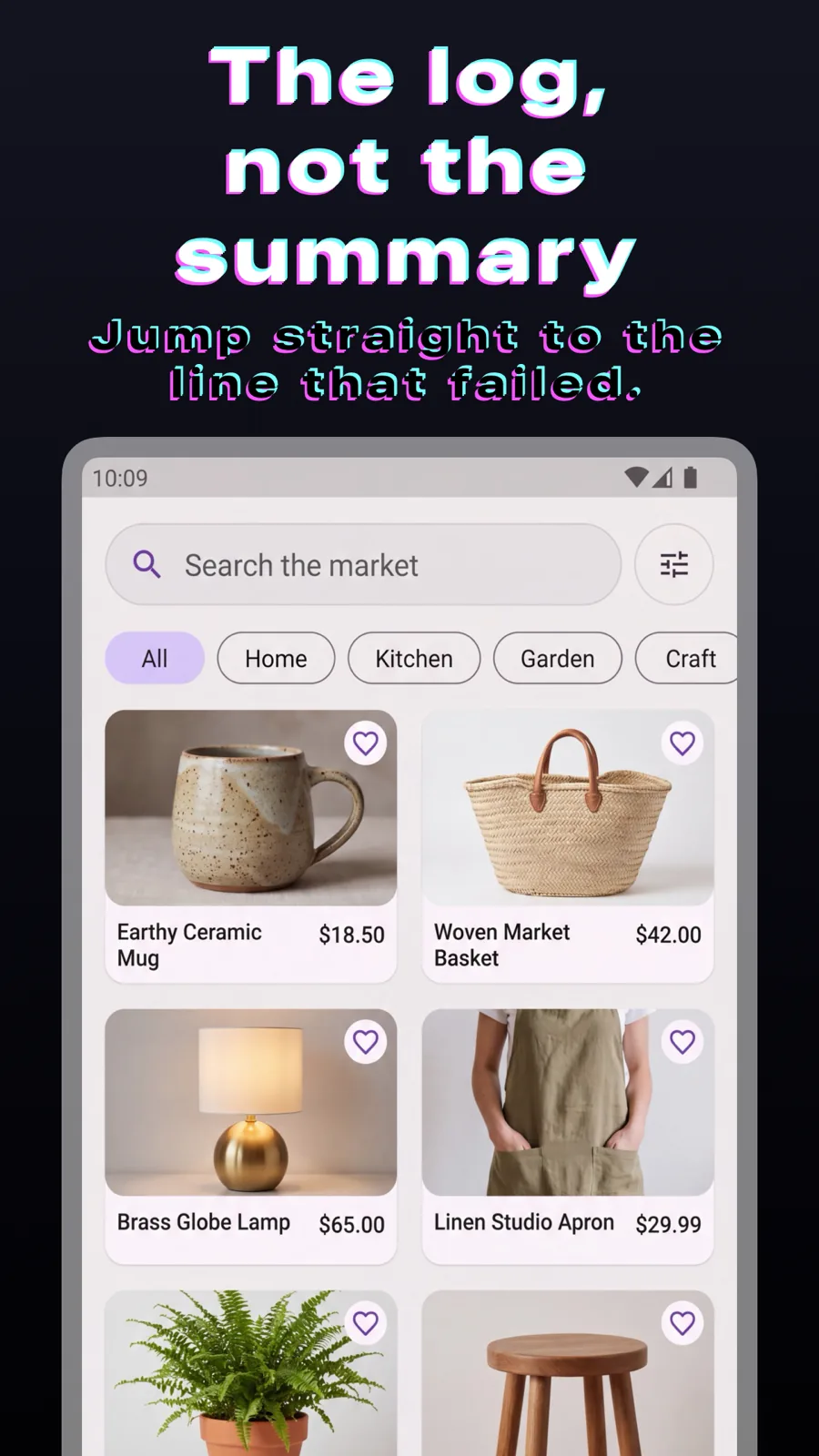
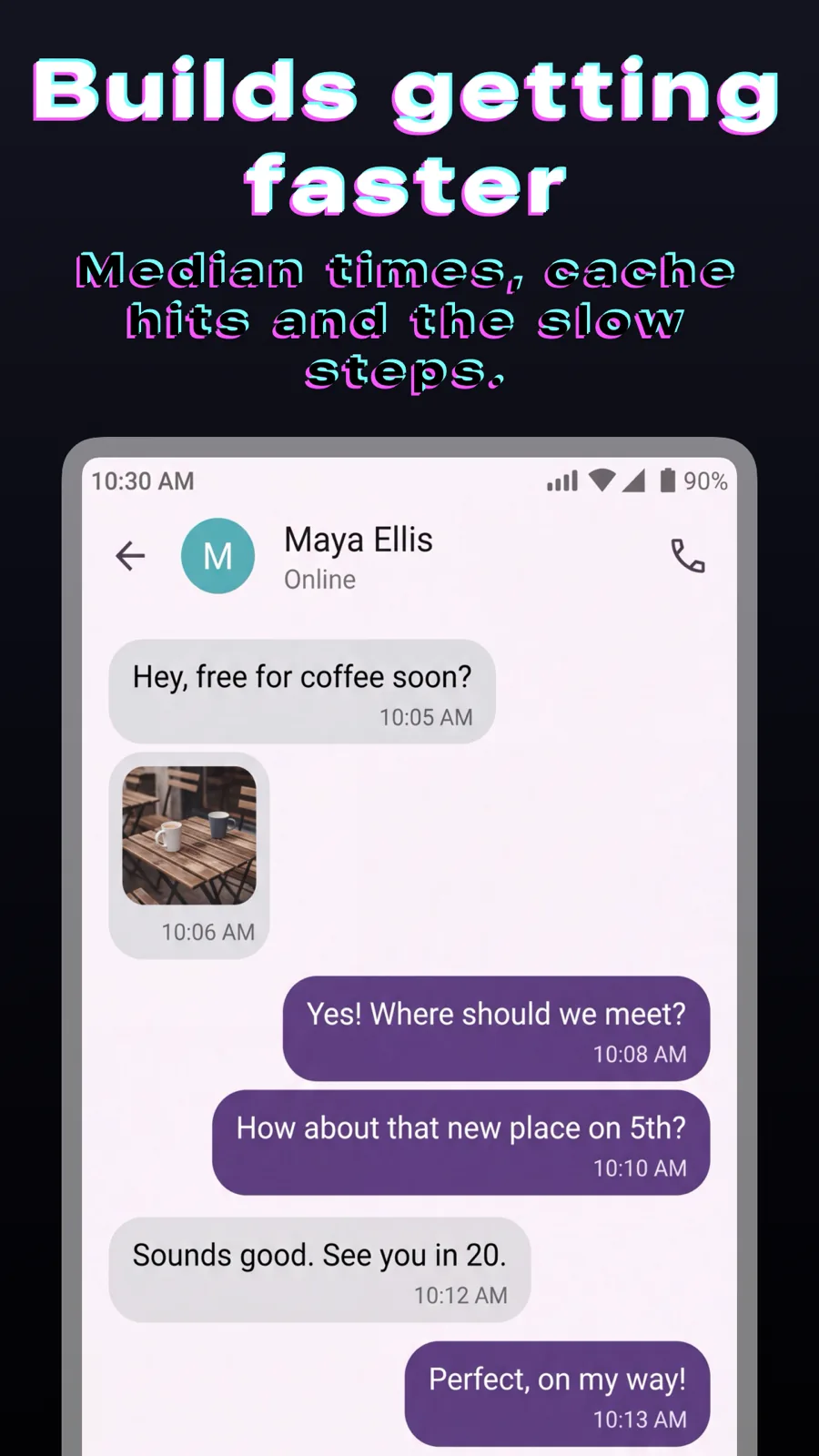
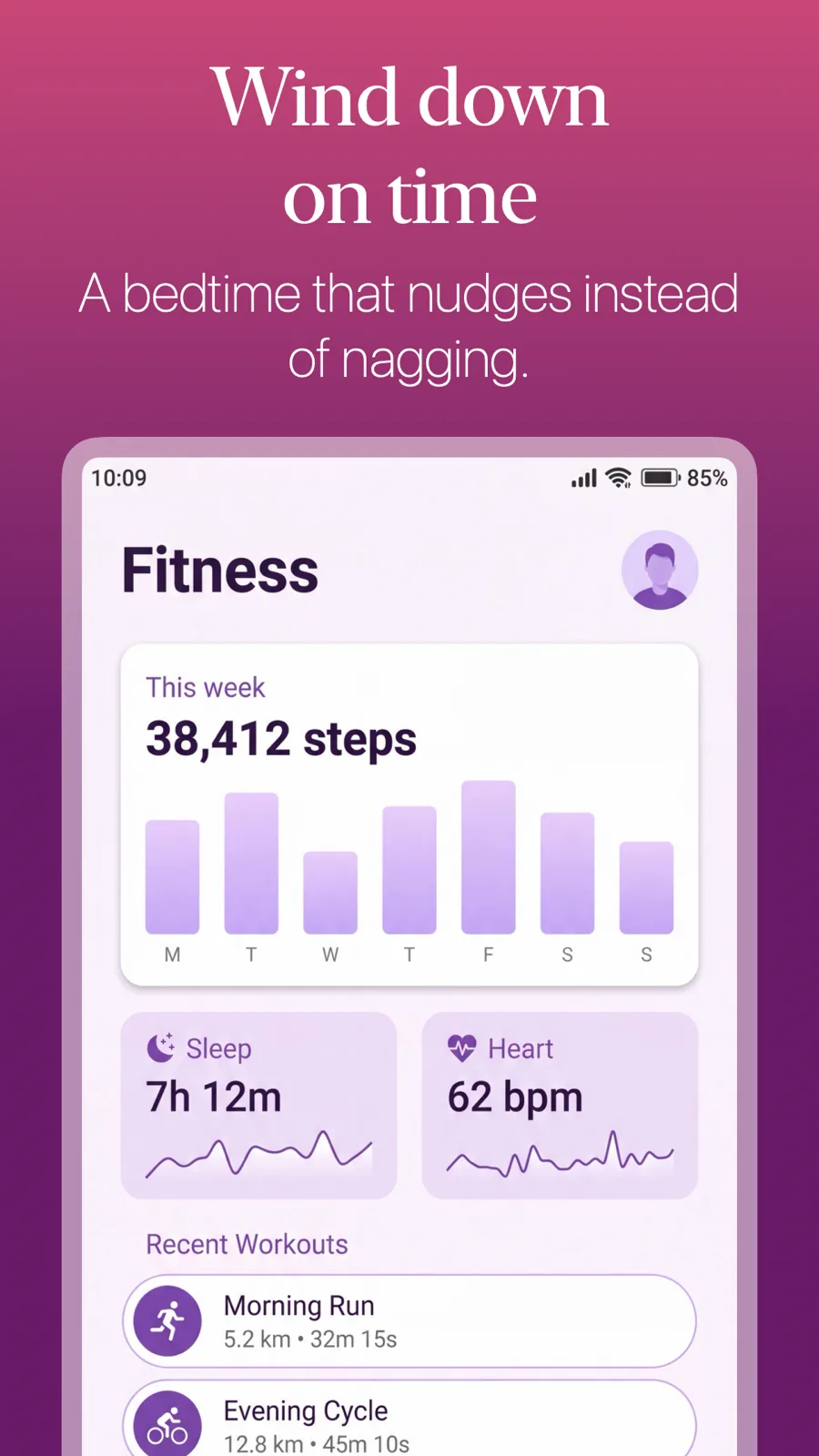
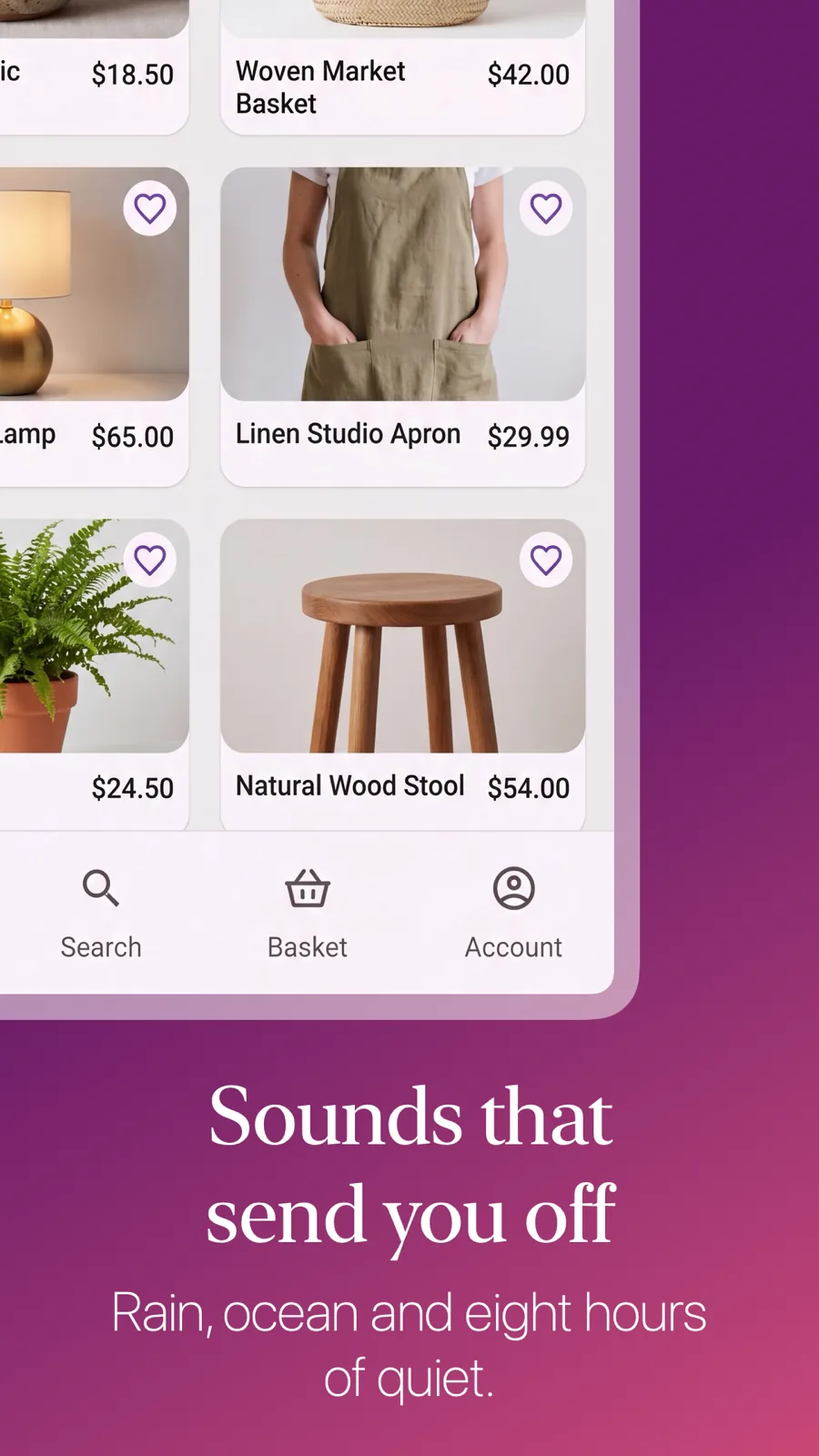
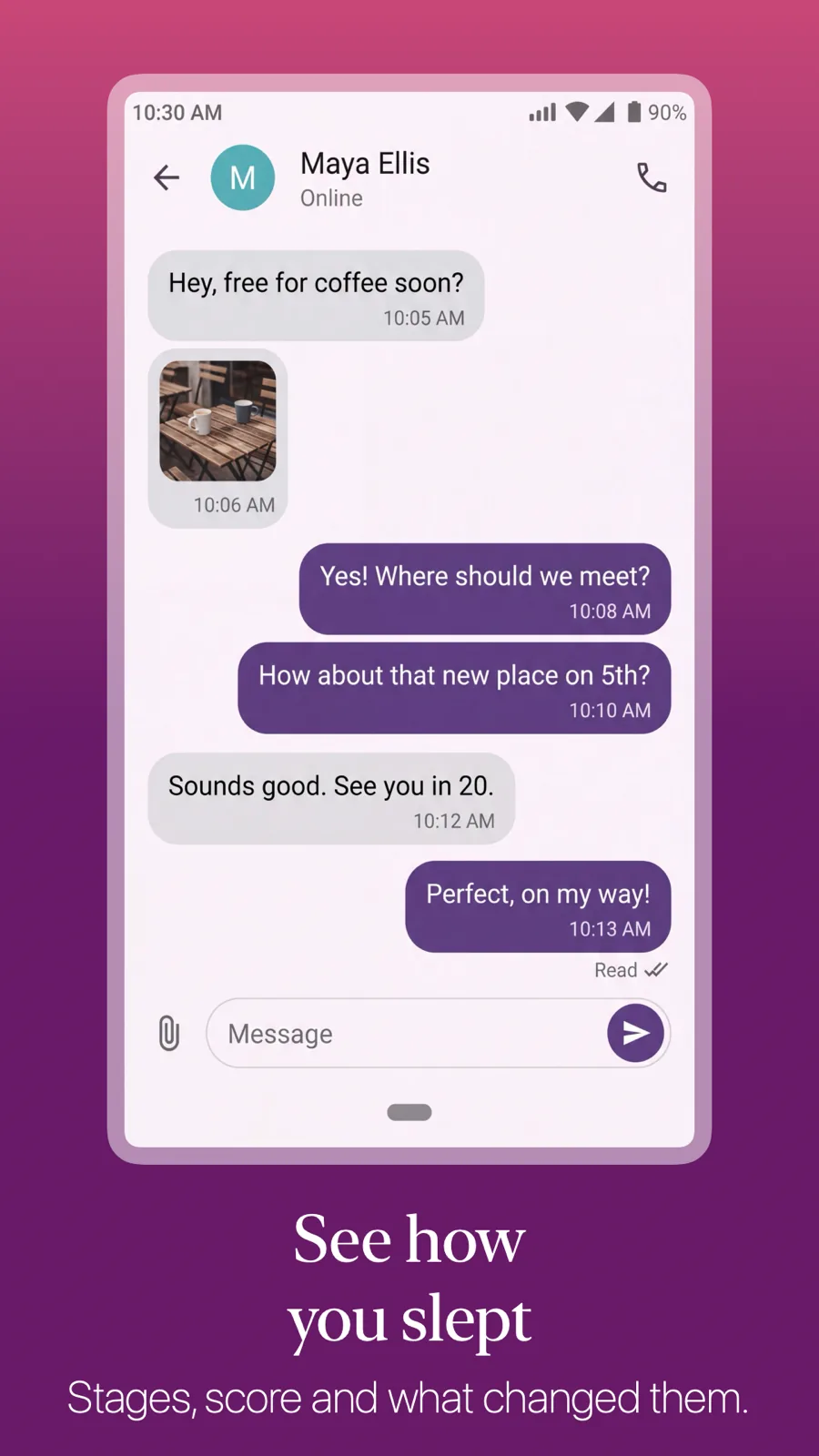
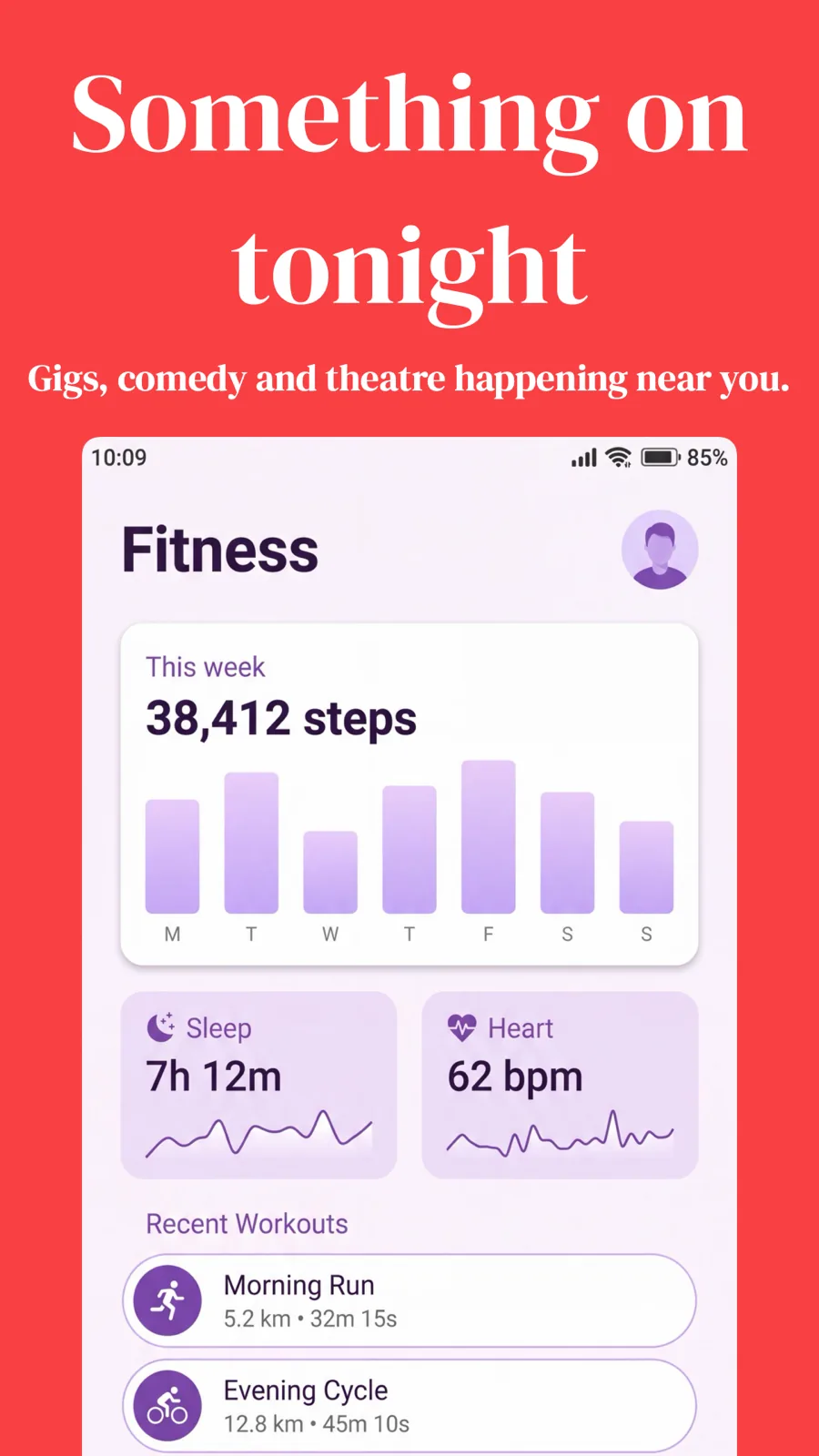
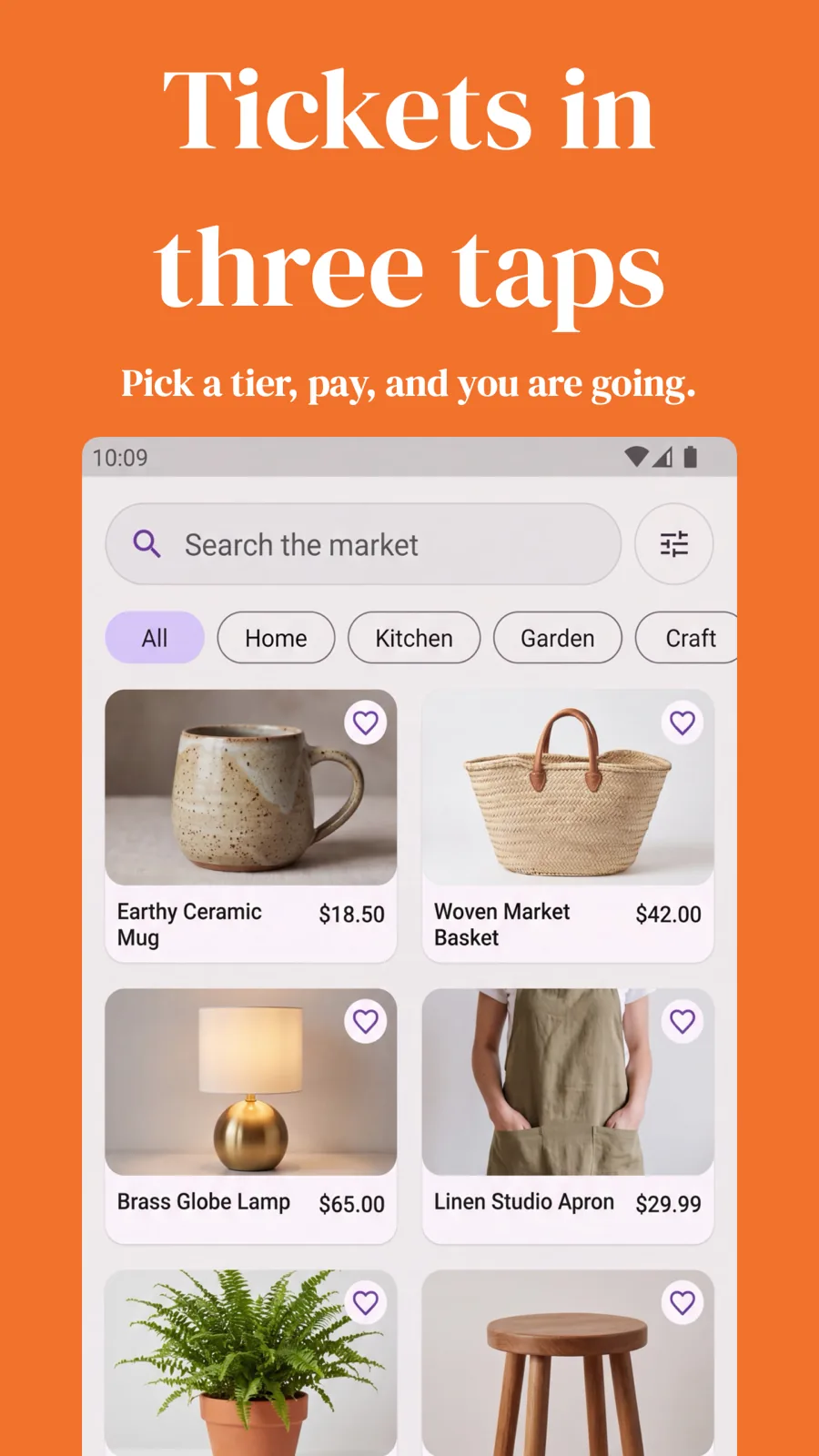
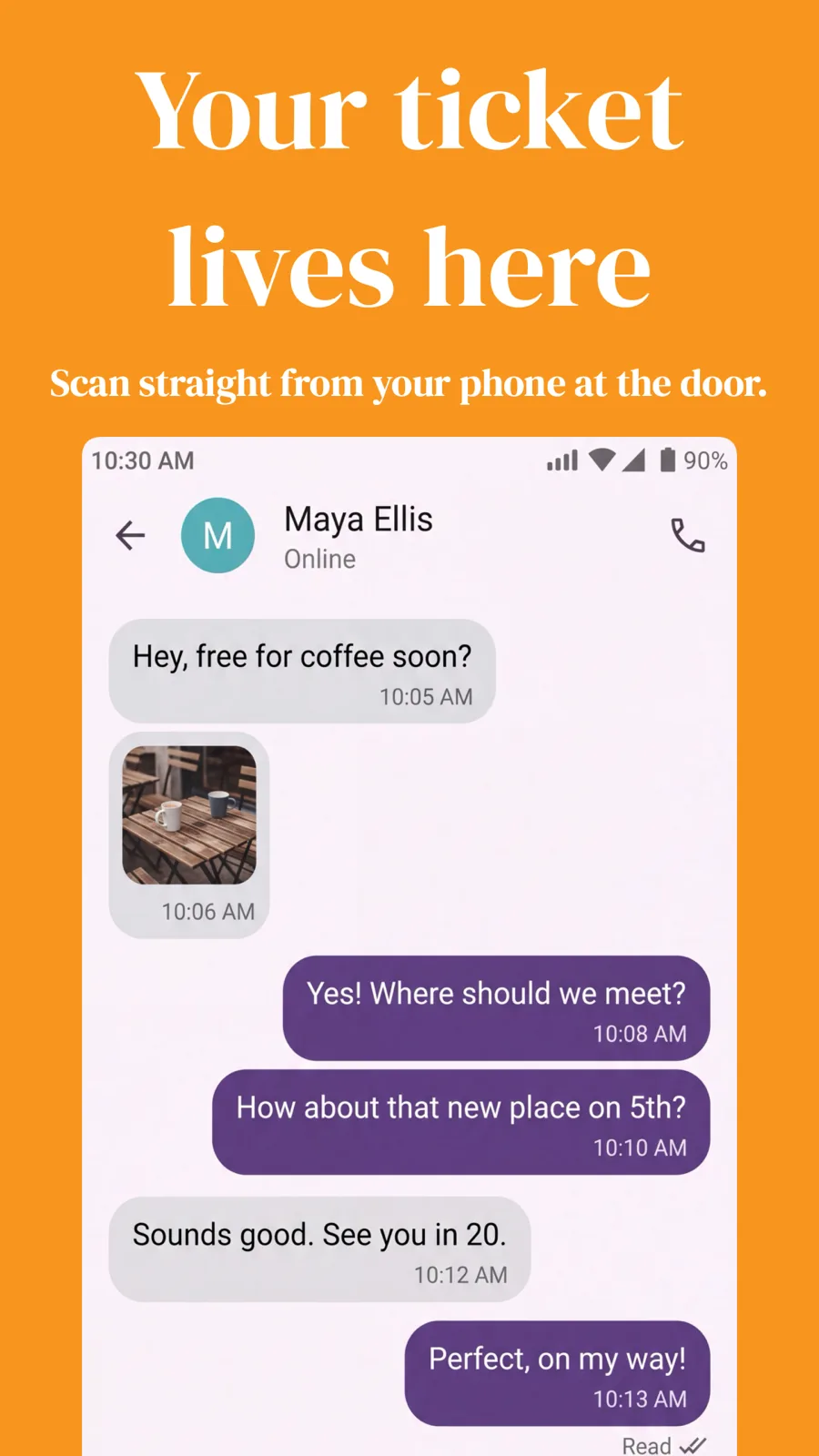
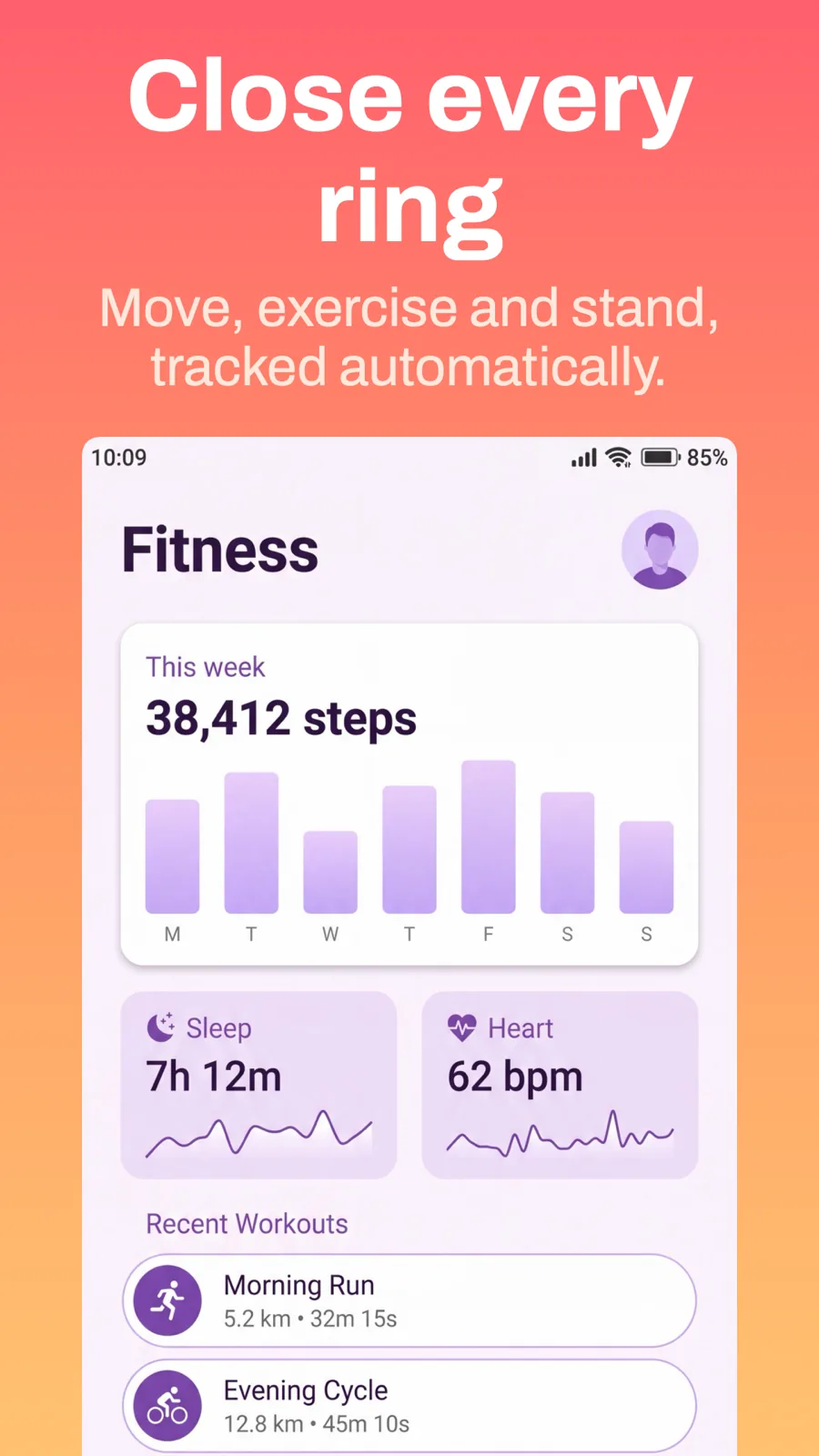
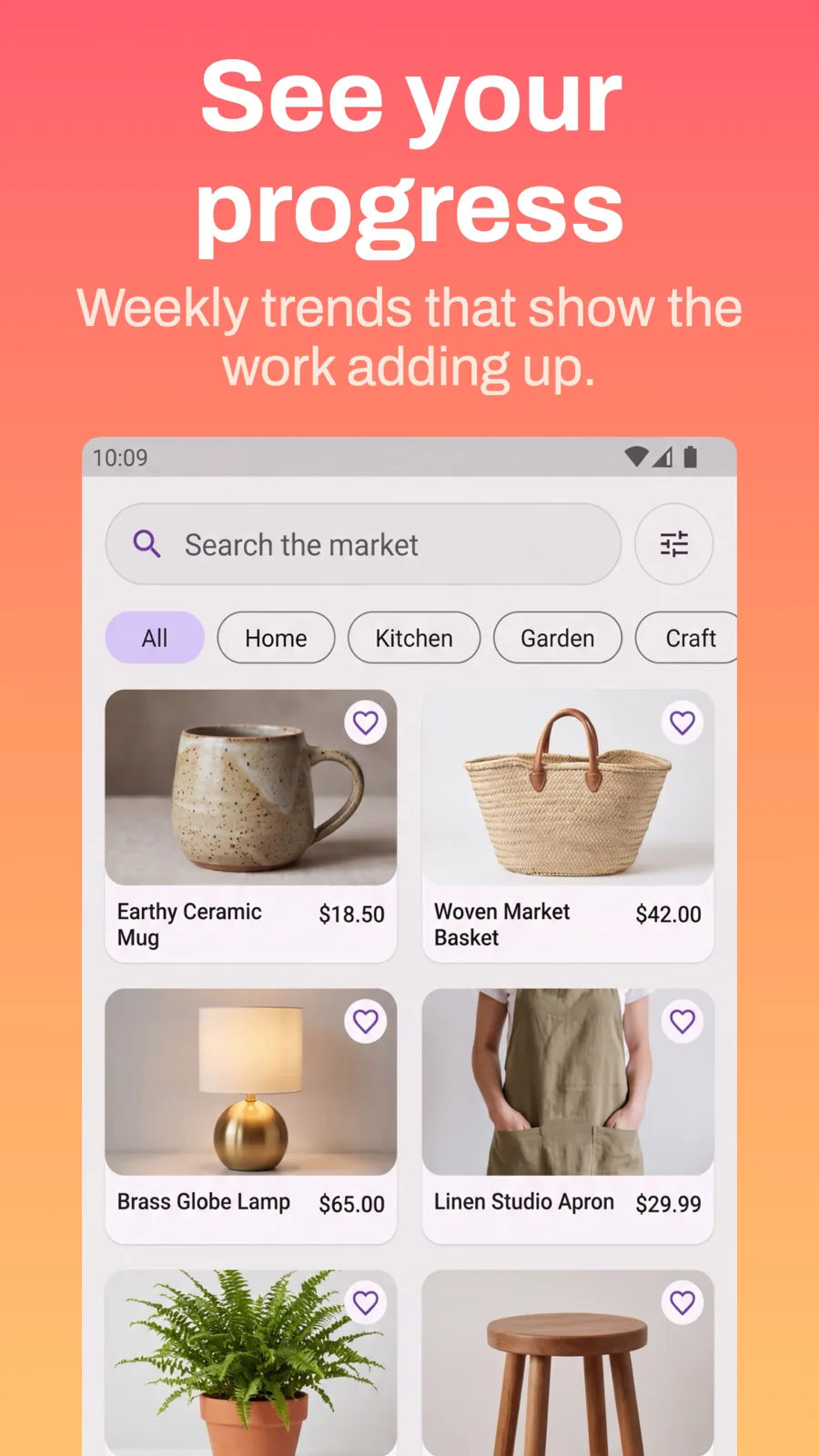
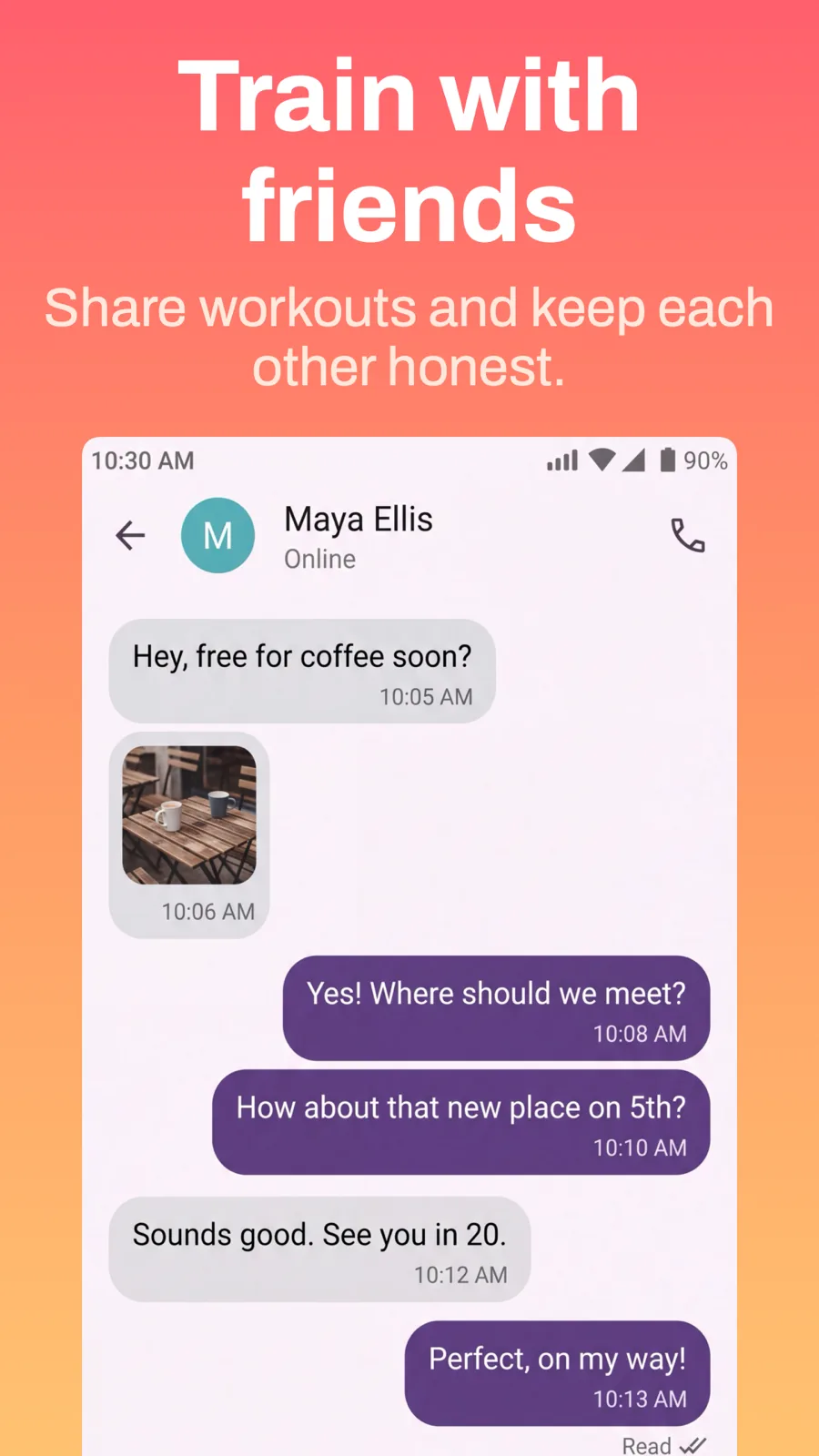
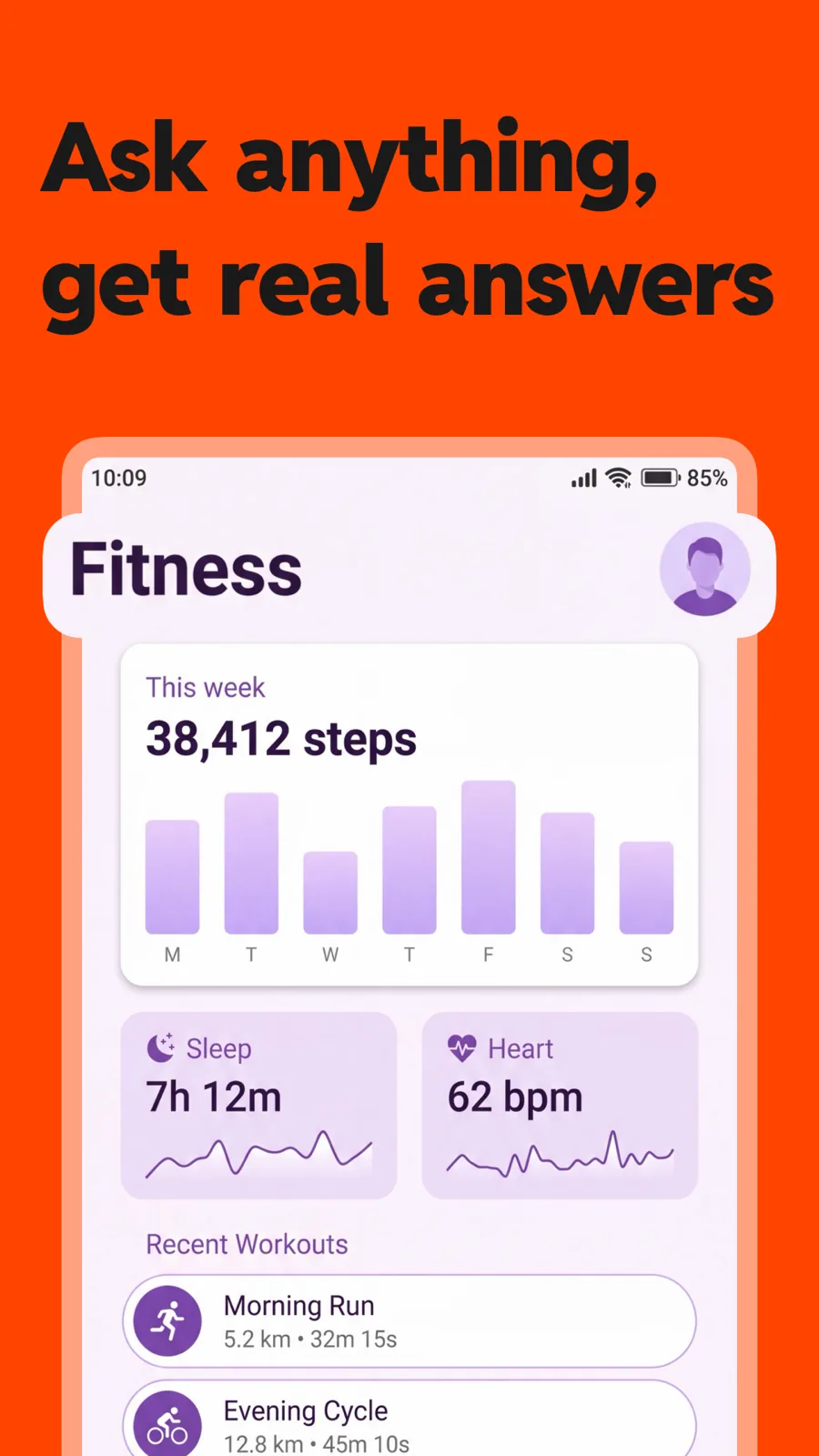
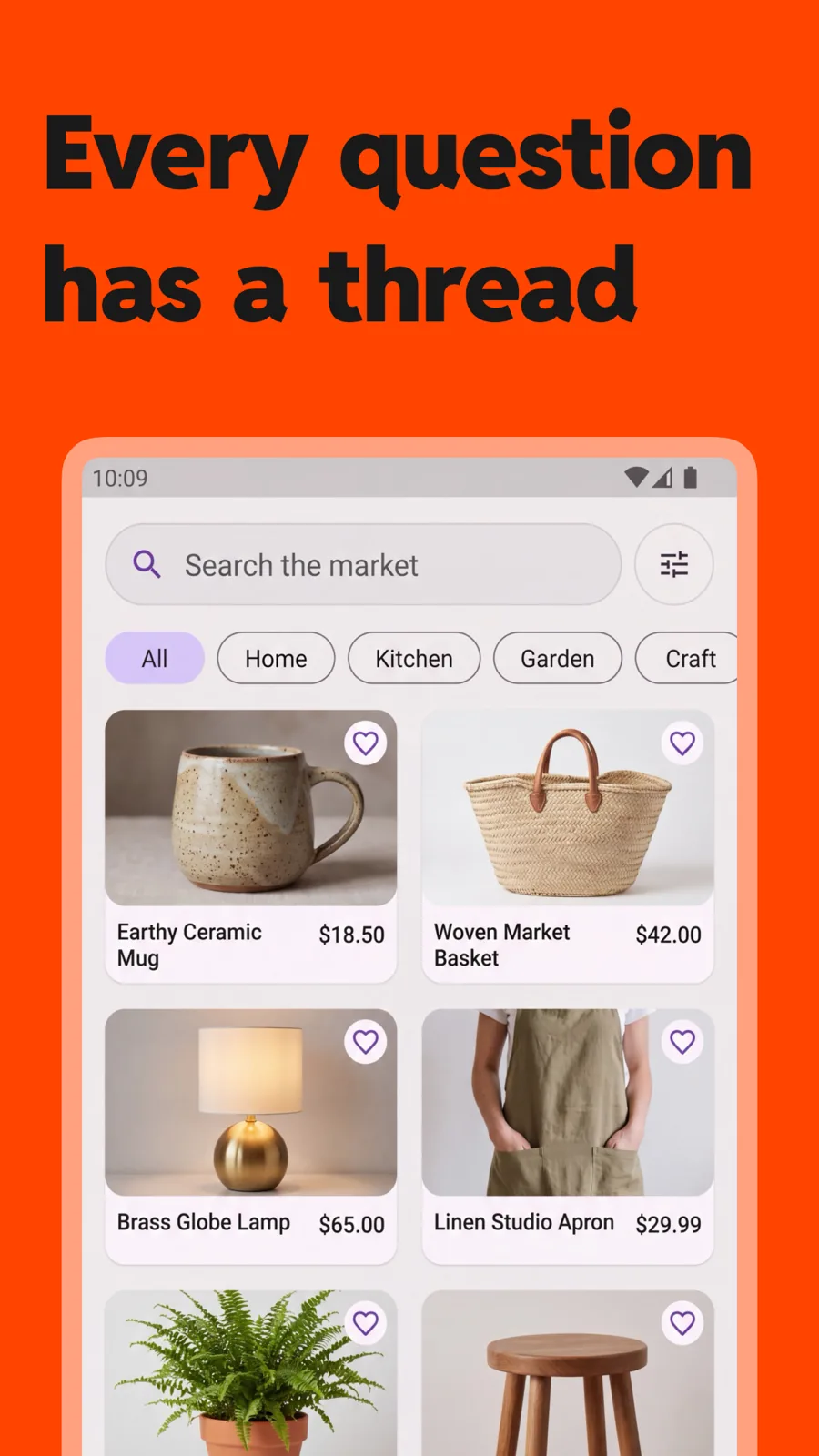
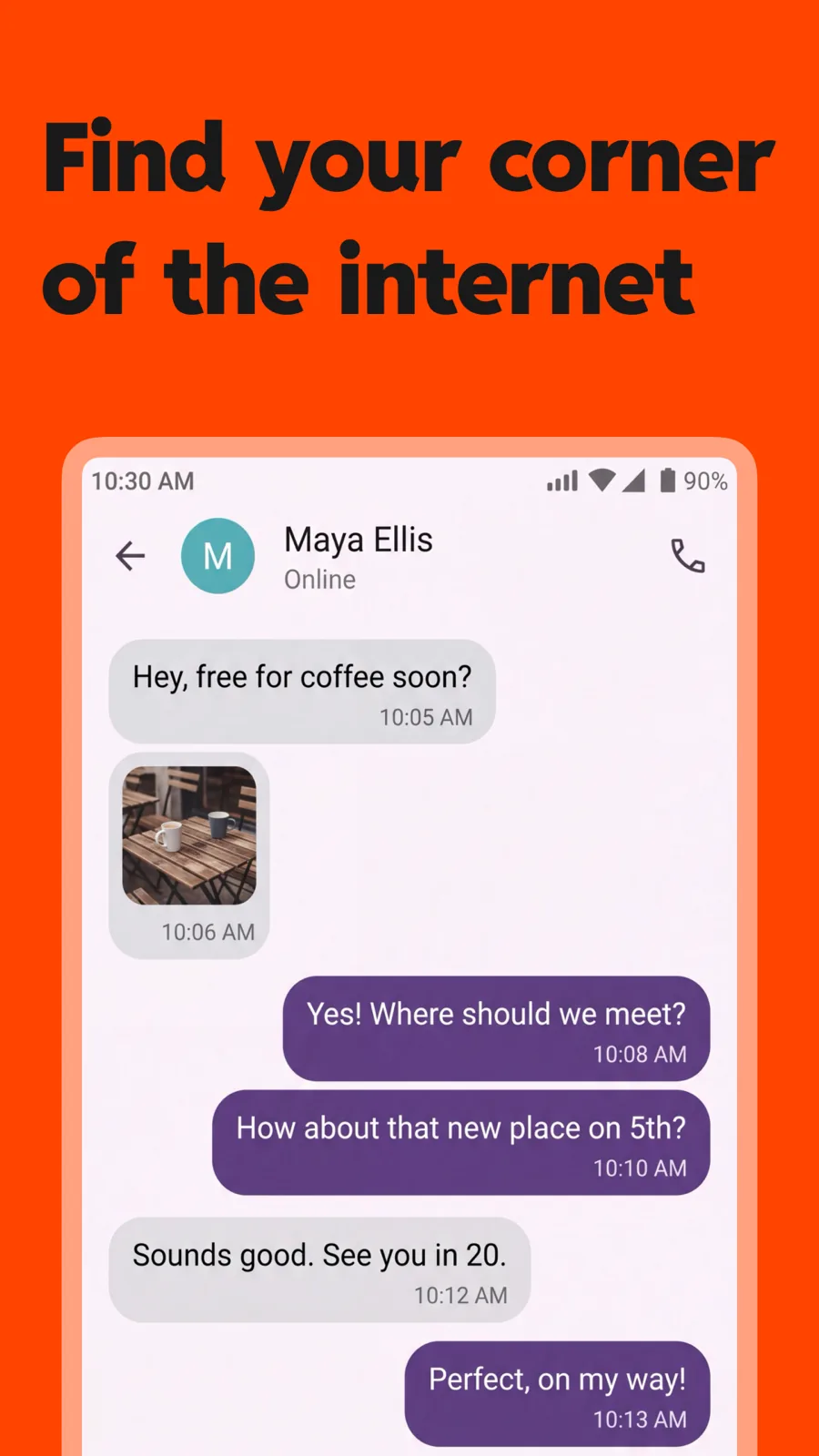
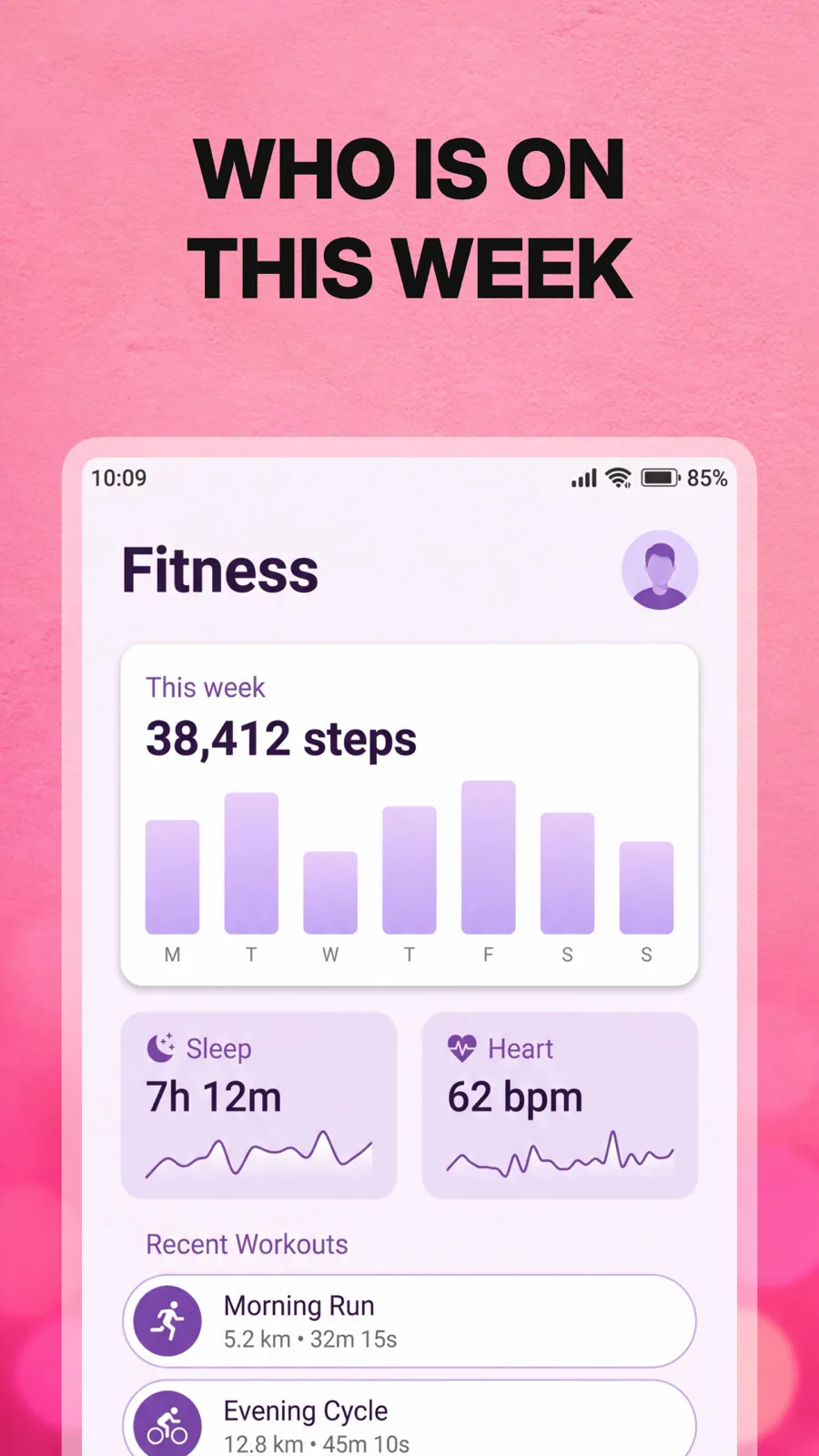
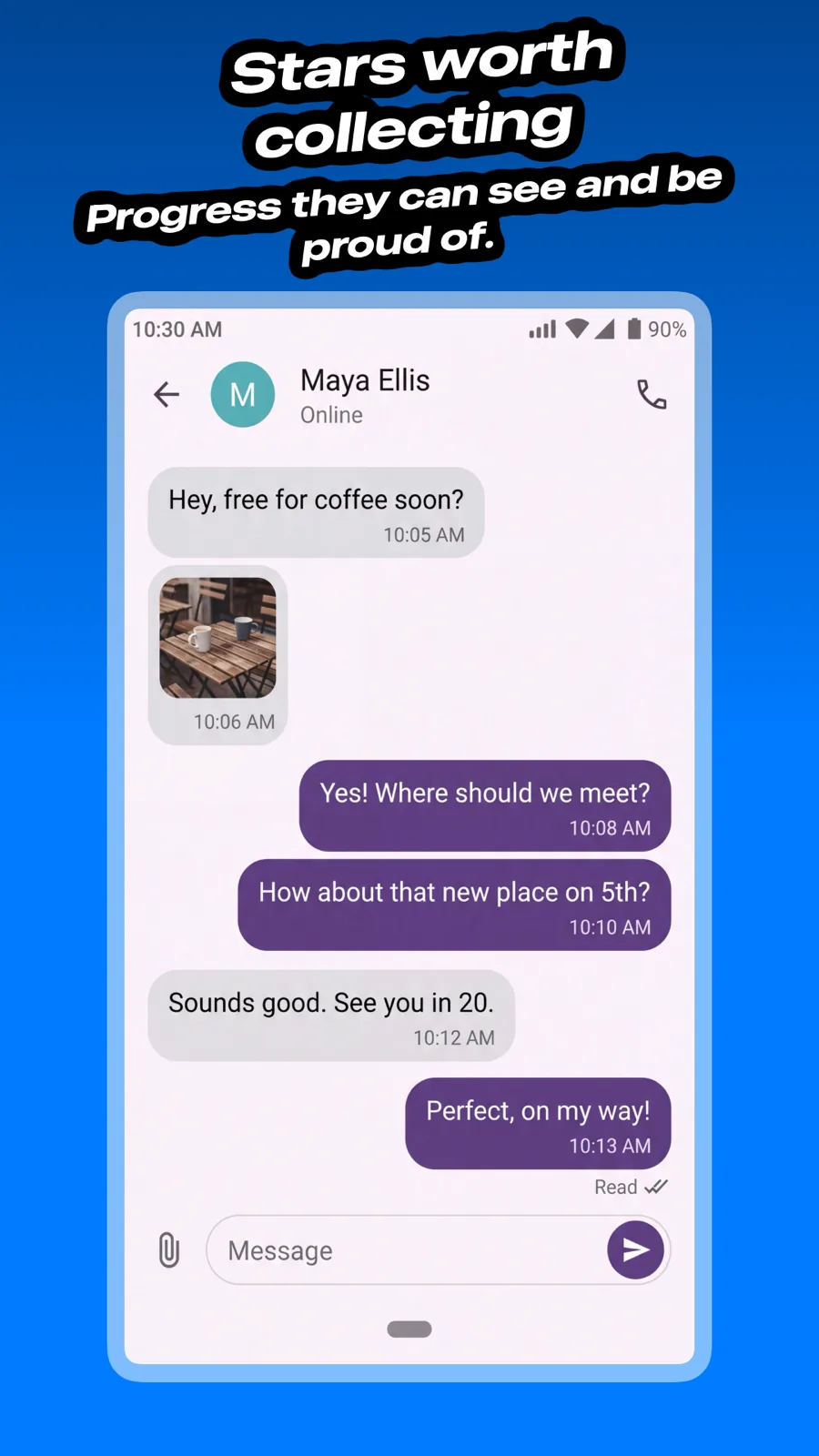
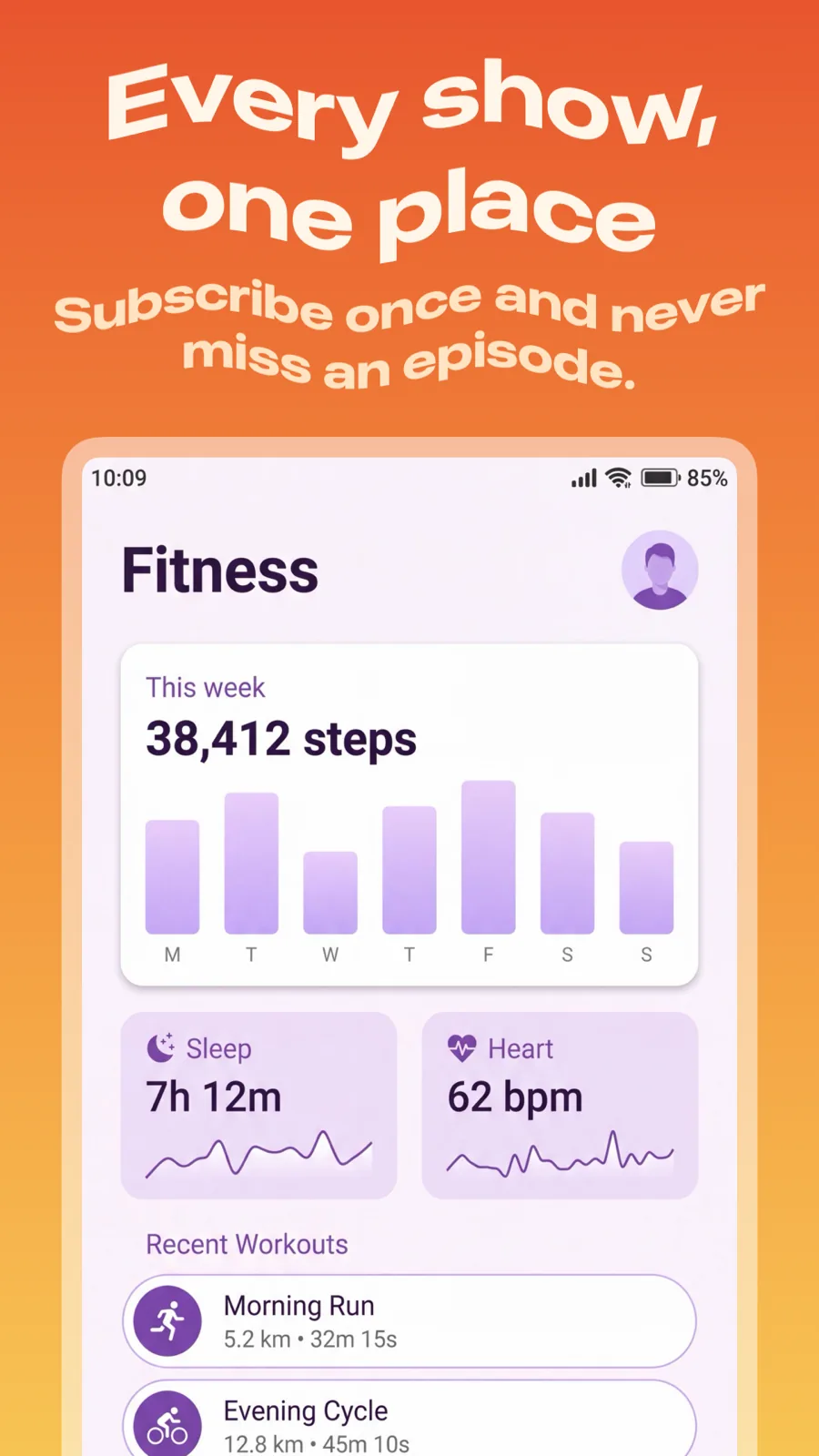
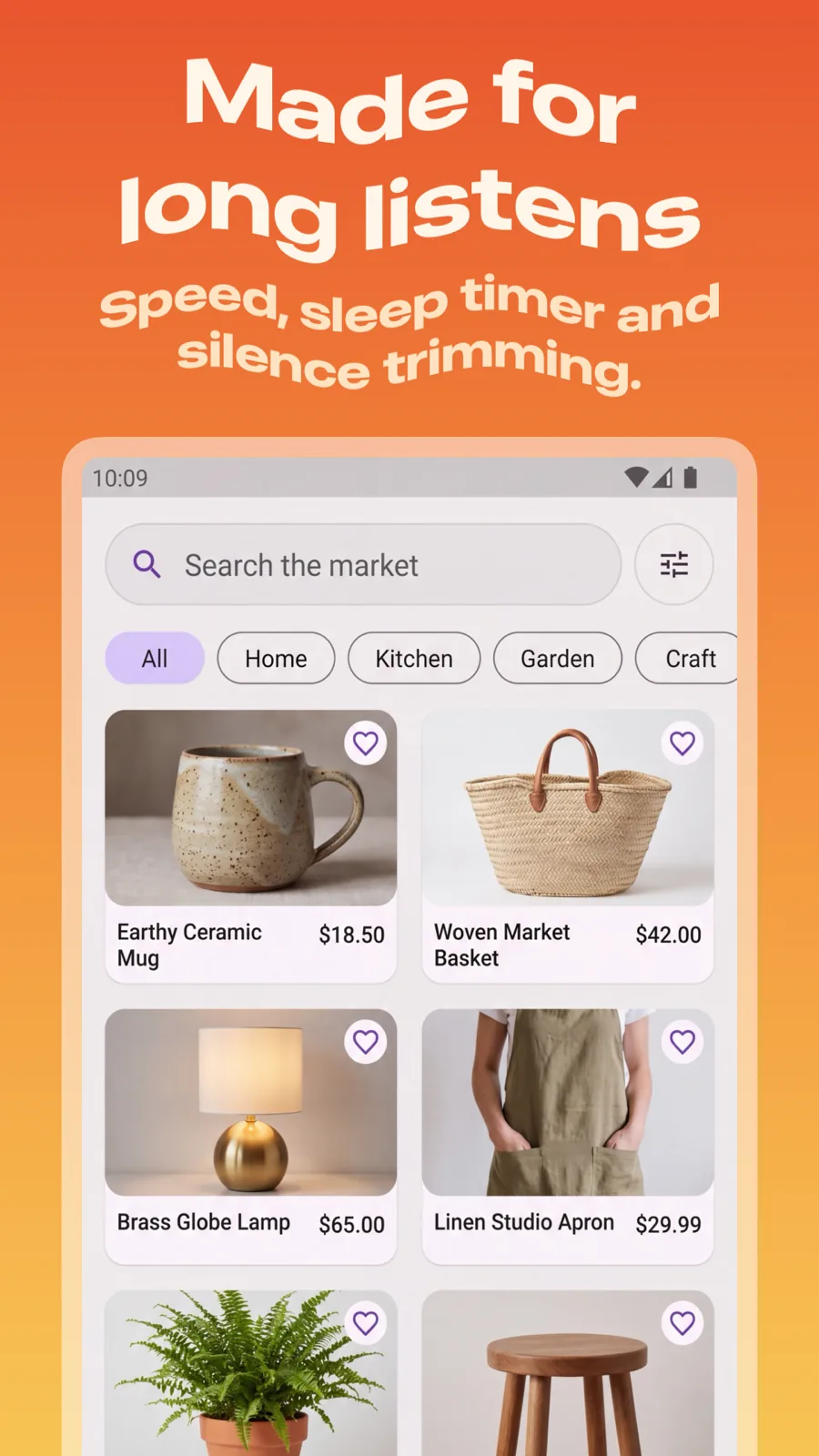
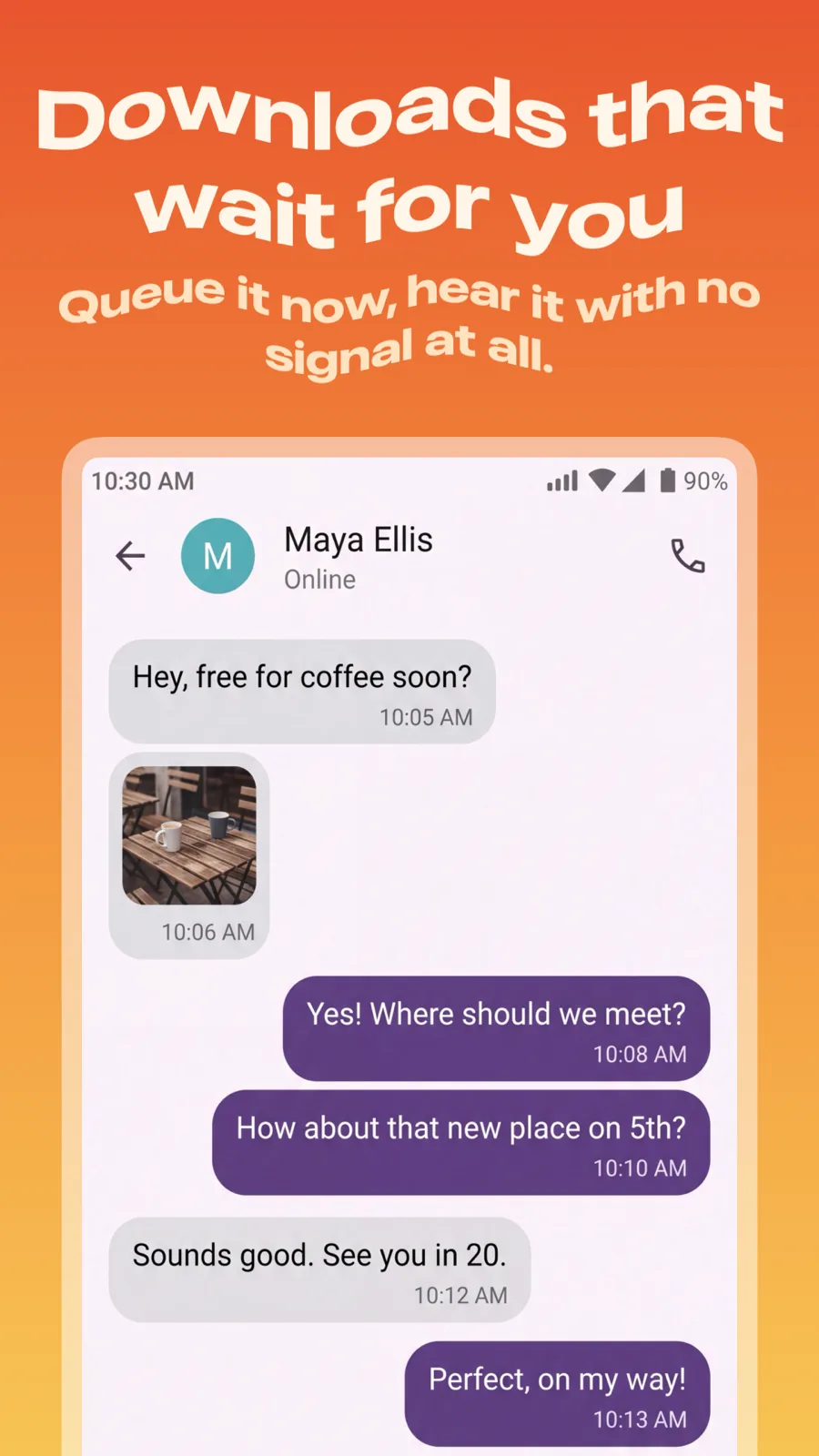
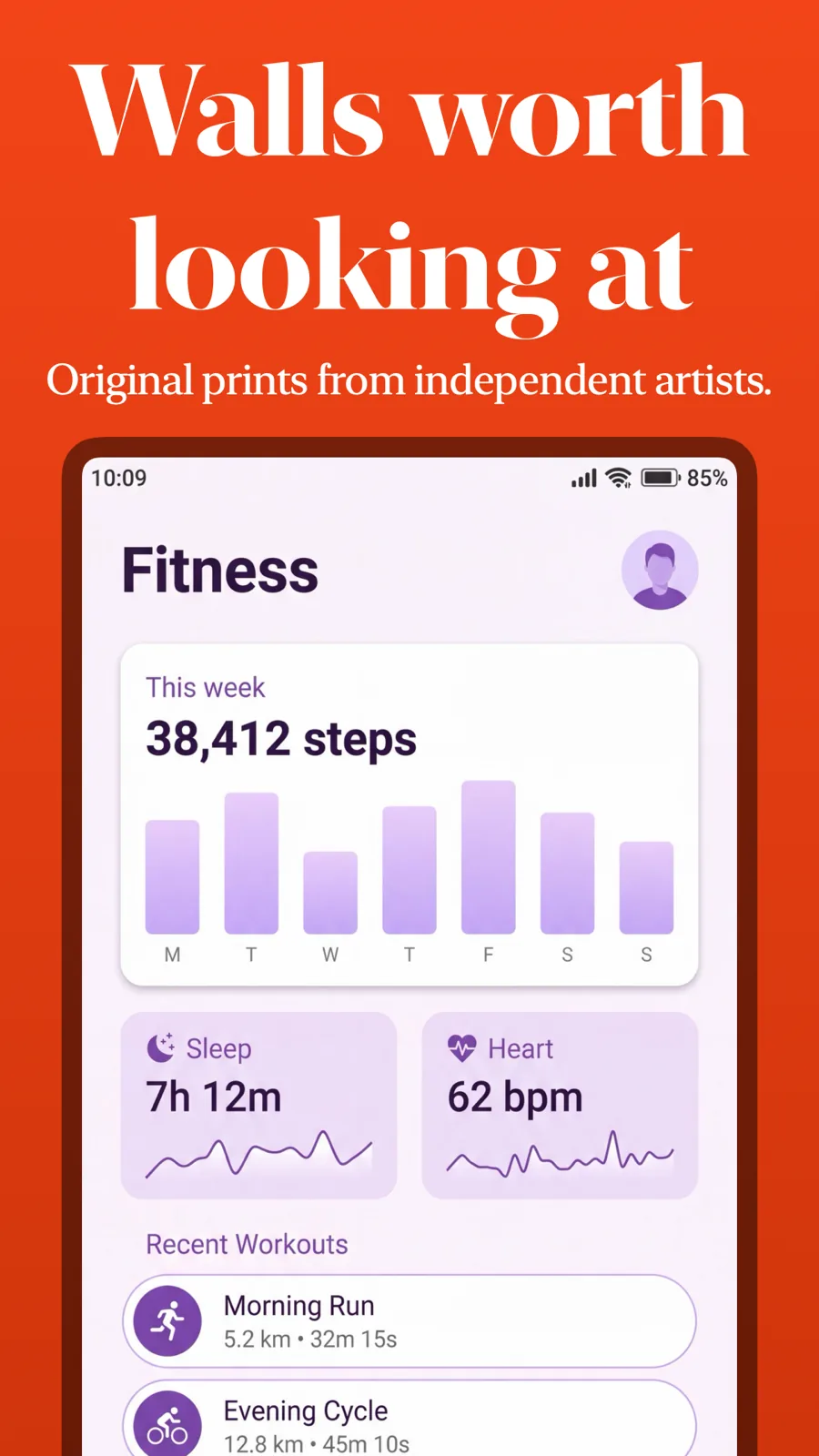
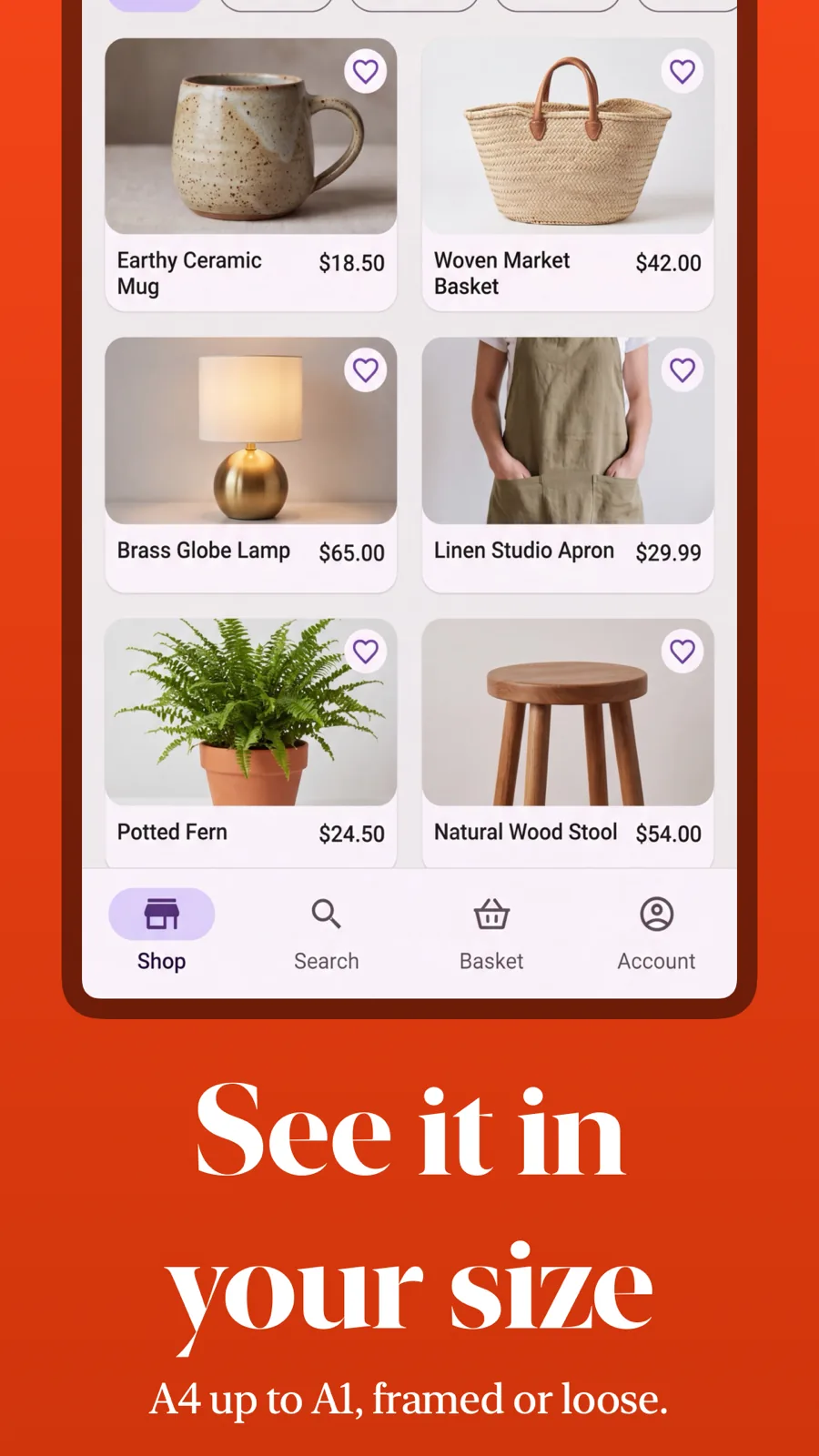
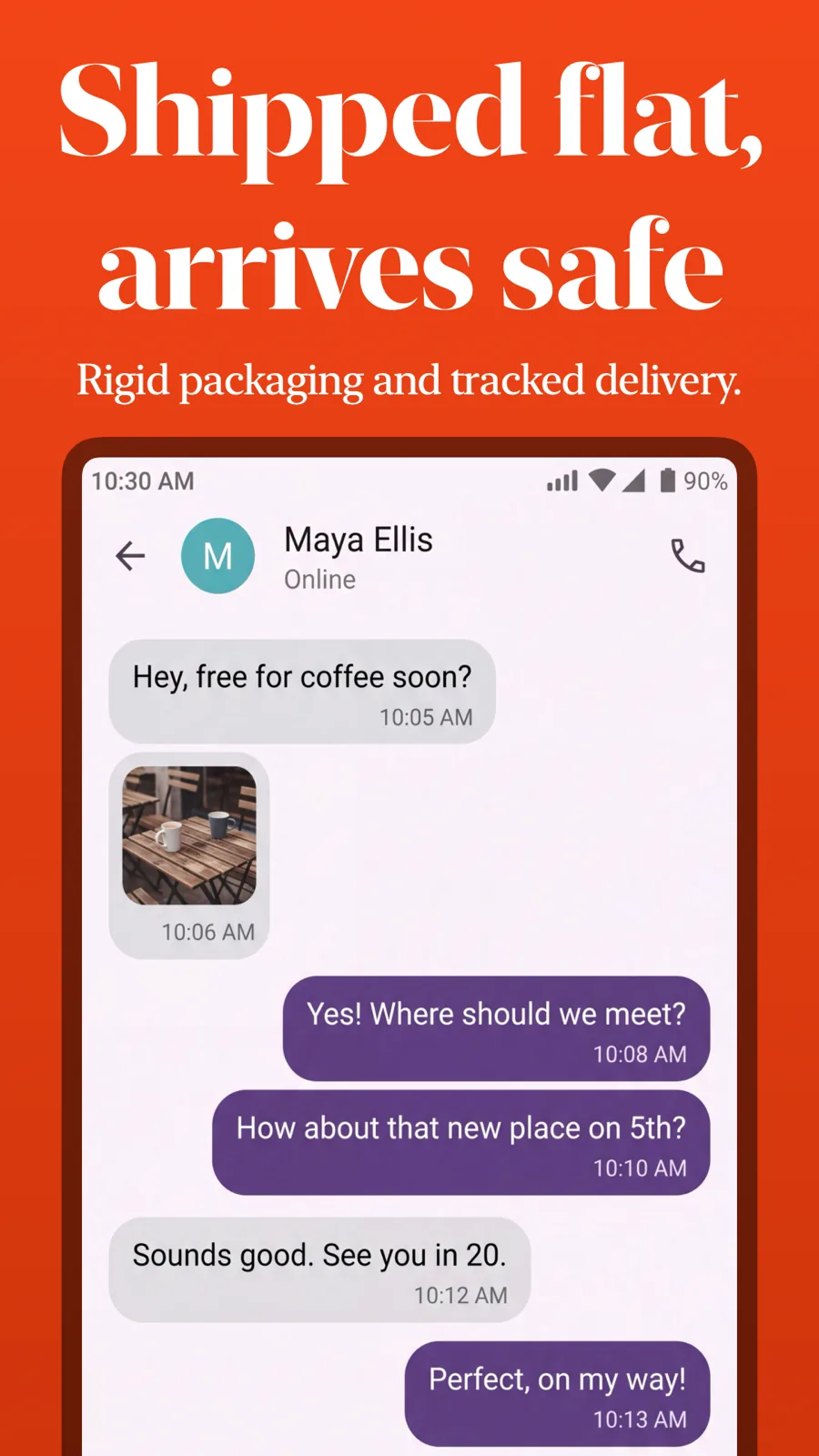
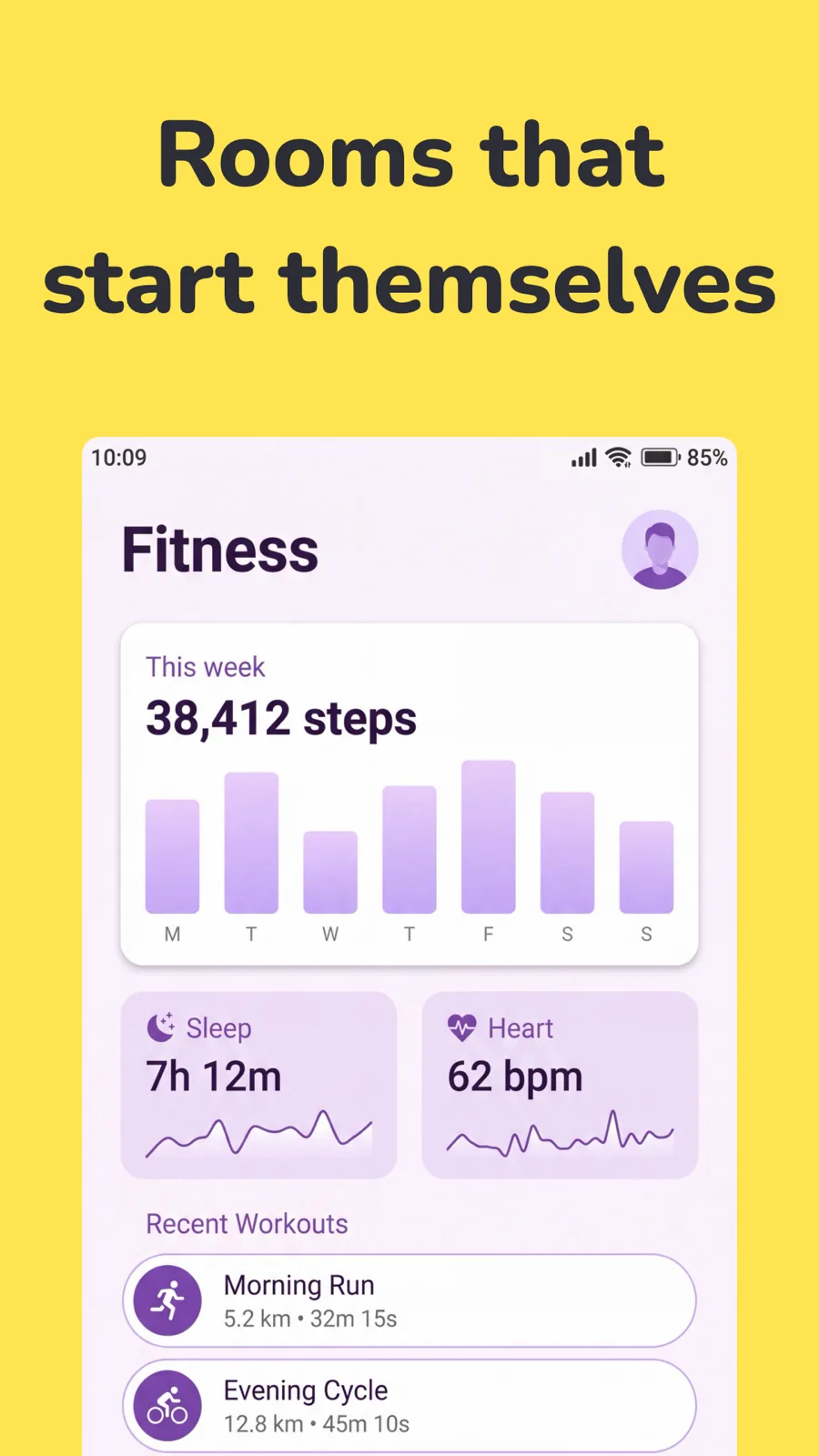
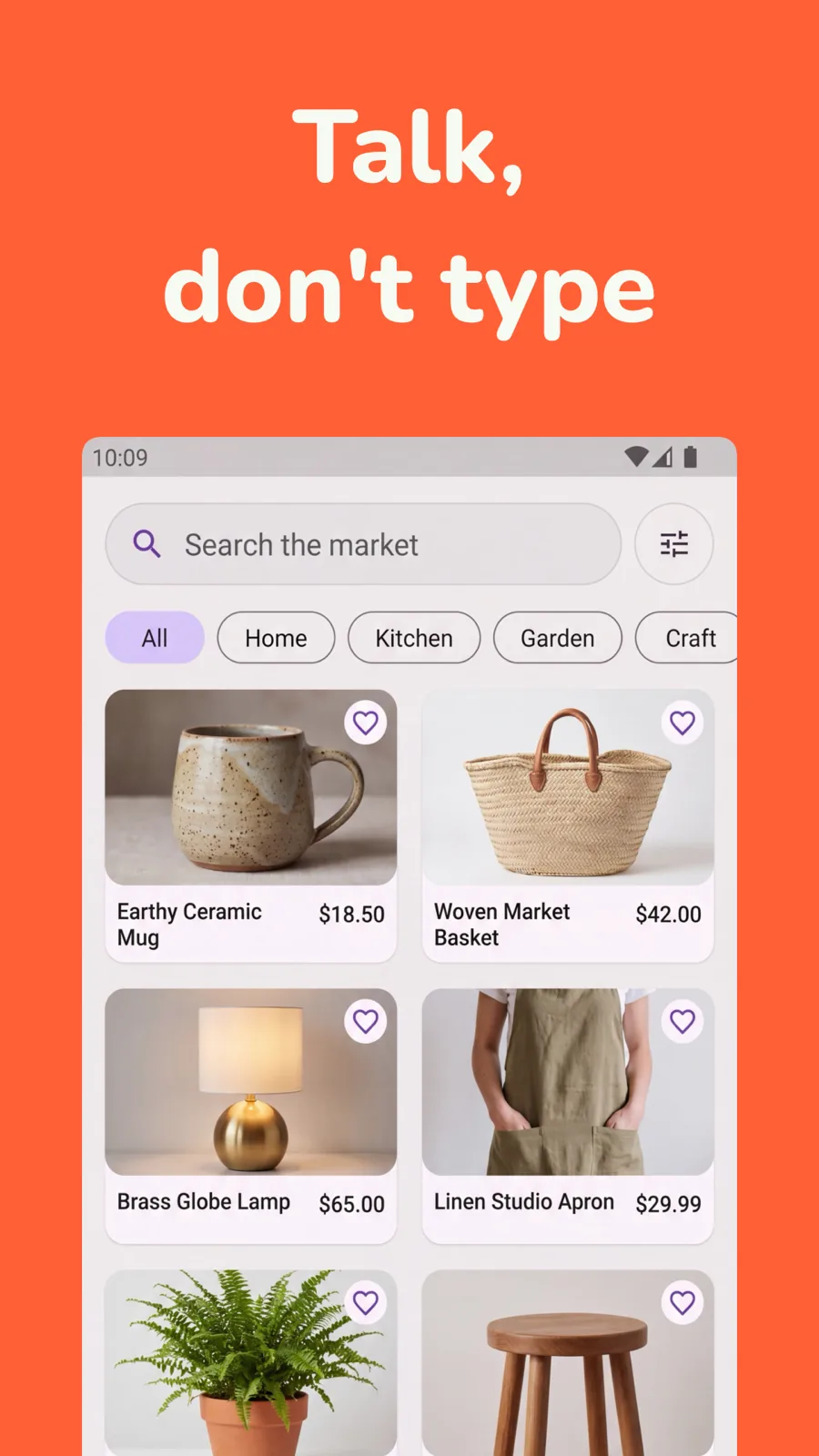
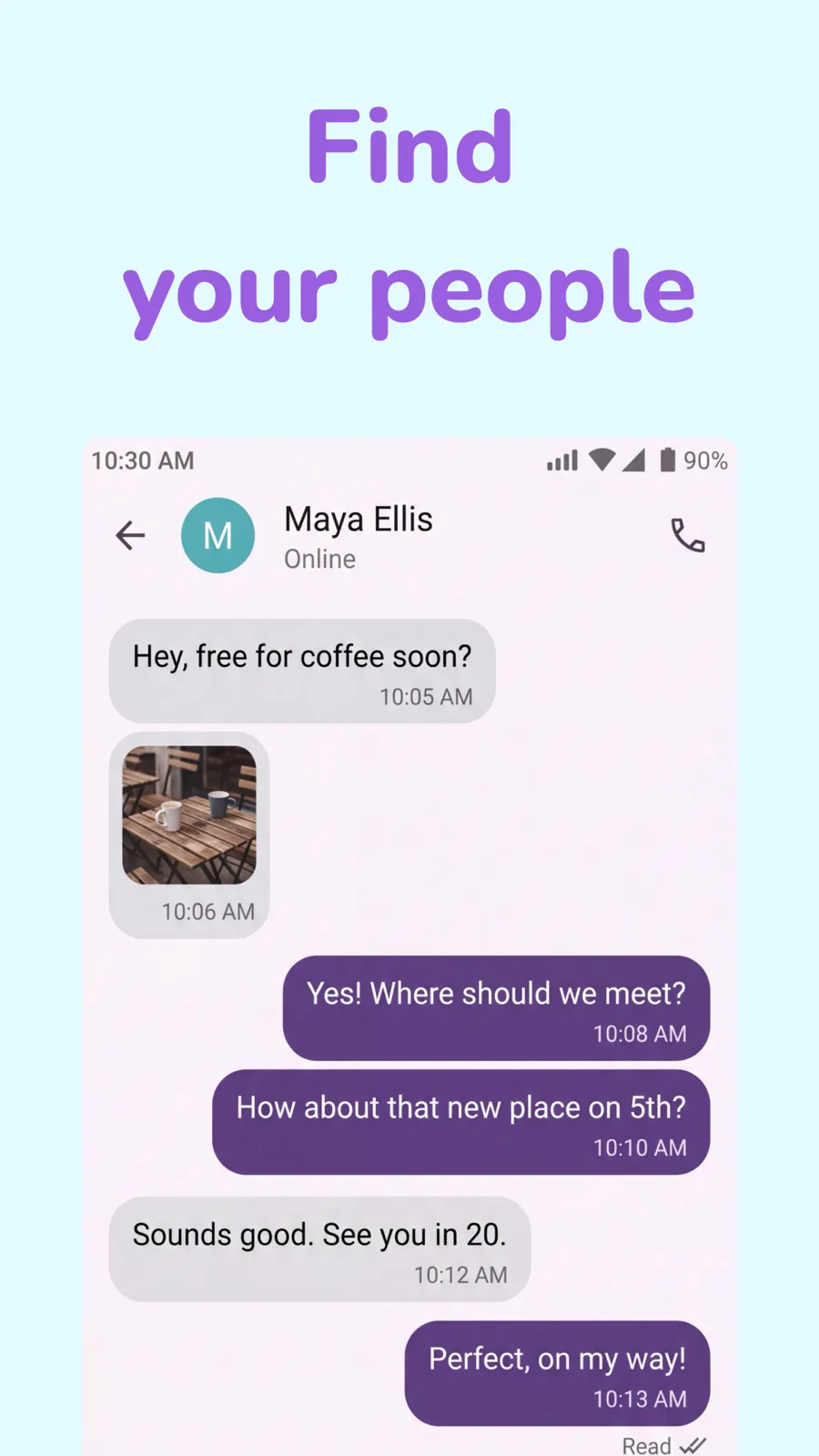
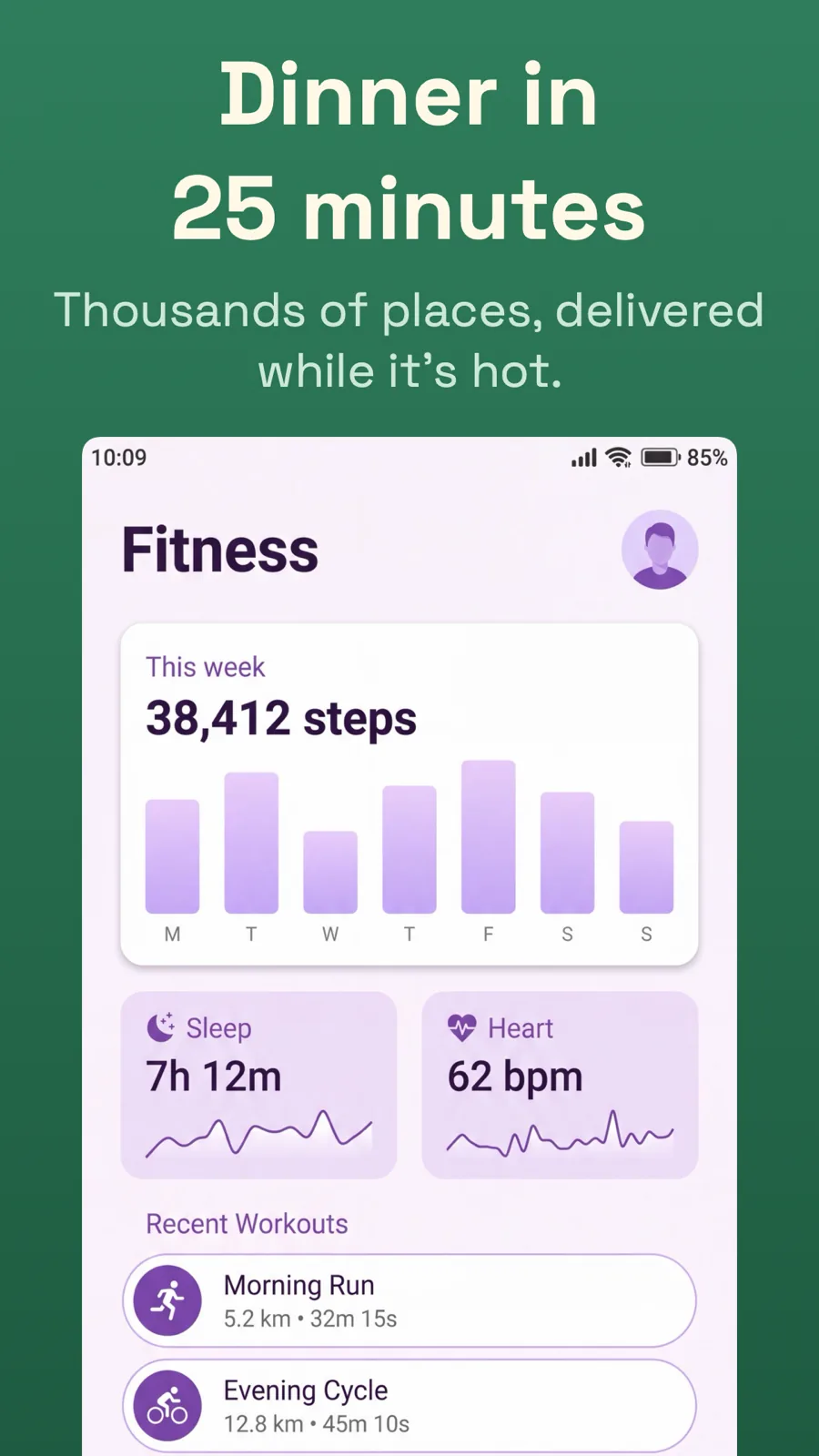
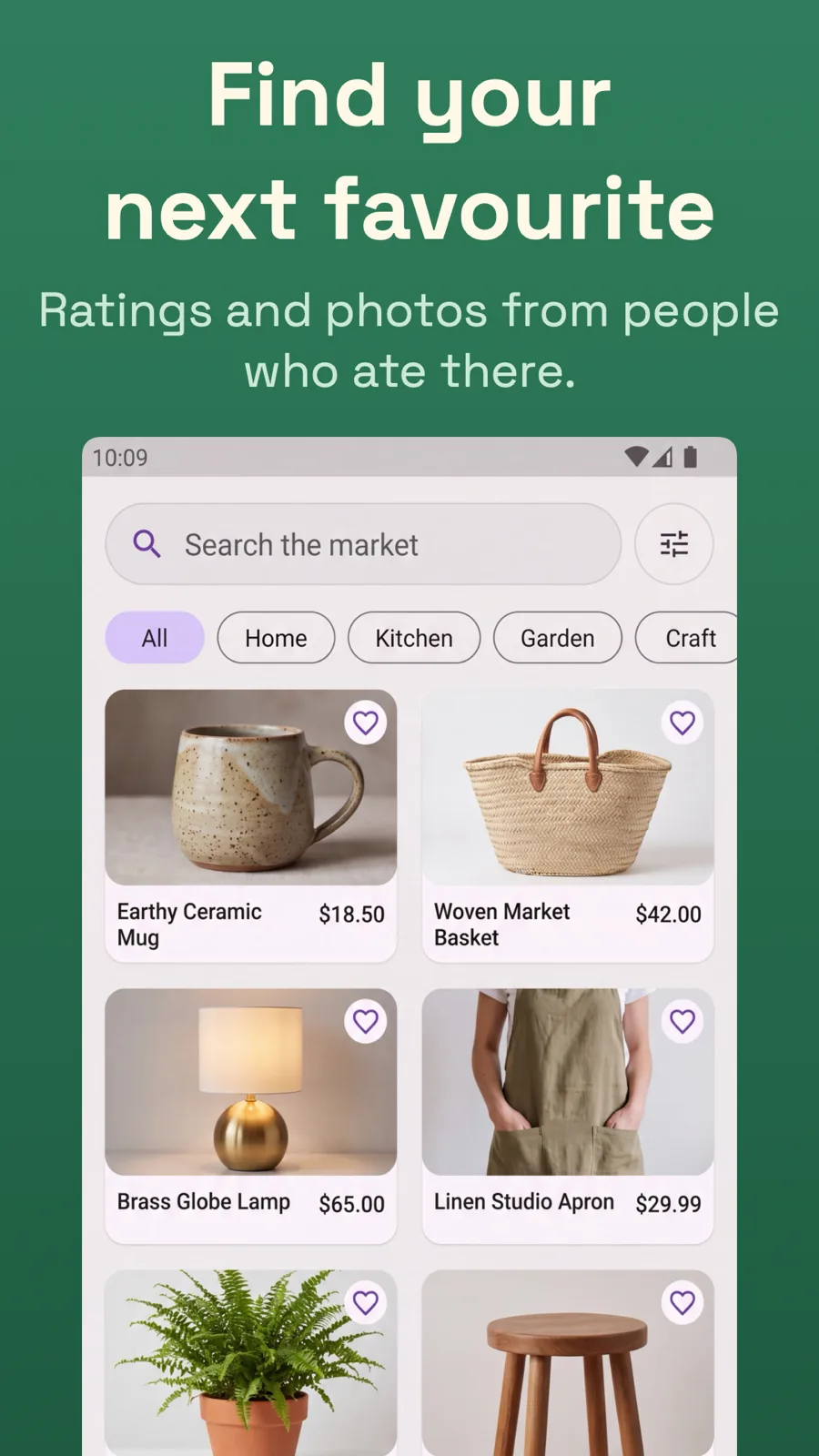
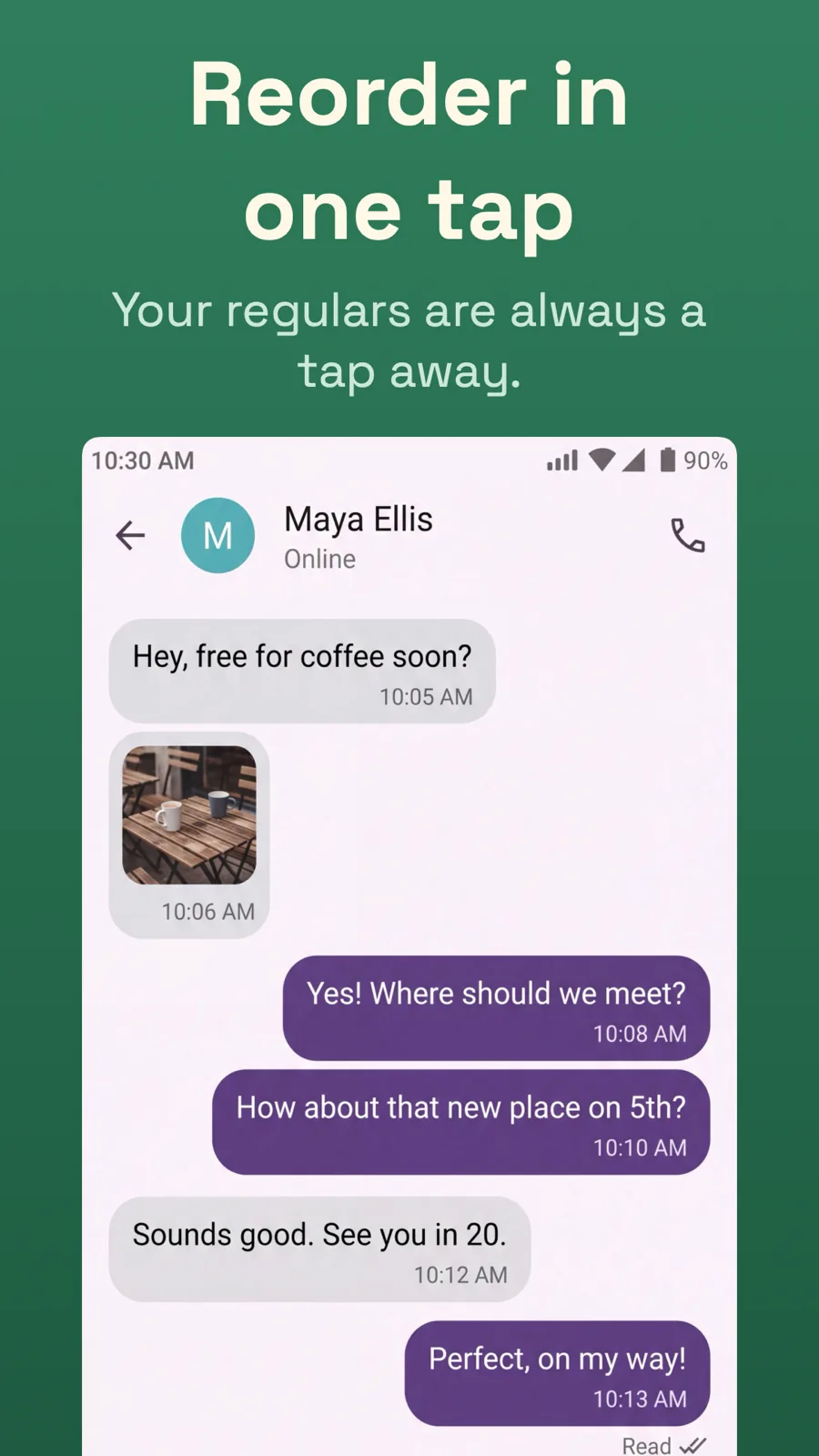
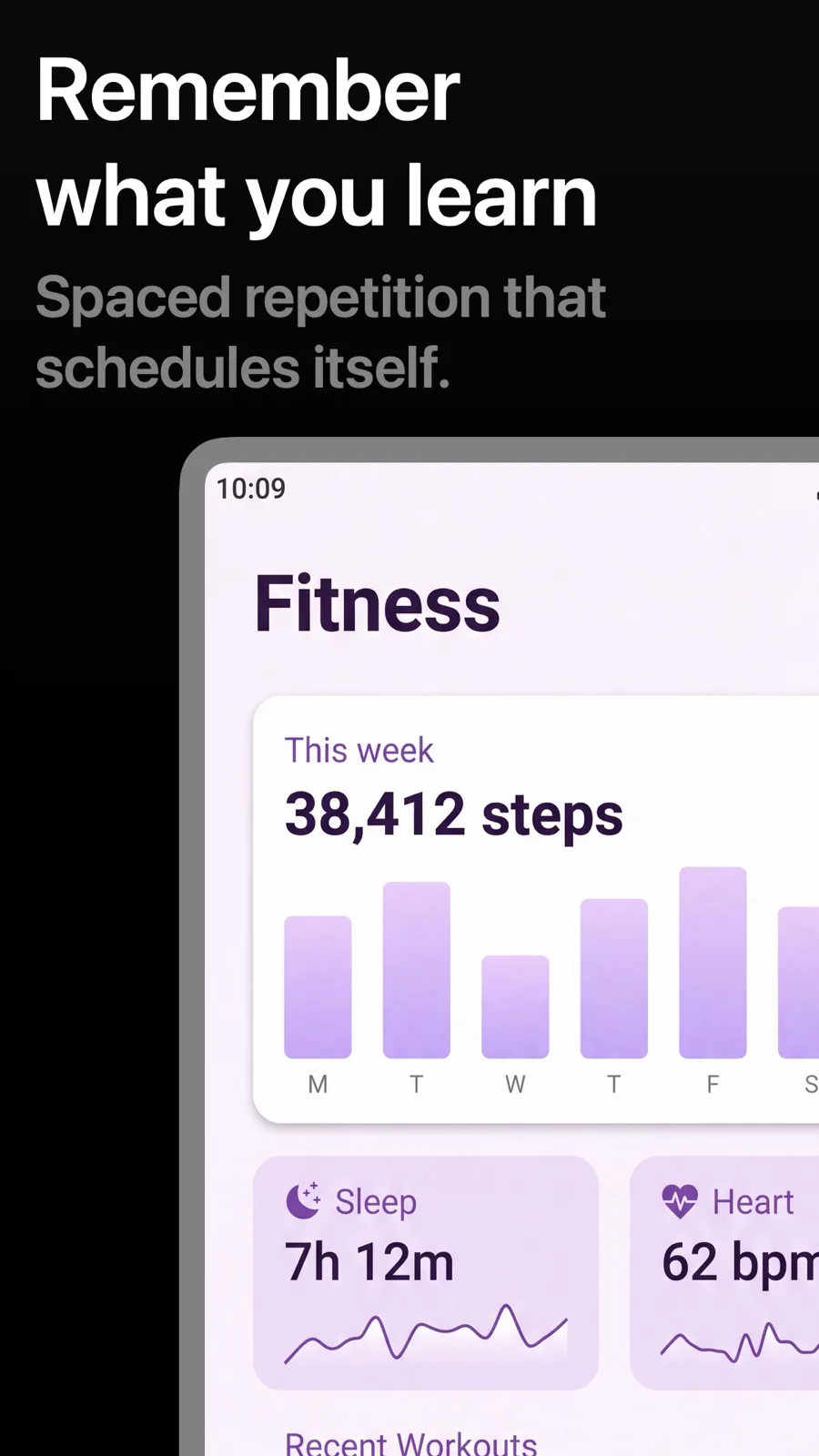
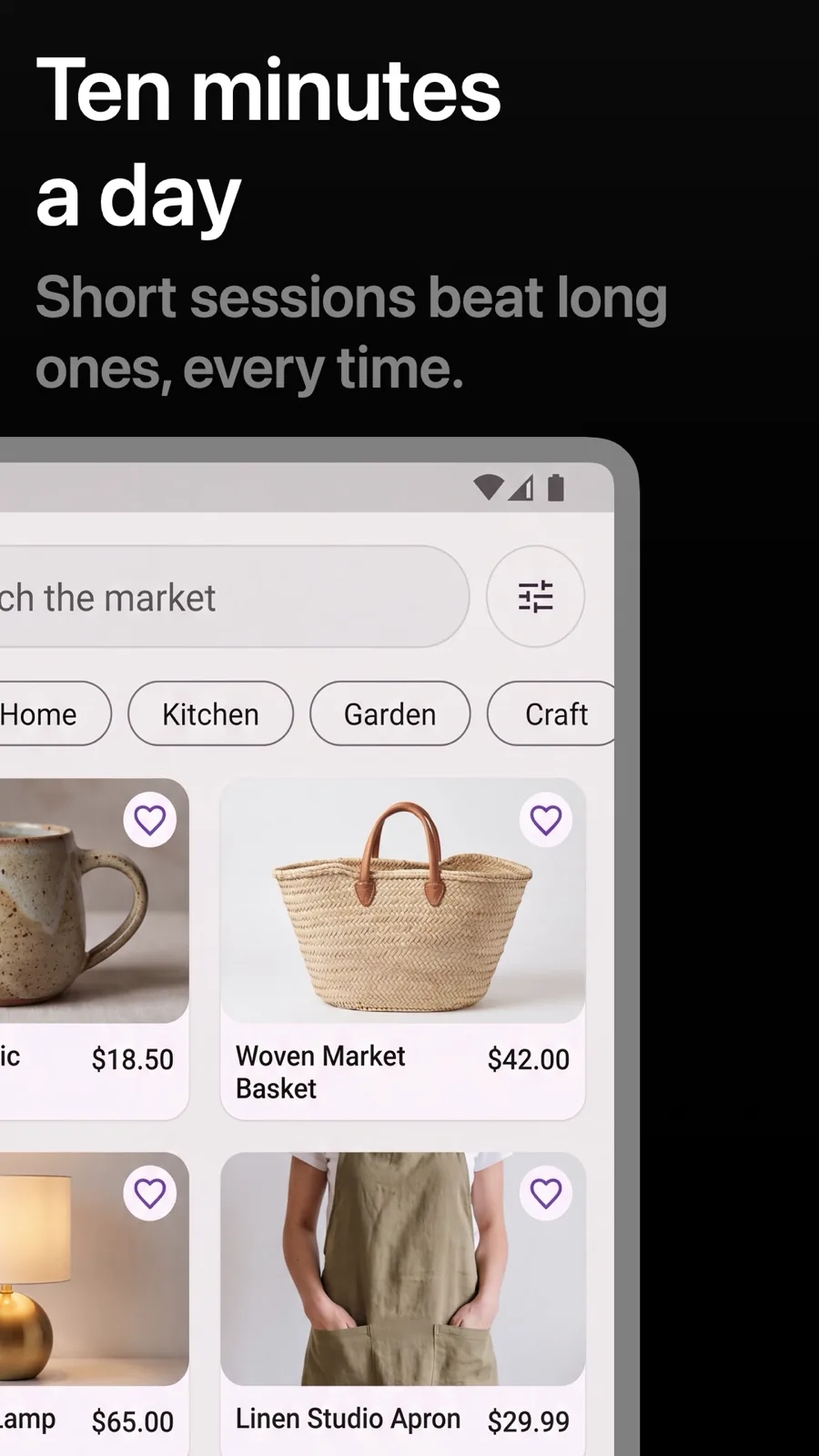
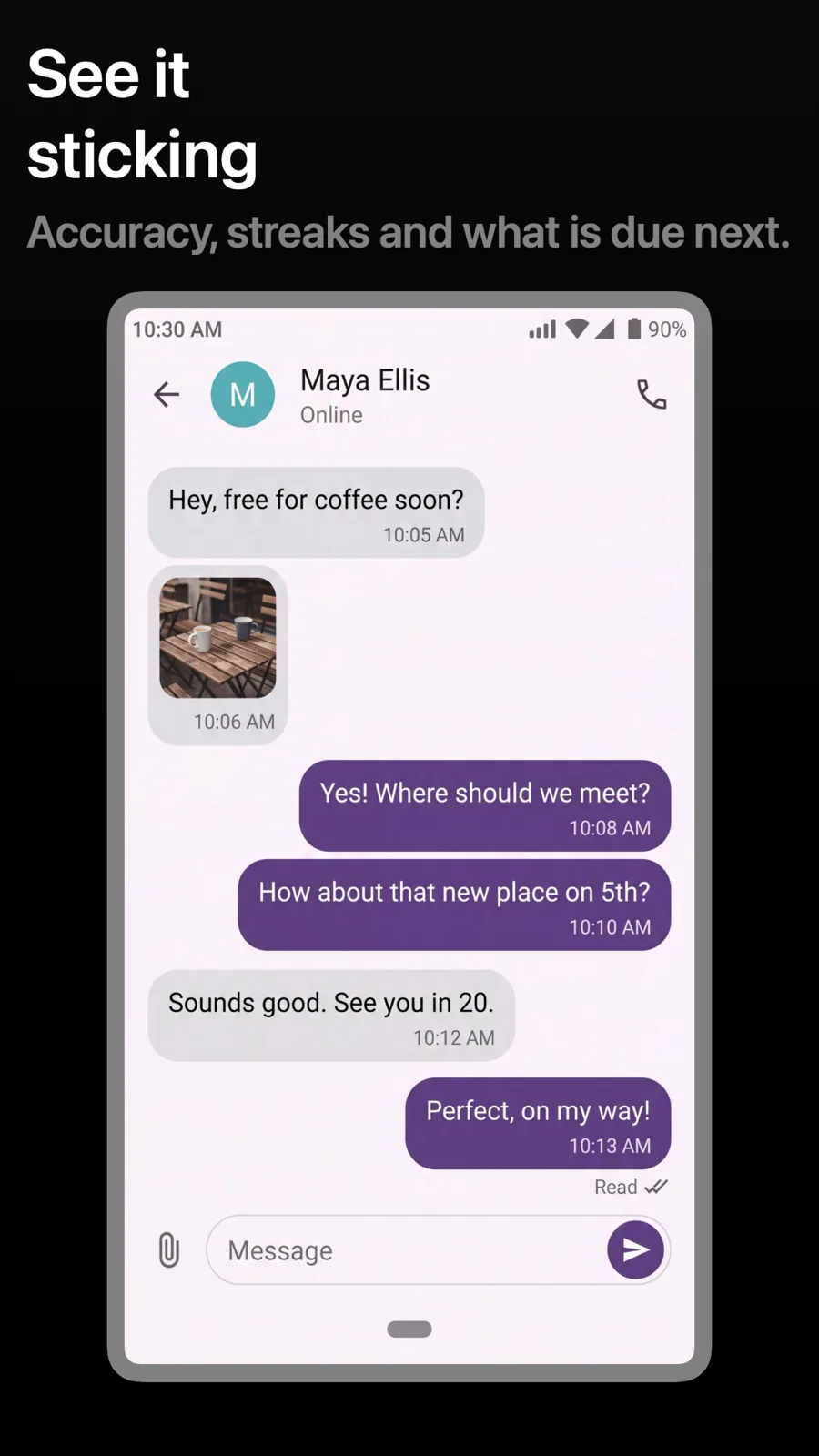
Android phones use a slightly different shape from iPhone, and Google Play shows screenshots in its own carousel. These templates are the same styles as the iPhone set, laid out for an Android phone, so your Google Play listing can match your App Store listing without a second design.
24 templates, each shown as it renders on Android. See the Android screenshot sizes.

What works in Android screenshots
- Use an Android device frame and Android UI. A Google Play listing full of iPhones looks like an afterthought.
- Keep the first screenshots strong. Google Play shows only the first few before people scroll past.
- Match the style of your App Store set, so people who switch platforms recognise the app.
Make your Android screenshots
- Built into Screenshot Studio — apply it and swap in your own screenshots.
- Every colour, font and layout value stays editable afterwards.
- Localise the text into all 50 App Store languages from the same document.