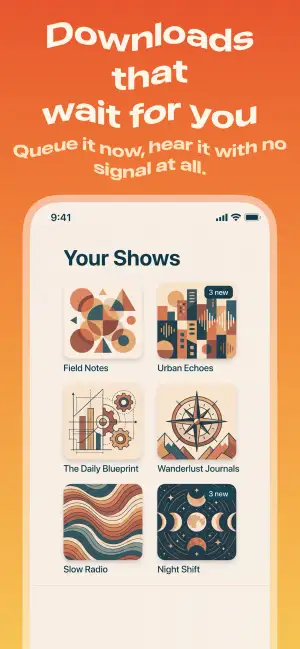
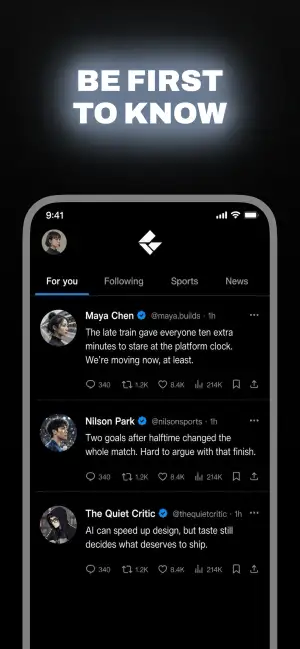
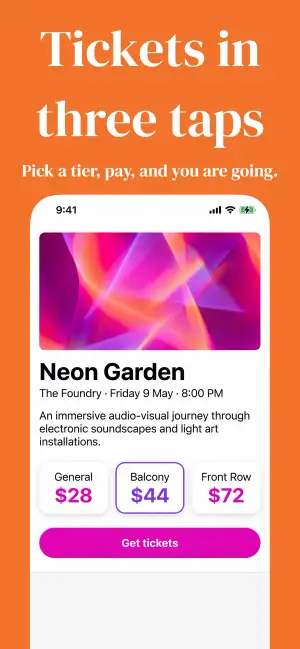
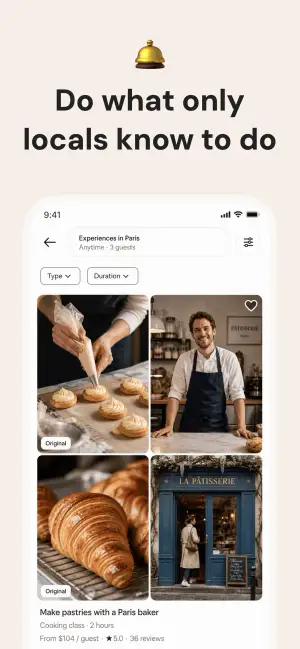
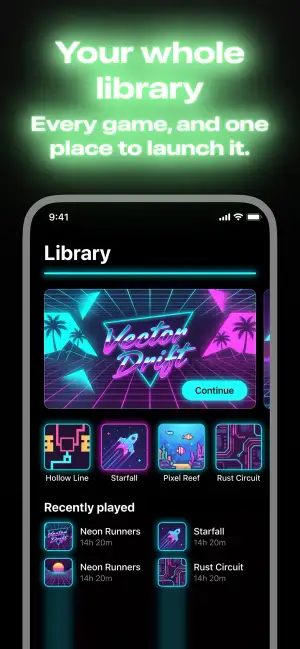
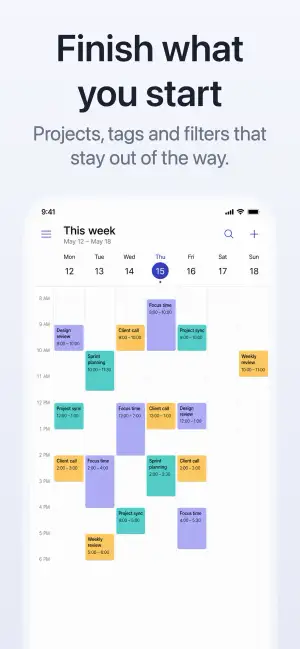
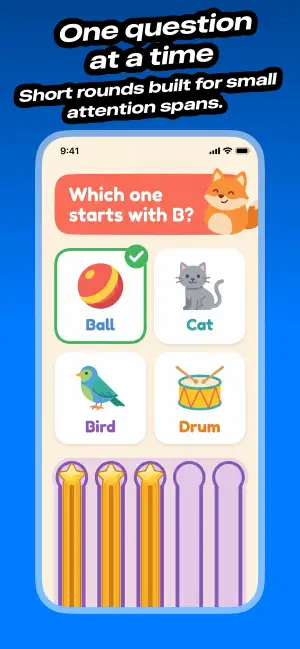
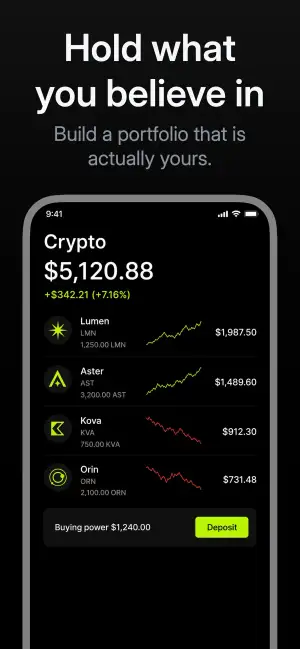
 Editorial
Magnifier
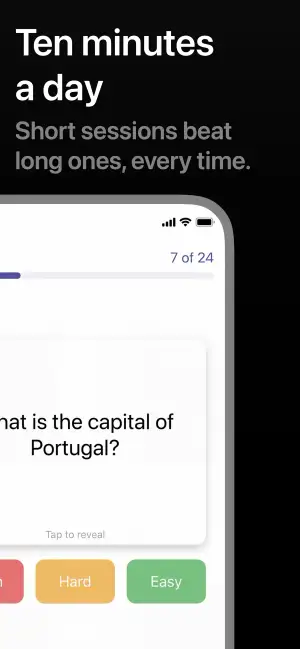
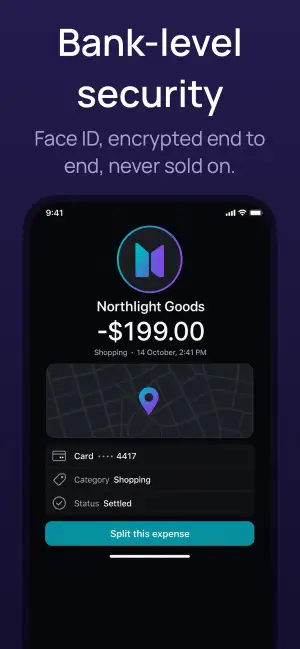
Enlarge a detail up to 2× through a round or rectangular lens. Drag it anywhere or snap it to one of nine spots, so a small control stays readable on a phone-sized thumbnail.
Designing in Screenshot Studio
Everything a good screenshot needs is already in the app: finished templates, colors that work, device frames, a magnifier and 3D tilt.
Design it once. Every screenshot in the set follows.
At a glance
Start from a template, pick colors that already go together, and let the tools take care of the details. Or ask your AI agent to build the whole set.
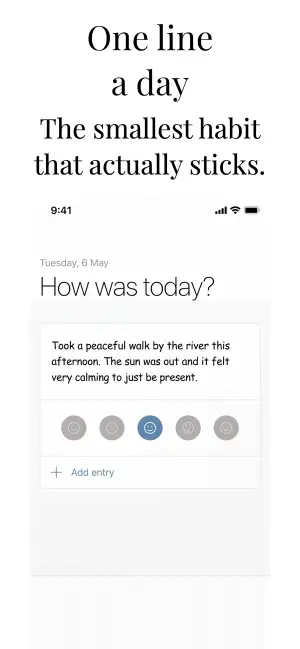
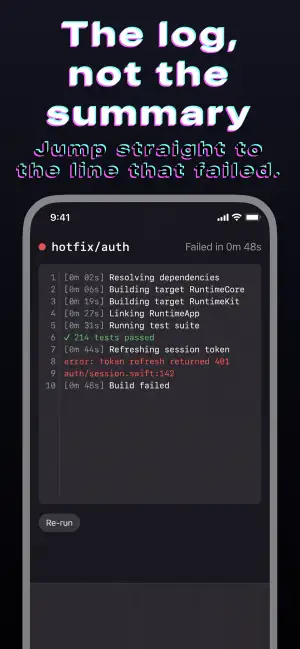
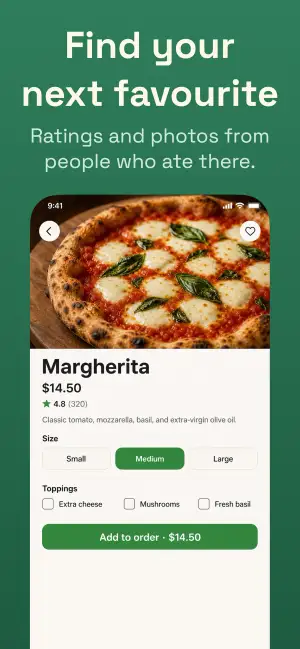
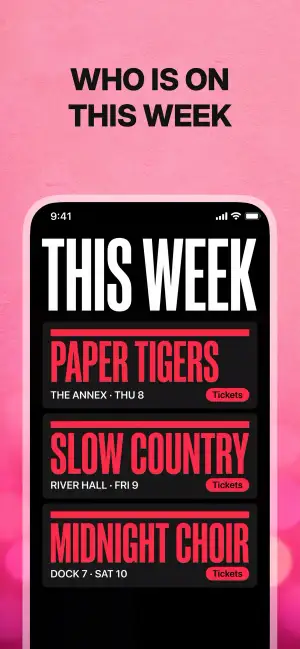
26 templates, from quiet to loud. Apply one to the whole set, then change anything you like.
Browse all templates →Dozens of gradient presets and a full range of solid colors, picked to sit well behind a screenshot.
Put a magnifier over a detail and it stays readable, even when the device is small.
Turn the device in three dimensions for a screenshot with depth, on one slot or the whole set.
Screenshot Studio has a built-in MCP server. Ask your coding agent for a set and watch it land in the app, ready to tweak.
Templates
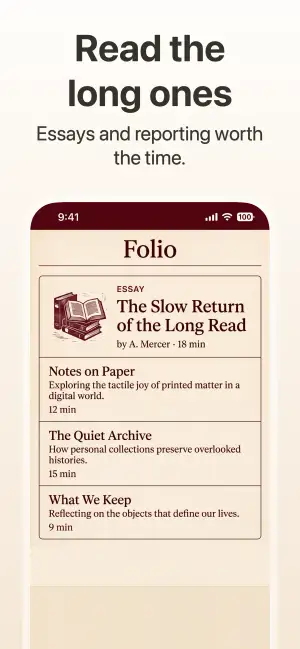
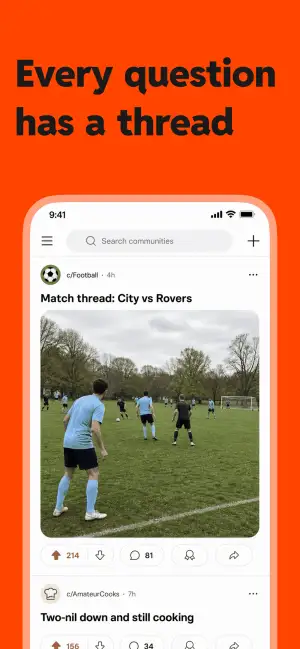
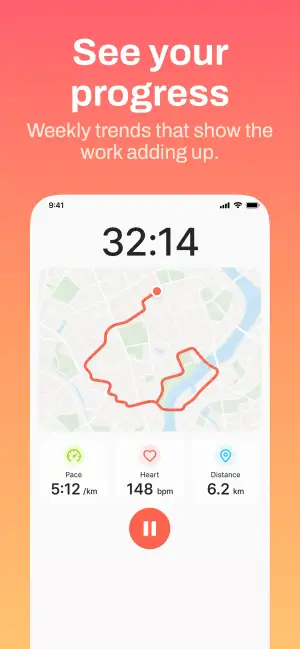
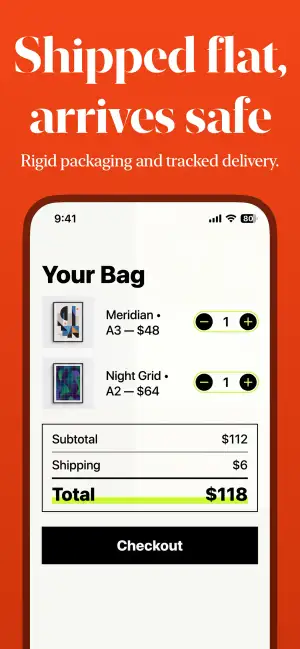
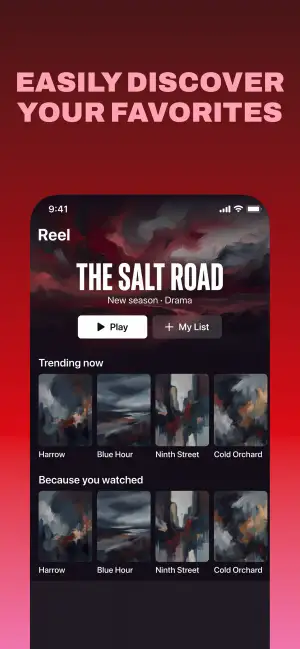
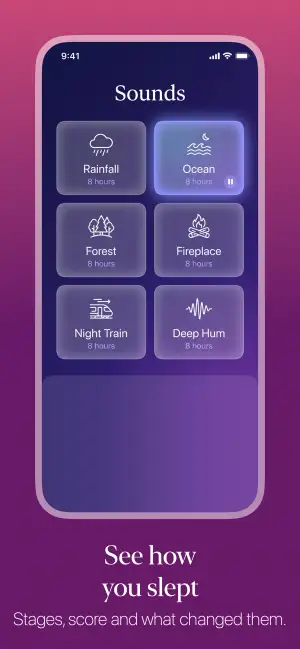
Screenshot Studio comes with 26 templates in six styles. Each one sets the background, fonts, colors, device frame and layout in one go, for every screenshot and every platform you support.
One design, the whole set
Each platform has a main design. Set the background, fonts and device there, and every screenshot picks it up, so the set always reads as one story.
Backgrounds
Pick a solid color, one of dozens of gradient presets, or your own image. Gradients take two to five colors and run in eight directions, and the panel behind the text gets the same choices.
Device
Show the screenshot borderless, with a border, inside a matte clay device, or full screen. Then pick where the device sits: above or below the text, running off the edge, or side by side on landscape screenshots.
Text
Use the bundled fonts or any font installed on your Mac, highlight the words that matter, and give a title a style when it needs to stand out.
Plan your week in one minute
Details
Enlarge a detail up to 2× through a round or rectangular lens. Drag it anywhere or snap it to one of nine spots, so a small control stays readable on a phone-sized thumbnail.
Turn the device up to 45° on each axis, or tap one of nine presets. A clay device keeps its sides and buttons as it turns.
AI agents
Screenshot Studio's built-in MCP server lets Claude Code, Cursor, Codex and other agents import screenshots, set the design and write captions in the document you have open. You watch every change land and can keep editing by hand.
Download Screenshot Studio for free and have a finished set in minutes.
I created this app to address the pain of the App Store creation process. I want you to create screenshots as fast as possible while still making the result look professional. You might not see every fancy feature in this app, but I can guarantee the speed and beauty of it.
An App Store screenshot generator is a tool that turns raw app screenshots into polished, store-ready marketing images with correct dimensions, device frames, captions, and locales. Screenshot Studio is a native Mac and iOS app built for this workflow.
Yes. Screenshot Studio uploads all screenshots for every platform and locale to App Store Connect in the correct order — eliminating manual drag-and-drop for each device size and language.
Screenshot Studio supports iPhone, iPad, Mac, Apple Watch, Apple TV, Apple Vision Pro, and Android phones. Export or upload every required size from a single project.
Screenshot Studio uses built-in AI translation to generate localized screenshot captions in any language — no API key required. You can review and edit translations per locale while keeping layouts consistent across markets.
No. Screenshot Studio includes professionally designed templates and an editor built specifically for App Store screenshots. Most developers are productive within minutes.
Unlike Figma or browser-based tools, Screenshot Studio is purpose-built for app store screenshot production — automatic sizing, AI localization, bulk export, and direct App Store Connect upload from a native Mac and iOS app.
Screenshot Studio exports every required App Store and Google Play screenshot size for supported devices.
You can try all features for free and experience how easy it is. If you like it, we require payment for export.
Yes. Pro comes as a weekly, monthly or yearly subscription, or as a one-time lifetime unlock.
Yes. A built-in MCP server lets Claude Code, Cursor, VS Code, Codex, and Antigravity write your captions, import screenshots, change the design, and render a preview in your open document. It is available on the free tier and runs entirely on your Mac — the assistant connects over localhost and nothing is uploaded.